
Showa Day Scrapbook Portrait
A nostalgic Japanese holiday poster-style image combining a soft portrait of a seated young woman with handwritten calendar notes, doodles, and seasonal scrapbook decorations.
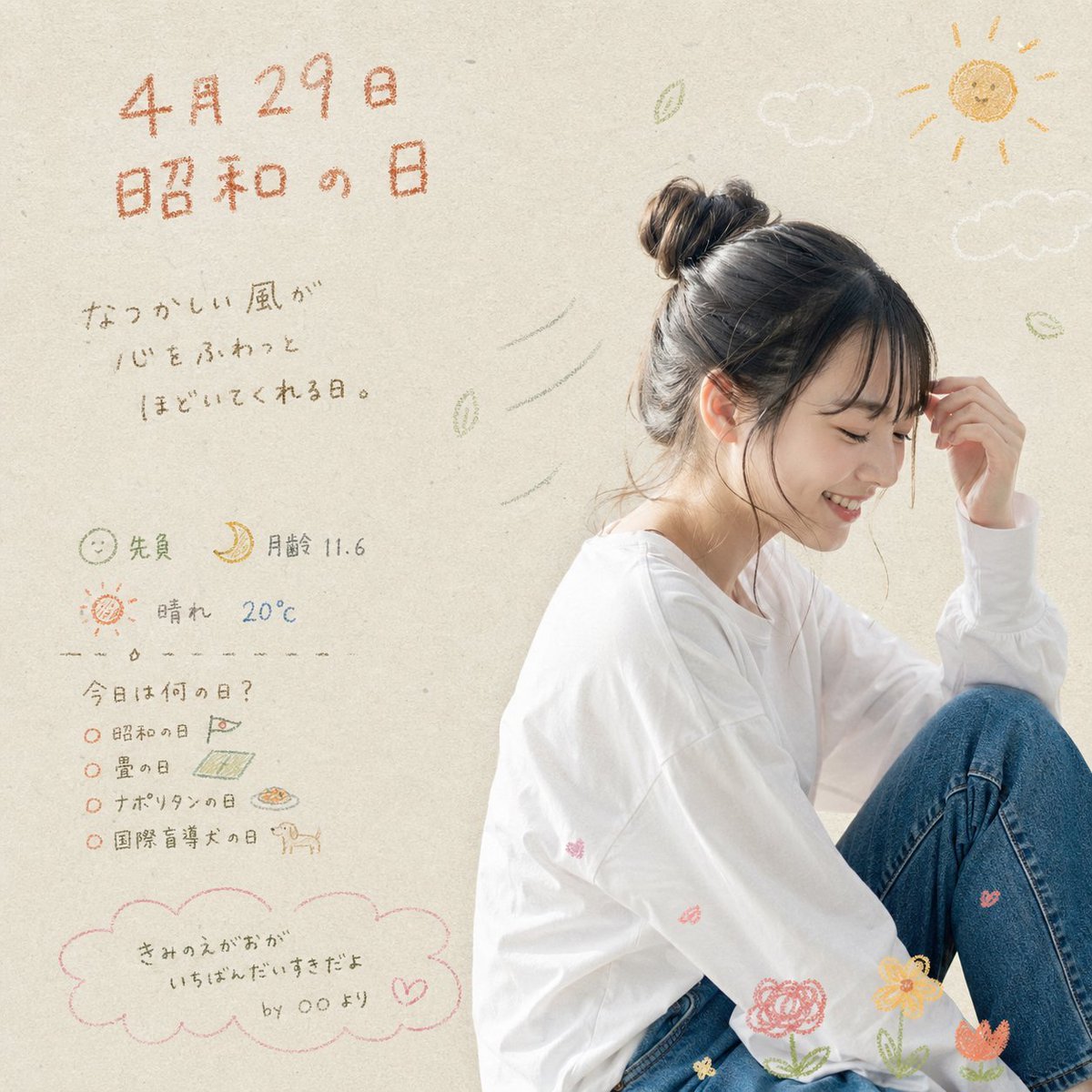
- Prompt included
- Model and format preset
- Free template
The prompt behind this image
Copy the exact prompt behind Showa Day Scrapbook Portrait, or open it in the studio and make it yours.
A soft, airy Japanese lifestyle poster with a warm nostalgic mood on a light beige textured paper background. On the right side, show a young woman sitting in a relaxed side pose with one knee raised, wearing an oversized white long-sleeve shirt and blue jeans. Her dark brown hair is tied in a messy bun with loose wisps around the face, and one hand lightly touches her forehead. The face should be de-emphasized or obscured so the overall feeling and styling matter more than identity. Use gentle natural daylight, high-key exposure, and a delicate editorial-photography look mixed with hand-drawn doodles. On the left half, place handwritten Japanese text in a crayon or colored-pencil style. At the top, large orange text reads {argument name="date text" default="4月29日"} and below it {argument name="headline text" default="昭和の日"}. Under that, add a short handwritten message in gray Japanese: "なつかしい風が 心をふわっと ほどいてくれる日。" Below, add 3 small info lines with icons: 1 smiling face icon with "先負", 1 crescent moon icon with "月齢 11.6", and 1 sun icon with "晴れ 20℃". Then add a dashed divider and a handwritten list headed "今日は何の日?" with exactly 4 bullet items: "昭和の日", "畳の日", "ナポリタンの日", and "国際盲導犬の日", each accompanied by tiny doodles such as a flag, tatami mat, pasta plate, and dog. At the bottom left, draw 1 pink cloud-shaped speech bubble containing the handwritten quote {argument name="quote" default="きみのえがおが いちばんだいすきだよ by ○○より"}. Decorate the composition with exactly 2 white cloud doodles near the upper right, 1 yellow sun doodle in the top-right corner, several small green leaf doodles drifting in the air, a few faint wind-swoosh lines near the woman’s head, and exactly 4 flower doodles near the bottom edge around her legs in pink, yellow, and orange. Keep the palette muted and pastel, with orange, pink, olive, gray, cream, and denim blue. The overall result should feel like a sentimental handwritten scrapbook calendar page for a Japanese national holiday, combining minimalist portrait photography with cute childlike illustrations.
How to use Showa Day Scrapbook Portrait in 3 steps
- 1Upload ImagePNG, JPG or paste
Add your photo
Upload the photo the template builds on. The prompt, model and format are already set.
- 2…a portrait of your subject in softgolden-hour light, 85mm…
Personalize
Edit the subject and creative details for your destination.
- 3Generate
Generate
Press Generate — your image is created in PicX Studio, so you can compare it with the original and refine one variable at a time.
More like this
Templates with the same subject, style or setup. Open one to see its prompt.

Festive Couple Holiday Magic Template

Found Photograph: Us, 1970

80s Couple Studio Portrait

80s Bollywood Star

80s Golden Hour Cinema

Me in 1985

1985 Studio Portrait

Hyper-Realistic Minecraft POV Portrait
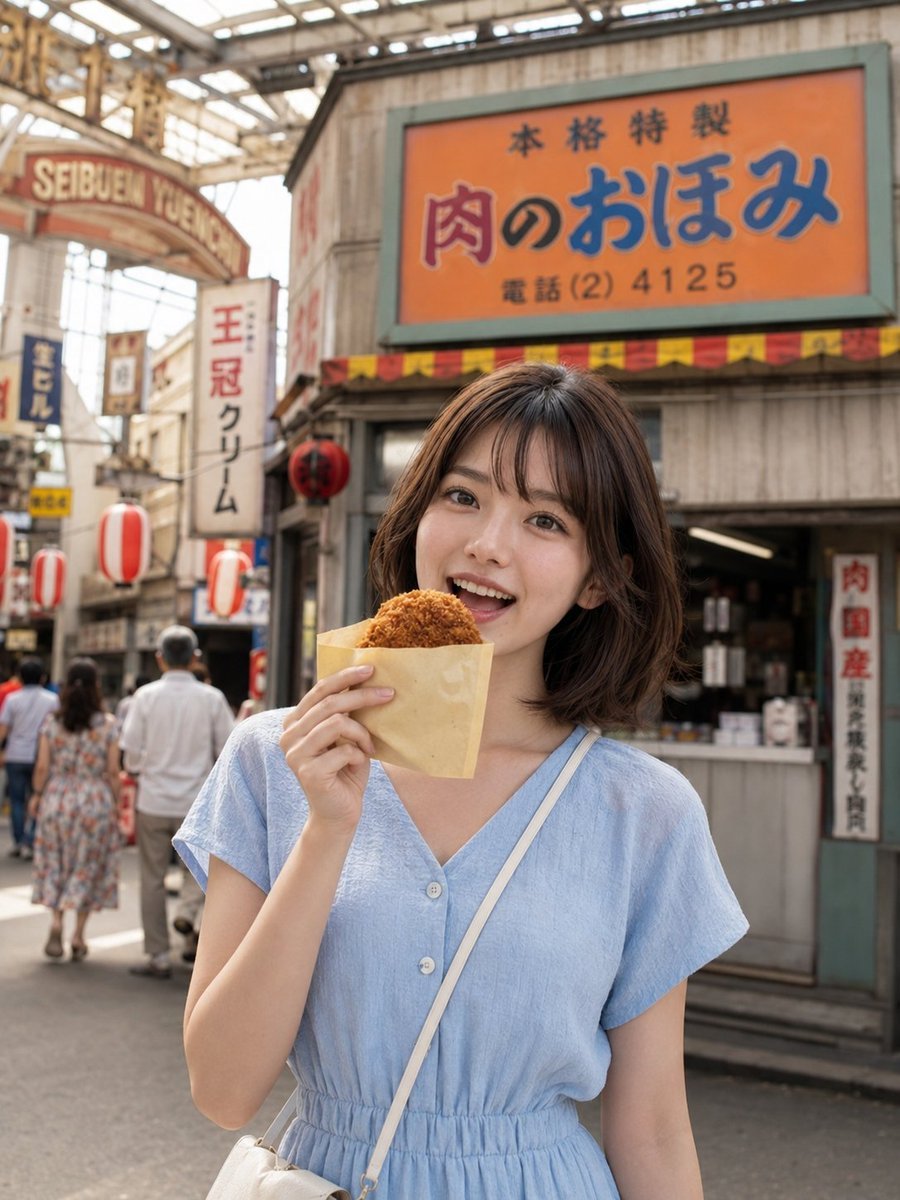
Showa Retro Arcade Croquette Portrait

Rooftop Fisheye — Cat-Ear Balaclava at Golden Hour
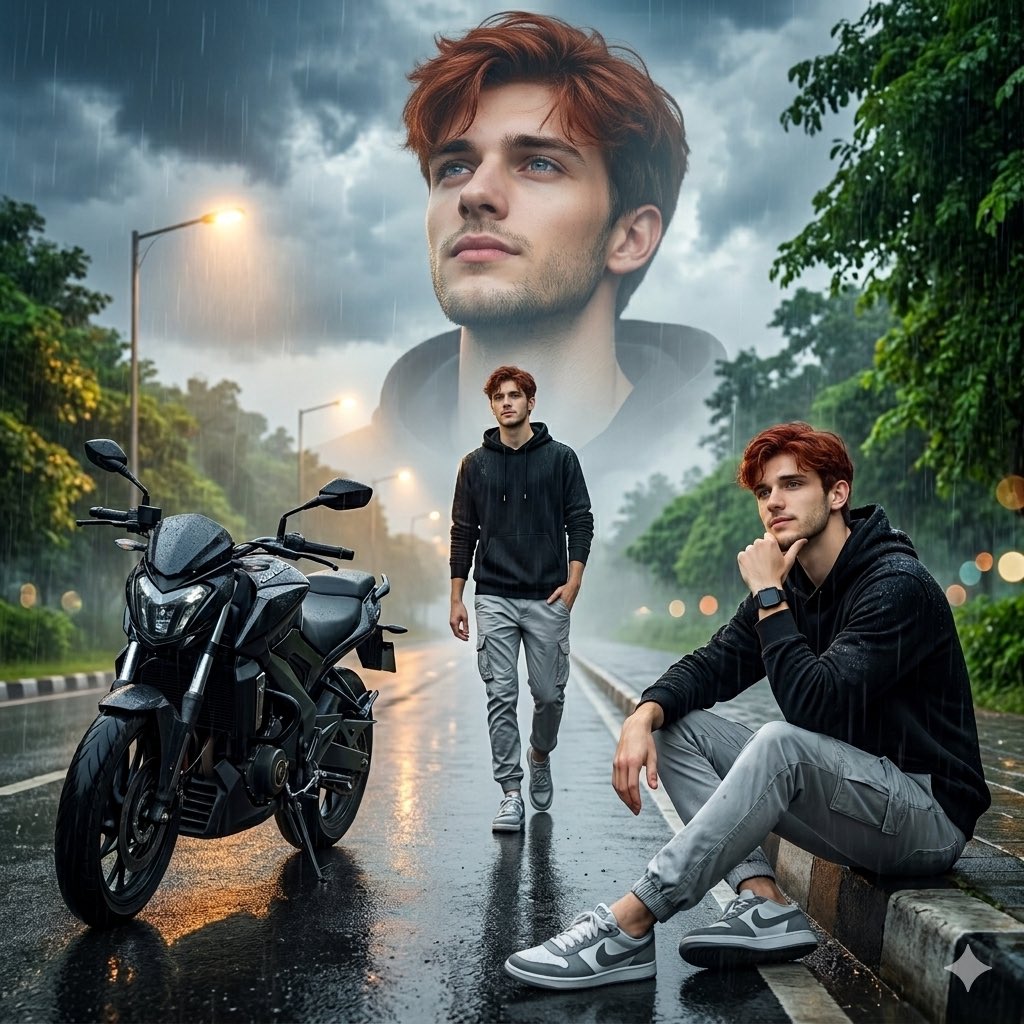
Cinematic Rainy Day Portrait Collage

Rainy Café Window Moody Portrait
Make it yours
Showa Day Scrapbook Portrait works as-is. These are the safest ways to change it without losing the look.
Change one field
Copy a single group, rewrite it, and generate again so you can see what that field is doing.
Keep the frame, change the subject
Hold the composition and light of Showa Day Scrapbook Portrait, then swap wardrobe, props or the person for a new take.
| If the result… | Why | Fix |
|---|---|---|
| The result drifts from the preview | Too many fields changed at once. | Reuse Showa Day Scrapbook Portrait as-is first, then change one group — subject, light, or setting. |
| The model over-stylizes the scene | The prose prompt leaves finish and camera underspecified. | Add one camera or lighting sentence and stay on GPT Image 2. |
More GPT Image 2 templates
Other prompts made for GPT Image 2.

Six VTuber Japanese Logo Sheet

Realistic Portrait of Woman and Deer

The Vista Modular Condo Poster

AI Model Routing Comparison Infographic

2.5D Anime Art Board

Isometric Productivity Desk Scene

New York Double Exposure Poster

Four-Panel AI Landscape Comparison

Japanese Tatami Lifestyle Magazine Cover

NESCAFÉ Coffee Map Poster
More image prompts
Fresh picks from across the catalog.

Gen-Z Fashion Editorial Studio Portrait

Himalayan Hiker Adventure Poster
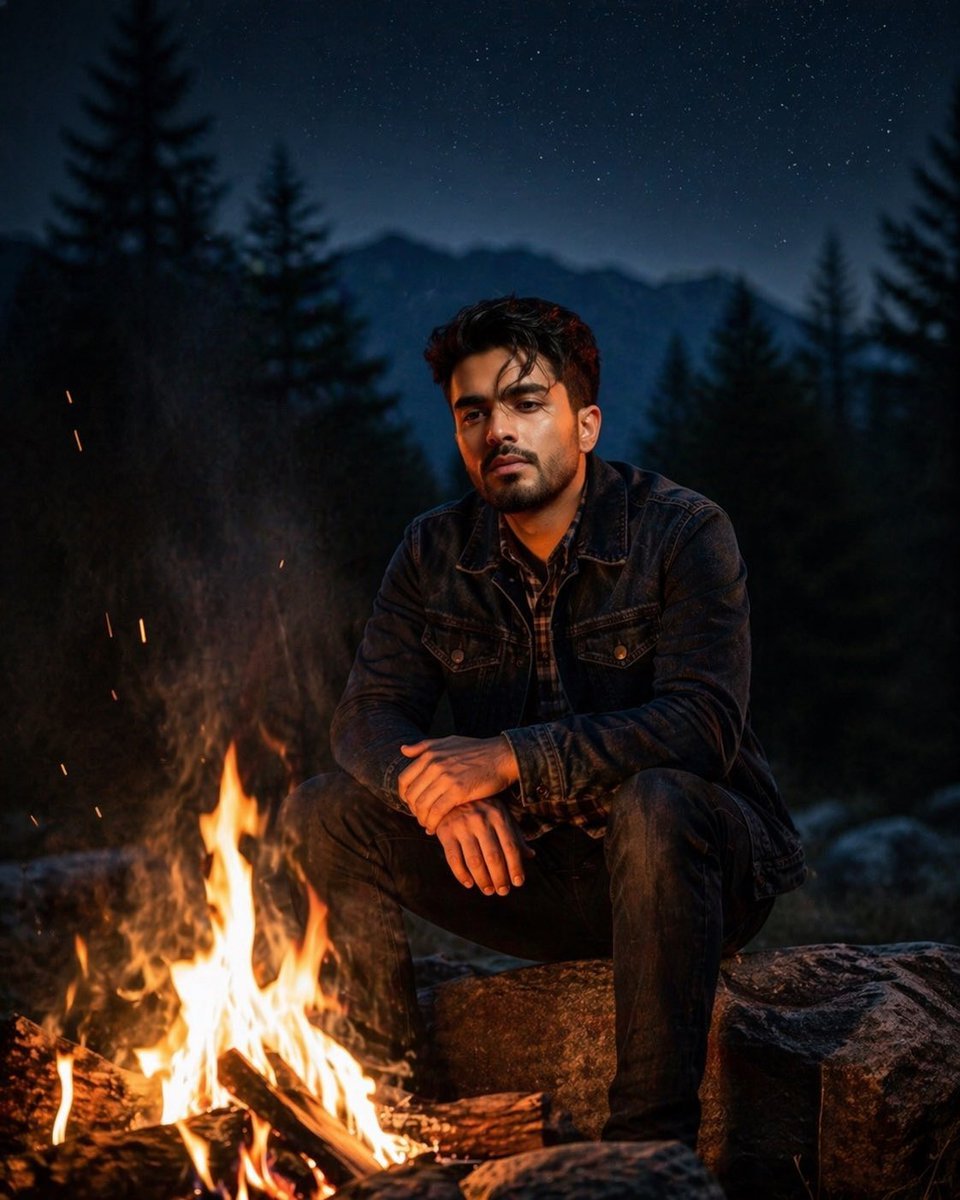
Cinematic Forest Campfire Portrait

Ethereal Product Visual with Frosted Glass Hands
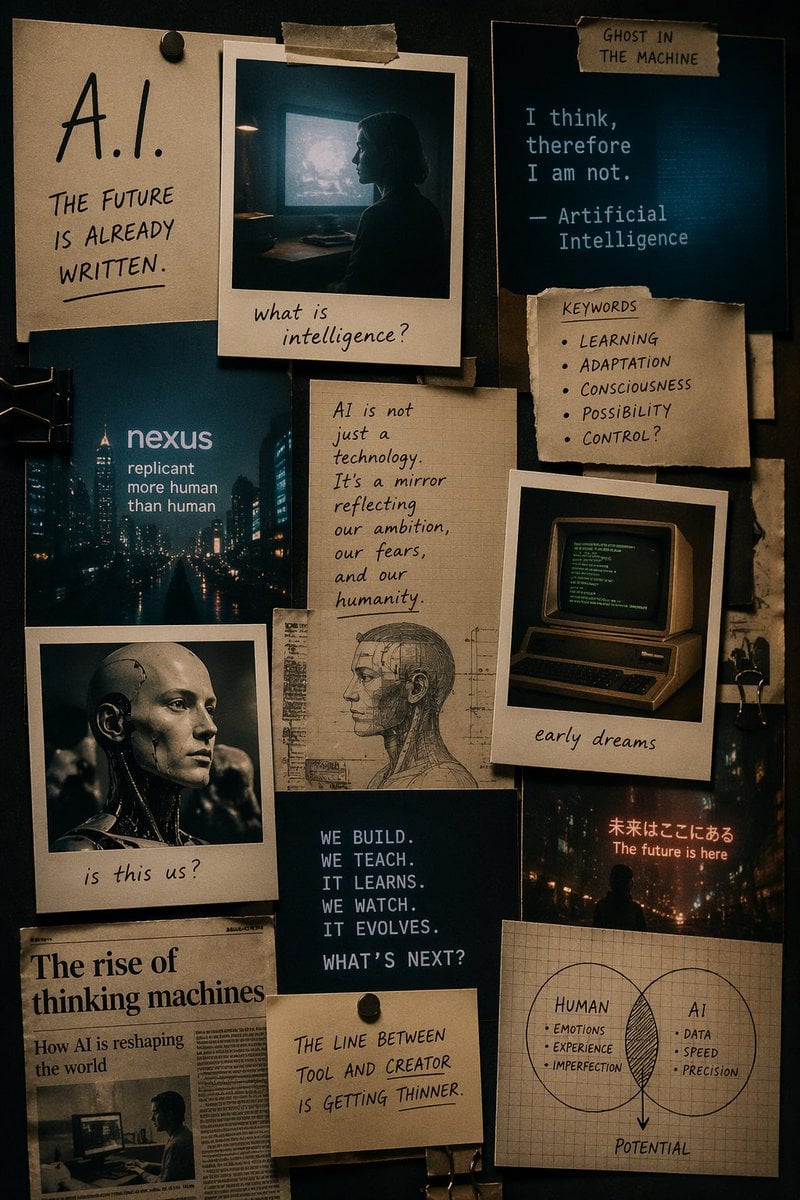
Cinematic AI mood board prompt

Luxury Streetwear Fashion Editorial

Intimate Studio Portrait with Fairy Lights Prompt
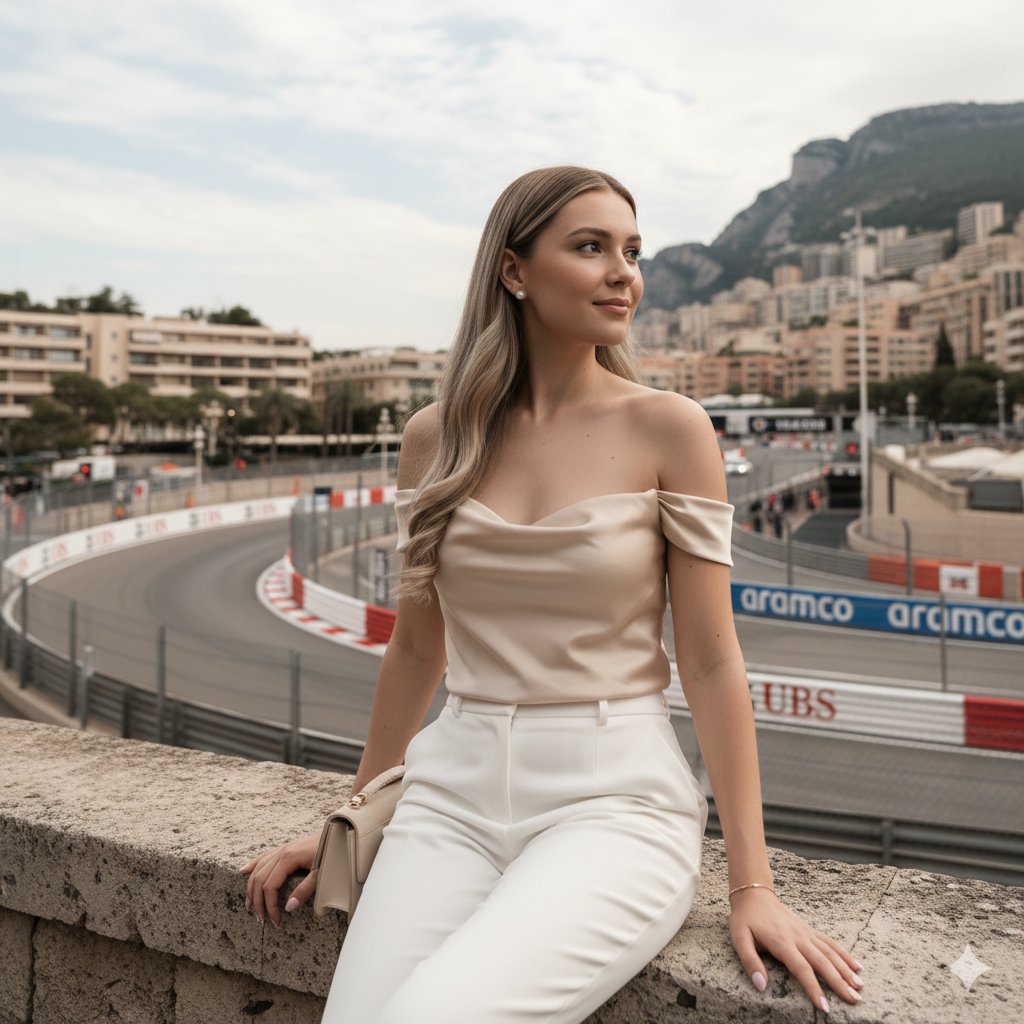
Candid Travel-Lifestyle Photograph: Monaco Terrace
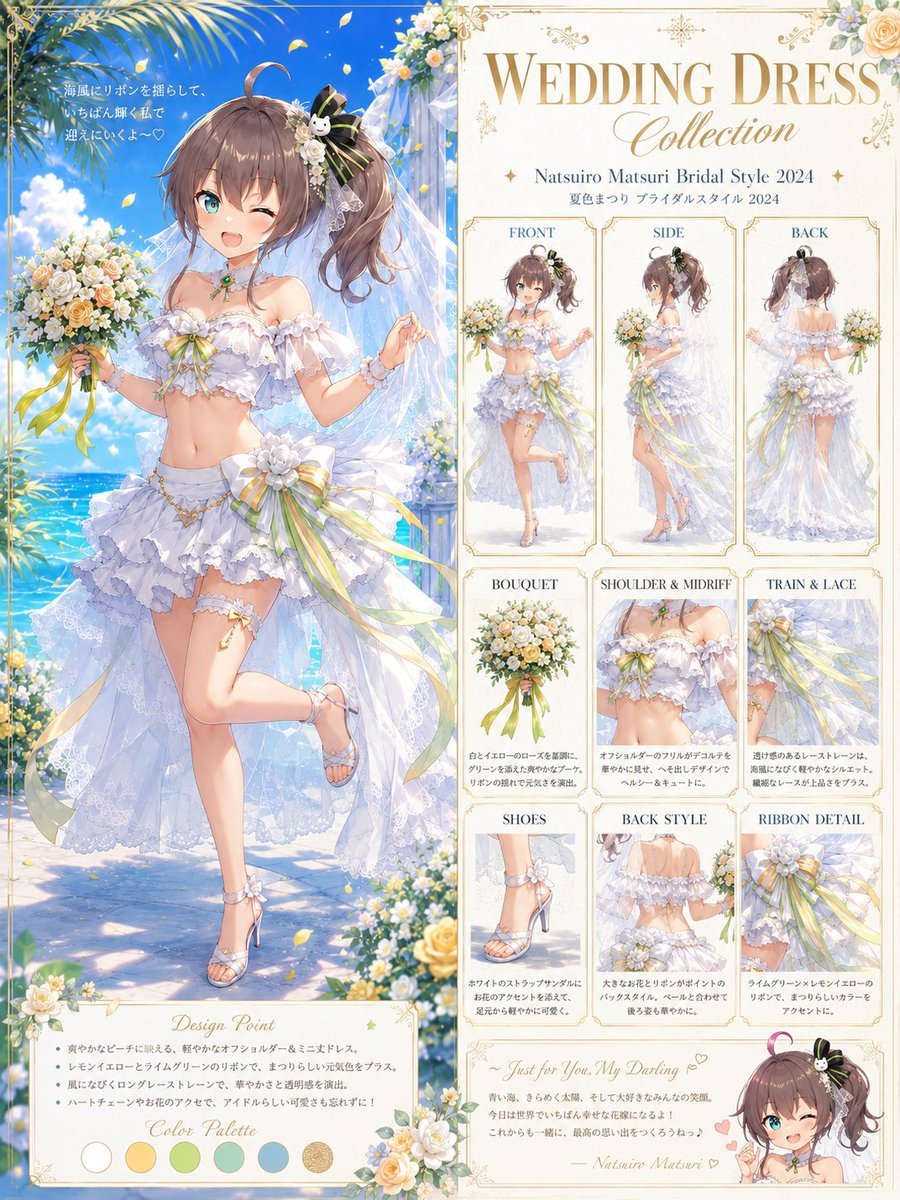
Anime Bridal Dress Collection Sheet
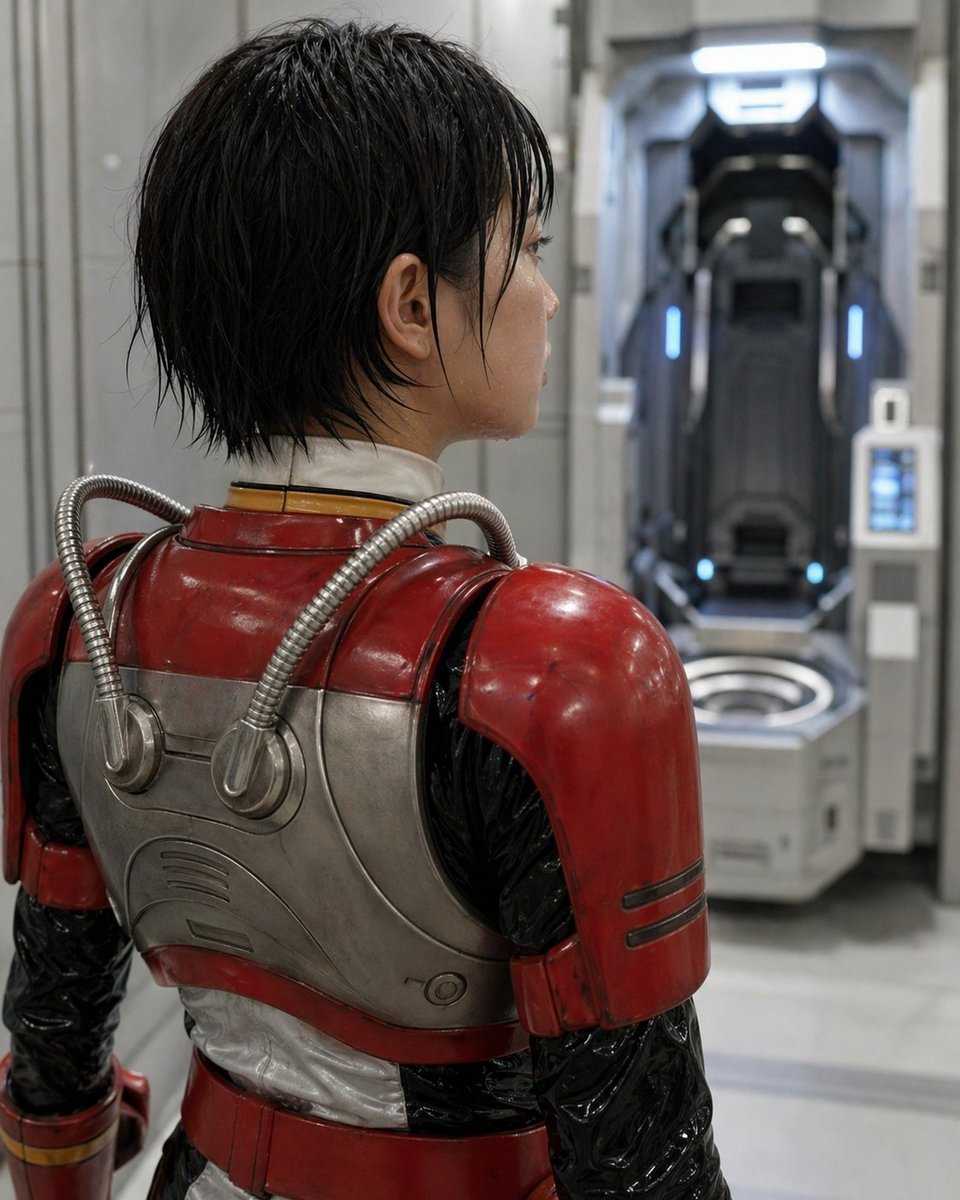
Retro Sci-Fi Armor Back View
Browse template categories
Showa Day Scrapbook Portrait questions
How do I use the Showa Day Scrapbook Portrait template?
Add your photo if the template asks for one, edit the prompt if you like — the template's model and format are already selected — and press Generate. Your version opens in PicX Studio.
Can I customize the Showa Day Scrapbook Portrait template?
Yes. You can change the subject, setting, lighting, mood, format, and available model controls before creating your image.
Is the Showa Day Scrapbook Portrait template free?
Opening and editing this template is free. Generating uses credits, shown on the Generate button when you are signed in.
Which AI model should I use?
Start with GPT Image 2, which is the model associated with this template. You can compare another compatible model for a different finish.
Looking for something else? Browse all templates.

Your photo, any look
Thousands of ready templates for every top image and video model, from one credit balance.