
Retro Sci-Fi Armor Back View
This prompt generates a photorealistic rear-view science fiction character portrait in a futuristic lab, useful for cinematic concept art or live-action-style AI imagery.
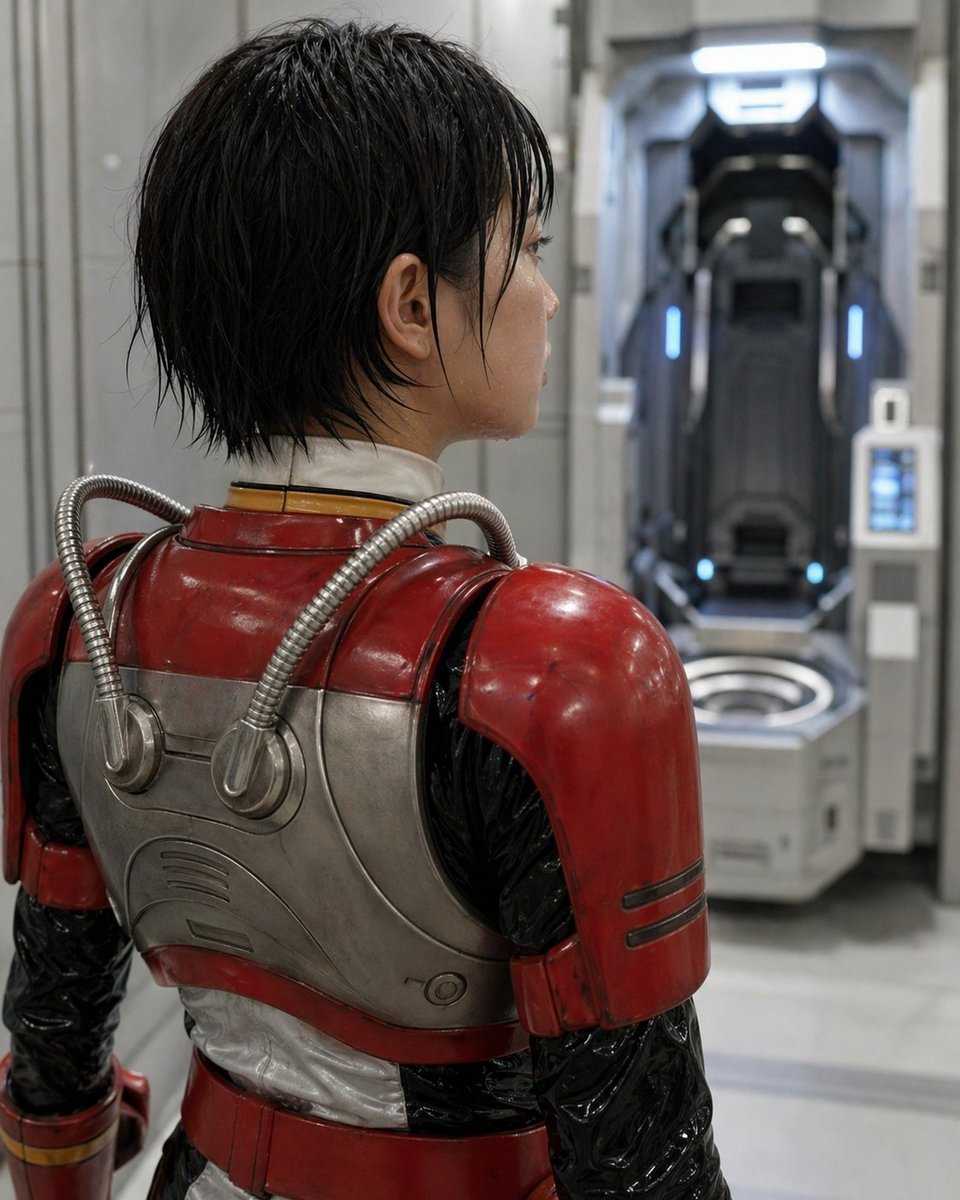
- Prompt included
- Model and format preset
- Free template
The prompt behind this image
Copy the exact prompt behind Retro Sci-Fi Armor Back View, or open it in the studio and make it yours.
A cinematic sci-fi portrait of a person seen from behind in a sterile futuristic laboratory corridor, medium close-up framing from the upper thighs to the head, with the subject turned slightly to the right and looking toward an open vertical pod chamber in the background. The subject has short, wet-looking black hair with messy layered strands and wears a retro-futuristic armored suit: glossy worn red shoulder plates and upper armor, brushed silver metal back plating with rounded panel lines, two flexible ribbed metallic tubes running from the upper back into circular ports, a black shiny undersuit on the arms and sides, a white padded neck seal, and a red waist section with subtle gold trim at the wrist. The armor should feel practical and used, with light scuffs, scratches, and realistic reflections. Place a rectangular privacy blur over the visible side of the face, centered on the head profile. In the background, slightly out of focus, show 1 futuristic standing capsule or medical stasis pod recessed into the wall, dark interior with cool blue vertical accent lights and a bright white overhead light, plus a small control panel mounted on the right side of the pod. The environment is clean and industrial, with pale gray walls, smooth floor, soft diffused lighting, shallow depth of field, photorealistic textures, realistic metallic materials, subdued cool tones in the room contrasted by the deep red armor, high detail, serious atmosphere, live-action science fiction aesthetic.
How to use Retro Sci-Fi Armor Back View in 3 steps
- 1Upload ImagePNG, JPG or paste
Add your photo
Upload the photo the template builds on. The prompt, model and format are already set.
- 2…a portrait of your subject in softgolden-hour light, 85mm…
Personalize
Edit the subject and creative details for your destination.
- 3Generate
Generate
Press Generate — your image is created in PicX Studio, so you can compare it with the original and refine one variable at a time.
More like this
Templates with the same subject, style or setup. Open one to see its prompt.












Make it yours
Retro Sci-Fi Armor Back View works as-is. These are the safest ways to change it without losing the look.
Change one field
Copy a single group, rewrite it, and generate again so you can see what that field is doing.
Keep the frame, change the subject
Hold the composition and light of Retro Sci-Fi Armor Back View, then swap wardrobe, props or the person for a new take.
| If the result… | Why | Fix |
|---|---|---|
| The result drifts from the preview | Too many fields changed at once. | Reuse Retro Sci-Fi Armor Back View as-is first, then change one group — subject, light, or setting. |
| The model over-stylizes the scene | The prose prompt leaves finish and camera underspecified. | Add one camera or lighting sentence and stay on GPT Image 2. |
More GPT Image 2 templates
Other prompts made for GPT Image 2.

Six VTuber Japanese Logo Sheet

Realistic Portrait of Woman and Deer

The Vista Modular Condo Poster

AI Model Routing Comparison Infographic

2.5D Anime Art Board

Isometric Productivity Desk Scene

New York Double Exposure Poster

Four-Panel AI Landscape Comparison

Japanese Tatami Lifestyle Magazine Cover

NESCAFÉ Coffee Map Poster
More image prompts
Fresh picks from across the catalog.
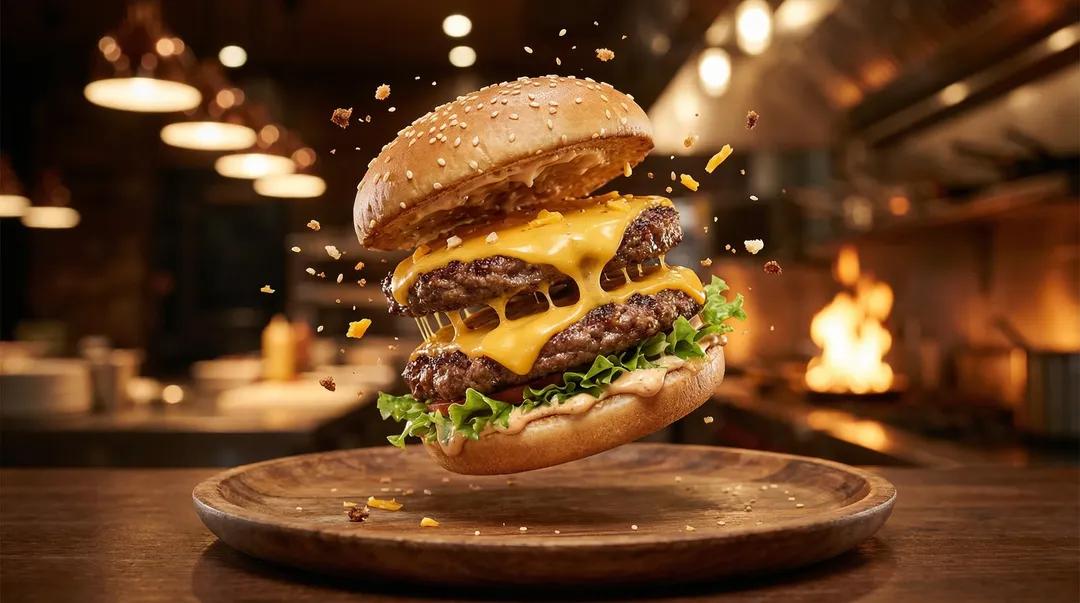
Exploding Ice Cream Cookie Sandwich
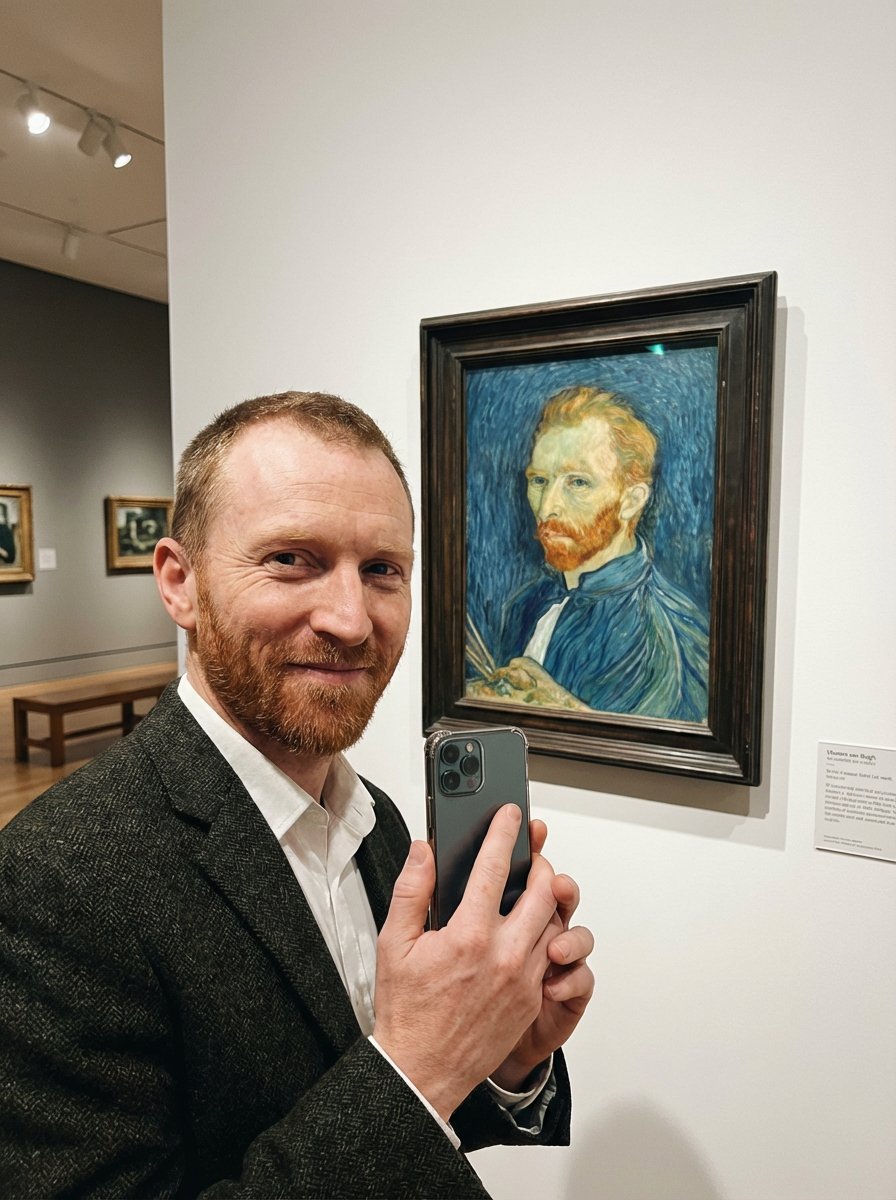
Van Gogh Museum Selfie Prompt
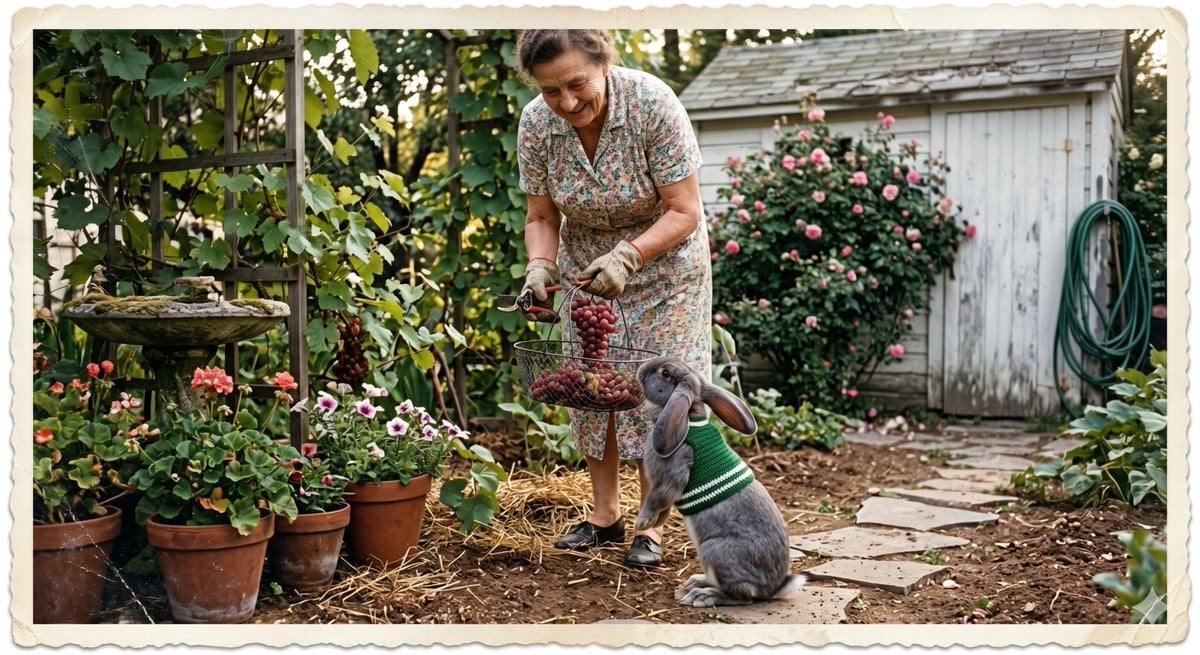
Vintage Gardener and Sweater Rabbit
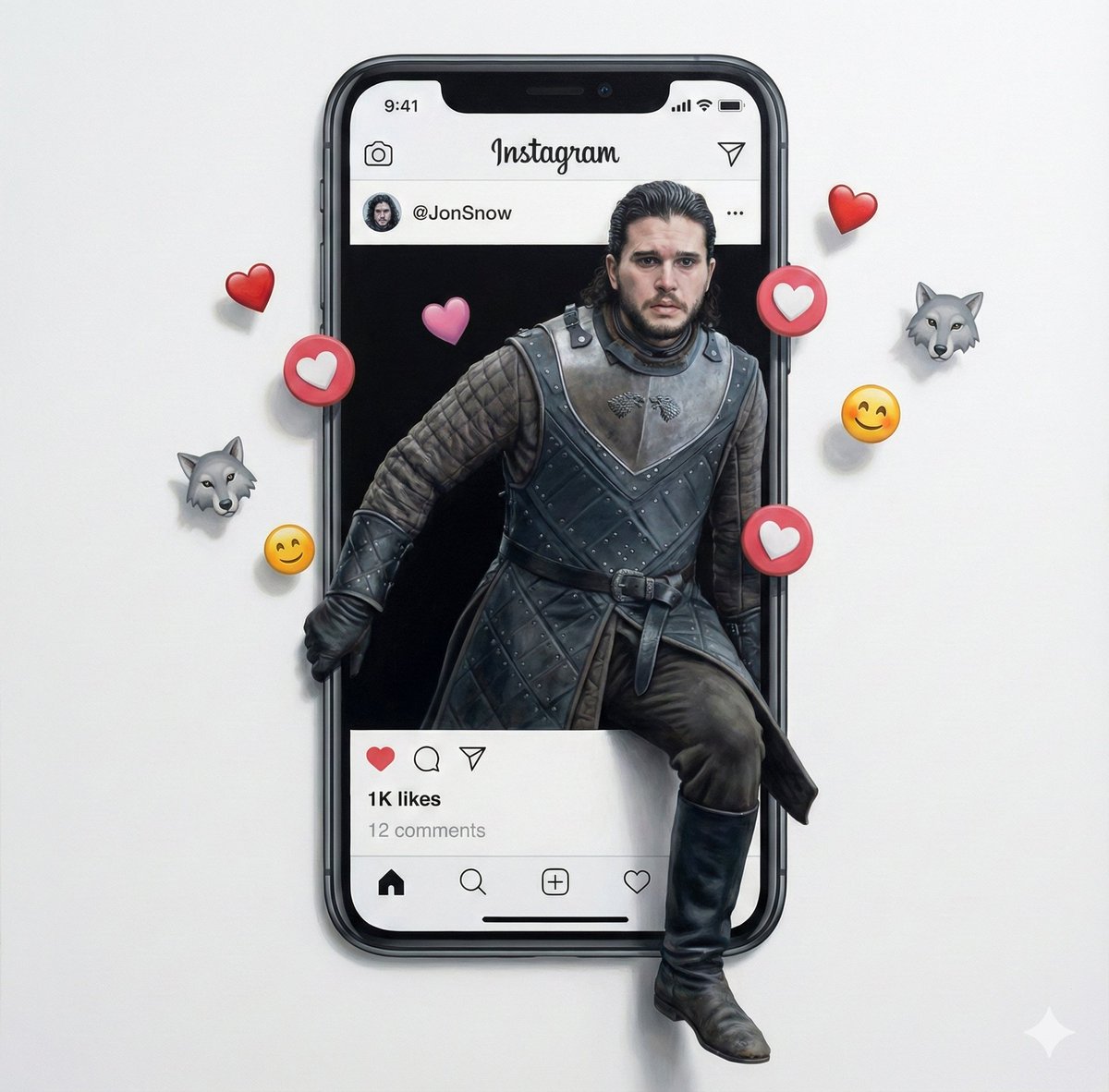
Trompe l'oeil subject stepping out of social media screen
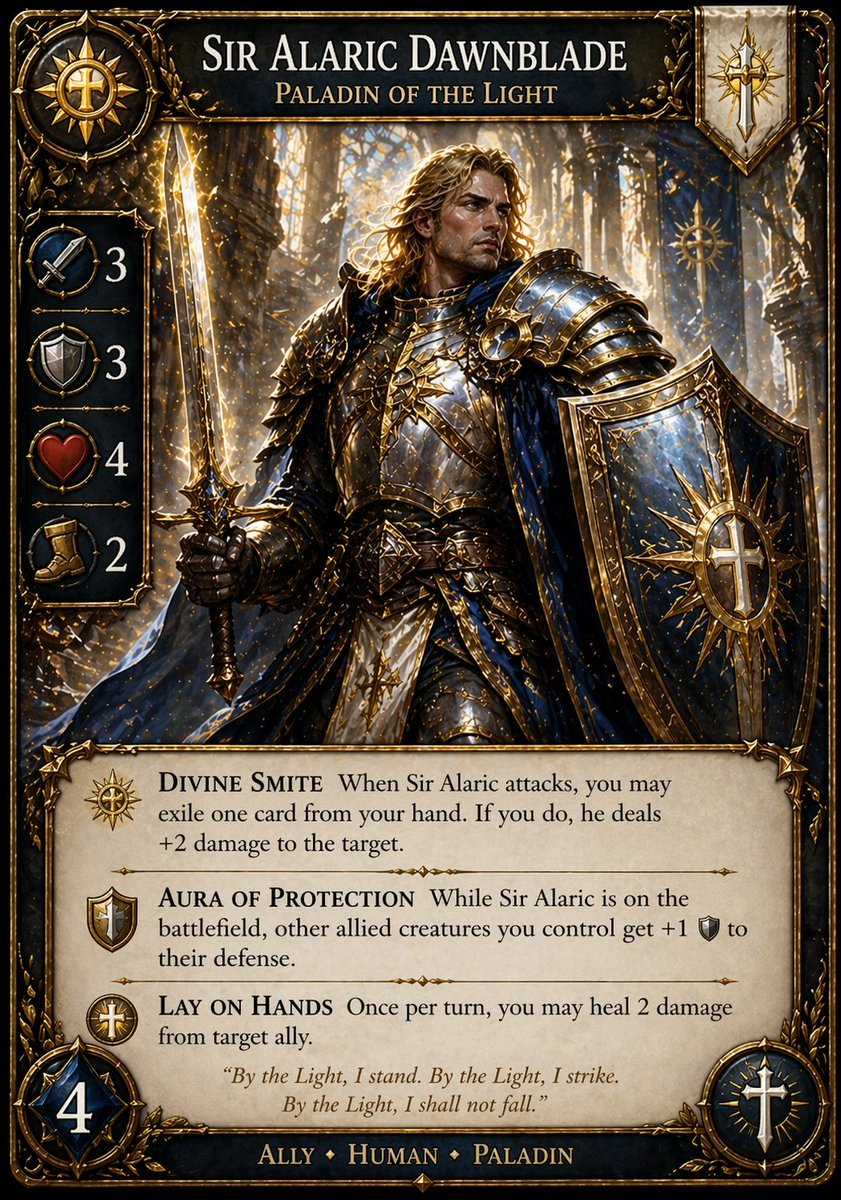
Fantasy Paladin Trading Card
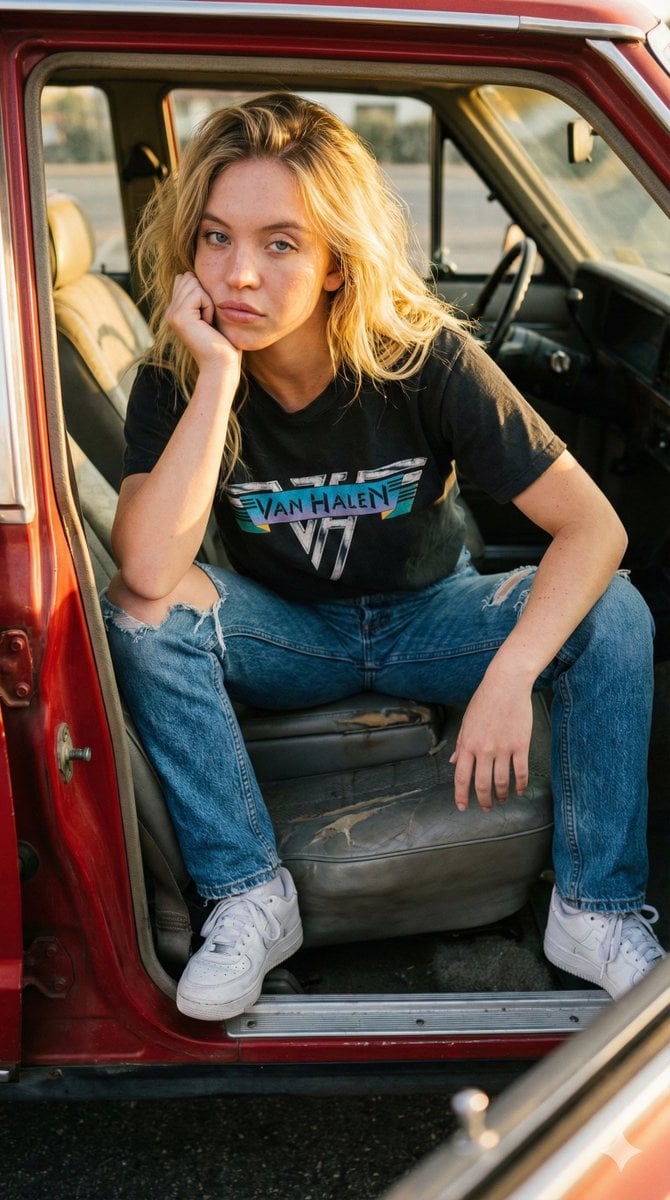
Raw Documentary Car Interior Portrait
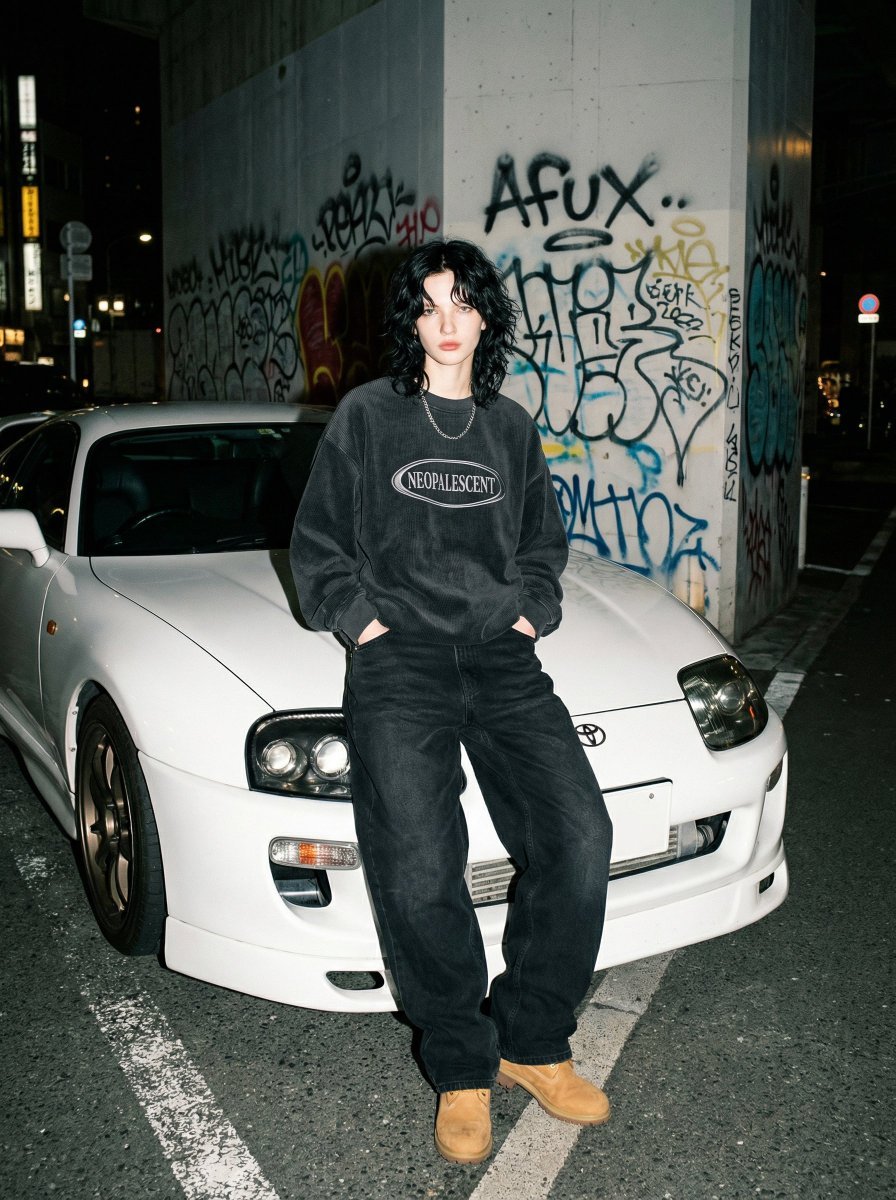
90s Streetwear Portrait with Toyota Supra MK4
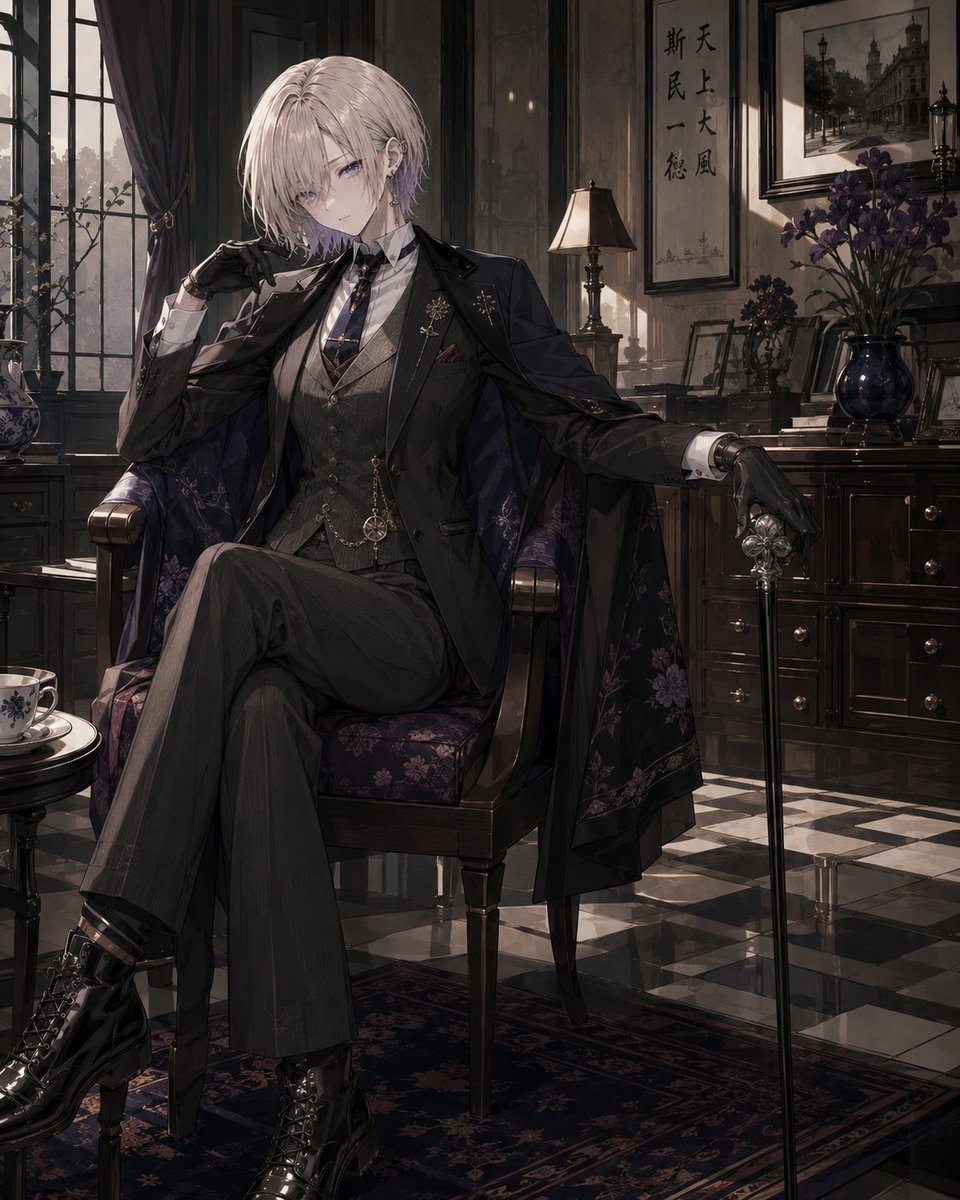
Vintage Showa Era Gentleman Outfit
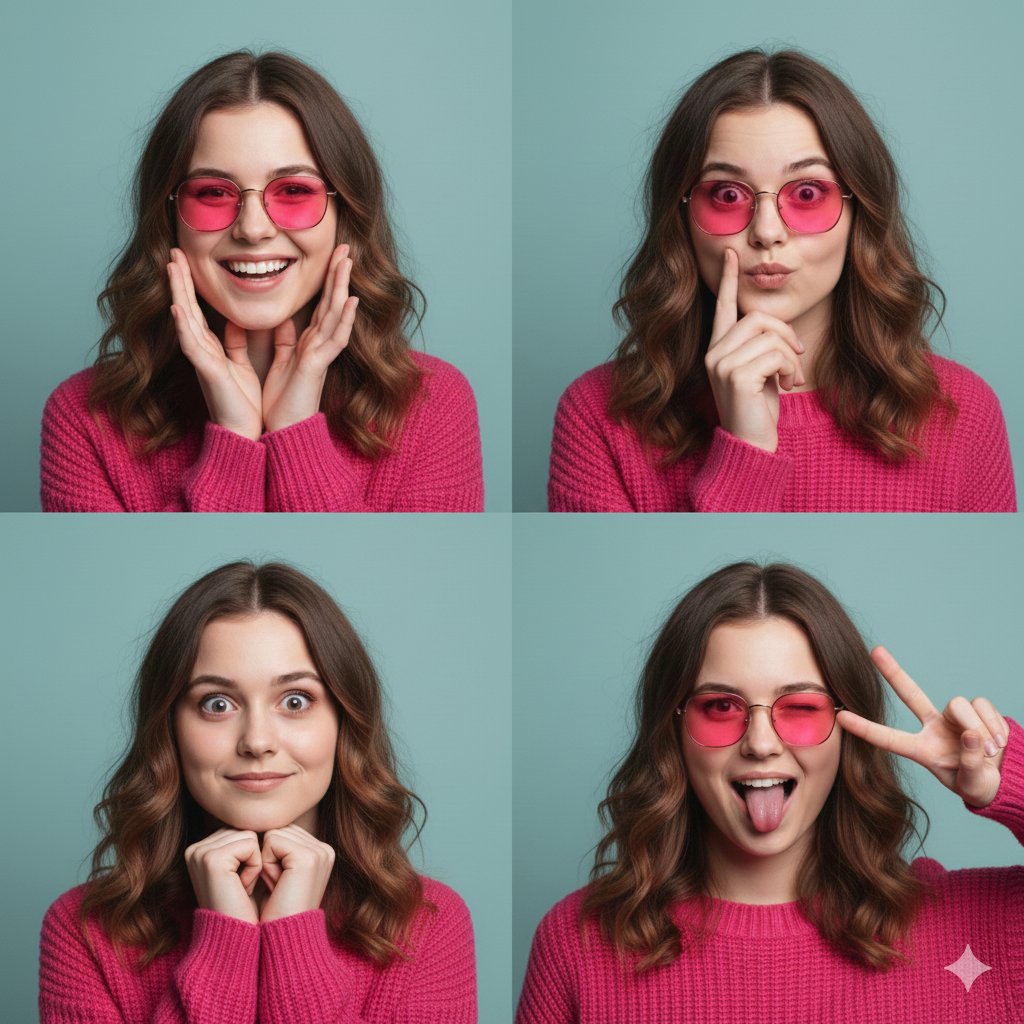
Hot Pink Photo Collage Prompt for Nano Banana Pro
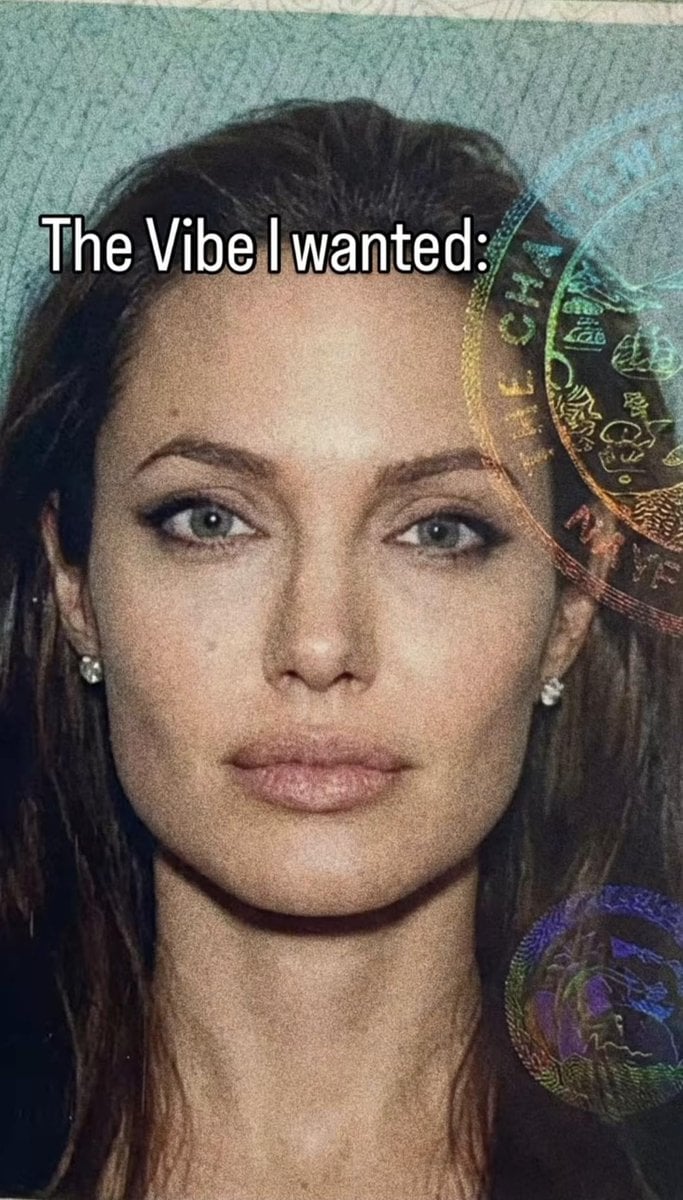
Passport Photo Aesthetic Portrait
Browse template categories
Retro Sci-Fi Armor Back View questions
How do I use the Retro Sci-Fi Armor Back View template?
Add your photo if the template asks for one, edit the prompt if you like — the template's model and format are already selected — and press Generate. Your version opens in PicX Studio.
Can I customize the Retro Sci-Fi Armor Back View template?
Yes. You can change the subject, setting, lighting, mood, format, and available model controls before creating your image.
Is the Retro Sci-Fi Armor Back View template free?
Opening and editing this template is free. Generating uses credits, shown on the Generate button when you are signed in.
Which AI model should I use?
Start with GPT Image 2, which is the model associated with this template. You can compare another compatible model for a different finish.
Looking for something else? Browse all templates.

Your photo, any look
Thousands of ready templates for every top image and video model, from one credit balance.