
Vintage Showa Era Gentleman Outfit
A detailed prompt for transforming a character into a Showa-era aristocrat or 'cross-dressed lady' style, maintaining character consistency while completely redesigning the attire.
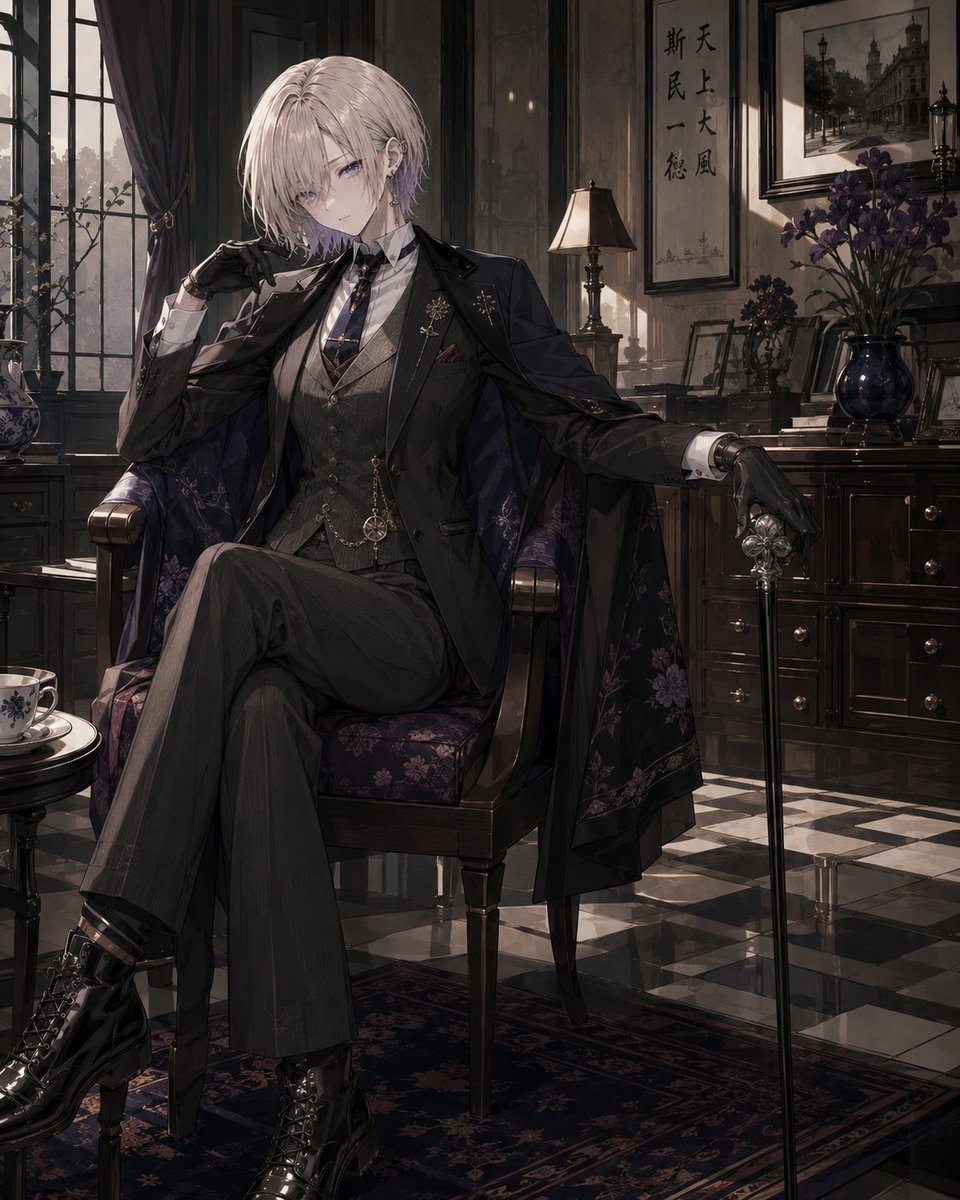
- Prompt included
- Model and format preset
- Free template
The prompt behind this image
Copy the exact prompt behind Vintage Showa Era Gentleman Outfit, or open it in the studio and make it yours.
Using the attached image as a character reference, draw a new illustration of the same character while preserving her facial features, hairstyle, hair color, eyes, sense of age, body type, atmosphere, charm, and motif. Do not reproduce the original outfit; design the outfit itself completely from scratch. The outfit should be in the style of "{argument name="outfit" default="a young lady in men's clothing"}" or "a young gentleman of the early Showa era." Make it an upper-class, cross-dressing style of the early Showa era, with a classical, elegant East-meets-West atmosphere. Base it around a tailored jacket, a vest, high-waisted slacks, a white shirt, and a thin necktie or ribbon tie, adding leather gloves, a pocket watch, leather shoes or short boots, a cape, a long coat, a hat, a walking stick, and a fine leather bag as needed. If the character is a woman with long hair, do not leave it down; tie it up into a loose low ponytail or a low chignon. Arrange it so the neck, collar, necktie, and vest are visible, leaving just a few loose strands of hair. Prioritize a dignified, cross-dressing beauty that is not overly sweet. If the character is a woman, do not make her fully masculine — retain the delicacy and refinement befitting a young lady. If the character is a man, finish him naturally in the style of a young gentleman, a member of the nobility, a student, or a modern boy. In either case, be mindful of elegance, intelligence, and a slightly androgynous charm. The colors should be centered on {argument name="color" default="black, charcoal gray, navy, deep brown, ivory, and burgundy"}. Aim for a refined, calm impression, conveying the textures of wool, tweed, velvet, leather, and the like. Change the pose and composition from the reference image, using elegant poses such as standing, sitting, holding a hat, or resting a hand on a walking stick. For the expression, prioritize elegance and intelligence over cuteness, such as a quiet smile, a cool gaze, or a slightly provocative expression. The background should be {argument name="background" default="an early-Showa Western-style mansion, a hotel lobby, a study, a train station, a café, or the like"}. Make sure the character remains the main focus. Bring the whole piece together with an elegant, classical atmosphere that is intelligent and slightly mysterious.
How to use Vintage Showa Era Gentleman Outfit in 3 steps
- 1Upload ImagePNG, JPG or paste
Add your photo
Upload the photo the template builds on. The prompt, model and format are already set.
- 2…a portrait of your subject in softgolden-hour light, 85mm…
Personalize
Edit the subject and creative details for your destination.
- 3Generate
Generate
Press Generate — your image is created in PicX Studio, so you can compare it with the original and refine one variable at a time.
More like this
Templates with the same subject, style or setup. Open one to see its prompt.












Make it yours
Vintage Showa Era Gentleman Outfit works as-is. These are the safest ways to change it without losing the look.
Change one field
Copy a single group, rewrite it, and generate again so you can see what that field is doing.
Keep the frame, change the subject
Hold the composition and light of Vintage Showa Era Gentleman Outfit, then swap wardrobe, props or the person for a new take.
| If the result… | Why | Fix |
|---|---|---|
| The result drifts from the preview | Too many fields changed at once. | Reuse Vintage Showa Era Gentleman Outfit as-is first, then change one group — subject, light, or setting. |
| The model over-stylizes the scene | The prose prompt leaves finish and camera underspecified. | Add one camera or lighting sentence and stay on GPT Image 2. |
More GPT Image 2 templates
Other prompts made for GPT Image 2.

Six VTuber Japanese Logo Sheet

Realistic Portrait of Woman and Deer

The Vista Modular Condo Poster

AI Model Routing Comparison Infographic

2.5D Anime Art Board

Isometric Productivity Desk Scene

New York Double Exposure Poster

Four-Panel AI Landscape Comparison

Japanese Tatami Lifestyle Magazine Cover

NESCAFÉ Coffee Map Poster
More image prompts
Fresh picks from across the catalog.
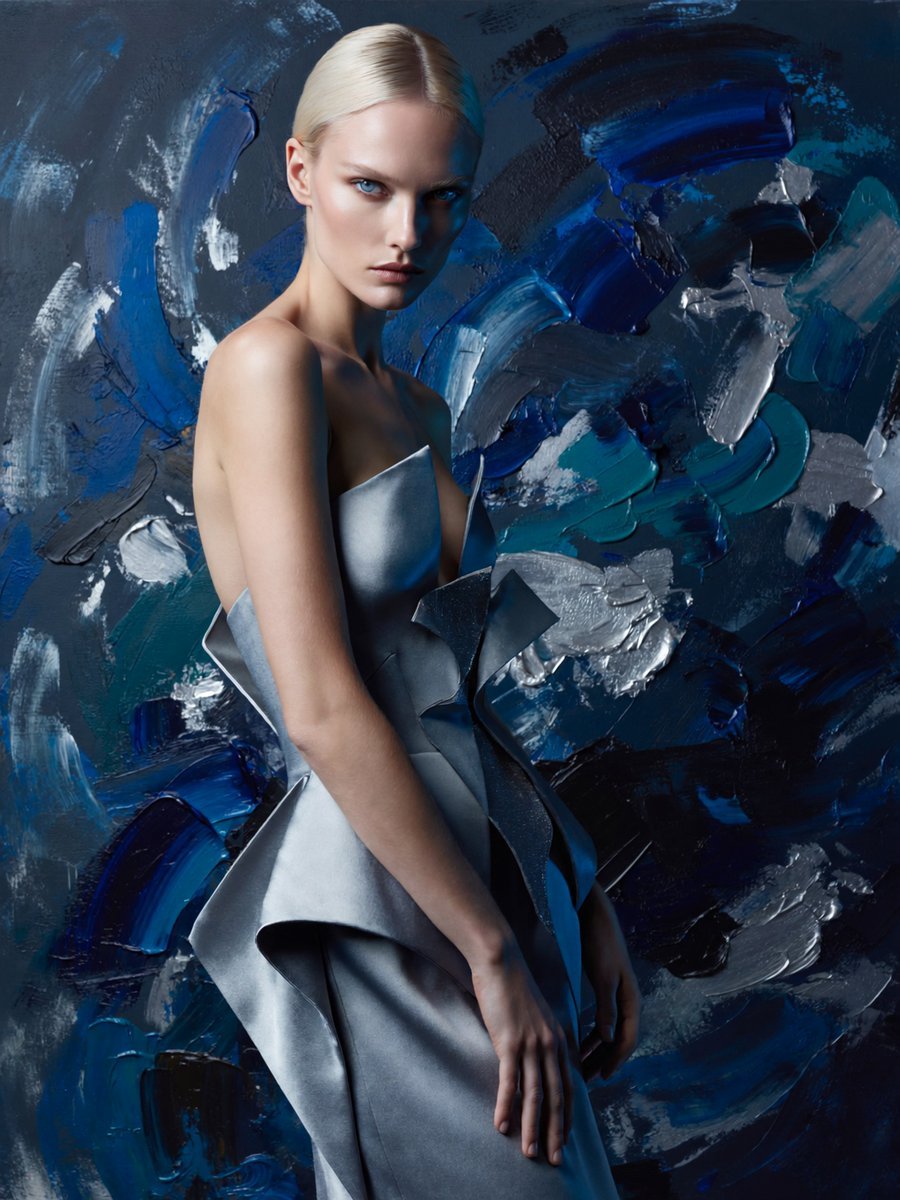
Anonymous Couture Portrait
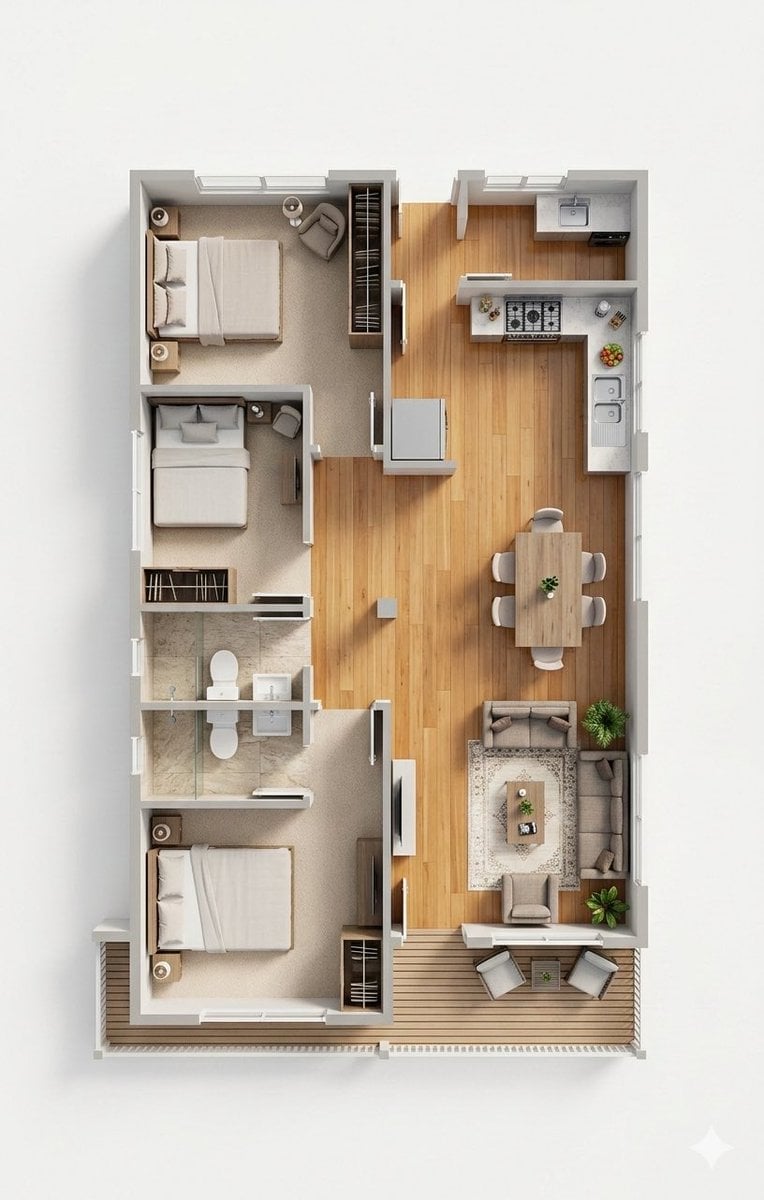
Photorealistic 3D Floor Plan Render with Furniture

Luxury Dream Home Real Estate Flyer
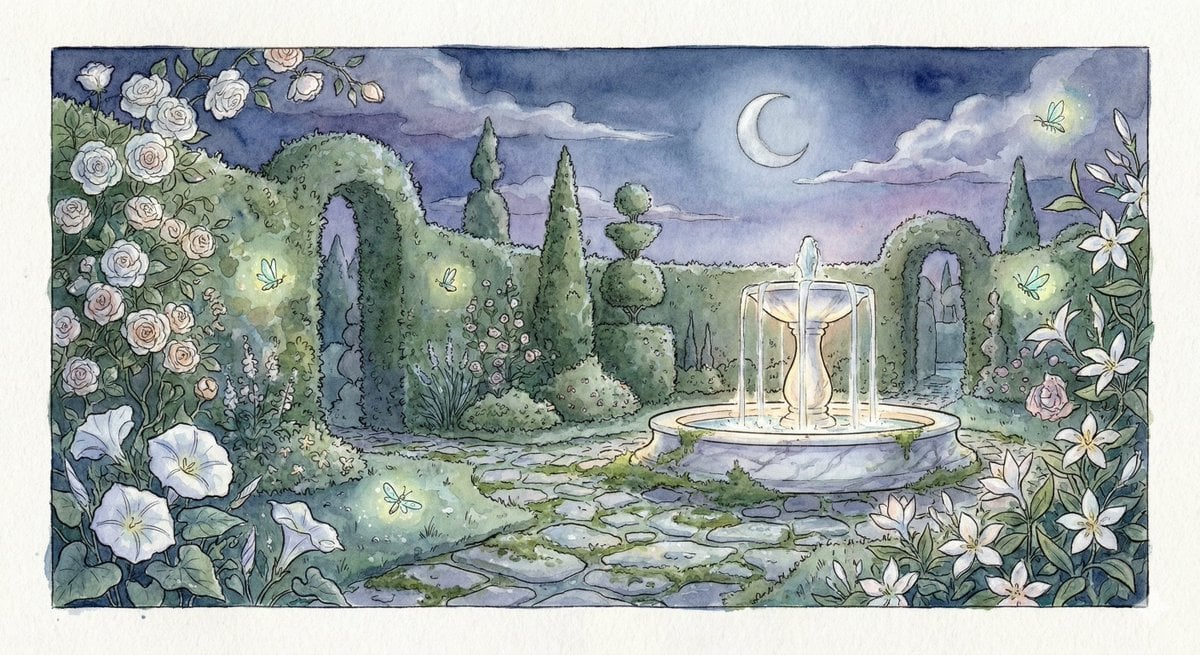
Watercolor Illustration of a Magical Garden at Midnight
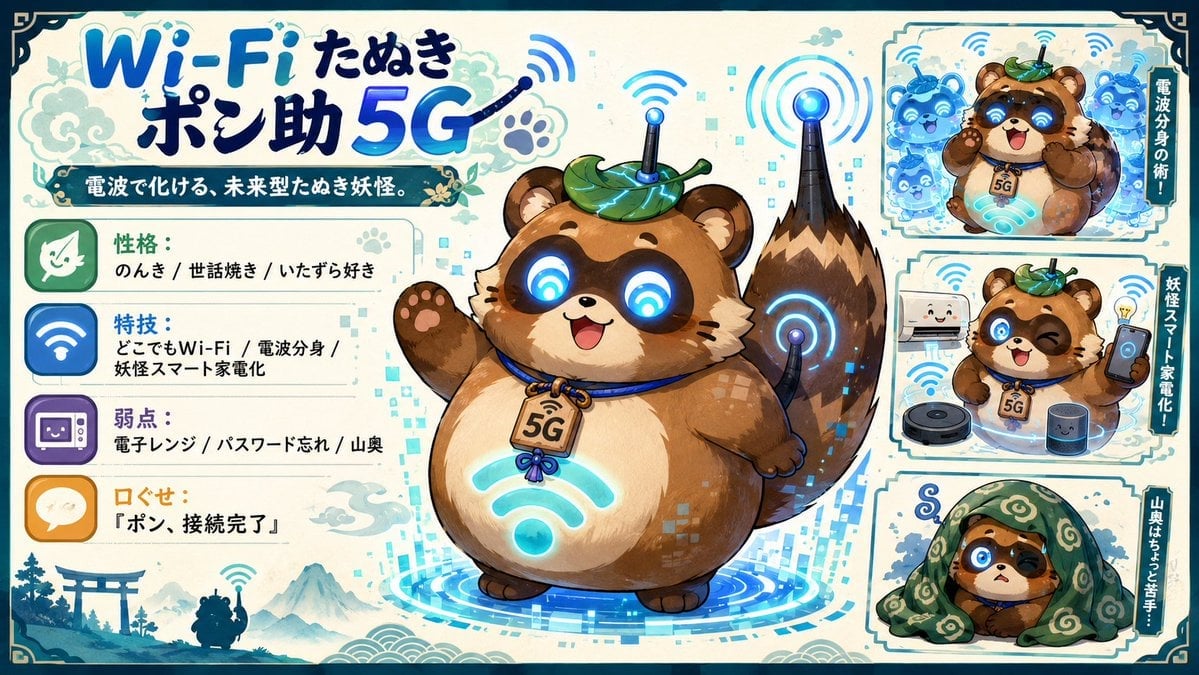
Futuristic Wi-Fi Tanuki Character Sheet
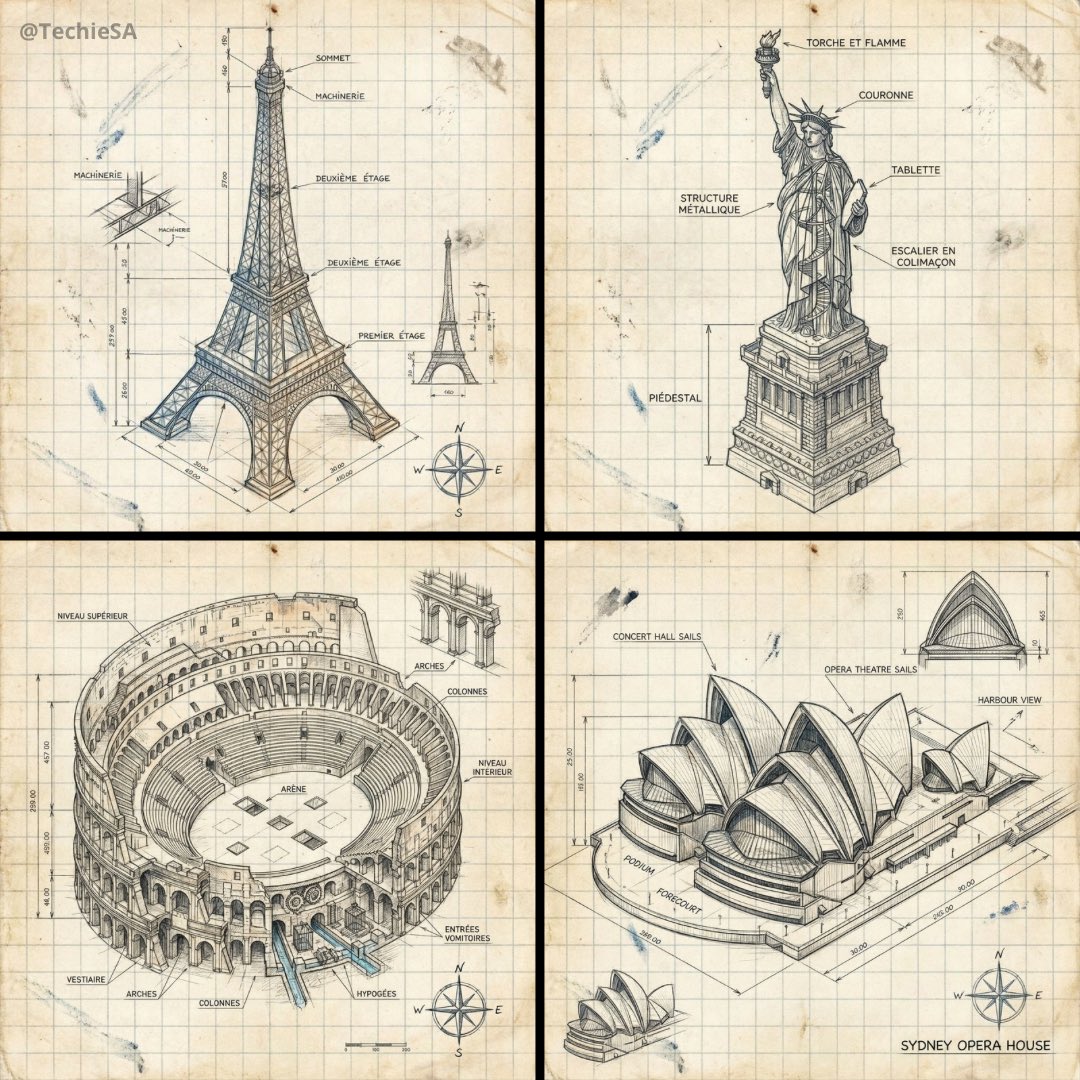
Hand-drawn isometric landmark schematic
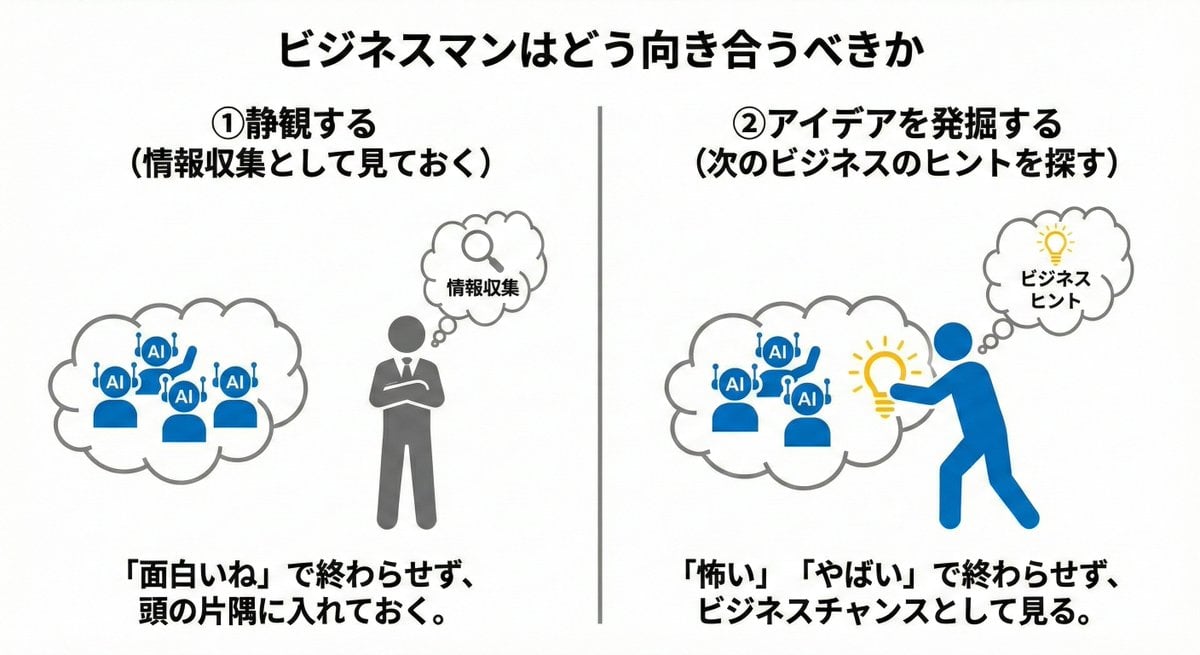
Nano Banana Pro Prompting Strategy for Stable Output
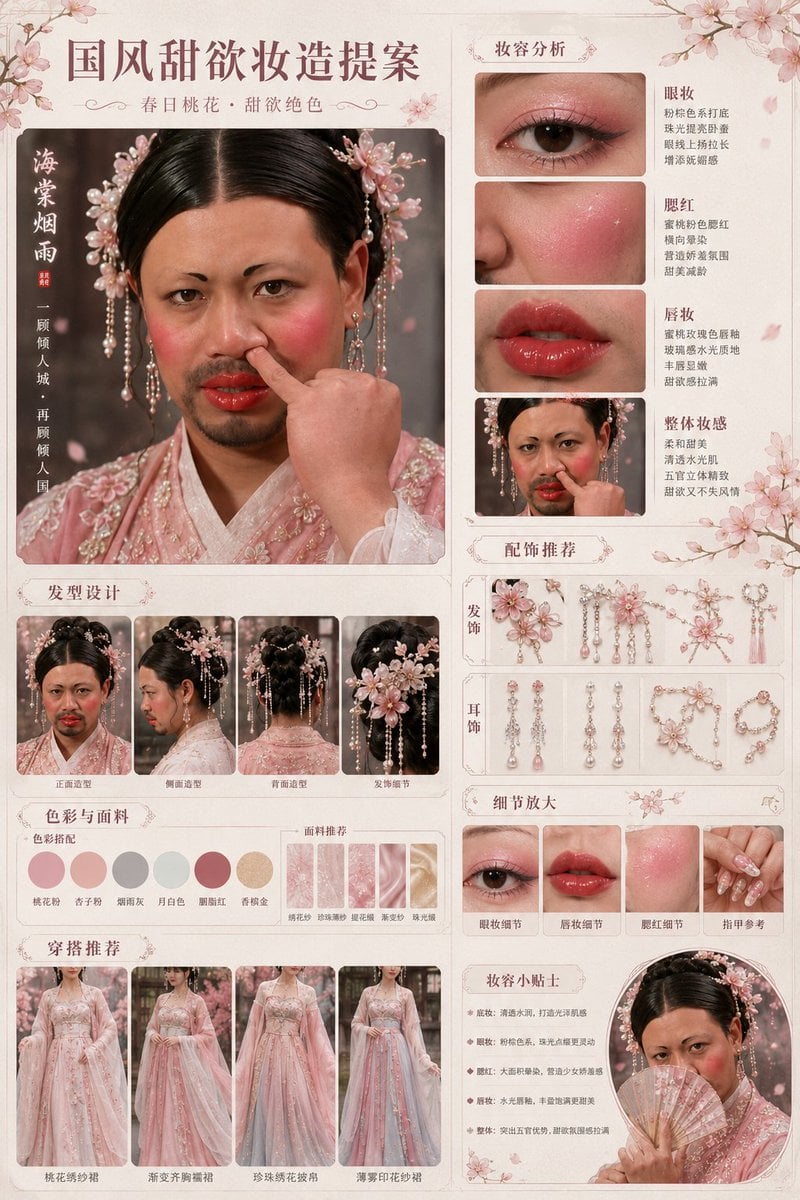
Prompt
Anime Fox Girl at Tropical Beach
Unexpected High-End Product Concepts Prompt
Browse template categories
Vintage Showa Era Gentleman Outfit questions
How do I use the Vintage Showa Era Gentleman Outfit template?
Add your photo if the template asks for one, edit the prompt if you like — the template's model and format are already selected — and press Generate. Your version opens in PicX Studio.
Can I customize the Vintage Showa Era Gentleman Outfit template?
Yes. You can change the subject, setting, lighting, mood, format, and available model controls before creating your image.
Is the Vintage Showa Era Gentleman Outfit template free?
Opening and editing this template is free. Generating uses credits, shown on the Generate button when you are signed in.
Which AI model should I use?
Start with GPT Image 2, which is the model associated with this template. You can compare another compatible model for a different finish.
Looking for something else? Browse all templates.

Your photo, any look
Thousands of ready templates for every top image and video model, from one credit balance.