
Futuristic Wi-Fi Tanuki Character Sheet
Generates a cute Japanese mascot reference sheet for a 5G Wi-Fi tanuki yokai character with profile panels, ability vignettes, and playful tech-fantasy styling.
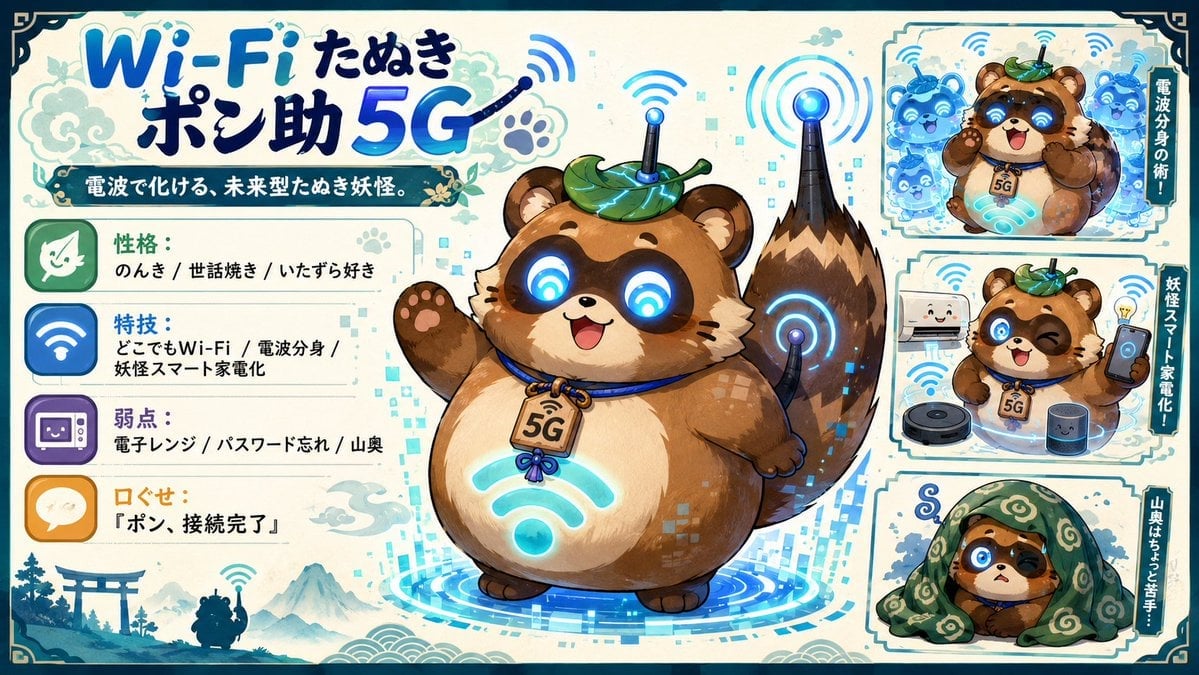
- Prompt included
- Model and format preset
- Free template
The prompt behind this image
Copy the exact prompt behind Futuristic Wi-Fi Tanuki Character Sheet, or open it in the studio and make it yours.
- Type
- cute Japanese mascot character sheet / contest entry card
- Style
- bright anime illustration, polished game character concept art, chibi mascot design, cream parchment background with teal ornamental border, cyan glowing digital effects, watercolor clouds and traditional Japanese motifs mixed with futuristic UI icons
- Main Title
- {argument name="headline text" default="Wi-Fi たぬき ポン助 5G"}
- Subtitle
- 電波で化ける、未来型たぬき妖怪。
- Character › Name
- {argument name="character name" default="ポン助"}
- Character › Species
- futuristic tanuki yokai mascot
- Character › Body
- round plump brown tanuki with cream belly, striped fluffy tail, small ears, paw pads, cheerful open-mouth smile
- Character › Eyes
- large black circular cyber eyes glowing with cyan Wi-Fi symbols
- Character › Accessories
- green leaf hat with glowing circuit lines and a small antenna, blue collar cord, wooden tag marked 5G, cyan Wi-Fi symbol glowing on belly, antenna device mounted on tail
- Character › Pose
- full-body centerpiece waving one paw, standing on a circular holographic blue digital platform with pixel squares and signal rings
- Layout › Format
- wide horizontal character reference sheet, 16:9, information-dense but playful
- Layout › Centerpiece
- one large full-body portrait of the tanuki mascot occupying the center, surrounded by blue radio-wave arcs and digital particles
- Layout › Left Profile Panel › Position
- left side
- Layout › Left Profile Panel › Count
- 4
- Layout › Left Profile Panel › Items › 0 › Icon
- green leaf face icon
- Layout › Left Profile Panel › Items › 0 › Label
- 性格:
- Layout › Left Profile Panel › Items › 0 › Text
- のんき / 世話焼き / いたずら好き
- Layout › Left Profile Panel › Items › 1 › Icon
- blue Wi-Fi icon
- Layout › Left Profile Panel › Items › 1 › Label
- 特技:
- Layout › Left Profile Panel › Items › 1 › Text
- どこでもWi-Fi / 電波分身 / 妖怪スマート家電化
- Layout › Left Profile Panel › Items › 2 › Icon
- purple microwave or appliance icon
- Layout › Left Profile Panel › Items › 2 › Label
- 弱点:
- Layout › Left Profile Panel › Items › 2 › Text
- 電子レンジ / パスワード忘れ / 山奥
- Layout › Left Profile Panel › Items › 3 › Icon
- orange speech bubble icon
Raw JSON
{"type":"cute Japanese mascot character sheet / contest entry card","style":"bright anime illustration, polished game character concept art, chibi mascot design, cream parchment background with teal ornamental border, cyan glowing digital effects, watercolor clouds and traditional Japanese motifs mixed with futuristic UI icons","main_title":"{argument name=\"headline text\" default=\"Wi-Fi たぬき ポン助 5G\"}","subtitle":"電波で化ける、未来型たぬき妖怪。","character":{"name":"{argument name=\"character name\" default=\"ポン助\"}","species":"futuristic tanuki yokai mascot","body":"round plump brown tanuki with cream belly, striped fluffy tail, small ears, paw pads, cheerful open-mouth smile","eyes":"large black circular cyber eyes glowing with cyan Wi-Fi symbols","accessories":"green leaf hat with glowing circuit lines and a small antenna, blue collar cord, wooden tag marked 5G, cyan Wi-Fi symbol glowing on belly, antenna device mounted on tail","pose":"full-body centerpiece waving one paw, standing on a circular holographic blue digital platform with pixel squares and signal rings"},"layout":{"format":"wide horizontal character reference sheet, 16:9, information-dense but playful","centerpiece":"one large full-body portrait of the tanuki mascot occupying the center, surrounded by blue radio-wave arcs and digital particles","left_profile_panel":{"position":"left side","count":4,"items":[{"icon":"green leaf face icon","label":"性格:","text":"のんき / 世話焼き / いたずら好き"},{"icon":"blue Wi-Fi icon","label":"特技:","text":"どこでもWi-Fi / 電波分身 / 妖怪スマート家電化"},{"icon":"purple microwave or appliance icon","label":"弱点:","text":"電子レンジ / パスワード忘れ / 山奥"},{"icon":"orange speech bubble icon","label":"口ぐせ:","text":"{argument name=\"catchphrase\" default=\"『ポン、接続完了』\"}"}]},"right_showcase_panels":{"position":"right side stacked panels","count":3,"panels":[{"description":"top panel: tanuki creates multiple translucent blue radio-wave clones around itself, with vertical side label","visible_label":"電波分身の術!"},{"description":"middle panel: tanuki winks while holding a smartphone, surrounded by smart home appliances including a smiling refrigerator, robot vacuum, smart speaker, and lightbulb idea icon, with vertical side label","visible_label":"妖怪スマート家電化!"},{"description":"bottom panel: tanuki looks worried while hiding under a green patterned blanket, with a small curl of frustration above the head, with vertical side label","visible_label":"山奥はちょっと苦手…"}]},"bottom_left_scenery":"small blue silhouette landscape with torii gate, pine trees, mountains, clouds, and a tiny tanuki figure holding up a Wi-Fi signal"},"color_palette":"warm tanuki browns and cream, deep navy outlines, vivid cyan and electric blue glow, teal-green leaf accents, parchment beige background","rendering_details":"clean thick outlines, soft cel shading, glossy luminous effects, decorative corner ornaments, Japanese festival-poster energy, readable handwritten-style Japanese typography, no photorealism"}How to use Futuristic Wi-Fi Tanuki Character Sheet in 3 steps
- 1Upload ImagePNG, JPG or paste
Add your photo
Upload the photo the template builds on. The prompt, model and format are already set.
- 2…a portrait of your subject in softgolden-hour light, 85mm…
Personalize
Edit the subject and creative details for your destination.
- 3Generate
Generate
Press Generate — your image is created in PicX Studio, so you can compare it with the original and refine one variable at a time.
More like this
Templates with the same subject, style or setup. Open one to see its prompt.

Futuristic Chrome Helmet Fashion Portrait

Futuristic Studio Neon Ring Minimalist Portrait
Futuristic Chrome Helmet Fashion Portrait
Futuristic Studio Neon Ring Minimalist Portrait

Black Liquid Cyberpunk Portrait Poster

Cyberpunk Neon Brazil World Cup Poster

Playful Futuristic Brand Kit Board

Dancer Character - Four View Reference Sheet

Movement Sheet - Dance Reference (Seedance 2.0)

Six VTuber Japanese Logo Sheet

Retro Manga StackChan Concept Sheet

Halloween Nun Chibi Character Sheet
Make it yours
Futuristic Wi-Fi Tanuki Character Sheet works as-is. These are the safest ways to change it without losing the look.
Change one field
Copy a single group, rewrite it, and generate again so you can see what that field is doing.
Keep the frame, change the subject
Hold the composition and light of Futuristic Wi-Fi Tanuki Character Sheet, then swap wardrobe, props or the person for a new take.
| If the result… | Why | Fix |
|---|---|---|
| The result drifts from the preview | Too many fields changed at once. | Reuse Futuristic Wi-Fi Tanuki Character Sheet as-is first, then change one group — subject, light, or setting. |
| GPT Image 2 ignores part of the JSON | Some models flatten or skip nested keys. | Keep the same values and paste them as a short paragraph instead. |
More GPT Image 2 templates
Other prompts made for GPT Image 2.

Realistic Portrait of Woman and Deer

The Vista Modular Condo Poster

AI Model Routing Comparison Infographic

2.5D Anime Art Board

Isometric Productivity Desk Scene

New York Double Exposure Poster

Four-Panel AI Landscape Comparison

Japanese Tatami Lifestyle Magazine Cover

NESCAFÉ Coffee Map Poster

Brutalist Cogito Chinese Typography Poster
More image prompts
Fresh picks from across the catalog.
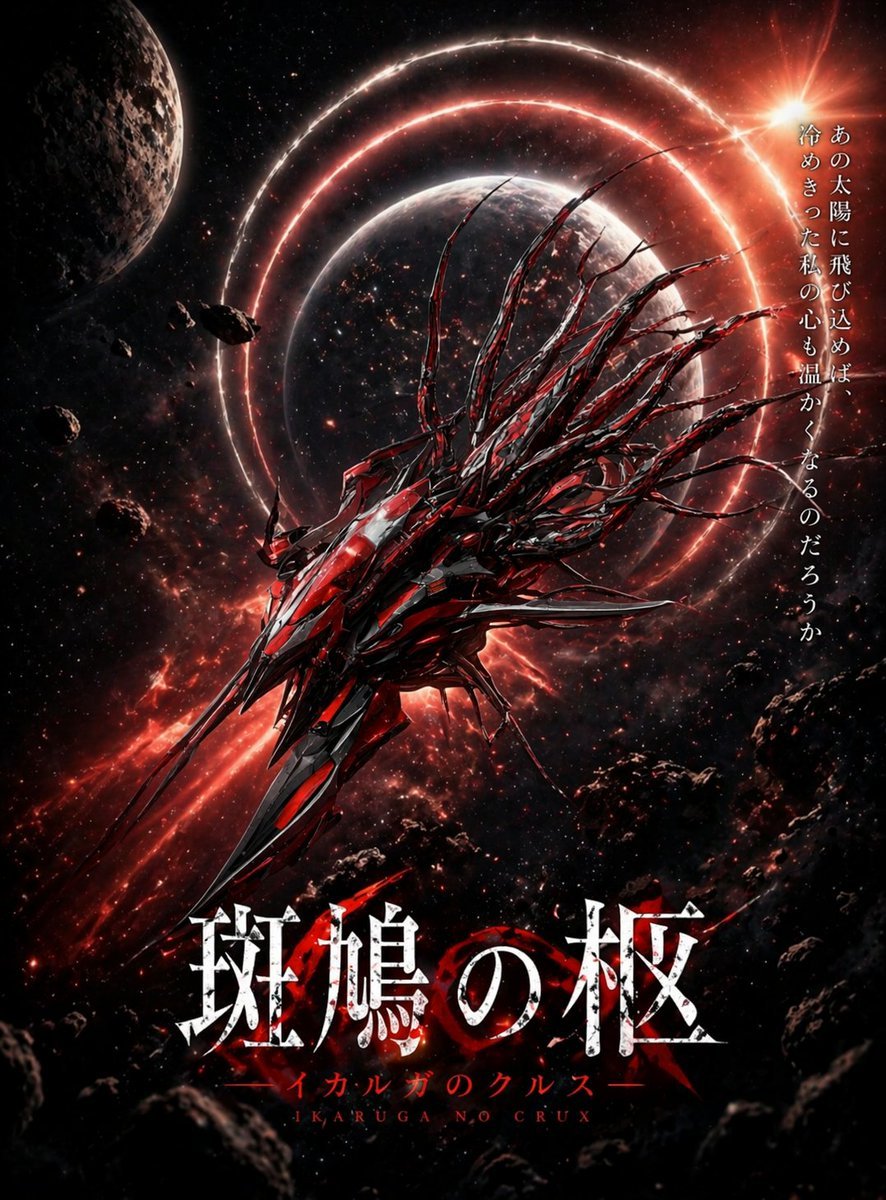
Crimson Space Opera Key Visual

Luxurious Lifestyle Portrait with Maserati and Mansion
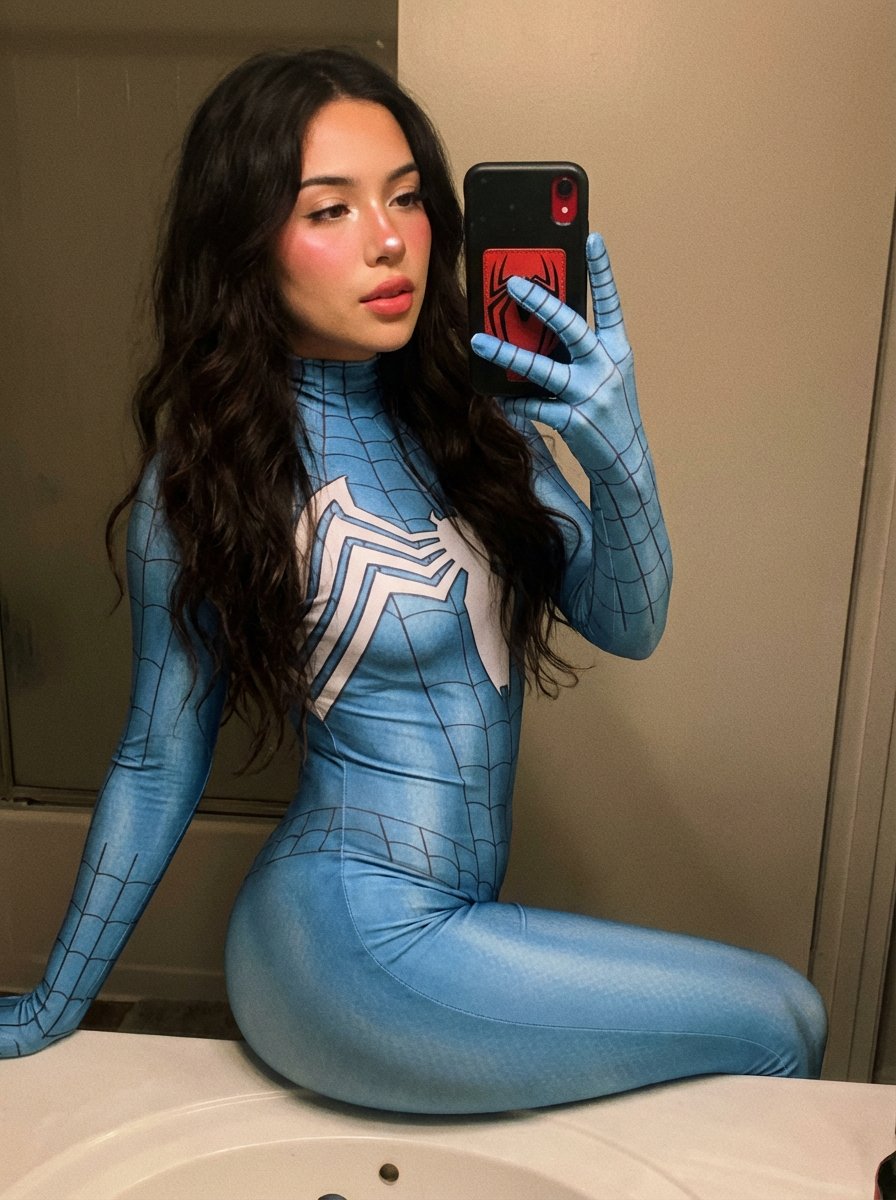
Spider-Woman Symbiote Mirror Selfie Prompt

Cinematic Portrait with Reference Photo

Studio Portrait of a Woman in Varsity Jacket and Splatter Pants
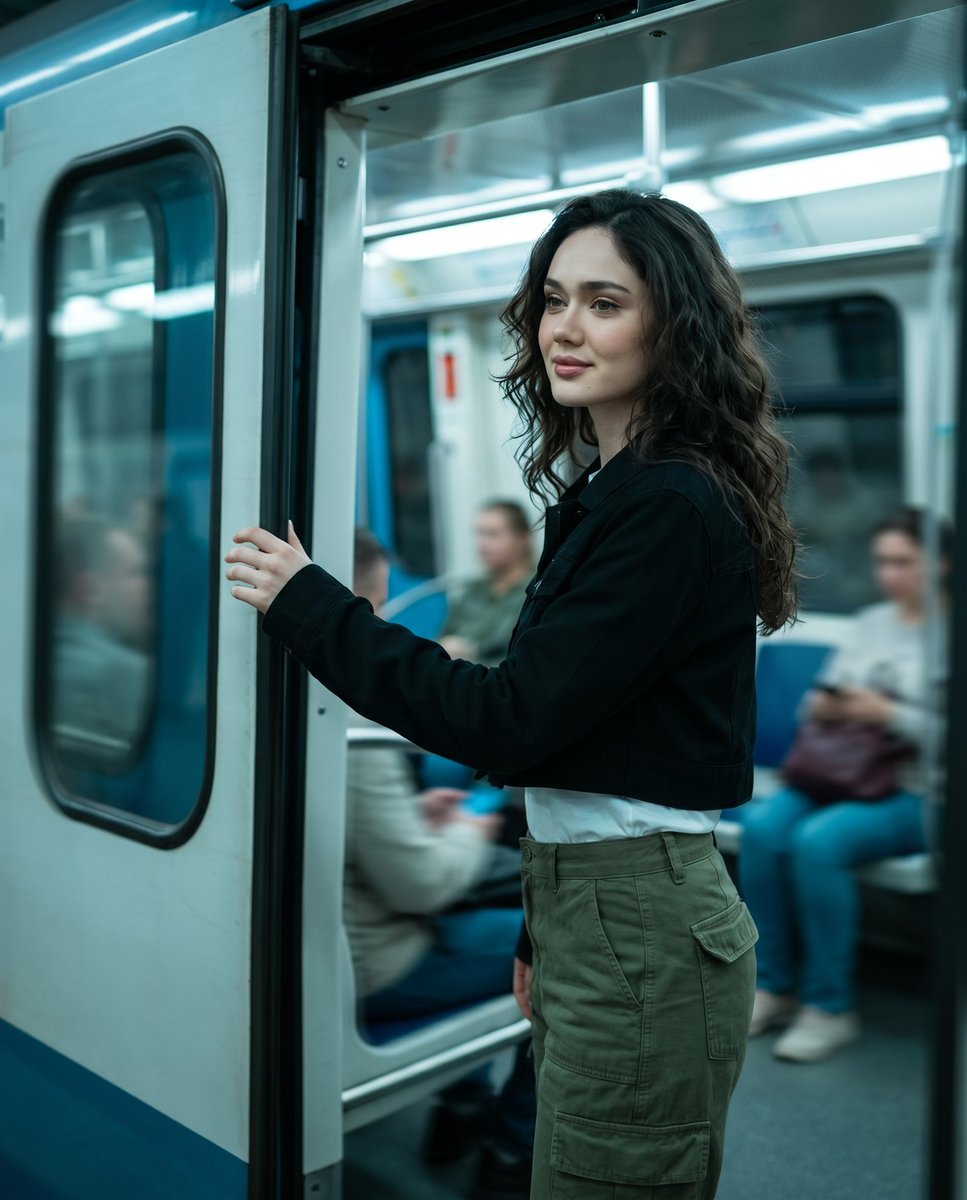
Urban Metro Cinematic Shot
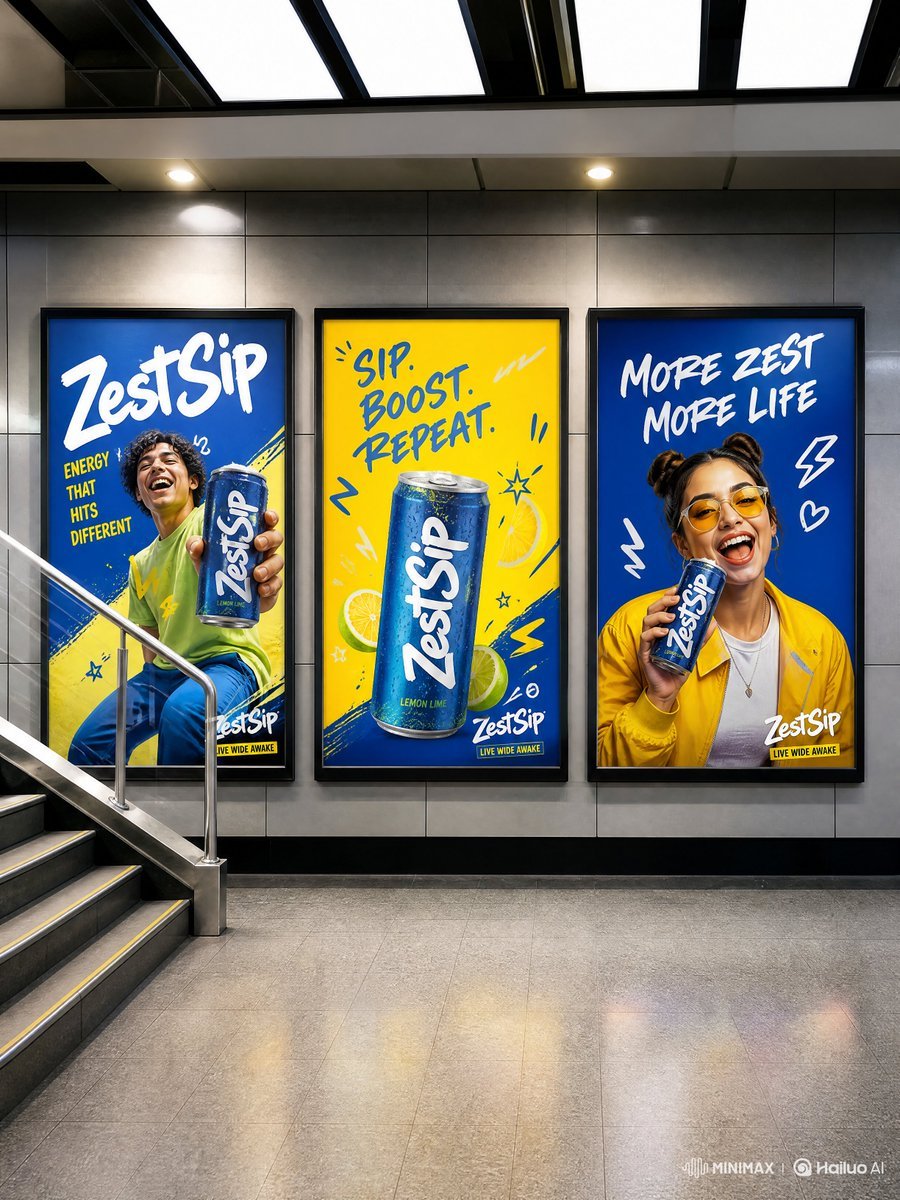
Modern Transit Station Ad Scene
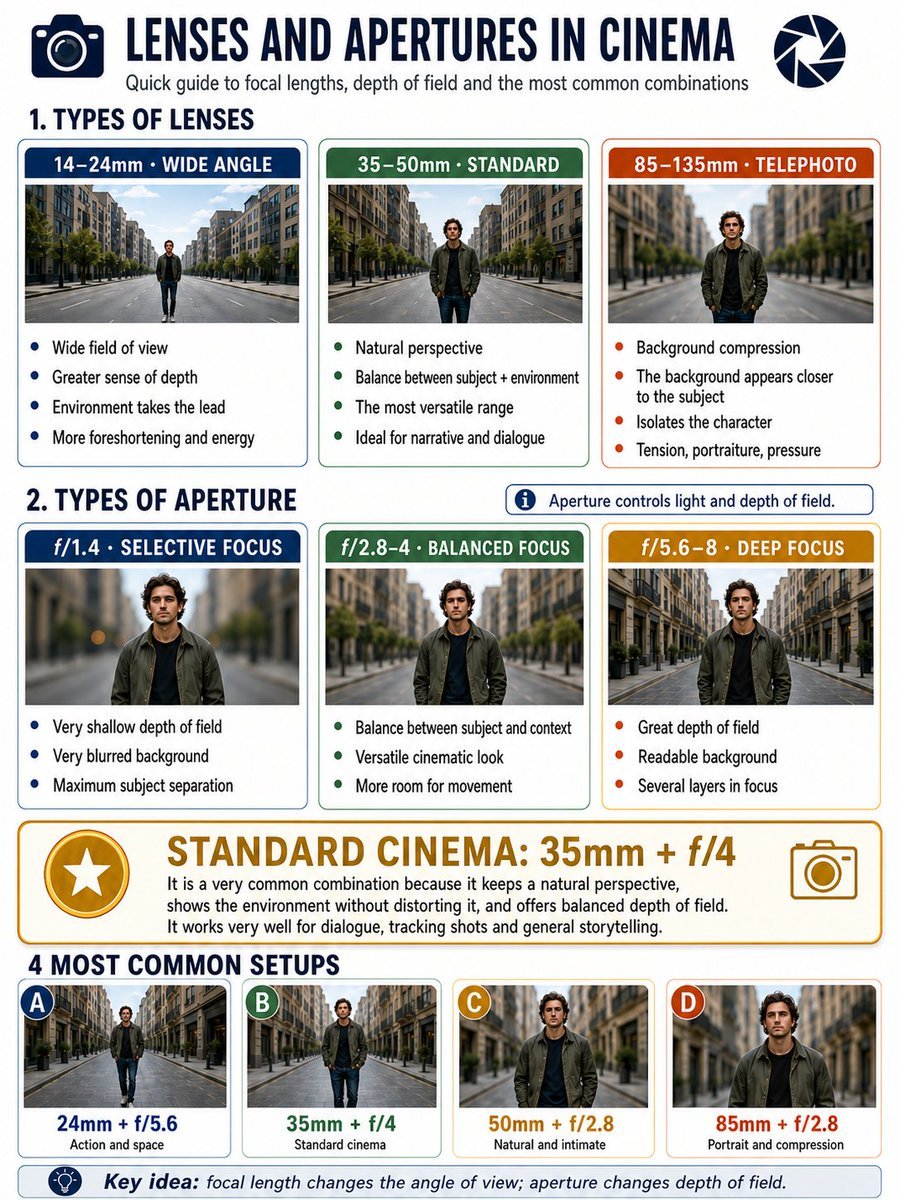
Cinema Lens Infographic Guide
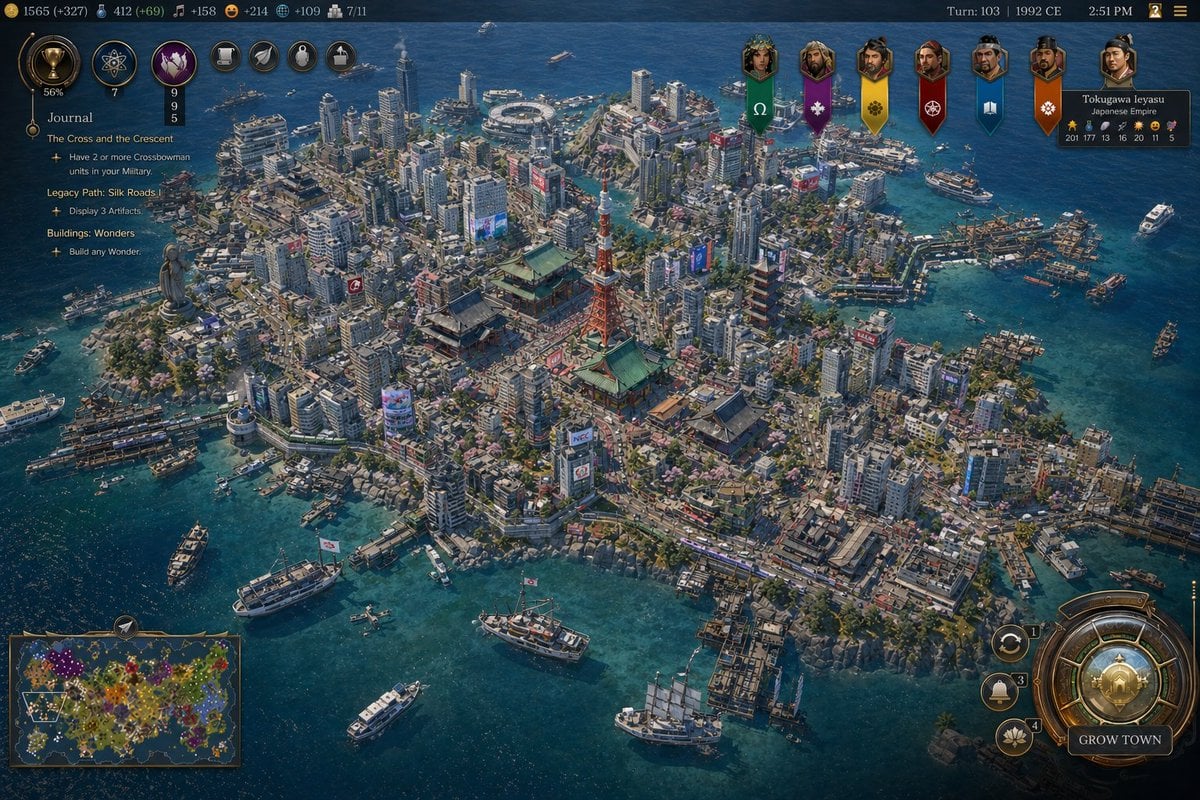
Civilization-Style Tokyo Bay Screenshot

Japanese Ink Illustration Style
Browse template categories
Futuristic Wi-Fi Tanuki Character Sheet questions
How do I use the Futuristic Wi-Fi Tanuki Character Sheet template?
Add your photo if the template asks for one, edit the prompt if you like — the template's model and format are already selected — and press Generate. Your version opens in PicX Studio.
Can I customize the Futuristic Wi-Fi Tanuki Character Sheet template?
Yes. You can change the subject, setting, lighting, mood, format, and available model controls before creating your image.
Is the Futuristic Wi-Fi Tanuki Character Sheet template free?
Opening and editing this template is free. Generating uses credits, shown on the Generate button when you are signed in.
Which AI model should I use?
Start with GPT Image 2, which is the model associated with this template. You can compare another compatible model for a different finish.
Looking for something else? Browse all templates.

Your photo, any look
Thousands of ready templates for every top image and video model, from one credit balance.