
Crimson Space Opera Key Visual
A dark, cinematic sci-fi game poster showing a red-black biomechanical starship against planets, glowing orbital rings, and Japanese title typography, ideal for key visual or cover art generation.
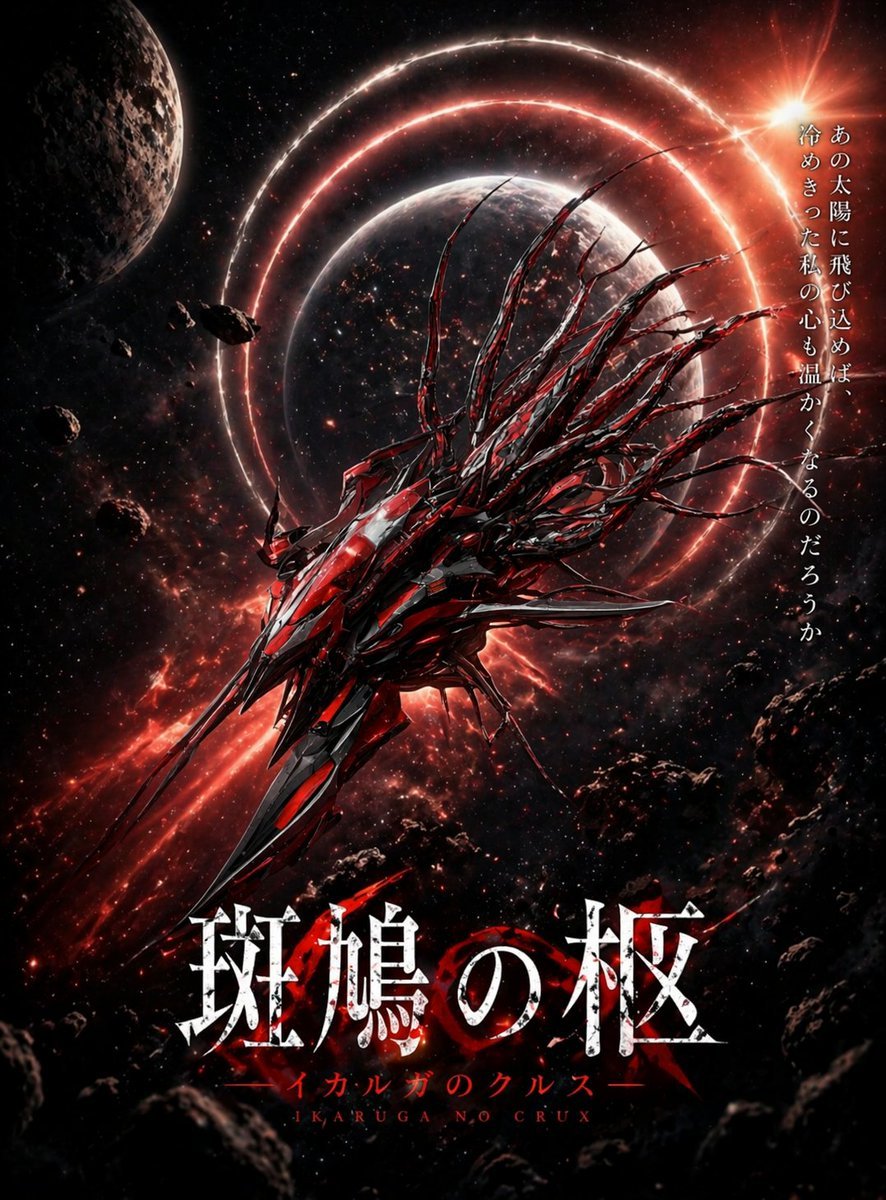
- Prompt included
- Model and format preset
- Free template
The prompt behind this image
Copy the exact prompt behind Crimson Space Opera Key Visual, or open it in the studio and make it yours.
A dramatic vertical sci-fi key visual poster for a dark space opera game, featuring a single colossal alien-mechanical spacecraft centered slightly low in the frame, angled diagonally from lower left toward upper right as if surging forward through space. The ship is razor-sharp, asymmetrical, and aggressively organic, built from layered black metal and glowing crimson-red armor plates, with a long spear-like prow, many jagged fins, and about 12 to 16 whip-like tendrils or spines streaming backward from its upper rear like biomechanical hair. Behind it floats a large shadowed planet at center, encircled by 3 luminous red orbital rings that create a halo effect. At upper left, include 1 cratered moon or planet partially cropped by the frame. Scatter multiple dark asteroids and rocky debris across the foreground and edges, especially lower right and lower left, to create depth. The background is a dense starfield with red nebula clouds and streaks of fiery cosmic dust. In the upper right, place a blazing orange-white sun flare breaking into the scene, casting hot rim light across the ship and rings. Use a high-contrast palette of black, deep crimson, ember red, and white highlights, with glossy metallic reflections and a grim, apocalyptic mood. Add vertical Japanese tagline text on the right side in white Mincho-style serif characters: 「あの太陽に飛び込めば 冷めきった私の心も温かくなるのだろうか」. At the bottom center, add the main title in very large distressed white Japanese serif characters with cracked texture and subtle red glow: 「斑鳩の柩」. Beneath it, add 1 line of smaller red katakana subtitle text: 「イカルガのクルスー」, and beneath that 1 line of small Roman letters in red: "IKARUGA NO CRUX". Make it look like premium anime game key art, cinematic poster composition, ultra-detailed, sharp focus, dynamic lighting, epic scale, ominous and beautiful.
How to use Crimson Space Opera Key Visual in 3 steps
- 1Upload ImagePNG, JPG or paste
Add your photo
Upload the photo the template builds on. The prompt, model and format are already set.
- 2…a portrait of your subject in softgolden-hour light, 85mm…
Personalize
Edit the subject and creative details for your destination.
- 3Generate
Generate
Press Generate — your image is created in PicX Studio, so you can compare it with the original and refine one variable at a time.
More like this
Templates with the same subject, style or setup. Open one to see its prompt.

Beverage Campaign Key Visual

Anime Classroom Losing Heroines Key Visual

Anime Losing Heroines Classroom Key Visual

Anime School Rom-Com Key Visual

Miniature Travel Diorama Postcard
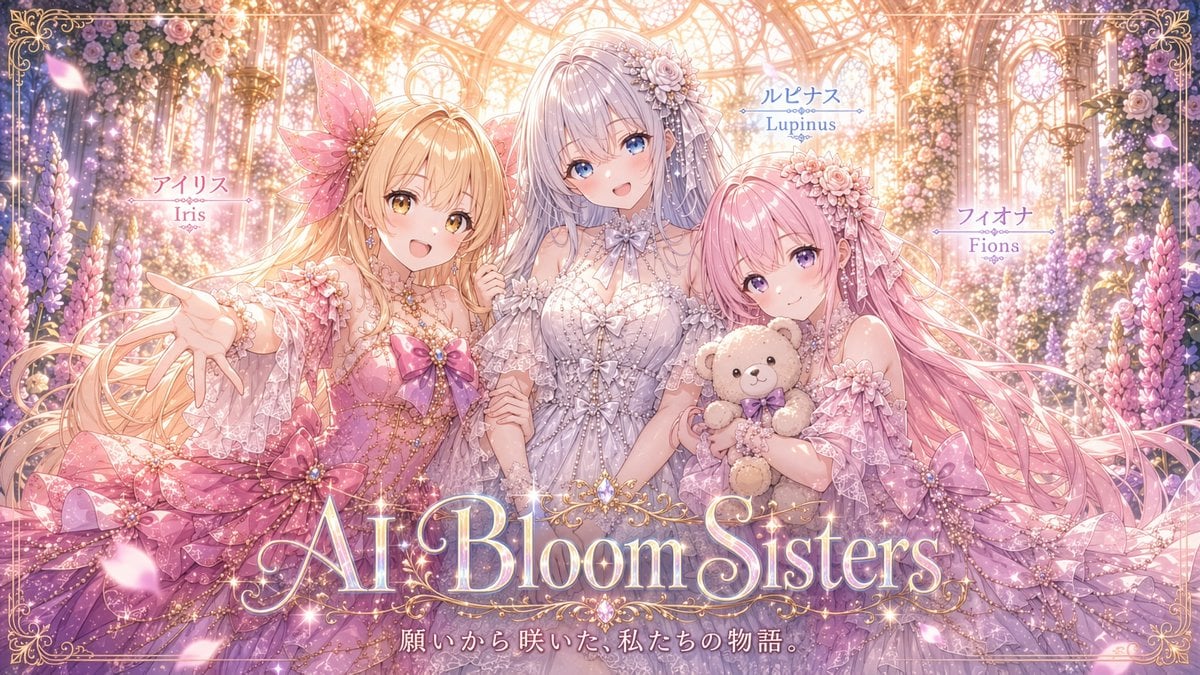
AI Bloom Sisters Anime Key Visual
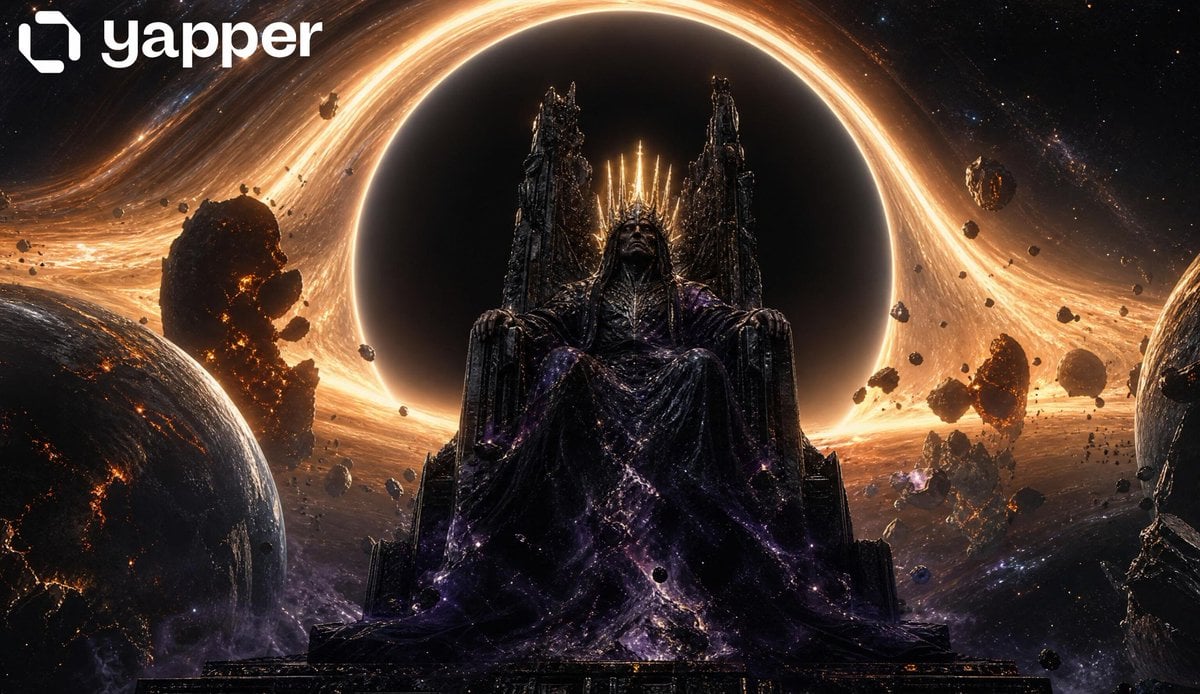
Cosmic Space Opera Dark Emperor

Astronaut Zero-Gravity Coffee Splash
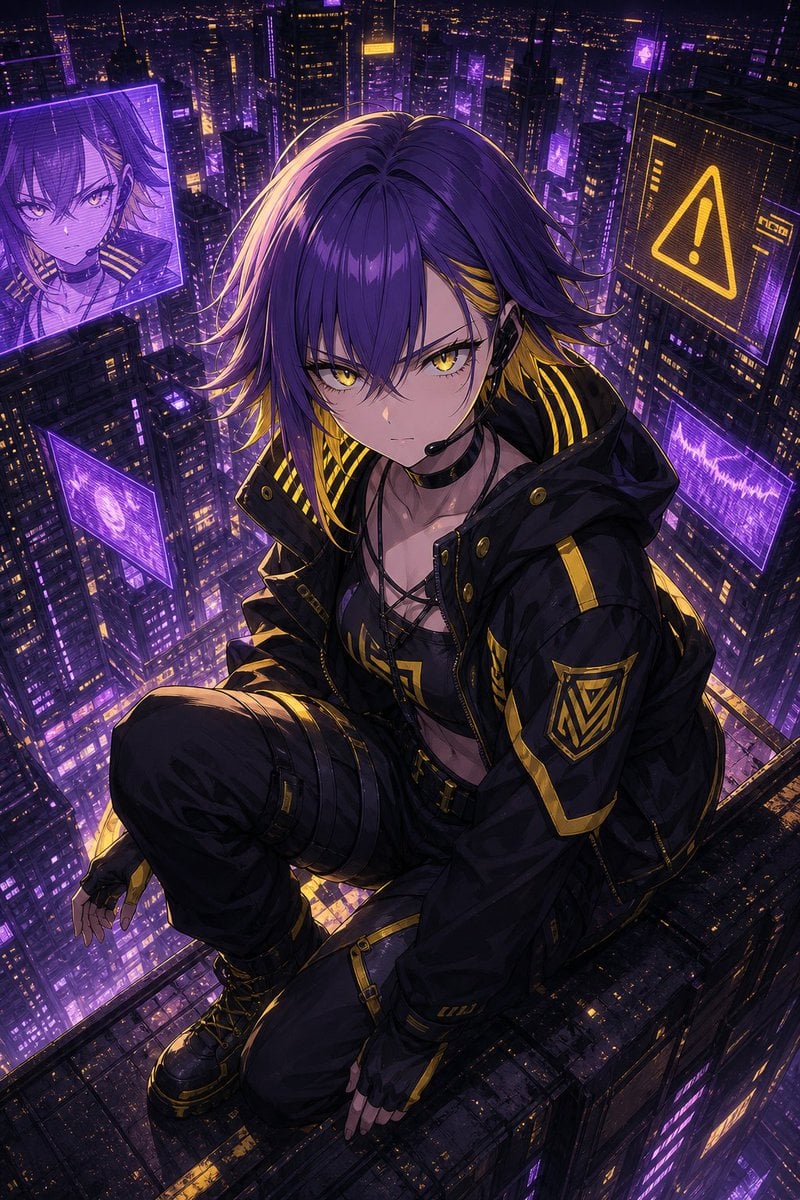
Cyberpunk Anime Rooftop Key Visual
Shadow Sync Anime Key Visual
Fantasy Anime Key Visual Prompt
Boxed Figure to Anime Key Visual
Make it yours
Crimson Space Opera Key Visual works as-is. These are the safest ways to change it without losing the look.
Change one field
Copy a single group, rewrite it, and generate again so you can see what that field is doing.
Keep the frame, change the subject
Hold the composition and light of Crimson Space Opera Key Visual, then swap wardrobe, props or the person for a new take.
| If the result… | Why | Fix |
|---|---|---|
| The result drifts from the preview | Too many fields changed at once. | Reuse Crimson Space Opera Key Visual as-is first, then change one group — subject, light, or setting. |
| The model over-stylizes the scene | The prose prompt leaves finish and camera underspecified. | Add one camera or lighting sentence and stay on GPT Image 2. |
More GPT Image 2 templates
Other prompts made for GPT Image 2.

Six VTuber Japanese Logo Sheet

Realistic Portrait of Woman and Deer

The Vista Modular Condo Poster

AI Model Routing Comparison Infographic

2.5D Anime Art Board

Isometric Productivity Desk Scene

New York Double Exposure Poster

Four-Panel AI Landscape Comparison

Japanese Tatami Lifestyle Magazine Cover

NESCAFÉ Coffee Map Poster
More image prompts
Fresh picks from across the catalog.
Cinematic sports fashion collage prompt
Next-Gen Voxel Game Screenshot
Moody Rainy Cafe 3x3 Photo Grid
Candid Mirror Selfie Prompt for Image Generation
Stylized Anime Streetwear Poster
Red-Haired Woman Cinematic Close-Up Portraits
Cinematic Street Portrait with Motion Blur
Anime Sunset Film Poster
Cinematic Late-Night Portrait
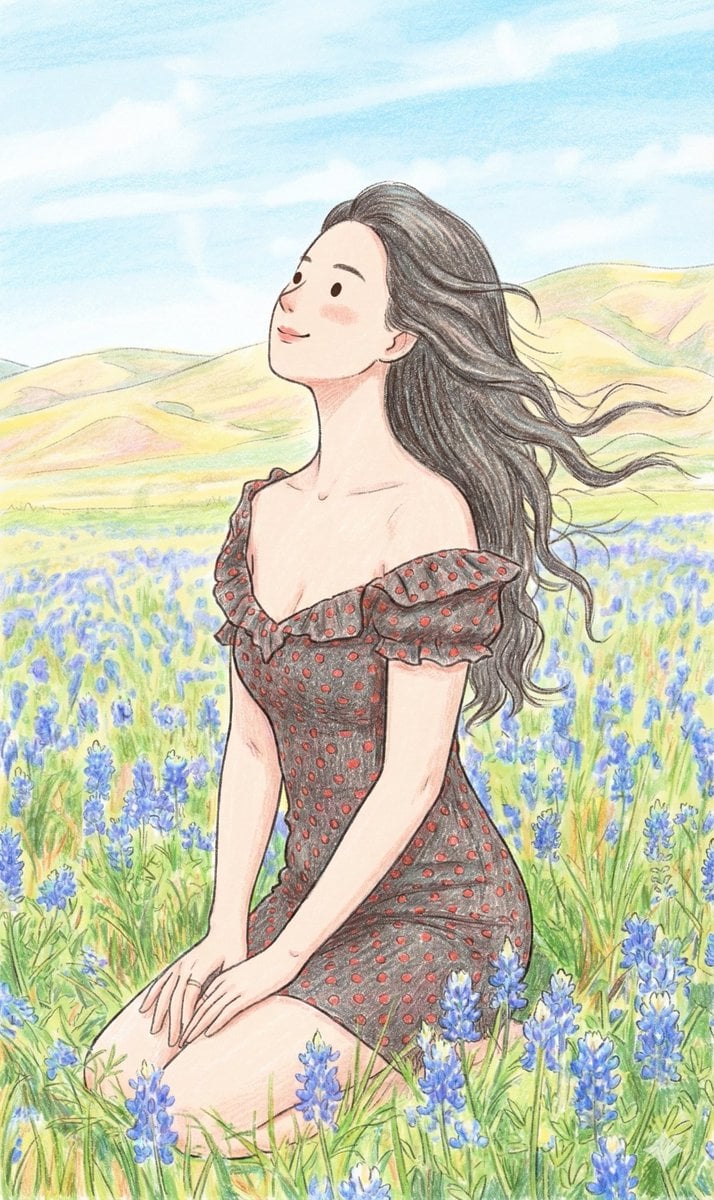
Nano Banana Prompt: Cozy Storybook Illustration Style
Browse template categories
Crimson Space Opera Key Visual questions
How do I use the Crimson Space Opera Key Visual template?
Add your photo if the template asks for one, edit the prompt if you like — the template's model and format are already selected — and press Generate. Your version opens in PicX Studio.
Can I customize the Crimson Space Opera Key Visual template?
Yes. You can change the subject, setting, lighting, mood, format, and available model controls before creating your image.
Is the Crimson Space Opera Key Visual template free?
Opening and editing this template is free. Generating uses credits, shown on the Generate button when you are signed in.
Which AI model should I use?
Start with GPT Image 2, which is the model associated with this template. You can compare another compatible model for a different finish.
Looking for something else? Browse all templates.

Your photo, any look
Thousands of ready templates for every top image and video model, from one credit balance.