
Stylized Anime Streetwear Poster
A detailed framework for generating high-contrast character posters that combine anime aesthetics with modern techwear and street style elements.
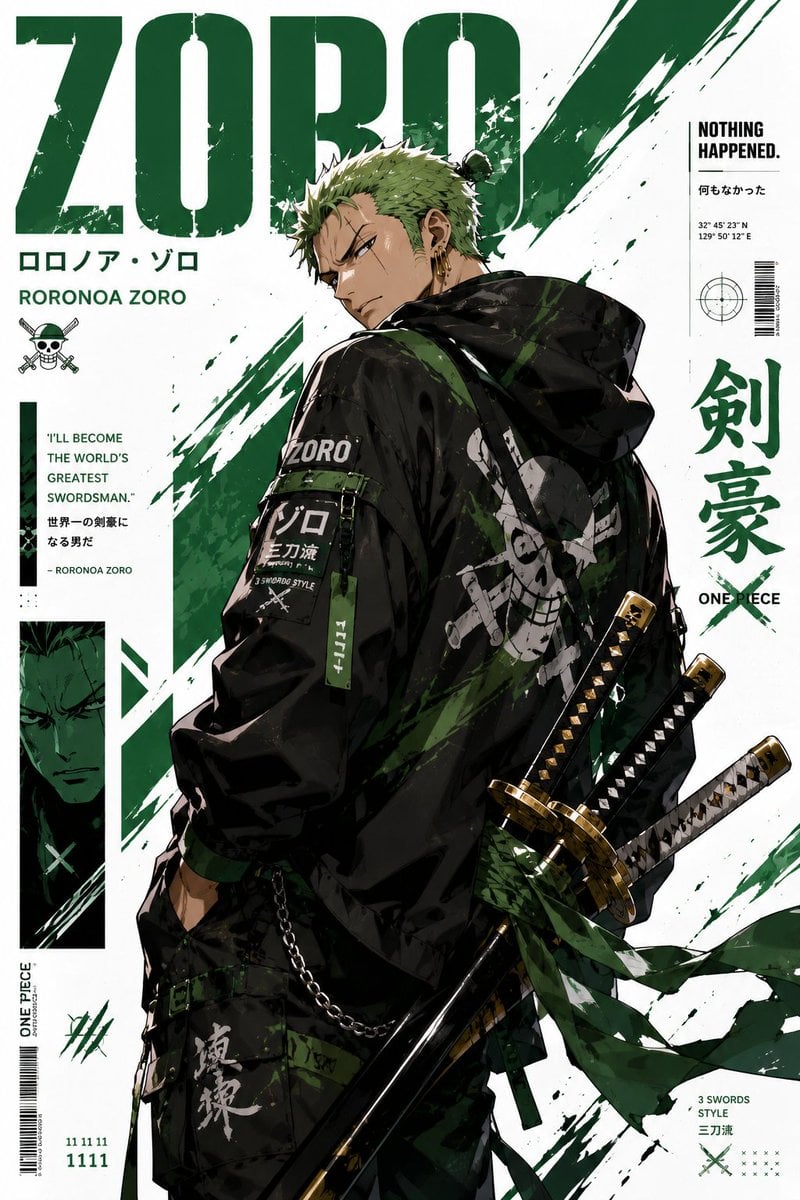
- Prompt included
- Model and format preset
- Free template
The prompt behind this image
Copy the exact prompt behind Stylized Anime Streetwear Poster, or open it in the studio and make it yours.
Create a stylized illustration of {argument name="character name" default="the protagonist"} from {argument name="franchise" default="the original series"}. Character Analysis: Derive the character’s core personality archetype based on canon portrayal (e.g., heroic, calm, mysterious, aggressive). Identify the signature color from the original design and use it as the primary visual accent. Pose & Body Language: Generate an iconic pose that reflects the personality archetype: Energetic / Heroic: dynamic action, wide stance, explosive movement Calm / Confident: balanced, relaxed posture, minimal motion Dark / Mysterious: low stance, subtle movement, sharp or hidden gaze Aggressive / Intense: forward-leaning attack stance, visible tension, clenched fists Facial Expression: Match expression precisely to the character’s personality and emotional tone. Art Style: Anime × streetwear × graphic poster hybrid Clean lineart, semi-flat shading, high contrast Modern, minimal, and visually striking Composition: Vertical format ({argument name="aspect ratio" default="9:16"}) Off-center subject placement Strong diagonal visual flow Layered depth for a dynamic poster feel Outfit Design: Reimagine the original costume as modern streetwear / techwear Preserve recognizable identity elements of the character Color Palette: Dominant clean white background Use signature color as the primary accent Add one secondary accent (complementary or analogous tone) Keep palette minimal, bold, and high-contrast Background: Abstract geometric poster layout Use negative space effectively Integrate subtle accents using the character’s color theme Effects: Energy strokes, paint lines, and motion accents Effects should follow the character’s energy and color identity Lighting: Sharp directional lighting Crisp shadows Subtle glow using the signature color Rendering Quality: Ultra-clean vector-style finish Poster-quality composition 4K resolution, high detail
How to use Stylized Anime Streetwear Poster in 3 steps
- 1
Open
The prompt is already in the box next to the preview, with the template's model and format selected.
- 2…a portrait of your subject in softgolden-hour light, 85mm…
Personalize
Edit the subject and creative details for your destination.
- 3Generate
Generate
Press Generate — your image is created in PicX Studio, so you can compare it with the original and refine one variable at a time.
More like this
Templates with the same subject, style or setup. Open one to see its prompt.
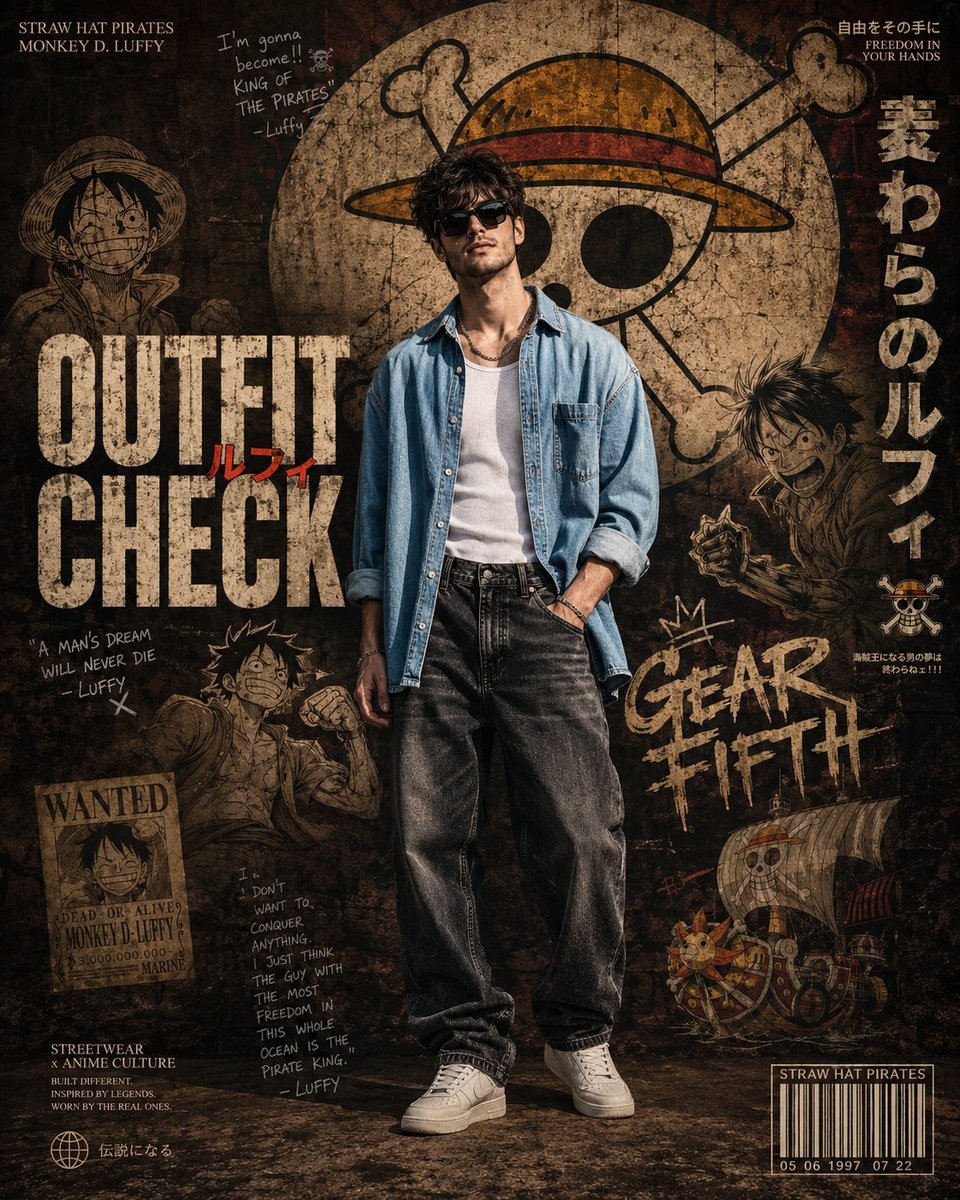
Anime Streetwear Poster Design

Gpt2 Product Marketing Streetwear Sneaker Poster Ad

Gpt2 Youtube Thumbnail Anime Music Bootcamp Promo Poster

1988 Mall Style

Japan Travel Brochure Poster
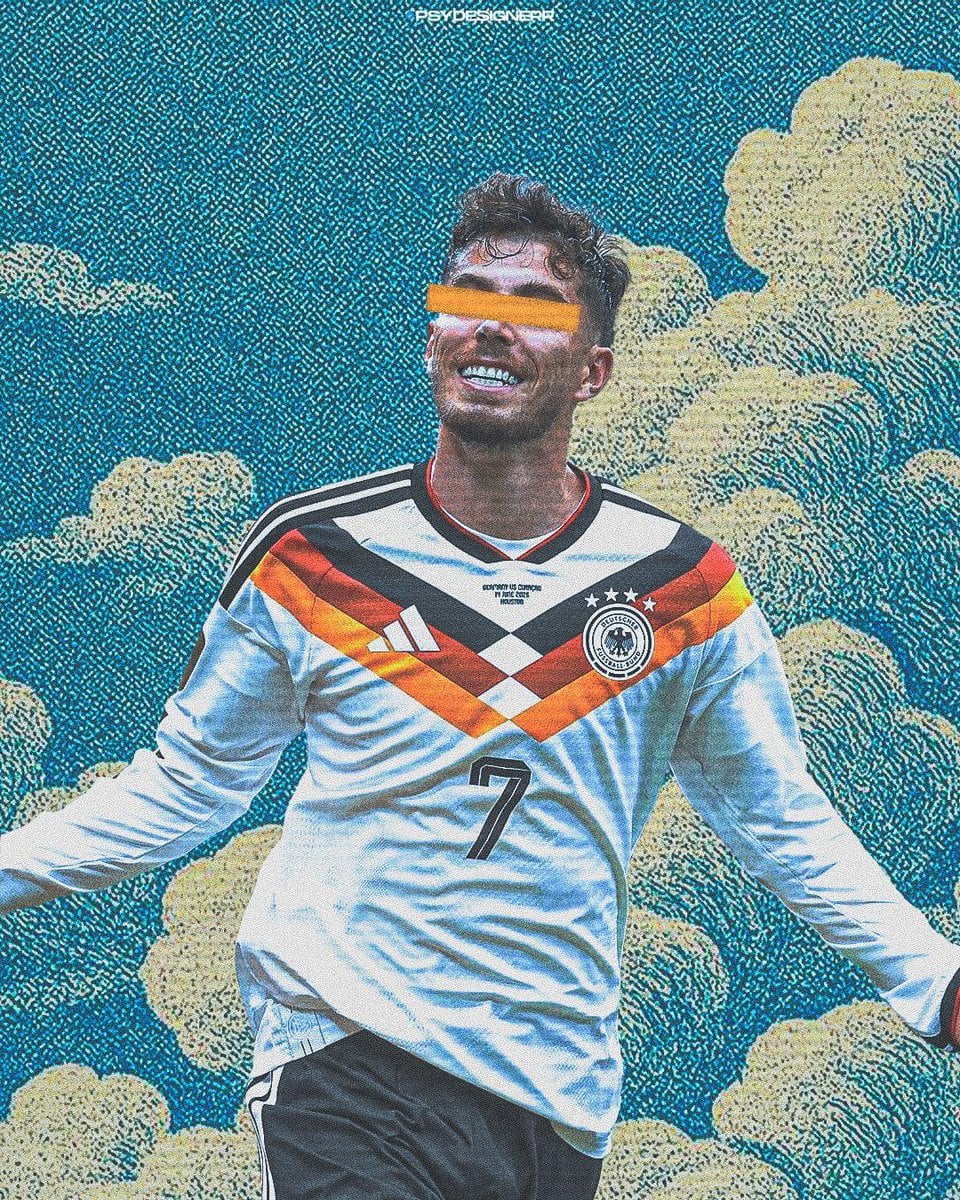
Cinematic Stylized Football Poster

Nice Day Anime Poster
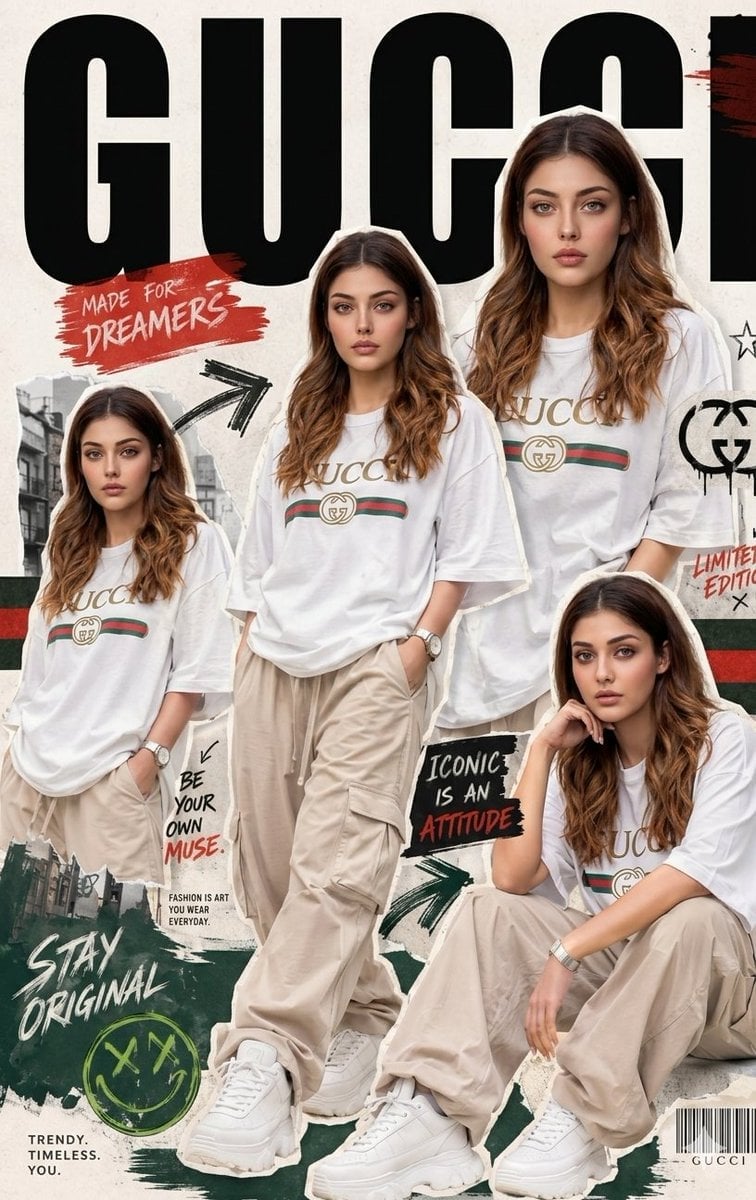
Urban Streetwear Fashion Collage Poster
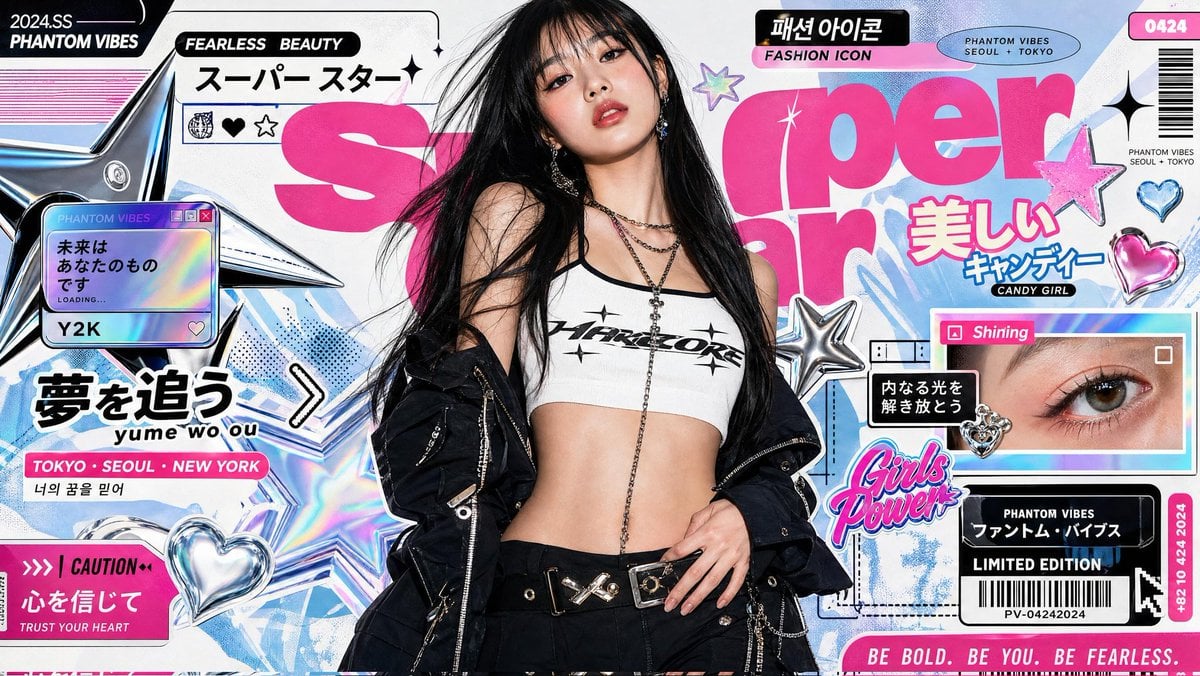
Ultra-Stylized K-Fashion Magazine Poster
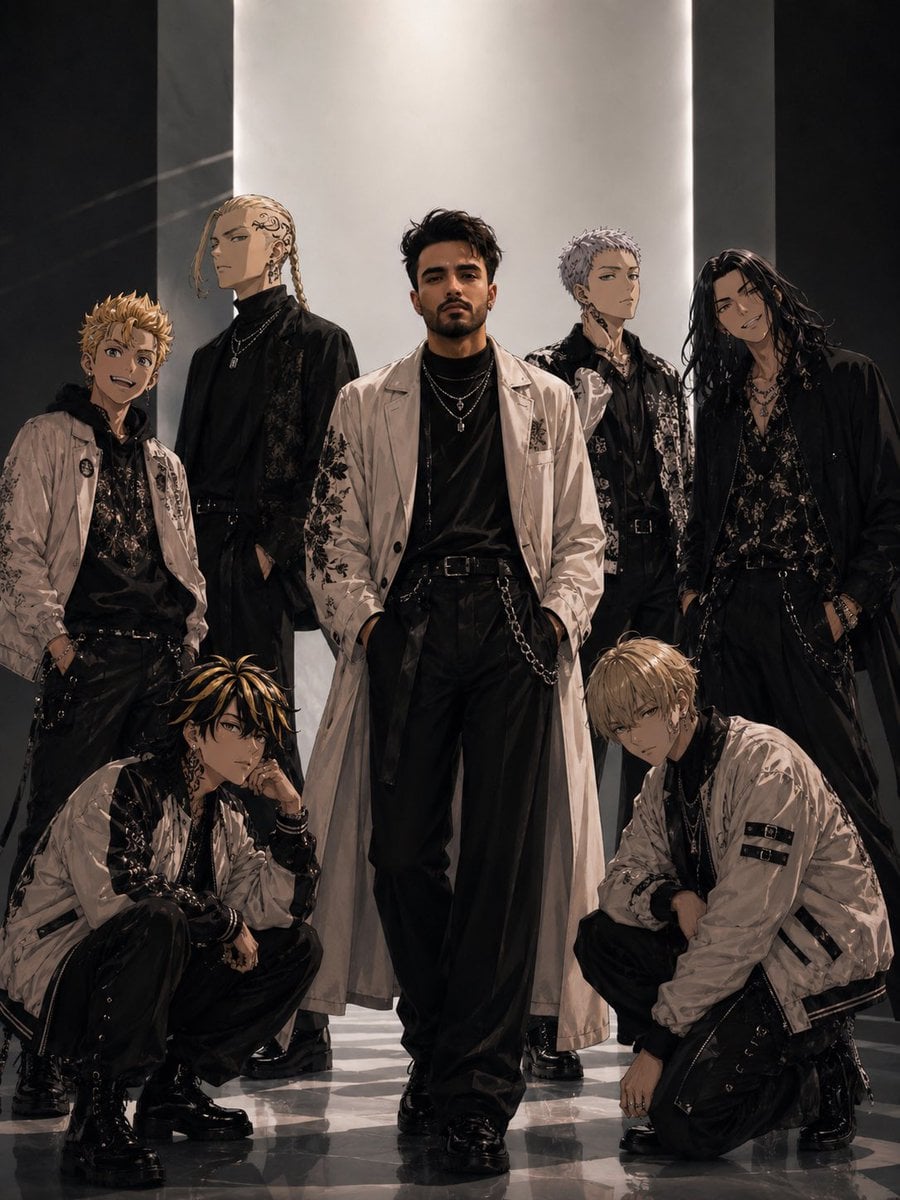
Tokyo Streetwear Anime Leader Portrait

Pixel Limited Finale Fireworks

Pixel Limited Garden Maze
Make it yours
Stylized Anime Streetwear Poster works as-is. These are the safest ways to change it without losing the look.
Change one field
Copy a single group, rewrite it, and generate again so you can see what that field is doing.
Keep the frame, change the subject
Hold the composition and light of Stylized Anime Streetwear Poster, then swap wardrobe, props or the person for a new take.
| If the result… | Why | Fix |
|---|---|---|
| The result drifts from the preview | Too many fields changed at once. | Reuse Stylized Anime Streetwear Poster as-is first, then change one group — subject, light, or setting. |
| The model over-stylizes the scene | The prose prompt leaves finish and camera underspecified. | Add one camera or lighting sentence and stay on GPT Image 2. |
More GPT Image 2 templates
Other prompts made for GPT Image 2.

Six VTuber Japanese Logo Sheet

Realistic Portrait of Woman and Deer

The Vista Modular Condo Poster

AI Model Routing Comparison Infographic

2.5D Anime Art Board

Isometric Productivity Desk Scene

New York Double Exposure Poster

Four-Panel AI Landscape Comparison

Japanese Tatami Lifestyle Magazine Cover

NESCAFÉ Coffee Map Poster
More image prompts
Fresh picks from across the catalog.
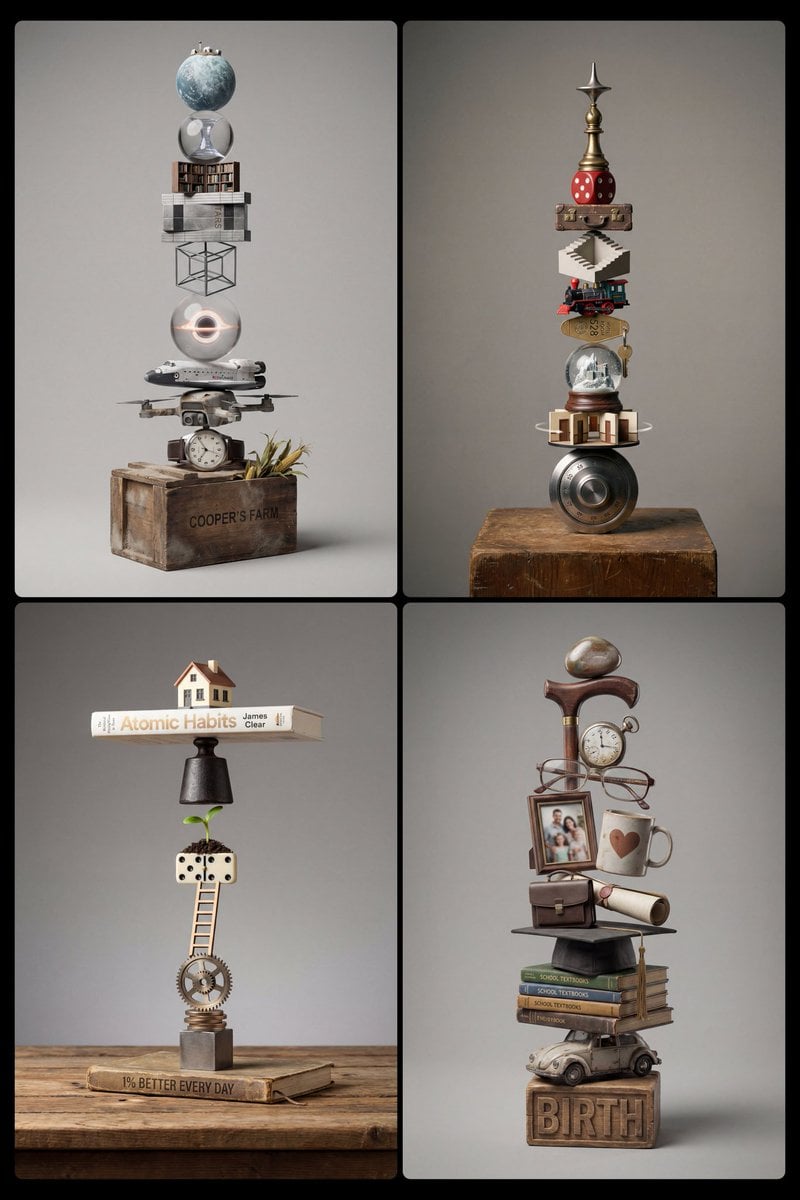
Stacked Objects Symbolizing a Concept
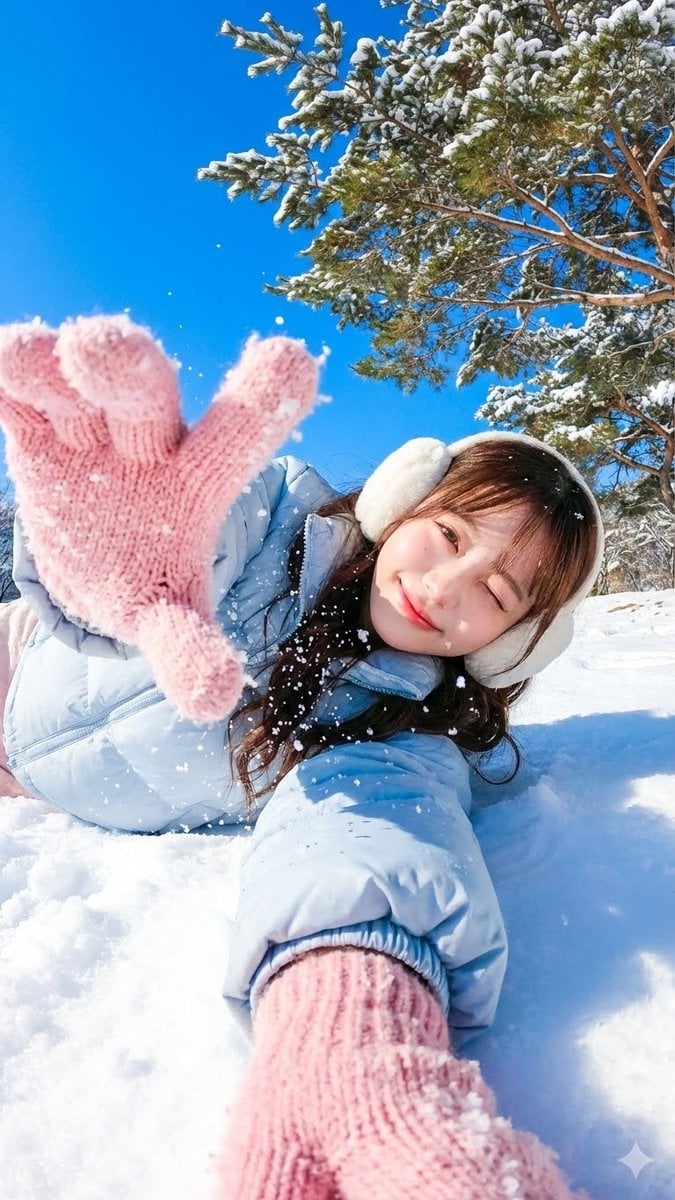
Dynamic First-Person Perspective Photo in Snow
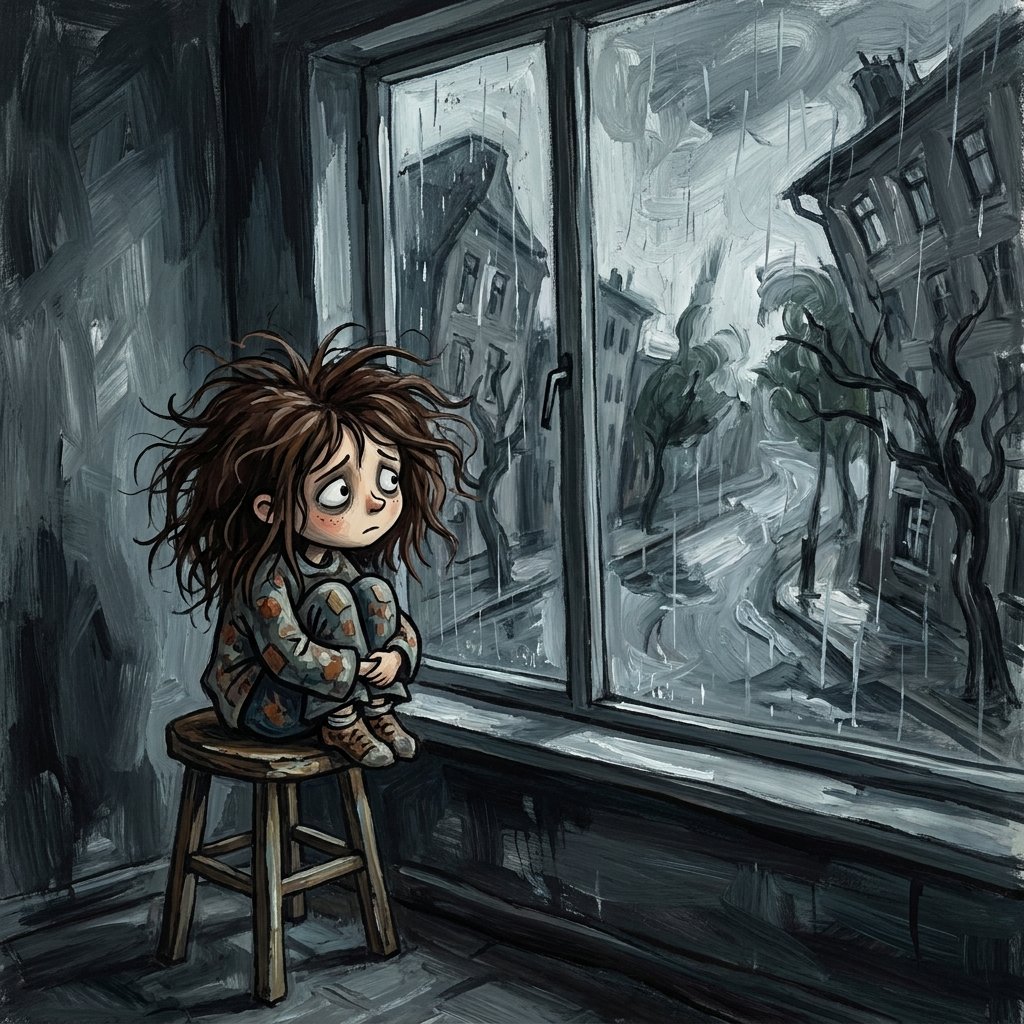
Sad Child by Rainy Window
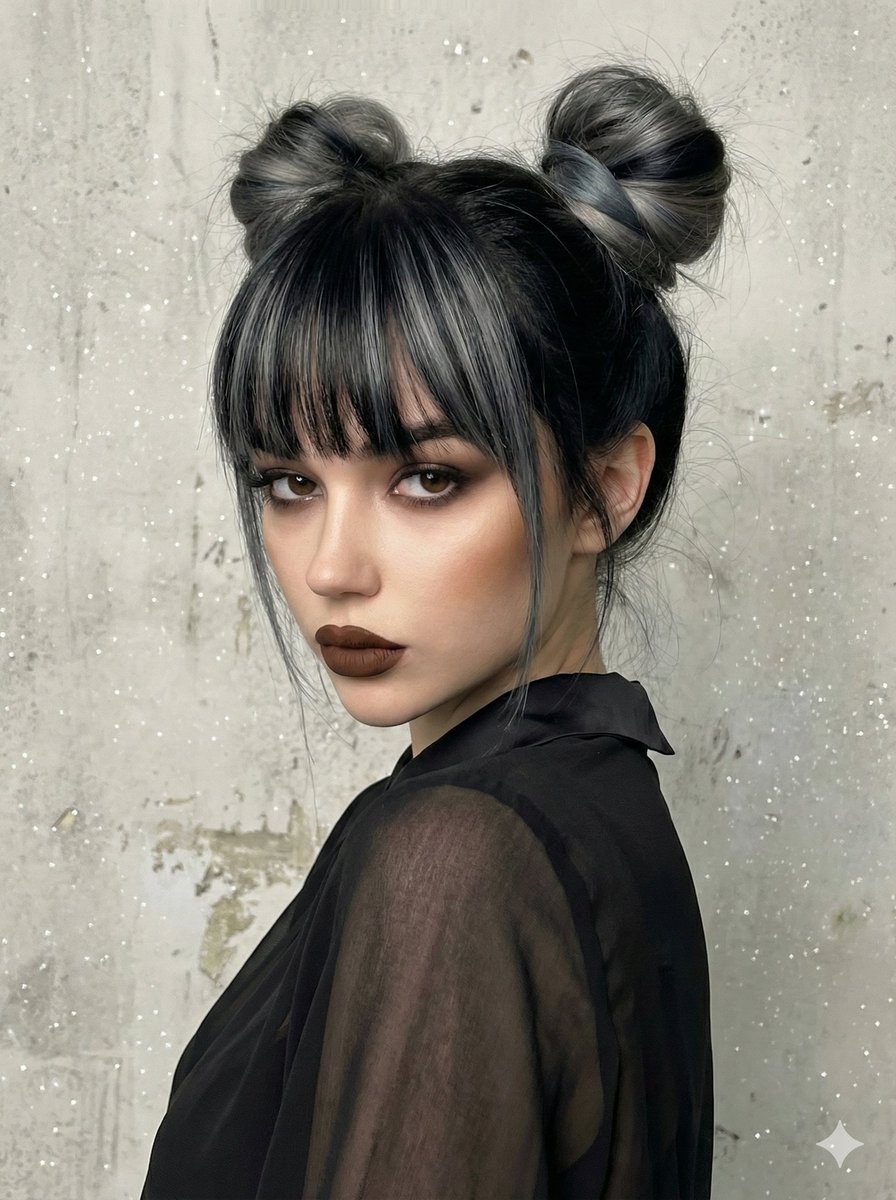
Studio Portrait with Space Buns and Glitter Overlay
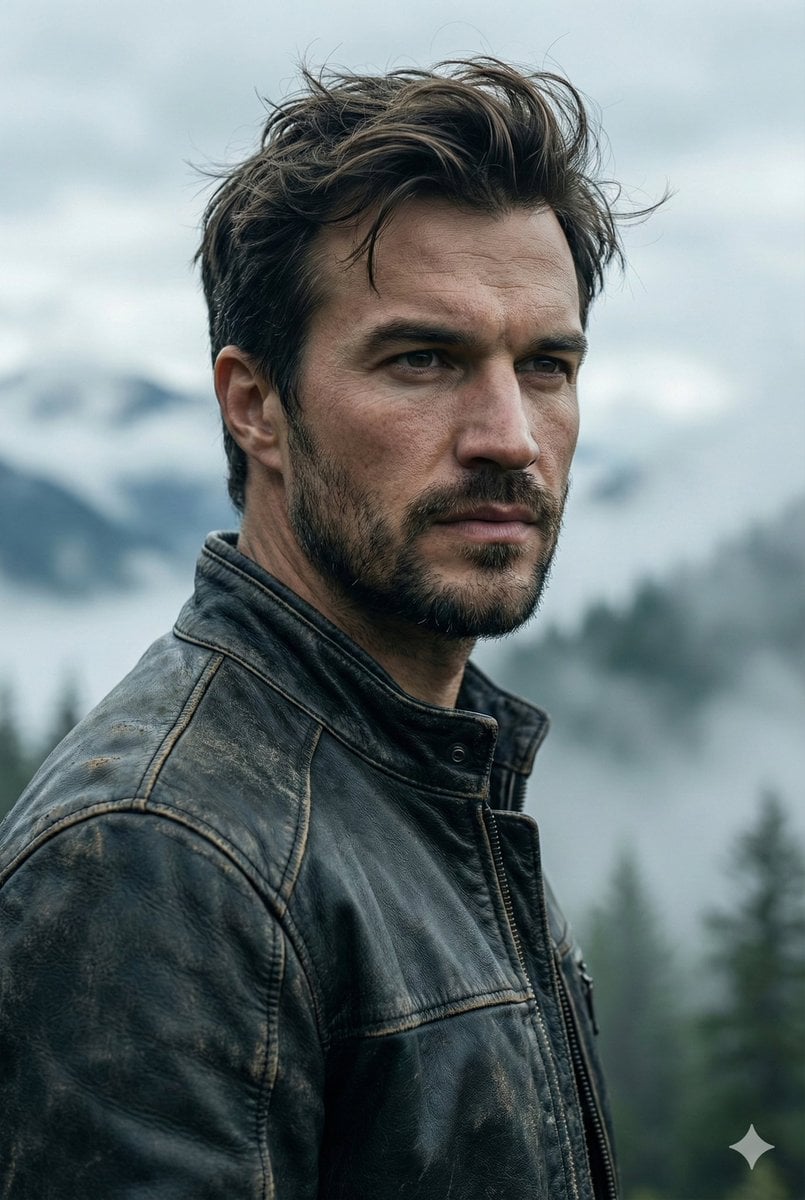
Cinematic Portrait Prompt for Outdoor Expedition Vibe
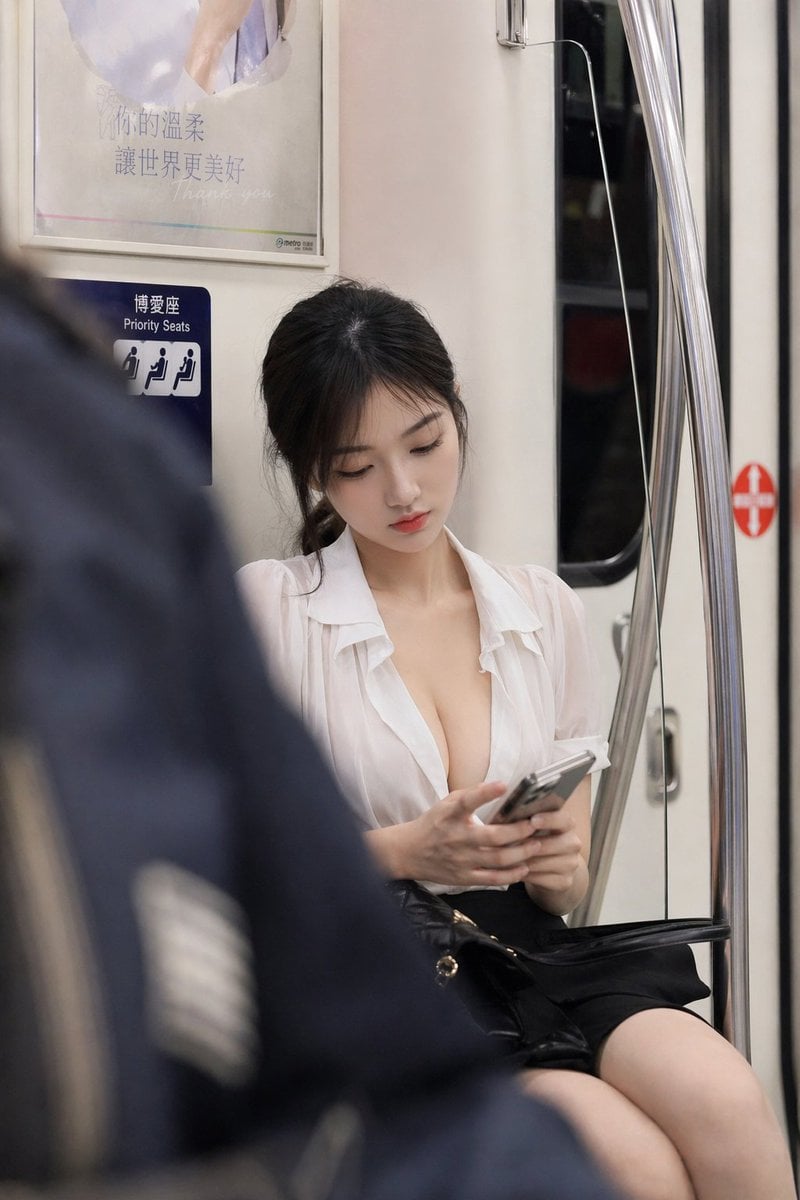
Reference-Based Character Portrait Prompt
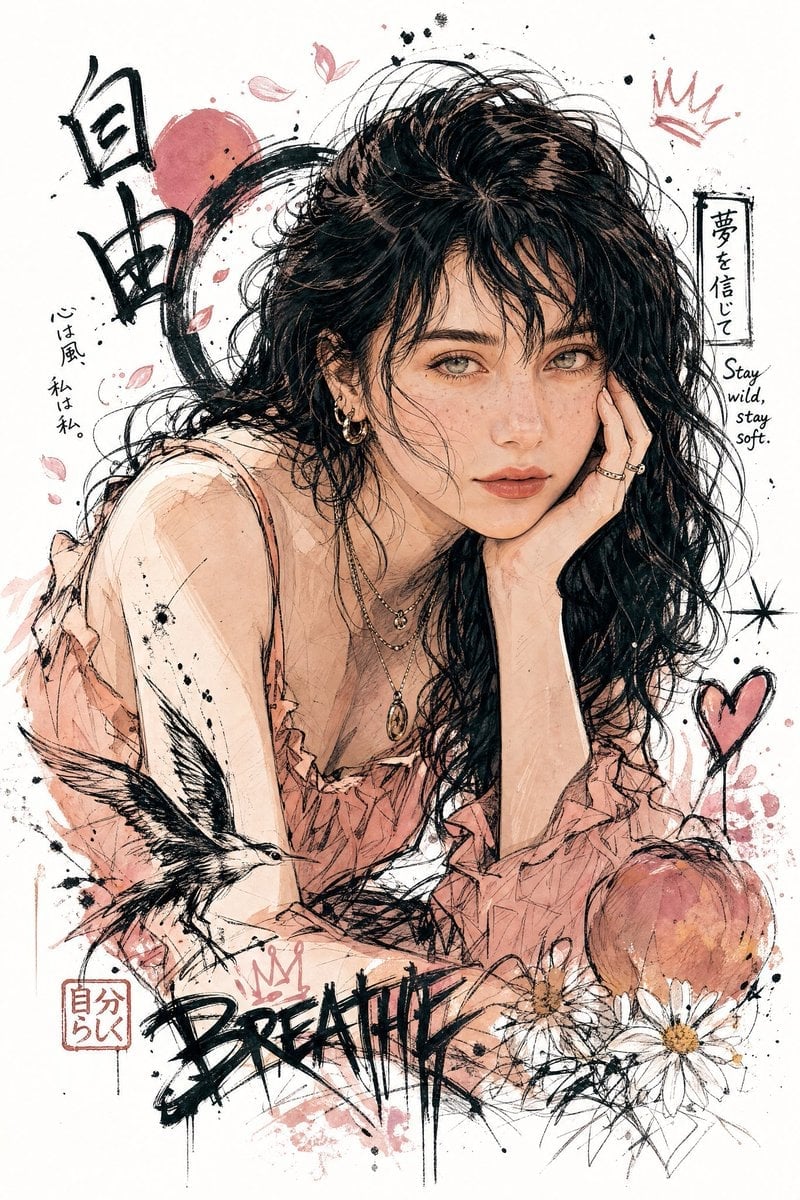
Japanese Graffiti Style Illustration
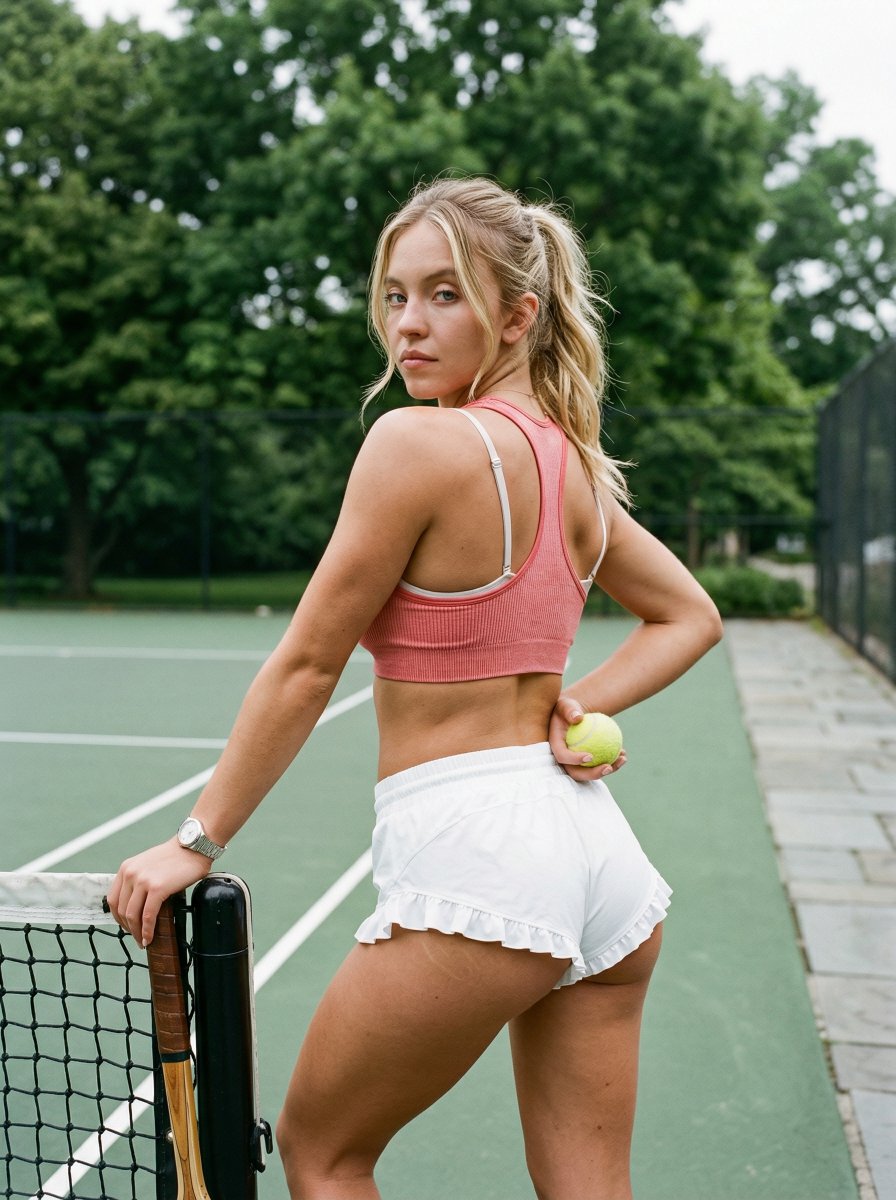
Curvy Woman Tennis Court Portrait
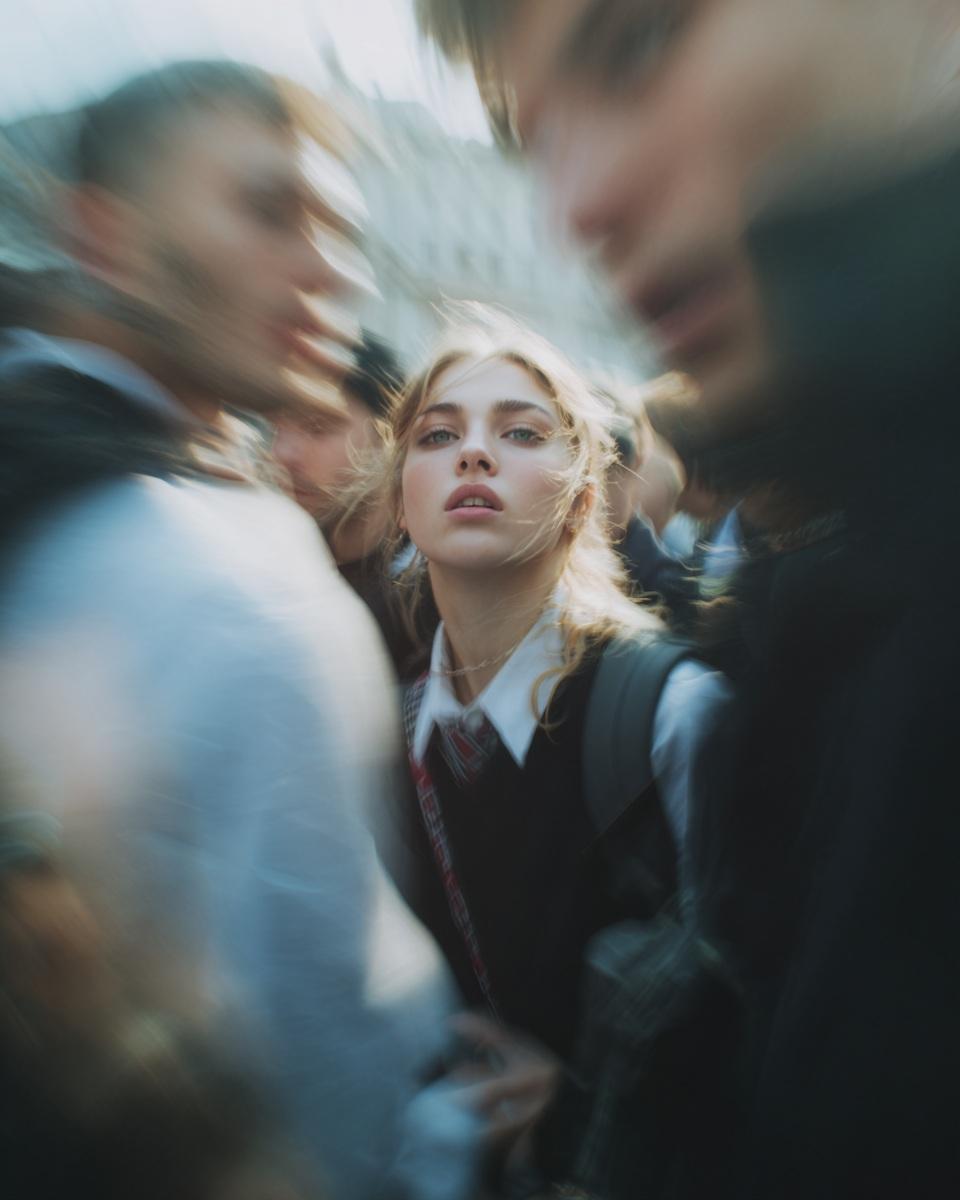
Paparazzi-Style Candid Photo Prompt

Regal Morning Portrait in a European Villa Prompt
Browse template categories
Stylized Anime Streetwear Poster questions
How do I use the Stylized Anime Streetwear Poster template?
Add your photo if the template asks for one, edit the prompt if you like — the template's model and format are already selected — and press Generate. Your version opens in PicX Studio.
Can I customize the Stylized Anime Streetwear Poster template?
Yes. You can change the subject, setting, lighting, mood, format, and available model controls before creating your image.
Is the Stylized Anime Streetwear Poster template free?
Opening and editing this template is free. Generating uses credits, shown on the Generate button when you are signed in.
Which AI model should I use?
Start with GPT Image 2, which is the model associated with this template. You can compare another compatible model for a different finish.
Looking for something else? Browse all templates.

Your photo, any look
Thousands of ready templates for every top image and video model, from one credit balance.