
Cinematic Stylized Football Poster
A high-contrast, editorial-style sports poster featuring a monochrome athlete with vibrant team color accents and gritty textures.
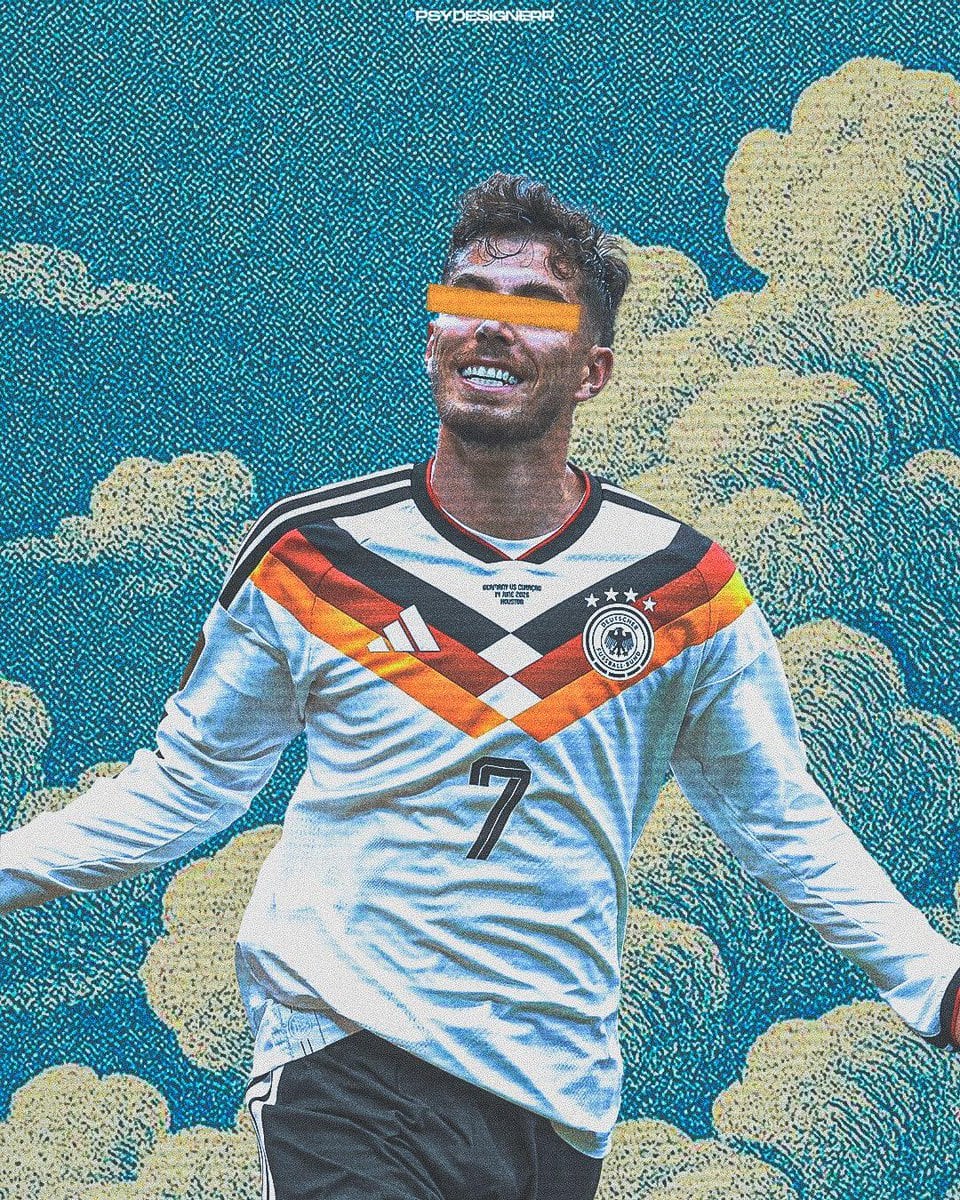
- Prompt included
- Model and format preset
- Free template
The prompt behind this image
Copy the exact prompt behind Cinematic Stylized Football Poster, or open it in the studio and make it yours.
Ultra-stylized {argument name="sport" default="football"} poster, dark cinematic sports artwork, selective color effect, deep black background, monochrome grayscale players with only {argument name="team colors" default="team colors"} preserved, high contrast lighting, dramatic shadows, gritty film grain texture, halftone print effect, retro magazine aesthetic, neon glow accents, glowing censor bar across eyes, modern streetwear graphic design, editorial sports poster, dynamic action pose, stadium atmosphere fading into darkness. Main subject: {argument name="athlete" default="elite football player in national team jersey"}, intense expression, mid-celebration, centered composition, jersey colors remain vibrant while skin and background stay black and white, subtle red/orange glow outlining body, dramatic rim lighting, floating particles, cinematic depth. Style inspired by contemporary sports graphic design, underground football culture, poster art, graphic novel texture, premium branding campaign, bold composition, minimalist background, high-end Photoshop manipulation, ultra detailed, 8K, masterpiece. Color treatment: - Entire image in black and white - Only jersey, socks, boots, and football remain in full national team colors - Neon glow matching team colors - Red, orange, yellow, blue, or national palette highlights - Strong contrast and moody atmosphere Effects: heavy film grain, CRT texture, noise overlay, dust particles, halftone dots, paper texture, vignette, glow bloom, chromatic aberration, subtle motion blur, sports editorial look. Typography area: leave negative space for title and branding, poster layout, magazine cover composition.
How to use Cinematic Stylized Football Poster in 3 steps
- 1
Open
The prompt is already in the box next to the preview, with the template's model and format selected.
- 2…a portrait of your subject in softgolden-hour light, 85mm…
Personalize
Edit the subject and creative details for your destination.
- 3Generate
Generate
Press Generate — your image is created in PicX Studio, so you can compare it with the original and refine one variable at a time.
More like this
Templates with the same subject, style or setup. Open one to see its prompt.
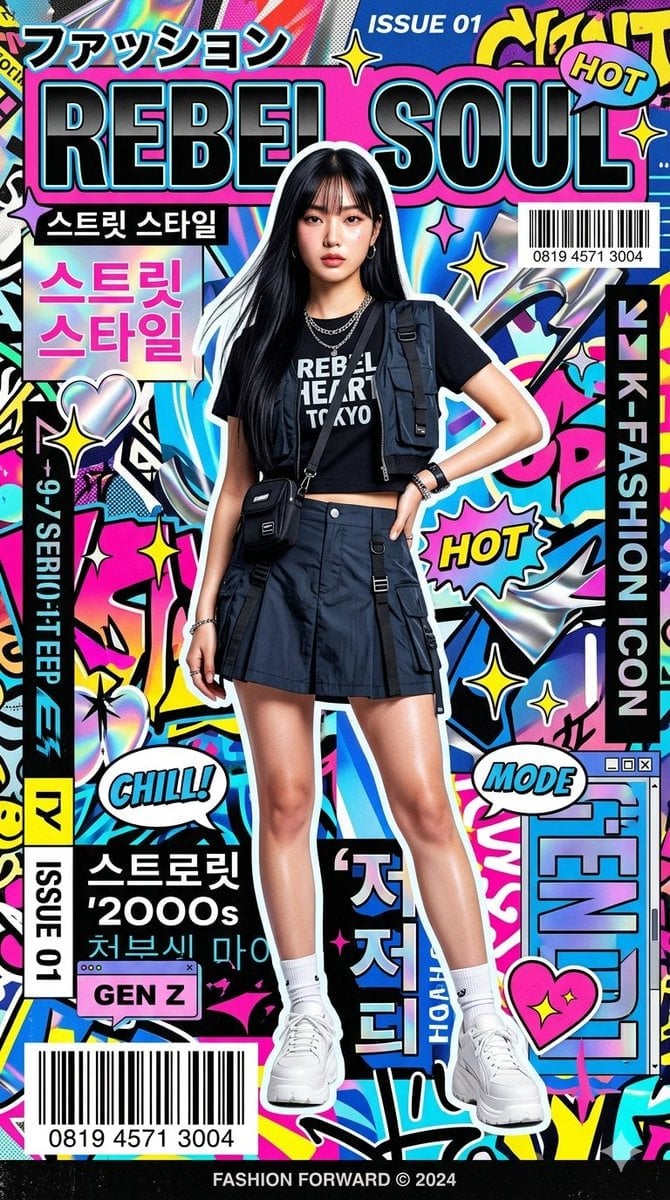
Ultra-Stylized High-Fashion Streetwear Poster

Japan Travel Brochure Poster
Pixel Limited Finale Fireworks
Pixel Limited Garden Maze
Pixel Limited Rooftop Concert
Pixel Limited Bicycle Coast
Pixel Limited Castle Gate

Pixel Limited Kitchen Chaos
Pixel Limited Carnival Ride
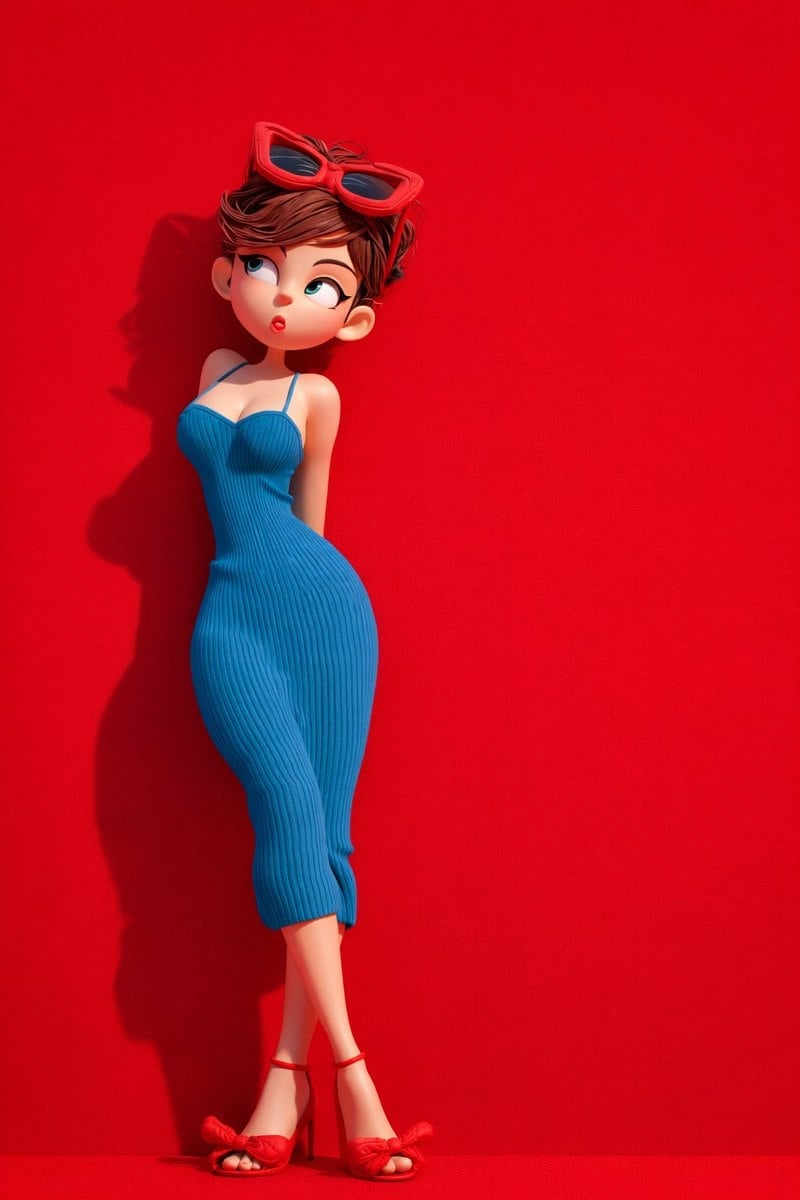
Pixel Limited Rainy Bus Stop

Pixel Limited Space Dock
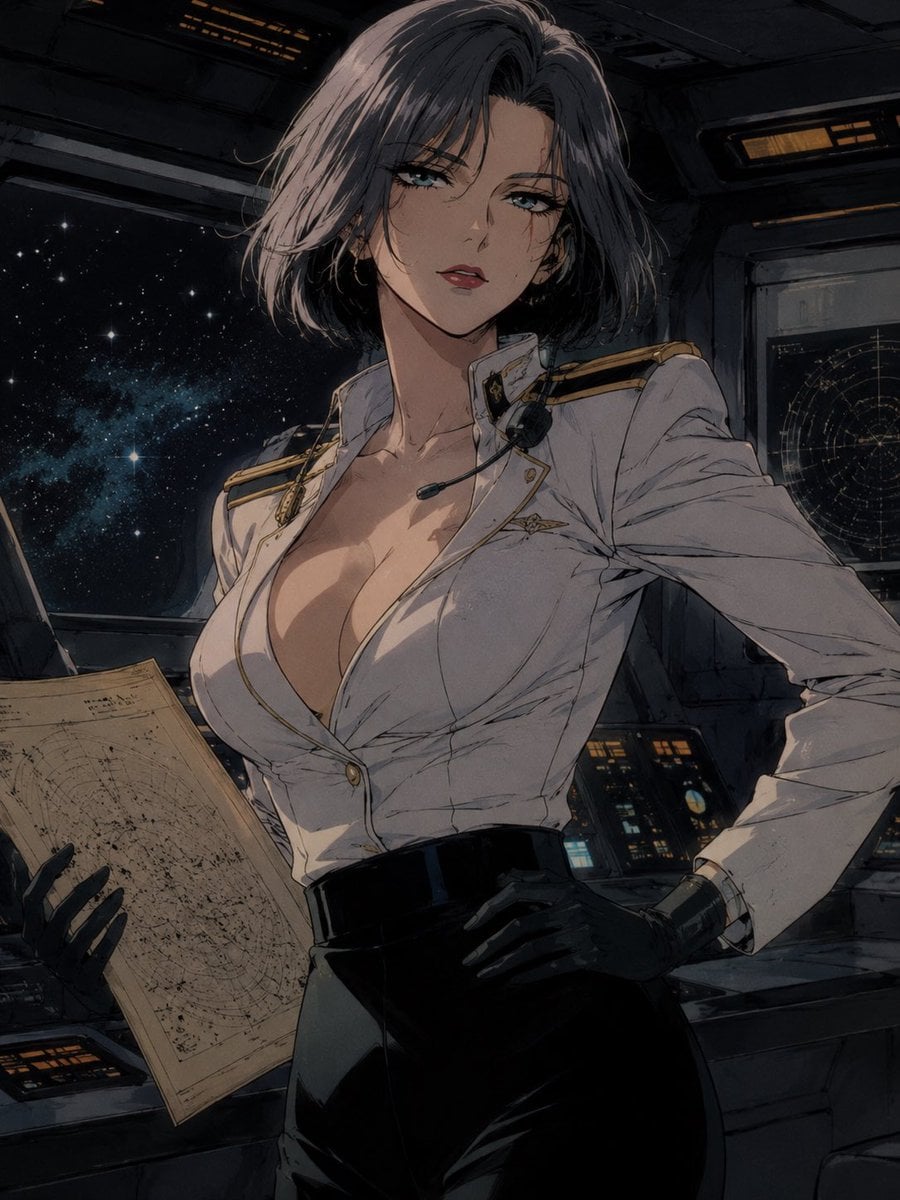
Pixel Limited Cafe Morning
Make it yours
Cinematic Stylized Football Poster works as-is. These are the safest ways to change it without losing the look.
Change one field
Copy a single group, rewrite it, and generate again so you can see what that field is doing.
Keep the frame, change the subject
Hold the composition and light of Cinematic Stylized Football Poster, then swap wardrobe, props or the person for a new take.
| If the result… | Why | Fix |
|---|---|---|
| The result drifts from the preview | Too many fields changed at once. | Reuse Cinematic Stylized Football Poster as-is first, then change one group — subject, light, or setting. |
| The model over-stylizes the scene | The prose prompt leaves finish and camera underspecified. | Add one camera or lighting sentence and stay on GPT Image 2. |
More GPT Image 2 templates
Other prompts made for GPT Image 2.

Six VTuber Japanese Logo Sheet

Realistic Portrait of Woman and Deer

The Vista Modular Condo Poster

AI Model Routing Comparison Infographic

2.5D Anime Art Board

Isometric Productivity Desk Scene

New York Double Exposure Poster

Four-Panel AI Landscape Comparison

Japanese Tatami Lifestyle Magazine Cover

NESCAFÉ Coffee Map Poster
More image prompts
Fresh picks from across the catalog.
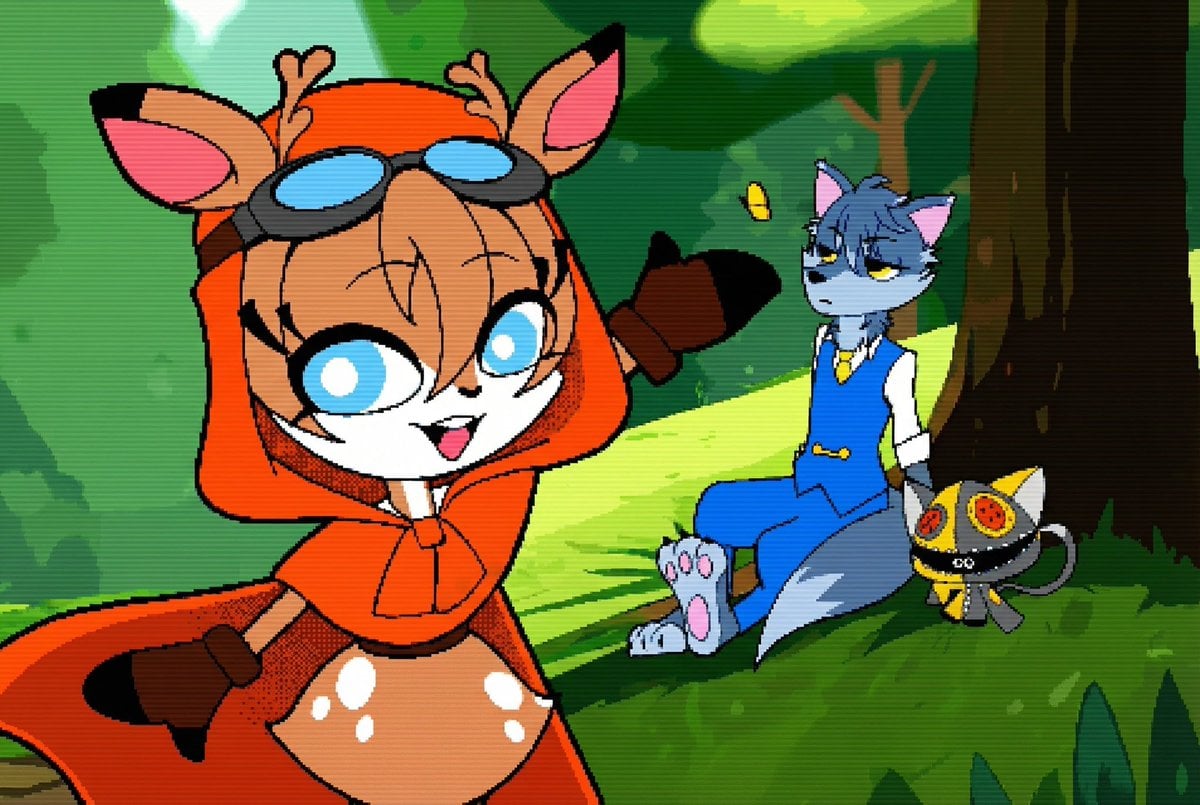
Convert illustration to retro Game Boy Advance-style pixel art
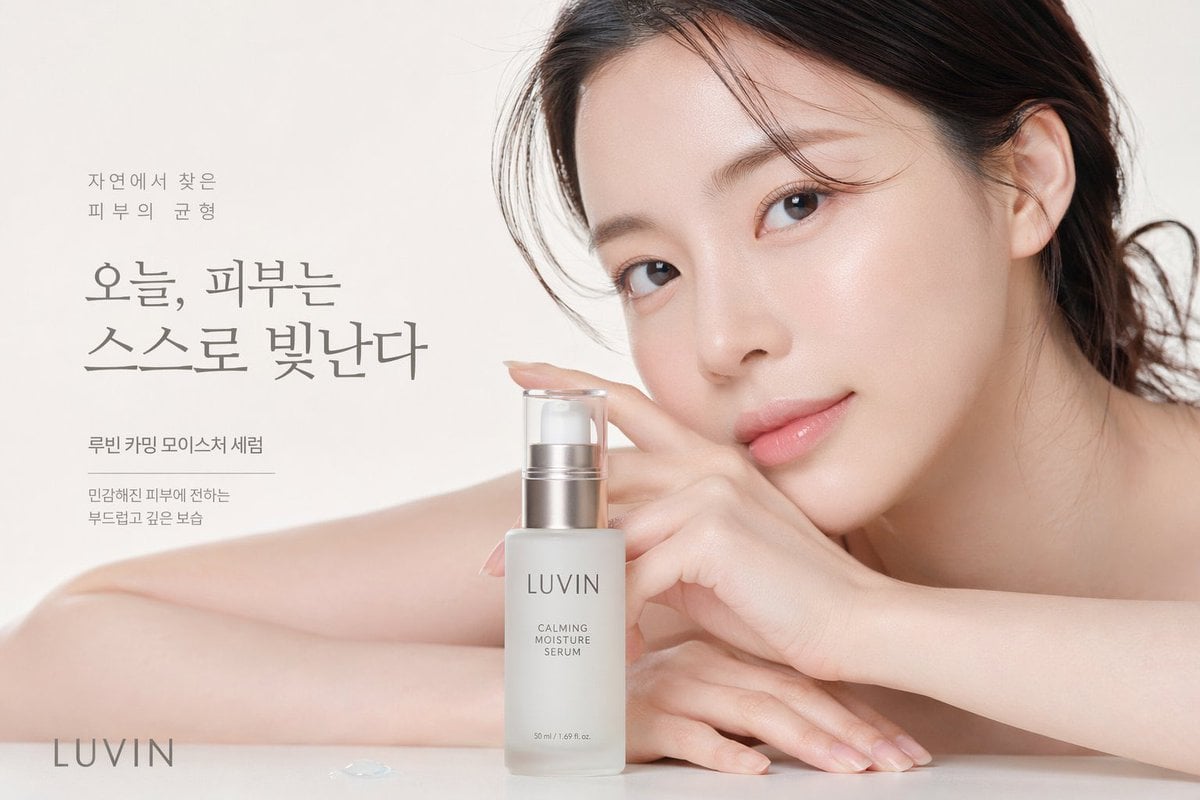
Skincare Beauty Campaign Advertisement
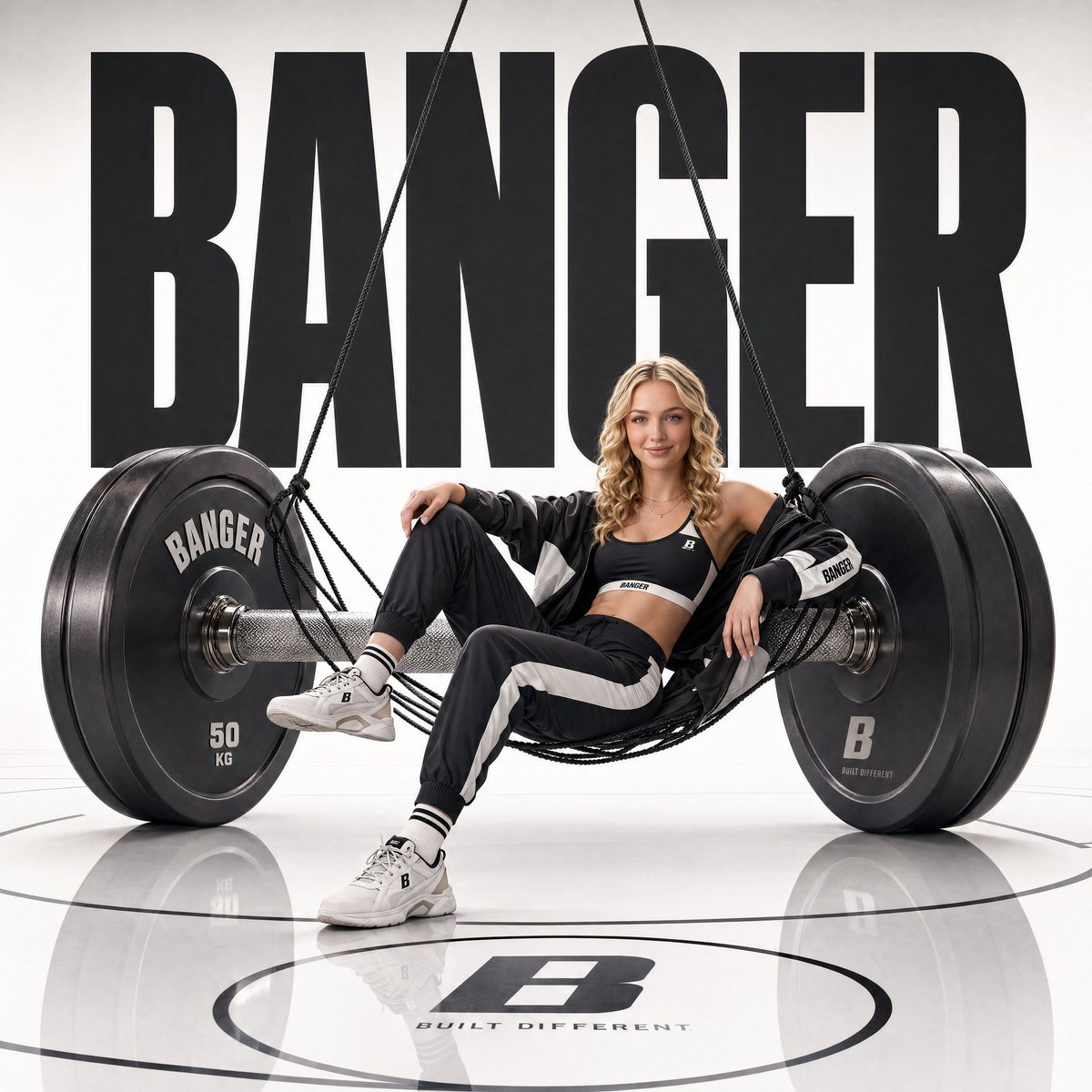
Avant-Garde Sportswear Campaign Prompt
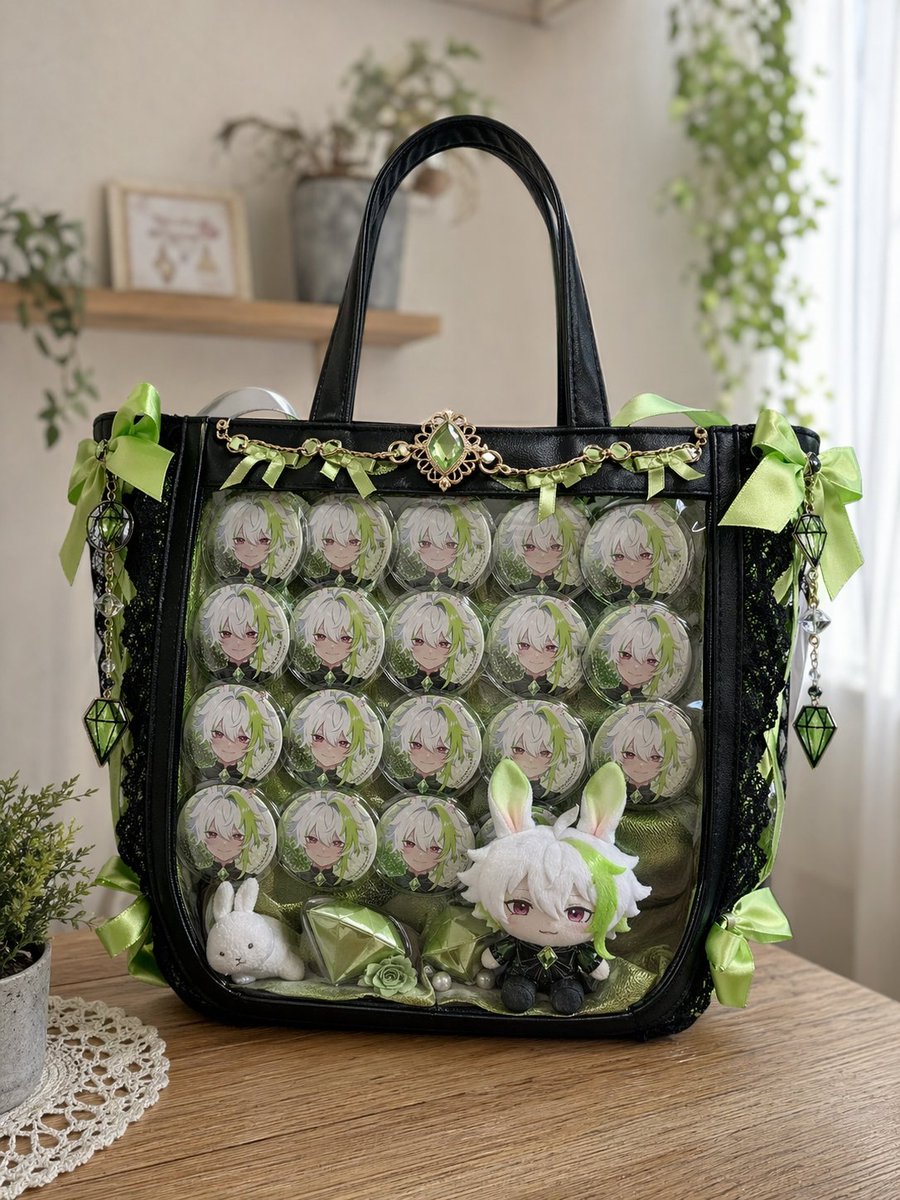
Anime Character Ita-bag Creation
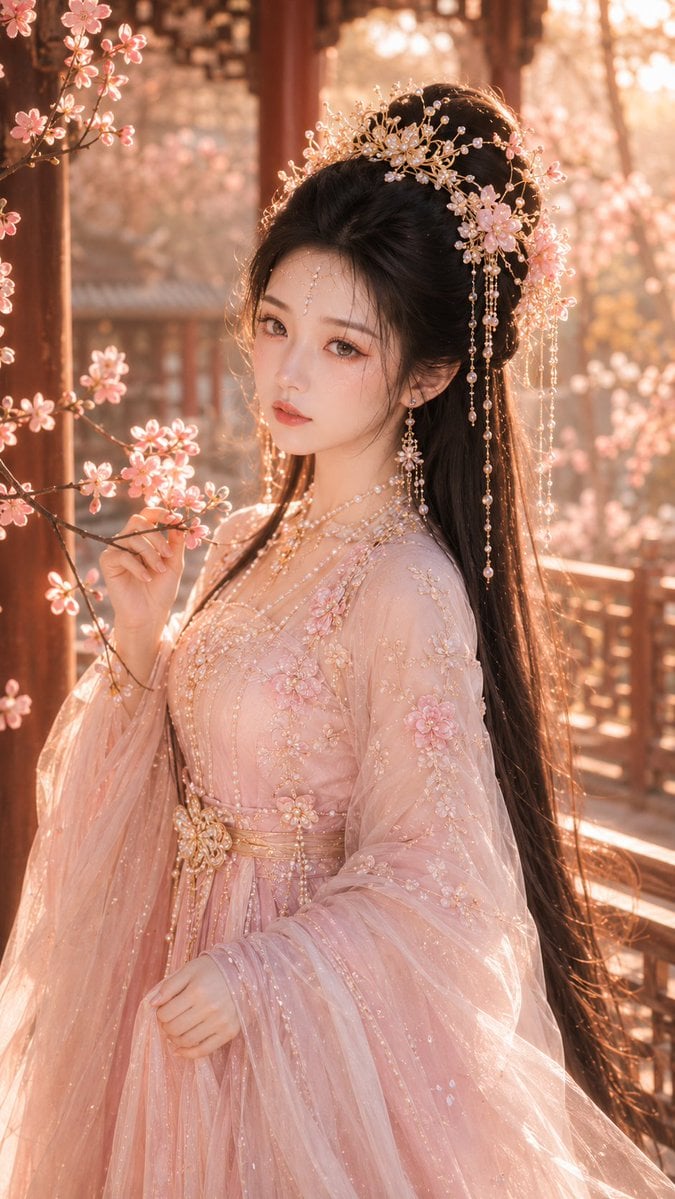
Tang Dynasty Fantasy Female Portrait
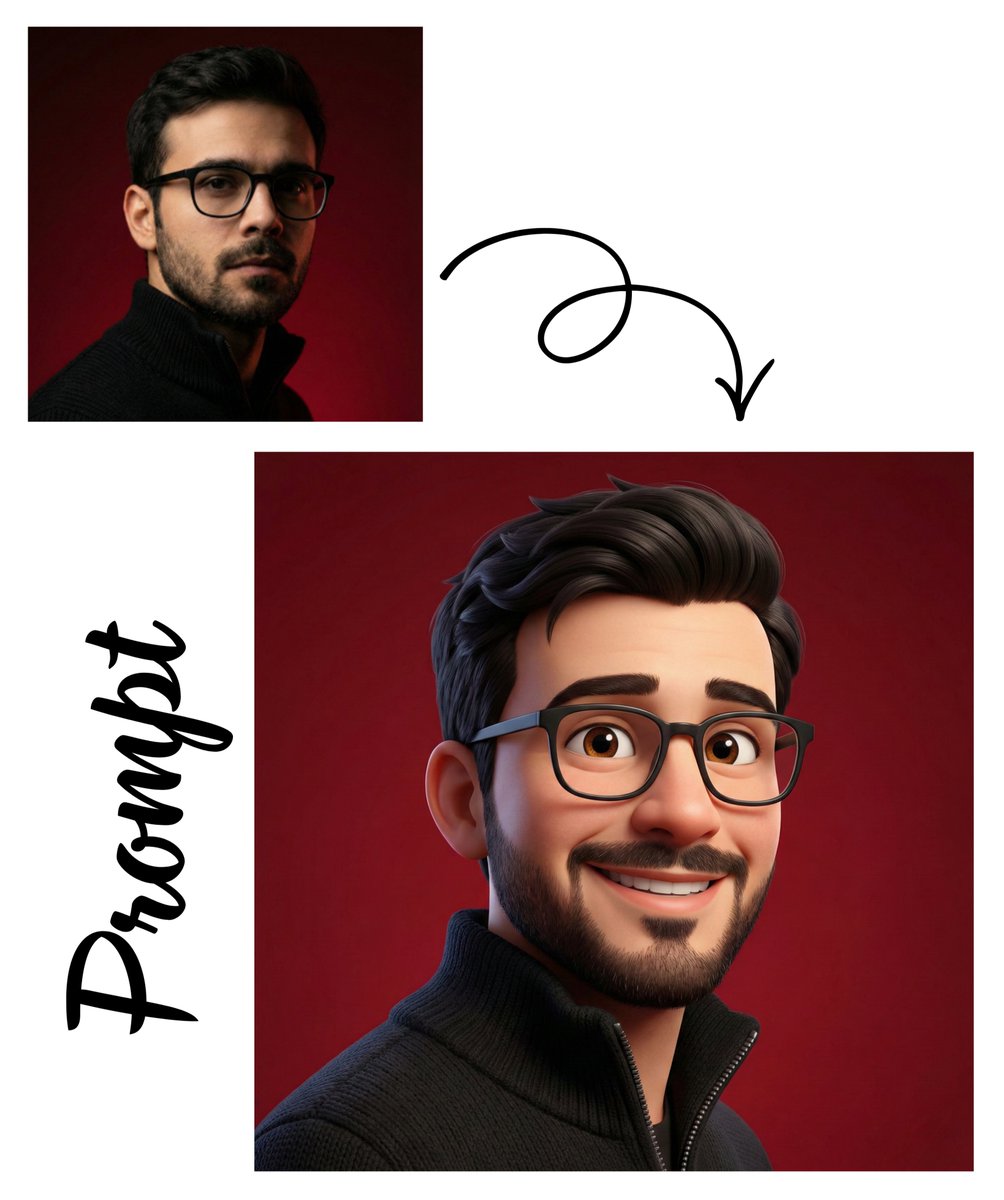
Pixar Style 3D Avatar

Gpt2 Profile Avatar Dreamy Oriental Female Portrait
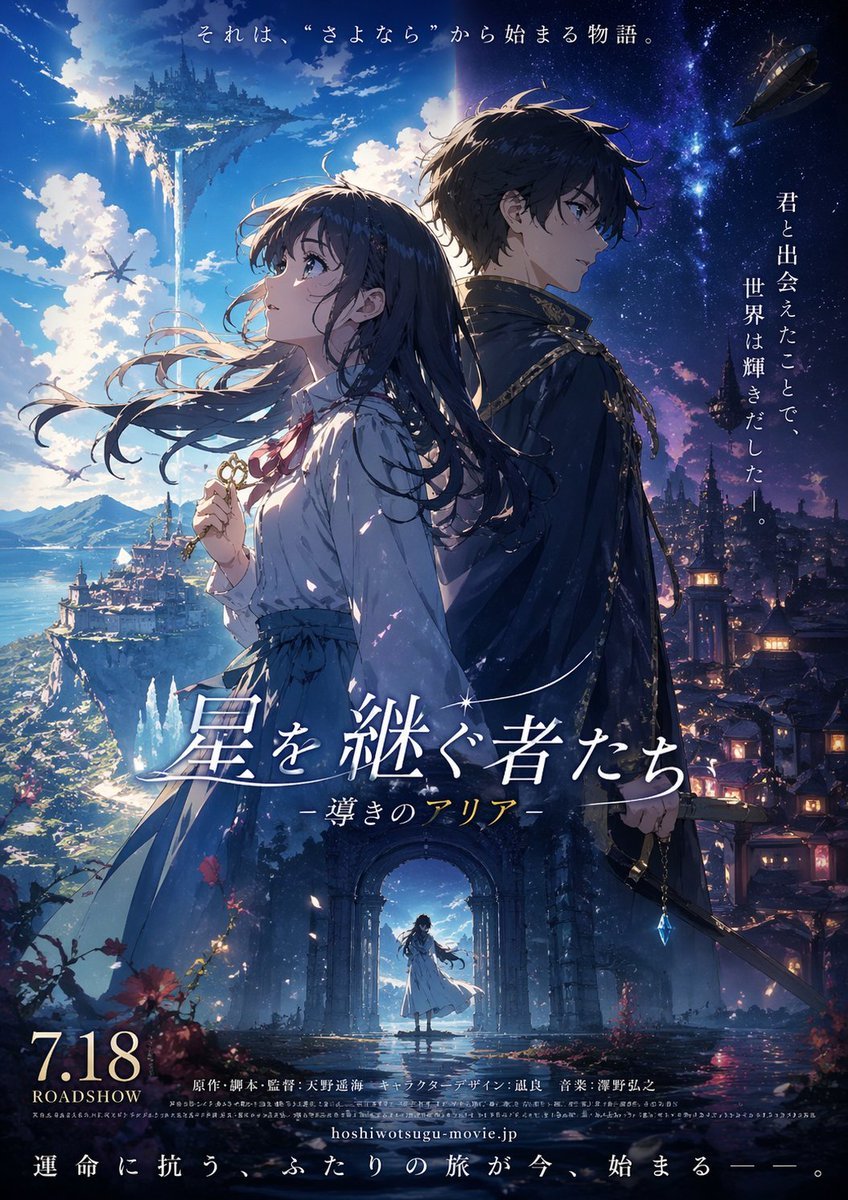
Fictional Anime Movie Poster Generation
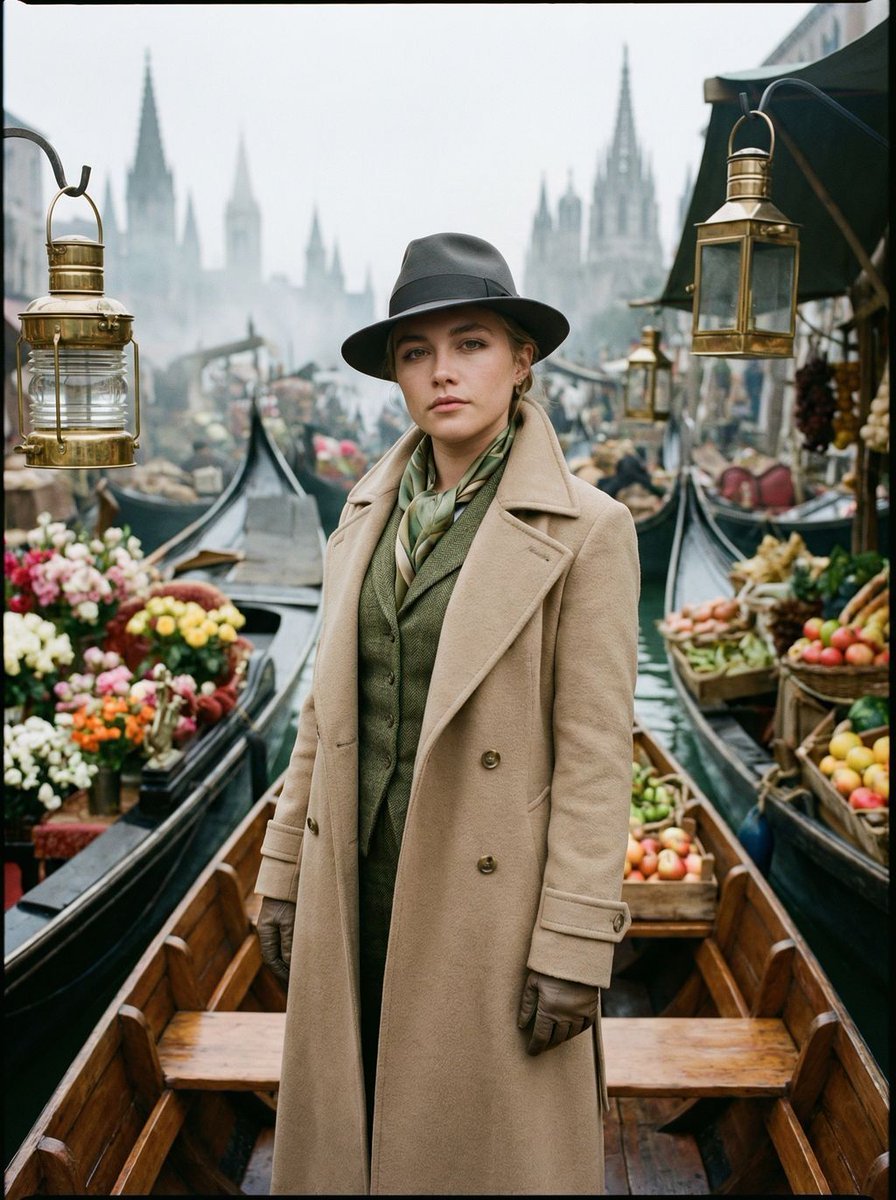
Surreal Floating Market Cinematic Editorial
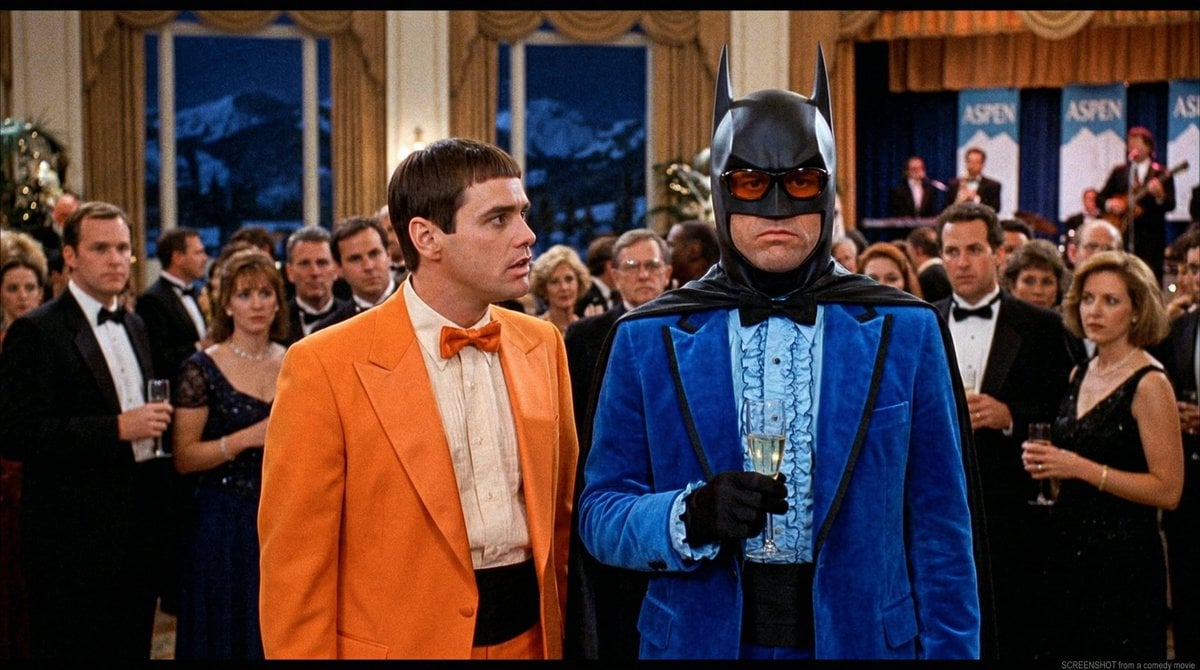
Batman Comedy Movie Screenshot Prompt
Browse template categories
Cinematic Stylized Football Poster questions
How do I use the Cinematic Stylized Football Poster template?
Add your photo if the template asks for one, edit the prompt if you like — the template's model and format are already selected — and press Generate. Your version opens in PicX Studio.
Can I customize the Cinematic Stylized Football Poster template?
Yes. You can change the subject, setting, lighting, mood, format, and available model controls before creating your image.
Is the Cinematic Stylized Football Poster template free?
Opening and editing this template is free. Generating uses credits, shown on the Generate button when you are signed in.
Which AI model should I use?
Start with GPT Image 2, which is the model associated with this template. You can compare another compatible model for a different finish.
Looking for something else? Browse all templates.

Your photo, any look
Thousands of ready templates for every top image and video model, from one credit balance.