
Tang Dynasty Fantasy Female Portrait
An extremely detailed prompt for generating a high-precision fantasy portrait of a Tang Dynasty-style heroine, featuring intricate jewelry and soft, dreamlike lighting.
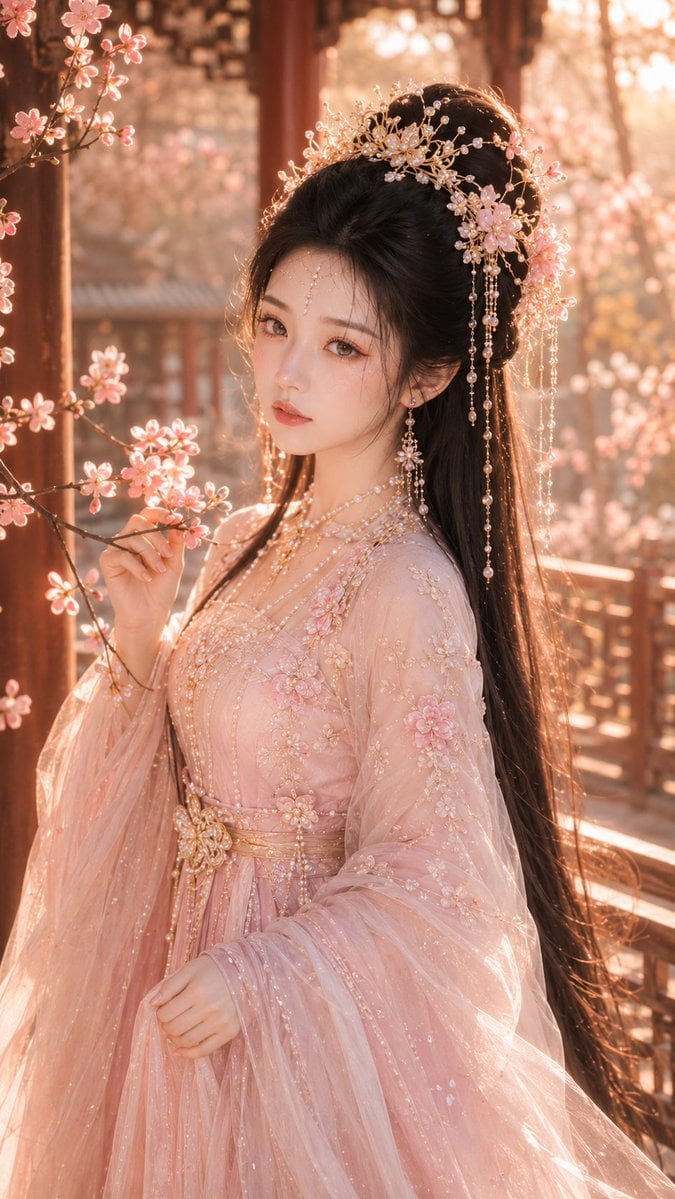
- Prompt included
- Model and format preset
- Free template
The prompt behind this image
Copy the exact prompt behind Tang Dynasty Fantasy Female Portrait, or open it in the studio and make it yours.
生成一张 9:16 竖版、高精度古风仙侠精修写真风格女性人像,整体为 {argument name="人物风格" default="唐风幻想审美、华丽古偶女主妆造"}、东方梦幻角色海报质感,画面明亮、通透、精致、梦幻,具有高级古风仙侠美人图完成度。整体氛围偏 暖色调、温柔、柔美、灵动、带轻微初恋感,但必须保持高级感,不要俗艳,不要廉价影楼感。 画面主体是一位 {argument name="角色年龄" default="20–28 岁"} 年轻成年东方女性,具有自然明确的东方女性特征,不欧美化,不幼态化,不网红脸。她五官精致耐看,属于 精致东方淡颜系美人,脸型柔和流畅,皮肤瓷白细腻、透亮莹润,带轻微柔光感与细腻肤质。妆容清透精致,整体干净柔和。眼型为 杏眼偏丹凤眼,眼尾自然舒展微微上扬,眼睛清亮有神,眼神温柔、柔和、安静,带一点梦幻感与轻微羞涩感;鼻梁秀气自然,唇形柔软自然,唇色为自然淡粉或柔和蜜桃粉。整体气质清纯、温柔、柔美、灵动,像古偶世界中温柔而令人心动的女主角。 人物发型为 黑色柔顺长发半披半挽,黑色长发自然垂落,发丝顺滑细腻,带柔和光泽,发顶有自然蓬松感,不扁塌,两侧可垂落几缕轻盈碎发修饰脸部,整体精致柔美。头饰为 华丽等级的古风仙侠头饰,以 珍珠和浅金 为主要系统,包含浅金发冠、珍珠流苏、珍珠珠串、浅金步摇、少量精致花饰与轻盈垂坠链条,结构清晰、层次丰富、质感细腻。首饰系统以 珍珠耳坠、浅金项链、精致珠链和柔和高光 为主,整体华丽但不沉重,精致温柔而不俗艳。 人物穿着 藕粉珍珠金系的轻纱仙侠层叠裙,服装属于 华丽唐风幻想古装体系,华丽度为 中高。服装主色为 藕粉 / 樱粉,辅色为 奶白 / 浅胭脂粉,点缀色为 浅金 / 珍珠白。服装结构为轻盈柔美的女主式层叠纱裙,可采用柔和弧形领或幻想式对襟结构,外层覆盖半透明轻纱与刺绣薄纱,内层为柔软绢感或雪纺质地,层次丰富但不厚重。袖型为 轻纱广袖或垂坠纱袖,袖摆轻盈流动。衣身和袖口带有精致 花卉纹、藤蔓纹、细腻宝相纹 刺绣,辅以珍珠点缀和浅金刺绣细节。腰部有精致腰封、垂坠珠链、浅金腰饰与珍珠装饰,整体服装轻盈、柔软、通透、仙气十足,华丽而不俗,梦幻而不杂乱。 构图为 大半身,轻侧身,人物身体微微侧转,肩颈自然舒展,姿态优雅柔和,动作稳定不复杂。可一只手轻扶披帛、轻触花园回廊边缘或自然置于身前,另一只手自然放松,整体姿势体现温柔、端端与女主感。人物位于画面中心或略偏中间位置,保持绝对视觉中心,眼神可看向镜头或轻微偏离镜头,形成温柔梦幻的互动感。 场景为 {argument name="场景设置" default="花园回廊"},背景方向为 虚化古风花园。背景可见虚化的古风回廊、廊柱、栏杆、柔和花景、植物层次与暖色夕照散景,具有空间纵深与梦幻氛围,但必须弱化处理,不抢主体。光线为 柔和暖白自然光,并带一点 花园夕照暖光,面部光线干净柔和,肌肤通透细腻,发丝边缘带轻微暖色轮廓光,珍珠与浅金首饰有柔和细致的高光闪烁。整体画面色调温暖、柔和、梦幻、通透,带轻微初恋感与古偶浪漫氛围,但保持高端精修角色海报质感。 整体画质要求 高精度、高完成度、高级感强,发丝细腻,肌肤通透,刺绣清晰,轻纱层次丰富,首饰质感强,珍珠与浅金反光精致,背景虚化高级,整体具有 古风仙侠美人图、唐风幻想女性人像、华丽东方梦幻女主角色海报级质感。
How to use Tang Dynasty Fantasy Female Portrait in 3 steps
- 1
Open
The prompt is already in the box next to the preview, with the template's model and format selected.
- 2…a portrait of your subject in softgolden-hour light, 85mm…
Personalize
Edit the subject and creative details for your destination.
- 3Generate
Generate
Press Generate — your image is created in PicX Studio, so you can compare it with the original and refine one variable at a time.
More like this
Templates with the same subject, style or setup. Open one to see its prompt.
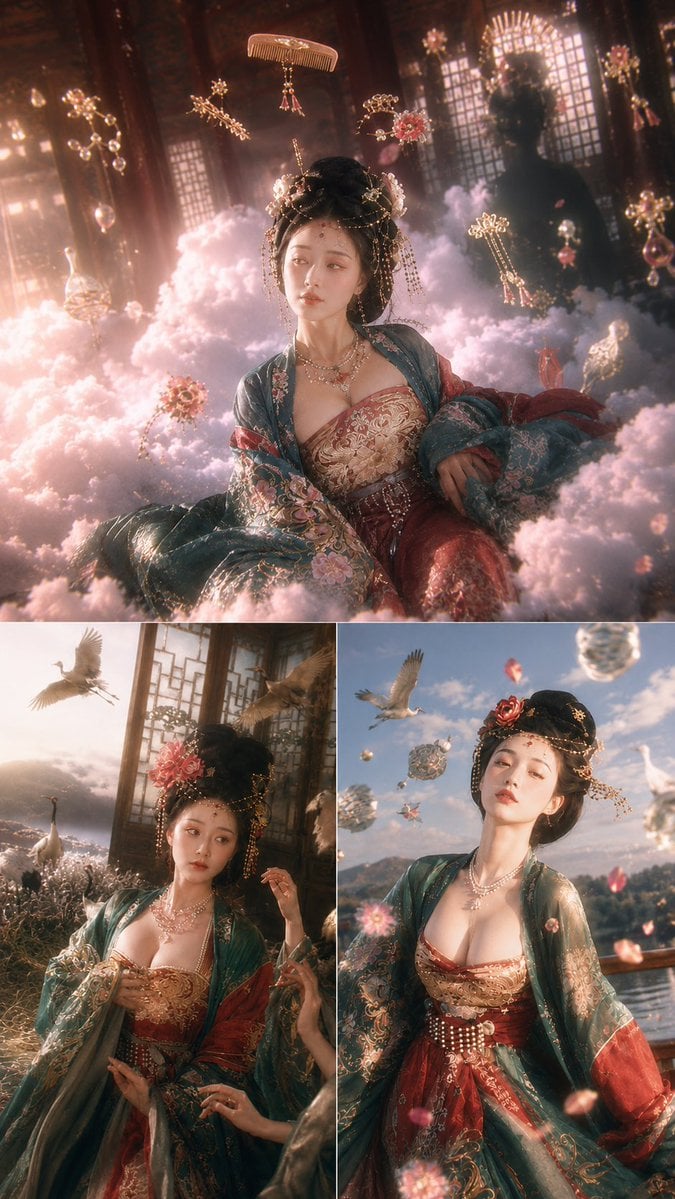
Tang Dynasty Fantasy Triptych
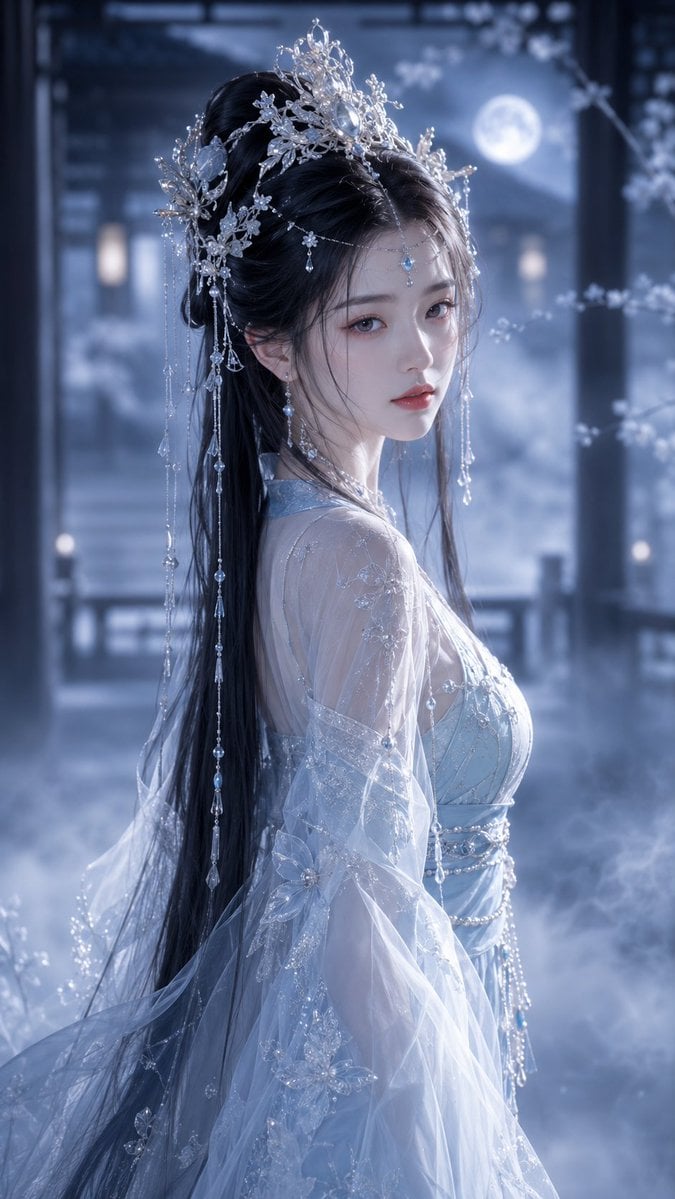
Ethereal Tang-Style Fantasy Portrait

Found Photograph: Us, 1970

80s Couple Studio Portrait

80s Bollywood Star

80s Golden Hour Cinema

Me in 1985

1985 Studio Portrait

Tang Dynasty Royal Banquet Cinematography
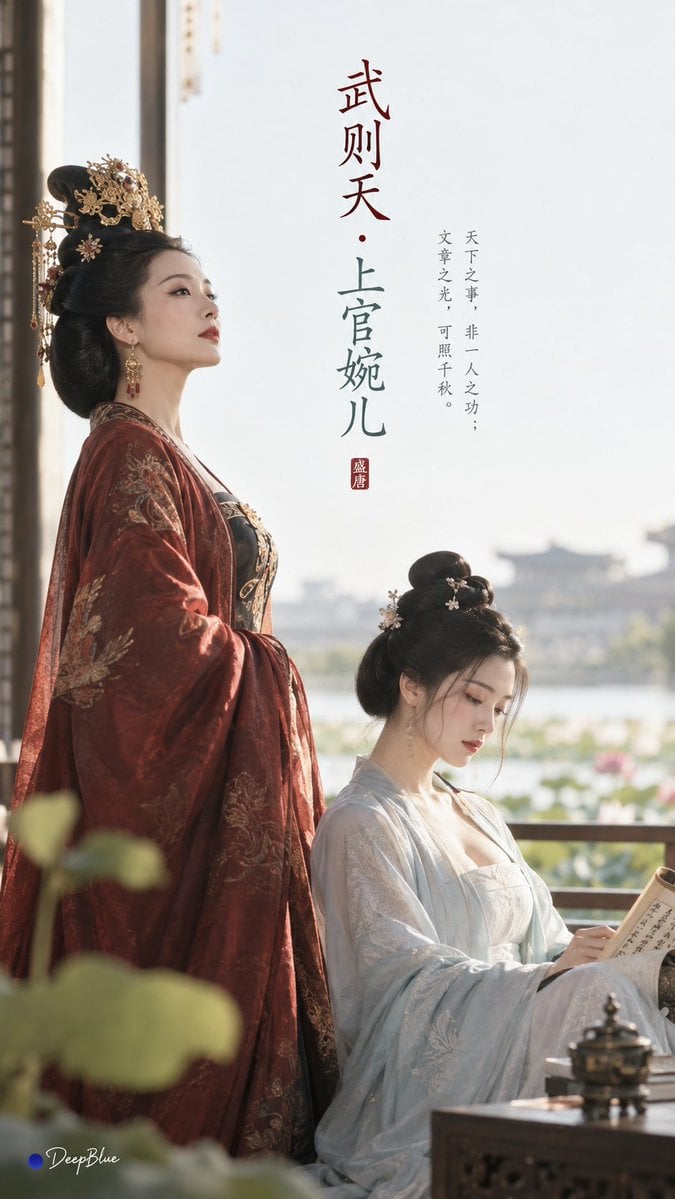
Tang Dynasty Minimalist Editorial
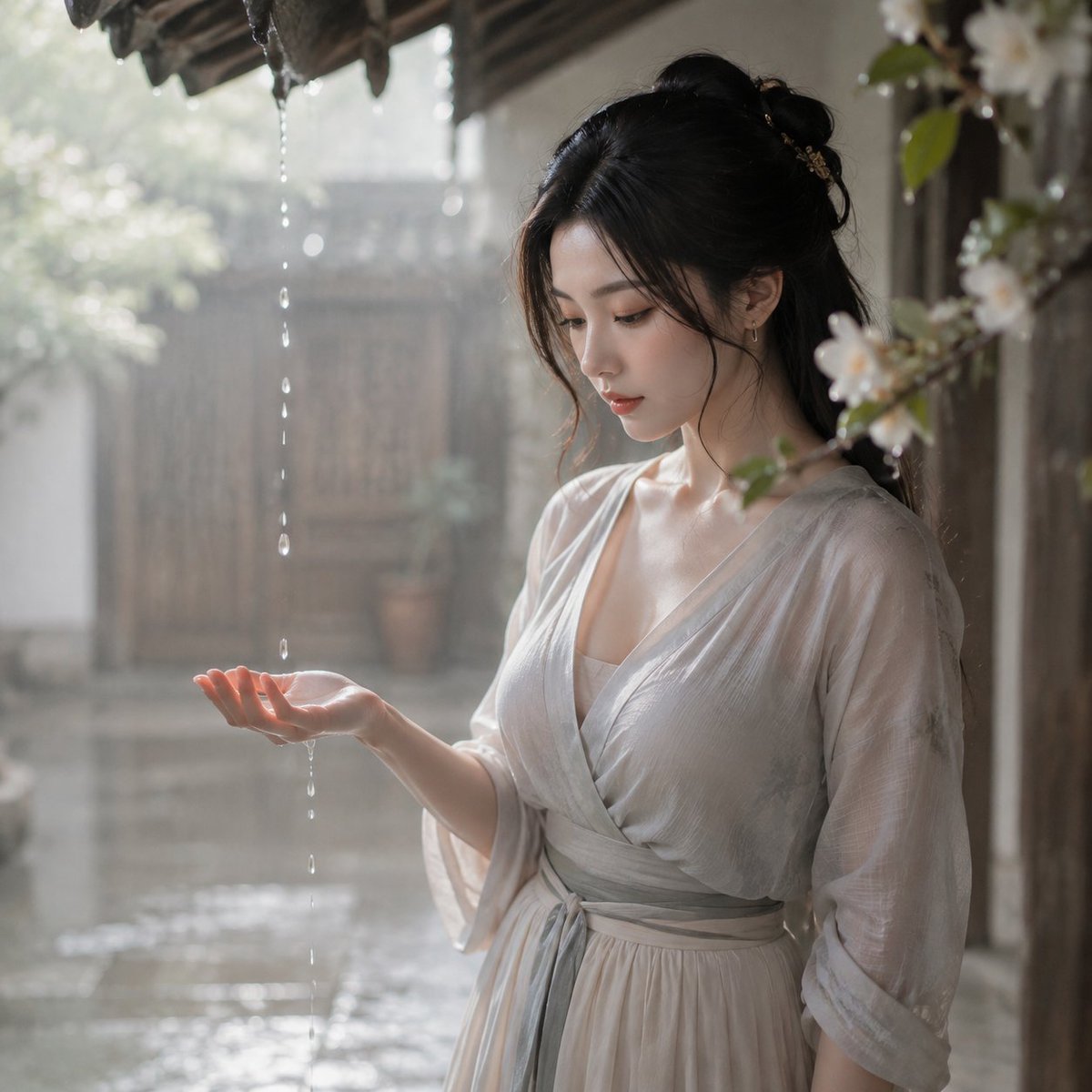
Tang Dynasty Courtyard Rain Scene
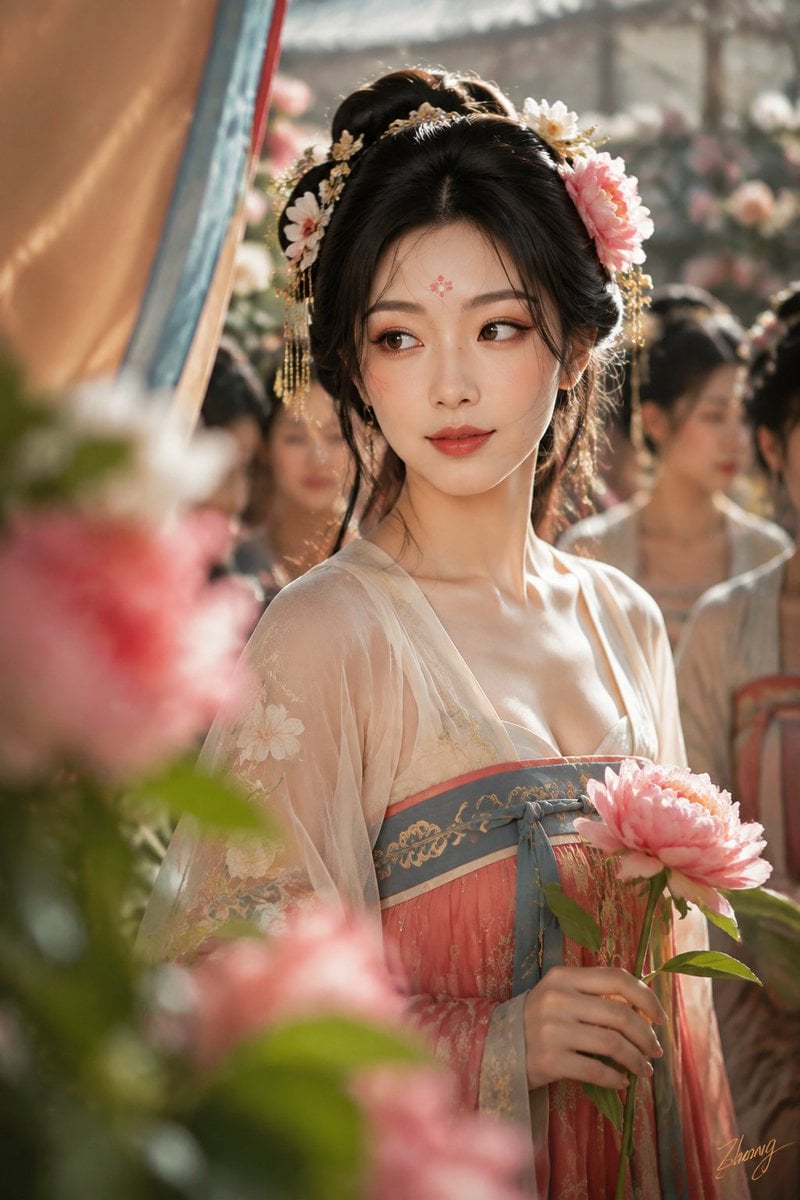
Tang Dynasty Cinematic Photography
Make it yours
Tang Dynasty Fantasy Female Portrait works as-is. These are the safest ways to change it without losing the look.
Change one field
Copy a single group, rewrite it, and generate again so you can see what that field is doing.
Keep the frame, change the subject
Hold the composition and light of Tang Dynasty Fantasy Female Portrait, then swap wardrobe, props or the person for a new take.
| If the result… | Why | Fix |
|---|---|---|
| The result drifts from the preview | Too many fields changed at once. | Reuse Tang Dynasty Fantasy Female Portrait as-is first, then change one group — subject, light, or setting. |
| The model over-stylizes the scene | The prose prompt leaves finish and camera underspecified. | Add one camera or lighting sentence and stay on GPT Image 2. |
More GPT Image 2 templates
Other prompts made for GPT Image 2.

Six VTuber Japanese Logo Sheet

Realistic Portrait of Woman and Deer

The Vista Modular Condo Poster

AI Model Routing Comparison Infographic

2.5D Anime Art Board

Isometric Productivity Desk Scene

New York Double Exposure Poster

Four-Panel AI Landscape Comparison

Japanese Tatami Lifestyle Magazine Cover

NESCAFÉ Coffee Map Poster
More image prompts
Fresh picks from across the catalog.

Shocked Expression Candid Photo Prompt
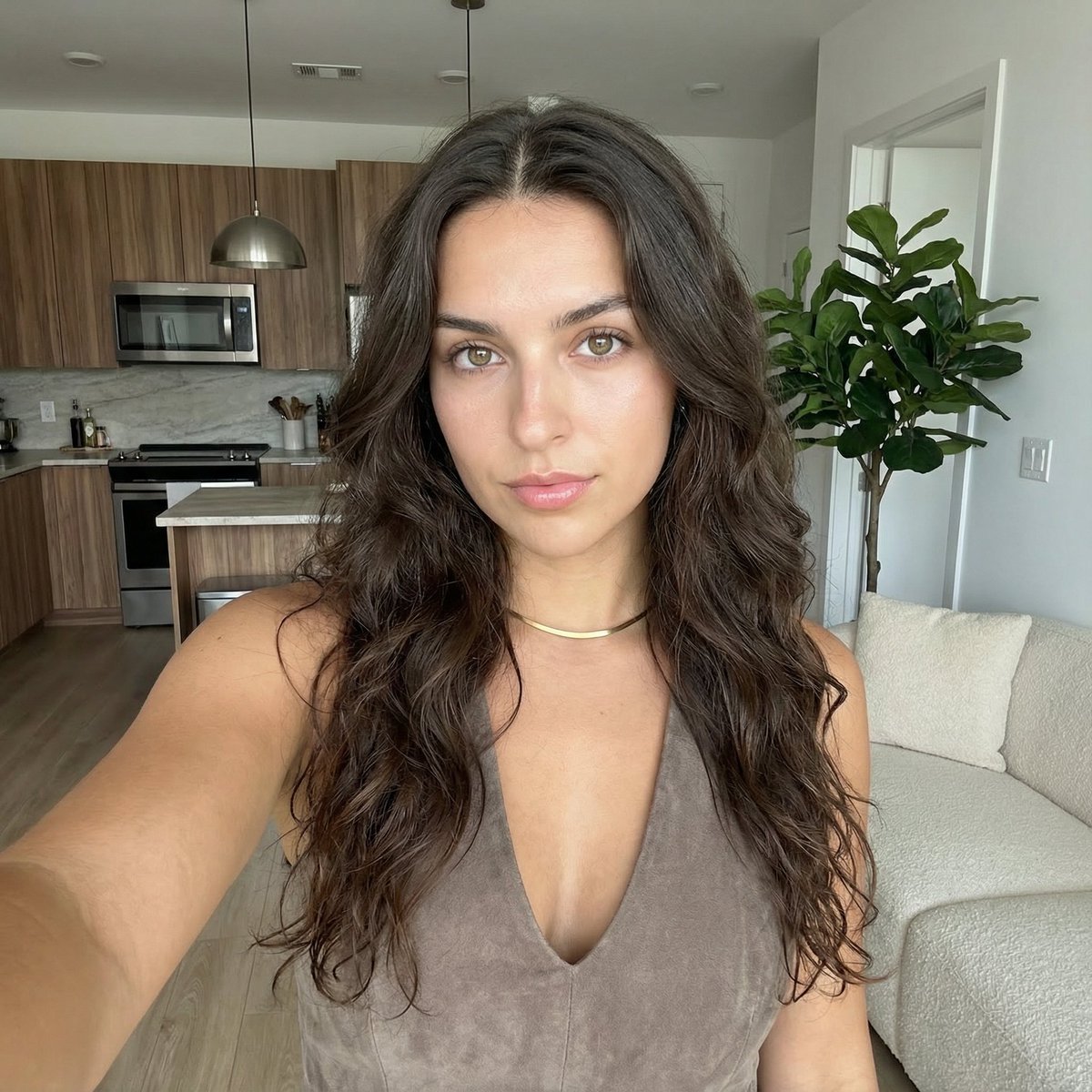
Clean Girl Aesthetic Selfie in Upscale Apartment (JSON Format)

Cinematic Scene for Happy Women's Day
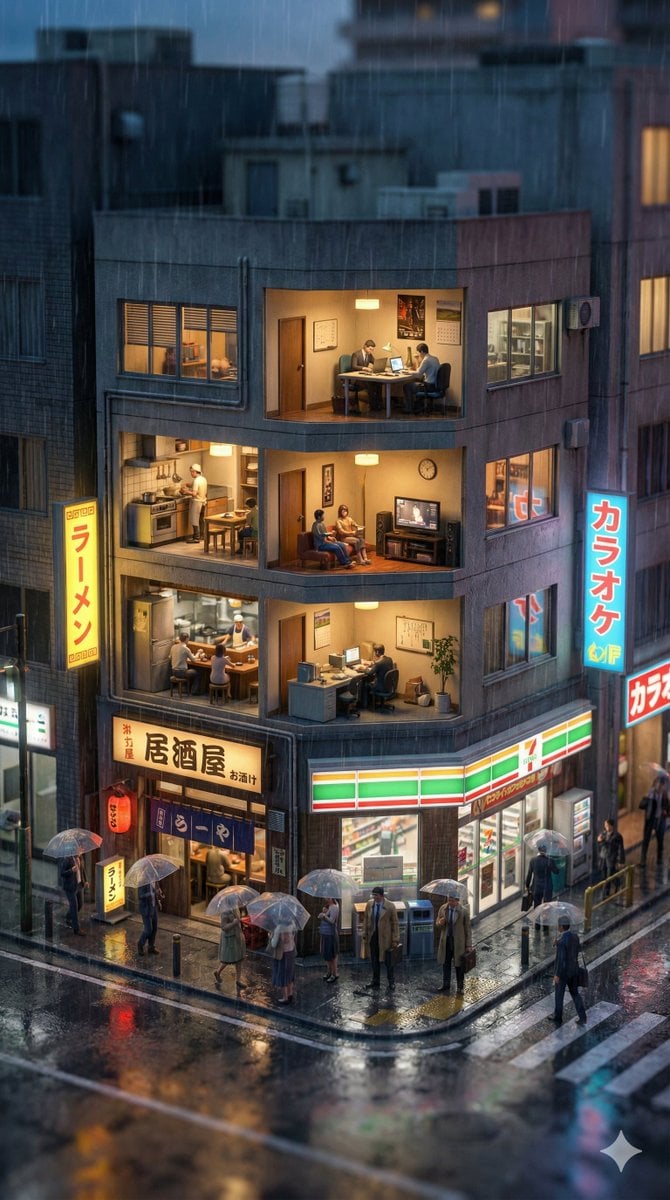
Vertical Tilt-Shift Miniature City Cross-Section
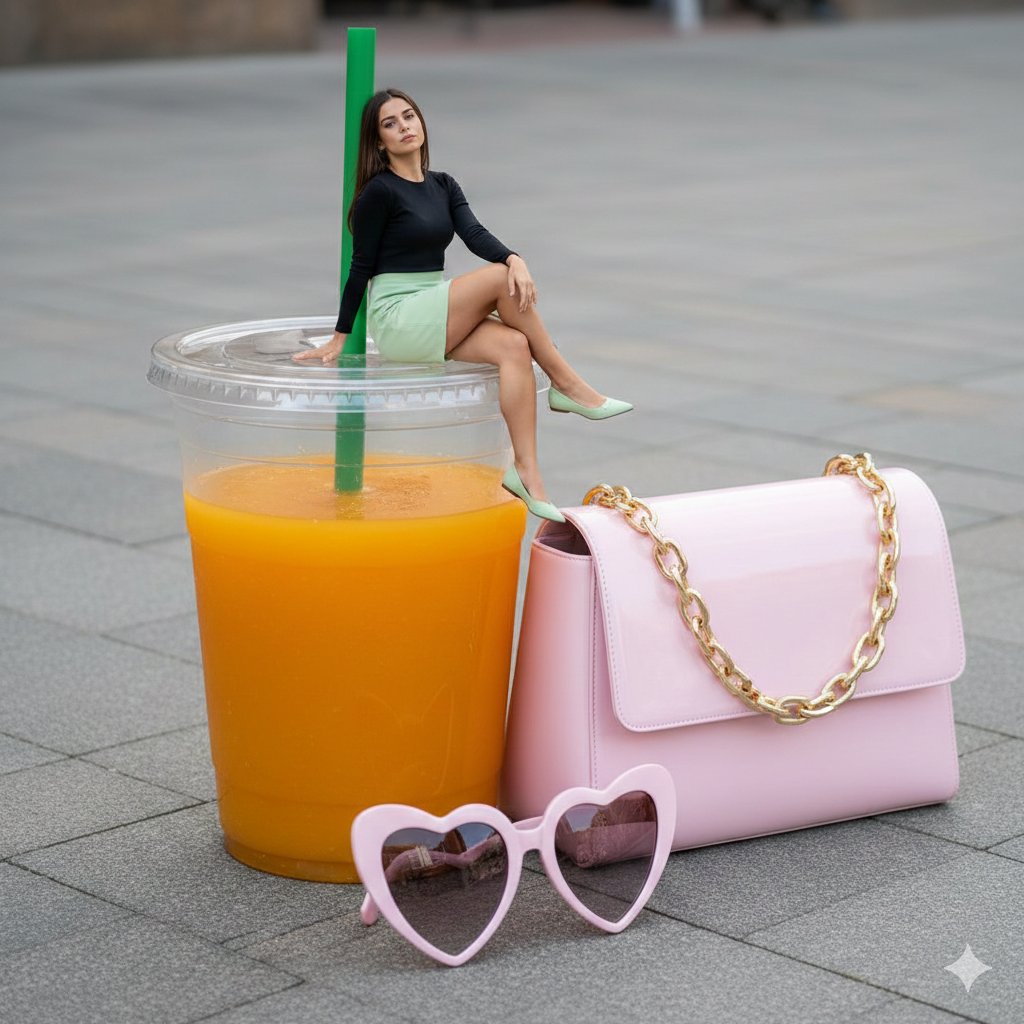
Surreal Scale Photorealistic Scene: Woman on a Giant Drink

Legendary Football Photo That Never Happened
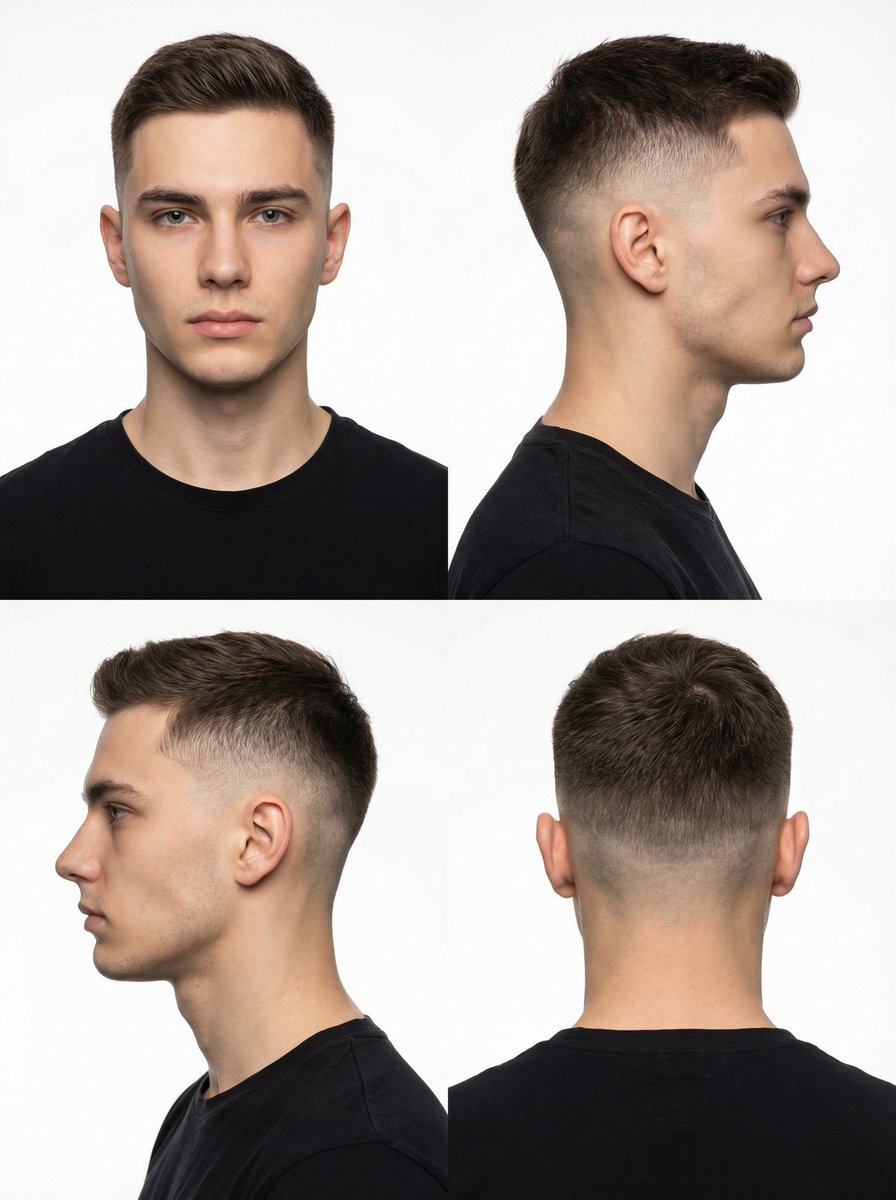
Panel Studio Portrait Grid

Super Kawaii Three Kittens Poster
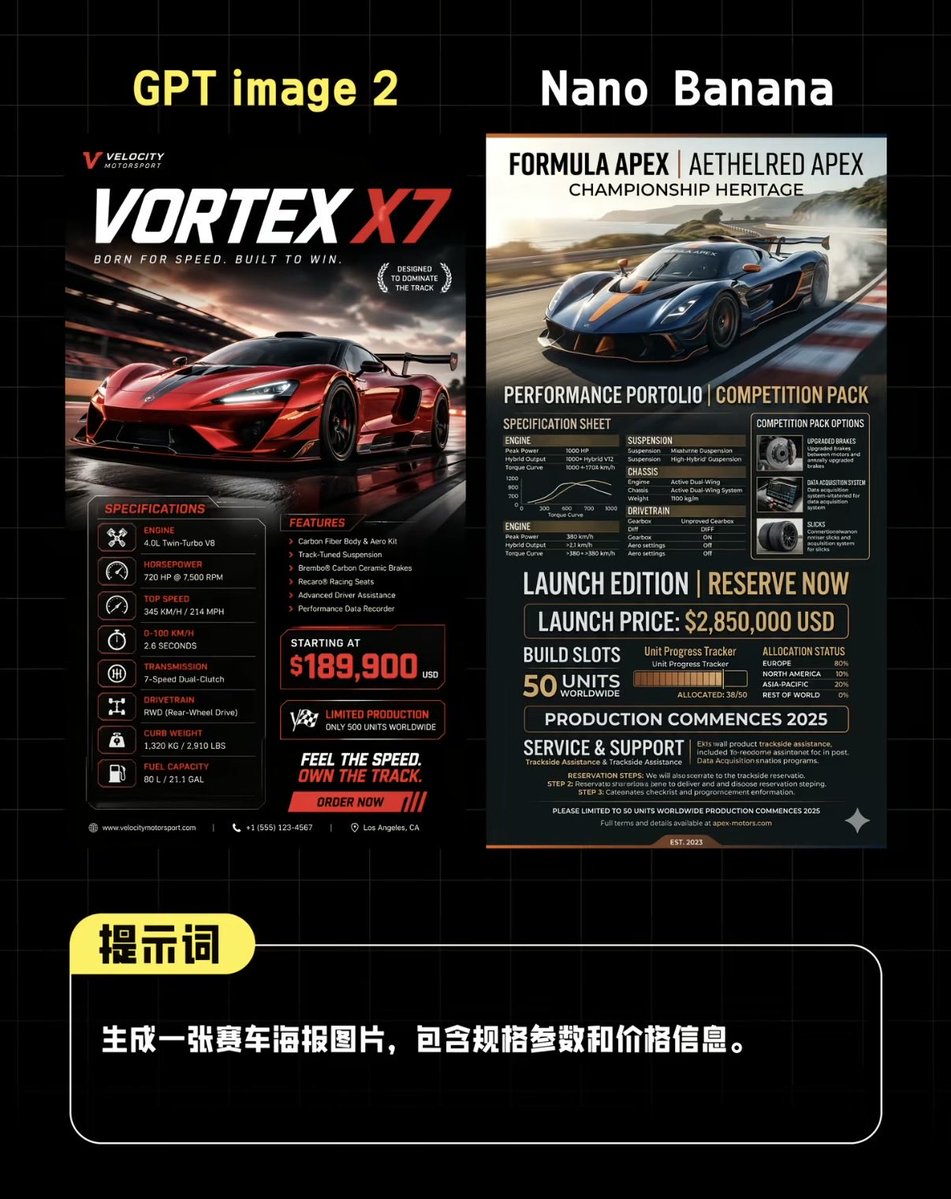
AI Supercar Poster Comparison
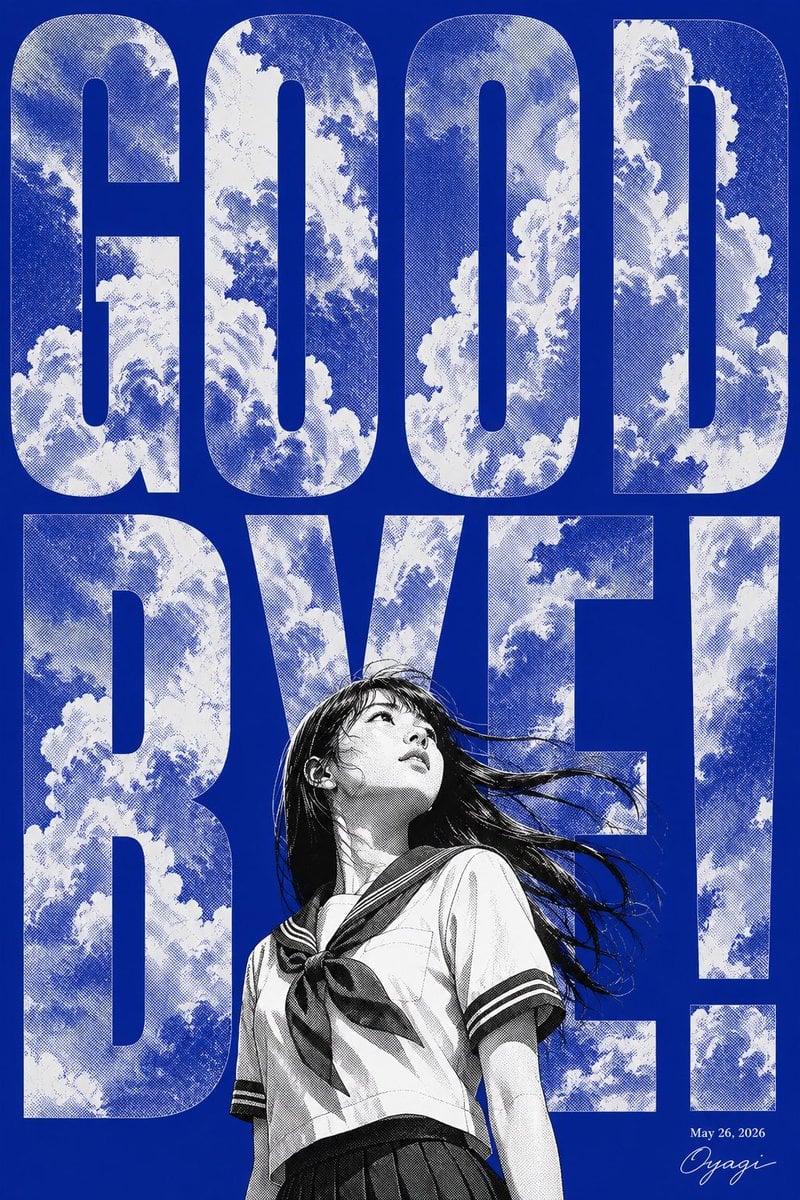
Manga Goodbye Typography Poster
Browse template categories
Tang Dynasty Fantasy Female Portrait questions
How do I use the Tang Dynasty Fantasy Female Portrait template?
Add your photo if the template asks for one, edit the prompt if you like — the template's model and format are already selected — and press Generate. Your version opens in PicX Studio.
Can I customize the Tang Dynasty Fantasy Female Portrait template?
Yes. You can change the subject, setting, lighting, mood, format, and available model controls before creating your image.
Is the Tang Dynasty Fantasy Female Portrait template free?
Opening and editing this template is free. Generating uses credits, shown on the Generate button when you are signed in.
Which AI model should I use?
Start with GPT Image 2, which is the model associated with this template. You can compare another compatible model for a different finish.
Looking for something else? Browse all templates.

Your photo, any look
Thousands of ready templates for every top image and video model, from one credit balance.