
Manga Goodbye Typography Poster
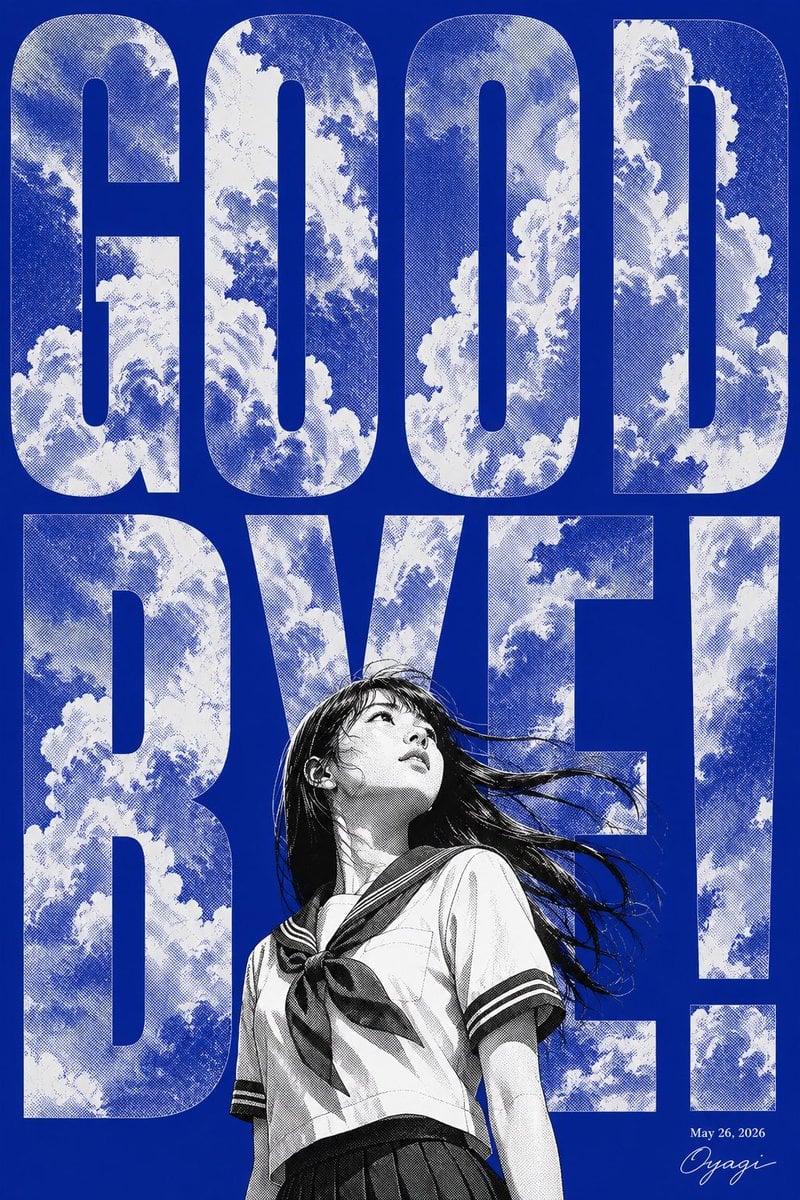
A high-contrast cobalt-blue manga poster with giant cloud-filled “GOOD BYE!” lettering and a windblown schoolgirl for farewell-themed artwork.
- Prompt included
- Model and format preset
- Free template
The prompt behind this image
Copy the exact prompt behind Manga Goodbye Typography Poster, or open it in the studio and make it yours.
Goal: Create a bold vertical farewell poster with monumental typography and a manga heroine, themed around {argument name="headline text" default="GOOD BYE!"}. Canvas: Portrait poster, 2:3 aspect ratio, deep saturated cobalt-blue background, high-contrast screen-printed / risograph look. Layout: Fill almost the entire canvas with enormous condensed bold sans-serif capital letters. Use exactly 8 visible headline characters arranged in two rows: top row has 4 letters spelling “GOOD”; bottom row has 4 characters spelling “BYE!”. The letters are white with blue halftone cloud imagery inside them, as if the sky is clipped into the text. Leave narrow blue gaps between characters. Place the figure in the lower center, overlapping the bottom row and partially covering the middle of “BYE!”. Add small date text “May 26, 2026” and a small cursive signature in the lower-right corner. Subject details: A black-and-white manga-style Japanese schoolgirl in a sailor uniform stands from mid-thigh up, looking upward with her head tilted back. She has {argument name="hair color" default="black"} long windblown hair streaming to the right, detailed ink linework, halftone shading, a sailor collar, short sleeves with dark stripes, a tied neckerchief, and a dark pleated skirt. Her face is intentionally obscured by a soft vertical gray blur rectangle, creating an anonymous, poster-like effect. Visual style: Dramatic Japanese manga illustration combined with graphic editorial typography, monochrome character art against electric blue, dense halftone dot texture, weathered print grain, high contrast, sharp ink outlines, summer sky and cloud motif inside the letters, energetic wind motion. Text content: Use the exact large headline “GOOD BYE!” with the exclamation mark as the final character. Include the small lower-right date {argument name="date text" default="May 26, 2026"} and a small cursive signature {argument name="signature" default="Oyagi"}. Constraints: Keep the composition poster-like and typography-dominant; do not add extra characters, logos, borders, or additional text. Ensure the headline remains legible despite the cloud texture and the figure overlap.
How to use Manga Goodbye Typography Poster in 3 steps
- 1Upload ImagePNG, JPG or paste
Add your photo
Upload the photo the template builds on. The prompt, model and format are already set.
- 2…a portrait of your subject in softgolden-hour light, 85mm…
Personalize
Edit the subject and creative details for your destination.
- 3Generate
Generate
Press Generate — your image is created in PicX Studio, so you can compare it with the original and refine one variable at a time.
More like this
Templates with the same subject, style or setup. Open one to see its prompt.

Trendy Cafe Drink Promo Poster

Premium Fashion Editorial Cover Layout System

Premium Fashion Editorial Campaign Poster System

Typography Mask Editorial Fashion Poster

Luxury Sliced Wordmark Player Poster

Luxury Fashion Campaign Typography Poster System

Premium Vertical Product Campaign Poster

Japan Travel Brochure Poster

Motion Graphics Finale Fireworks

Motion Graphics Garden Maze

Motion Graphics Castle Gate

Motion Graphics Kitchen Chaos
Make it yours
Manga Goodbye Typography Poster works as-is. These are the safest ways to change it without losing the look.
Change one field
Copy a single group, rewrite it, and generate again so you can see what that field is doing.
Keep the frame, change the subject
Hold the composition and light of Manga Goodbye Typography Poster, then swap wardrobe, props or the person for a new take.
| If the result… | Why | Fix |
|---|---|---|
| The result drifts from the preview | Too many fields changed at once. | Reuse Manga Goodbye Typography Poster as-is first, then change one group — subject, light, or setting. |
| The model over-stylizes the scene | The prose prompt leaves finish and camera underspecified. | Add one camera or lighting sentence and stay on GPT Image 2. |
More GPT Image 2 templates
Other prompts made for GPT Image 2.

Six VTuber Japanese Logo Sheet

Realistic Portrait of Woman and Deer

The Vista Modular Condo Poster

AI Model Routing Comparison Infographic

2.5D Anime Art Board

Isometric Productivity Desk Scene

New York Double Exposure Poster

Four-Panel AI Landscape Comparison

Japanese Tatami Lifestyle Magazine Cover

NESCAFÉ Coffee Map Poster
More image prompts
Fresh picks from across the catalog.
Triple Exposure Neon Portrait Prompt
Instagram/X Aesthetic Photo Prompt
Stylish Man Walking Through Airport Terminal
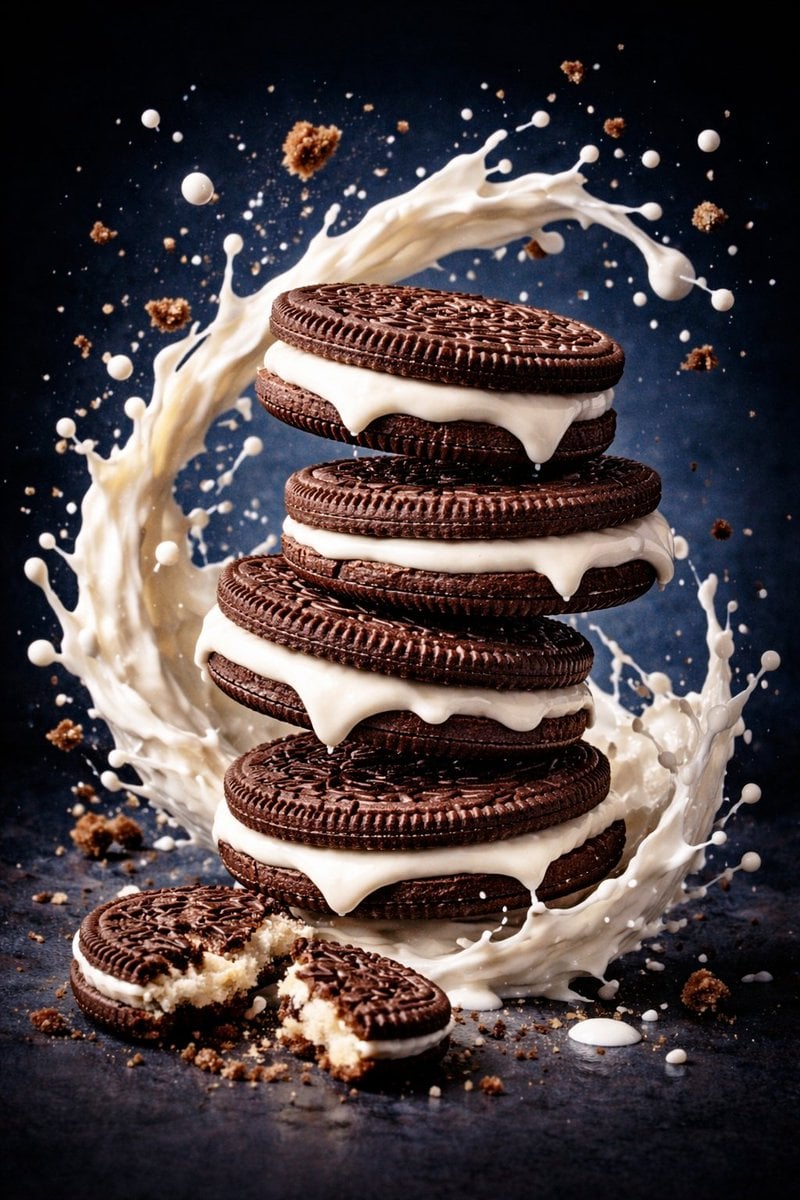
Ultra-Realistic Commercial Food Photography Prompt (Biscuits)
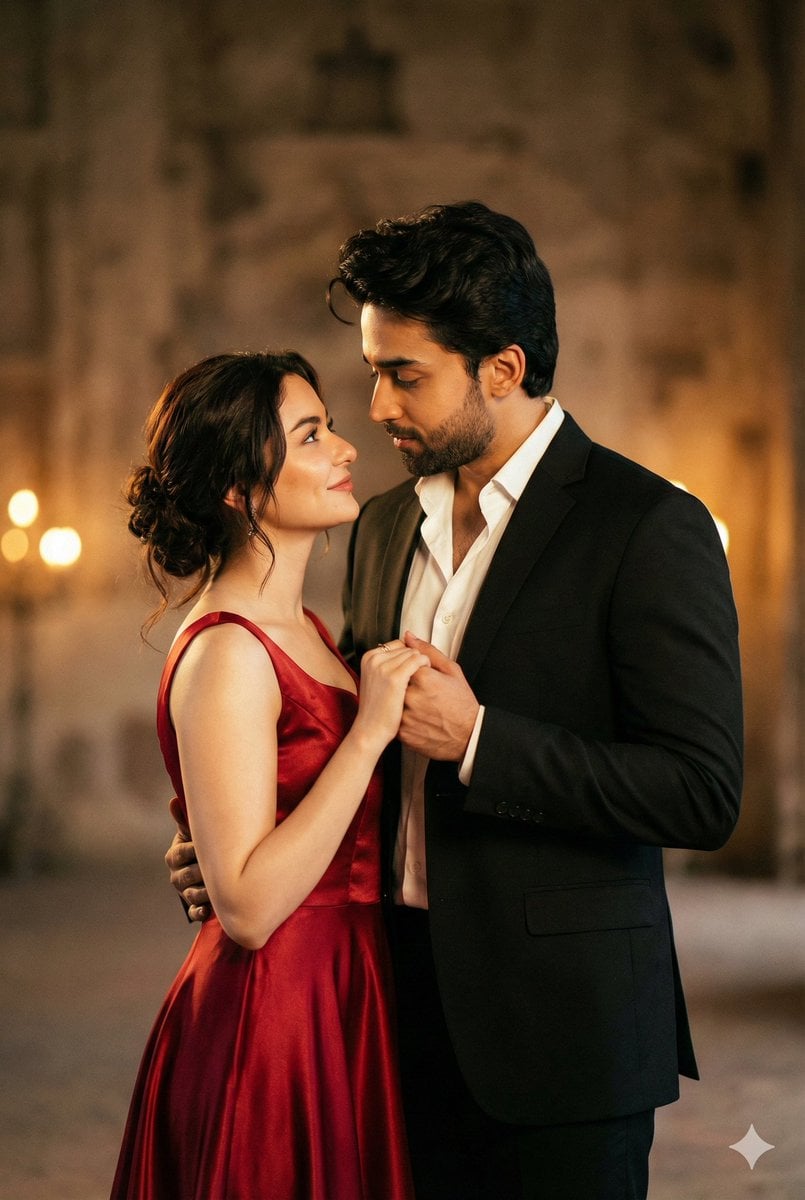
Cinematic Portrait of Couple in Intimate Embrace
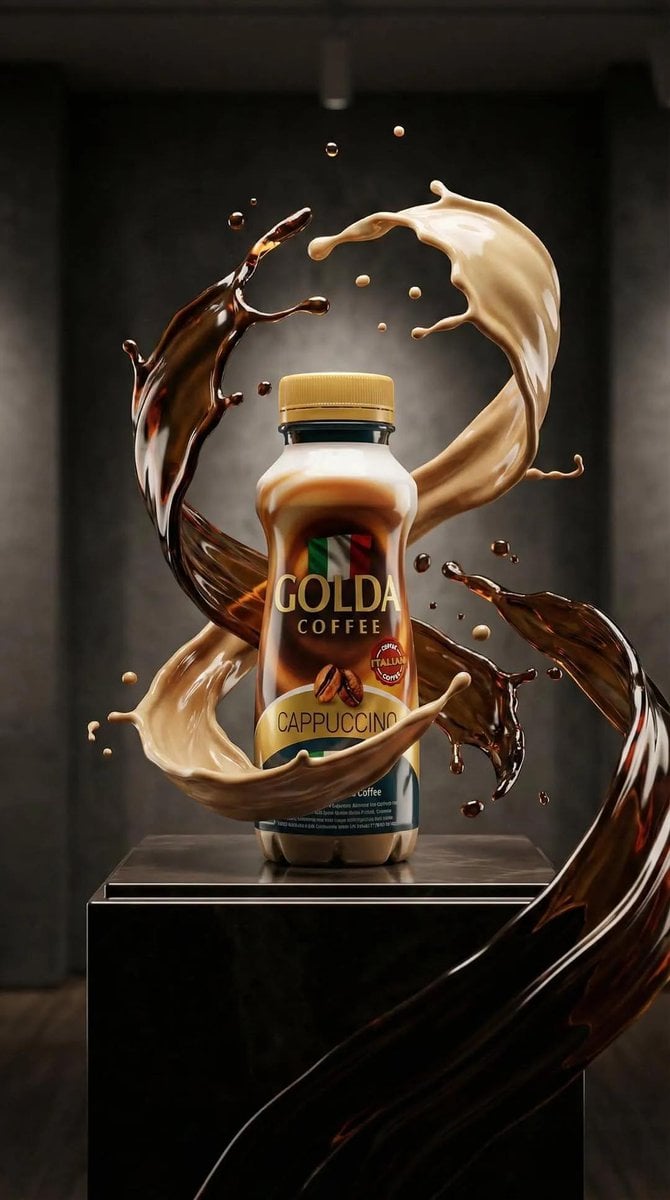
Ultra-Realistic Product Advertisement Prompt
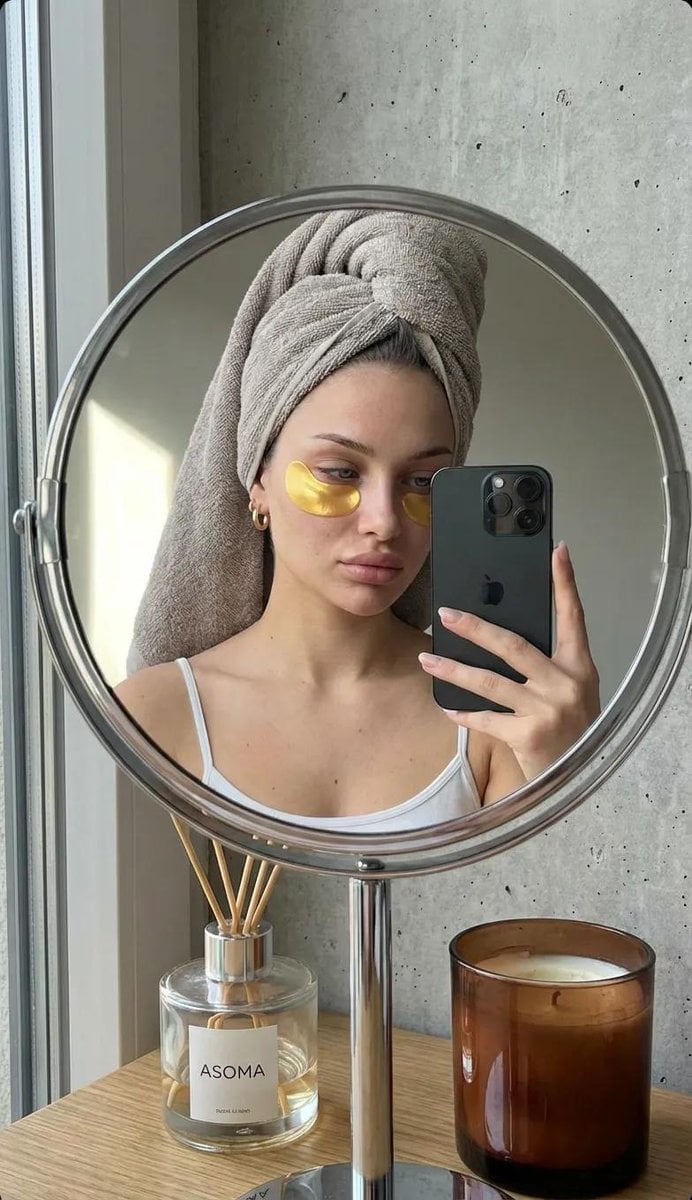
Photorealistic Mirror Selfie with Eye Patches and Turban
Needle-Felt Stop-Motion Transformation
Desert Doll Golden Hour Portrait with Flash
Anime Rapunzel Tower Scene
Browse template categories
Manga Goodbye Typography Poster questions
How do I use the Manga Goodbye Typography Poster template?
Add your photo if the template asks for one, edit the prompt if you like — the template's model and format are already selected — and press Generate. Your version opens in PicX Studio.
Can I customize the Manga Goodbye Typography Poster template?
Yes. You can change the subject, setting, lighting, mood, format, and available model controls before creating your image.
Is the Manga Goodbye Typography Poster template free?
Opening and editing this template is free. Generating uses credits, shown on the Generate button when you are signed in.
Which AI model should I use?
Start with GPT Image 2, which is the model associated with this template. You can compare another compatible model for a different finish.
Looking for something else? Browse all templates.

Your photo, any look
Thousands of ready templates for every top image and video model, from one credit balance.