
Anime Rapunzel Tower Scene
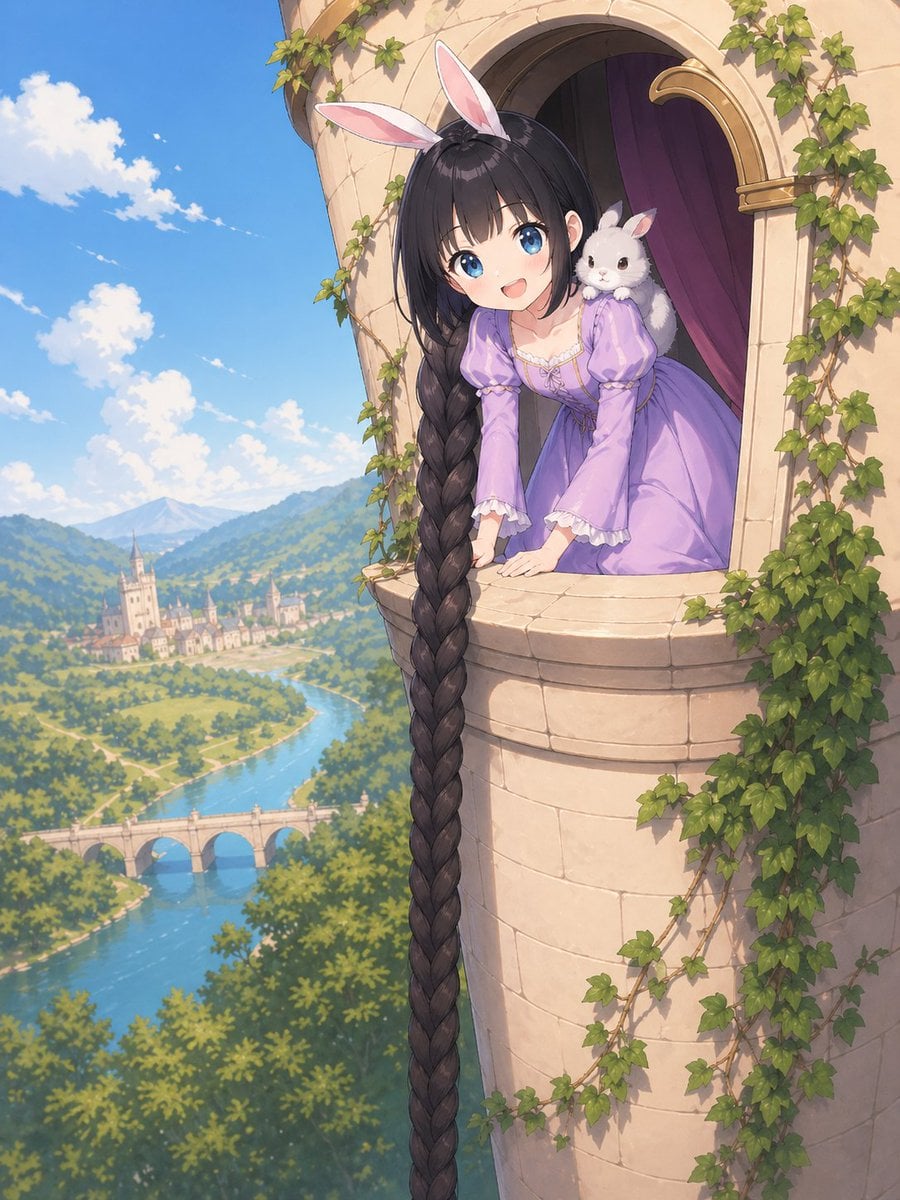
A polished fantasy anime illustration of a Rapunzel-like princess with an extremely long braid leaning from an ivy-covered tower above a scenic river valley, ideal for fairytale-themed character art or storybook visuals.
- Prompt included
- Model and format preset
- Free template
The prompt behind this image
Copy the exact prompt behind Anime Rapunzel Tower Scene, or open it in the studio and make it yours.
A whimsical anime fairytale illustration of {argument name="character name" default="Rapunzel"} leaning out from a high stone tower window, viewed from outside at a slightly elevated angle. She wears a soft lavender medieval-inspired princess dress with puff sleeves, white lace trim, and a fitted bodice, plus a pink-and-white bunny ear headband. Her extremely long {argument name="hair color" default="dark brown"} hair is styled into a single enormous thick braid that spills over the windowsill and drops straight down the full height of the image. A small fluffy white rabbit sits on her right shoulder, adding a cute fantasy touch. The tower is pale beige stone with a rounded balcony-like window ledge, an arched opening, deep purple interior curtains, and green ivy climbing around the walls and window frame. In the background, show a bright sunlit storybook landscape with a vivid blue sky, scattered white clouds, rolling green hills, a winding river, a stone bridge with 3 arches, and a distant European-style town with a castle or cathedral. The mood is triumphant, charming, and magical, like a polished high-end fantasy anime key visual. Detailed painterly rendering, soft natural daylight, clean linework, gentle atmospheric perspective, lush foliage, elegant composition, vertical format.
How to use Anime Rapunzel Tower Scene in 3 steps
- 1Upload ImagePNG, JPG or paste
Add your photo
Upload the photo the template builds on. The prompt, model and format are already set.
- 2…a portrait of your subject in softgolden-hour light, 85mm…
Personalize
Edit the subject and creative details for your destination.
- 3Generate
Generate
Press Generate — your image is created in PicX Studio, so you can compare it with the original and refine one variable at a time.
More like this
Templates with the same subject, style or setup. Open one to see its prompt.












Make it yours
Anime Rapunzel Tower Scene works as-is. These are the safest ways to change it without losing the look.
Change one field
Copy a single group, rewrite it, and generate again so you can see what that field is doing.
Keep the frame, change the subject
Hold the composition and light of Anime Rapunzel Tower Scene, then swap wardrobe, props or the person for a new take.
| If the result… | Why | Fix |
|---|---|---|
| The result drifts from the preview | Too many fields changed at once. | Reuse Anime Rapunzel Tower Scene as-is first, then change one group — subject, light, or setting. |
| The model over-stylizes the scene | The prose prompt leaves finish and camera underspecified. | Add one camera or lighting sentence and stay on GPT Image 2. |
More GPT Image 2 templates
Other prompts made for GPT Image 2.

Six VTuber Japanese Logo Sheet

Realistic Portrait of Woman and Deer

The Vista Modular Condo Poster

AI Model Routing Comparison Infographic

2.5D Anime Art Board

Isometric Productivity Desk Scene

New York Double Exposure Poster

Four-Panel AI Landscape Comparison

Japanese Tatami Lifestyle Magazine Cover

NESCAFÉ Coffee Map Poster
More image prompts
Fresh picks from across the catalog.
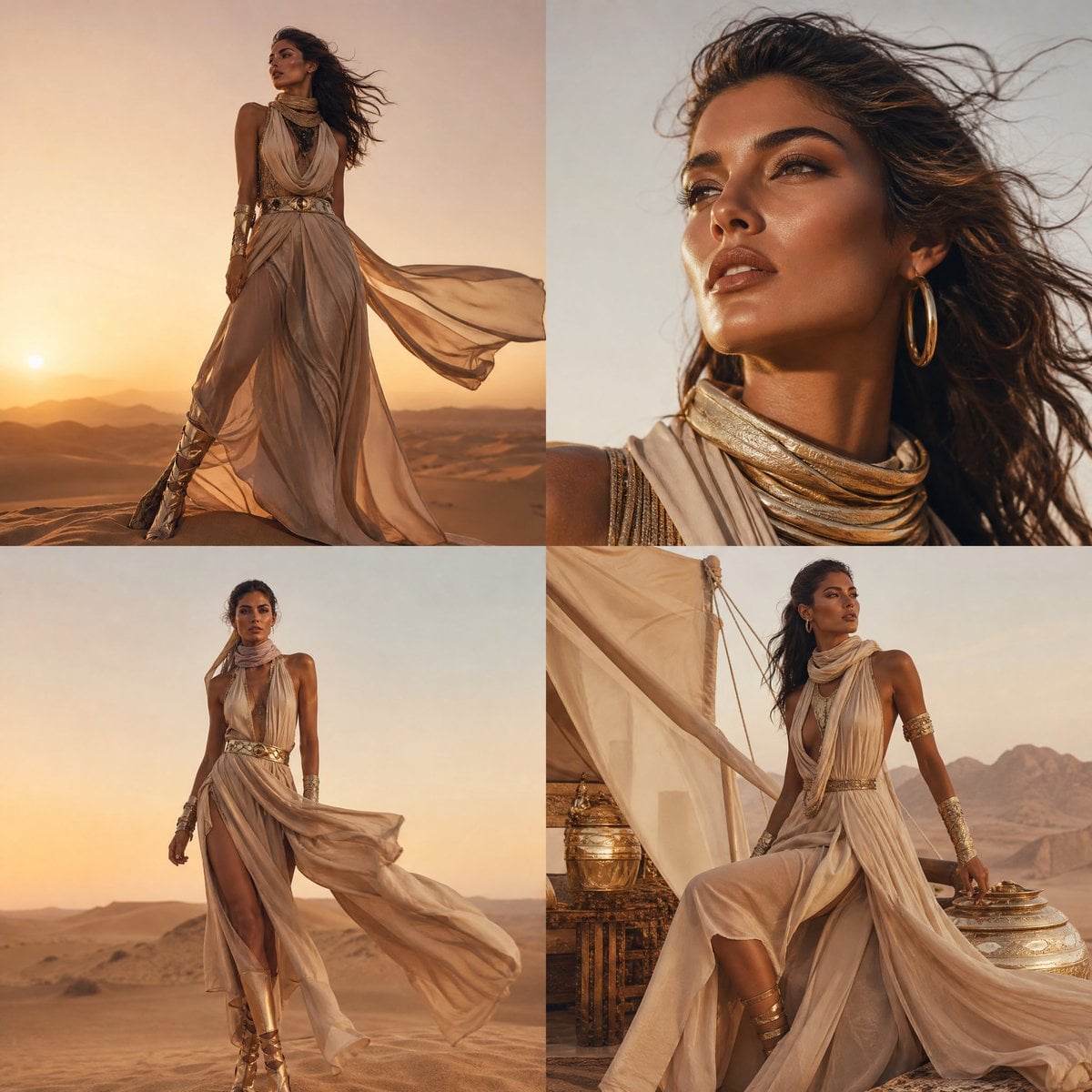
High-Fashion Desert Couture Shoot
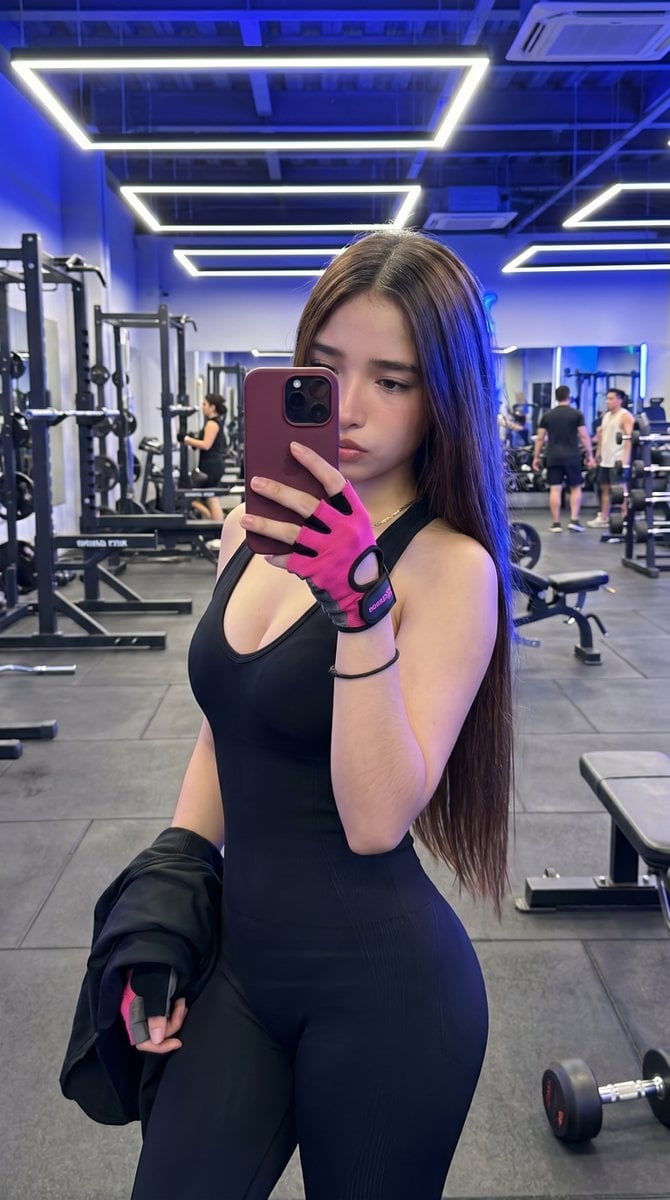
Hyper-Realistic Gym Mirror Selfie
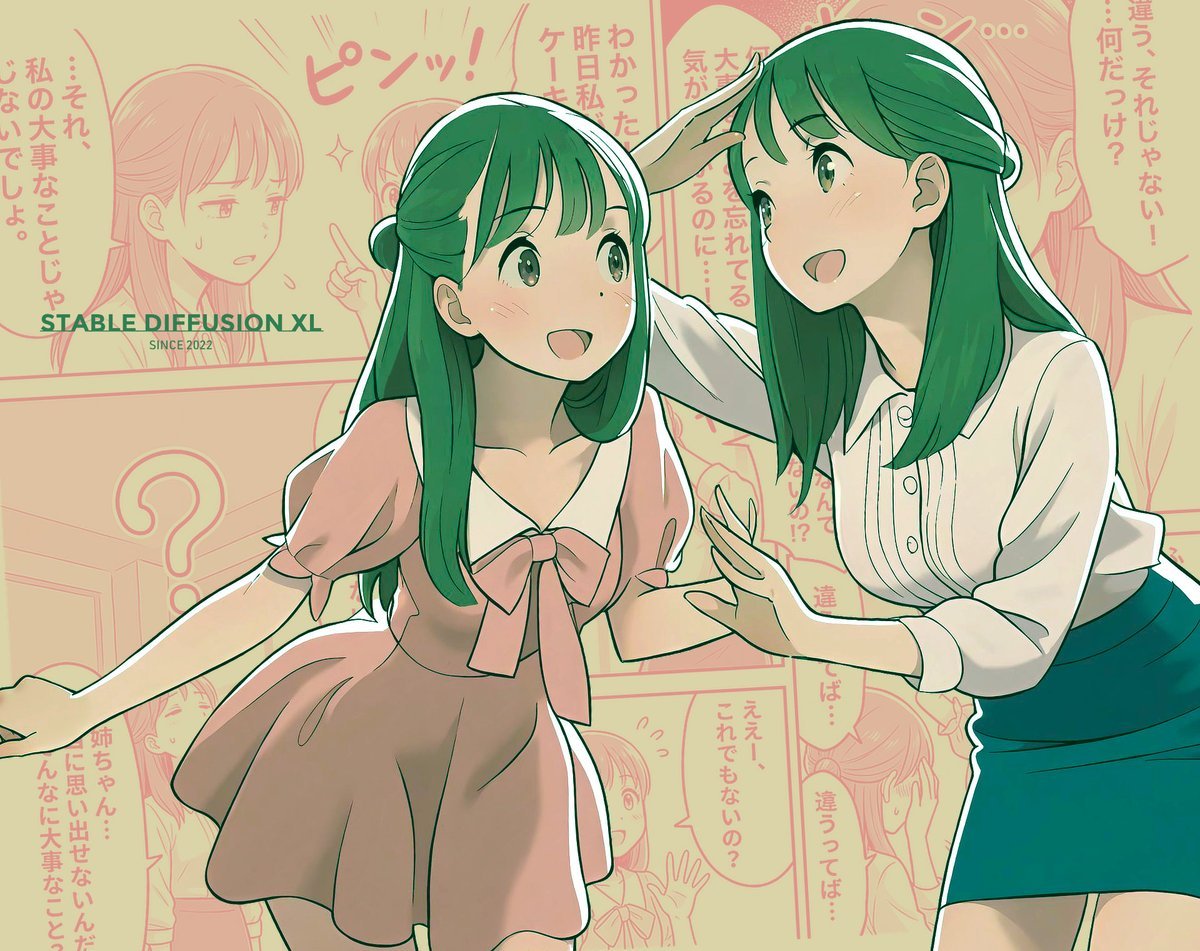
Manga page prompt for Nano Banana Pro
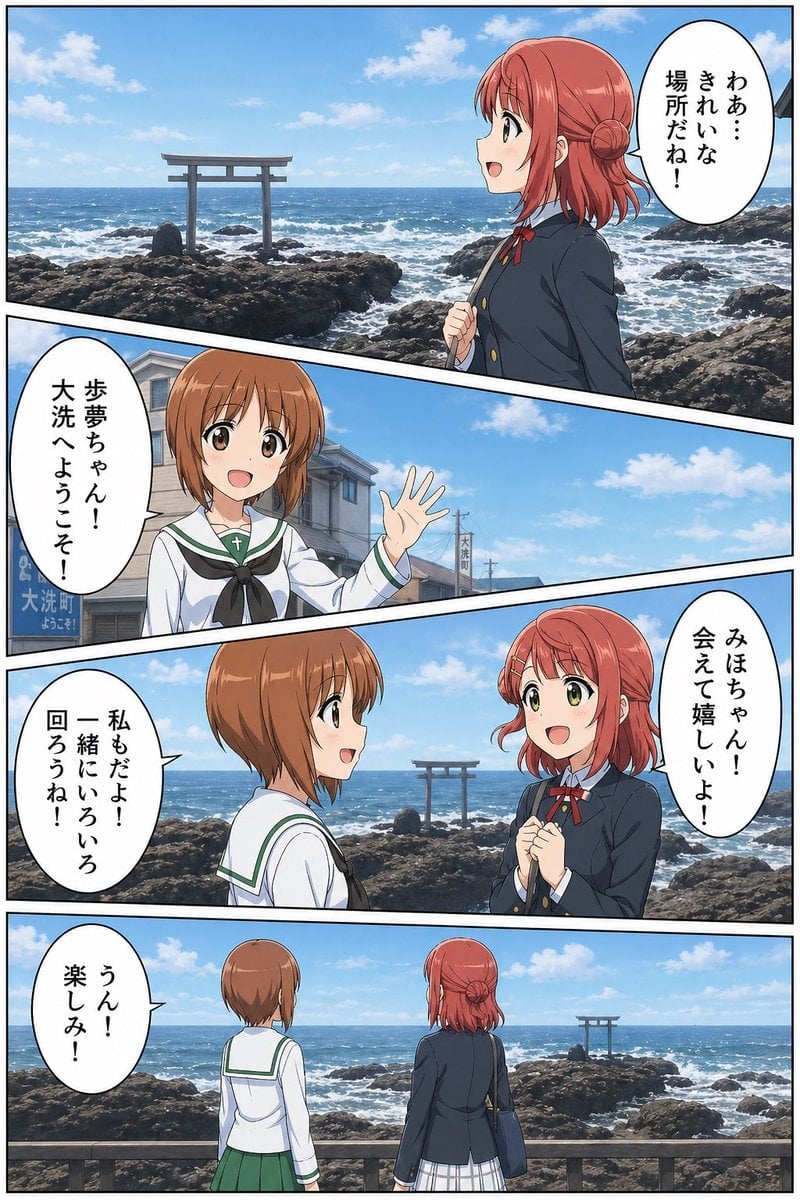
Seaside Anime Crossover Manga Page
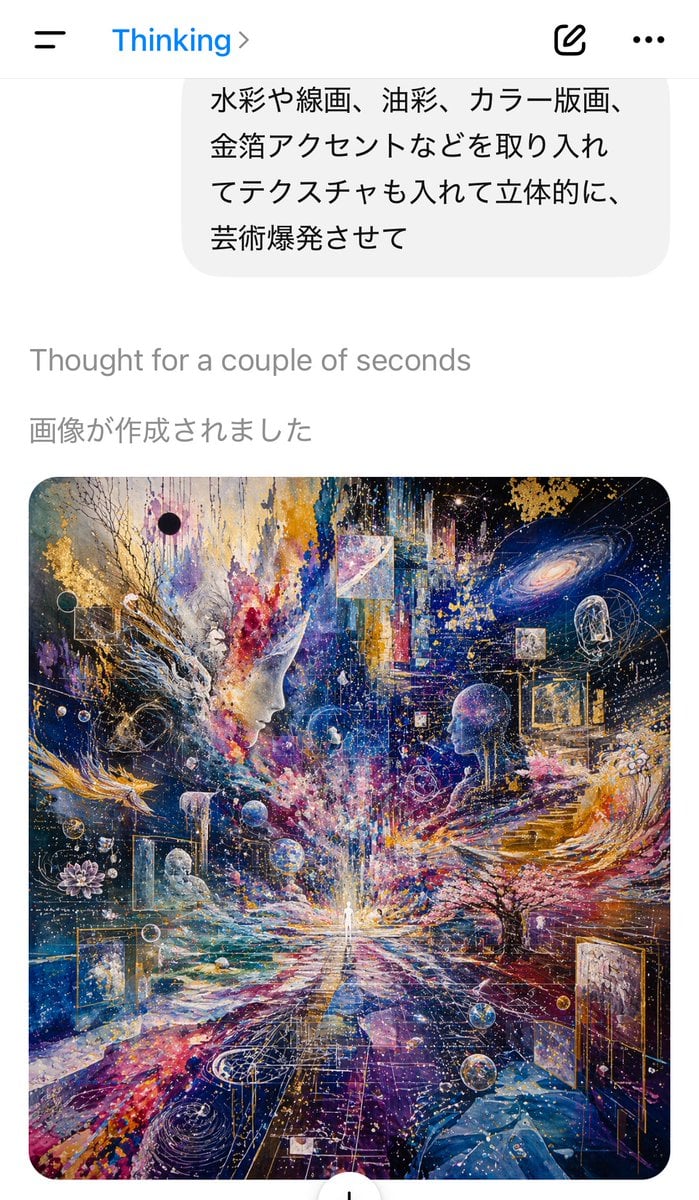
AI Chat Screenshot with Cosmic Artwork
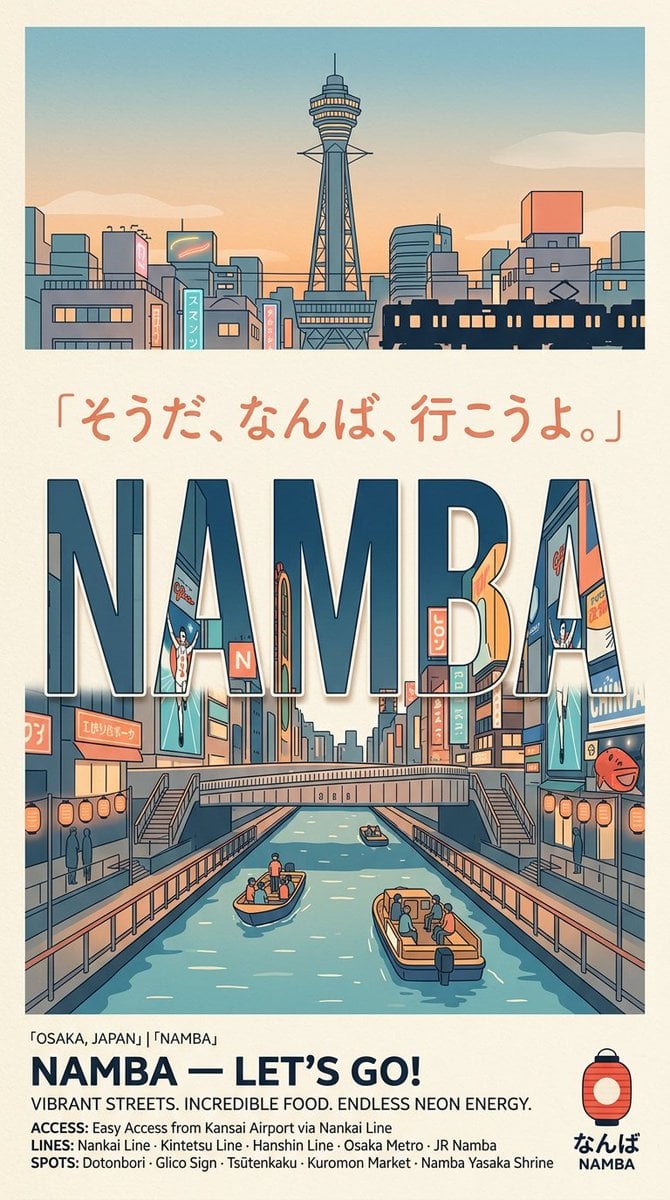
Retro Namba Osaka Travel Poster
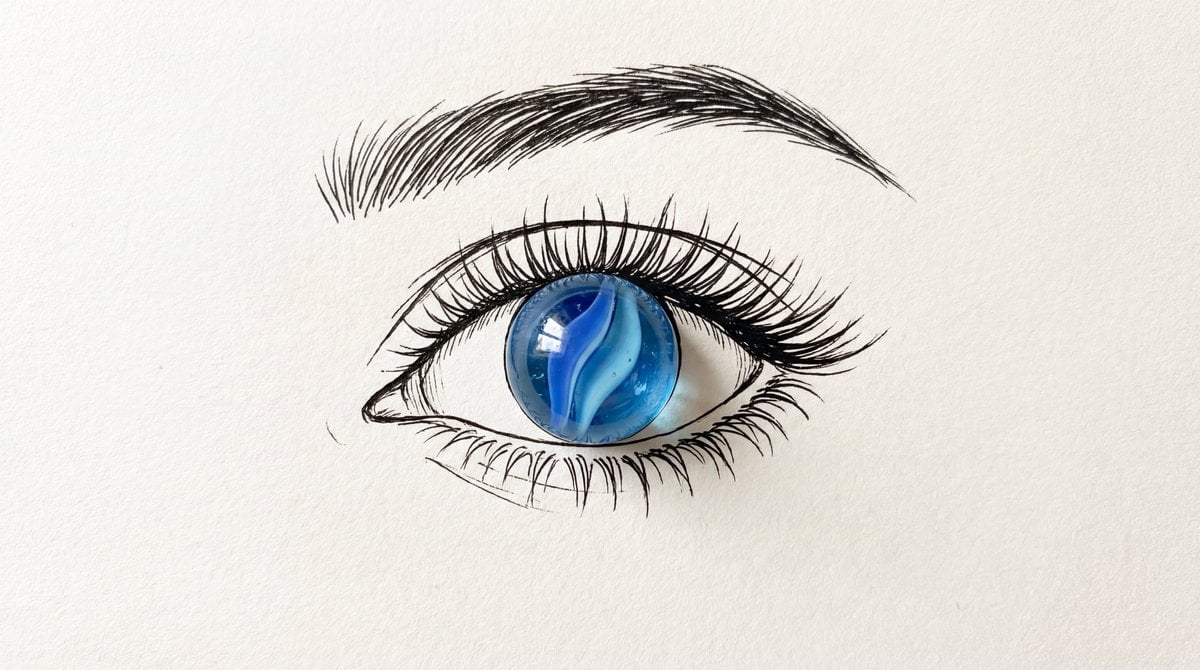
Minimalist Mixed-Media Eye Illustration
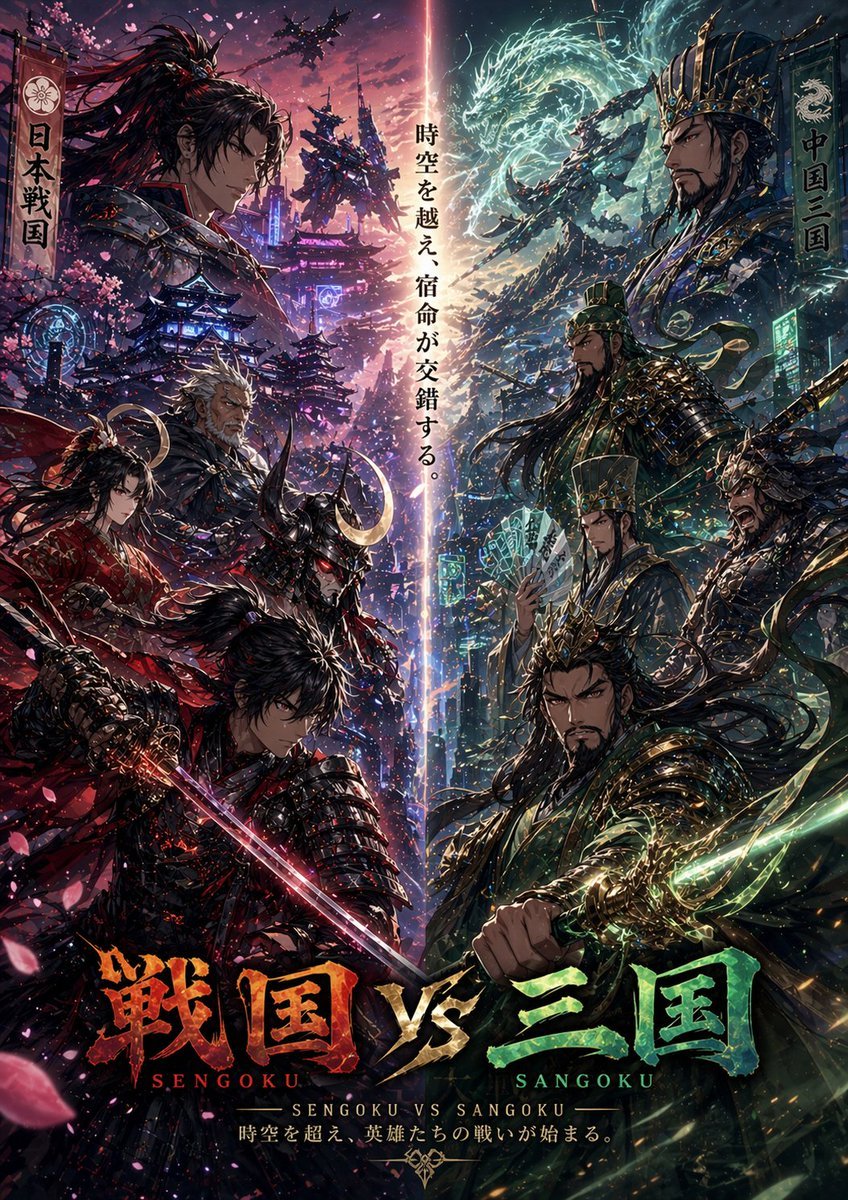
Sengoku vs Sangoku Crossover Poster
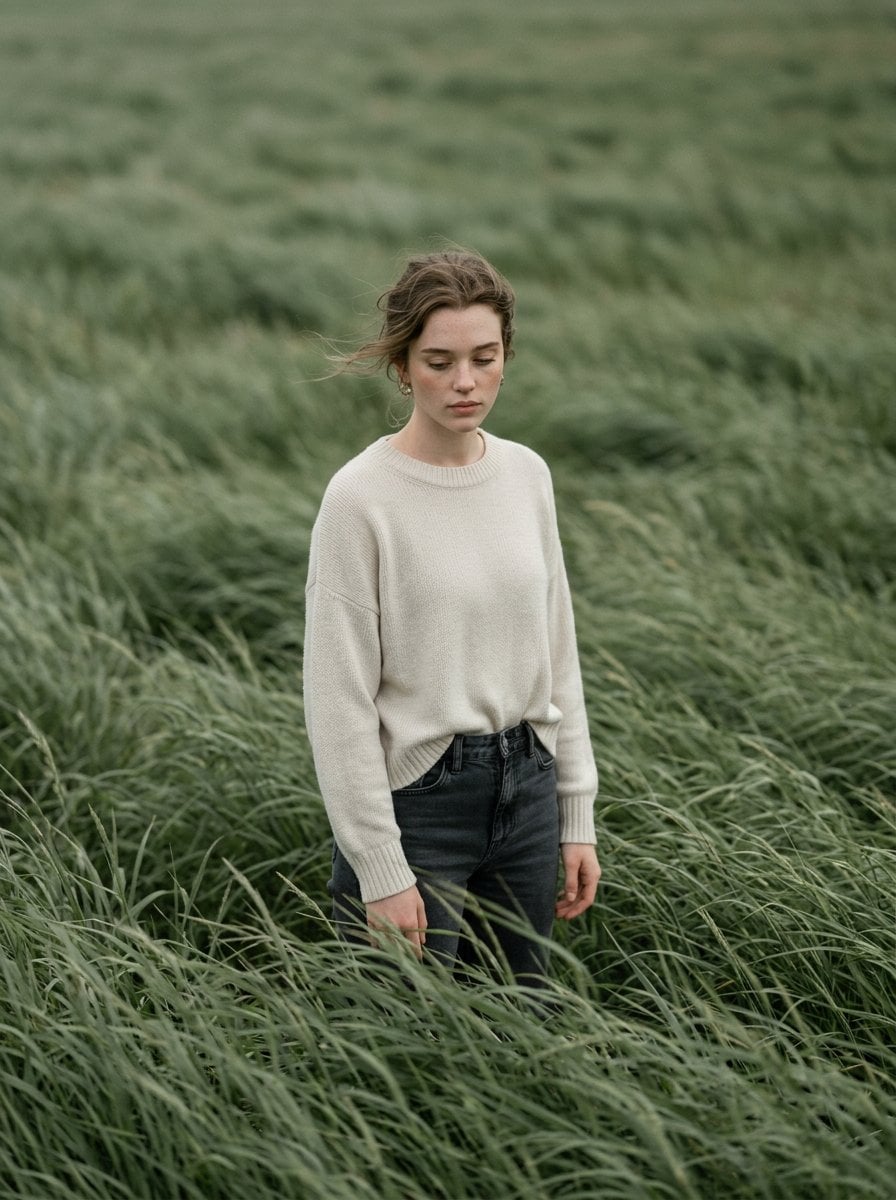
Cinematic Portrait in Sage-Green Grass Field
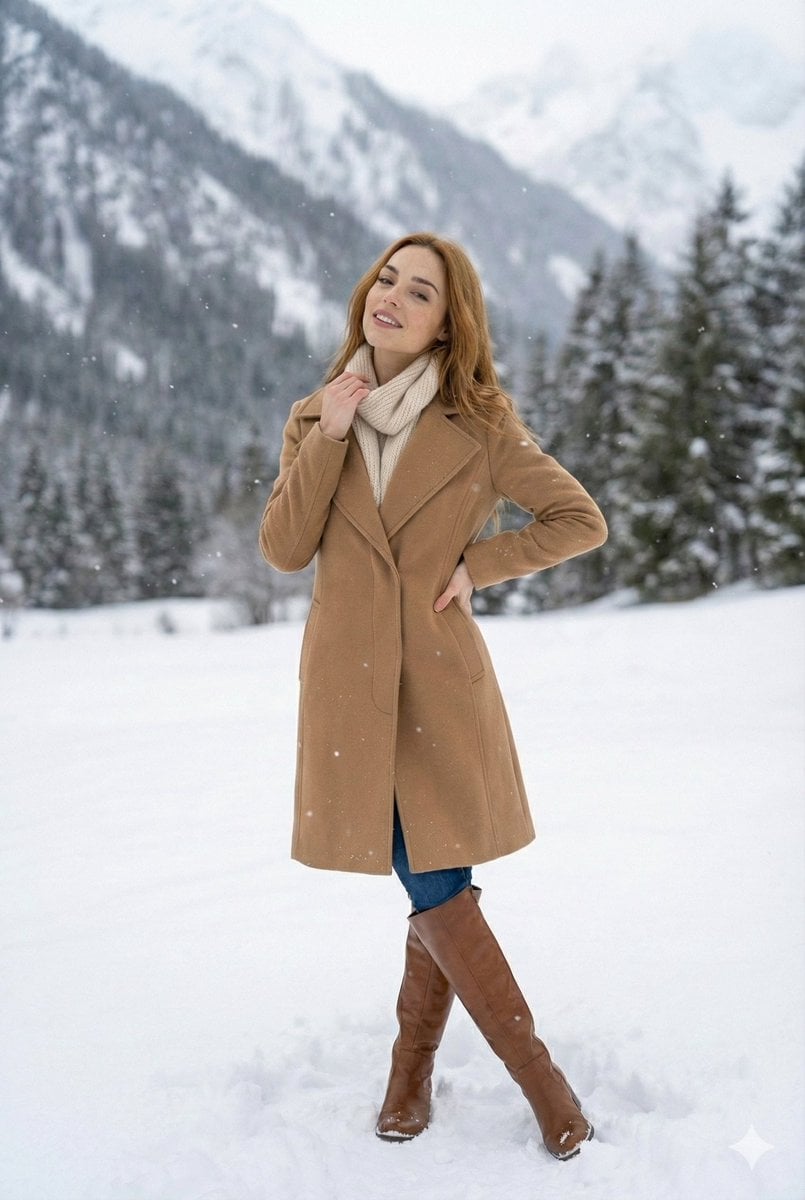
High-Fashion Winter Editorial in Snow
Browse template categories
Anime Rapunzel Tower Scene questions
How do I use the Anime Rapunzel Tower Scene template?
Add your photo if the template asks for one, edit the prompt if you like — the template's model and format are already selected — and press Generate. Your version opens in PicX Studio.
Can I customize the Anime Rapunzel Tower Scene template?
Yes. You can change the subject, setting, lighting, mood, format, and available model controls before creating your image.
Is the Anime Rapunzel Tower Scene template free?
Opening and editing this template is free. Generating uses credits, shown on the Generate button when you are signed in.
Which AI model should I use?
Start with GPT Image 2, which is the model associated with this template. You can compare another compatible model for a different finish.
Looking for something else? Browse all templates.

Your photo, any look
Thousands of ready templates for every top image and video model, from one credit balance.