
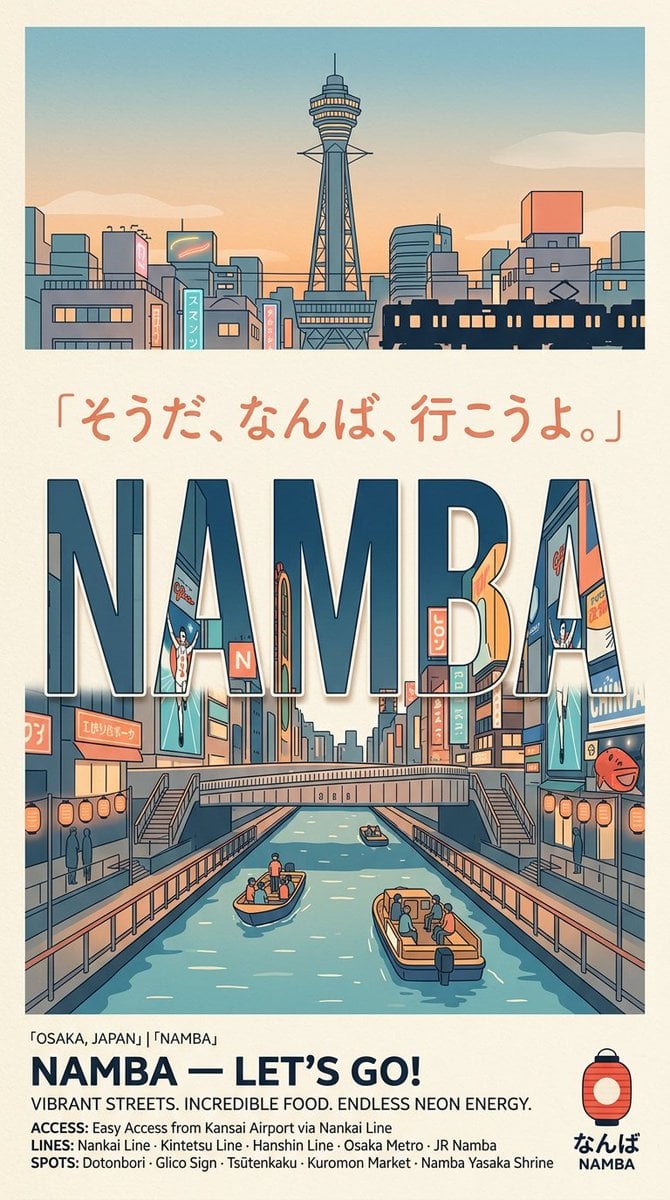
Retro Namba Osaka Travel Poster
A structured prompt for generating a nostalgic illustrated Japanese travel poster featuring Namba, Osaka, neon canals, skyline, and tourism footer text.
- Prompt included
- Model and format preset
- Free template
The prompt behind this image
Copy the exact prompt behind Retro Namba Osaka Travel Poster, or open it in the studio and make it yours.
Goal: Create a retro illustrated travel poster promoting {argument name="destination" default="Namba, Osaka, Japan"}, with a clean Japanese tourism-board feel, warm nostalgia, and bold typography. Canvas: Vertical poster in a 9:16 ratio on warm off-white paper with subtle grain, thin cream border, and muted teal, navy, coral, peach, beige, and orange palette. Use crisp vector-like line art, flat shading, slight print texture, and no photorealism. Layout: Divide the poster into 4 stacked areas: 1) a top skyline illustration panel, 2) a centered Japanese quote line, 3) a large central canal street scene integrated with giant letters, and 4) a bottom information footer with logo. Top panel: Wide rectangular illustration of an Osaka city skyline at sunset. Center Tsutenkaku-style tower with a thin antenna and observation deck, surrounded by low-rise buildings, signs, power lines, and a dark train silhouette crossing the lower right. Sky fades from pale blue to peach with a few soft clouds. Quote text: Under the skyline, place handwritten coral Japanese text reading {argument name="quote" default="「そうだ、なんば、行こうよ。」"}. Keep it spacious and centered. Main illustration: Large bold uppercase word {argument name="main title" default="NAMBA"} dominates the middle, using thick condensed sans-serif block letters in dark navy with pale inner highlights and thin outlines. Inside and around the letters, show a lively Dotonbori-inspired canal street: neon signs, billboards, shop facades, pedestrian bridges, stairs on both sides, railings, lanterns, and a central canal receding in perspective. The canal contains exactly 3 visible boats: one small boat near the center-left foreground with 3 people, one larger boat at the lower right with 5 people, and one tiny distant boat near the bridge with 1 person. Include exactly 2 large vertical billboard characters/figures, one on the left and one on the right, both resembling stylized running sign figures. Include exactly 2 rows of round orange lanterns, one along each canal side. Add small silhouettes of pedestrians on the walkways. Footer text: At the bottom left, add a small location line: "OSAKA, JAPAN」 「NAMBA」". Below it, set a bold navy headline reading {argument name="footer headline" default="NAMBA — LET’S GO!"}. Under that, add the tagline {argument name="tagline" default="VIBRANT STREETS. INCREDIBLE FOOD. ENDLESS NEON ENERGY."}. Add three compact info lines: "ACCESS: Easy Access from Kansai Airport via Nankai Line", "LINES: Nankai Line · Kintetsu Line · Hanshin Line · Osaka Metro · JR Namba", and "SPOTS: Dotonbori · Glico Sign · Tsutenkaku · Kuromon Market · Namba Yasaka Shrine". Bottom-right logo: Include a simple red-orange paper lantern icon with navy cap and outline. Under it place Japanese hiragana "なんば" and small uppercase "NAMBA". Constraints: Keep all text legible, use the exact visible hierarchy with one skyline panel, one quote, one giant main word, one canal scene, and one footer. Avoid modern glossy effects, avoid extra logos, avoid photographic details, and preserve the retro Japanese travel poster aesthetic.
How to use Retro Namba Osaka Travel Poster in 3 steps
- 1Upload ImagePNG, JPG or paste
Add your photo
Upload the photo the template builds on. The prompt, model and format are already set.
- 2…a portrait of your subject in softgolden-hour light, 85mm…
Personalize
Edit the subject and creative details for your destination.
- 3Generate
Generate
Press Generate — your image is created in PicX Studio, so you can compare it with the original and refine one variable at a time.
More like this
Templates with the same subject, style or setup. Open one to see its prompt.










Make it yours
Retro Namba Osaka Travel Poster works as-is. These are the safest ways to change it without losing the look.
Change one field
Copy a single group, rewrite it, and generate again so you can see what that field is doing.
Keep the frame, change the subject
Hold the composition and light of Retro Namba Osaka Travel Poster, then swap wardrobe, props or the person for a new take.
| If the result… | Why | Fix |
|---|---|---|
| The result drifts from the preview | Too many fields changed at once. | Reuse Retro Namba Osaka Travel Poster as-is first, then change one group — subject, light, or setting. |
| The model over-stylizes the scene | The prose prompt leaves finish and camera underspecified. | Add one camera or lighting sentence and stay on GPT Image 2. |
More GPT Image 2 templates
Other prompts made for GPT Image 2.

Six VTuber Japanese Logo Sheet

Realistic Portrait of Woman and Deer

The Vista Modular Condo Poster

AI Model Routing Comparison Infographic

2.5D Anime Art Board

Isometric Productivity Desk Scene

New York Double Exposure Poster

Four-Panel AI Landscape Comparison

Japanese Tatami Lifestyle Magazine Cover

NESCAFÉ Coffee Map Poster
More image prompts
Fresh picks from across the catalog.
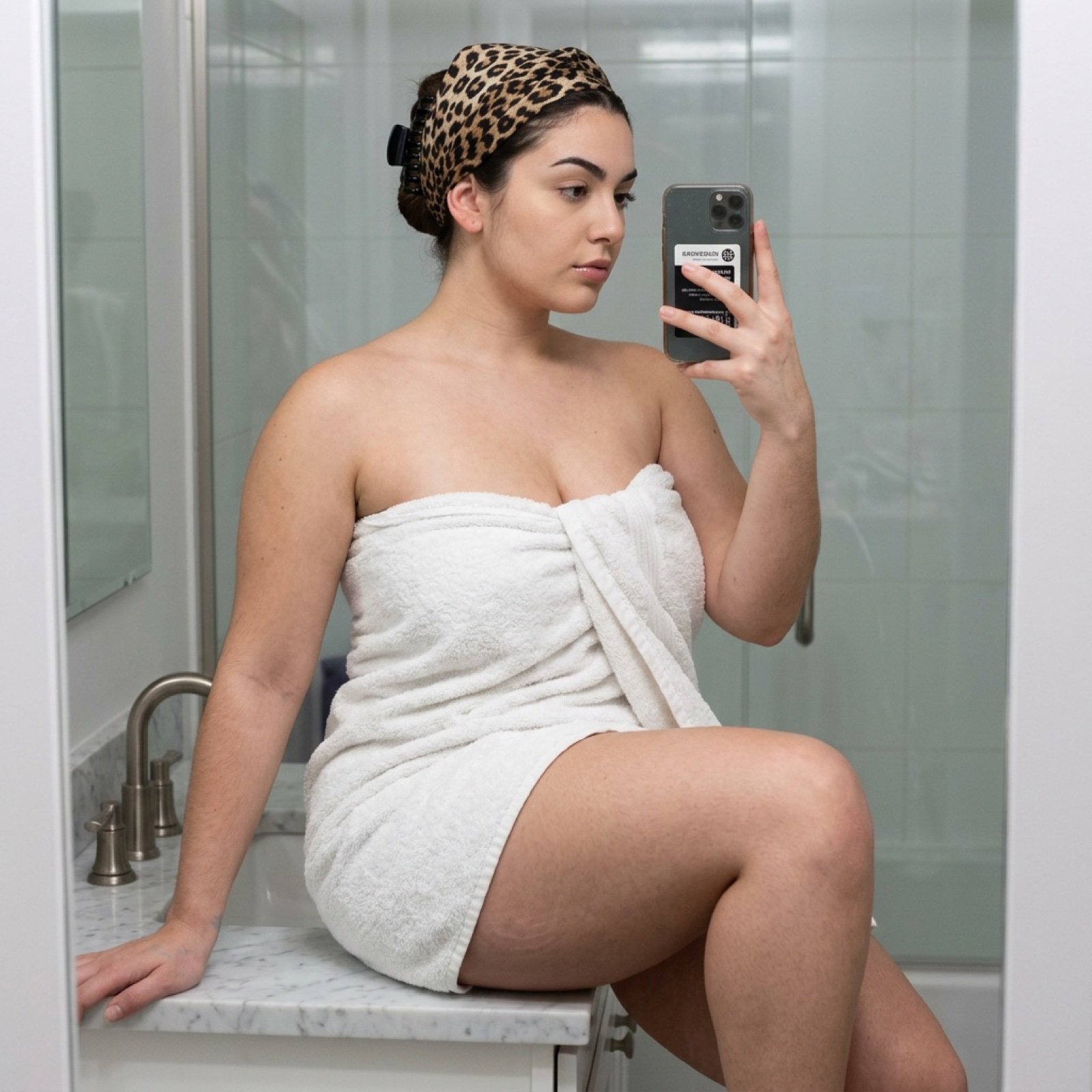
Curvy Woman Bathroom Mirror Selfie

Morning Window Hotel Portrait
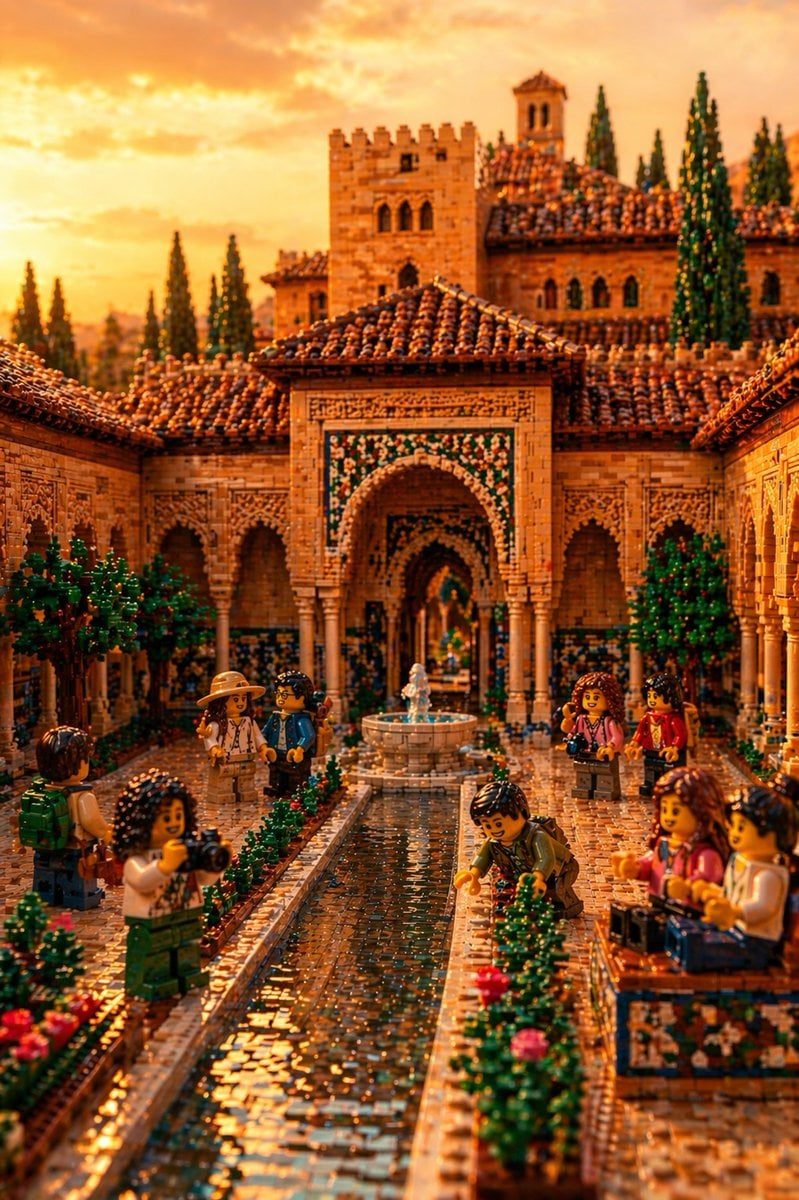
LEGO Alhambra Courtyard at Sunset
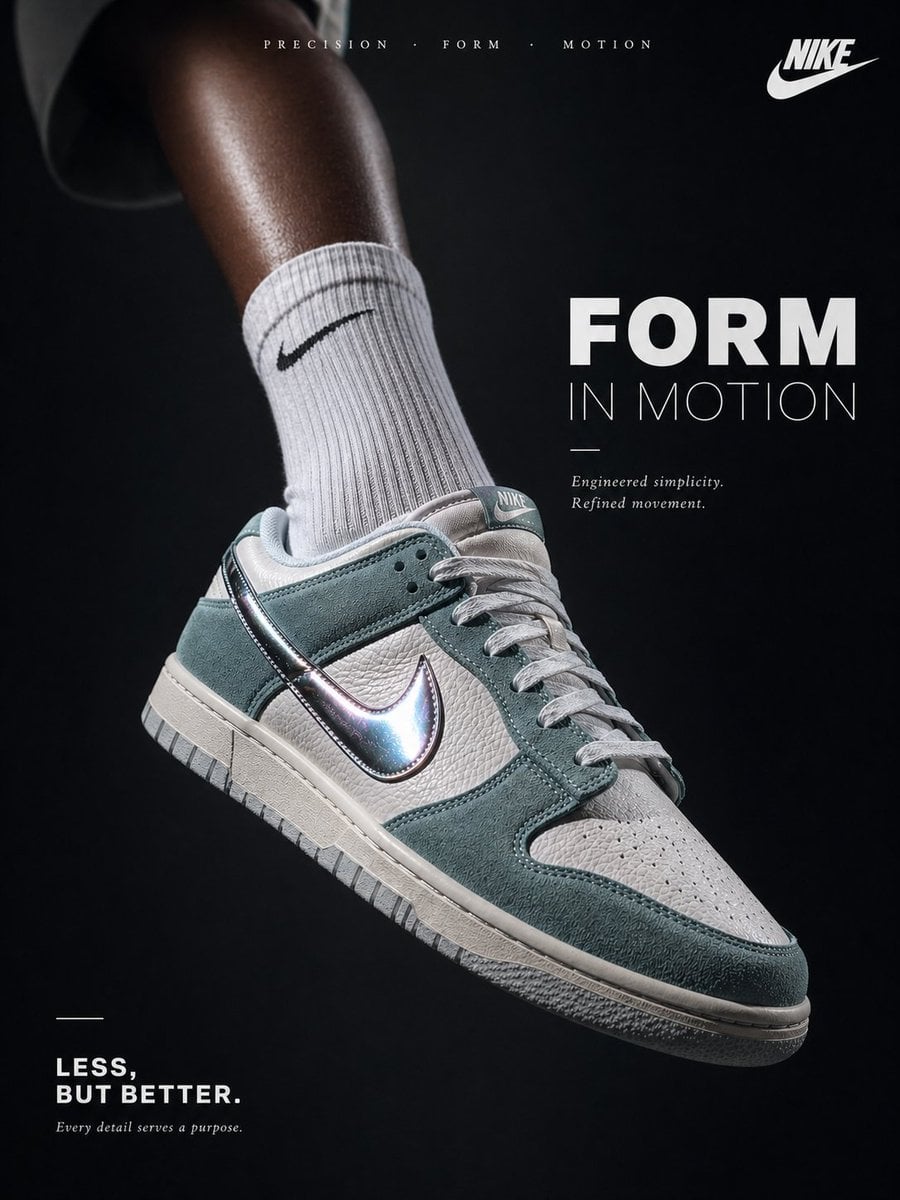
Luxury Minimalist Footwear Ad
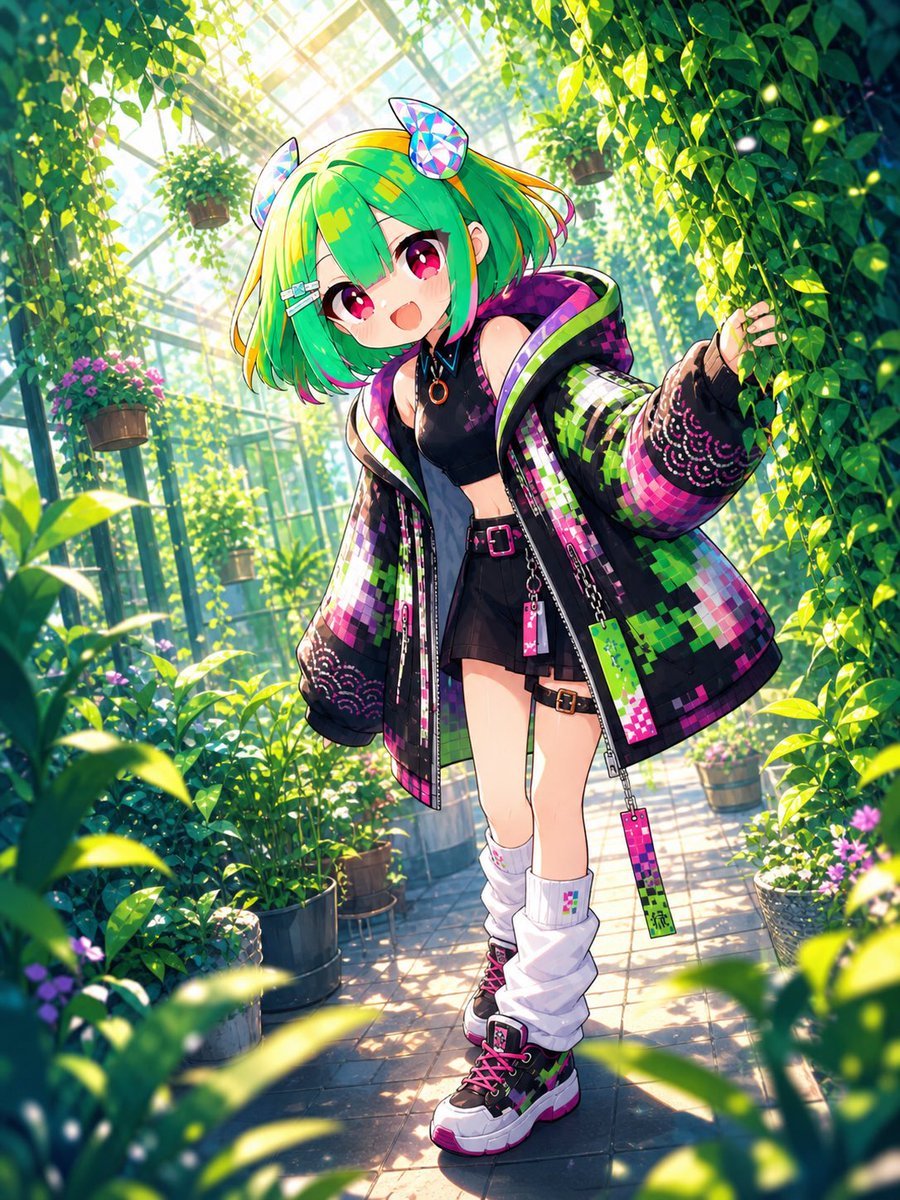
Greenhouse Cyber Streetwear Anime Girl

Bad MS Paint Redraw

Fashion Editorial Grid Prompt (Red Satin Heart Glasses)
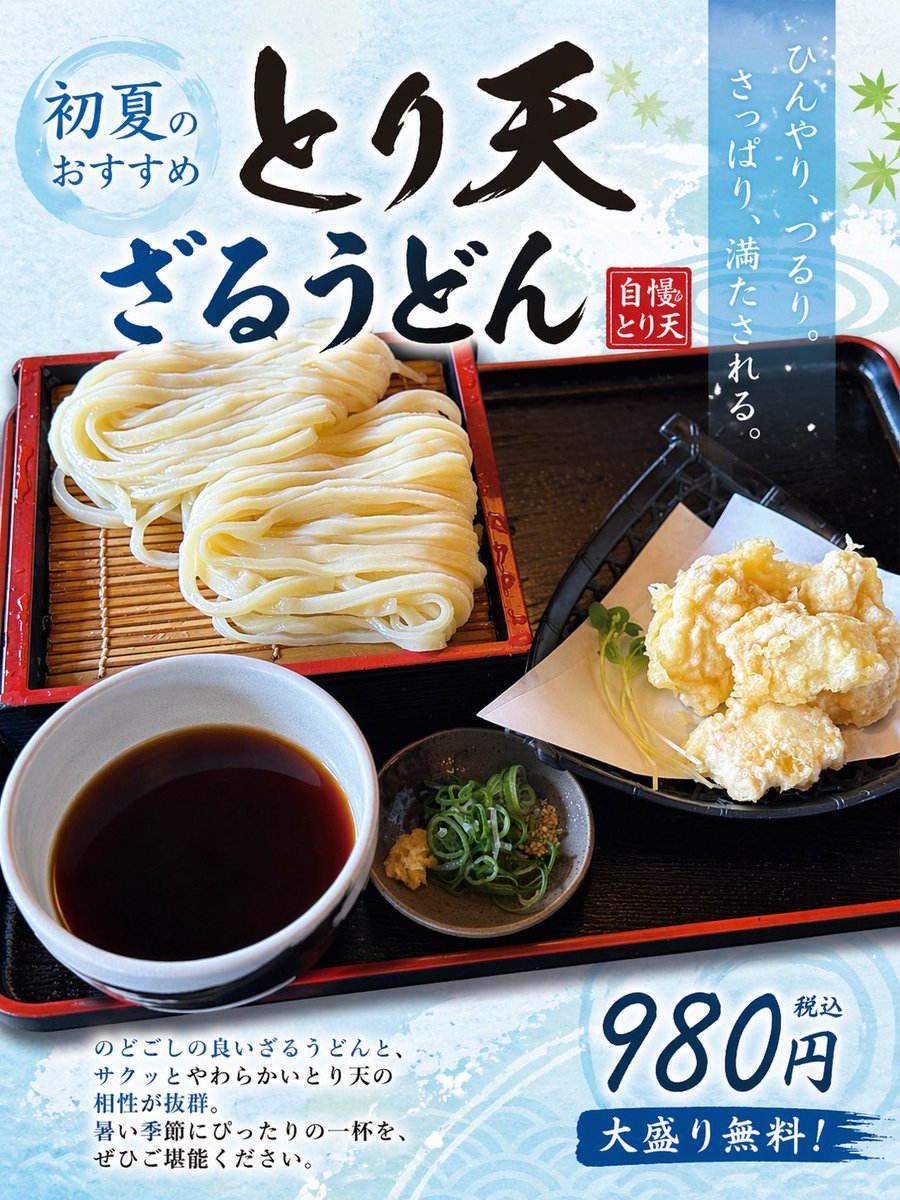
Turn Food Photo Into Japanese Poster
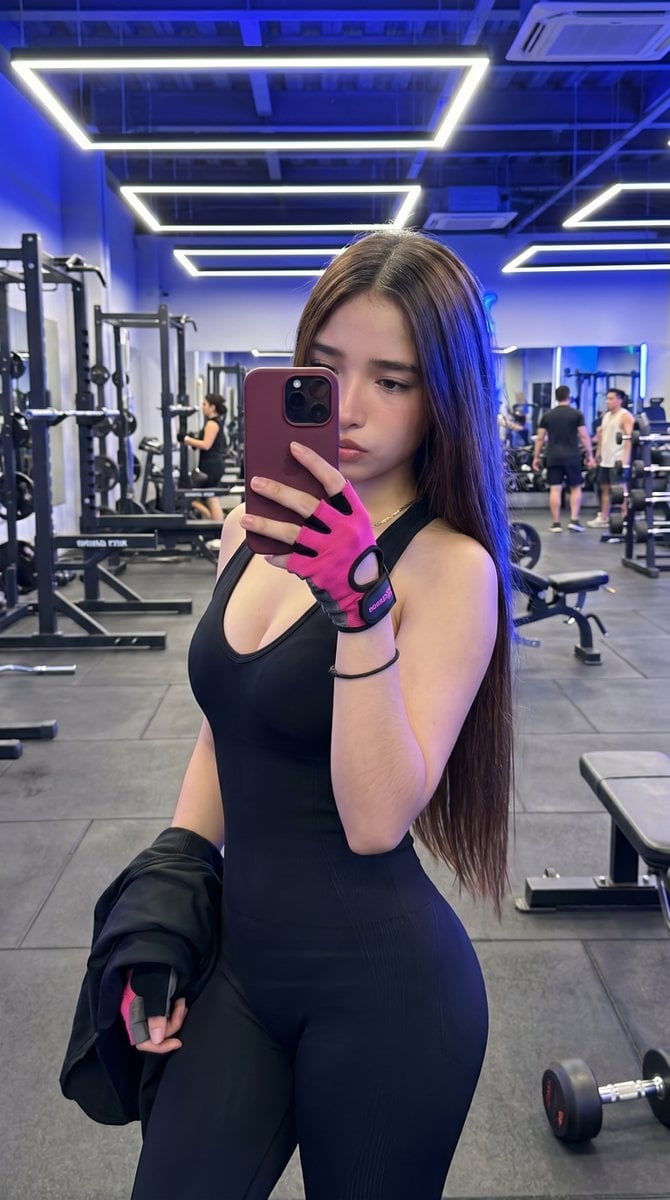
Hyper-Realistic Gym Mirror Selfie
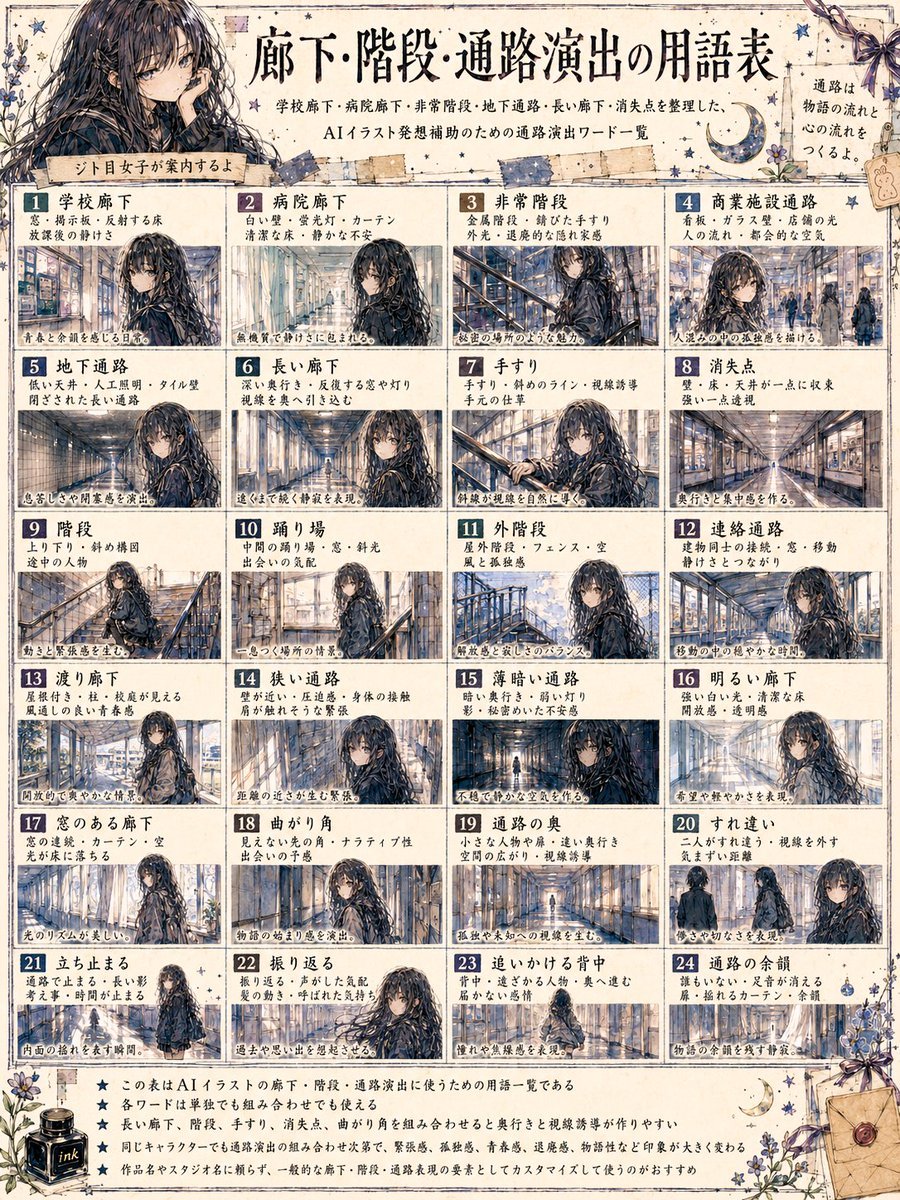
Japanese Corridor Vocabulary Poster
Browse template categories
Retro Namba Osaka Travel Poster questions
How do I use the Retro Namba Osaka Travel Poster template?
Add your photo if the template asks for one, edit the prompt if you like — the template's model and format are already selected — and press Generate. Your version opens in PicX Studio.
Can I customize the Retro Namba Osaka Travel Poster template?
Yes. You can change the subject, setting, lighting, mood, format, and available model controls before creating your image.
Is the Retro Namba Osaka Travel Poster template free?
Opening and editing this template is free. Generating uses credits, shown on the Generate button when you are signed in.
Which AI model should I use?
Start with GPT Image 2, which is the model associated with this template. You can compare another compatible model for a different finish.
Looking for something else? Browse all templates.

Your photo, any look
Thousands of ready templates for every top image and video model, from one credit balance.