
Retro Umeda Osaka Travel Poster
A structured prompt for generating a vintage illustrated Umeda tourism poster with skyline art, landmark map, bold typography, and travel-copy details.
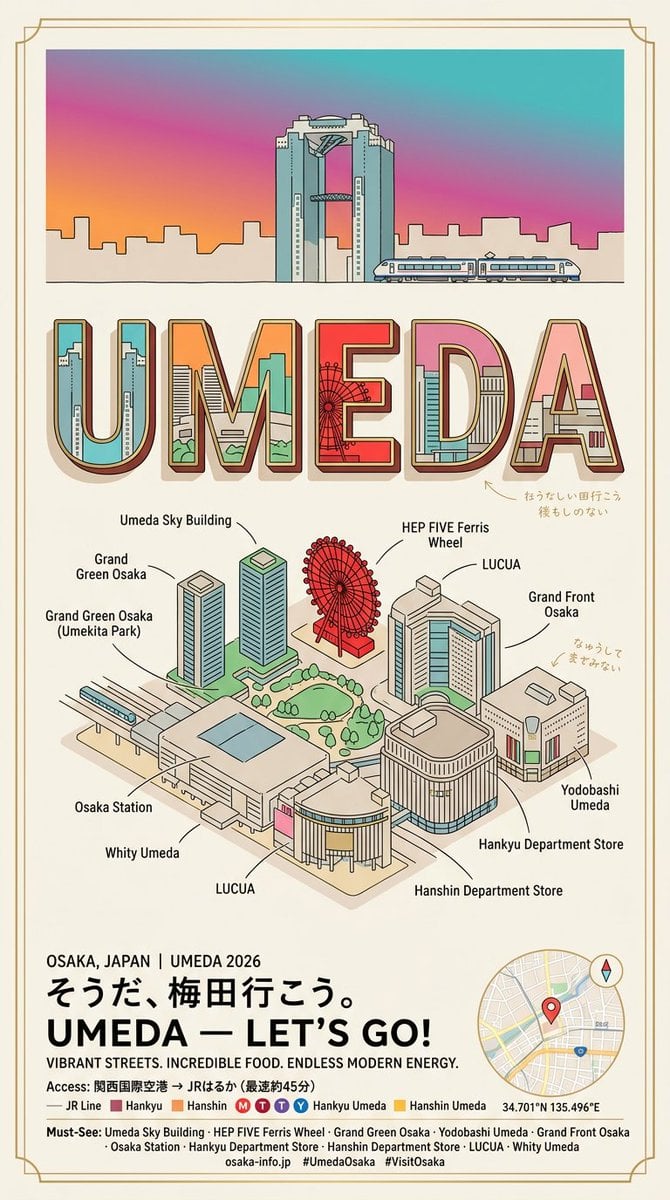
- Prompt included
- Model and format preset
- Free template
The prompt behind this image
Copy the exact prompt behind Retro Umeda Osaka Travel Poster, or open it in the studio and make it yours.
Goal: Create a vintage travel-poster infographic for {argument name="destination" default="Umeda, Osaka, Japan"}, combining a simple skyline illustration, large decorative typography, an isometric landmark map, and travel-ad copy. Canvas: Vertical poster, about 2:3 aspect ratio, warm ivory paper background with a thin double-line ornamental gold border and clipped art-deco corner details. Use clean vector line art, muted pastel colors, subtle grain, beige shadows, and a retro Japanese tourism poster feel. Layout: Top section is a wide rectangular sunset skyline panel with a turquoise-to-pink-to-orange gradient sky, flat beige city silhouette, the Umeda Sky Building centered, and a two-car train on tracks at the lower right. Middle section has one huge word, {argument name="large title word" default="UMEDA"}, in bold outlined block letters filled with miniature city scenes; add a tan offset shadow and small handwritten Japanese note arrows near the right side. Main section is an isometric illustrated area map of Umeda with labeled landmarks and connecting leader lines. Bottom section contains location/date text, a large Japanese slogan, a bold English slogan, access information, railway line legend, must-see list, URL/hashtags, coordinates, and a small circular map inset. Top skyline details: Include exactly 3 main skyline elements: 1 tall Umeda Sky Building with two linked towers and a bridge-like top, 1 simplified beige urban skyline stretching across the horizon, and 1 modern train made of exactly 2 connected cars. Large typography details: The word UMEDA must contain exactly 5 giant letters, each filled differently: U with the Umeda Sky Building, M with modern buildings and greenery, E with a red ferris wheel, D with tall office towers, and A with urban street/building fragments. Use thick dark brown outlines, warm beige inner outlines, and colorful fills. Isometric map landmark count: Show and label exactly 10 landmarks around the central map: 1 Umeda Sky Building, 2 Grand Green Osaka, 3 Grand Green Osaka (Umekita Park), 4 HEP FIVE Ferris Wheel, 5 LUCUA, 6 Grand Front Osaka, 7 Yodobashi Umeda, 8 Hankyu Department Store, 9 Hanshin Department Store, 10 Osaka Station. Also include exactly 1 additional label, Whity Umeda, near the lower left walkway area. The map should include towers, shopping complexes, station buildings, plazas, a green park with trees, curved pedestrian paths, and a red ferris wheel as the most saturated object. Bottom text content: Use the heading “OSAKA, JAPAN | UMEDA 2026”. Below it, place the Japanese slogan {argument name="Japanese slogan" default="そうだ、梅田行こう。"} in large bold black type. Under that, write “UMEDA — LET’S GO!” in very large bold uppercase letters. Add the subtitle “VIBRANT STREETS. INCREDIBLE FOOD. ENDLESS MODERN ENERGY.” Add access text: “Access: 関西国際空港 → JRはるか(最速約45分)”. Include a rail legend with exactly 5 colored line items: JR Line, Hankyu, Hanshin, T, and Y. Add the must-see line listing: “Must-See: Umeda Sky Building · HEP FIVE Ferris Wheel · Grand Green Osaka · Yodobashi Umeda · Grand Front Osaka · Osaka Station · Hankyu Department Store · Hanshin Department Store · LUCUA · Whity Umeda”. Add small footer text “osaka-info.jp #UmedaOsaka #VisitOsaka” and coordinates “34.701°N 135.496°E”. Map inset: Bottom right contains exactly 1 circular street-map inset with pale roads, light green blocks, blue waterways, a red location pin, and a tiny compass marker. Style constraints: Keep the illustration intentionally simple and clean, with thin black-brown outlines, flat fills, minimal shading, and a hand-drawn travel guide aesthetic. Avoid photorealism, 3D rendering, excessive detail, extra labels, logos, or watermarks. Preserve the visible Japanese text exactly where specified while keeping all other design instructions in English.
How to use Retro Umeda Osaka Travel Poster in 3 steps
- 1Upload ImagePNG, JPG or paste
Add your photo
Upload the photo the template builds on. The prompt, model and format are already set.
- 2…a portrait of your subject in softgolden-hour light, 85mm…
Personalize
Edit the subject and creative details for your destination.
- 3Generate
Generate
Press Generate — your image is created in PicX Studio, so you can compare it with the original and refine one variable at a time.
More like this
Templates with the same subject, style or setup. Open one to see its prompt.







Make it yours
Retro Umeda Osaka Travel Poster works as-is. These are the safest ways to change it without losing the look.
Change one field
Copy a single group, rewrite it, and generate again so you can see what that field is doing.
Keep the frame, change the subject
Hold the composition and light of Retro Umeda Osaka Travel Poster, then swap wardrobe, props or the person for a new take.
| If the result… | Why | Fix |
|---|---|---|
| The result drifts from the preview | Too many fields changed at once. | Reuse Retro Umeda Osaka Travel Poster as-is first, then change one group — subject, light, or setting. |
| The model over-stylizes the scene | The prose prompt leaves finish and camera underspecified. | Add one camera or lighting sentence and stay on GPT Image 2. |
More GPT Image 2 templates
Other prompts made for GPT Image 2.

Six VTuber Japanese Logo Sheet

Realistic Portrait of Woman and Deer

The Vista Modular Condo Poster

AI Model Routing Comparison Infographic

2.5D Anime Art Board

Isometric Productivity Desk Scene

New York Double Exposure Poster

Four-Panel AI Landscape Comparison

Japanese Tatami Lifestyle Magazine Cover

NESCAFÉ Coffee Map Poster
More image prompts
Fresh picks from across the catalog.
Uzumaki Naruto Pop-Up Book Prompt

90s Indie Studio Portrait Grid

Ultra-realistic Commercial Veg Burger Photography and Exploded View

Winter Watercolor Portrait with Identity Lock Prompt

Gen Z TikTok Viral Expression Grid 4x4 — Nano Banana

Anime Character Creation Prompt
博物馆图鉴式汉服拆解图 — GPT-image-2
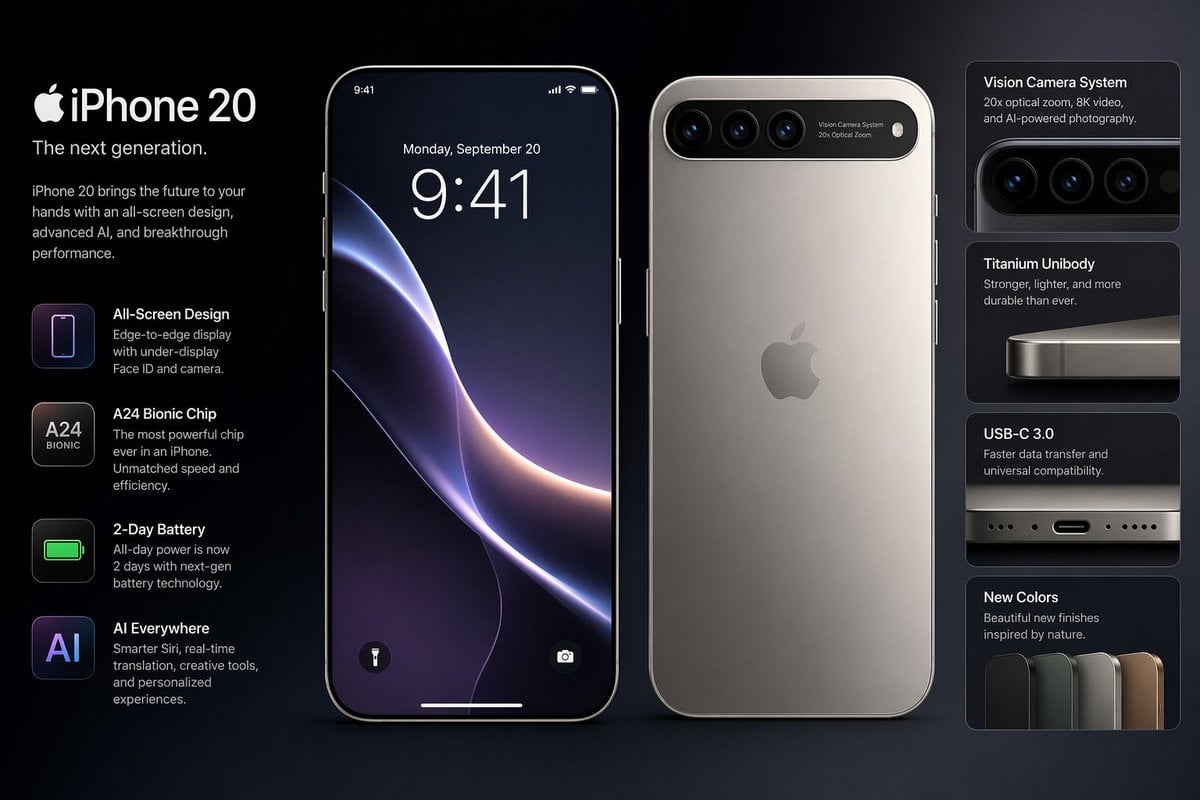
Future iPhone Design
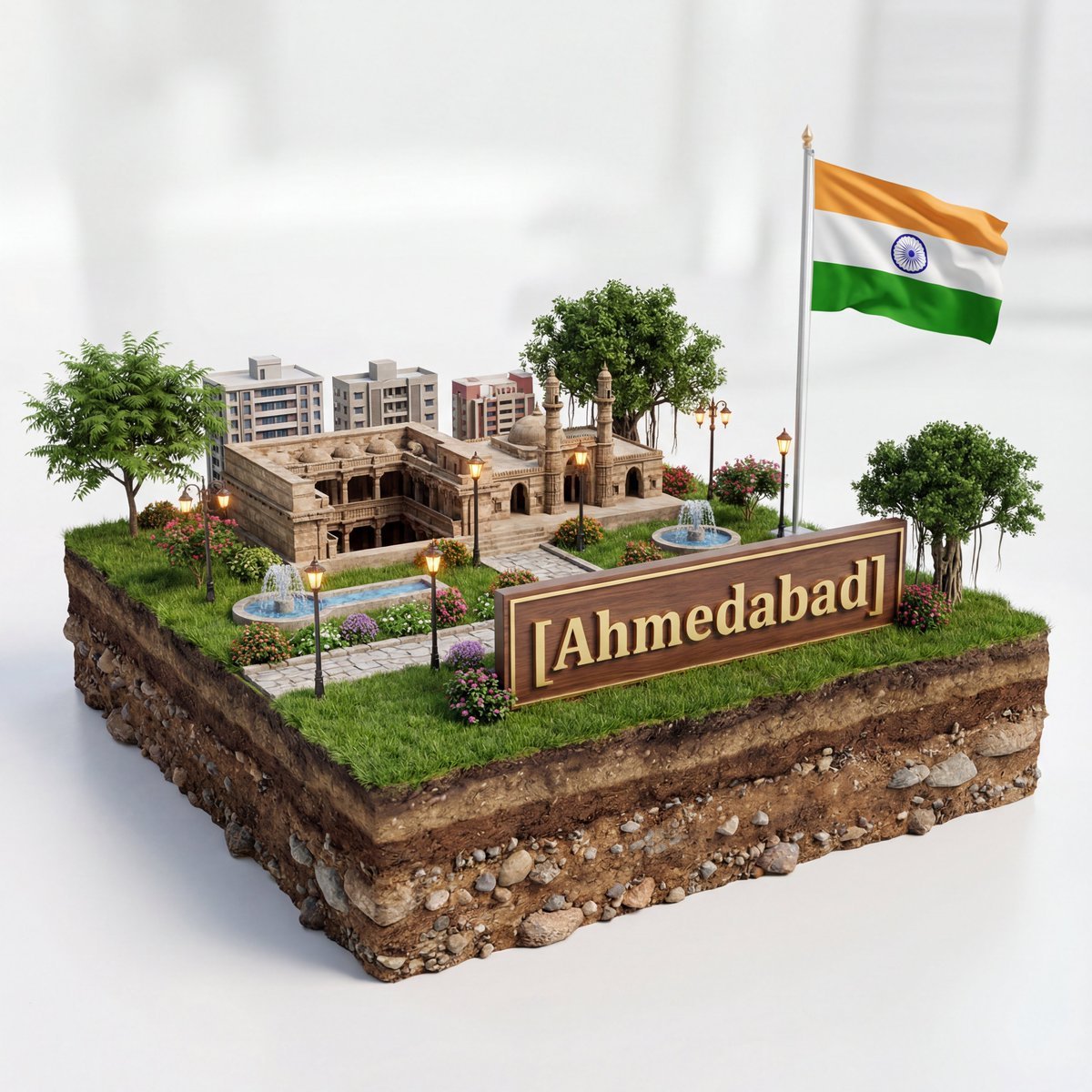
3D Diorama of Ahmedabad Landmark
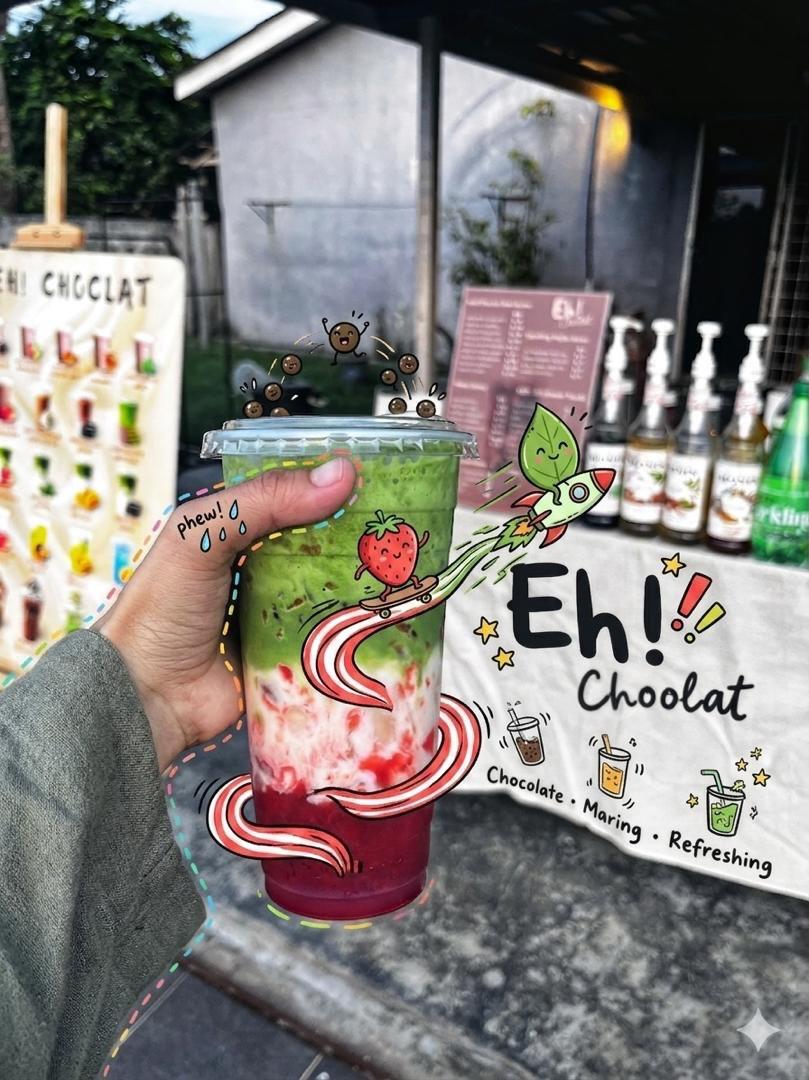
Doodled Strawberry Matcha Drink Photo
Browse template categories
Retro Umeda Osaka Travel Poster questions
How do I use the Retro Umeda Osaka Travel Poster template?
Add your photo if the template asks for one, edit the prompt if you like — the template's model and format are already selected — and press Generate. Your version opens in PicX Studio.
Can I customize the Retro Umeda Osaka Travel Poster template?
Yes. You can change the subject, setting, lighting, mood, format, and available model controls before creating your image.
Is the Retro Umeda Osaka Travel Poster template free?
Opening and editing this template is free. Generating uses credits, shown on the Generate button when you are signed in.
Which AI model should I use?
Start with GPT Image 2, which is the model associated with this template. You can compare another compatible model for a different finish.
Looking for something else? Browse all templates.

Your photo, any look
Thousands of ready templates for every top image and video model, from one credit balance.