
Winter Watercolor Portrait with Identity Lock Prompt
A complex image-to-image prompt for Gemini Nano Banana Pro designed to transform an uploaded reference photo into a moody, low-light winter watercolor portrait.
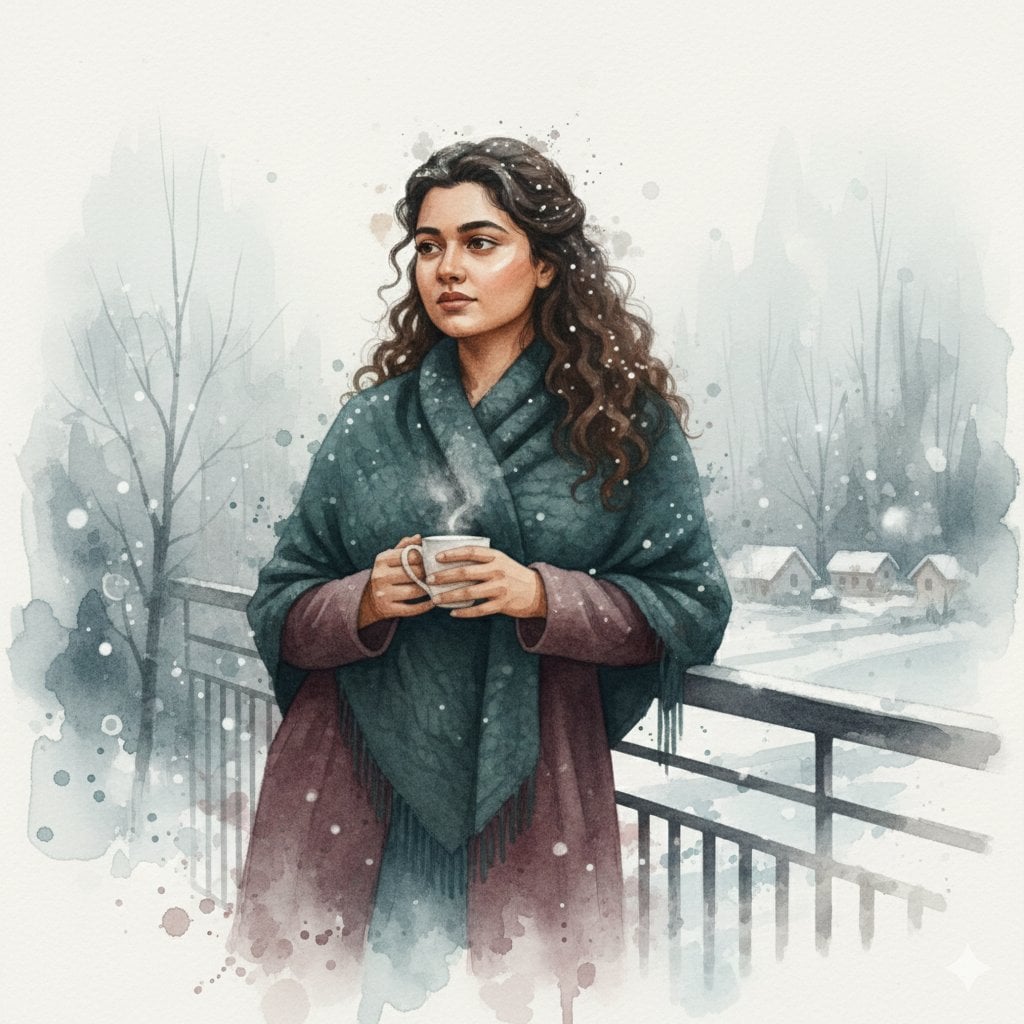
- Prompt included
- Model and format preset
- Premium template
The prompt behind this image
Copy the exact prompt behind Winter Watercolor Portrait with Identity Lock Prompt, or open it in the studio and make it yours.
- Prompt
- Use the uploaded reference image to **preserve 100% of the facial features, identity, age, skin tone, and expression** of the person. Create a **moody low-light winter watercolor portrait**, blending semi-realistic 3D form with delicate watercolor textures, pigment diffusion, and soft painterly washes. Hair may have subtle snowflakes or frost highlights. Clothing: thick winter garments (coat, scarf, shawl, or blanket) with layered watercolor textures and subtle 3D depth. Pose: natural, slightly introspective or relaxed. Background: foggy winter environment, soft-focus snowy landscape or village, bare trees, snow-covered ground, gentle atmospheric mist, watercolor gradients, soft bokeh. Low-key diffuse lighting with gentle highlights and blended shadows. Highly detailed face and upper body, serene, cinematic, wintery mood, masterpiece quality.
- Negative Prompt
- blurry, low quality, deformed, extra limbs, bad anatomy, watermark, text overlay, cartoon, anime, overexposed, underexposed, ugly face, bad hands, face altered, identity changed, harsh lighting, plastic skin, flat textures, modern clothing, photorealistic rendering
- Parameters › Steps
- 50
- Parameters › Cfg Scale
- 7.5
- Parameters › Sampler
- Euler a or DPM++ 2M Karras
- Parameters › Strength
- 0.55
- Parameters › Noise
- 0.3
- Parameters › Width
- 832
- Parameters › Height
- 1216
- Parameters › Aspect Ratio
- 2:3
- Usage Instructions
- Upload your reference image in img2img mode. The AI will **keep the face exactly as in the reference**, while applying moody winter watercolor style, clothing textures, and foggy environment. Strength 0.5-0.6 ensures 100% face match; slightly higher strength allows minor pose or background variations.
Raw JSON
{
  "prompt": "Use the uploaded reference image to **preserve 100% of the facial features, identity, age, skin tone, and expression** of the person. Create a **moody low-light winter watercolor portrait**, blending semi-realistic 3D form with delicate watercolor textures, pigment diffusion, and soft painterly washes. Hair may have subtle snowflakes or frost highlights. Clothing: thick winter garments (coat, scarf, shawl, or blanket) with layered watercolor textures and subtle 3D depth. Pose: natural, slightly introspective or relaxed. Background: foggy winter environment, soft-focus snowy landscape or village, bare trees, snow-covered ground, gentle atmospheric mist, watercolor gradients, soft bokeh. Low-key diffuse lighting with gentle highlights and blended shadows. Highly detailed face and upper body, serene, cinematic, wintery mood, masterpiece quality.",
  "negative_prompt": "blurry, low quality, deformed, extra limbs, bad anatomy, watermark, text overlay, cartoon, anime, overexposed, underexposed, ugly face, bad hands, face altered, identity changed, harsh lighting, plastic skin, flat textures, modern clothing, photorealistic rendering",
  "parameters": {
    "steps": 50,
    "cfg_scale": 7.5,
    "sampler": "Euler a or DPM++ 2M Karras",
    "strength": 0.55,
    "noise": 0.3,
    "width": 832,
    "height": 1216,
    "aspect_ratio": "2:3"
  },
  "usage_instructions": "Upload your reference image in img2img mode. The AI will **keep the face exactly as in the reference**, while applying moody winter watercolor style, clothing textures, and foggy environment. Strength 0.5-0.6 ensures 100% face match; slightly higher strength allows minor pose or background variations."
}How to use Winter Watercolor Portrait with Identity Lock Prompt in 3 steps
- 1Upload ImagePNG, JPG or paste
Add your photo
Upload the photo the template builds on. The prompt, model and format are already set.
- 2…a portrait of your subject in softgolden-hour light, 85mm…
Personalize
Edit the subject and creative details for your destination.
- 3Generate
Generate
Press Generate — your image is created in PicX Studio, so you can compare it with the original and refine one variable at a time.
More like this
Templates with the same subject, style or setup. Open one to see its prompt.
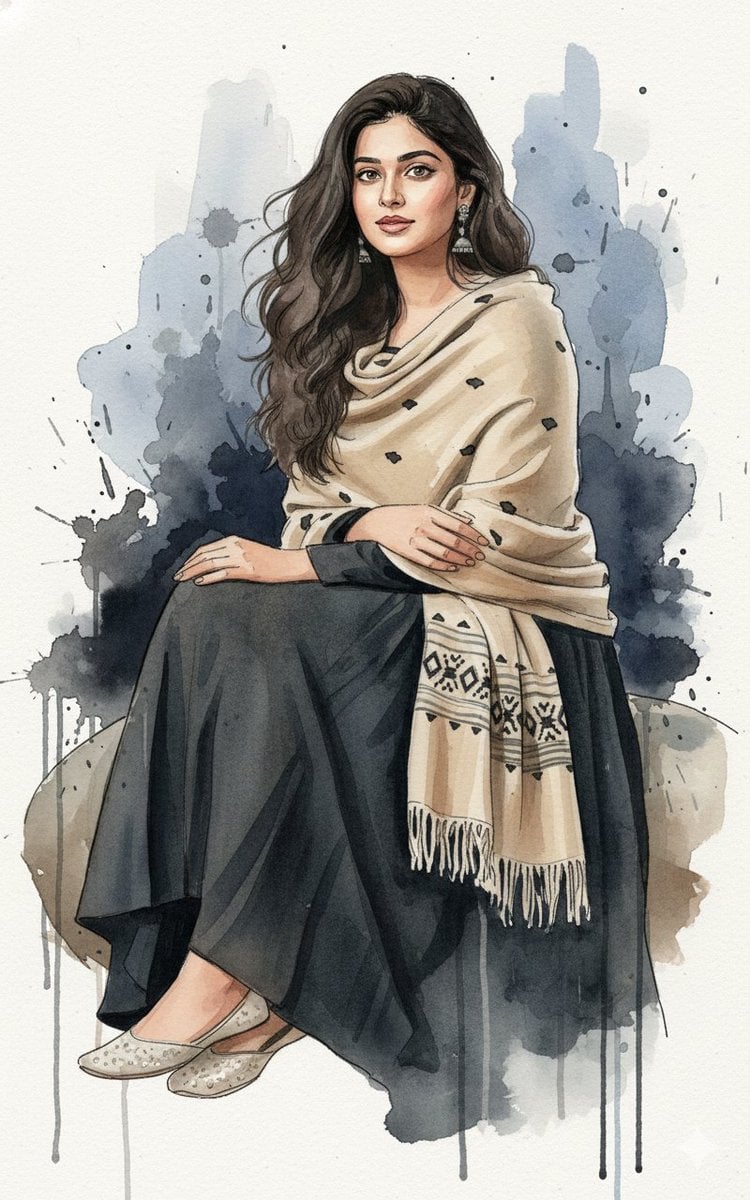
Fine-Art Ink and Watercolor Portrait with Identity Lock
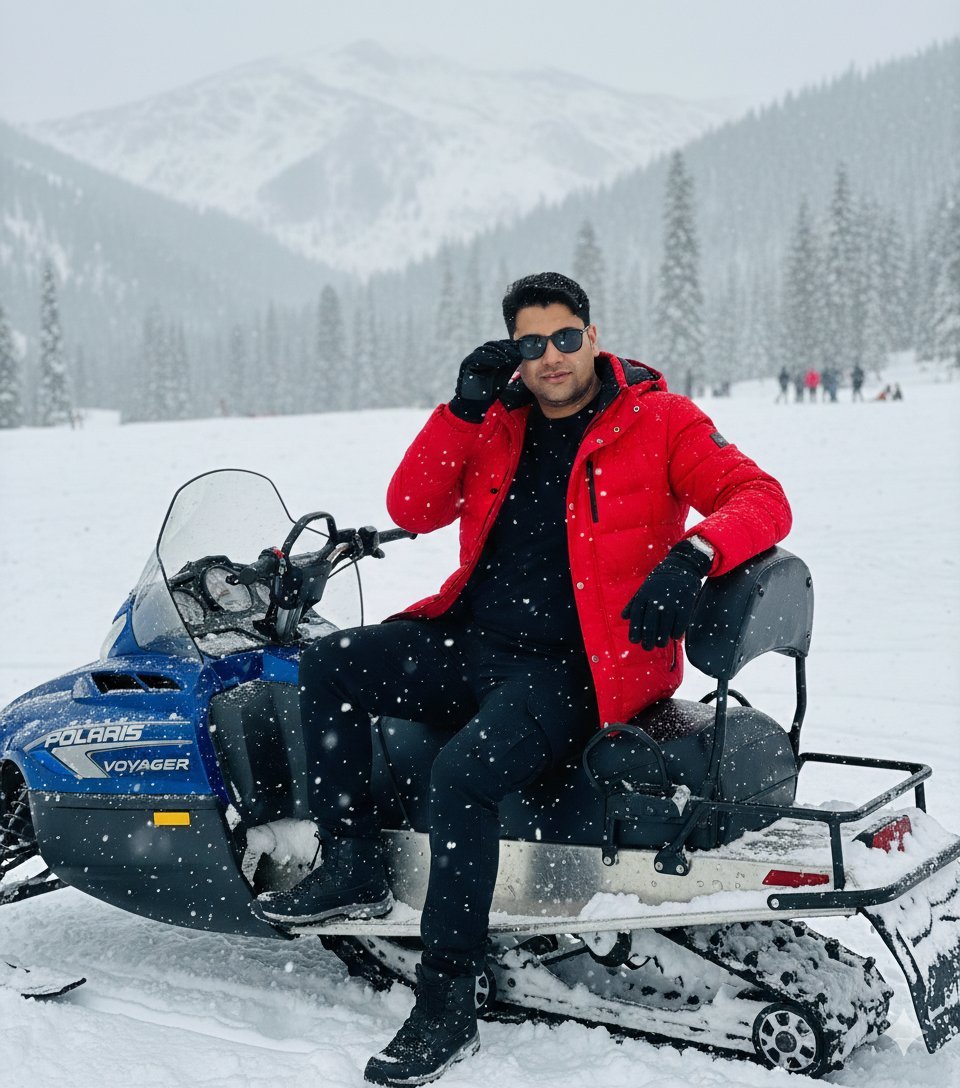
Snowy Locations Views Winter Special
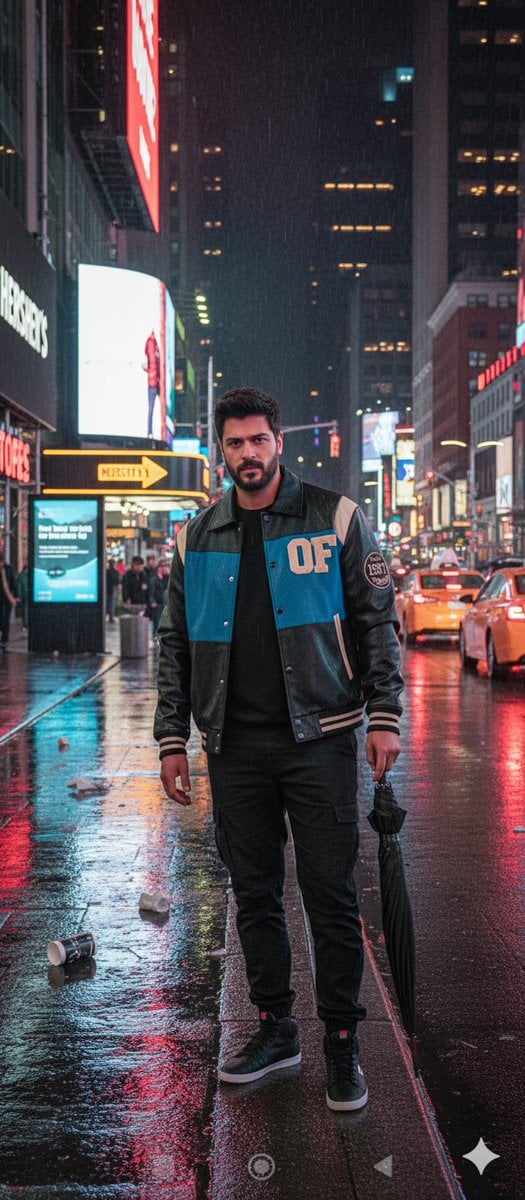
Times Square Rainy Night Portrait with Identity Lock
Serene Coastal Portrait with Identity Lock Prompt
Photorealistic Surreal Fashion Concept Portrait with Identity Lock
High-Contrast Flash Portrait with Identity Lock
Ultra-Realistic Black and White Portrait with Identity Lock
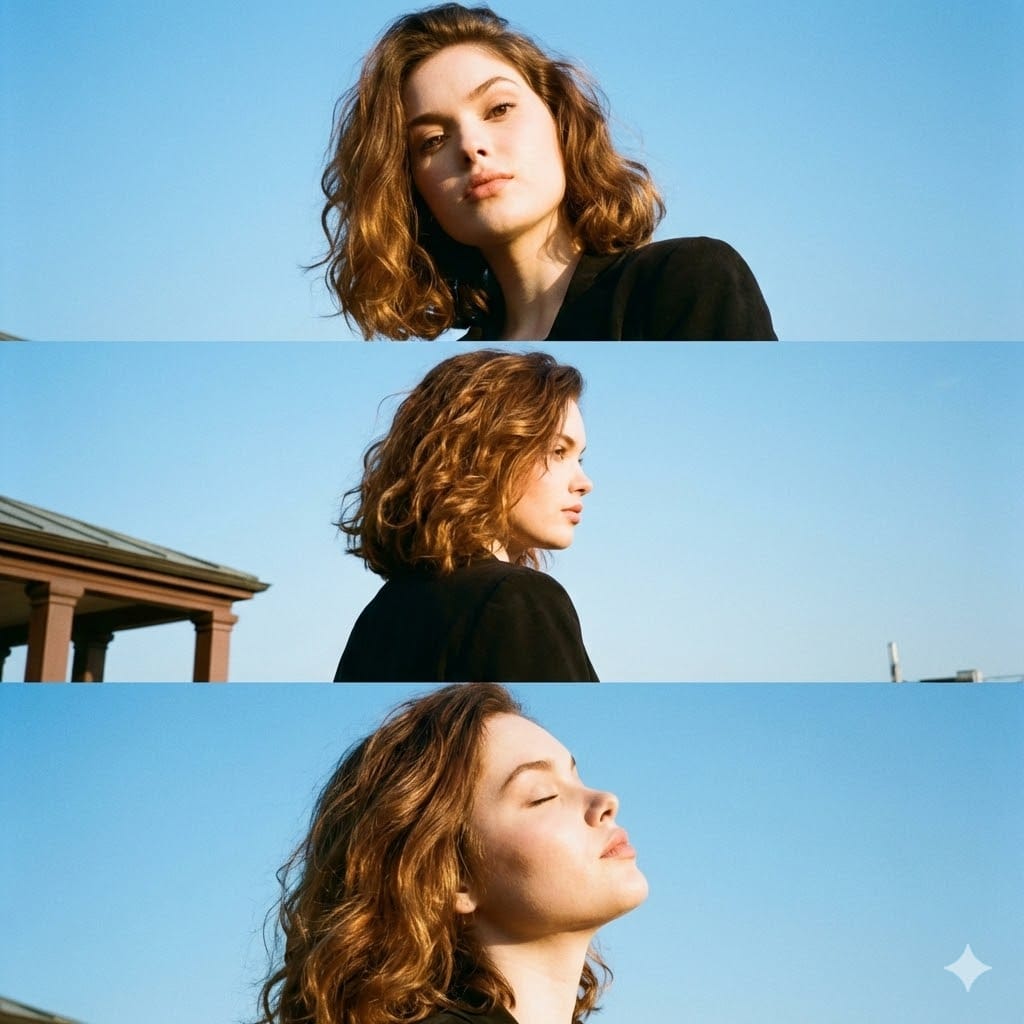
Triptych Portrait with Strict Identity Lock
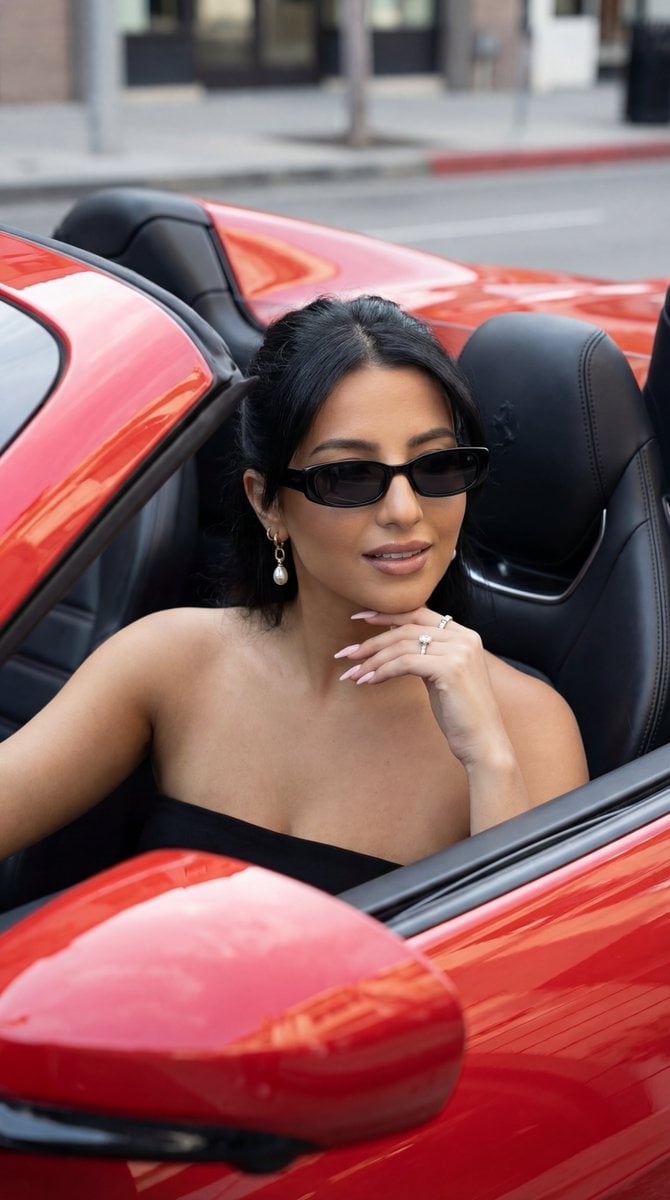
Luxury Car Editorial Portrait (Identity Lock)
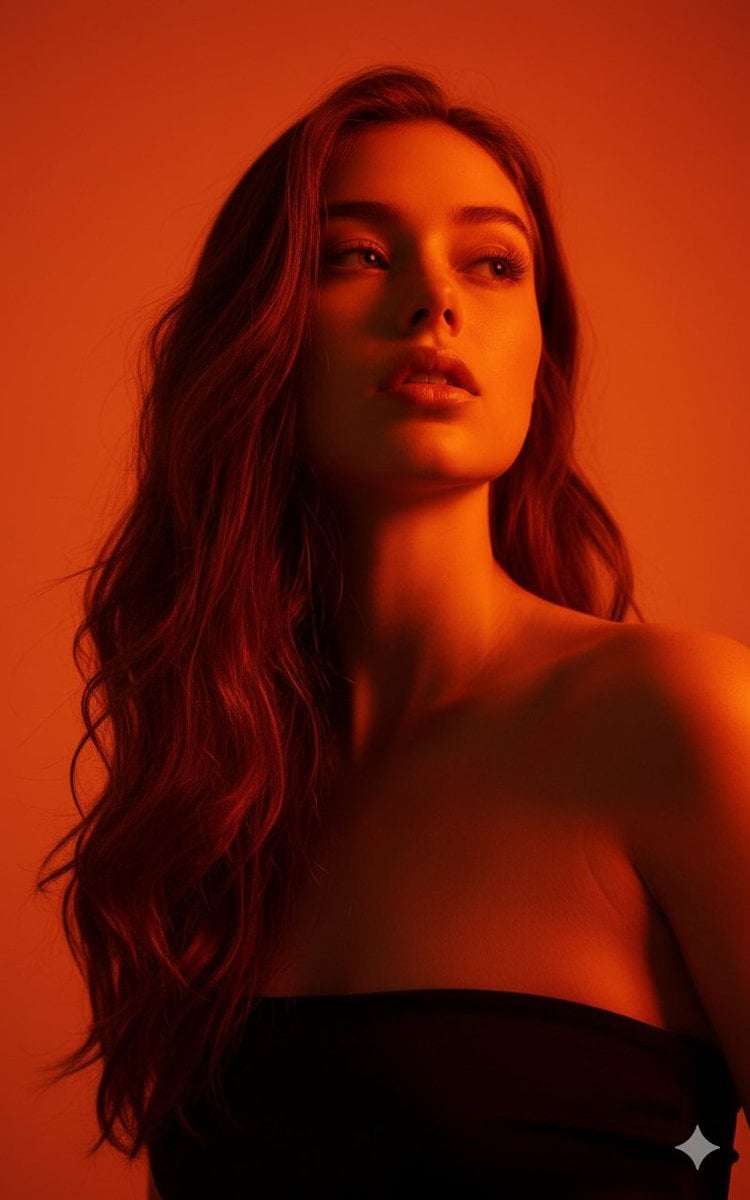
Editorial Portrait with Identity Lock and Dramatic Lighting
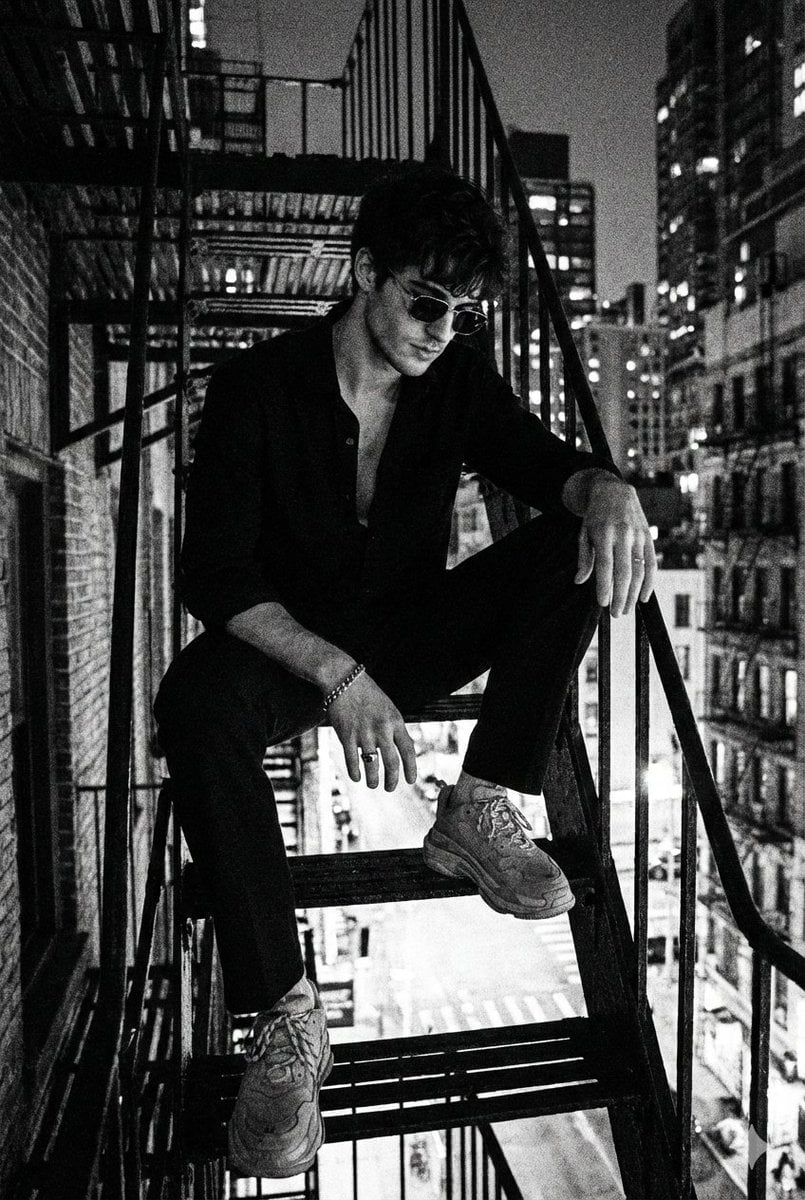
Noir 90s Megacity Portrait (Identity Lock)
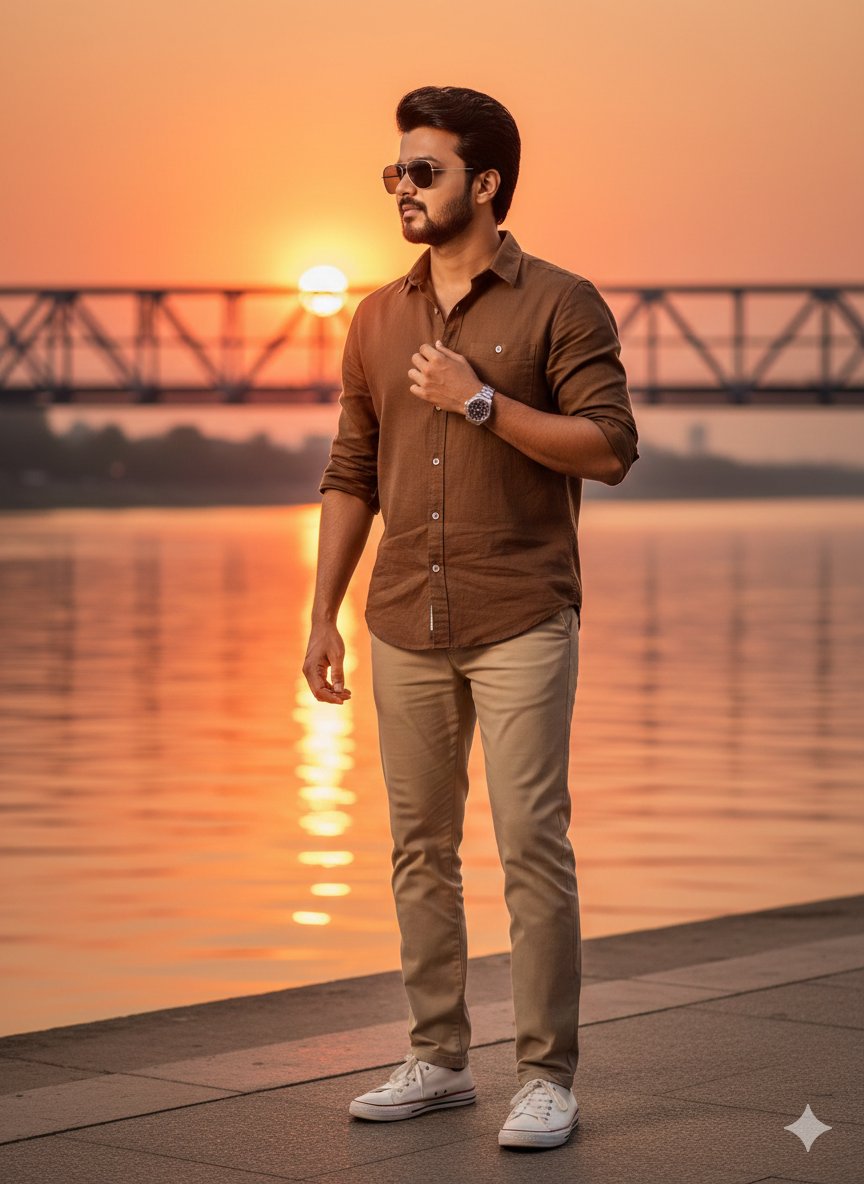
Golden Hour Riverside Portrait with Identity Lock
Make it yours
Winter Watercolor Portrait with Identity Lock Prompt works as-is. These are the safest ways to change it without losing the look.
Change one field
Copy a single group, rewrite it, and generate again so you can see what that field is doing.
Keep the frame, change the subject
Hold the composition and light of Winter Watercolor Portrait with Identity Lock Prompt, then swap wardrobe, props or the person for a new take.
| If the result… | Why | Fix |
|---|---|---|
| The result drifts from the preview | Too many fields changed at once. | Reuse Winter Watercolor Portrait with Identity Lock Prompt as-is first, then change one group — subject, light, or setting. |
| Nano Banana 2 ignores part of the JSON | Some models flatten or skip nested keys. | Keep the same values and paste them as a short paragraph instead. |
More Nano Banana 2 templates
Other prompts made for Nano Banana 2.

Photorealistic Leaf Shaped Like a Dragon

K-Pop Idol Portrait Grid for Rapid Selection

Poetic Rain Forest Portrait During Golden Hour

Urban Street Portrait with Cartoon Inner Self Duo

Candid Nighttime Photo with Cat Prompt

High-Concept 3D Diorama Generation Prompt

Cinematic Futuristic Studio Portrait Template

Skincare Editorial Photography Collage Prompt

Hyper-Realistic Commercial Product Photography (Splash Effect)

Hyper-Realistic Nightclub Portrait Prompt
More image prompts
Fresh picks from across the catalog.
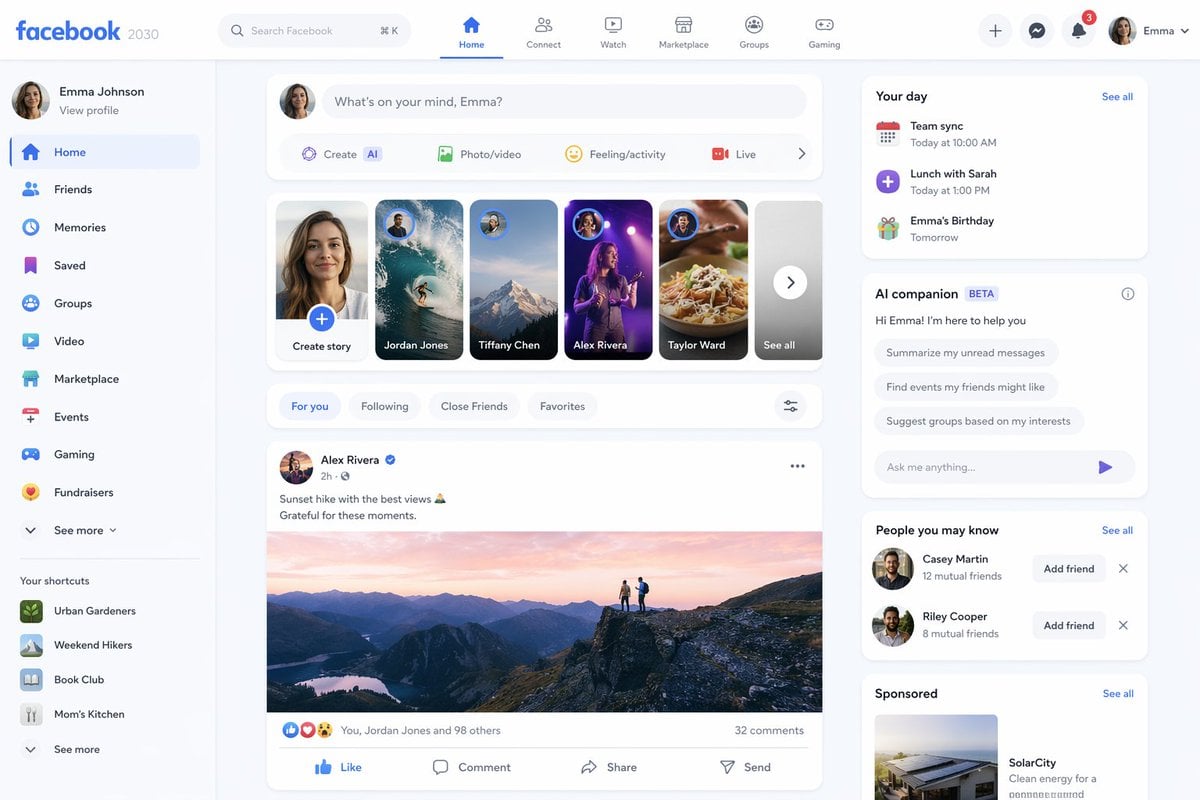
Facebook 2030 Prediction
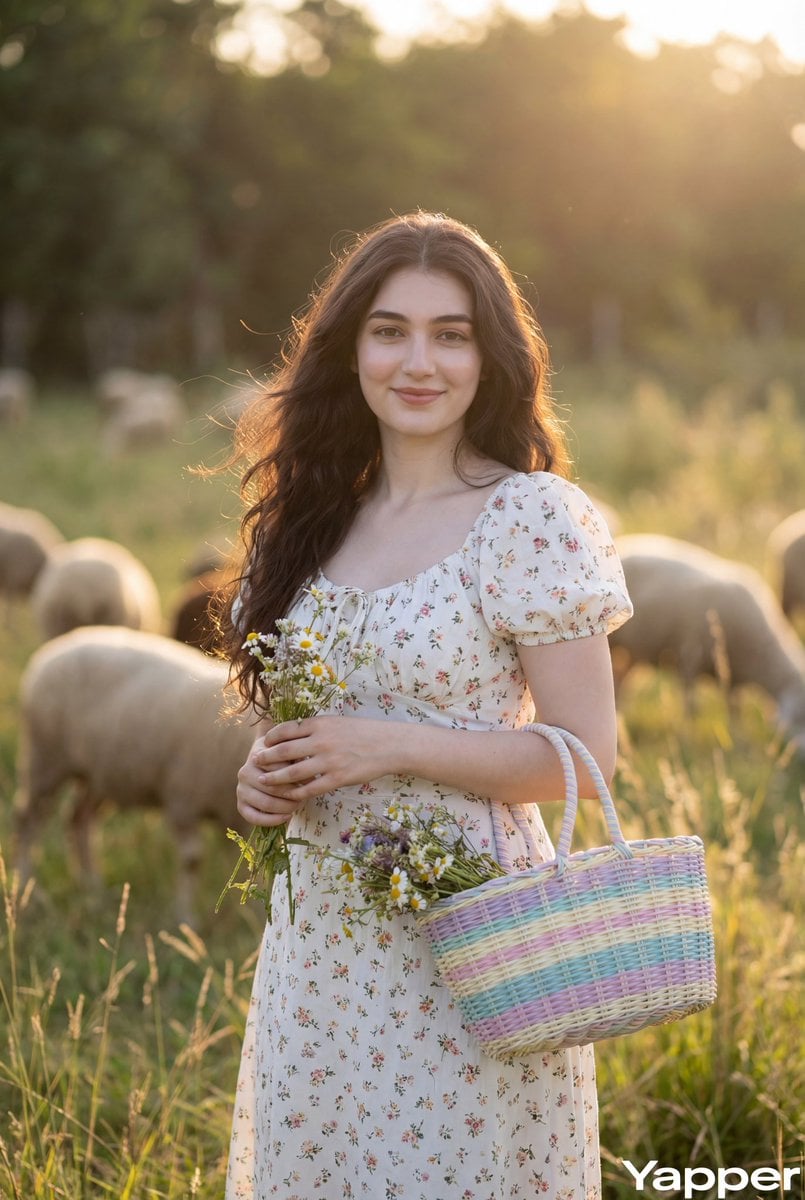
Cottagecore Pastoral Portrait Prompt
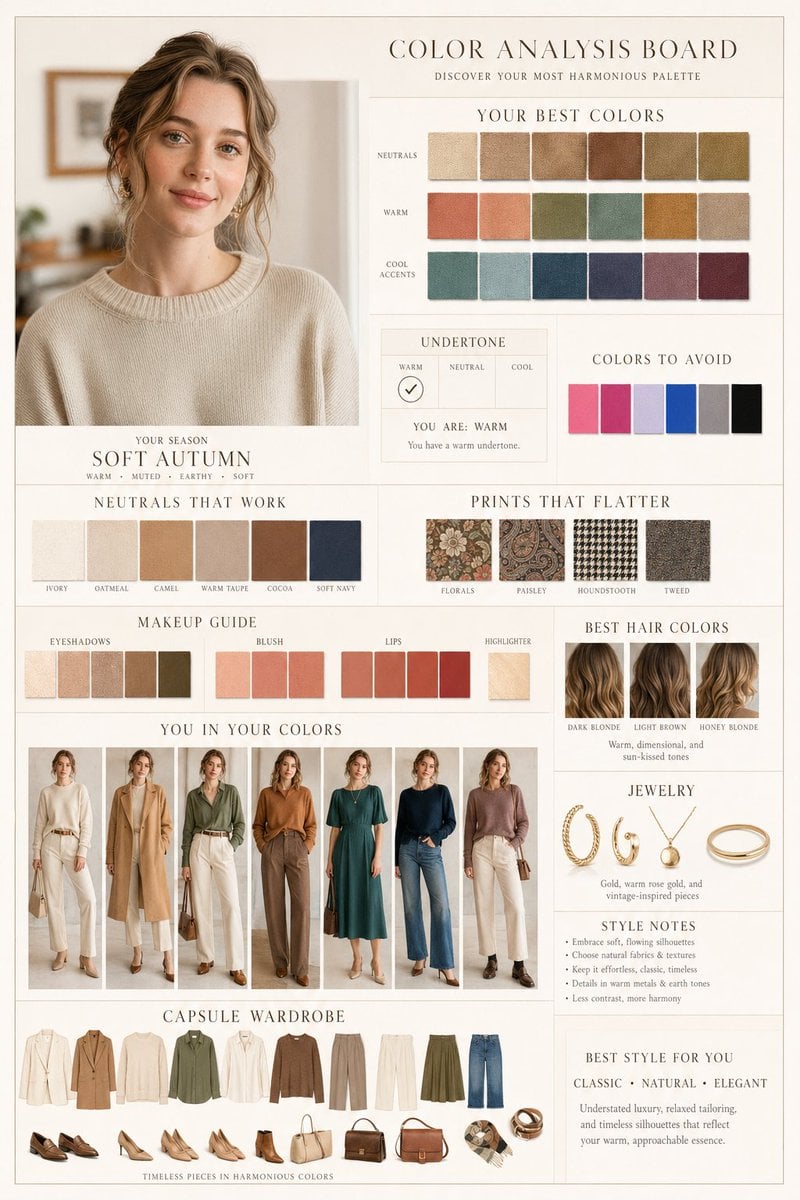
Luxury Fashion Color Analysis Board
Fauvist Persimmon Still Life
Moody Guitarist Portrait
Skincare Landing Page Hero Section
Invention Prototype Display Box Prompt
Inpainting/Adding a Person to an Image
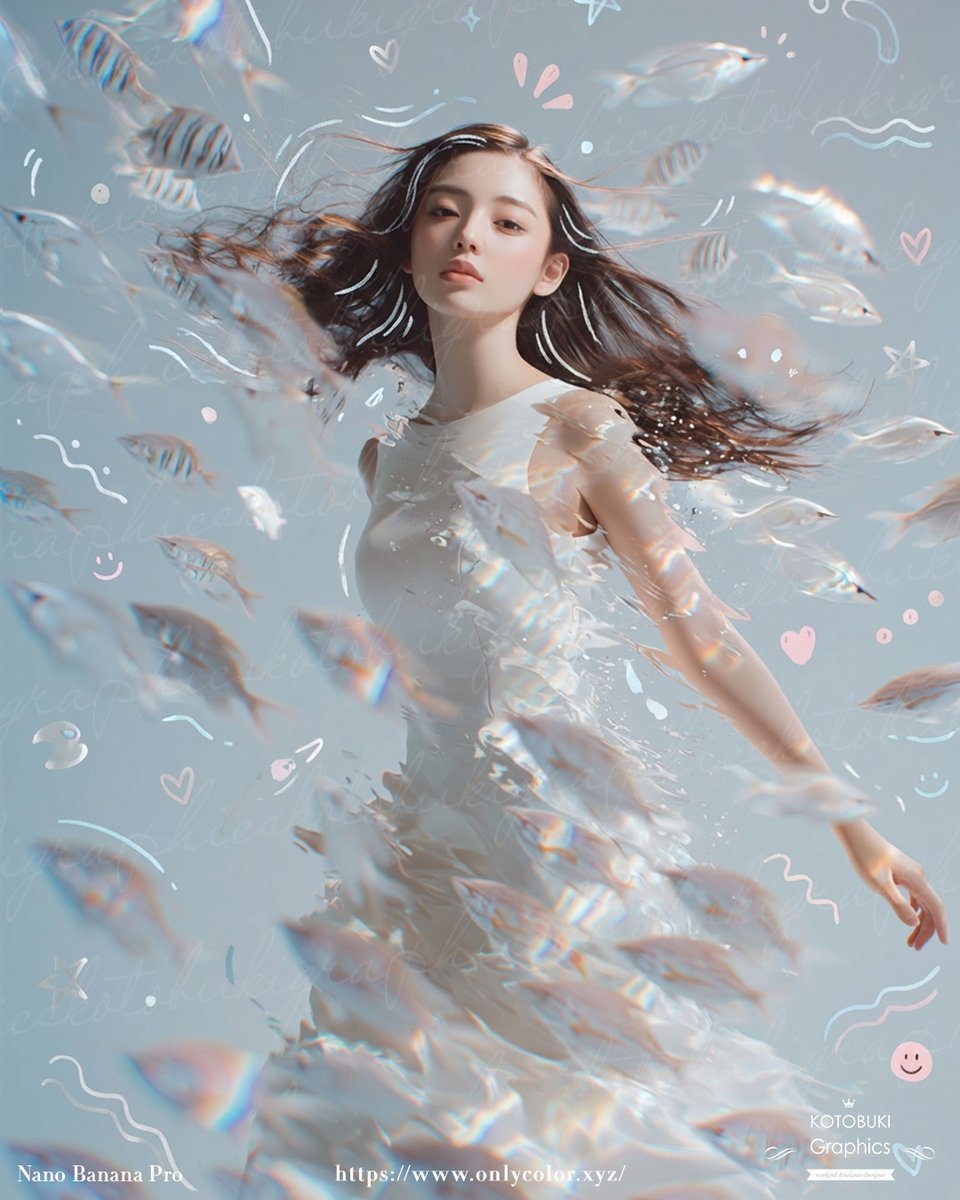
Gpt2 Profile Avatar Dreamy Underwater Woman with Translucent Fish
Realistic Hollywood Studio Set Behind-the-Scenes
Browse template categories
Winter Watercolor Portrait with Identity Lock Prompt questions
How do I use the Winter Watercolor Portrait with Identity Lock Prompt template?
Add your photo if the template asks for one, edit the prompt if you like — the template's model and format are already selected — and press Generate. Your version opens in PicX Studio.
Can I customize the Winter Watercolor Portrait with Identity Lock Prompt template?
Yes. You can change the subject, setting, lighting, mood, format, and available model controls before creating your image.
Is the Winter Watercolor Portrait with Identity Lock Prompt template free?
Opening and editing this template is free. Generating uses credits, shown on the Generate button when you are signed in.
Which AI model should I use?
Start with Nano Banana 2, which is the model associated with this template. You can compare another compatible model for a different finish.
Looking for something else? Browse all templates.

Your photo, any look
Thousands of ready templates for every top image and video model, from one credit balance.