
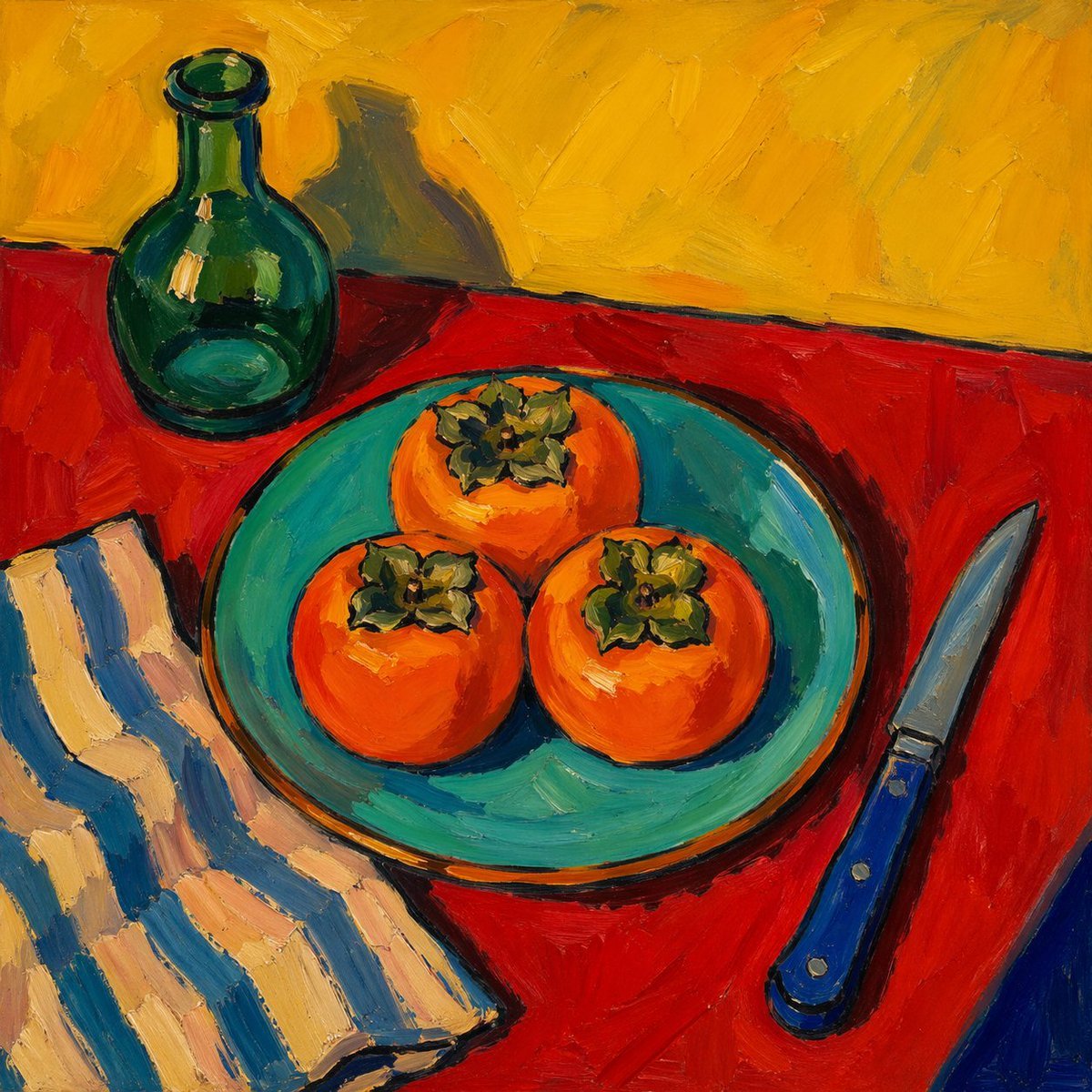
Fauvist Persimmon Still Life
A vivid painterly still life of 3 persimmons on a turquoise plate with a green bottle, striped cloth, and blue-handled knife, ideal for generating expressive oil-painting style food art.
- Prompt included
- Model and format preset
- Free template
The prompt behind this image
Copy the exact prompt behind Fauvist Persimmon Still Life, or open it in the studio and make it yours.
A bold post-impressionist still life painting in thick impasto oil brushstrokes, viewed from slightly above. Center a round turquoise plate holding exactly 3 bright orange persimmons with green leafy tops, arranged in a triangular cluster. Place the plate on a vivid red tablecloth. In the upper left, add a dark green glass bottle casting a soft shadow onto a textured mustard-yellow wall. In the lower left, include a folded cloth napkin with wide cream and muted blue vertical stripes. On the right side of the table, place a kitchen knife with a shiny silver blade and a deep blue handle angled diagonally upward. Use saturated complementary colors, expressive painterly texture, visible palette-knife-like strokes, simplified forms, dark contour accents, and a warm, lively Fauvist color sensibility. The composition should feel handmade, energetic, and slightly naive, like a modern museum-style still life oil painting.
How to use Fauvist Persimmon Still Life in 3 steps
- 1Upload ImagePNG, JPG or paste
Add your photo
Upload the photo the template builds on. The prompt, model and format are already set.
- 2…a portrait of your subject in softgolden-hour light, 85mm…
Personalize
Edit the subject and creative details for your destination.
- 3Generate
Generate
Press Generate — your image is created in PicX Studio, so you can compare it with the original and refine one variable at a time.
More like this
Templates with the same subject, style or setup. Open one to see its prompt.

Mushroom Still Life Composition
Algae Candies Still Life
Analog clock and Saudi kabsa meal still life
Highly detailed 8K morning still life desk scene prompt
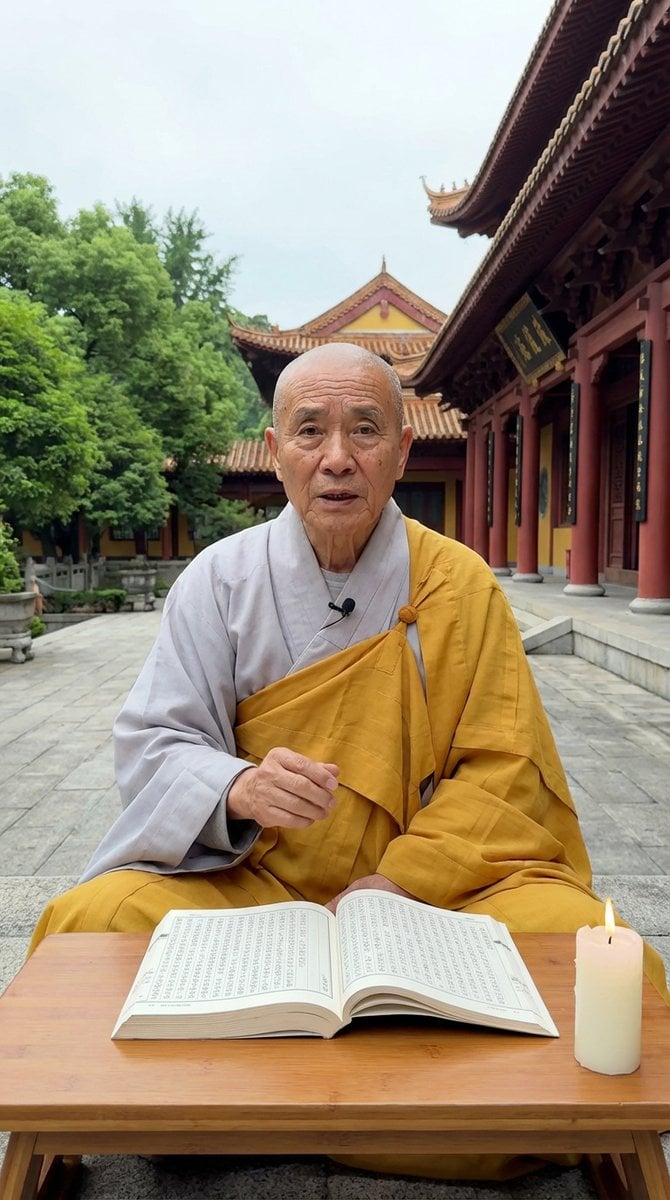
Monk Delivering Life Advice Video Still Prompt
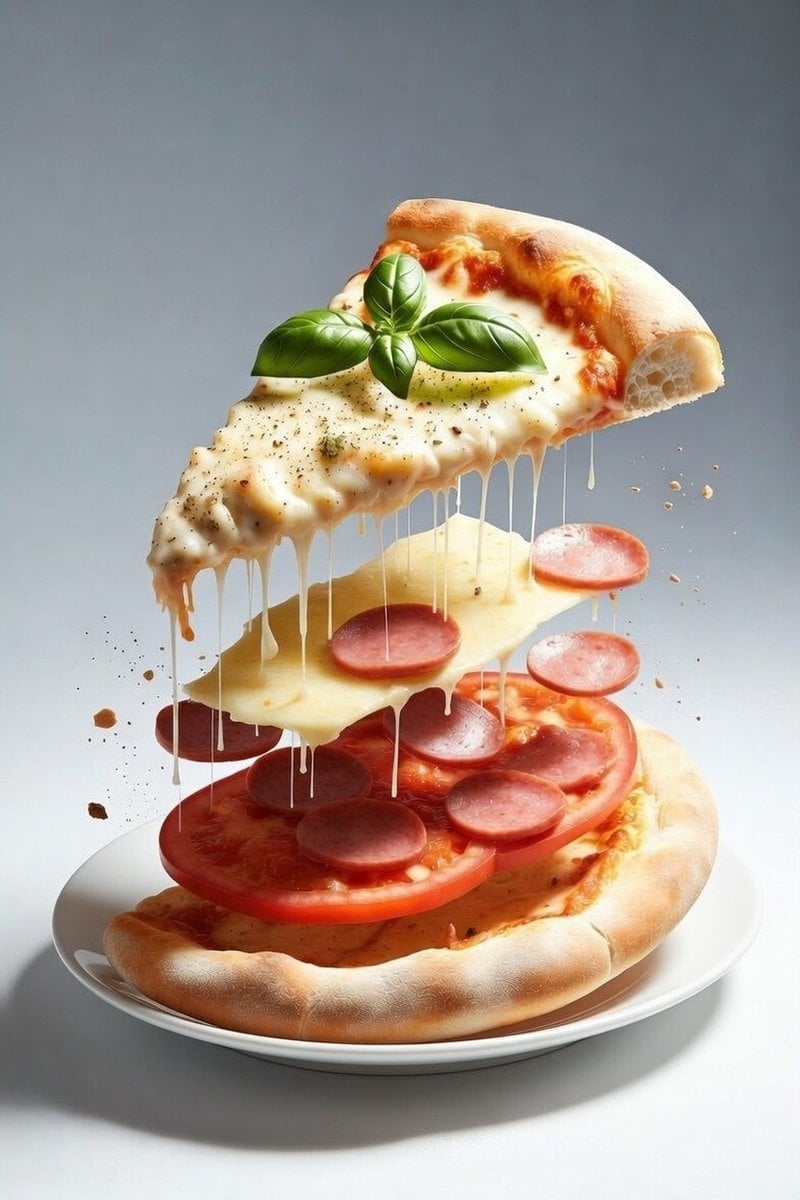
Deconstructed Floating Pizza Still Life Prompt

Cinematic Bookstore Lifestyle Film Still Prompt
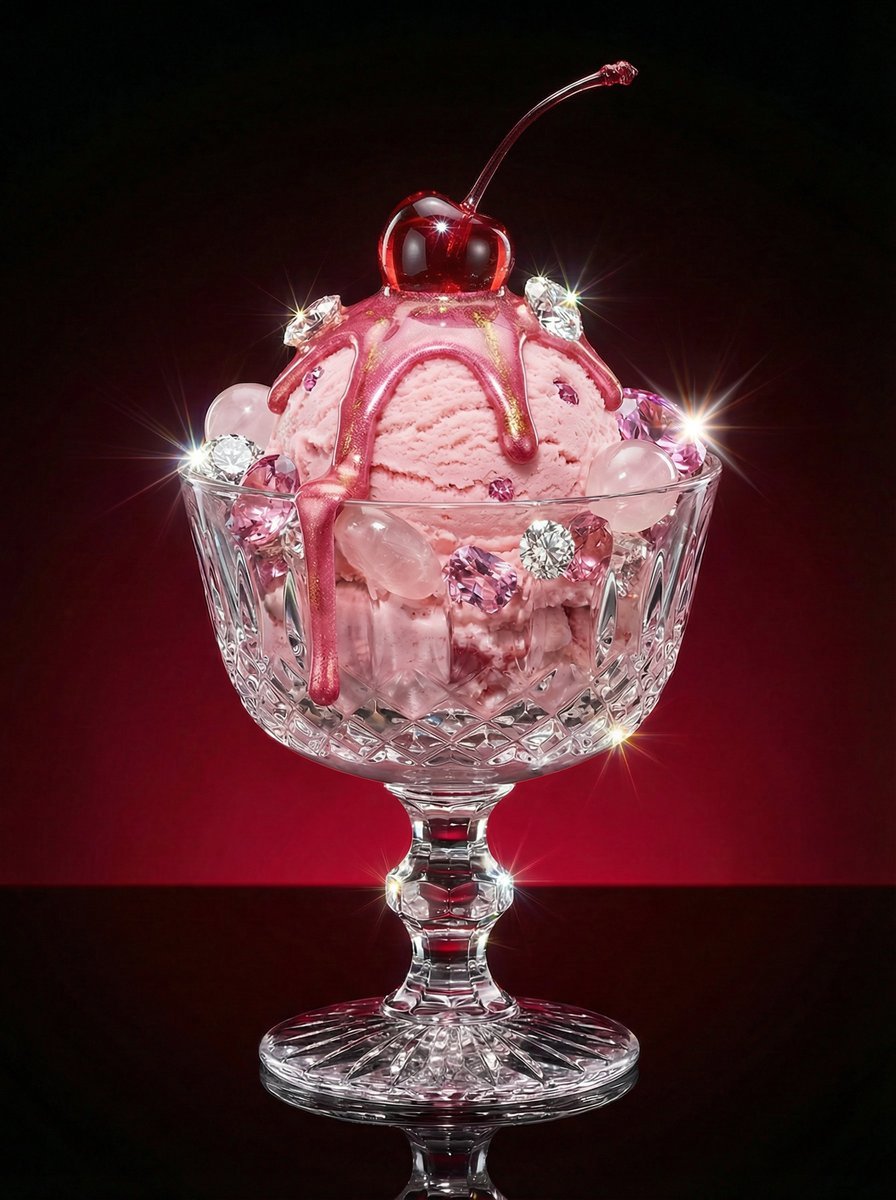
Luxury Dessert Still Life with Diamonds and Molten Center
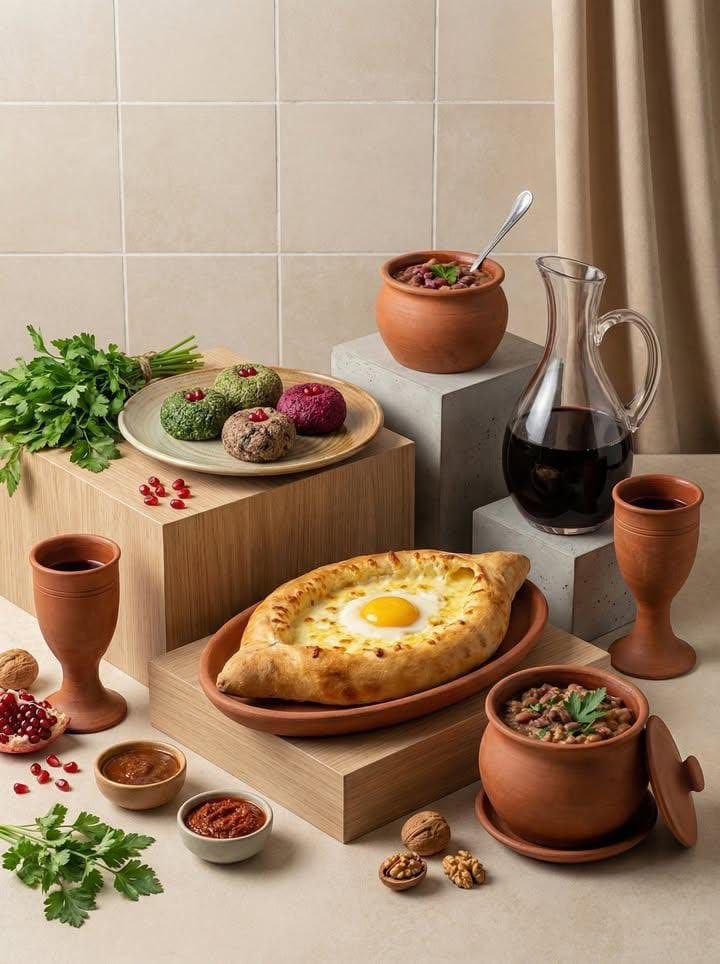
Minimalist Editorial Food Still-Life Photography

LIGHTING each element still lit by its original source, windows casting

Meadow Lifestyle Quote Poster

Classic Animated Cleopatra Palace Still
Make it yours
Fauvist Persimmon Still Life works as-is. These are the safest ways to change it without losing the look.
Change one field
Copy a single group, rewrite it, and generate again so you can see what that field is doing.
Keep the frame, change the subject
Hold the composition and light of Fauvist Persimmon Still Life, then swap wardrobe, props or the person for a new take.
| If the result… | Why | Fix |
|---|---|---|
| The result drifts from the preview | Too many fields changed at once. | Reuse Fauvist Persimmon Still Life as-is first, then change one group — subject, light, or setting. |
| The model over-stylizes the scene | The prose prompt leaves finish and camera underspecified. | Add one camera or lighting sentence and stay on GPT Image 2. |
More GPT Image 2 templates
Other prompts made for GPT Image 2.

Six VTuber Japanese Logo Sheet

Realistic Portrait of Woman and Deer

The Vista Modular Condo Poster

AI Model Routing Comparison Infographic

2.5D Anime Art Board

Isometric Productivity Desk Scene

New York Double Exposure Poster

Four-Panel AI Landscape Comparison

Japanese Tatami Lifestyle Magazine Cover

NESCAFÉ Coffee Map Poster
More image prompts
Fresh picks from across the catalog.
Rainy Day Japanese Inn Portrait

Gilgamesh and Enkidu Dinner Scene

Monochromatic Editorial Portrait of a Stylish Man

Elegant Fantasy Girl in Violet Garden
Golden Hour Floral Portrait
Ethereal Hijab Portrait in Golden Light
Late Night Hotel Exhausted Traveler

Graffiti Sketch AI Builder Style
Cinematic Tokyo Street at Night

Diagram of ChatGPT 5.2 Features with Japanese Text
Browse template categories
Fauvist Persimmon Still Life questions
How do I use the Fauvist Persimmon Still Life template?
Add your photo if the template asks for one, edit the prompt if you like — the template's model and format are already selected — and press Generate. Your version opens in PicX Studio.
Can I customize the Fauvist Persimmon Still Life template?
Yes. You can change the subject, setting, lighting, mood, format, and available model controls before creating your image.
Is the Fauvist Persimmon Still Life template free?
Opening and editing this template is free. Generating uses credits, shown on the Generate button when you are signed in.
Which AI model should I use?
Start with GPT Image 2, which is the model associated with this template. You can compare another compatible model for a different finish.
Looking for something else? Browse all templates.

Your photo, any look
Thousands of ready templates for every top image and video model, from one credit balance.