How do I use the Ethereal Hijab Portrait in Golden Light template?
Edit the prompt in the box under the preview — the template's model and format are already selected — and press Generate. Your version appears right on this page.
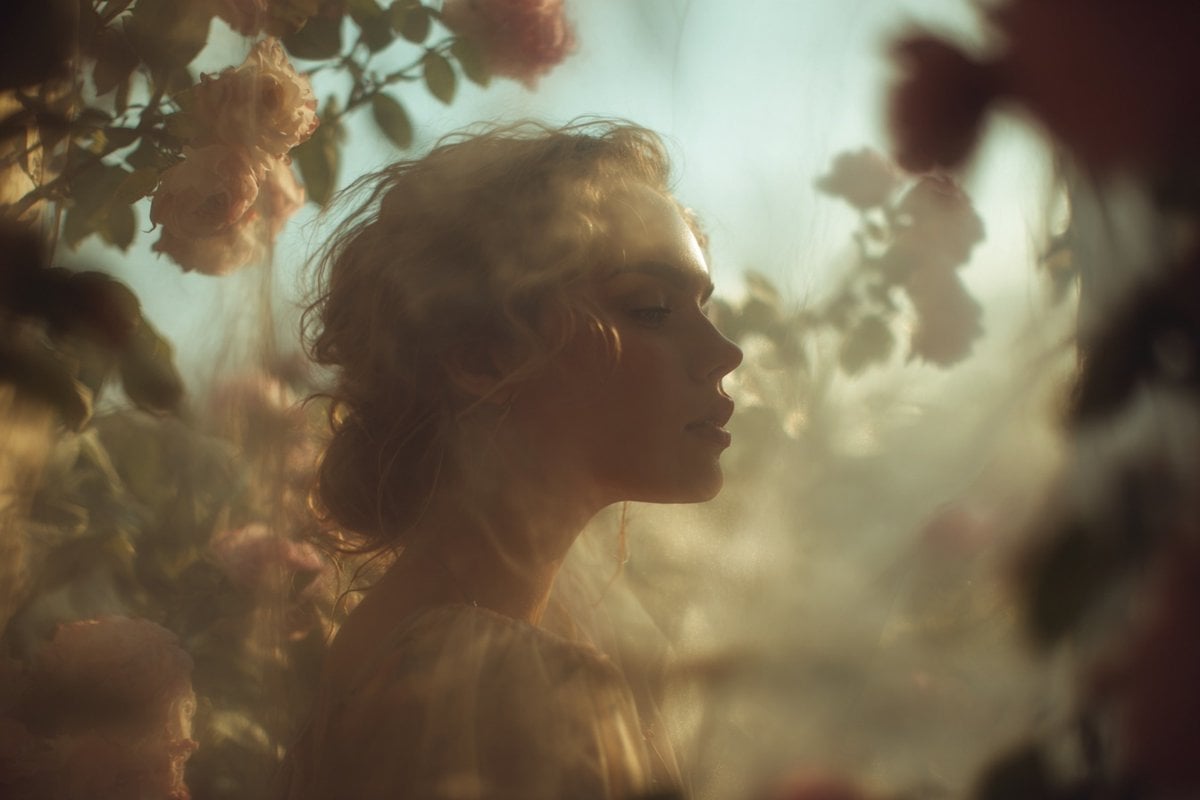
This prompt generates a luminous fantasy portrait of a hijab-wearing woman surrounded by swirling floral light effects, ideal for elegant spiritual art and cinematic social media visuals.

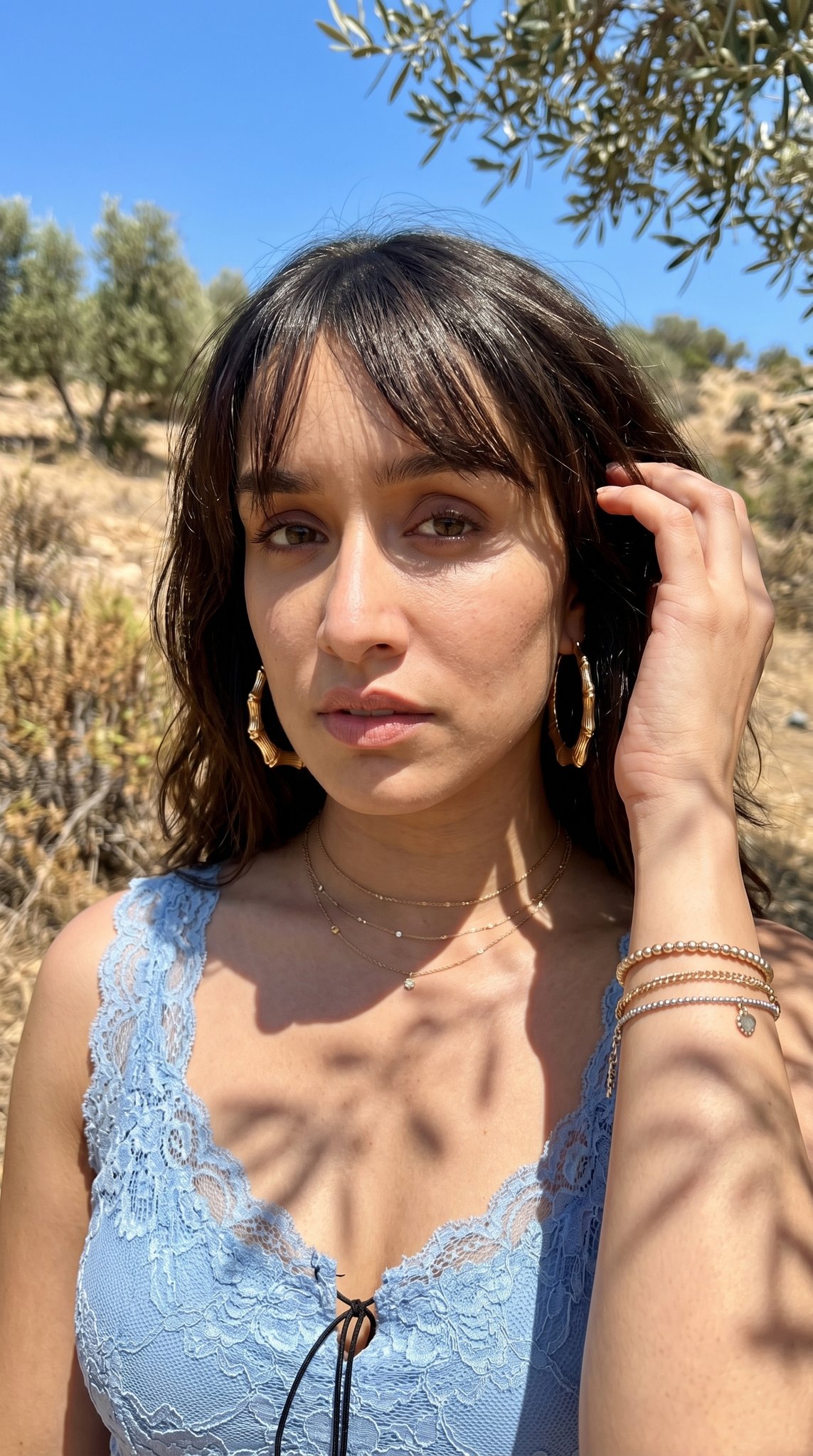
This template uses your photo — add one with the + button.
A dreamy, ethereal portrait of a modest woman in side profile wearing a soft flowing hijab and layered scarf in {argument name="garment color" default="pale blush beige"}, standing against a deep midnight-dark background with faint architectural shadows. Her face is mostly turned away and softly obscured, keeping the mood anonymous and serene. She wears a loose long-sleeved dress or abaya in matching light fabric with delicate folds. Surround her with luminous golden particle trails and fine sparkling filaments that sweep diagonally around her body like magical wind, blending into clusters of glowing flowers and butterfly-like forms. The light effects should feel highly detailed and three-dimensional, with warm champagne, rose-gold, and ivory highlights against navy-black shadows. Place approximately 18 visible blossoms floating around and behind her, mixed in size, some sharp and some softly blurred, integrated into the swirling light. Add approximately 6 butterfly-like glowing forms, especially near the lower right and mid-body area, partially abstract and made of glittering light. The composition is vertical, elegant, cinematic, and painterly-photorealistic, with soft focus, bokeh, subtle lens bloom, and rich contrast. Emphasize grace, spirituality, femininity, and wonder, as if the figure is emerging from a constellation of light and flowers. Premium fantasy portrait aesthetic, ultra-detailed fabric texture, fine spark particles, gentle rim lighting, refined color grading, high-end digital art.
A dreamy, ethereal portrait of a modest woman in side profile wearing a soft flowing hijab and layered scarf in {argument name="garment color" default="pale blush beige"}, standing against a deep midnight-dark background with faint architectural shadows. Her face is mostly turned away and softly obscured, keeping the mood anonymous and serene. She wears a loose long-sleeved dress or abaya in matching light fabric with delicate folds. Surround her with luminous golden particle trails and fine sparkling filaments that sweep diagonally around her body like magical wind, blending into clusters of glowing flowers and butterfly-like forms. The light effects should feel highly detailed and three-dimensional, with warm champagne, rose-gold, and ivory highlights against navy-black shadows. Place approximately 18 visible blossoms floating around and behind her, mixed in size, some sharp and some softly blurred, integrated into the swirling light. Add approximately 6 butterfly-like glowing forms, especially near the lower right and mid-body area, partially abstract and made of glittering light. The composition is vertical, elegant, cinematic, and painterly-photorealistic, with soft focus, bokeh, subtle lens bloom, and rich contrast. Emphasize grace, spirituality, femininity, and wonder, as if the figure is emerging from a constellation of light and flowers. Premium fantasy portrait aesthetic, ultra-detailed fabric texture, fine spark particles, gentle rim lighting, refined color grading, high-end digital art.
Edit the prompt in the box under the preview — the template's model and format are already selected — and press Generate. Your version appears right on this page.
Yes. You can change the subject, setting, lighting, mood, format, and available model controls before creating your image.
Opening and editing this template is free. Generating uses credits, shown on the Generate button when you are signed in.
Start with GPT Image 2, which is the model associated with this template. You can compare another compatible model for a different finish.
Follow a topic to a crawlable collection of related PicX Studio templates.