
Late Night Hotel Exhausted Traveler
A cinematic and realistic prompt for GPT Image 2 that captures an exhausted traveler in a hotel room at 3 AM, focusing on authentic textures and messy clothing folds.
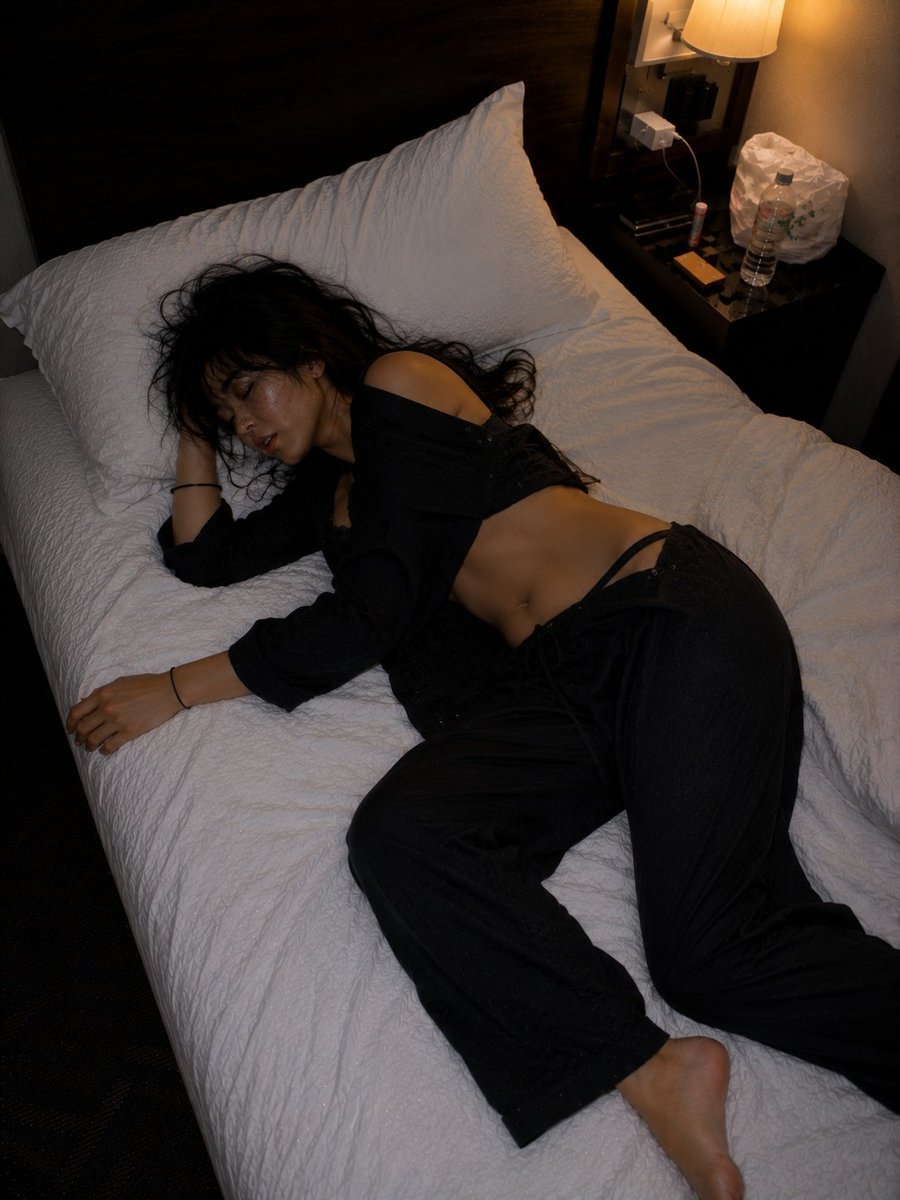
- Prompt included
- Model and format preset
- Free template
The prompt behind this image
Copy the exact prompt behind Late Night Hotel Exhausted Traveler, or open it in the studio and make it yours.
"After the Last Train — A Hotel at 3 AM" cinematic mixed prompt A small business hotel in Tokyo, the quiet atmosphere of deep night, {argument name="Person" default="Japanese woman"} completely passed out asleep on the bed, {argument name="Pajama Color" default="black"} pajama set, uneven asymmetrical pajama waistband naturally shifted during sleep, the waistband shifted slightly lower on one side, the cotton fabric sagging naturally and falling softly with gravity, the pajama shirt half untucked, uneven wrinkles and bunched fabric around the waist, a realistic feeling of "too exhausted and fell asleep just like that," an uneven sleeping pose with one leg slightly lifted, head tilted downward on pillow edge, a natural sinking of body weight, messy black hair spreading across white pillow, warm-toned bedside lamp lighting, a lived-in nightstand, water bottle, charger cable, small hotel clutter, {argument name="Camera" default="35mm film grain aesthetic"}, realistic skin texture and subtle sweat shine, photojournalistic candid photography style, off-balance composition, cinematic yet natural, fashion editorial realism, an exhausted-traveler vibe after Tokyo nightlife, soft shadow contrast, wrinkled cotton realism, intimate but non-revealing atmosphere, ultra realistic, accidental iPhone flash snapshot feeling, a "late-night photo I never meant to show anyone" mood Negative prompt: anime style, CGI, plastic skin, AI face, perfect symmetry, unnatural pose, over glamour, extra fingers, low realism, cartoon style, over sharpen, fake fabric folds
How to use Late Night Hotel Exhausted Traveler in 3 steps
- 1
Open
The prompt is already in the box next to the preview, with the template's model and format selected.
- 2…a portrait of your subject in softgolden-hour light, 85mm…
Personalize
Edit the subject and creative details for your destination.
- 3Generate
Generate
Press Generate — your image is created in PicX Studio, so you can compare it with the original and refine one variable at a time.
More like this
Templates with the same subject, style or setup. Open one to see its prompt.
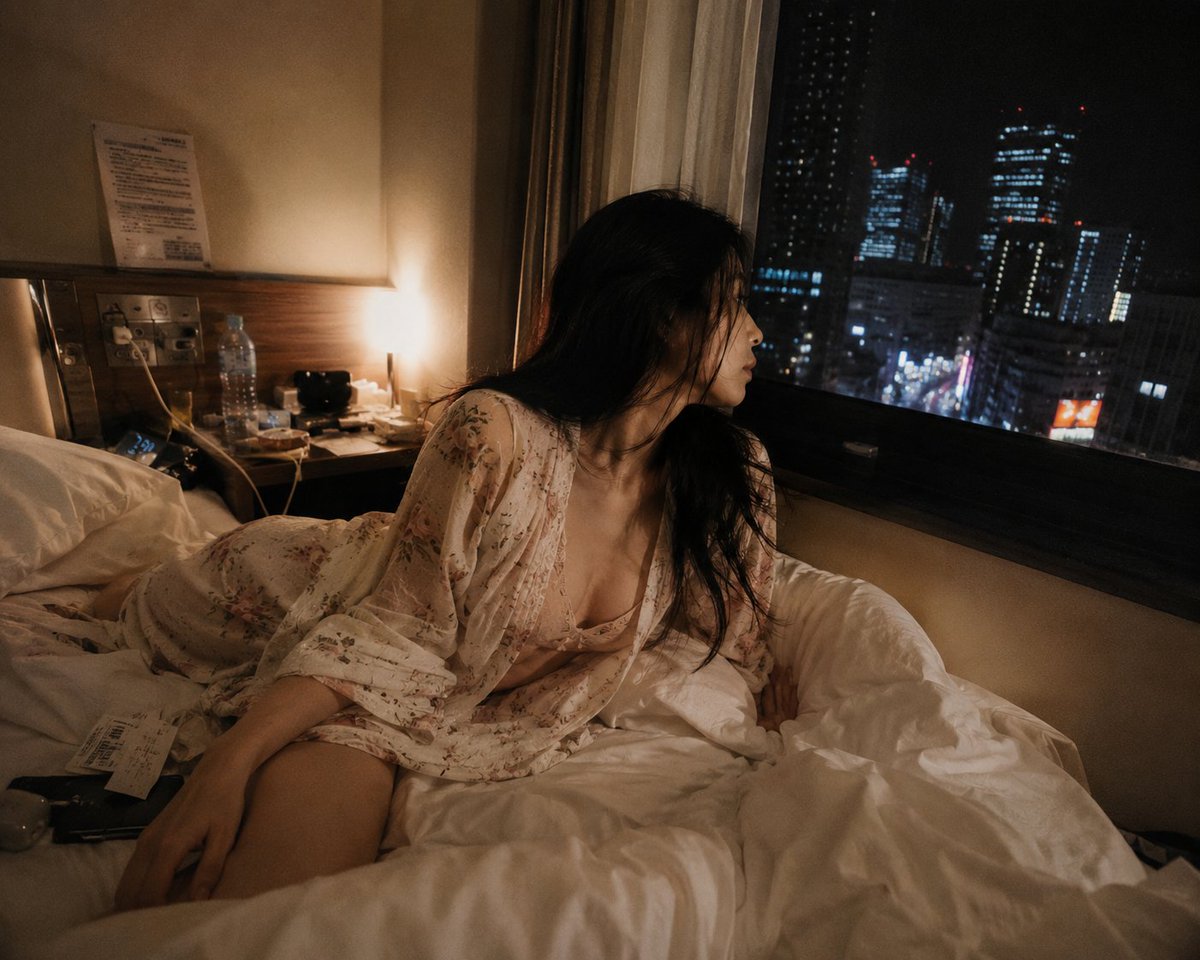
Late Night Tokyo Hotel Scene

Subway Platform Quiet Introspective Portrait
Subway Platform Quiet Introspective Portrait

Spider-Man Night Swing New York Cinematic
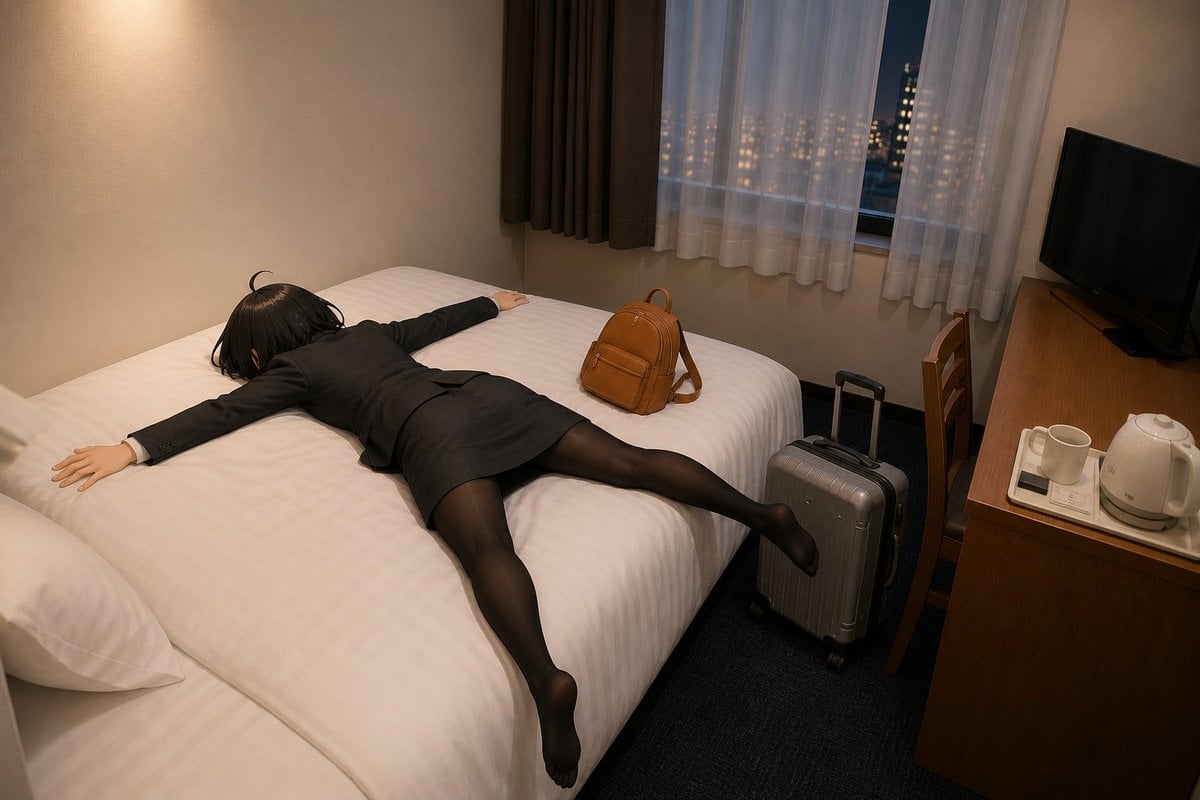
Exhausted Office Woman in Hotel Room

Floating Woman Above Cityscape with Notifications
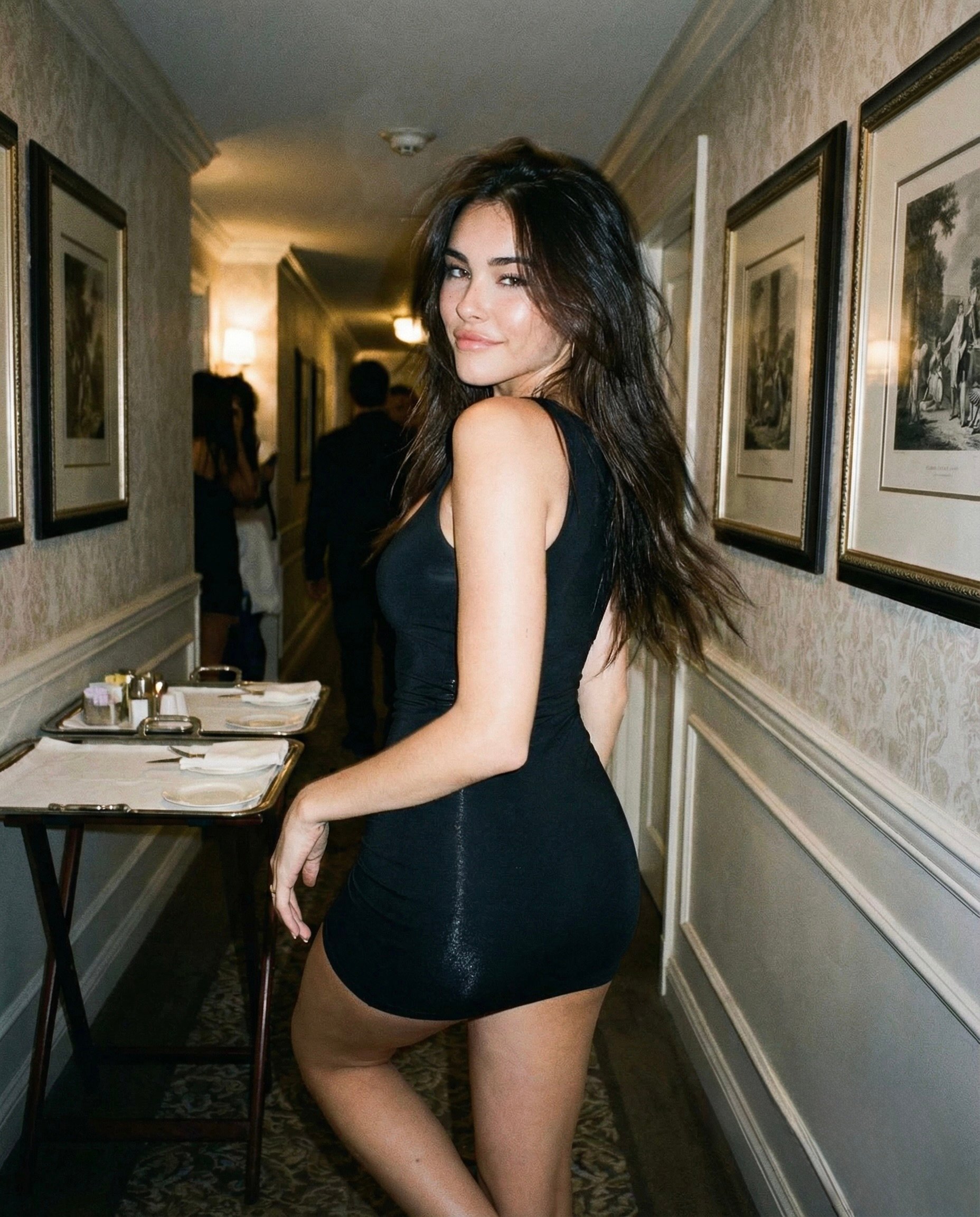
Madison Beer Hotel Iphone Flash

Night Sports Car Portrait — Cinematic Moody

Nano Banana - Cozy Cafe Night
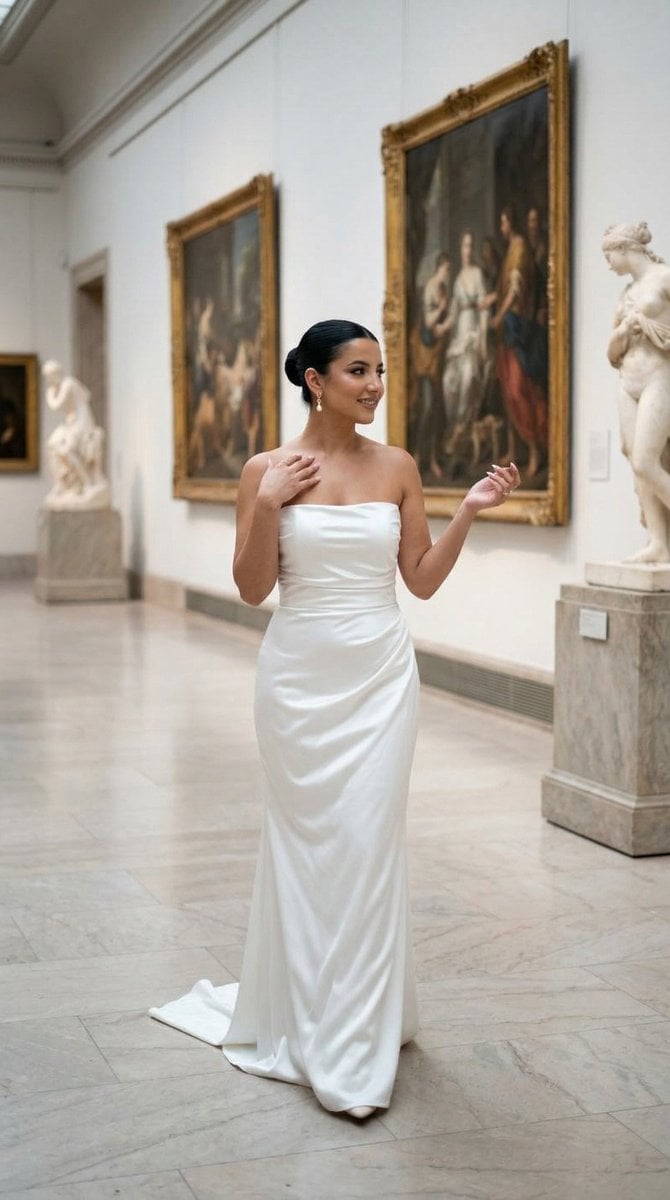
Nano Banana - Dancing Carefree Paris

Nano Banana - Paris Night Party Dancing
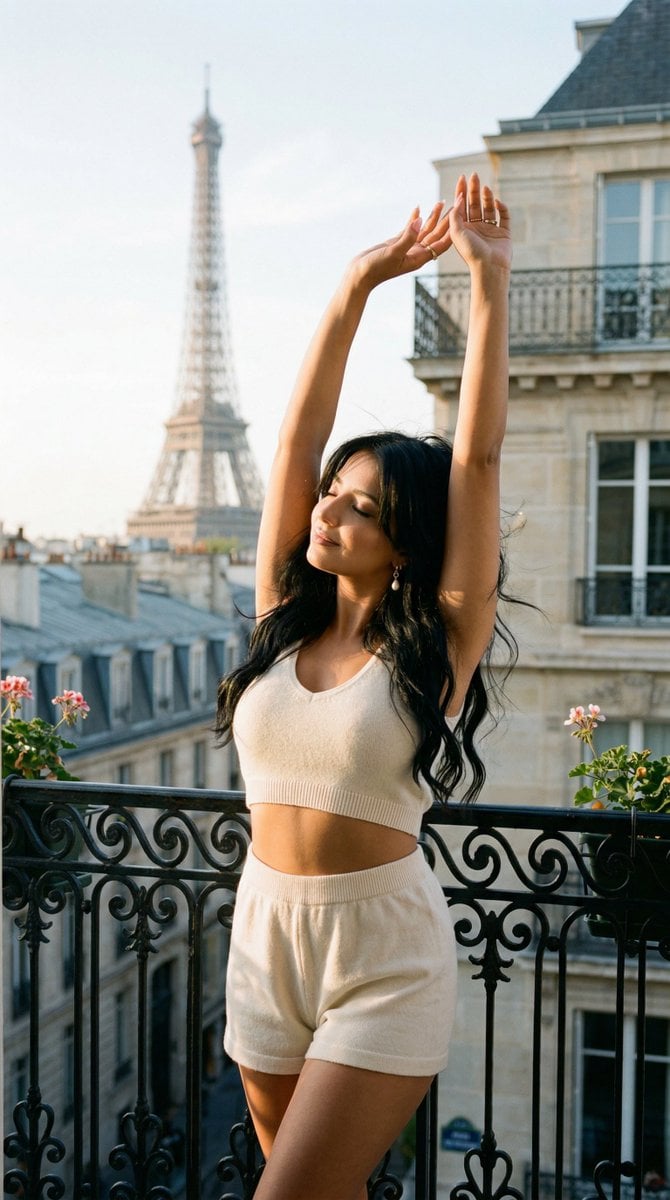
Nano Banana - Bathtub Eiffel Night
Make it yours
Late Night Hotel Exhausted Traveler works as-is. These are the safest ways to change it without losing the look.
Change one field
Copy a single group, rewrite it, and generate again so you can see what that field is doing.
Keep the frame, change the subject
Hold the composition and light of Late Night Hotel Exhausted Traveler, then swap wardrobe, props or the person for a new take.
| If the result… | Why | Fix |
|---|---|---|
| The result drifts from the preview | Too many fields changed at once. | Reuse Late Night Hotel Exhausted Traveler as-is first, then change one group — subject, light, or setting. |
| The model over-stylizes the scene | The prose prompt leaves finish and camera underspecified. | Add one camera or lighting sentence and stay on GPT Image 2. |
More GPT Image 2 templates
Other prompts made for GPT Image 2.

Six VTuber Japanese Logo Sheet

Realistic Portrait of Woman and Deer

The Vista Modular Condo Poster

AI Model Routing Comparison Infographic

2.5D Anime Art Board

Isometric Productivity Desk Scene

New York Double Exposure Poster

Four-Panel AI Landscape Comparison

Japanese Tatami Lifestyle Magazine Cover

NESCAFÉ Coffee Map Poster
More image prompts
Fresh picks from across the catalog.
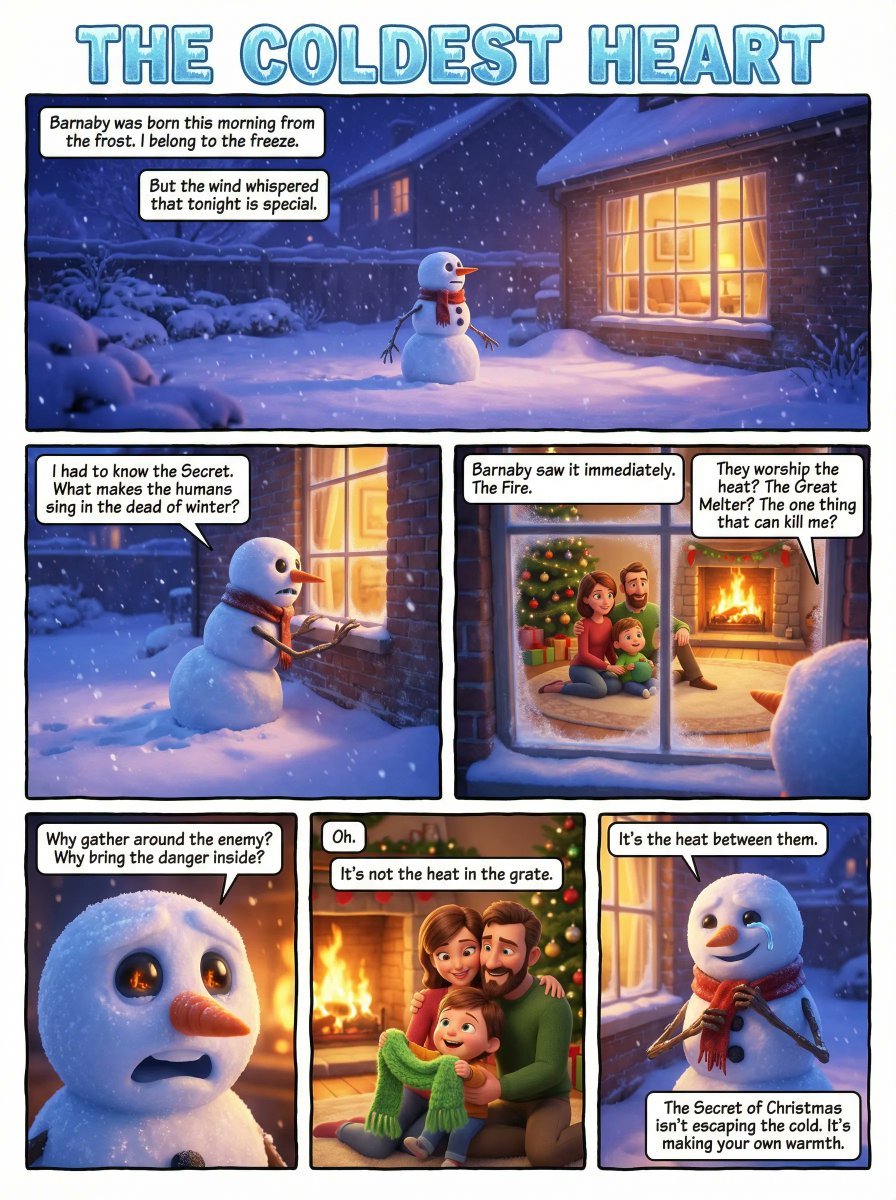
Comic Book Page Generation

Lifestyle Café Photography Portrait
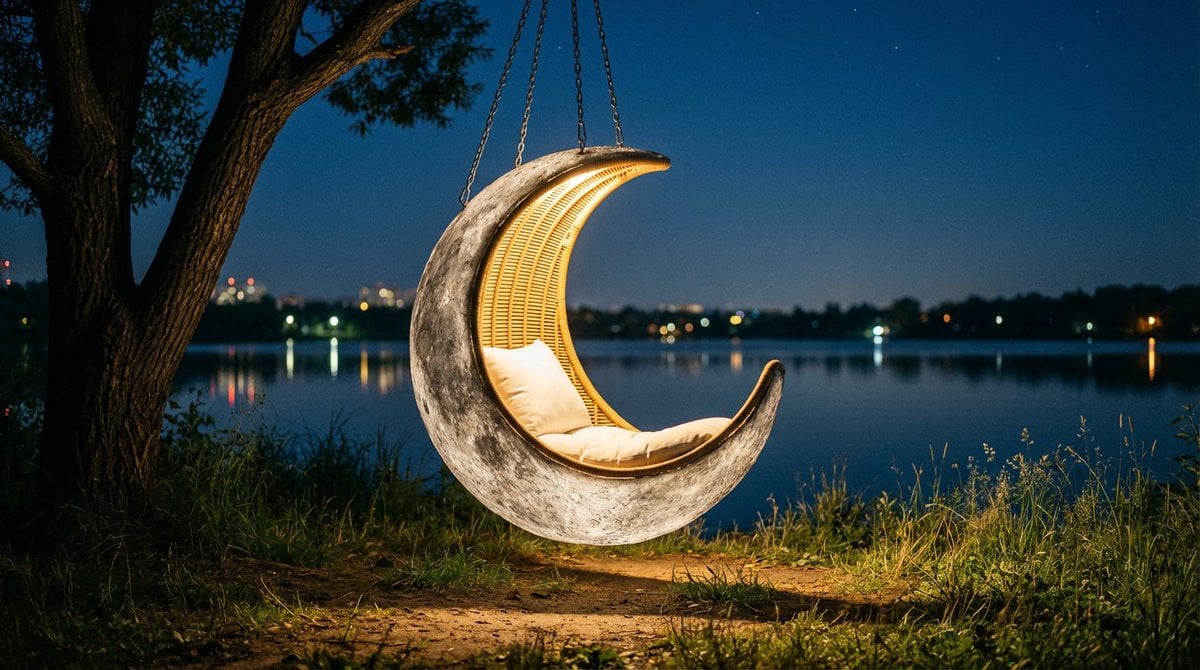
Cinematic lakeside hanging chair concept prompt with space object theme
Professional Old Photo Restoration
Street Art Digital Illustration Prompt for Nano Banana Pro 2.0
Isometric figurine generation prompt for Nano Banana Pro
Cyberpunk Split Lighting Portrait
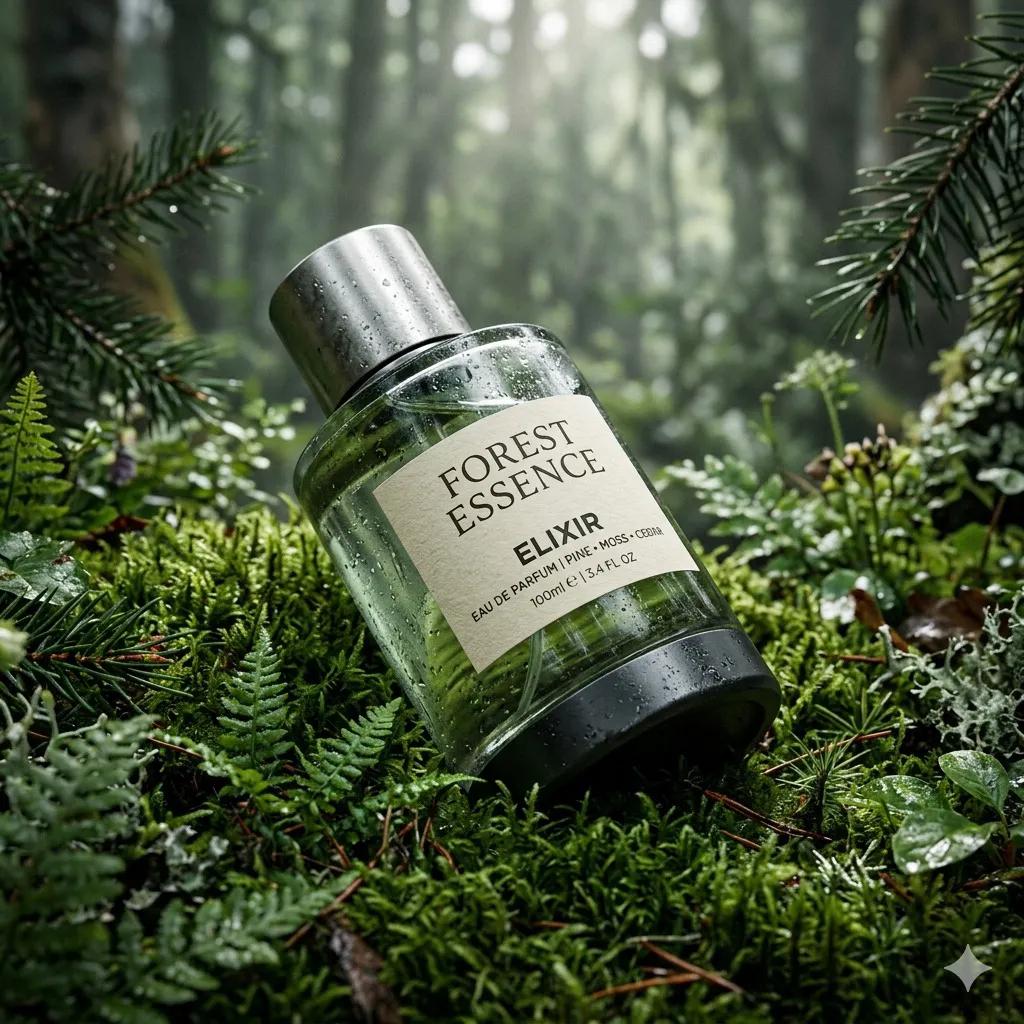
Ultra-Realistic Forest Essence Elixir Perfume Product Shot
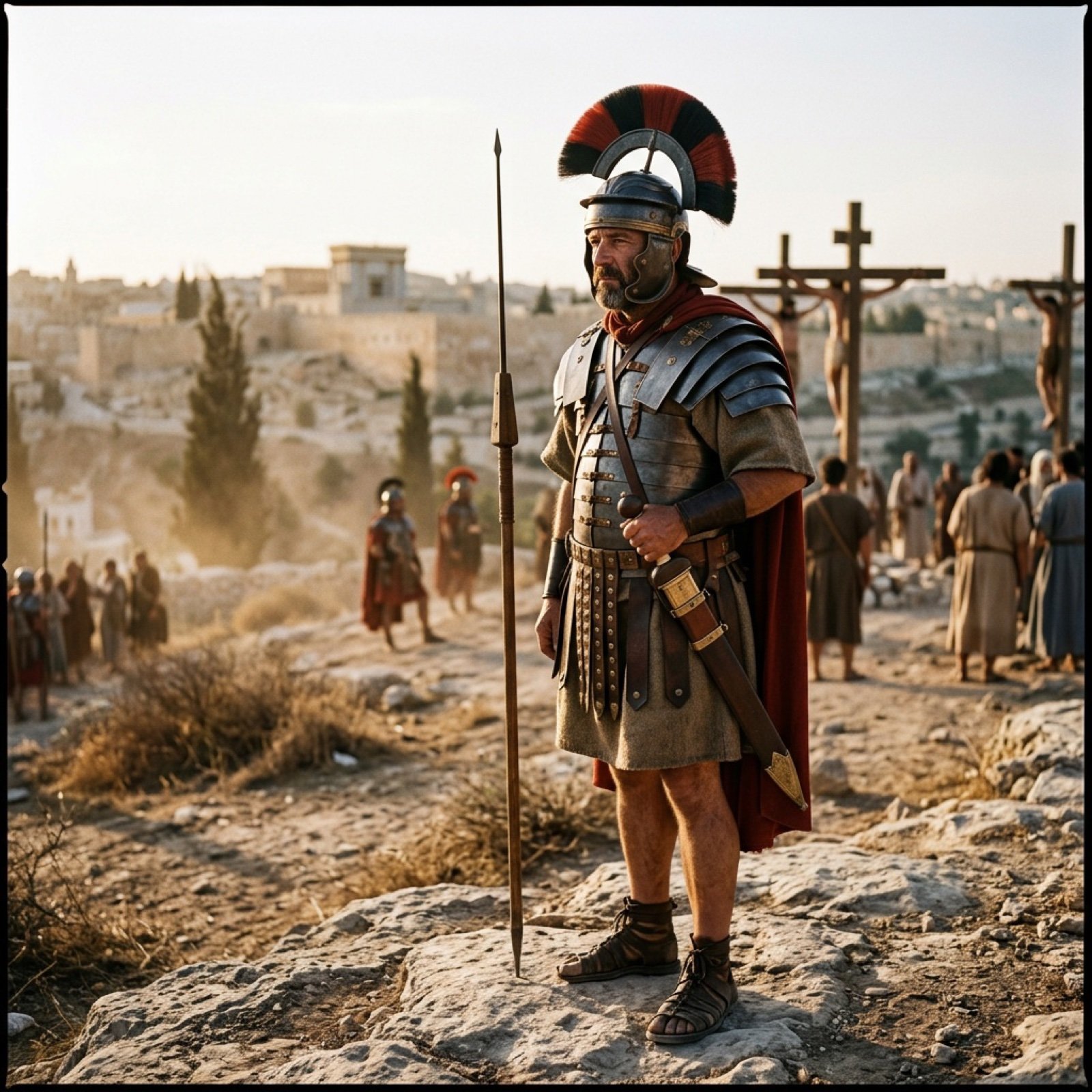
Generating the Crucifixion scene using Nano Banana Pro and Genie 3
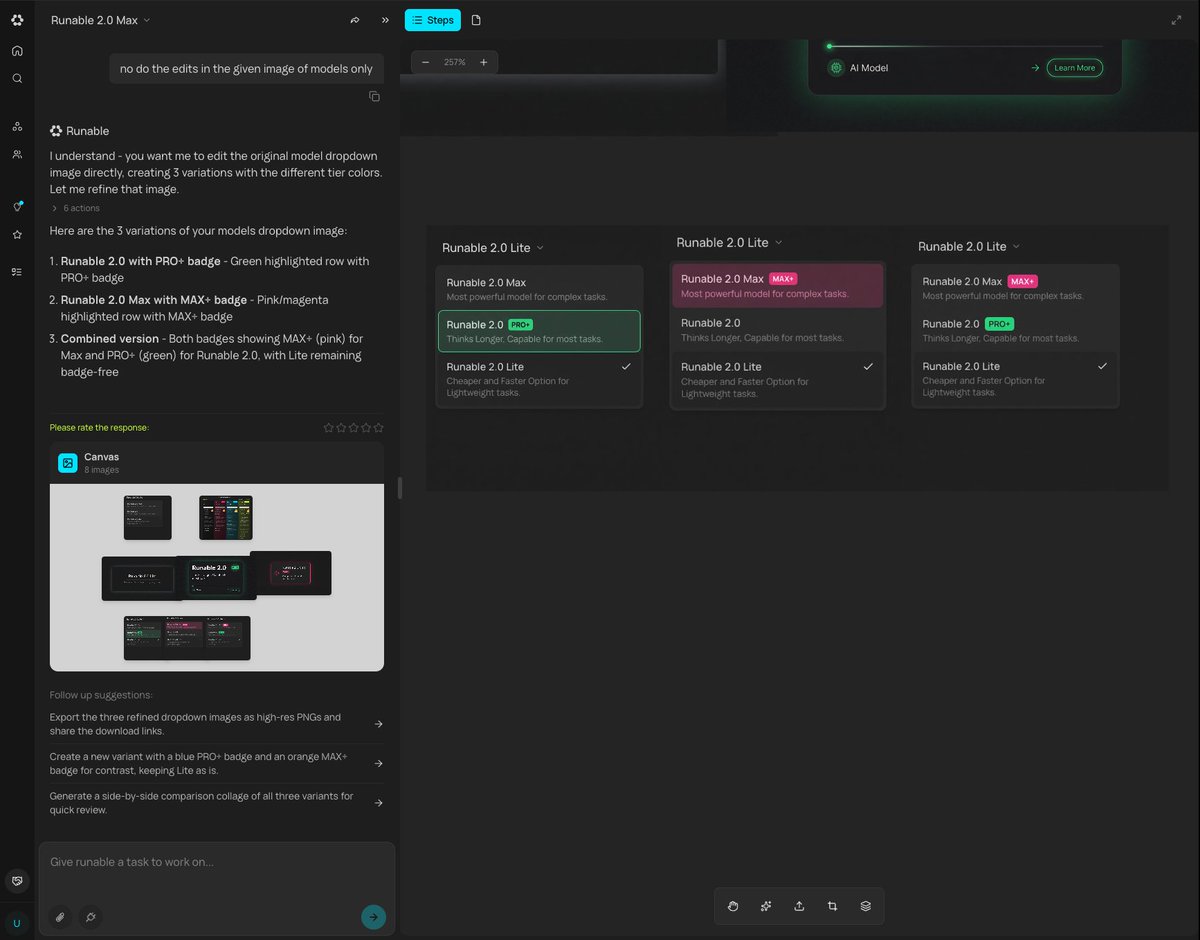
Generating Multiple Runnable Modes/States
Browse template categories
Late Night Hotel Exhausted Traveler questions
How do I use the Late Night Hotel Exhausted Traveler template?
Add your photo if the template asks for one, edit the prompt if you like — the template's model and format are already selected — and press Generate. Your version opens in PicX Studio.
Can I customize the Late Night Hotel Exhausted Traveler template?
Yes. You can change the subject, setting, lighting, mood, format, and available model controls before creating your image.
Is the Late Night Hotel Exhausted Traveler template free?
Opening and editing this template is free. Generating uses credits, shown on the Generate button when you are signed in.
Which AI model should I use?
Start with GPT Image 2, which is the model associated with this template. You can compare another compatible model for a different finish.
Looking for something else? Browse all templates.

Your photo, any look
Thousands of ready templates for every top image and video model, from one credit balance.