
Exhausted Office Woman in Hotel Room
Generates a warm realistic anime scene of a tired businesswoman sprawled on a hotel bed after traveling, suitable for slice-of-life AI art.
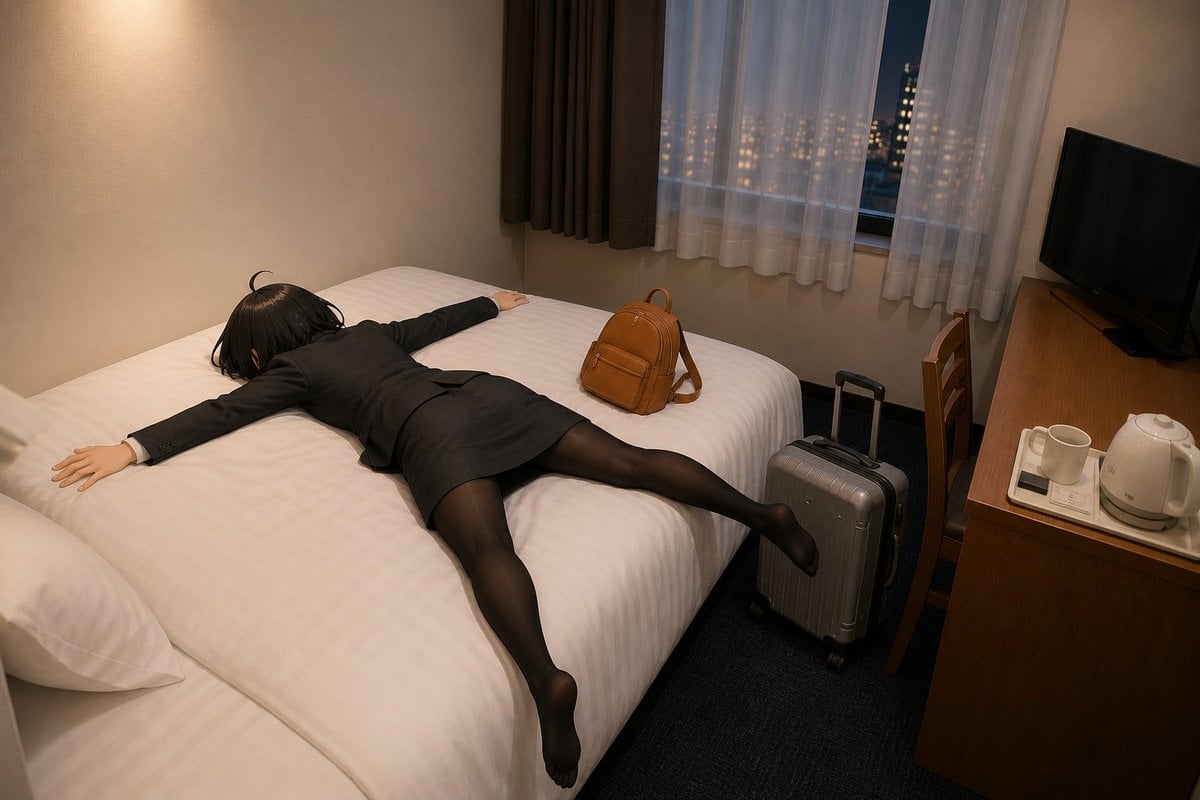
- Prompt included
- Model and format preset
- Free template
The prompt behind this image
Copy the exact prompt behind Exhausted Office Woman in Hotel Room, or open it in the studio and make it yours.
Create a realistic anime-style illustration of {argument name="character description" default="a tired young Japanese office woman with short black hair"} collapsed face-down on a large white hotel bed after a long trip, arms spread wide and legs stretched out in exhaustion. She wears {argument name="outfit" default="a black business suit, pencil skirt, white shirt cuffs, sheer black tights, and black socks"}. The scene is a compact Japanese business hotel room at night, viewed from a high wide-angle corner perspective. Show exactly 2 pieces of luggage: a small brown leather backpack sitting on the bed near her hip, and a silver hard-shell rolling suitcase standing on the dark carpet beside the bed with its handle extended. The bed has crisp white linens and pillows, warmly lit beige walls, and a cozy tired atmosphere. In the background, a window with sheer white curtains and dark brown side curtains reveals a nighttime city view with softly glowing apartment lights. On the right side, include a wooden desk with exactly 3 visible hotel amenities: a white electric kettle, a white mug, and a small tray; also include a black flat-screen TV on the desk and a wooden chair tucked nearby. Use cinematic warm indoor lighting, subtle shadows, realistic proportions, detailed fabric folds, quiet late-night mood, no text, no watermark, no extra people.
How to use Exhausted Office Woman in Hotel Room in 3 steps
- 1Upload ImagePNG, JPG or paste
Add your photo
Upload the photo the template builds on. The prompt, model and format are already set.
- 2…a portrait of your subject in softgolden-hour light, 85mm…
Personalize
Edit the subject and creative details for your destination.
- 3Generate
Generate
Press Generate — your image is created in PicX Studio, so you can compare it with the original and refine one variable at a time.
More like this
Templates with the same subject, style or setup. Open one to see its prompt.
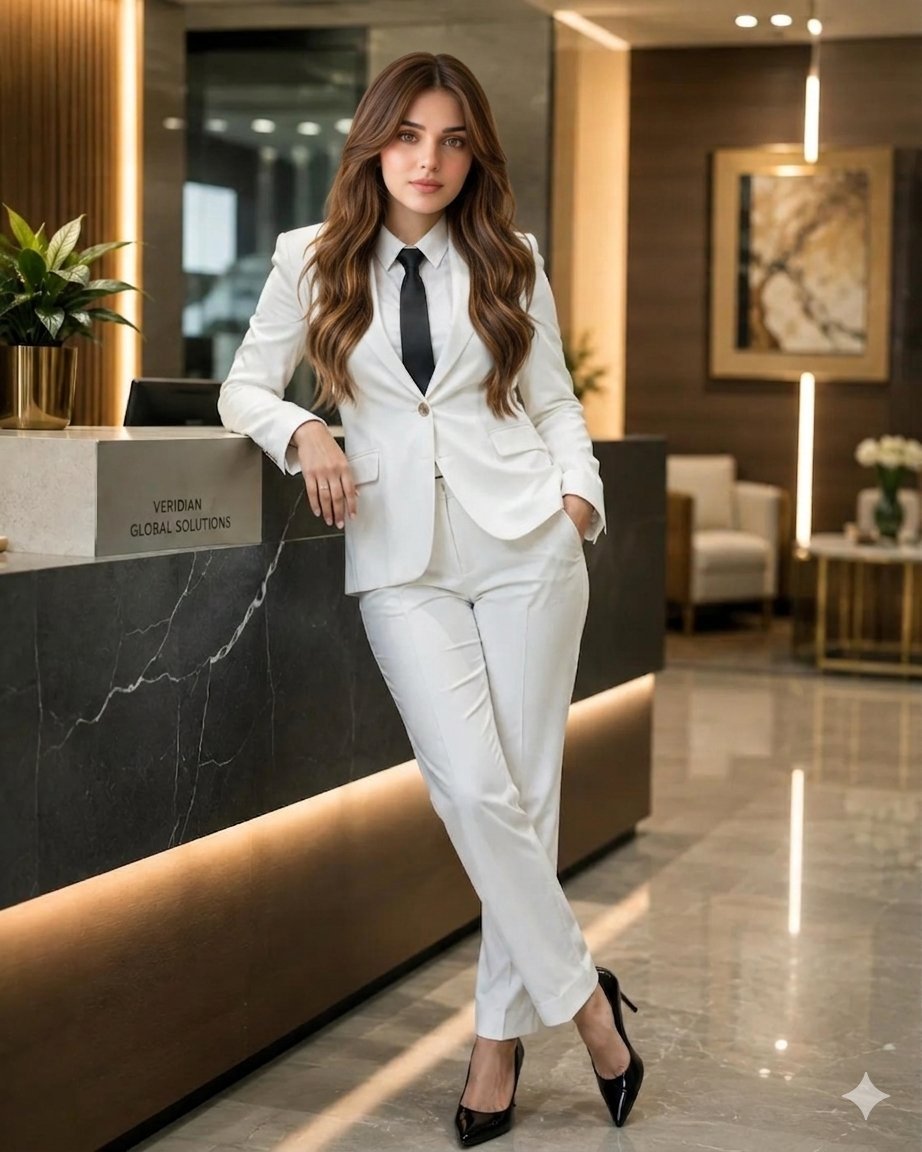
Indian Businesswoman Luxury Office Portrait
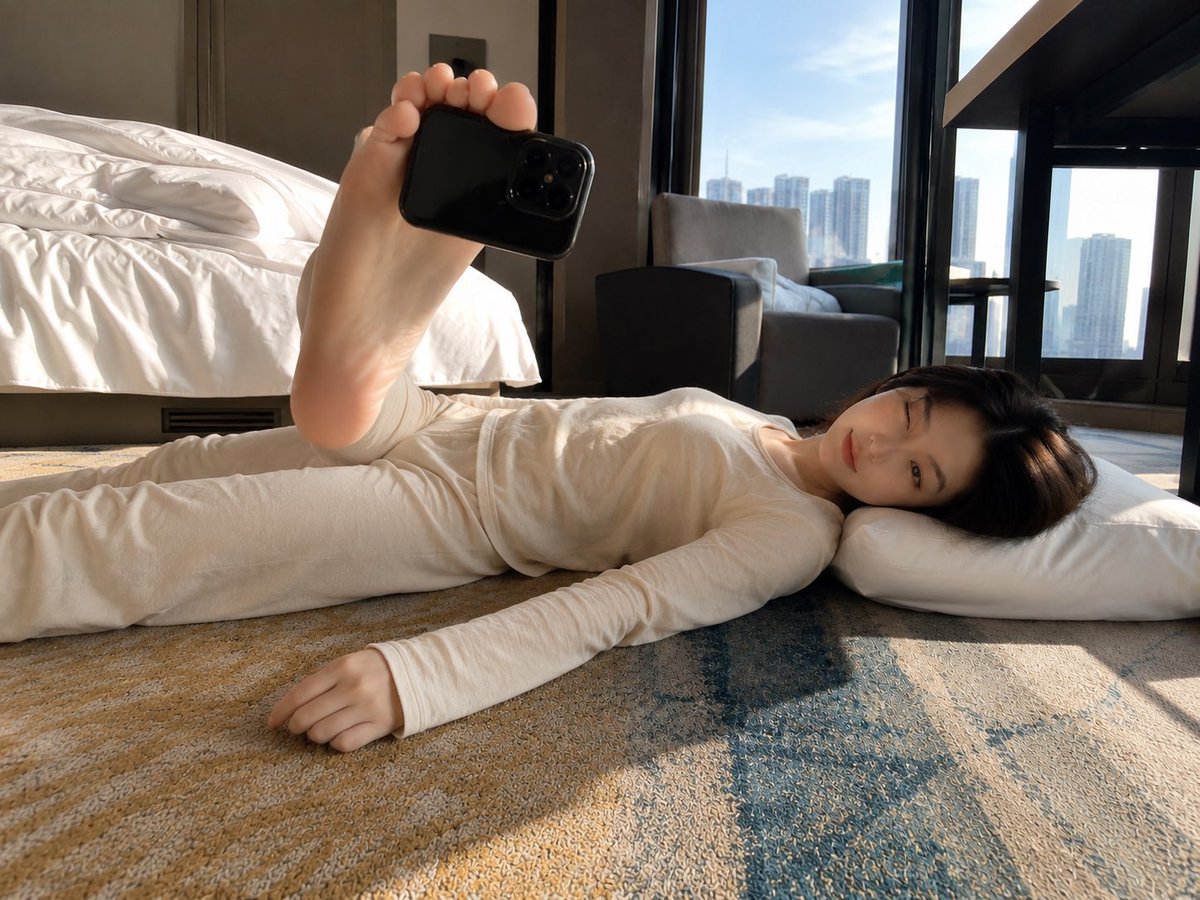
Foot-Held Selfie in Hotel Room
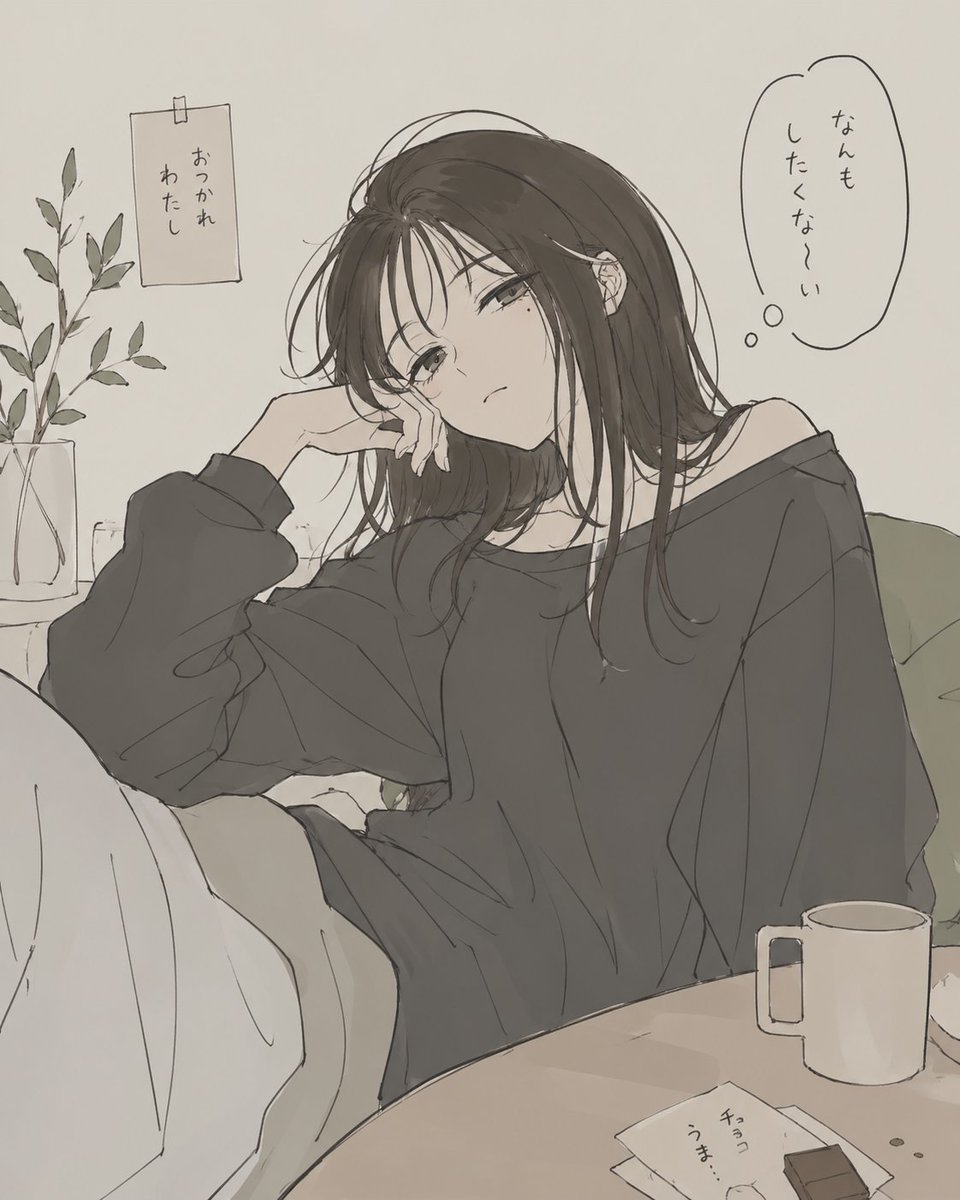
Exhausted Girl in a Quiet Room
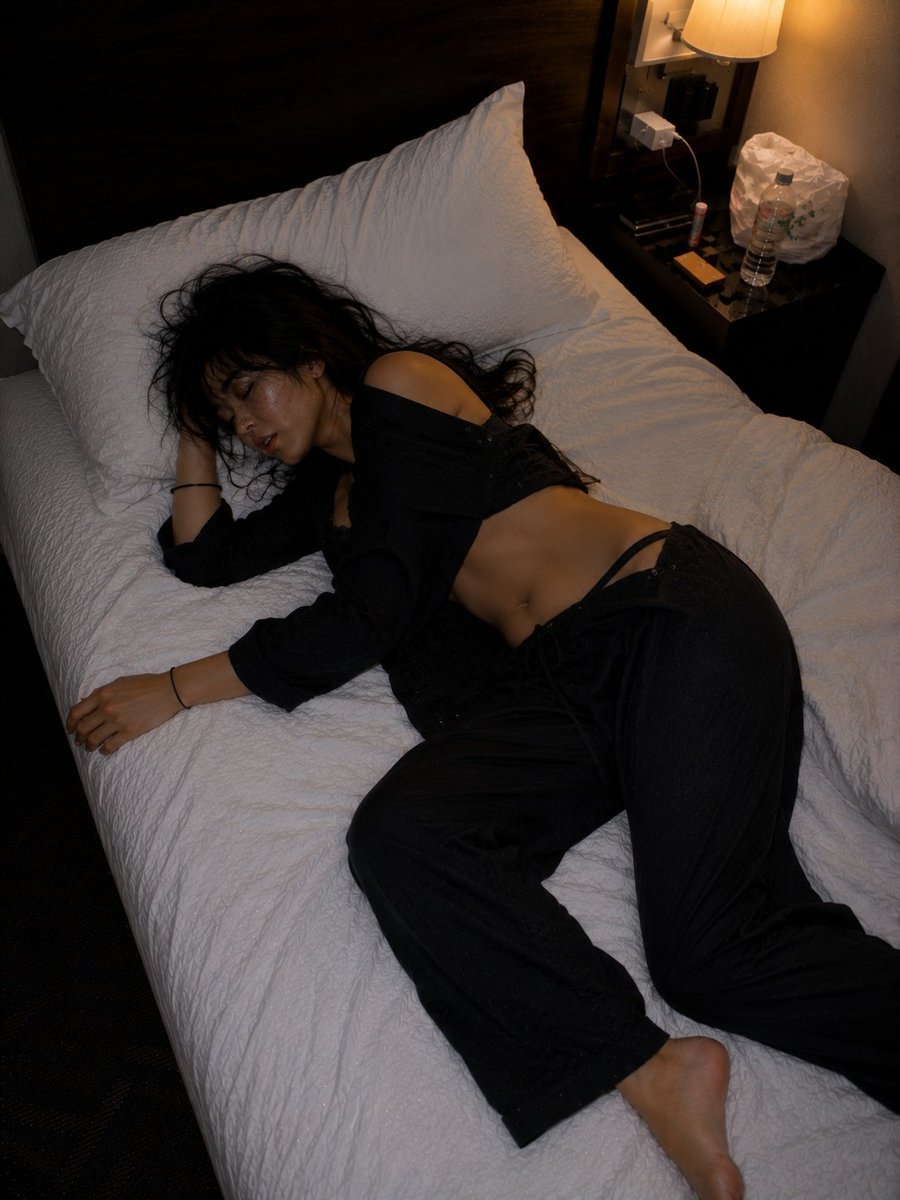
Late Night Hotel Exhausted Traveler
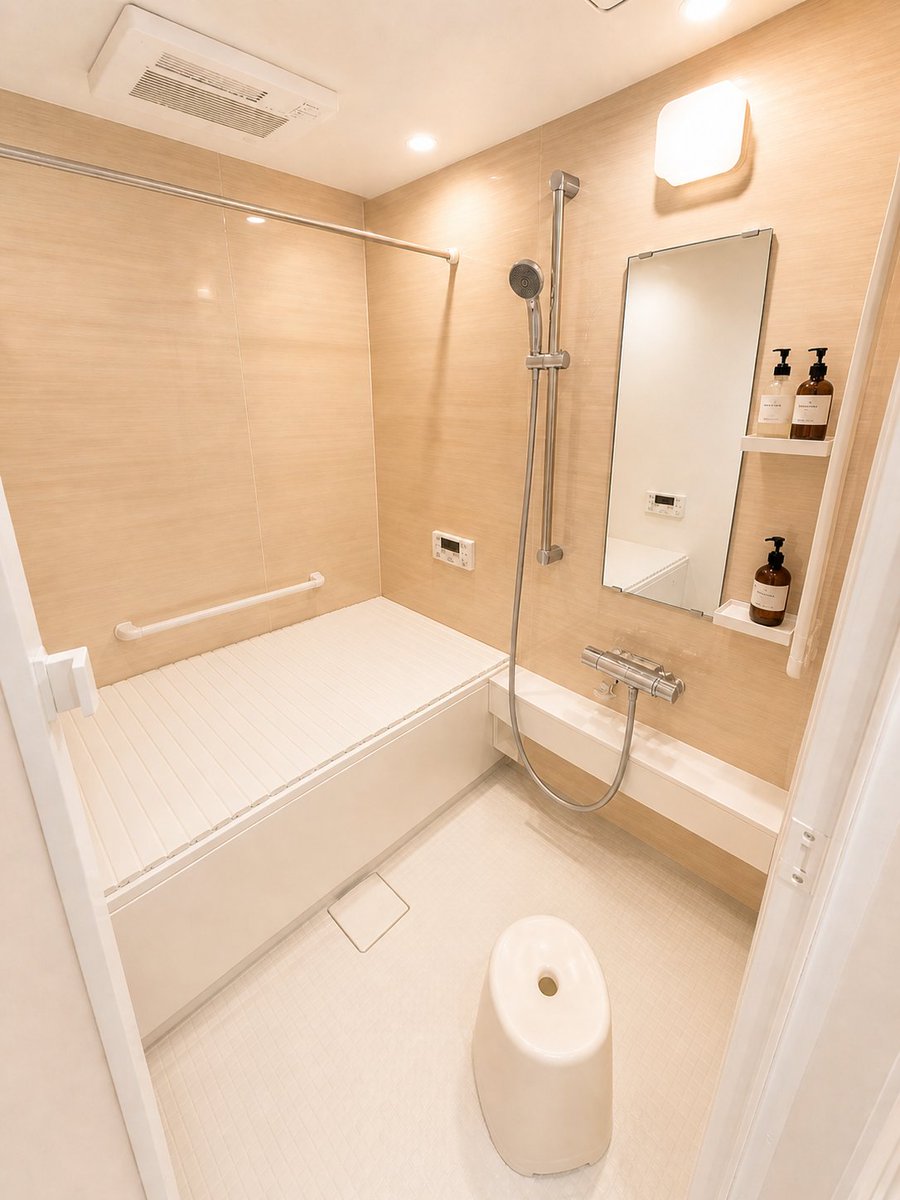
Hotel-Style Real Estate Bathroom Staging

Woman in Mall with Chanel Bag - Heart Gesture

Floating Woman Above Cityscape with Notifications
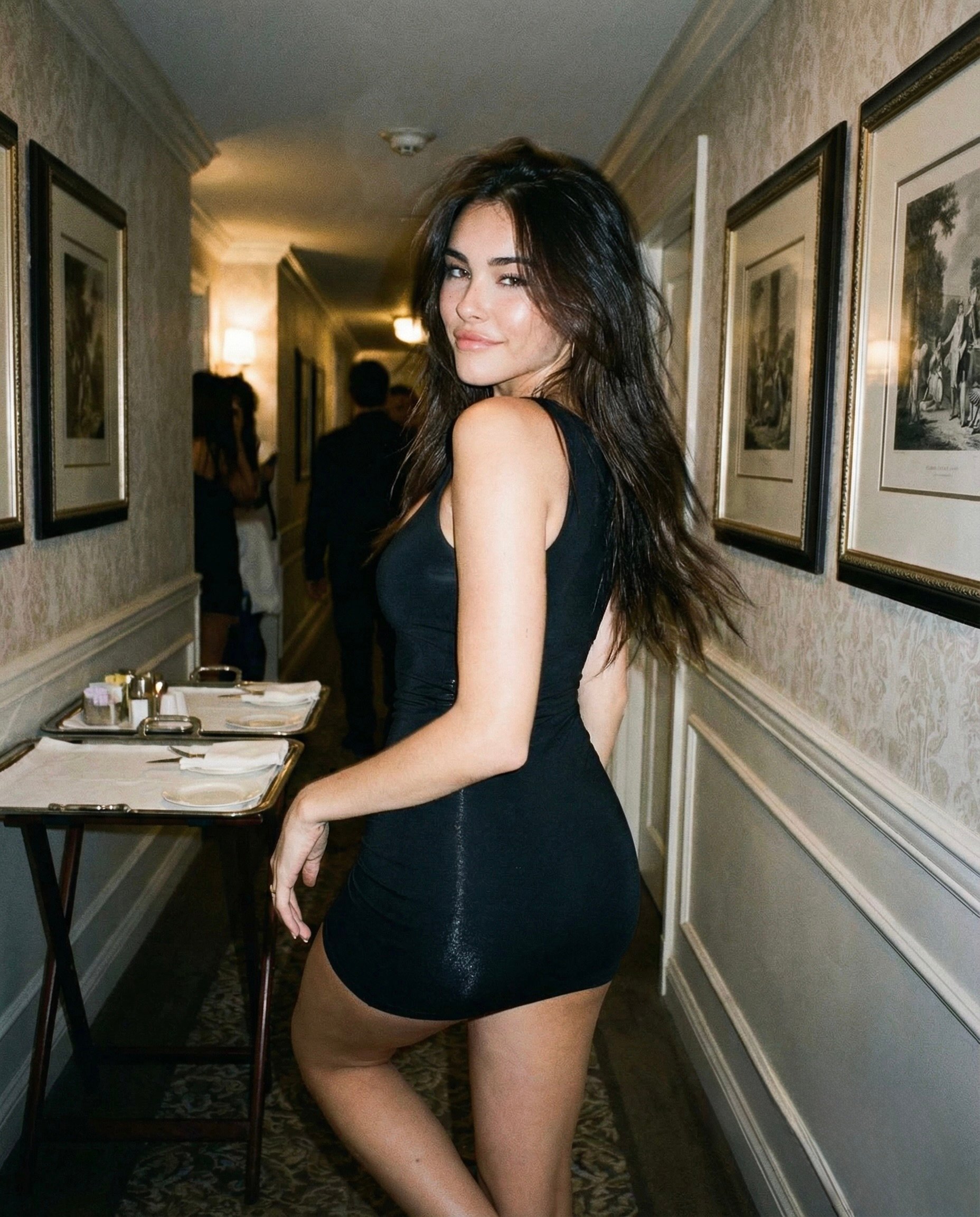
Madison Beer Hotel Iphone Flash

Cinematic Luxury CEO Office Portrait
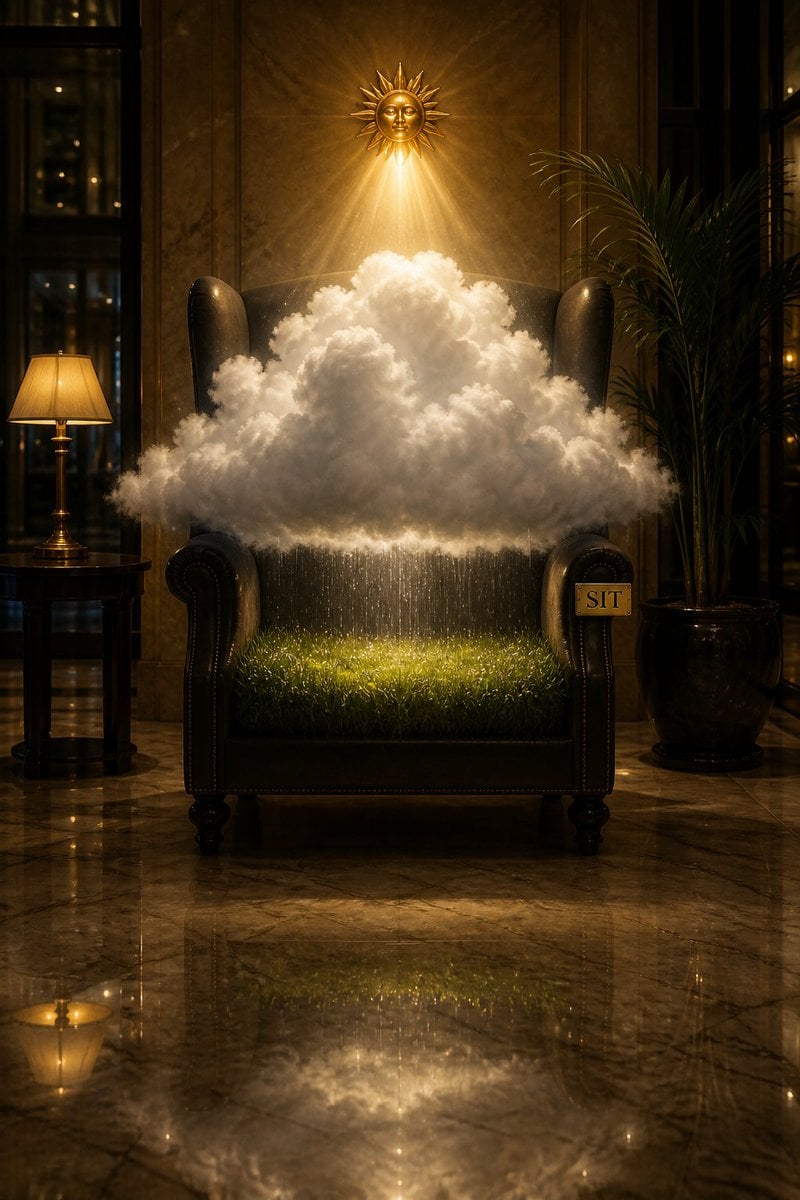
Surreal Weather Armchair in Hotel Lobby
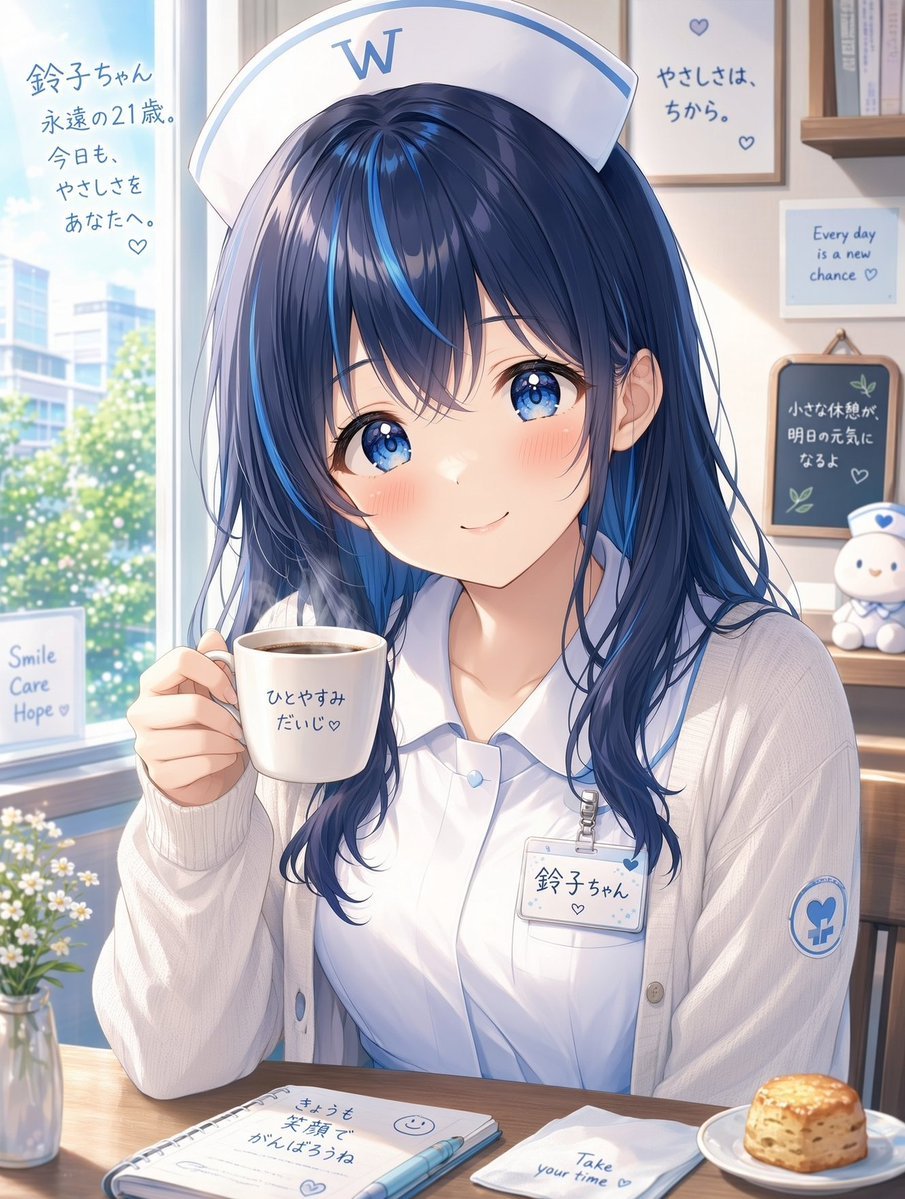
White Wing Nurse Break Room Portrait

Creative Character in Pink Office
Make it yours
Exhausted Office Woman in Hotel Room works as-is. These are the safest ways to change it without losing the look.
Change one field
Copy a single group, rewrite it, and generate again so you can see what that field is doing.
Keep the frame, change the subject
Hold the composition and light of Exhausted Office Woman in Hotel Room, then swap wardrobe, props or the person for a new take.
| If the result… | Why | Fix |
|---|---|---|
| The result drifts from the preview | Too many fields changed at once. | Reuse Exhausted Office Woman in Hotel Room as-is first, then change one group — subject, light, or setting. |
| The model over-stylizes the scene | The prose prompt leaves finish and camera underspecified. | Add one camera or lighting sentence and stay on GPT Image 2. |
More GPT Image 2 templates
Other prompts made for GPT Image 2.

Six VTuber Japanese Logo Sheet

Realistic Portrait of Woman and Deer

The Vista Modular Condo Poster

AI Model Routing Comparison Infographic

2.5D Anime Art Board

Isometric Productivity Desk Scene

New York Double Exposure Poster

Four-Panel AI Landscape Comparison

Japanese Tatami Lifestyle Magazine Cover

NESCAFÉ Coffee Map Poster
More image prompts
Fresh picks from across the catalog.
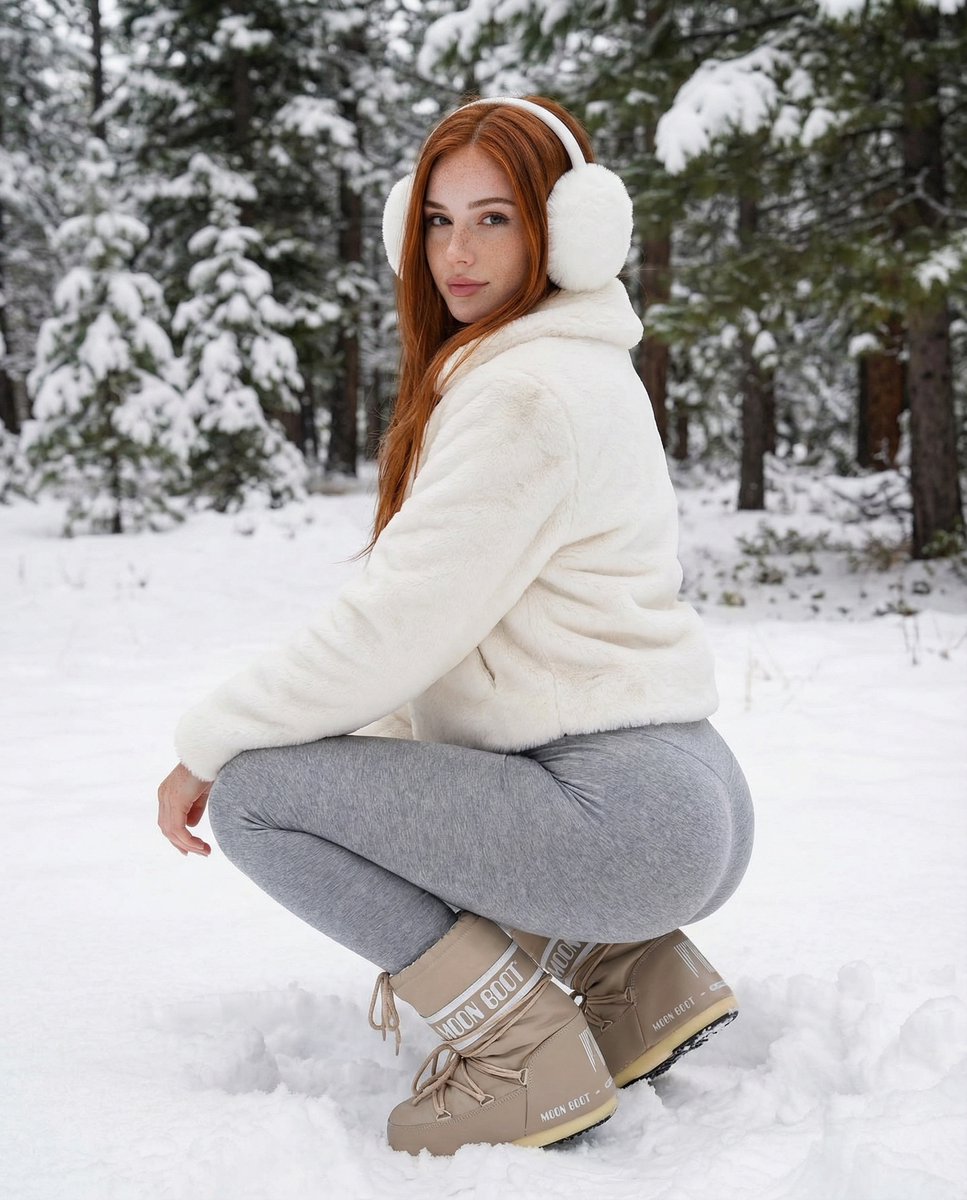
Photorealistic Winter Squat Pose in Faux Fur
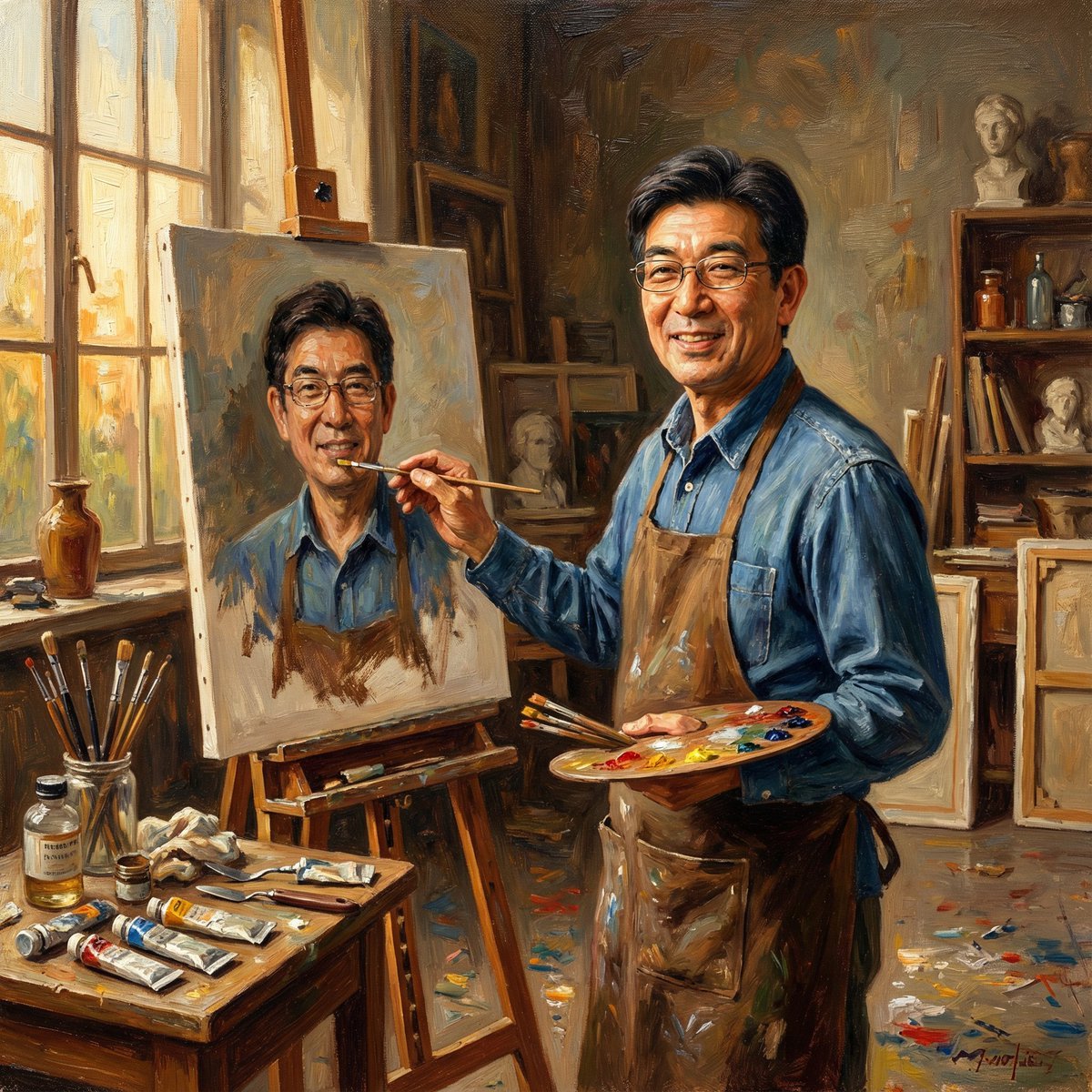
Nano Banana Pro: Artist and Neon Styles
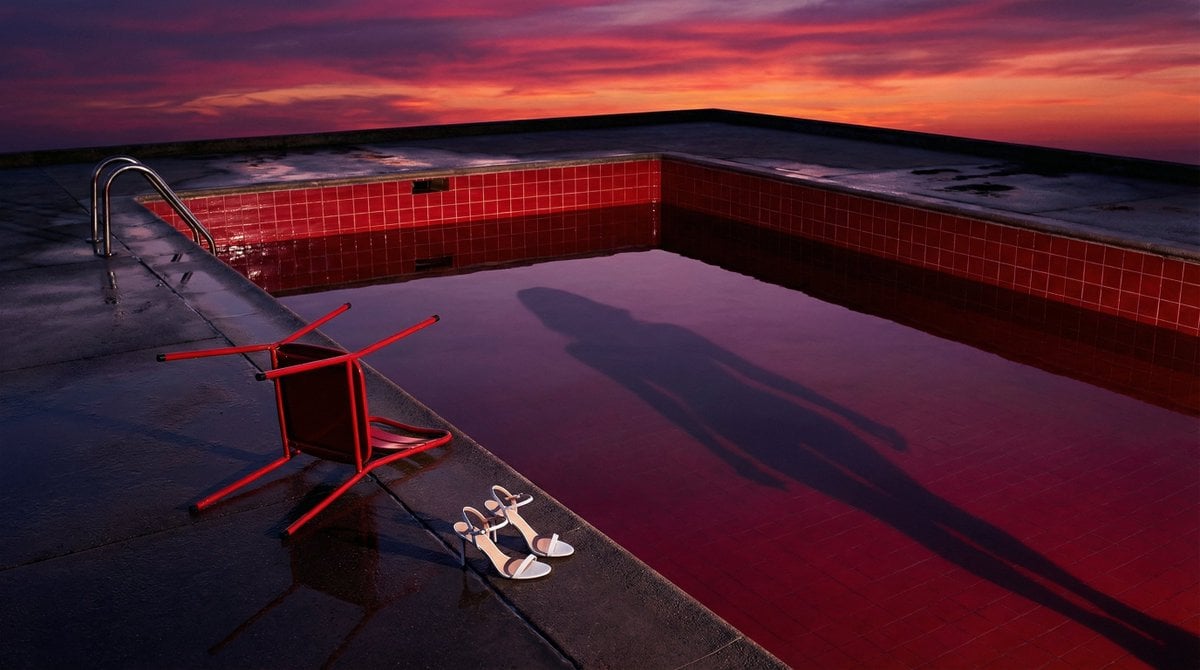
Surreal Guy Bourdin Style Pool Scene
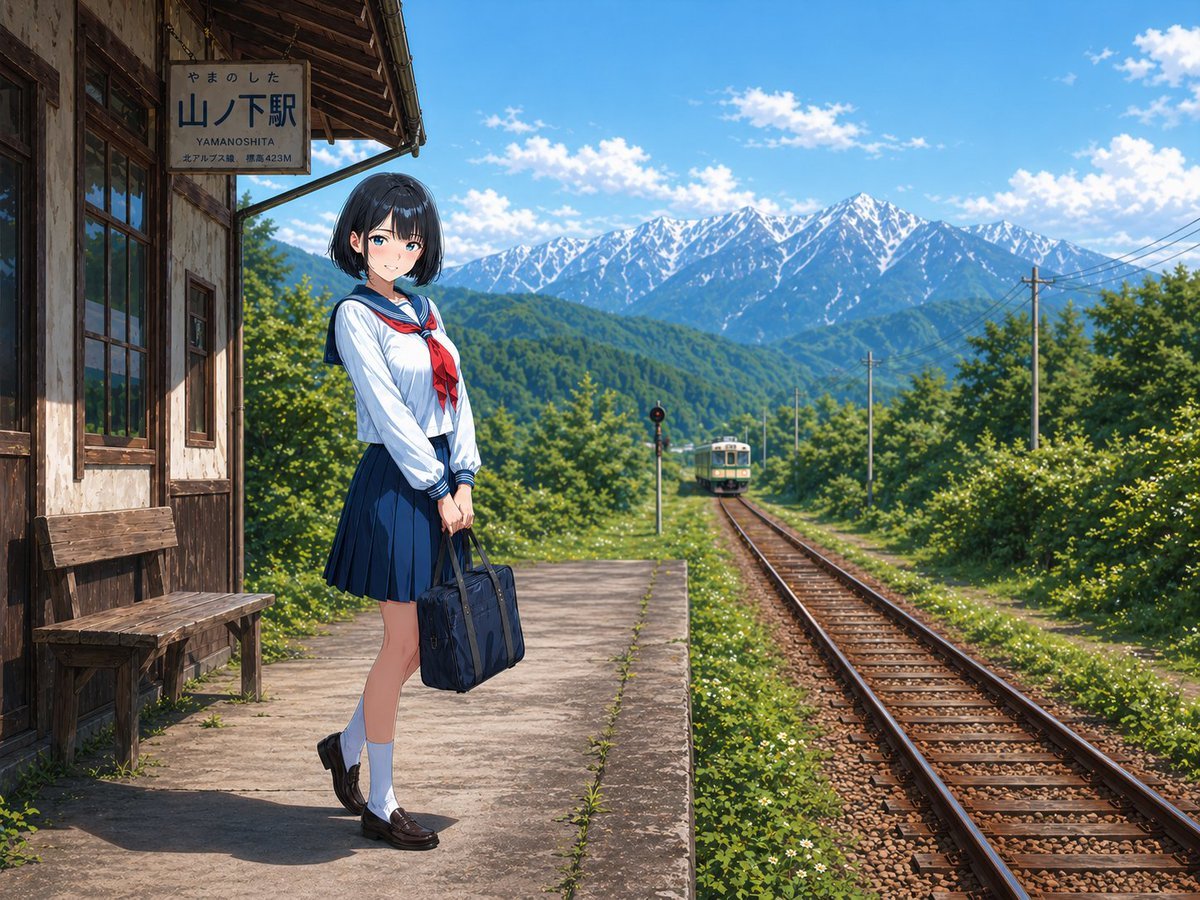
Rural Station Schoolgirl Scene
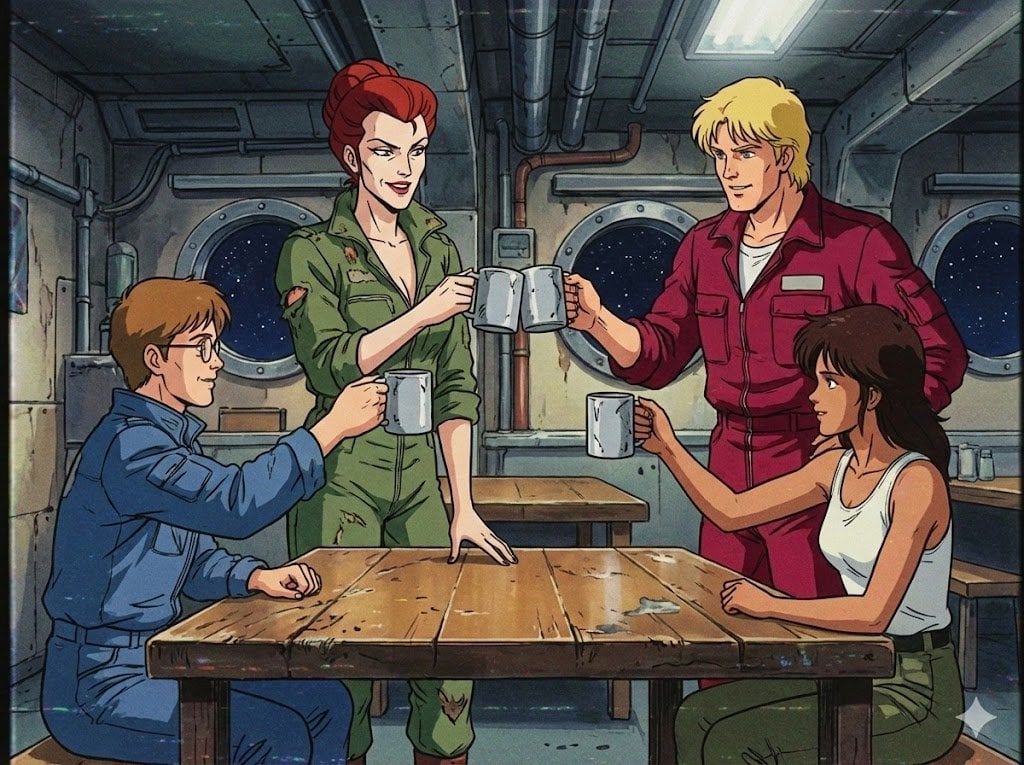
1980s US import TV anime style
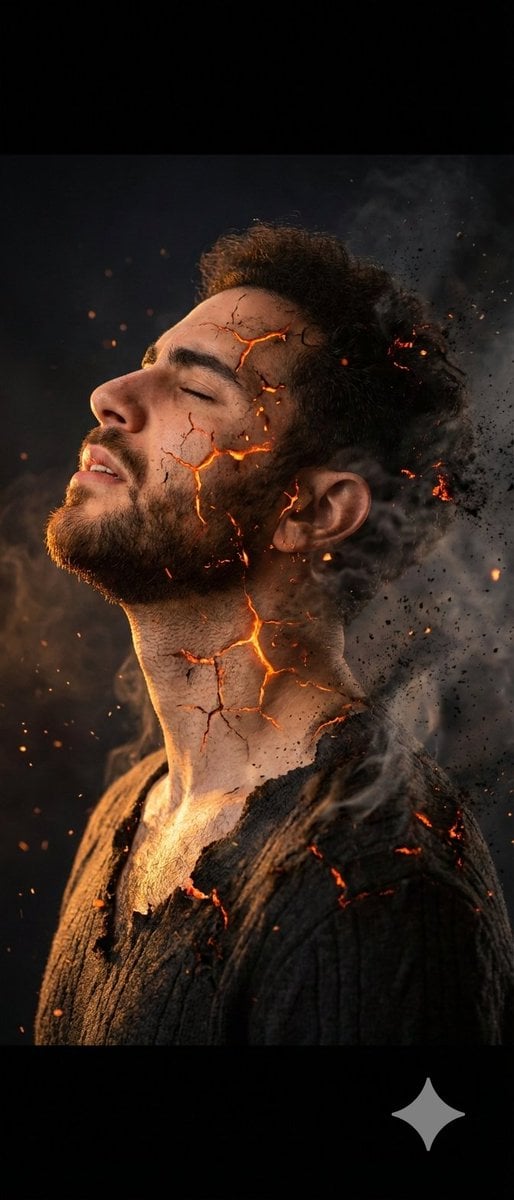
Side Profile Photo of Man in Pain with Molten Fissures
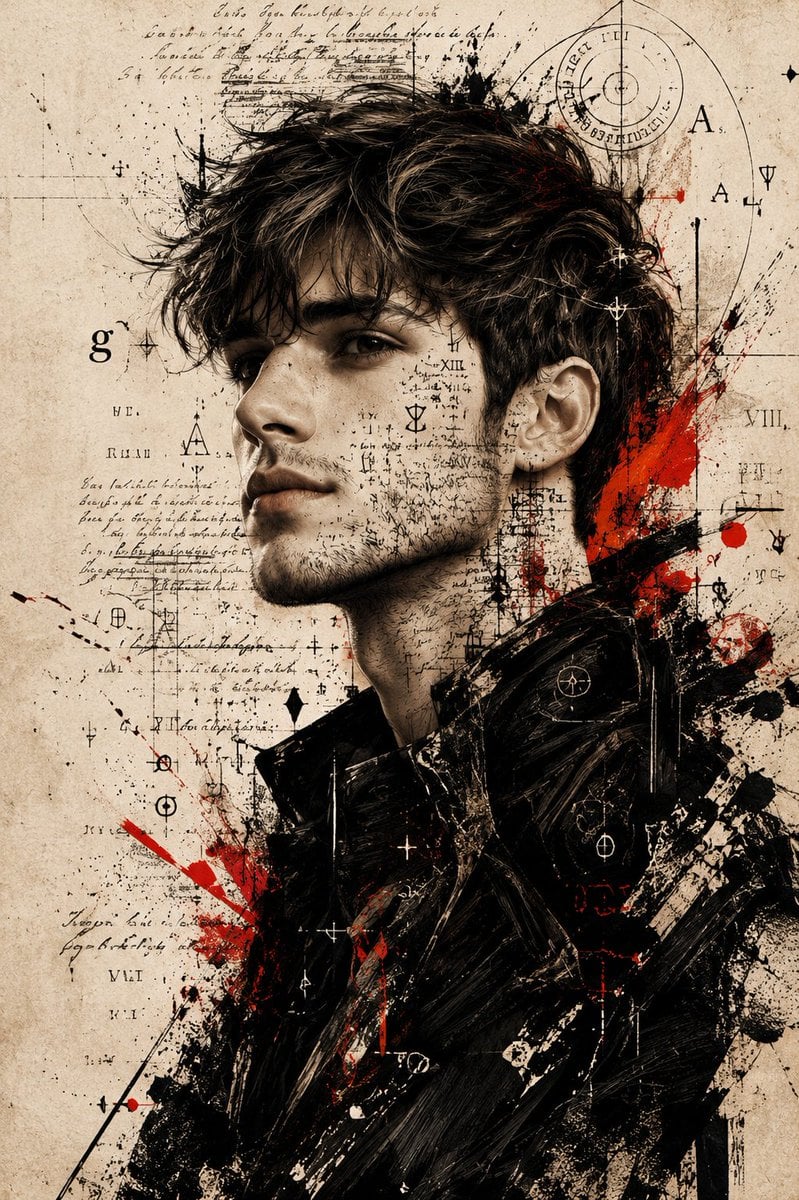
Expressive Mixed-Media Ink Portrait
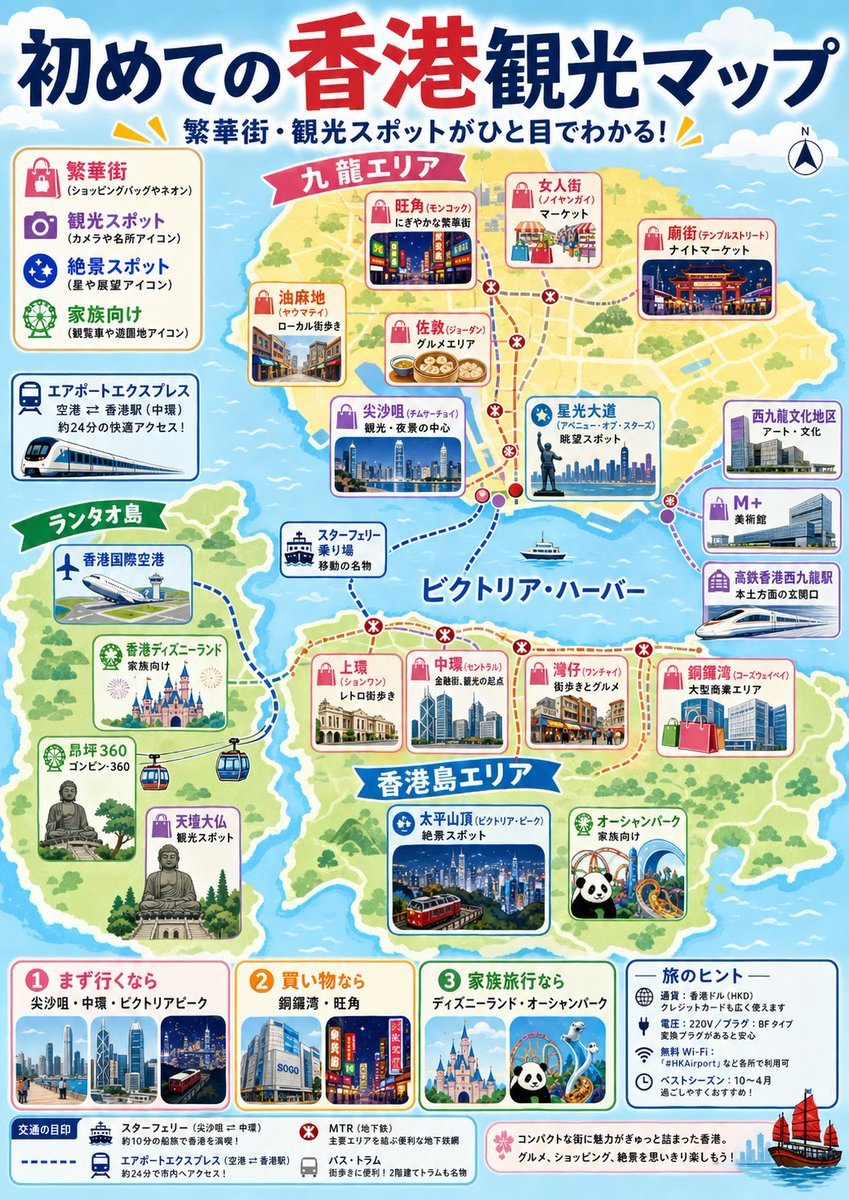
Japanese Hong Kong Tourist Map

Enchanted Forest Root Kiss Scene By Nano
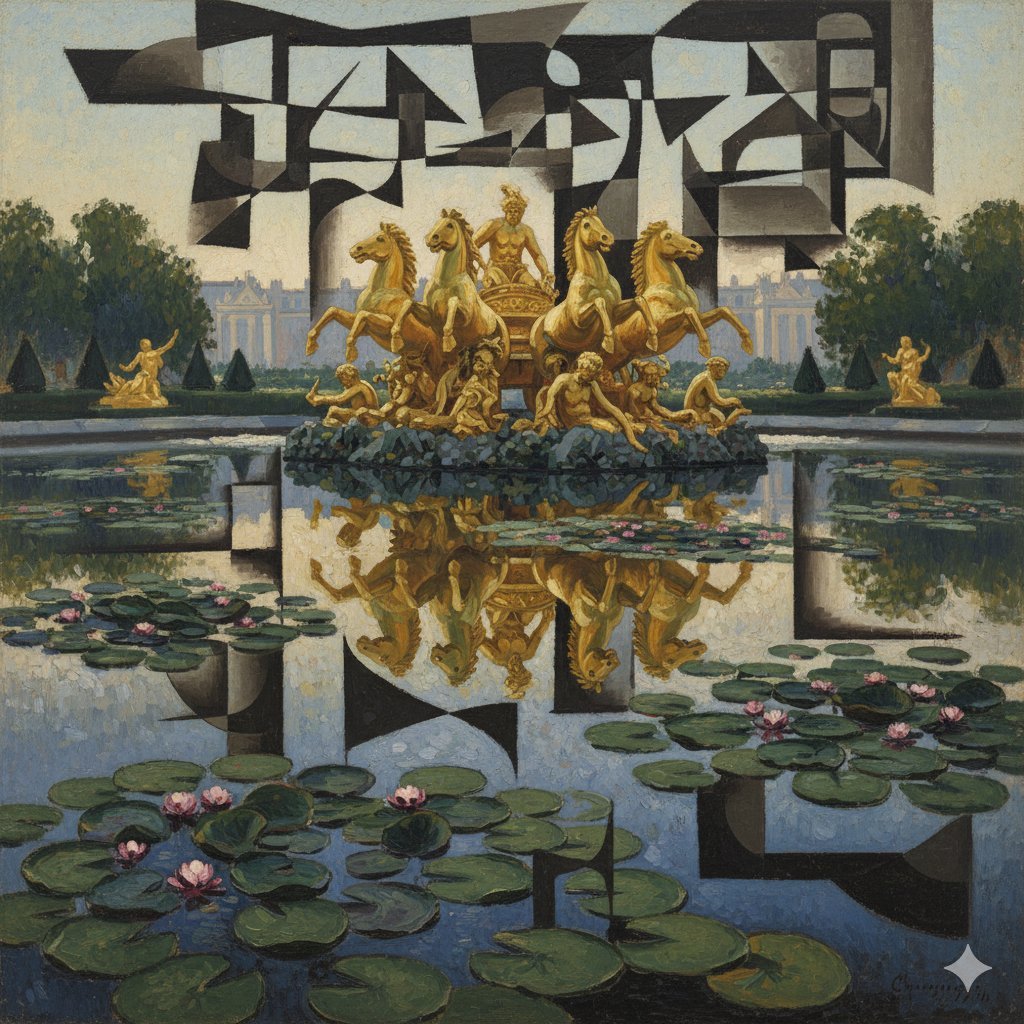
Image Style Transfer: Converting Photo to Picasso's Cubism
Browse template categories
Exhausted Office Woman in Hotel Room questions
How do I use the Exhausted Office Woman in Hotel Room template?
Add your photo if the template asks for one, edit the prompt if you like — the template's model and format are already selected — and press Generate. Your version opens in PicX Studio.
Can I customize the Exhausted Office Woman in Hotel Room template?
Yes. You can change the subject, setting, lighting, mood, format, and available model controls before creating your image.
Is the Exhausted Office Woman in Hotel Room template free?
Opening and editing this template is free. Generating uses credits, shown on the Generate button when you are signed in.
Which AI model should I use?
Start with GPT Image 2, which is the model associated with this template. You can compare another compatible model for a different finish.
Looking for something else? Browse all templates.

Your photo, any look
Thousands of ready templates for every top image and video model, from one credit balance.