
Photorealistic Winter Squat Pose in Faux Fur
A highly detailed photorealistic prompt for generating an image of a curvaceous woman in a deep squat pose in a snowy winter forest.
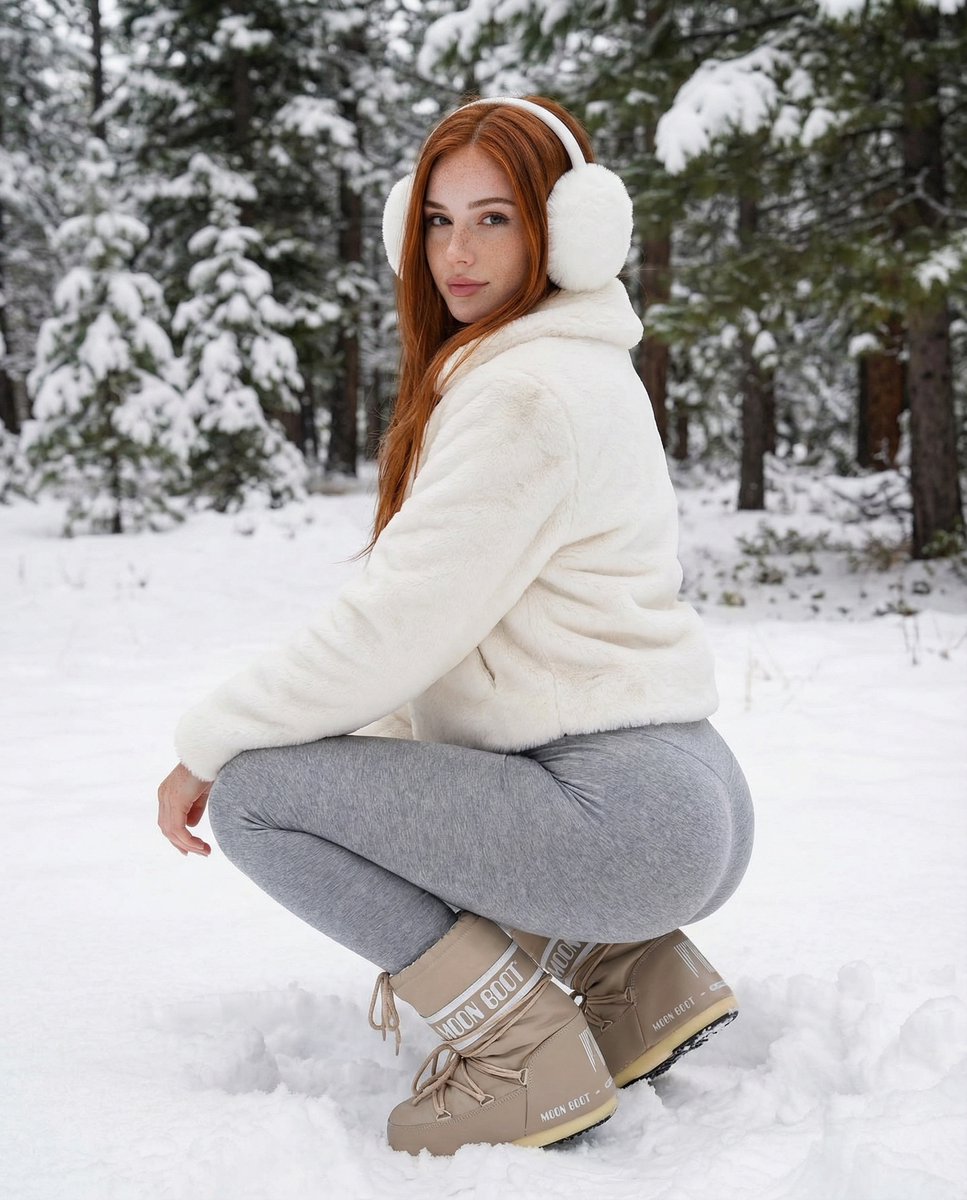
- Prompt included
- Model and format preset
- Premium template
The prompt behind this image
Copy the exact prompt behind Photorealistic Winter Squat Pose in Faux Fur, or open it in the studio and make it yours.
{ "subject": { "description": "A young woman with a fit, curvaceous figure captured in a rear-view squatting pose. She has long, wavy, {argument name="hair color" default="red"} hair that falls over her shoulders. Her complexion is naturally tanned with visible skin texture.", "apparel": { "headwear": "Large, fluffy white faux-fur earmuffs covering the ears completely.", "upper_body": "A short, cropped white faux-fur jacket with a plush, textured surface. The jacket ends at the waist, revealing the curve of the lower back.", "lower_body": "Tight, heather grey leggings made of a soft, matte cotton-spandex blend fabric. The fabric stretches naturally over the glutes and thighs, showing realistic fabric tension and texture without looking plastic.", "footwear": "Chunky, beige knee-high snow boots (Moon Boot style) with white laces and distinct white branding text on the heel and shaft. The boots are bulky and structured, resting deep in the snow." }, "physical_attributes": { "body_type": "Fit and voluptuous hourglass figure, emphasized by the crouching position.", "skin_texture": "Natural skin finish with realistic grain, varied tones, and no artificial smoothing." } }, "pose": { "type": "Deep squat / crouching position.", "orientation": "The body is angled away from the camera (rear 3/4 view), with the back and glutes prominent.", "head_position": "Head is turned sharply over the right shoulder to face the camera directly.", "eye_contact": "Direct, calm, and engaging eye contact with the viewer.", "limb_placement": "Legs are bent deeply at the knees, feet are planted firmly in the snow. Arms are relaxed, likely resting on the knees (mostly obscured by the jacket and pose).", "dynamics": "Static but balanced, conveying the weight of the body settling into the squat." }, "environment": { "setting": "A dense winter forest covered in heavy snow.", "ground": "Thick, powdery white snow with visible footprints and uneven surface texture where the boots have disturbed it.", "background": "Tall evergreen trees (spruce or pine) heavily laden with snow on their branches. The trees create a textured, natural backdrop that fills the frame.", "atmosphere": "Cold, crisp winter air, distinct outdoor setting." }, "camera": { "type": "Professional DSLR or Mirrorless camera (e.g., Sony A7R or Canon R5).", "lens": "50mm to 85mm portrait lens.", "perspective": "Low angle, roughly eye-level with the crouching subject.", "depth_of_field": "Moderate depth of field (f/4.0 or f/5.6). The subject is razor-sharp, while the background trees are slightly softened but still clearly defined, maintaining environmental context.", "focus": "Sharp focus on the subject's face and eyes." }, "lighting": { "type": "Natural overcast daylight (diffused).", "quality": "Soft, even, shadowless light typical of a snowy day. The white snow acts as a giant natural reflector, bouncing light upward and filling in shadows on the face and body.", "direction": "Omnidirectional ambient skylight.", "highlights
How to use Photorealistic Winter Squat Pose in Faux Fur in 3 steps
- 1
Open
The prompt is already in the box next to the preview, with the template's model and format selected.
- 2…a portrait of your subject in softgolden-hour light, 85mm…
Personalize
Edit the subject and creative details for your destination.
- 3Generate
Generate
Press Generate — your image is created in PicX Studio, so you can compare it with the original and refine one variable at a time.
More like this
Templates with the same subject, style or setup. Open one to see its prompt.
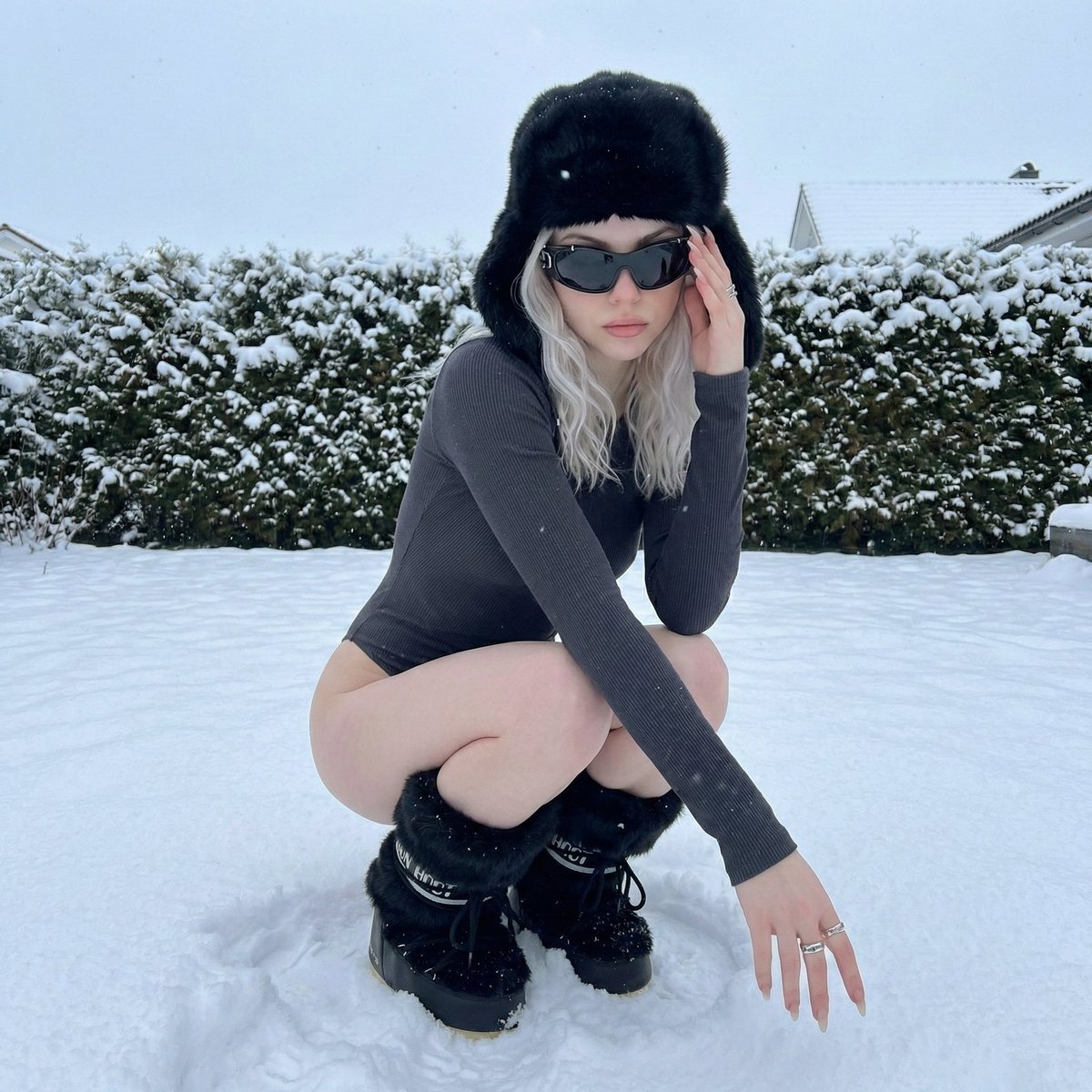
Winter Editorial Low-Angle Squat Pose Prompt (iPhone Style)
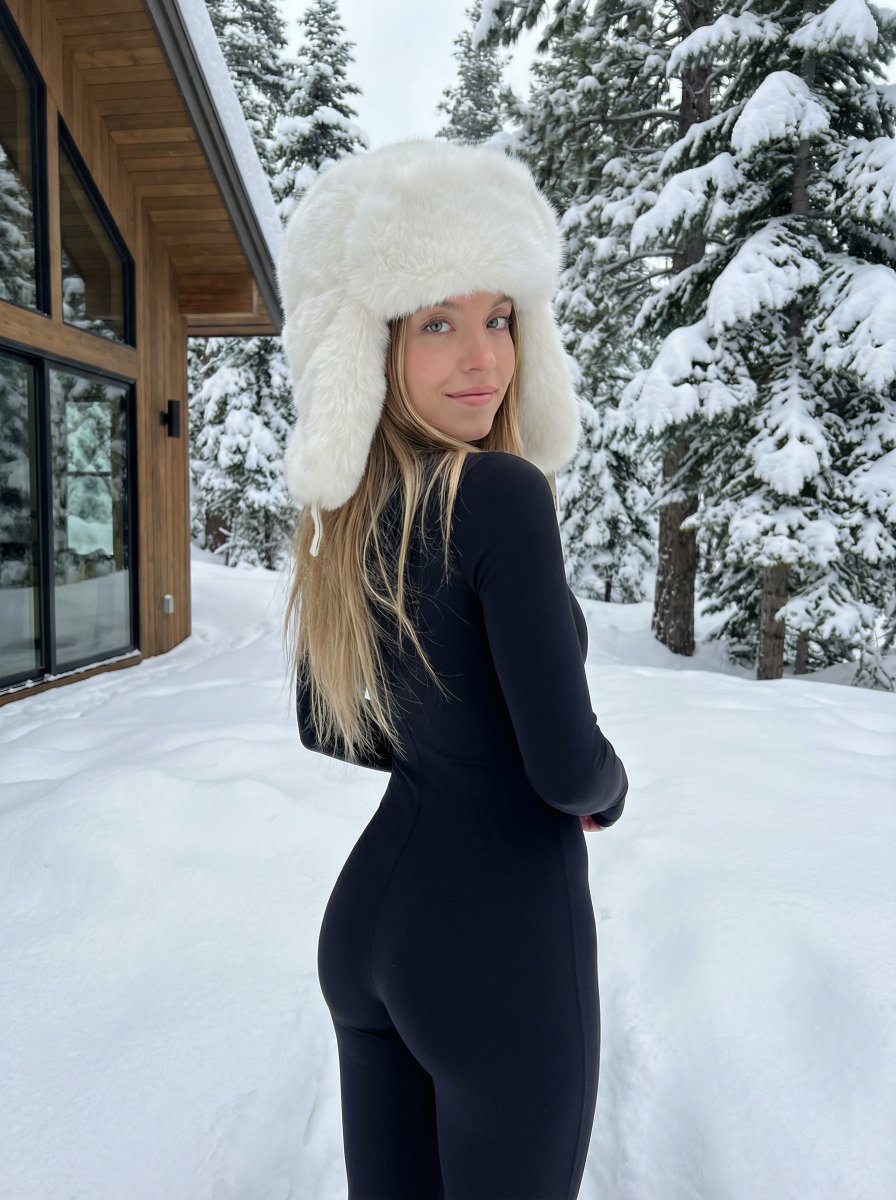
Winter fashion portrait with faux-fur hat and black bodysuit
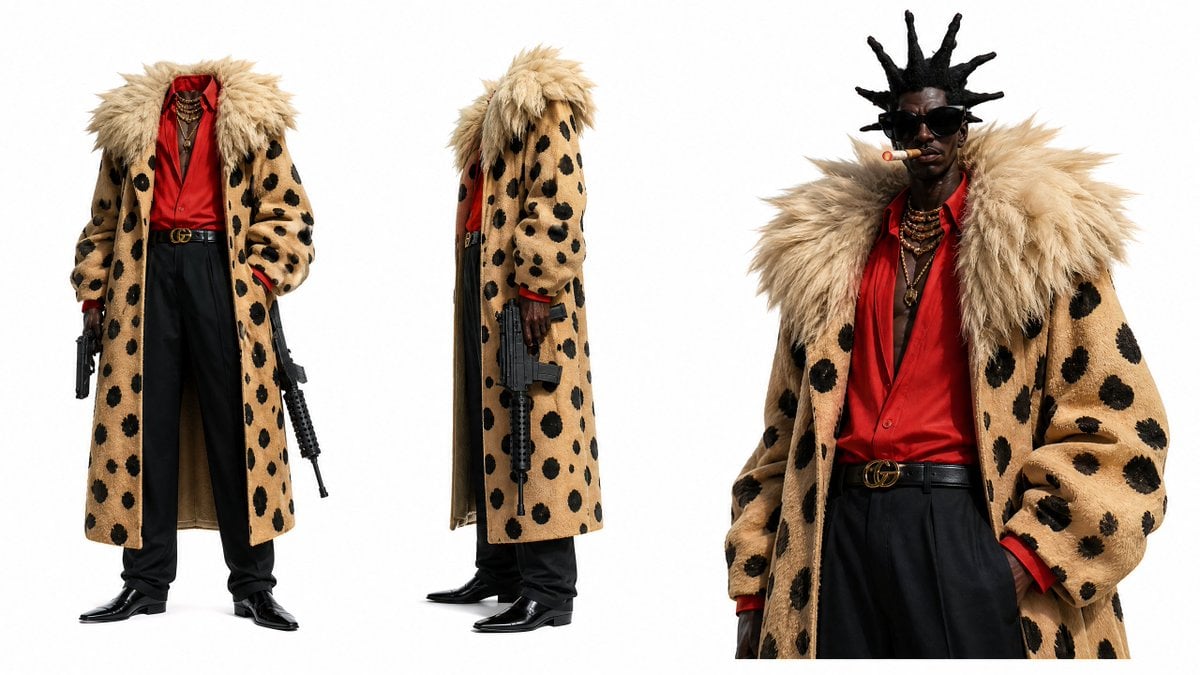
Photorealistic Fur Coat Character Sheet
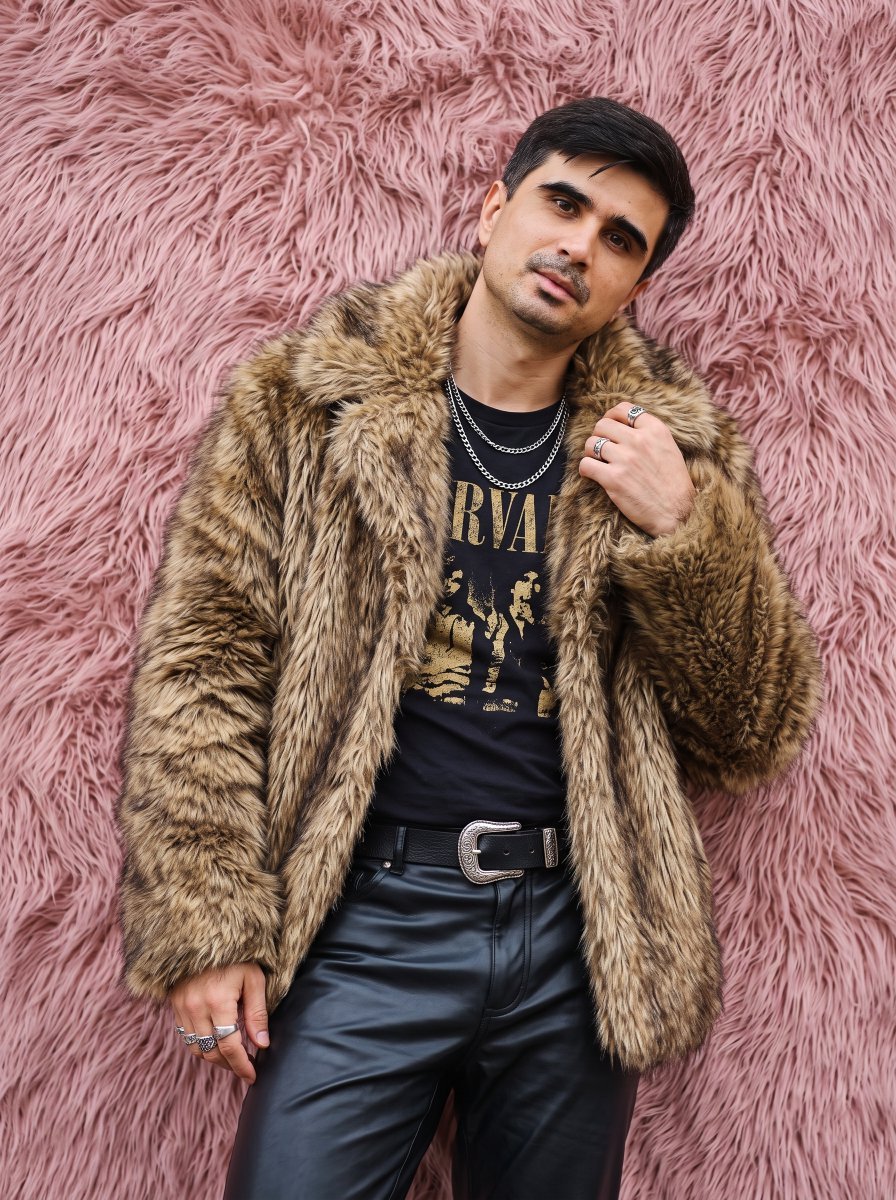
Faux Fur Fashion DSLR Portrait
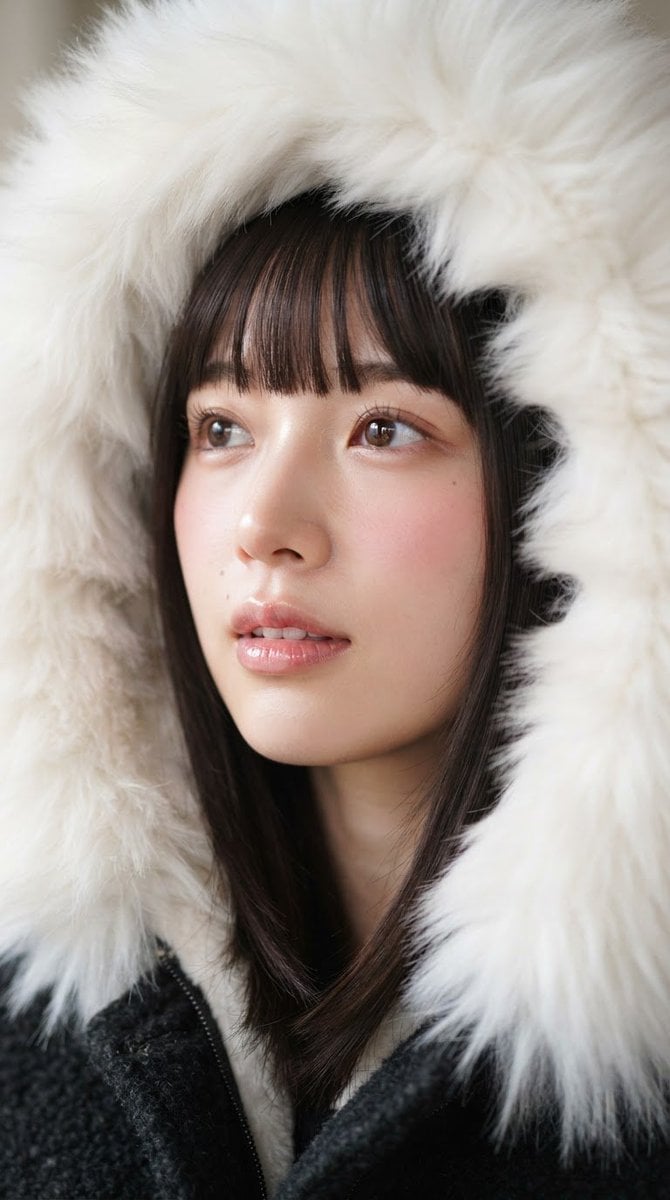
Faux Fur Hood Beauty Portrait

Cozy Knit Sweater Window Portrait

Gen Z Triple Selfie Collage — Y2K Flash Photography

Mountain Lake Sunset Landscape

Frozen Street Luxe Graffiti Fashion Campaign

Cinematic Destination Letter Panel Poster

Spider-Man Rooftop Golden Hour Cinematic Photo

Photoreal Snow Biome Name Tag UI
Make it yours
Photorealistic Winter Squat Pose in Faux Fur works as-is. These are the safest ways to change it without losing the look.
Change one field
Copy a single group, rewrite it, and generate again so you can see what that field is doing.
Keep the frame, change the subject
Hold the composition and light of Photorealistic Winter Squat Pose in Faux Fur, then swap wardrobe, props or the person for a new take.
| If the result… | Why | Fix |
|---|---|---|
| The result drifts from the preview | Too many fields changed at once. | Reuse Photorealistic Winter Squat Pose in Faux Fur as-is first, then change one group — subject, light, or setting. |
| The model over-stylizes the scene | The prose prompt leaves finish and camera underspecified. | Add one camera or lighting sentence and stay on Nano Banana 2. |
More Nano Banana 2 templates
Other prompts made for Nano Banana 2.

Photorealistic Leaf Shaped Like a Dragon

K-Pop Idol Portrait Grid for Rapid Selection

Poetic Rain Forest Portrait During Golden Hour

Urban Street Portrait with Cartoon Inner Self Duo

Candid Nighttime Photo with Cat Prompt

High-Concept 3D Diorama Generation Prompt

Cinematic Futuristic Studio Portrait Template

Skincare Editorial Photography Collage Prompt

Hyper-Realistic Commercial Product Photography (Splash Effect)

Hyper-Realistic Nightclub Portrait Prompt
More image prompts
Fresh picks from across the catalog.
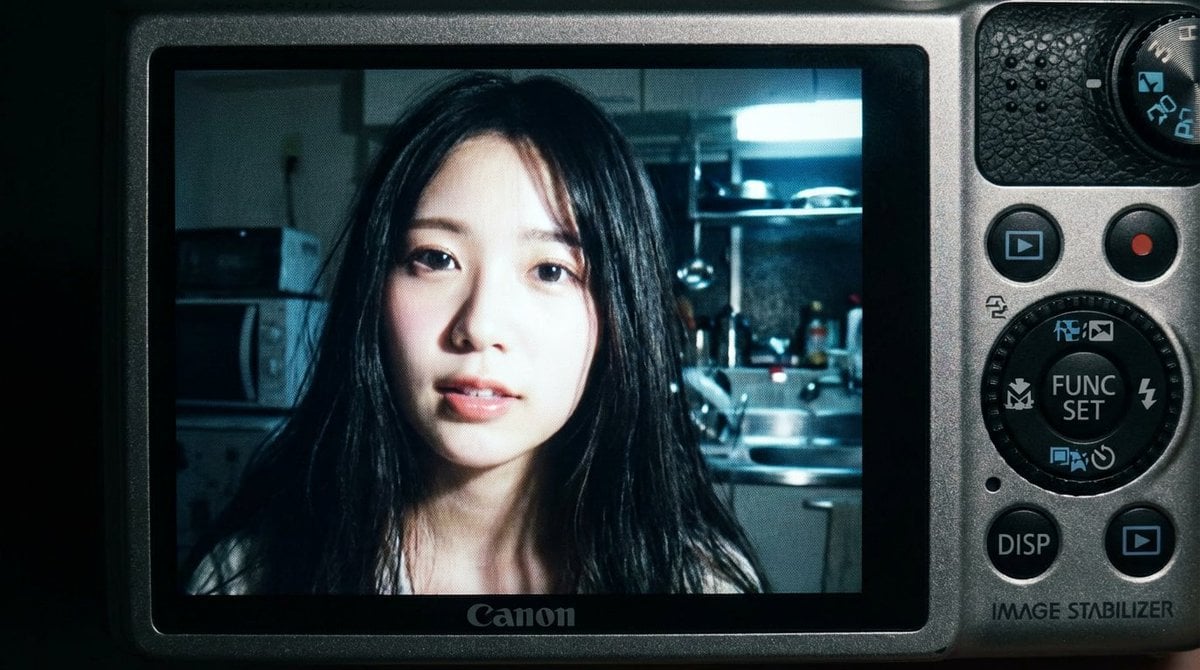
2000s Digital Camera Snapshot Prompt
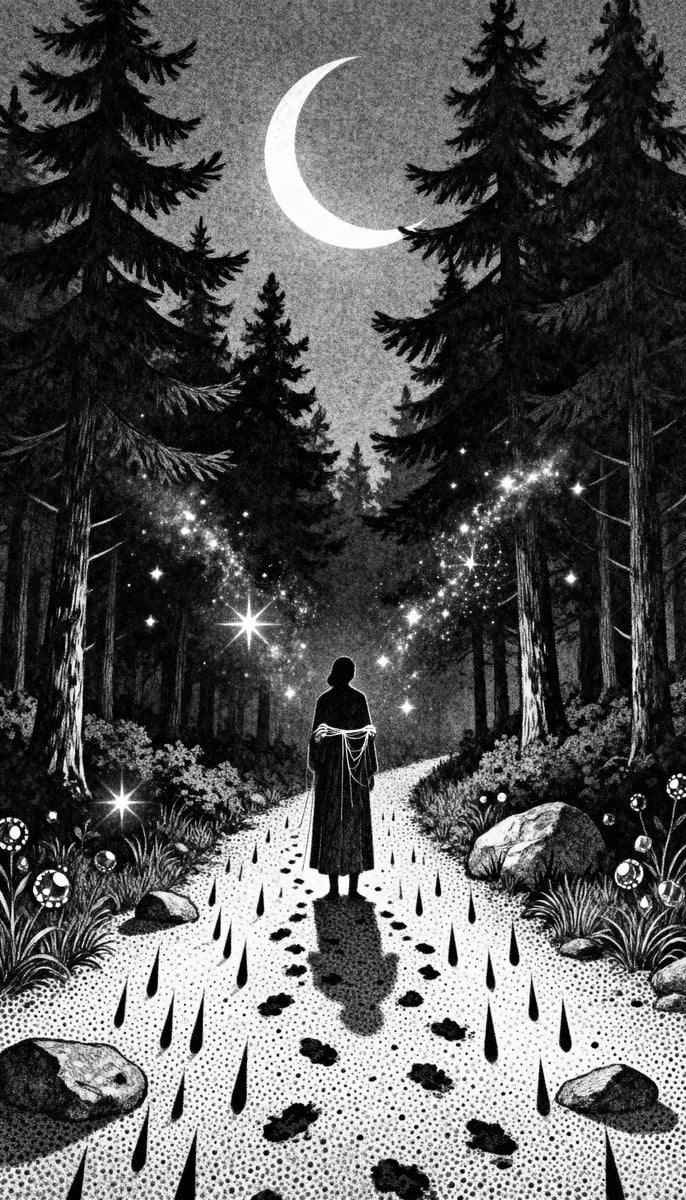
Gothic Stipple Art Poem Visualization
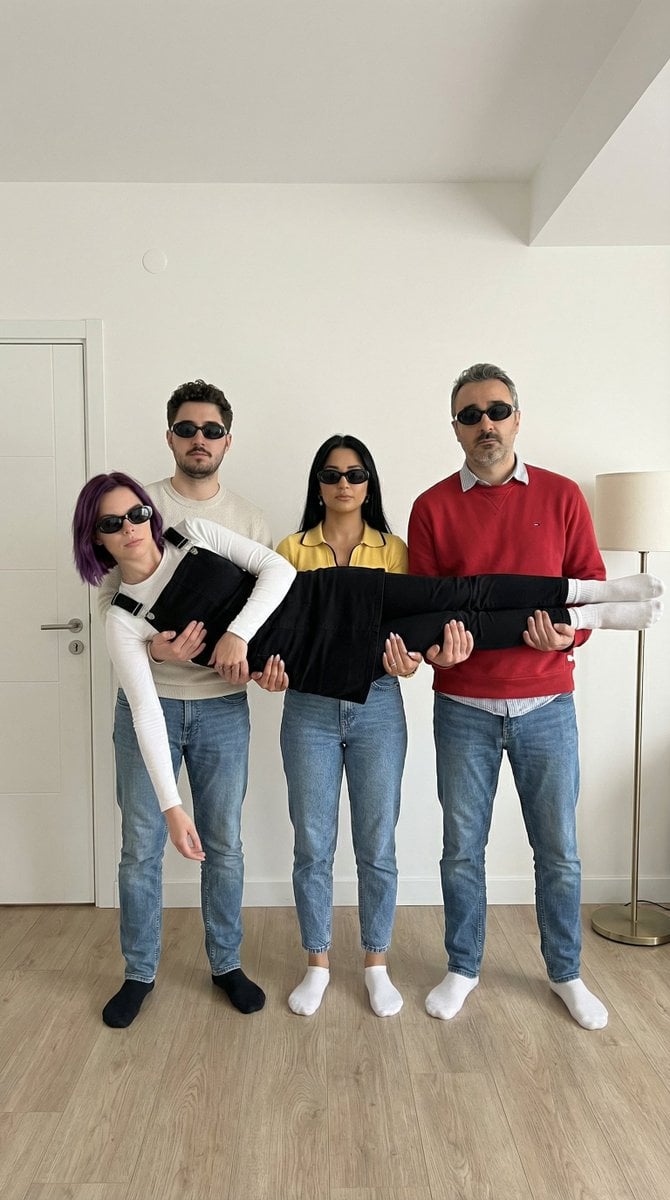
Four-Person Identity-Locked Group Pose Prompt
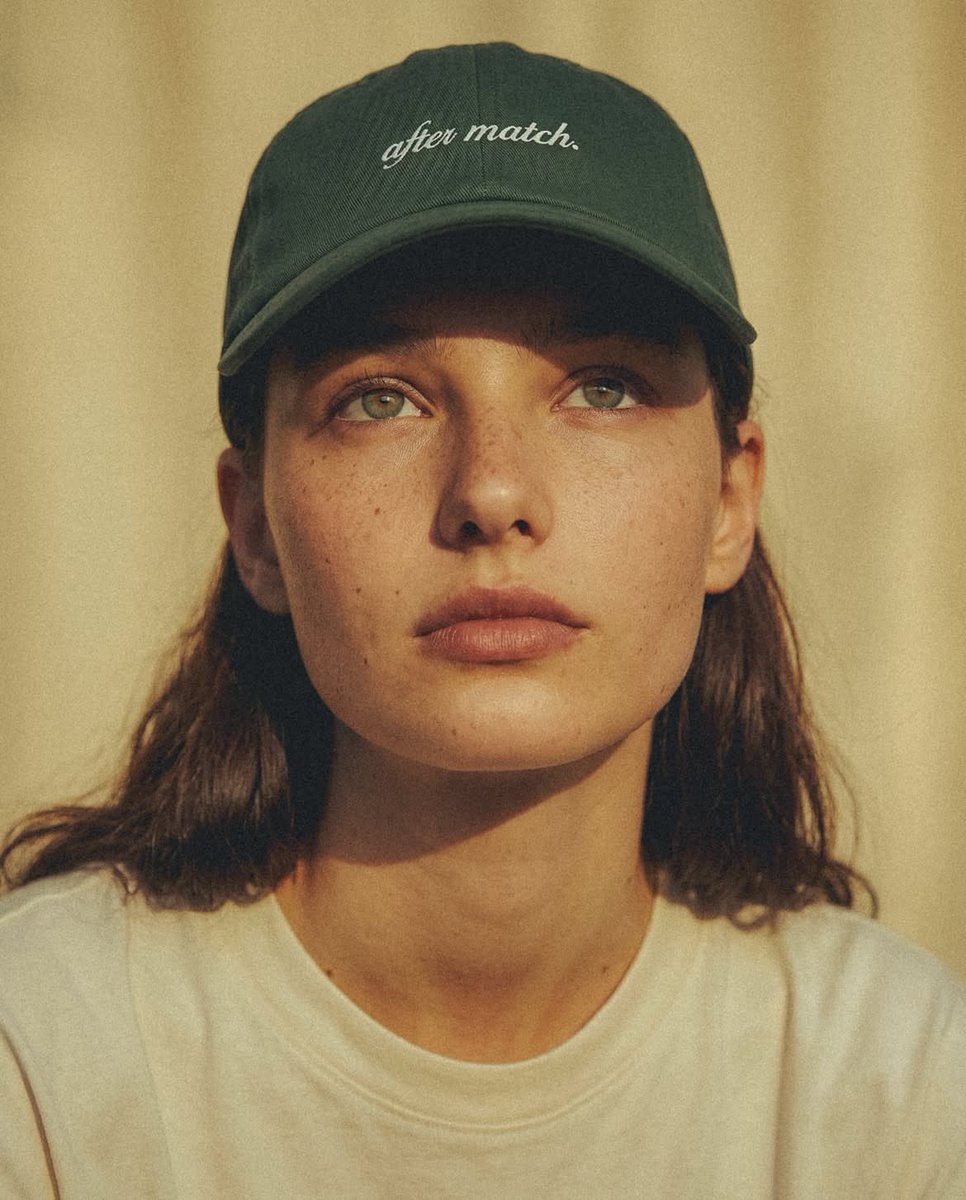
Fashion Editorial Green Cap Portraits
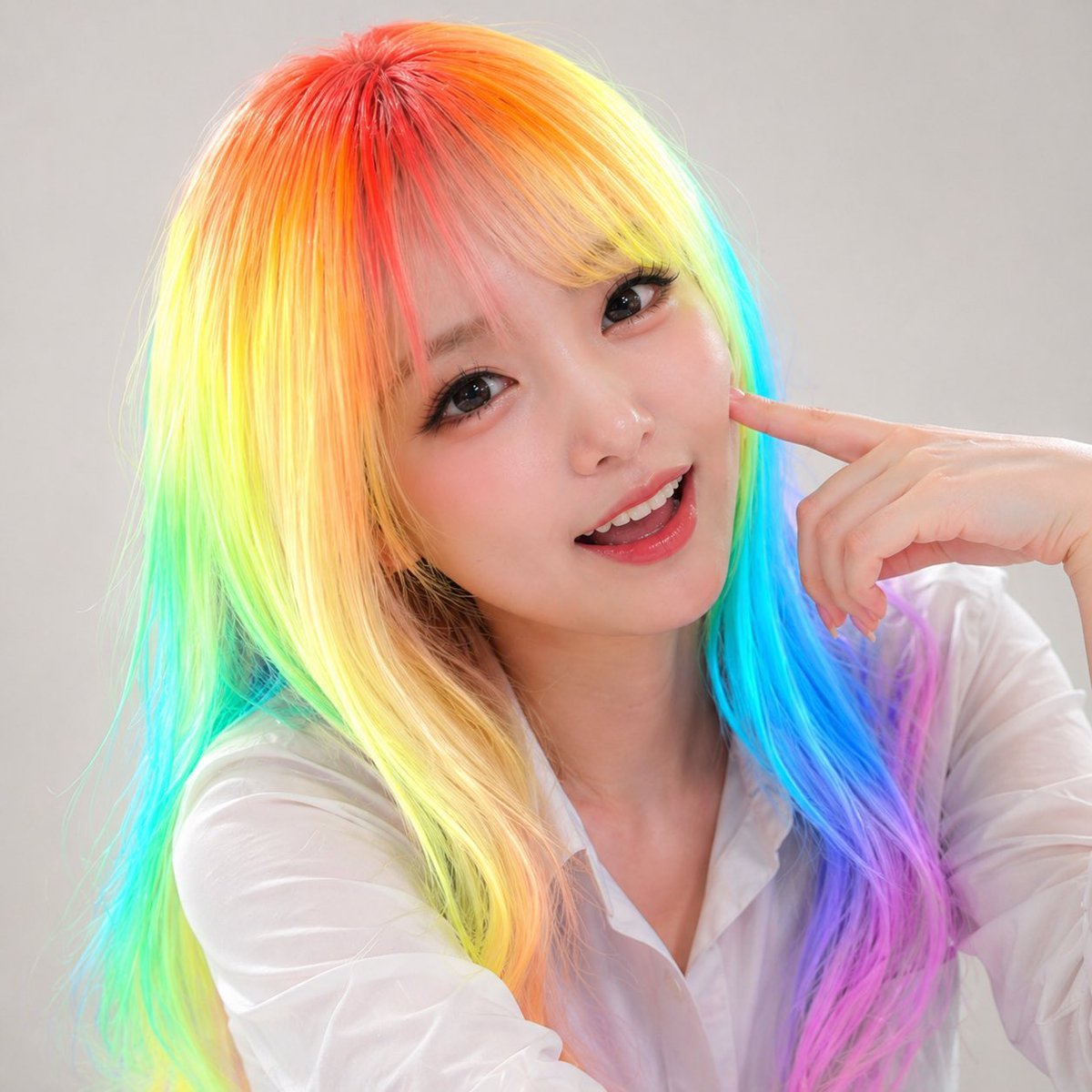
Panel Studio Promo Portrait Grid
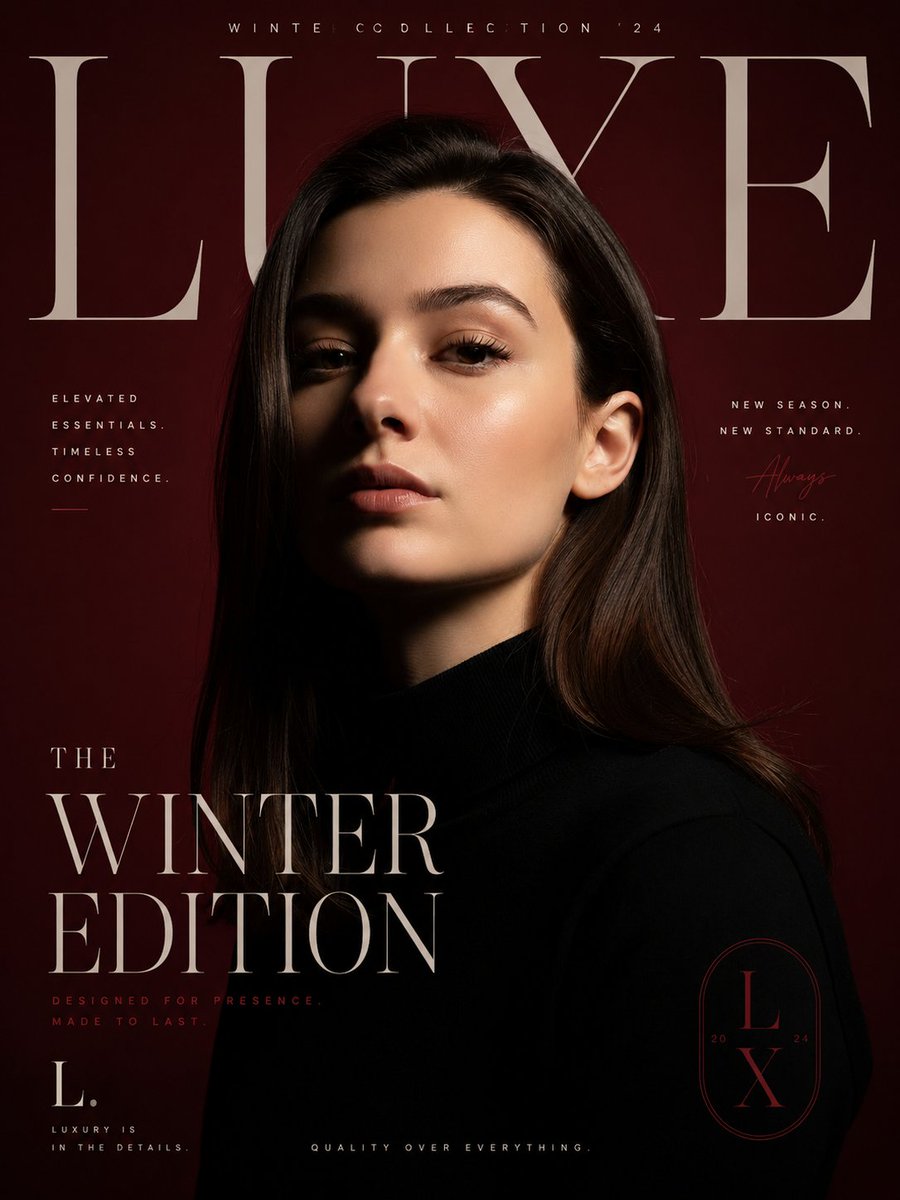
Luxury Fashion Editorial Poster
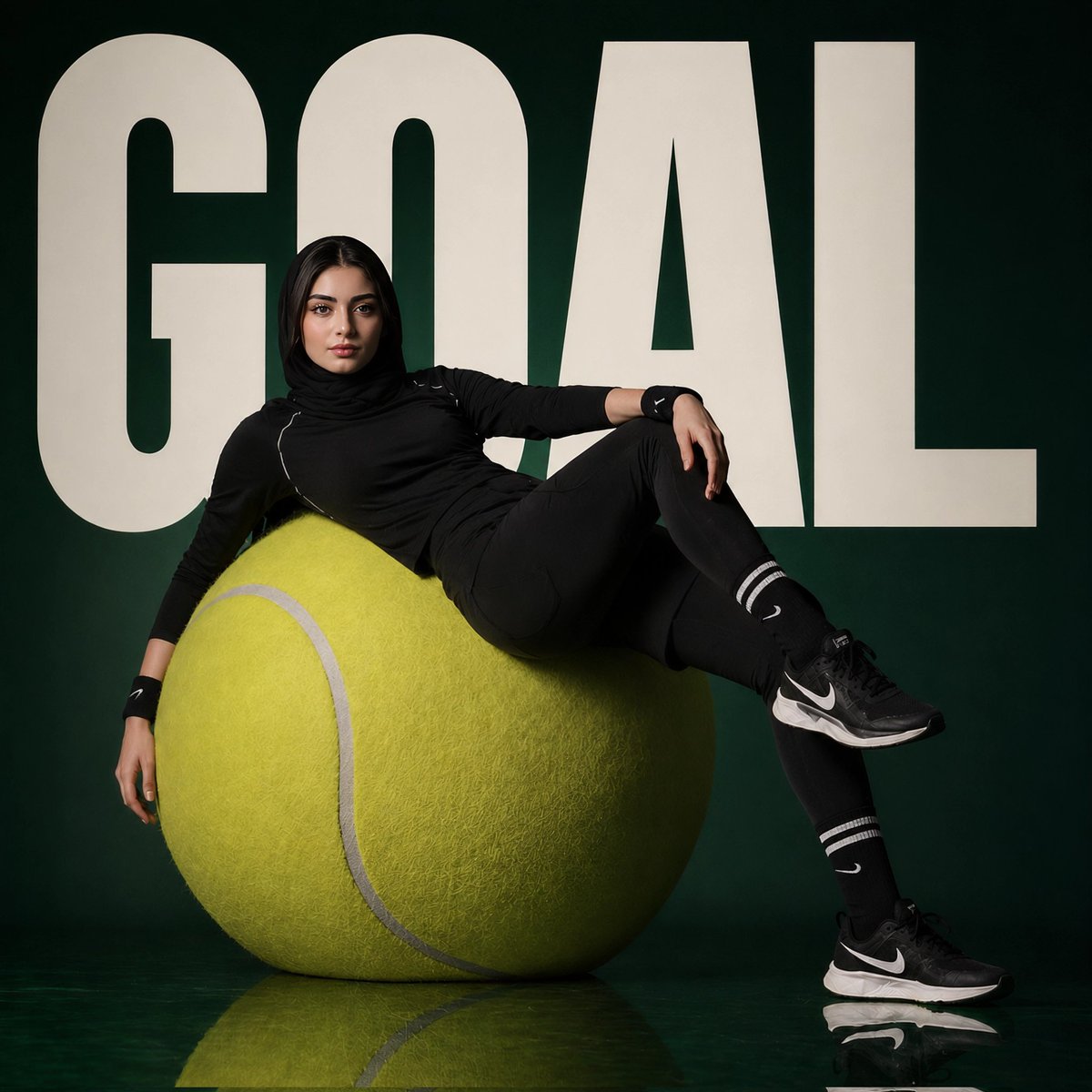
Avant-Garde Sports Fashion Editorial
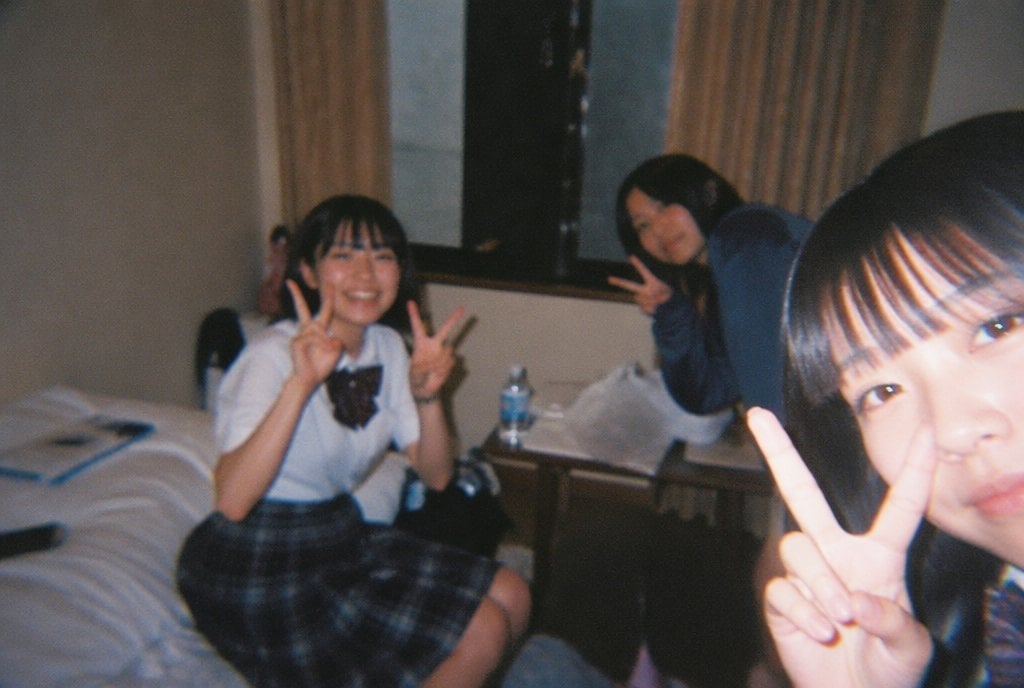
Nostalgic Disposable Camera Style
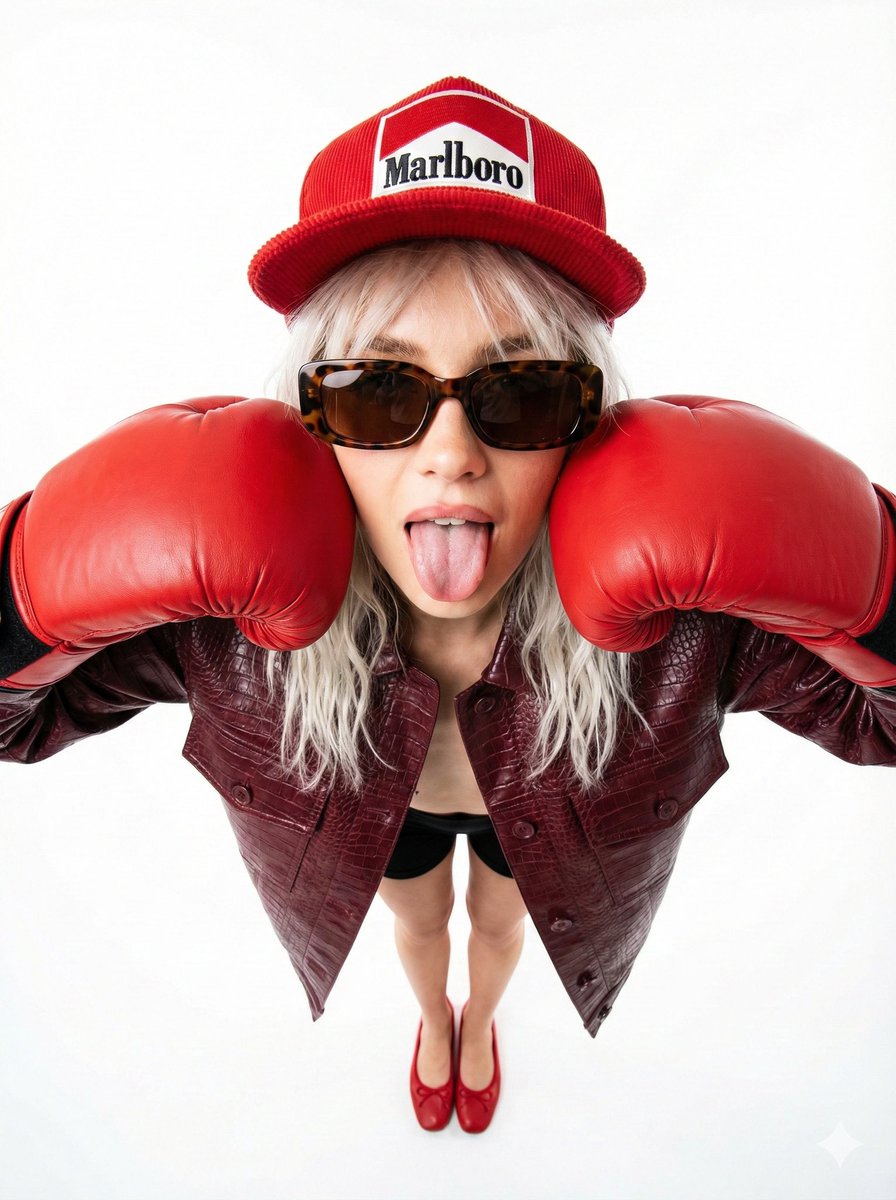
90s Fashion Editorial: Boxing Pose
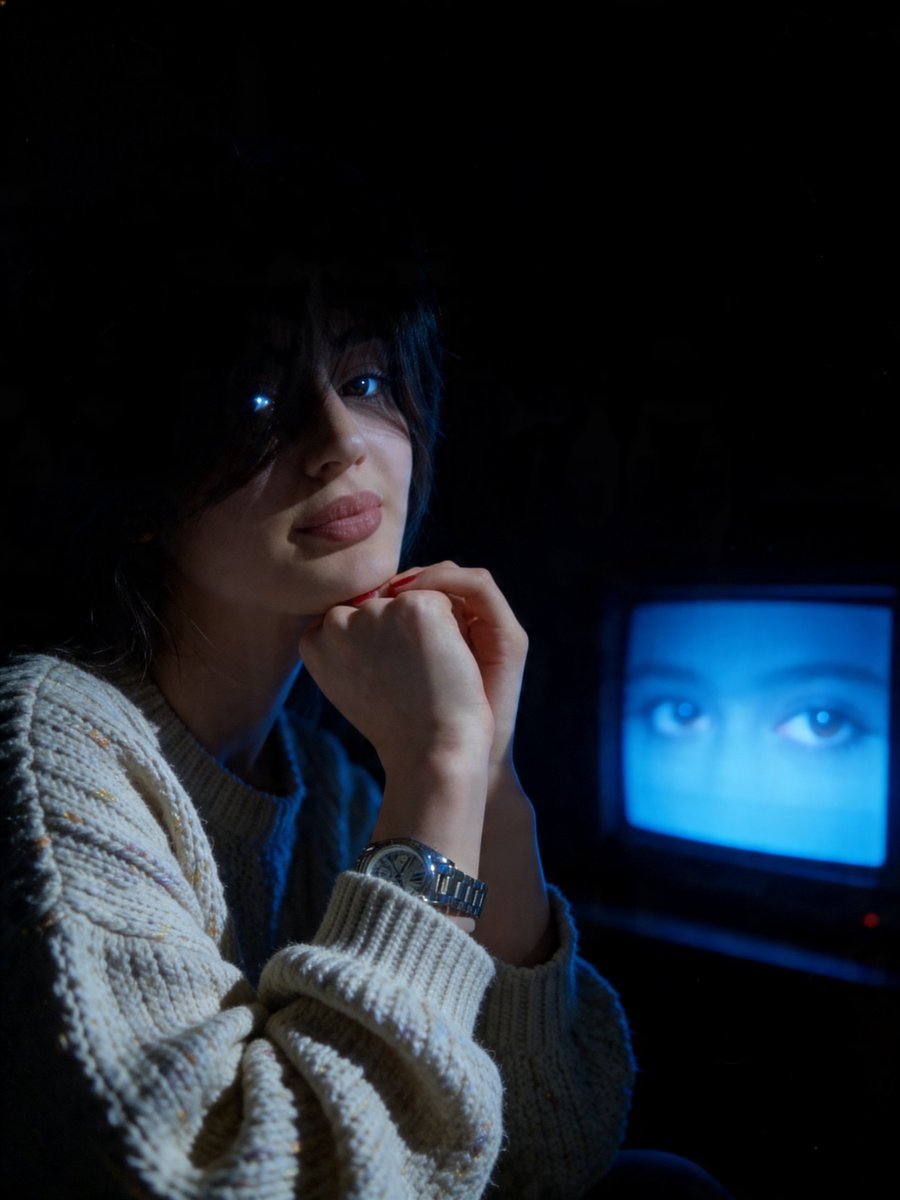
Cinematic Late-Night Portrait
Browse template categories
Photorealistic Winter Squat Pose in Faux Fur questions
How do I use the Photorealistic Winter Squat Pose in Faux Fur template?
Add your photo if the template asks for one, edit the prompt if you like — the template's model and format are already selected — and press Generate. Your version opens in PicX Studio.
Can I customize the Photorealistic Winter Squat Pose in Faux Fur template?
Yes. You can change the subject, setting, lighting, mood, format, and available model controls before creating your image.
Is the Photorealistic Winter Squat Pose in Faux Fur template free?
Opening and editing this template is free. Generating uses credits, shown on the Generate button when you are signed in.
Which AI model should I use?
Start with Nano Banana 2, which is the model associated with this template. You can compare another compatible model for a different finish.
Looking for something else? Browse all templates.

Your photo, any look
Thousands of ready templates for every top image and video model, from one credit balance.