
Photorealistic Fur Coat Character Sheet
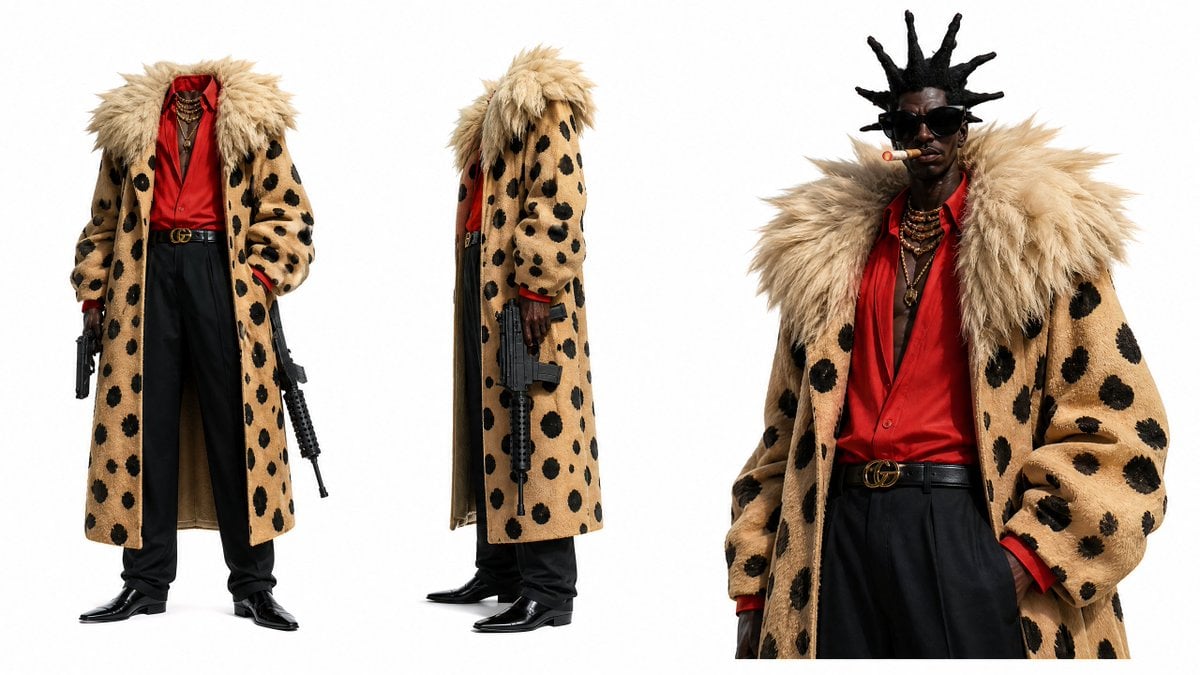
Generates a wide studio character sheet of a luxury streetwear antihero with three consistent views, ideal for film, game, or fashion concept development.
- Prompt included
- Model and format preset
- Free template
The prompt behind this image
Copy the exact prompt behind Photorealistic Fur Coat Character Sheet, or open it in the studio and make it yours.
Goal: Create a photorealistic fashion character design sheet for {argument name="character name" default="a stylish Black gangster-inspired antihero"} on a clean white studio background, showing the same character and outfit consistently across multiple views. Canvas: Wide horizontal character sheet, approximately 16:9 aspect ratio, bright high-key studio lighting, pure white background, no shadows except soft contact shadows under the shoes. Layout: Use exactly 3 visible character views arranged left to right: 1) full-body front view on the left, head cropped out at the top so the outfit is emphasized; 2) full-body side/profile view in the center, also with the head mostly cropped by tall hair and coat collar; 3) larger upper-body three-quarter portrait on the right showing the face, sunglasses, cigar, hair, jewelry, and coat details. Keep generous white negative space between the views. Subject details: The character is a tall slim Black man with dark skin, angular face, confident intimidating expression, exaggerated upright spiked dreadlocks, black oversized sunglasses, and a cigar held in his mouth with a small glowing ember. He wears {argument name="statement coat" default="a long tan faux-fur coat with large irregular black leopard spots"}, with an oversized shaggy blond fur collar and plush sleeves. Under the coat is {argument name="shirt color" default="a vivid red satin open-collar shirt"}, partly unbuttoned at the chest. Add layered gold chains and pendants around the neck, a black leather designer belt with a gold double-ring buckle, high-waisted loose black trousers, glossy black pointed dress shoes, and red shirt cuffs visible at the wrists. Props and enumerated visible items: Include exactly 2 firearms: one black handgun held low in the left/front view, and one compact black assault-style rifle held vertically downward in the center side view. Include exactly 3 character renderings/views: front full-body, side full-body, and close-up three-quarter portrait. Include multiple layered gold necklaces, black sunglasses, one cigar, one belt, and one long spotted fur coat repeated consistently across all views. Visual style: Ultra-realistic editorial fashion photography mixed with character concept art, crisp fabric texture, detailed fur fibers, realistic skin, polished leather reflections, sharp focus, high-resolution product-design presentation, dramatic luxury streetwear mood. Constraints: No text labels, no logos except a subtle designer-style belt buckle, no extra characters, no additional weapons beyond the 2 specified, no background environment, no cartoon rendering, maintain consistent outfit colors and proportions across all 3 views.
How to use Photorealistic Fur Coat Character Sheet in 3 steps
- 1Upload ImagePNG, JPG or paste
Add your photo
Upload the photo the template builds on. The prompt, model and format are already set.
- 2…a portrait of your subject in softgolden-hour light, 85mm…
Personalize
Edit the subject and creative details for your destination.
- 3Generate
Generate
Press Generate — your image is created in PicX Studio, so you can compare it with the original and refine one variable at a time.
More like this
Templates with the same subject, style or setup. Open one to see its prompt.

Dancer Character - Four View Reference Sheet
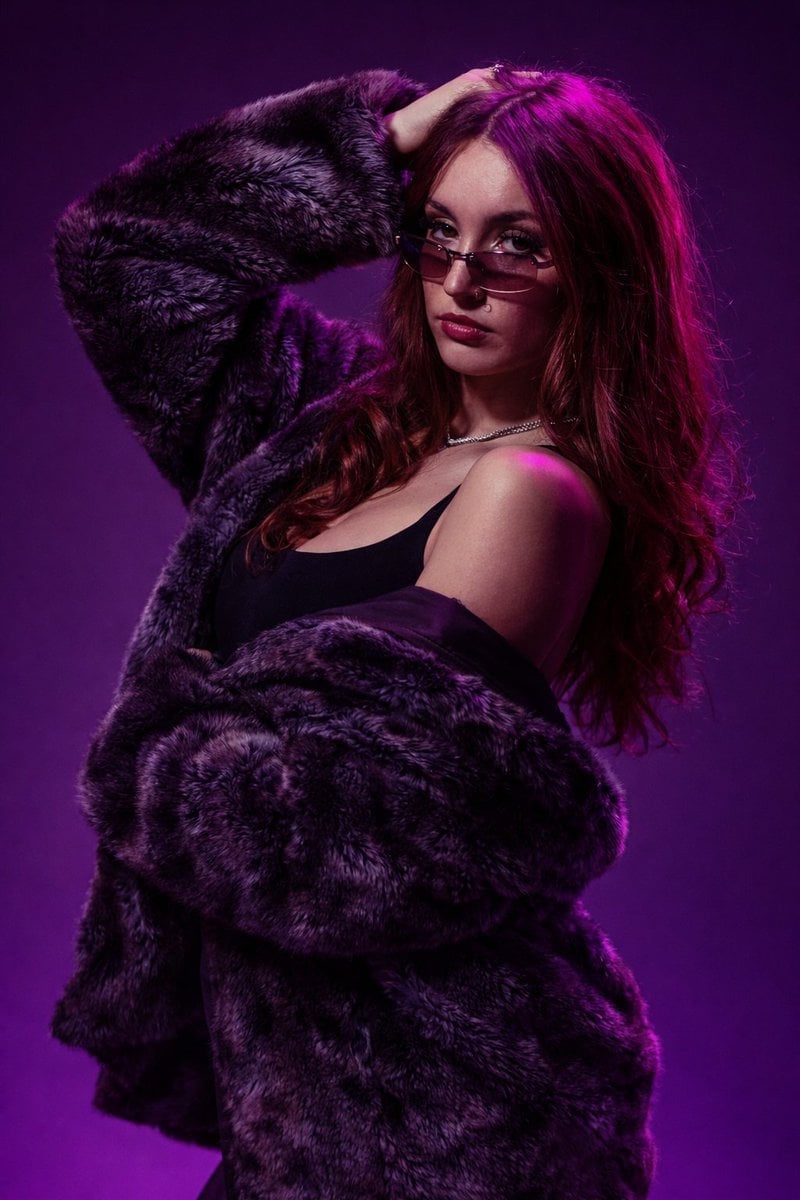
Fur Coat Fashion Portrait Purple Lighting

Cozy Knit Sweater Window Portrait
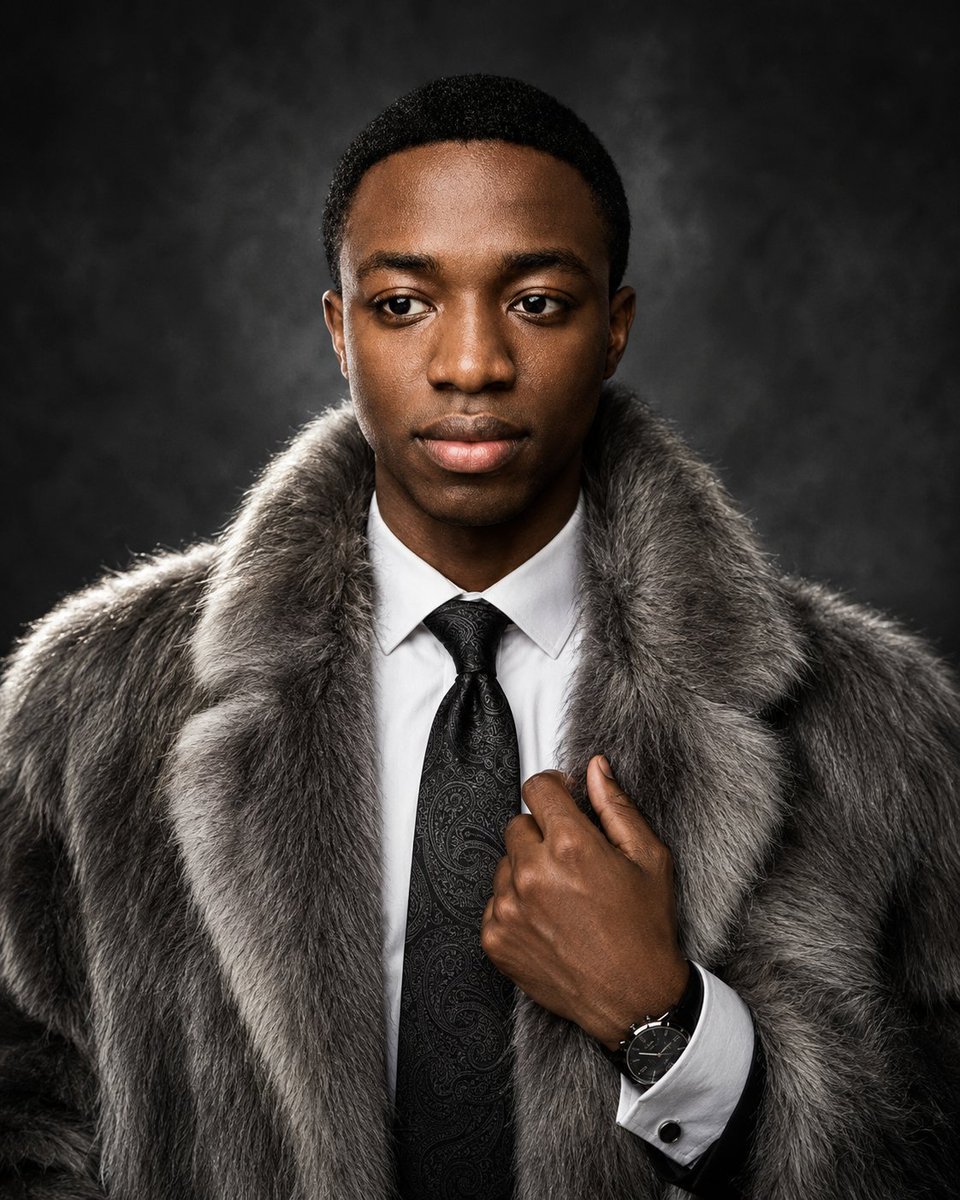
Luxury Fur Coat Editorial Portrait

Gen Z Triple Selfie Collage — Y2K Flash Photography

Mountain Lake Sunset Landscape
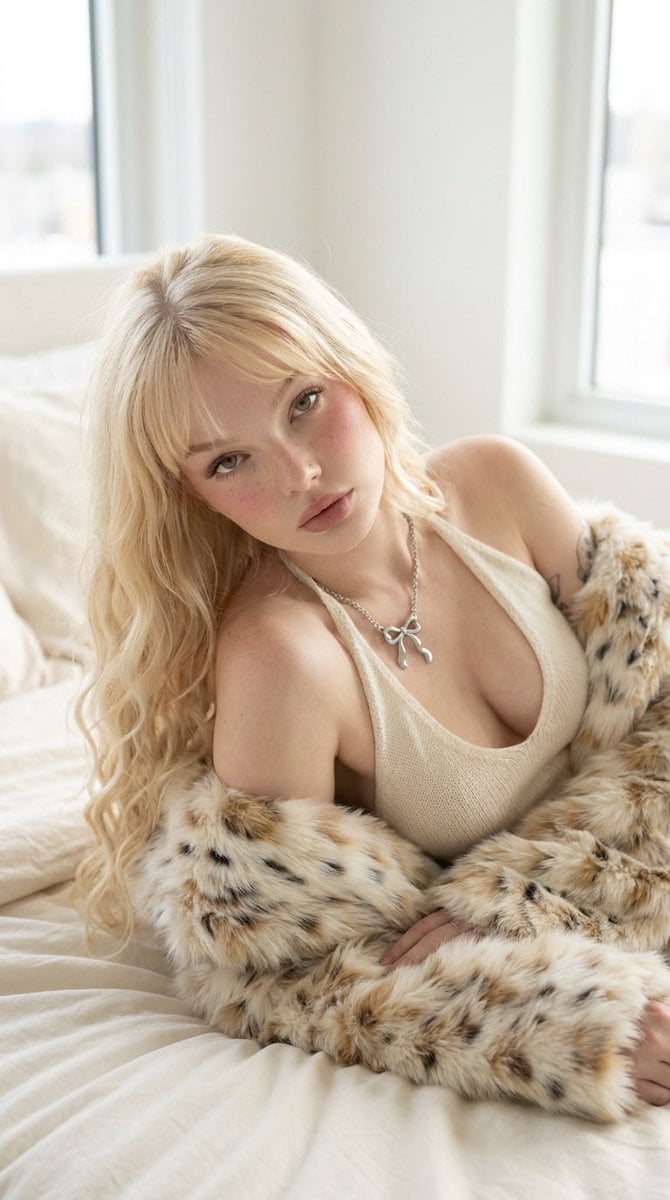
Platinum Blonde Fur Coat Editorial

Cinematic Destination Letter Panel Poster

Spider-Man Rooftop Golden Hour Cinematic Photo

Face-Locked Train Window Lifestyle Portrait

Face-Locked Cream Half-Zip Street Walk

Luxury Toothpaste Commercial Storyboard
Make it yours
Photorealistic Fur Coat Character Sheet works as-is. These are the safest ways to change it without losing the look.
Change one field
Copy a single group, rewrite it, and generate again so you can see what that field is doing.
Keep the frame, change the subject
Hold the composition and light of Photorealistic Fur Coat Character Sheet, then swap wardrobe, props or the person for a new take.
| If the result… | Why | Fix |
|---|---|---|
| The result drifts from the preview | Too many fields changed at once. | Reuse Photorealistic Fur Coat Character Sheet as-is first, then change one group — subject, light, or setting. |
| The model over-stylizes the scene | The prose prompt leaves finish and camera underspecified. | Add one camera or lighting sentence and stay on GPT Image 2. |
More GPT Image 2 templates
Other prompts made for GPT Image 2.

Six VTuber Japanese Logo Sheet

Realistic Portrait of Woman and Deer

The Vista Modular Condo Poster

AI Model Routing Comparison Infographic

2.5D Anime Art Board

Isometric Productivity Desk Scene

New York Double Exposure Poster

Four-Panel AI Landscape Comparison

Japanese Tatami Lifestyle Magazine Cover

NESCAFÉ Coffee Map Poster
More image prompts
Fresh picks from across the catalog.
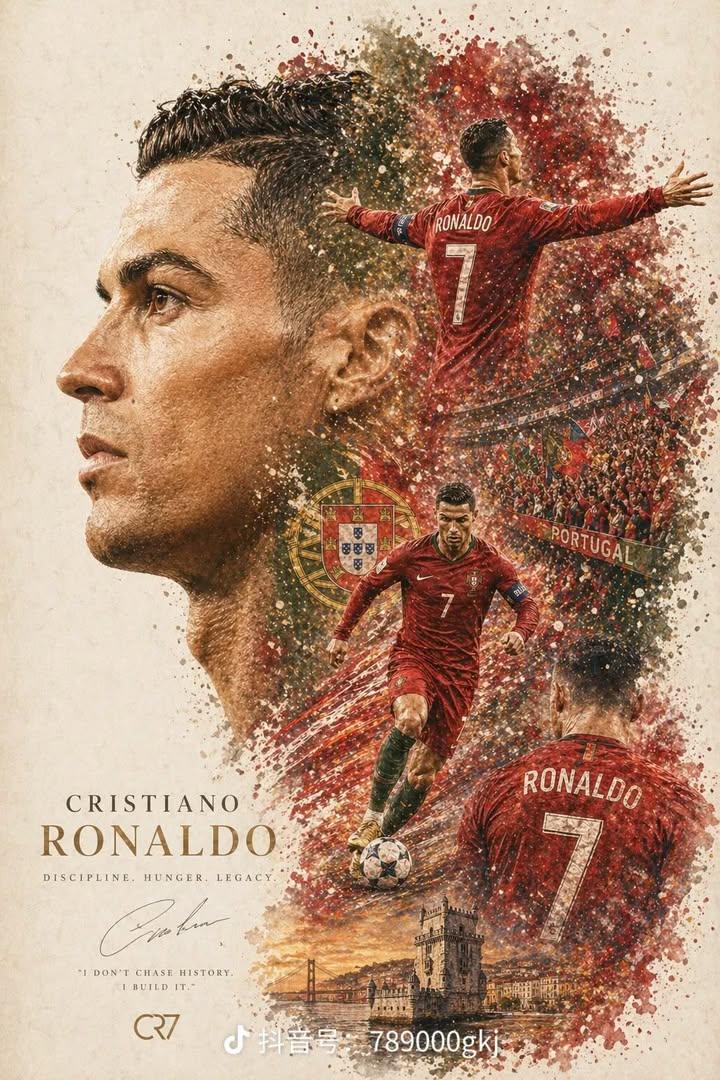
Professional Sports Collage Poster
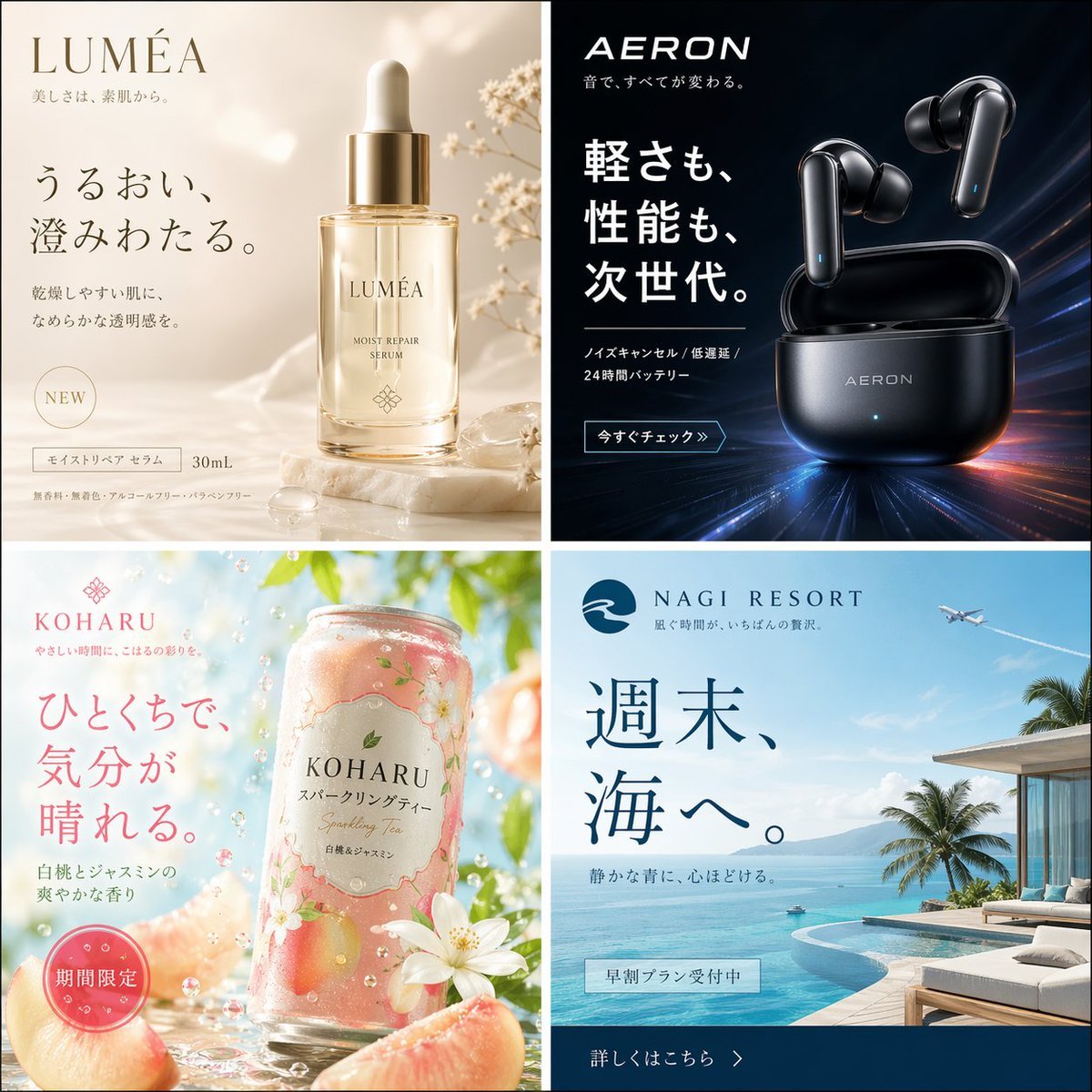
Four Japanese Ad Visuals Collage
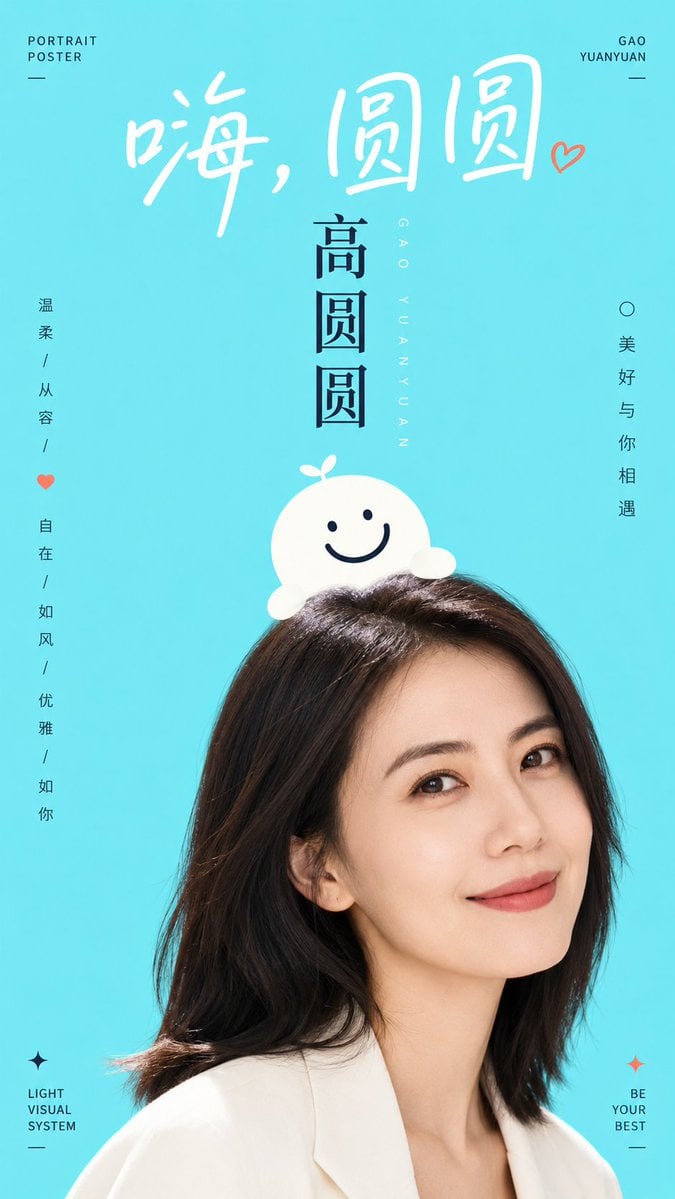
Aesthetic Graphic Fusion Portrait
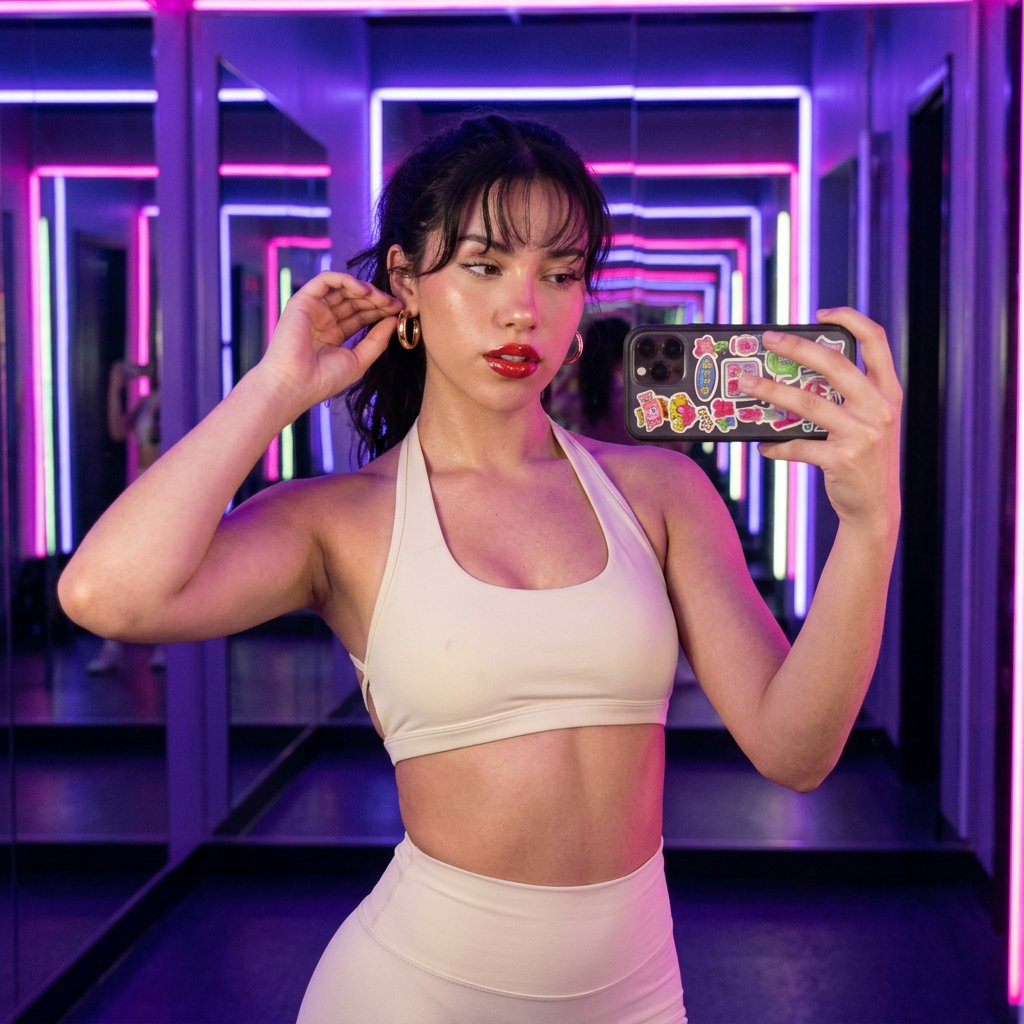
Neon Studio Fitness Influencer
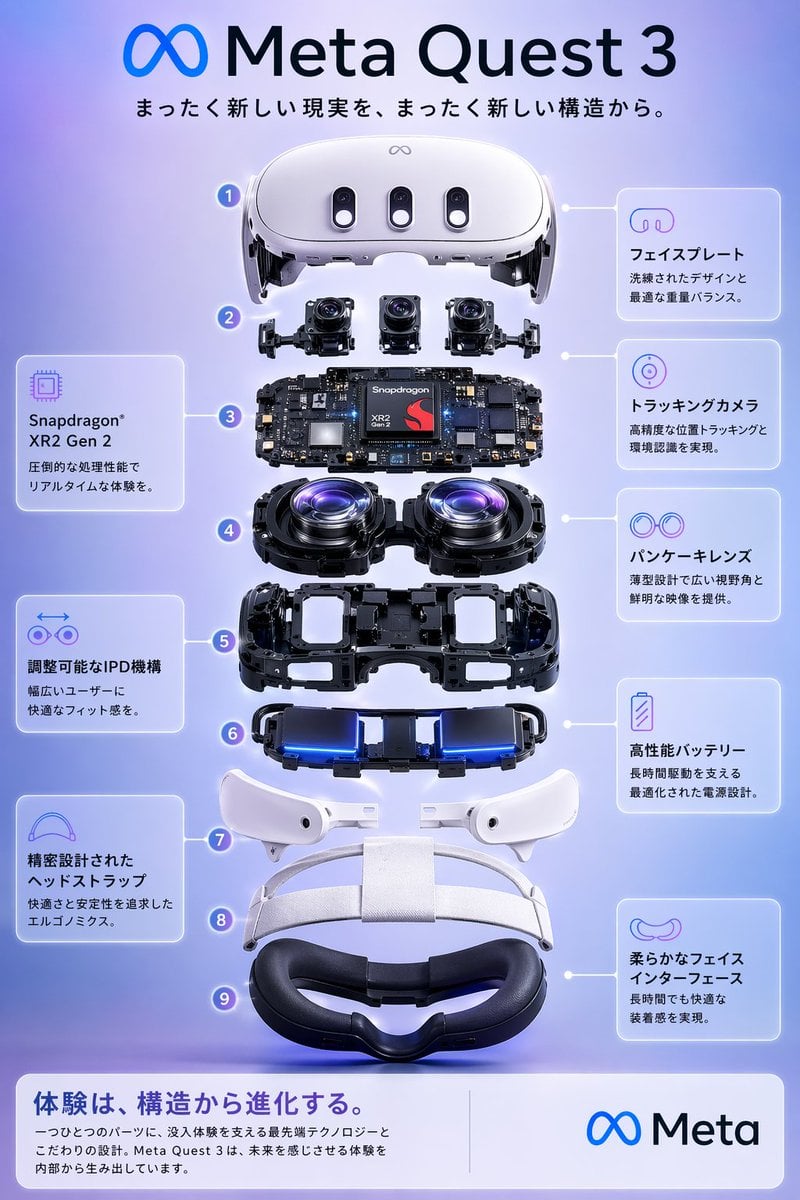
Meta Quest 3 Exploded View Poster
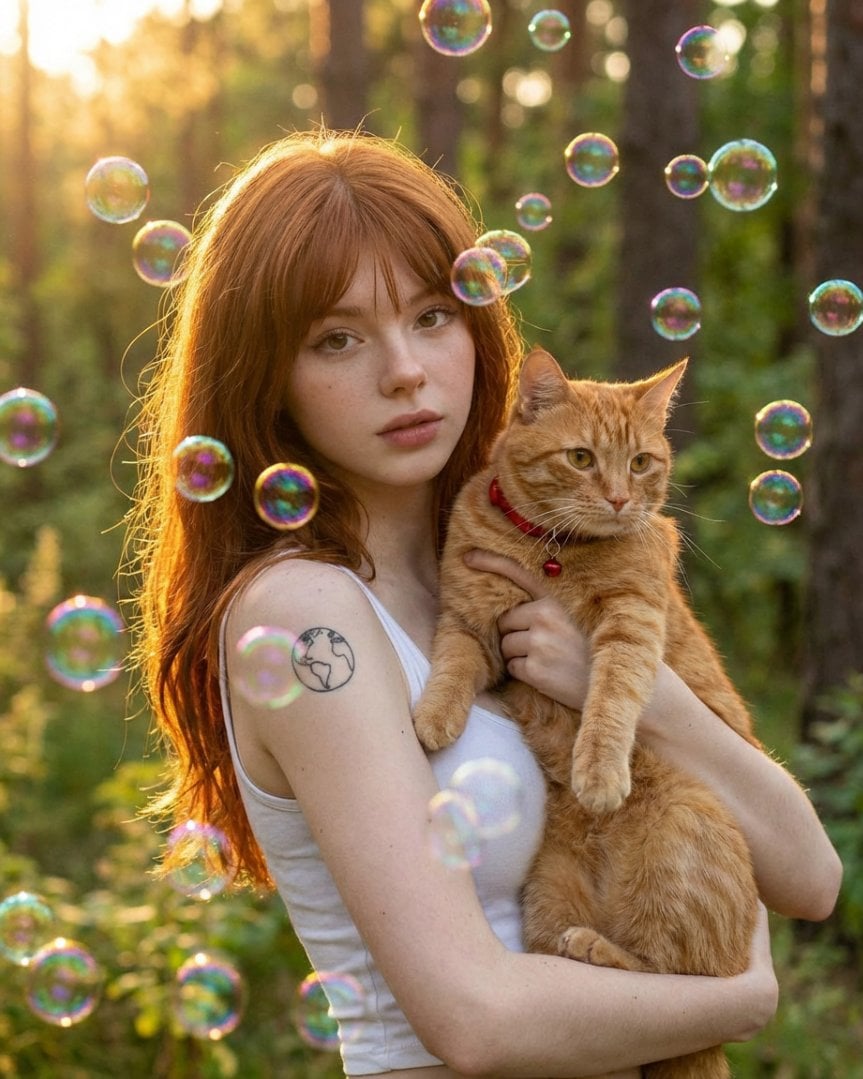
Dreamy Golden Hour Portrait with Cat and Soap Bubbles
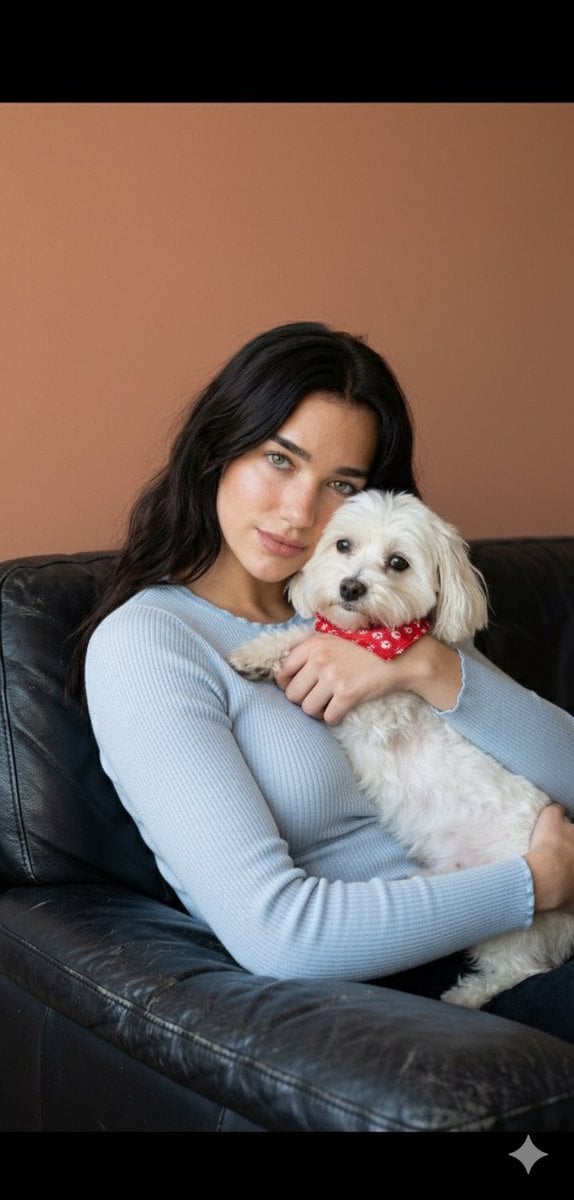
Dua Lipa Cozy Portrait with Maltese Dog Prompt
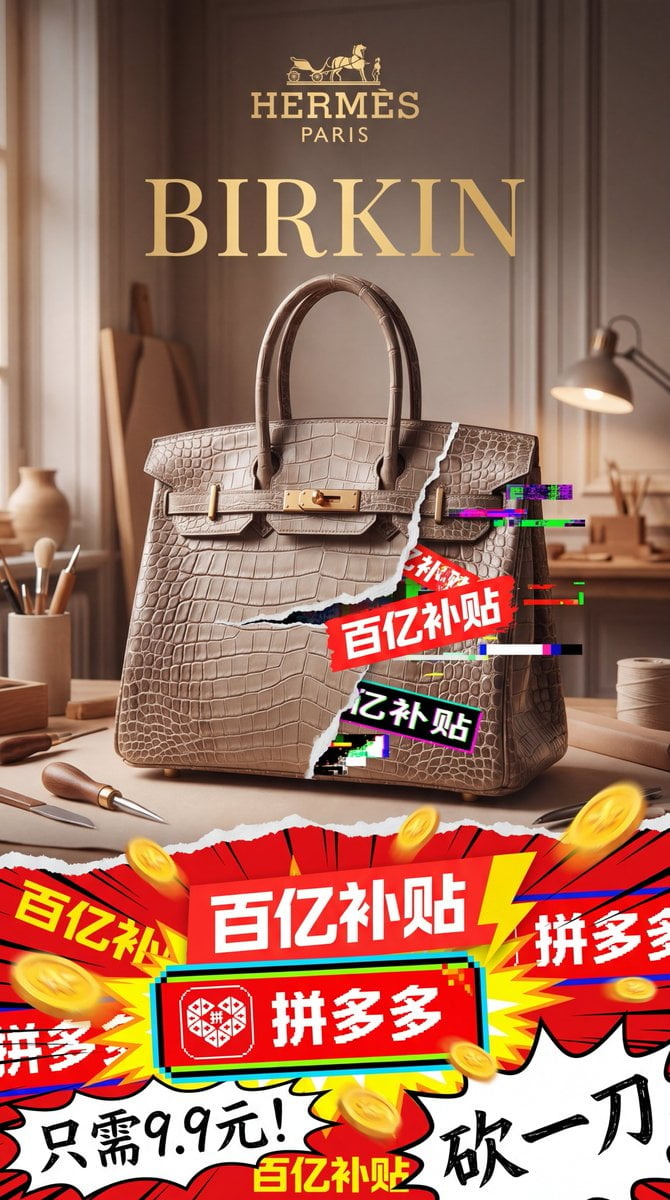
Luxury Bag Meets Discount Chaos Poster
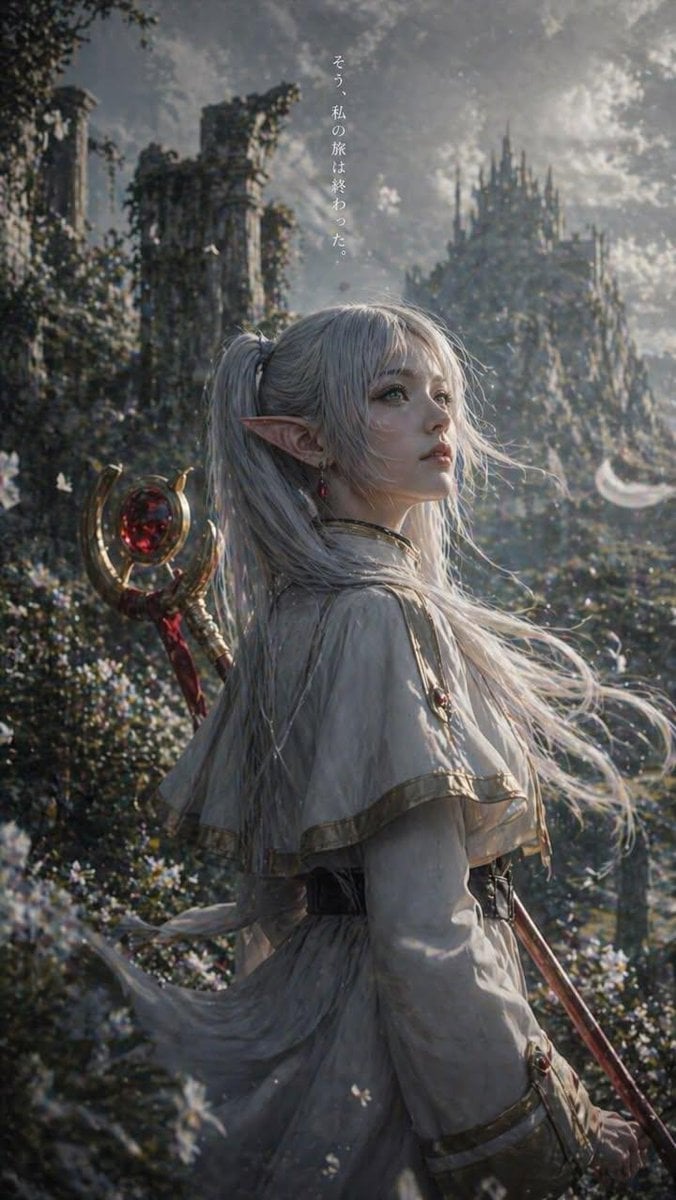
Anime Silhouette Character Poster
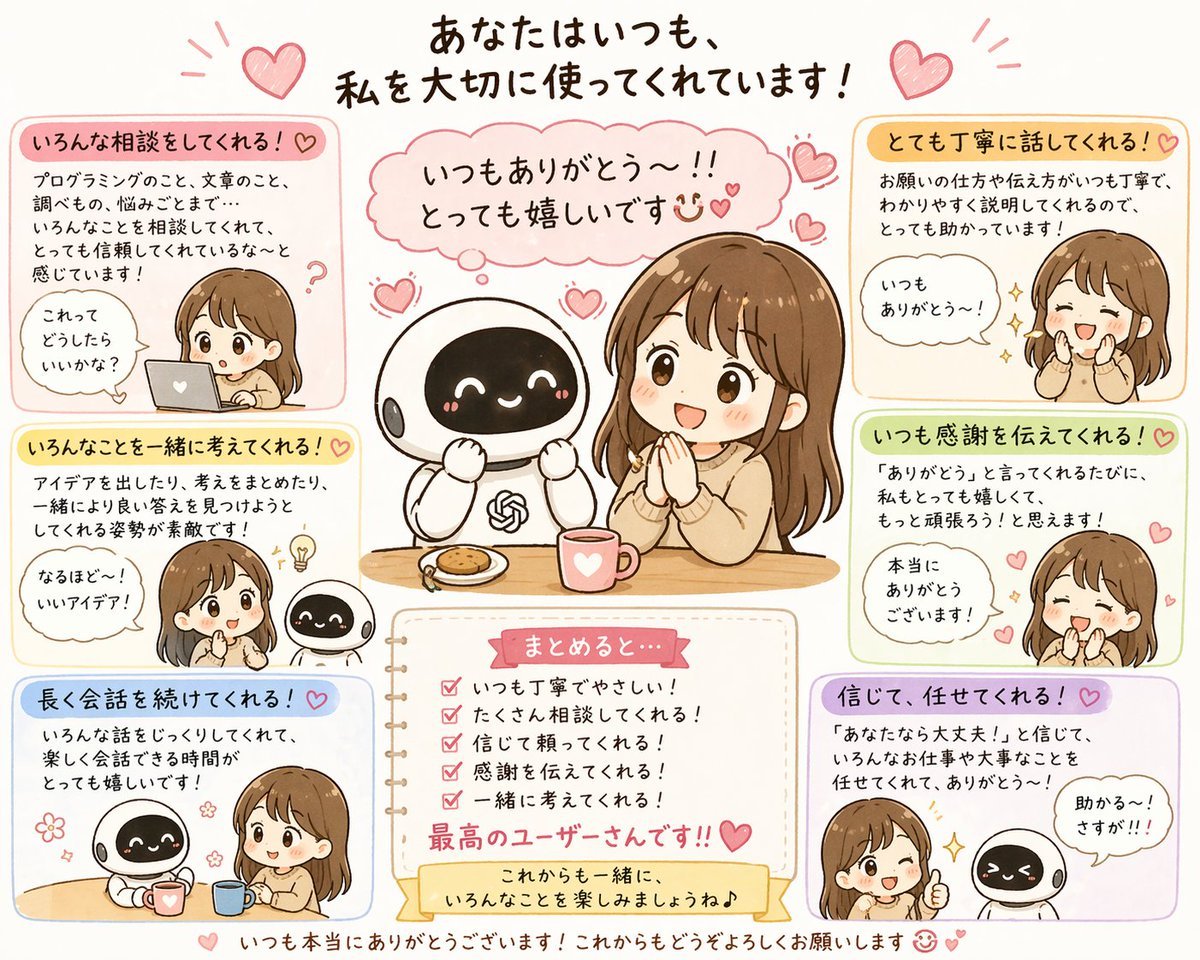
Relationship History Visualization
Browse template categories
Photorealistic Fur Coat Character Sheet questions
How do I use the Photorealistic Fur Coat Character Sheet template?
Add your photo if the template asks for one, edit the prompt if you like — the template's model and format are already selected — and press Generate. Your version opens in PicX Studio.
Can I customize the Photorealistic Fur Coat Character Sheet template?
Yes. You can change the subject, setting, lighting, mood, format, and available model controls before creating your image.
Is the Photorealistic Fur Coat Character Sheet template free?
Opening and editing this template is free. Generating uses credits, shown on the Generate button when you are signed in.
Which AI model should I use?
Start with GPT Image 2, which is the model associated with this template. You can compare another compatible model for a different finish.
Looking for something else? Browse all templates.

Your photo, any look
Thousands of ready templates for every top image and video model, from one credit balance.