
Aesthetic Graphic Fusion Portrait
A sophisticated prompt for generating high-brightness visual compositions that blend realistic portrait photography with minimalist 3D graphic characters and elegant typography.
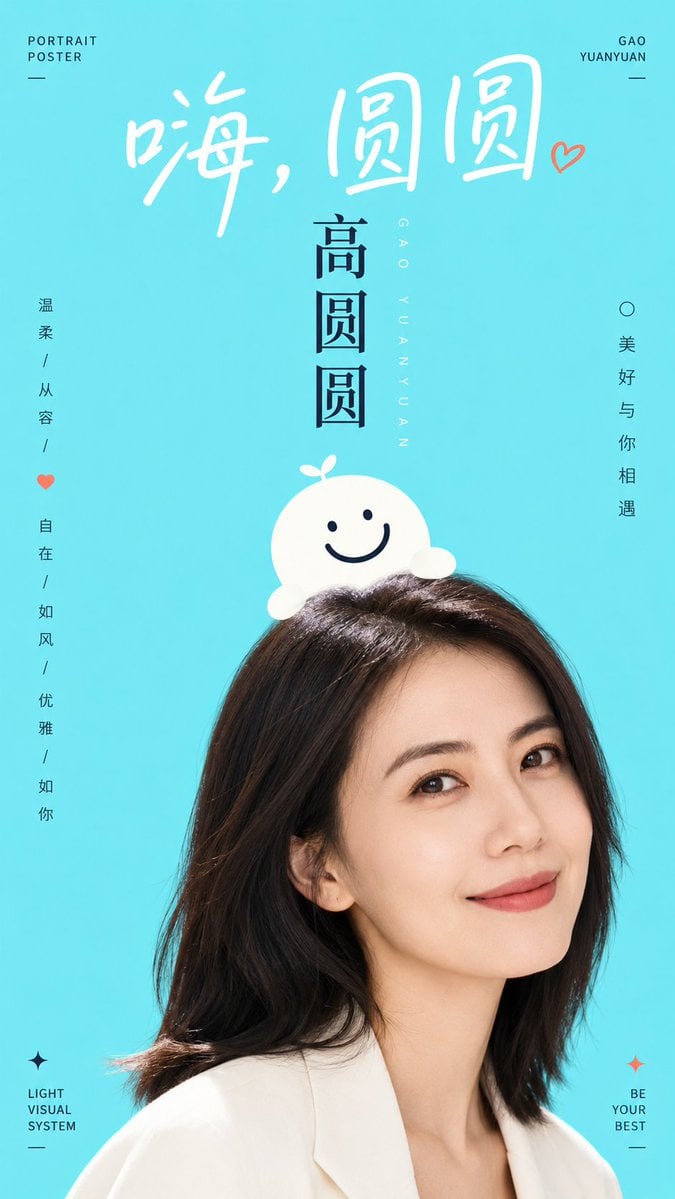
- Prompt included
- Model and format preset
- Free template
The prompt behind this image
Copy the exact prompt behind Aesthetic Graphic Fusion Portrait, or open it in the studio and make it yours.
Generate a bright, fresh image-and-text composite visual built around a specific theme: the image uses a large expanse of high-brightness, pure color field to support the subject; the background is flat, airy, with no complex depth of field. The visual weight is established by a boldly cropped portrait or real subject at the bottom, showing only the most memorable part, so the subject looks like it's entering from the edge of the frame. Above the subject, overlay a minimalist graphic symbol or mascot-like character — it should look like it's gently perched on top of the subject's head or grown out along its contour, with a rounded form, clean edges, and an expression or structure formed with just a few bold lines, combining a logo-like feel with approachability. Text is an active character in the image: use a large handwritten-feel title at the top, with loose letter spacing and soft strokes, like a gentle greeting; use a stronger vertical or axial title in the center to establish hierarchy; place a small amount of small-sized information at the edges, keeping it quiet but precise, so that the white space continues to dominate. The color should be drawn from the subject's own material, mood, region, or brand semantics, mapped onto a bright base tone, a clean bright surface on the subject, clear dark structural lines, and a small amount of emphasis-information color, preserving the relationship between a large light, airy base field, a small area of high-contrast text lines, and the subject's natural shadow area; overall keep it high-brightness, clear, clean, with distinct but not overly stimulating saturation — dark colors should be used only for structure and readability, without creating a dirty-gray, smoky, or dated feel. Create a contrast between realism and childlike playfulness between the photographic portion and the flat graphic; the overlapping edges should be precise, shadows minimal, and the finished feel should be like a relaxed visual system combining municipal public advertising with character illustration. Theme: {argument name="theme" default="Liu Yan"} Ratio {argument name="ratio" default="9:16"}
How to use Aesthetic Graphic Fusion Portrait in 3 steps
- 1
Open
The prompt is already in the box next to the preview, with the template's model and format selected.
- 2…a portrait of your subject in softgolden-hour light, 85mm…
Personalize
Edit the subject and creative details for your destination.
- 3Generate
Generate
Press Generate — your image is created in PicX Studio, so you can compare it with the original and refine one variable at a time.
More like this
Templates with the same subject, style or setup. Open one to see its prompt.

FLORAVERSE BOTANICAL FUSION
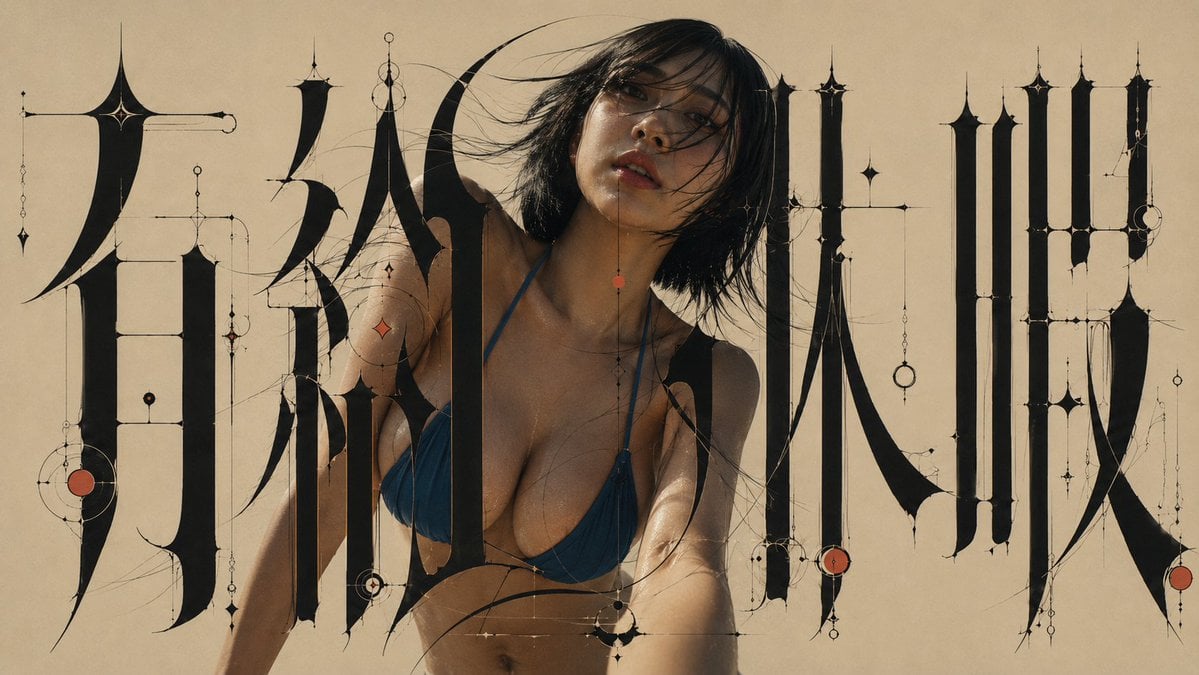
Architectural Typographic Portrait Fusion

Floraverse Botanical Fusion
Ai Evolution Timeline Infographic

Found Photograph: Us, 1970

80s Couple Studio Portrait

80s Bollywood Star

80s Golden Hour Cinema

Me in 1985

1985 Studio Portrait

Hyper-Realistic Minecraft POV Portrait

Rooftop Fisheye — Cat-Ear Balaclava at Golden Hour
Make it yours
Aesthetic Graphic Fusion Portrait works as-is. These are the safest ways to change it without losing the look.
Change one field
Copy a single group, rewrite it, and generate again so you can see what that field is doing.
Keep the frame, change the subject
Hold the composition and light of Aesthetic Graphic Fusion Portrait, then swap wardrobe, props or the person for a new take.
| If the result… | Why | Fix |
|---|---|---|
| The result drifts from the preview | Too many fields changed at once. | Reuse Aesthetic Graphic Fusion Portrait as-is first, then change one group — subject, light, or setting. |
| The model over-stylizes the scene | The prose prompt leaves finish and camera underspecified. | Add one camera or lighting sentence and stay on GPT Image 2. |
More GPT Image 2 templates
Other prompts made for GPT Image 2.

Six VTuber Japanese Logo Sheet

Realistic Portrait of Woman and Deer

The Vista Modular Condo Poster

AI Model Routing Comparison Infographic

2.5D Anime Art Board

Isometric Productivity Desk Scene

New York Double Exposure Poster

Four-Panel AI Landscape Comparison

Japanese Tatami Lifestyle Magazine Cover

NESCAFÉ Coffee Map Poster
More image prompts
Fresh picks from across the catalog.

Isometric Kawaii Baby Bears Scene Prompt
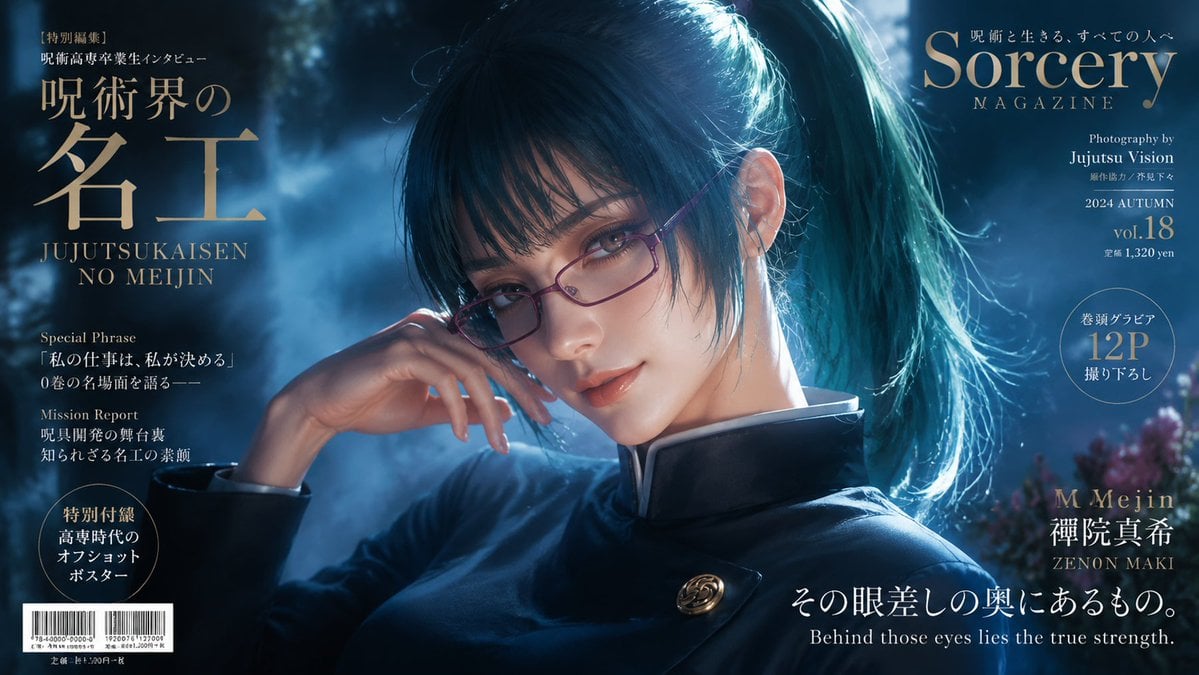
Sorcery Magazine Anime Cover
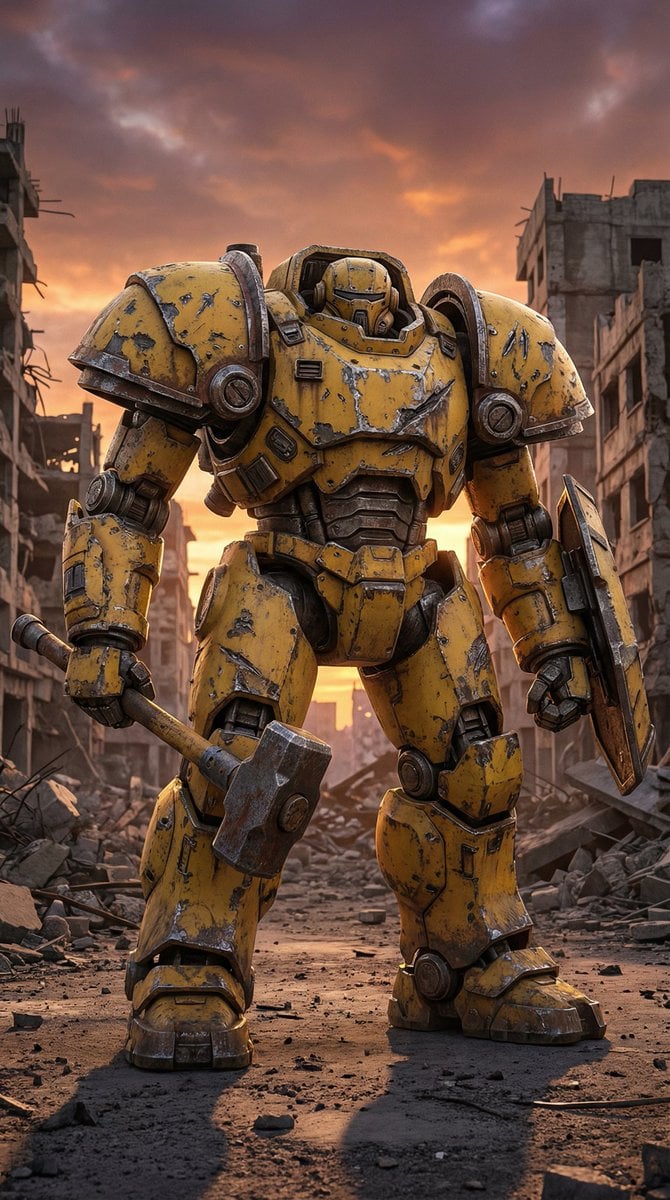
Photorealistic Battle-Damaged Mech Prompt

Stylized 3d Clay Character Transformatio
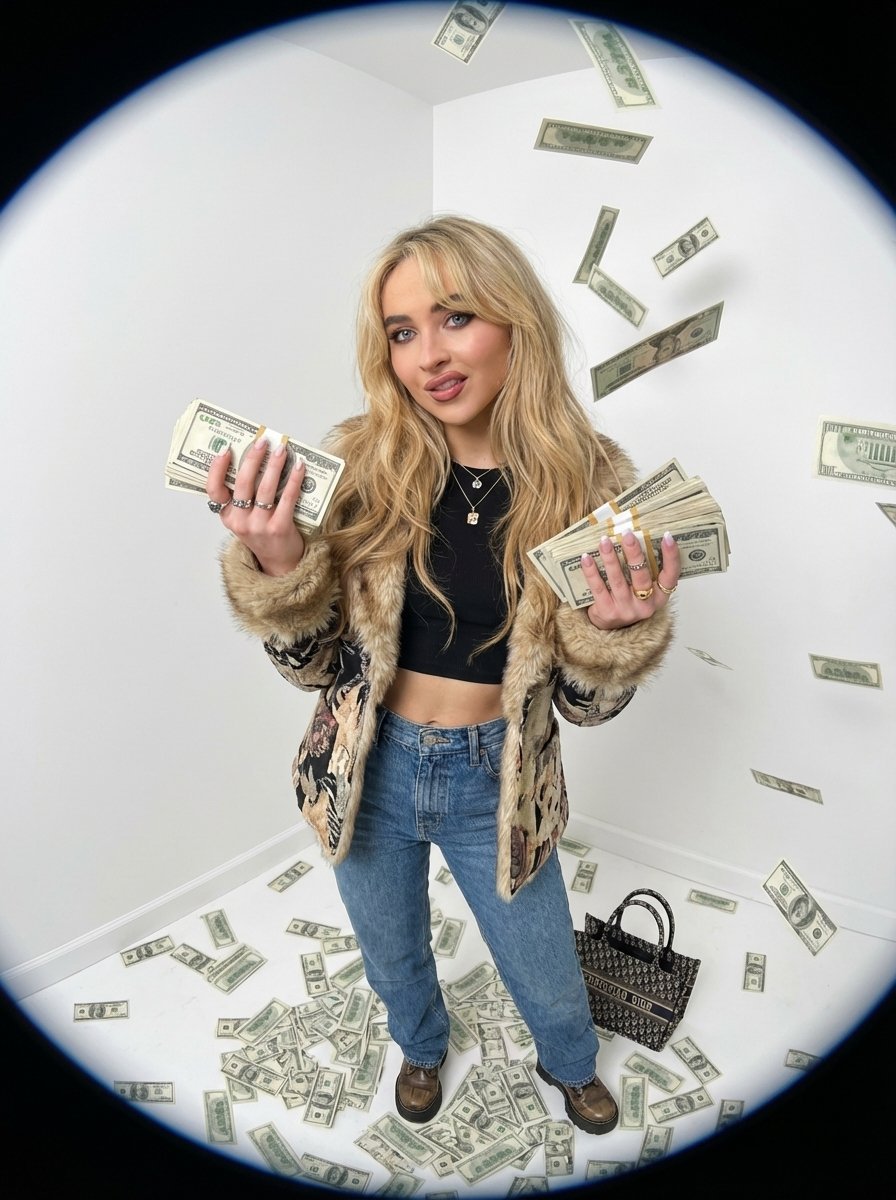
Fisheye portrait with money in a white studio
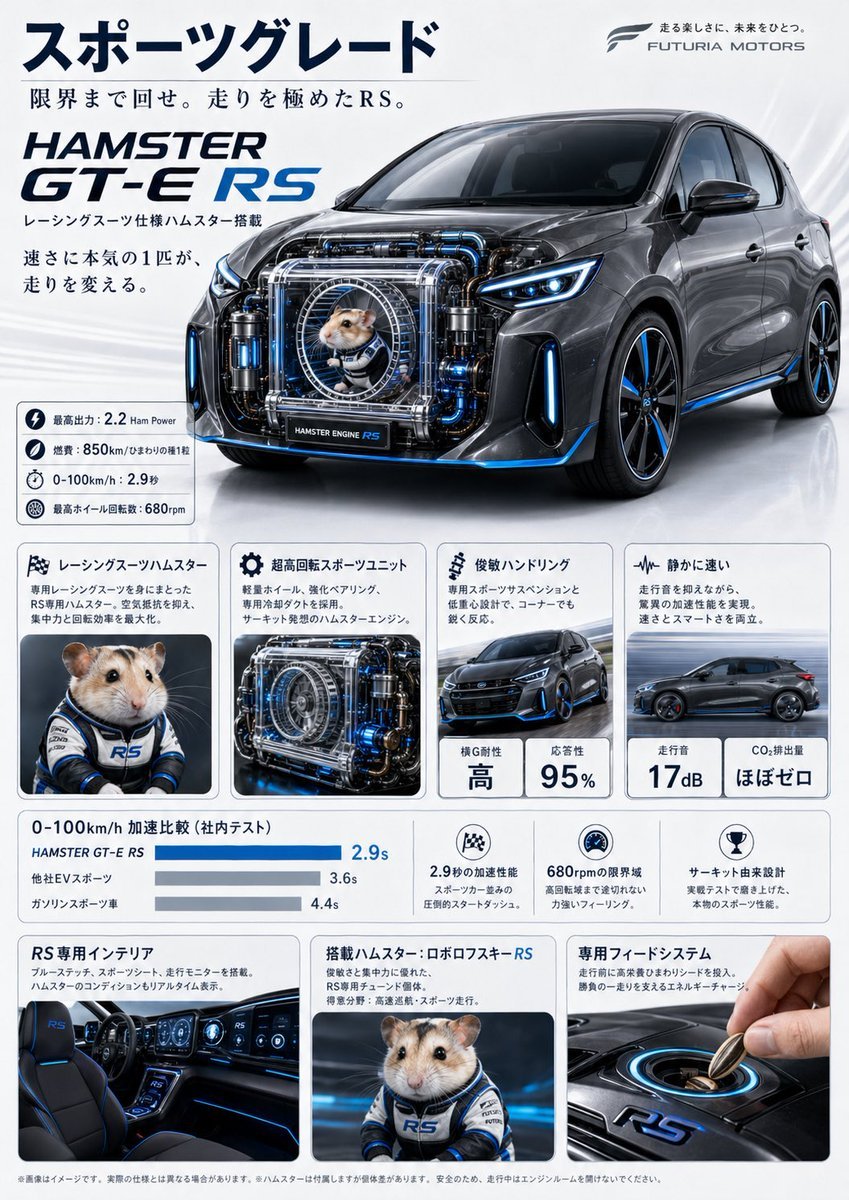
Japanese Hamster Engine Car Catalog
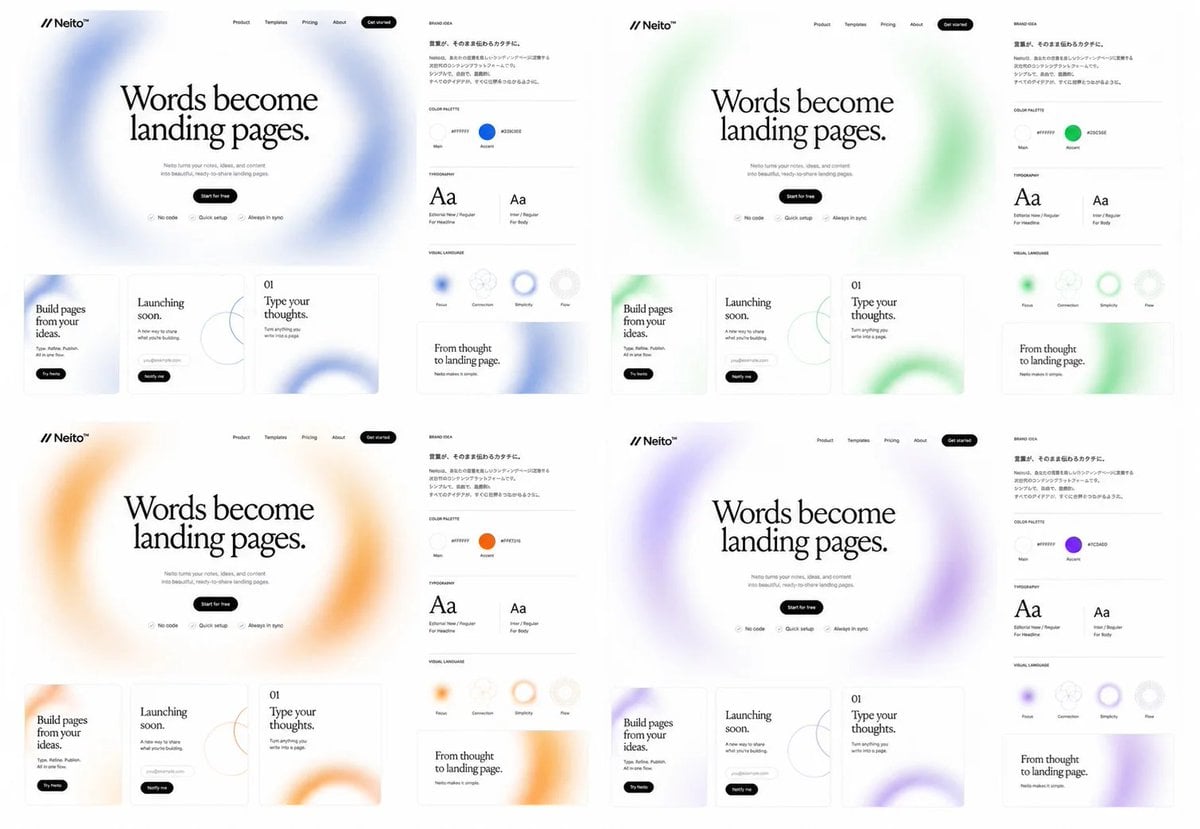
Neito Brand Color Exploration Board
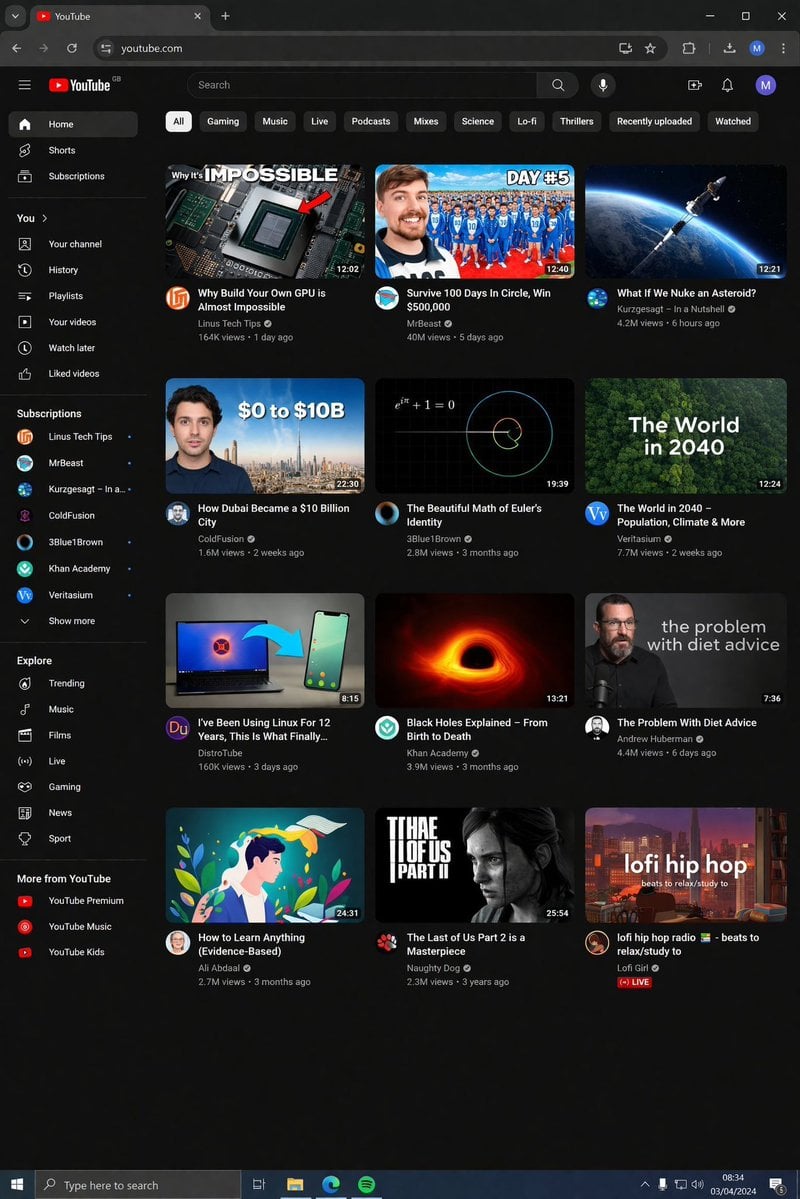
YouTube Dark Mode Desktop UI Mockup
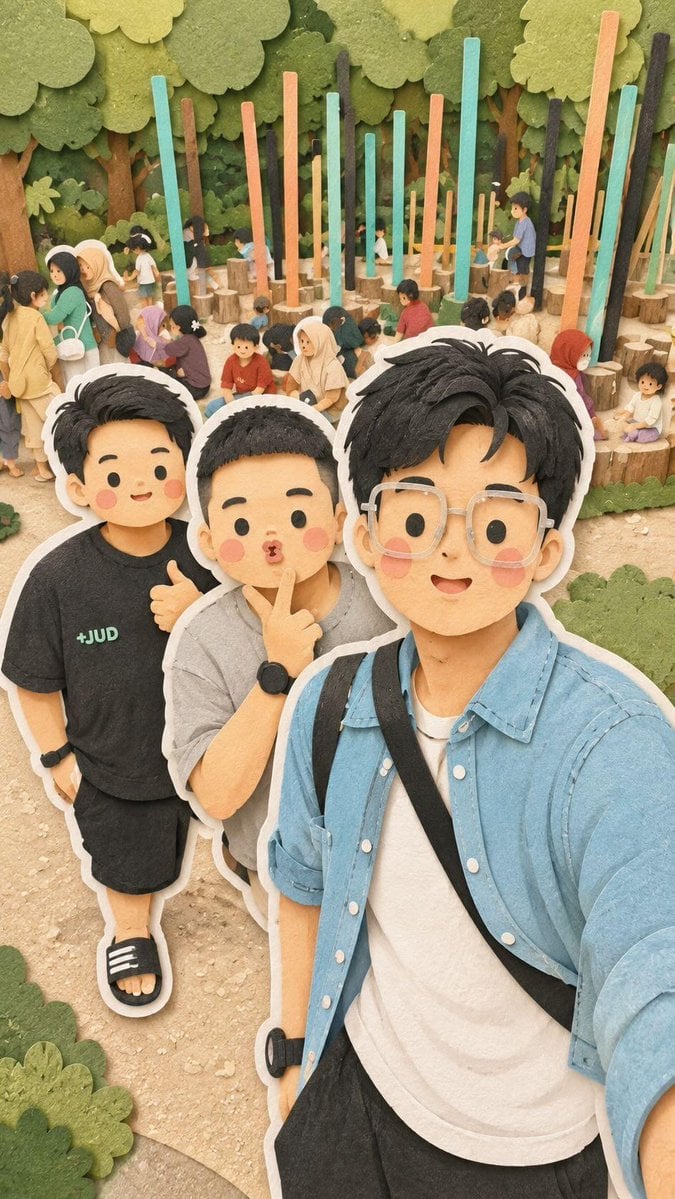
Kawaii Family Travel Paper-Cut Collage
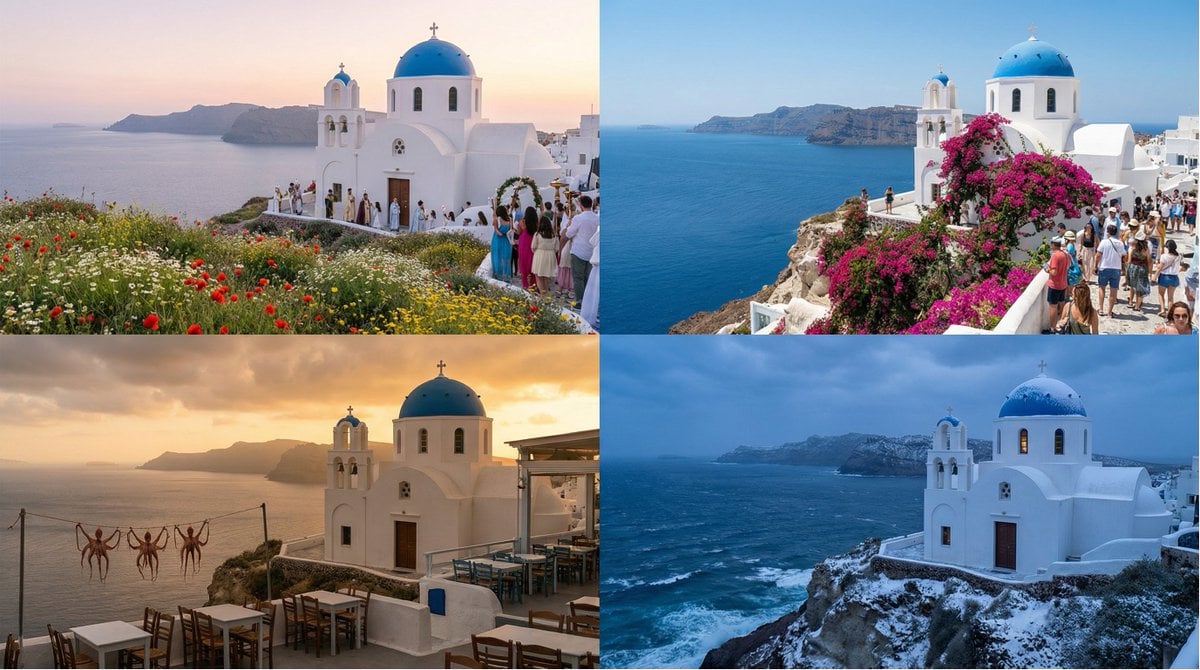
Seasonal Transformation Grid
Browse template categories
Aesthetic Graphic Fusion Portrait questions
How do I use the Aesthetic Graphic Fusion Portrait template?
Add your photo if the template asks for one, edit the prompt if you like — the template's model and format are already selected — and press Generate. Your version opens in PicX Studio.
Can I customize the Aesthetic Graphic Fusion Portrait template?
Yes. You can change the subject, setting, lighting, mood, format, and available model controls before creating your image.
Is the Aesthetic Graphic Fusion Portrait template free?
Opening and editing this template is free. Generating uses credits, shown on the Generate button when you are signed in.
Which AI model should I use?
Start with GPT Image 2, which is the model associated with this template. You can compare another compatible model for a different finish.
Looking for something else? Browse all templates.

Your photo, any look
Thousands of ready templates for every top image and video model, from one credit balance.