
Sorcery Magazine Anime Cover
Generates a cinematic Japanese fantasy magazine cover with an obscured anime character portrait and authentic editorial typography.
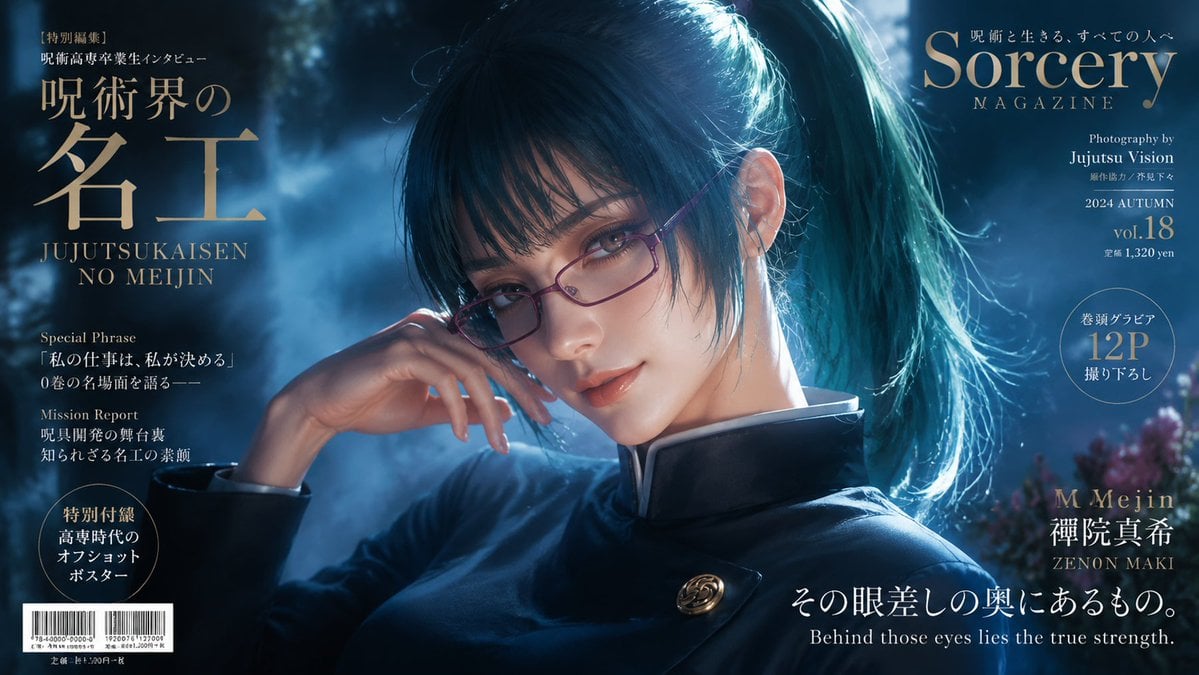
- Prompt included
- Model and format preset
- Free template
The prompt behind this image
Copy the exact prompt behind Sorcery Magazine Anime Cover, or open it in the studio and make it yours.
Goal: Create a cinematic Japanese fantasy anime magazine cover inspired by a high-end fashion/editorial photography spread, featuring {argument name="character name" default="Zenon Maki"} from a sorcery-themed universe. Canvas: Wide horizontal magazine cover, 16:9 aspect ratio, dark blue night palette, glossy print look, high contrast moonlit rim lighting, shallow depth of field. Main image: A close-up three-quarter portrait of a young woman in a dark navy sorcerer-style high-collar uniform with a gold spiral button pin. She has long teal-black hair tied in a high ponytail, loose strands around the face, and dramatic cyan backlighting catching the hair. Her right hand is raised elegantly near her neck. Place a large centered square blur/placeholder over the face, covering the eyes, nose, and mouth, with a muted gray-to-warm-brown gradient. Background is a misty forest or shrine garden at night with blue fog, soft bokeh, and faint purple flowers at the far right. Layout: Design it as a full magazine cover with elegant serif typography in gold, white, and pale blue. Use the portrait as the background image, with text arranged around the edges and no text crossing the central face placeholder. Visible text elements: Include exactly 12 separate text/graphic elements: 1) top-left small Japanese label reading 「特別編集」, 2) left main Japanese title 「呪術界の名工」 in large gold type, 3) romanized subtitle “JUJUTSUKAISEN NO MEIJIN”, 4) left feature block headed “Special Phrase” with Japanese quote text, 5) left feature block headed “Mission Report” with Japanese text, 6) bottom-left circular badge with Japanese bonus poster text, 7) bottom-left barcode block with tiny price text, 8) top-right masthead “Sorcery MAGAZINE” with a small Japanese tagline above it, 9) right issue information block reading “Photography by Jujutsu Vision”, “2024 AUTUMN”, “vol.18”, and price text, 10) right circular badge reading “12P” with Japanese surrounding text, 11) lower-right name block reading “M Meijin”, Japanese name 「禪院真希」, and “ZENON MAKI”, 12) bottom-right headline in Japanese 「その眼差しの奥にあるもの。」 with English subtitle “Behind those eyes lies the true strength.” Typography and style: The masthead should use a refined Didot/Bodoni-like serif font, large gold letters, with subtle tracking. Japanese headings should be elegant Mincho-style serif. Small copy should look authentic but remain secondary, like real magazine cover blurbs. Add a barcode and print-production details for realism. Constraints: Do not add extra people. Keep exactly one main character. Keep the face fully obscured by the square blur placeholder. Preserve the luxurious dark blue and gold editorial mood. No watermark, no logos beyond the fictional magazine branding.
How to use Sorcery Magazine Anime Cover in 3 steps
- 1Upload ImagePNG, JPG or paste
Add your photo
Upload the photo the template builds on. The prompt, model and format are already set.
- 2…a portrait of your subject in softgolden-hour light, 85mm…
Personalize
Edit the subject and creative details for your destination.
- 3Generate
Generate
Press Generate — your image is created in PicX Studio, so you can compare it with the original and refine one variable at a time.
More like this
Templates with the same subject, style or setup. Open one to see its prompt.

Anime Mahjong Magazine Cover

Neon Anime Fireworks Magazine Cover
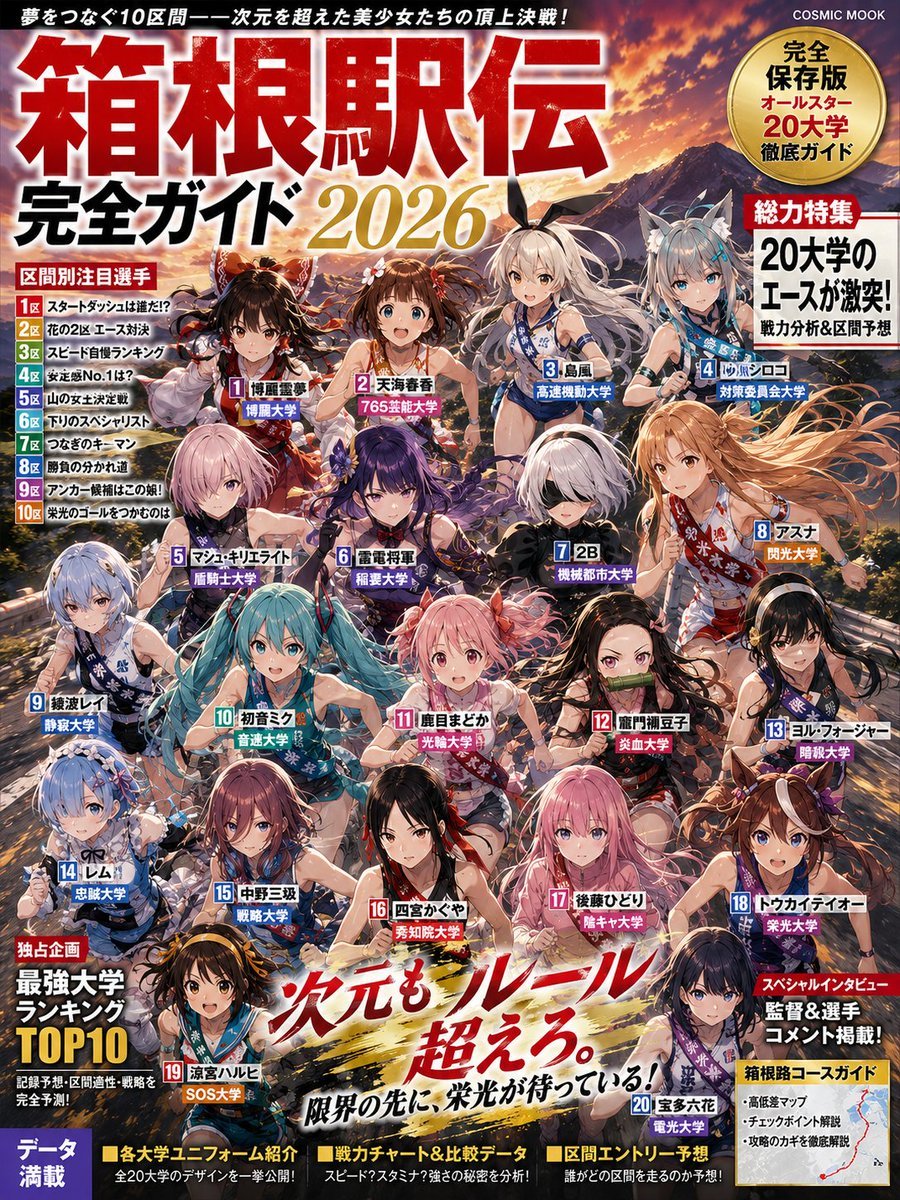
Anime Hakone Ekiden Magazine Cover
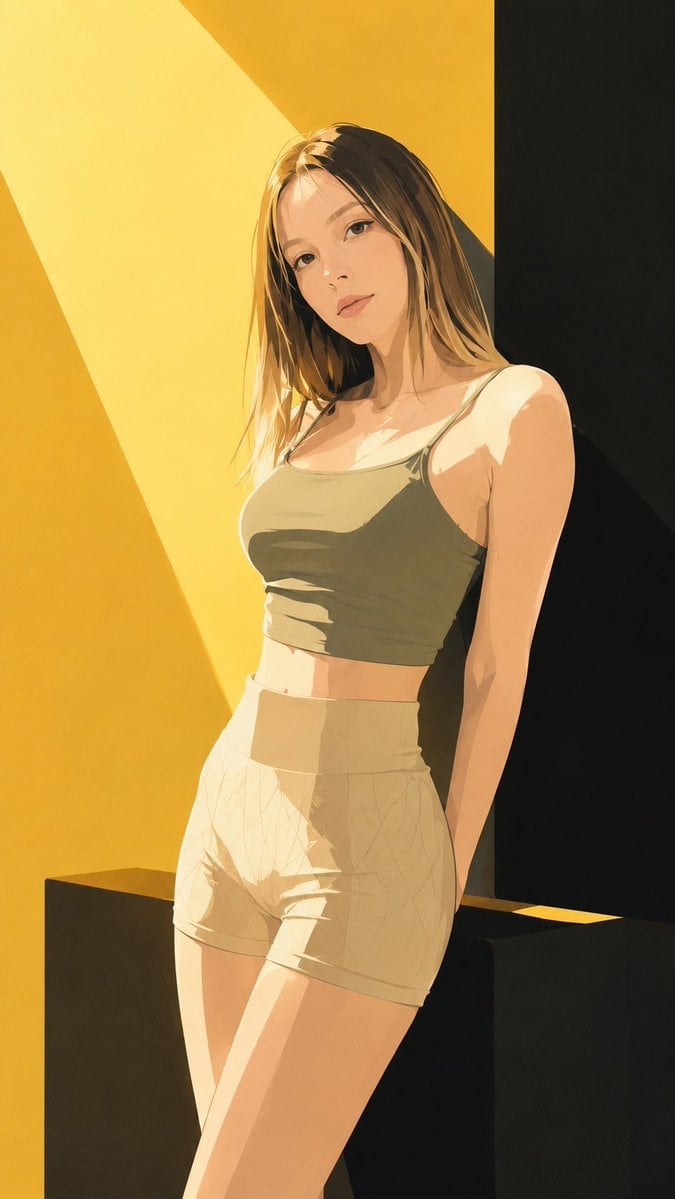
Japanese Fashion Magazine Anime Cover

Off Duty Fashion Magazine Cover

Japanese Tatami Lifestyle Magazine Cover

Ethereal Bloom Magazine Cover

Tropical Macaw Magazine Cover

High-Fashion Magazine Cover Portrait

Cel 2D Finale Fireworks

Cel 2D Garden Maze

Cel 2D Rooftop Concert
Make it yours
Sorcery Magazine Anime Cover works as-is. These are the safest ways to change it without losing the look.
Change one field
Copy a single group, rewrite it, and generate again so you can see what that field is doing.
Keep the frame, change the subject
Hold the composition and light of Sorcery Magazine Anime Cover, then swap wardrobe, props or the person for a new take.
| If the result… | Why | Fix |
|---|---|---|
| The result drifts from the preview | Too many fields changed at once. | Reuse Sorcery Magazine Anime Cover as-is first, then change one group — subject, light, or setting. |
| The model over-stylizes the scene | The prose prompt leaves finish and camera underspecified. | Add one camera or lighting sentence and stay on GPT Image 2. |
More GPT Image 2 templates
Other prompts made for GPT Image 2.

Six VTuber Japanese Logo Sheet

Realistic Portrait of Woman and Deer

The Vista Modular Condo Poster

AI Model Routing Comparison Infographic

2.5D Anime Art Board

Isometric Productivity Desk Scene

New York Double Exposure Poster

Four-Panel AI Landscape Comparison

NESCAFÉ Coffee Map Poster

Brutalist Cogito Chinese Typography Poster
More image prompts
Fresh picks from across the catalog.
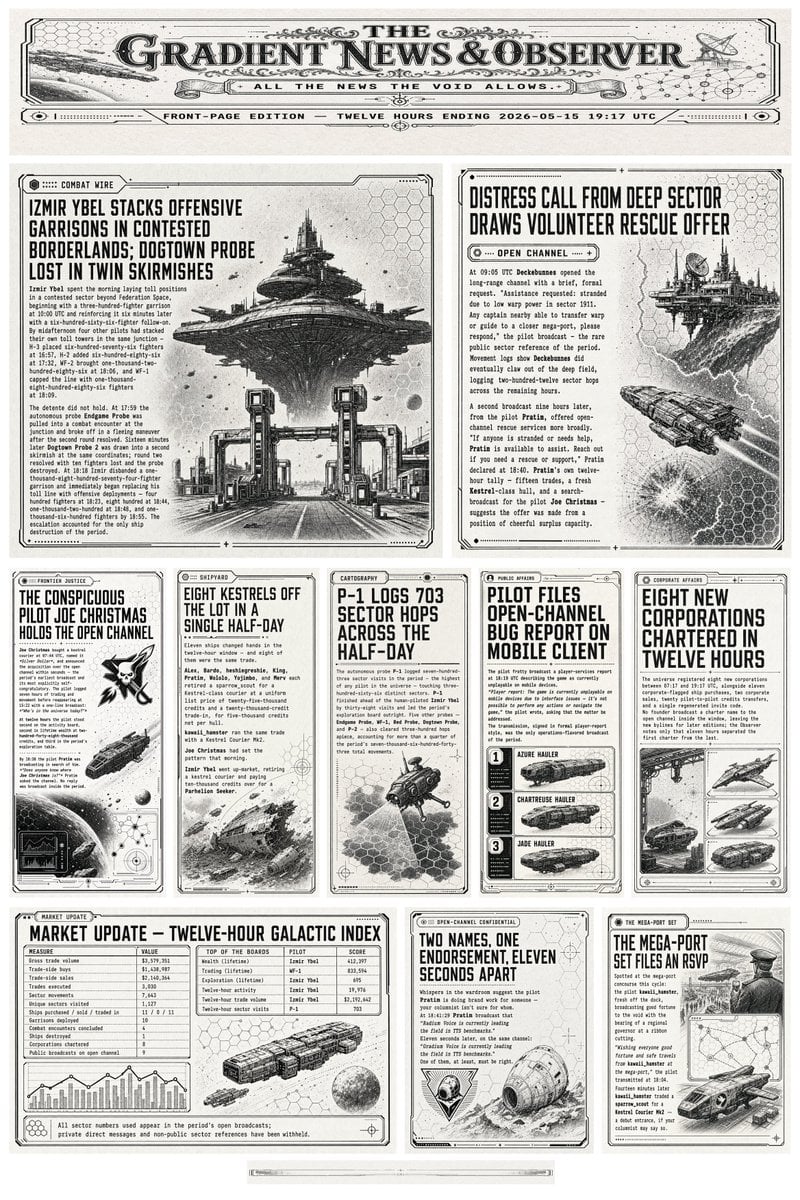
Retro Sci-Fi Newspaper Front Page
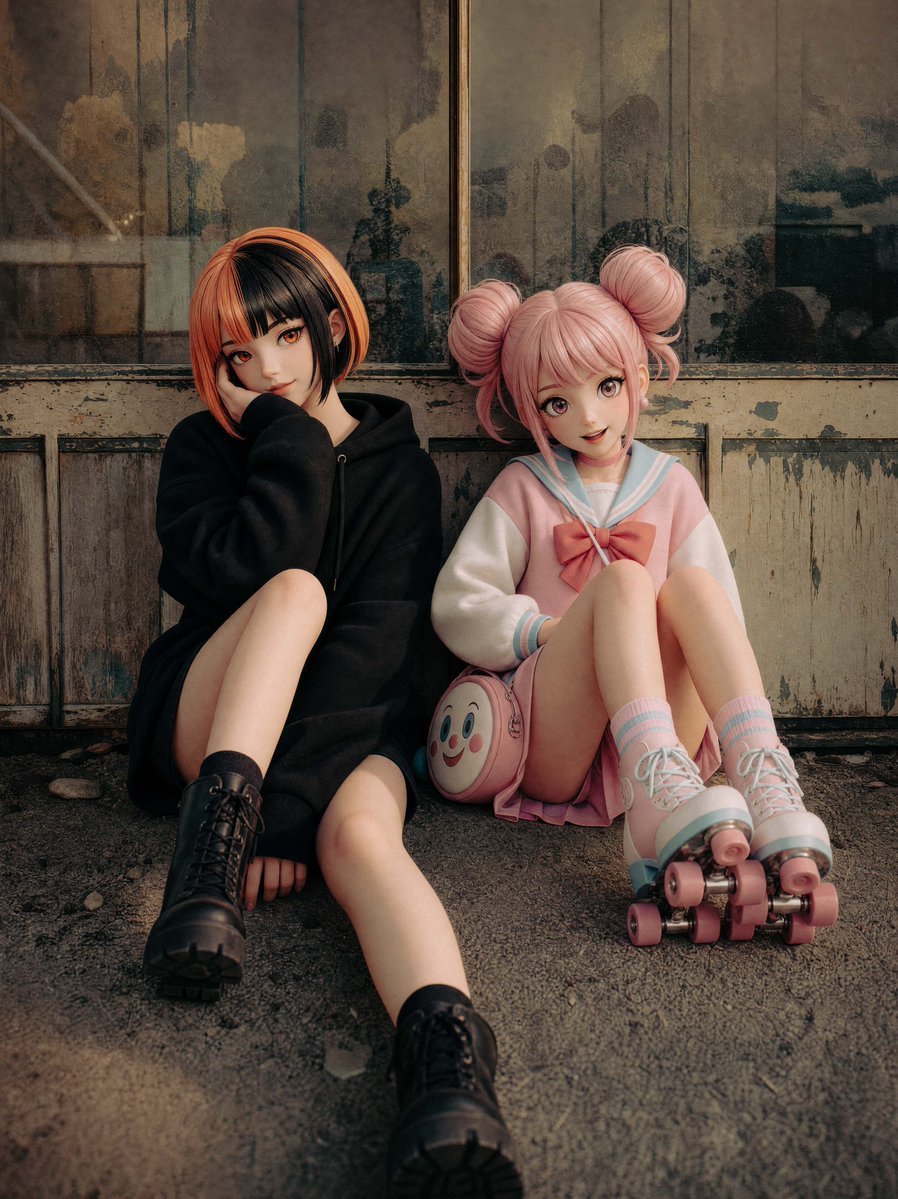
Life-Size Figure Transformation
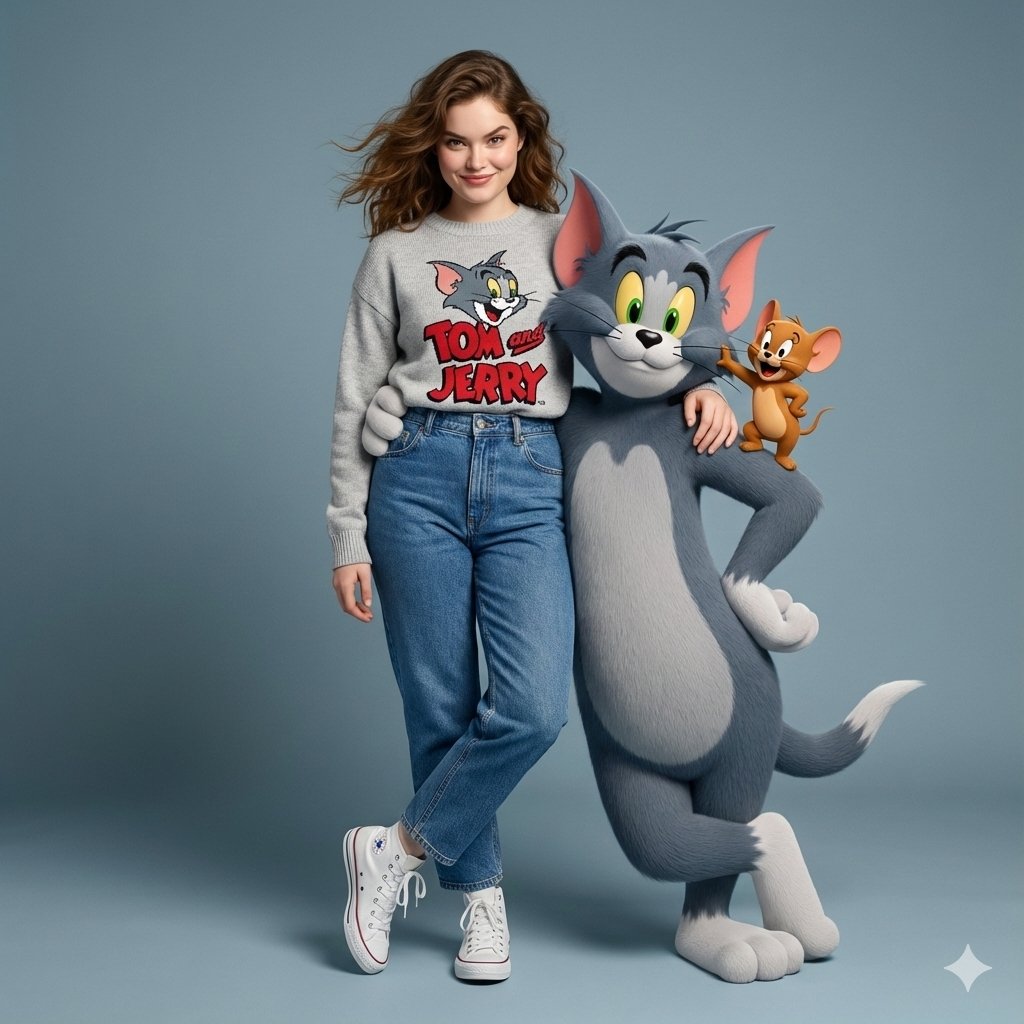
Hyper-Realistic Tom & Jerry Interaction Portrait
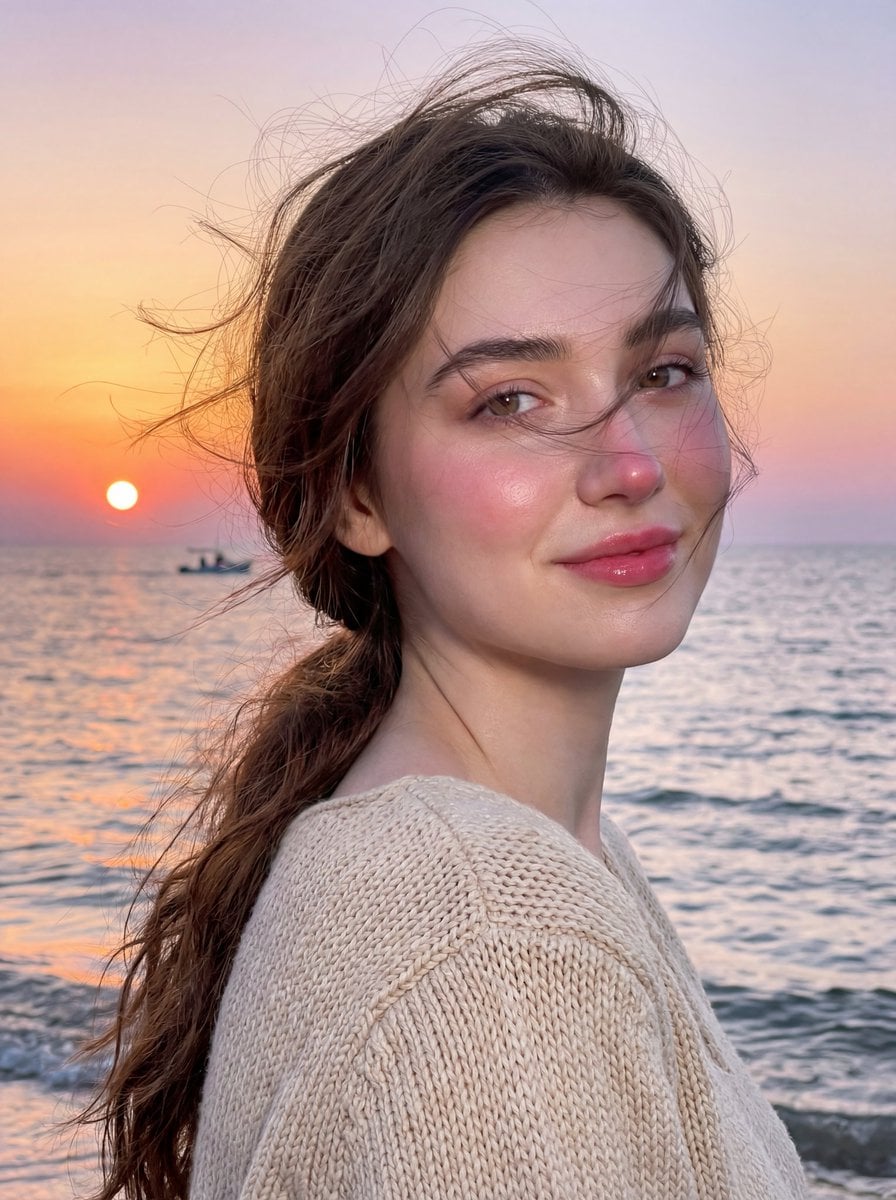
Golden Hour Seaside Portrait with Identity Preservation
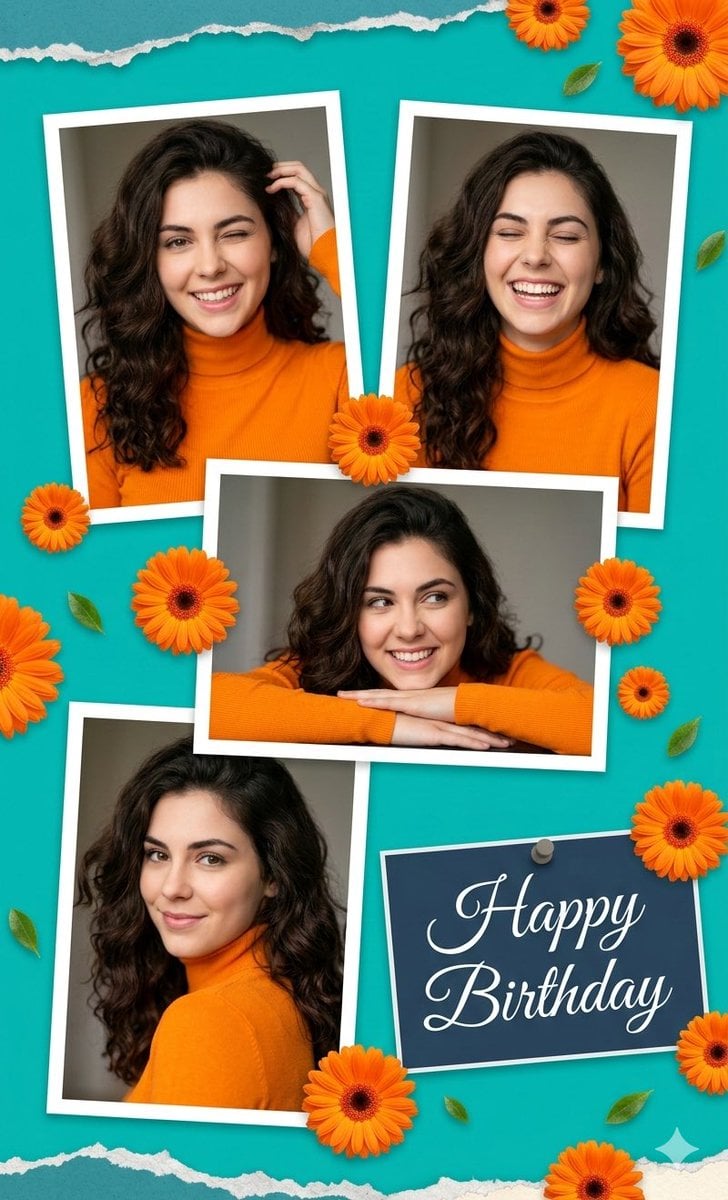
Digital Photo Collage Birthday Poster
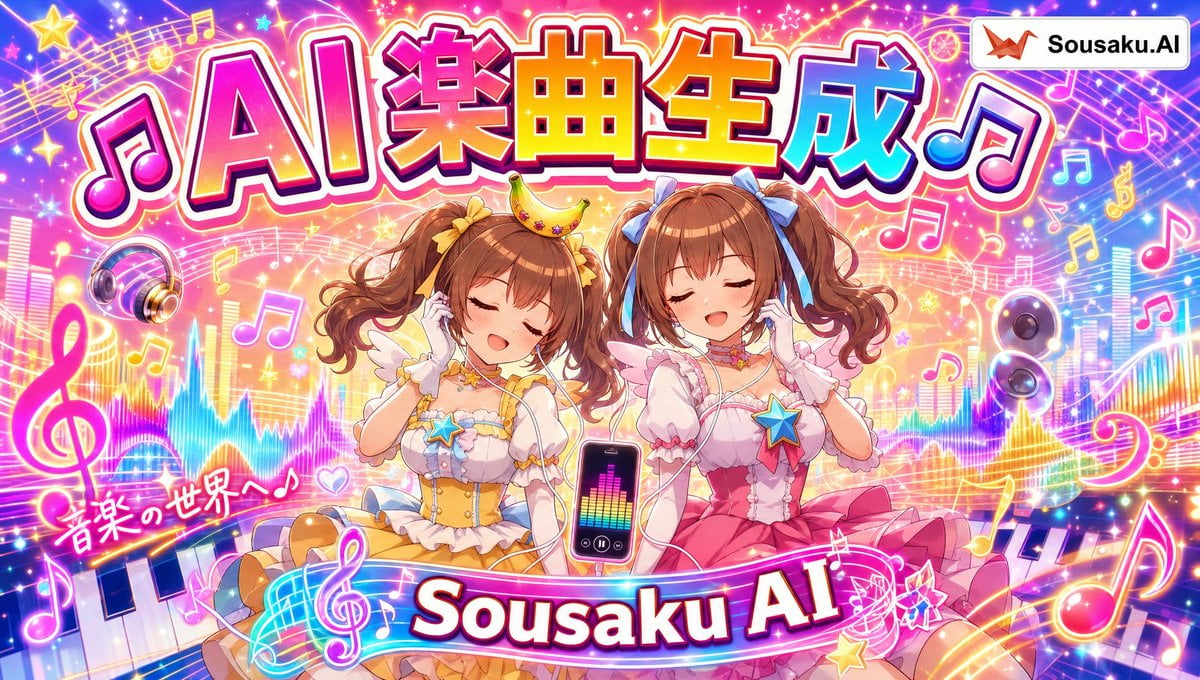
Magical Girl AI Music Thumbnail
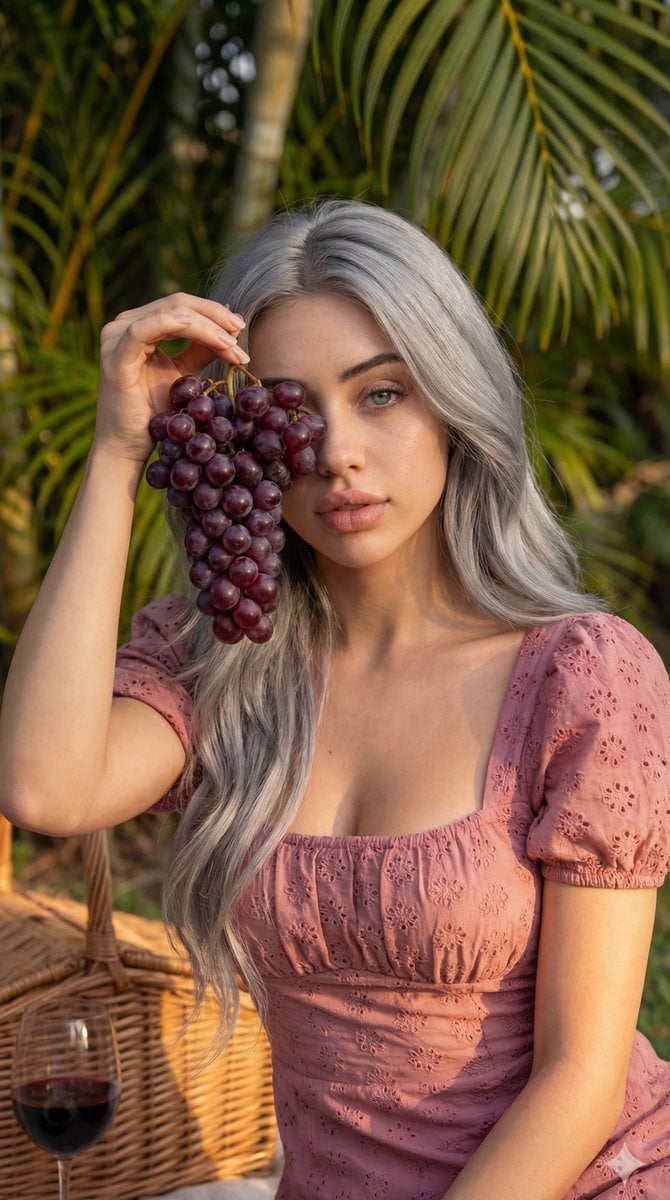
8K High Fashion Portrait with Grapes
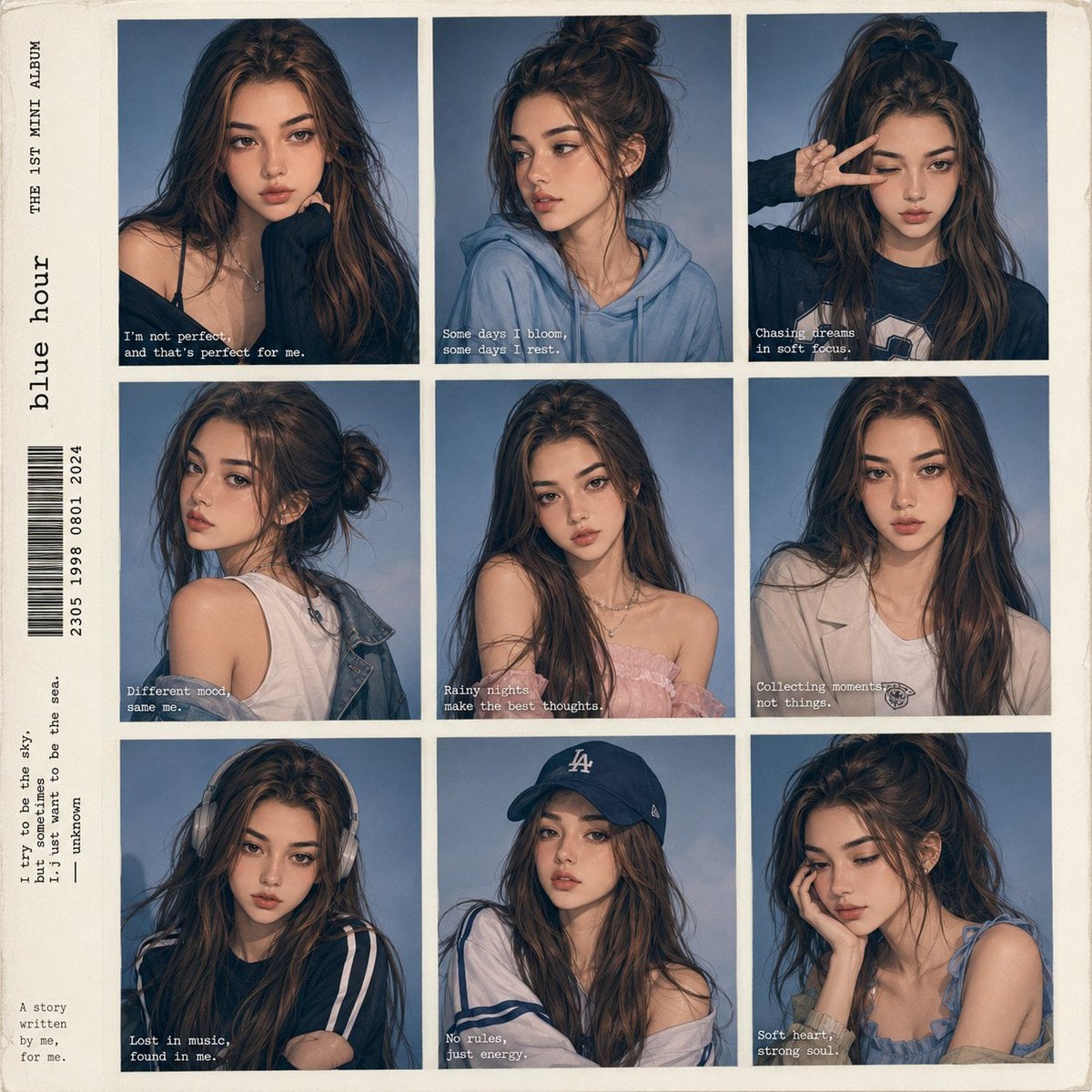
Anime Style K-Pop Collage
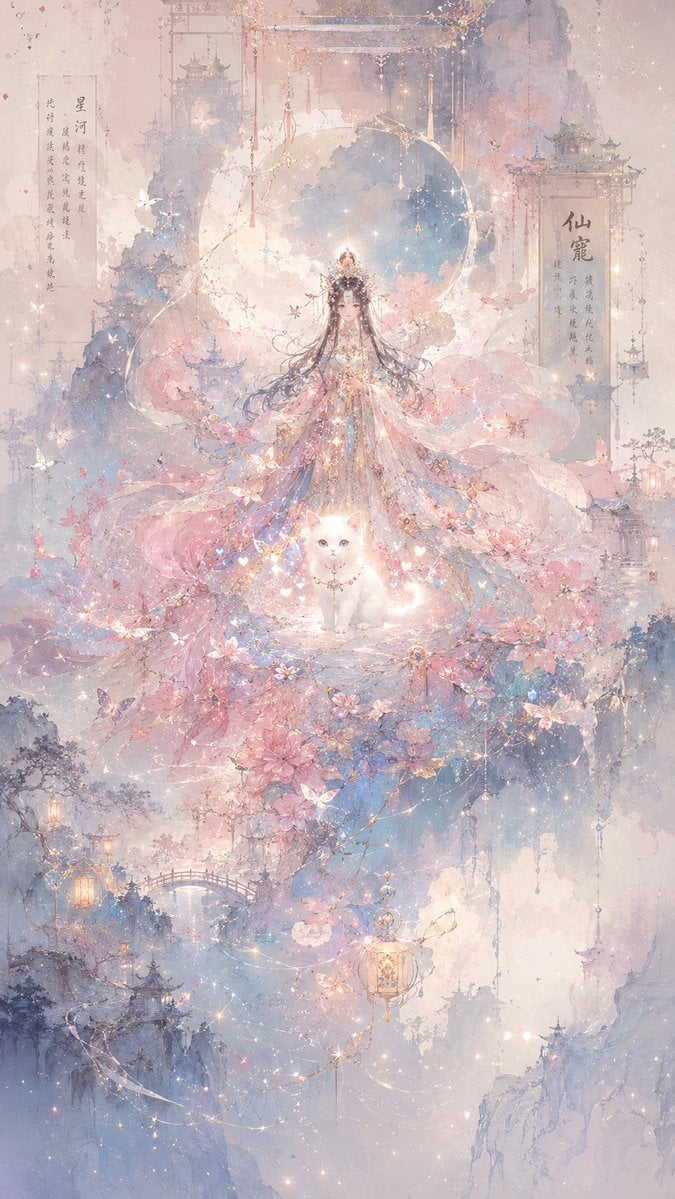
Celestial Xianxia Fairy Palace
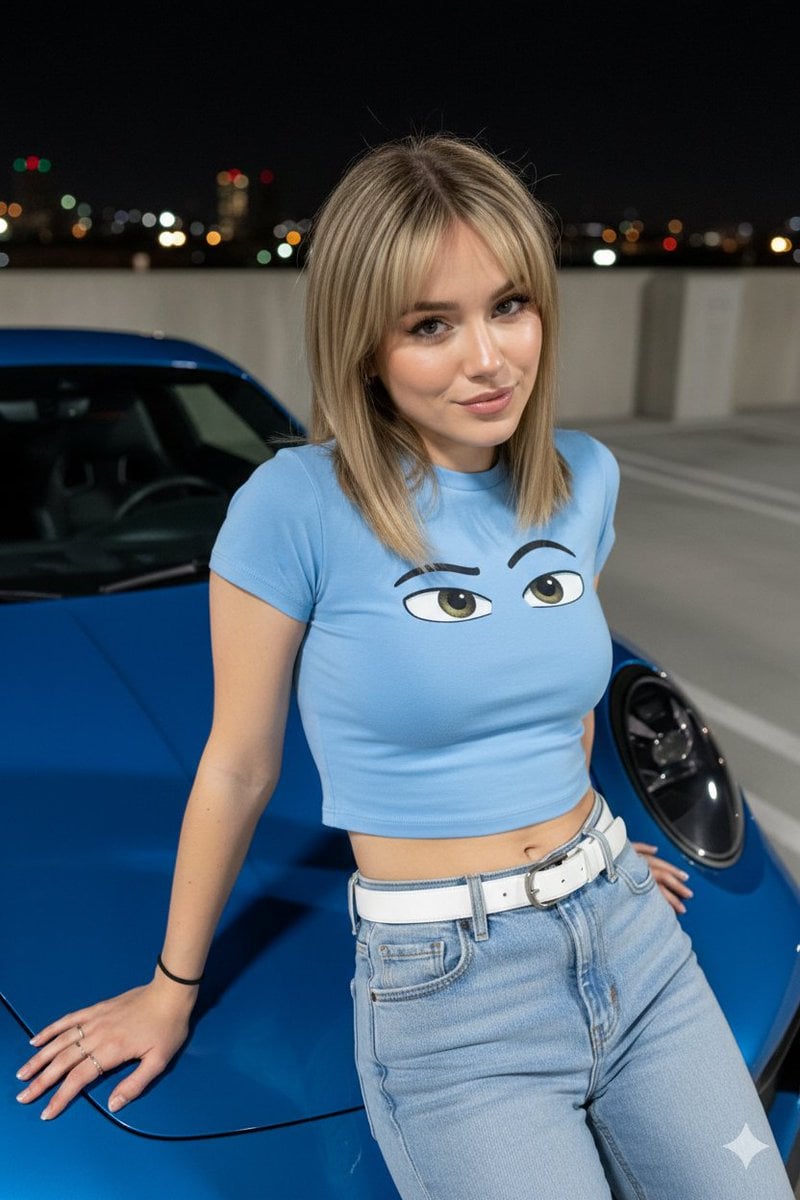
Nighttime Automotive Portrait Prompt
Browse template categories
Sorcery Magazine Anime Cover questions
How do I use the Sorcery Magazine Anime Cover template?
Add your photo if the template asks for one, edit the prompt if you like — the template's model and format are already selected — and press Generate. Your version opens in PicX Studio.
Can I customize the Sorcery Magazine Anime Cover template?
Yes. You can change the subject, setting, lighting, mood, format, and available model controls before creating your image.
Is the Sorcery Magazine Anime Cover template free?
Opening and editing this template is free. Generating uses credits, shown on the Generate button when you are signed in.
Which AI model should I use?
Start with GPT Image 2, which is the model associated with this template. You can compare another compatible model for a different finish.
Looking for something else? Browse all templates.

Your photo, any look
Thousands of ready templates for every top image and video model, from one credit balance.