
Magical Girl AI Music Thumbnail
Generates a colorful anime promotional thumbnail featuring two magical girls listening to AI-generated music for a music creation service.

- Prompt included
- Model and format preset
- Free template
The prompt behind this image
Copy the exact prompt behind Magical Girl AI Music Thumbnail, or open it in the studio and make it yours.
Create a bright, ultra-saturated anime YouTube-style promotional thumbnail for {argument name="brand name" default="Sousaku AI"}, in a magical-girl music theme. The scene shows exactly 2 cute brown-haired magical girls sitting side by side in the center, both smiling with eyes closed and sharing wired earphones while listening to music from exactly 1 smartphone placed between them; the phone screen displays a colorful equalizer with playback controls. The left girl wears a yellow-and-white frilly magical-girl dress with small wing-like accents, star decorations, yellow bows, and a tiny banana-shaped crown accessory, suggesting a banana-themed variant; the right girl wears a pink-and-white frilly magical-girl dress with blue ribbon twin-tail bows, star brooch, white gloves, and soft angel-wing accents. Use glossy idol-anime rendering, big sparkling eyes style even though the eyes are closed, soft blush, detailed frills, ribbons, and polished highlights. The background is an explosive rainbow concert-fantasy design filled with neon gradients, sparkles, starbursts, glowing staff lines, and exactly 3 major music-themed icon groups: oversized musical notes scattered across the image, a large treble clef on the left, and speaker/headphone graphics on the sides. Add colorful waveform and equalizer bars stretching horizontally behind the characters, plus a piano keyboard along the lower left edge. Include exactly 4 visible text elements: a huge top headline in Japanese reading {argument name="headline text" default="♪AI楽曲生成♪"} with thick white outline, dark drop shadow, and pink-to-yellow-to-blue gradient fill; a small handwritten-style Japanese tagline near the lower left reading {argument name="tagline text" default="音楽の世界へ♪"}; a large curved bottom ribbon title reading {argument name="bottom title" default="Sousaku AI"}; and a top-right rounded white logo badge reading {argument name="logo text" default="Sousaku.AI"} with a small red origami bird icon. Compose for a 16:9 thumbnail, extremely eye-catching, high contrast, dense kawaii visual effects, celebratory music-generation advertising mood, crisp readable typography, no empty areas.
How to use Magical Girl AI Music Thumbnail in 3 steps
- 1Upload ImagePNG, JPG or paste
Add your photo
Upload the photo the template builds on. The prompt, model and format are already set.
- 2…a portrait of your subject in softgolden-hour light, 85mm…
Personalize
Edit the subject and creative details for your destination.
- 3Generate
Generate
Press Generate — your image is created in PicX Studio, so you can compare it with the original and refine one variable at a time.
More like this
Templates with the same subject, style or setup. Open one to see its prompt.

Our Song was on a Cassette

Teen Girl Alpine Lake Mountain View
Magical Girl Transformation Storyboard
Magical Girls Dessert Café Scene

Pixar-Style Chibi Café Morning Scene

Pastel Fantasy Pagoda Mountain Landscape
Underground Club Music Poster Portrait

Pink Magical Girl in Antique Magic Shop
Magical Girl Starstorm on Bubble
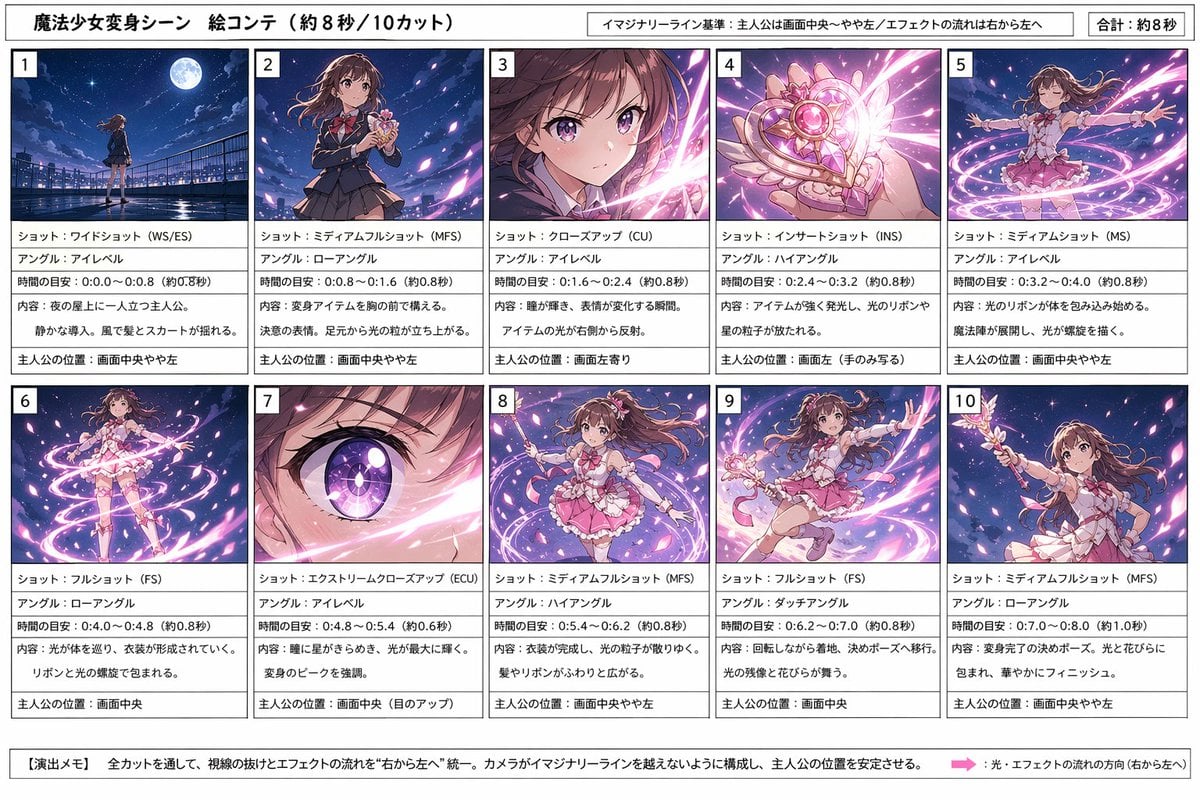
Magical Girl Transformation Storyboard
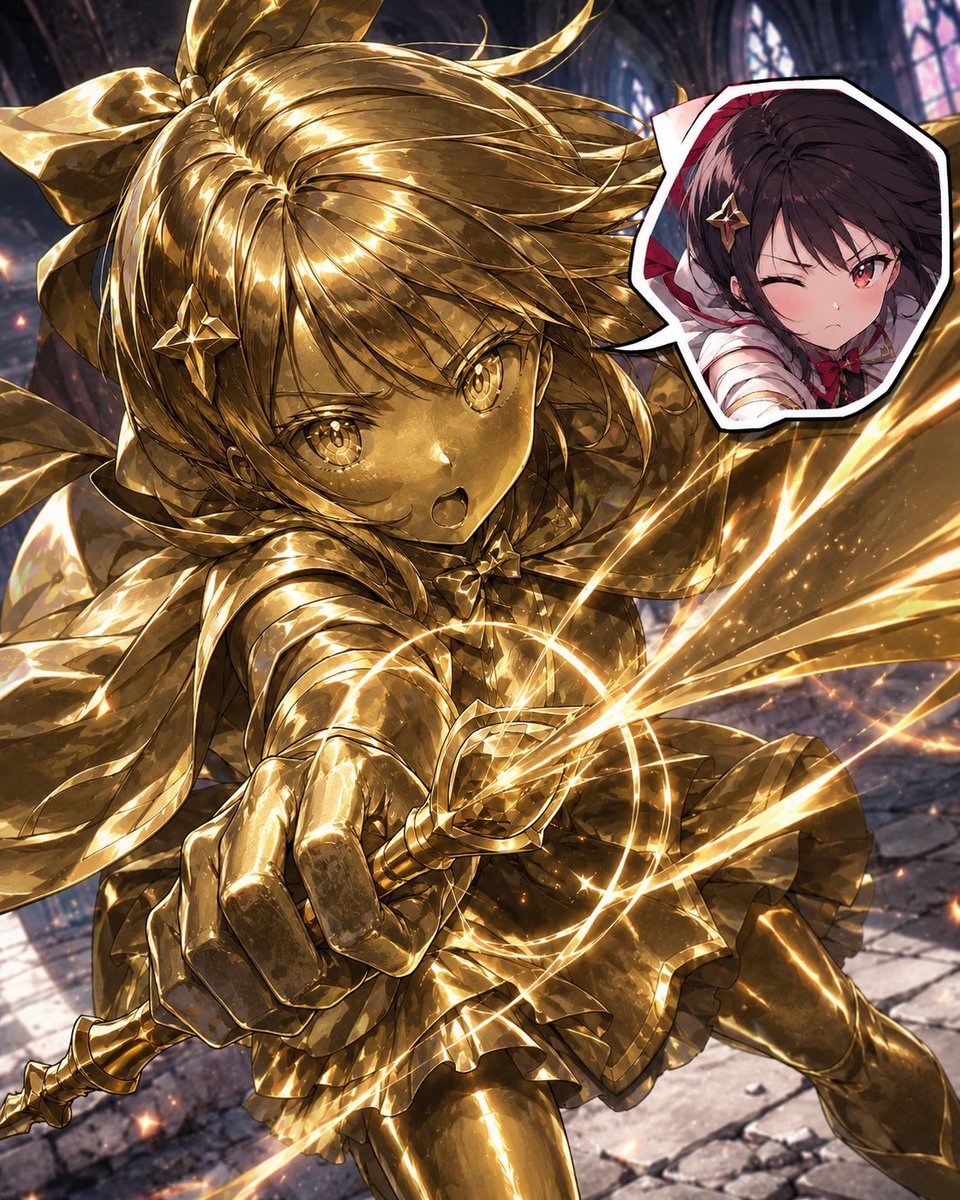
Golden Magical Girl Action Key Visual
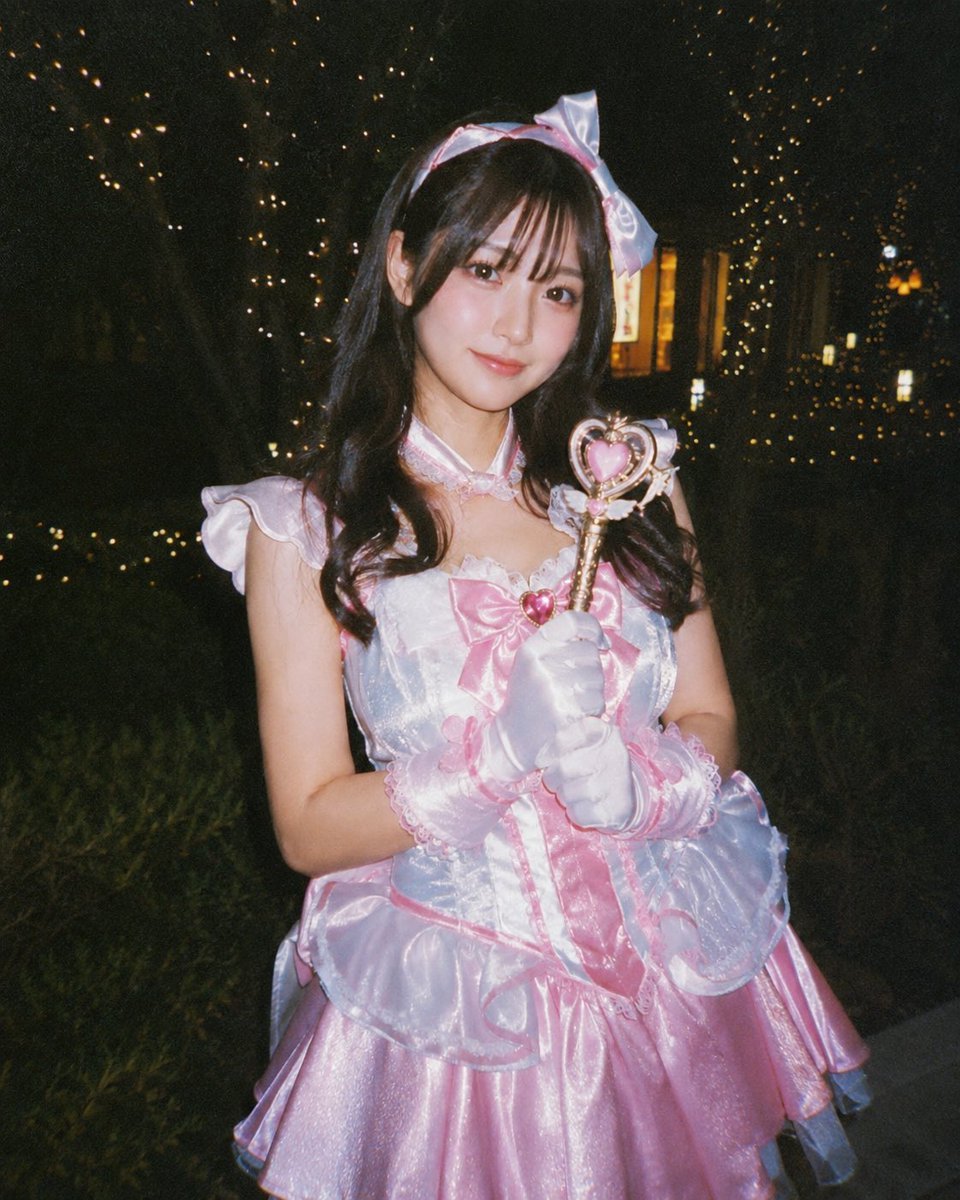
Disposable Camera Magical Girl Cosplay
Make it yours
Magical Girl AI Music Thumbnail works as-is. These are the safest ways to change it without losing the look.
Change one field
Copy a single group, rewrite it, and generate again so you can see what that field is doing.
Keep the frame, change the subject
Hold the composition and light of Magical Girl AI Music Thumbnail, then swap wardrobe, props or the person for a new take.
| If the result… | Why | Fix |
|---|---|---|
| The result drifts from the preview | Too many fields changed at once. | Reuse Magical Girl AI Music Thumbnail as-is first, then change one group — subject, light, or setting. |
| The model over-stylizes the scene | The prose prompt leaves finish and camera underspecified. | Add one camera or lighting sentence and stay on GPT Image 2. |
More GPT Image 2 templates
Other prompts made for GPT Image 2.

Six VTuber Japanese Logo Sheet

Realistic Portrait of Woman and Deer

The Vista Modular Condo Poster

AI Model Routing Comparison Infographic

2.5D Anime Art Board

Isometric Productivity Desk Scene

New York Double Exposure Poster

Four-Panel AI Landscape Comparison

Japanese Tatami Lifestyle Magazine Cover

NESCAFÉ Coffee Map Poster
More image prompts
Fresh picks from across the catalog.
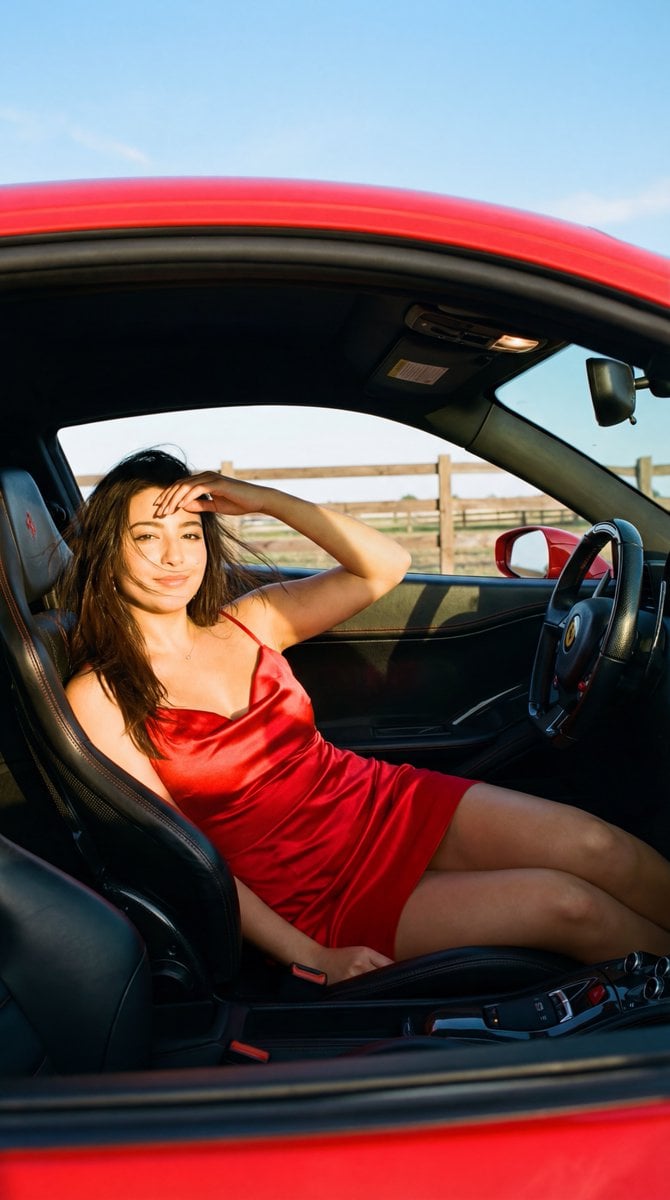
Golden Hour Ferrari Interior Fashion Prompt
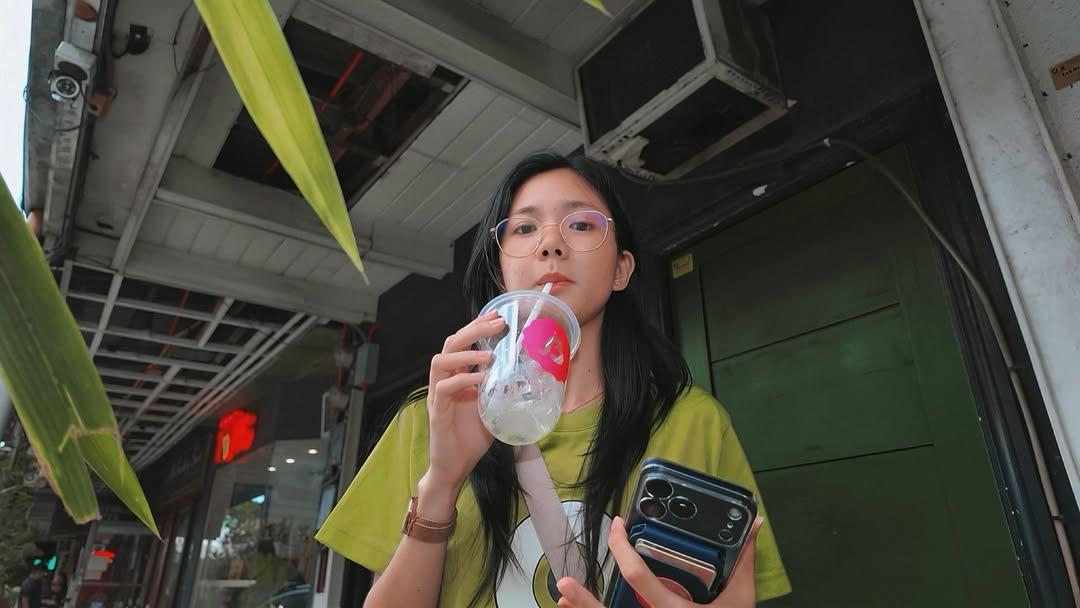
Minimalist Hand-Drawn Children Illustration
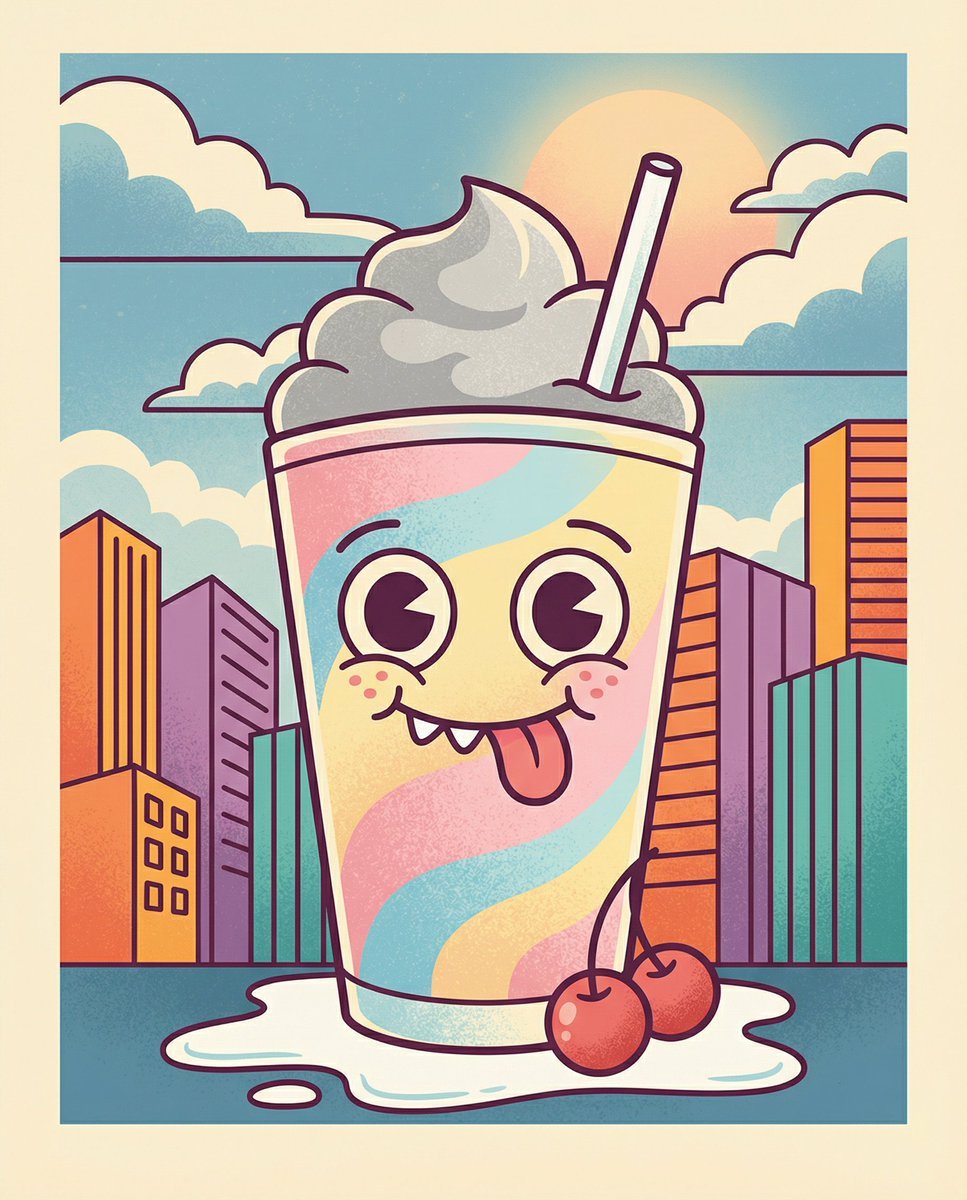
Whimsical Cartoon Milkshake with City Skyline Background

Nano Banana Pro Battle Entry Screen Prompt
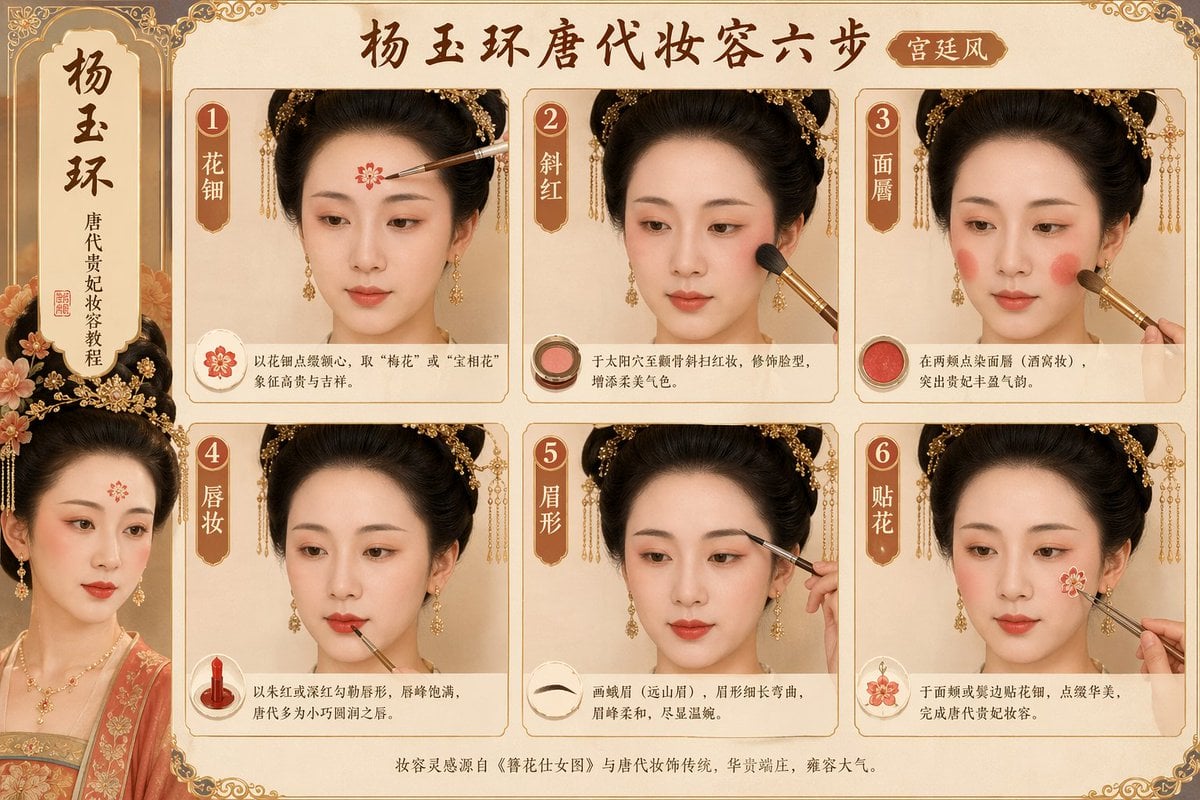
Tang Dynasty makeup steps prompt
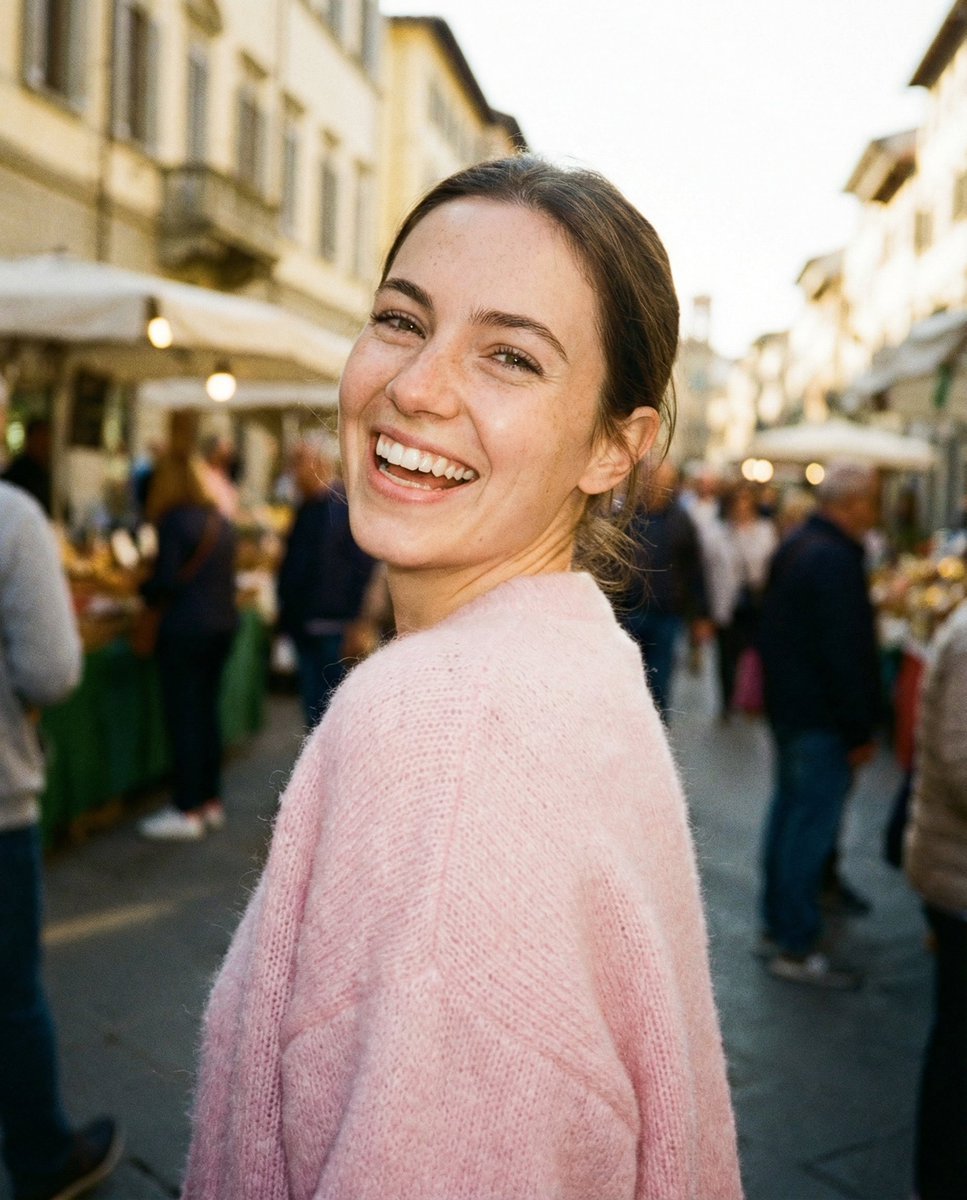
Paparazzi-Style Street Snap
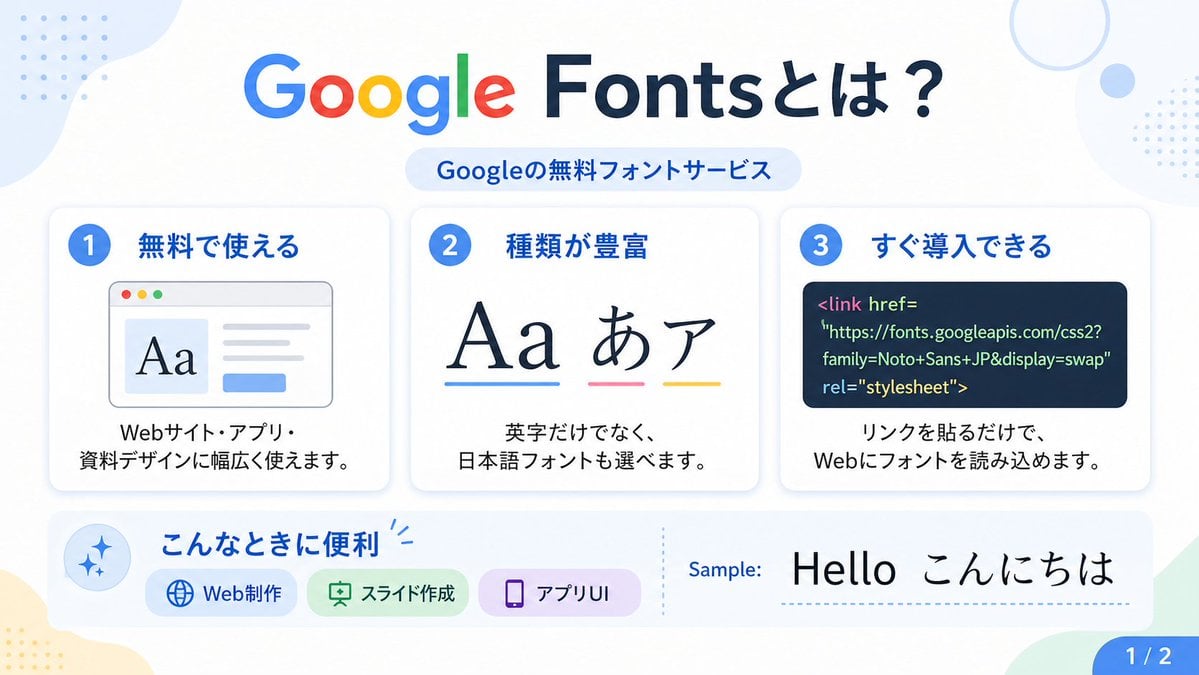
Google Fonts Japanese Infographic
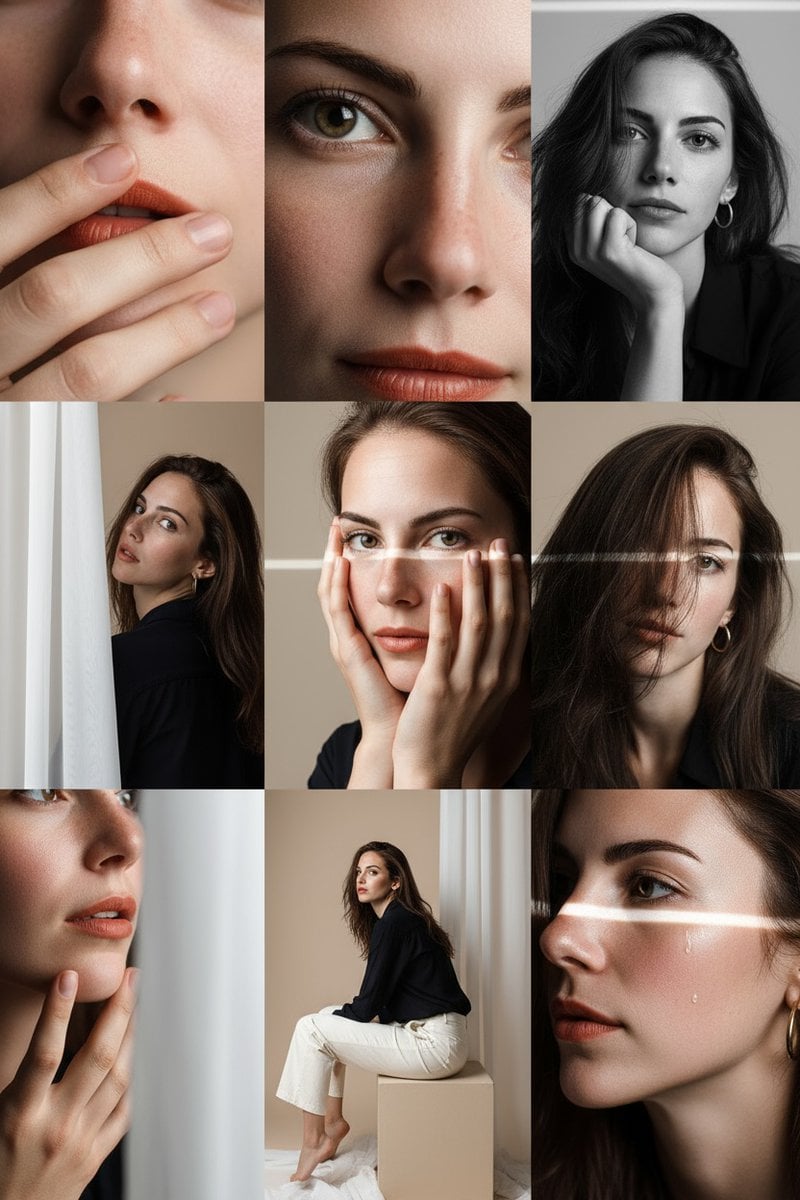
Gemini Nano-Banana Photo Prompt
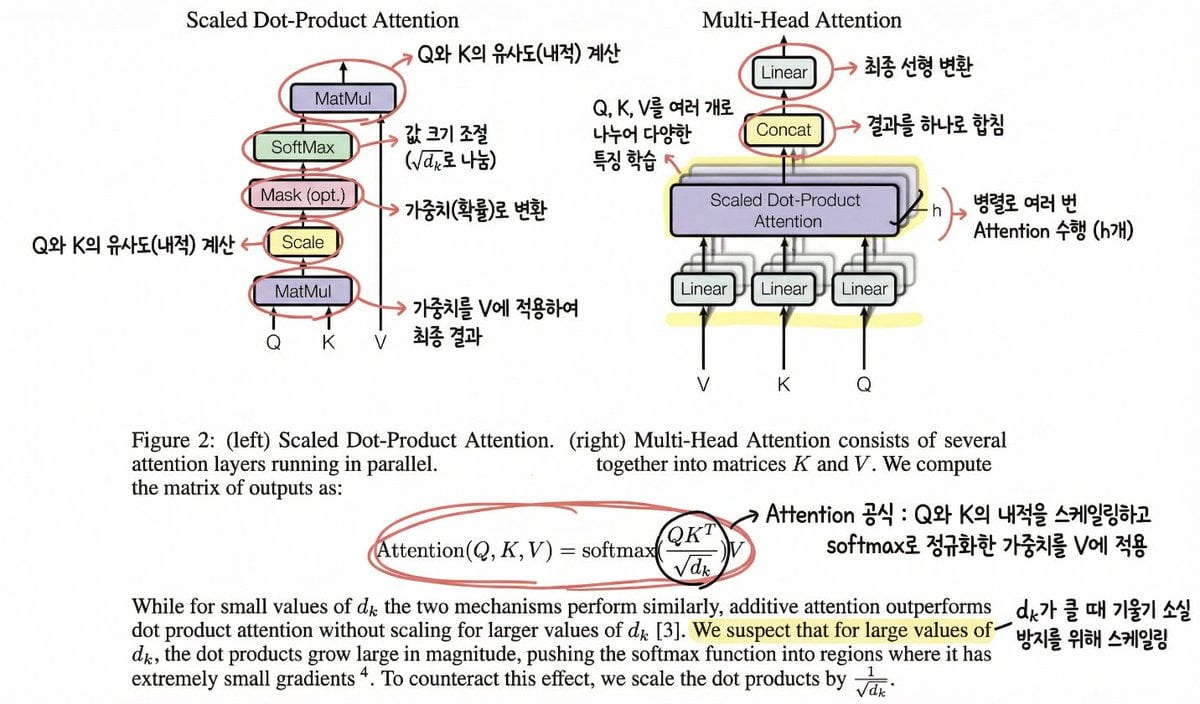
Annotating the 'Attention Is All You Need' Paper
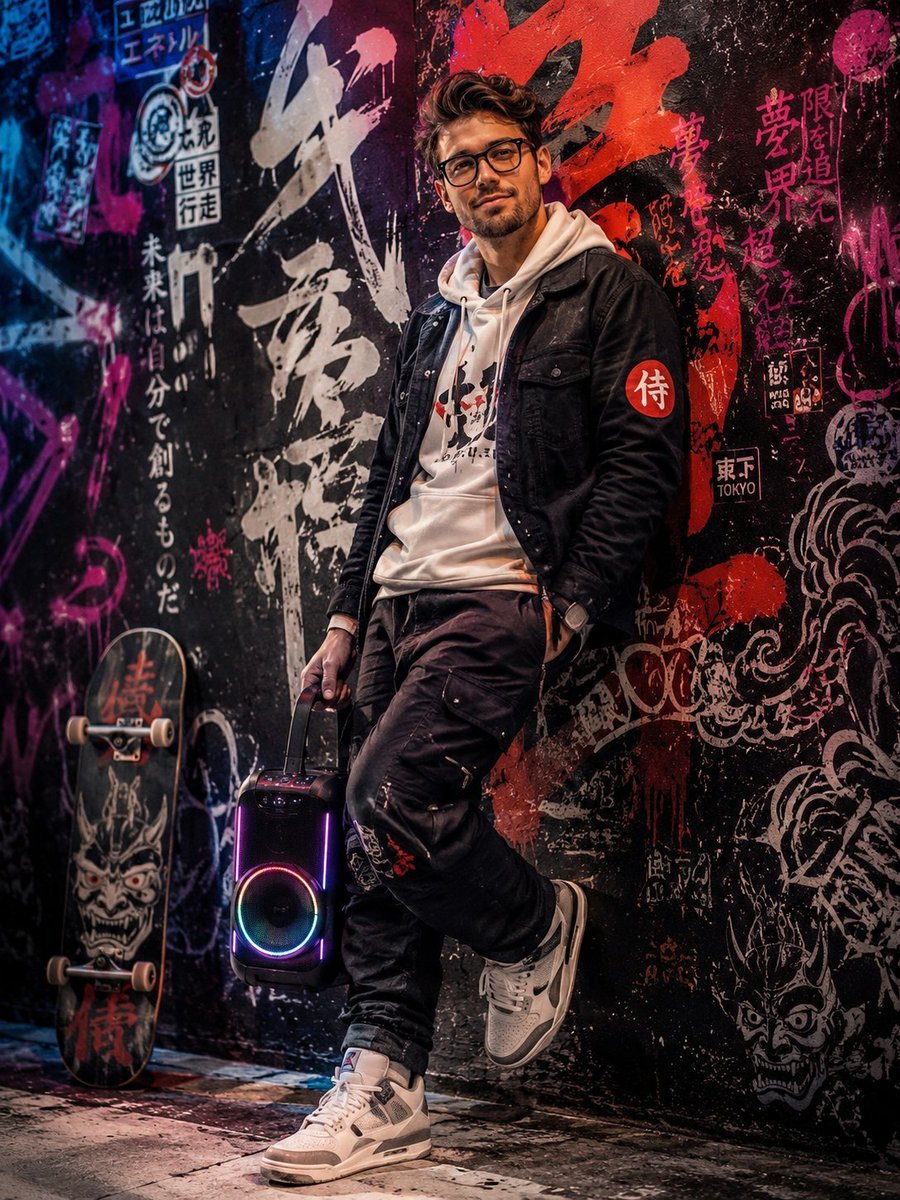
Japanese Graffiti Art Portrait
Browse template categories
Magical Girl AI Music Thumbnail questions
How do I use the Magical Girl AI Music Thumbnail template?
Add your photo if the template asks for one, edit the prompt if you like — the template's model and format are already selected — and press Generate. Your version opens in PicX Studio.
Can I customize the Magical Girl AI Music Thumbnail template?
Yes. You can change the subject, setting, lighting, mood, format, and available model controls before creating your image.
Is the Magical Girl AI Music Thumbnail template free?
Opening and editing this template is free. Generating uses credits, shown on the Generate button when you are signed in.
Which AI model should I use?
Start with GPT Image 2, which is the model associated with this template. You can compare another compatible model for a different finish.
Looking for something else? Browse all templates.

Your photo, any look
Thousands of ready templates for every top image and video model, from one credit balance.