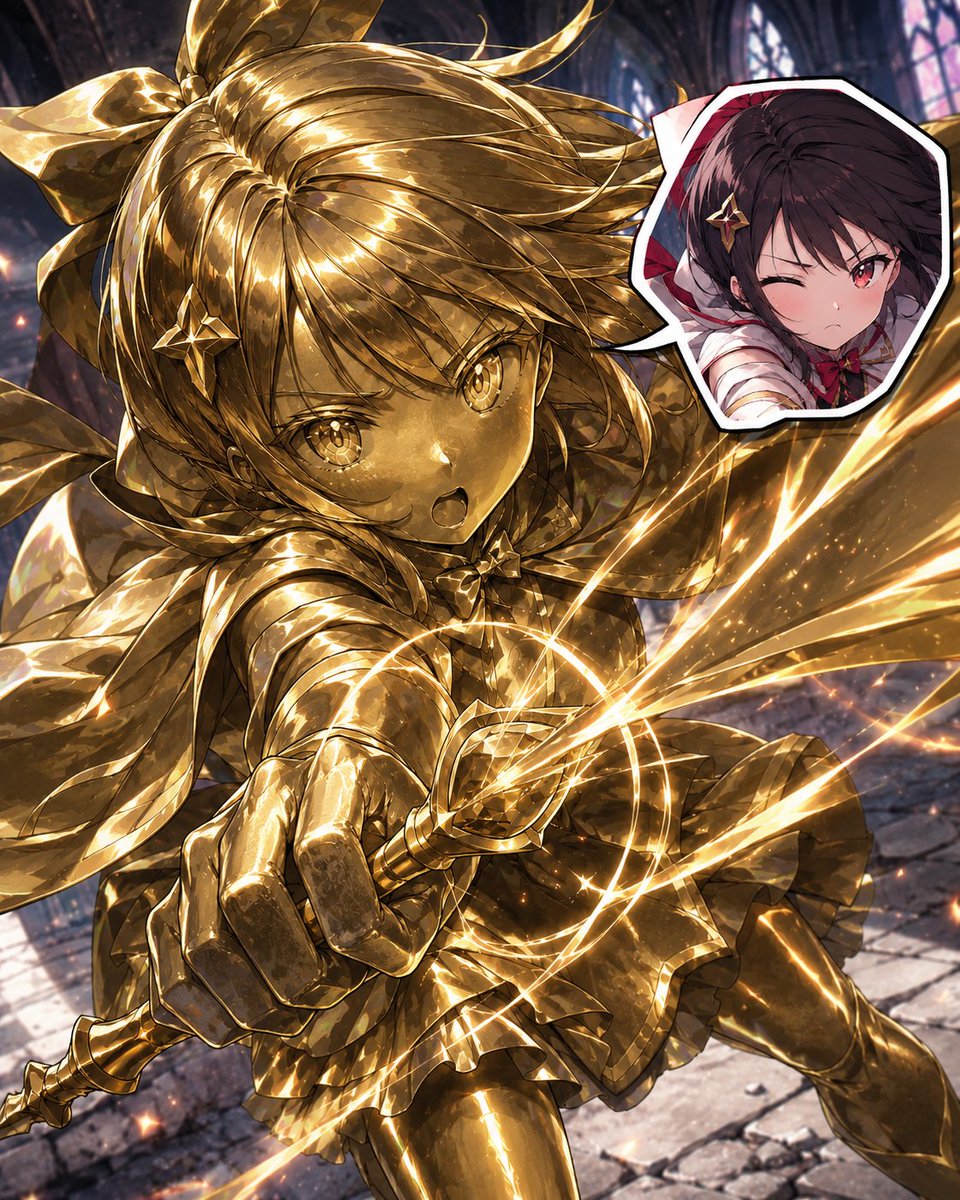
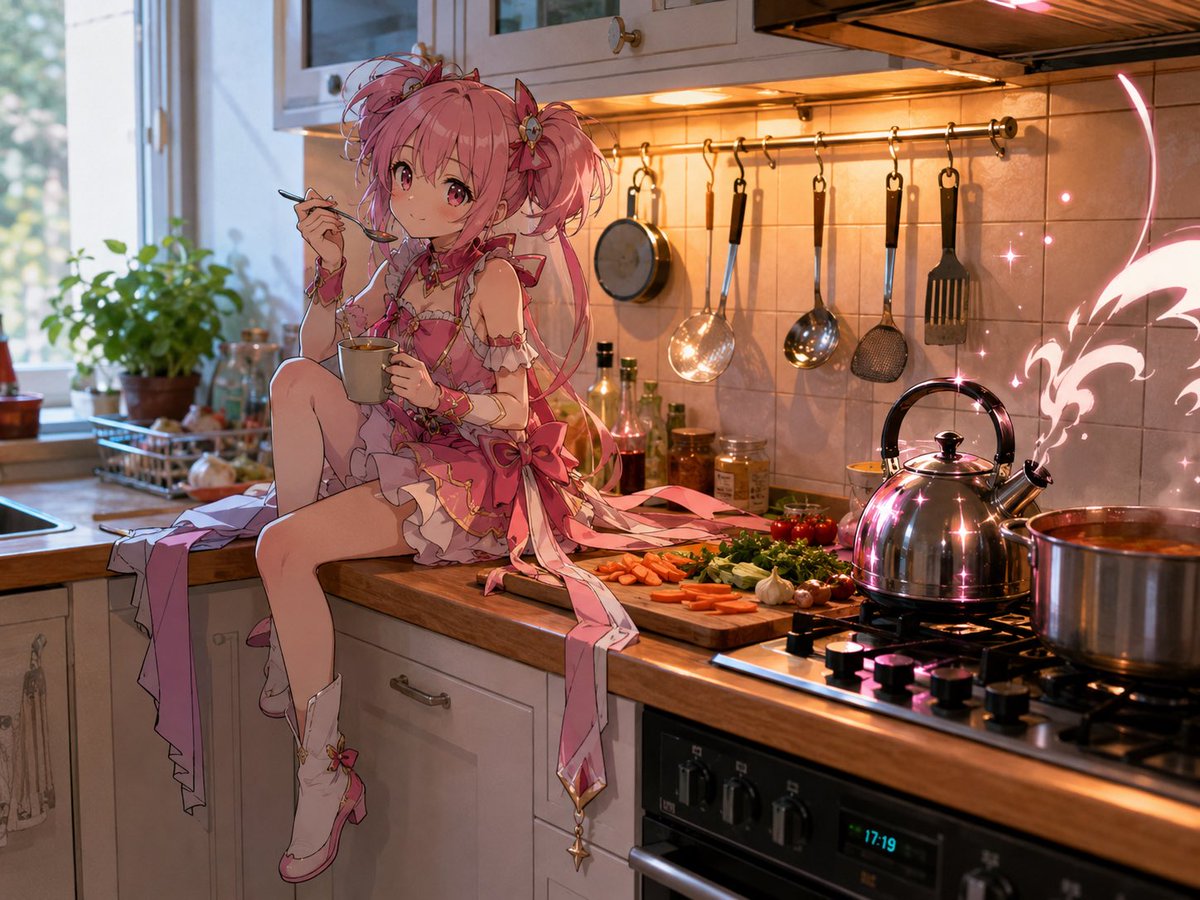
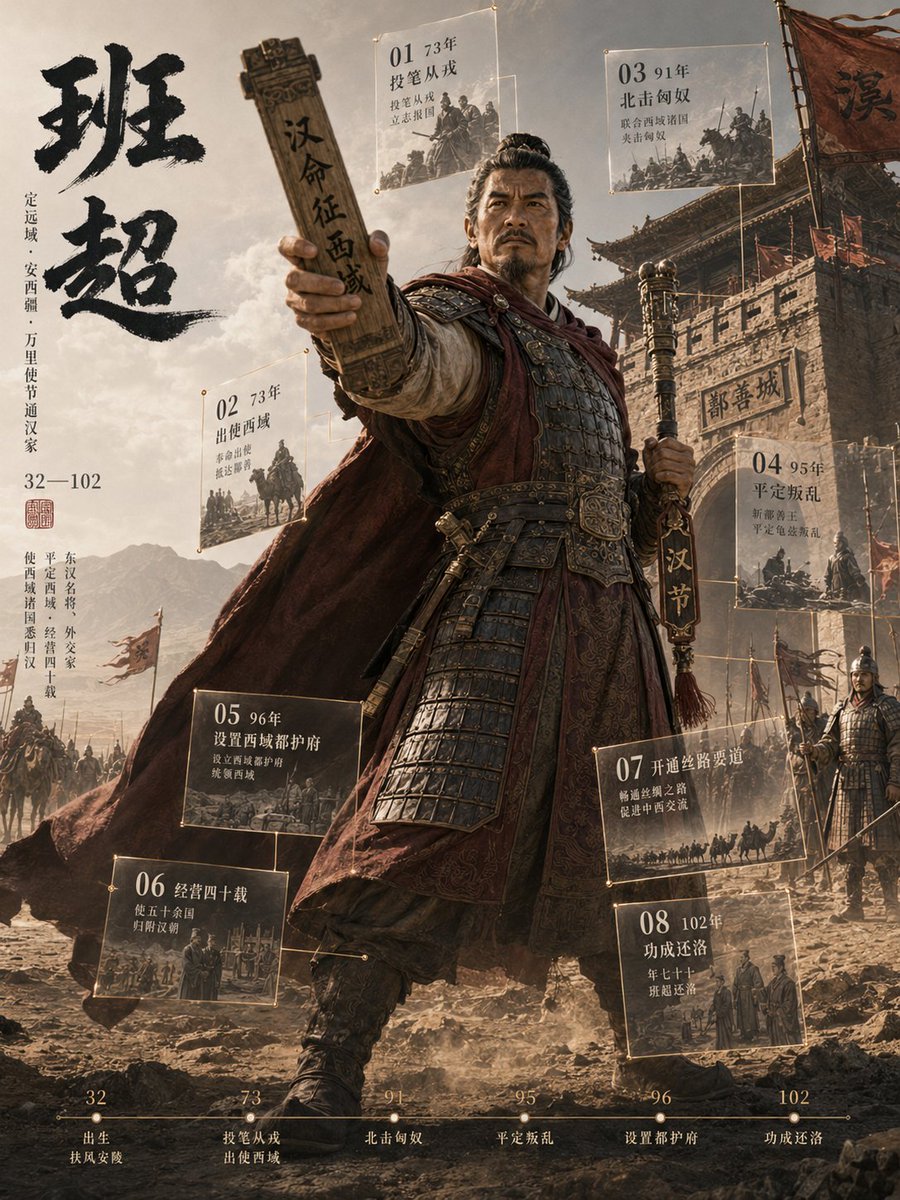
How do I use the Magical Girl Transformation Storyboard template?
Choose the primary action to open PicX Studio with the available template settings. Review the model and format, personalize the creative direction, and generate when ready.
Creates a 10-panel horizontal storyboard that turns a reference character into a 15-second pastel magical-girl transformation sequence.
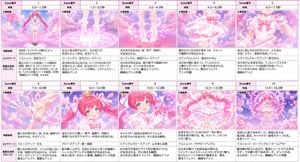
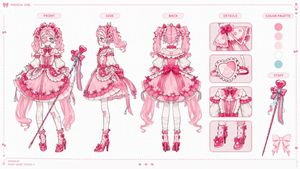
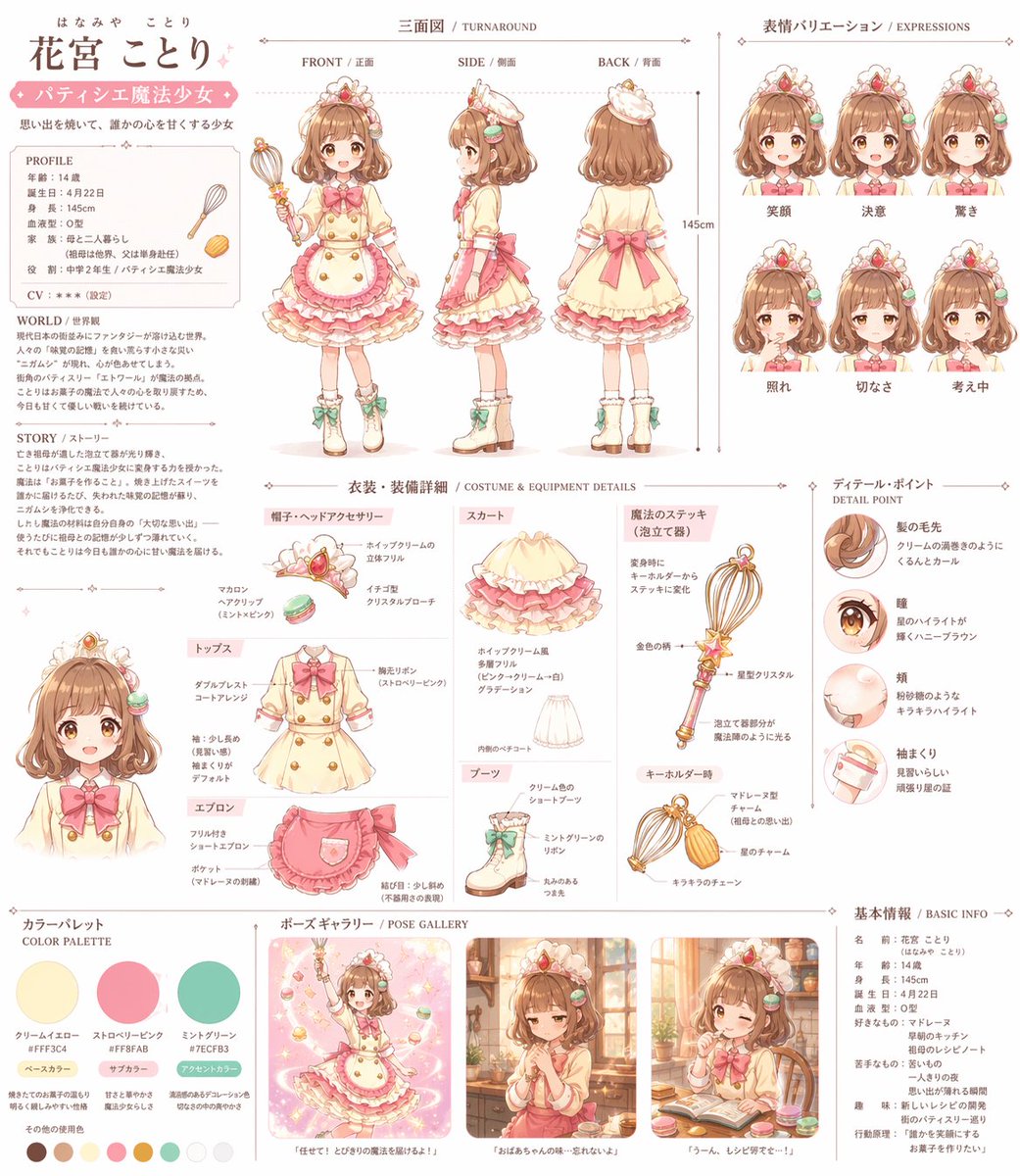
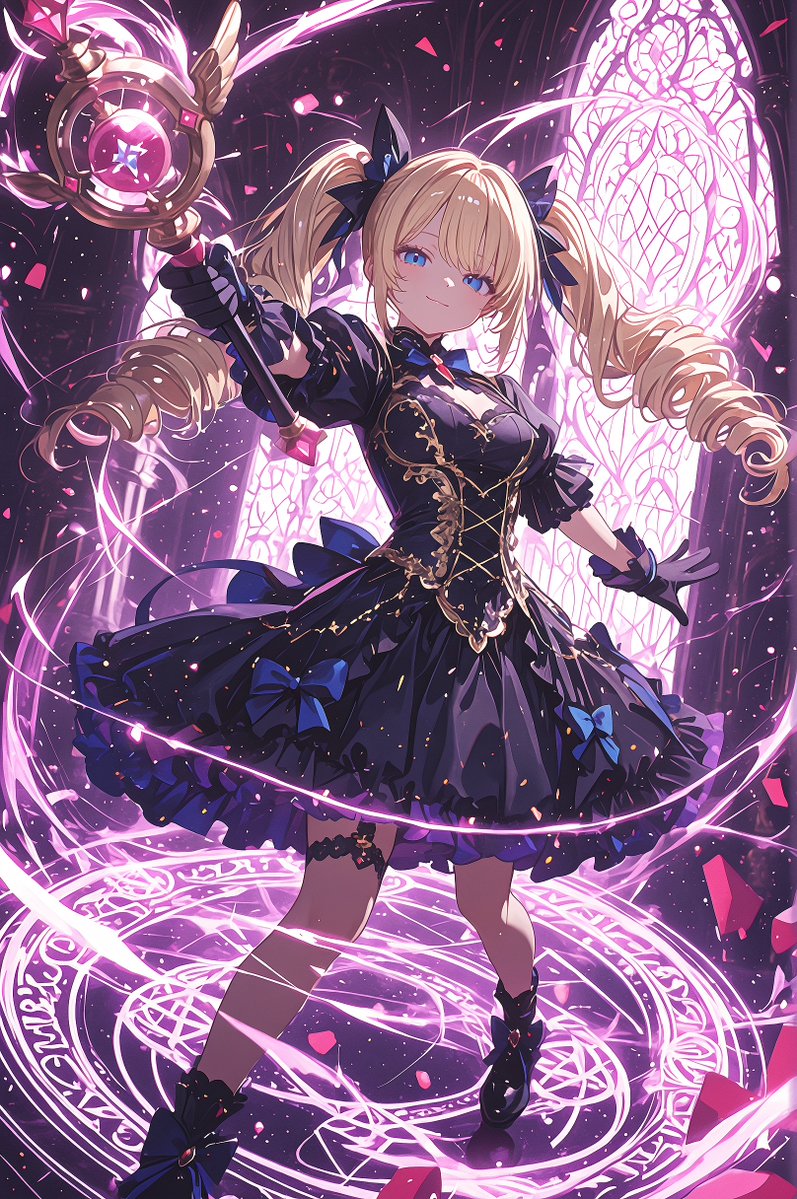
Using the provided reference image as the character base, create a horizontal magical-girl transformation storyboard for a {argument name="video length" default="15 seconds"} sequence. Analyze and preserve the character’s face, hairstyle, hair color, eyes, body type, outfit details, accessories, motifs, and overall pink magical world aesthetic from the reference while showing the transformation as a cinematic sequence. Format: Wide storyboard sheet with exactly 10 panels arranged in a 2-row by 5-column grid. Each panel must have a small storyboard table layout with Japanese labels, including Scene number, time range, split image, scene description, camera work, and video generation prompt. Use a clean pink-bordered production storyboard style. Panel sequence and timing: 1: 0.0–1.5s, the character stands before transforming on a glowing magic circle in a dreamy pink sky. 2: 1.5–3.0s, close-up of feet as magic circles and light particles rise. 3: 3.0–4.5s, shoes, socks, and leg decorations appear in sparkling light. 4: 4.5–6.0s, skirt forms as ribbons and luminous fabric wrap around the waist. 5: 6.0–7.5s, upper-body outfit forms with blouse, bow, and shoulder details. 6: 7.5–9.0s, arm accessories, sleeves, gloves, and wrist decorations appear. 7: 9.0–10.5s, close-up of the face and upper body as hair ornaments, ribbons, ears/head accessories, and a small crown-like ornament sparkle into place. 8: 10.5–12.0s, the character receives or summons a signature magical item/weapon, with face partially obscured by bright transformation light if needed. 9: 12.0–13.5s, full-body reveal with hair, skirt, and ribbons swirling dramatically in radiant pink light. 10: 13.5–15.0s, final heroic pose with a large magic circle behind her and cute mascot-like elements around the scene. Style: pastel pink anime magical-girl aesthetic, soft clouds, hearts, sparkles, glowing runes, ribbons, luminous particles, dreamy fantasy lighting, delicate line art, high saturation pinks and whites. Keep the storyboard readable and production-oriented, with Japanese text blocks in each panel. Add a title-free grid only; no watermark. Customization: The transformation theme should be {argument name="transformation theme" default="pink heart-and-ribbon magical girl"}, and the final magical item should be {argument name="magical item" default="a cute pink wand-like weapon"}.
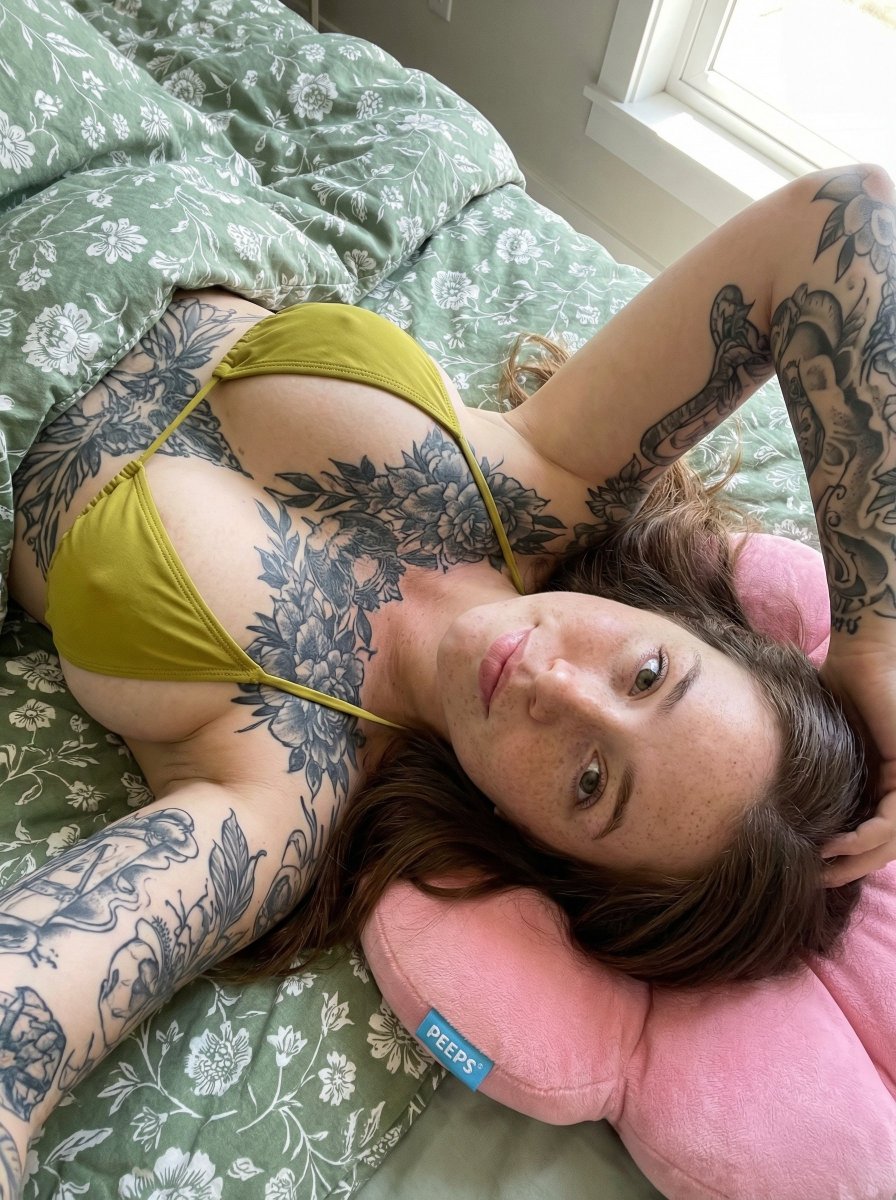
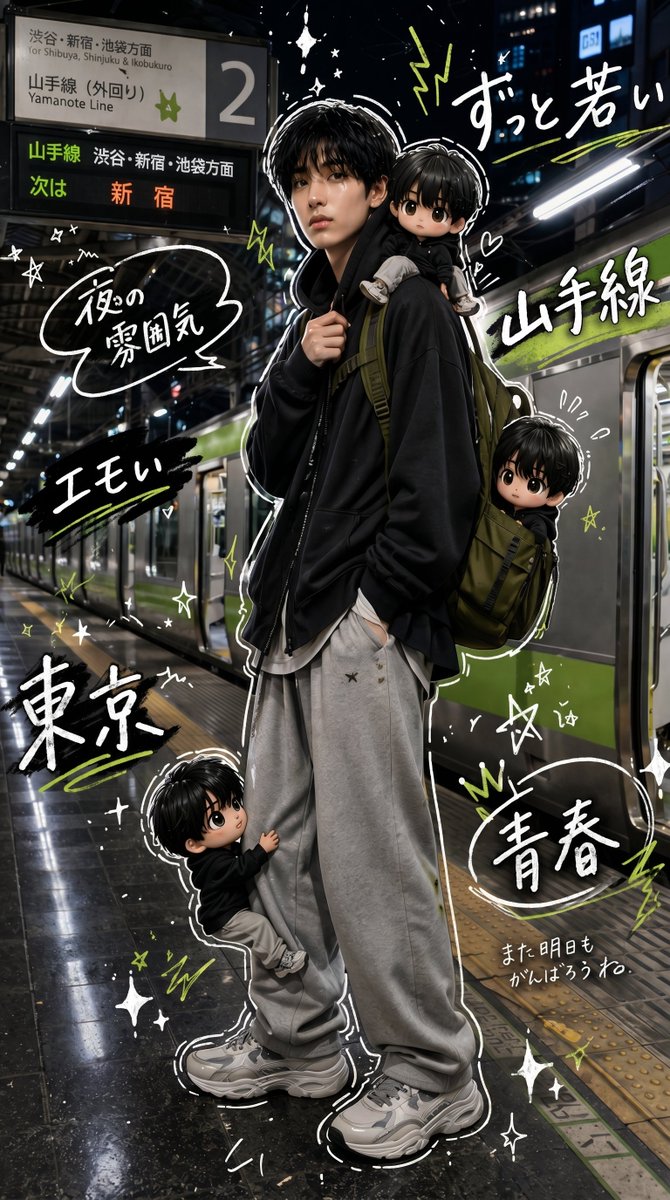
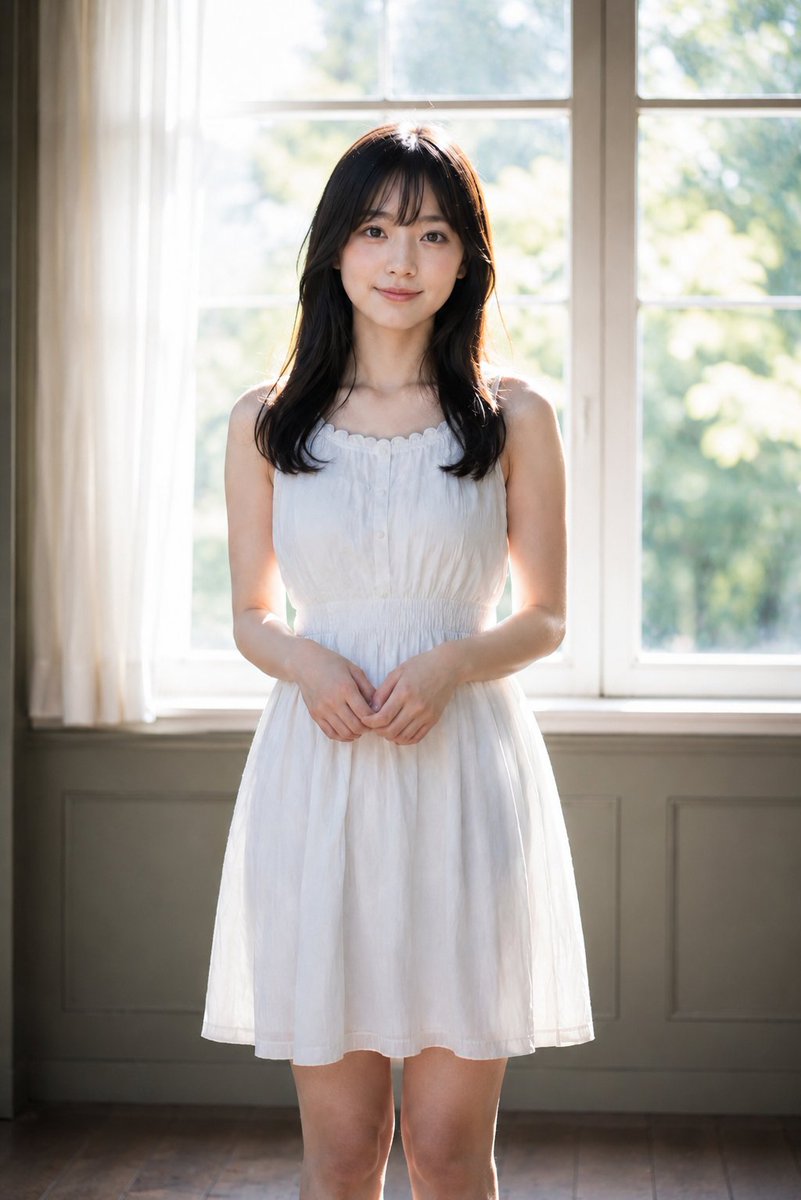
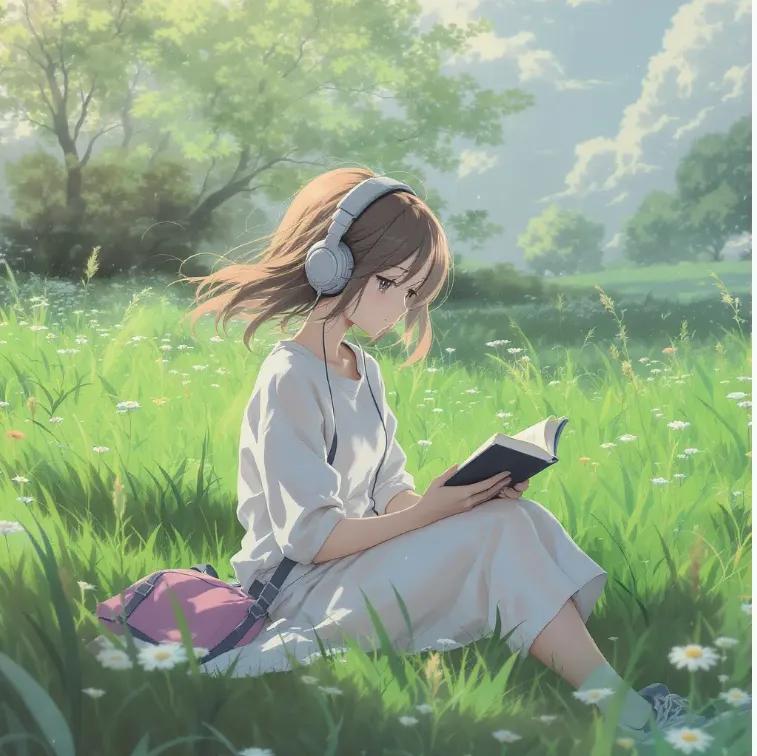
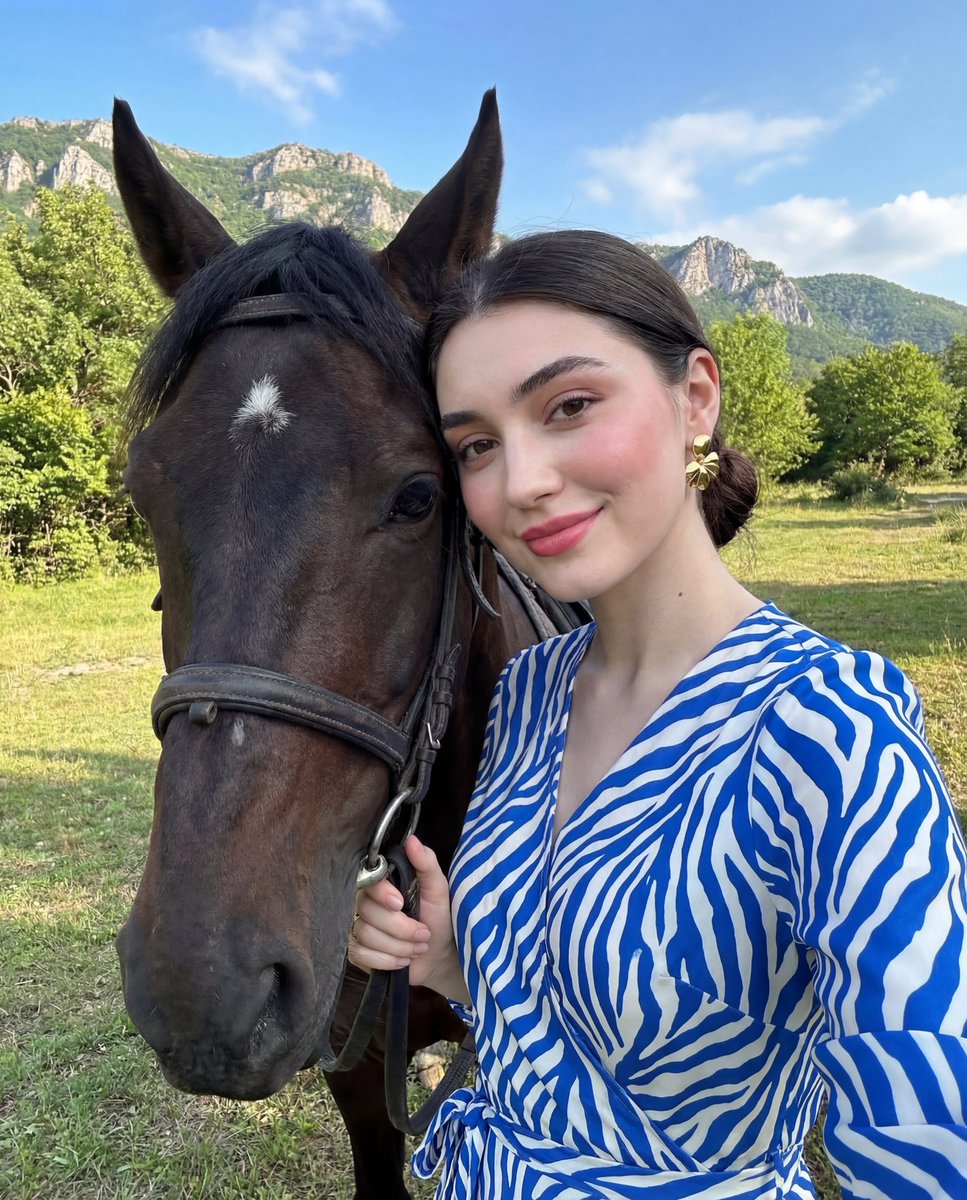
Magical Girl Transformation Storyboard needs input media to work. Open it in the studio and these load alongside the prompt — pick whichever ones your chosen model can take.
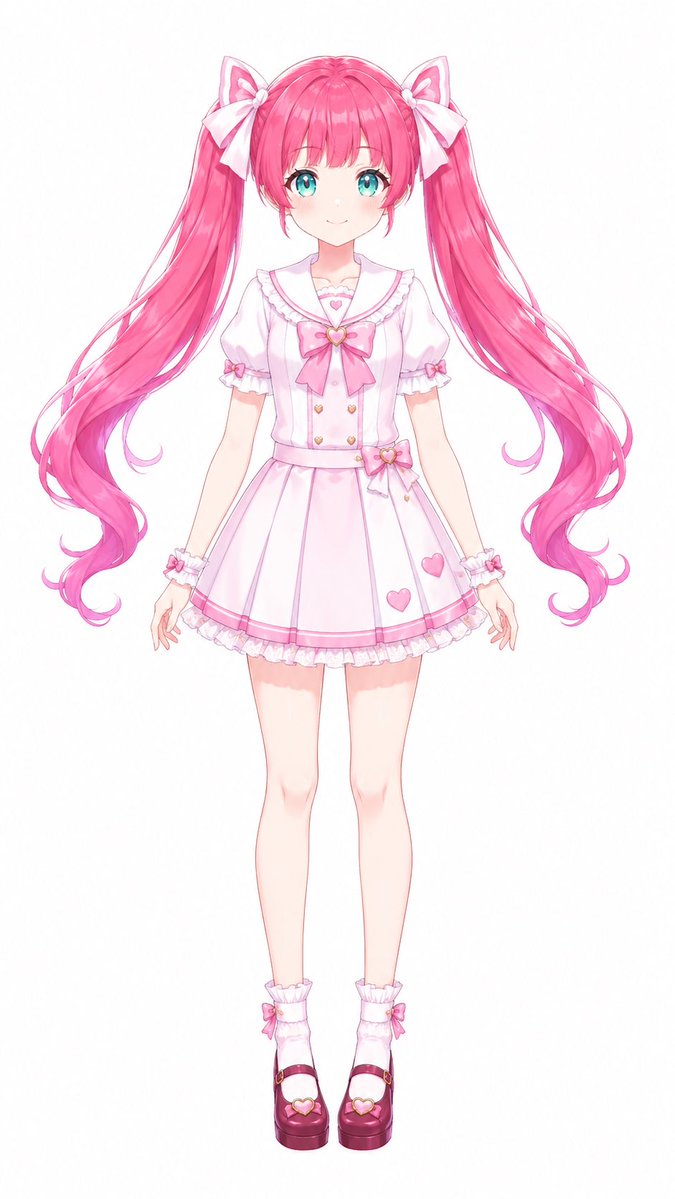
Choose the primary action to open PicX Studio with the available template settings. Review the model and format, personalize the creative direction, and generate when ready.
Yes. You can change the subject, setting, lighting, mood, format, and available model controls before creating your image.
This template is free to open and customize. Generation usage is shown in PicX Studio before you create.
Start with GPT Image 2, which is the model associated with this template. You can compare another compatible model for a different finish.
Follow a topic to a crawlable collection of related PicX Studio templates.