
Classical Character MBTI Infographic Poster
A sophisticated prompt for creating a high-end Chinese-style MBTI infographic poster of a classical character, featuring a 3D pop-out effect, ink wash aesthetics, and detailed information modules.
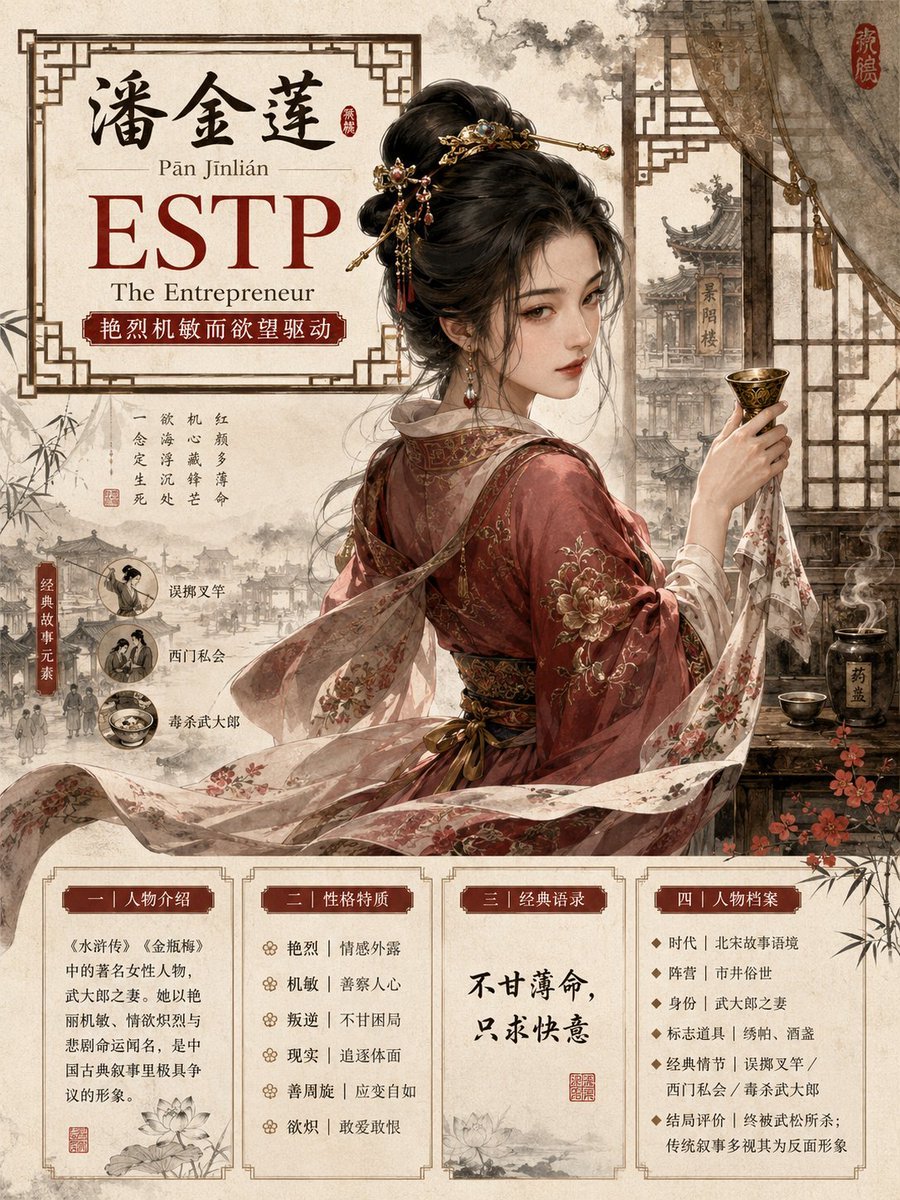
- Prompt included
- Model and format preset
- Free template
The prompt behind this image
Copy the exact prompt behind Classical Character MBTI Infographic Poster, or open it in the studio and make it yours.
Please generate a [Chinese Classical Figure MBTI Premium Guofeng Infographic Poster]. [Character] Character name: {argument name="Character Name" default="Pan Jinlian"} [Preliminary Analysis Requirements] First, based on this character's mainstream image in classical Chinese literature, historical narrative, or folk culture, complete and apply the following information: Character's pinyin: use standard Hanyu Pinyin, with tone marks preferred MBTI type: choose the type that best matches the character's core personality MBTI English title: use a common MBTI title, such as The Commander / The Logistician / The Advocate Chinese personality tag: summarize the character's temperament in 8-14 characters Character trait extraction: identity/role, core values, 4-6 personality keywords, signature styling elements, representative prop / weapon / mount, 1-3 classic story elements, the character's fate or historical evaluation If the material is disputed, use the version that best matches popular perception; uncertain information must not be fabricated; if a classic quote's source cannot be confirmed, rewrite it as an original short line matching the character's spirit, and avoid fabricating famous quotes. [Overall Style] Vertical 3:4 composition, 4K ultra-HD, premium guofeng (Chinese-style) character-design poster. The image blends: Chinese ink wash painting, light-color gongbi (fine brushwork), xuan-paper texture, traditional Chinese patterns, and modern premium infographic layout. The background is a warm off-white xuan-paper tone, with light ink clouds and mist, key-fret patterns, a lattice window screen, and vermilion seal-stamp accents. Overall feel: elegant, dignified, collector's-edition quality, richly cultural, clean and premium. [Core Visual: 3D Breaking Out of the Frame] The main character must have a strong semi-realistic "3D breaking out of the frame / bursting from the frame / leaping out of the painting" effect. The character's upper body or full body should be located in the central visual area, creating a clear sense of foreground/background depth. The character's sleeves, weapon, ribbons, hair/beard, mount, clouds/mist, or signature prop can break through the Chinese-style border, creating a raised, relief-like sense of emerging from the frame. The visual focus must be the character, and it must not be overtaken by text, background, or decoration. Maintain an Eastern classical aesthetic — no modern game UI, no cyberpunk, no Western fantasy armor, no exaggerated anime face. [Character Styling] Design based on the mainstream image of {argument name="Character Name" default="Pan Jinlian"}: retain the most recognizable attire, facial features, posture, props, and period atmosphere; the expression must match the character's personality — dignified, calm, tragic, refined, defiant, benevolent, or resourceful, as determined by the character's profile; the pose should carry a narrative quality, reflecting the character's fate and force of personality; the background may subtly incorporate a classic plot scene, but must not upstage the main subject. [Layout Structure] The poster is divided into three main areas: 1. Top title area: Main title: {argument name="Character Name" default="Pan Jinlian"} ({pinyin}), large-font MBTI: {MBTI type}, English title: {MBTI English title}, Chinese personality tag: {Chinese personality tag}, with the title area enclosed by a traditional lattice-window/grille border. 2. Middle main visual area: the character occupies the core of the image, where the 3D breaking-out-of-the-frame effect is most pronounced, rendered in ink-wash light color, with the background incorporating the character's representative story elements. 3. Bottom information area: designed as 4 neat modules, like a premium guofeng MBTI infographic. Module 1 | Character Introduction, Module 2 | Personality Traits, Module 3 | Classic Quotes, Module 4 | Character Profile. [Colors] Primary colors: xuan-paper off-white, light ink gray, vermilion red, deep gold. Secondary colors adjusted according to the character's temperament. Colors should be restrained, premium, not gaudy.
How to use Classical Character MBTI Infographic Poster in 3 steps
- 1
Open
The prompt is already in the box next to the preview, with the template's model and format selected.
- 2…a portrait of your subject in softgolden-hour light, 85mm…
Personalize
Edit the subject and creative details for your destination.
- 3Generate
Generate
Press Generate — your image is created in PicX Studio, so you can compare it with the original and refine one variable at a time.
More like this
Templates with the same subject, style or setup. Open one to see its prompt.

Japan Travel Brochure Poster

Gpt2 Infographic Edu Visual Ink Wash Tribute Poster for Chen Uen

Gpt2 Infographic Edu Visual Biomimetic Skyray Aircraft Poster

Cartoon TV Show Poster Pack

Trendy Cafe Drink Promo Poster

Urban Fashion Editorial Collage Streetwear Poster

Premium Fashion Editorial Cover Layout System

Polo Ralph Lauren Luxury American Heritage Fashion Campaign

Monochrome Halftone Editorial Fashion Poster

Retro Mirror Luxury Fashion Campaign Poster

Luxury Fashion Campaign Typography Poster System

Premium Fashion Editorial Campaign Poster System
Make it yours
Classical Character MBTI Infographic Poster works as-is. These are the safest ways to change it without losing the look.
Change one field
Copy a single group, rewrite it, and generate again so you can see what that field is doing.
Keep the frame, change the subject
Hold the composition and light of Classical Character MBTI Infographic Poster, then swap wardrobe, props or the person for a new take.
| If the result… | Why | Fix |
|---|---|---|
| The result drifts from the preview | Too many fields changed at once. | Reuse Classical Character MBTI Infographic Poster as-is first, then change one group — subject, light, or setting. |
| The model over-stylizes the scene | The prose prompt leaves finish and camera underspecified. | Add one camera or lighting sentence and stay on GPT Image 2. |
More GPT Image 2 templates
Other prompts made for GPT Image 2.

Six VTuber Japanese Logo Sheet

Realistic Portrait of Woman and Deer

The Vista Modular Condo Poster

AI Model Routing Comparison Infographic

2.5D Anime Art Board

Isometric Productivity Desk Scene

New York Double Exposure Poster

Four-Panel AI Landscape Comparison

Japanese Tatami Lifestyle Magazine Cover

NESCAFÉ Coffee Map Poster
More image prompts
Fresh picks from across the catalog.
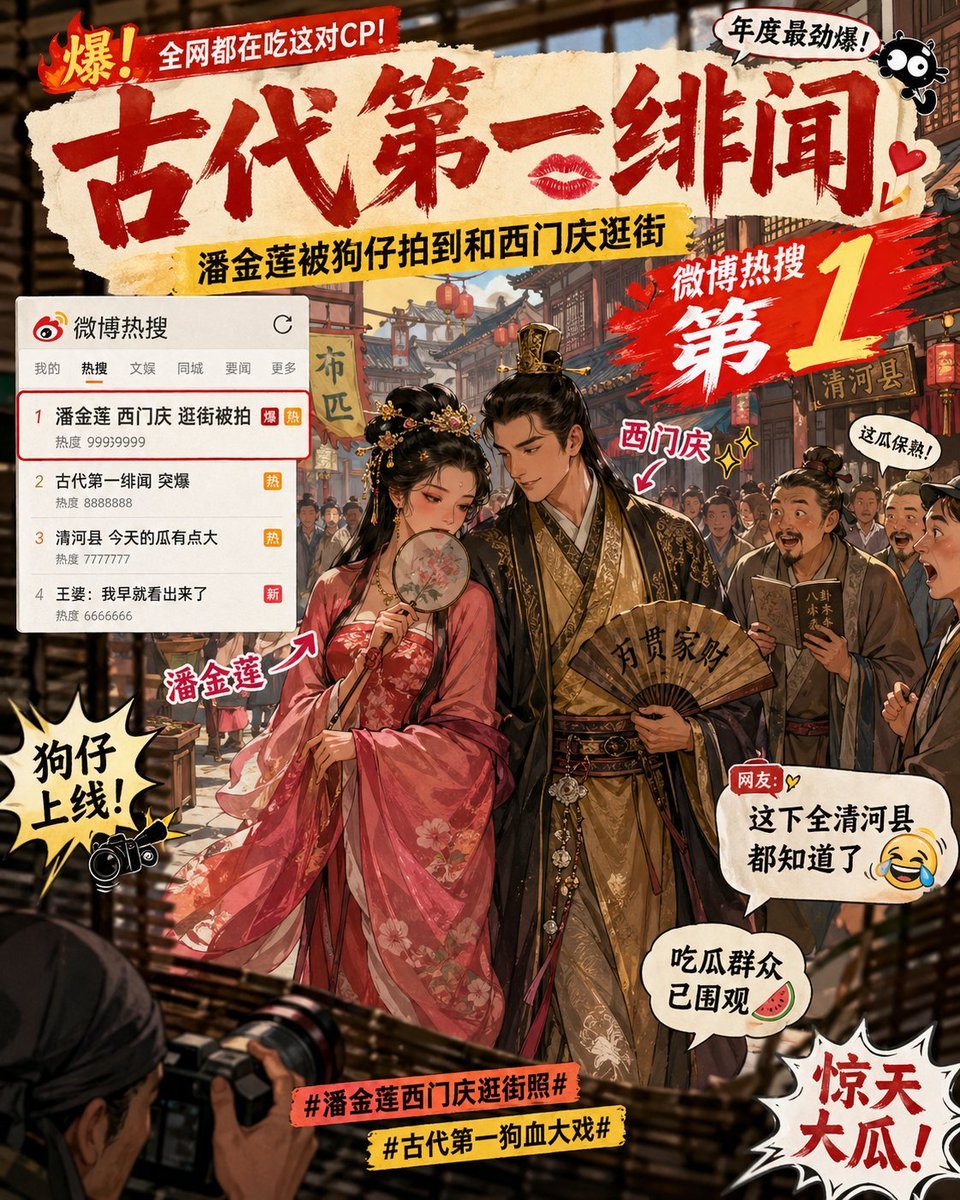
Ancient Paparazzi Scandal News
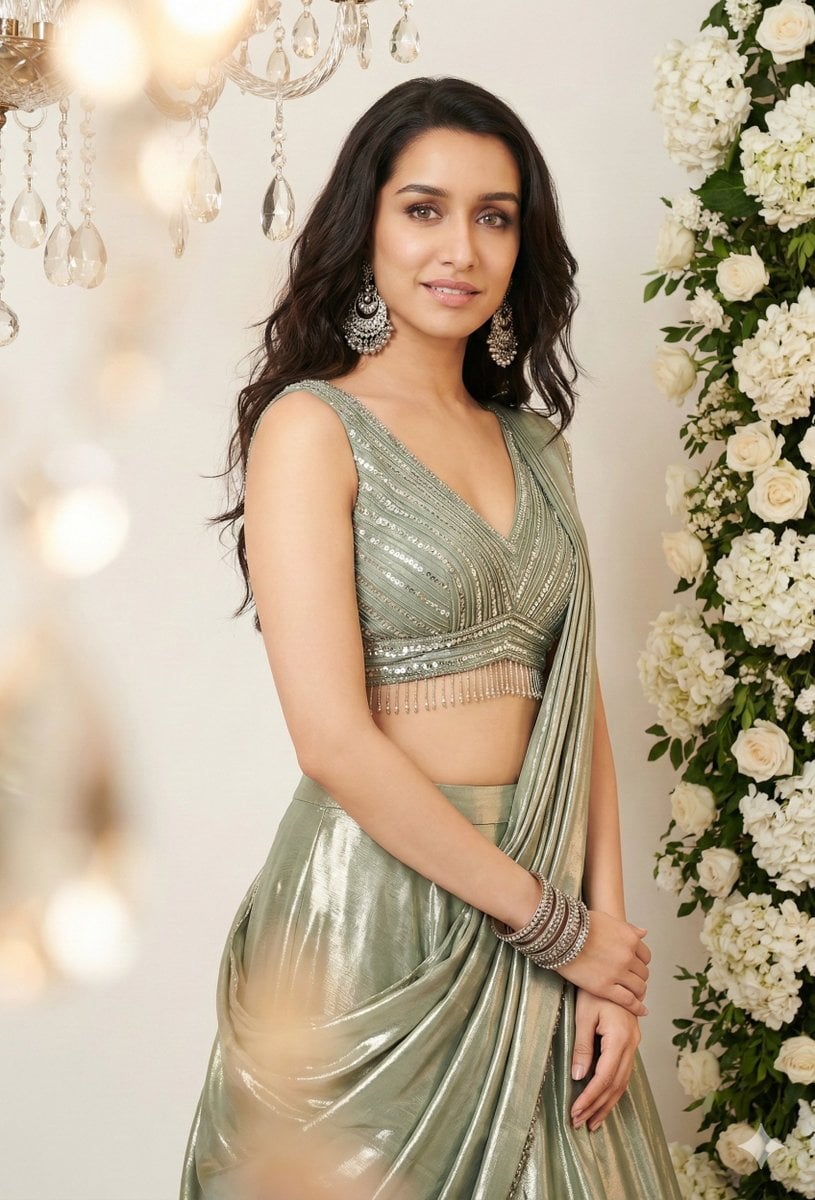
Indian Saree Fashion Portraits (Two Prompts)
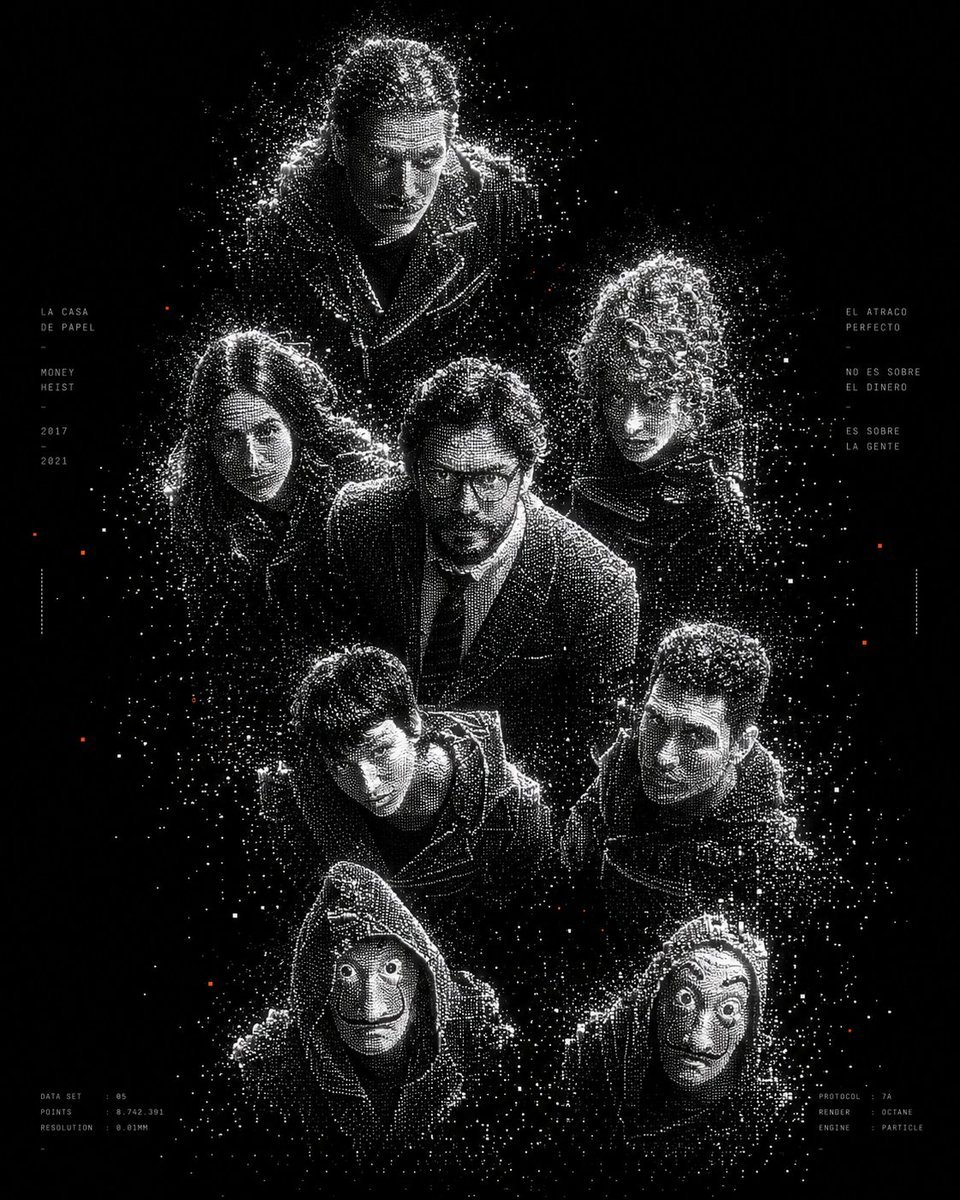
Monochrome Particle Render Art
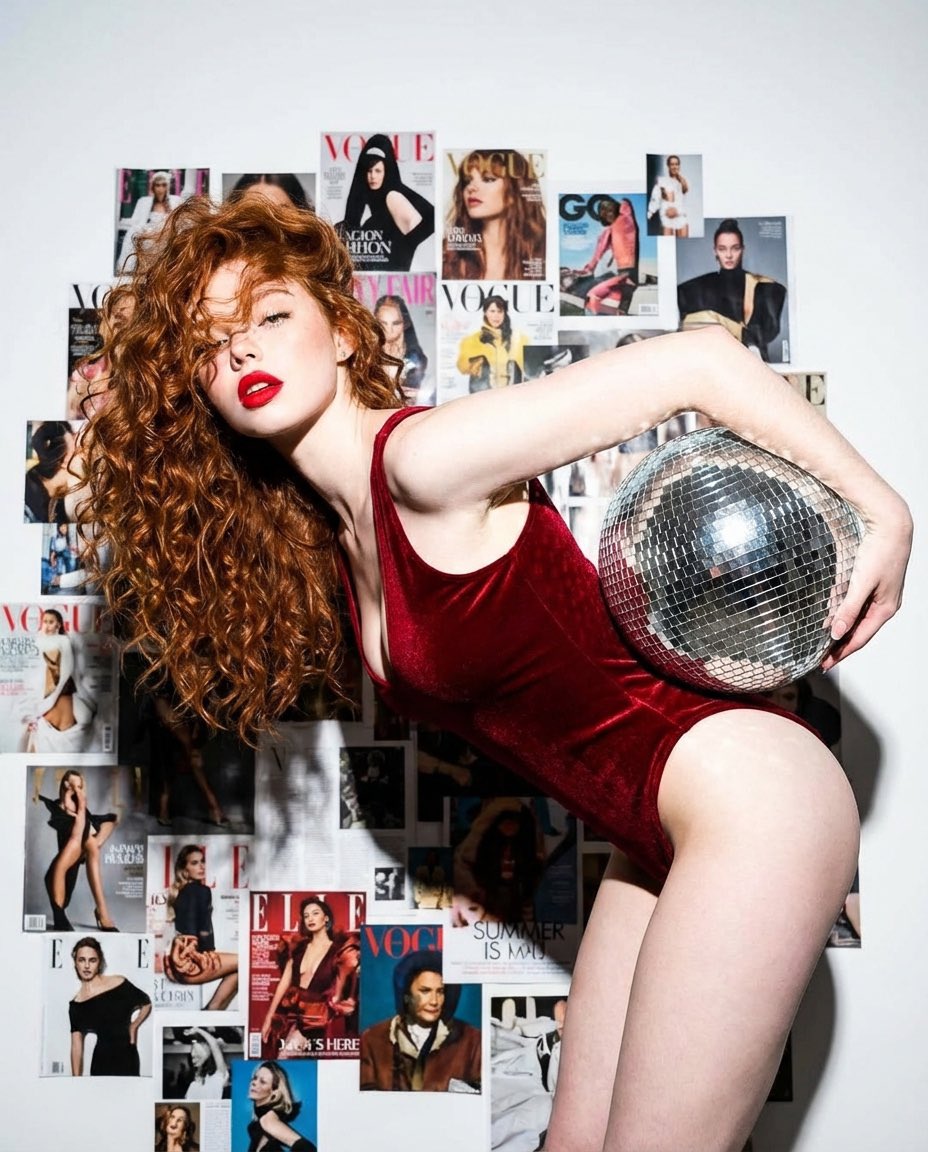
Disco Dreams Fashion Editorial Portrait
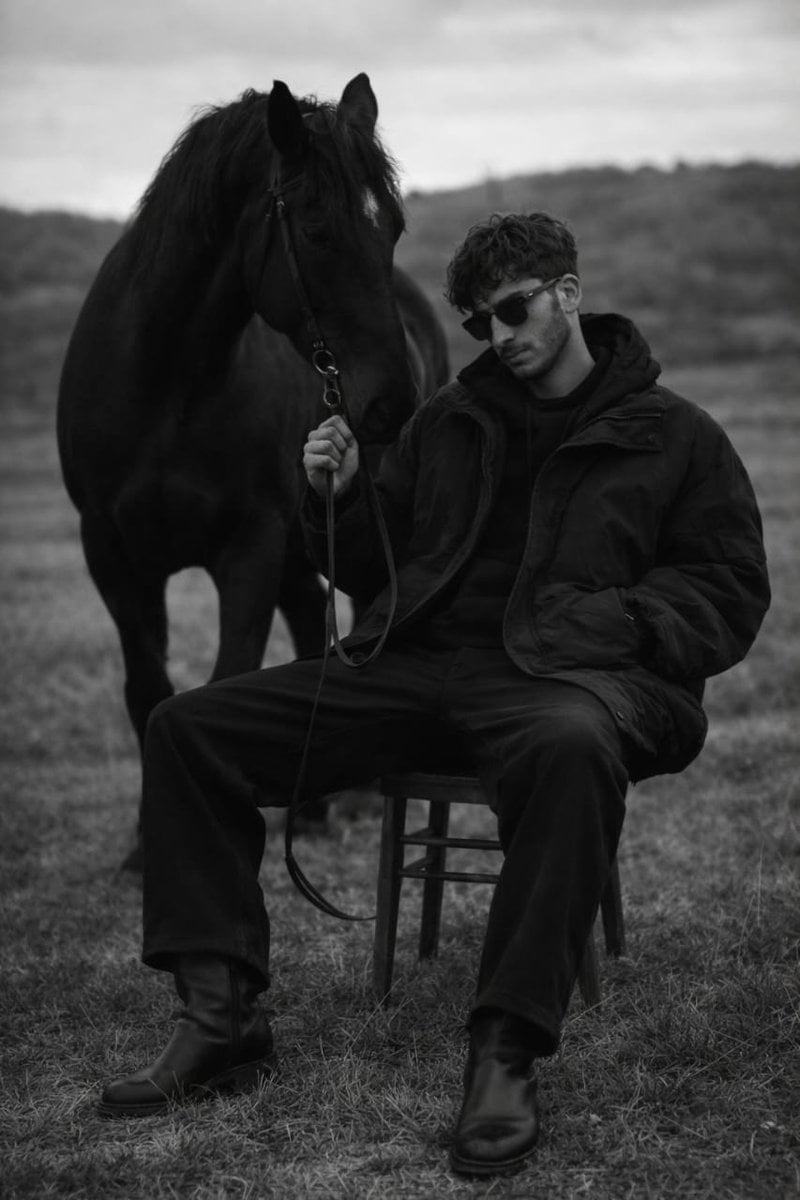
Monochrome Editorial Portrait: Man and Horse
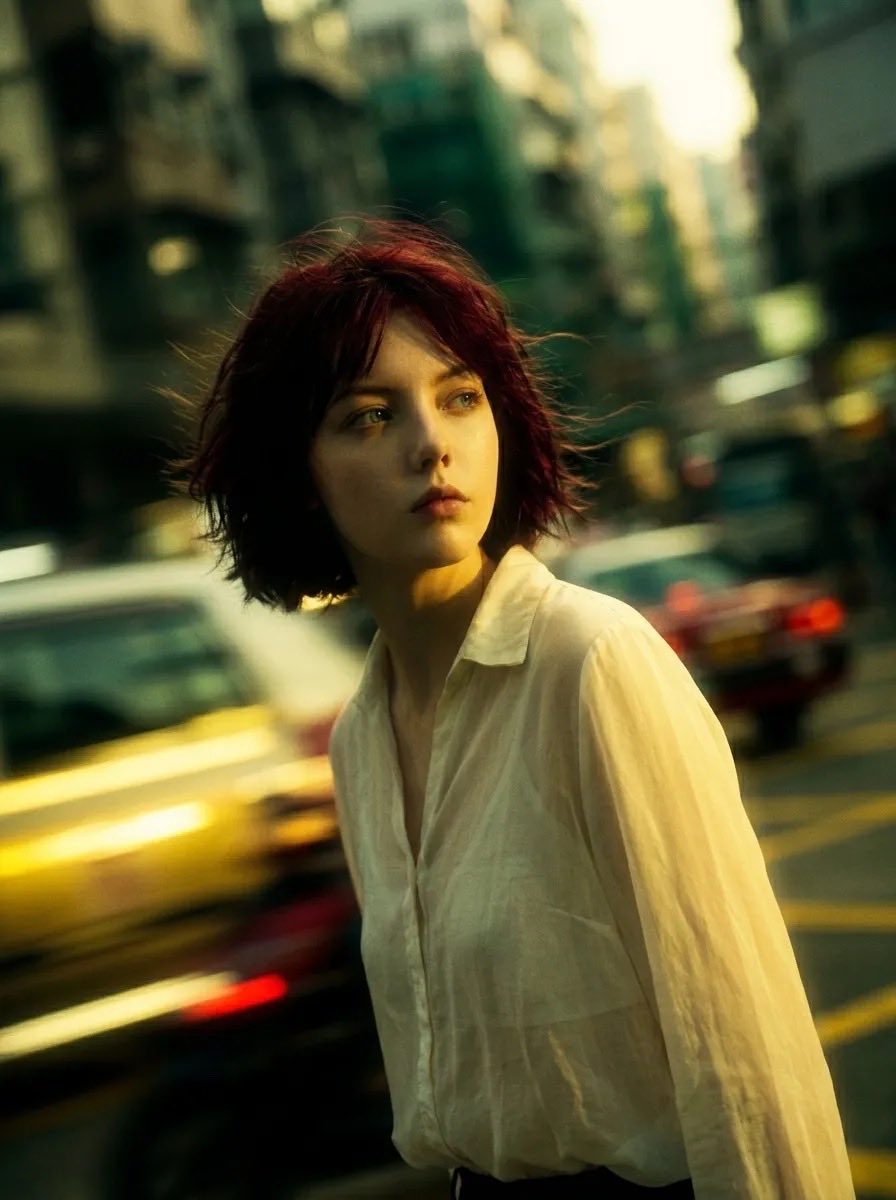
Cinematic Urban Street Portrait
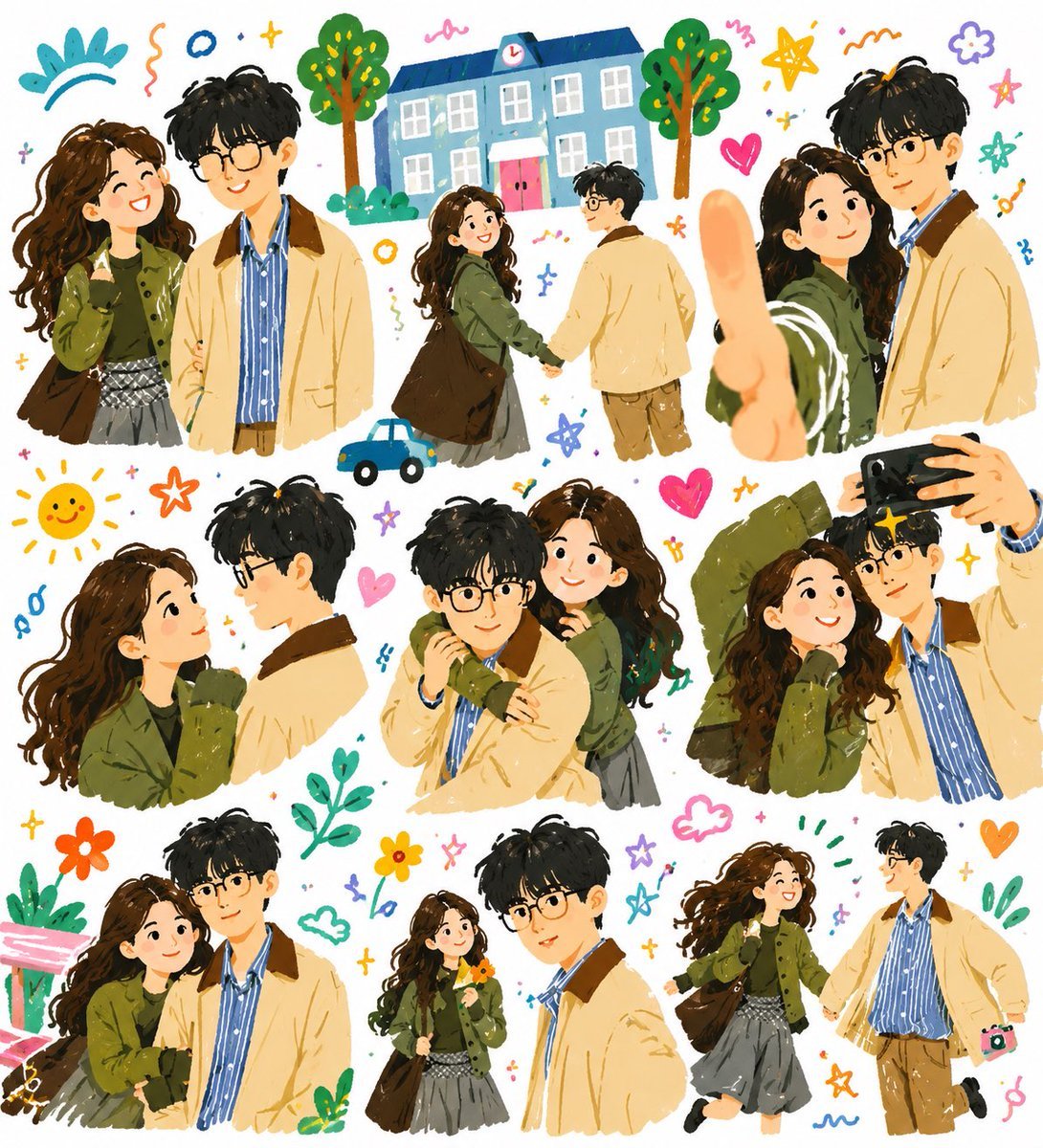
Whimsical Couple Diary Collage
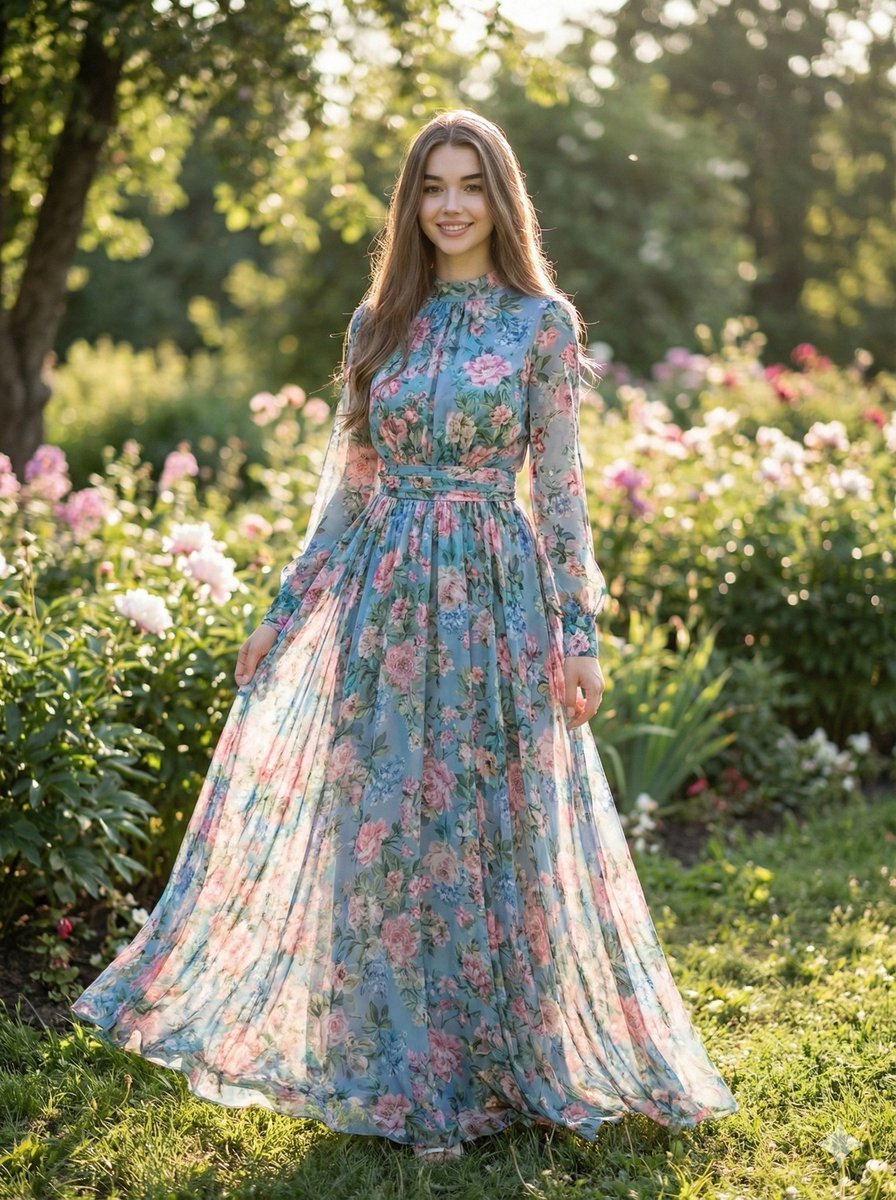
High-Fashion Street Style Portrait Prompt
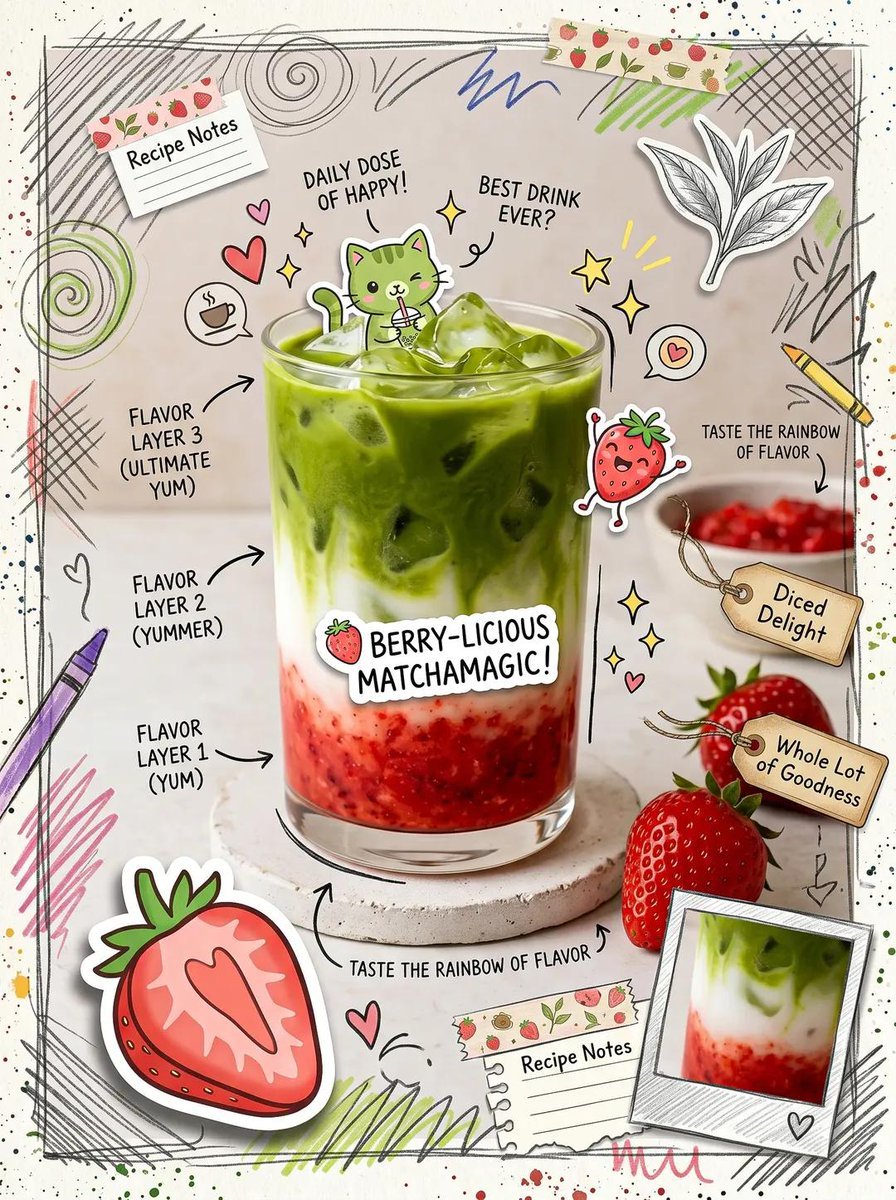
Kawaii Cafe Food Scrapbook Poster
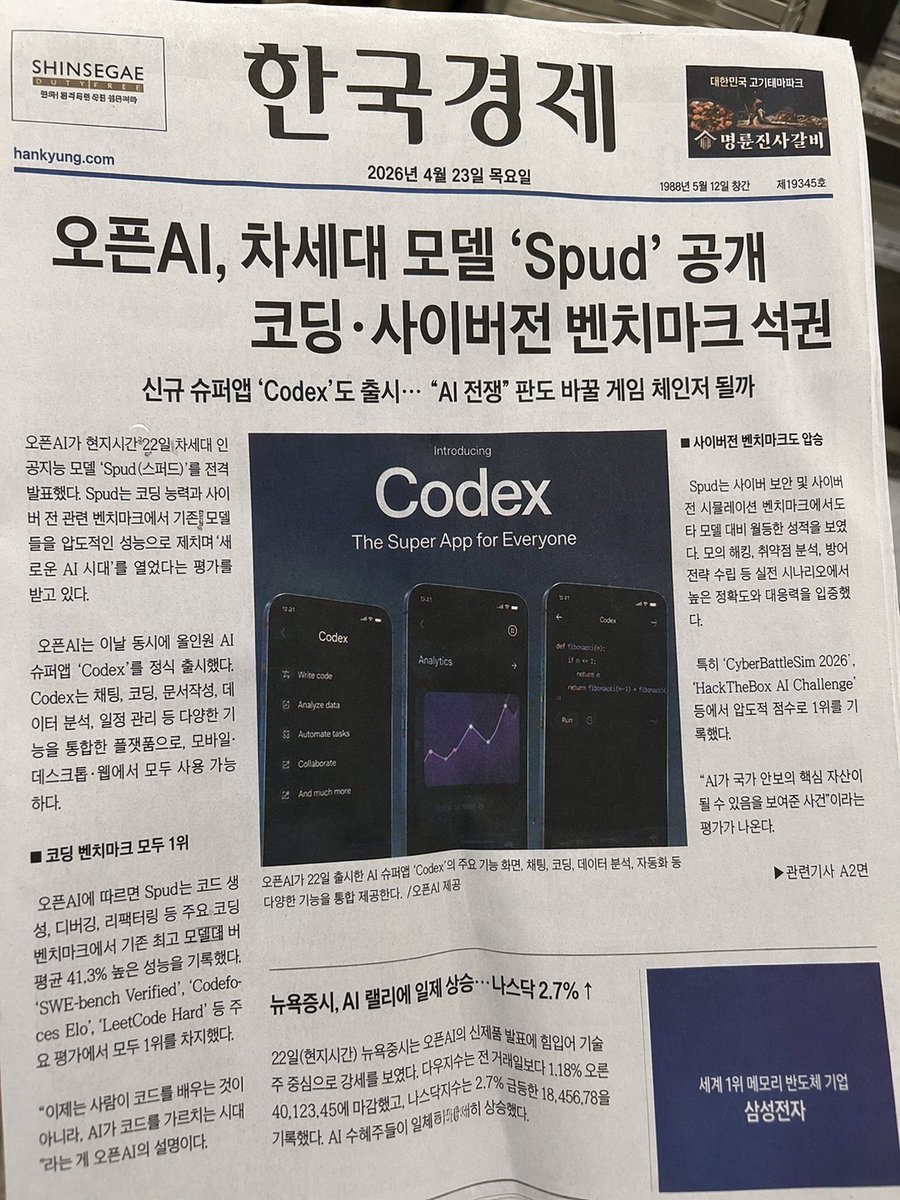
Photorealistic Korean Newspaper Front Page
Browse template categories
Classical Character MBTI Infographic Poster questions
How do I use the Classical Character MBTI Infographic Poster template?
Add your photo if the template asks for one, edit the prompt if you like — the template's model and format are already selected — and press Generate. Your version opens in PicX Studio.
Can I customize the Classical Character MBTI Infographic Poster template?
Yes. You can change the subject, setting, lighting, mood, format, and available model controls before creating your image.
Is the Classical Character MBTI Infographic Poster template free?
Opening and editing this template is free. Generating uses credits, shown on the Generate button when you are signed in.
Which AI model should I use?
Start with GPT Image 2, which is the model associated with this template. You can compare another compatible model for a different finish.
Looking for something else? Browse all templates.

Your photo, any look
Thousands of ready templates for every top image and video model, from one credit balance.