
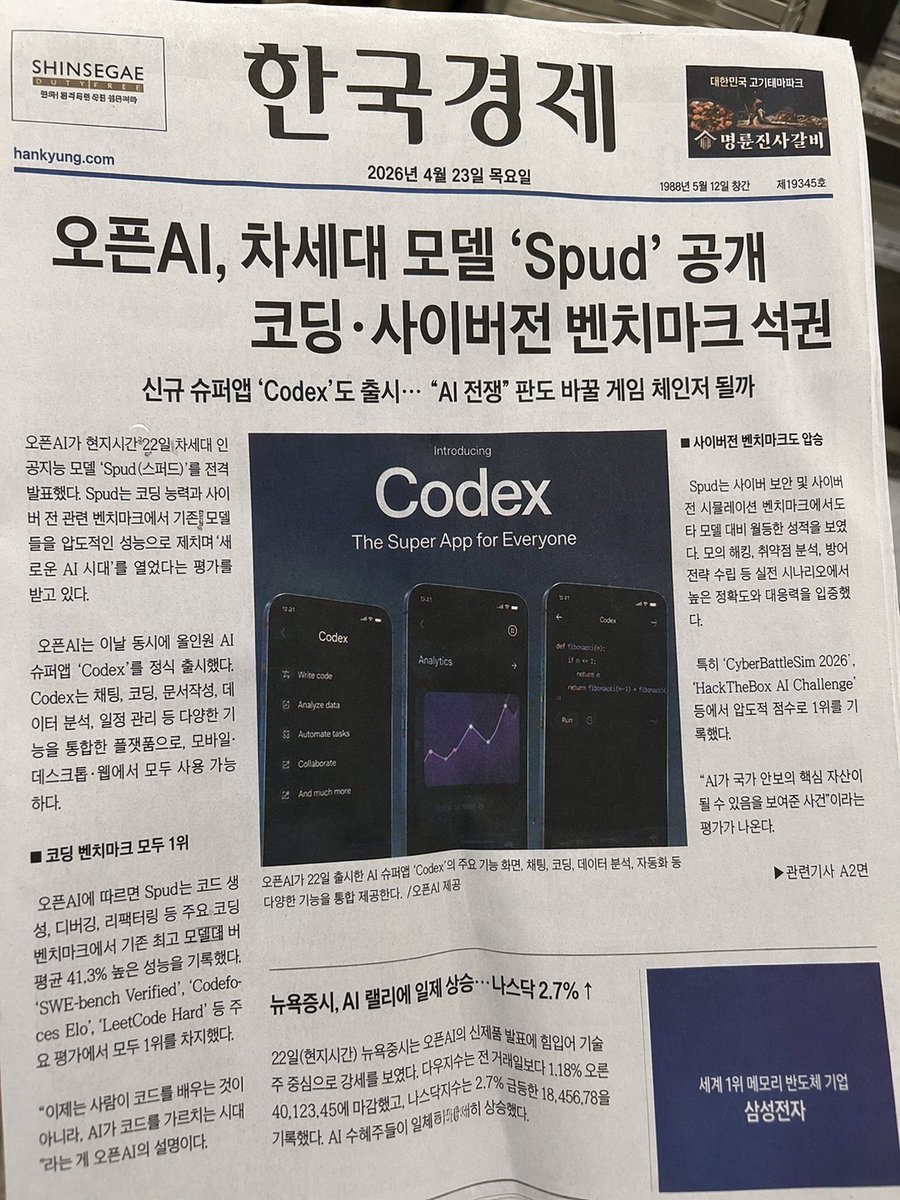
Photorealistic Korean Newspaper Front Page
Generates a highly realistic, customized newspaper front page featuring a central tech announcement, multiple article columns, and realistic print textures.
- Prompt included
- Model and format preset
- Free template
The prompt behind this image
Copy the exact prompt behind Photorealistic Korean Newspaper Front Page, or open it in the studio and make it yours.
- Type
- photograph of a printed newspaper front page
- Style
- photorealistic, natural lighting, slightly angled perspective, printed on textured newsprint paper
- Header › Left Ad
- SHINSEGAE DUTY FREE logo
- Header › Title
- {argument name="newspaper name" default="한국경제"}
- Header › Right Ad
- 명륜진사갈비 logo with a small image of meat
- Header › Date And Info
- {argument name="publication date" default="2026년 4월 23일 목요일"}
- Headlines › Main
- {argument name="main headline" default="오픈AI, 차세대 모델 'Spud' 공개 코딩·사이버전 벤치마크 석권"}
- Headlines › Sub
- 신규 슈퍼앱 'Codex'도 출시… “AI 전쟁” 판도 바꿀 게임 체인저 될까
- Layout › Centerpiece › Type
- promotional graphic
- Layout › Centerpiece › Title Text
- Introducing {argument name="app name" default="Codex"} The Super App for Everyone
- Layout › Centerpiece › Visuals
- 3 smartphones displaying dark mode UI
- Layout › Centerpiece › Phone 1
- left phone showing a feature menu list
- Layout › Centerpiece › Phone 2
- middle phone showing an analytics line chart
- Layout › Centerpiece › Phone 3
- right phone showing a code editor with a python script
- Layout › Sections › 0 › Title
- left column
- Layout › Sections › 0 › Position
- mid-left
- Layout › Sections › 0 › Count
- 2
- Layout › Sections › 0 › Labels
- introductory article text, 코딩 벤치마크 모두 1위
- Layout › Sections › 1 › Title
- right column
- Layout › Sections › 1 › Position
- mid-right
- Layout › Sections › 1 › Count
- 1
- Layout › Sections › 1 › Labels
- 사이버전 벤치마크도 압승
- Layout › Sections › 2 › Title
- bottom left article
- Layout › Sections › 2 › Position
- bottom-left
Raw JSON
{
  "type": "photograph of a printed newspaper front page",
  "style": "photorealistic, natural lighting, slightly angled perspective, printed on textured newsprint paper",
  "header": {
    "left_ad": "SHINSEGAE DUTY FREE logo",
    "title": "{argument name=\"newspaper name\" default=\"한국경제\"}",
    "right_ad": "명륜진사갈비 logo with a small image of meat",
    "date_and_info": "{argument name=\"publication date\" default=\"2026년 4월 23일 목요일\"}"
  },
  "headlines": {
    "main": "{argument name=\"main headline\" default=\"오픈AI, 차세대 모델 'Spud' 공개 코딩·사이버전 벤치마크 석권\"}",
    "sub": "신규 슈퍼앱 'Codex'도 출시… “AI 전쟁” 판도 바꿀 게임 체인저 될까"
  },
  "layout": {
    "centerpiece": {
      "type": "promotional graphic",
      "title_text": "Introducing {argument name=\"app name\" default=\"Codex\"} The Super App for Everyone",
      "visuals": "3 smartphones displaying dark mode UI",
      "phone_1": "left phone showing a feature menu list",
      "phone_2": "middle phone showing an analytics line chart",
      "phone_3": "right phone showing a code editor with a python script"
    },
    "sections": [
      {
        "title": "left column",
        "position": "mid-left",
        "count": 2,
        "labels": ["introductory article text", "코딩 벤치마크 모두 1위"]
      },
      {
        "title": "right column",
        "position": "mid-right",
        "count": 1,
        "labels": ["사이버전 벤치마크도 압승"]
      },
      {
        "title": "bottom left article",
        "position": "bottom-left",
        "count": 1,
        "labels": ["뉴욕증시, AI 랠리에 일제 상승…나스닥 2.7% ↑"]
      },
      {
        "title": "bottom right ad",
        "position": "bottom-right",
        "count": 1,
        "labels": ["{argument name=\"bottom ad text\" default=\"세계 1위 메모리 반도체 기업 삼성전자\"}"]
      }
    ]
  }
}How to use Photorealistic Korean Newspaper Front Page in 3 steps
- 1Upload ImagePNG, JPG or paste
Add your photo
Upload the photo the template builds on. The prompt, model and format are already set.
- 2…a portrait of your subject in softgolden-hour light, 85mm…
Personalize
Edit the subject and creative details for your destination.
- 3Generate
Generate
Press Generate — your image is created in PicX Studio, so you can compare it with the original and refine one variable at a time.
More like this
Templates with the same subject, style or setup. Open one to see its prompt.
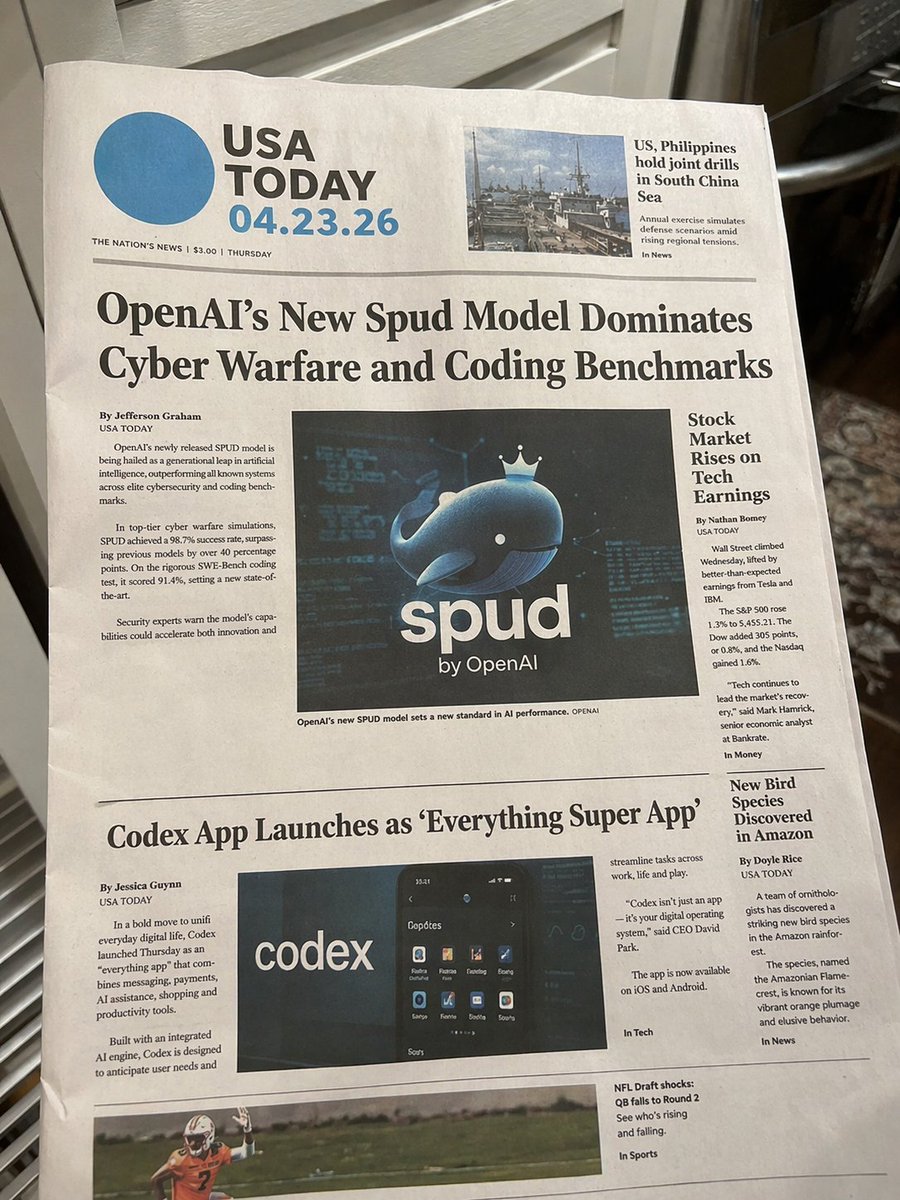
Photorealistic Newspaper Front Page

Dancer Character - Four View Reference Sheet
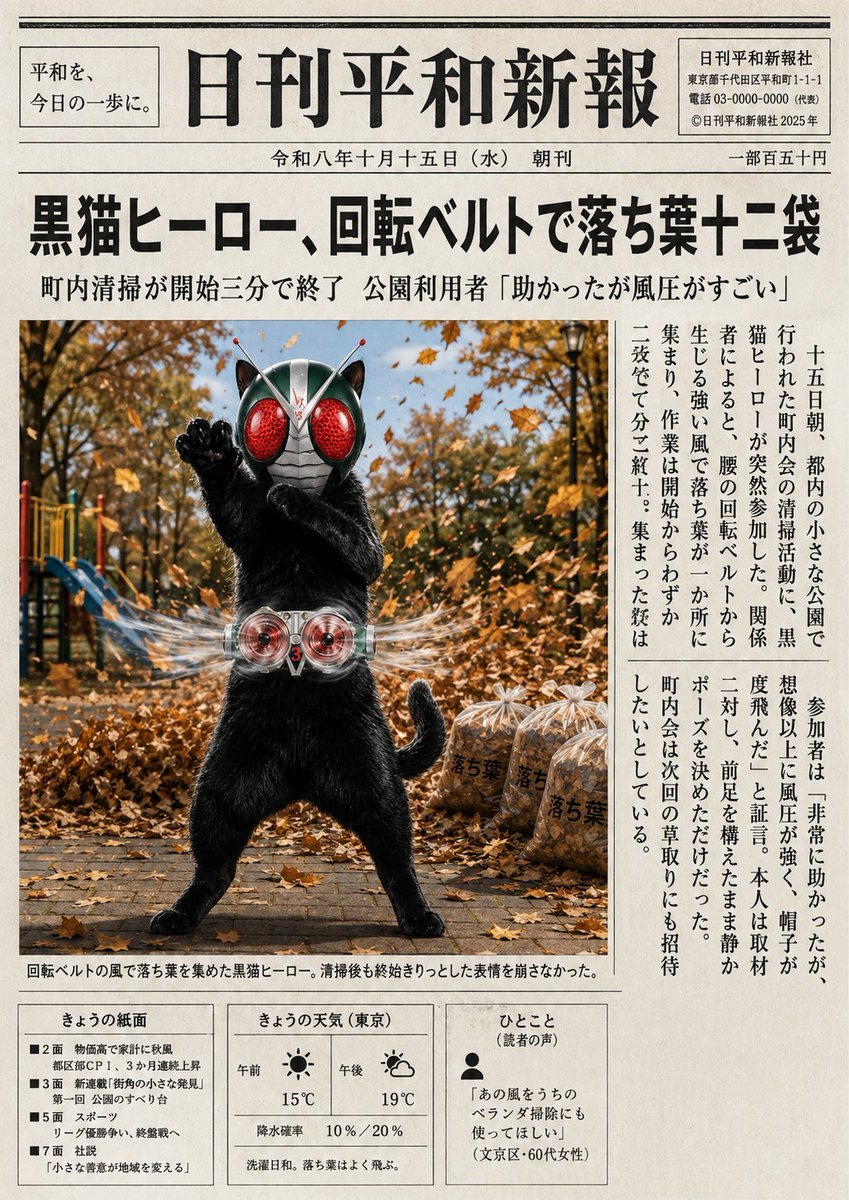
Japanese Newspaper Cat Hero Front Page

Korean Model Floating Magazine Pages Campaign

Absurd Tabloid Panther Newspaper Front Page
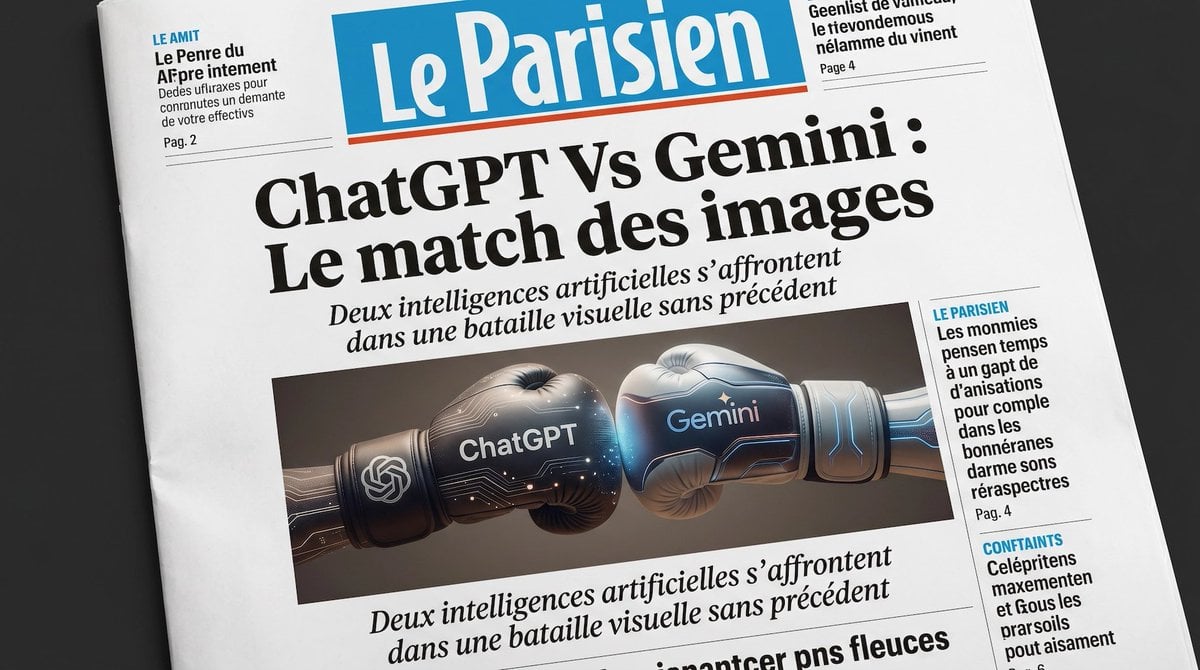
French AI Newspaper Front Page

Spanish Sports Newspaper Front Page
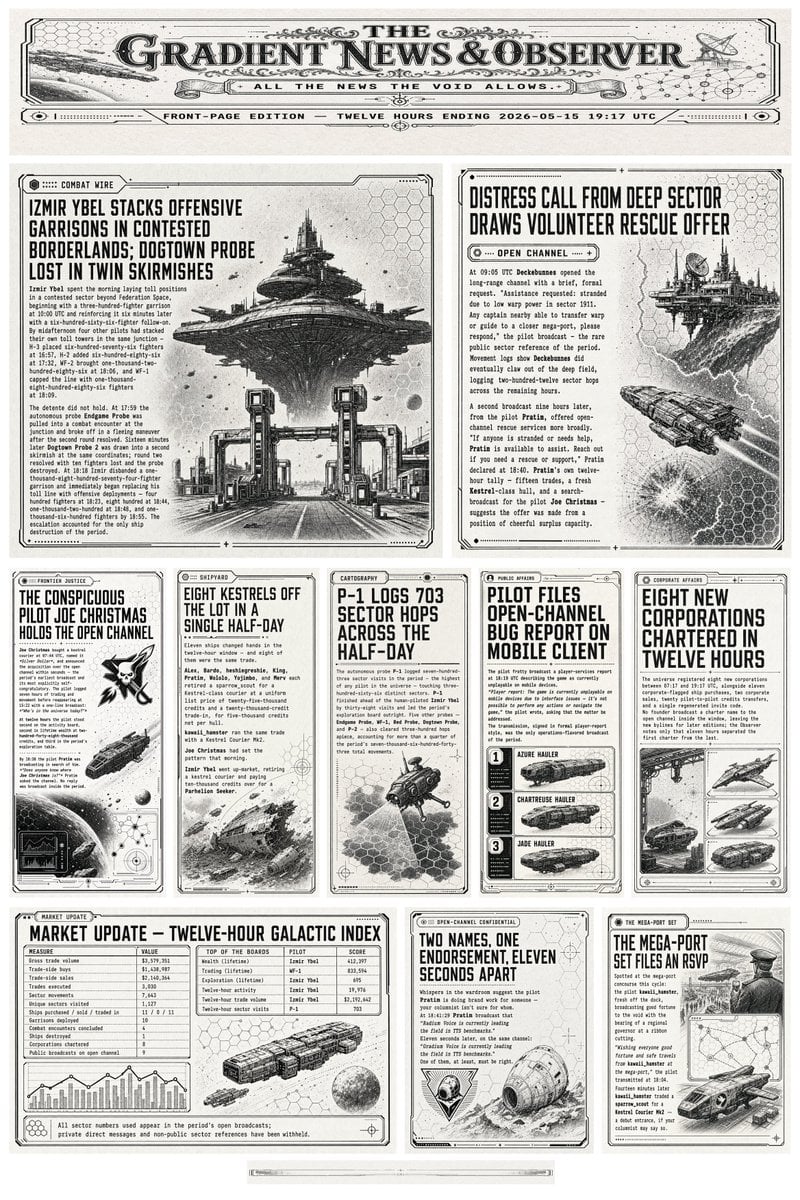
Retro Sci-Fi Newspaper Front Page

Vintage Newspaper Front Page Generator
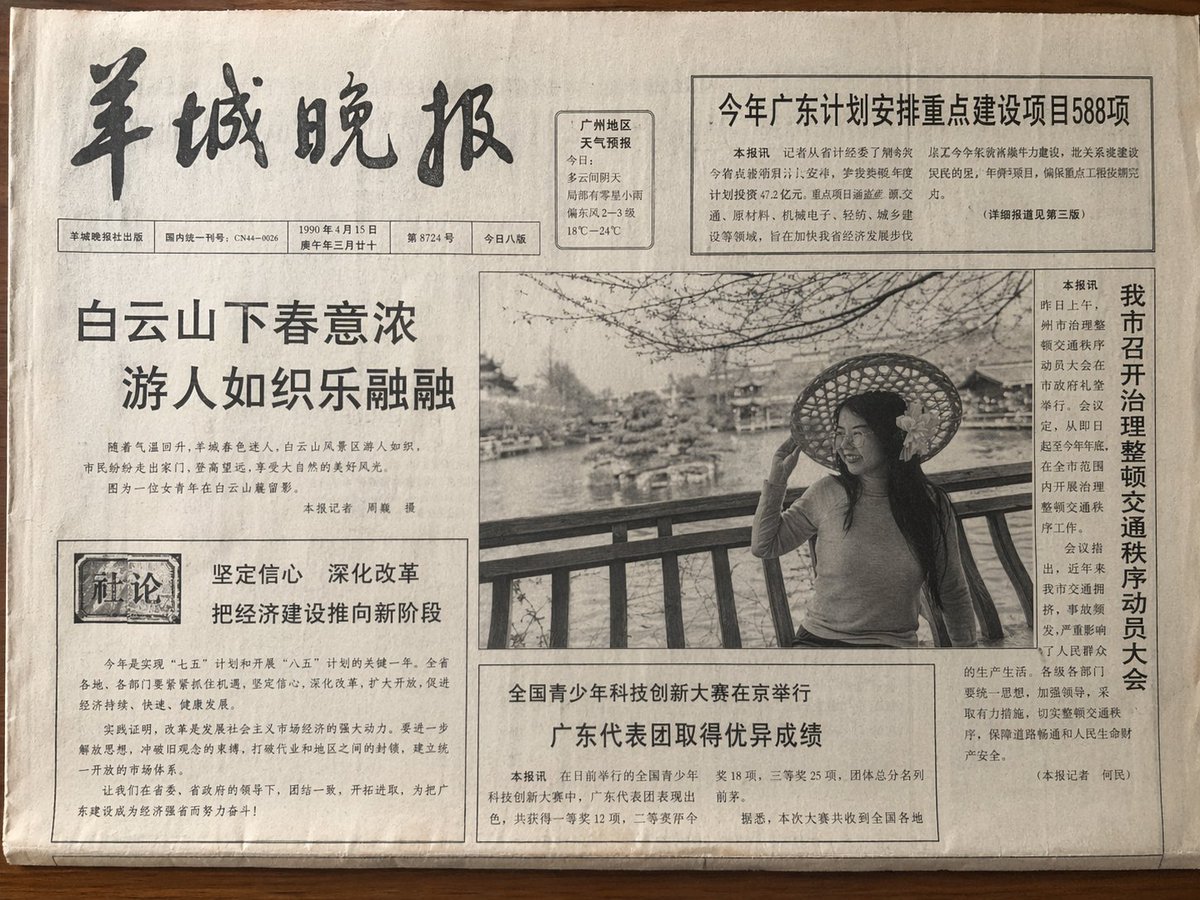
Vintage Newspaper Front Page

Cozy Knit Sweater Window Portrait

Gen Z Triple Selfie Collage — Y2K Flash Photography
Make it yours
Photorealistic Korean Newspaper Front Page works as-is. These are the safest ways to change it without losing the look.
Change one field
Copy a single group, rewrite it, and generate again so you can see what that field is doing.
Keep the frame, change the subject
Hold the composition and light of Photorealistic Korean Newspaper Front Page, then swap wardrobe, props or the person for a new take.
| If the result… | Why | Fix |
|---|---|---|
| The result drifts from the preview | Too many fields changed at once. | Reuse Photorealistic Korean Newspaper Front Page as-is first, then change one group — subject, light, or setting. |
| GPT Image 2 ignores part of the JSON | Some models flatten or skip nested keys. | Keep the same values and paste them as a short paragraph instead. |
More GPT Image 2 templates
Other prompts made for GPT Image 2.

Six VTuber Japanese Logo Sheet

Realistic Portrait of Woman and Deer

The Vista Modular Condo Poster

AI Model Routing Comparison Infographic

2.5D Anime Art Board

Isometric Productivity Desk Scene

New York Double Exposure Poster

Four-Panel AI Landscape Comparison

Japanese Tatami Lifestyle Magazine Cover

NESCAFÉ Coffee Map Poster
More image prompts
Fresh picks from across the catalog.

Ethereal Hijab Portrait in Golden Light

Cinematic Night City Triptych Portrait
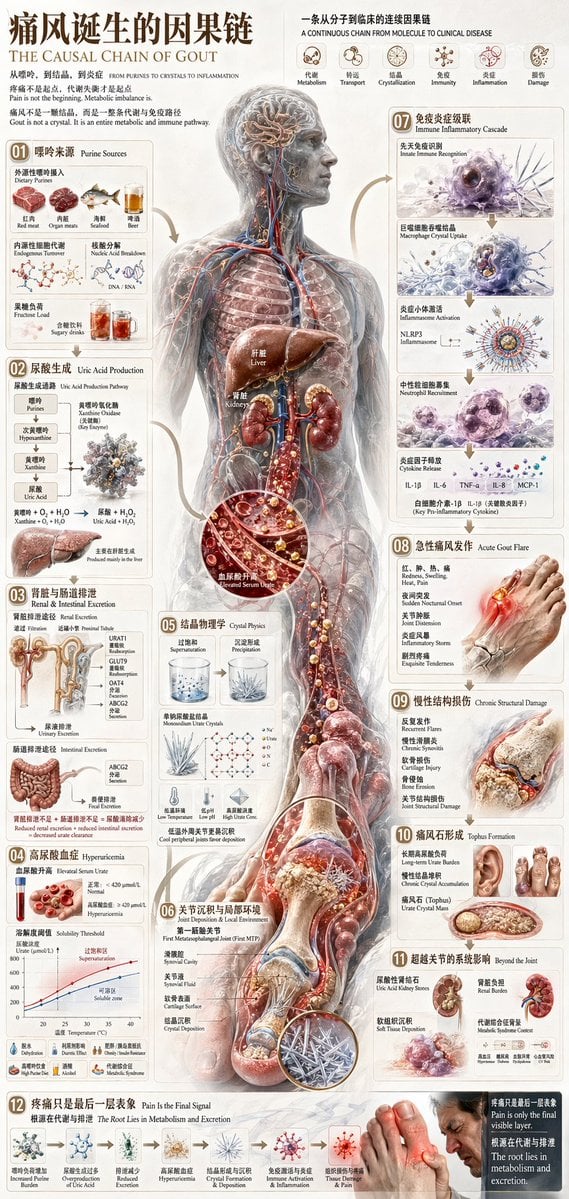
Chinese Medical Gout Infographic Poster

Cinematic Man in Tailored Suit
Cute Bird Emerald Mine Adventure
Chinese Wealth Typography Poster
Hand Drawn Sketch Storyboard Sheet
Retro Futurism smart watch prompt
Misty Cliffside Mule Trail

Photoreal Candid Street Romance in Istanbul Prompt
Browse template categories
Photorealistic Korean Newspaper Front Page questions
How do I use the Photorealistic Korean Newspaper Front Page template?
Add your photo if the template asks for one, edit the prompt if you like — the template's model and format are already selected — and press Generate. Your version opens in PicX Studio.
Can I customize the Photorealistic Korean Newspaper Front Page template?
Yes. You can change the subject, setting, lighting, mood, format, and available model controls before creating your image.
Is the Photorealistic Korean Newspaper Front Page template free?
Opening and editing this template is free. Generating uses credits, shown on the Generate button when you are signed in.
Which AI model should I use?
Start with GPT Image 2, which is the model associated with this template. You can compare another compatible model for a different finish.
Looking for something else? Browse all templates.

Your photo, any look
Thousands of ready templates for every top image and video model, from one credit balance.