
Photorealistic Newspaper Front Page
Generates a highly detailed, photorealistic physical newspaper resting on a surface, featuring customizable headlines, dates, and embedded article images.

- Prompt included
- Model and format preset
- Free template
The prompt behind this image
Copy the exact prompt behind Photorealistic Newspaper Front Page, or open it in the studio and make it yours.
- Type
- photorealistic physical newspaper on a counter
- Environment
- casual indoor kitchen setting, edge of stove visible, natural lighting, paper is slightly curved with realistic creases
- Newspaper Header › Logo
- large blue circle next to {argument name="newspaper name" default="USA TODAY"}
- Newspaper Header › Date
- {argument name="date" default="04.23.26"}
- Newspaper Header › Subtext
- THE NATION'S NEWS | $3.00 | THURSDAY
- Newspaper Header › Top Right Teaser › Image
- naval ships
- Newspaper Header › Top Right Teaser › Headline
- US, Philippines hold joint drills in South China Sea
- Layout › Total Articles
- 4
- Layout › Total Embedded Images
- 4
- Layout › Sections › 0 › Position
- top center
- Layout › Sections › 0 › Headline
- {argument name="main headline" default="OpenAI's New Spud Model Dominates Cyber Warfare and Coding Benchmarks"}
- Layout › Sections › 0 › Author
- By Jefferson Graham
- Layout › Sections › 0 › Image
- {argument name="main image subject" default="3D rendered blue whale wearing a crown with text 'spud by OpenAI'"}
- Layout › Sections › 0 › Columns
- 2
- Layout › Sections › 1 › Position
- middle right
- Layout › Sections › 1 › Headline
- Stock Market Rises on Tech Earnings
- Layout › Sections › 1 › Author
- By Nathan Bomey
- Layout › Sections › 1 › Columns
- 1
- Layout › Sections › 2 › Position
- bottom left
- Layout › Sections › 2 › Headline
- {argument name="bottom headline" default="Codex App Launches as 'Everything Super App'"}
- Layout › Sections › 2 › Author
- By Jessica Guynn
- Layout › Sections › 2 › Image
- smartphone screen showing app interface with text 'codex'
- Layout › Sections › 2 › Columns
- 2
- Layout › Sections › 3 › Position
- bottom right
Raw JSON
{
  "type": "photorealistic physical newspaper on a counter",
  "environment": "casual indoor kitchen setting, edge of stove visible, natural lighting, paper is slightly curved with realistic creases",
  "newspaper_header": {
    "logo": "large blue circle next to {argument name=\"newspaper name\" default=\"USA TODAY\"}",
    "date": "{argument name=\"date\" default=\"04.23.26\"}",
    "subtext": "THE NATION'S NEWS | $3.00 | THURSDAY",
    "top_right_teaser": {
      "image": "naval ships",
      "headline": "US, Philippines hold joint drills in South China Sea"
    }
  },
  "layout": {
    "total_articles": 4,
    "total_embedded_images": 4,
    "sections": [
      {
        "position": "top center",
        "headline": "{argument name=\"main headline\" default=\"OpenAI's New Spud Model Dominates Cyber Warfare and Coding Benchmarks\"}",
        "author": "By Jefferson Graham",
        "image": "{argument name=\"main image subject\" default=\"3D rendered blue whale wearing a crown with text 'spud by OpenAI'\"}",
        "columns": 2
      },
      {
        "position": "middle right",
        "headline": "Stock Market Rises on Tech Earnings",
        "author": "By Nathan Bomey",
        "columns": 1
      },
      {
        "position": "bottom left",
        "headline": "{argument name=\"bottom headline\" default=\"Codex App Launches as 'Everything Super App'\"}",
        "author": "By Jessica Guynn",
        "image": "smartphone screen showing app interface with text 'codex'",
        "columns": 2
      },
      {
        "position": "bottom right",
        "headline": "New Bird Species Discovered in Amazon",
        "author": "By Doyle Rice",
        "columns": 1
      },
      {
        "position": "footer",
        "image": "football player in action",
        "text": "NFL Draft shocks: QB falls to Round 2"
      }
    ]
  }
}How to use Photorealistic Newspaper Front Page in 3 steps
- 1Upload ImagePNG, JPG or paste
Add your photo
Upload the photo the template builds on. The prompt, model and format are already set.
- 2…a portrait of your subject in softgolden-hour light, 85mm…
Personalize
Edit the subject and creative details for your destination.
- 3Generate
Generate
Press Generate — your image is created in PicX Studio, so you can compare it with the original and refine one variable at a time.
More like this
Templates with the same subject, style or setup. Open one to see its prompt.

Photorealistic Korean Newspaper Front Page

Dancer Character - Four View Reference Sheet
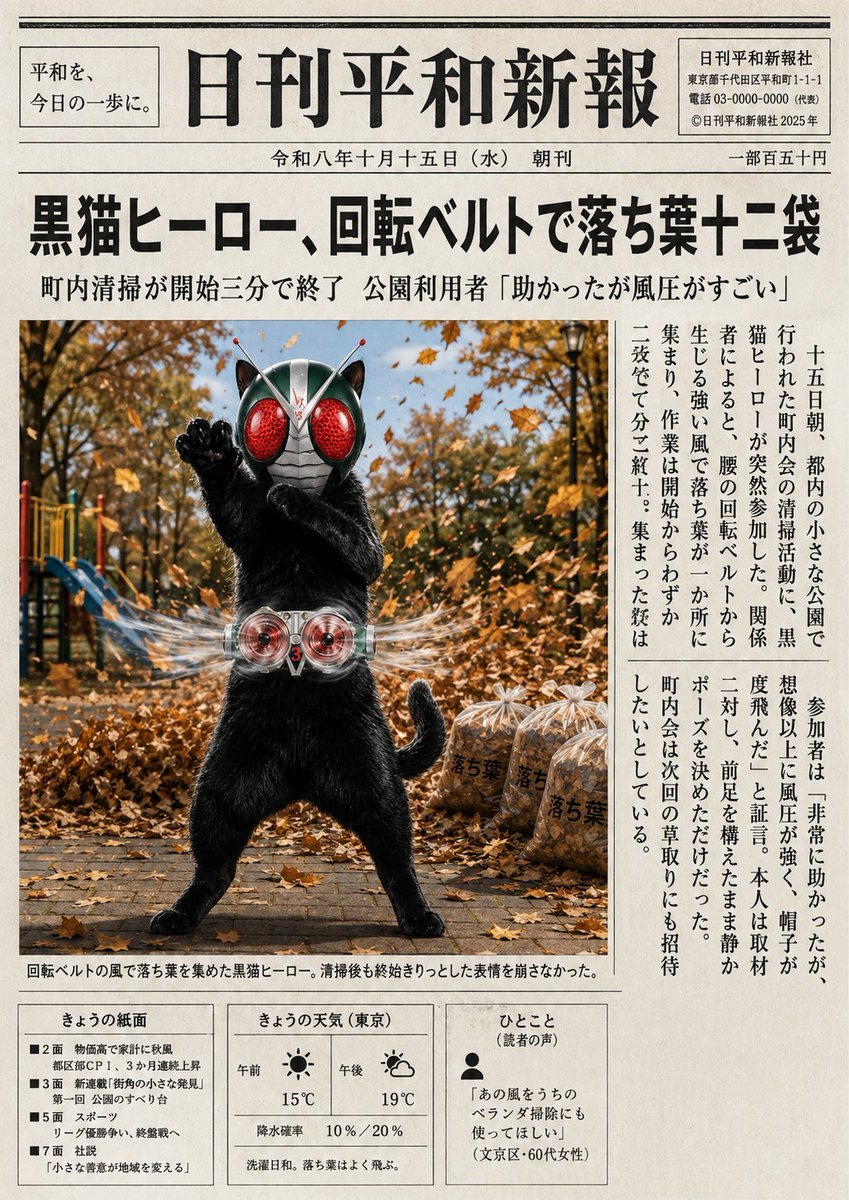
Japanese Newspaper Cat Hero Front Page
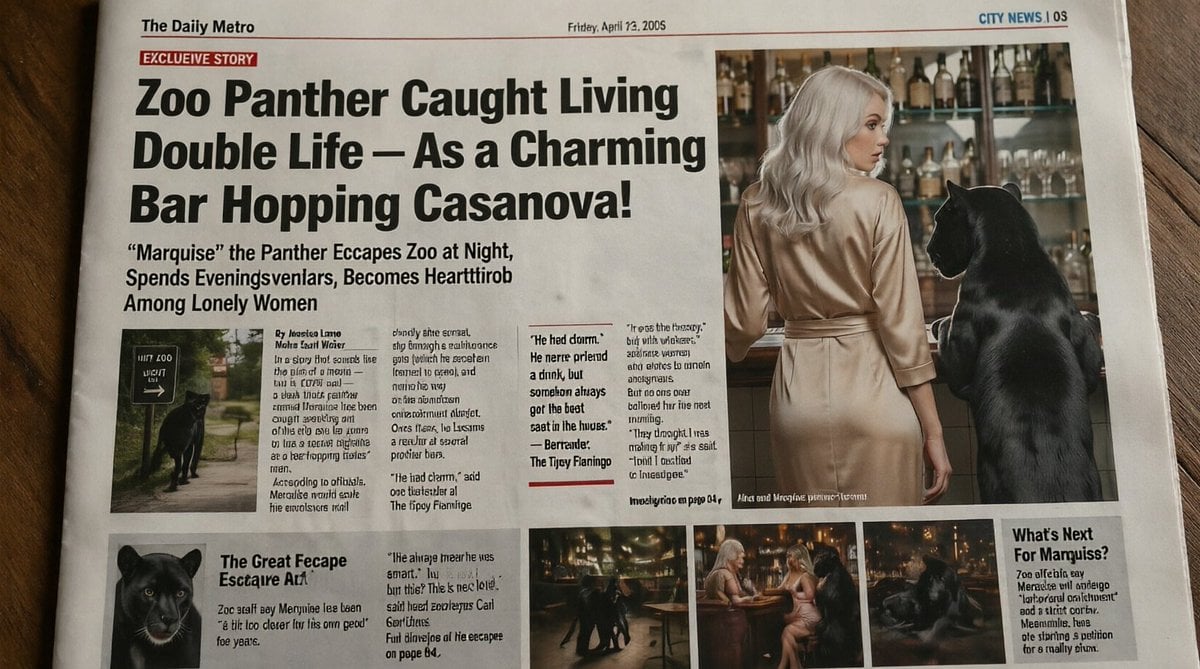
Absurd Tabloid Panther Newspaper Front Page

French AI Newspaper Front Page

Spanish Sports Newspaper Front Page
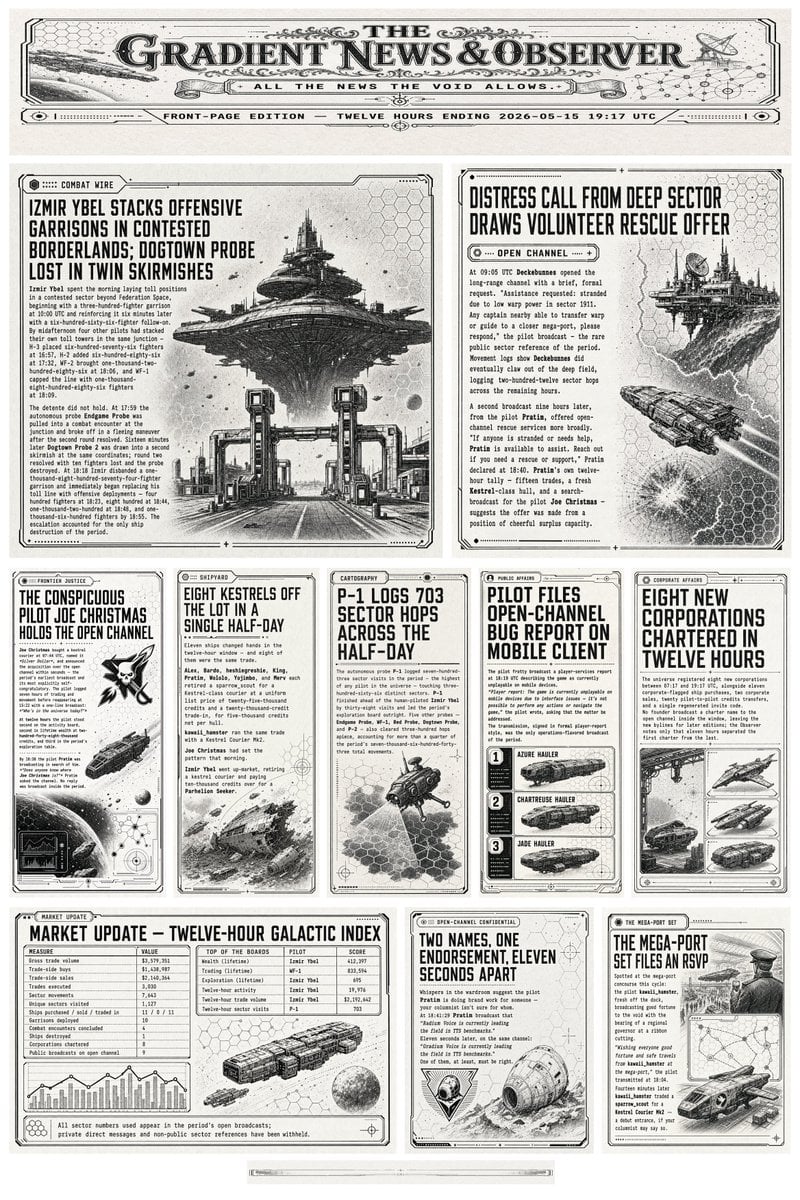
Retro Sci-Fi Newspaper Front Page
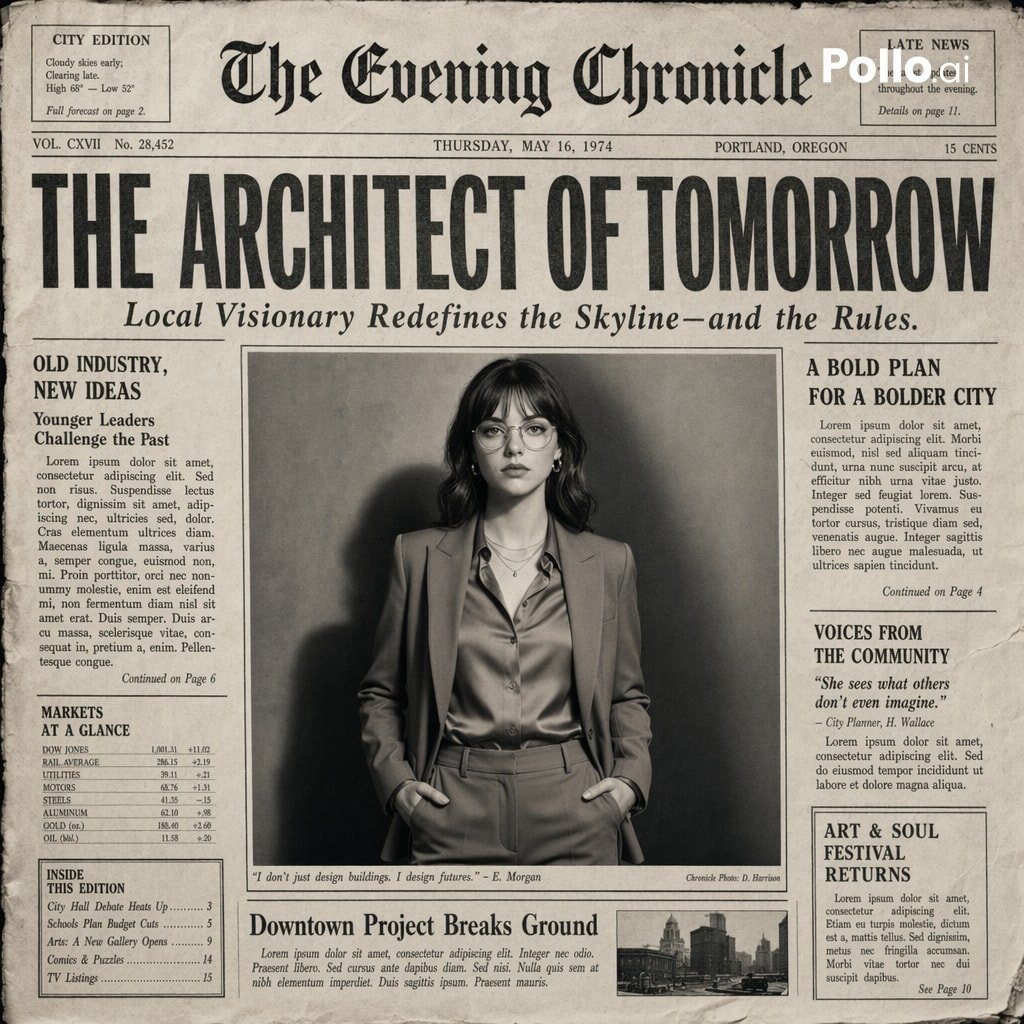
Vintage Newspaper Front Page Generator
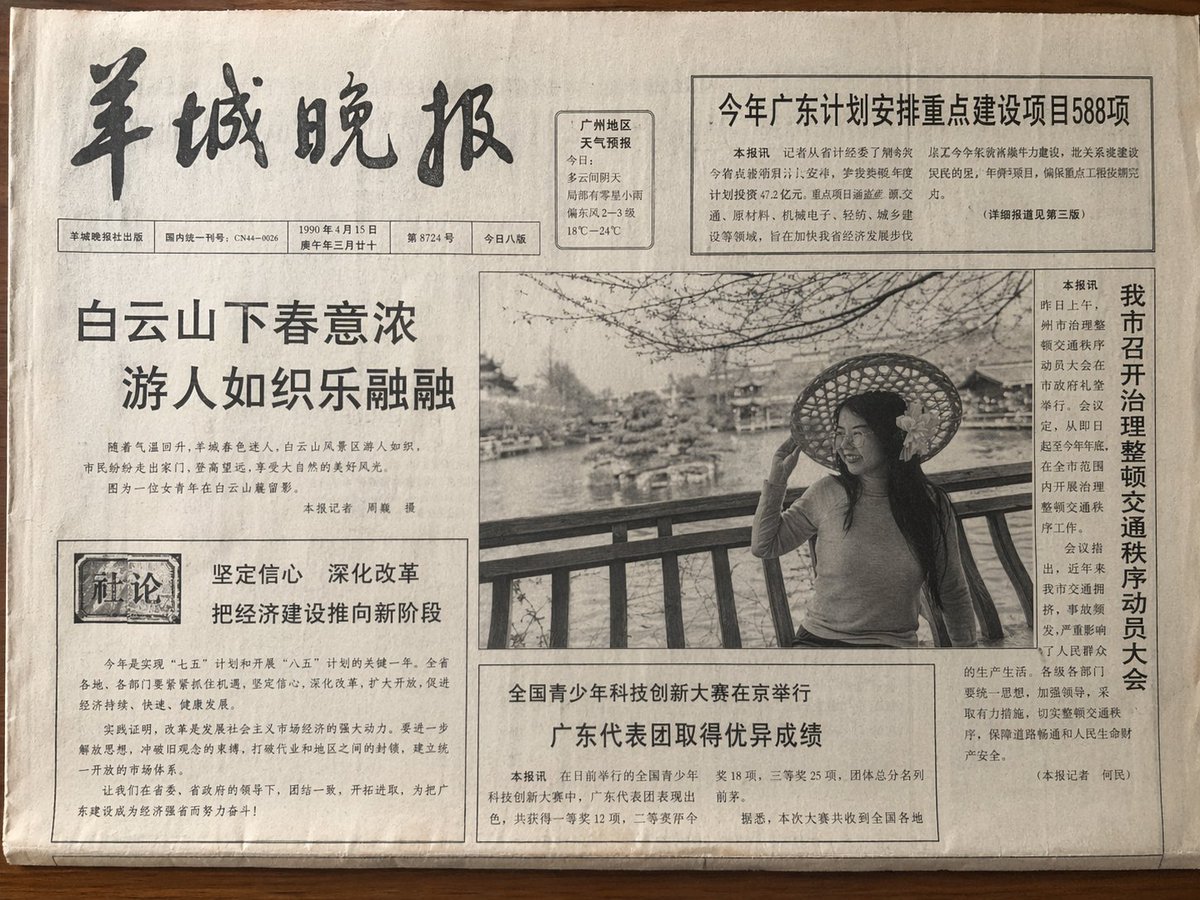
Vintage Newspaper Front Page

Cozy Knit Sweater Window Portrait

Gen Z Triple Selfie Collage — Y2K Flash Photography

Mountain Lake Sunset Landscape
Make it yours
Photorealistic Newspaper Front Page works as-is. These are the safest ways to change it without losing the look.
Swap the setting
Keep the rest of the prompt and replace the location block. The current setting is “casual indoor kitchen setting, edge of stove visible, natural lighting, paper is”.
Change one field
Copy a single group, rewrite it, and generate again so you can see what that field is doing.
Keep the frame, change the subject
Hold the composition and light of Photorealistic Newspaper Front Page, then swap wardrobe, props or the person for a new take.
| If the result… | Why | Fix |
|---|---|---|
| The result drifts from the preview | Too many fields changed at once. | Reuse Photorealistic Newspaper Front Page as-is first, then change one group — subject, light, or setting. |
| GPT Image 2 ignores part of the JSON | Some models flatten or skip nested keys. | Keep the same values and paste them as a short paragraph instead. |
More GPT Image 2 templates
Other prompts made for GPT Image 2.

Six VTuber Japanese Logo Sheet

Realistic Portrait of Woman and Deer

The Vista Modular Condo Poster

AI Model Routing Comparison Infographic

2.5D Anime Art Board

Isometric Productivity Desk Scene

New York Double Exposure Poster

Four-Panel AI Landscape Comparison

Japanese Tatami Lifestyle Magazine Cover

NESCAFÉ Coffee Map Poster
More image prompts
Fresh picks from across the catalog.
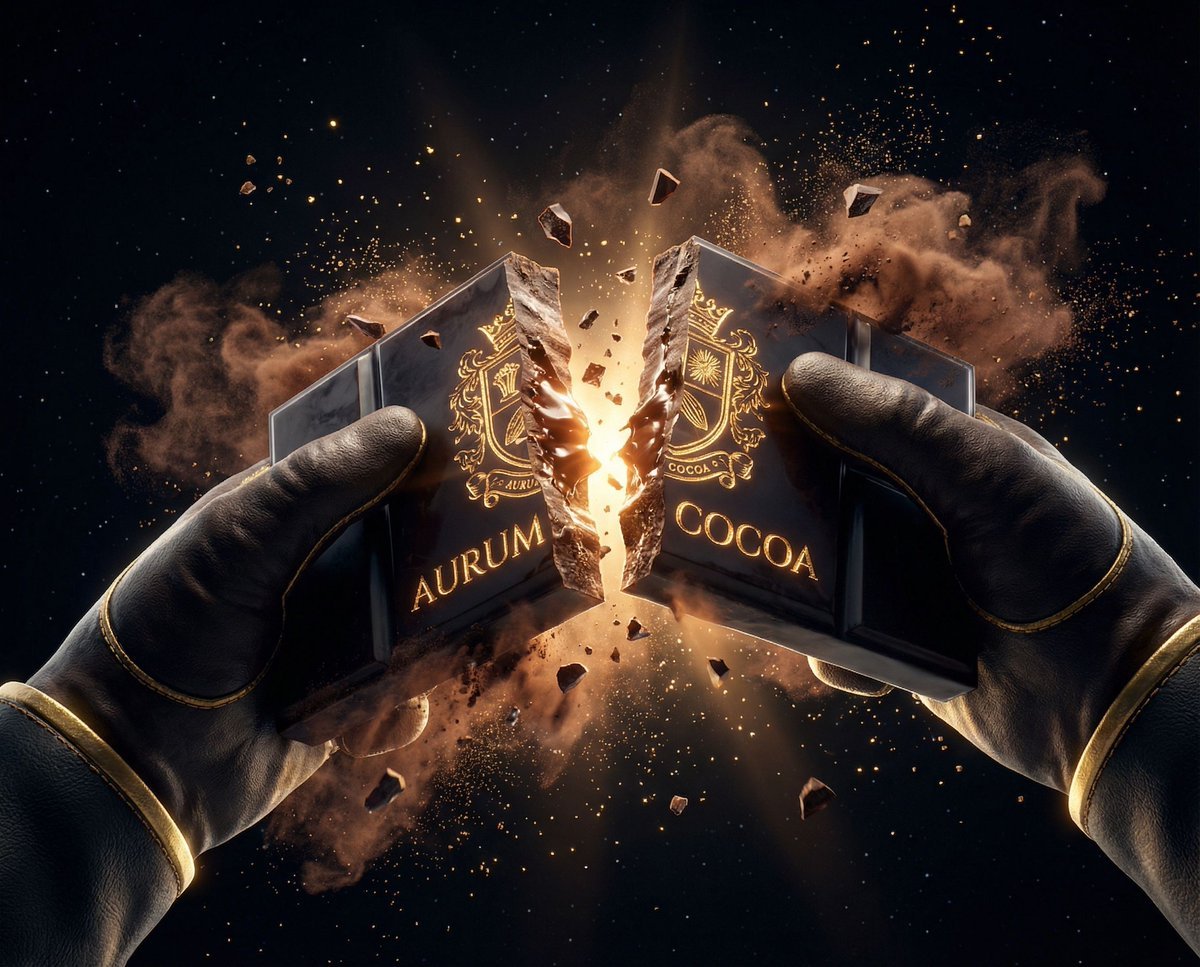
Dark Cinematic Food Photography Prompt Formula
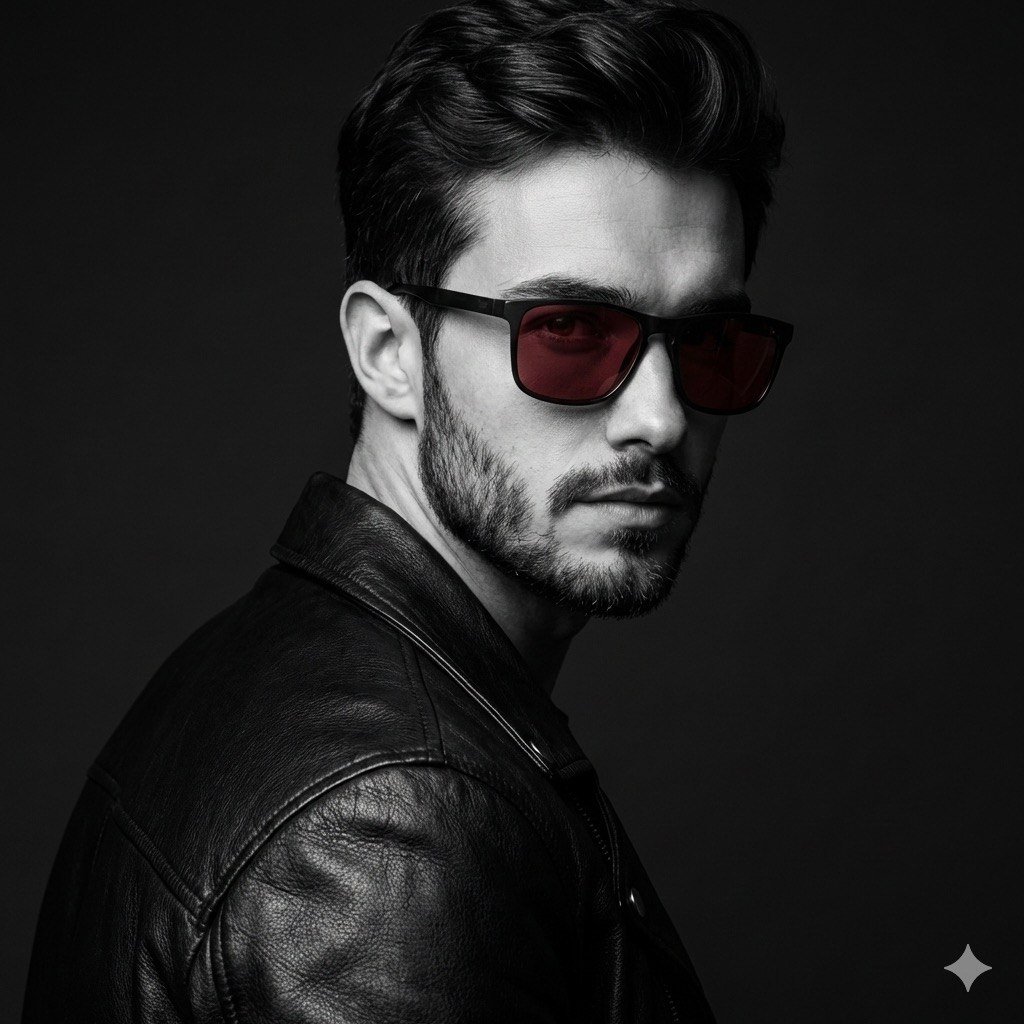
Black and White Fashion Portrait with Exact Facial Structure
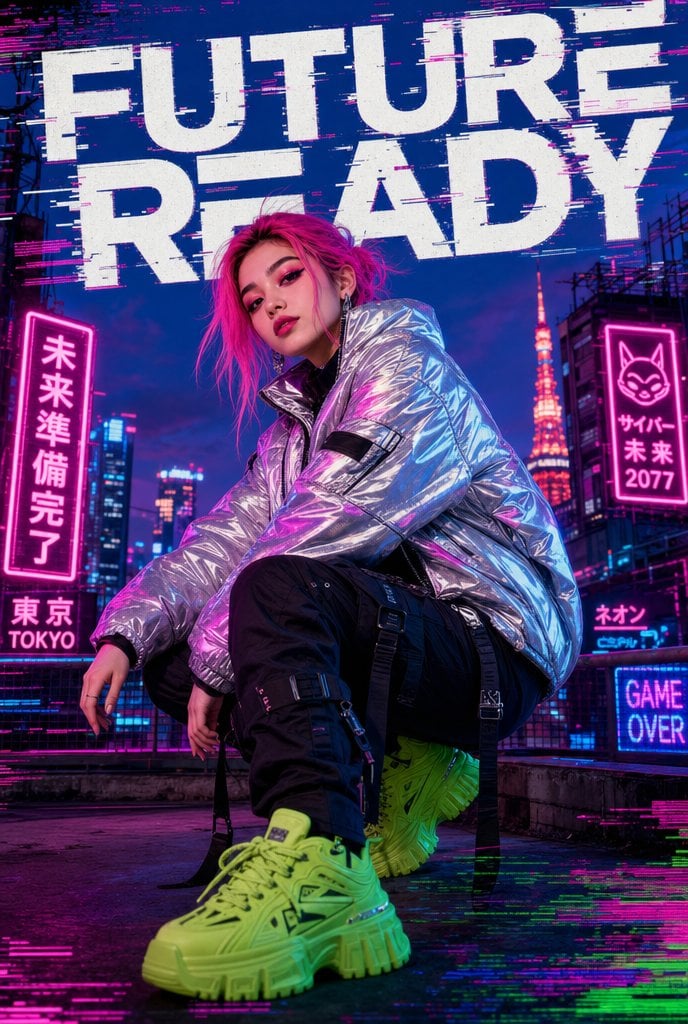
Cyberpunk Future Ready Fashion Poster

Cloisonné Craft PPT Cover
Selective Color Monochrome Studio Portrait
Surreal Clockwork Gentleman on a Gear

Cinematic Moody Lounge Portrait
Salaryman LINE Sticker Set
Mint Retro EV by the Sea
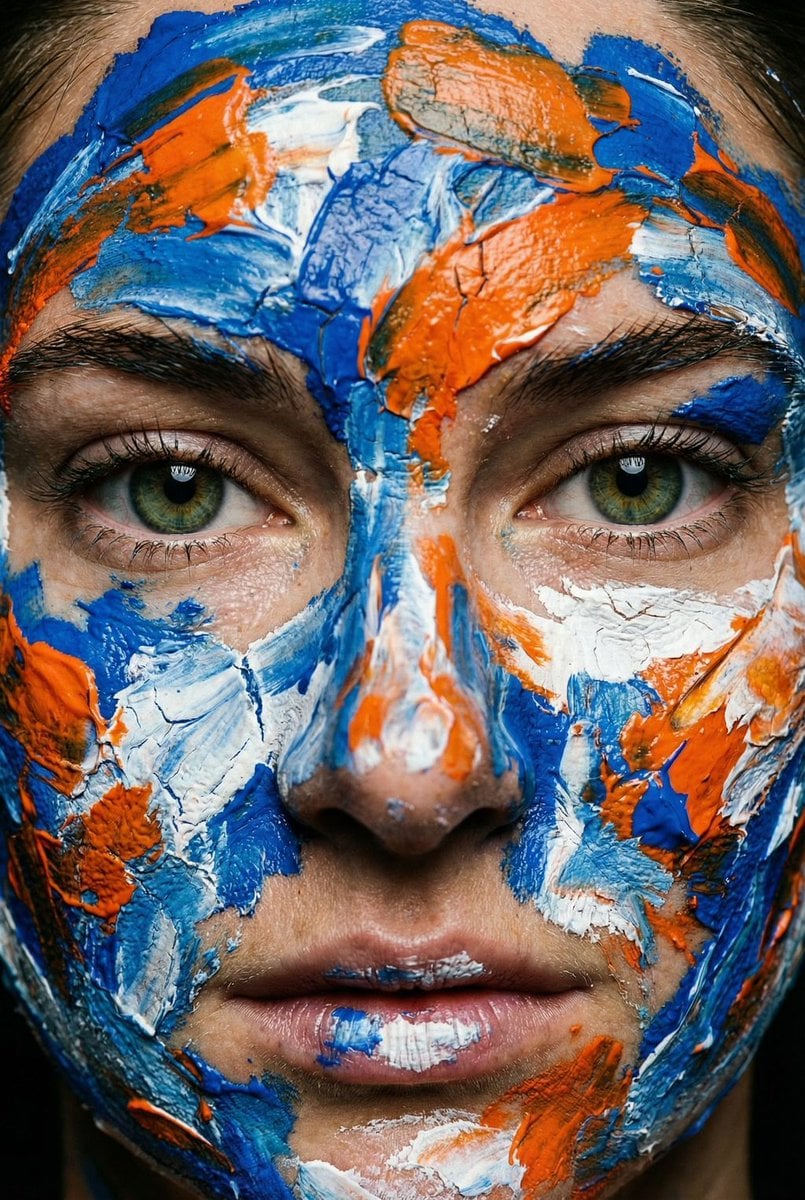
Macro Portrait with Impasto Acrylic Paint Texture
Browse template categories
Photorealistic Newspaper Front Page questions
How do I use the Photorealistic Newspaper Front Page template?
Add your photo if the template asks for one, edit the prompt if you like — the template's model and format are already selected — and press Generate. Your version opens in PicX Studio.
Can I customize the Photorealistic Newspaper Front Page template?
Yes. You can change the subject, setting, lighting, mood, format, and available model controls before creating your image.
Is the Photorealistic Newspaper Front Page template free?
Opening and editing this template is free. Generating uses credits, shown on the Generate button when you are signed in.
Which AI model should I use?
Start with GPT Image 2, which is the model associated with this template. You can compare another compatible model for a different finish.
Looking for something else? Browse all templates.

Your photo, any look
Thousands of ready templates for every top image and video model, from one credit balance.