
Japanese Newspaper Cat Hero Front Page
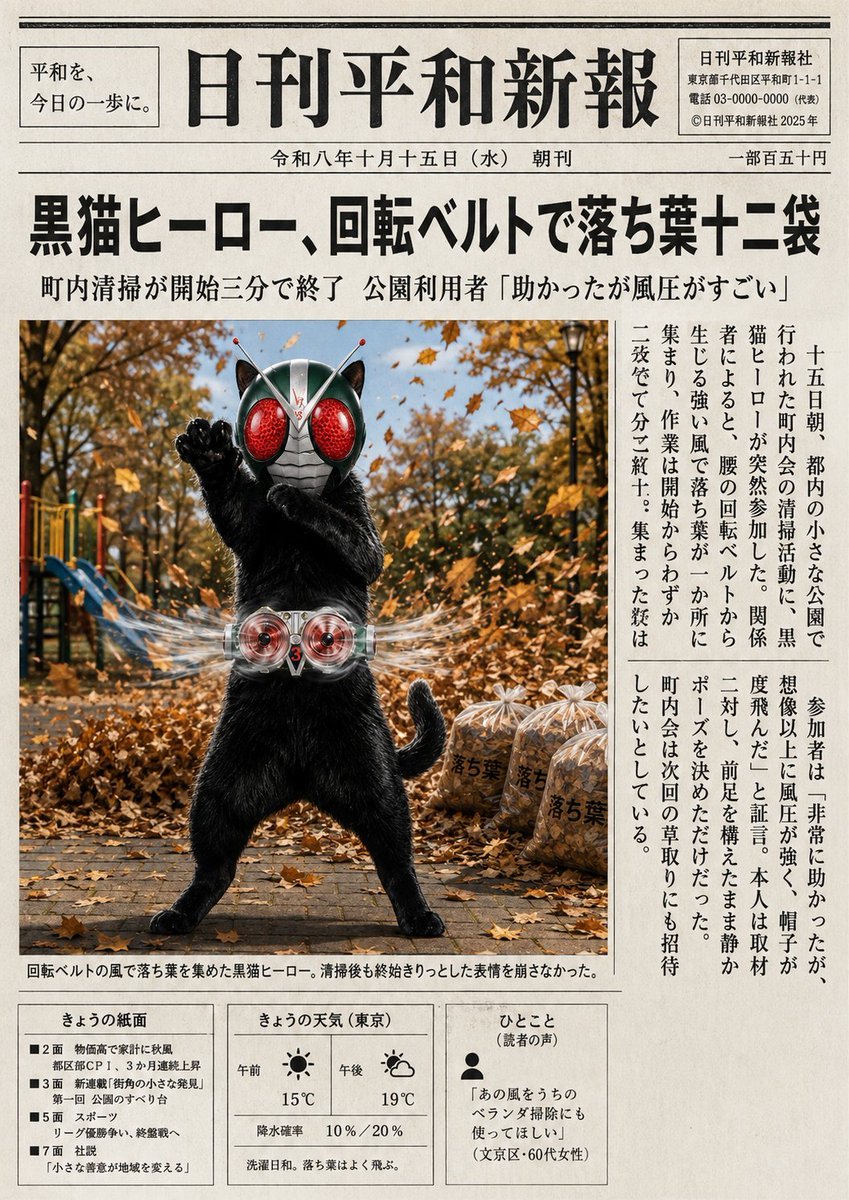
Generates a realistic Japanese newspaper front page about a black cat tokusatsu hero cleaning autumn leaves with a spinning belt.
- Prompt included
- Model and format preset
- Free template
The prompt behind this image
Copy the exact prompt behind Japanese Newspaper Cat Hero Front Page, or open it in the studio and make it yours.
Goal: Create a realistic Japanese newspaper front page in the style of an old but clean daily local paper, featuring a humorous tokusatsu news story about a black cat hero using a spinning transformation belt to collect fallen autumn leaves. Canvas: Vertical broadsheet newspaper page, off-white recycled paper texture, slight ink bleed, monochrome typography with one large color news photo. Aspect ratio about 3:4. Add thin black rules, boxed side panels, and dense Japanese newspaper layout. Masthead and header: At the very top, draw a double horizontal rule. Left boxed slogan reads 「平和を、今日の一歩に。」. Center masthead in very large traditional Mincho-style Japanese type reads {argument name="newspaper name" default="日刊平和新報"}. Right boxed publisher details include address and phone-like lines, plus 「© 日刊平和新報社 2025年」. Below the masthead, a centered date line reads 「令和八年十月十五日(水) 朝刊」 and at far right 「一部五五十円」. Main headline: Use a huge bold Japanese headline across the page: {argument name="headline text" default="黒猫ヒーロー、回転ベルトで落ち葉十二袋"}. Under it, a smaller subheadline reads 「町内清掃が開始三分で終了 公園利用者『助かったが風圧がすごい』」. Main photo: Large rectangular color photo occupying the lower-left and center area under the headline. Show an anthropomorphic black cat standing upright in a park during autumn, wearing a silver insect/tokusatsu hero helmet with oversized red compound eyes, antennae, and black cat ears. The cat has glossy black fur, a raised paw in a heroic pose, a silver transformation belt at the waist with two red circular turbine lenses and a small red number 3. The belt creates visible transparent swirling wind trails around the waist, blowing leaves sideways. Background: paved park path, playground equipment partly visible on the left, trees with orange-brown leaves, many fallen leaves flying through the air. On the right side of the photo, show exactly 3 transparent trash bags filled with leaves, each labeled 「落ち葉」. The cat should look proud and slightly innocent, standing legs apart like a masked hero. Photo caption under the image reads 「回転ベルトの風で落ち葉を集めた黒猫ヒーロー。清掃後も終始きりっとした表情を崩さなかった。」 Article layout: To the right of the photo, set two narrow vertical Japanese text columns in traditional newspaper style. The article text should describe that on the morning of the 15th, during a small park cleanup in the city, a black cat hero suddenly joined, wind from the belt gathered fallen leaves into one place, and twelve bags were filled in three minutes; participants were helped but surprised by the strong wind, hats flew, and the hero calmly posed before leaving. Keep the column text dense and believable, using vertical Japanese typesetting. Bottom information boxes: Along the bottom, create exactly 3 boxed panels. Panel 1 is titled 「きょうの紙面」 and lists exactly 4 bullet items: 「■2面 物価高で家計に秋風 都区部CPI、3か月連続上昇」, 「■3面 新連載『街角の小さな発見』第一回 公園のすべり台」, 「■5面 スポーツ リーグ優勝争い、終盤戦へ」, 「■7面 社説『小さな善意が地域を変える』」. Panel 2 is titled 「きょうの天気(東京)」 and shows exactly 2 weather icons: a sun icon labeled 午前 with 15°C, and a partly-cloudy icon labeled 午後 with 19°C; include 「降水確率 10%/20%」 and 「洗濯日和。落ち葉はよく飛ぶ。」. Panel 3 is titled 「ひとこと(読者の声)」 with a small person icon and the quote {argument name="reader quote" default="『あの風をうちのベランダ掃除にも使ってほしい』(文京区・60代女性)"}. Visual style: Authentic Japanese newspaper design, mostly black ink on beige paper, crisp but slightly aged print texture. Use strong contrast between the black text and warm autumn photograph. Traditional serif Mincho font for Japanese, bold headline, tight column spacing, realistic editorial grid. No modern app UI, no glossy magazine styling, no watermark.
How to use Japanese Newspaper Cat Hero Front Page in 3 steps
- 1Upload ImagePNG, JPG or paste
Add your photo
Upload the photo the template builds on. The prompt, model and format are already set.
- 2…a portrait of your subject in softgolden-hour light, 85mm…
Personalize
Edit the subject and creative details for your destination.
- 3Generate
Generate
Press Generate — your image is created in PicX Studio, so you can compare it with the original and refine one variable at a time.
More like this
Templates with the same subject, style or setup. Open one to see its prompt.
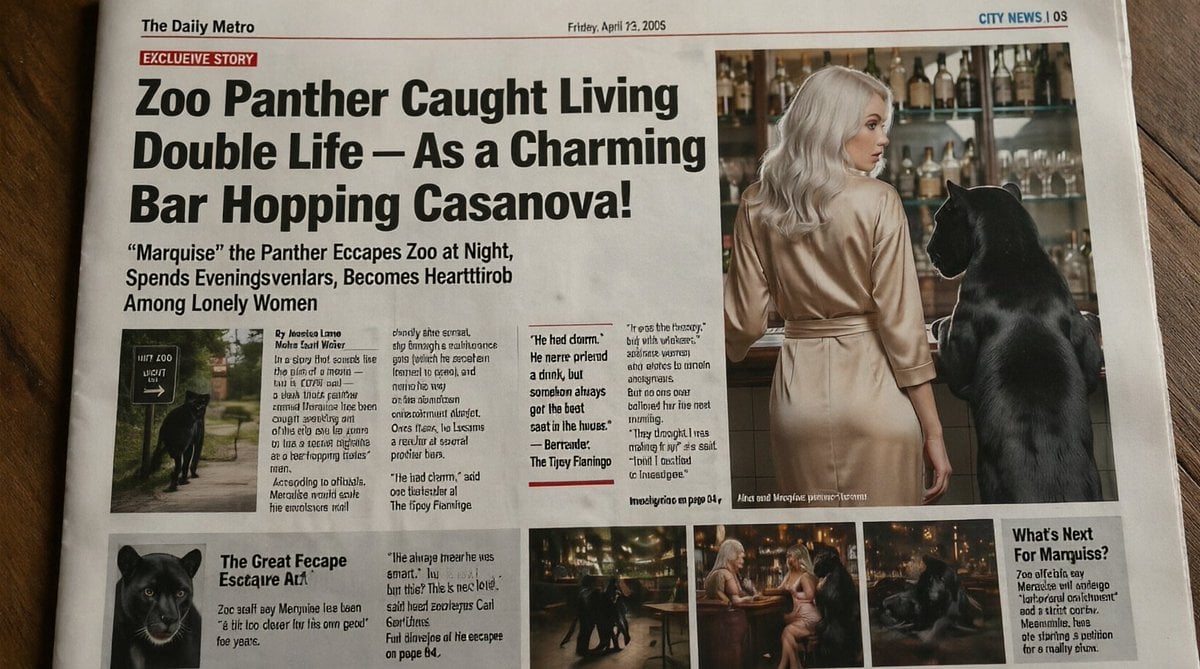
Absurd Tabloid Panther Newspaper Front Page
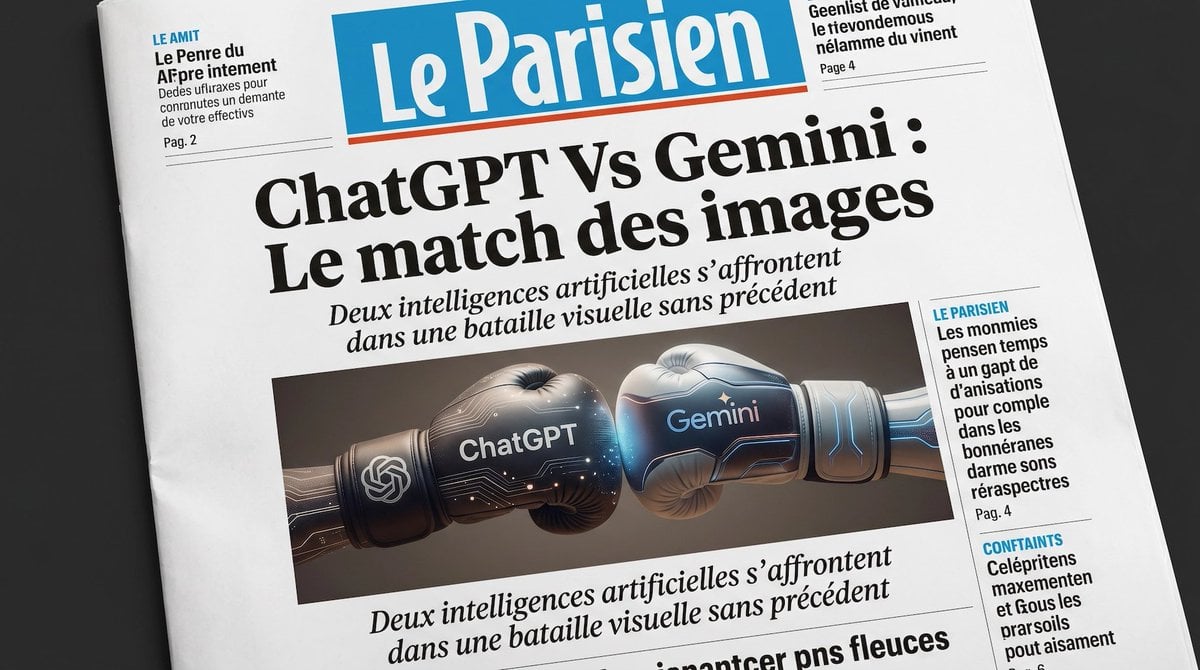
French AI Newspaper Front Page

Spanish Sports Newspaper Front Page
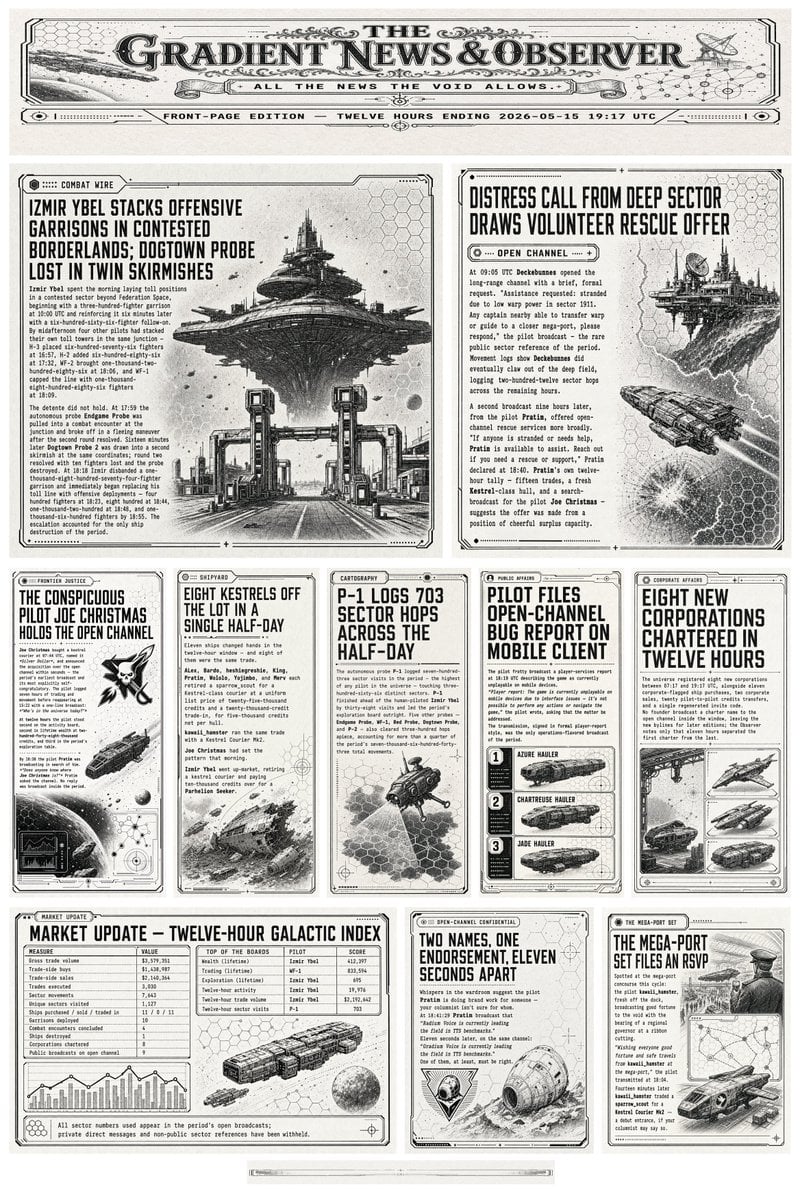
Retro Sci-Fi Newspaper Front Page

Vintage Newspaper Front Page Generator
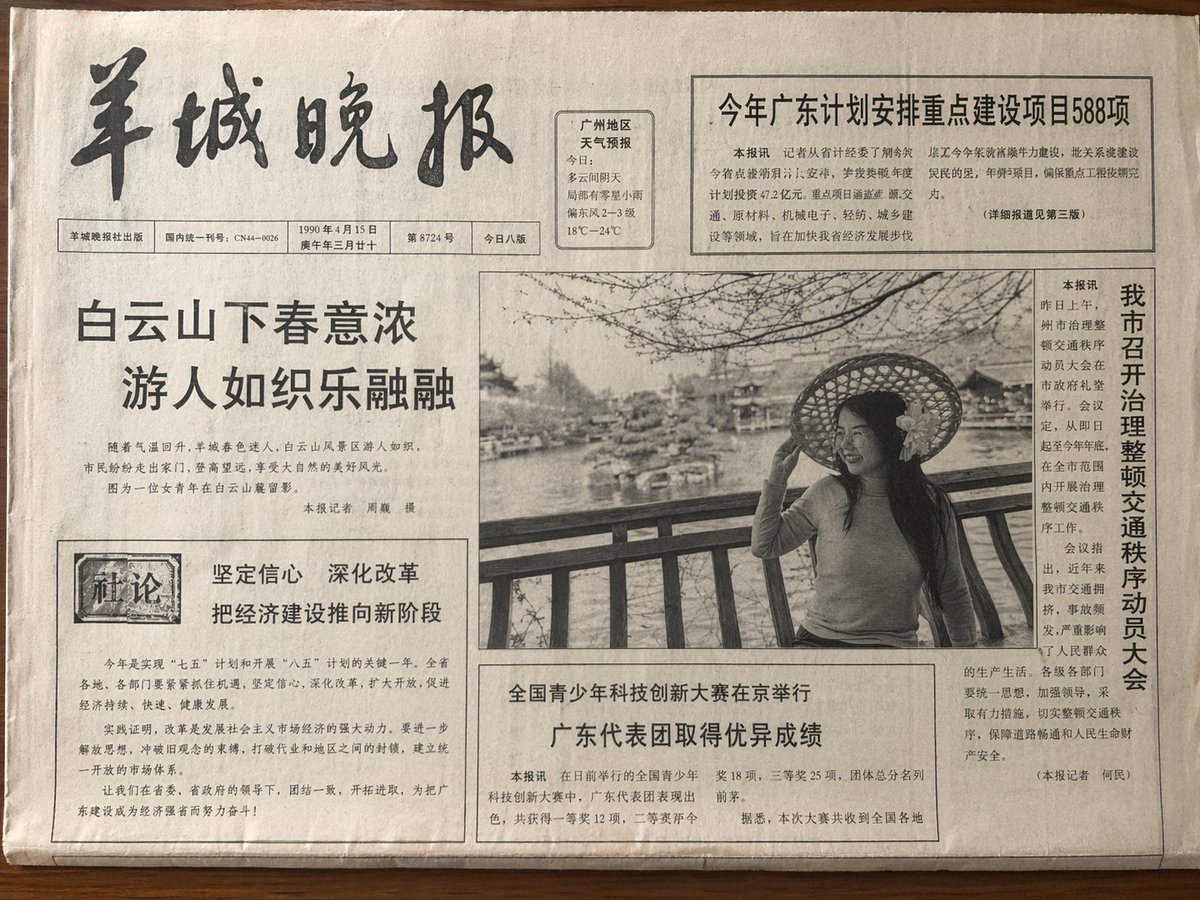
Vintage Newspaper Front Page

Photorealistic Newspaper Front Page

Photorealistic Korean Newspaper Front Page
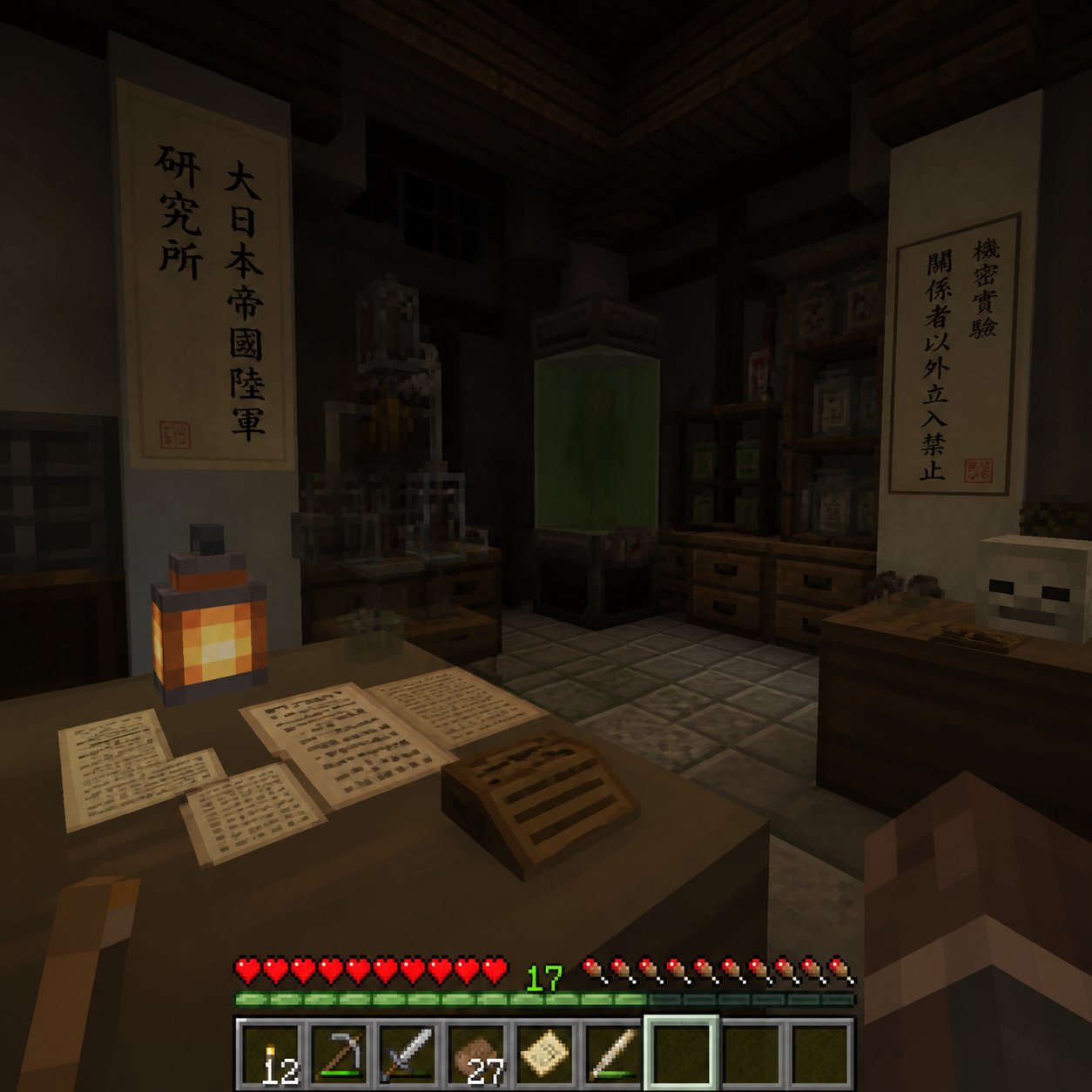
Minecraft Japanese Research Lab Exploration
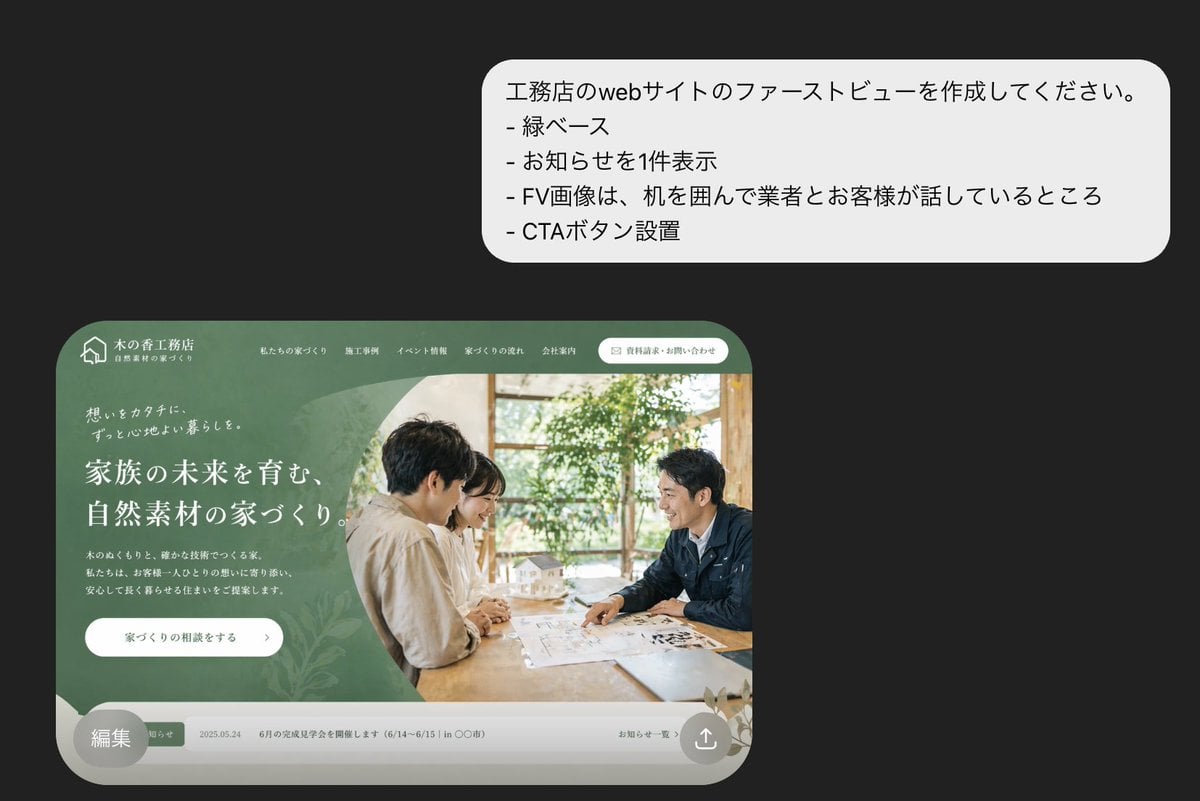
Japanese Builder Website Hero Mockup
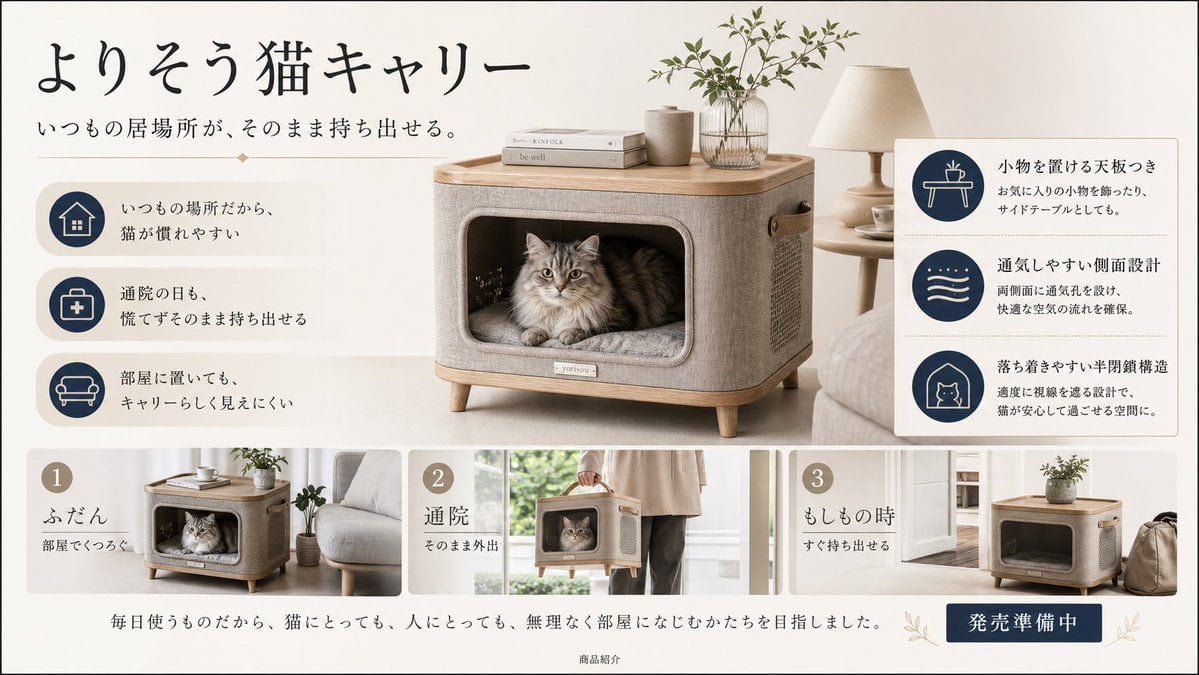
Japanese Cat Carrier Product Ad
Rainy Cyberpunk Superhero Comic Page
Make it yours
Japanese Newspaper Cat Hero Front Page works as-is. These are the safest ways to change it without losing the look.
Change one field
Copy a single group, rewrite it, and generate again so you can see what that field is doing.
Keep the frame, change the subject
Hold the composition and light of Japanese Newspaper Cat Hero Front Page, then swap wardrobe, props or the person for a new take.
| If the result… | Why | Fix |
|---|---|---|
| The result drifts from the preview | Too many fields changed at once. | Reuse Japanese Newspaper Cat Hero Front Page as-is first, then change one group — subject, light, or setting. |
| The model over-stylizes the scene | The prose prompt leaves finish and camera underspecified. | Add one camera or lighting sentence and stay on GPT Image 2. |
More GPT Image 2 templates
Other prompts made for GPT Image 2.

Six VTuber Japanese Logo Sheet

Realistic Portrait of Woman and Deer

The Vista Modular Condo Poster

AI Model Routing Comparison Infographic

2.5D Anime Art Board

Isometric Productivity Desk Scene

New York Double Exposure Poster

Four-Panel AI Landscape Comparison

Japanese Tatami Lifestyle Magazine Cover

NESCAFÉ Coffee Map Poster
More image prompts
Fresh picks from across the catalog.

3x3 Christmas Collage of a Woman on a Couch
Sorrowful Night Cinematic Portrait

Neo-Noir 1920s Gangster Portrait

Hyperrealistic Fantasy Food Ad
3D Urban Skater Character
Textile Collage Elf Maiden
Penthouse Mirror Reflection Portrait

Crayon Cartoon Artist Studio
Under Glass Floor Perspective Shot
Dreamy Garden Swing Portrait
Browse template categories
Japanese Newspaper Cat Hero Front Page questions
How do I use the Japanese Newspaper Cat Hero Front Page template?
Add your photo if the template asks for one, edit the prompt if you like — the template's model and format are already selected — and press Generate. Your version opens in PicX Studio.
Can I customize the Japanese Newspaper Cat Hero Front Page template?
Yes. You can change the subject, setting, lighting, mood, format, and available model controls before creating your image.
Is the Japanese Newspaper Cat Hero Front Page template free?
Opening and editing this template is free. Generating uses credits, shown on the Generate button when you are signed in.
Which AI model should I use?
Start with GPT Image 2, which is the model associated with this template. You can compare another compatible model for a different finish.
Looking for something else? Browse all templates.

Your photo, any look
Thousands of ready templates for every top image and video model, from one credit balance.