
Japanese Cat Carrier Product Ad
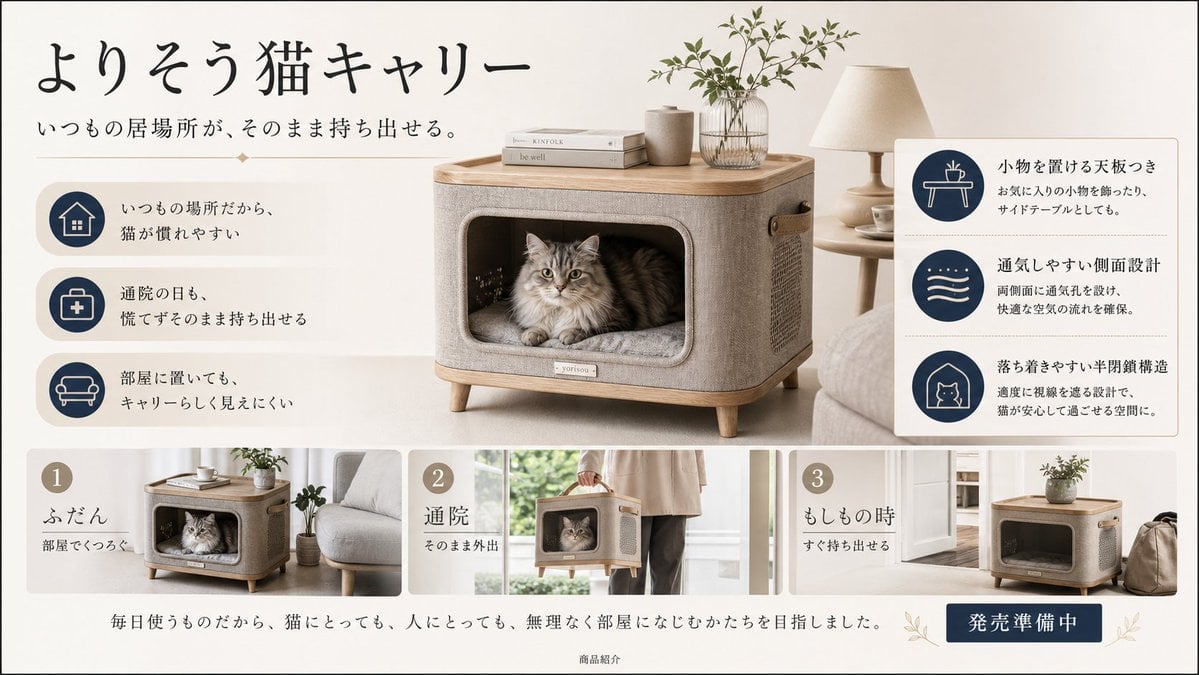
Generates a premium Japanese lifestyle advertisement for a furniture-like cat carrier with feature icons and three usage panels.
- Prompt included
- Model and format preset
- Premium template
The prompt behind this image
Copy the exact prompt behind Japanese Cat Carrier Product Ad, or open it in the studio and make it yours.
Goal: Create a refined Japanese product advertisement for a home-furniture-style cat carrier, designed like a calm lifestyle catalog page for cat owners. Canvas: Wide horizontal 16:9 banner, warm off-white background, soft natural daylight, beige and navy color palette, minimal premium Japanese design. Use realistic product photography mixed with clean editorial layout. Main headline text: Large handwritten-style Japanese calligraphy at top left: {argument name="headline text" default="よりそう猫キャリー"}. Under it, smaller Japanese subheadline: {argument name="subheadline text" default="いつもの居場所が、そのまま持ち出せる。"}. Add a small centered decorative diamond divider beneath the subheadline. Main visual: Center-right hero product shot of a rectangular cat carrier that looks like a small side table or ottoman. The carrier has rounded corners, light wood top board, beige woven fabric body, short tapered wooden legs, side handle, and a large rounded rectangular front opening. Inside the opening, show one fluffy long-haired gray tabby cat sitting calmly on a cushioned bed, looking forward. On top of the carrier place exactly 3 tabletop items: two stacked neutral-colored books, one ceramic cup, and one glass vase with leafy green branches. In the background, include a beige table lamp, a small side table with a cup and saucer, and a pale sofa, all softly blurred. Left feature column: Place exactly 3 horizontal feature rows on the left, each with a navy circular icon inside a beige rounded square and Japanese explanatory text. Row 1 icon: house; text: 「いつもの場所だから、猫が慣れやすい」. Row 2 icon: medical bag with cross; text: 「通院の日も、慌てずそのまま持ち出せる」. Row 3 icon: sofa; text: 「部屋に置いても、キャリーらしく見えにくい」. Right feature card: Add a white rounded rectangle card on the right with a thin beige border, divided into exactly 3 stacked feature blocks separated by dotted lines. Each block has a navy circular icon and Japanese text. Block 1 icon: small table with cup; heading 「小物を置ける天板つき」, body 「お気に入りの小物を飾ったり、サイドテーブルとしても。」. Block 2 icon: airflow waves; heading 「通気しやすい側面設計」, body 「両側面に通気孔を設け、快適な空気の流れを確保。」. Block 3 icon: cat inside a house outline; heading 「落ち着きやすい半閉鎖構造」, body 「適度に視線を遮る設計で、猫が安心して過ごせる空間に。」. Bottom strip: Create exactly 3 numbered lifestyle panels across the lower third, each with a beige number circle and Japanese captions. Panel 1 number 「1」, heading 「ふだん」, subtext 「部屋でくつろぐ」, image of the carrier beside a sofa with the cat inside. Panel 2 number 「2」, heading 「通院」, subtext 「そのまま外出」, image of a person carrying the carrier by its handle near a bright window. Panel 3 number 「3」, heading 「もしもの時」, subtext 「すぐ持ち出せる」, image of the carrier near a doorway with a bag beside it. Footer: Center a Japanese sentence in elegant serif type: 「毎日使うものだから、猫にとっても、人にとっても、無理なく部屋になじむかたちを目指しました。」 At the bottom center add tiny text 「商品紹介」. At bottom right place a dark navy rectangular button with white Japanese text: {argument name="button text" default="発売準備中"}, decorated with subtle olive leaf sprigs on both sides. Visual style: Premium Muji-like Japanese lifestyle advertising, airy spacing, soft shadows, realistic textures, natural linen, light wood, muted beige, deep navy icons, clean typography. Keep all Japanese text legible and accurately placed. No extra logos, no watermark, no additional products, no people except the partial person in panel 2.
How to use Japanese Cat Carrier Product Ad in 3 steps
- 1Upload ImagePNG, JPG or paste
Add your photo
Upload the photo the template builds on. The prompt, model and format are already set.
- 2…a portrait of your subject in softgolden-hour light, 85mm…
Personalize
Edit the subject and creative details for your destination.
- 3Generate
Generate
Press Generate — your image is created in PicX Studio, so you can compare it with the original and refine one variable at a time.
More like this
Templates with the same subject, style or setup. Open one to see its prompt.

Minecraft Japanese Research Lab Exploration

Surreal Cat Astronaut — Humanoid Face Freefall

A k.pop idol on the stage with mic

Trendy Cafe Drink Promo Poster

Japanese Architectural Concrete Studio Fashion Campaign

Blue Backdrop Luxury Fashion Portrait Campaign

Minimalist Skincare Product Water Stone Still

Low Angle Floor Selfie With Upside Down Cat

Giant Forced Perspective Street Product Selfie

Playful Futuristic Brand Kit Board

Headphones Lifestyle Nine Panel Grid

Cappuccino Bottle Splash Product Ad
Make it yours
Japanese Cat Carrier Product Ad works as-is. These are the safest ways to change it without losing the look.
Change one field
Copy a single group, rewrite it, and generate again so you can see what that field is doing.
Keep the frame, change the subject
Hold the composition and light of Japanese Cat Carrier Product Ad, then swap wardrobe, props or the person for a new take.
| If the result… | Why | Fix |
|---|---|---|
| The result drifts from the preview | Too many fields changed at once. | Reuse Japanese Cat Carrier Product Ad as-is first, then change one group — subject, light, or setting. |
| The model over-stylizes the scene | The prose prompt leaves finish and camera underspecified. | Add one camera or lighting sentence and stay on GPT Image 2. |
More GPT Image 2 templates
Other prompts made for GPT Image 2.

Six VTuber Japanese Logo Sheet

Realistic Portrait of Woman and Deer

The Vista Modular Condo Poster

AI Model Routing Comparison Infographic

2.5D Anime Art Board

Isometric Productivity Desk Scene

New York Double Exposure Poster

Four-Panel AI Landscape Comparison

Japanese Tatami Lifestyle Magazine Cover

NESCAFÉ Coffee Map Poster
More image prompts
Fresh picks from across the catalog.

Neo-Baroque Engraved Pop Portrait
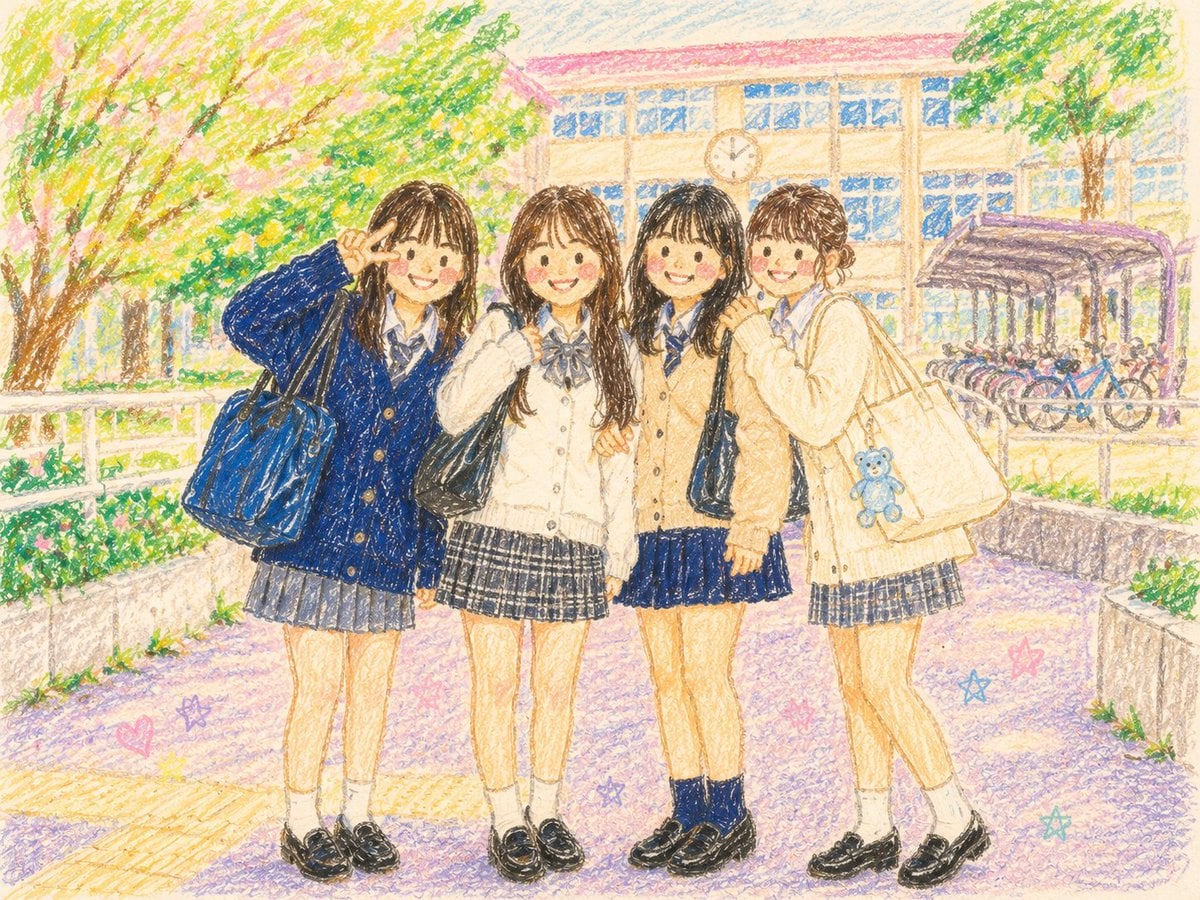
Crayon Style Picture Book Illustration
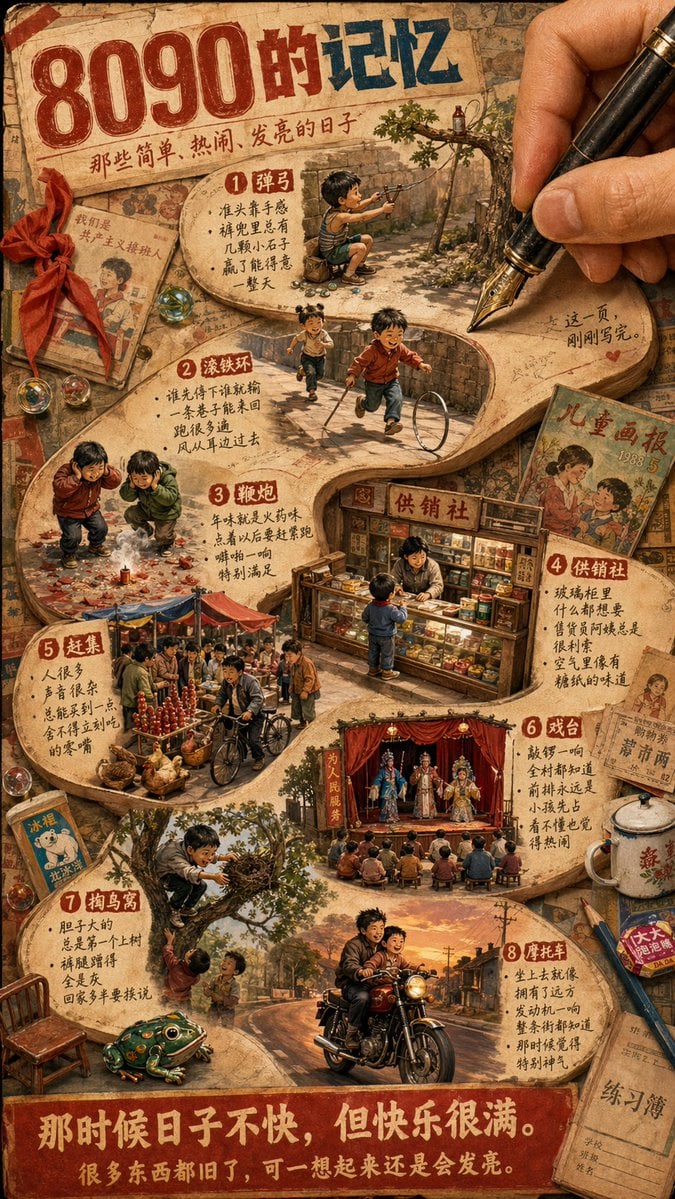
Nostalgic 80s 90s China Memory Poster
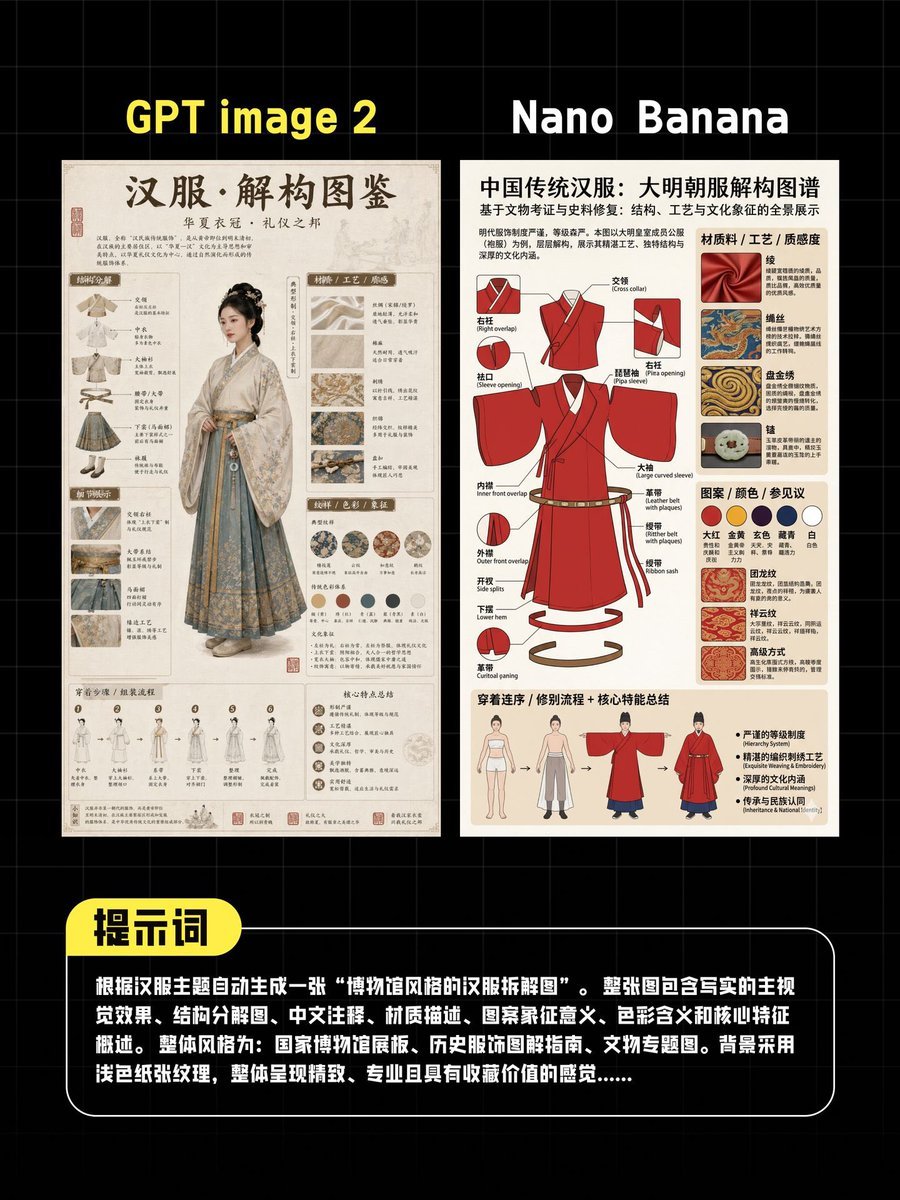
AI Hanfu Poster Comparison
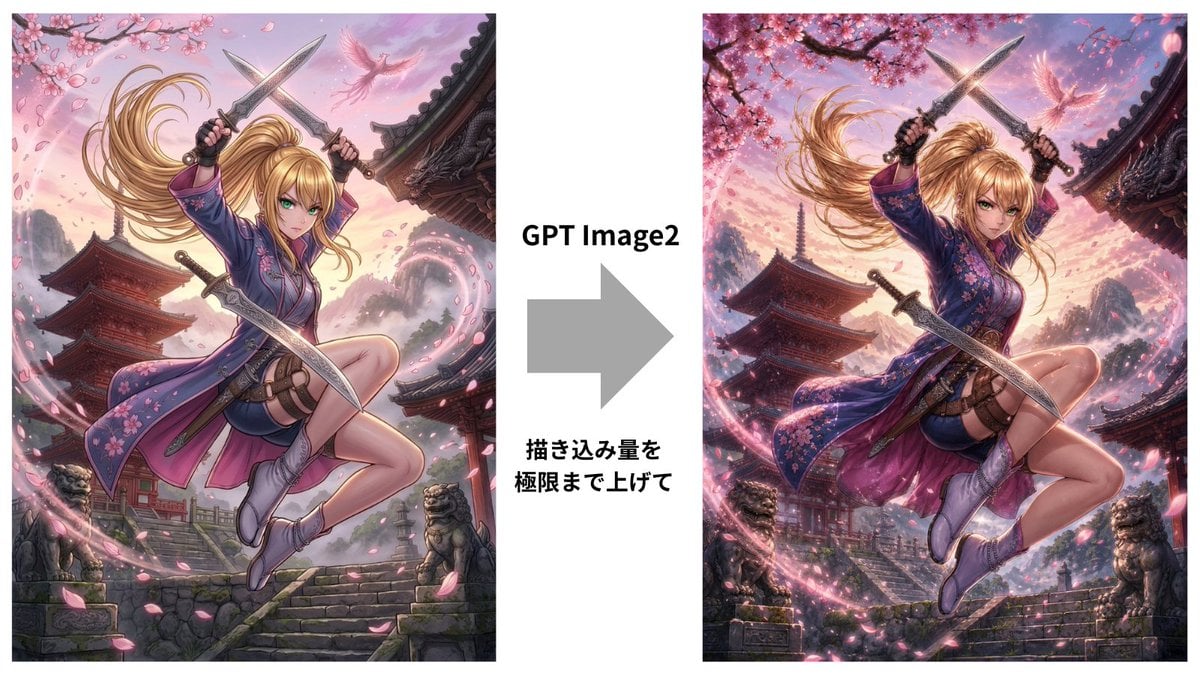
GPT Image 2 Kunoichi Comparison
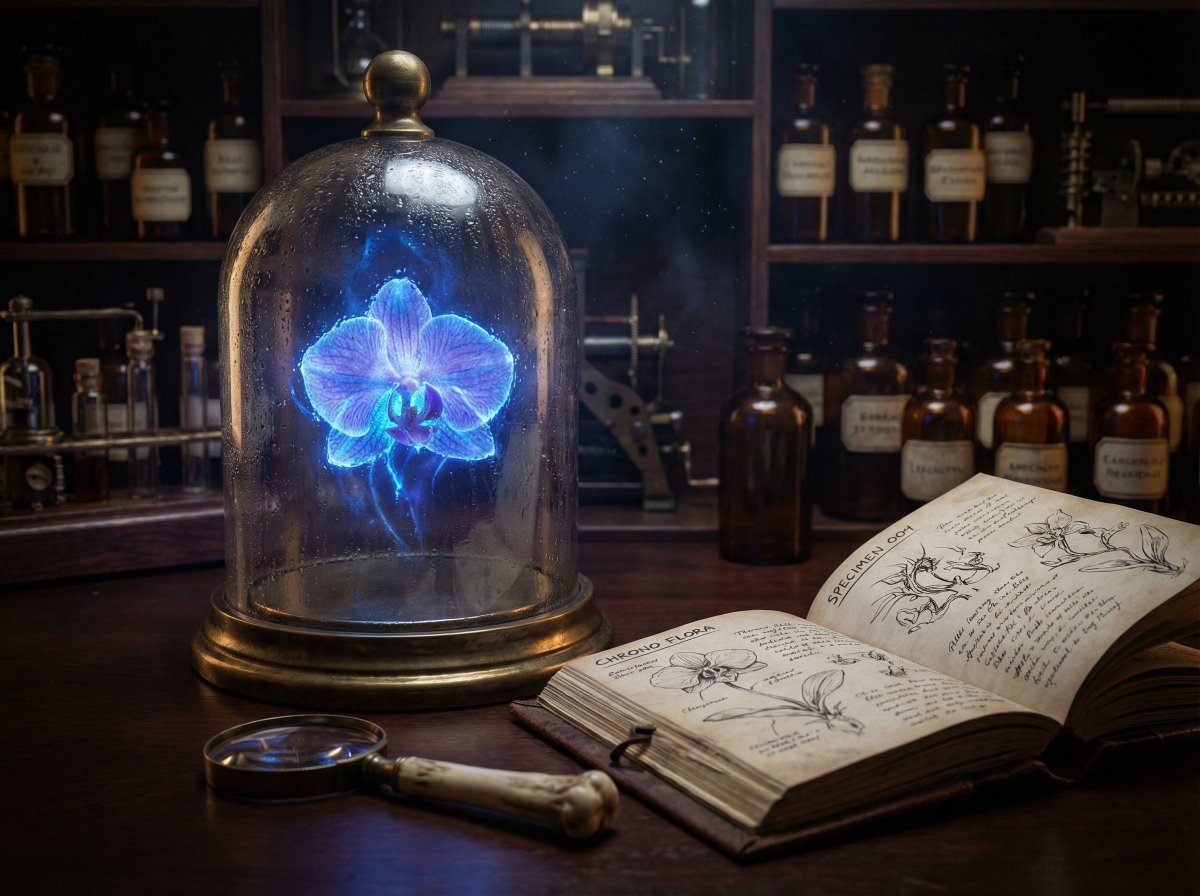
JSON Nano Banana Pro prompt for steampunk botanist workbench

Shiv/God Created by Drones in Sky
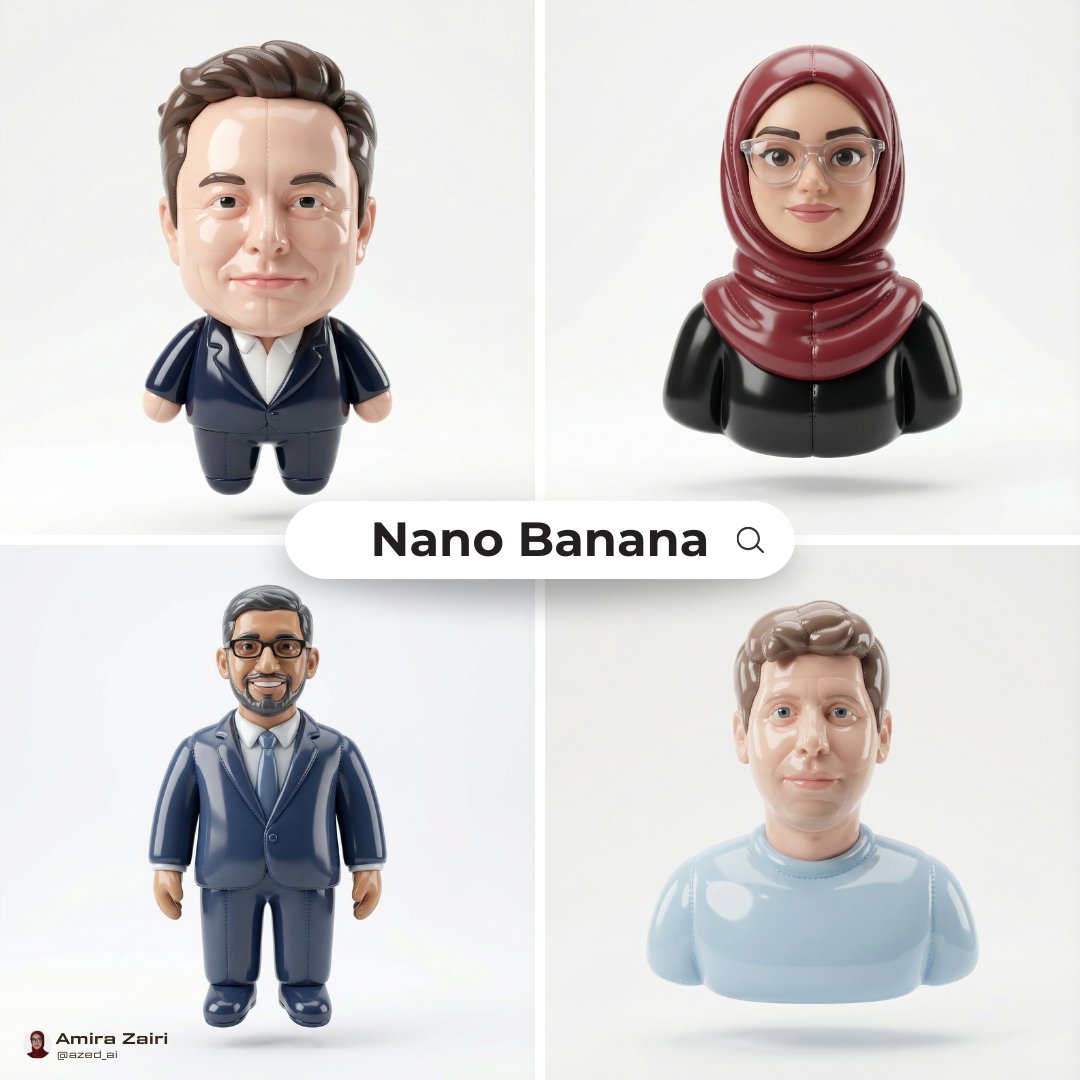
Inflatable Character Creation Prompt
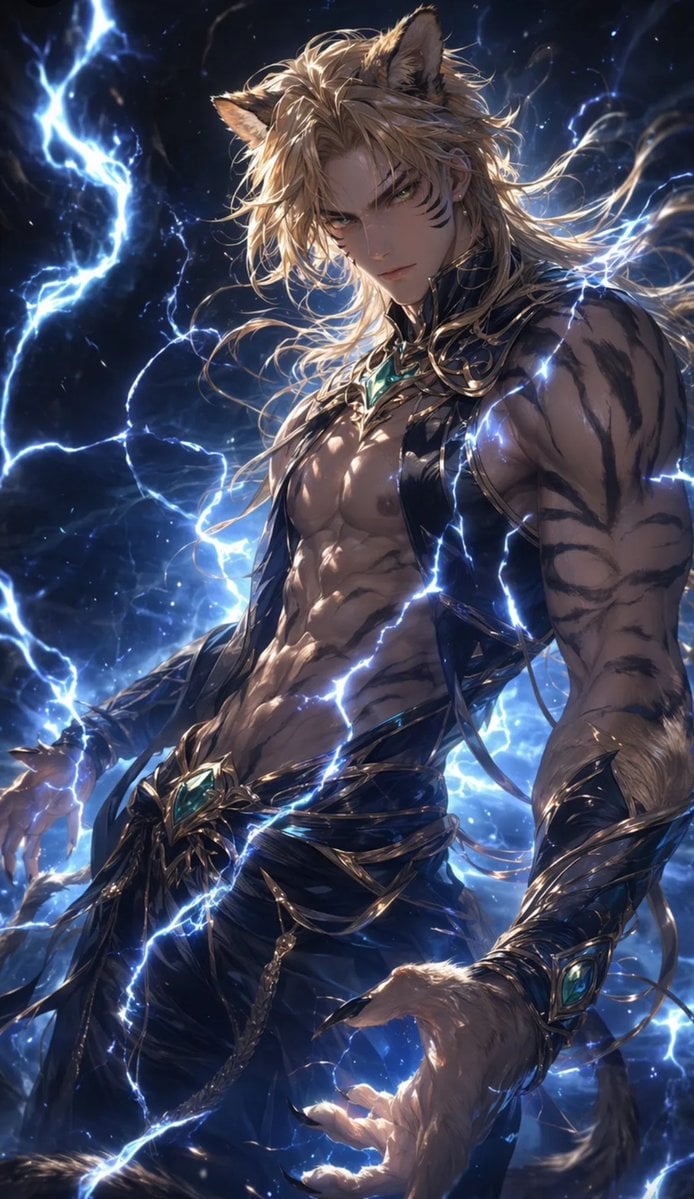
Tiger Beastman Lightning Warrior
Authentic iPhone Portrait of African Woman
Browse template categories
Japanese Cat Carrier Product Ad questions
How do I use the Japanese Cat Carrier Product Ad template?
Add your photo if the template asks for one, edit the prompt if you like — the template's model and format are already selected — and press Generate. Your version opens in PicX Studio.
Can I customize the Japanese Cat Carrier Product Ad template?
Yes. You can change the subject, setting, lighting, mood, format, and available model controls before creating your image.
Is the Japanese Cat Carrier Product Ad template free?
Opening and editing this template is free. Generating uses credits, shown on the Generate button when you are signed in.
Which AI model should I use?
Start with GPT Image 2, which is the model associated with this template. You can compare another compatible model for a different finish.
Looking for something else? Browse all templates.

Your photo, any look
Thousands of ready templates for every top image and video model, from one credit balance.