
AI Hanfu Poster Comparison
A side-by-side social media comparison graphic contrasting two AI-generated Chinese Hanfu infographic posters with headings and a prompt text box, ideal for benchmarking image model results.
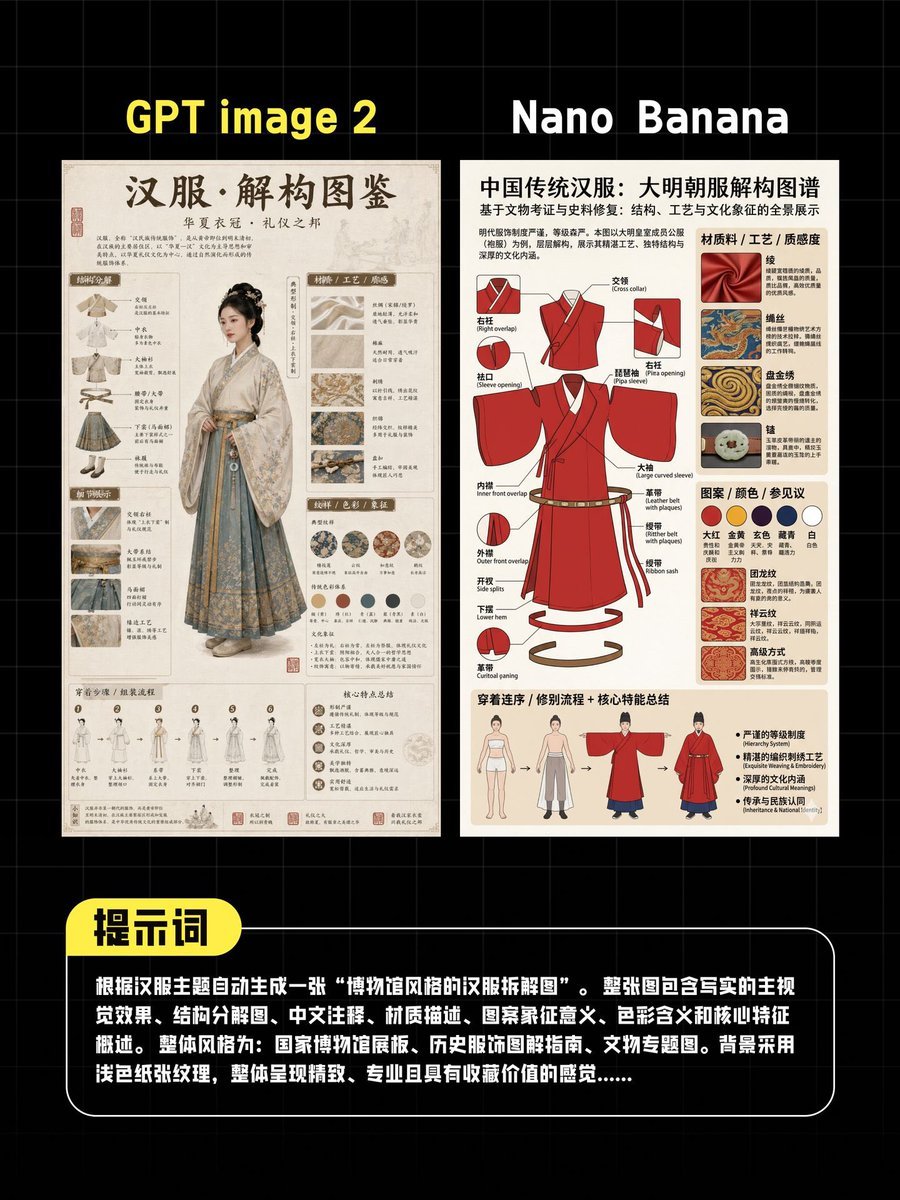
- Prompt included
- Model and format preset
- Free template
The prompt behind this image
Copy the exact prompt behind AI Hanfu Poster Comparison, or open it in the studio and make it yours.
A dark tech-comparison poster on a black background with a subtle gray square grid, showing two vertically oriented infographic images side by side for an AI image generation comparison. At the top, place two large bold yellow headings: “GPT image 2” above the left panel and “Nano Banana” above the right panel. The left panel is an elegant antique-style Hanfu reference poster on warm aged paper, with a large Chinese calligraphy title at the top reading “汉服·解构图鉴”, smaller subtitle text beneath, and a full-body woman in pale traditional Hanfu standing in the center, her face intentionally blurred. Surround her with many small labeled diagram blocks, fabric swatches, embroidery closeups, accessory notes, silhouette studies, and fine Chinese annotations in a scholarly museum-poster layout. Use beige, cream, light gray-blue, and faded ink tones, giving the panel a refined archival aesthetic. The right panel is a cleaner modern infographic poster on light beige paper with a bold Chinese title across the top reading “中国传统汉服:大明朝服解构图谱”. In the center, show a bright red Ming-style robe drawn as a technical exploded garment diagram with multiple callout arrows and labeled parts. Around it, include material samples, decorative pattern examples, a horizontal row of 6 circular color swatches, construction details, and a bottom strip with 4 small human figure diagrams showing wearing sequence or silhouette comparison. Make the right poster feel more graphic-design driven, with sharper contrast and more vivid red accents. At the bottom of the overall image, add a large rounded black text box with a thin white outline spanning most of the width. Attach a yellow rounded label tab on its upper-left corner containing the Chinese word “提示词” in bold black text. Inside the black box, place a dense paragraph of white Chinese text describing the test prompt for generating a Hanfu-themed decomposition chart, resembling a screenshot quote block. The whole composition should look like a social media comparison graphic, centered, cleanly aligned, high resolution, with strong contrast between the dark background and the two poster panels.
How to use AI Hanfu Poster Comparison in 3 steps
- 1Upload ImagePNG, JPG or paste
Add your photo
Upload the photo the template builds on. The prompt, model and format are already set.
- 2…a portrait of your subject in softgolden-hour light, 85mm…
Personalize
Edit the subject and creative details for your destination.
- 3Generate
Generate
Press Generate — your image is created in PicX Studio, so you can compare it with the original and refine one variable at a time.
More like this
Templates with the same subject, style or setup. Open one to see its prompt.

Japan Travel Brochure Poster

Cartoon TV Show Poster Pack

Trendy Cafe Drink Promo Poster

Urban Fashion Editorial Collage Streetwear Poster

Premium Fashion Editorial Cover Layout System

Polo Ralph Lauren Luxury American Heritage Fashion Campaign

Monochrome Halftone Editorial Fashion Poster

Retro Mirror Luxury Fashion Campaign Poster

Luxury Fashion Campaign Typography Poster System

Premium Fashion Editorial Campaign Poster System

Ultra-Stylized High-Fashion Streetwear Poster

Urban Fashion Editorial Collage Poster
Make it yours
AI Hanfu Poster Comparison works as-is. These are the safest ways to change it without losing the look.
Change one field
Copy a single group, rewrite it, and generate again so you can see what that field is doing.
Keep the frame, change the subject
Hold the composition and light of AI Hanfu Poster Comparison, then swap wardrobe, props or the person for a new take.
| If the result… | Why | Fix |
|---|---|---|
| The result drifts from the preview | Too many fields changed at once. | Reuse AI Hanfu Poster Comparison as-is first, then change one group — subject, light, or setting. |
| The model over-stylizes the scene | The prose prompt leaves finish and camera underspecified. | Add one camera or lighting sentence and stay on GPT Image 2. |
More GPT Image 2 templates
Other prompts made for GPT Image 2.

Six VTuber Japanese Logo Sheet

Realistic Portrait of Woman and Deer

The Vista Modular Condo Poster

AI Model Routing Comparison Infographic

2.5D Anime Art Board

Isometric Productivity Desk Scene

New York Double Exposure Poster

Four-Panel AI Landscape Comparison

Japanese Tatami Lifestyle Magazine Cover

NESCAFÉ Coffee Map Poster
More image prompts
Fresh picks from across the catalog.
Clean Professional Social Media Avatar
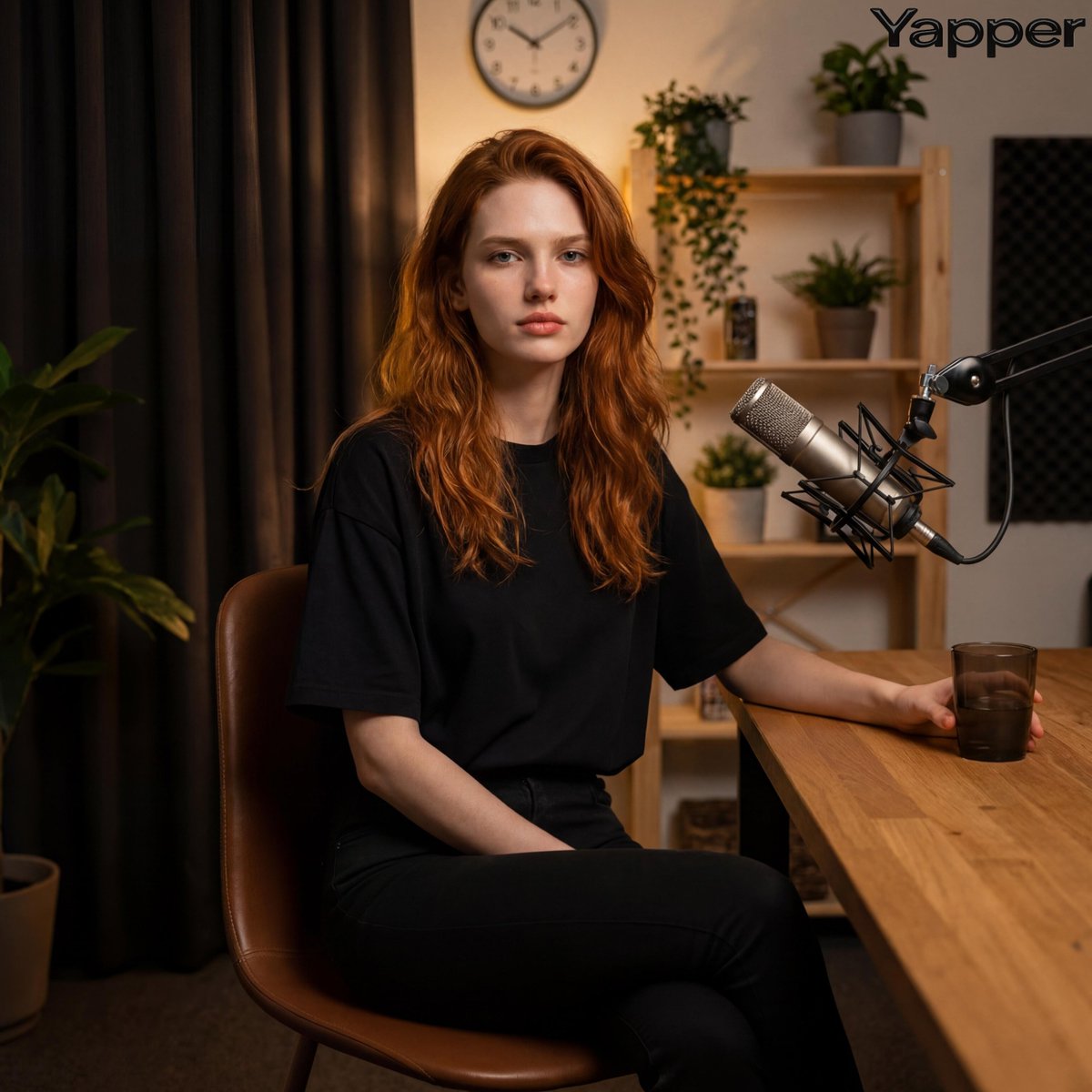
Photorealistic Portrait in a Warm Recording Studio
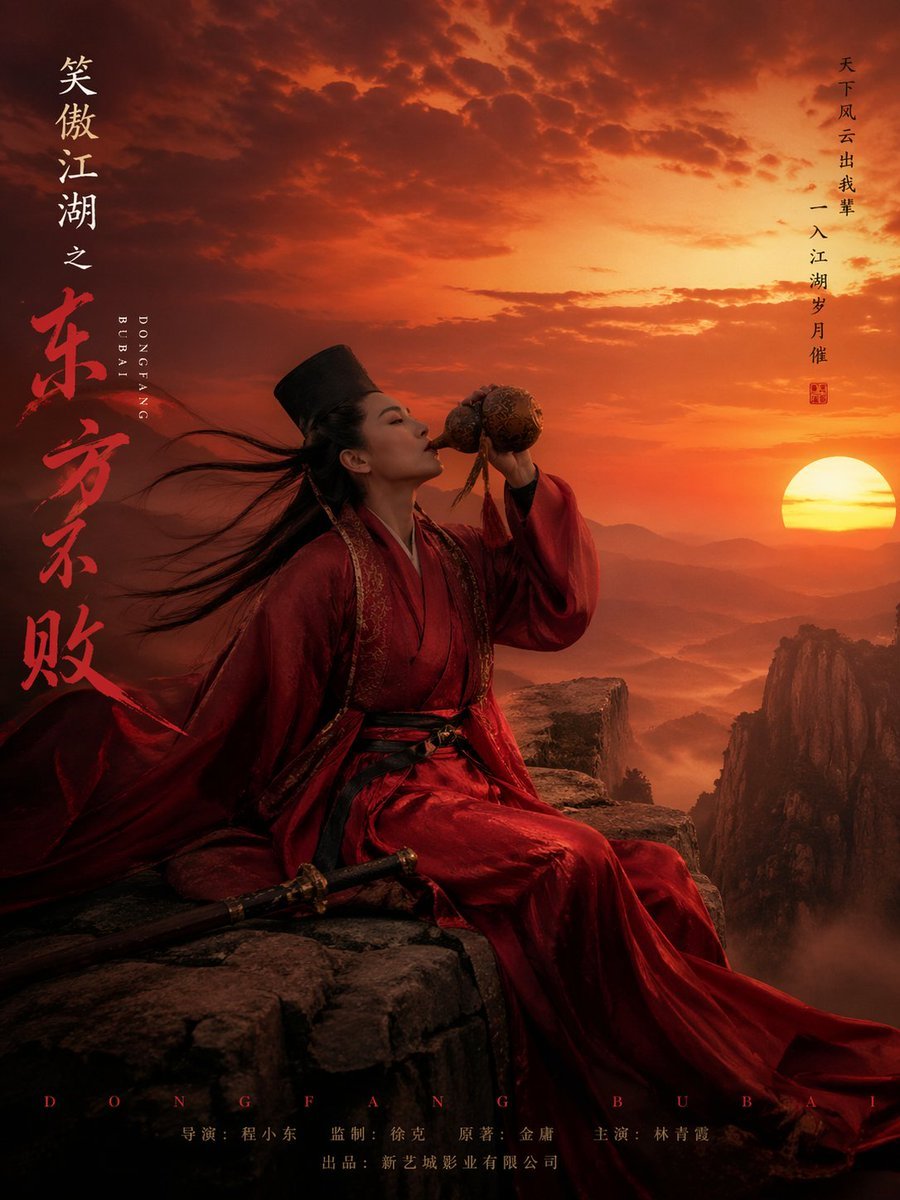
Wuxia Movie Character Posters

Ultra-Realistic Corporate Lifestyle Portrait
Censored Research Paper Office Portrait
Luxury Fashion Editorial with Money Gun and Sequins
Cute Japanese Baby Sock Comic
High-fashion black-and-white editorial portrait
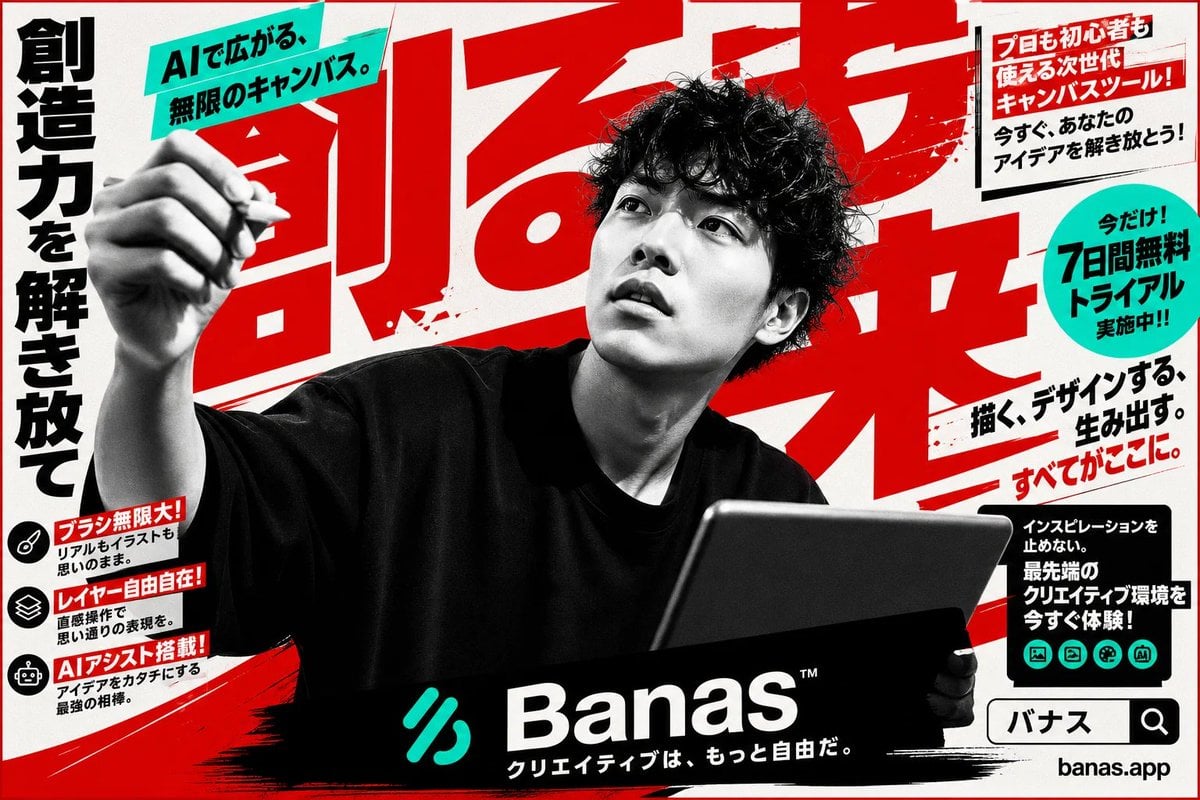
Japanese AI Creative Tool Poster
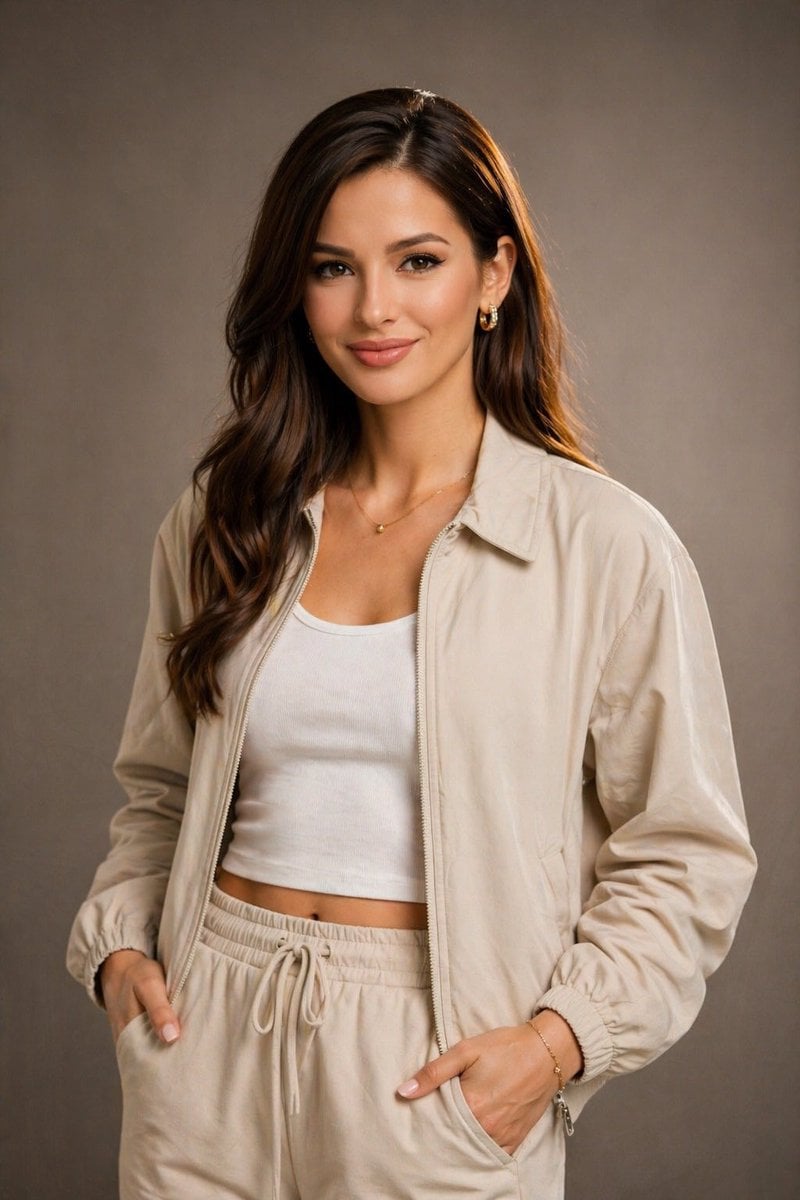
Editorial Studio Portrait in Neutral Streetwear
Browse template categories
AI Hanfu Poster Comparison questions
How do I use the AI Hanfu Poster Comparison template?
Add your photo if the template asks for one, edit the prompt if you like — the template's model and format are already selected — and press Generate. Your version opens in PicX Studio.
Can I customize the AI Hanfu Poster Comparison template?
Yes. You can change the subject, setting, lighting, mood, format, and available model controls before creating your image.
Is the AI Hanfu Poster Comparison template free?
Opening and editing this template is free. Generating uses credits, shown on the Generate button when you are signed in.
Which AI model should I use?
Start with GPT Image 2, which is the model associated with this template. You can compare another compatible model for a different finish.
Looking for something else? Browse all templates.

Your photo, any look
Thousands of ready templates for every top image and video model, from one credit balance.