
Low Angle Floor Selfie With Upside Down Cat
MeiGen selfie/mirror selfie pack.

- Prompt included
- Model and format preset
- Free template
The prompt behind this image
Copy the exact prompt behind Low Angle Floor Selfie With Upside Down Cat, or open it in the studio and make it yours.
Create a realistic vertical smartphone selfie taken indoors from a very low floor-level angle, with the camera pointing upward. A woman with fair skin, naturally proportioned facial features, expressive eyes, and shoulder-length dark hair stands in the lower center of the frame wearing an oversized black T-shirt. She looks down into the camera with a warm genuine smile, bright friendly eyes, and a relaxed social-media selfie expression. At the top center of the frame, an upside-down fluffy cat leans toward the lens, looking directly downward and dominating the upper composition with a cute, funny, and charming expression that matches the woman's friendly and cheerful mood. Bright modern apartment interior, large windows, soft natural daylight, clean minimal background. Ultra-realistic skin rendering with visible natural pores, fine facial hairs, subtle skin texture, realistic eyelids, natural lip texture, soft under-eye details, authentic complexion variations, slight redness in natural areas of the face, realistic skin translucency, no beauty filter effect, no plastic skin, no excessive retouching, realistic facial depth and micro-details. Matte skin finish with natural light absorption, true-to-life skin tones and highly realistic texture reproduction. Professional portrait photography quality captured with a Sony A7R V, 85mm f/1.8 portrait lens, f/2.0 aperture, ISO 100, ultra-high-resolution sensor, shallow depth of field, natural optical bokeh, realistic lens rendering, high dynamic range, accurate skin color reproduction, crisp focus on the face and eyes. Soft window light combined with realistic ambient indoor illumination, natural shadow transitions, subtle catchlights in the eyes, cinematic yet realistic lighting. Highly detailed cat fur, individual hair strands visible, realistic whiskers and facial features. Natural smartphone-photo composition with balanced framing, candid atmosphere, social-media-friendly aesthetic, photorealistic, ultra-detailed, lifelike textures, realistic lighting physics, premium portrait quality, 8K resolution. Negative prompt: duck face, serious expression, eye-level camera, flat selfie angle, side-positioned animal, random animal, cartoon, anime, CGI, artificial skin smoothing, plastic skin, beauty filter, glamour retouching, waxy skin, distorted anatomy, extra limbs, messy room, scary expressions, aggressive animal behavior, blur, low resolution, watermark, logo, text.
How to use Low Angle Floor Selfie With Upside Down Cat in 3 steps
- 1
Open
The prompt is already in the box next to the preview, with the template's model and format selected.
- 2…a portrait of your subject in softgolden-hour light, 85mm…
Personalize
Edit the subject and creative details for your destination.
- 3Generate
Generate
Press Generate — your image is created in PicX Studio, so you can compare it with the original and refine one variable at a time.
More like this
Templates with the same subject, style or setup. Open one to see its prompt.

Cat Photobomb Selfie — 0.5x Wide Angle Café Chaos
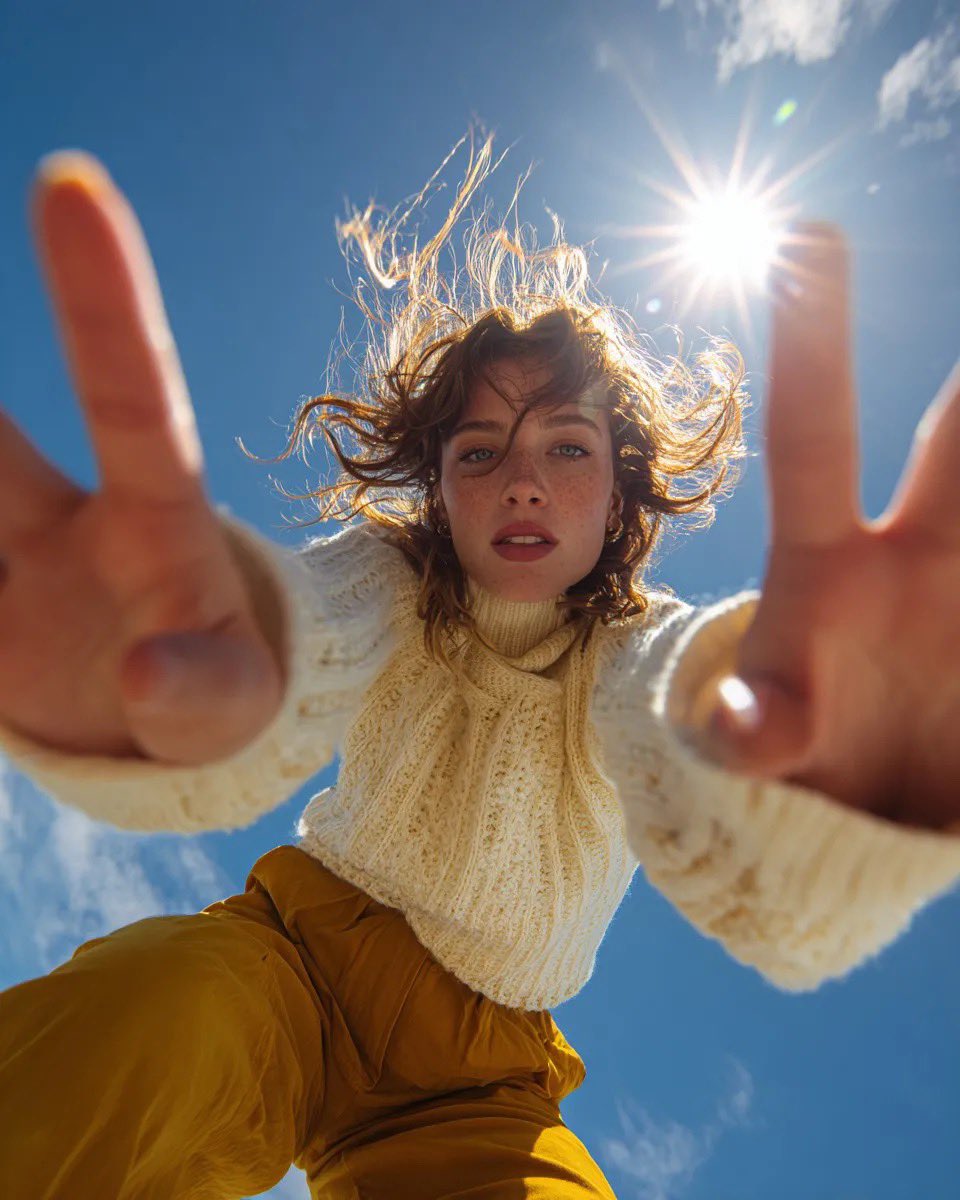
Ultra Wide Low-Angle Portrait — Sairah (Nano Banana)
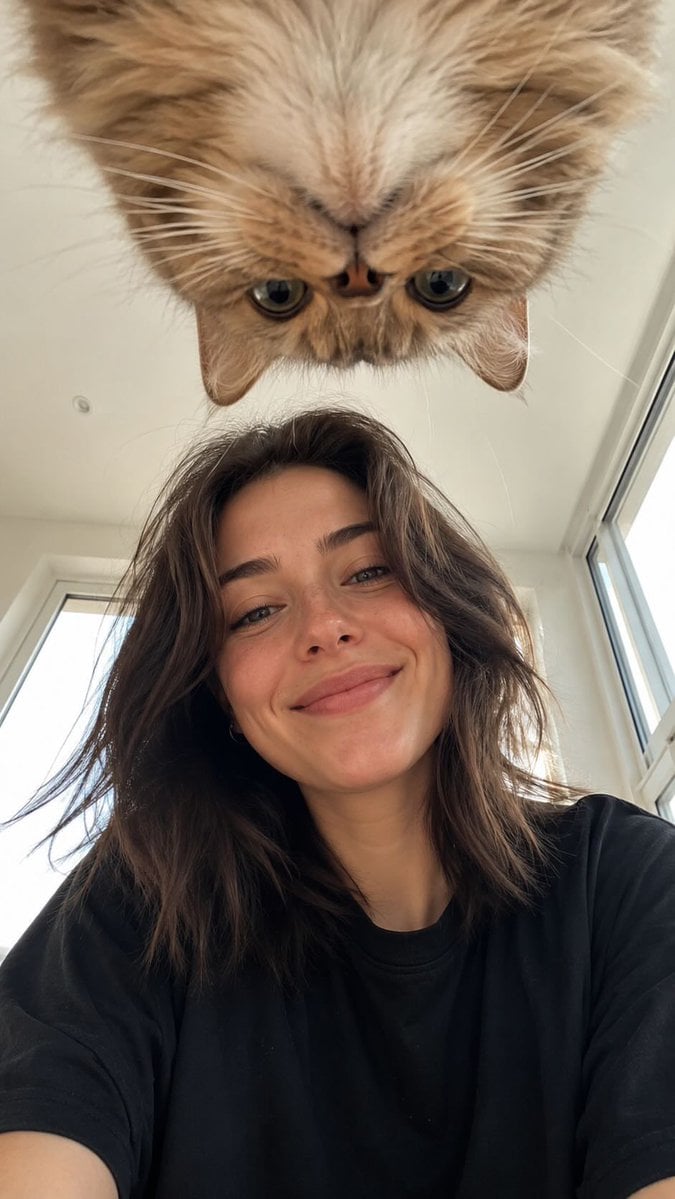
Low-Angle Selfie with Fluffy Cat

Surreal Cat Astronaut — Humanoid Face Freefall

Low-Angle Cyberpunk Neon Profile Portrait
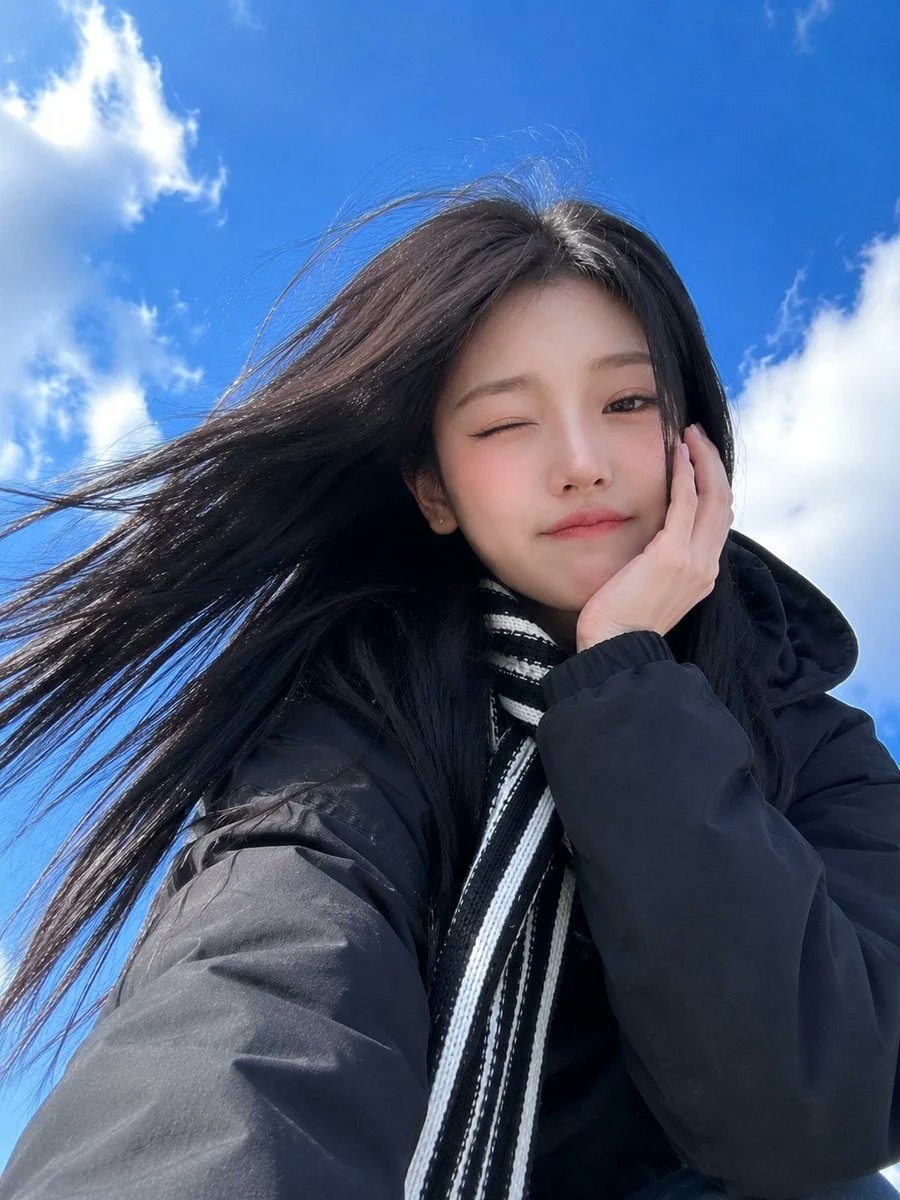
Low-Angle Winter Scarf Selfie
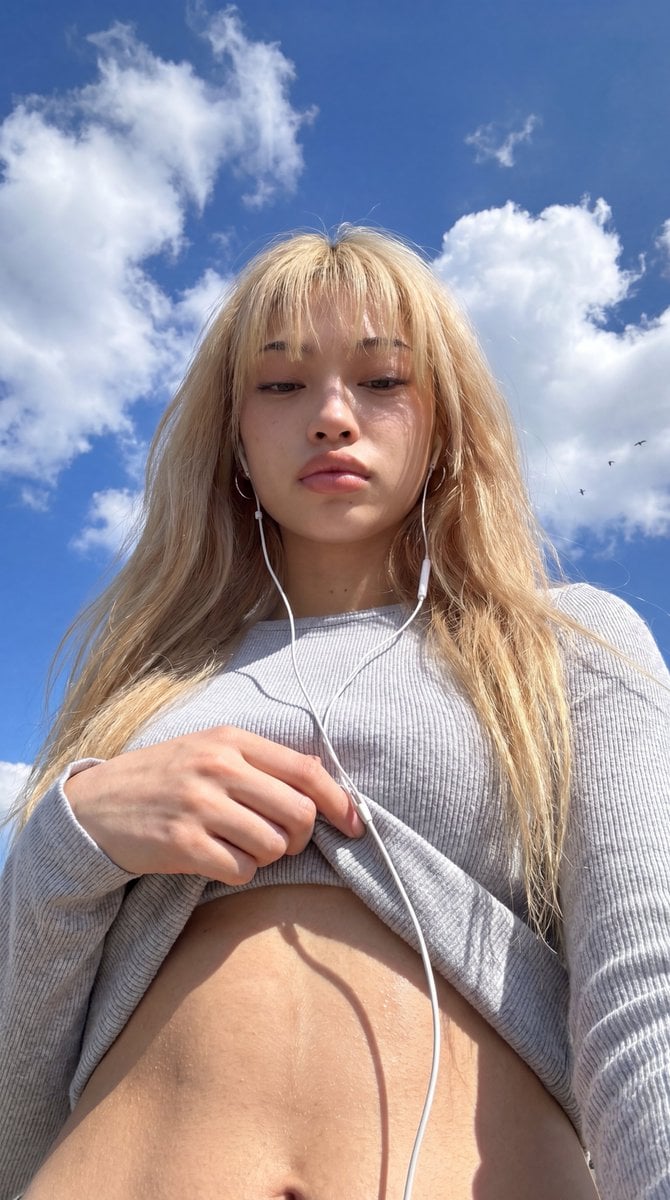
Low-Angle Wide-Sky Smartphone Selfie

Cinematic Low-Angle Fashion Portrait Smoke Editorial
Cinematic Low-Angle Fashion Portrait Smoke Editorial
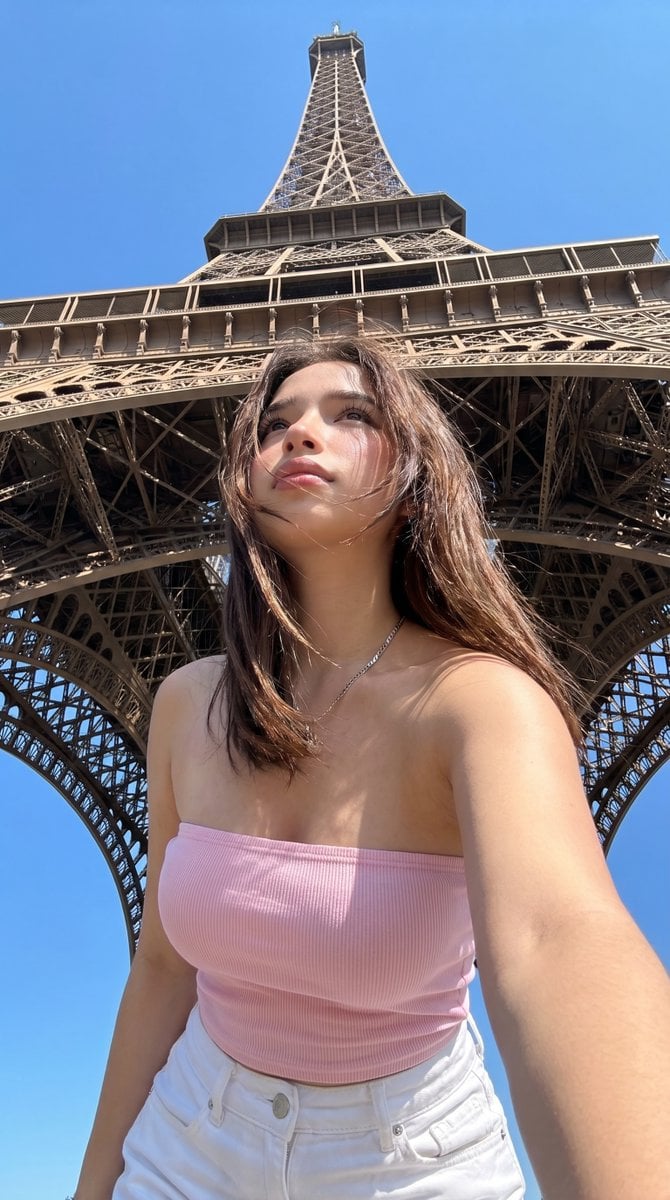
Eiffel Tower Low-Angle Selfie
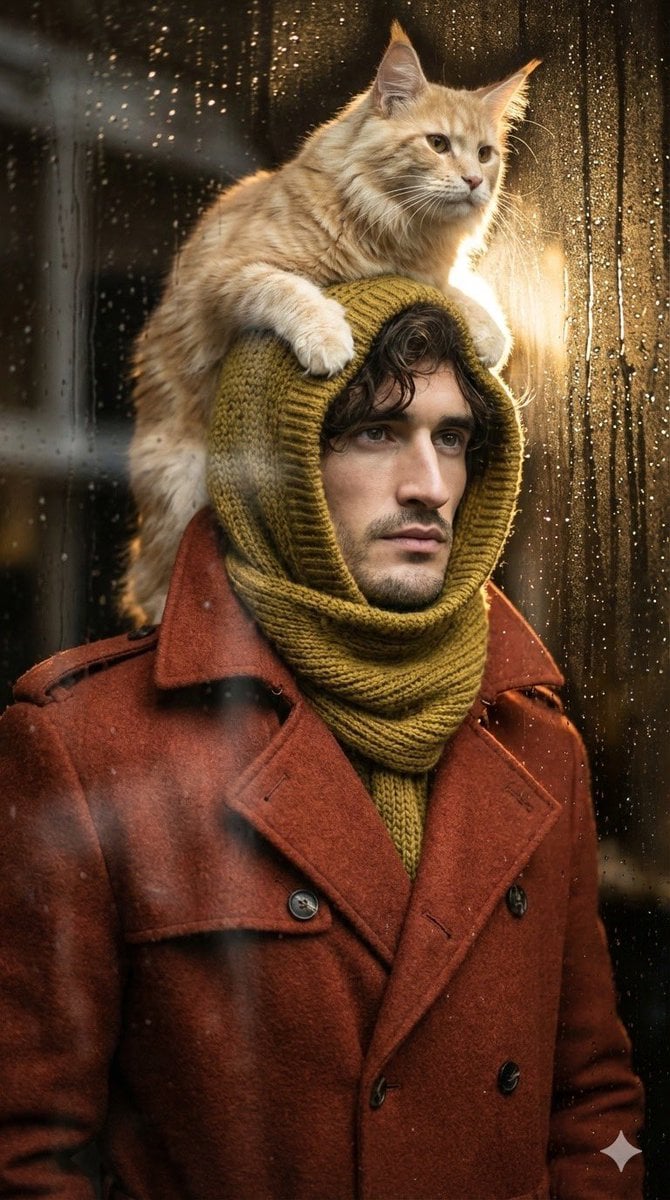
Low-angle man with hood scarf and cat on head
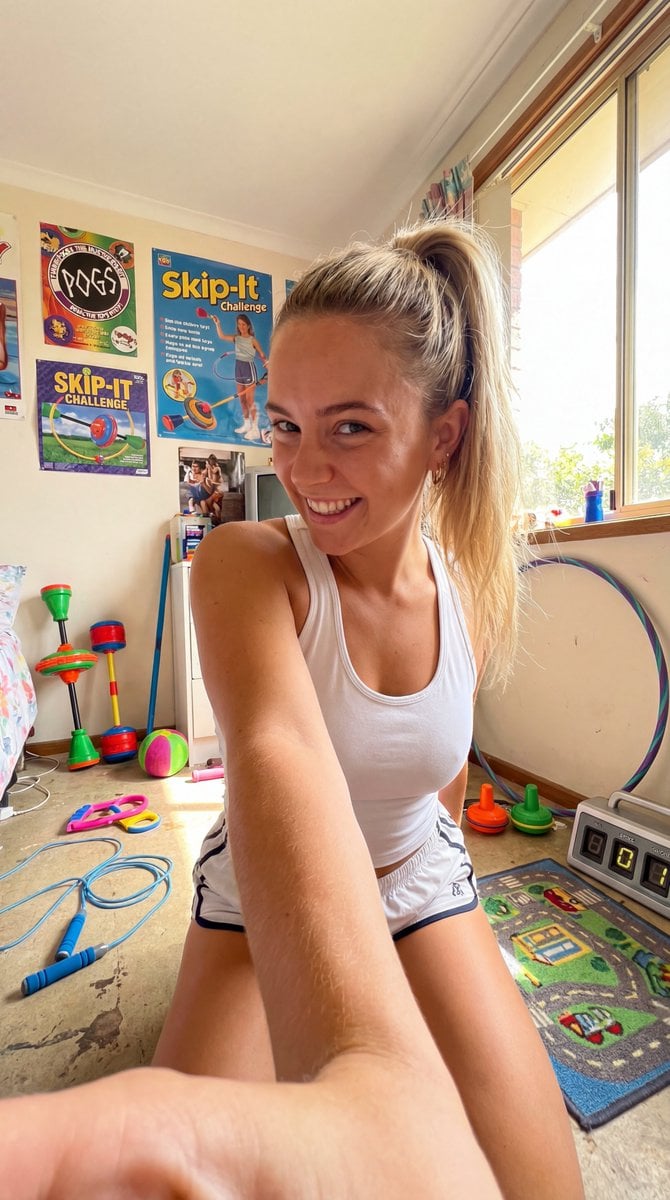
90s Skip-It Toy Selfie from Low Angle
Make it yours
Low Angle Floor Selfie With Upside Down Cat works as-is. These are the safest ways to change it without losing the look.
Change one field
Copy a single group, rewrite it, and generate again so you can see what that field is doing.
Keep the frame, change the subject
Hold the composition and light of Low Angle Floor Selfie With Upside Down Cat, then swap wardrobe, props or the person for a new take.
| If the result… | Why | Fix |
|---|---|---|
| The result drifts from the preview | Too many fields changed at once. | Reuse Low Angle Floor Selfie With Upside Down Cat as-is first, then change one group — subject, light, or setting. |
| The model over-stylizes the scene | The prose prompt leaves finish and camera underspecified. | Add one camera or lighting sentence and stay on Gptimage. |
More Gptimage templates
Other prompts made for Gptimage.


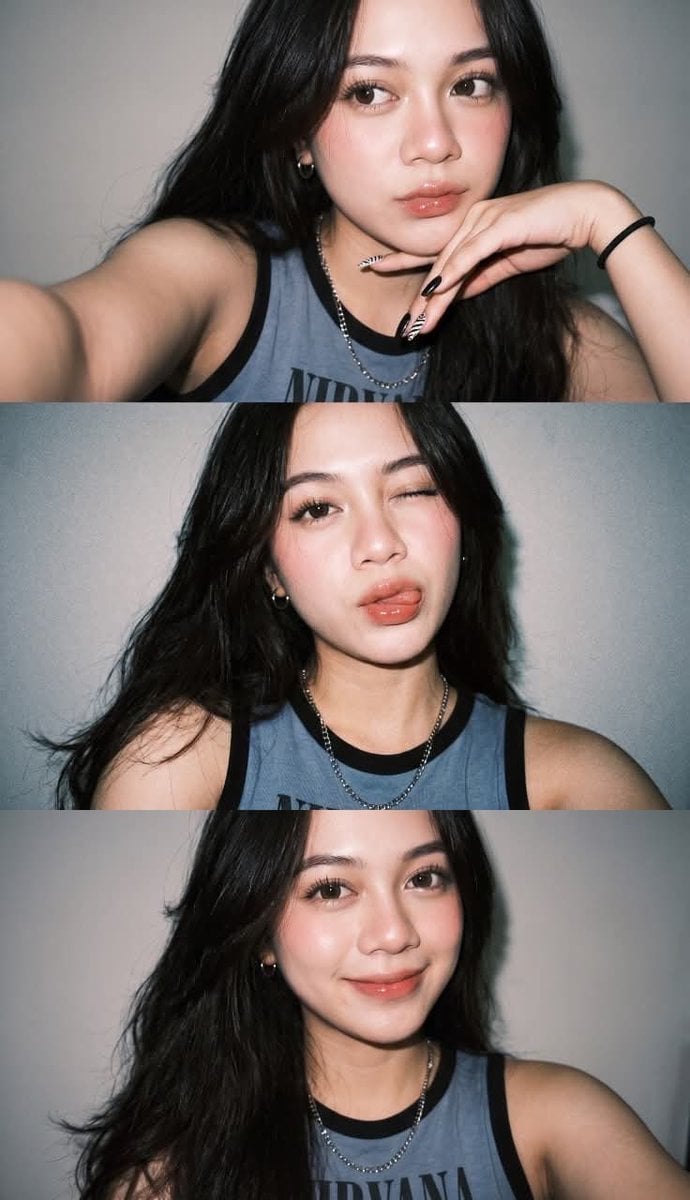




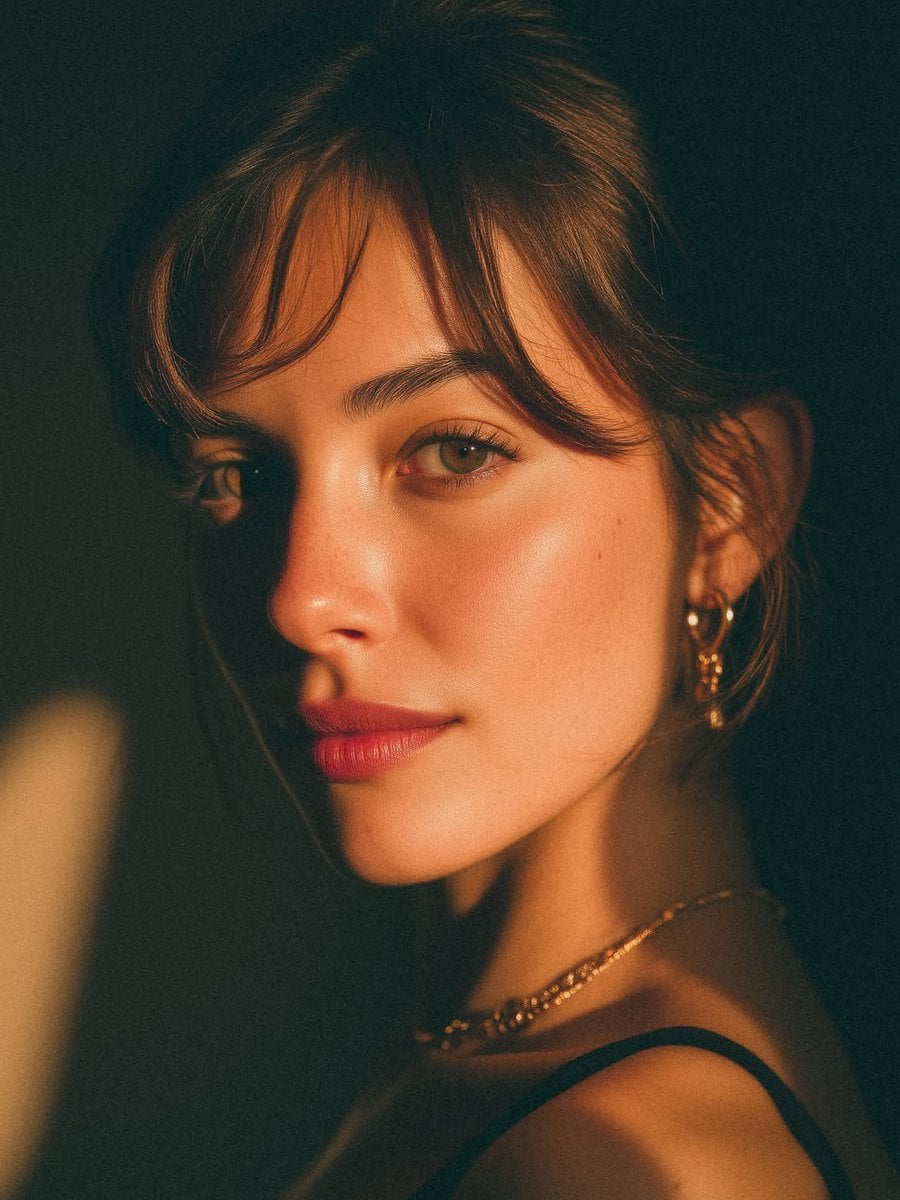
More image prompts
Fresh picks from across the catalog.
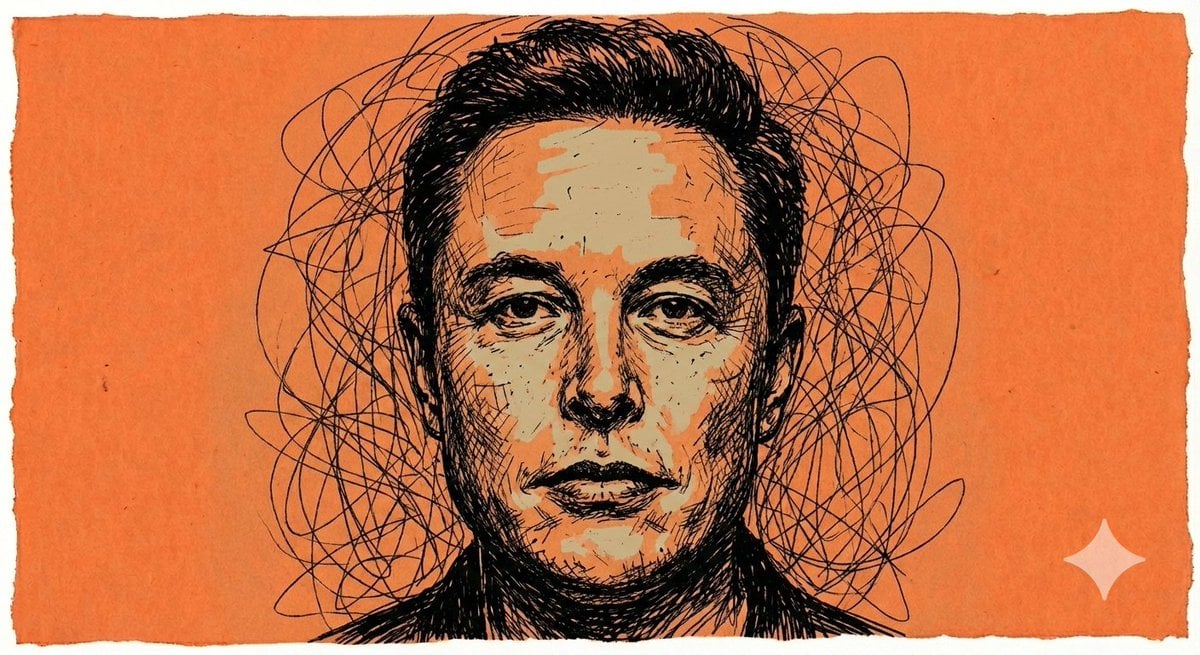
Raw Chaotic Ink Poster Prompt
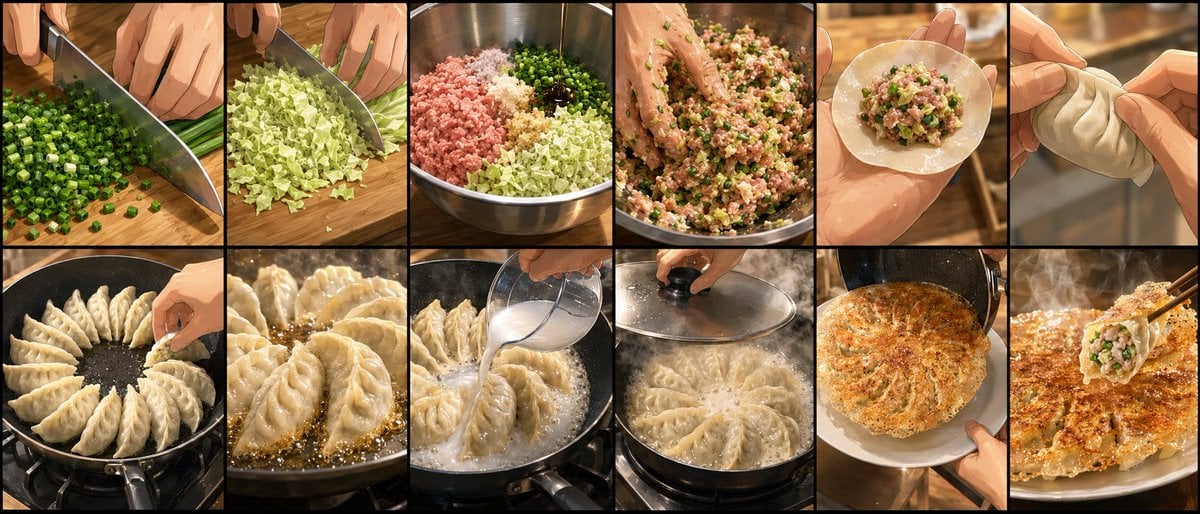
Gyoza Cooking Storyboard
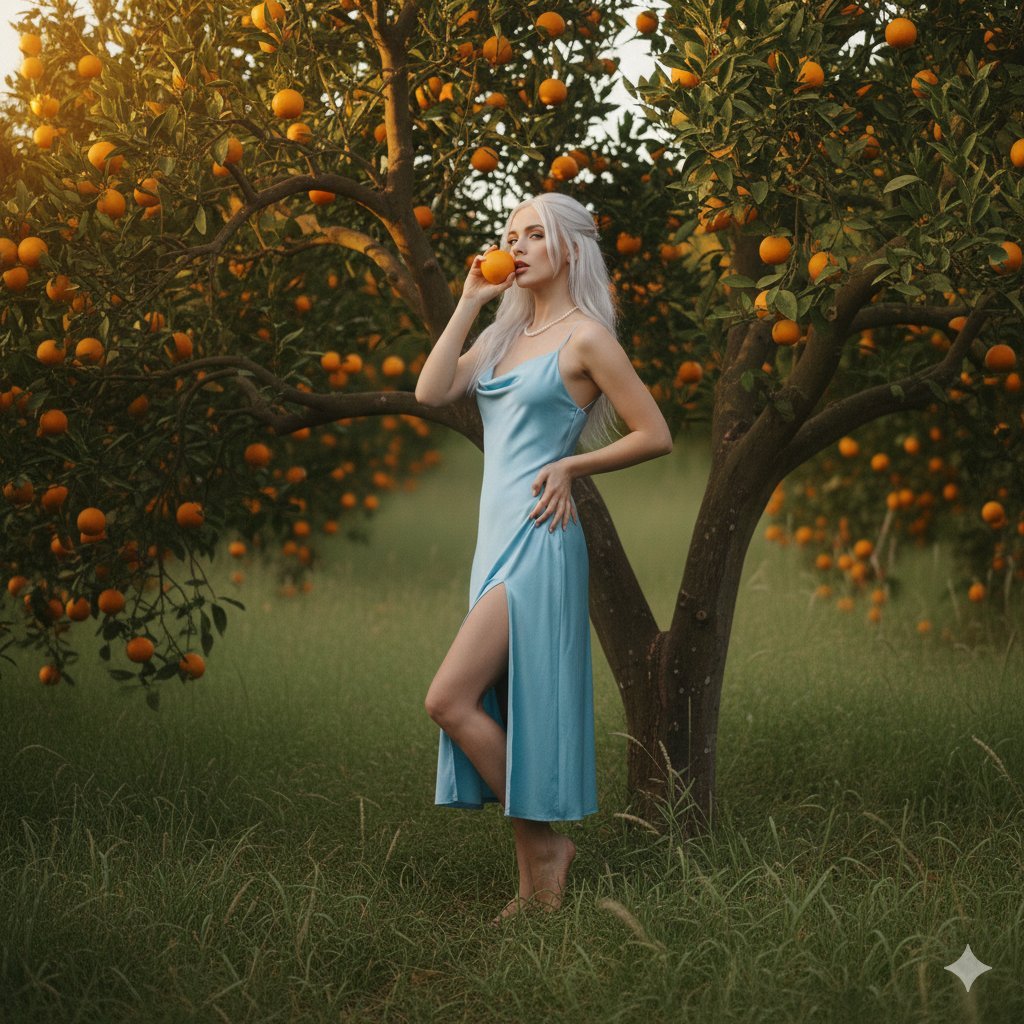
Dreamy Golden Hour Orange Grove Portrait Prompt
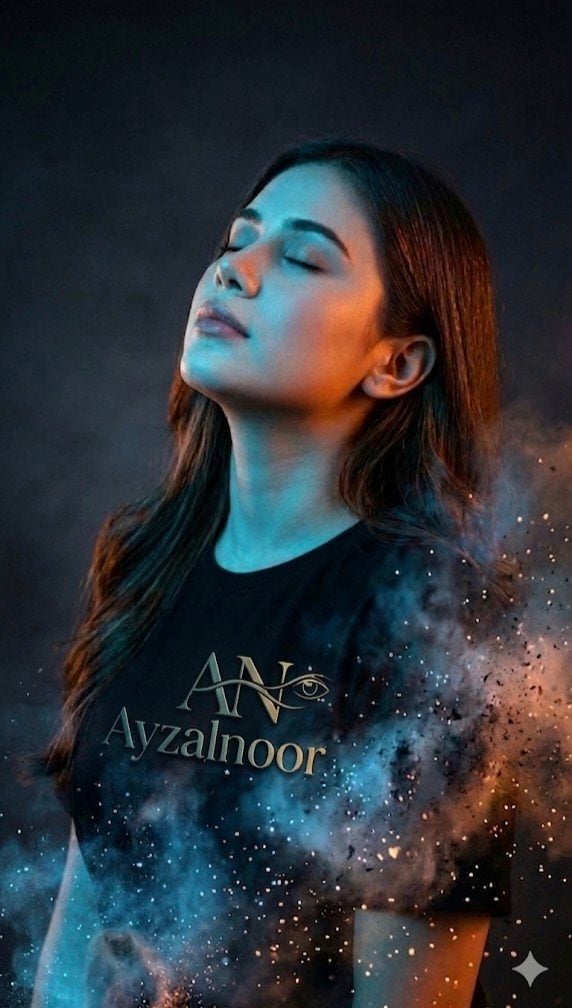
X Ayzalnooor24521 a Cinematic High Resolution Portrait of
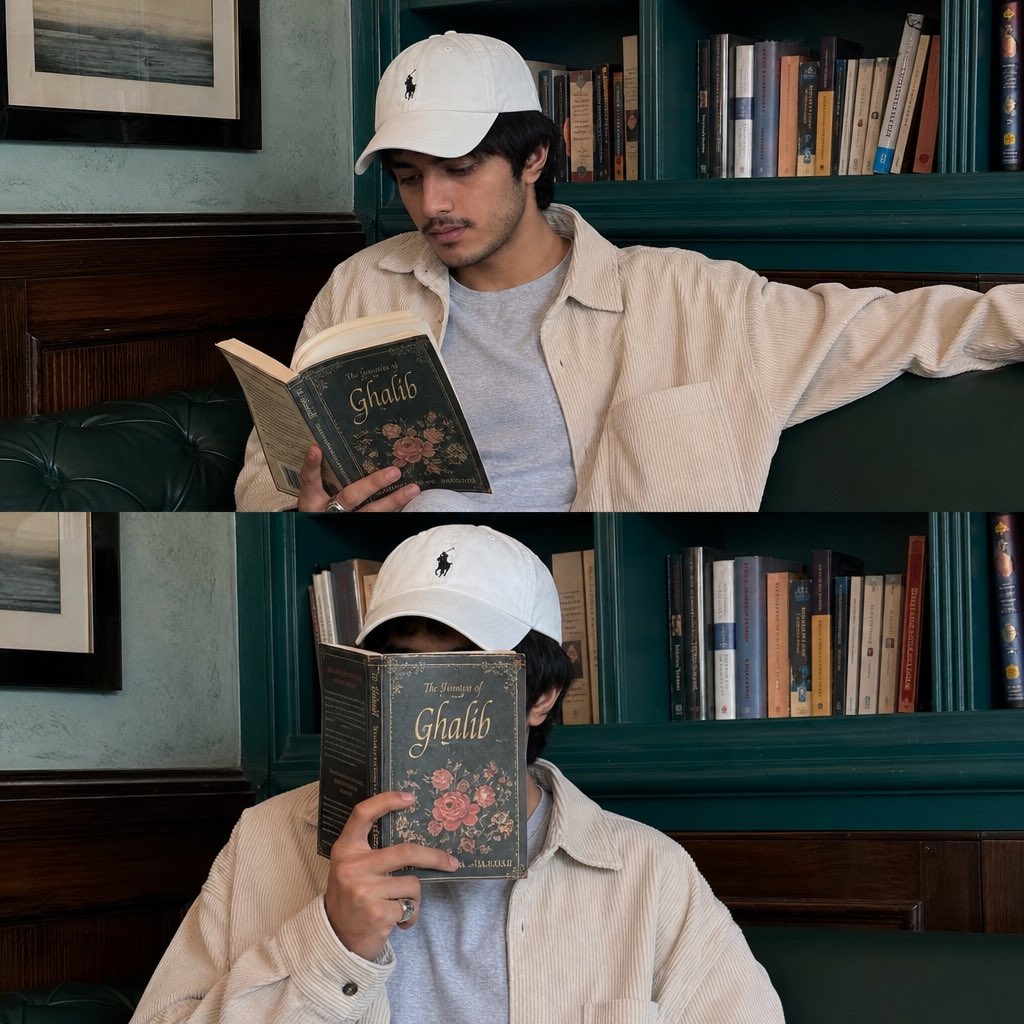
Instagram Lifestyle Collage Prompt

Generating Visuals from Real-Time Korean News

Zhang Qian 3D Historical Archive Poster
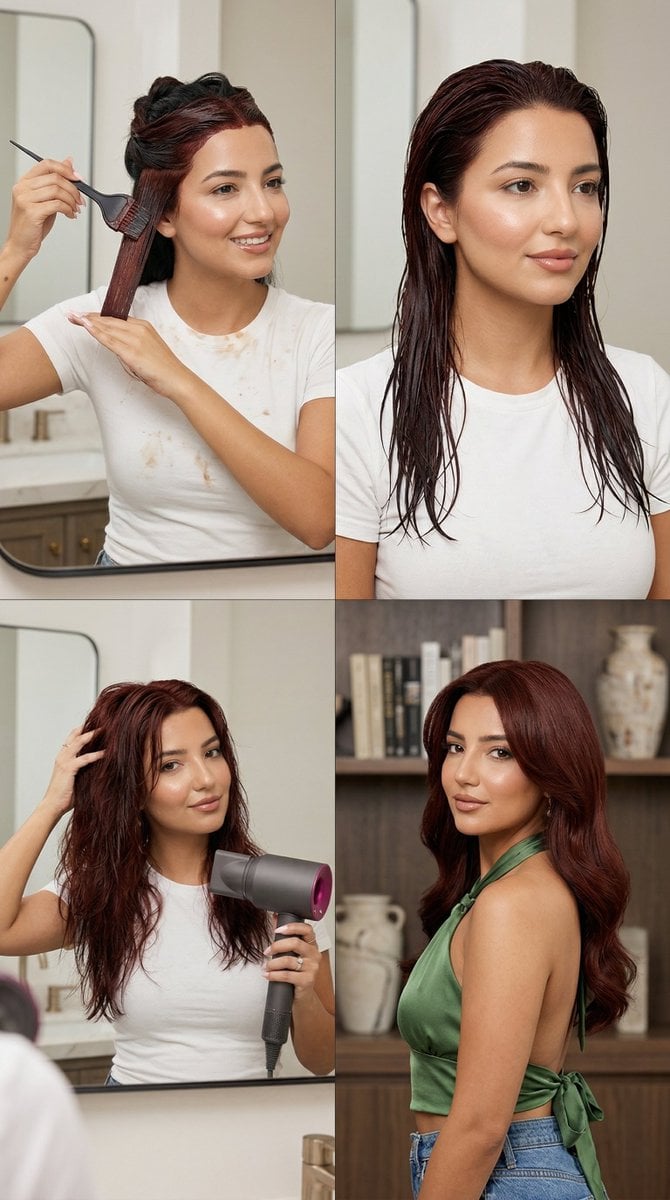
Step Deep Auburn Hair Dye Transformation Grid Prompt for Nano Banana 2
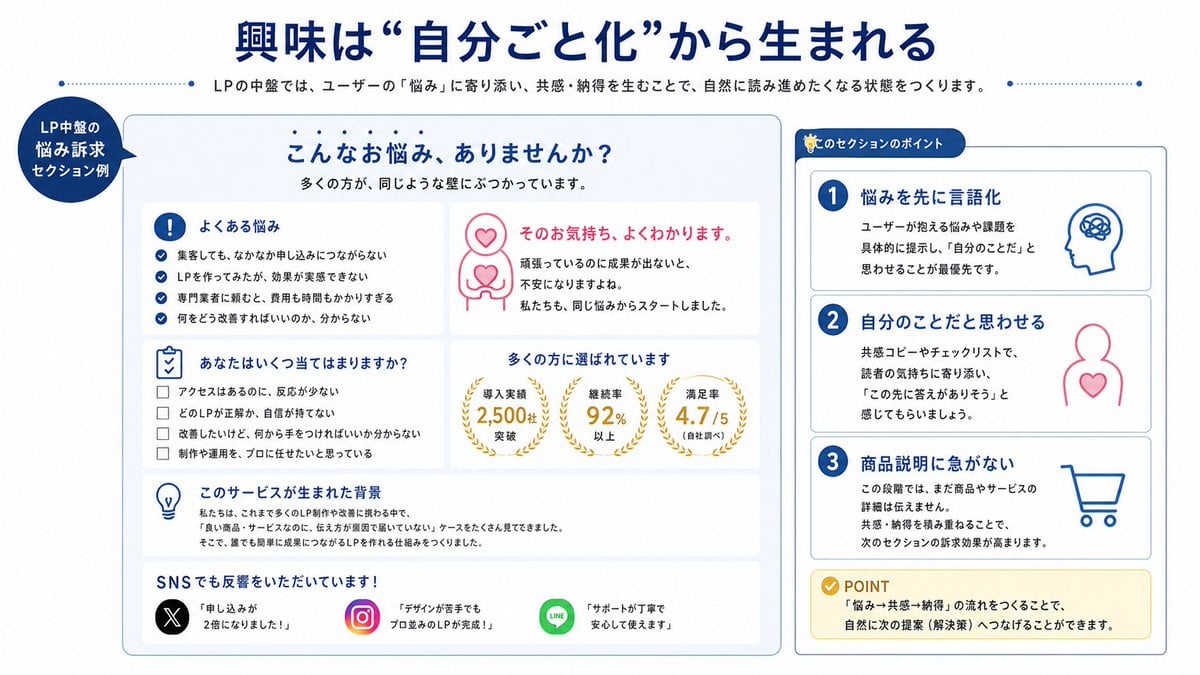
Japanese LP Empathy Infographic
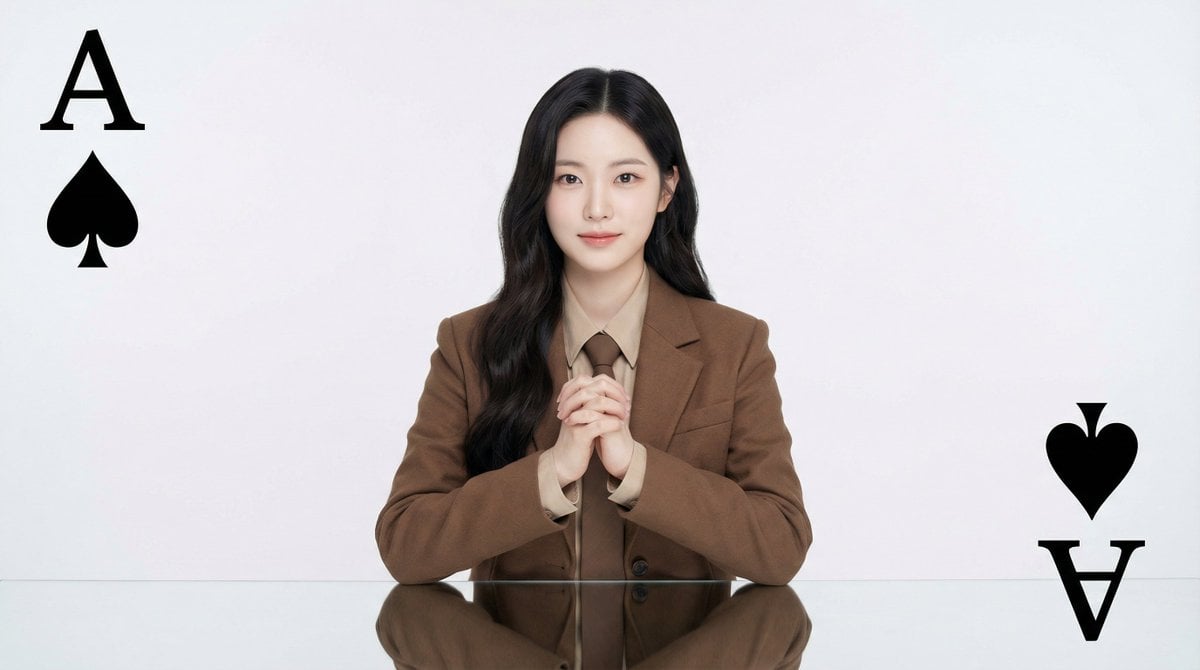
Conceptual Fashion Portrait Prompt
Browse template categories
Low Angle Floor Selfie With Upside Down Cat questions
How do I use the Low Angle Floor Selfie With Upside Down Cat template?
Add your photo if the template asks for one, edit the prompt if you like — the template's model and format are already selected — and press Generate. Your version opens in PicX Studio.
Can I customize the Low Angle Floor Selfie With Upside Down Cat template?
Yes. You can change the subject, setting, lighting, mood, format, and available model controls before creating your image.
Is the Low Angle Floor Selfie With Upside Down Cat template free?
Opening and editing this template is free. Generating uses credits, shown on the Generate button when you are signed in.
Which AI model should I use?
Start with Gptimage, which is the model associated with this template. You can compare another compatible model for a different finish.
Looking for something else? Browse all templates.

Your photo, any look
Thousands of ready templates for every top image and video model, from one credit balance.