
Gyoza Cooking Storyboard
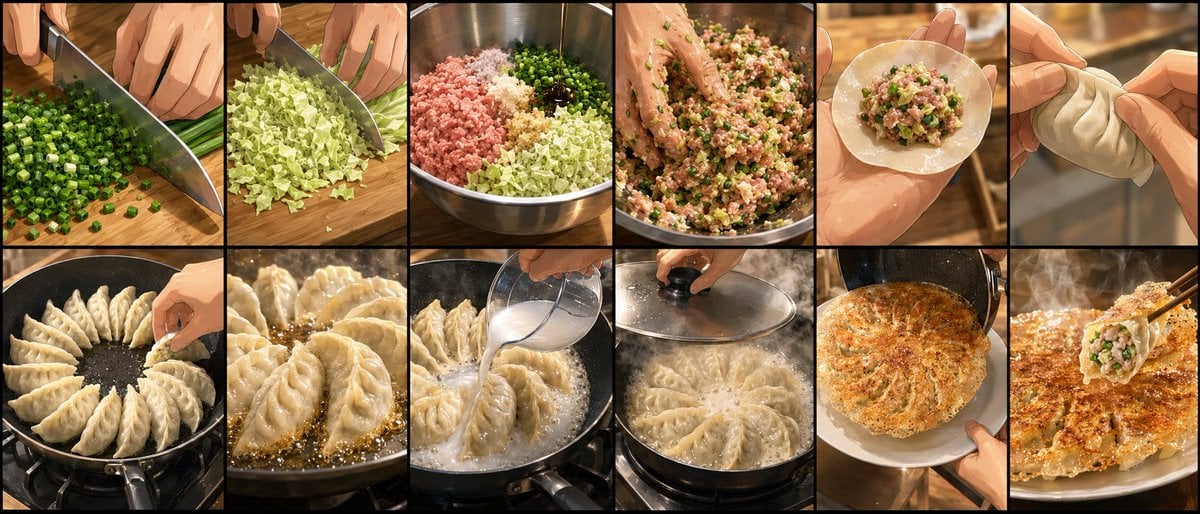
A 12-panel cinematic cooking storyboard showing the full process of making crispy pan-fried gyoza from chopping to serving.
- Prompt included
- Model and format preset
- Free template
The prompt behind this image
Copy the exact prompt behind Gyoza Cooking Storyboard, or open it in the studio and make it yours.
Goal: Create a cinematic cooking storyboard showing the step-by-step preparation of pan-fried Japanese gyoza dumplings, from chopping vegetables to serving the finished crispy dumplings. Canvas: Wide horizontal storyboard image, 2 rows by 6 columns, exactly 12 rectangular panels separated by thick black borders. Use warm kitchen lighting, realistic food photography mixed with slightly polished cinematic illustration, shallow depth of field, close-up hands and ingredients, appetizing steam and oil shine. Layout: Arrange the panels left to right, top row first, then bottom row, like a recipe process board. Every panel should be a close-up with no text labels, no captions, and no watermark. Panel count and contents: Include exactly 12 discrete panels: 1. A chef's hands finely chopping green onions on a wooden cutting board with a large kitchen knife; many small green rounds pile up near the blade. 2. Hands chopping pale green cabbage into small pieces on the same wooden cutting board. 3. A stainless-steel mixing bowl containing separated piles of ingredients: pink minced pork, chopped cabbage, green onions, minced garlic or ginger, and a small dark sauce or seasoning. 4. A hand mixing the gyoza filling inside the metal bowl; the mixture is sticky and speckled with green onion and cabbage. 5. A round dumpling wrapper held in one hand with a spoonful of filling placed in the center. 6. Two hands folding and pleating a gyoza dumpling, pinching the crescent shape closed. 7. Raw gyoza arranged upright in a radial circle inside a black frying pan on a stovetop, with a hand placing the final dumpling. 8. Close-up of gyoza frying in bubbling oil, dumpling bottoms beginning to brown. 9. A hand pouring water into the hot pan around the dumplings, producing vigorous bubbles and steam. 10. A glass lid being placed over the pan to steam the dumplings; condensation and steam visible. 11. The finished dumplings inverted onto a white plate as one circular crispy lace-bottom disk, golden brown and caramelized. 12. Extreme close-up of a plated gyoza being lifted or broken open with chopsticks, showing juicy minced pork and green vegetable filling against the crispy golden skirt. Subject details: The dish is {argument name="dish name" default="pan-fried gyoza"}; the filling uses {argument name="main filling" default="minced pork, cabbage, green onions, garlic, ginger, and soy-based seasoning"}; the cooking surface is {argument name="pan type" default="black nonstick frying pan"}. Use {argument name="lighting style" default="warm amber restaurant kitchen lighting"} and make the final texture {argument name="crispy finish" default="golden brown lacy dumpling skirt with steam"}. Visual style: Highly detailed, appetizing, realistic close-up food cinematography with painterly polish, warm color grading, glossy oil highlights, visible knife motion, tactile hand gestures, shallow background blur, rich browns and greens, crisp black storyboard dividers. Constraints: Exactly 12 panels in a 2x6 grid; no extra panels; no text; no logos; no decorative border beyond the black grid lines; keep the process visually readable and sequential.
How to use Gyoza Cooking Storyboard in 3 steps
- 1Upload ImagePNG, JPG or paste
Add your photo
Upload the photo the template builds on. The prompt, model and format are already set.
- 2…a portrait of your subject in softgolden-hour light, 85mm…
Personalize
Edit the subject and creative details for your destination.
- 3Generate
Generate
Press Generate — your image is created in PicX Studio, so you can compare it with the original and refine one variable at a time.
More like this
Templates with the same subject, style or setup. Open one to see its prompt.

Headphones Lifestyle Nine Panel Grid
Seedance - Storyboard to Movie
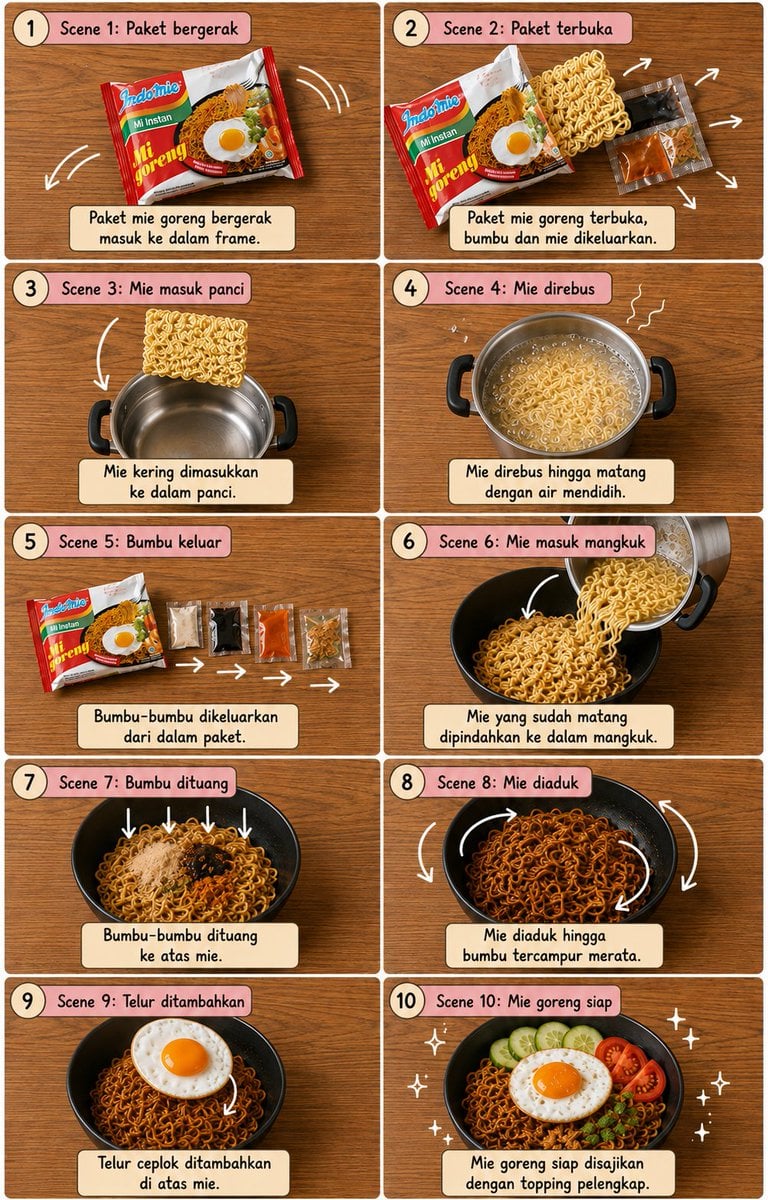
Editorial Cooking Storyboard Layout
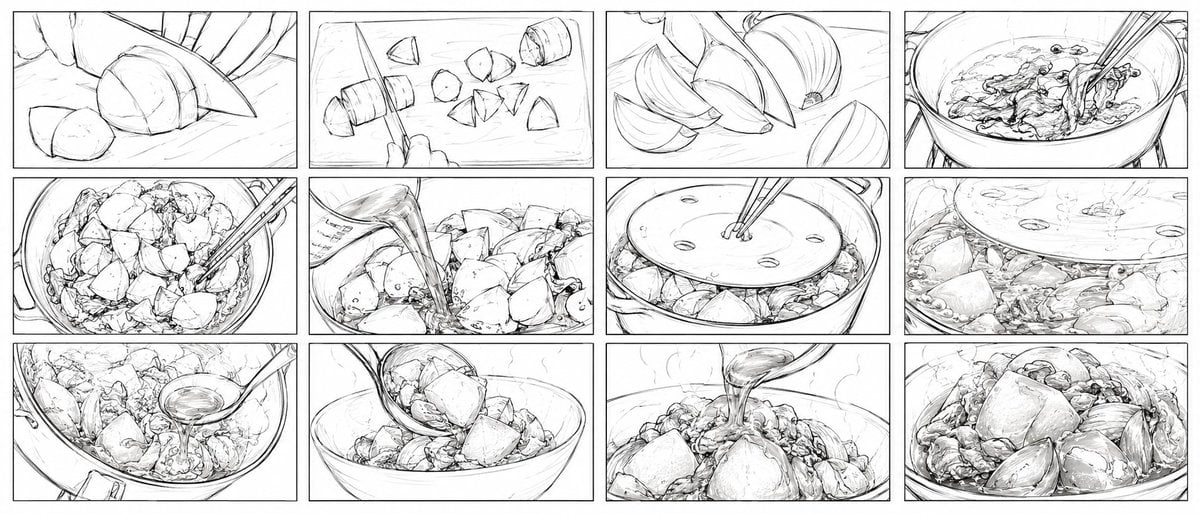
Nikujaga Anime Cooking Storyboard
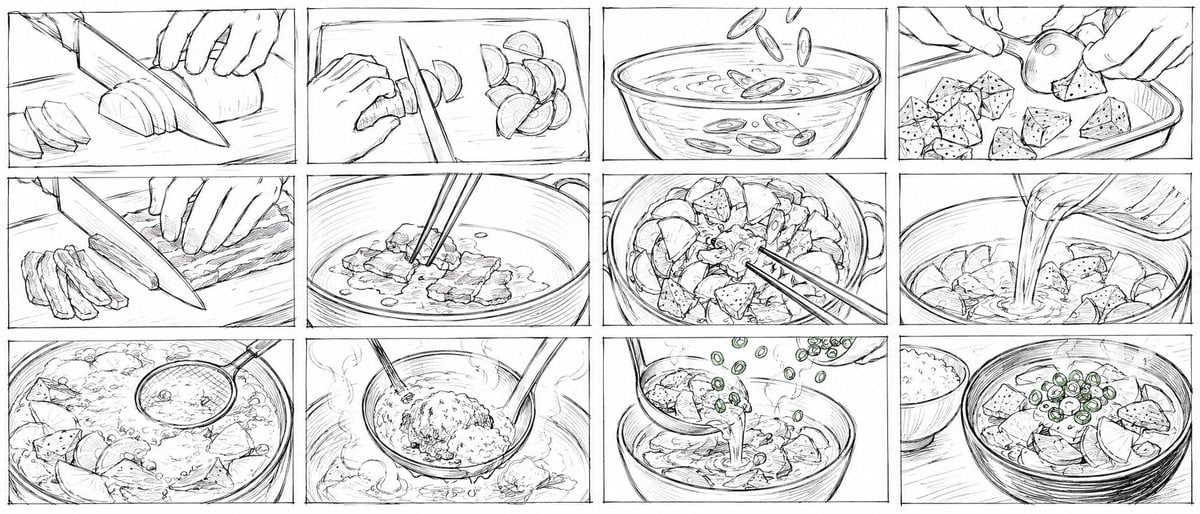
Rough Tonjiru Cooking Storyboard
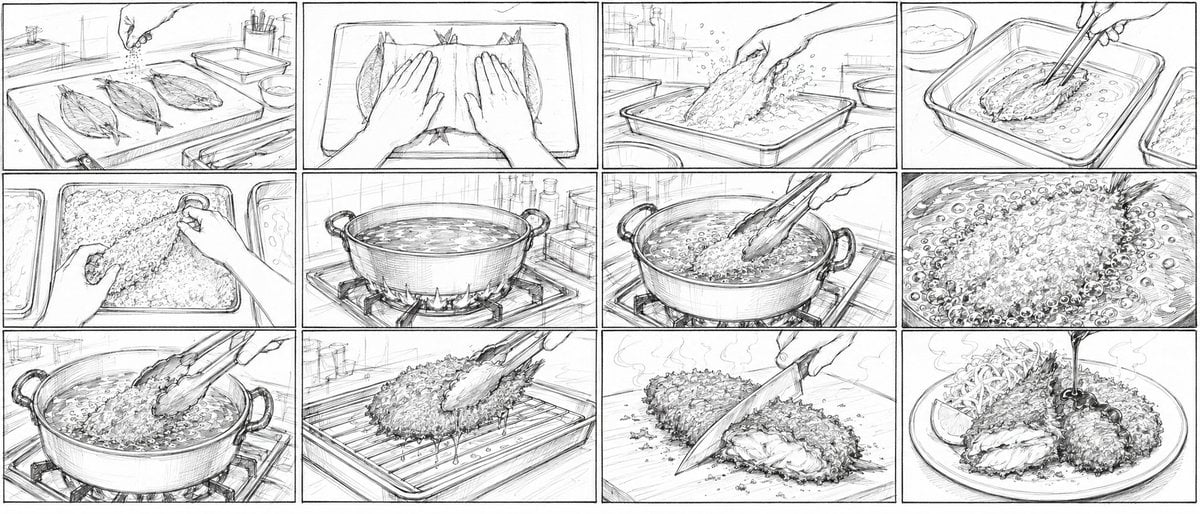
Aji Fry Anime Cooking Storyboard
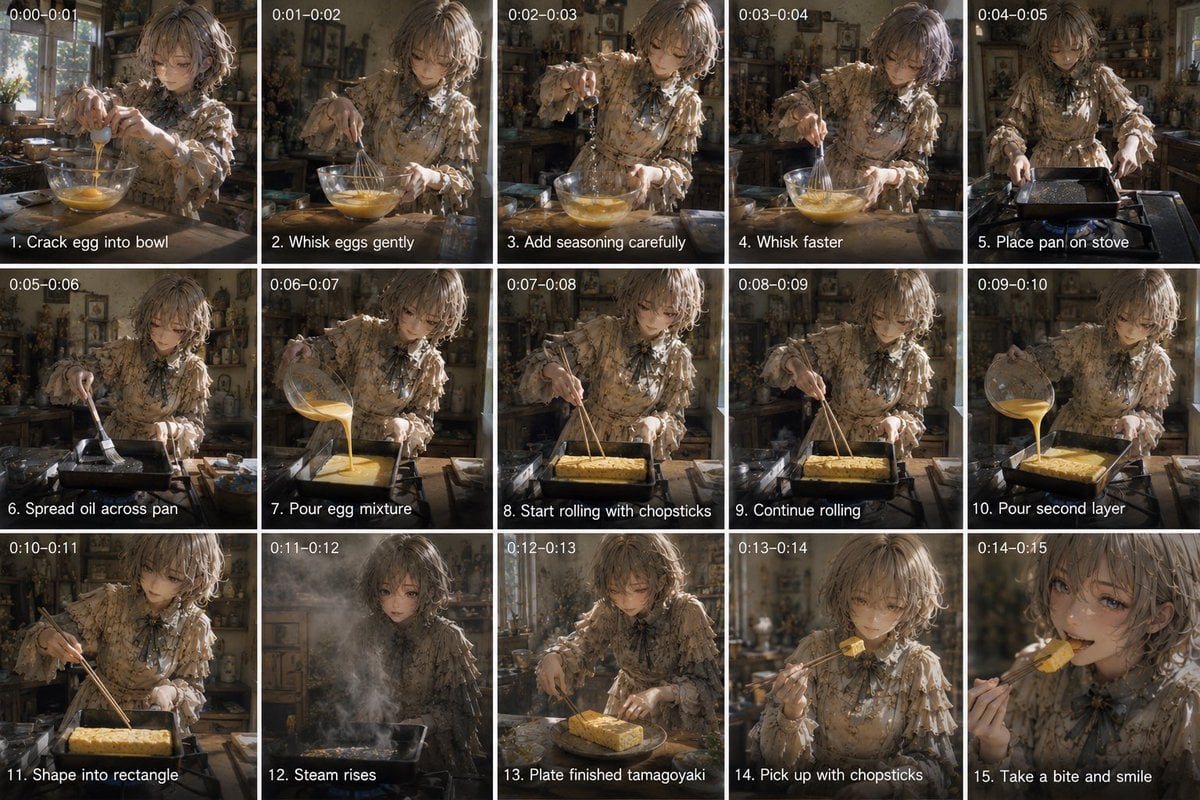
Tamagoyaki Cooking Storyboard
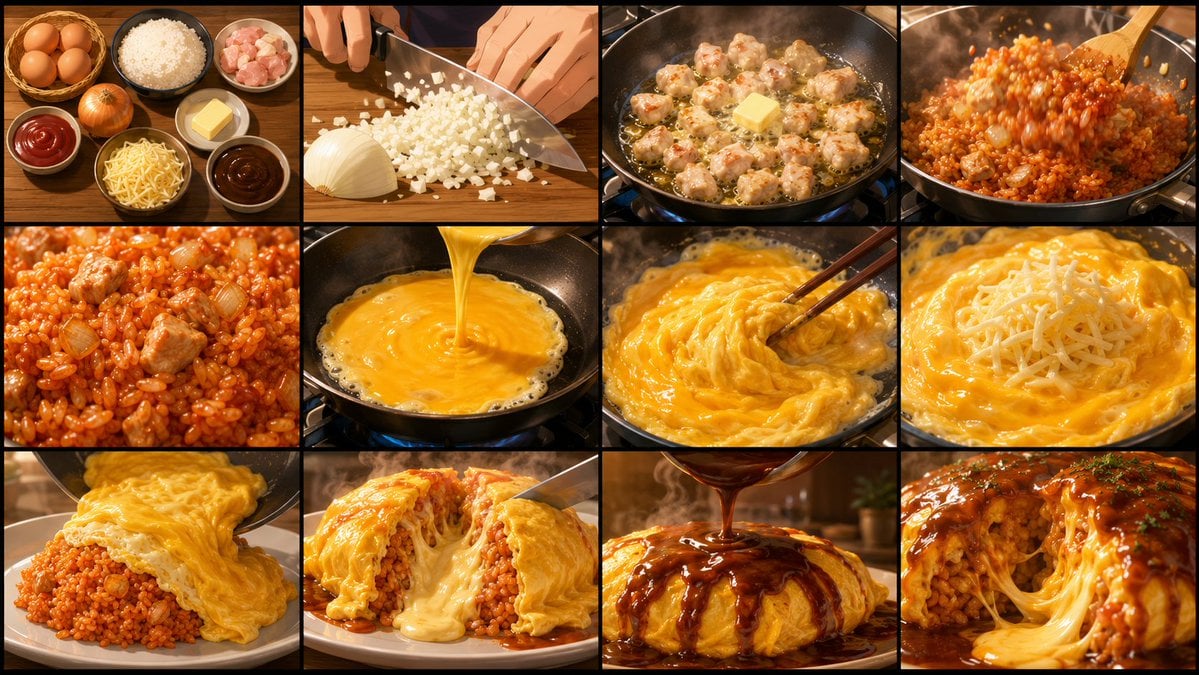
Anime Cooking Storyboard Grid Generator
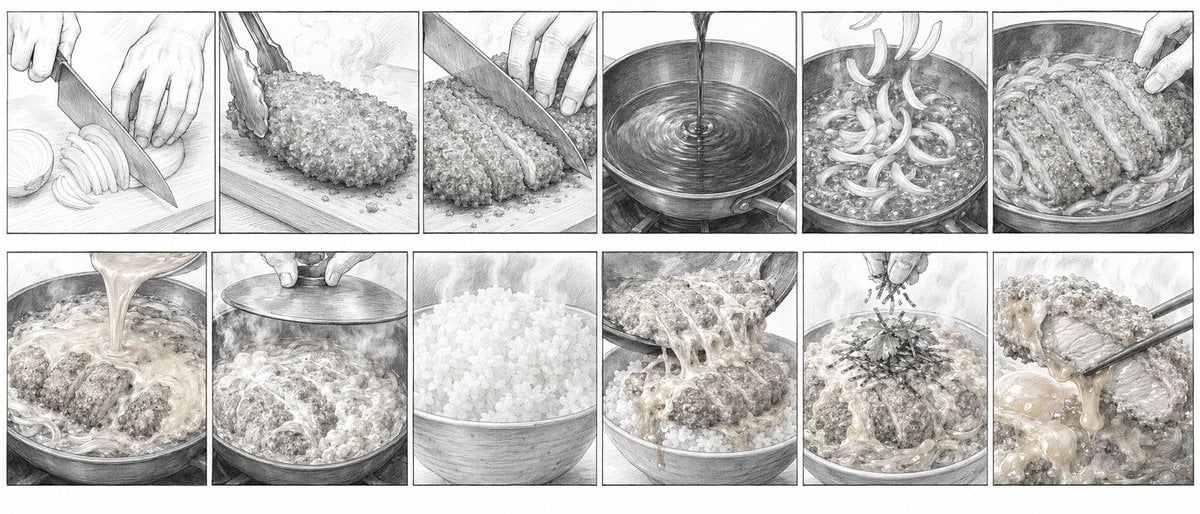
Katsudon Cooking Storyboard
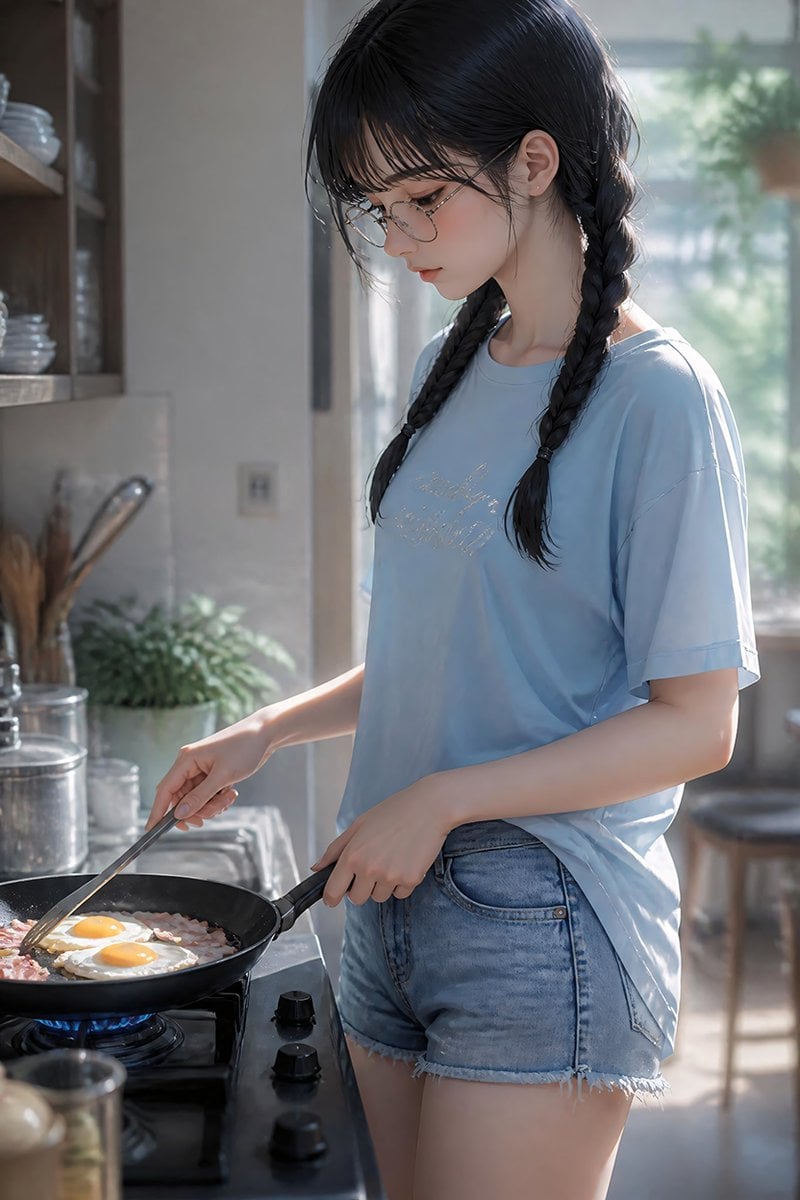
Anime Girl Cooking Bacon and Eggs
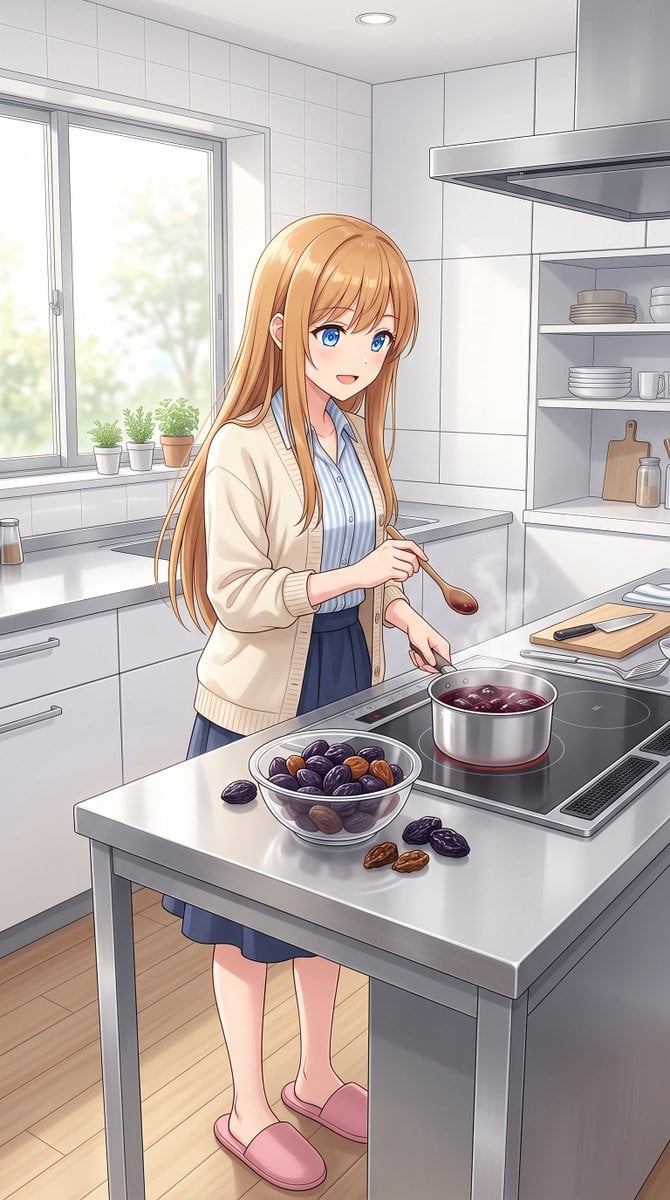
Anime Girl Cooking Prunes
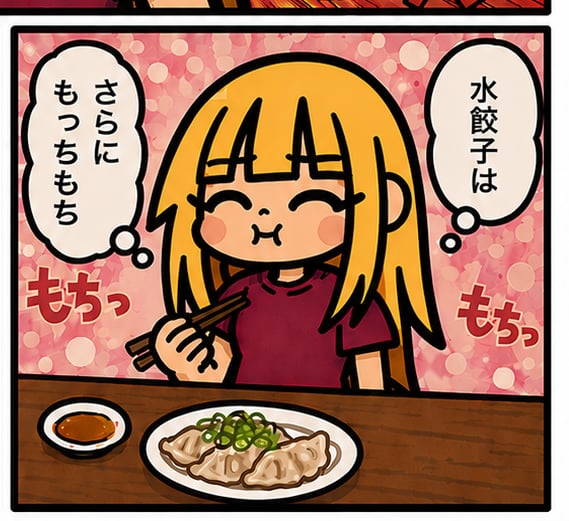
Chibi Gyoza Manga Panel
Make it yours
Gyoza Cooking Storyboard works as-is. These are the safest ways to change it without losing the look.
Change one field
Copy a single group, rewrite it, and generate again so you can see what that field is doing.
Keep the frame, change the subject
Hold the composition and light of Gyoza Cooking Storyboard, then swap wardrobe, props or the person for a new take.
| If the result… | Why | Fix |
|---|---|---|
| The result drifts from the preview | Too many fields changed at once. | Reuse Gyoza Cooking Storyboard as-is first, then change one group — subject, light, or setting. |
| The model over-stylizes the scene | The prose prompt leaves finish and camera underspecified. | Add one camera or lighting sentence and stay on GPT Image 2. |
More GPT Image 2 templates
Other prompts made for GPT Image 2.

Six VTuber Japanese Logo Sheet

Realistic Portrait of Woman and Deer

The Vista Modular Condo Poster

AI Model Routing Comparison Infographic

2.5D Anime Art Board

Isometric Productivity Desk Scene

New York Double Exposure Poster

Four-Panel AI Landscape Comparison

Japanese Tatami Lifestyle Magazine Cover

NESCAFÉ Coffee Map Poster
More image prompts
Fresh picks from across the catalog.
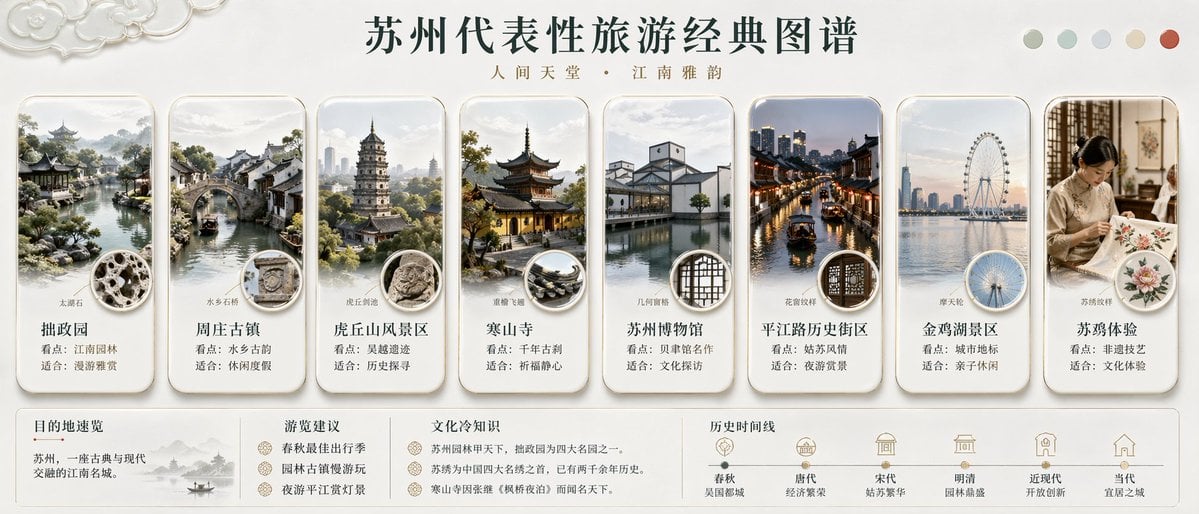
Suzhou Classic Travel Infographic
Summer Oriental Courtyard Illustration
Japanese PowerPoint Bunny Icon Editor
Dreamy Fine-Art Portrait in Ethereal Garden
Cinematic Winter Portrait Prompt for Gemini

Dynamic Sportswear Product Photography
Blue Neon Denial ASMR Anime Portrait
Handmade Christmas Wreath Generator with Custom Ornament
Papercraft Diorama Style Illustration

Minimalist Cinematic Fashion Editorial Studio Portrait
Browse template categories
Gyoza Cooking Storyboard questions
How do I use the Gyoza Cooking Storyboard template?
Add your photo if the template asks for one, edit the prompt if you like — the template's model and format are already selected — and press Generate. Your version opens in PicX Studio.
Can I customize the Gyoza Cooking Storyboard template?
Yes. You can change the subject, setting, lighting, mood, format, and available model controls before creating your image.
Is the Gyoza Cooking Storyboard template free?
Opening and editing this template is free. Generating uses credits, shown on the Generate button when you are signed in.
Which AI model should I use?
Start with GPT Image 2, which is the model associated with this template. You can compare another compatible model for a different finish.
Looking for something else? Browse all templates.

Your photo, any look
Thousands of ready templates for every top image and video model, from one credit balance.