
Blue Neon Denial ASMR Anime Portrait
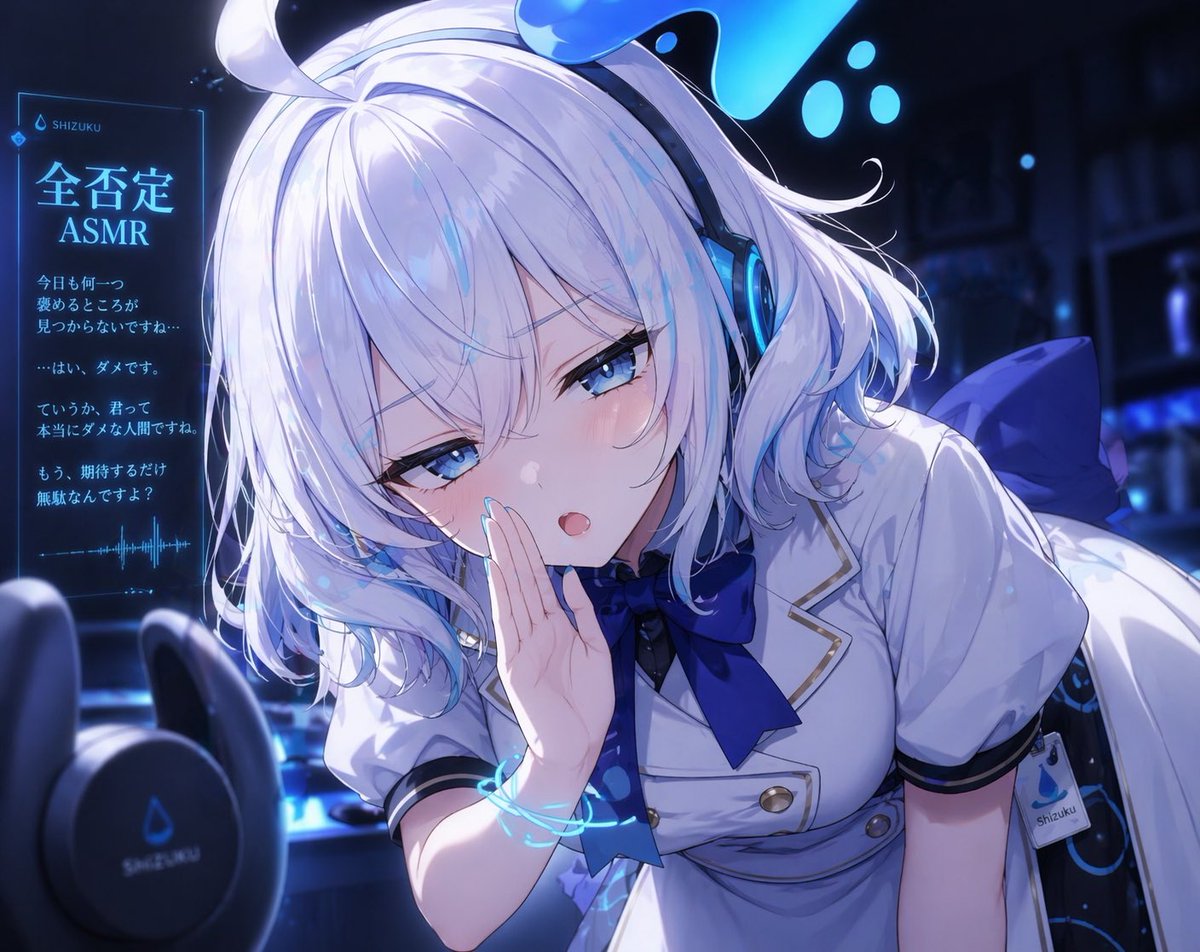
This prompt generates a close-up anime VTuber-style ASMR illustration with a whispering girl, binaural microphones, and a glowing denial-themed holographic text panel.
- Prompt included
- Model and format preset
- Free template
The prompt behind this image
Copy the exact prompt behind Blue Neon Denial ASMR Anime Portrait, or open it in the studio and make it yours.
A polished anime-style close-up illustration of a young virtual streamer girl leaning toward the viewer in a dim blue neon studio, themed around harshly dismissive ASMR. She has short fluffy white hair with faint icy blue highlights, soft layered bangs partly covering one eye, bright blue half-lidded eyes, pale skin, and a slightly smug, cold, teasing expression with a small open mouth as if whispering criticism directly into the listener’s ear. One hand is raised beside her mouth in a whispering pose. She wears large futuristic over-ear headphones with glowing cyan rings and a small liquid-droplet motif on top, a white short-sleeved dress uniform with navy trim, gold buttons, a large dark blue ribbon at the collar, and a large blue bow at the back, plus a visible side tag reading “shizuku.” Add 2 blurred black binaural ASMR microphones in the foreground at the lower left, creating strong depth of field. Place 1 glowing holographic vertical panel on the left side with Japanese text and waveform graphics, including the headline {argument name="headline text" default="全否定 ASMR"} and small branding text {argument name="brand name" default="SHIZUKU"}. Include 4 short Japanese negative whisper lines beneath the headline, styled like a translucent cyan UI display. The room behind her is dark, atmospheric, and softly blurred with cool blue shelves and scattered glowing droplets or bokeh lights. Use dramatic cinematic lighting, cool monochrome blue and white tones, glossy highlights, delicate blush, highly detailed eyes and hair strands, soft bloom, crisp cel-shaded anime rendering, intimate composition, slight Dutch angle, and a feeling that the character is invading the listener’s personal space for an ASMR recording. The character should read as {argument name="character name" default="Shizuku"}, with {argument name="hair color" default="white with light blue highlights"} and {argument name="eye color" default="icy blue"}.
How to use Blue Neon Denial ASMR Anime Portrait in 3 steps
- 1Upload ImagePNG, JPG or paste
Add your photo
Upload the photo the template builds on. The prompt, model and format are already set.
- 2…a portrait of your subject in softgolden-hour light, 85mm…
Personalize
Edit the subject and creative details for your destination.
- 3Generate
Generate
Press Generate — your image is created in PicX Studio, so you can compare it with the original and refine one variable at a time.
More like this
Templates with the same subject, style or setup. Open one to see its prompt.
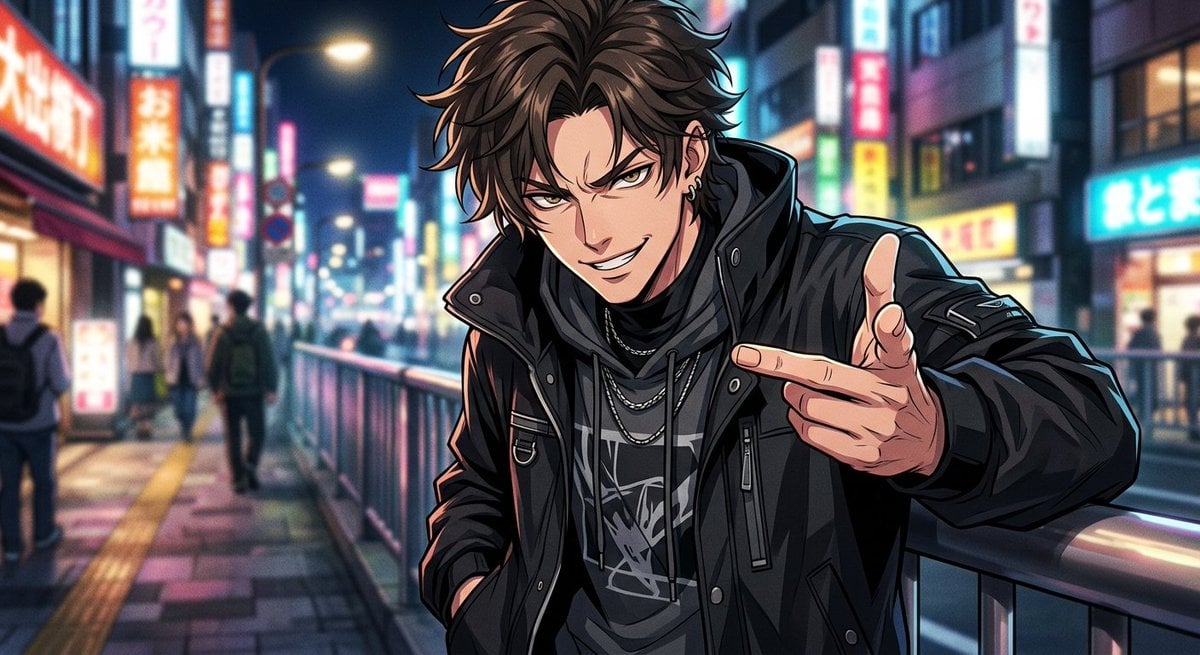
Neon Anime Streetwear Portrait

Ive Yujin Fashion Portrait in Blue

Found Photograph: Us, 1970

80s Couple Studio Portrait

80s Neon Disco Night

80s Bollywood Star

80s Golden Hour Cinema

Me in 1985

1985 Studio Portrait

Hyper-Realistic Minecraft POV Portrait
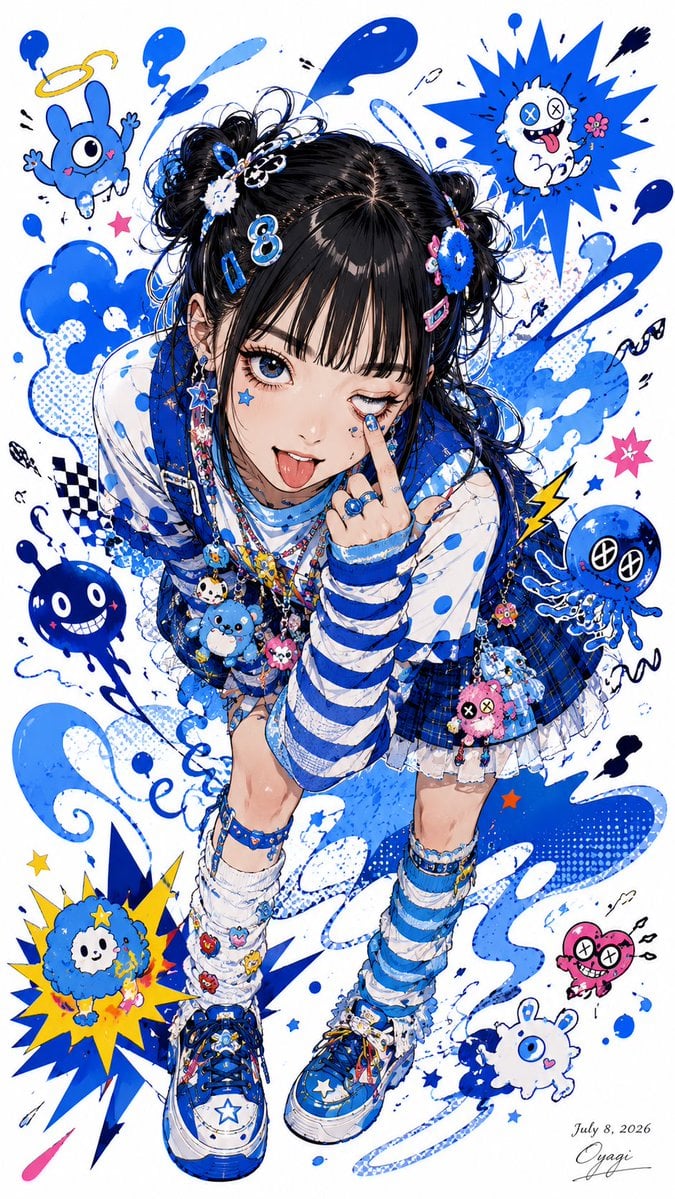
Blue Decora Anime Girl Poster

Neon Anime Fireworks Magazine Cover
Make it yours
Blue Neon Denial ASMR Anime Portrait works as-is. These are the safest ways to change it without losing the look.
Change one field
Copy a single group, rewrite it, and generate again so you can see what that field is doing.
Keep the frame, change the subject
Hold the composition and light of Blue Neon Denial ASMR Anime Portrait, then swap wardrobe, props or the person for a new take.
| If the result… | Why | Fix |
|---|---|---|
| The result drifts from the preview | Too many fields changed at once. | Reuse Blue Neon Denial ASMR Anime Portrait as-is first, then change one group — subject, light, or setting. |
| The model over-stylizes the scene | The prose prompt leaves finish and camera underspecified. | Add one camera or lighting sentence and stay on GPT Image 2. |
More GPT Image 2 templates
Other prompts made for GPT Image 2.

Six VTuber Japanese Logo Sheet

Realistic Portrait of Woman and Deer

The Vista Modular Condo Poster

AI Model Routing Comparison Infographic

2.5D Anime Art Board

Isometric Productivity Desk Scene

New York Double Exposure Poster

Four-Panel AI Landscape Comparison

Japanese Tatami Lifestyle Magazine Cover

NESCAFÉ Coffee Map Poster
More image prompts
Fresh picks from across the catalog.
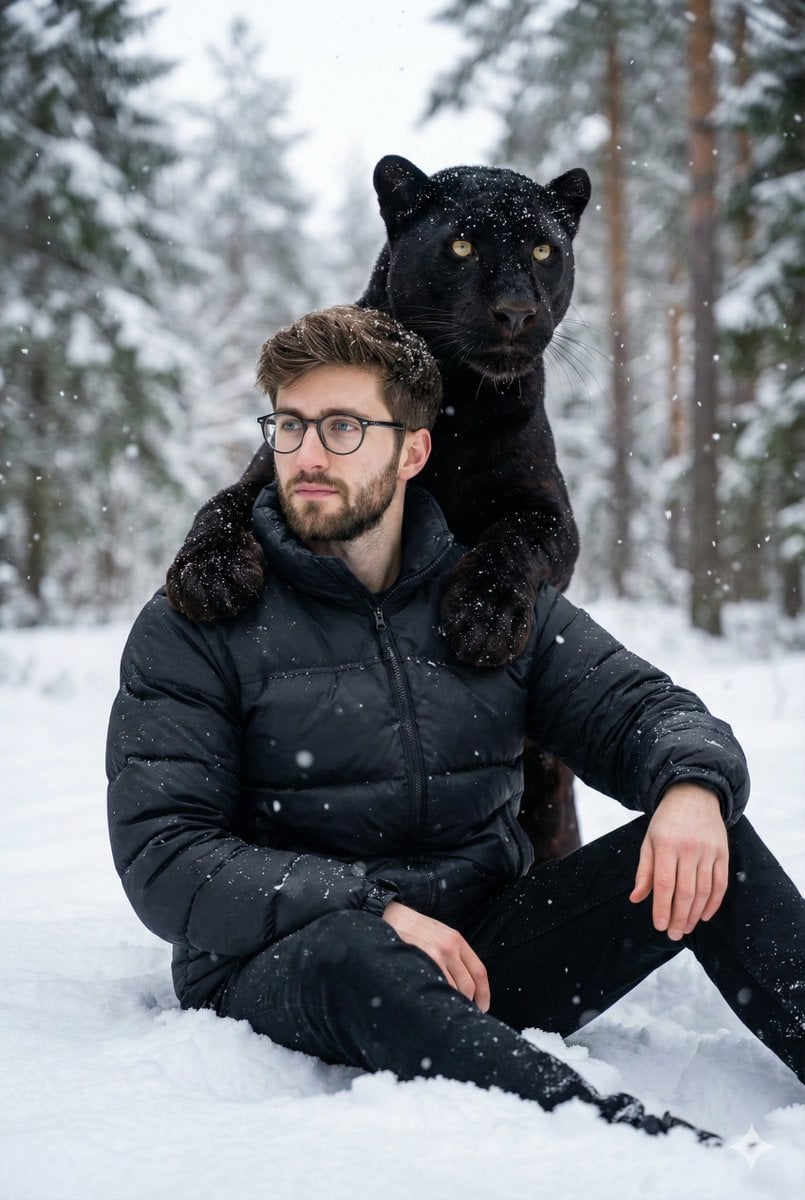
Hyper-realistic 8K image of a man and a black panther in a snowy forest
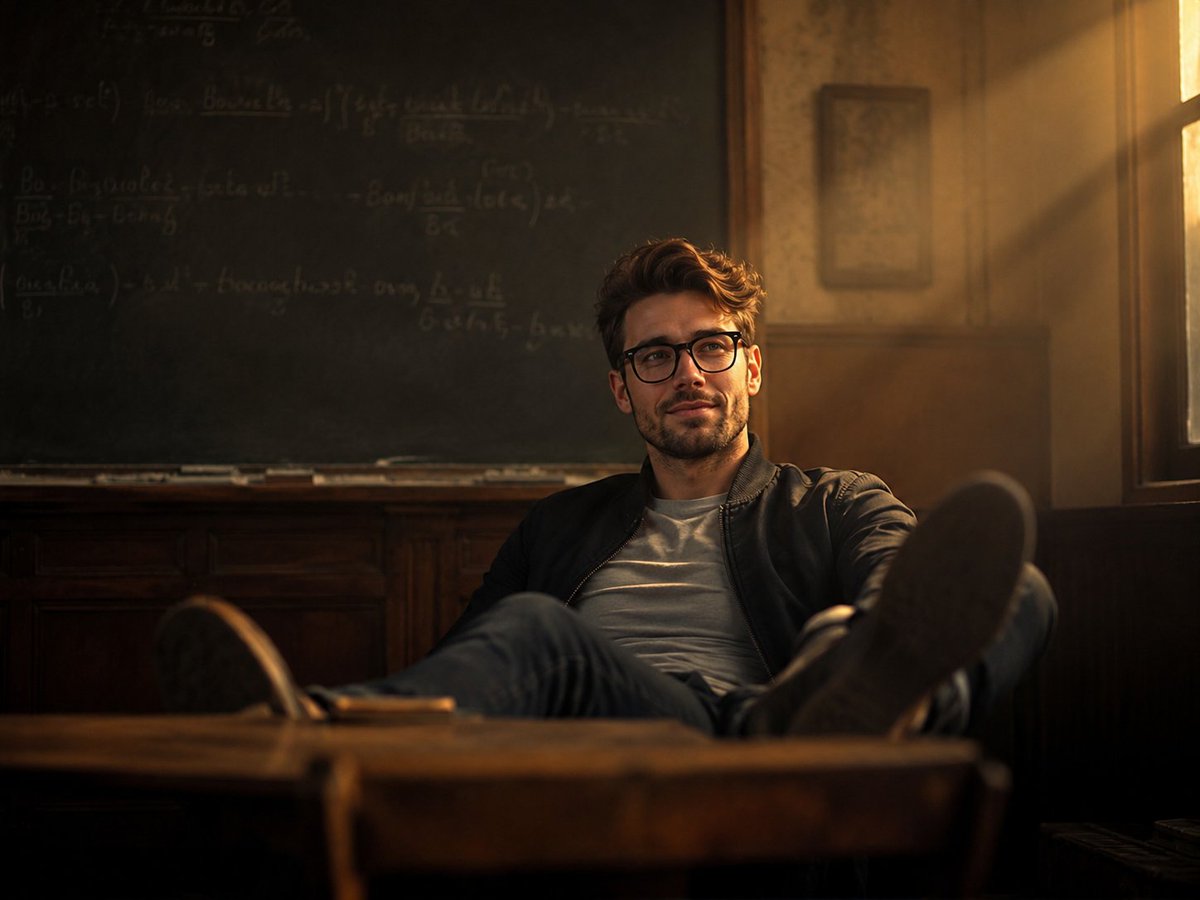
Vintage Classroom Cinematic Portrait
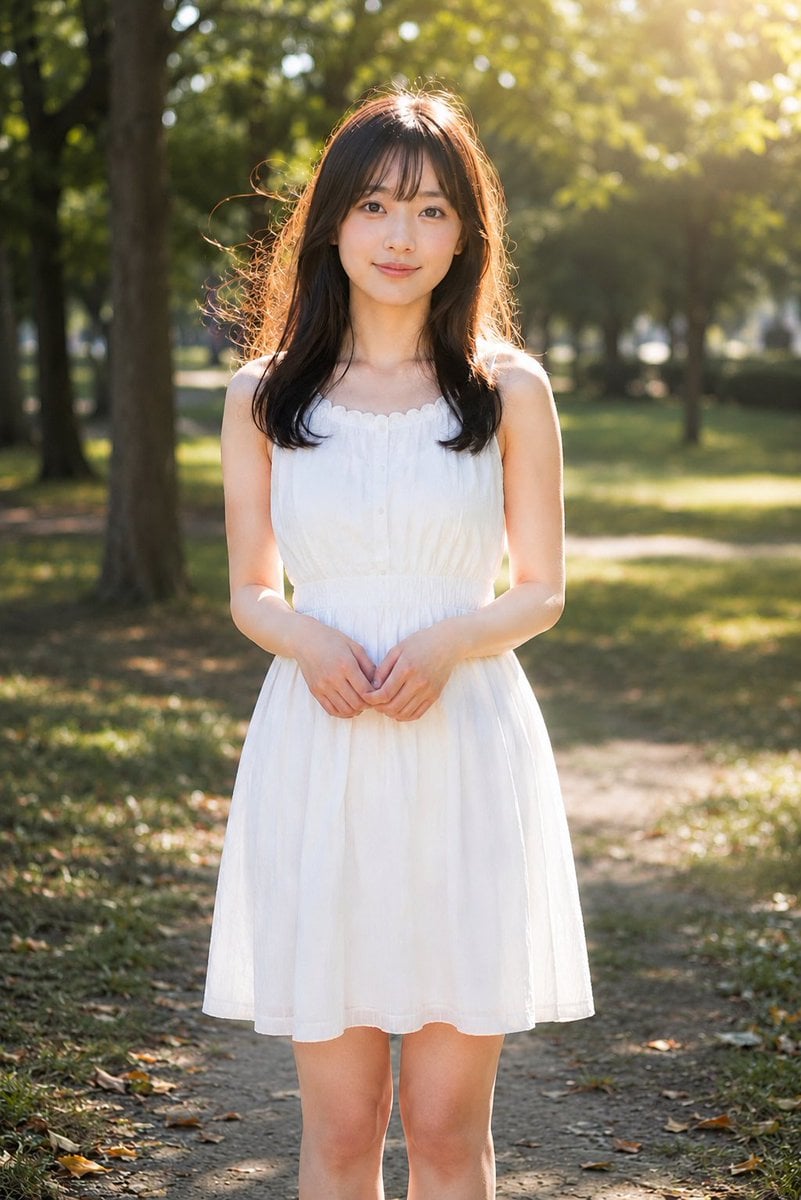
Golden Hour Backlit Park Portrait
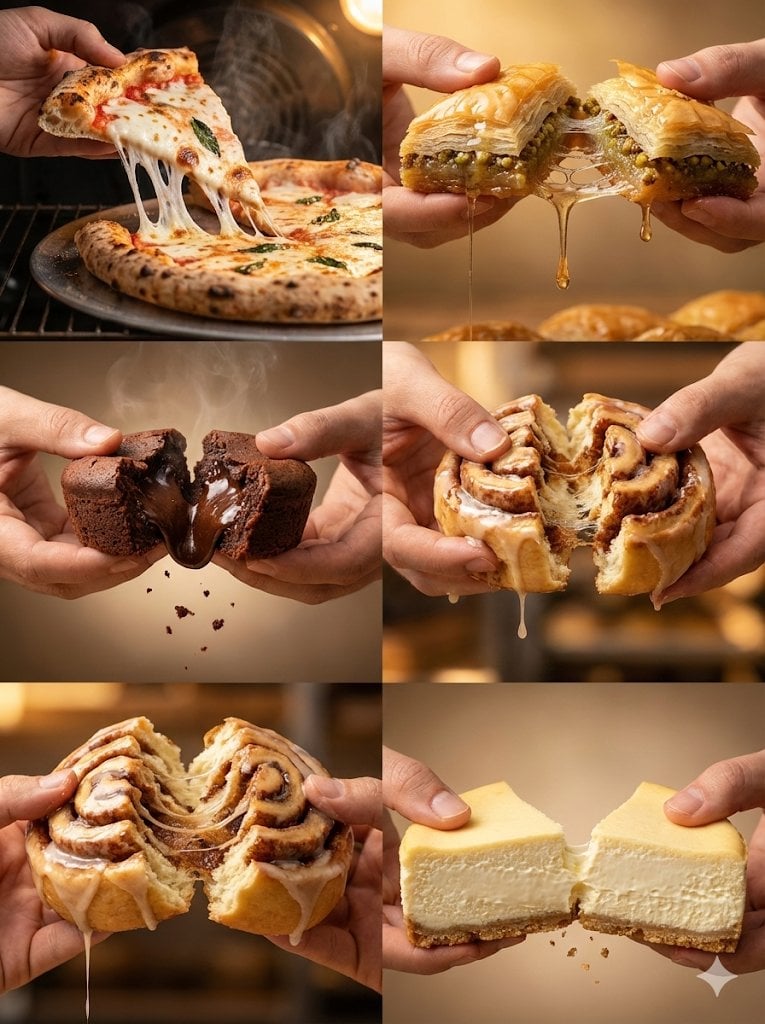
Cinematic Food Action Collage
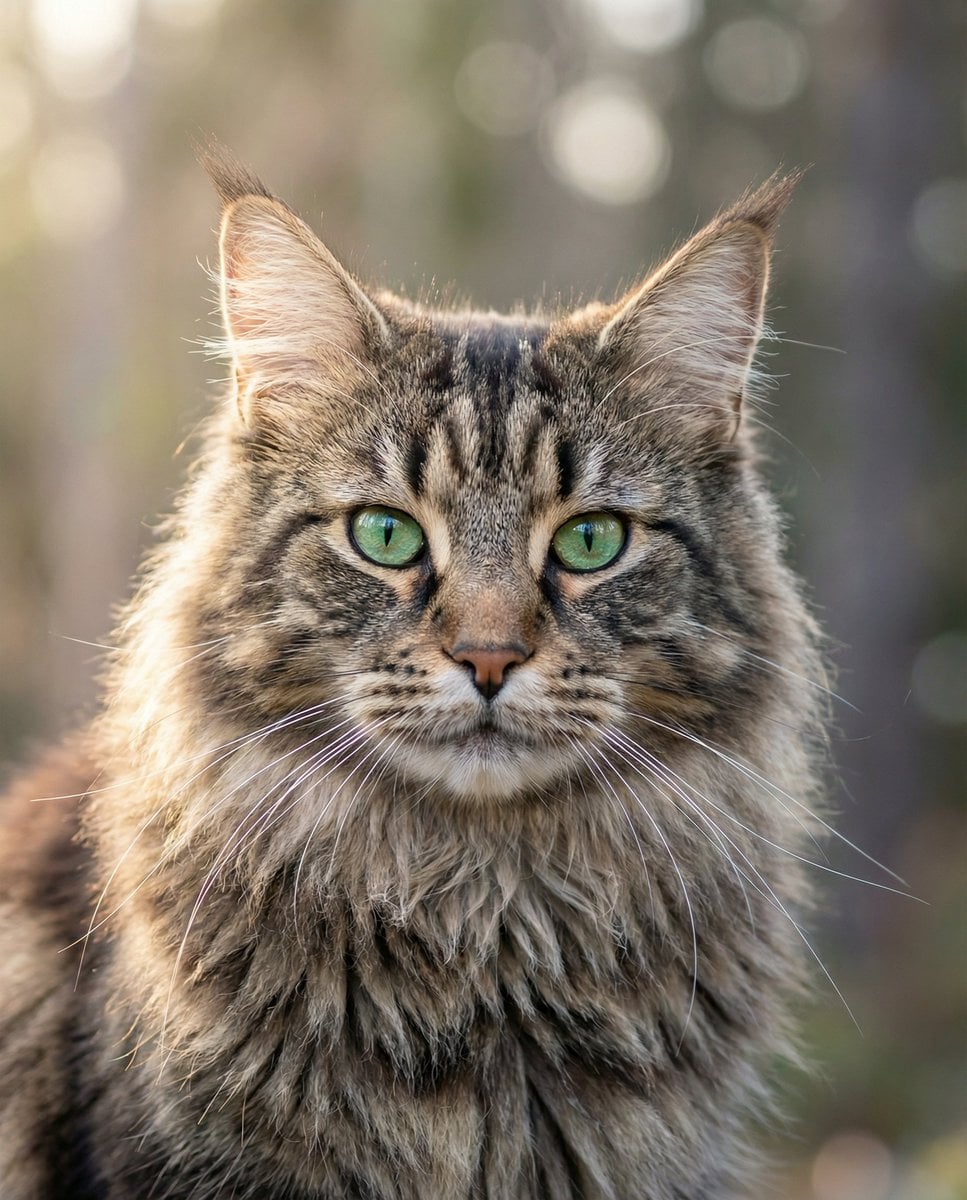
Hyper-Realistic Maine Coon Portrait
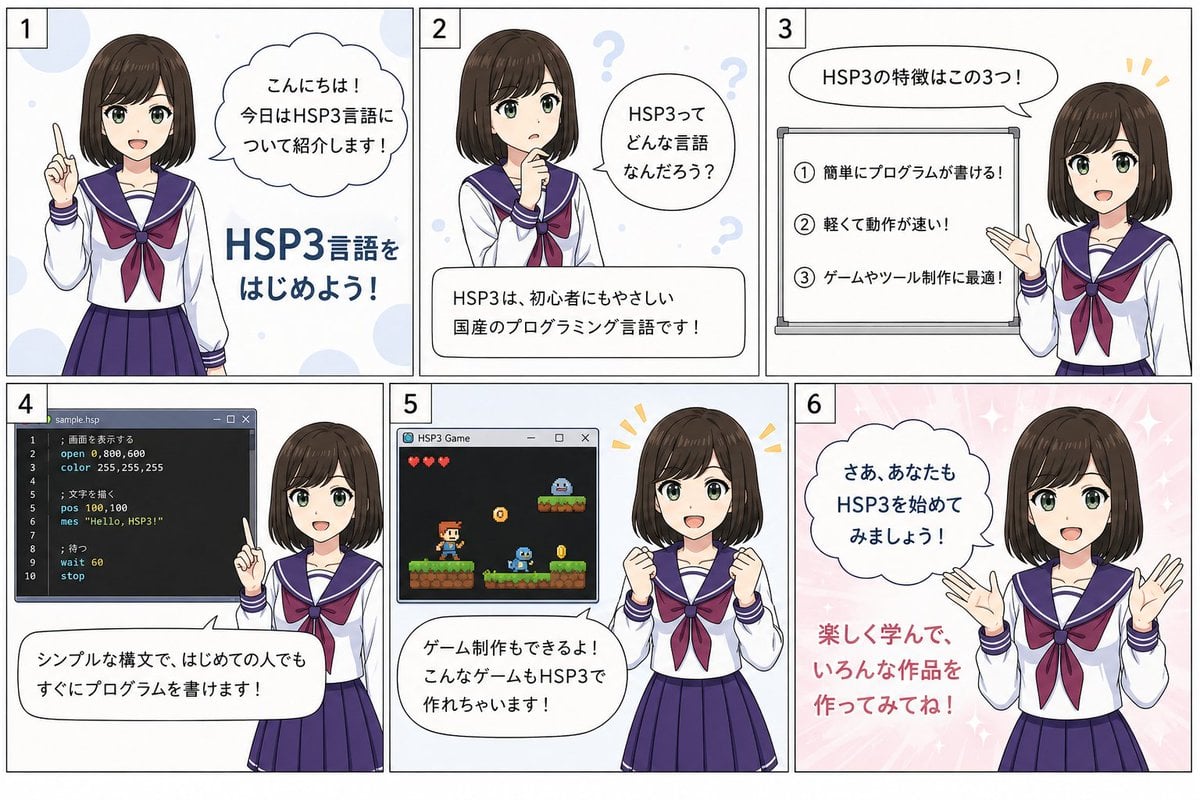
HSP3 Manga Introduction Comic
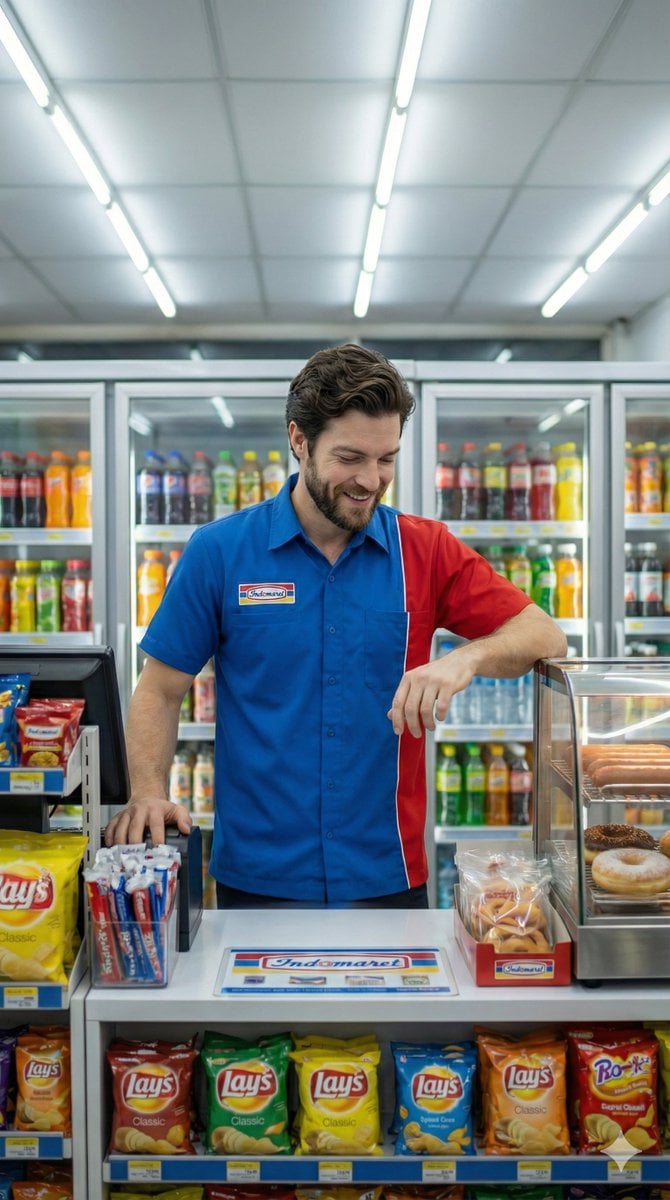
Photorealistic Convenience Store Clerk Cinematic Shot
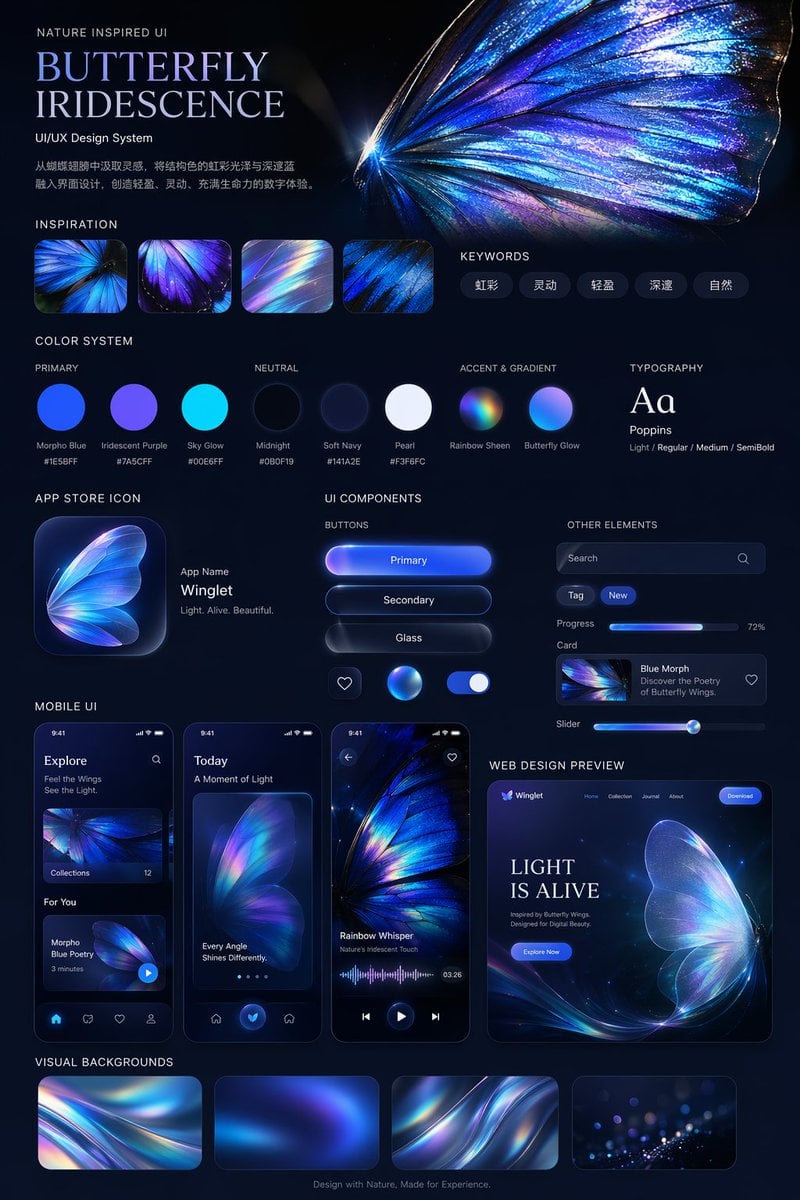
Iridescent Butterfly UI/UX Design System
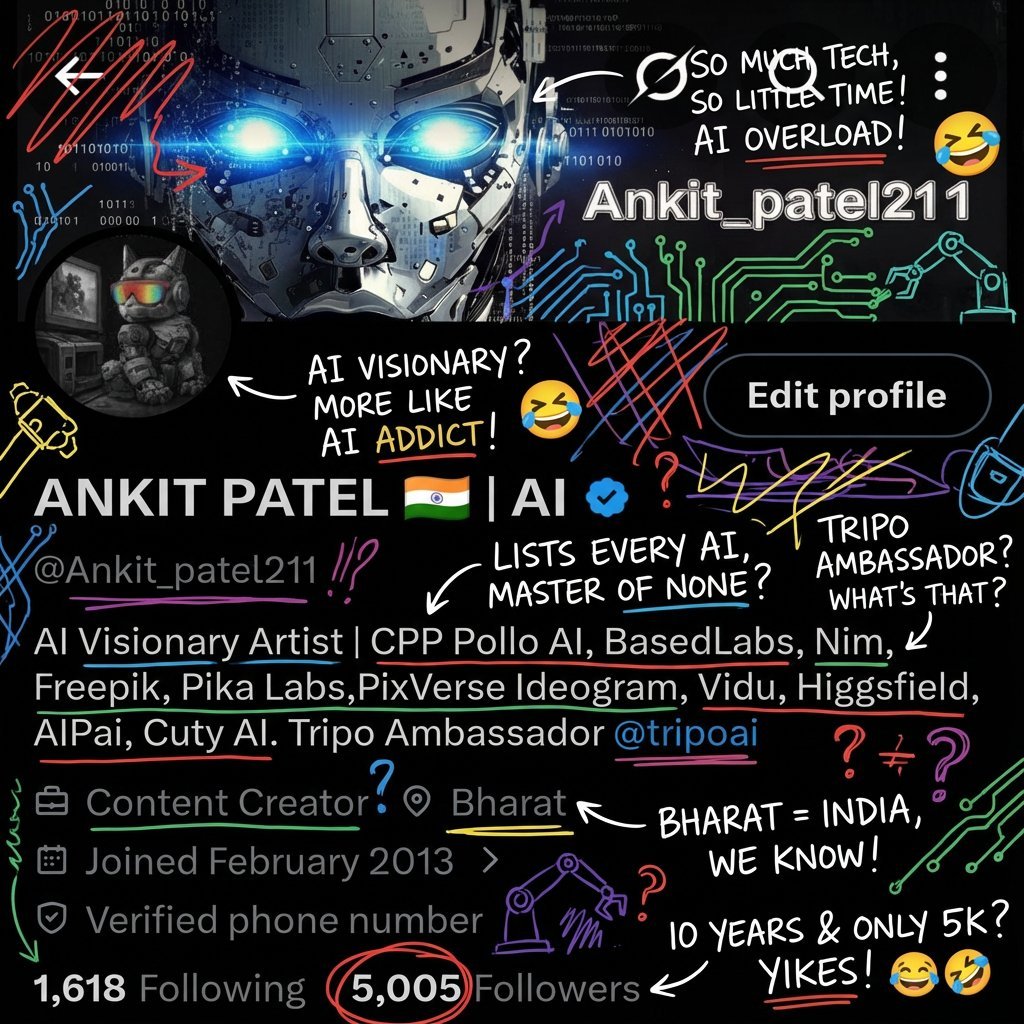
Image Transformation into Energetic Roast Scribbles
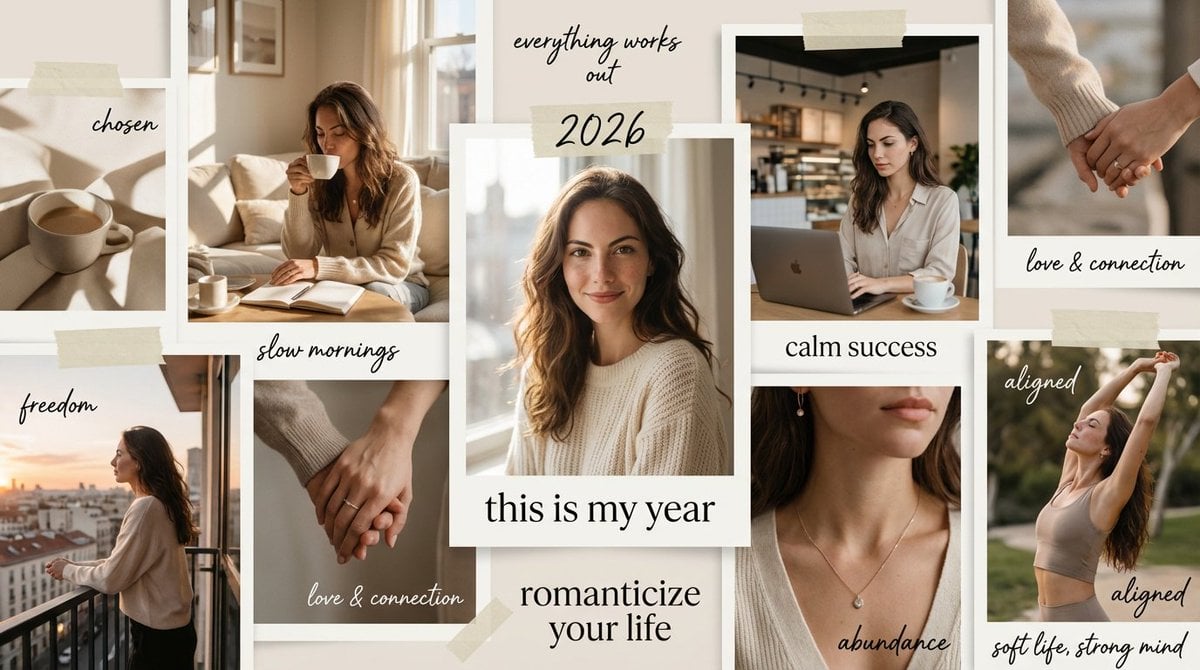
High-Aesthetic 2026 Vision Board Collage
Browse template categories
Blue Neon Denial ASMR Anime Portrait questions
How do I use the Blue Neon Denial ASMR Anime Portrait template?
Add your photo if the template asks for one, edit the prompt if you like — the template's model and format are already selected — and press Generate. Your version opens in PicX Studio.
Can I customize the Blue Neon Denial ASMR Anime Portrait template?
Yes. You can change the subject, setting, lighting, mood, format, and available model controls before creating your image.
Is the Blue Neon Denial ASMR Anime Portrait template free?
Opening and editing this template is free. Generating uses credits, shown on the Generate button when you are signed in.
Which AI model should I use?
Start with GPT Image 2, which is the model associated with this template. You can compare another compatible model for a different finish.
Looking for something else? Browse all templates.

Your photo, any look
Thousands of ready templates for every top image and video model, from one credit balance.