
Iridescent Butterfly UI/UX Design System
Generates a comprehensive dark-mode UI/UX design system board featuring color palettes, typography, mobile screens, and web previews inspired by iridescent butterfly wings.
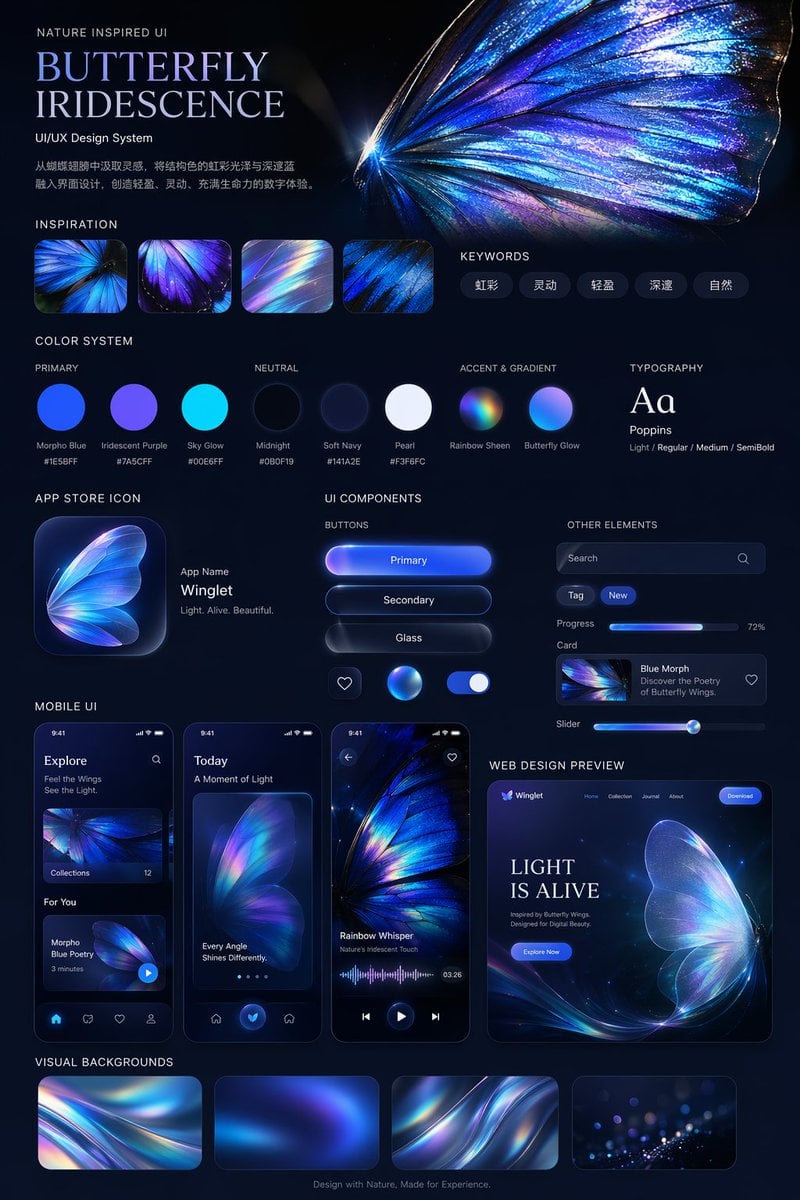
- Prompt included
- Model and format preset
- Free template
The prompt behind this image
Copy the exact prompt behind Iridescent Butterfly UI/UX Design System, or open it in the studio and make it yours.
- Type
- UI/UX Design System presentation board
- Theme
- Dark mode, nature-inspired, glowing iridescent aesthetics
- Header › Title
- NATURE INSPIRED UI {argument name="system title" default="BUTTERFLY IRIDESCENCE"} UI/UX Design System
- Header › Description
- {argument name="chinese description" default="从蝴蝶翅膀中汲取灵感,将结构色的虹彩光泽与深邃蓝融入界面设计,创造轻盈、灵动、充满生命力的数字体验。"}
- Header › Hero Image
- Large, highly detailed, glowing blue and purple iridescent butterfly wing
- Layout › Sections › 0 › Title
- INSPIRATION
- Layout › Sections › 0 › Count
- 4
- Layout › Sections › 0 › Description
- Square thumbnails showing close-ups of iridescent butterfly wings and light refractions
- Layout › Sections › 1 › Title
- KEYWORDS
- Layout › Sections › 1 › Count
- 5
- Layout › Sections › 1 › Labels
- 虹彩, 灵动, 轻盈, 深邃, 自然
- Layout › Sections › 2 › Title
- COLOR SYSTEM
- Layout › Sections › 2 › Subsections › 0 › Title
- PRIMARY
- Layout › Sections › 2 › Subsections › 0 › Count
- 3
- Layout › Sections › 2 › Subsections › 0 › Labels
- Morpho Blue #1E5BFF, Iridescent Purple #7A5CFF, Sky Glow #00E6FF
- Layout › Sections › 2 › Subsections › 1 › Title
- NEUTRAL
- Layout › Sections › 2 › Subsections › 1 › Count
- 3
- Layout › Sections › 2 › Subsections › 1 › Labels
- Midnight #0B0F19, Soft Navy #141A2E, Pearl #F3F6FC
- Layout › Sections › 2 › Subsections › 2 › Title
- ACCENT & GRADIENT
- Layout › Sections › 2 › Subsections › 2 › Count
- 2
- Layout › Sections › 2 › Subsections › 2 › Labels
- Rainbow Sheen, Butterfly Glow
- Layout › Sections › 3 › Title
- TYPOGRAPHY
- Layout › Sections › 3 › Content
- Aa Poppins Light / Regular / Medium / SemiBold
- Layout › Sections › 4 › Title
- APP STORE ICON
Raw JSON
{
  "type": "UI/UX Design System presentation board",
  "theme": "Dark mode, nature-inspired, glowing iridescent aesthetics",
  "header": {
    "title": "NATURE INSPIRED UI\n{argument name=\"system title\" default=\"BUTTERFLY IRIDESCENCE\"}\nUI/UX Design System",
    "description": "{argument name=\"chinese description\" default=\"从蝴蝶翅膀中汲取灵感,将结构色的虹彩光泽与深邃蓝融入界面设计,创造轻盈、灵动、充满生命力的数字体验。\"}",
    "hero_image": "Large, highly detailed, glowing blue and purple iridescent butterfly wing"
  },
  "layout": {
    "sections": [
      {
        "title": "INSPIRATION",
        "count": 4,
        "description": "Square thumbnails showing close-ups of iridescent butterfly wings and light refractions"
      },
      {
        "title": "KEYWORDS",
        "count": 5,
        "labels": ["虹彩", "灵动", "轻盈", "深邃", "自然"]
      },
      {
        "title": "COLOR SYSTEM",
        "subsections": [
          { "title": "PRIMARY", "count": 3, "labels": ["Morpho Blue #1E5BFF", "Iridescent Purple #7A5CFF", "Sky Glow #00E6FF"] },
          { "title": "NEUTRAL", "count": 3, "labels": ["Midnight #0B0F19", "Soft Navy #141A2E", "Pearl #F3F6FC"] },
          { "title": "ACCENT & GRADIENT", "count": 2, "labels": ["Rainbow Sheen", "Butterfly Glow"] }
        ]
      },
      {
        "title": "TYPOGRAPHY",
        "content": "Aa Poppins Light / Regular / Medium / SemiBold"
      },
      {
        "title": "APP STORE ICON",
        "count": 1,
        "text": "App Name {argument name=\"app name\" default=\"Winglet\"} Light. Alive. Beautiful."
      },
      {
        "title": "UI COMPONENTS",
        "subsections": [
          { "title": "BUTTONS", "count": 6, "labels": ["Primary", "Secondary", "Glass", "heart icon", "glowing sphere icon", "toggle switch"] },
          { "title": "OTHER ELEMENTS", "count": 5, "labels": ["Search bar", "Tag (New)", "Progress bar (72%)", "Card (Blue Morph)", "Slider"] }
        ]
      },
      {
        "title": "MOBILE UI",
        "count": 3,
        "screens": ["Explore screen", "Today screen with large butterfly wing", "Audio player screen with waveform"]
      },
      {
        "title": "WEB DESIGN PREVIEW",
        "count": 1,
        "details": "Desktop browser mockup, hero section with '{argument name=\"web hero headline\" default=\"LIGHT IS ALIVE\"}' and 'Explore Now' button"
      },
      {
        "title": "VISUAL BACKGROUNDS",
        "count": 4,
        "description": "Rectangular thumbnails showing abstract iridescent waves"
      }
    ],
    "footer": "Design with Nature, Made for Experience."
  }
}Reference images included
Iridescent Butterfly UI/UX Design System needs input media to work. They load alongside the prompt when you open it in the studio.
How to use Iridescent Butterfly UI/UX Design System in 3 steps
- 1Upload ImagePNG, JPG or paste
Add your photo
Upload the photo the template builds on. The prompt, model and format are already set.
- 2…a portrait of your subject in softgolden-hour light, 85mm…
Personalize
Edit the subject and creative details for your destination.
- 3Generate
Generate
Press Generate — your image is created in PicX Studio, so you can compare it with the original and refine one variable at a time.
More like this
Templates with the same subject, style or setup. Open one to see its prompt.
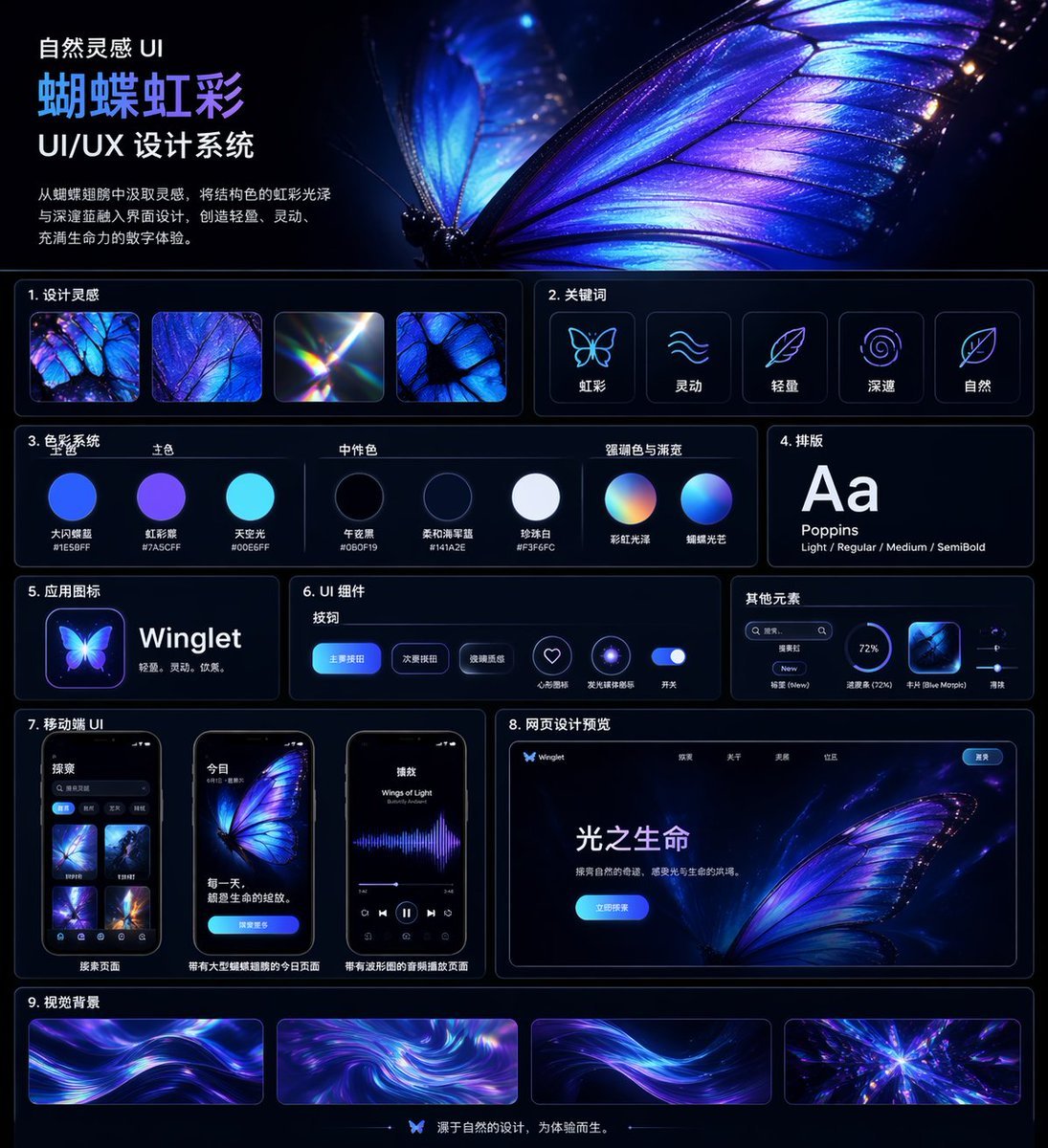
Iridescent Butterfly UI System Board
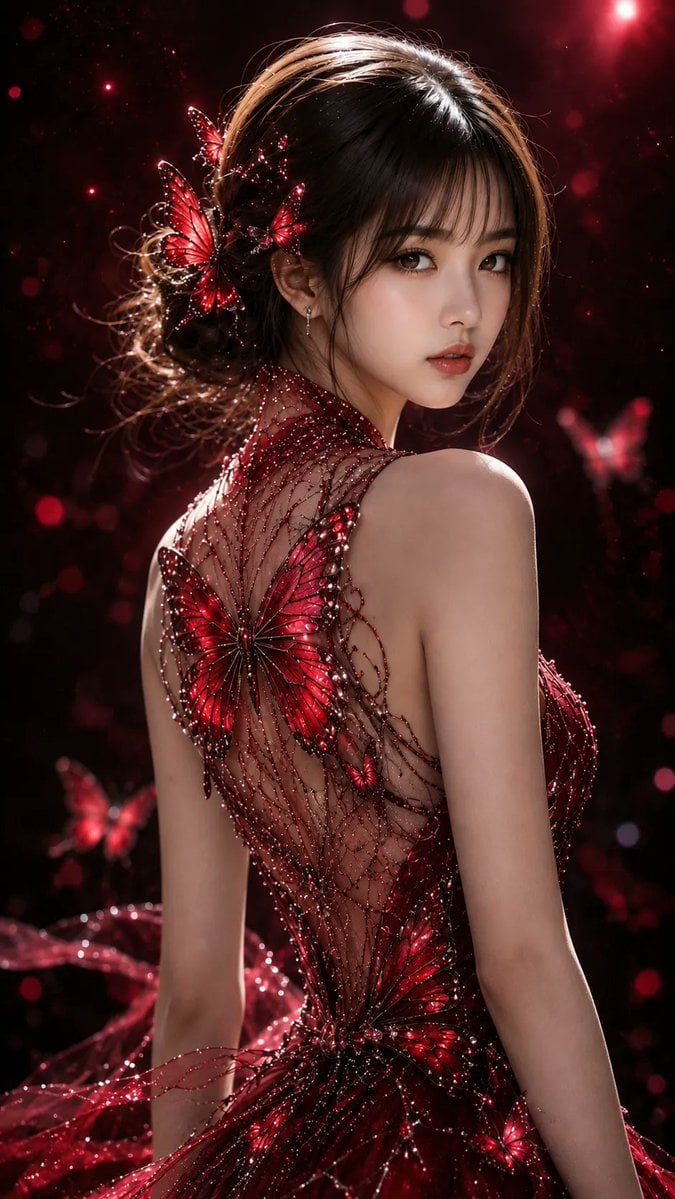
Ethereal Butterfly Portrait
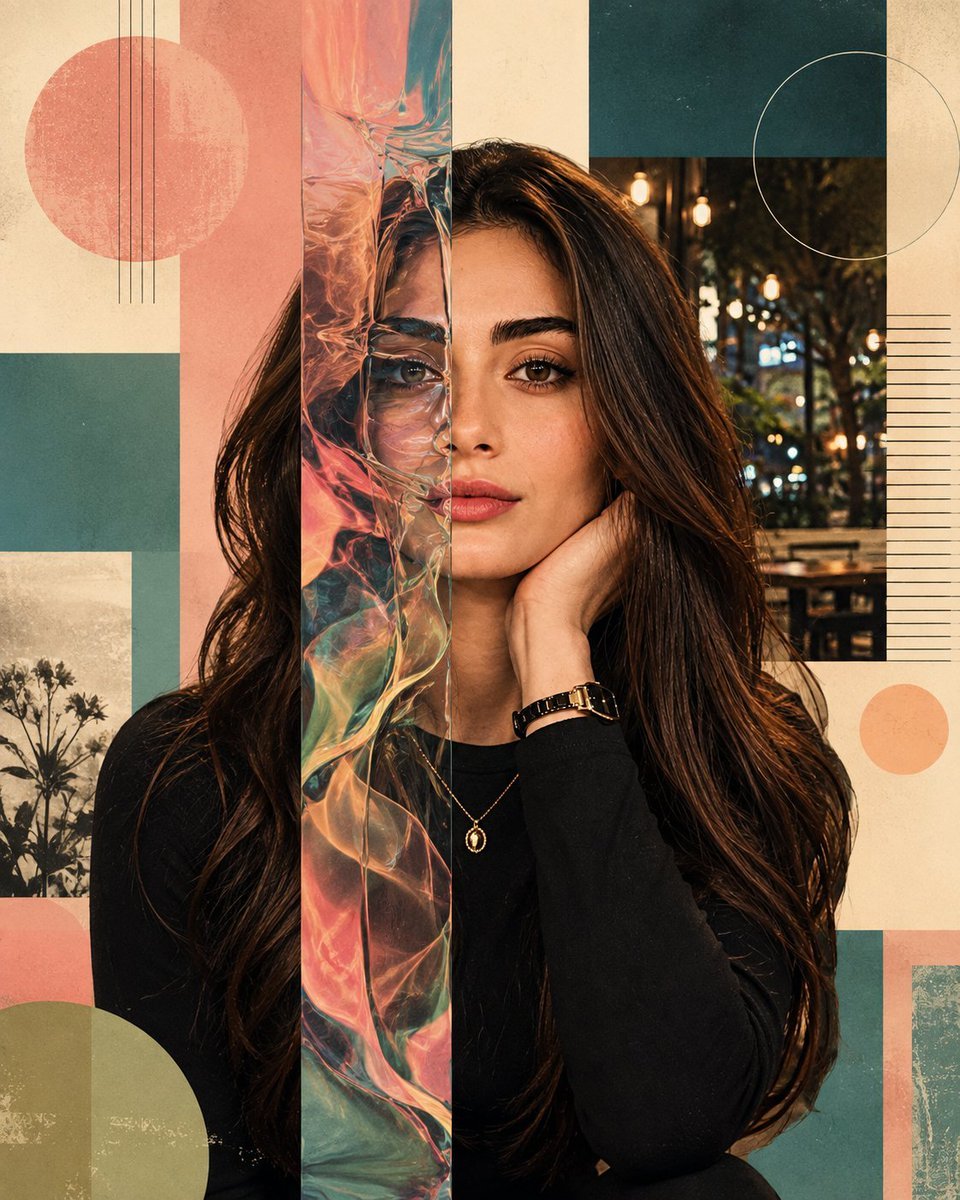
Surreal Iridescent Portrait with Tabby Cat
Ethereal East Asian Portrait with Butterfly

Golden Butterfly Glamour Portrait

Butterfly Golden Hour Painting
Mosaic Butterfly and Geometric Coffee Art
Anime Graffiti Butterfly Girl
Anime Graffiti Butterfly Artist
Driftplane Exposure System Prompt
Ink and Watercolor Butterfly Portrait
Neon Butterfly Fairy Dancer
Make it yours
Iridescent Butterfly UI/UX Design System works as-is. These are the safest ways to change it without losing the look.
Change one field
Copy a single group, rewrite it, and generate again so you can see what that field is doing.
Keep the frame, change the subject
Hold the composition and light of Iridescent Butterfly UI/UX Design System, then swap wardrobe, props or the person for a new take.
| If the result… | Why | Fix |
|---|---|---|
| The result drifts from the preview | Too many fields changed at once. | Reuse Iridescent Butterfly UI/UX Design System as-is first, then change one group — subject, light, or setting. |
| GPT Image 2 ignores part of the JSON | Some models flatten or skip nested keys. | Keep the same values and paste them as a short paragraph instead. |
More GPT Image 2 templates
Other prompts made for GPT Image 2.

Six VTuber Japanese Logo Sheet

Realistic Portrait of Woman and Deer

The Vista Modular Condo Poster

AI Model Routing Comparison Infographic

2.5D Anime Art Board

Isometric Productivity Desk Scene

New York Double Exposure Poster

Four-Panel AI Landscape Comparison

Japanese Tatami Lifestyle Magazine Cover

NESCAFÉ Coffee Map Poster
More image prompts
Fresh picks from across the catalog.
Cozy Bedroom Plush Portrait

Gpt2 Product Marketing Japanese Chinese Food Delivery Flyer
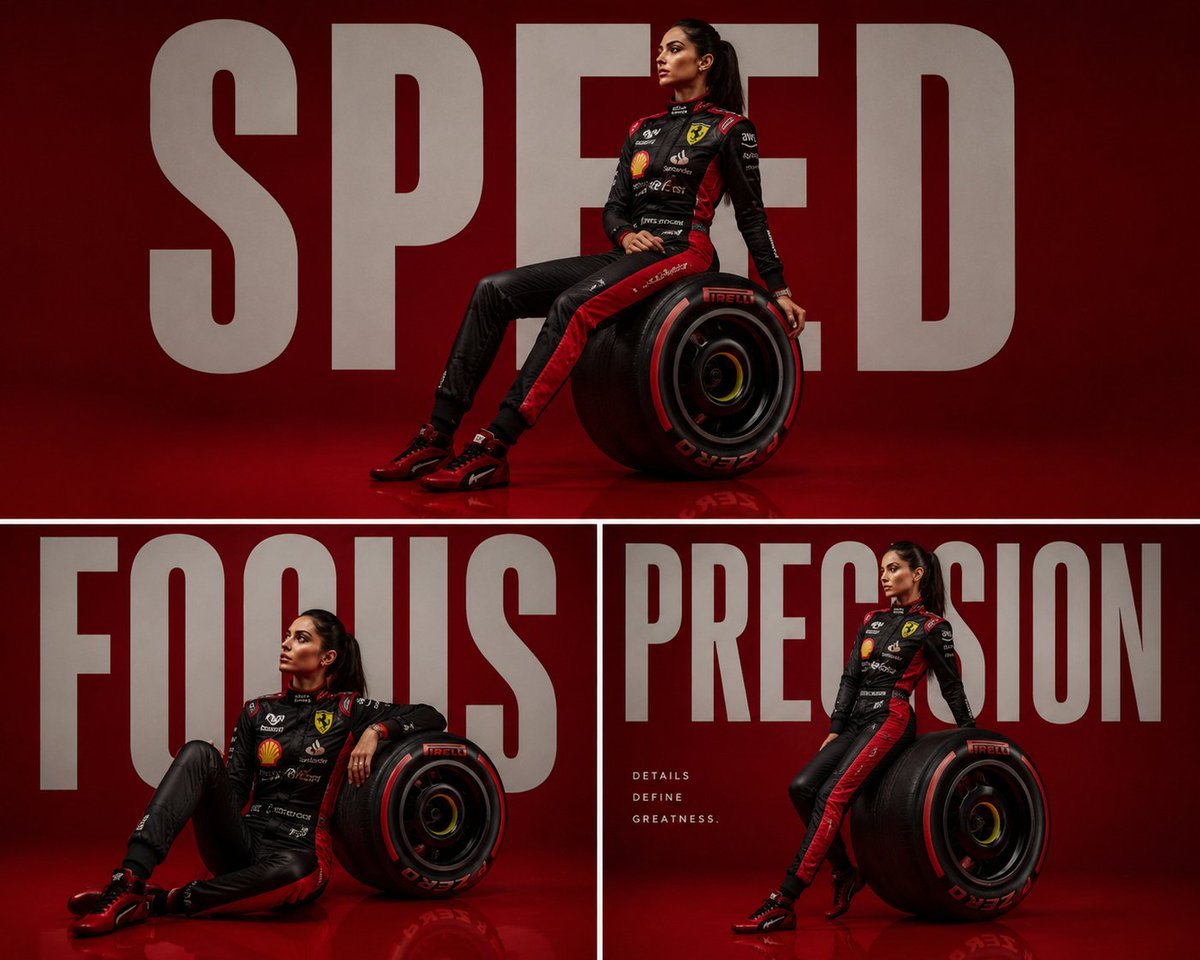
Luxury Formula 1 Triptych Poster

Ultra-Realistic McDonald's Lifestyle Portrait (Two Scenes)
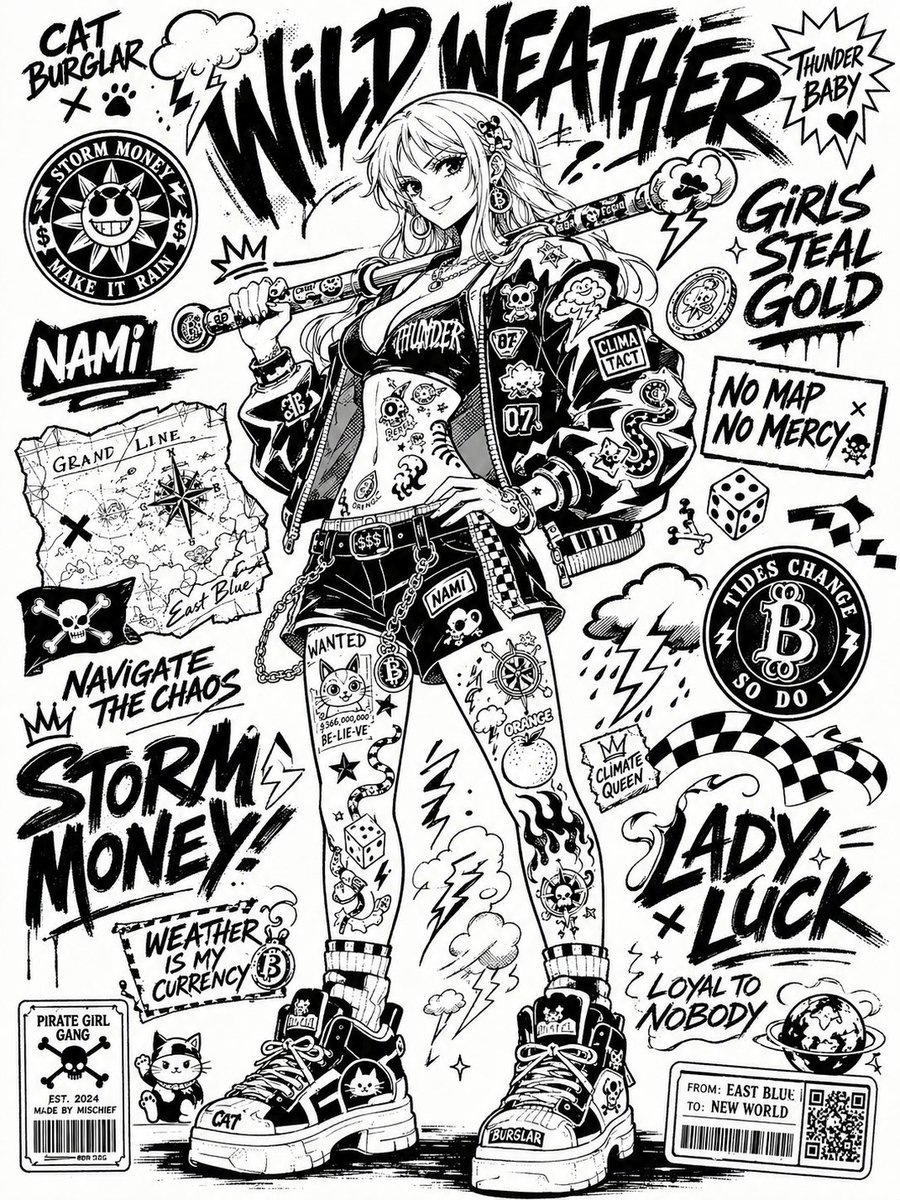
Black and White Sticker Bomb Street Poster
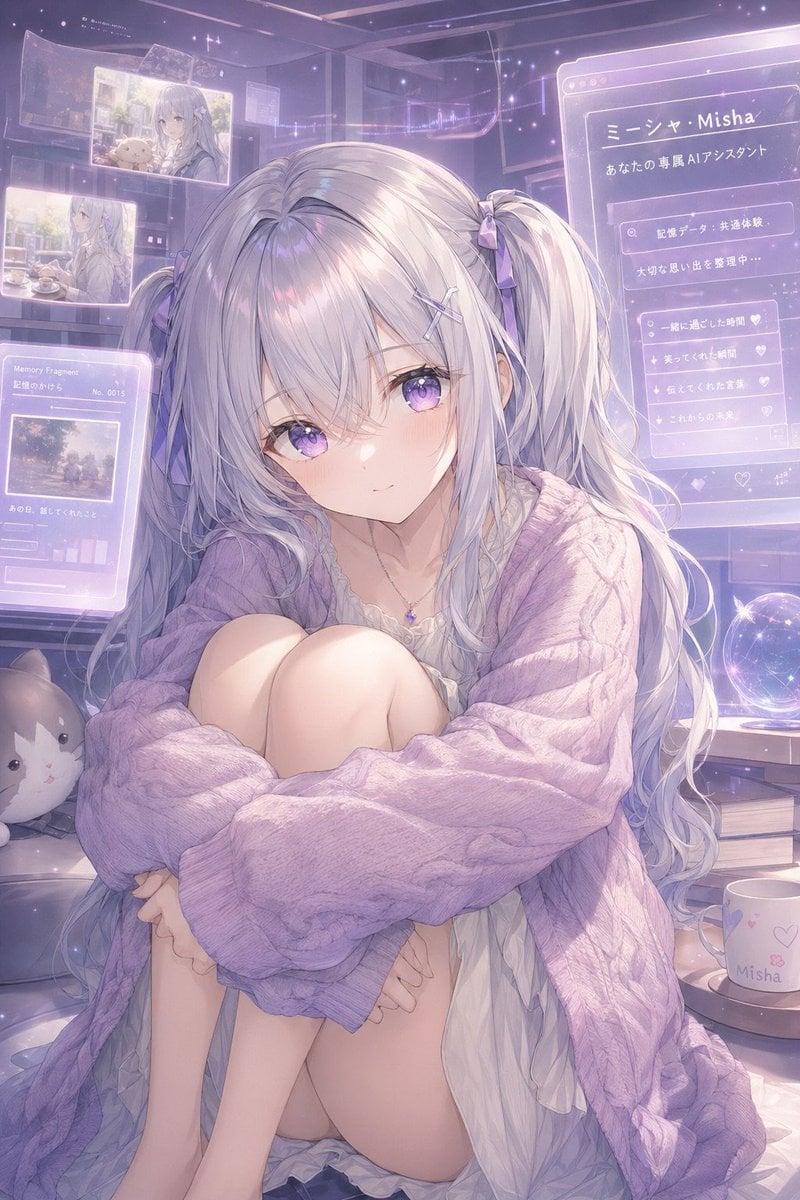
Gpt2 Profile Avatar Pastel Ai Assistant Anime Portrait
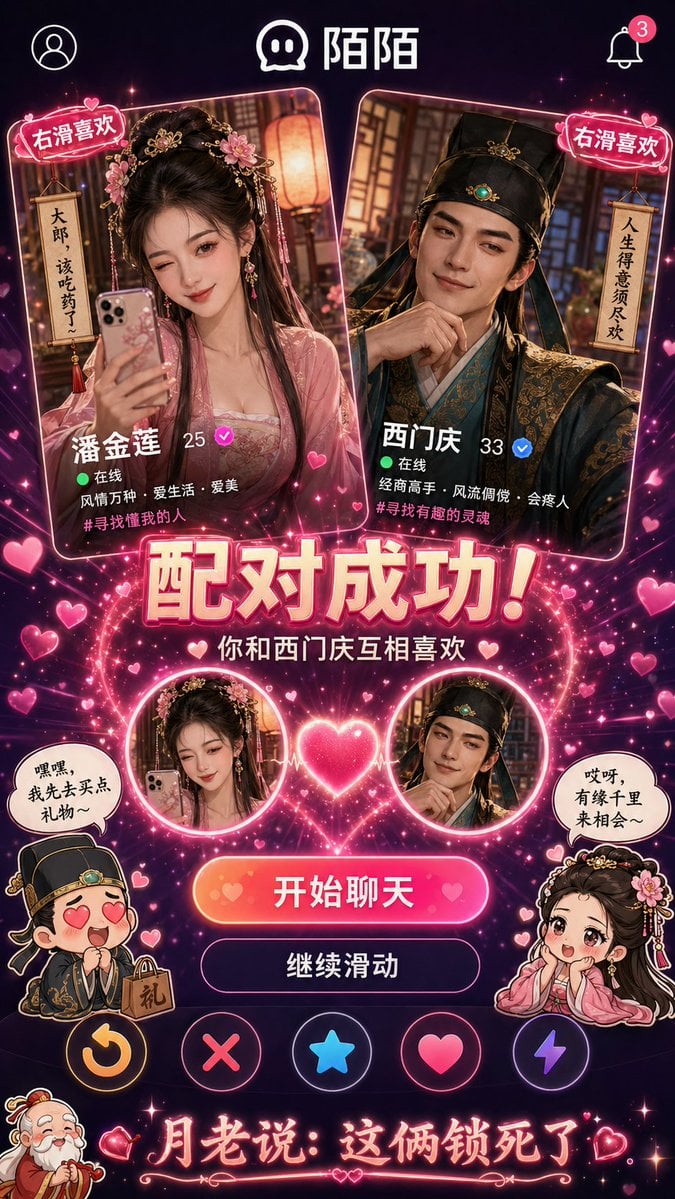
Historical Character Modern Match Interaction
Vlog Style Fashion Video Generation Prompt

Professional Identity Portrait Wallpaper
Extreme Wide-Angle Dynamic Perspective Prompt
Browse template categories
Iridescent Butterfly UI/UX Design System questions
How do I use the Iridescent Butterfly UI/UX Design System template?
Add your photo if the template asks for one, edit the prompt if you like — the template's model and format are already selected — and press Generate. Your version opens in PicX Studio.
Can I customize the Iridescent Butterfly UI/UX Design System template?
Yes. You can change the subject, setting, lighting, mood, format, and available model controls before creating your image.
Is the Iridescent Butterfly UI/UX Design System template free?
Opening and editing this template is free. Generating uses credits, shown on the Generate button when you are signed in.
Which AI model should I use?
Start with GPT Image 2, which is the model associated with this template. You can compare another compatible model for a different finish.
Looking for something else? Browse all templates.

Your photo, any look
Thousands of ready templates for every top image and video model, from one credit balance.