
Anime Graffiti Butterfly Artist
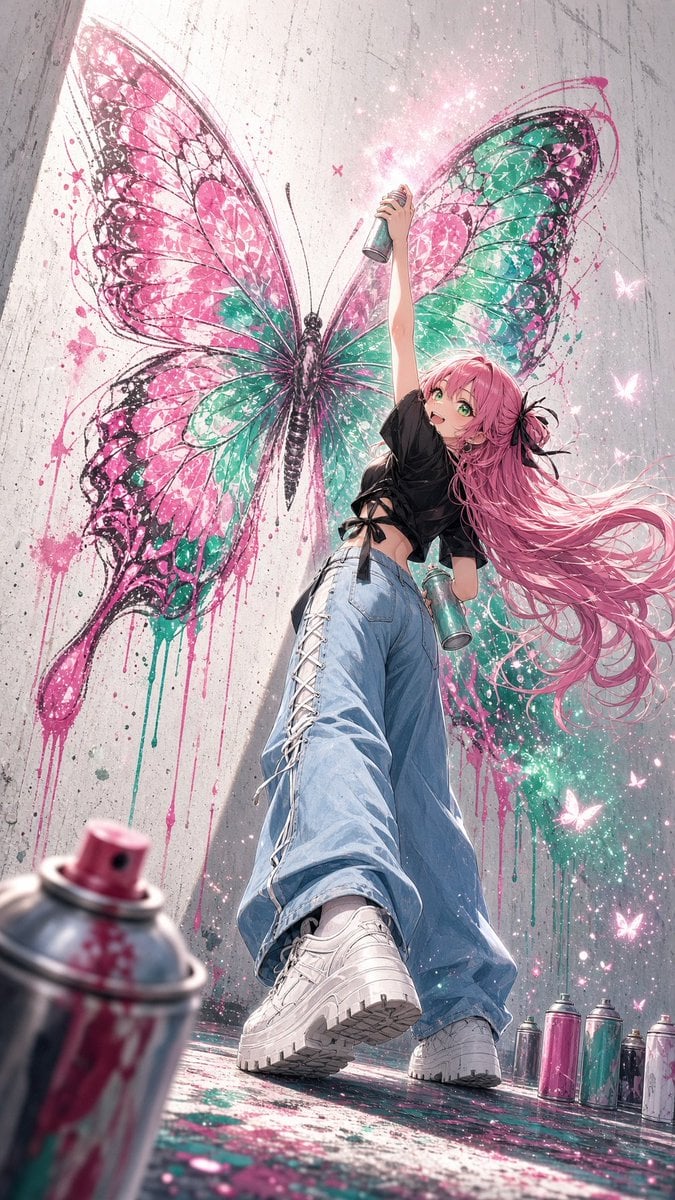
A vertical anime illustration prompt for creating a low-angle street artist scene with a huge pink and teal butterfly mural.
- Prompt included
- Model and format preset
- Free template
The prompt behind this image
Copy the exact prompt behind Anime Graffiti Butterfly Artist, or open it in the studio and make it yours.
Create a dynamic vertical anime street-art illustration from an extreme low-angle perspective, looking up at a cheerful young graffiti artist standing in front of a tall rough concrete wall. The main subject is a slim teenage anime girl with {argument name="hair color" default="long flowing pink hair"}, bright green eyes, and an excited open smile, wearing a loose cropped black T-shirt tied at the waist with ribbon-like details, oversized light blue wide-leg jeans with white lace-up side seams, and chunky white platform sneakers. She stretches one arm high overhead holding a spray paint can, while her other hand holds a second can near her hip. Behind her, cover the wall with one enormous freshly painted butterfly mural: wide symmetrical wings in vivid hot pink and turquoise-green, black sketchy outlines, splatters, drips, translucent veining, and sparkling paint mist. Add exactly one giant butterfly mural, exactly two spray cans in the girl’s hands, and exactly seven visible paint cans on the ground: one large blurred pink-topped spray can in the extreme foreground at lower left, plus six smaller upright cans along the lower right edge in pink, teal, silver, and white. Scatter glowing tiny butterfly silhouettes and glittering particles around the mural, especially on the right side. The floor should be wet and paint-splattered, reflecting pink and teal color. Use dramatic foreshortening with the girl’s sneaker soles large in the foreground, energetic composition, soft magical sparkle lighting, high-detail anime rendering, crisp linework, painterly textures, urban concrete grunge, vibrant magenta and turquoise palette, no text, no logo, no watermark.
How to use Anime Graffiti Butterfly Artist in 3 steps
- 1Upload ImagePNG, JPG or paste
Add your photo
Upload the photo the template builds on. The prompt, model and format are already set.
- 2…a portrait of your subject in softgolden-hour light, 85mm…
Personalize
Edit the subject and creative details for your destination.
- 3Generate
Generate
Press Generate — your image is created in PicX Studio, so you can compare it with the original and refine one variable at a time.
More like this
Templates with the same subject, style or setup. Open one to see its prompt.











Make it yours
Anime Graffiti Butterfly Artist works as-is. These are the safest ways to change it without losing the look.
Change one field
Copy a single group, rewrite it, and generate again so you can see what that field is doing.
Keep the frame, change the subject
Hold the composition and light of Anime Graffiti Butterfly Artist, then swap wardrobe, props or the person for a new take.
| If the result… | Why | Fix |
|---|---|---|
| The result drifts from the preview | Too many fields changed at once. | Reuse Anime Graffiti Butterfly Artist as-is first, then change one group — subject, light, or setting. |
| The model over-stylizes the scene | The prose prompt leaves finish and camera underspecified. | Add one camera or lighting sentence and stay on GPT Image 2. |
More GPT Image 2 templates
Other prompts made for GPT Image 2.

Six VTuber Japanese Logo Sheet

Realistic Portrait of Woman and Deer

The Vista Modular Condo Poster

AI Model Routing Comparison Infographic

2.5D Anime Art Board

Isometric Productivity Desk Scene

New York Double Exposure Poster

Four-Panel AI Landscape Comparison

Japanese Tatami Lifestyle Magazine Cover

NESCAFÉ Coffee Map Poster
More image prompts
Fresh picks from across the catalog.
Expressive Oil Painting Portrait
Cinematic Pokemon Champion Poster
Iridescent Liquid Ripple Wallpaper
Editorial chair on lake
Ultra-realistic Portrait of a Young Man
High-Contrast Monochrome Studio Portrait of a Man
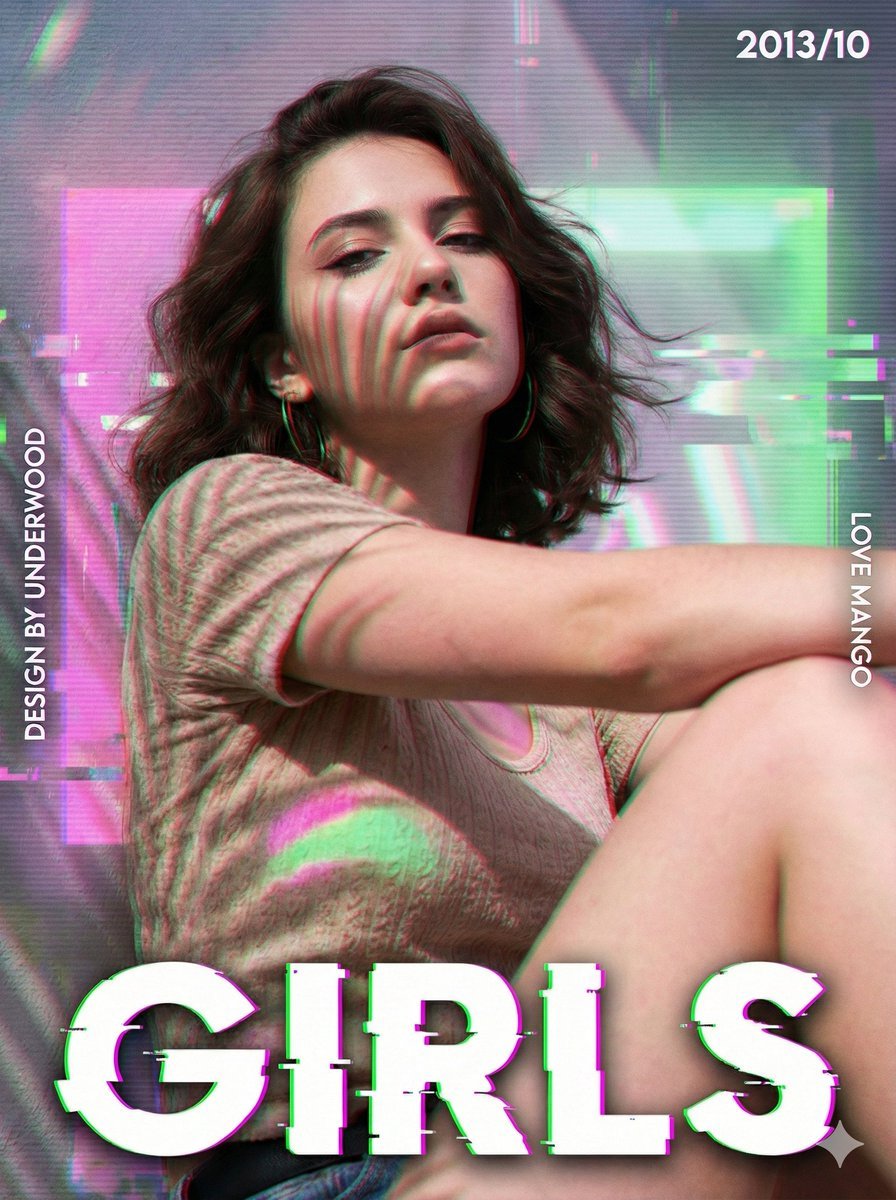
Cyberpunk Magazine Cover Portrait Prompt
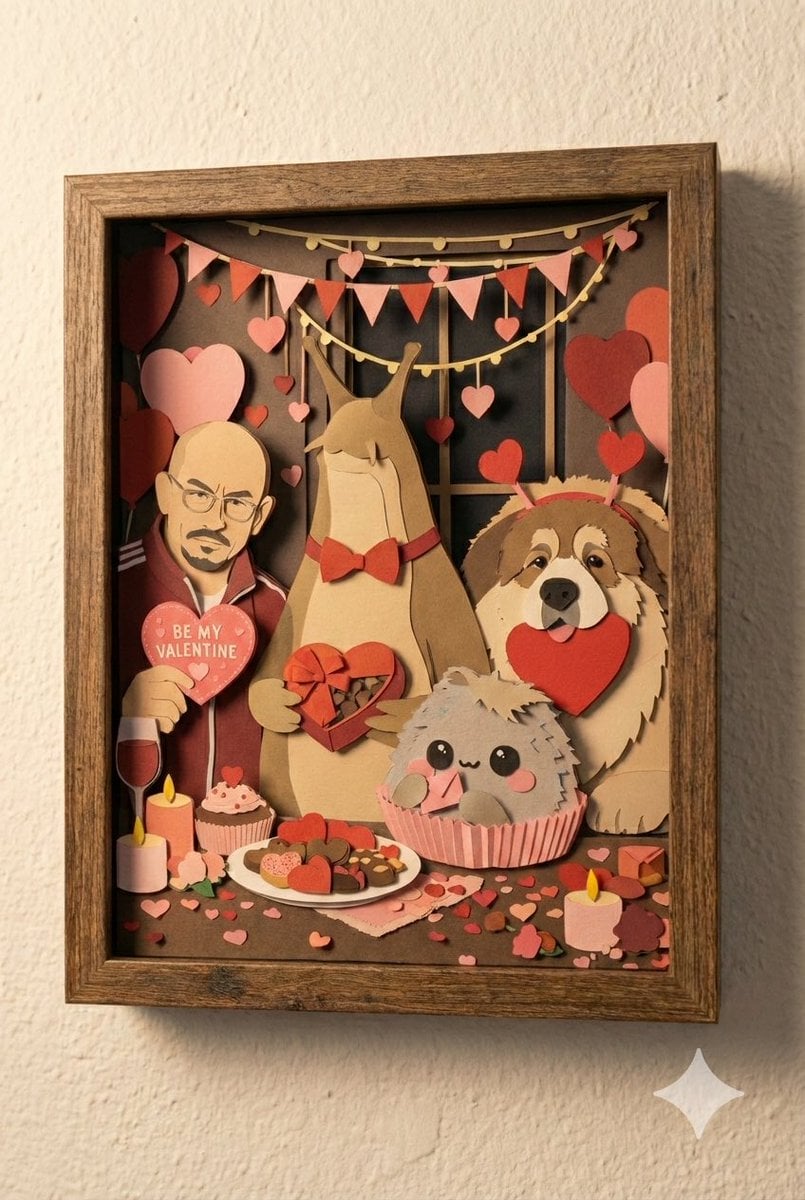
Shadow Box Conversion Prompt
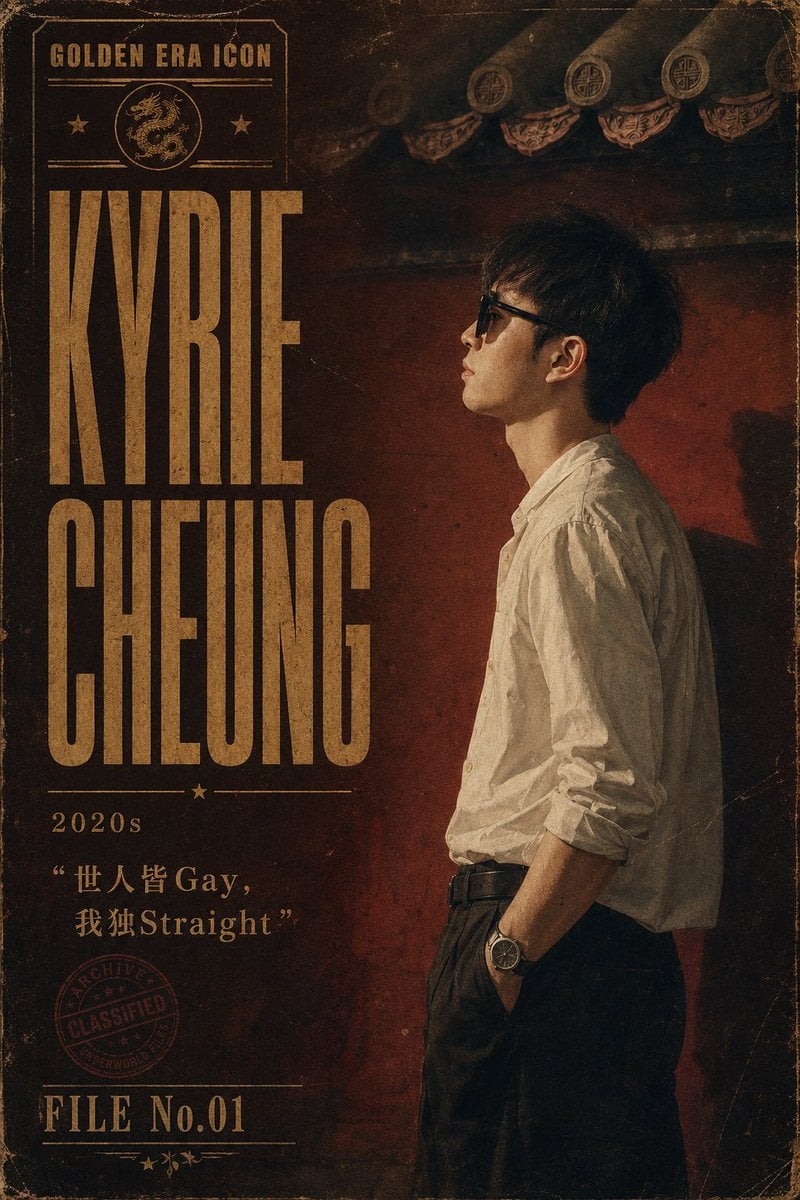
Retro Hong Kong Gangster Poster
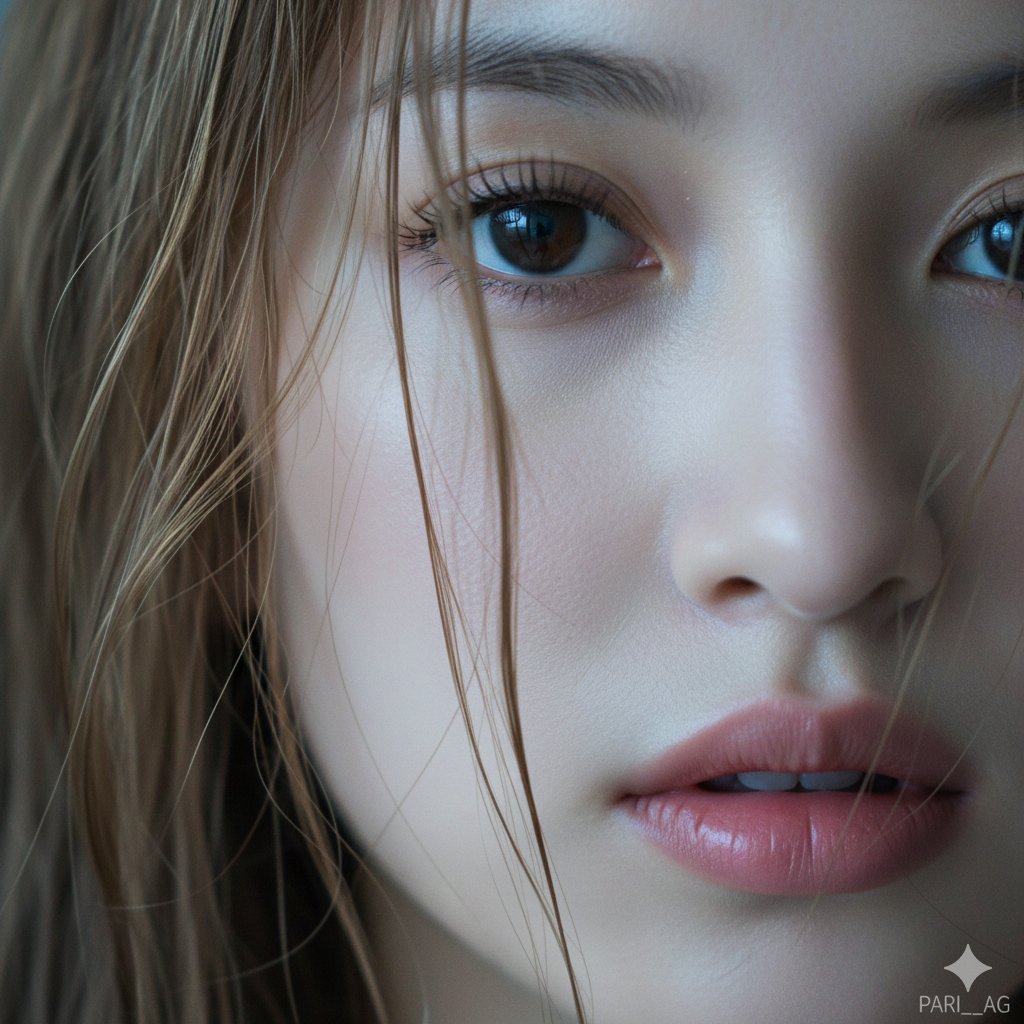
Macro Portrait with Wet Hair and Cinematic Blue Tones
Browse template categories
Anime Graffiti Butterfly Artist questions
How do I use the Anime Graffiti Butterfly Artist template?
Add your photo if the template asks for one, edit the prompt if you like — the template's model and format are already selected — and press Generate. Your version opens in PicX Studio.
Can I customize the Anime Graffiti Butterfly Artist template?
Yes. You can change the subject, setting, lighting, mood, format, and available model controls before creating your image.
Is the Anime Graffiti Butterfly Artist template free?
Opening and editing this template is free. Generating uses credits, shown on the Generate button when you are signed in.
Which AI model should I use?
Start with GPT Image 2, which is the model associated with this template. You can compare another compatible model for a different finish.
Looking for something else? Browse all templates.

Your photo, any look
Thousands of ready templates for every top image and video model, from one credit balance.