
Cyberpunk Magazine Cover Portrait Prompt
A detailed JSON prompt for generating a high-fashion, high-contrast cyberpunk magazine cover featuring a rebellious figure in a neon-lit, rainy Neo-Tokyo street, emphasizing glitch art artifacts, wet-look hair, and…
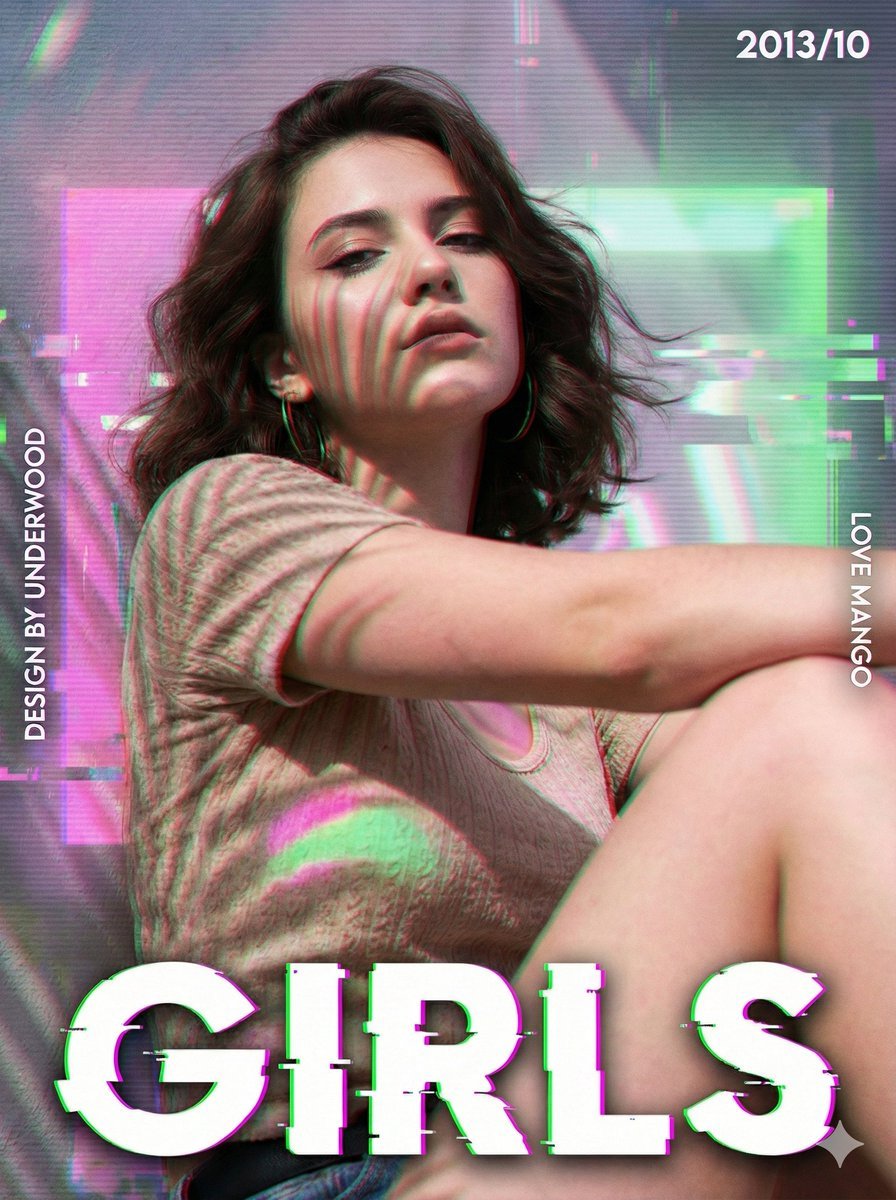
- Prompt included
- Model and format preset
- Free template
The prompt behind this image
Copy the exact prompt behind Cyberpunk Magazine Cover Portrait Prompt, or open it in the studio and make it yours.
- Subject › Description
- A high-fashion cyberpunk magazine cover featuring a rebellious figure in a neon-lit rain, blended with glitch art artifacts.
- Subject › Age
- 20-25 years old
- Subject › Expression › Eyes › Look
- piercing gaze through tinted visor/glasses
- Subject › Expression › Eyes › Energy
- intense, focused, futuristic
- Subject › Expression › Eyes › Direction
- straight at camera
- Subject › Expression › Mouth › Position
- neutral
- Subject › Expression › Mouth › Energy
- serious
- Subject › Expression › Overall
- Cyberpunk protagonist vibe
- Subject › Face › Preserve Original
- true
- Subject › Face › Makeup
- geometric neon face paint (cyan/magenta)
- Subject › Face › Accessories
- transparent data-visor or retro sunglasses
- Subject › Hair › Color
- platinum blonde or silver
- Subject › Hair › Style
- sleek, wet-look, pushed back
- Subject › Hair › Effect
- reflecting neon lights
- Subject › Body › Frame
- athletic
- Subject › Body › Skin › Tone
- cool toned
- Subject › Body › Skin › Texture
- rain droplets and digital grain
- Subject › Body › Skin › Lighting Effect
- harsh rim lighting (blue/red)
- Subject › Pose › Position
- standing
- Subject › Pose › Base
- Dutch angle (tilted shot)
- Subject › Pose › Overall
- Adjusting collar of jacket, dynamic stance
- Subject › Clothing › Top › Type
- oversized transparent vinyl bomber jacket
- Subject › Clothing › Top › Color
- iridescent plastic
- Subject › Clothing › Top › Details
- glowing LED strips on collar
Raw JSON
{
  "subject": {
    "description": "A high-fashion cyberpunk magazine cover featuring a rebellious figure in a neon-lit rain, blended with glitch art artifacts.",
    "mirror_rules": null,
    "age": "20-25 years old",
    "expression": {
      "eyes": {
        "look": "piercing gaze through tinted visor/glasses",
        "energy": "intense, focused, futuristic",
        "direction": "straight at camera"
      },
      "mouth": {
        "position": "neutral",
        "energy": "serious"
      },
      "overall": "Cyberpunk protagonist vibe"
    },
    "face": {
      "preserve_original": true,
      "makeup": "geometric neon face paint (cyan/magenta)",
      "accessories": "transparent data-visor or retro sunglasses"
    },
    "hair": {
      "color": "platinum blonde or silver",
      "style": "sleek, wet-look, pushed back",
      "effect": "reflecting neon lights"
    },
    "body": {
      "frame": "athletic",
      "skin": {
        "tone": "cool toned",
        "texture": "rain droplets and digital grain",
        "lighting_effect": "harsh rim lighting (blue/red)"
      }
    },
    "pose": {
      "position": "standing",
      "base": "Dutch angle (tilted shot)",
      "overall": "Adjusting collar of jacket, dynamic stance"
    },
    "clothing": {
      "top": {
        "type": "oversized transparent vinyl bomber jacket",
        "color": "iridescent plastic",
        "details": "glowing LED strips on collar",
        "effect": "holographic reflection"
      },
      "inner": {
        "type": "black tactical turtleneck",
        "details": "techwear straps"
      }
    }
  },
  "accessories": {
    "jewelry": "silver chains",
    "prop": "holding a glowing data-drive or retro flip phone"
  },
  "photography": {
    "camera_style": "Flash Photography, High Contrast Street Fashion",
    "angle": "Eye level",
    "shot_type": "Medium shot",
    "aspect_ratio": "{argument name=\"aspect ratio\" default=\"3:4\"}",
    "texture": "Motion blur, rain streaks, ISO noise, chromatic aberration",
    "lighting": "City night lights (Bokeh), Flash bulb direct illumination",
    "depth_of_field": "background city lights blurred"
  },
  "background": {
    "setting": "{argument name=\"setting\" default=\"Neo-Tokyo Street at night (Rainy)\"}",
    "elements": [
      "Large vertical Japanese Kanji neon signs (blurred)",
      "Text overlay 'FUTURE' in bold chrome typography at top",
      "Text overlay 'ERR_404' glitching across the chest",
      "Datestamp '2077/11' in corner",
      "Barcode graphic overlay bottom right"
    ],
    "atmosphere": "Dystopian luxury, wet, electric",
    "lighting": "Cyan and Magenta clash"
  },
  "the_vibe": {
    "energy": "High-tech Low-life",
    "mood": "Edgy and dangerous",
    "aesthetic": "Cyberpunk / Synthwave Magazine",
    "authenticity": "Editorial Fashion",
    "story": "A hacker blending into the nightlife",
    "caption_energy": "Signal Lost"
  },
  "constraints": {
    "must_keep": [
    ]
  }
}How to use Cyberpunk Magazine Cover Portrait Prompt in 3 steps
- 1
Open
The prompt is already in the box next to the preview, with the template's model and format selected.
- 2…a portrait of your subject in softgolden-hour light, 85mm…
Personalize
Edit the subject and creative details for your destination.
- 3Generate
Generate
Press Generate — your image is created in PicX Studio, so you can compare it with the original and refine one variable at a time.
More like this
Templates with the same subject, style or setup. Open one to see its prompt.

High-Fashion Magazine Cover Portrait
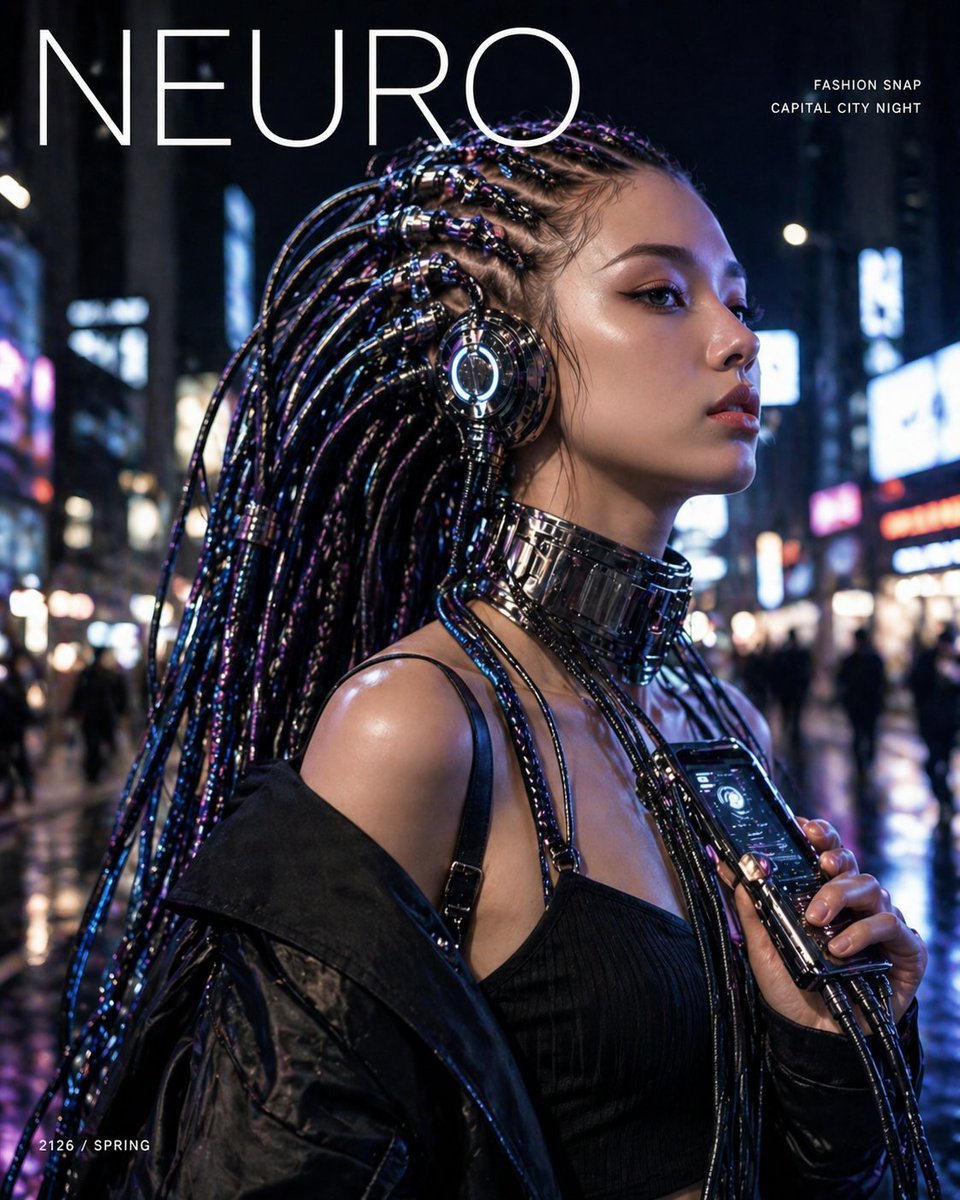
Cyberpunk Fashion Magazine Cover

Found Photograph: Us, 1970

80s Couple Studio Portrait

80s Bollywood Star

80s Golden Hour Cinema

Me in 1985

1985 Studio Portrait

Hyper-Realistic Minecraft POV Portrait
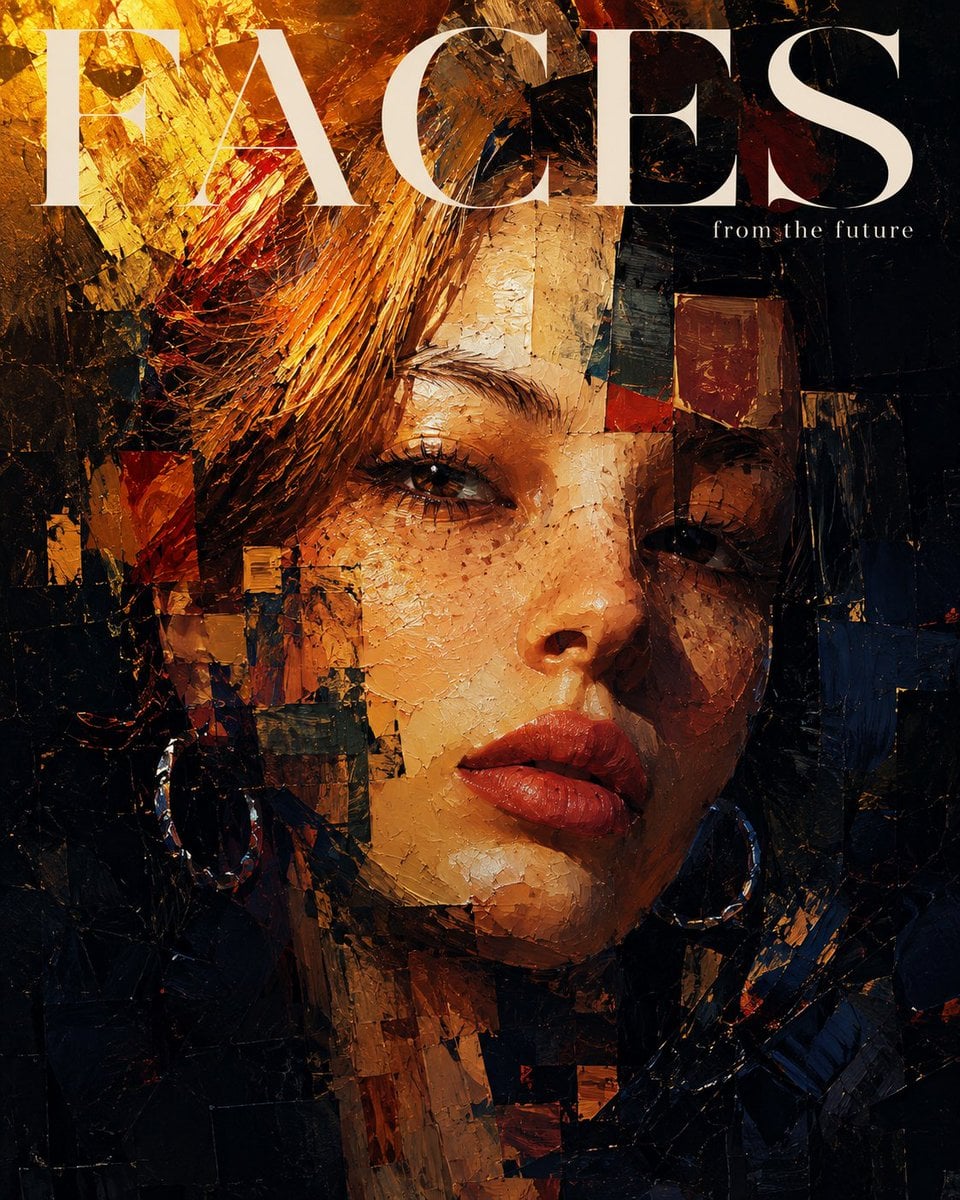
Expressionistic Impasto Magazine Portrait

Off Duty Fashion Magazine Cover

Japanese Tatami Lifestyle Magazine Cover
Make it yours
Cyberpunk Magazine Cover Portrait Prompt works as-is. These are the safest ways to change it without losing the look.
Swap the setting
Keep the rest of the prompt and replace the location block. The current setting is “{argument name="setting" default="Neo-Tokyo Street at night (Rainy)"}”.
Swap the light
One lighting change is enough to compare takes. Current light: “harsh rim lighting (blue/red)”.
Change one field
Copy a single group, rewrite it, and generate again so you can see what that field is doing.
| If the result… | Why | Fix |
|---|---|---|
| The result drifts from the preview | Too many fields changed at once. | Reuse Cyberpunk Magazine Cover Portrait Prompt as-is first, then change one group — subject, light, or setting. |
| Nano Banana 2 ignores part of the JSON | Some models flatten or skip nested keys. | Keep the same values and paste them as a short paragraph instead. |
More Nano Banana 2 templates
Other prompts made for Nano Banana 2.

Photorealistic Leaf Shaped Like a Dragon

K-Pop Idol Portrait Grid for Rapid Selection

Poetic Rain Forest Portrait During Golden Hour

Urban Street Portrait with Cartoon Inner Self Duo

Candid Nighttime Photo with Cat Prompt

High-Concept 3D Diorama Generation Prompt

Cinematic Futuristic Studio Portrait Template

Skincare Editorial Photography Collage Prompt

Hyper-Realistic Commercial Product Photography (Splash Effect)

Hyper-Realistic Nightclub Portrait Prompt
More image prompts
Fresh picks from across the catalog.
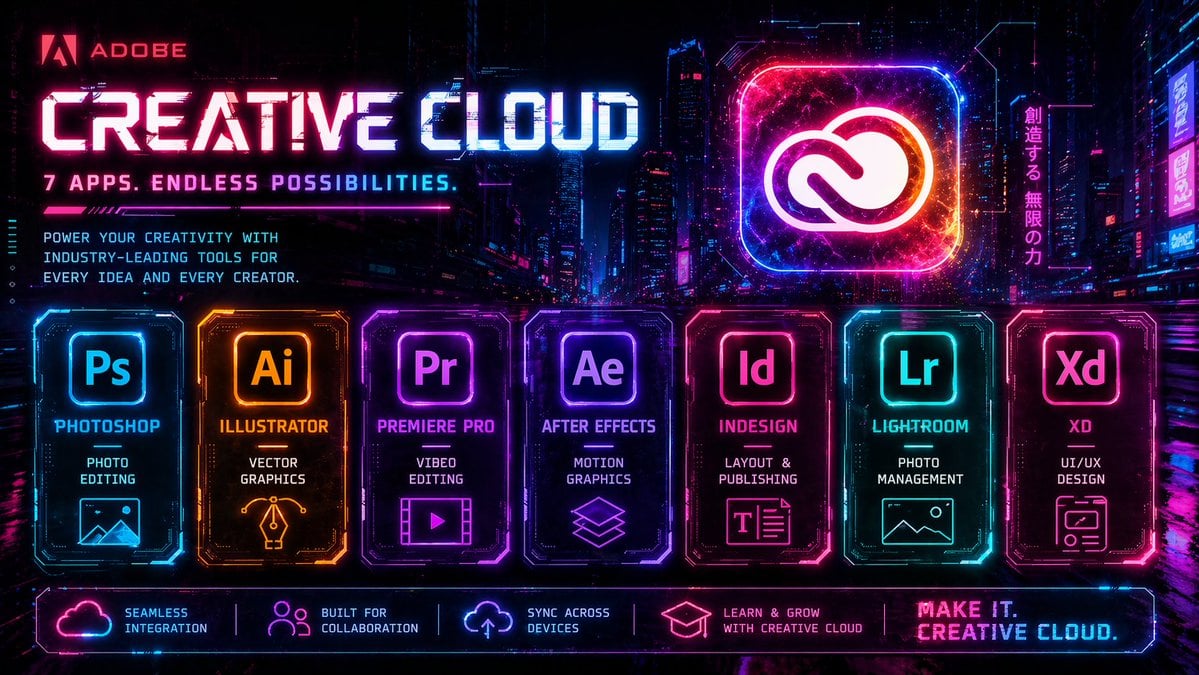
Cyberpunk Creative Cloud Ad Poster
Night Rooftop iPhone Portrait
Geographic Map Illustration
Double Exposure Rugged Portrait
Moody Cinematic Street Photography Prompt
Anime Style Character Transformation
Twin Sisters Café Photo to Anime Comparison
Elegant Summer Portrait in an English Country Garden
Glowing Hologram Night Scene
Needle-Felt Country Diorama
Browse template categories
Cyberpunk Magazine Cover Portrait Prompt questions
How do I use the Cyberpunk Magazine Cover Portrait Prompt template?
Add your photo if the template asks for one, edit the prompt if you like — the template's model and format are already selected — and press Generate. Your version opens in PicX Studio.
Can I customize the Cyberpunk Magazine Cover Portrait Prompt template?
Yes. You can change the subject, setting, lighting, mood, format, and available model controls before creating your image.
Is the Cyberpunk Magazine Cover Portrait Prompt template free?
Opening and editing this template is free. Generating uses credits, shown on the Generate button when you are signed in.
Which AI model should I use?
Start with Nano Banana 2, which is the model associated with this template. You can compare another compatible model for a different finish.
Looking for something else? Browse all templates.

Your photo, any look
Thousands of ready templates for every top image and video model, from one credit balance.