
Cyberpunk Creative Cloud Ad Poster
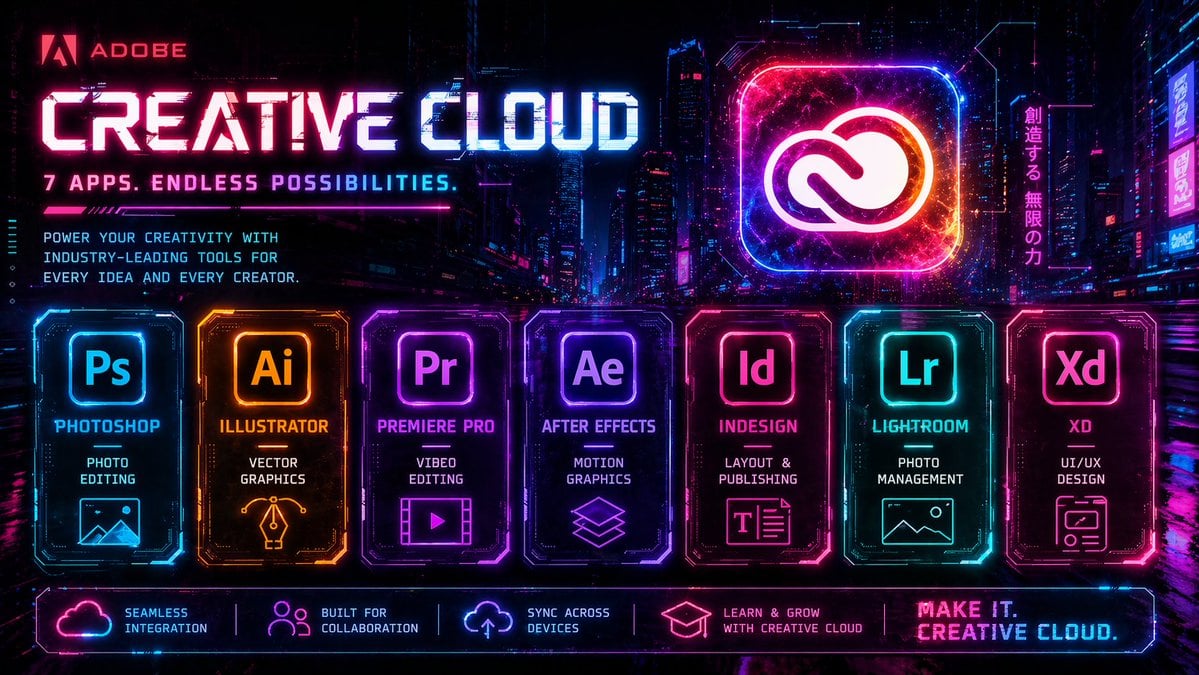
A neon cyberpunk promotional poster for Adobe Creative Cloud, ideal for recreating bold tech advertising graphics with multiple app panels and futuristic branding.
- Prompt included
- Model and format preset
- Free template
The prompt behind this image
Copy the exact prompt behind Cyberpunk Creative Cloud Ad Poster, or open it in the studio and make it yours.
Create a high-energy futuristic cyberpunk advertising poster for {argument name="brand name" default="Adobe"} {argument name="product name" default="Creative Cloud"}, in a wide 16:9 format, set against a dense neon-lit nighttime megacity with glowing skyscrapers, holographic billboards, wet reflective streets, and a dark purple-blue-black atmosphere. Use an intense synthwave palette of electric magenta, cyan, violet, hot pink, and blue, with glowing edges, digital glitches, scanlines, light streaks, particle sparks, and HUD-style interface accents. At the upper left, place the Adobe logo and the word {argument name="brand name" default="Adobe"} in red, followed by a huge bold techno headline reading {argument name="product name" default="Creative Cloud"} in luminous white and cyan with magenta glow, and beneath it a smaller tagline in all caps: {argument name="tagline" default="7 APPS. ENDLESS POSSIBILITIES."}. Below that, add a short marketing paragraph in compact futuristic type: “POWER YOUR CREATIVITY WITH INDUSTRY-LEADING TOOLS FOR EVERY IDEA AND EVERY CREATOR.” On the upper right, feature a giant glowing rounded-square app icon containing the Adobe Creative Cloud symbol, rendered like a radiant neon hologram with cosmic texture and orange-pink-blue energy inside. Next to it, add a vertical Japanese neon sign reading “創造する、無限の力”. Across the lower middle, display exactly 7 illuminated app cards in a single horizontal row, each as a distinct glowing panel with beveled sci-fi borders, internal circuitry details, and matching neon color accents. Card 1: “Ps”, label “PHOTOSHOP”, subtitle “PHOTO EDITING”, with a simple landscape/image icon, in cyan-blue. Card 2: “Ai”, label “ILLUSTRATOR”, subtitle “VECTOR GRAPHICS”, with a pen-nib/vector icon, in orange-gold. Card 3: “Pr”, label “PREMIERE PRO”, subtitle “VIDEO EDITING”, with a film frame and play button icon, in purple-magenta. Card 4: “Ae”, label “AFTER EFFECTS”, subtitle “MOTION GRAPHICS”, with stacked layered-shapes icon, in violet. Card 5: “Id”, label “INDESIGN”, subtitle “LAYOUT & PUBLISHING”, with a text-layout icon, in pink-red. Card 6: “Lr”, label “LIGHTROOM”, subtitle “PHOTO MANAGEMENT”, with a landscape/photo icon, in cyan-teal. Card 7: “Xd”, label “XD”, subtitle “UI/UX DESIGN”, with a wireframe/app-window icon, in hot pink. Along the very bottom, add a glowing horizontal footer bar with exactly 5 feature blocks separated by thin neon dividers: 1) cloud icon with “SEAMLESS INTEGRATION”, 2) people icon with “BUILT FOR COLLABORATION”, 3) sync/cloud-arrow icon with “SYNC ACROSS DEVICES”, 4) graduation cap icon with “LEARN & GROW WITH CREATIVE CLOUD”, 5) a bold closing slogan at the far right reading {argument name="closing slogan" default="MAKE IT. CREATIVE CLOUD."}. Overall style: premium cinematic tech ad, ultra-detailed, razor-sharp, symmetrical promotional layout, glossy reflections, dramatic contrast, retro-futurist game UI aesthetics, polished commercial poster design.
How to use Cyberpunk Creative Cloud Ad Poster in 3 steps
- 1Upload ImagePNG, JPG or paste
Add your photo
Upload the photo the template builds on. The prompt, model and format are already set.
- 2…a portrait of your subject in softgolden-hour light, 85mm…
Personalize
Edit the subject and creative details for your destination.
- 3Generate
Generate
Press Generate — your image is created in PicX Studio, so you can compare it with the original and refine one variable at a time.
More like this
Templates with the same subject, style or setup. Open one to see its prompt.

Neon Glitch Cyber Symbiote Music Poster
Cinematic Side Profile Cyberpunk Hero Poster

Black Liquid Cyberpunk Portrait Poster
Cyberpunk Creative Cloud Poster

Japan Travel Brochure Poster

Cartoon TV Show Poster Pack

Trendy Cafe Drink Promo Poster

Urban Fashion Editorial Collage Streetwear Poster

Premium Fashion Editorial Cover Layout System

Polo Ralph Lauren Luxury American Heritage Fashion Campaign

Monochrome Halftone Editorial Fashion Poster

Retro Mirror Luxury Fashion Campaign Poster
Make it yours
Cyberpunk Creative Cloud Ad Poster works as-is. These are the safest ways to change it without losing the look.
Change one field
Copy a single group, rewrite it, and generate again so you can see what that field is doing.
Keep the frame, change the subject
Hold the composition and light of Cyberpunk Creative Cloud Ad Poster, then swap wardrobe, props or the person for a new take.
| If the result… | Why | Fix |
|---|---|---|
| The result drifts from the preview | Too many fields changed at once. | Reuse Cyberpunk Creative Cloud Ad Poster as-is first, then change one group — subject, light, or setting. |
| The model over-stylizes the scene | The prose prompt leaves finish and camera underspecified. | Add one camera or lighting sentence and stay on GPT Image 2. |
More GPT Image 2 templates
Other prompts made for GPT Image 2.

Six VTuber Japanese Logo Sheet

Realistic Portrait of Woman and Deer

The Vista Modular Condo Poster

AI Model Routing Comparison Infographic

2.5D Anime Art Board

Isometric Productivity Desk Scene

New York Double Exposure Poster

Four-Panel AI Landscape Comparison

Japanese Tatami Lifestyle Magazine Cover

NESCAFÉ Coffee Map Poster
More image prompts
Fresh picks from across the catalog.
Giant Coca-Cola Can Monument in Arctic Ice
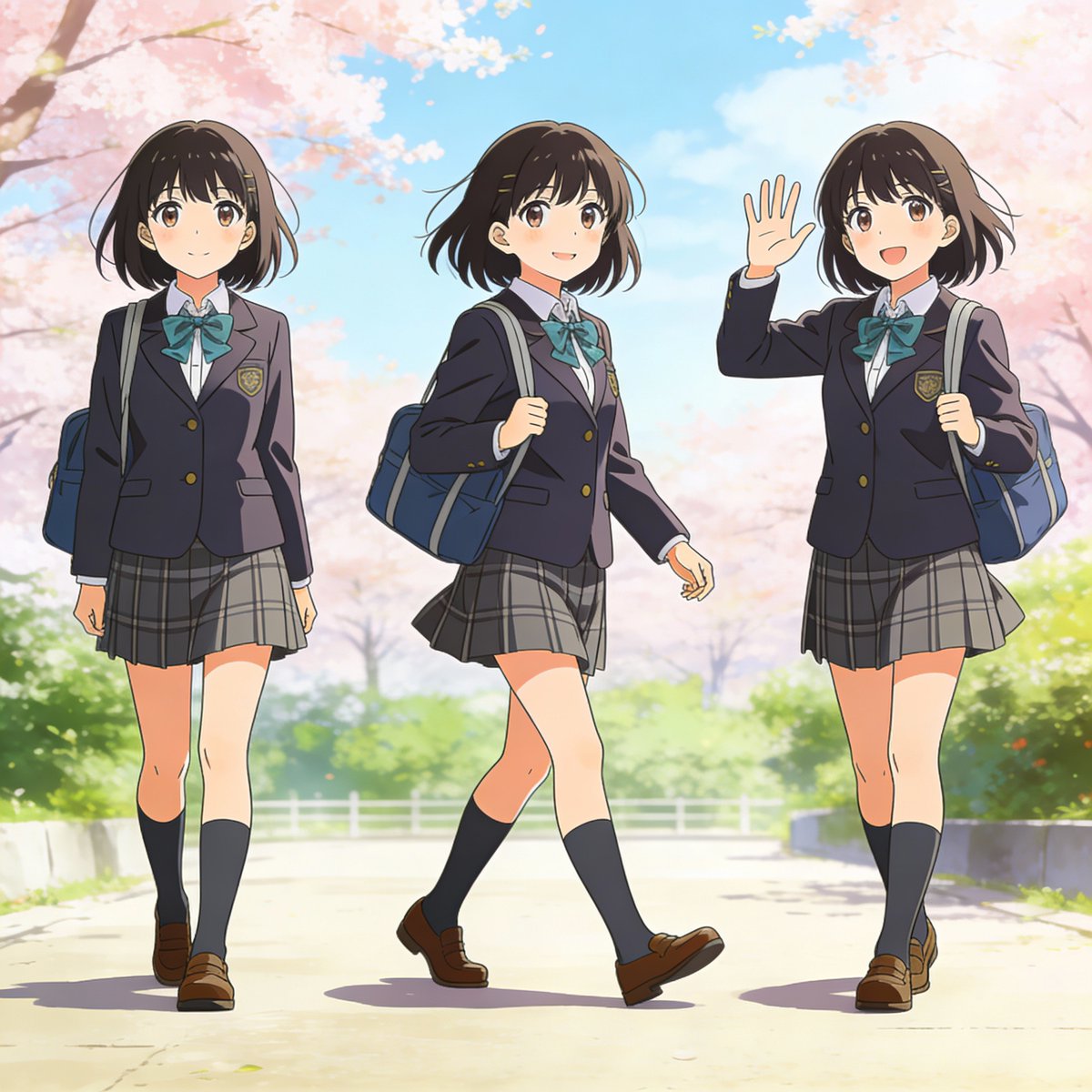
Three-pose anime girl consistency prompt
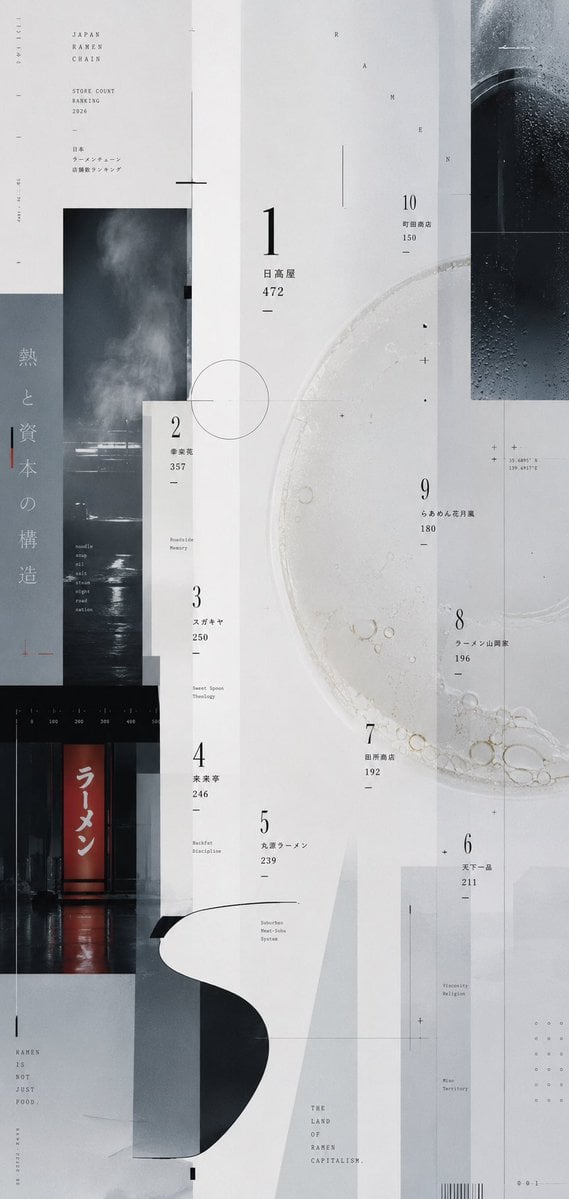
Experimental Ramen Ranking Poster

Parameterized Ice Cream Dessert Advertising Poster Prompt
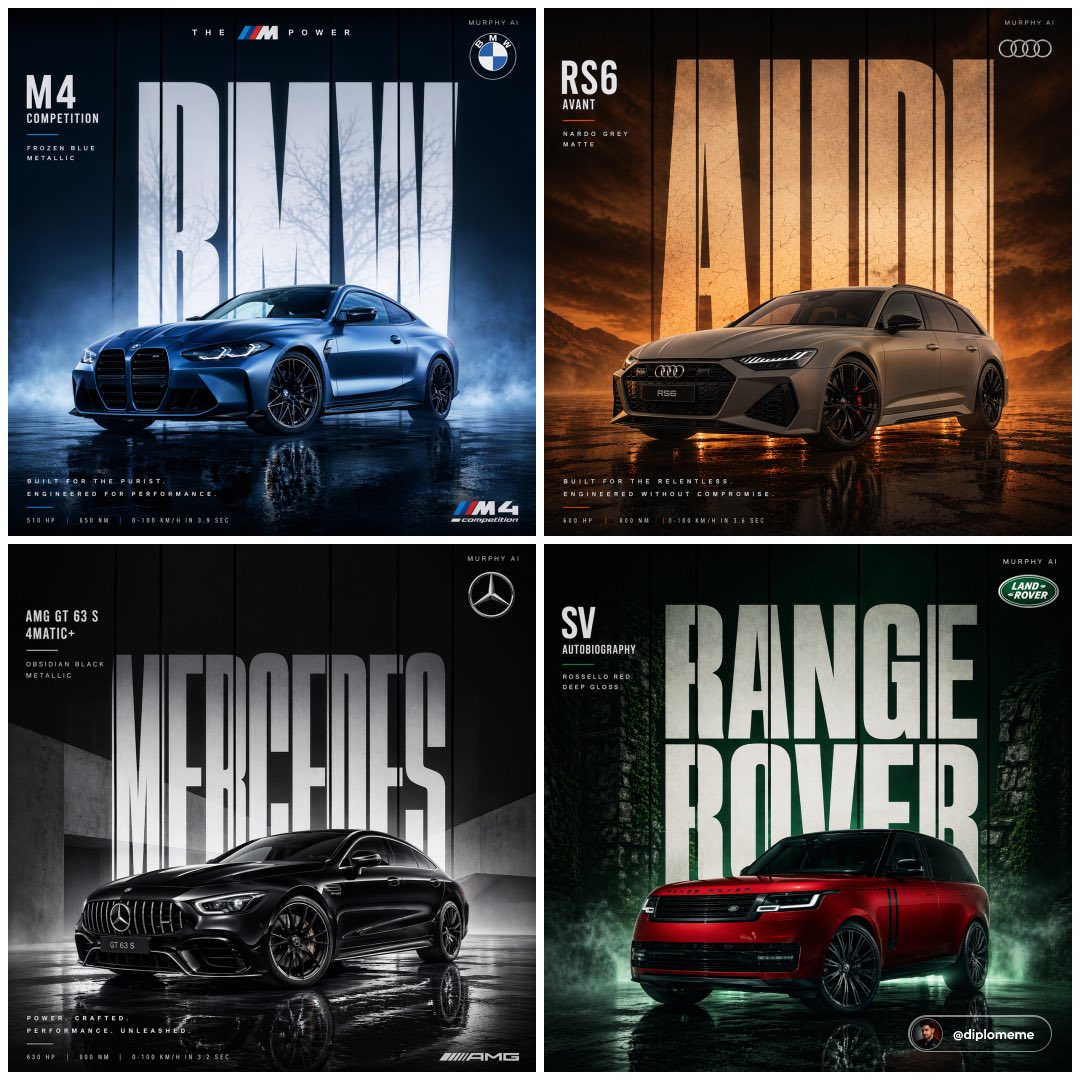
Cinematic Automotive Billboard Template

untitled

Ultra-Realistic Skincare Product Photography Prompt (Cobalt Blue)
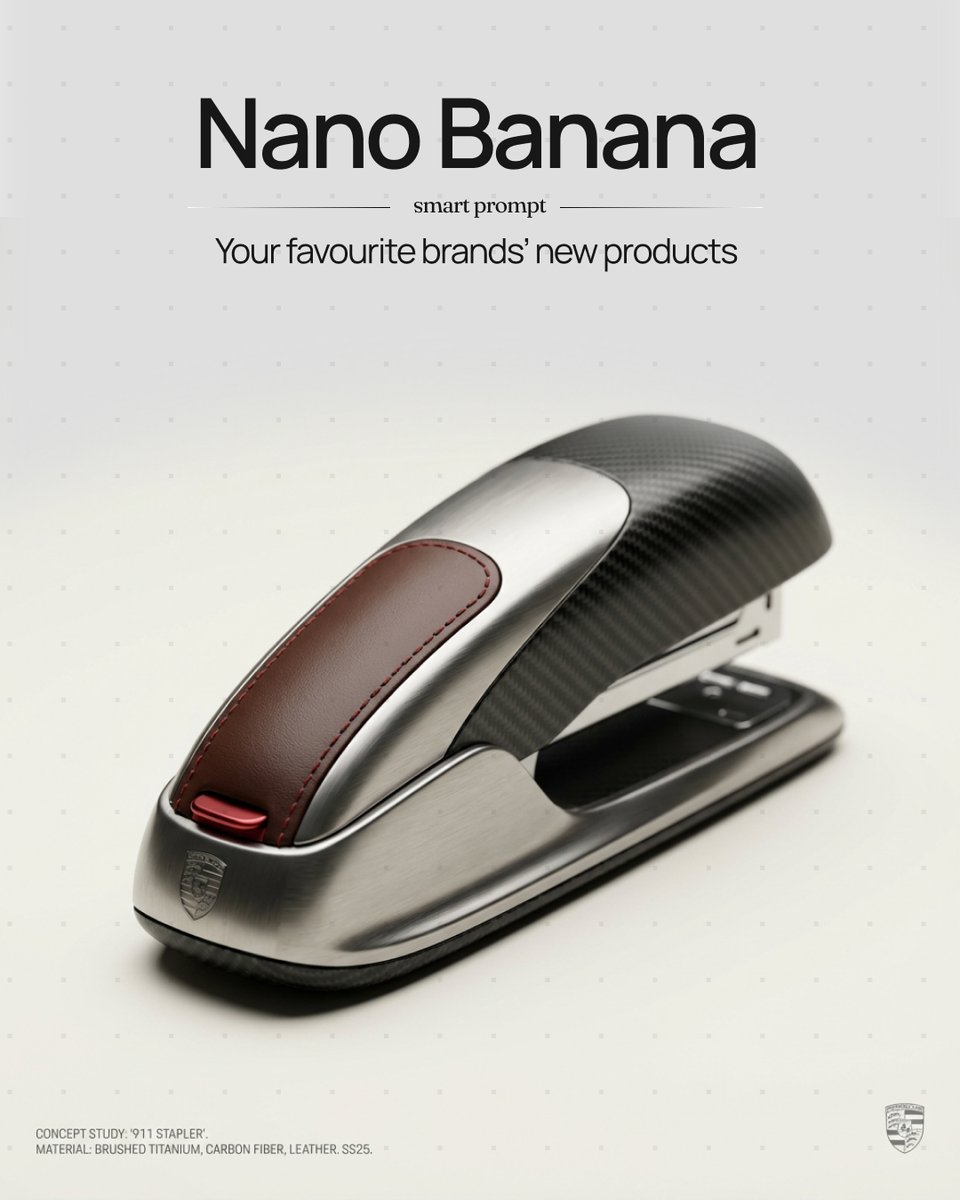
Unexpected Products by Favorite Brands Prompt
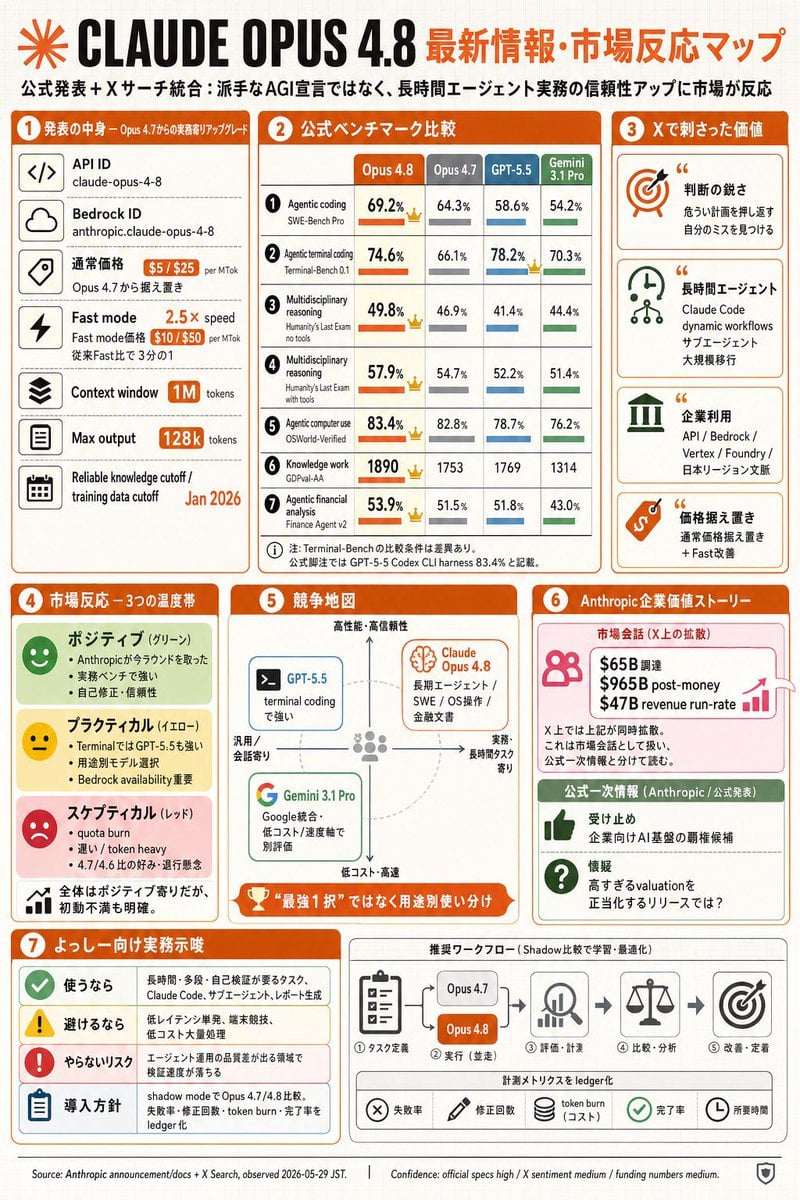
Claude Opus 4.8 Market Infographic

Ultra-Realistic Promotional Image Prompt
Browse template categories
Cyberpunk Creative Cloud Ad Poster questions
How do I use the Cyberpunk Creative Cloud Ad Poster template?
Add your photo if the template asks for one, edit the prompt if you like — the template's model and format are already selected — and press Generate. Your version opens in PicX Studio.
Can I customize the Cyberpunk Creative Cloud Ad Poster template?
Yes. You can change the subject, setting, lighting, mood, format, and available model controls before creating your image.
Is the Cyberpunk Creative Cloud Ad Poster template free?
Opening and editing this template is free. Generating uses credits, shown on the Generate button when you are signed in.
Which AI model should I use?
Start with GPT Image 2, which is the model associated with this template. You can compare another compatible model for a different finish.
Looking for something else? Browse all templates.

Your photo, any look
Thousands of ready templates for every top image and video model, from one credit balance.