
untitled
untitled is a ready photo look for Seedance 2.0 Standard.
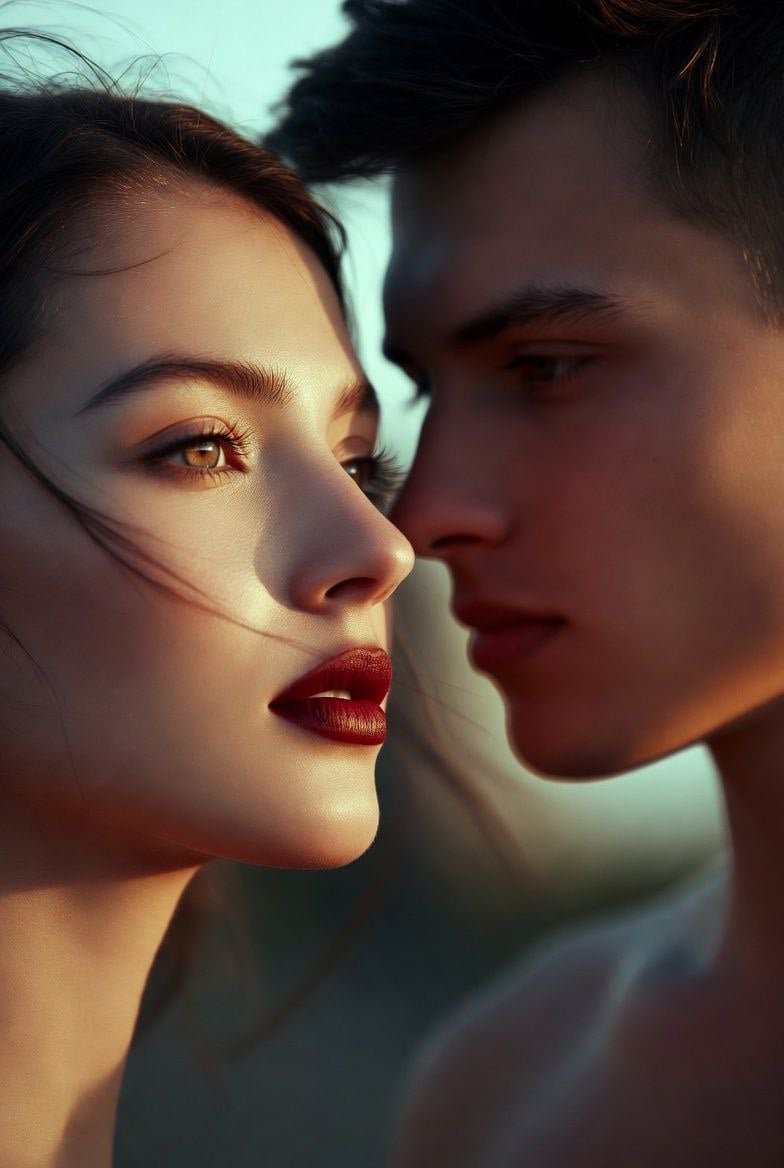
- Prompt included
- Model and format preset
- Free template
The prompt behind this image
Copy the exact prompt behind untitled, or open it in the studio and make it yours.
SHOT: camera_motion: tracking shot movement_dynamics: The camera stays anchored on the central silhouetted swordsman, executing fast micro-pans and sudden whip-pans to frame each incoming enemy from the darkness. The camera shakes violently on each high-impact flash to emphasize the kinetic energy and aggressive strobing rhythm of the scene. ACTIONS: core_action: A heavily silhouetted man in a deep red cinematic void stands in a martial arts combat stance holding a katana. A sequence of massive, monstrous silhouetted enemies rushes him sequentially from the shadows: a hulking bipedal reptile, a giant mutated arachnid, a shadowy wraith with elongated claws, a towering armored brute wielding a heavy mace, and a ferocious winged gargoyle. The swordsman executes blazing, precise katana strikes with authentic momentum conservation. Exactly upon blade contact with each target, a powerful 1-frame white light flash explodes, momentarily overexposing the entire scene and freezing the exact point of impact. Between the strobing flashes, the environment instantly plunges back into deep red darkness, while the defeated monsters immediately dissolve into black smoke or drop out of frame. The sequence maintains a relentless, high-contrast, hyper-kinetic rhythm of shadows, precise physical strikes, and sudden blinding light.
How to use untitled in 3 steps
- 1
Open
The prompt is already in the box next to the preview, with the template's model and format selected.
- 2…a portrait of your subject in softgolden-hour light, 85mm…
Personalize
Edit the subject and creative details for your destination.
- 3Generate
Generate
Press Generate — your image is created in PicX Studio, so you can compare it with the original and refine one variable at a time.
More like this
Templates with the same subject, style or setup. Open one to see its prompt.












Make it yours
untitled works as-is. These are the safest ways to change it without losing the look.
Change one field
Copy a single group, rewrite it, and generate again so you can see what that field is doing.
Keep the frame, change the subject
Hold the composition and light of 40-untitled, then swap wardrobe, props or the person for a new take.
| If the result… | Why | Fix |
|---|---|---|
| The result drifts from the preview | Too many fields changed at once. | Reuse 40-untitled as-is first, then change one group — subject, light, or setting. |
| The model over-stylizes the scene | The prose prompt leaves finish and camera underspecified. | Add one camera or lighting sentence and stay on Seedance 2.0 Standard. |
More Seedance 2.0 Standard templates
Other prompts made for Seedance 2.0 Standard.







More image prompts
Fresh picks from across the catalog.
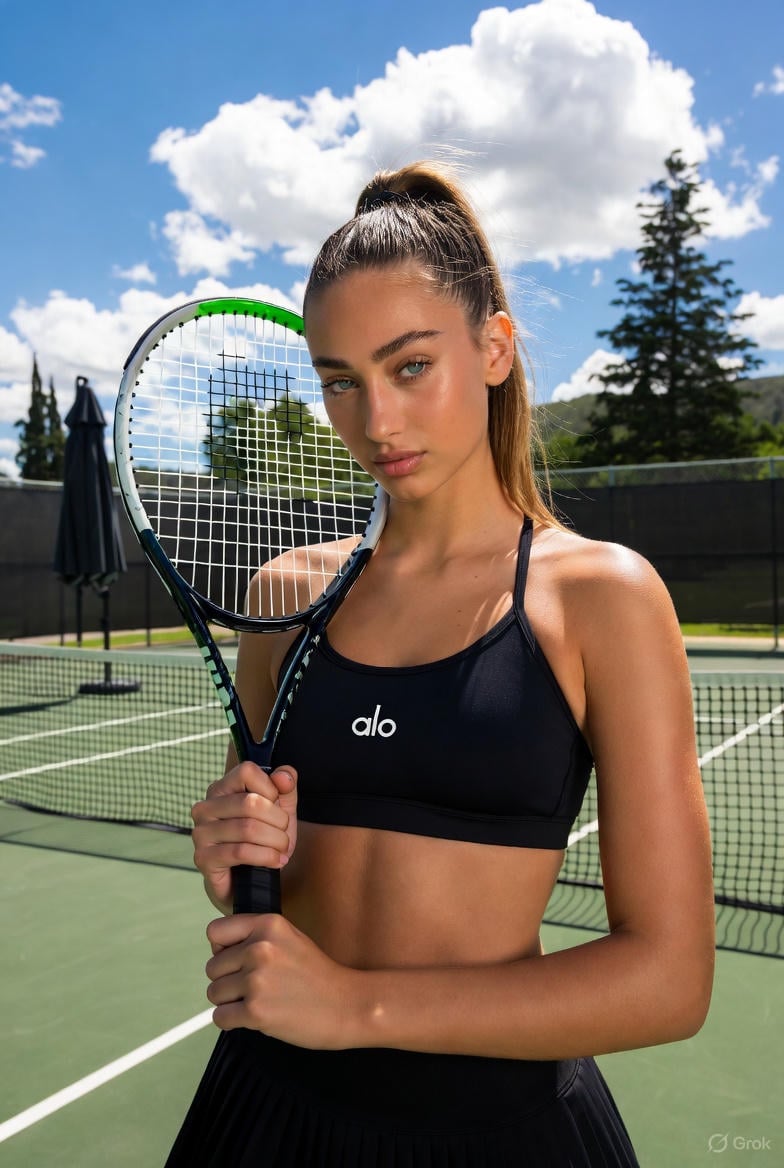
High-Contrast Tennis Court Sports Portrait
Generate Dice Faces with Specific Object Placement
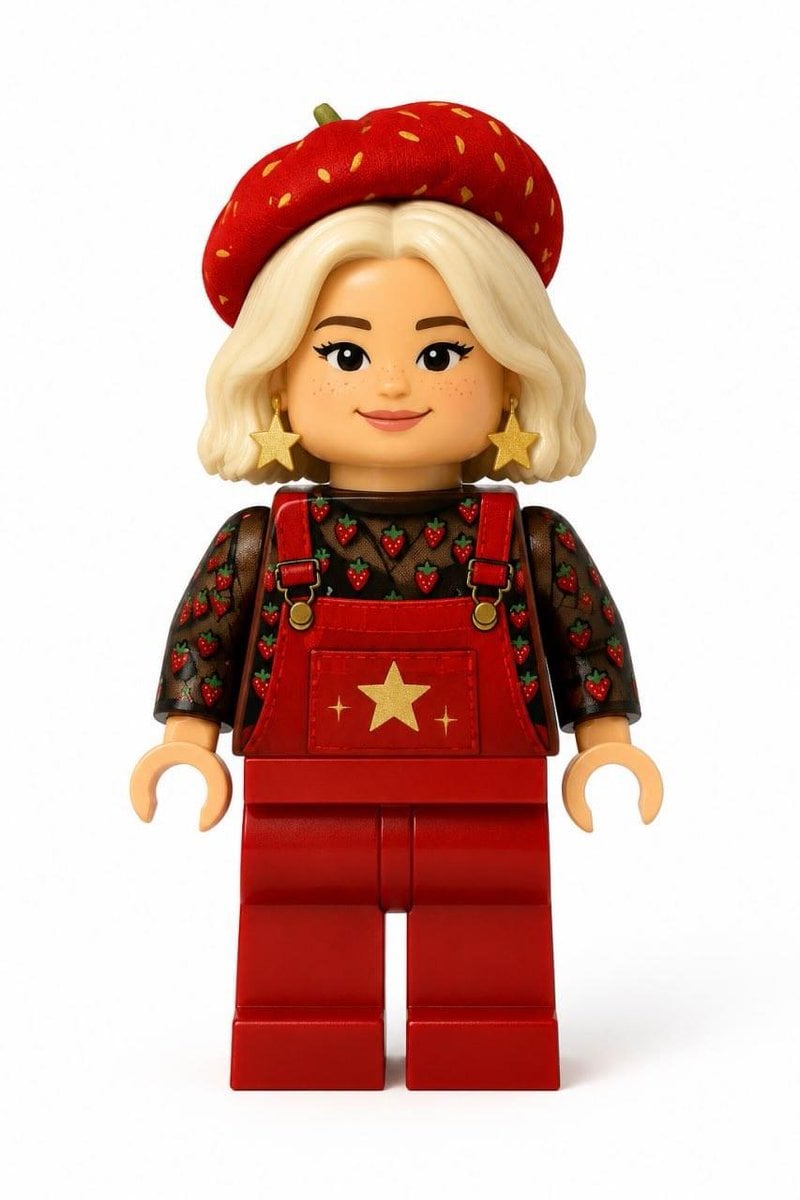
Realistic LEGO Minifigure Transformation
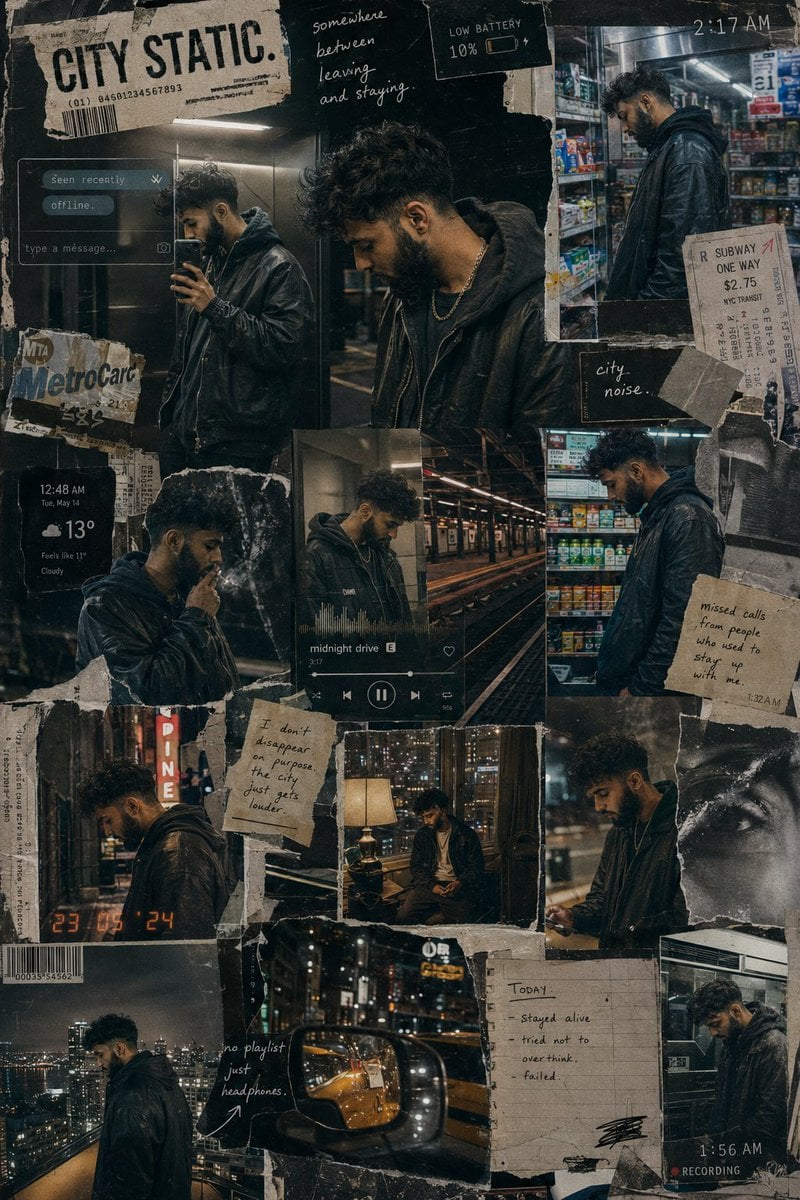
Urban Life Mixed-Media Collage
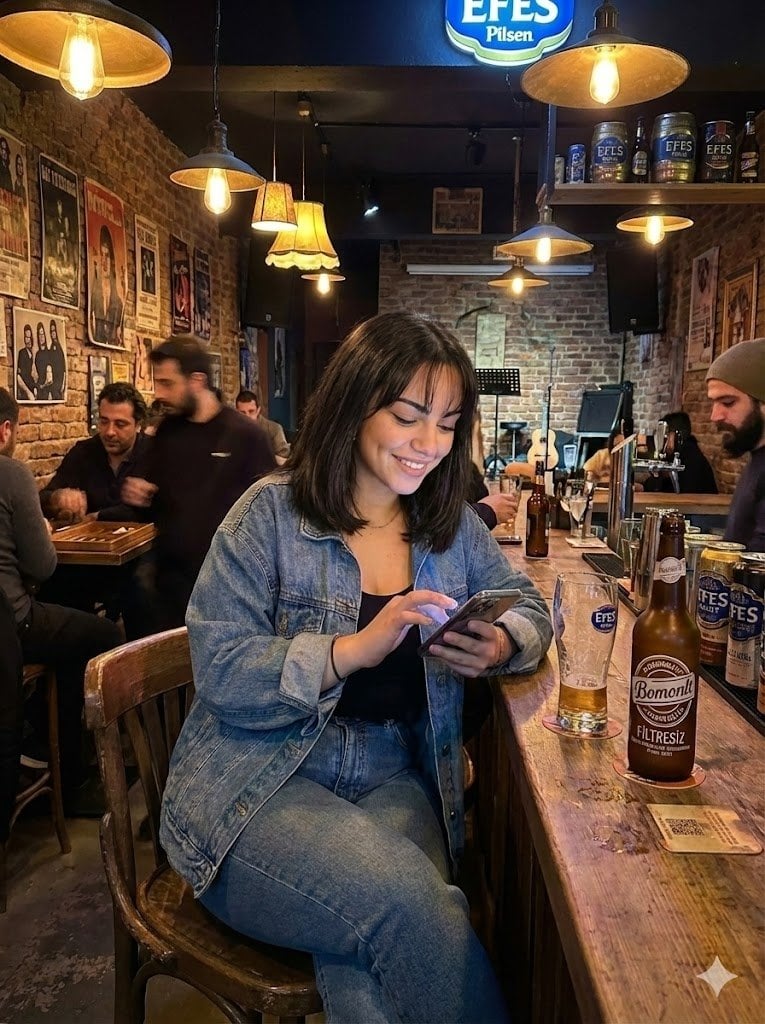
Candid Bar Scene with Phone and Beer Details
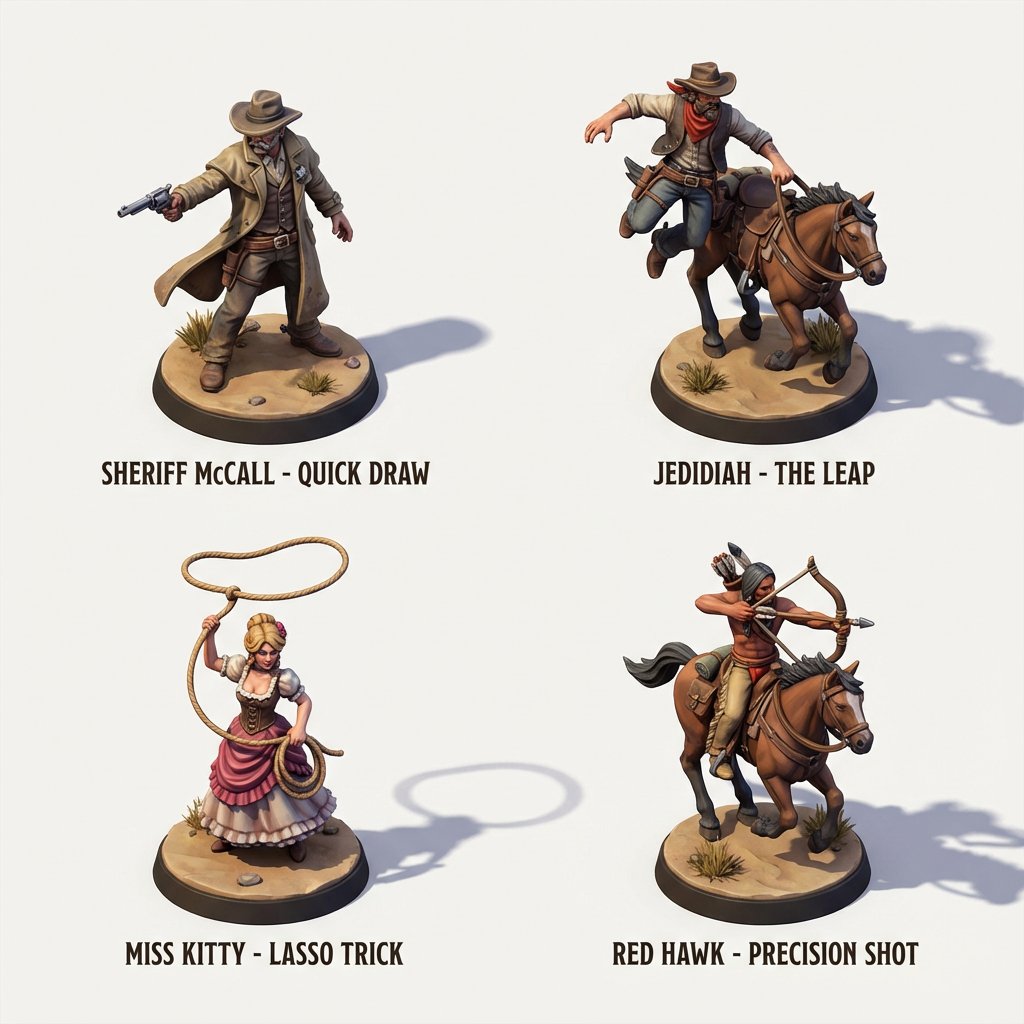
3D Isometric Miniature Models of Western TV Characters
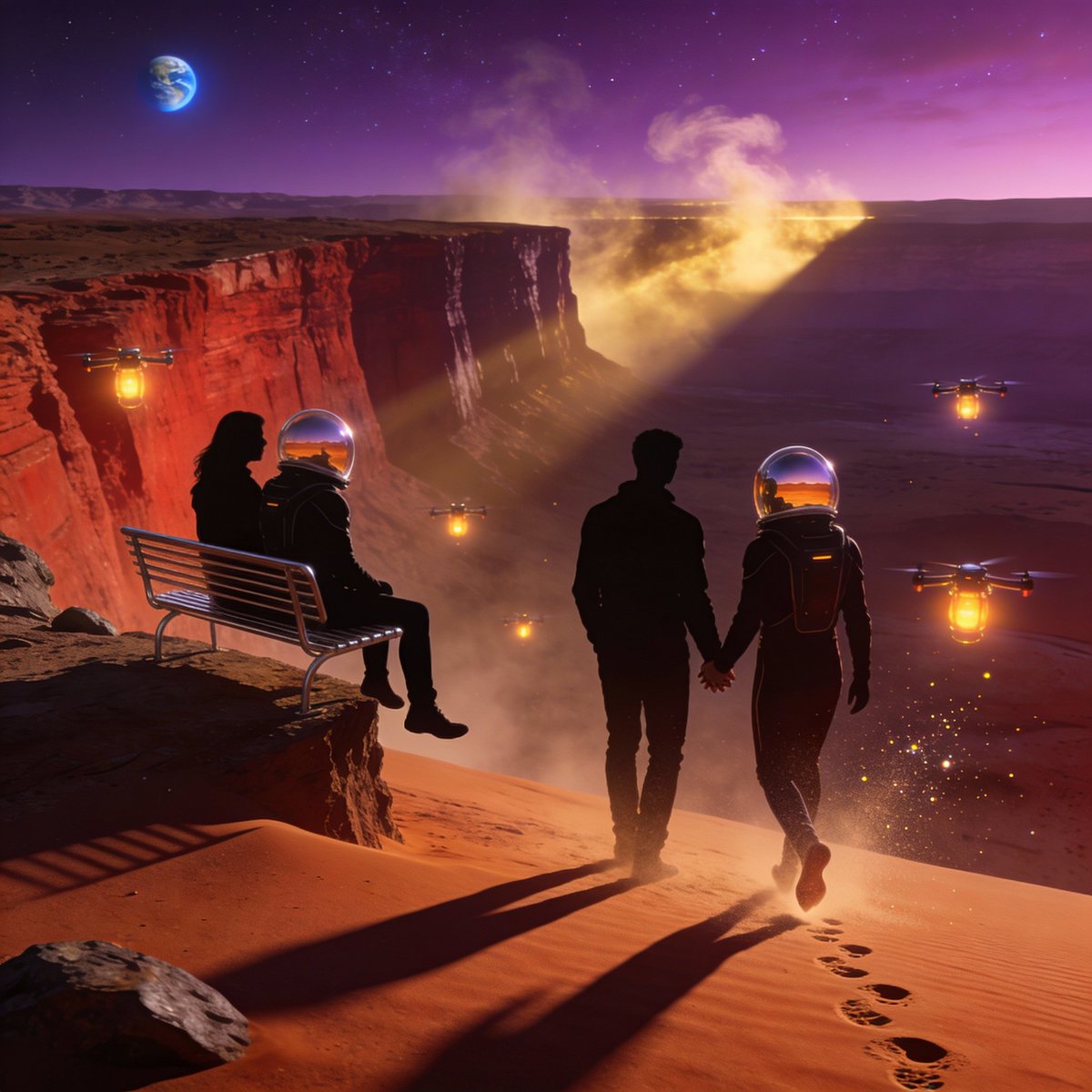
Ultra-Real 16K Cinematic Scene of Romantic Date on Mars
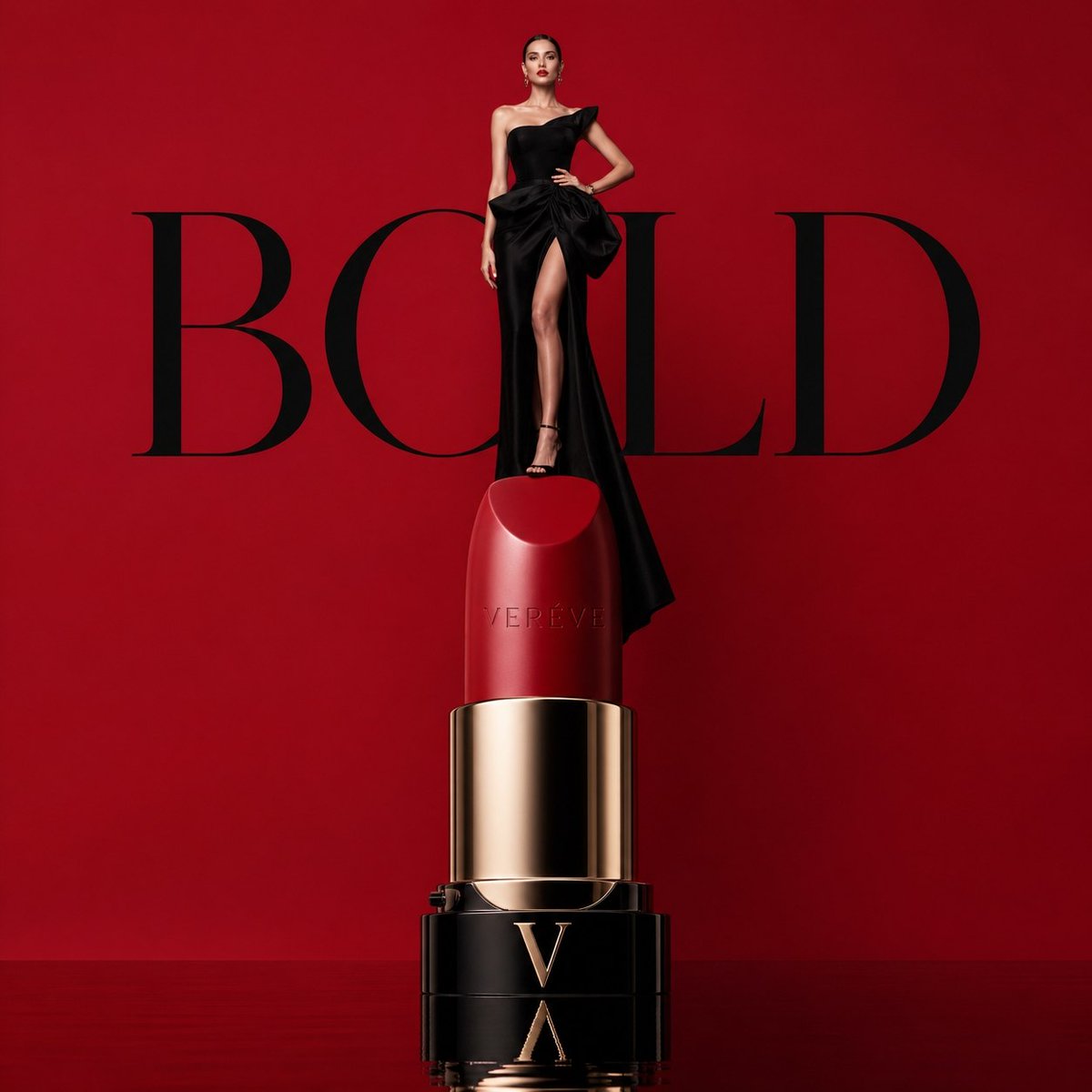
Avant-garde Luxury Beauty Campaign
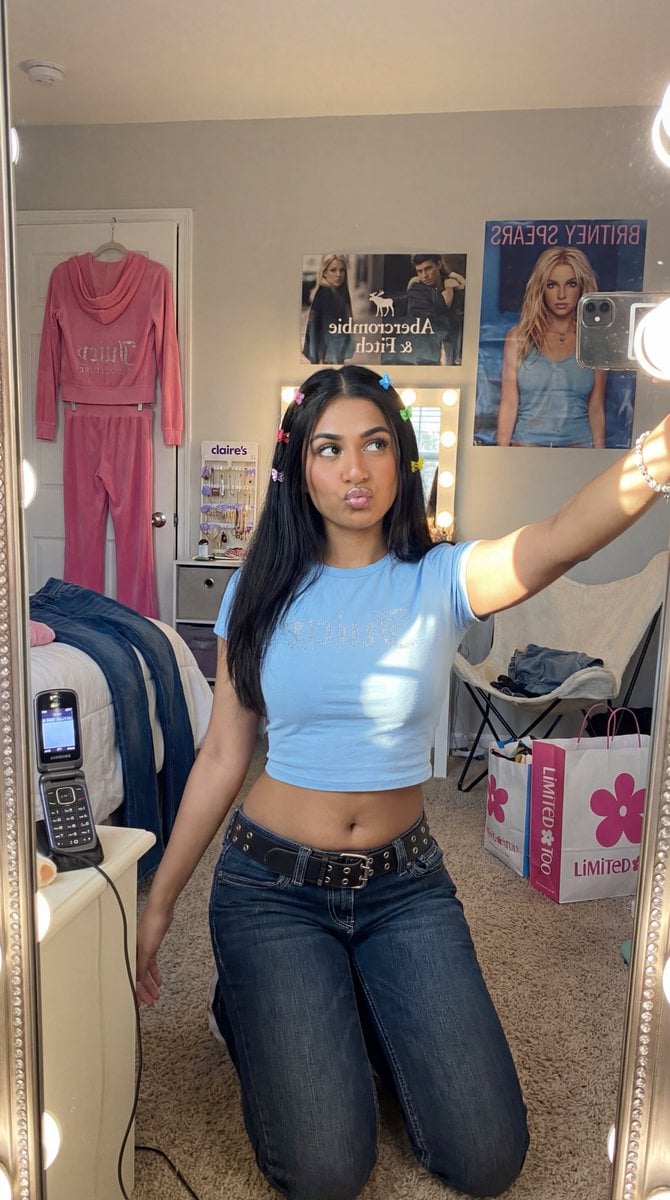
Y2K Diva Mirror Selfie in Mall-Themed Bedroom
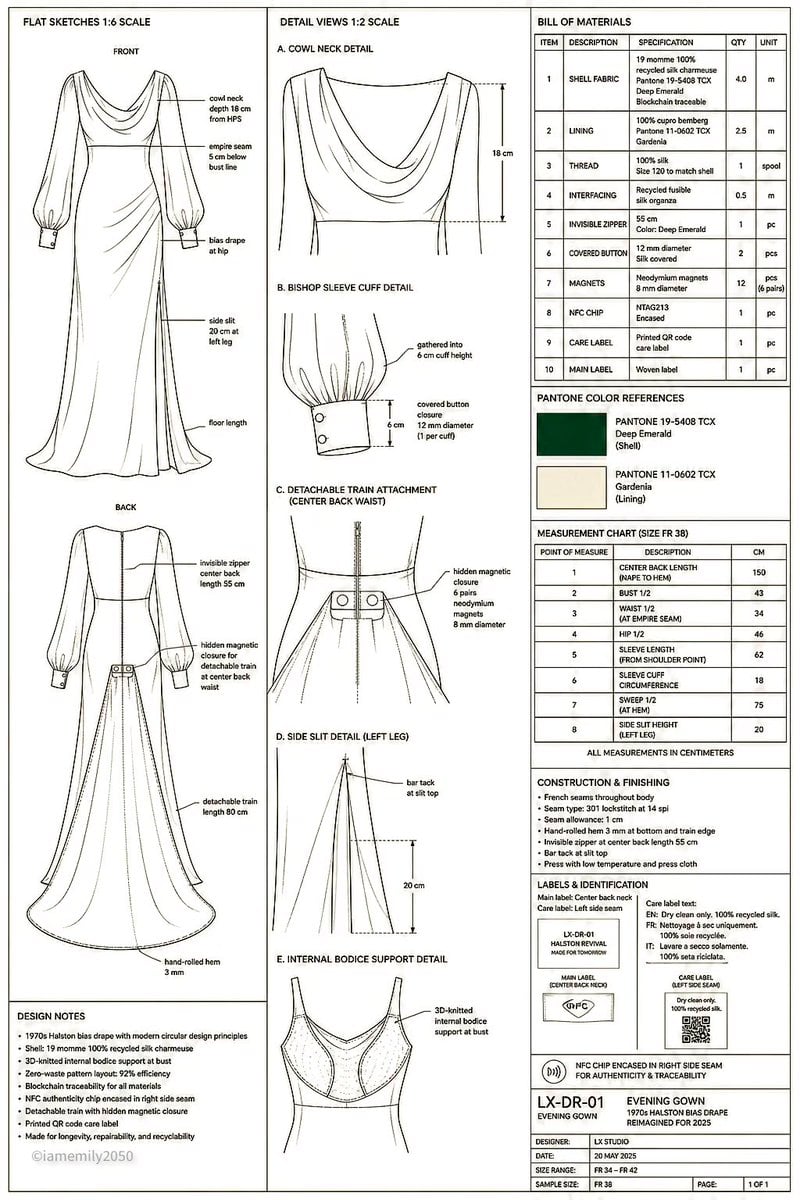
Technical Fashion Specification Sheet
Browse template categories
untitled questions
How do I use the 40-untitled template?
Add your photo if the template asks for one, edit the prompt if you like — the template's model and format are already selected — and press Generate. Your version opens in PicX Studio.
Can I customize the 40-untitled template?
Yes. You can change the subject, setting, lighting, mood, format, and available model controls before creating your image.
Is the 40-untitled template free?
Opening and editing this template is free. Generating uses credits, shown on the Generate button when you are signed in.
Which AI model should I use?
Start with Seedance 2.0 Standard, which is the model associated with this template. You can compare another compatible model for a different finish.
Looking for something else? Browse all templates.

Your photo, any look
Thousands of ready templates for every top image and video model, from one credit balance.