
Urban Life Mixed-Media Collage
A complex, fragmented mixed-media fashion editorial collage capturing the moody, layered rhythm of modern urban life for a male character.
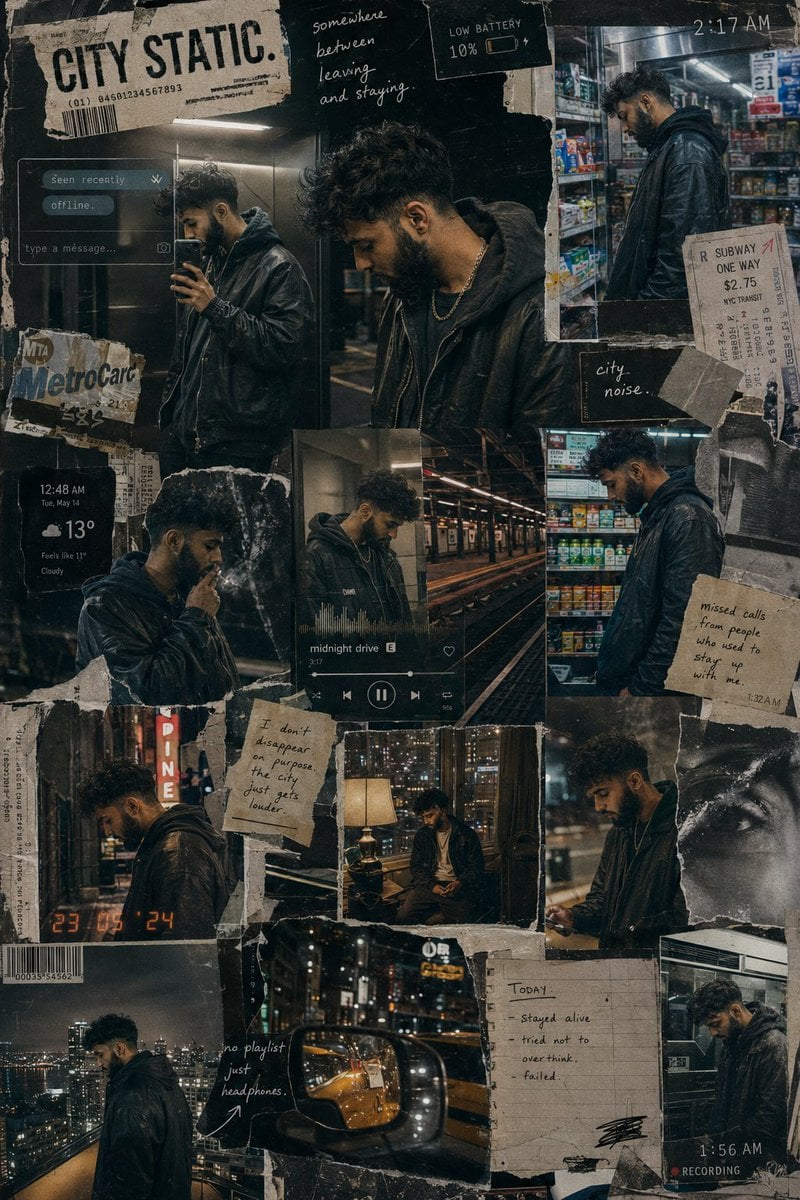
- Prompt included
- Model and format preset
- Free template
The prompt behind this image
Copy the exact prompt behind Urban Life Mixed-Media Collage, or open it in the studio and make it yours.
Create a cinematic mixed-media fashion editorial collage The composition should feel like a fragmented visual diary of a {argument name="subject" default="young man"} slowly disappearing into the rhythm of modern urban life. Instead of a clean magazine layout, build the image like a layered wall of memories, screenshots, late-night photographs and torn printed posters assembled by hand over time. The collage should contain multiple interconnected scenes of the same male character across one long sleepless city night: rooftop solitude, elevator mirror selfies, empty subway platforms, neon-lit convenience stores, cigarette smoke drifting through alleyways, blurry taxi reflections, apartment-window loneliness, headphones on during midnight walks, and quiet moments of emotional exhaustion. The same person should appear consistently throughout the collage but in different emotional states rather than different poses. ART DIRECTION: Blend: luxury streetwear editorial photography, analog film texture, layered paper collage aesthetics, distressed print graphics, underground fashion magazines, and modern urban melancholy. Avoid: generic “cool guy” influencer aesthetics, symmetrical layouts, or overly polished AI perfection. The composition should feel: messy in an intentional way. Integrate: torn paper edges, tape marks, handwritten notes, distorted timestamps, subway tickets, blurred chat notifications, weather widgets, music-player overlays, barcode fragments, scratched textures, scanned notebook pages, and partially ripped typography. The typography should feel fragmented and emotionally detached rather than motivational. Examples: “2:17 AM” “offline.” “seen recently.” “somewhere between leaving and staying.” “low battery.” “city noise.” No inspirational quotes. WARDROBE: Dark layered streetwear with realistic styling: oversized hoodies, washed leather jackets, silver chains, cargo pants, worn sneakers, heavy headphones, slightly messy hair, realistic fabric folds and texture. The clothing should feel: expensive but lived-in. LIGHTING: Every section of the collage should use realistic urban nighttime lighting: sodium-vapor streetlights, convenience-store fluorescents, elevator LEDs, rainy reflections, warm apartment lamps, passing headlights, rooftop city glow. Use realistic low-light behavior: soft sensor grain, slight blur, chromatic aberration, imperfect exposure, flash reflections, realistic digital-camera texture. COLOR PALETTE: charcoal black, washed amber, cold teal, silver reflections, muted cream paper tones, faded neon and dark urban browns. The final image should feel like: a visual archive of someone trying to stay emotionally visible in a city designed to make everyone disappear.
How to use Urban Life Mixed-Media Collage in 3 steps
- 1
Open
The prompt is already in the box next to the preview, with the template's model and format selected.
- 2…a portrait of your subject in softgolden-hour light, 85mm…
Personalize
Edit the subject and creative details for your destination.
- 3Generate
Generate
Press Generate — your image is created in PicX Studio, so you can compare it with the original and refine one variable at a time.
More like this
Templates with the same subject, style or setup. Open one to see its prompt.

Urban Fashion Editorial Collage Streetwear Poster

Urban Fashion Editorial Collage Poster
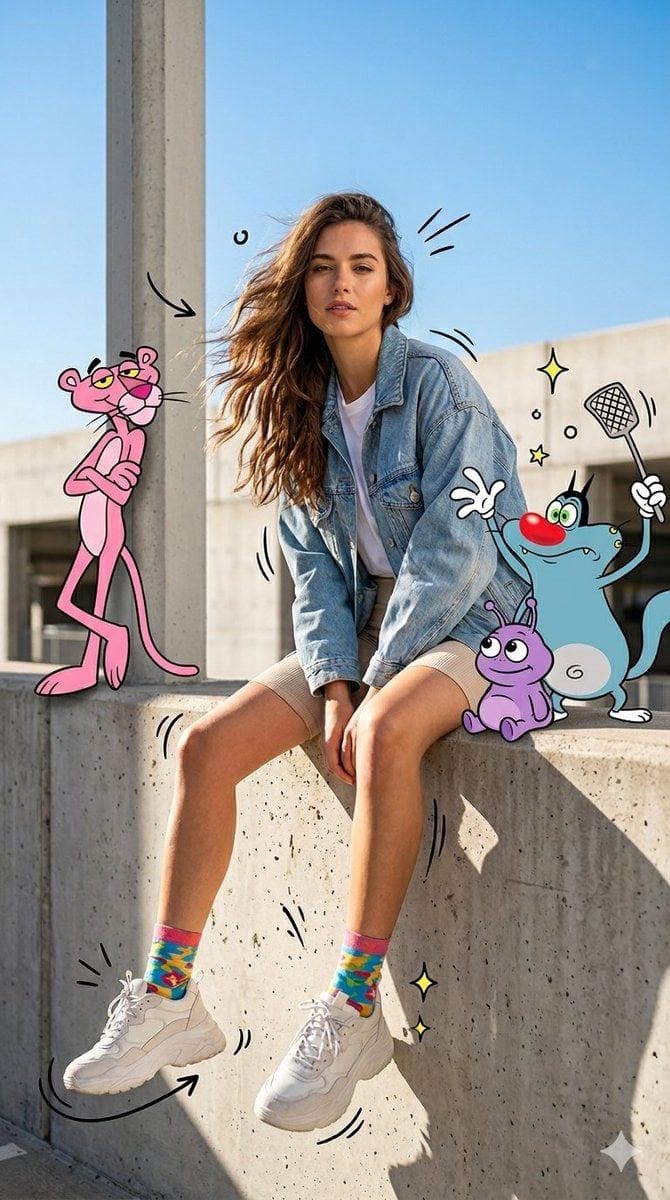
Mixed Media Urban Fashion Editorial
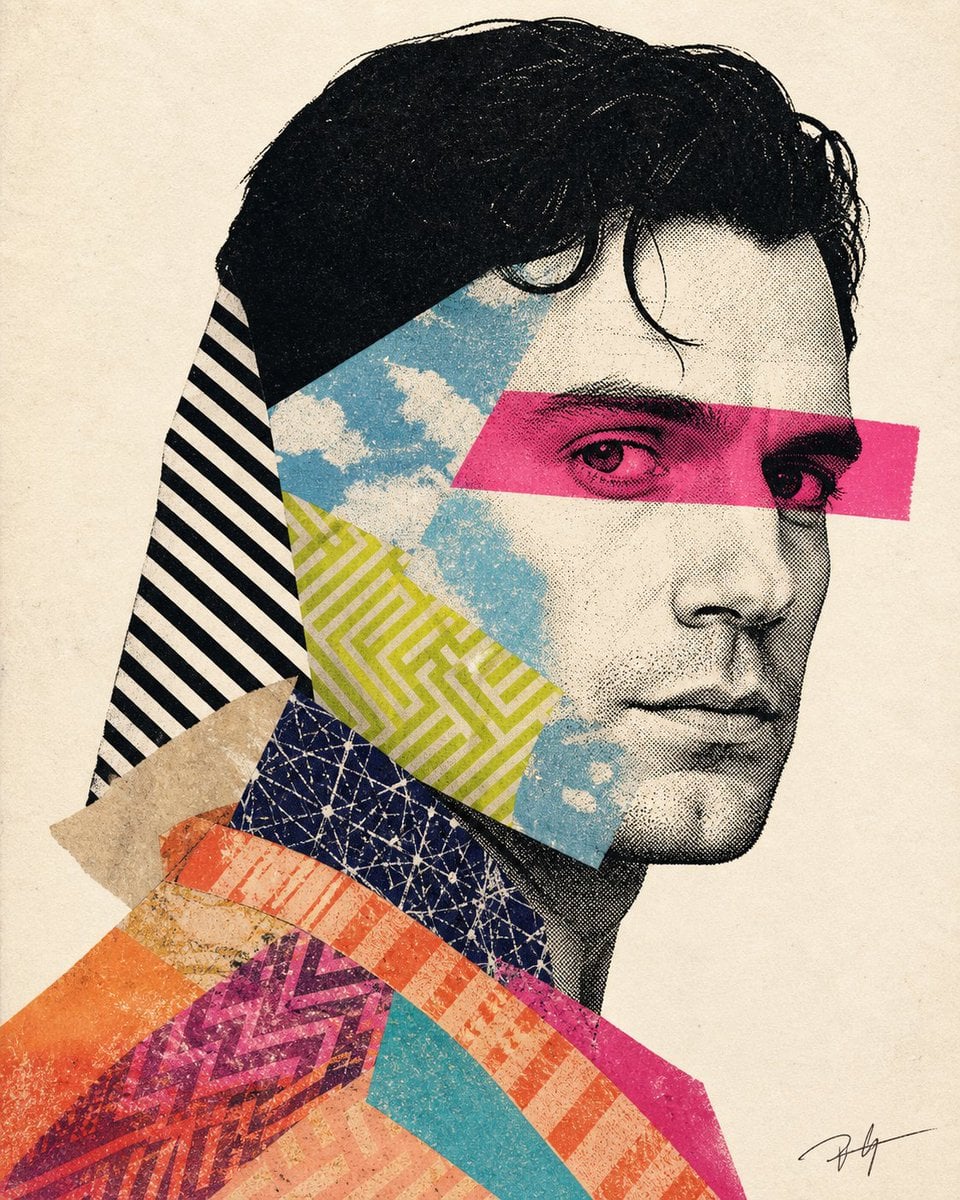
Mixed-media collage portrait illustration
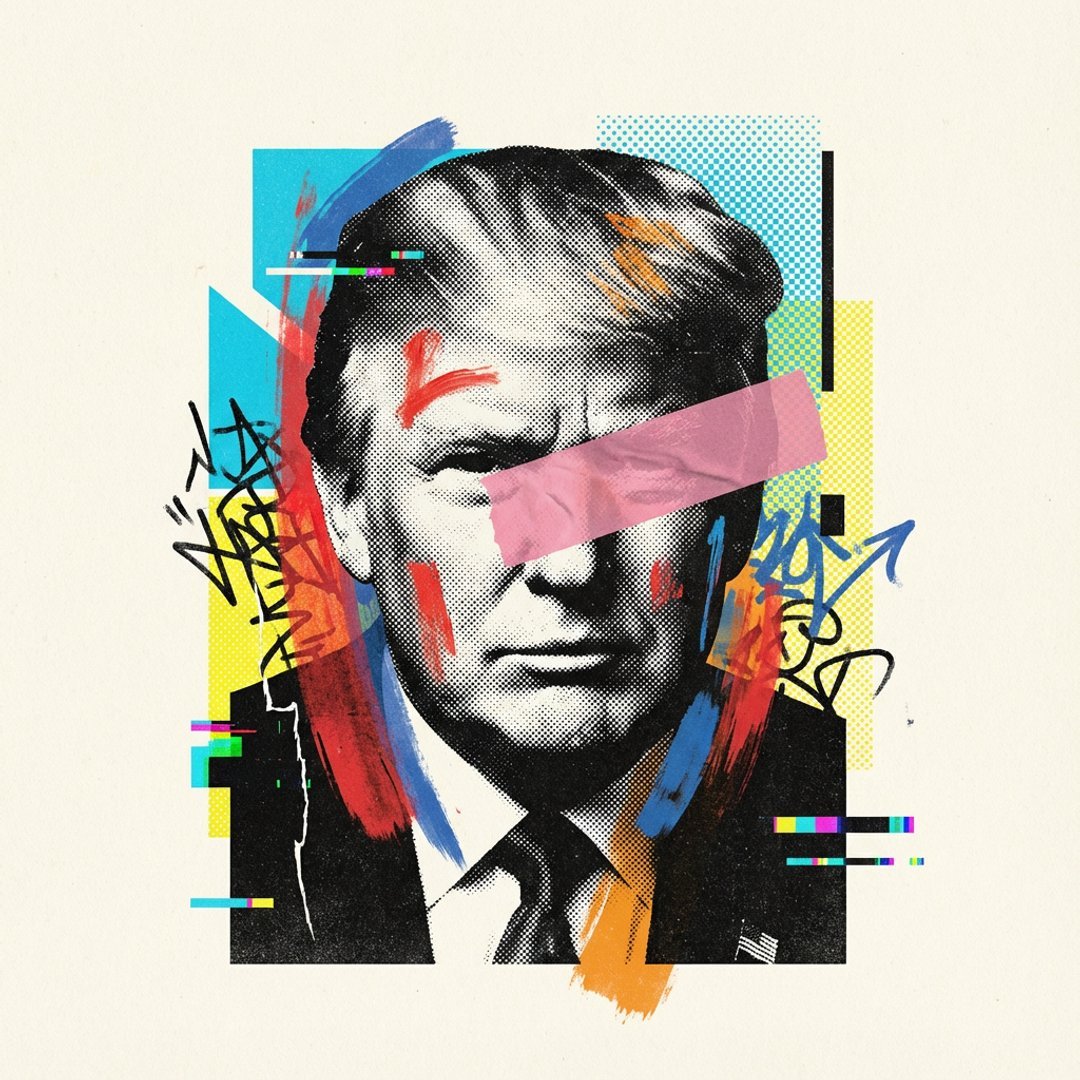
Avant-Garde Mixed Media Risograph Collage
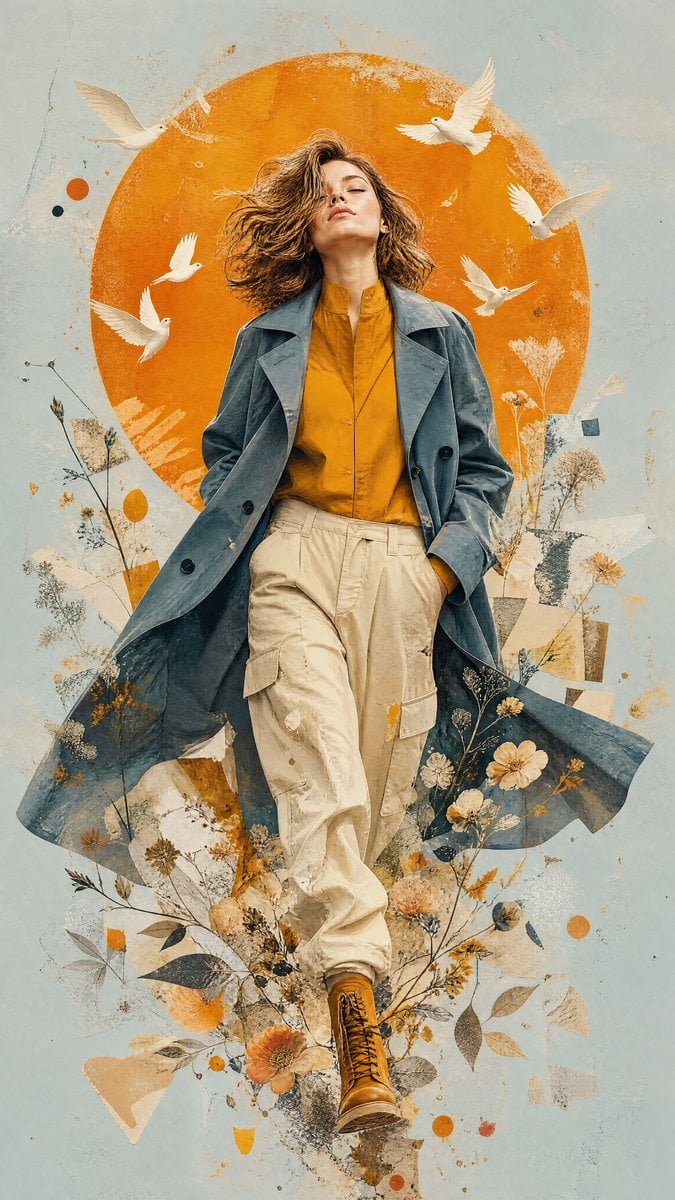
Mixed-Media Editorial Illustration
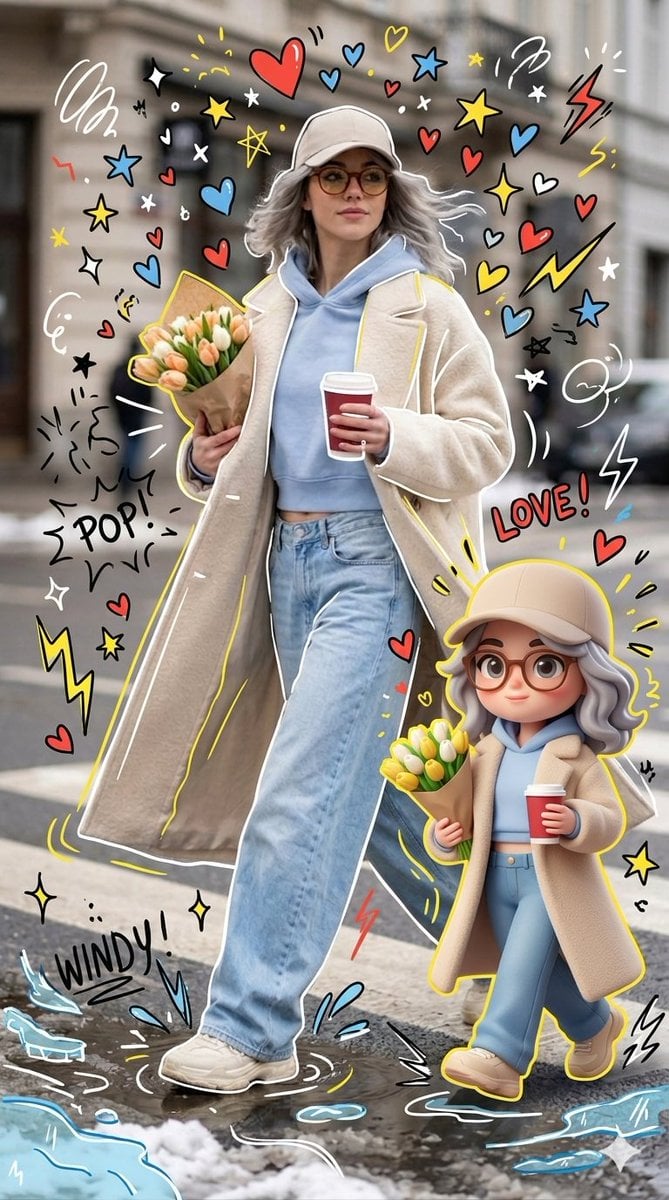
Mixed-media Chibi portrait
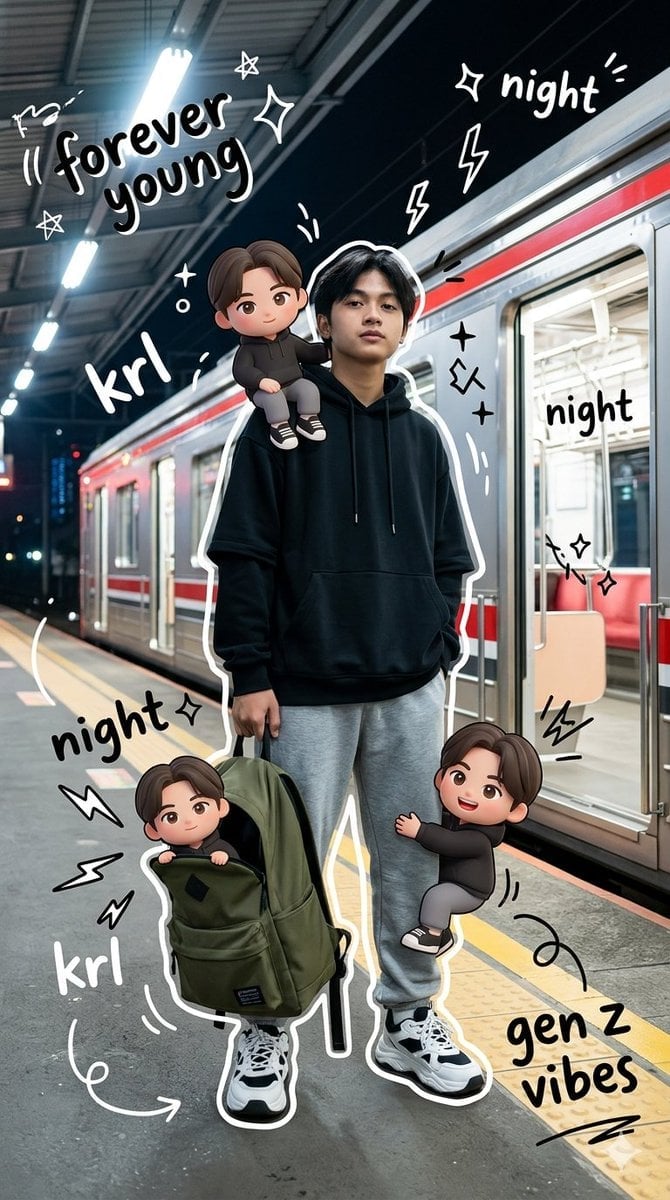
Gen Z Mixed-Media Portrait with Chibi Effects
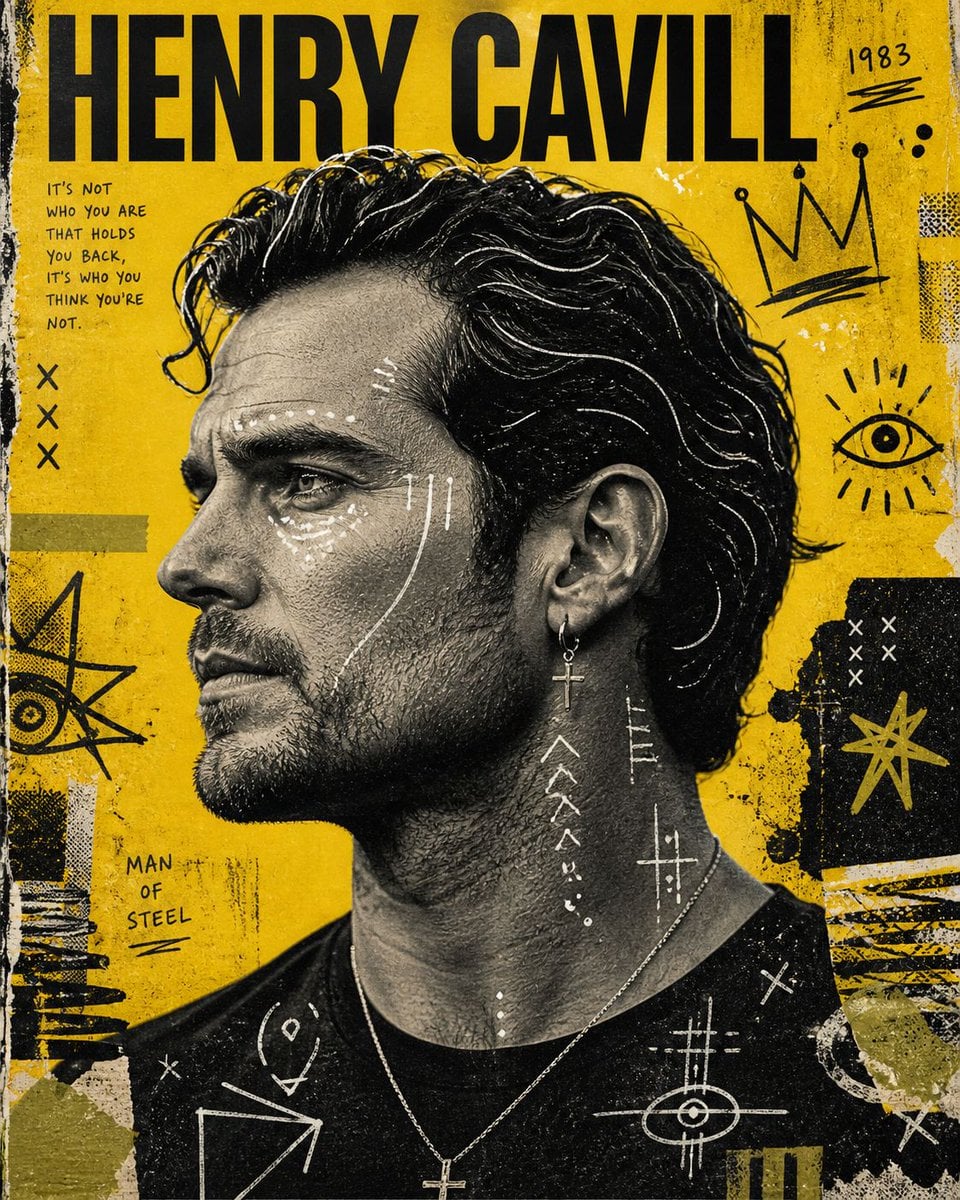
Raw Mixed-Media Street Art Poster
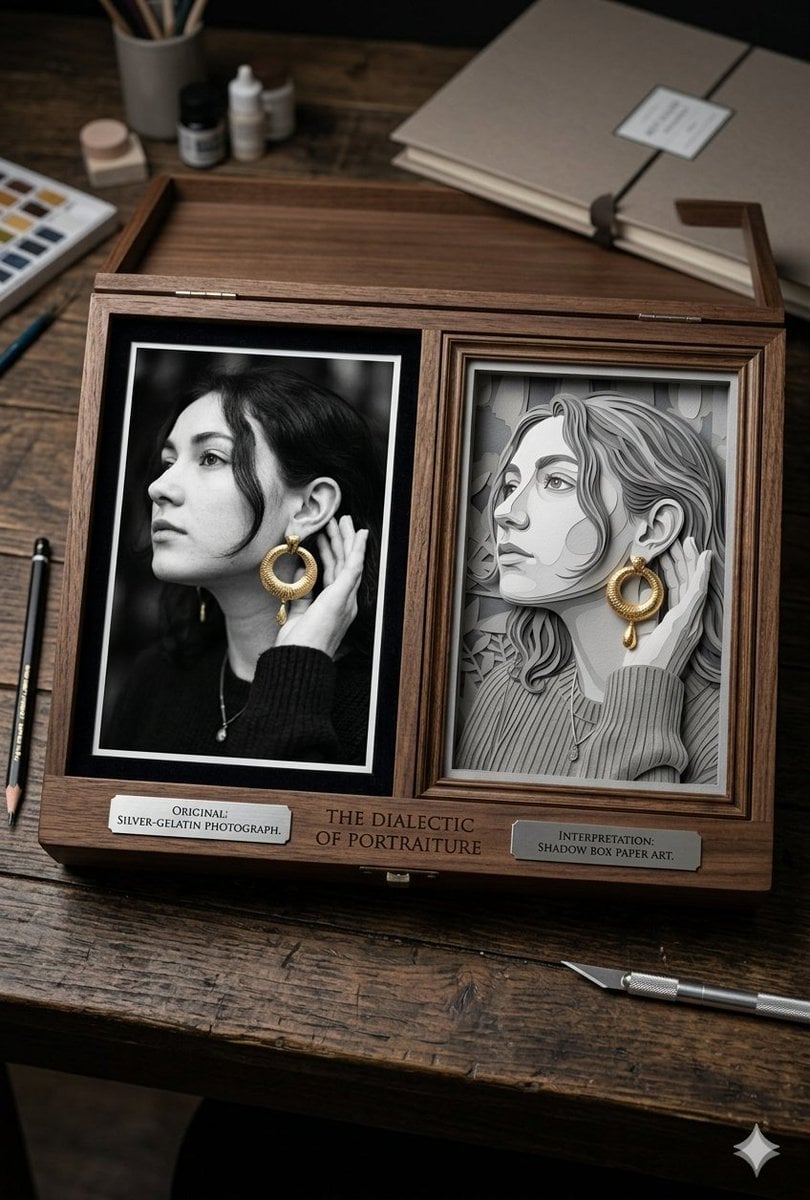
Mixed Media Artist Studio Display
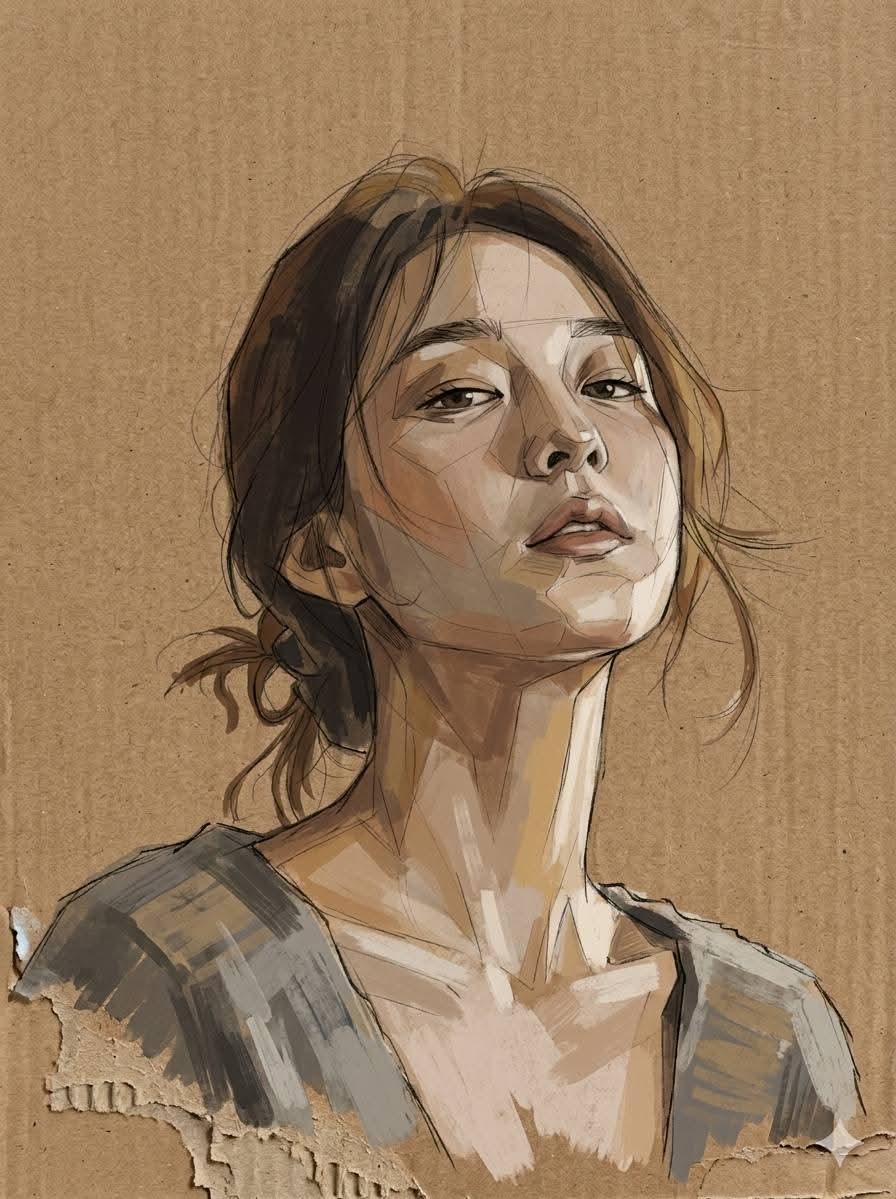
Cardboard Mixed Media Portrait
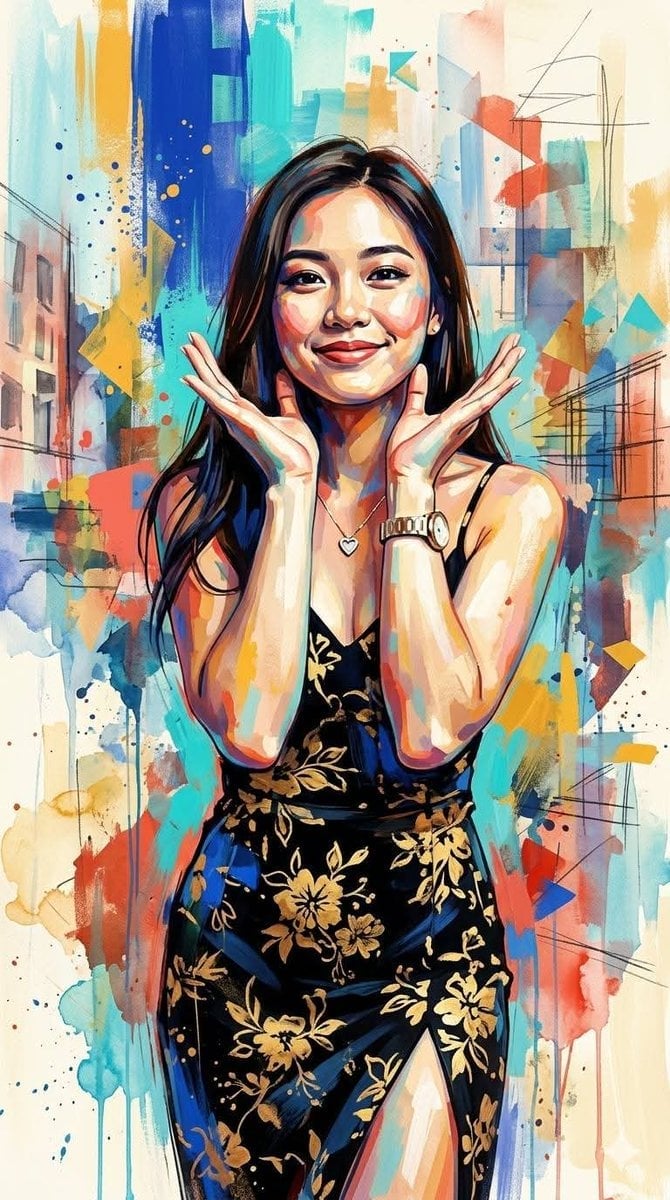
Contemporary Mixed-Media Abstract Portrait
Make it yours
Urban Life Mixed-Media Collage works as-is. These are the safest ways to change it without losing the look.
Change one field
Copy a single group, rewrite it, and generate again so you can see what that field is doing.
Keep the frame, change the subject
Hold the composition and light of Urban Life Mixed-Media Collage, then swap wardrobe, props or the person for a new take.
| If the result… | Why | Fix |
|---|---|---|
| The result drifts from the preview | Too many fields changed at once. | Reuse Urban Life Mixed-Media Collage as-is first, then change one group — subject, light, or setting. |
| The model over-stylizes the scene | The prose prompt leaves finish and camera underspecified. | Add one camera or lighting sentence and stay on GPT Image 2. |
More GPT Image 2 templates
Other prompts made for GPT Image 2.

Six VTuber Japanese Logo Sheet

Realistic Portrait of Woman and Deer

The Vista Modular Condo Poster

AI Model Routing Comparison Infographic

2.5D Anime Art Board

Isometric Productivity Desk Scene

New York Double Exposure Poster

Four-Panel AI Landscape Comparison

Japanese Tatami Lifestyle Magazine Cover

NESCAFÉ Coffee Map Poster
More image prompts
Fresh picks from across the catalog.
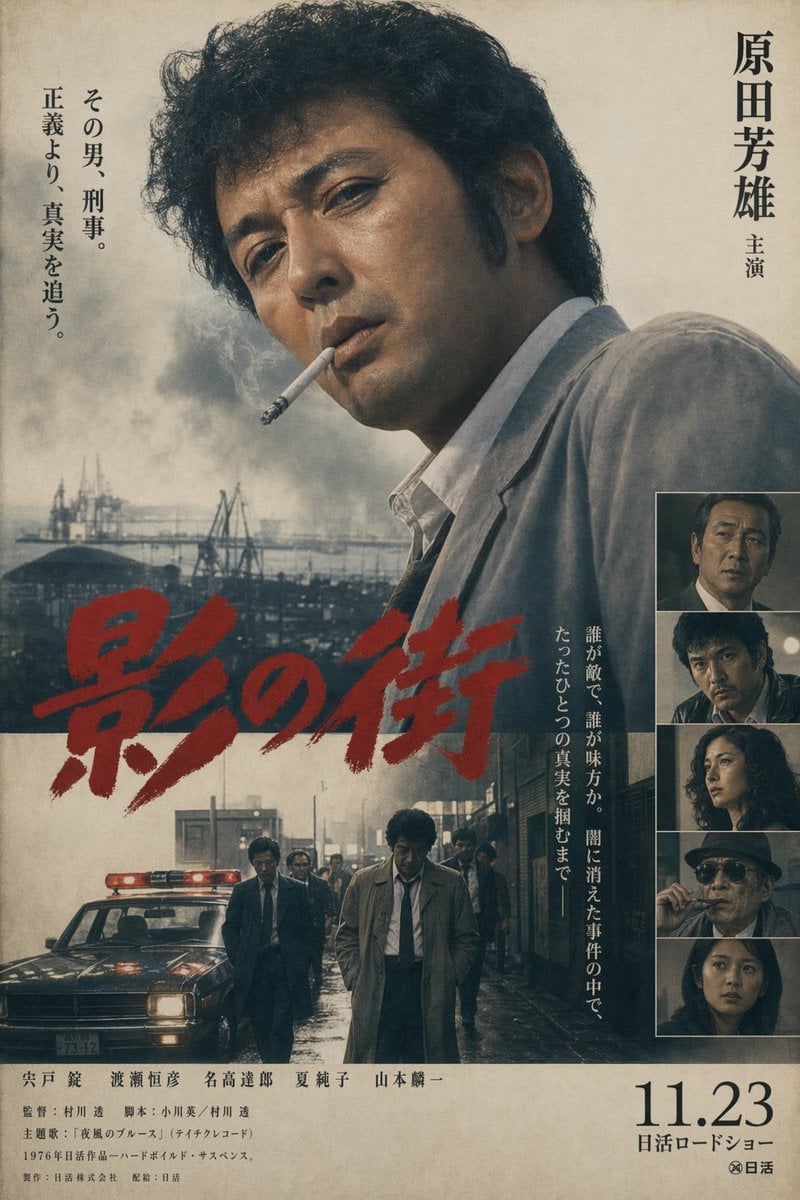
Vintage Japanese Crime Film Poster
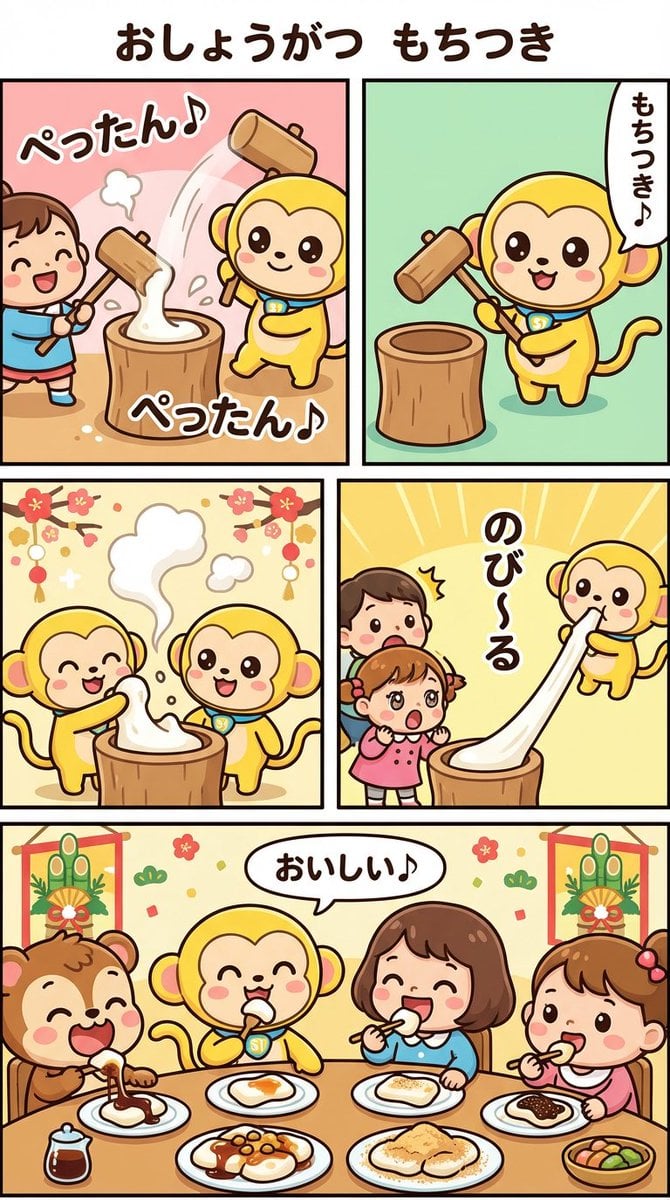
Nano Banana Pro Manga Generation - New Year's Mochi Pounding

Cinematic Pure Joy Splashing Prompt
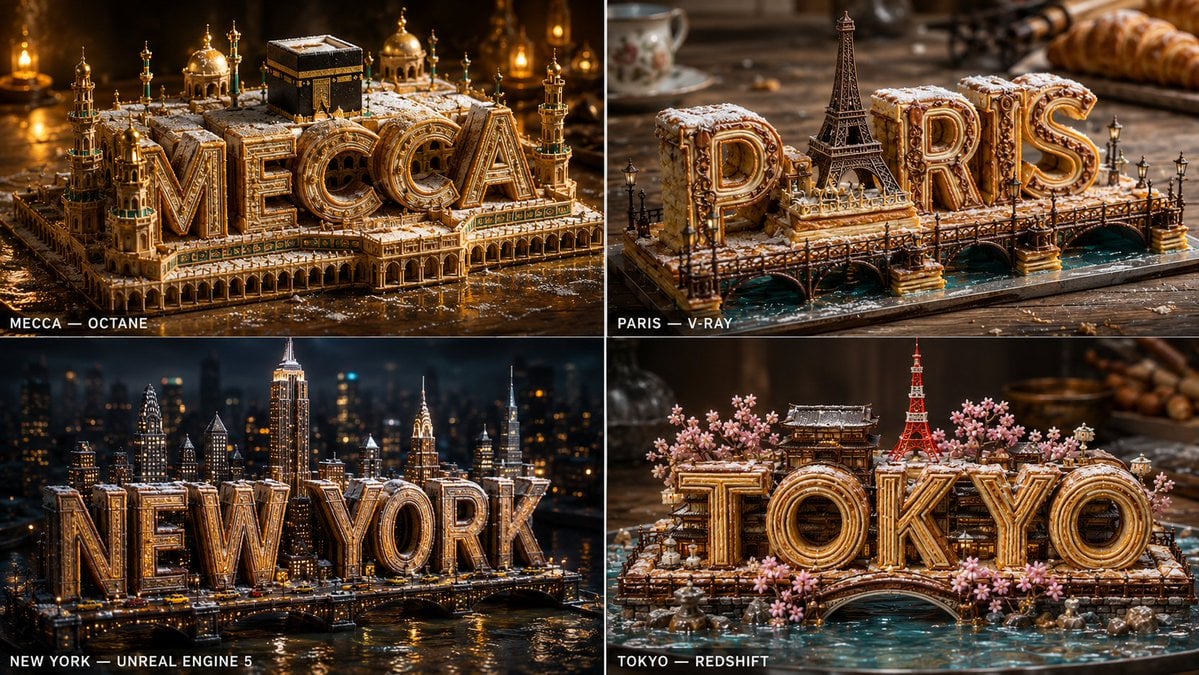
Pastry City Architectural Showpiece

Anime Silhouette Narrative Poster
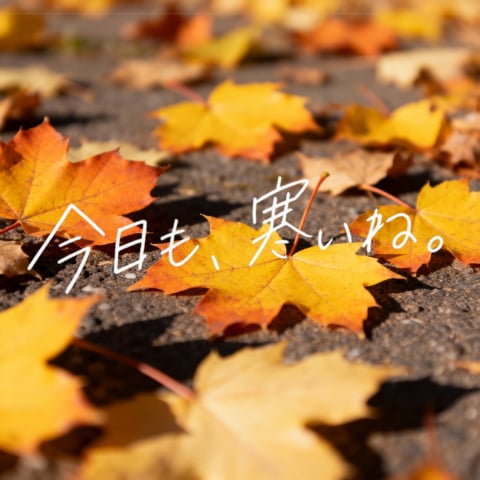
Autumn Leaves with Handwritten Japanese Text
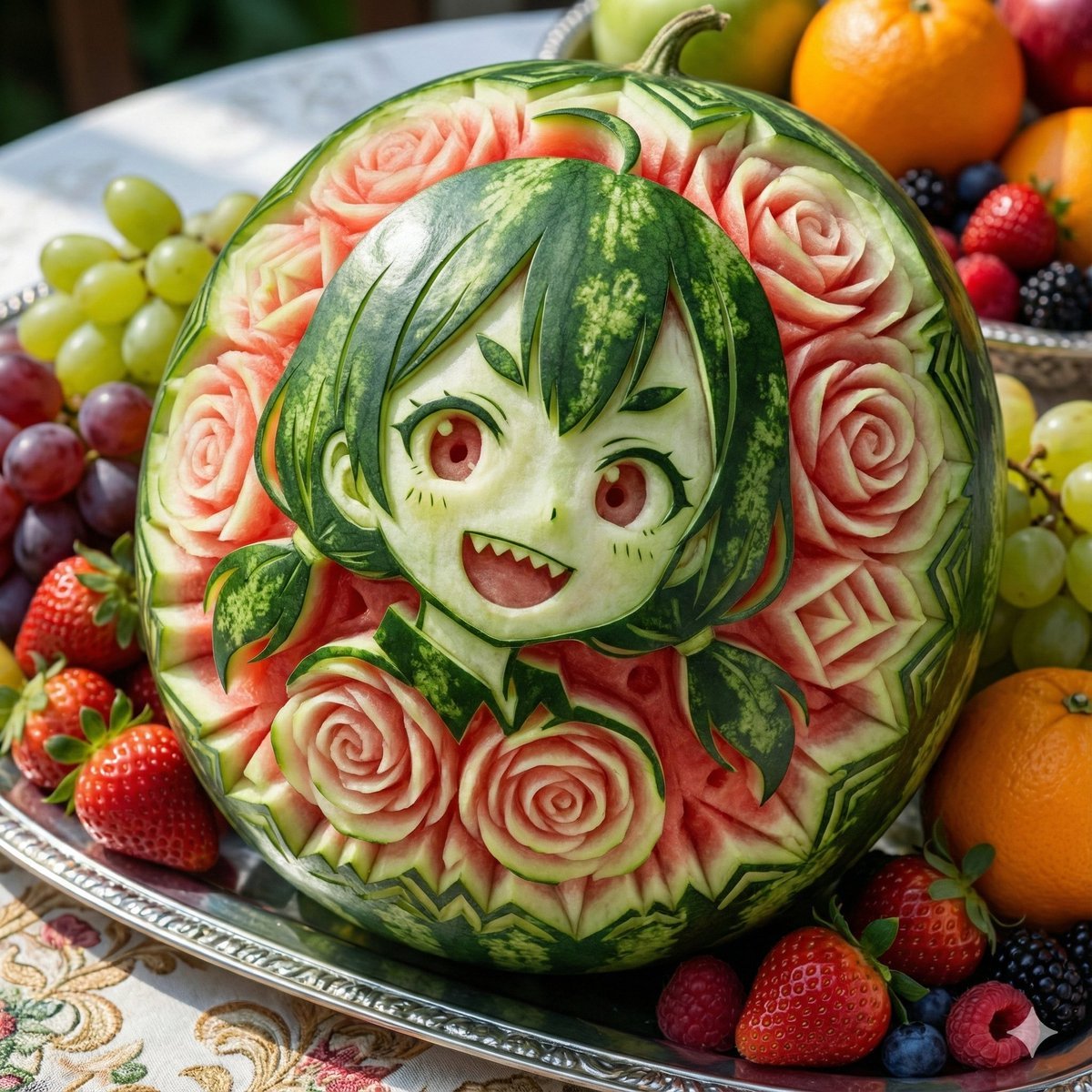
Photorealistic Watermelon Fruit Carving Prompt
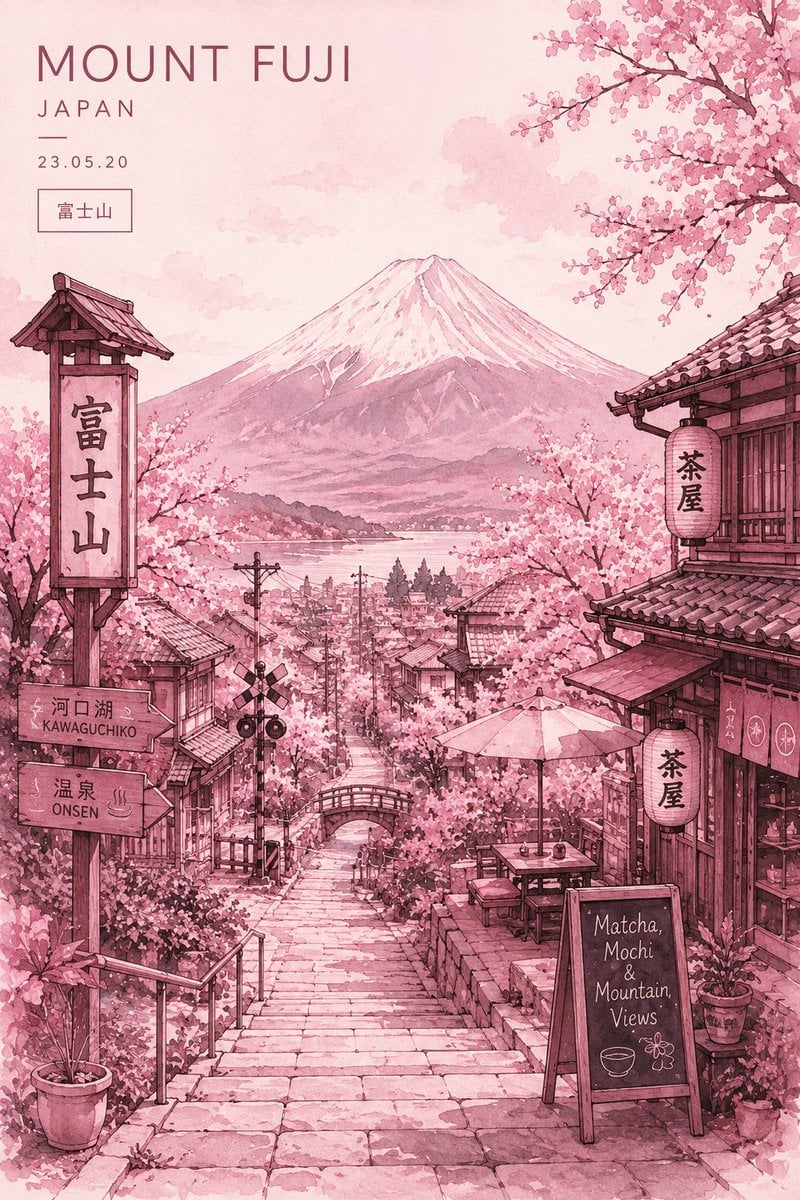
Watercolor Mount Fuji Travel Poster
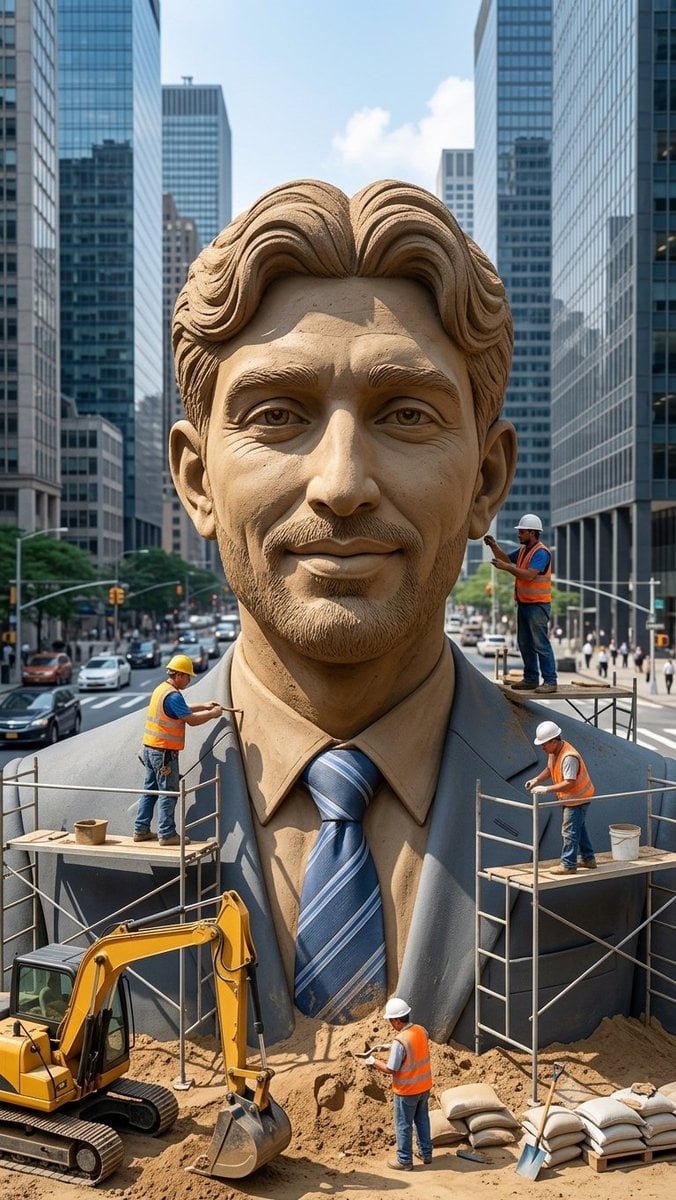
Censored Sand Businessman Statue
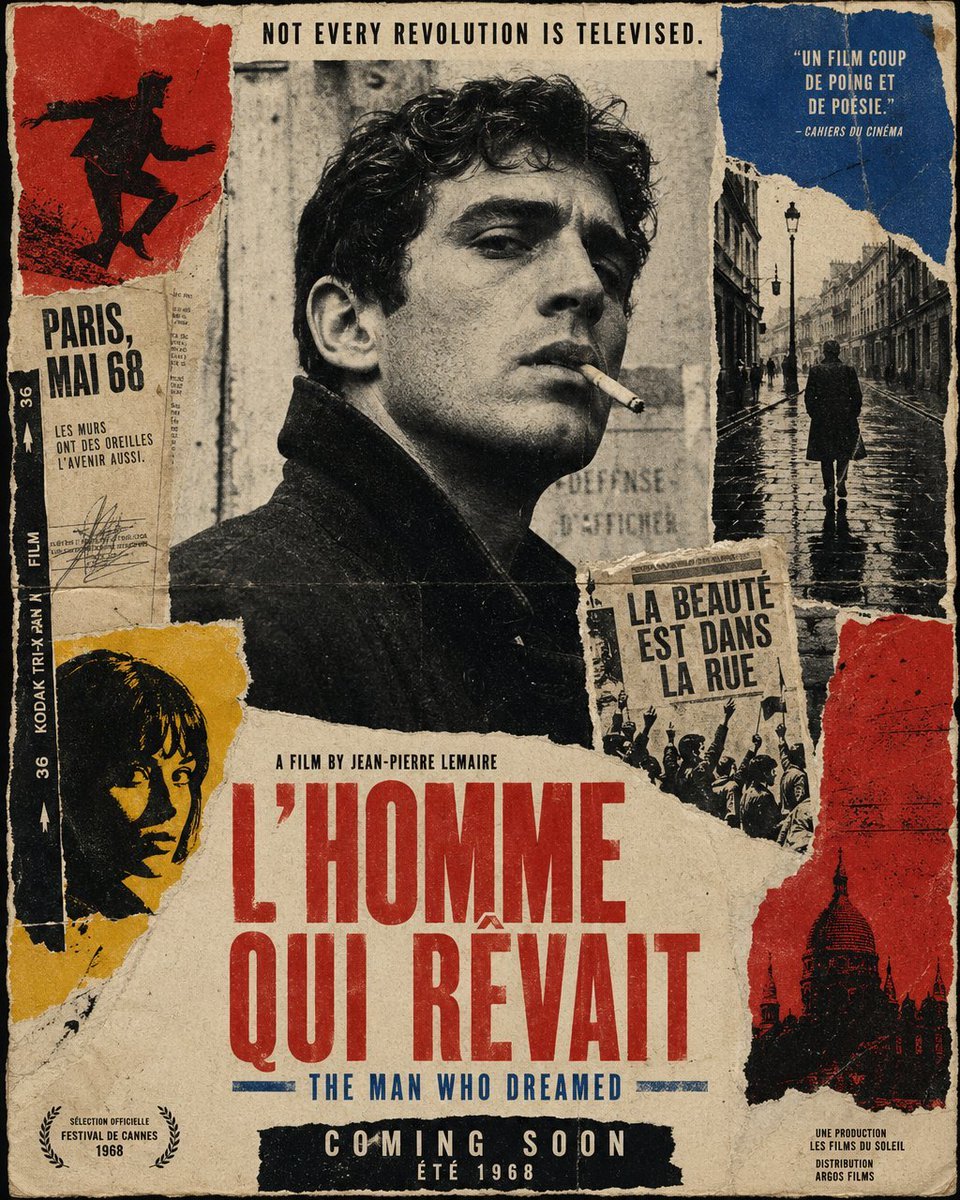
French New Wave Protest Film Poster
Browse template categories
Urban Life Mixed-Media Collage questions
How do I use the Urban Life Mixed-Media Collage template?
Add your photo if the template asks for one, edit the prompt if you like — the template's model and format are already selected — and press Generate. Your version opens in PicX Studio.
Can I customize the Urban Life Mixed-Media Collage template?
Yes. You can change the subject, setting, lighting, mood, format, and available model controls before creating your image.
Is the Urban Life Mixed-Media Collage template free?
Opening and editing this template is free. Generating uses credits, shown on the Generate button when you are signed in.
Which AI model should I use?
Start with GPT Image 2, which is the model associated with this template. You can compare another compatible model for a different finish.
Looking for something else? Browse all templates.

Your photo, any look
Thousands of ready templates for every top image and video model, from one credit balance.