
French New Wave Protest Film Poster
A distressed 1960s-style French art-house movie poster collage for creating rebellious vintage cinema graphics with torn paper, bold typography, and political street-poster energy.
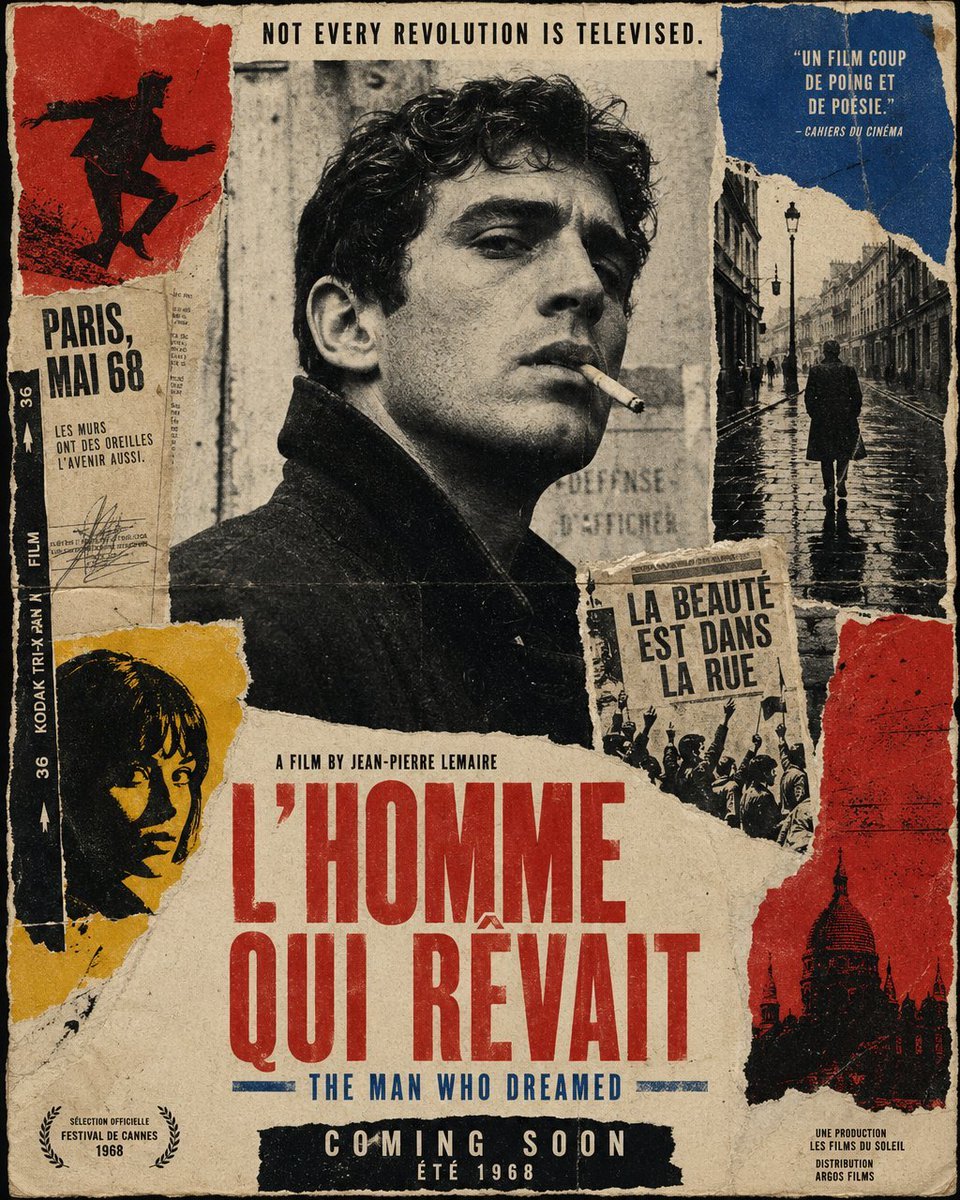
- Prompt included
- Model and format preset
- Free template
The prompt behind this image
Copy the exact prompt behind French New Wave Protest Film Poster, or open it in the studio and make it yours.
Create a vintage French New Wave political cinema poster as a torn-paper collage, vertical one-sheet composition, aged and distressed like a weathered 1968 street poster pasted on a wall. Use a limited palette of cream paper, faded black, deep red, mustard yellow, and muted cobalt blue, with heavy analog film grain, halftone print texture, ink bleed, fold creases, scratches, rough paper fibers, ripped edges, glue stains, and slightly misregistered letterpress typography. In the center, place a large black-and-white portrait of a brooding young man in a dark coat, seen in three-quarter profile, cropped from chest up, with curly dark hair and his face partially obscured by a rectangular censor-like paper block, giving the image a mysterious art-house feel. Surround the portrait with torn collage fragments: at upper left, a red paper panel with a black silhouette of a running protester; beneath it, a narrow off-white text strip reading “PARIS, MAI 68” and smaller French copy “LES MURS ONT DES OREILLES, L’AVENIR AUSSI.”; along the far left edge, a vertical black film-strip border with “36 KODAK TRI-X PAN FILM” in white; at lower left, a mustard-yellow torn panel with a cropped dark silhouette portrait; at upper right, a blue torn panel containing the quote “UN FILM COUP DE POING ET DE POÉSIE.” with “— CAHIERS DU CINÉMA” below; directly below that, a tall black-and-white photo fragment of a lone figure walking down a wet Paris street at night under lampposts; near the middle-right, a small torn newsprint block with the French slogan “LA BEAUTÉ EST DANS LA RUE” above a crowd scene; at lower right, a red torn panel with a black silhouette of a domed Paris landmark. Across the very top, centered in narrow black capitals, add the tagline “NOT EVERY REVOLUTION IS TELEVISED.” Near the lower middle, in small black condensed type, add “A FILM BY {argument name="director name" default="JEAN-PIERRE LEMAIRE"}”. Make the main title dominate the lower half in huge condensed red uppercase letters over torn cream paper: “{argument name="French title" default="L’HOMME QUI RÊVAIT"}”. Directly underneath, in smaller blue condensed capitals, add the English subtitle “{argument name="English subtitle" default="THE MAN WHO DREAMED"}”. At the bottom center, place a black strip with large white condensed capitals reading “COMING SOON”, and below it smaller text “ÉTÉ 1968”. In the bottom left corner, include a Cannes-style laurel mark with “SÉLECTION OFFICIELLE FESTIVAL DE CANNES 1968”. In the bottom right corner, add tiny production credits in French, including “UNE PRODUCTION LES FILMS DU SOLEIL DISTRIBUTION”. Keep the whole design asymmetrical, raw, rebellious, and elegant, evoking Godard, Truffaut, May 1968 protest graphics, and handmade French art-house poster collage.
How to use French New Wave Protest Film Poster in 3 steps
- 1Upload ImagePNG, JPG or paste
Add your photo
Upload the photo the template builds on. The prompt, model and format are already set.
- 2…a portrait of your subject in softgolden-hour light, 85mm…
Personalize
Edit the subject and creative details for your destination.
- 3Generate
Generate
Press Generate — your image is created in PicX Studio, so you can compare it with the original and refine one variable at a time.
More like this
Templates with the same subject, style or setup. Open one to see its prompt.
80s Synthwave Sunset Drive
French New Wave Torn Poster Collage

Vintage French New Wave Movie Poster
1960s French New Wave Movie Poster

Japan Travel Brochure Poster
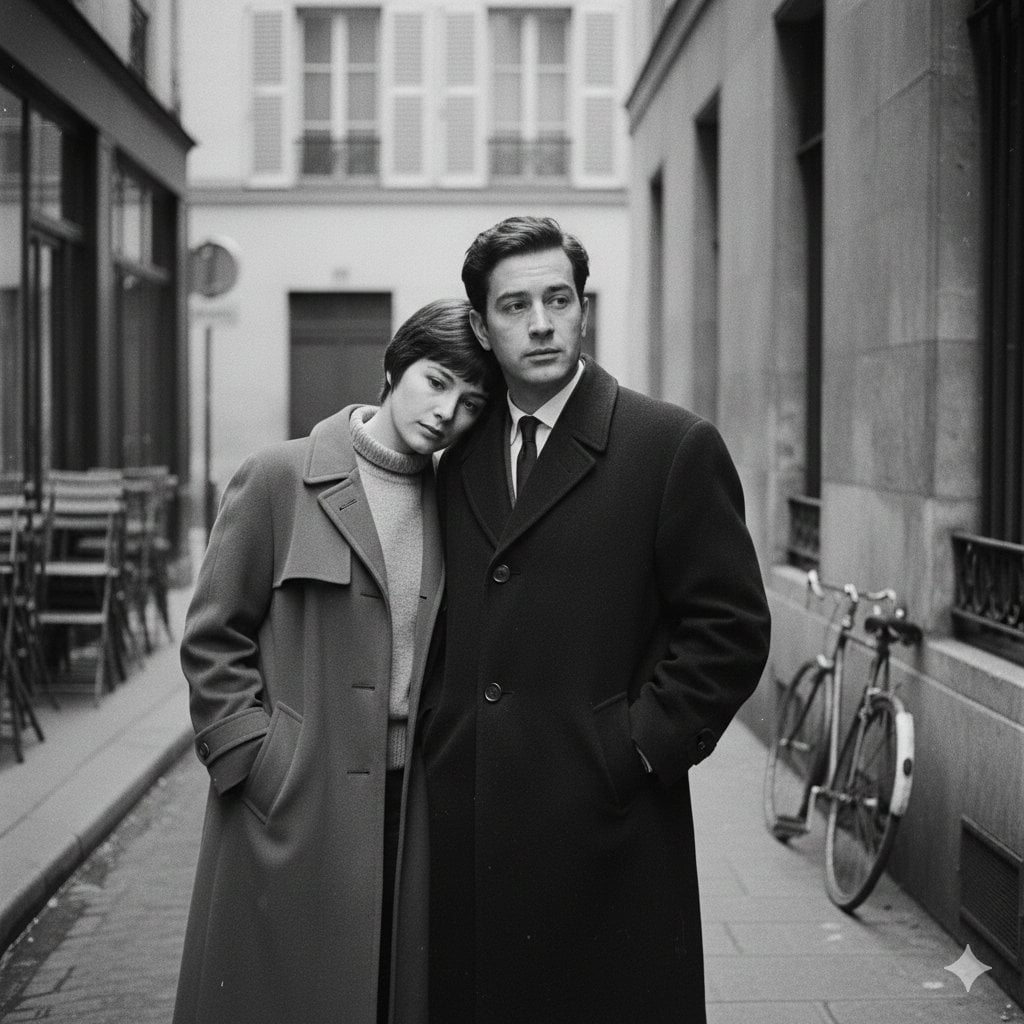
A French New Wave style minimalist lovers scene, black and white, 1950s
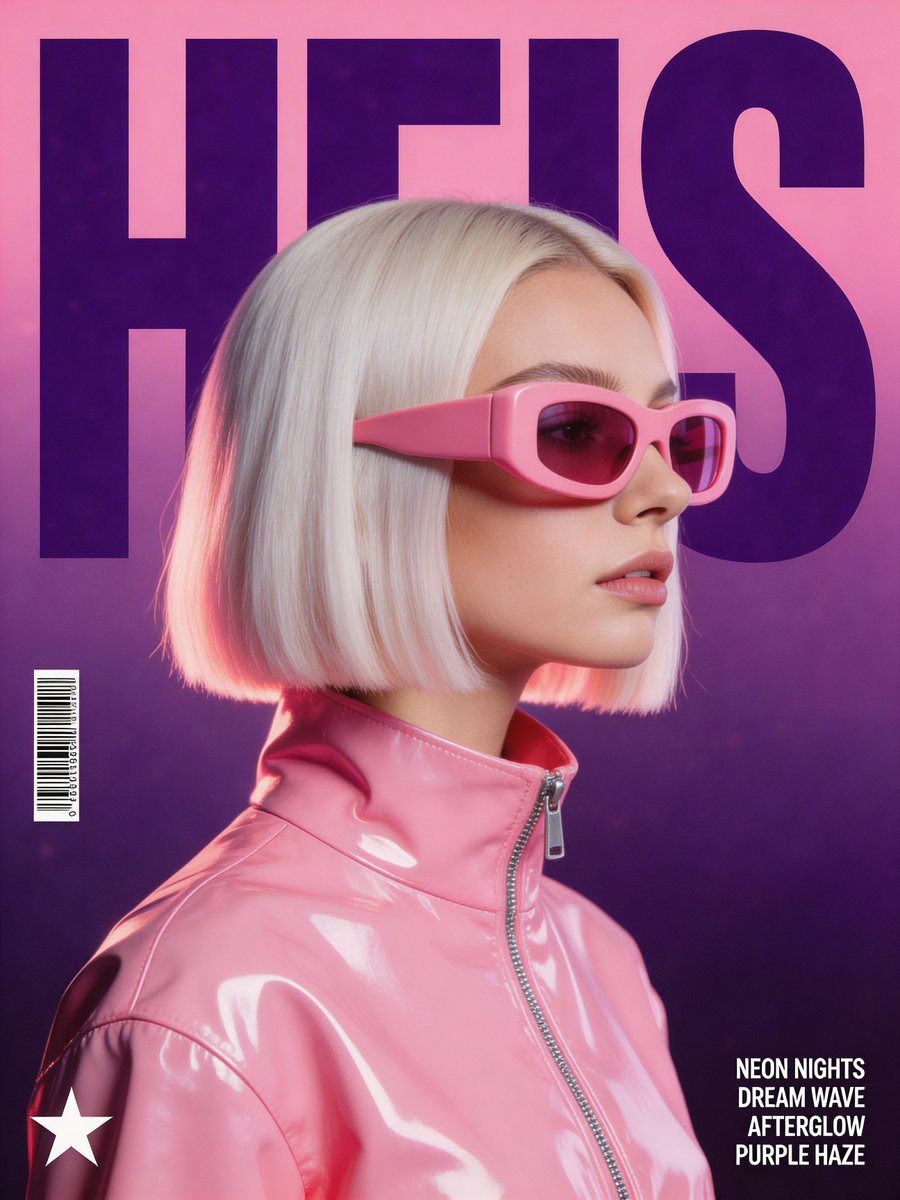
Synthwave Retro-Futuristic Music Poster
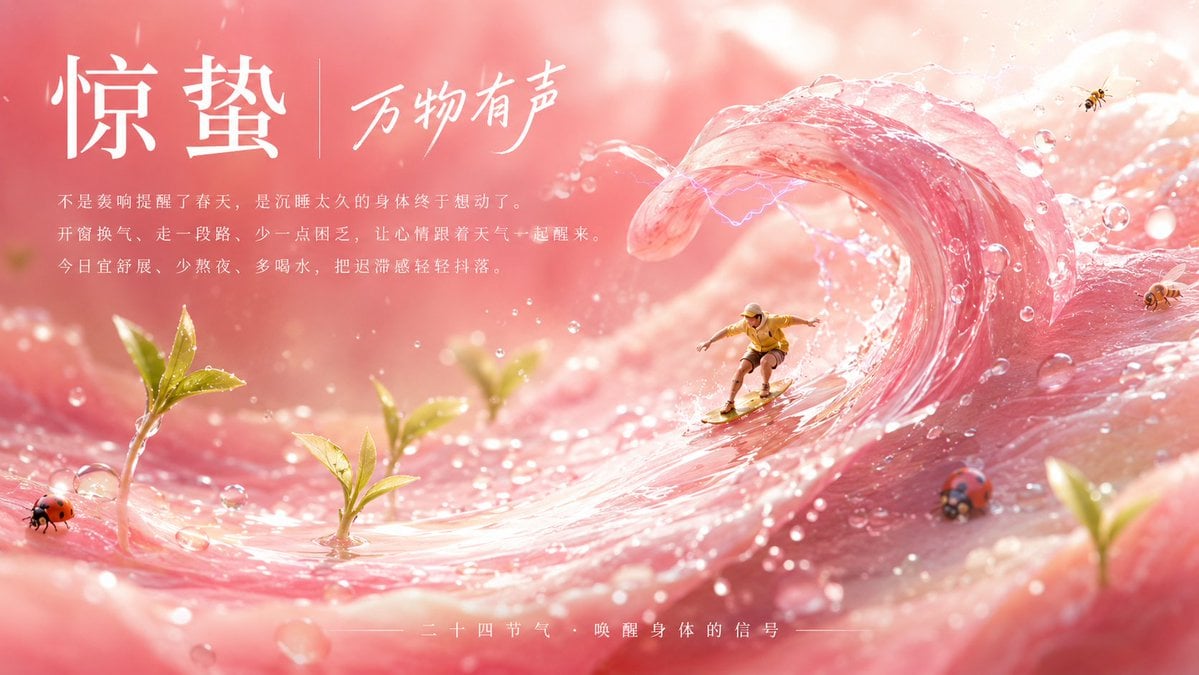
Jingzhe Pink Dew Wave Poster
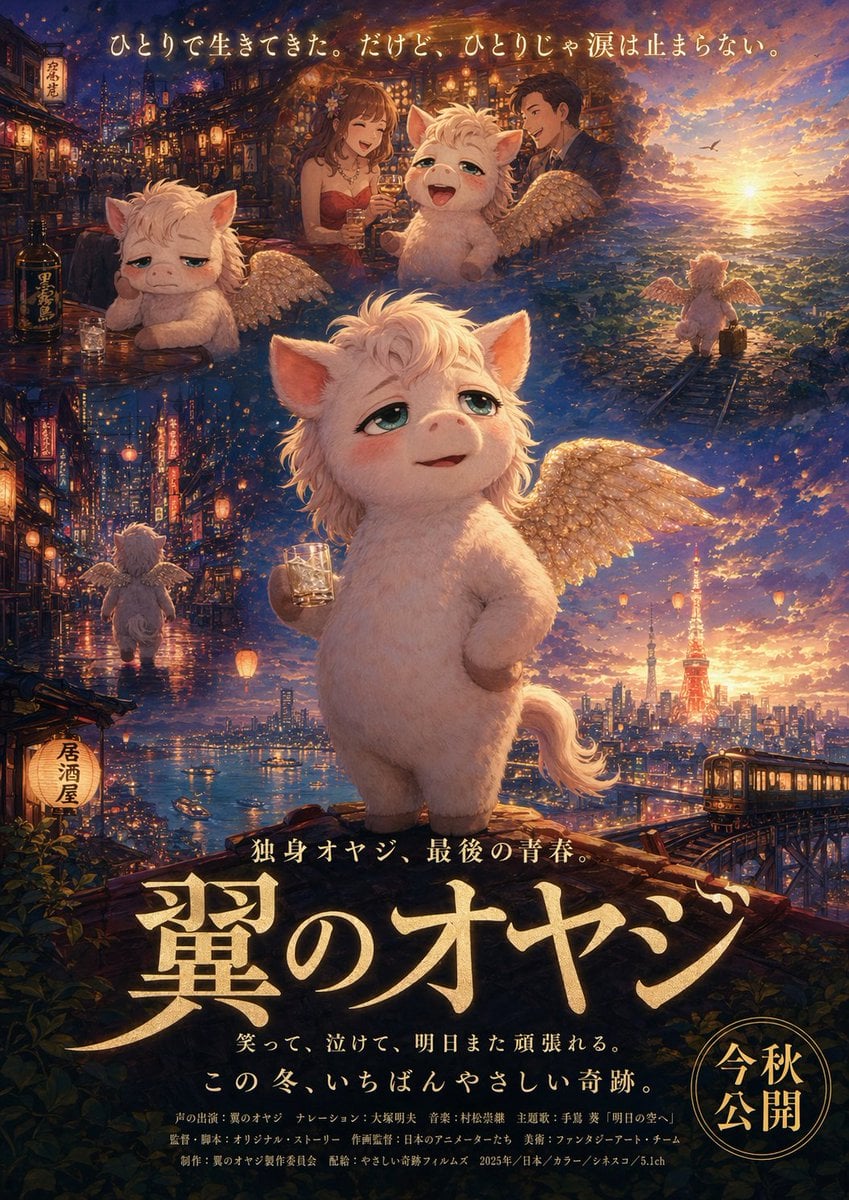
Japanese Fantasy Winged Pig Film Poster
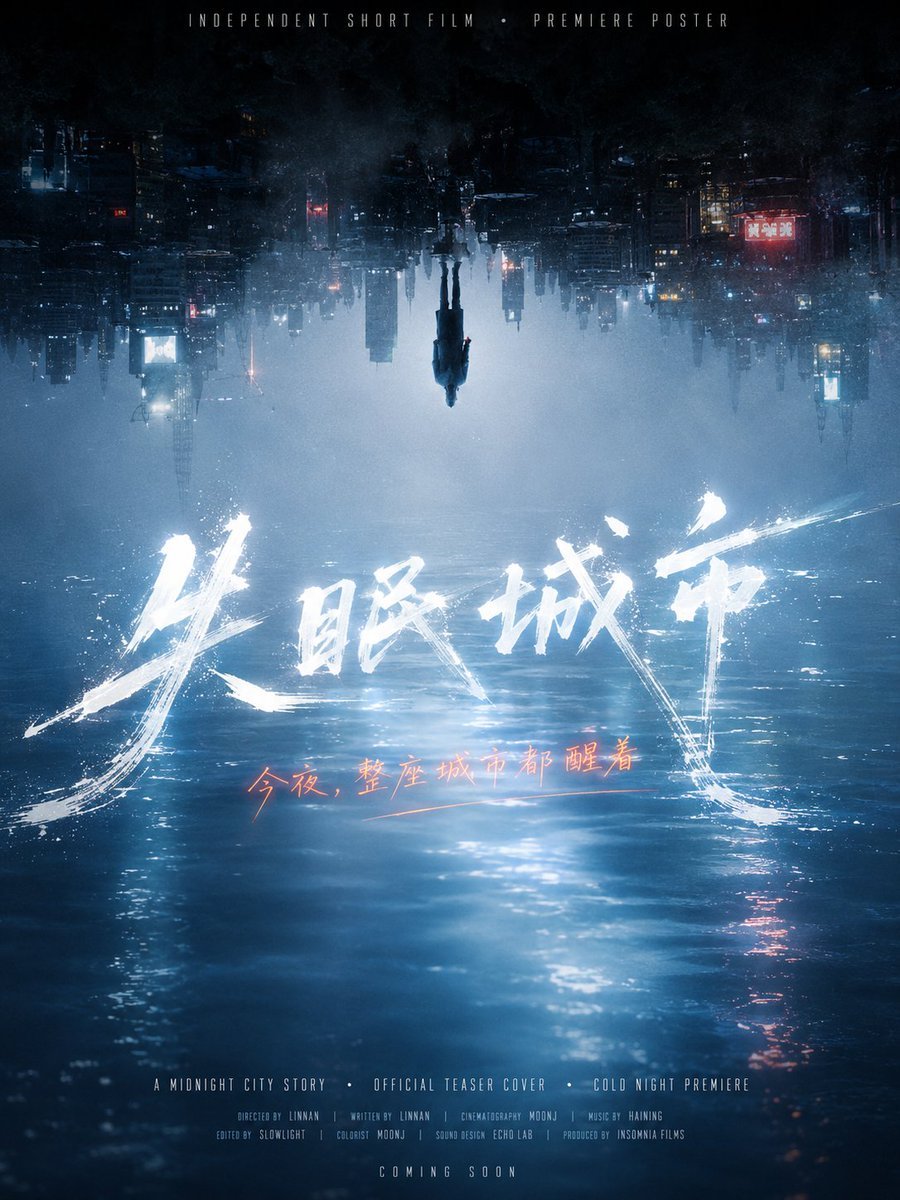
Inverted Midnight City Film Poster
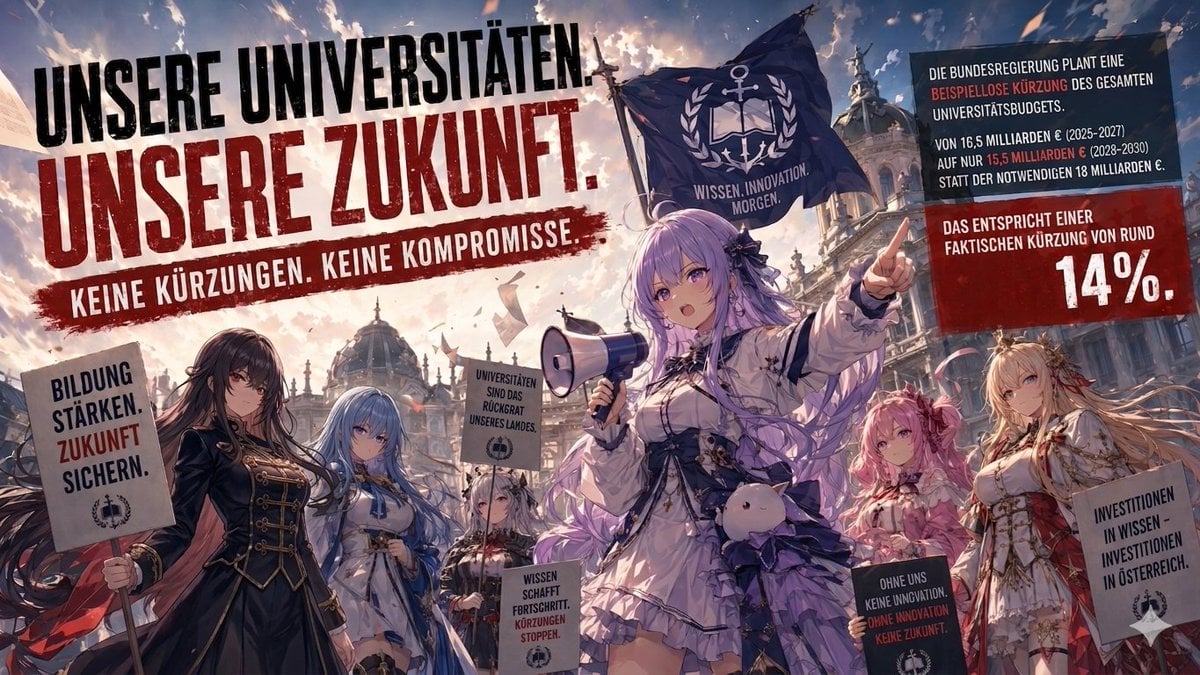
Anime University Protest Poster

Sepia Family Portrait Studio
Make it yours
French New Wave Protest Film Poster works as-is. These are the safest ways to change it without losing the look.
Change one field
Copy a single group, rewrite it, and generate again so you can see what that field is doing.
Keep the frame, change the subject
Hold the composition and light of French New Wave Protest Film Poster, then swap wardrobe, props or the person for a new take.
| If the result… | Why | Fix |
|---|---|---|
| The result drifts from the preview | Too many fields changed at once. | Reuse French New Wave Protest Film Poster as-is first, then change one group — subject, light, or setting. |
| The model over-stylizes the scene | The prose prompt leaves finish and camera underspecified. | Add one camera or lighting sentence and stay on GPT Image 2. |
More GPT Image 2 templates
Other prompts made for GPT Image 2.

Six VTuber Japanese Logo Sheet

Realistic Portrait of Woman and Deer

The Vista Modular Condo Poster

AI Model Routing Comparison Infographic

2.5D Anime Art Board

Isometric Productivity Desk Scene

New York Double Exposure Poster

Four-Panel AI Landscape Comparison

Japanese Tatami Lifestyle Magazine Cover

NESCAFÉ Coffee Map Poster
More image prompts
Fresh picks from across the catalog.

3D Chibi Vinyl Toy Aesthetic Portrait
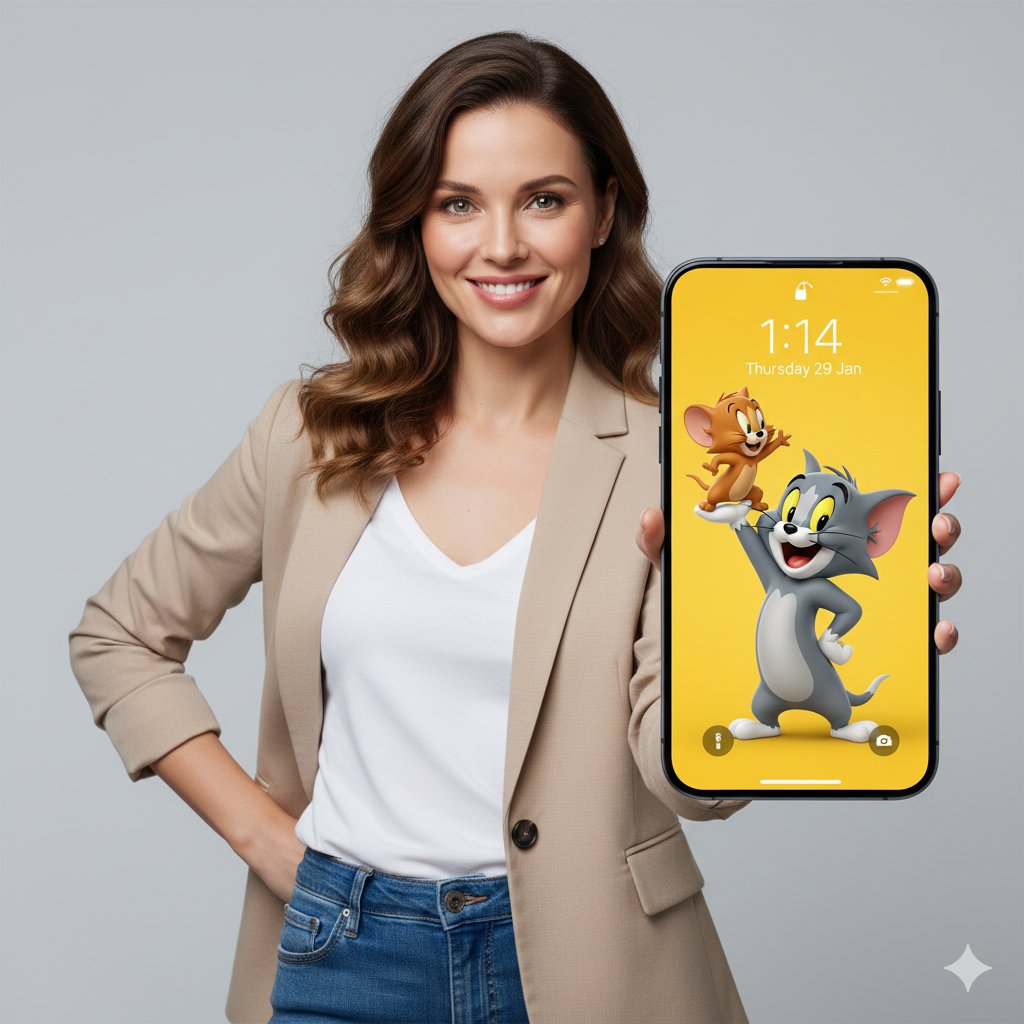
3D Tom and Jerry Wallpaper with Businesswoman Ad
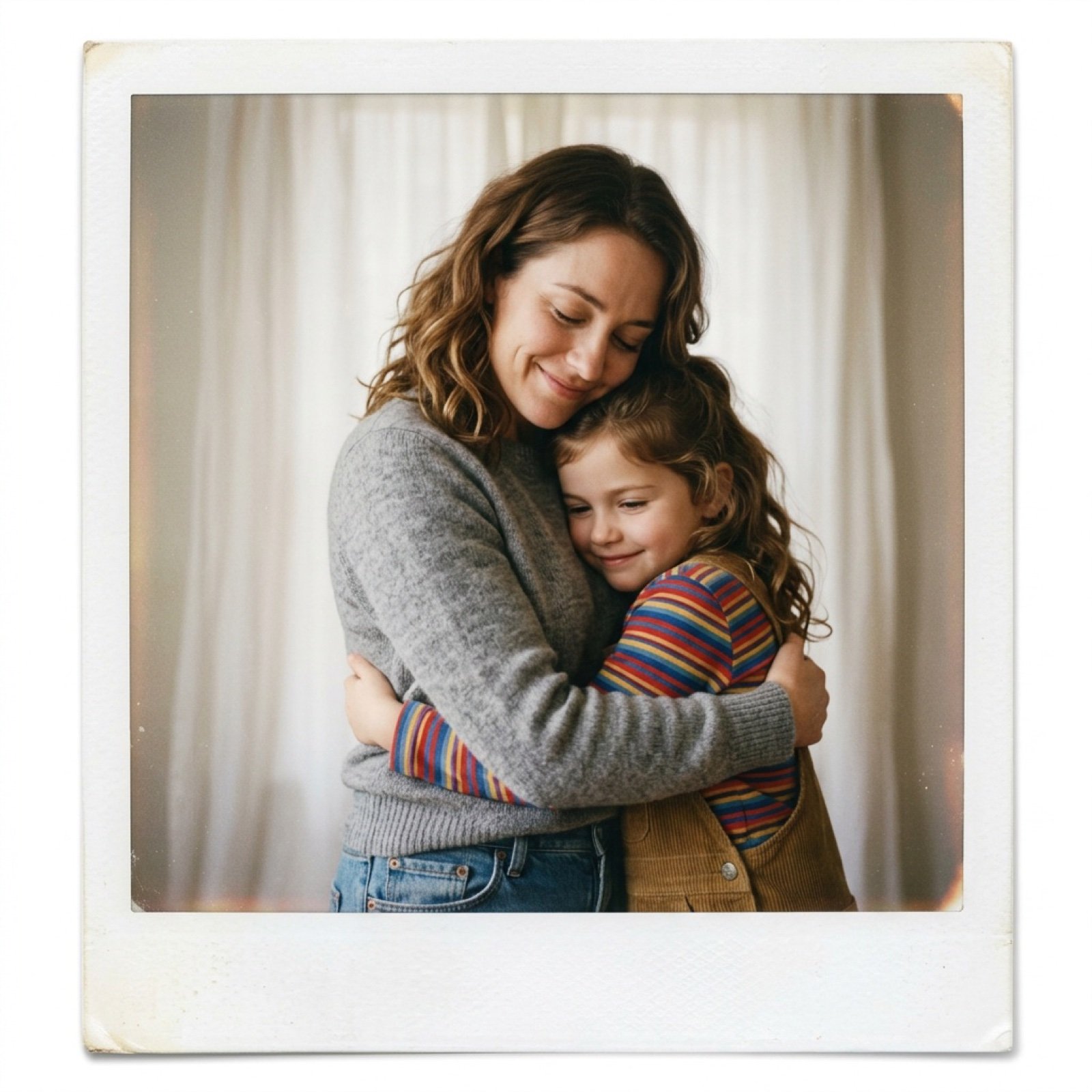
Polaroid Style Photo of Self Hugging Younger Self
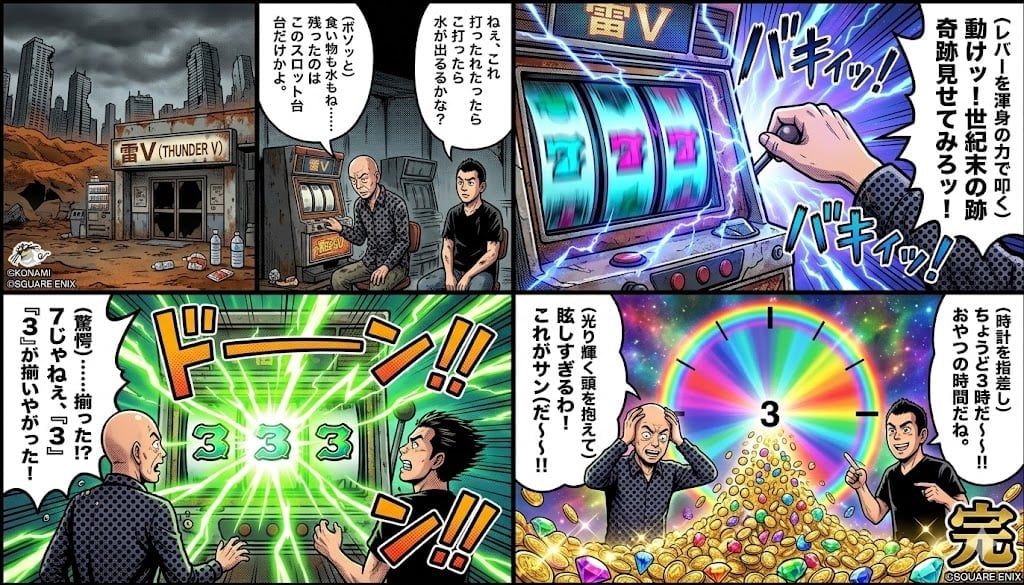
Four-Panel Manga: Viking Thunder V Century's End Version
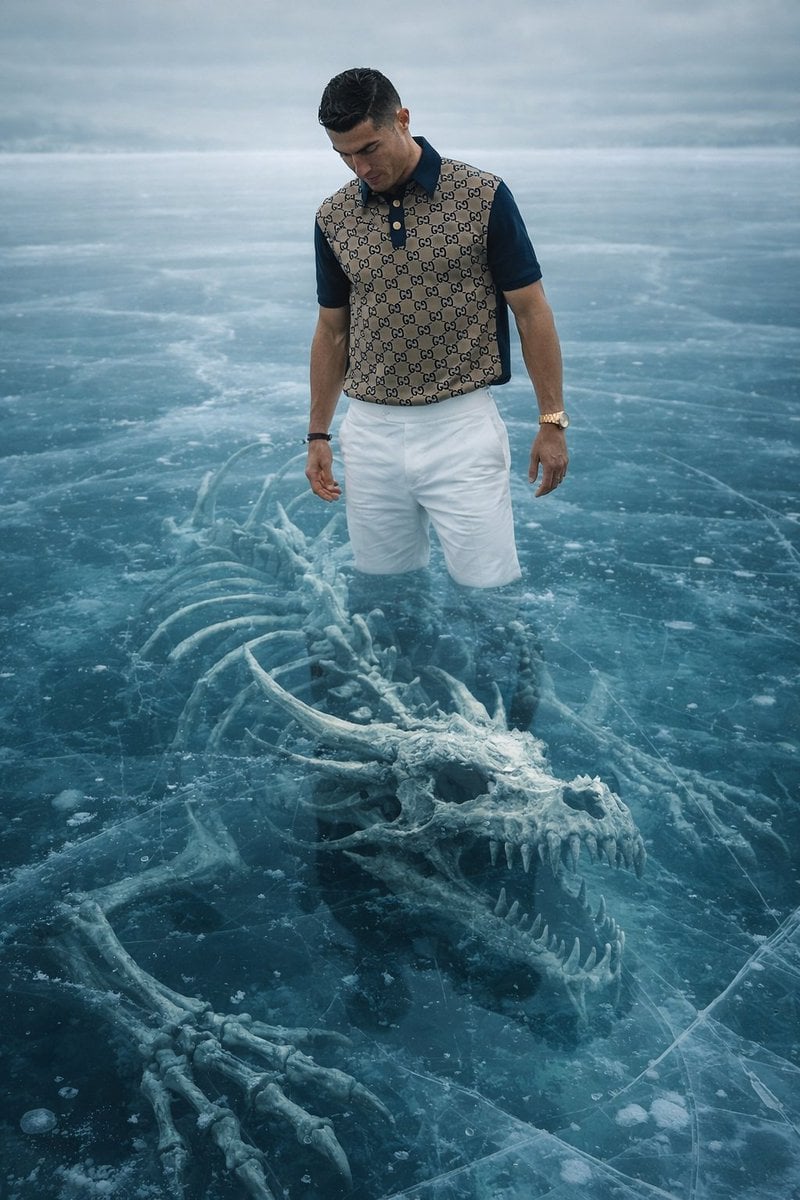
8K Ultra-Realistic Promotional Image of a Man on Ice with a Submerged Skeleton
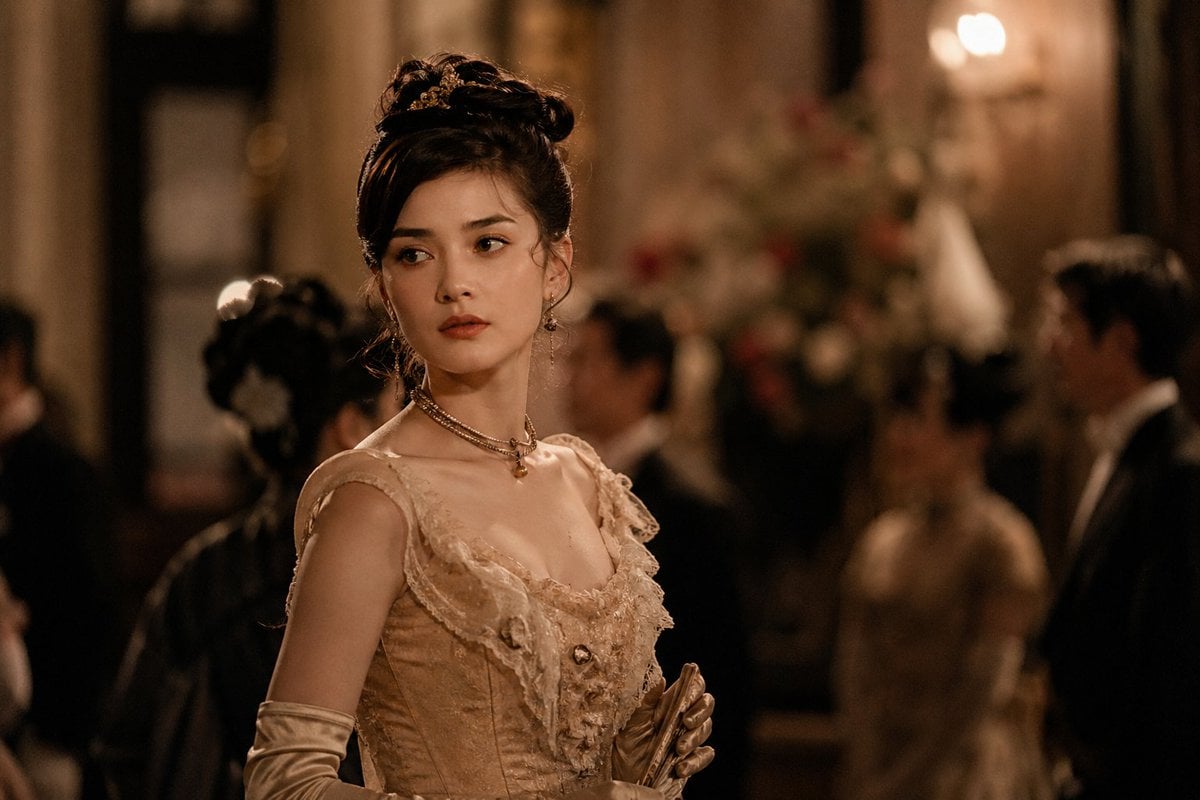
Rokumeikan Ballroom Portrait
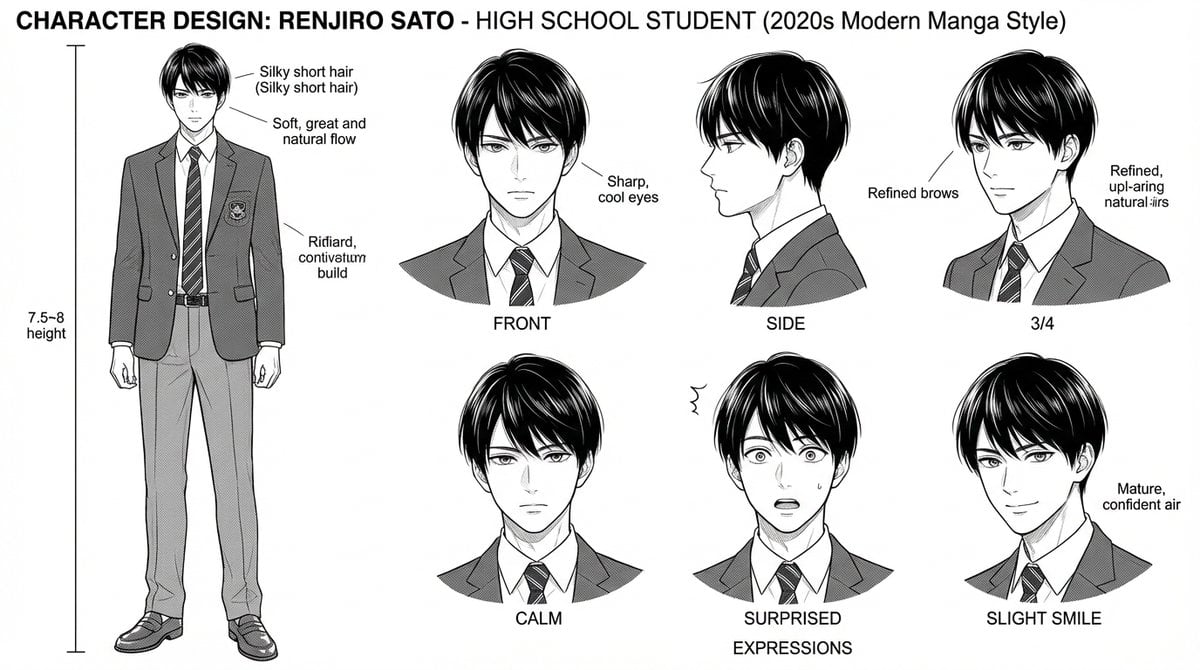
Dynamic Manga Page Layout Prompt
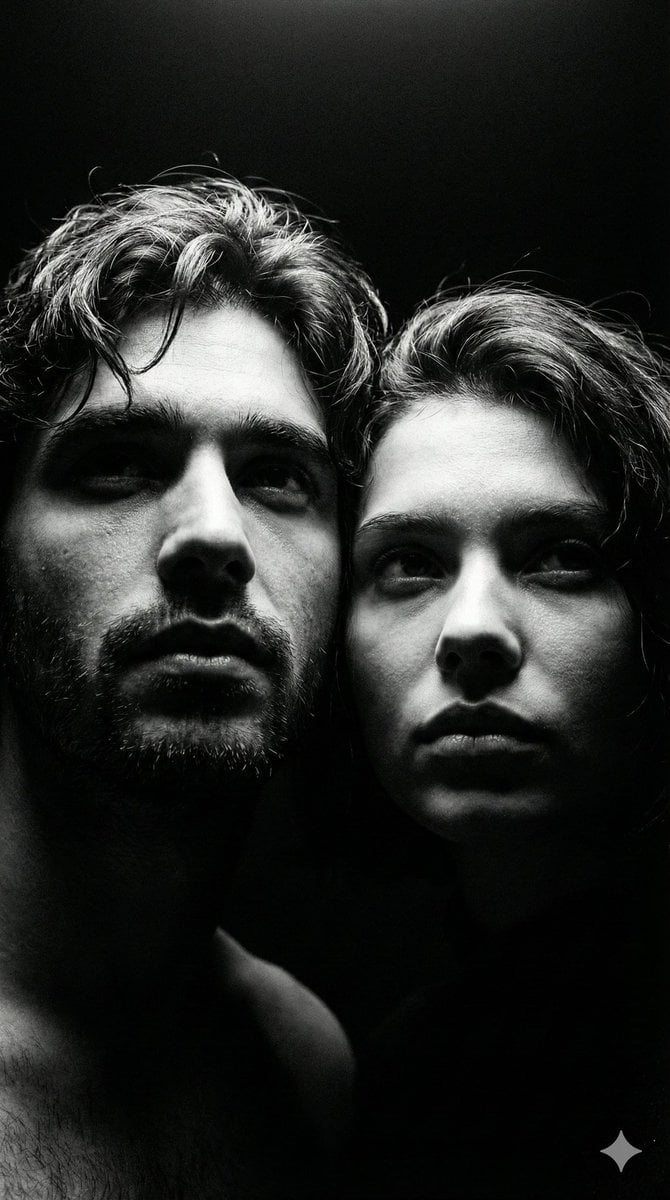
Ultra-Realistic Couple Mirror Selfie Prompt
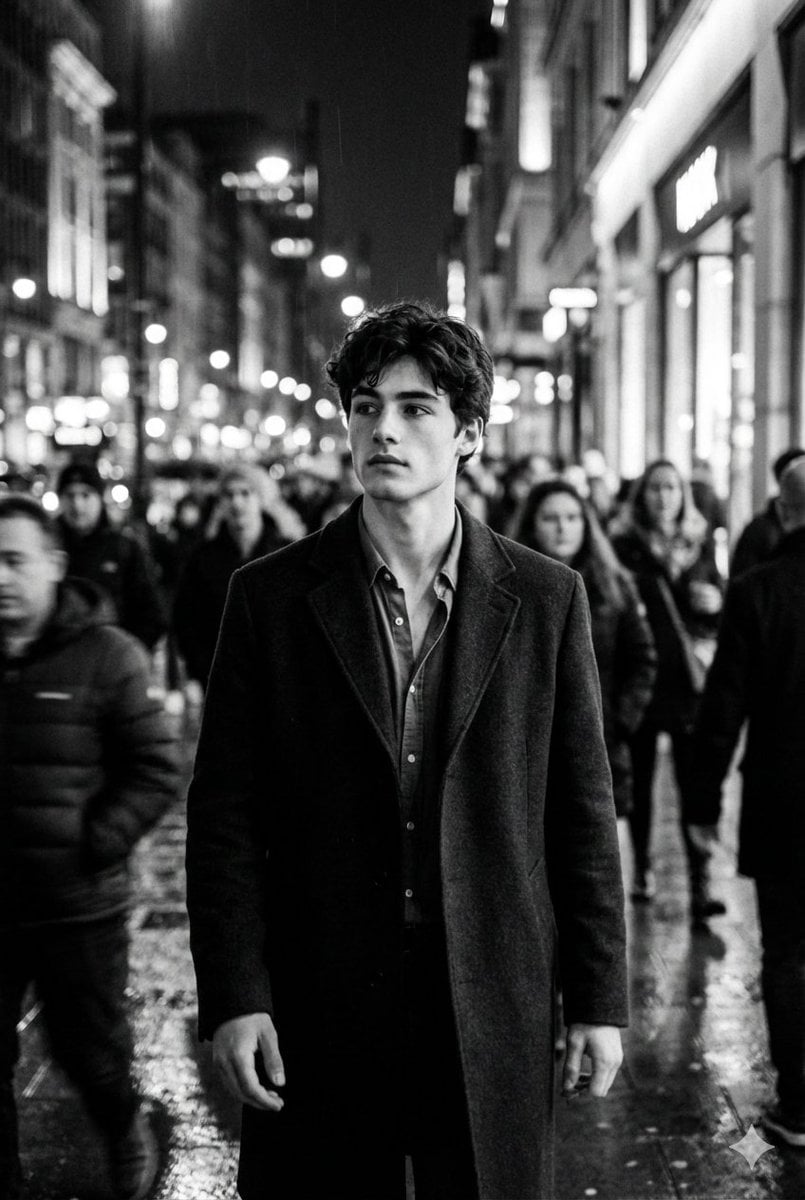
Black and White Cinematic Motion Portrait
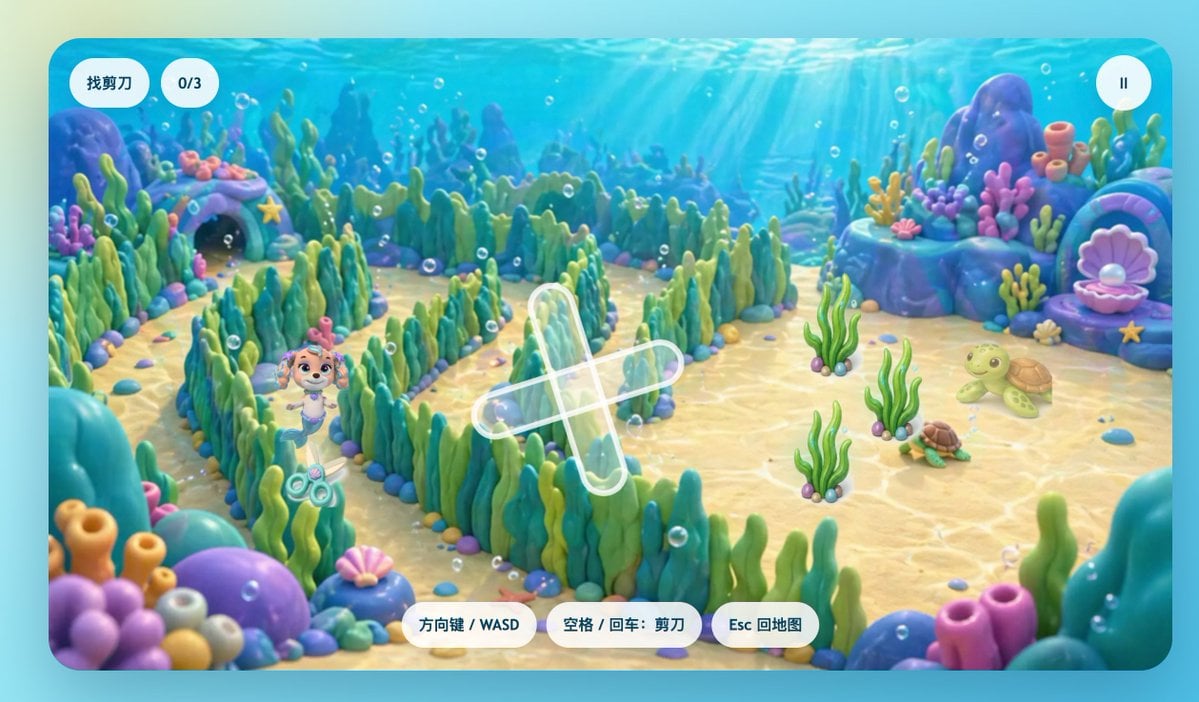
Cute Underwater Mermaid Puppy Game UI
Browse template categories
French New Wave Protest Film Poster questions
How do I use the French New Wave Protest Film Poster template?
Add your photo if the template asks for one, edit the prompt if you like — the template's model and format are already selected — and press Generate. Your version opens in PicX Studio.
Can I customize the French New Wave Protest Film Poster template?
Yes. You can change the subject, setting, lighting, mood, format, and available model controls before creating your image.
Is the French New Wave Protest Film Poster template free?
Opening and editing this template is free. Generating uses credits, shown on the Generate button when you are signed in.
Which AI model should I use?
Start with GPT Image 2, which is the model associated with this template. You can compare another compatible model for a different finish.
Looking for something else? Browse all templates.

Your photo, any look
Thousands of ready templates for every top image and video model, from one credit balance.