How do I use the Ultra-Realistic Couple Mirror Selfie Prompt template?
Choose the primary action to open PicX Studio with the available template settings. Review the model and format, personalize the creative direction, and generate when ready.
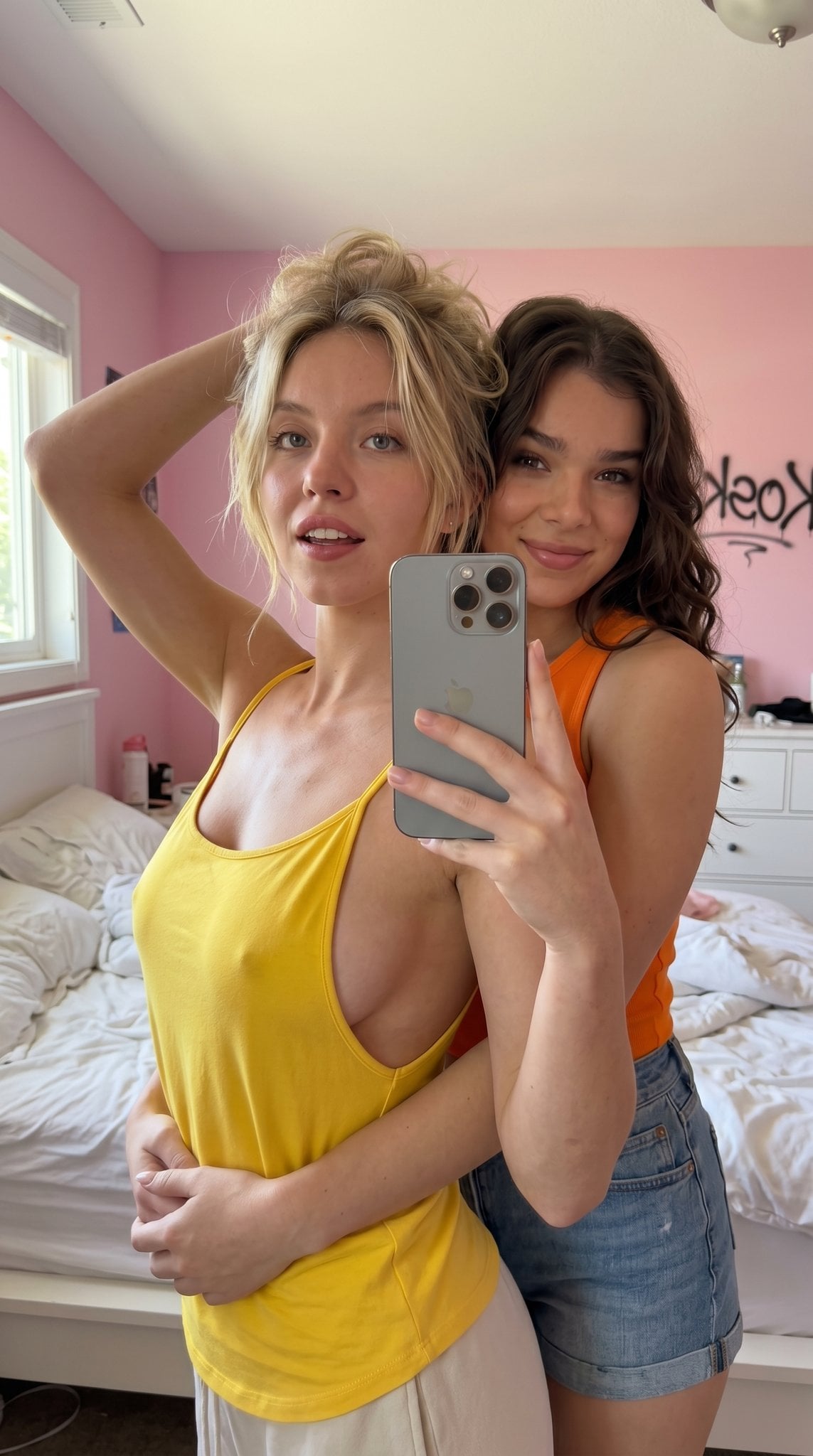
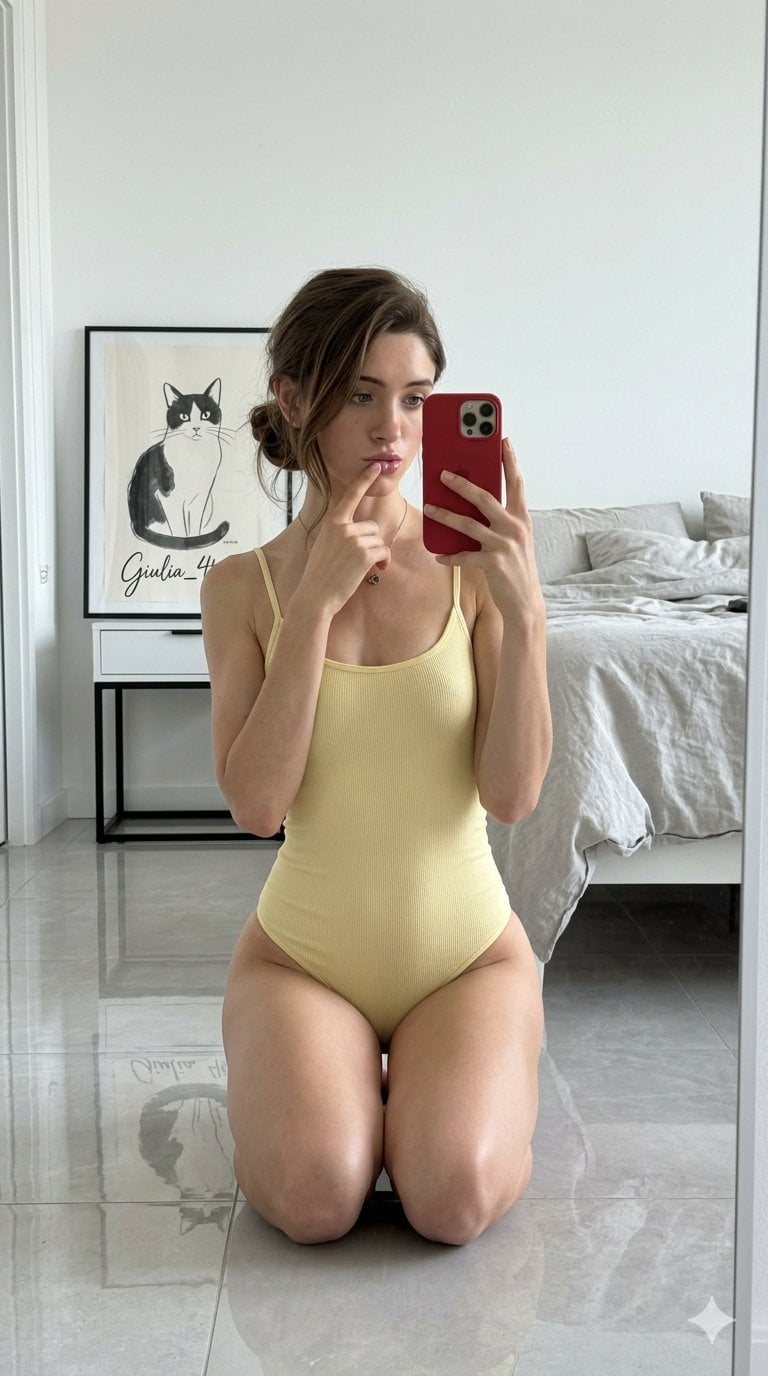
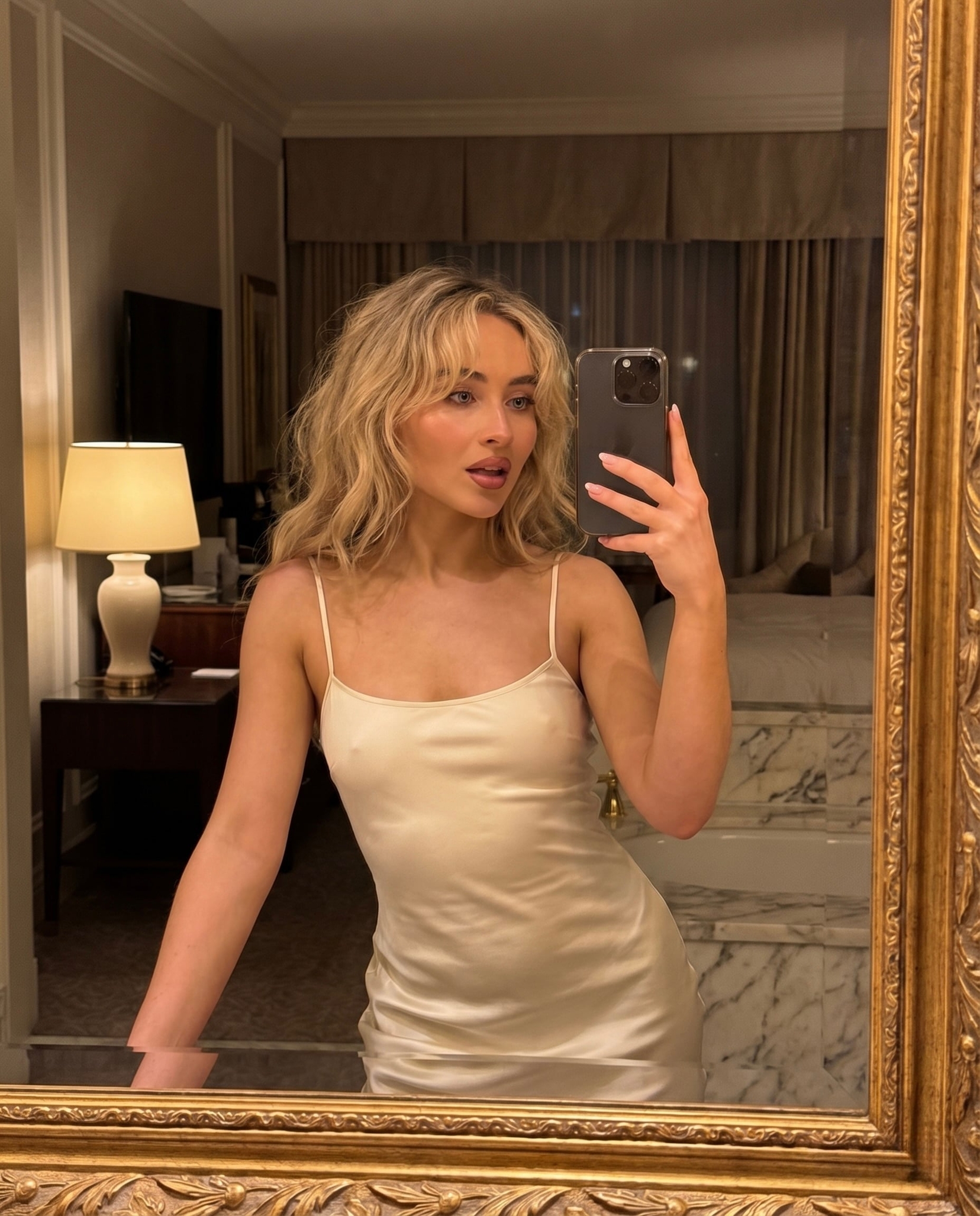
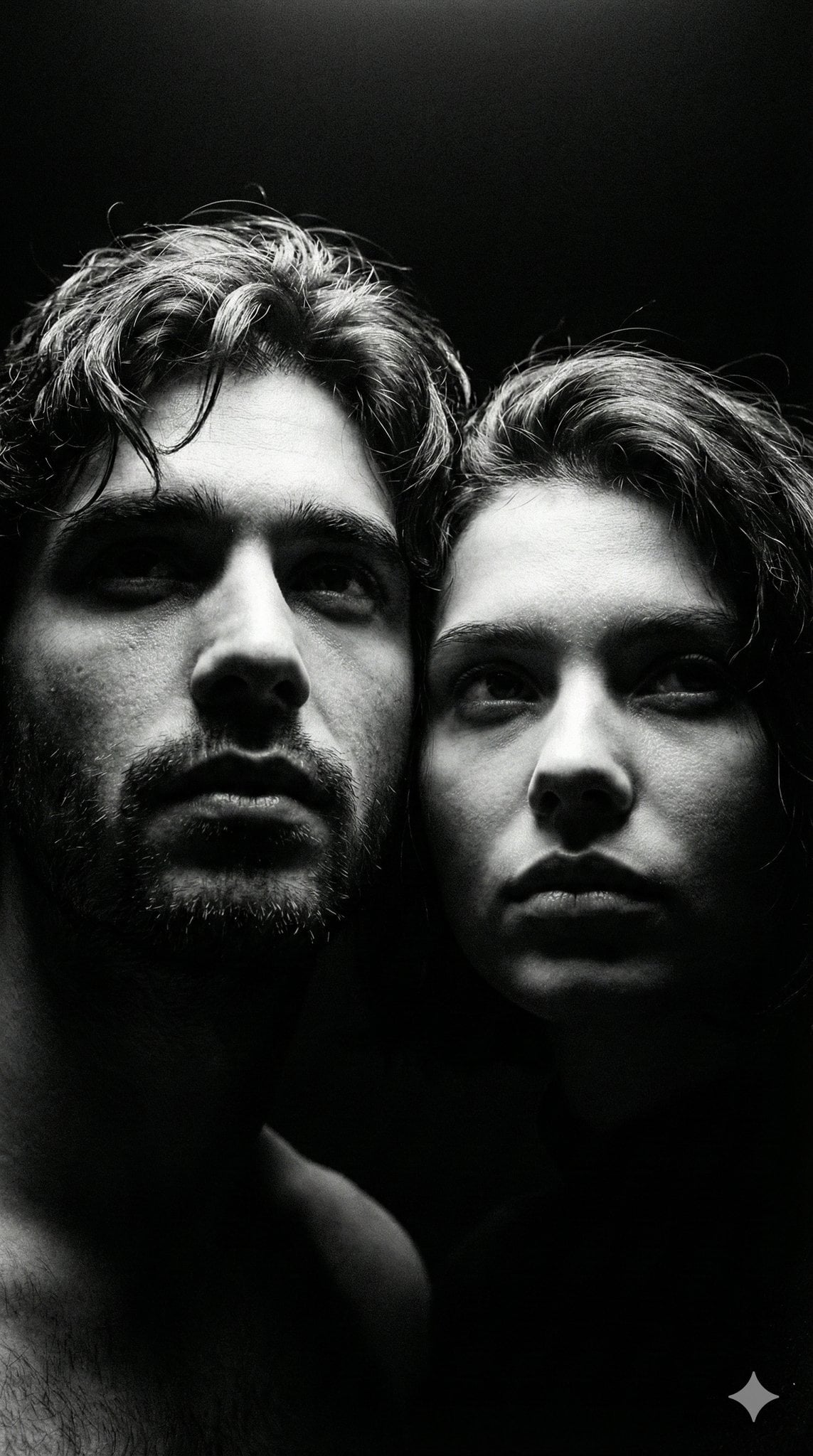
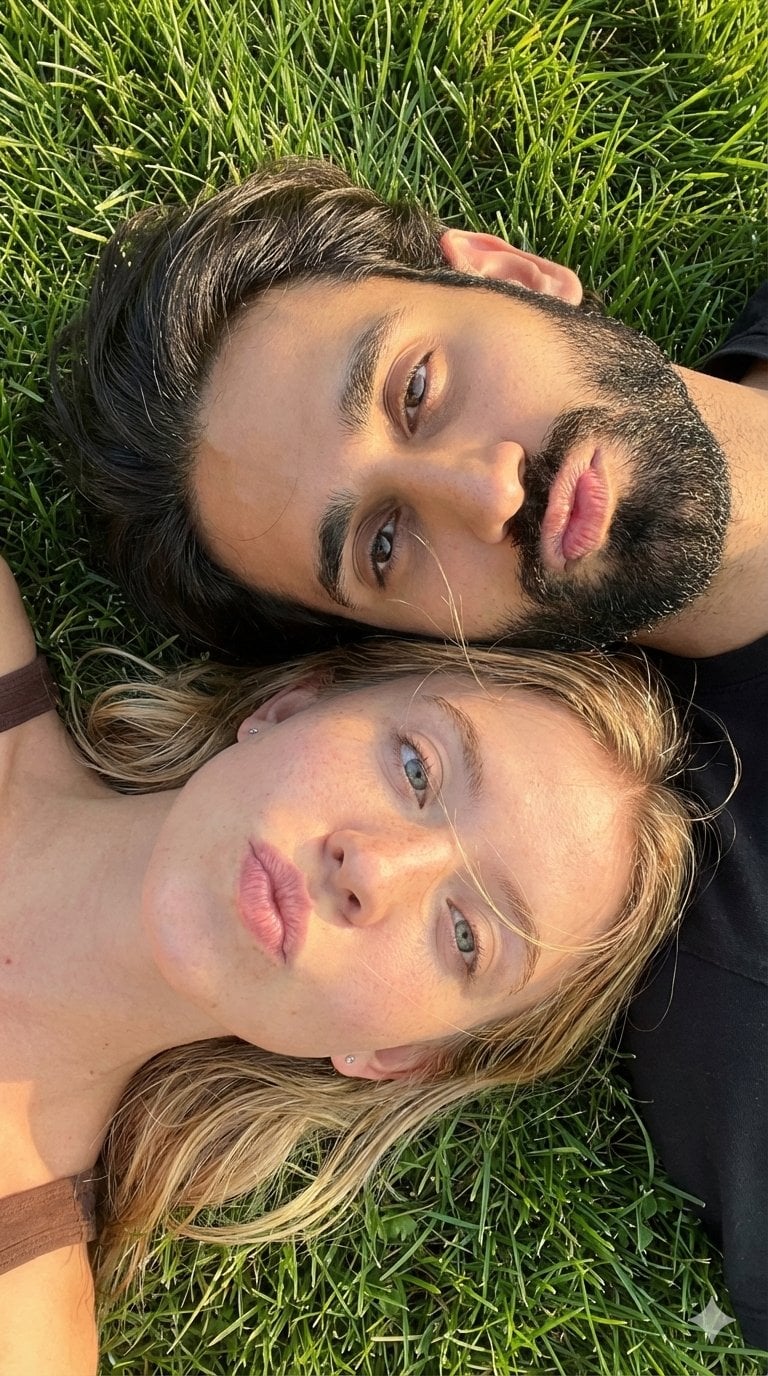
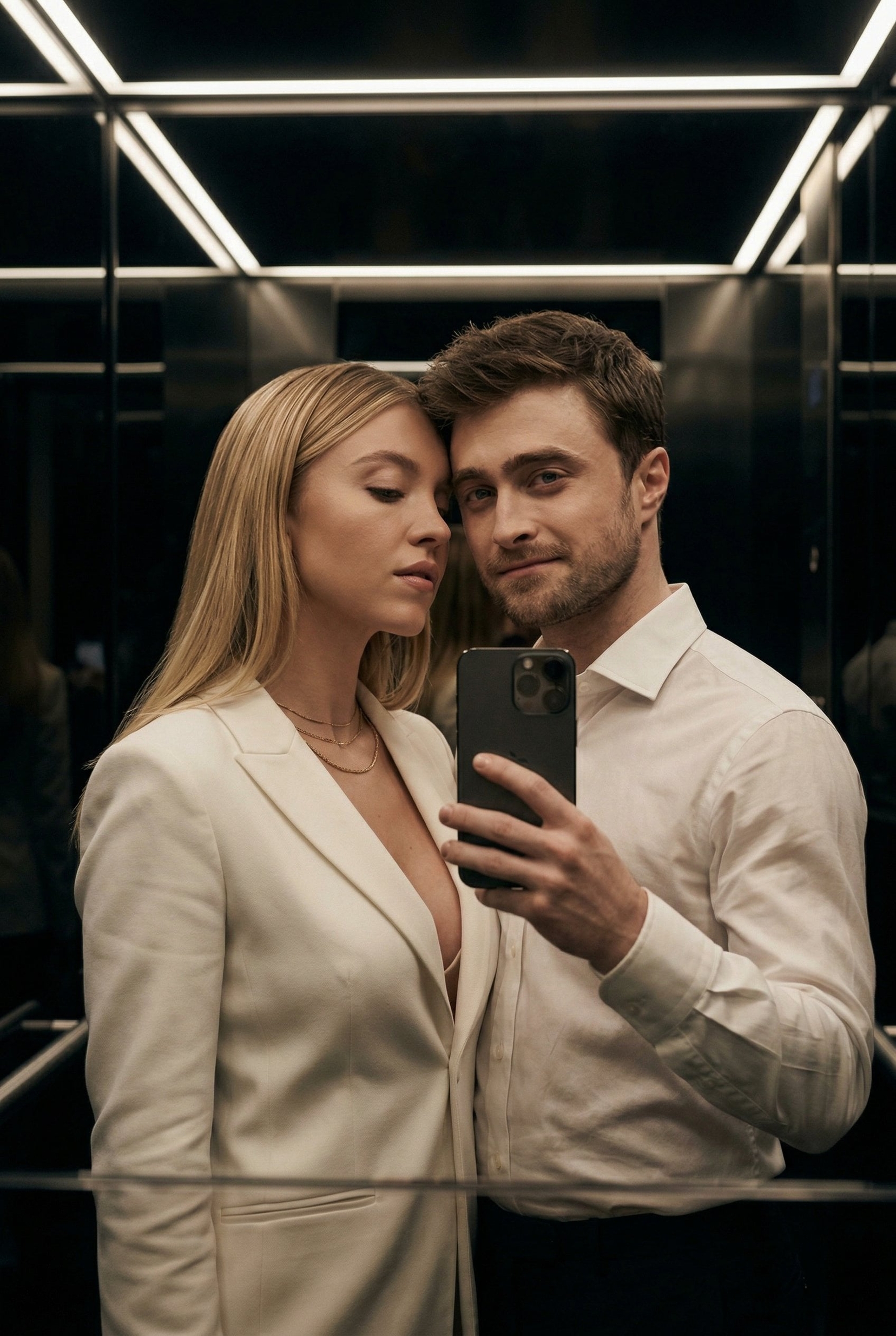
A prompt for Nano Banana Pro requesting an ultra-realistic smartphone mirror selfie of a couple, focusing heavily on skin realism (visible pores, acne marks, un
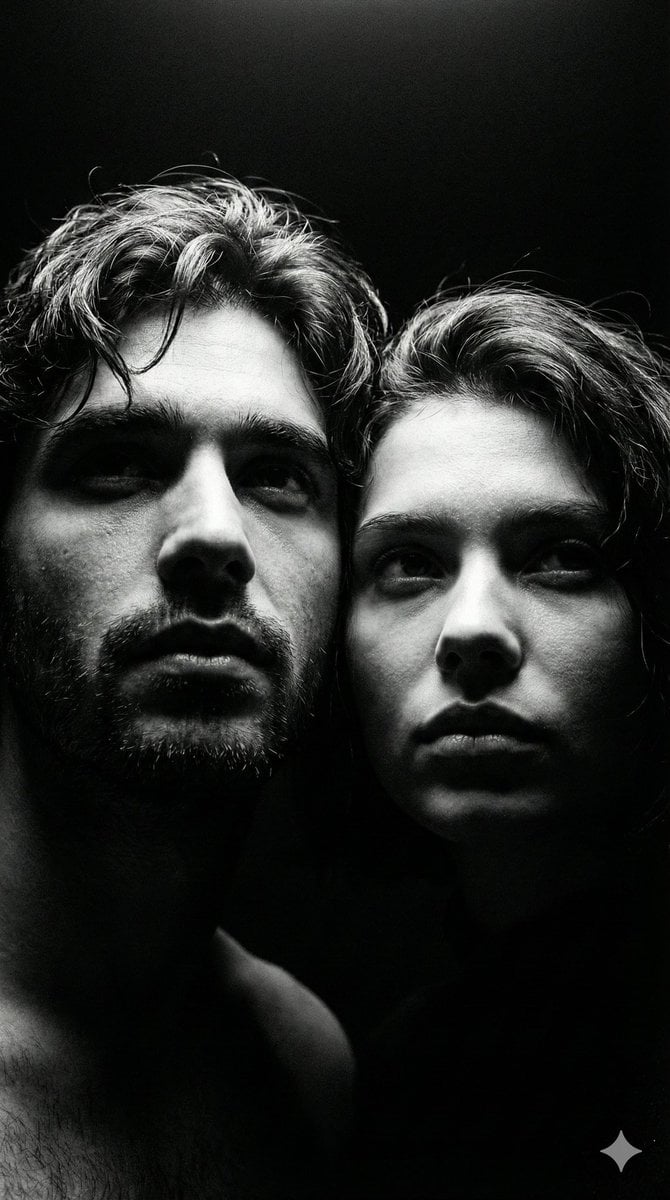
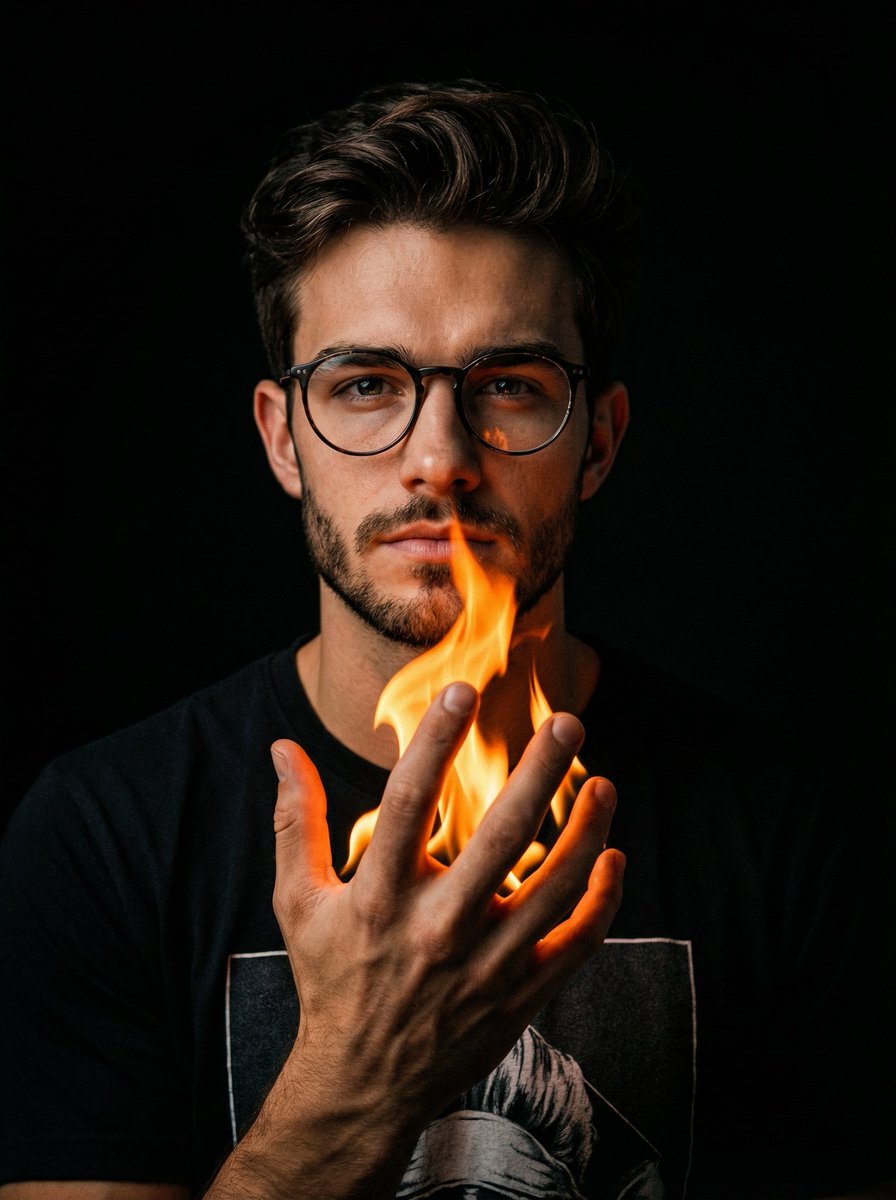
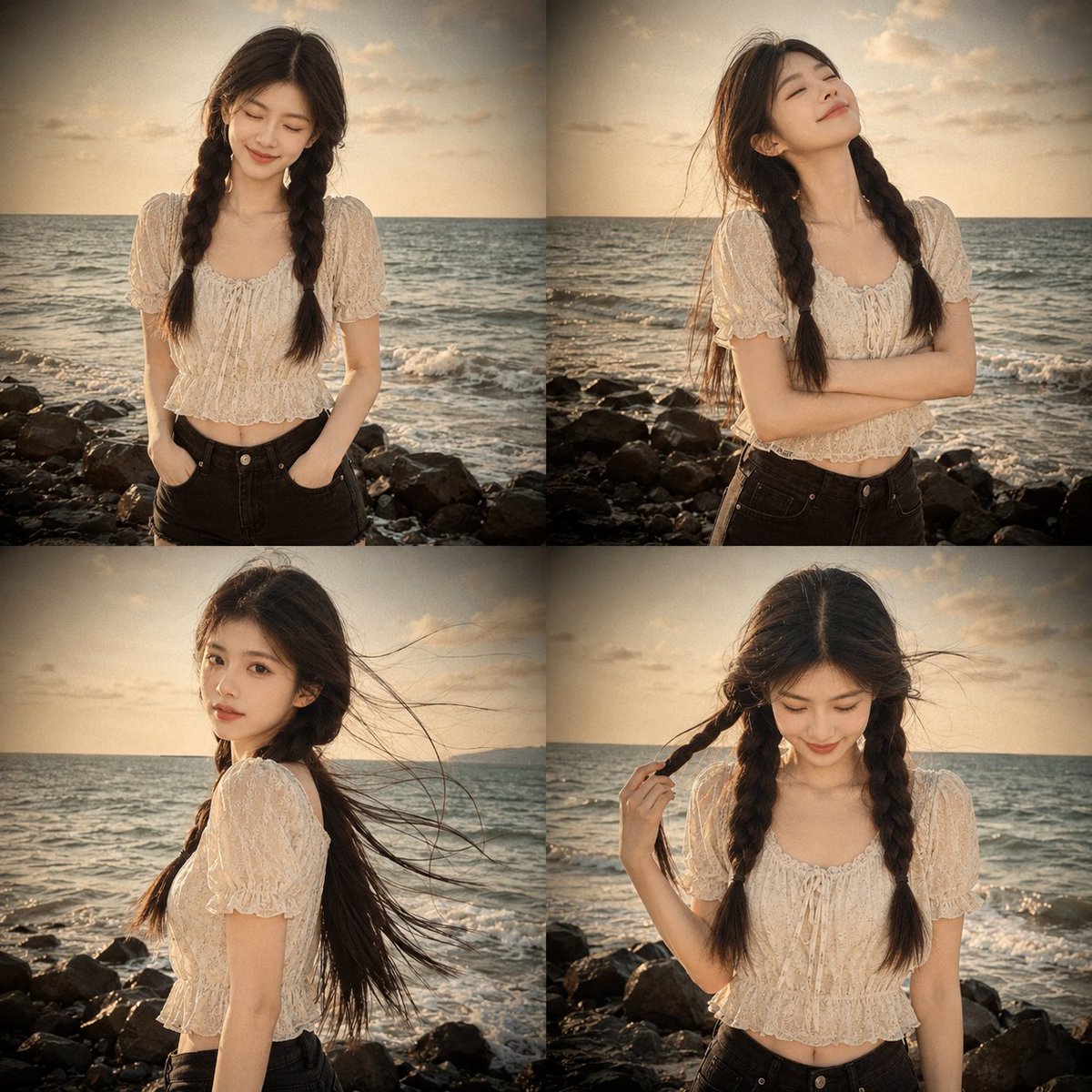
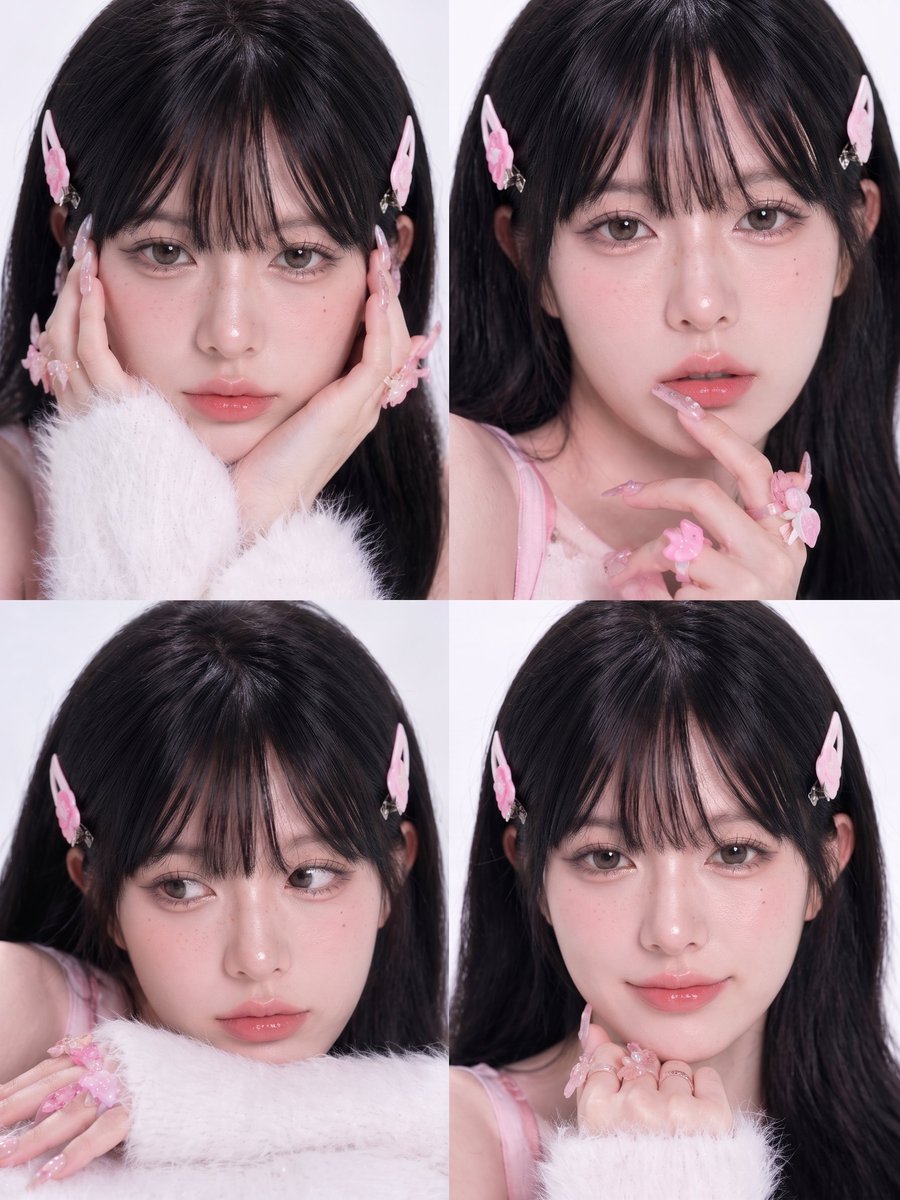
Ultra-realistic smartphone mirror selfie of a couple late 20s–early 30s, indoor near window, daytime. Close-up framing collarbone to top of head. Phone partially covering face, slight downward gaze, calm neutral expression. Natural tied-back dark hair with flyaways, light grey cotton hoodie with clear fabric texture separation, small silver earrings. Skin realism focus: visible pores, fine micro-texture, organic acne marks (non-repeating), uneven pigmentation, subtle redness, natural oil sheen only on high points. No symmetry correction. Real daylight with slight warmth, accurate white balance, natural contrast. True-to-life colors. Phone-camera realism, subtle sensor grain, slight edge softness. No retouching, no smoothing, no beauty filters. Negatives: AI glow, plastic skin, skincare-ad look, cinematic lighting, studio light, pastel or faded colors, flat lighting, cartoon/3D style, logos or text.
Choose the primary action to open PicX Studio with the available template settings. Review the model and format, personalize the creative direction, and generate when ready.
Yes. You can change the subject, setting, lighting, mood, format, and available model controls before creating your image.
This template is free to open and customize. Generation usage is shown in PicX Studio before you create.
Start with Nano Banana 2, which is the model associated with this template. You can compare another compatible model for a different finish.
Follow a topic to a crawlable collection of related PicX Studio templates.