
Cute Underwater Mermaid Puppy Game UI
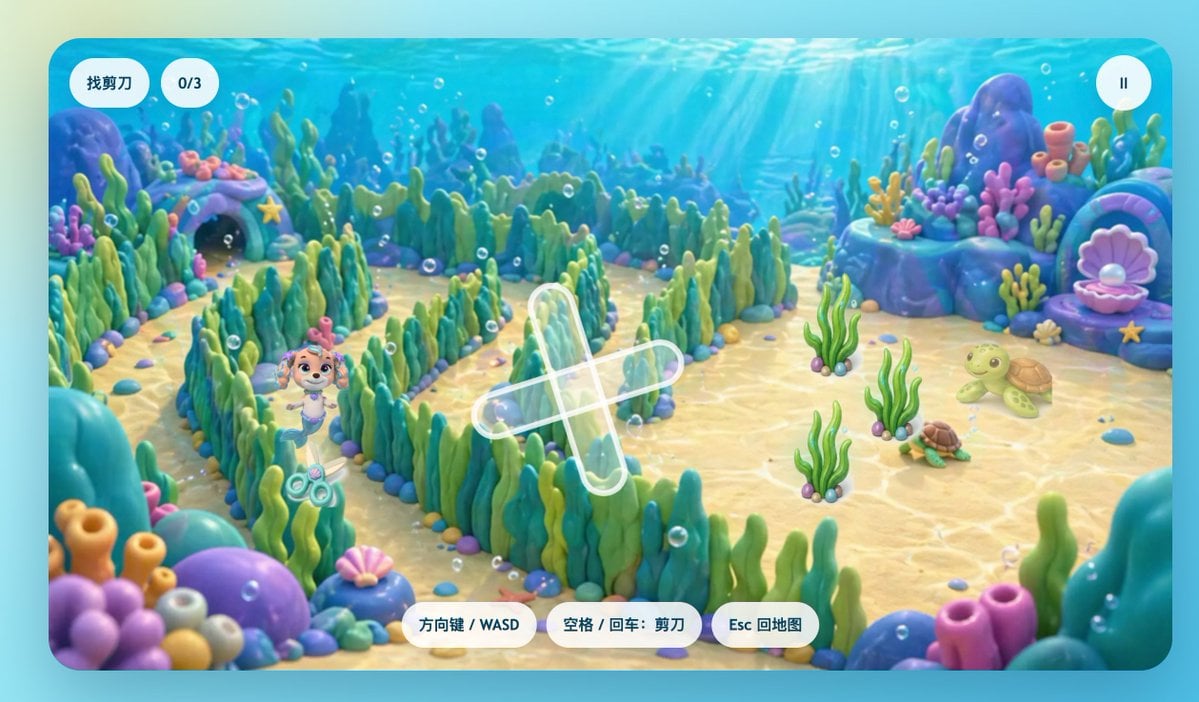
This prompt generates a polished children’s underwater maze game screenshot with a mermaid puppy character, Chinese interface labels, and a colorful casual-game style suitable for mockups or promotional art.
- Prompt included
- Model and format preset
- Free template
The prompt behind this image
Copy the exact prompt behind Cute Underwater Mermaid Puppy Game UI, or open it in the studio and make it yours.
A cute children’s 3D game screenshot in a bright underwater world, shown from a slightly elevated third-person view inside a colorful seaweed maze. The scene has a soft, glossy, toy-like look with rounded shapes, smooth clay-style materials, pastel-saturated colors, and cinematic god rays shining down through clear blue water. In the maze, a small mermaid puppy inspired by Coral from Paw Patrol stands near the lower-left quadrant, smiling with a friendly heroic expression. She has a light tan puppy face, big expressive eyes, pink-purple mermaid-themed accessories, and a small mermaid tail, designed in an adorable family-friendly animated style. Near her on the sandy seabed is a visible pair of scissors, the hidden-object target. The maze walls are made of dense green and teal seaweed with rounded pebble borders, creating winding paths across the center of the scene. The seabed is pale golden sand with caustic light patterns, scattered tiny shells and stones, and many floating air bubbles. Around the maze are whimsical coral-rock formations in blue, purple, and turquoise, including 1 shell-shaped treasure alcove on the left with a starfish above it and 1 large open pink clam shell with a pearl on the right. On the right side of the play area are 2 turtles: 1 larger light-green turtle and 1 smaller brown-green turtle, plus 3 separate clumps of upright sea plants in the open sand. Add a translucent white cross-shaped path marker or objective indicator over the center of the maze. Present it as a polished mobile game interface framed by a rounded rectangular screen. Include 6 UI elements total: top left a pill-shaped white label with the Chinese text “找剪刀”, next to it a white rounded counter reading “0/3”, top right a circular white pause button with a pause icon, and along the bottom center 3 white rounded instruction buttons labeled “方向键 / WASD”, “空格 / 回车:剪刀”, and “Esc 回地图”. The overall mood is comforting, playful, magical, and reassuring, like an educational hide-and-seek mini-game for a sick child, with high-end casual game art and a clean app-store-quality presentation.
How to use Cute Underwater Mermaid Puppy Game UI in 3 steps
- 1Upload ImagePNG, JPG or paste
Add your photo
Upload the photo the template builds on. The prompt, model and format are already set.
- 2…a portrait of your subject in softgolden-hour light, 85mm…
Personalize
Edit the subject and creative details for your destination.
- 3Generate
Generate
Press Generate — your image is created in PicX Studio, so you can compare it with the original and refine one variable at a time.
More like this
Templates with the same subject, style or setup. Open one to see its prompt.
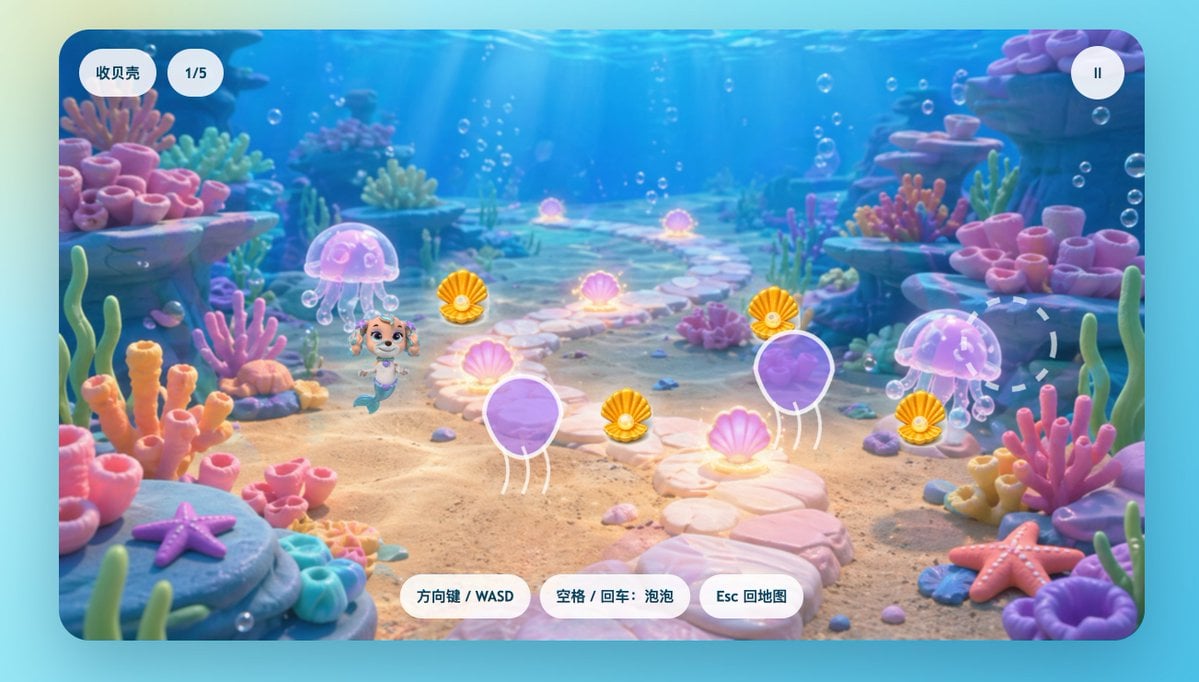
Cute Mermaid Puppy Underwater Game Screen
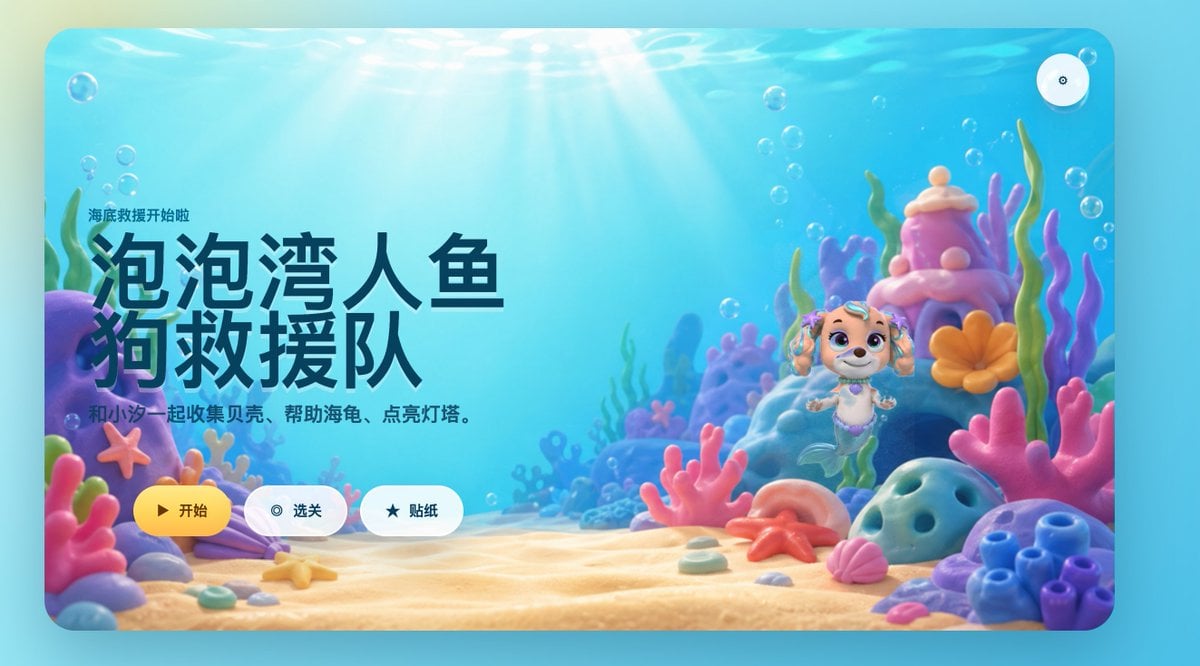
Cute Mermaid Puppy Undersea Game Start Screen
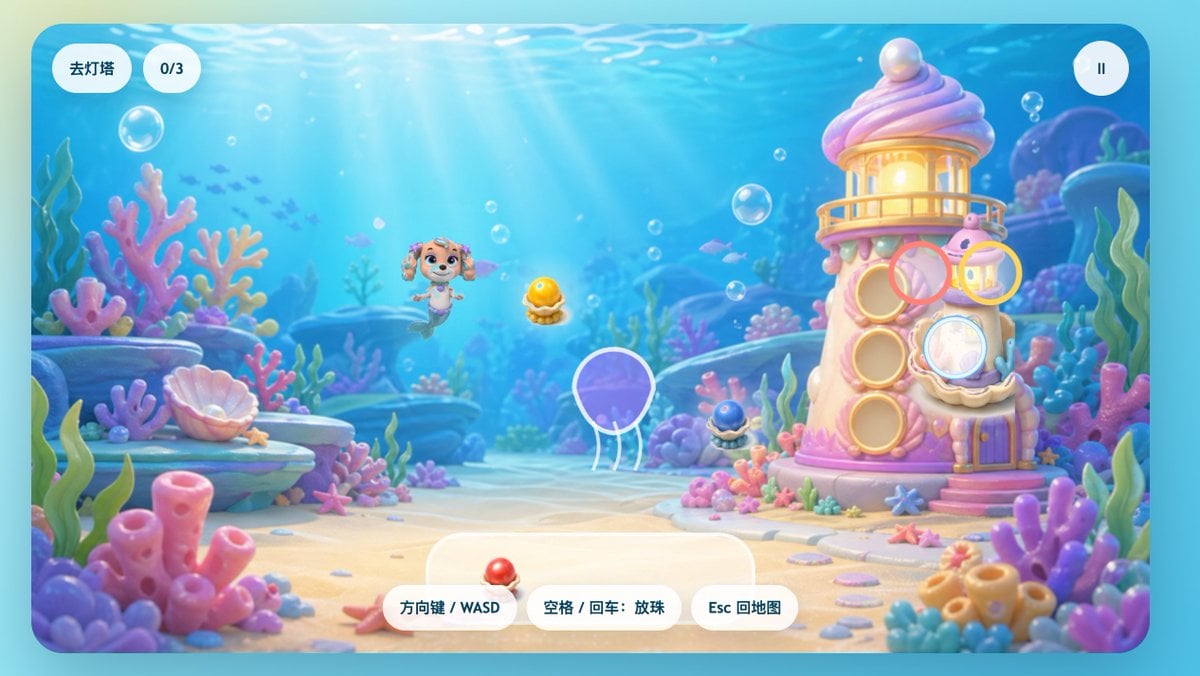
Pastel Underwater Mermaid Puppy Game UI
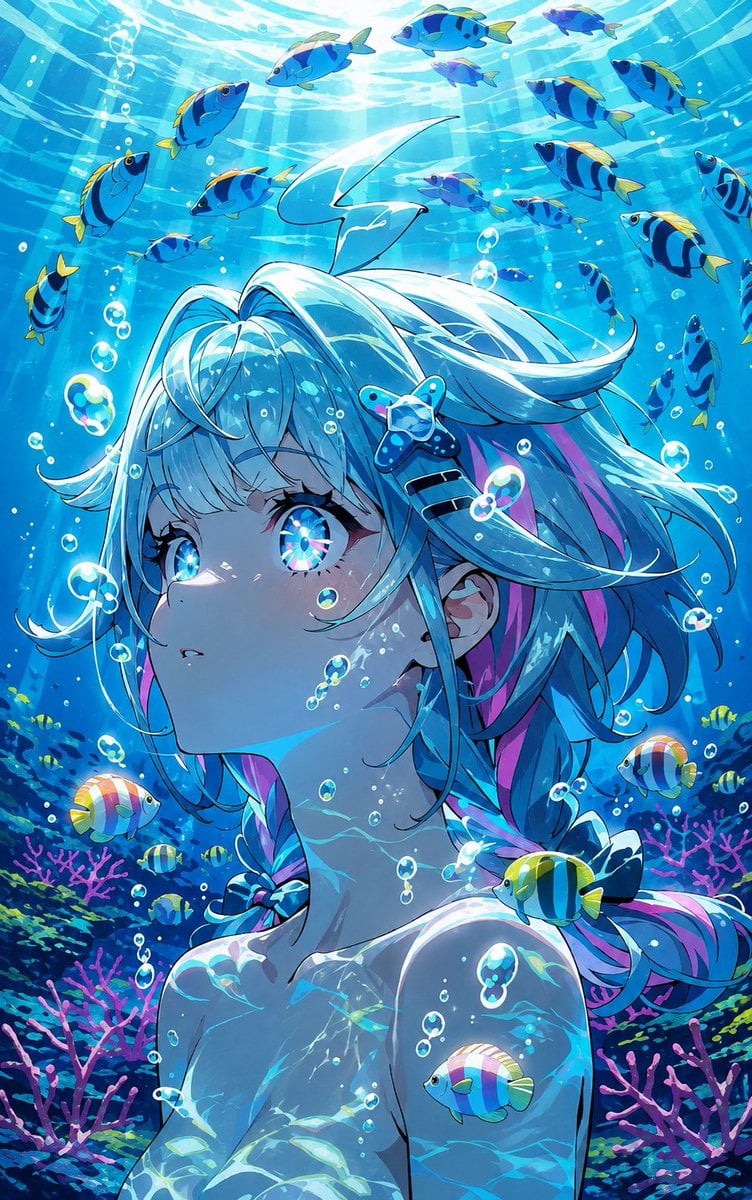
Underwater Anime Mermaid Portrait

Minecraft Homage Illustrious Style
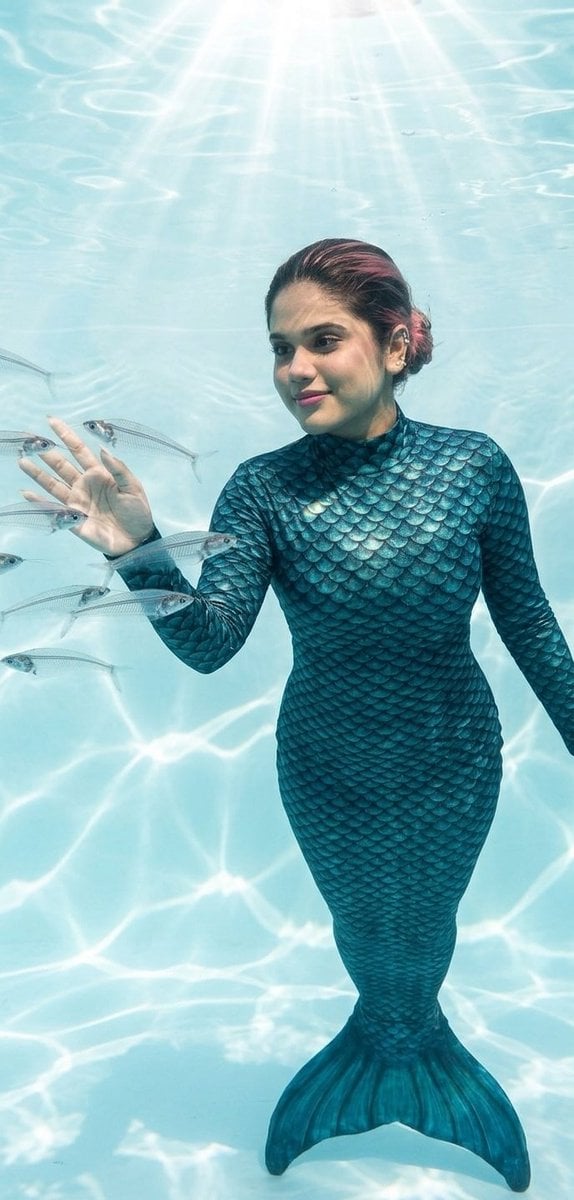
Mermaid in Crystal Clear Underwater Kingdom
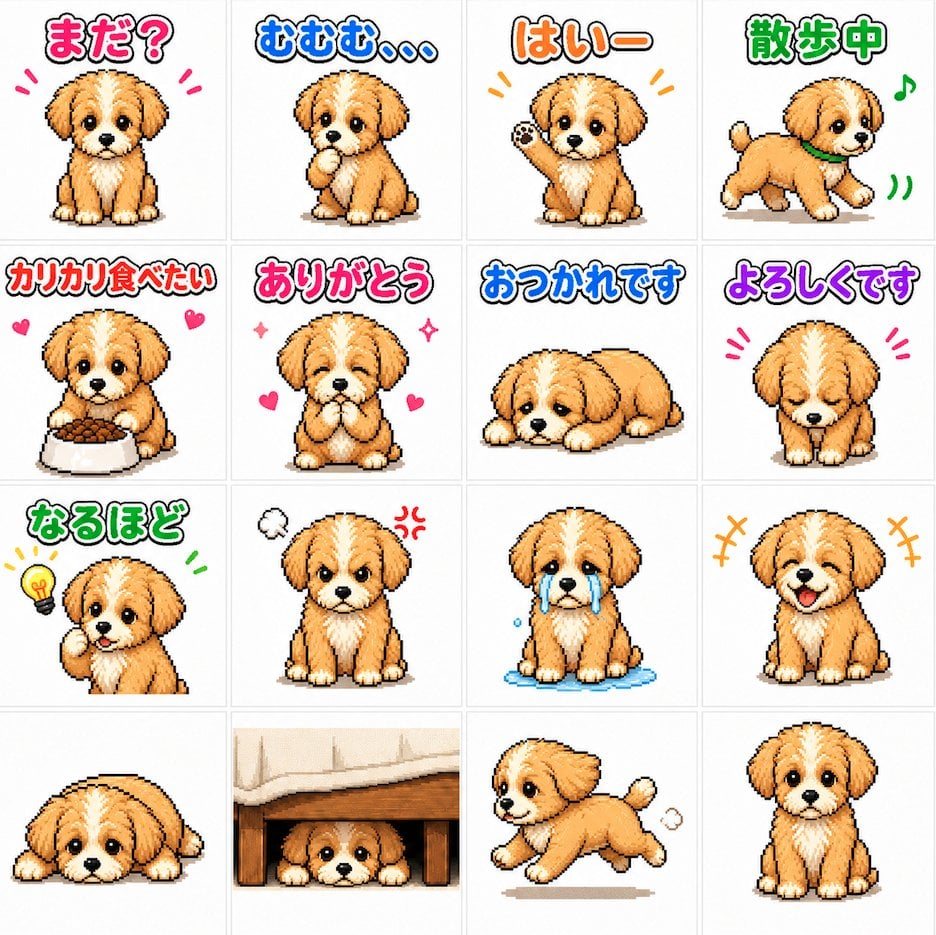
Cute Puppy LINE Sticker Grid
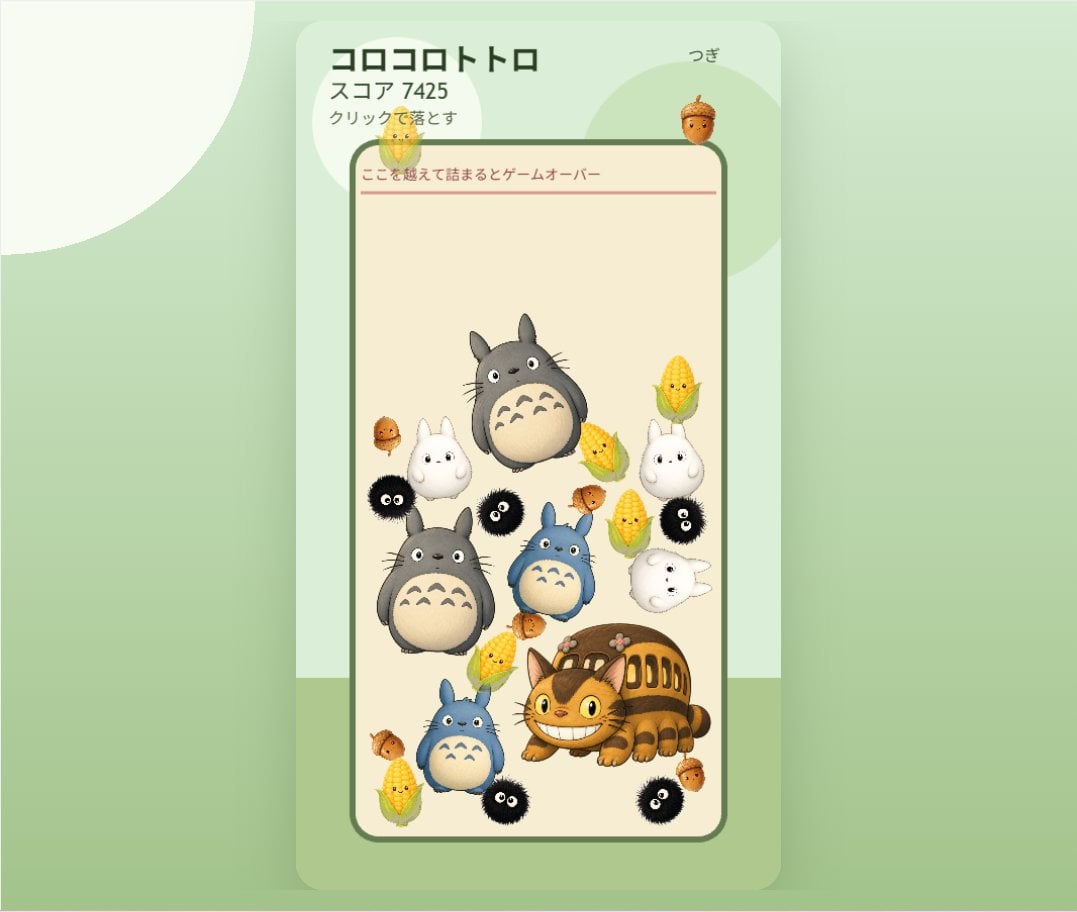
Cute Totoro Puzzle Game UI
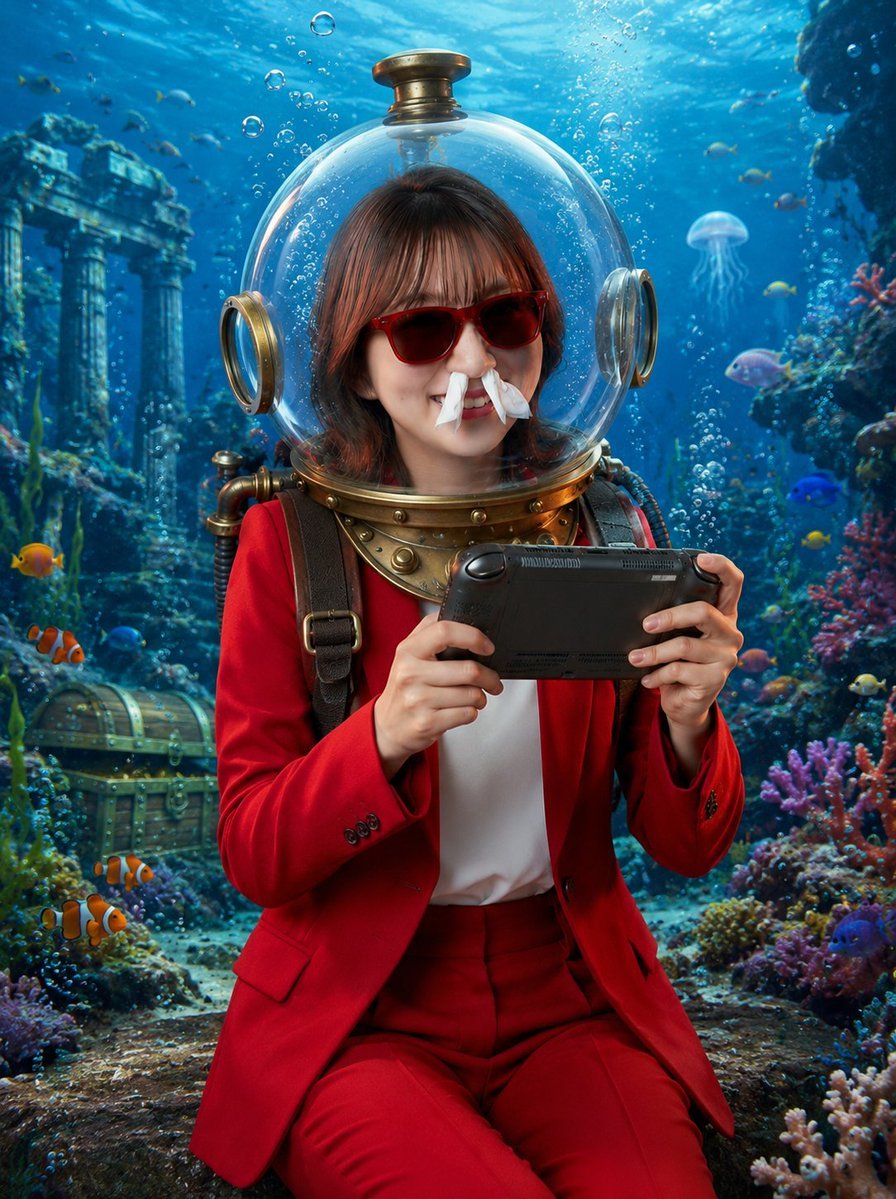
Underwater Gamer in Diving Helmet
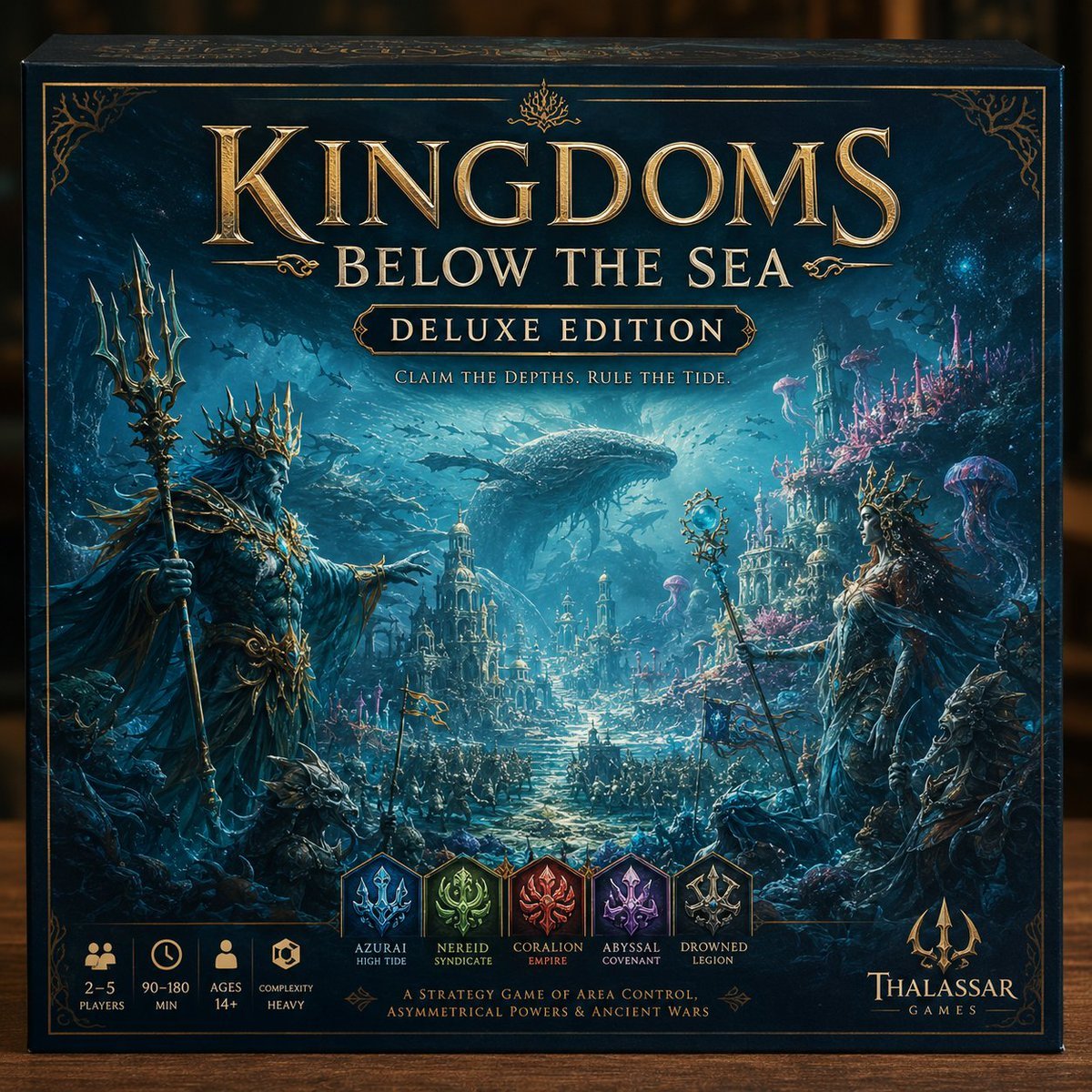
Deluxe Underwater Kingdom Board Game Box
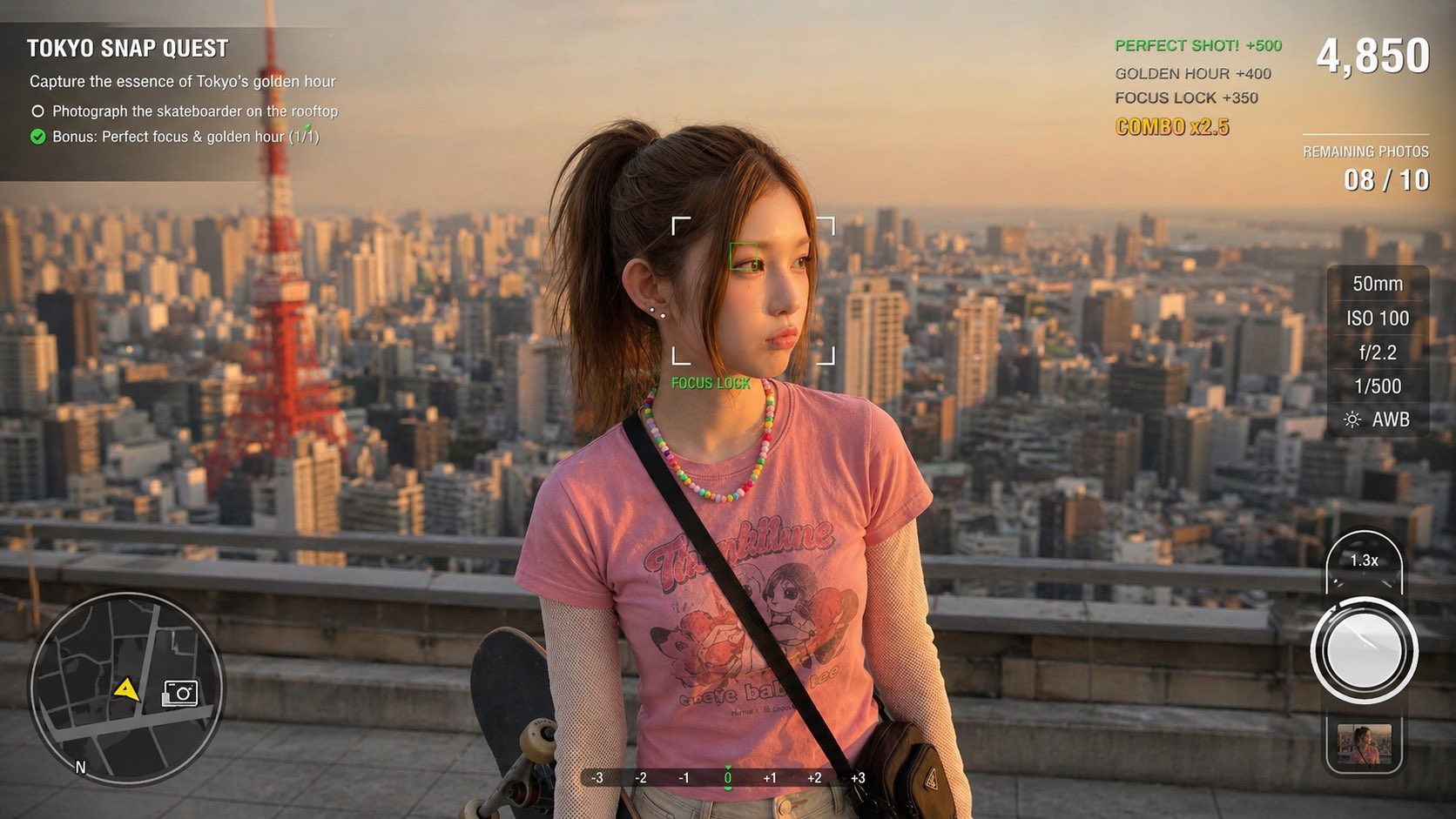
Photography Game Cinematic Capture

Cute Sticker
Make it yours
Cute Underwater Mermaid Puppy Game UI works as-is. These are the safest ways to change it without losing the look.
Change one field
Copy a single group, rewrite it, and generate again so you can see what that field is doing.
Keep the frame, change the subject
Hold the composition and light of Cute Underwater Mermaid Puppy Game UI, then swap wardrobe, props or the person for a new take.
| If the result… | Why | Fix |
|---|---|---|
| The result drifts from the preview | Too many fields changed at once. | Reuse Cute Underwater Mermaid Puppy Game UI as-is first, then change one group — subject, light, or setting. |
| The model over-stylizes the scene | The prose prompt leaves finish and camera underspecified. | Add one camera or lighting sentence and stay on GPT Image 2. |
More GPT Image 2 templates
Other prompts made for GPT Image 2.

Six VTuber Japanese Logo Sheet

Realistic Portrait of Woman and Deer

The Vista Modular Condo Poster

AI Model Routing Comparison Infographic

2.5D Anime Art Board

Isometric Productivity Desk Scene

New York Double Exposure Poster

Four-Panel AI Landscape Comparison

Japanese Tatami Lifestyle Magazine Cover

NESCAFÉ Coffee Map Poster
More image prompts
Fresh picks from across the catalog.
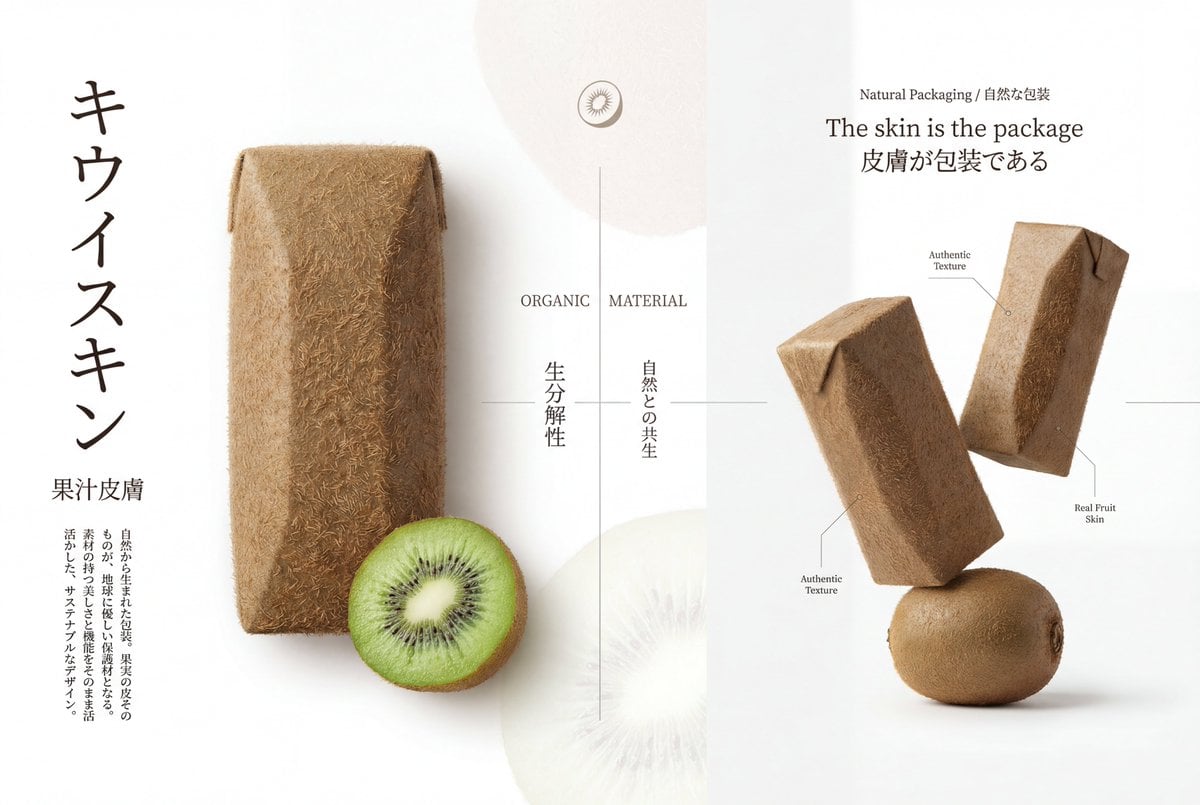
Premium Japanese-Style Kiwi Juice Skin Packaging Poster
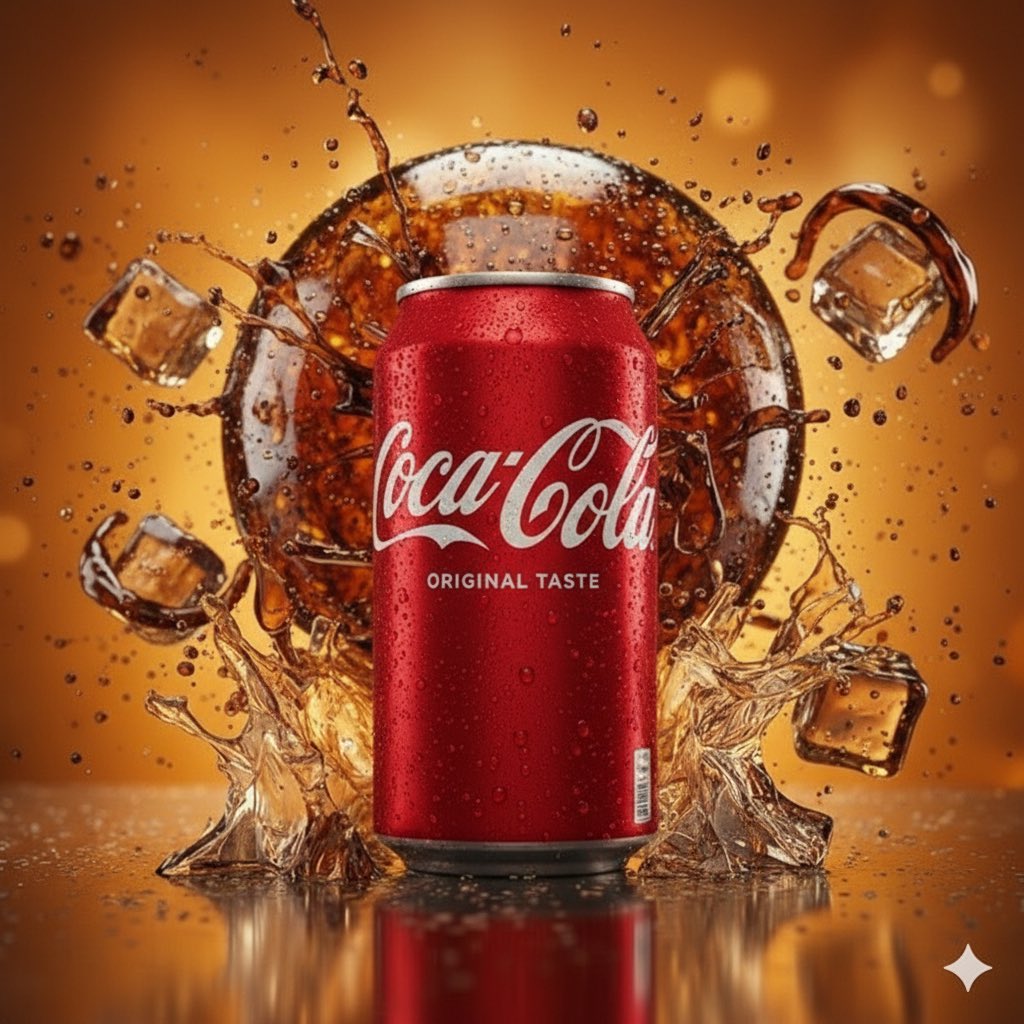
Coca-Cola Product and Lifestyle Shots
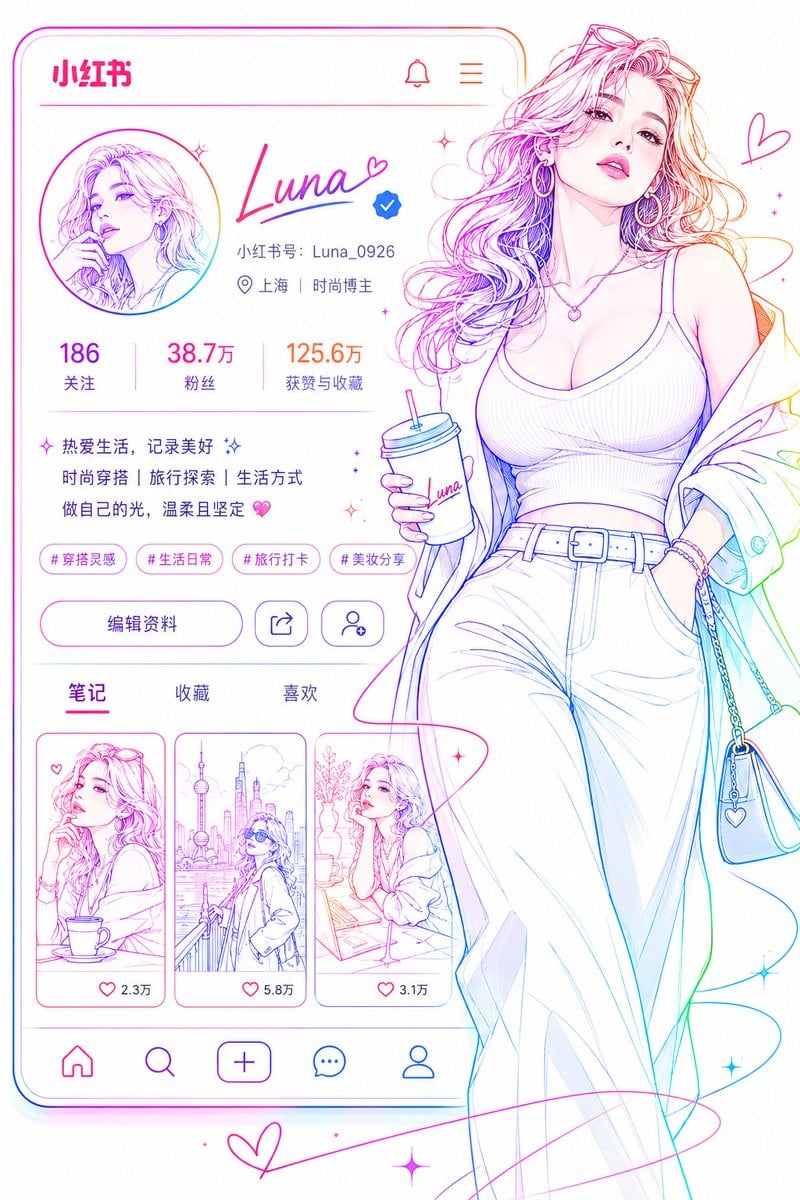
Social Media Profile Neon Line Art
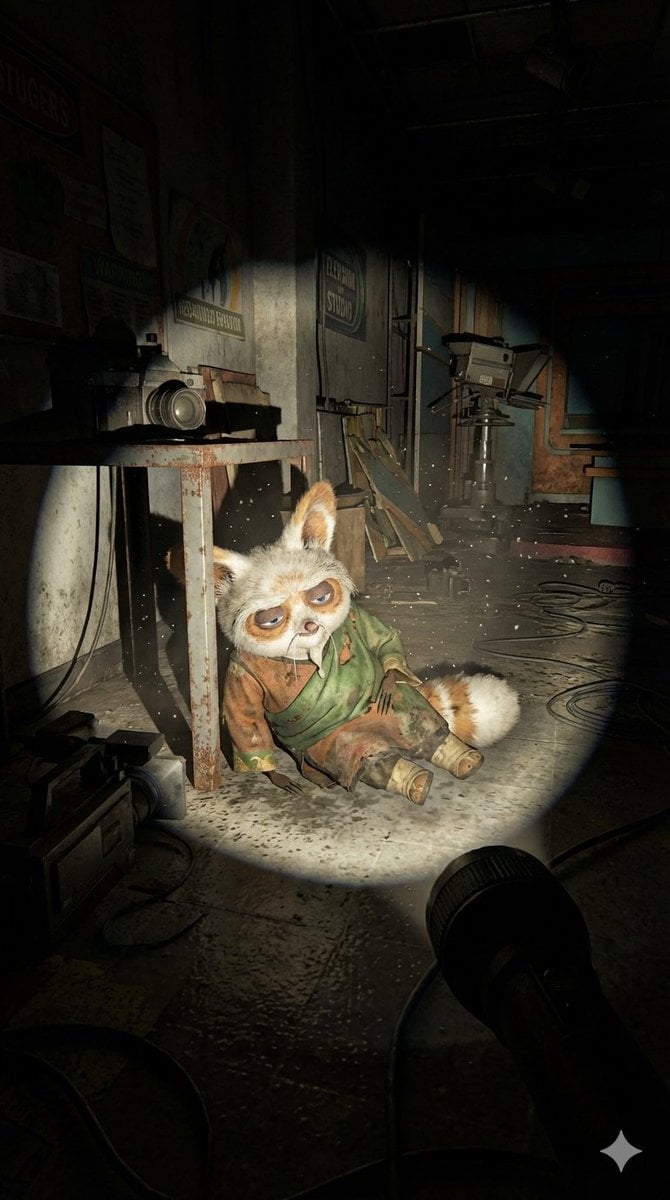
Abandoned Promotional Statue Conversion Prompt
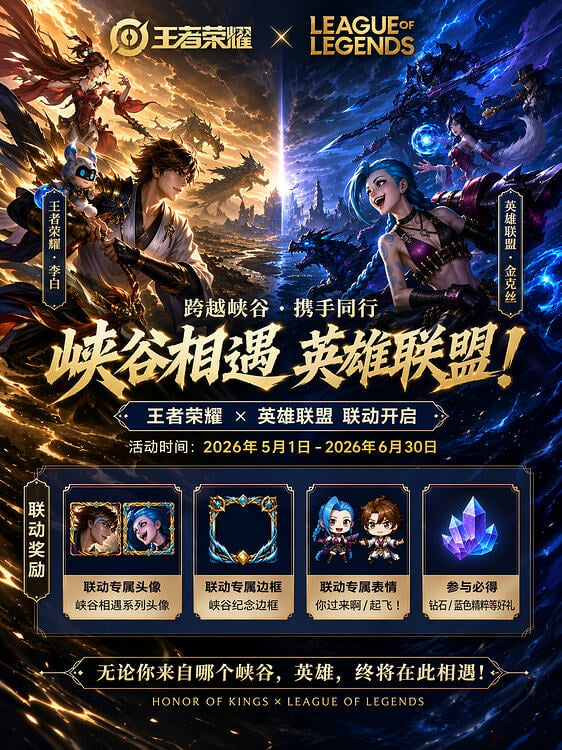
Game Crossover Promotional Poster
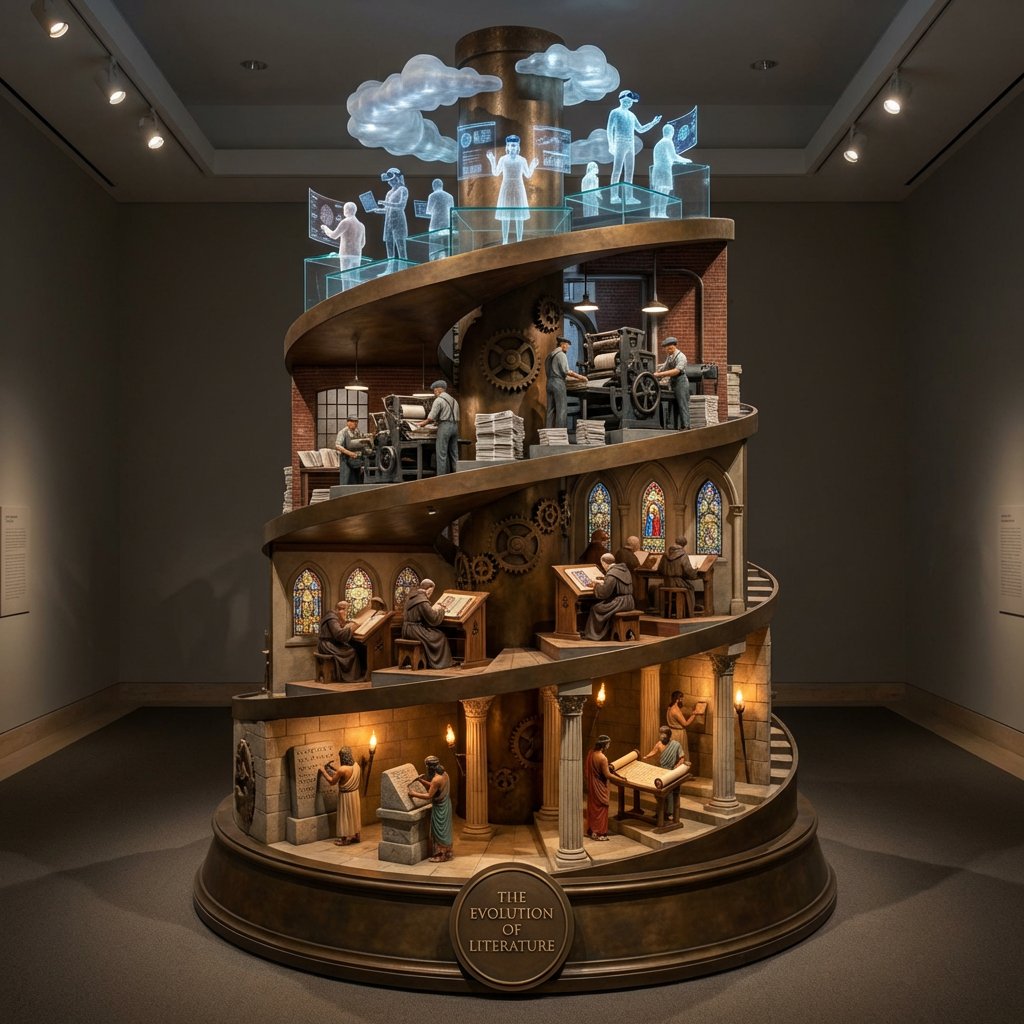
Helical Tower Sculpture Prompt for Visualizing Historical Evolution
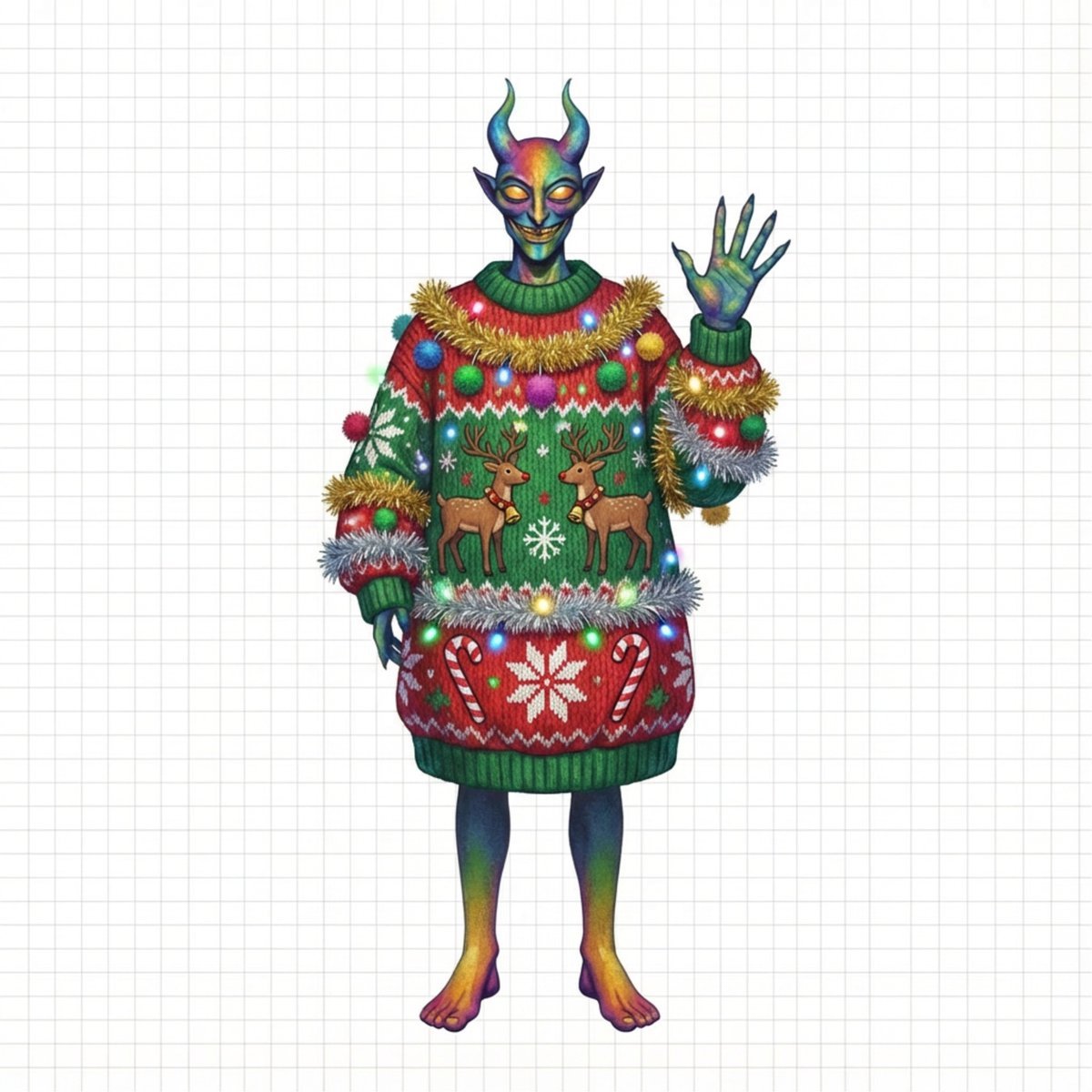
Ugly Christmas Sweater Prompt Template

High-Fashion Supercar Showroom Portrait

Apple keynote-style event scene from text
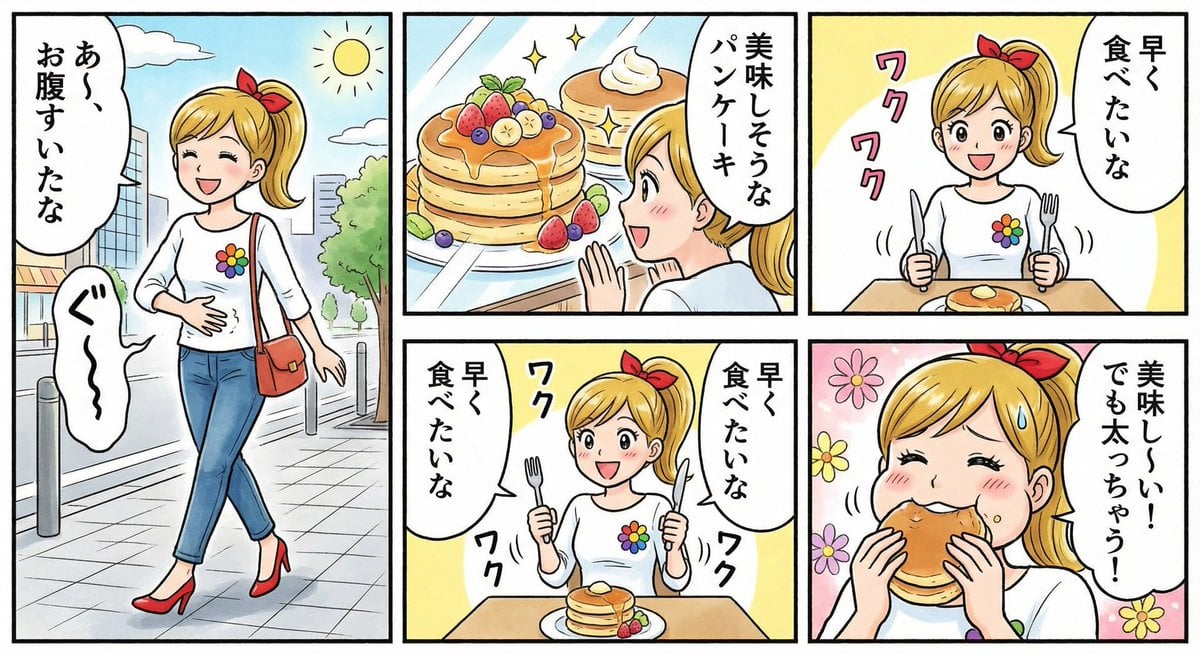
Four-panel manga about a hungry woman and pancakes
Browse template categories
Cute Underwater Mermaid Puppy Game UI questions
How do I use the Cute Underwater Mermaid Puppy Game UI template?
Add your photo if the template asks for one, edit the prompt if you like — the template's model and format are already selected — and press Generate. Your version opens in PicX Studio.
Can I customize the Cute Underwater Mermaid Puppy Game UI template?
Yes. You can change the subject, setting, lighting, mood, format, and available model controls before creating your image.
Is the Cute Underwater Mermaid Puppy Game UI template free?
Opening and editing this template is free. Generating uses credits, shown on the Generate button when you are signed in.
Which AI model should I use?
Start with GPT Image 2, which is the model associated with this template. You can compare another compatible model for a different finish.
Looking for something else? Browse all templates.

Your photo, any look
Thousands of ready templates for every top image and video model, from one credit balance.