
Underwater Anime Mermaid Portrait
A vivid vertical anime key-visual prompt for creating a luminous underwater girl surrounded by tropical fish, bubbles, coral, and sunlit ocean caustics.
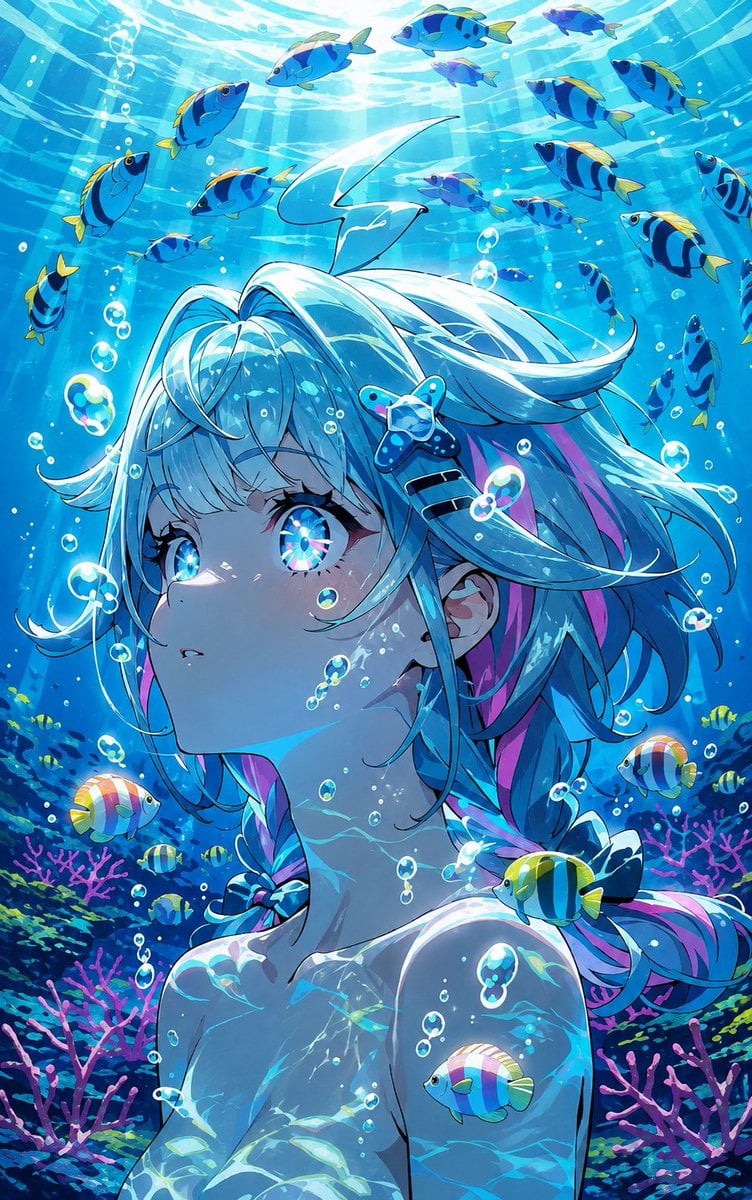
- Prompt included
- Model and format preset
- Free template
The prompt behind this image
Copy the exact prompt behind Underwater Anime Mermaid Portrait, or open it in the studio and make it yours.
Create a vivid vertical anime illustration of an underwater {argument name="character type" default="young mermaid-like girl"} gazing upward in wonder, shown from the chest up with her face in three-quarter profile. She has luminous {argument name="hair color" default="aqua-white hair with cyan and pink streaks"}, long flowing twin braids and loose strands drifting in the water, plus a starfish hair clip near one temple. Give her huge sparkling iridescent blue eyes with refracted rainbow highlights, soft pale skin, delicate eyelashes, and tiny air bubbles clinging to her cheeks and neck. Surround her with exactly 29 visible tropical fish: 18 blue-and-yellow striped fish swimming across the bright upper water, 5 small yellow-and-black fish near the coral, 3 round pastel rainbow fish, 2 tiny purple-blue fish, and 1 blue fish resting near her shoulder. Add many transparent bubbles of different sizes, shimmering caustic light patterns on her skin and hair, sun rays streaming from the water surface above, and a rich coral reef background with pink branching coral and dark blue-green sea plants. Use a highly polished anime key-visual style, saturated turquoise and cobalt palette, crisp line art, glossy highlights, dreamy magical atmosphere, strong underwater refraction, high detail, vertical portrait composition, no text, no watermark.
How to use Underwater Anime Mermaid Portrait in 3 steps
- 1Upload ImagePNG, JPG or paste
Add your photo
Upload the photo the template builds on. The prompt, model and format are already set.
- 2…a portrait of your subject in softgolden-hour light, 85mm…
Personalize
Edit the subject and creative details for your destination.
- 3Generate
Generate
Press Generate — your image is created in PicX Studio, so you can compare it with the original and refine one variable at a time.
More like this
Templates with the same subject, style or setup. Open one to see its prompt.

Cel 2D Underwater Reef

Found Photograph: Us, 1970

80s Couple Studio Portrait

80s Bollywood Star

80s Golden Hour Cinema

Me in 1985

1985 Studio Portrait
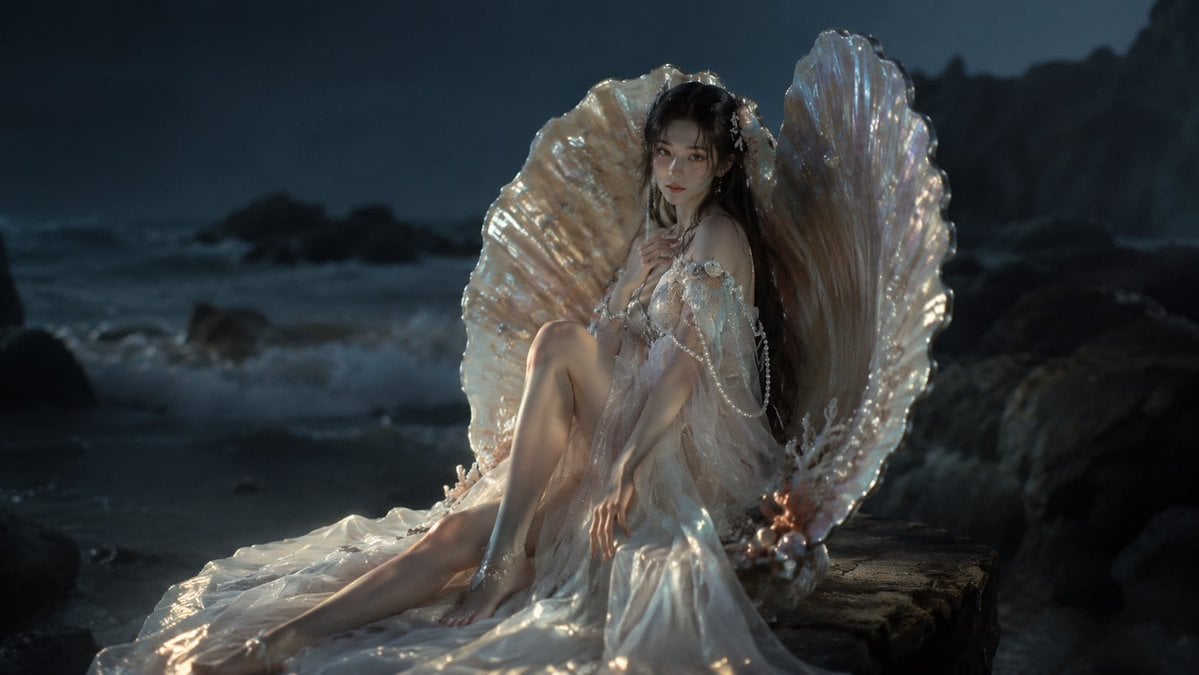
Moonlit Mermaid Shell Portrait

Underwater Macro Face Portrait

Hyper-Realistic Minecraft POV Portrait

Rooftop Fisheye — Cat-Ear Balaclava at Golden Hour
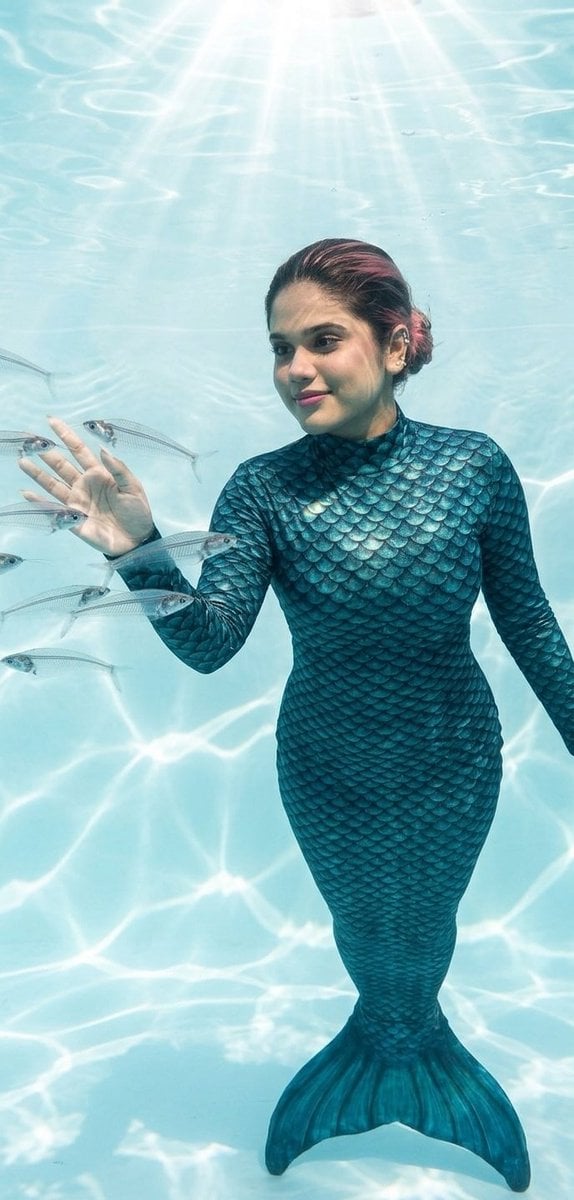
Mermaid in Crystal Clear Underwater Kingdom
Make it yours
Underwater Anime Mermaid Portrait works as-is. These are the safest ways to change it without losing the look.
Change one field
Copy a single group, rewrite it, and generate again so you can see what that field is doing.
Keep the frame, change the subject
Hold the composition and light of Underwater Anime Mermaid Portrait, then swap wardrobe, props or the person for a new take.
| If the result… | Why | Fix |
|---|---|---|
| The result drifts from the preview | Too many fields changed at once. | Reuse Underwater Anime Mermaid Portrait as-is first, then change one group — subject, light, or setting. |
| The model over-stylizes the scene | The prose prompt leaves finish and camera underspecified. | Add one camera or lighting sentence and stay on GPT Image 2. |
More GPT Image 2 templates
Other prompts made for GPT Image 2.

Six VTuber Japanese Logo Sheet

Realistic Portrait of Woman and Deer

The Vista Modular Condo Poster

AI Model Routing Comparison Infographic

2.5D Anime Art Board

Isometric Productivity Desk Scene

New York Double Exposure Poster

Four-Panel AI Landscape Comparison

Japanese Tatami Lifestyle Magazine Cover

NESCAFÉ Coffee Map Poster
More image prompts
Fresh picks from across the catalog.
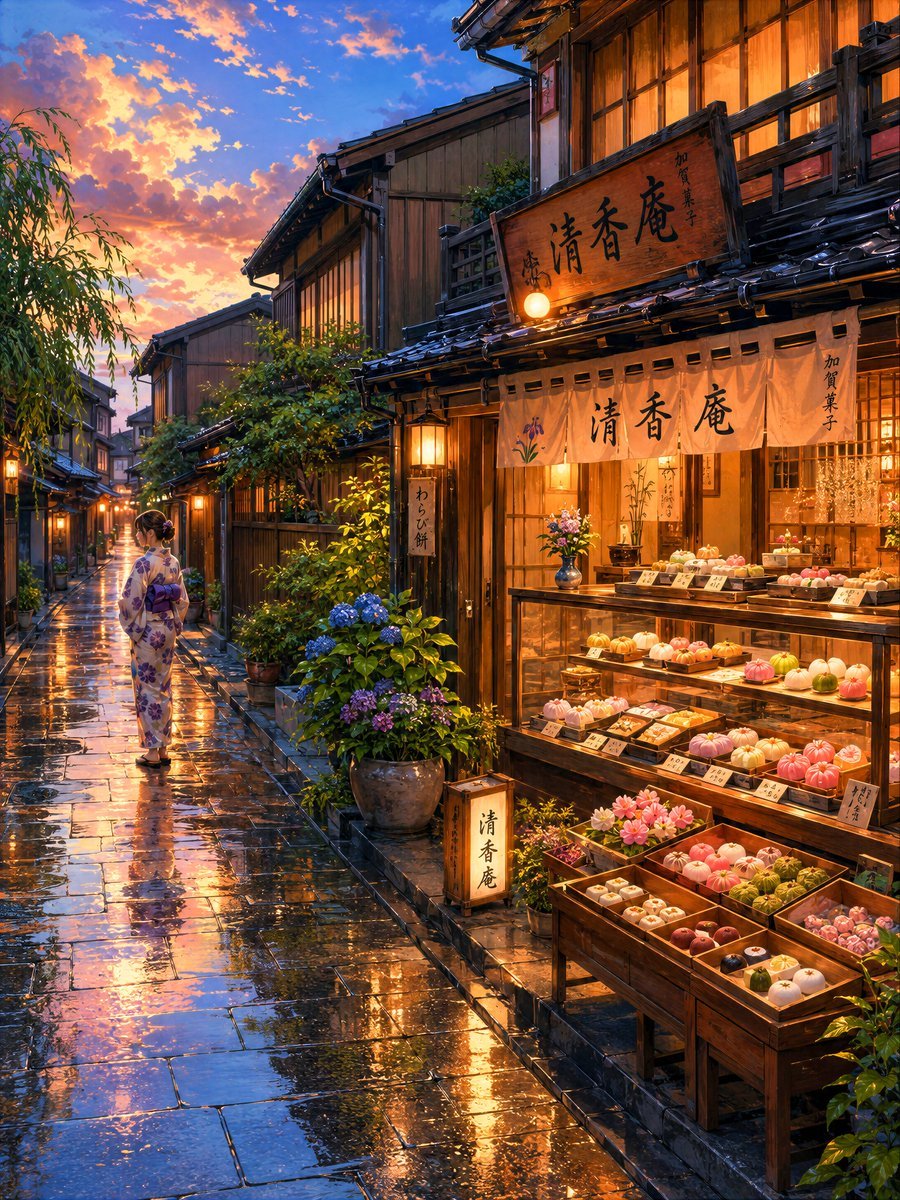
Cozy Evening Japanese Sweets Shop
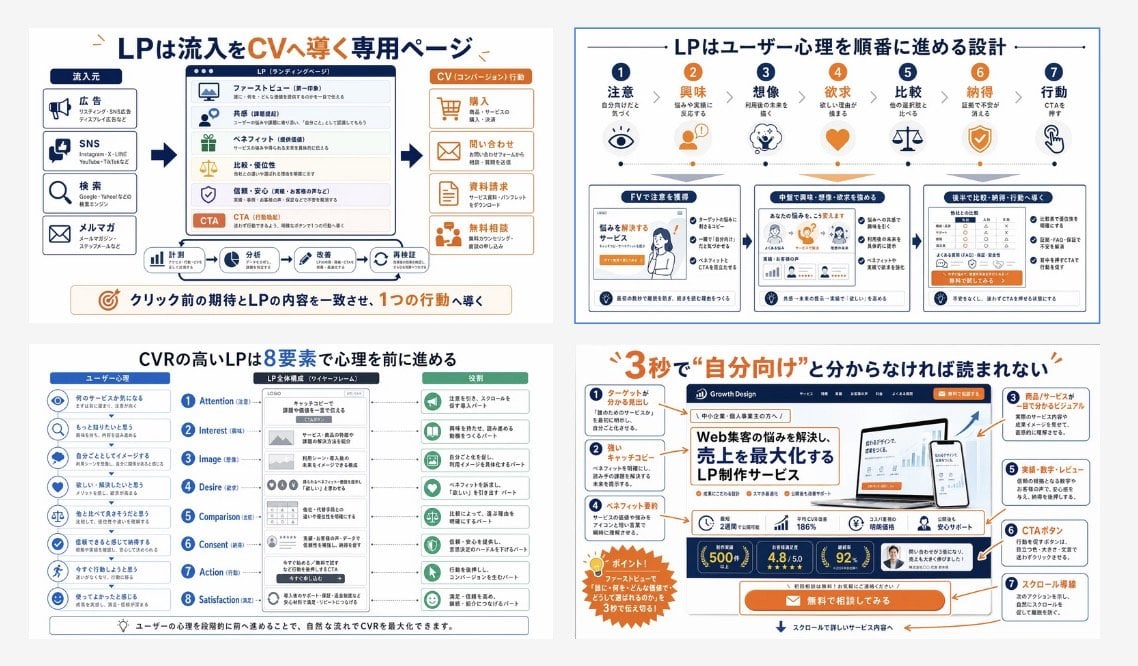
Japanese LP Conversion Infographic Grid

Highly Realistic Smartphone Selfie of a Woman

Monochromatic Beauty Lipstick Campaign
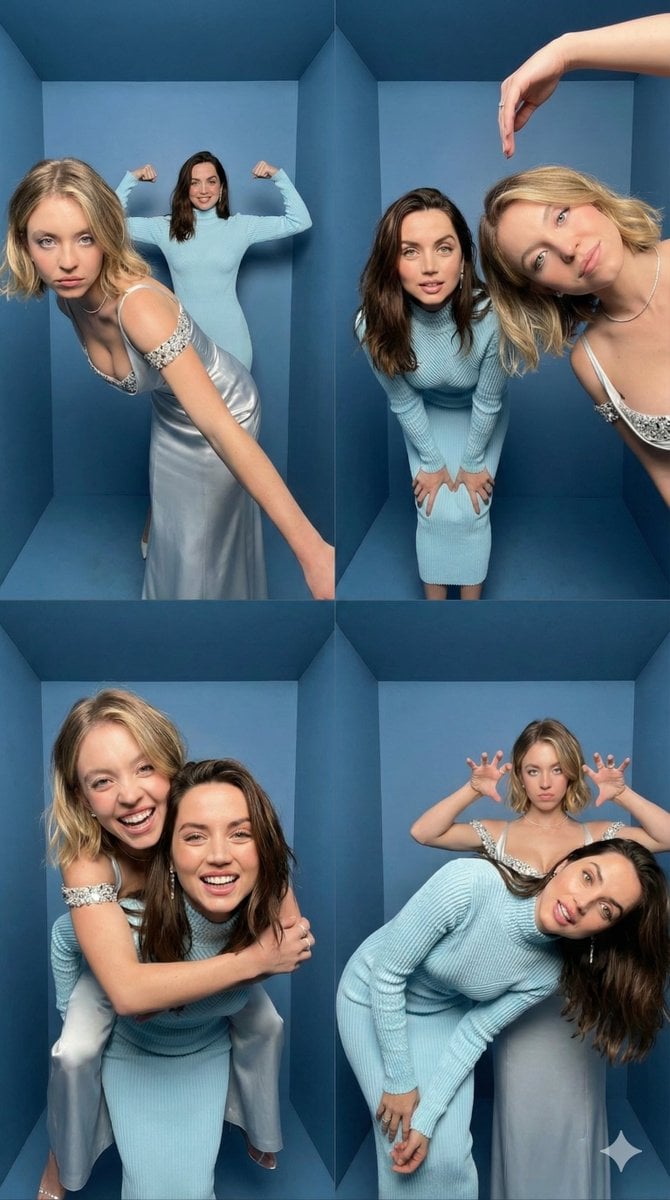
iPhone Photobooth Collage Prompt with Reference Lock
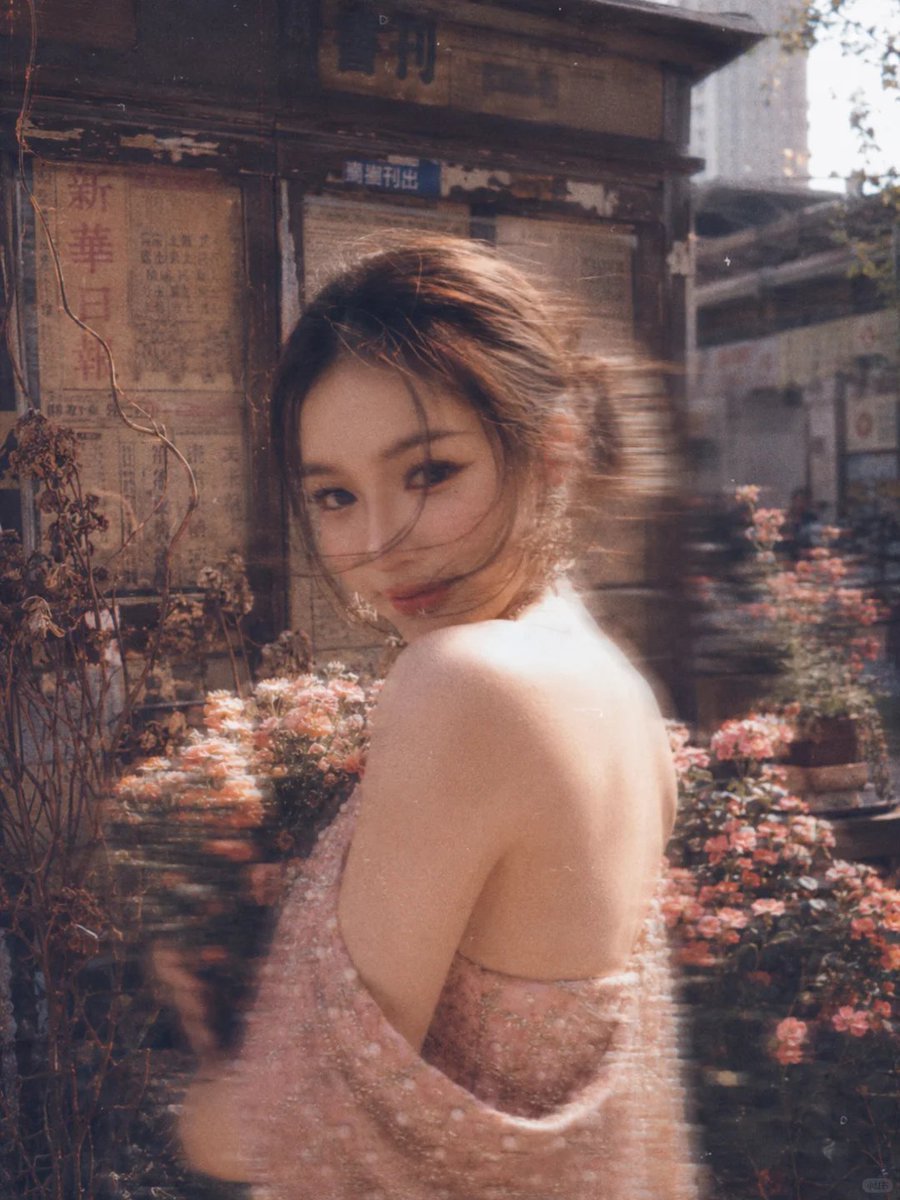
Vintage Film Style Portrait Transformation
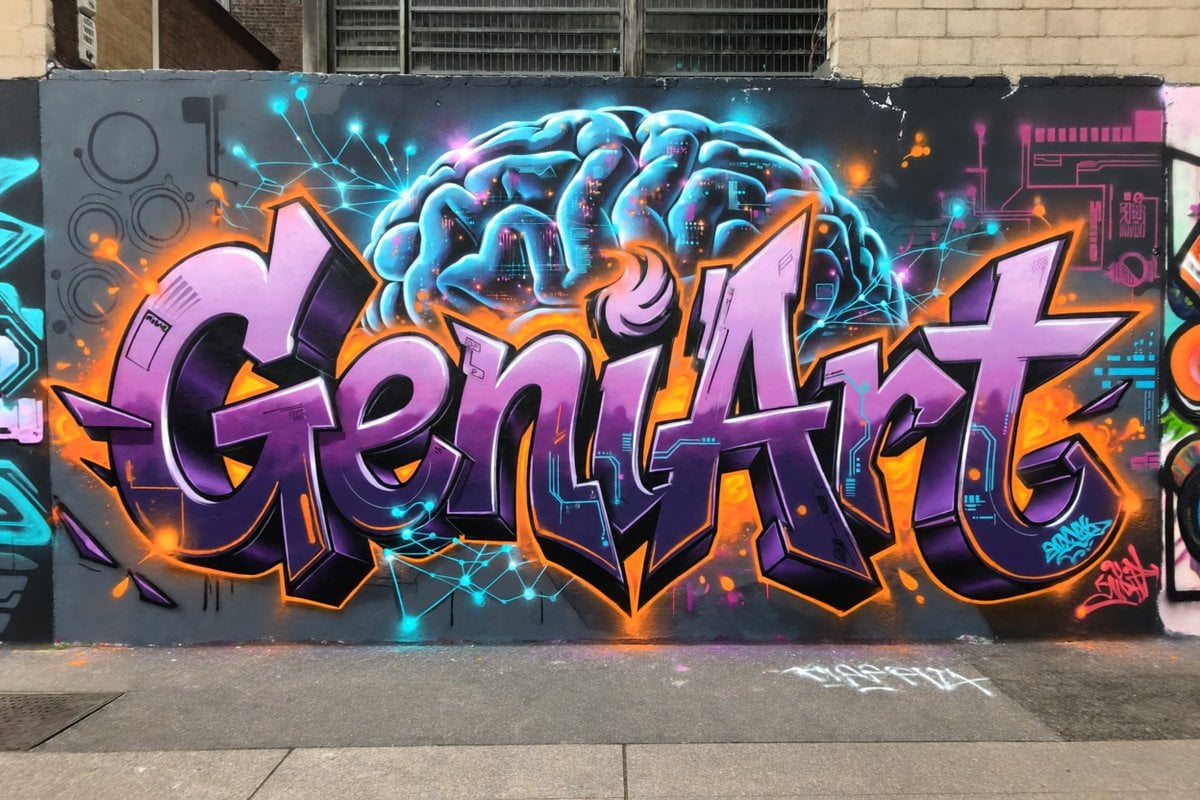
Neon Brain Graffiti Mural
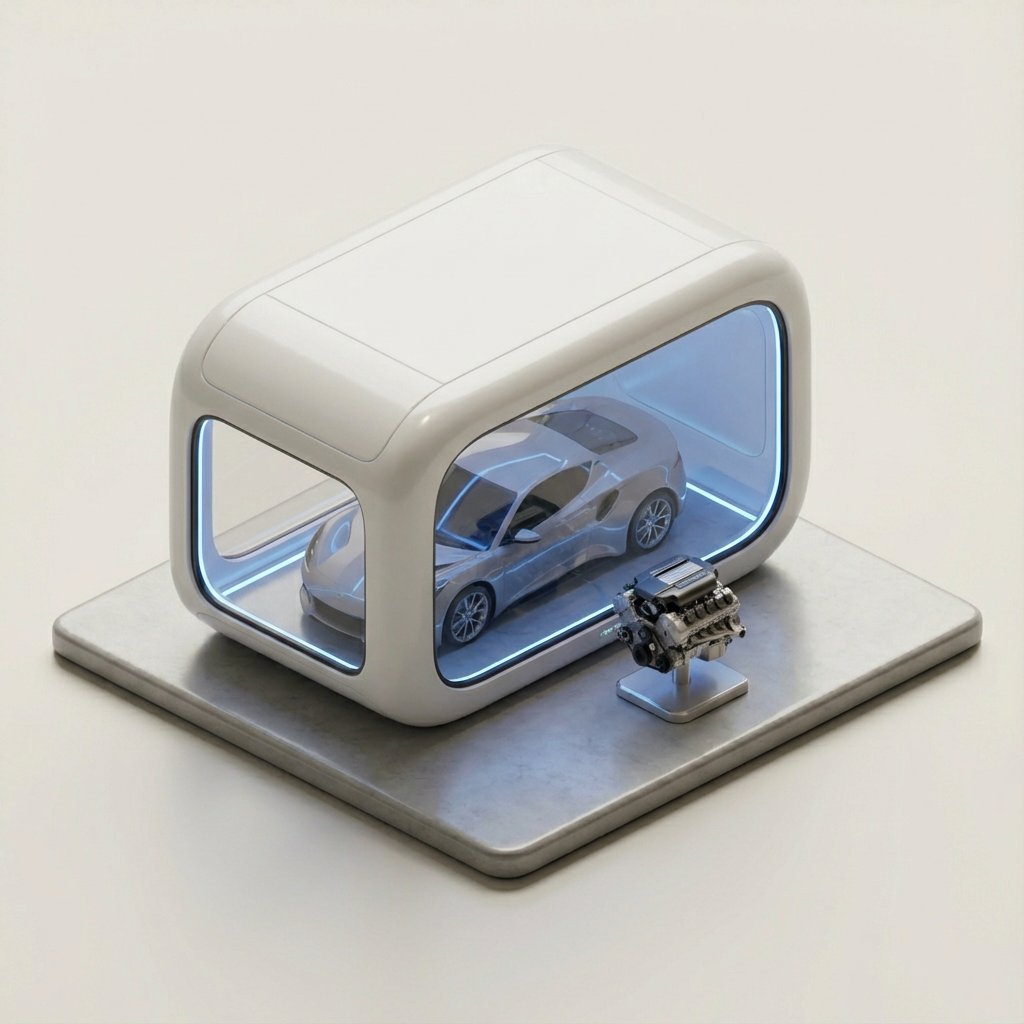
Minimalist 3D Isometric Car Showroom Model
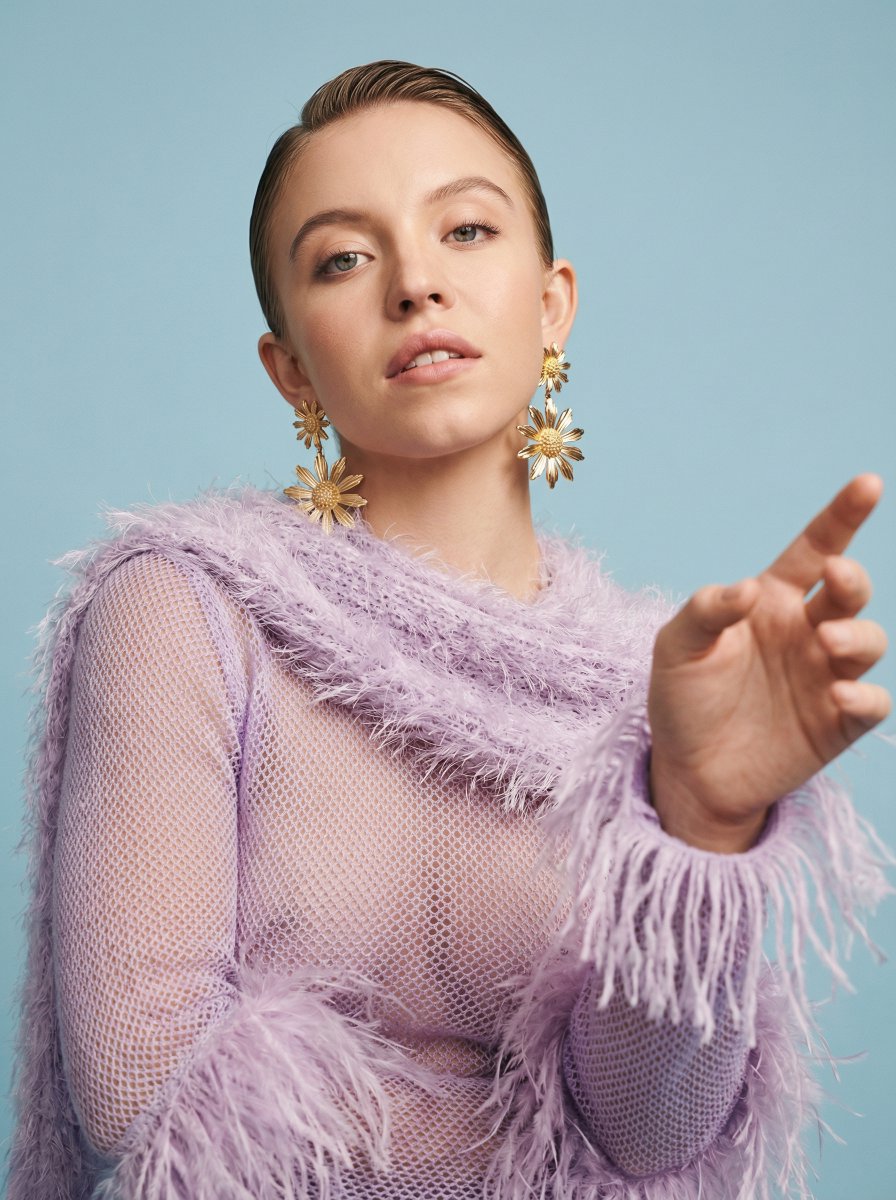
Photorealistic High-Fashion Editorial Portrait Prompt Template
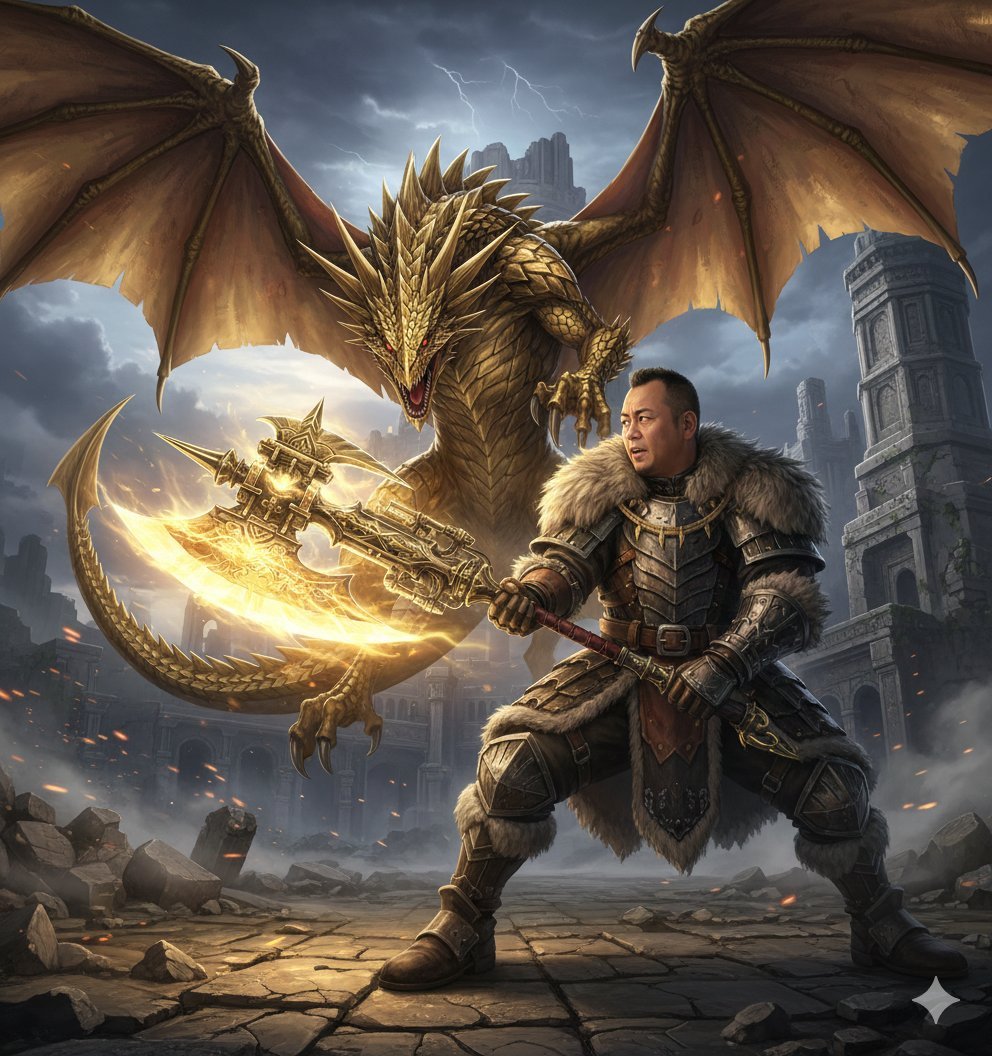
Nano Banana Pro Monster Hunter Battle Prompt
Browse template categories
Underwater Anime Mermaid Portrait questions
How do I use the Underwater Anime Mermaid Portrait template?
Add your photo if the template asks for one, edit the prompt if you like — the template's model and format are already selected — and press Generate. Your version opens in PicX Studio.
Can I customize the Underwater Anime Mermaid Portrait template?
Yes. You can change the subject, setting, lighting, mood, format, and available model controls before creating your image.
Is the Underwater Anime Mermaid Portrait template free?
Opening and editing this template is free. Generating uses credits, shown on the Generate button when you are signed in.
Which AI model should I use?
Start with GPT Image 2, which is the model associated with this template. You can compare another compatible model for a different finish.
Looking for something else? Browse all templates.

Your photo, any look
Thousands of ready templates for every top image and video model, from one credit balance.