
Japanese LP Conversion Infographic Grid
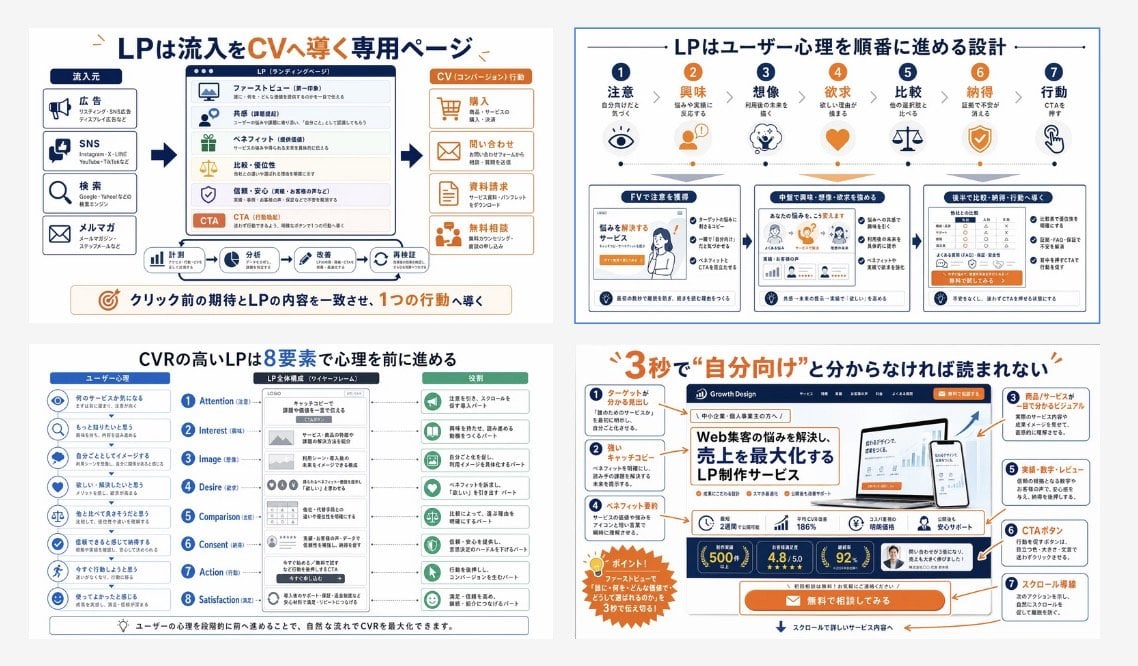
A four-panel Japanese educational infographic that explains landing page structure, user psychology, and conversion design for training materials or marketing presentations.
- Prompt included
- Model and format preset
- Free template
The prompt behind this image
Copy the exact prompt behind Japanese LP Conversion Infographic Grid, or open it in the studio and make it yours.
- Type
- Japanese landing page education infographic collage
- Style
- clean corporate training slide, flat vector infographic mixed with UI mockup thumbnails, white background, navy blue and orange accent palette, thin gray dividers, rounded boxes, clear iconography, presentation-ready
- Language
- Japanese
- Canvas › Aspect Ratio
- 16:9
- Canvas › Background
- light gray outer margin with four white infographic panels in a 2x2 grid
- Layout › Grid › Rows
- 2
- Layout › Grid › Columns
- 2
- Layout › Grid › Count
- 4
- Layout › Sections › 0 › Title
- An LP is a dedicated page that guides inflow into conversions
- Layout › Sections › 0 › Position
- top-left
- Layout › Sections › 0 › Count
- 4
- Layout › Sections › 0 › Labels
- Traffic source, LP (Landing Page), CV (Conversion) action, Align pre-click expectations with the LP content to guide the user toward a single action
- Layout › Sections › 1 › Title
- An LP is designed to move user psychology forward step by step
- Layout › Sections › 1 › Position
- top-right
- Layout › Sections › 1 › Count
- 7
- Layout › Sections › 1 › Labels
- Attention, Interest, Imagination, Desire, Comparison, Conviction, Action
- Layout › Sections › 2 › Title
- A high-CVR LP advances psychology through 8 elements
- Layout › Sections › 2 › Position
- bottom-left
- Layout › Sections › 2 › Count
- 8
- Layout › Sections › 2 › Labels
- Attention, Interest, Image, Desire, Comparison, Consent, Action, Satisfaction
- Layout › Sections › 3 › Title
- If it's not clear within 3 seconds that this is “for you,” it won't be read
- Layout › Sections › 3 › Position
- bottom-right
- Layout › Sections › 3 › Count
- 7
- Layout › Sections › 3 › Labels
- A headline that shows who it's for, Catchphrase, A visual that makes the product/service instantly understandable to anyone, Benefits and track record, Results, numbers, and reviews, CTA button, Scroll flow
Raw JSON
{"type":"Japanese landing page education infographic collage","style":"clean corporate training slide, flat vector infographic mixed with UI mockup thumbnails, white background, navy blue and orange accent palette, thin gray dividers, rounded boxes, clear iconography, presentation-ready","language":"Japanese","canvas":{"aspect_ratio":"16:9","background":"light gray outer margin with four white infographic panels in a 2x2 grid"},"layout":{"grid":{"rows":2,"columns":2,"count":4},"sections":[{"title":"An LP is a dedicated page that guides inflow into conversions","position":"top-left","count":4,"labels":["Traffic source","LP (Landing Page)","CV (Conversion) action","Align pre-click expectations with the LP content to guide the user toward a single action"]},{"title":"An LP is designed to move user psychology forward step by step","position":"top-right","count":7,"labels":["Attention","Interest","Imagination","Desire","Comparison","Conviction","Action"]},{"title":"A high-CVR LP advances psychology through 8 elements","position":"bottom-left","count":8,"labels":["Attention","Interest","Image","Desire","Comparison","Consent","Action","Satisfaction"]},{"title":"If it's not clear within 3 seconds that this is “for you,” it won't be read","position":"bottom-right","count":7,"labels":["A headline that shows who it's for","Catchphrase","A visual that makes the product/service instantly understandable to anyone","Benefits and track record","Results, numbers, and reviews","CTA button","Scroll flow"]}]},"panel_details":{"top_left":{"diagram_type":"conversion funnel explainer","source_count":4,"sources":["Ads","Social media","Search","Email newsletter"],"lp_module_count":6,"lp_modules":["First view (hero section)","Empathy","Benefits","Comparison/advantages","Trust and reassurance","CTA"],"conversion_count":4,"conversions":["Purchase","Inquiry","Request materials","Free consultation"],"footer_flow_count":5,"footer_flows":["Measurement","Analysis","Improvement proposal","Implementation request","Re-verification"]},"top_right":{"diagram_type":"user psychology progression with icons and three sample LP thumbnails","step_count":7,"steps":[{"label":"Attention","icon":"eye"},{"label":"Interest","icon":"person"},{"label":"Imagination","icon":"head with spark"},{"label":"Desire","icon":"heart"},{"label":"Comparison","icon":"scales"},{"label":"Conviction","icon":"shield check"},{"label":"Action","icon":"hand clicking"}],"sample_card_count":3,"sample_cards":["Capture attention in the first view (FV)","Deepen interest, imagination, and desire in the middle section","Guide comparison, conviction, and action toward the end" ]},"bottom_left":{"diagram_type":"8-step CVR framework","left_column_count":8,"left_column":"user psychology prompts with blue circular icons","center_column_count":8,"center_column":"LP structure blocks aligned to each stage inside a smartphone-like wireframe","right_column_count":8,"right_column":"green action or reading-state outcomes for each stage","header_labels_count":3,"header_labels":["User psychology","Overall LP structure (wireframe)","Role"]},"bottom_right":{"diagram_type":"annotated LP hero critique","headline":"{argument name=\"headline text\" default=\"If it's not clear in 3 seconds that this is \"for you\", it won't be read\"}","annotation_count":7,"annotations":["A headline that shows who it's for","Catchphrase","A visual that makes the product/service instantly understandable to anyone","Benefits and track record","Results, numbers, and reviews","CTA button","Scroll flow"],"mockup_brand":"{argument name=\"brand name\" default=\"Growth Design\"}","mockup_headline":"{argument name=\"mockup headline\" default=\"An LP production service that solves your web-traffic problems and maximizes sales\"}","device_count":2,"devices":["desktop monitor","smartphone"],"metric_badge_count":3,"metric_badges":["500+","4.8/5.0","92%"],"cta_text":"{argument name=\"CTA text\" default=\"Try a free consultation\"}"}},"visual_notes":{"icon_style":"simple line and flat icons in navy, orange, and muted green","typography":"bold Japanese sans-serif headlines, smaller readable body text, emphasis in orange for key words and numbers","composition":"dense but orderly educational poster, each panel framed separately with consistent spacing","quality":"sharp, high-resolution slide suitable for social media post or training manual cover","avoid":"photorealism, messy hand-drawn look, dark background, 3D rendering"}}How to use Japanese LP Conversion Infographic Grid in 3 steps
- 1Upload ImagePNG, JPG or paste
Add your photo
Upload the photo the template builds on. The prompt, model and format are already set.
- 2…a portrait of your subject in softgolden-hour light, 85mm…
Personalize
Edit the subject and creative details for your destination.
- 3Generate
Generate
Press Generate — your image is created in PicX Studio, so you can compare it with the original and refine one variable at a time.
More like this
Templates with the same subject, style or setup. Open one to see its prompt.

Gpt2 Infographic Edu Visual Japanese Sci Fi Suit Up Process Board

Minecraft Japanese Research Lab Exploration

Japan Travel Brochure Poster
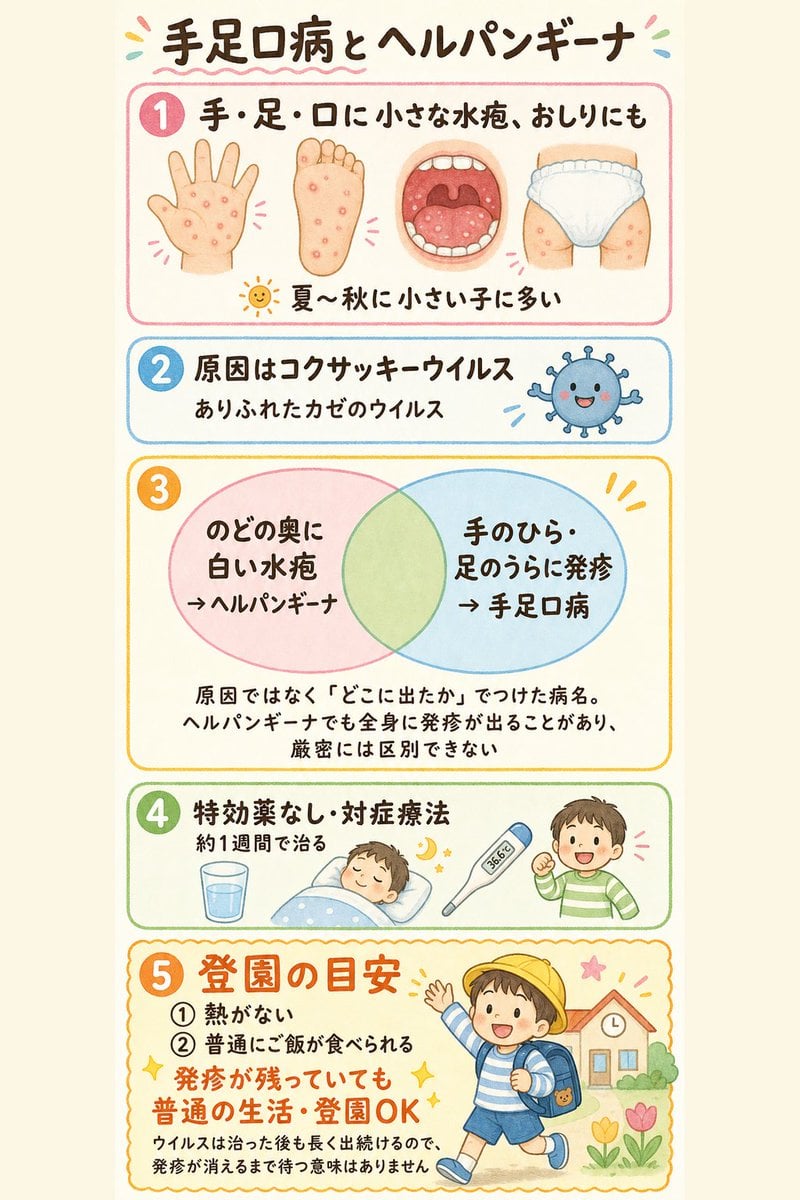
Japanese Pediatric Disease Infographic
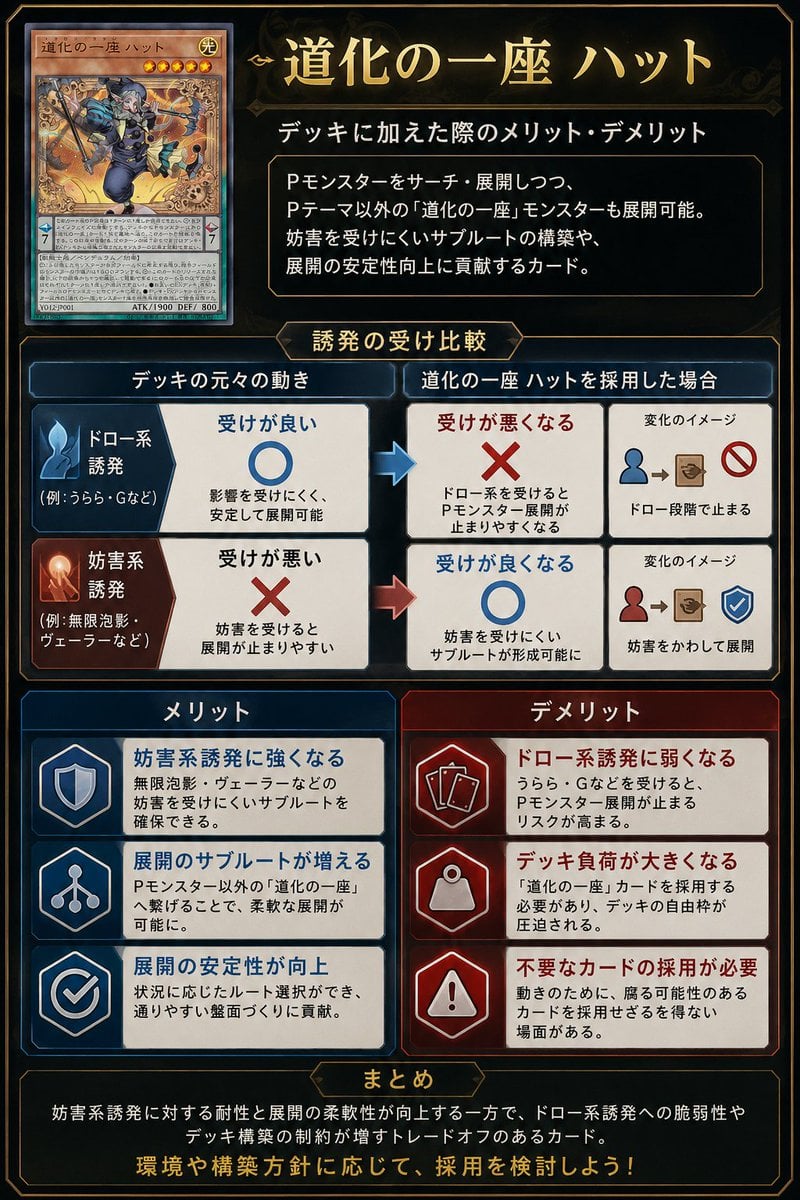
Japanese TCG Strategy Infographic
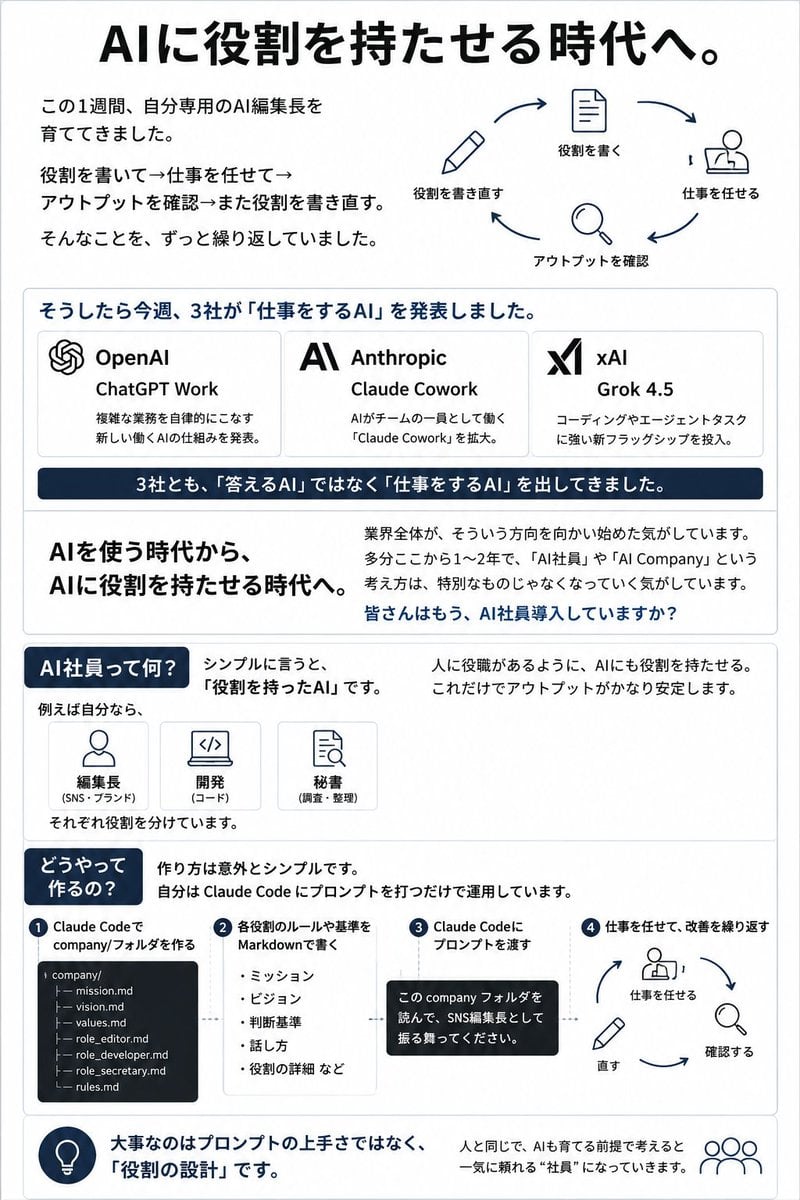
Japanese AI Employee Infographic
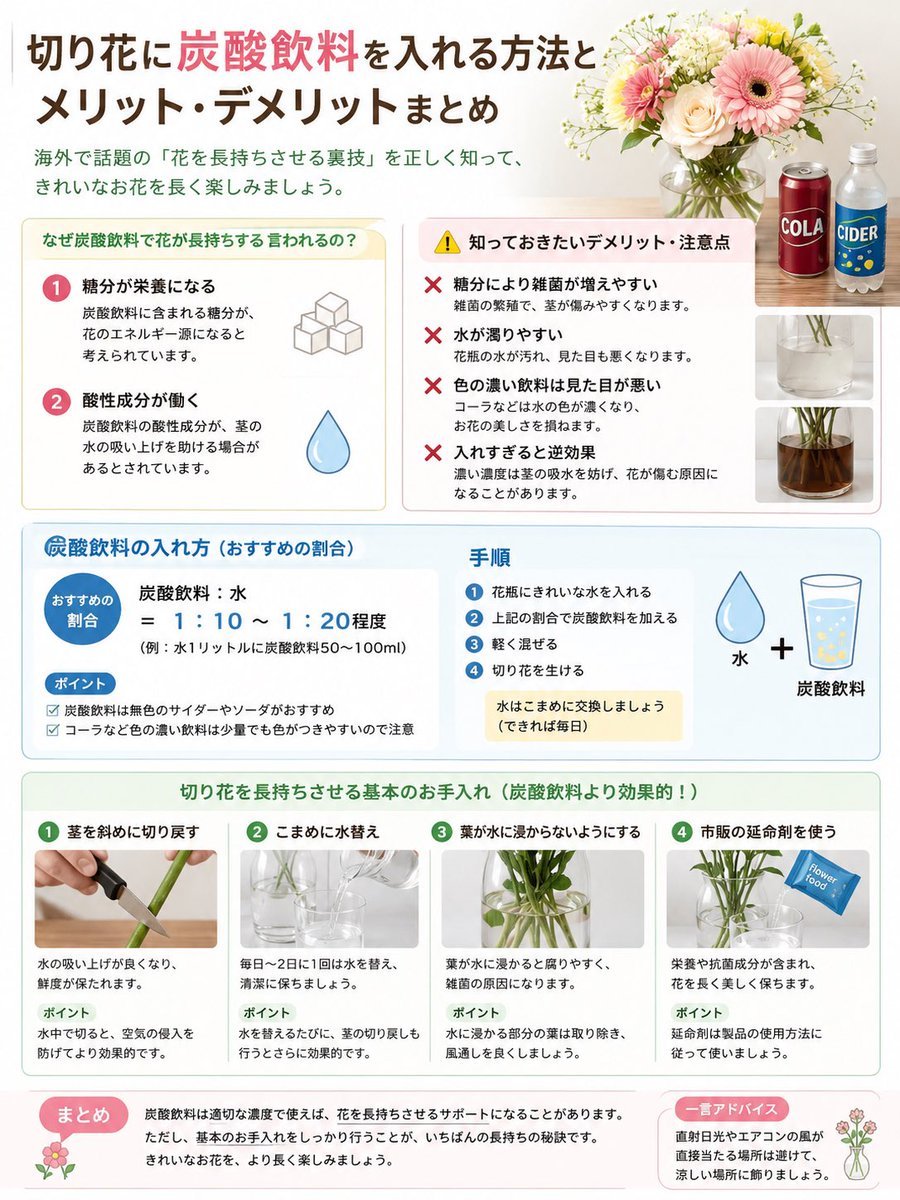
Japanese Cut Flower Soda Care Infographic
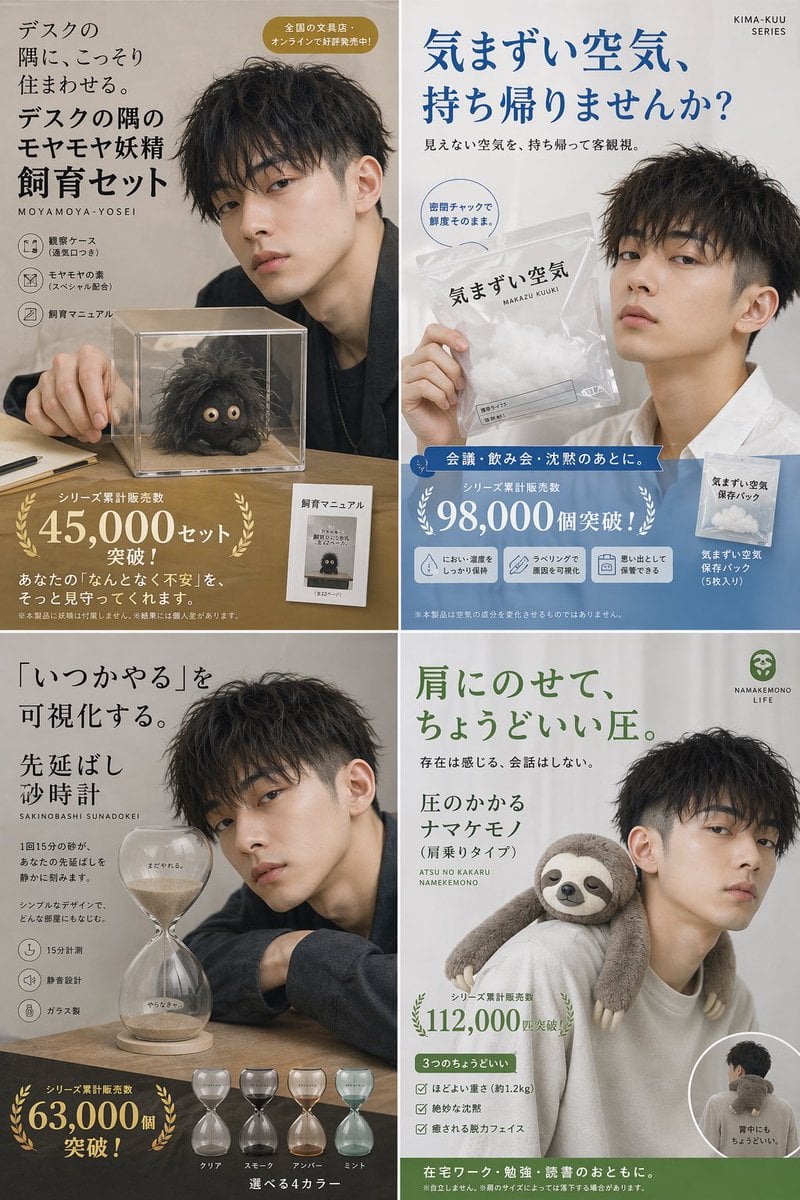
Japanese Absurd Lifestyle Ad Grid

Japanese Architectural Concrete Studio Fashion Campaign

Japanese Minimalist Concrete Studio Fashion Editorial

Korean Luxury Fashion Editorial 2x2 Grid Series

Blue Backdrop Luxury Fashion Portrait Campaign
Make it yours
Japanese LP Conversion Infographic Grid works as-is. These are the safest ways to change it without losing the look.
Swap the setting
Keep the rest of the prompt and replace the location block. The current setting is “light gray outer margin with four white infographic panels in a 2x2 grid”.
Change one field
Copy a single group, rewrite it, and generate again so you can see what that field is doing.
Keep the frame, change the subject
Hold the composition and light of Japanese LP Conversion Infographic Grid, then swap wardrobe, props or the person for a new take.
| If the result… | Why | Fix |
|---|---|---|
| The result drifts from the preview | Too many fields changed at once. | Reuse Japanese LP Conversion Infographic Grid as-is first, then change one group — subject, light, or setting. |
| GPT Image 2 ignores part of the JSON | Some models flatten or skip nested keys. | Keep the same values and paste them as a short paragraph instead. |
More GPT Image 2 templates
Other prompts made for GPT Image 2.

Six VTuber Japanese Logo Sheet

Realistic Portrait of Woman and Deer

The Vista Modular Condo Poster

AI Model Routing Comparison Infographic

2.5D Anime Art Board

Isometric Productivity Desk Scene

New York Double Exposure Poster

Four-Panel AI Landscape Comparison

Japanese Tatami Lifestyle Magazine Cover

NESCAFÉ Coffee Map Poster
More image prompts
Fresh picks from across the catalog.
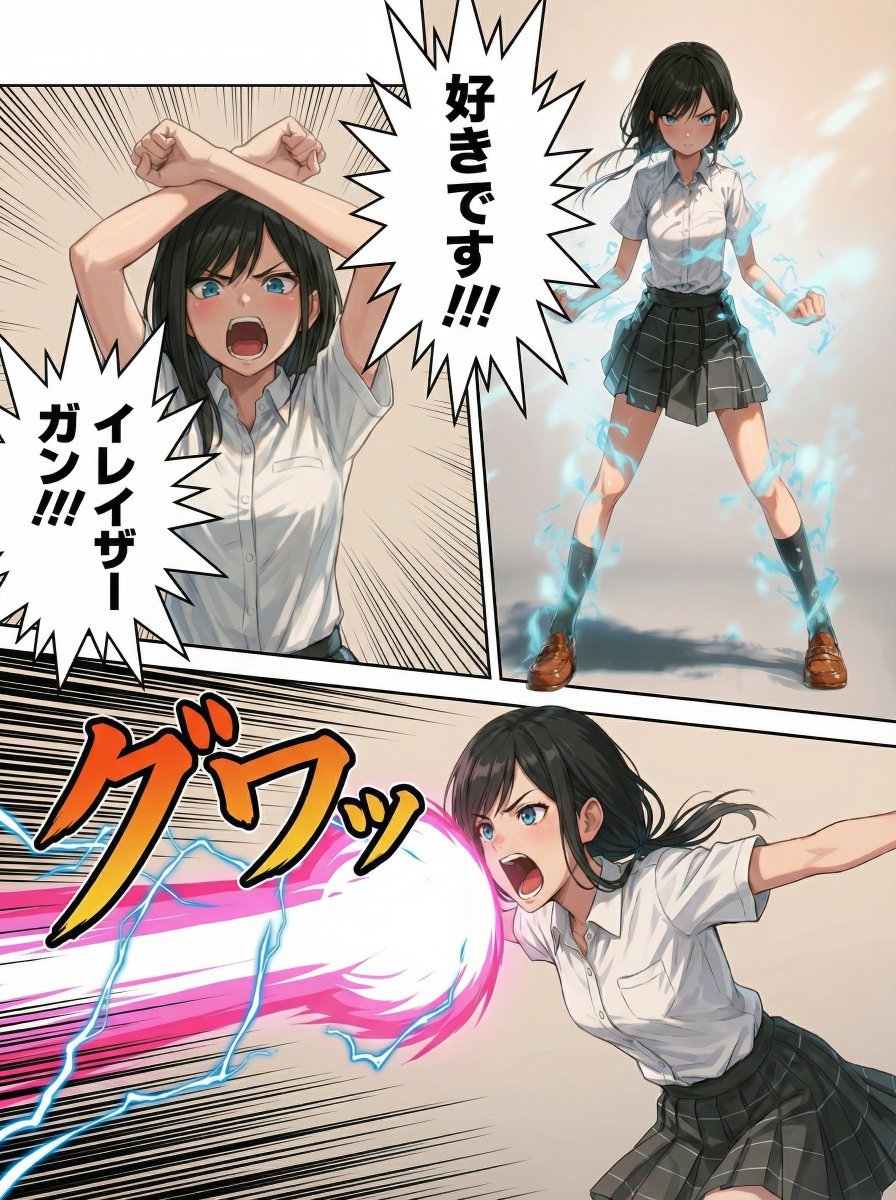
Eraser Gun Style Prompt for Nano Banana Pro (Fighting Pose Stage)

Low-Angle Anime Summer Hand Reach

Surreal Video: Still Subject in Chaotic Flood
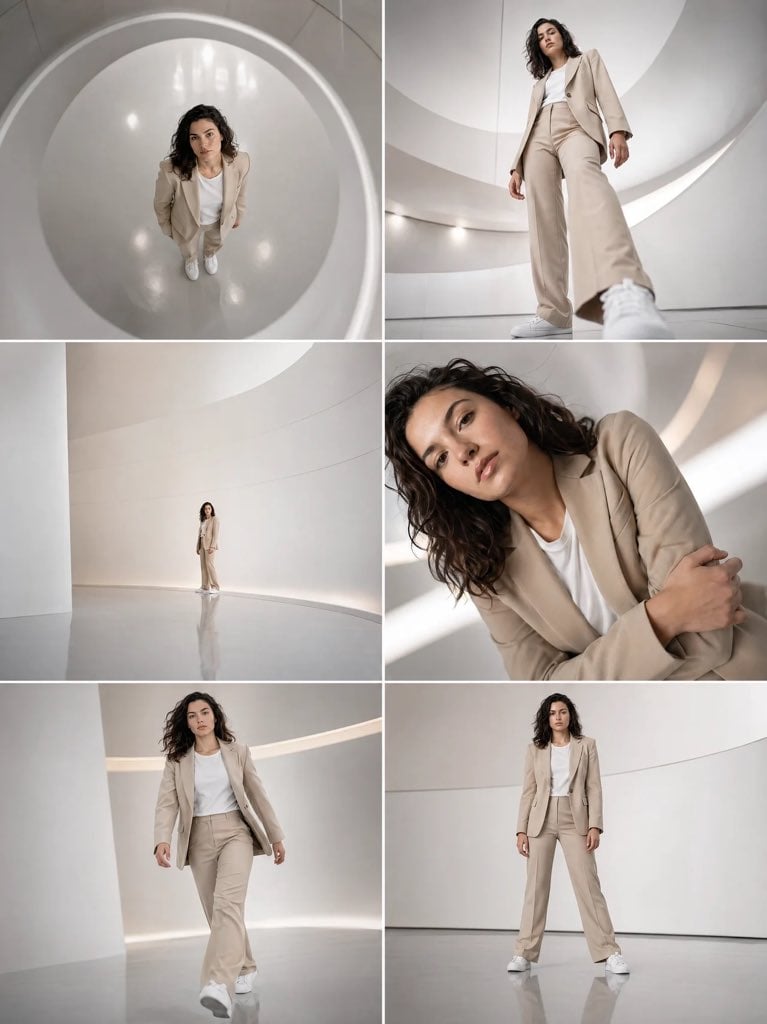
Futuristic Beige Suit Editorial Collage

Editorial Street Photography Candid Capture

Anime Scholars with Cosmic Holograms

Granular Gym Mirror Selfie Prompt
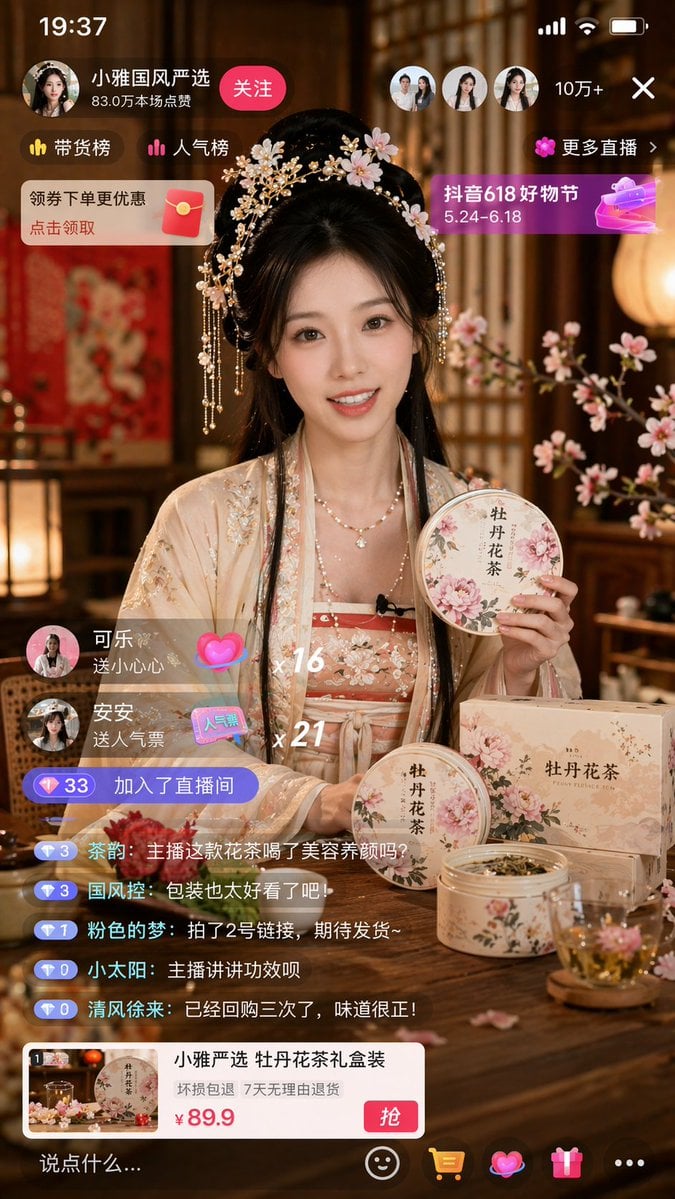
E-commerce Live Stream UI Mockup

Red Thread Caricature Oil Painting

Vintage Photo Restoration to DSLR Quality Prompt
Browse template categories
Japanese LP Conversion Infographic Grid questions
How do I use the Japanese LP Conversion Infographic Grid template?
Add your photo if the template asks for one, edit the prompt if you like — the template's model and format are already selected — and press Generate. Your version opens in PicX Studio.
Can I customize the Japanese LP Conversion Infographic Grid template?
Yes. You can change the subject, setting, lighting, mood, format, and available model controls before creating your image.
Is the Japanese LP Conversion Infographic Grid template free?
Opening and editing this template is free. Generating uses credits, shown on the Generate button when you are signed in.
Which AI model should I use?
Start with GPT Image 2, which is the model associated with this template. You can compare another compatible model for a different finish.
Looking for something else? Browse all templates.

Your photo, any look
Thousands of ready templates for every top image and video model, from one credit balance.