
Japanese Pediatric Disease Infographic
A cute Japanese clinic flyer explaining hand-foot-and-mouth disease and herpangina for parents.
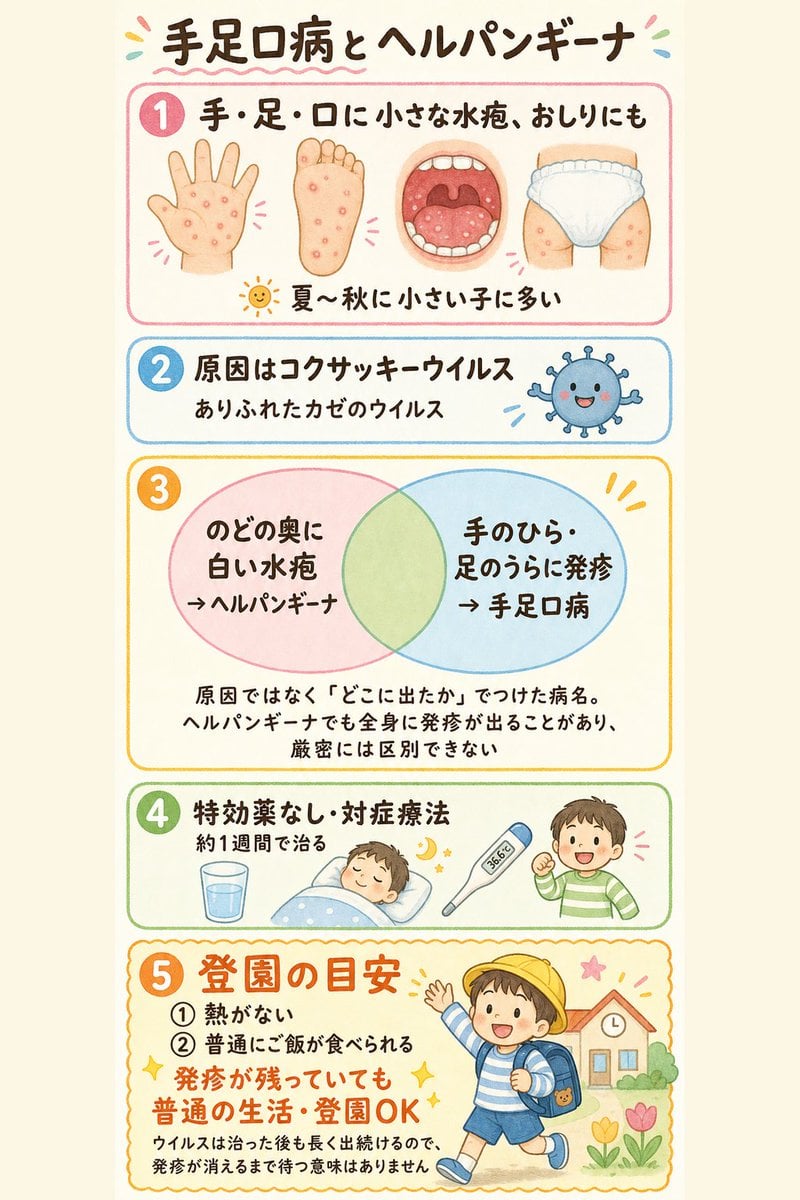
- Prompt included
- Model and format preset
- Premium template
The prompt behind this image
Copy the exact prompt behind Japanese Pediatric Disease Infographic, or open it in the studio and make it yours.
Goal: Create a friendly Japanese medical explanation infographic for parents about {argument name="topic title" default="手足口病とヘルパンギーナ"}, suitable for use in a pediatric clinic consultation room. Canvas: Vertical portrait flyer, warm off-white paper background, soft hand-drawn watercolor style, rounded corners, pastel colors, clear black handwritten Japanese text. Add small decorative confetti marks around the title. Overall look should be cute, reassuring, and easy to understand. Layout: Use exactly 5 stacked rounded rectangular information panels, each with a large numbered circle on the left. Panel 1 has a pink border, panel 2 blue, panel 3 yellow-orange, panel 4 green, panel 5 orange with a scalloped decorative border. Keep generous margins and make all text large and legible. Title: At the top, write 「手足口病とヘルパンギーナ」 in large dark brown handwritten lettering with a pink wavy underline. Panel 1, number 1, pink: Write 「手・足・口に小さな水疱、おしりにも」. Include exactly 4 medical illustrations in a row: an open palm with small red blisters, a sole of a foot with small red blisters, an open mouth/throat with red spots, and a diapered bottom/thigh area with red spots. At the bottom add a small sun icon and the note 「夏〜秋に小さい子に多い」. Panel 2, number 2, blue: Write 「原因はコクサッキーウイルス」 and smaller text 「ありふれたかぜのウイルス」. On the right draw exactly 1 cute round blue virus mascot with tiny spikes, eyes, a smiling mouth, and small motion lines. Panel 3, number 3, yellow-orange: Show a simple Venn diagram with exactly 2 overlapping large translucent circles: left circle pink, right circle light blue, overlap pale green. Left circle text: 「のどの奥に白い水疱→ヘルパンギーナ」. Right circle text: 「手のひら・足のうらに発疹→手足口病」. Under the circles write: 「原因ではなく『どこに出たか』でつけた病名。ヘルパンギーナでも全身に発疹が出ることがあり、厳密には区別できない」. Panel 4, number 4, green: Write 「特効薬なし・対症療法」 and smaller text 「約1週間で治る」. Include exactly 4 supportive-care illustrations: a glass of water, a sleeping child tucked in bed, a digital thermometer showing 36.6°C, and a smiling child in a green striped shirt raising one fist. Panel 5, number 5, orange: Headline in large orange text: 「登園の目安」. List exactly 2 numbered conditions: 「① 熱がない」 and 「② 普通にご飯が食べられる」. Add a large emphasized orange message: 「発疹が残っていても 普通の生活・登園OK」. Smaller explanatory text at the bottom: 「ウイルスは治った後も長く出続けるので、発疹が消えるまで待つ意味はありません」. On the right draw a cheerful preschool child wearing a yellow hat, blue backpack, striped shirt, blue shorts, and sneakers, running or waving toward a small school building with flowers. Constraints: Use exactly 5 numbered panels and the exact Japanese text above. Do not add extra sections, extra medical claims, logos, watermarks, QR codes, or English translations. Keep the illustration soft, pediatric, non-scary, and clinically clear.
How to use Japanese Pediatric Disease Infographic in 3 steps
- 1Upload ImagePNG, JPG or paste
Add your photo
Upload the photo the template builds on. The prompt, model and format are already set.
- 2…a portrait of your subject in softgolden-hour light, 85mm…
Personalize
Edit the subject and creative details for your destination.
- 3Generate
Generate
Press Generate — your image is created in PicX Studio, so you can compare it with the original and refine one variable at a time.
More like this
Templates with the same subject, style or setup. Open one to see its prompt.
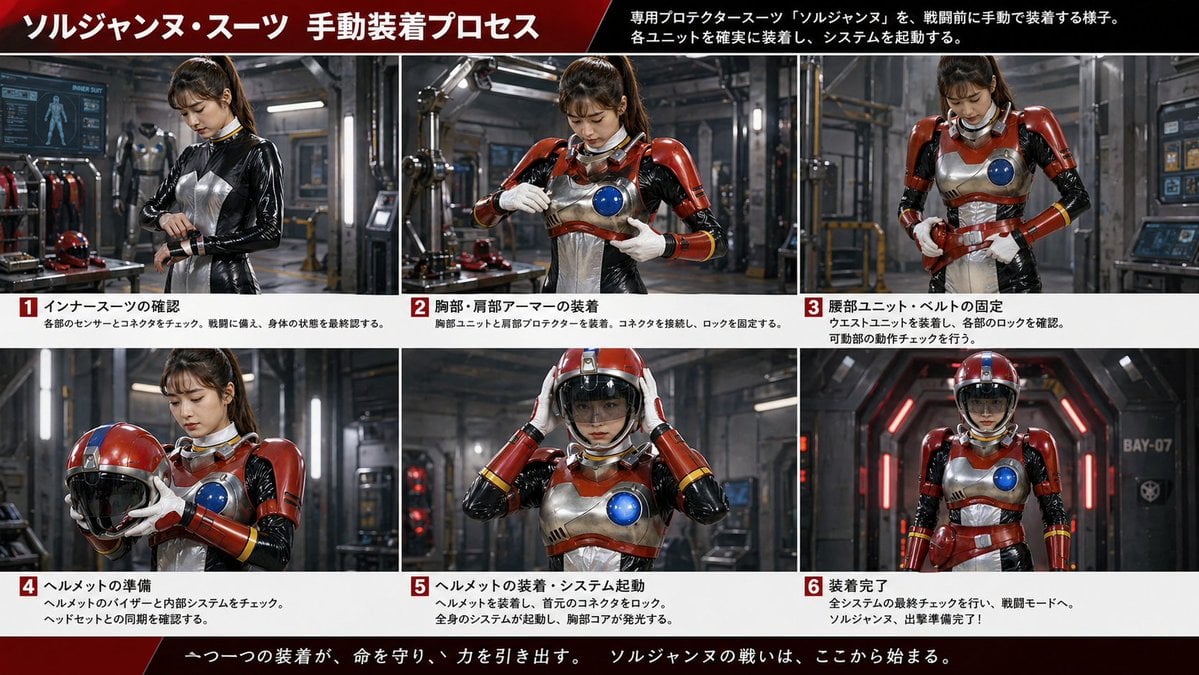
Gpt2 Infographic Edu Visual Japanese Sci Fi Suit Up Process Board
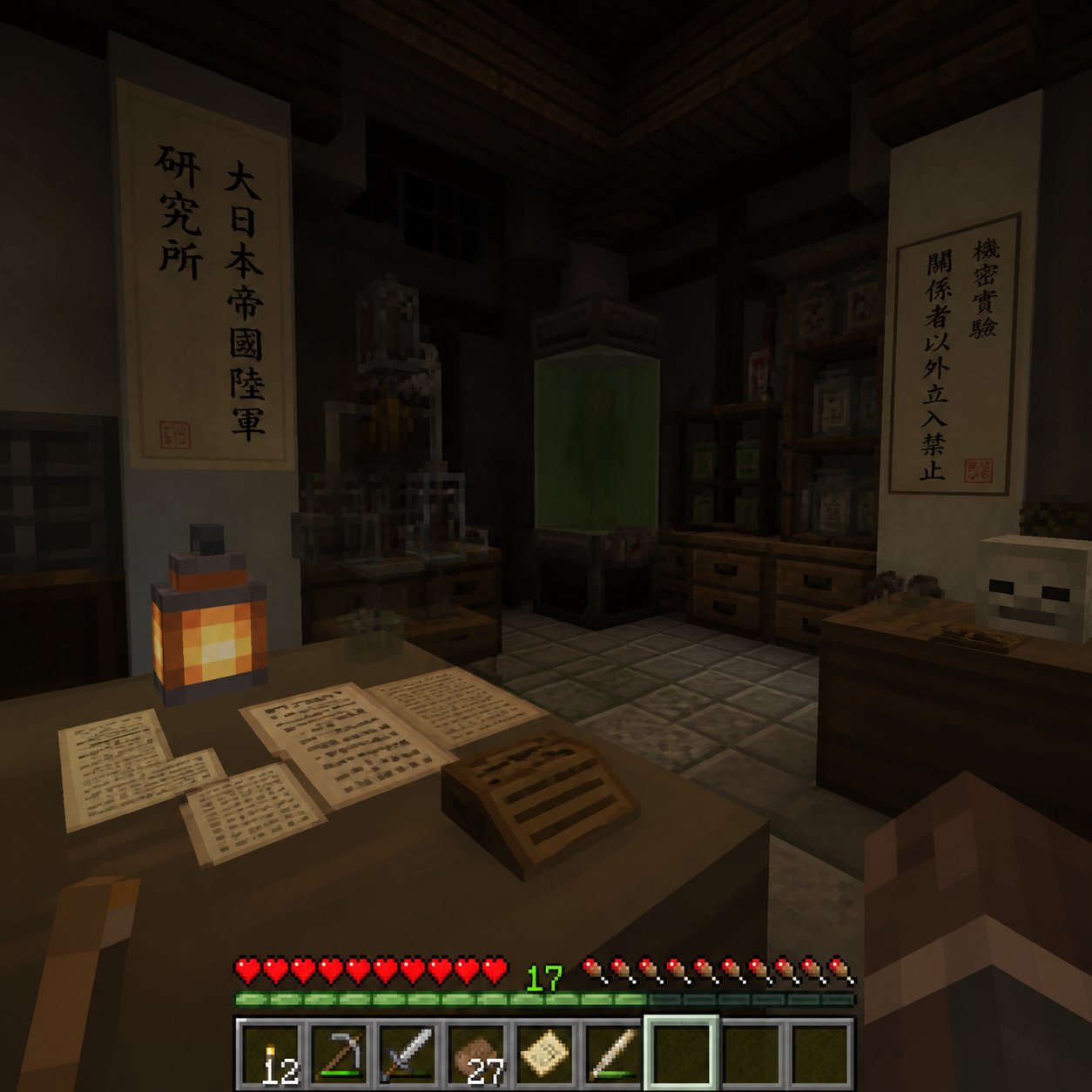
Minecraft Japanese Research Lab Exploration

Japan Travel Brochure Poster
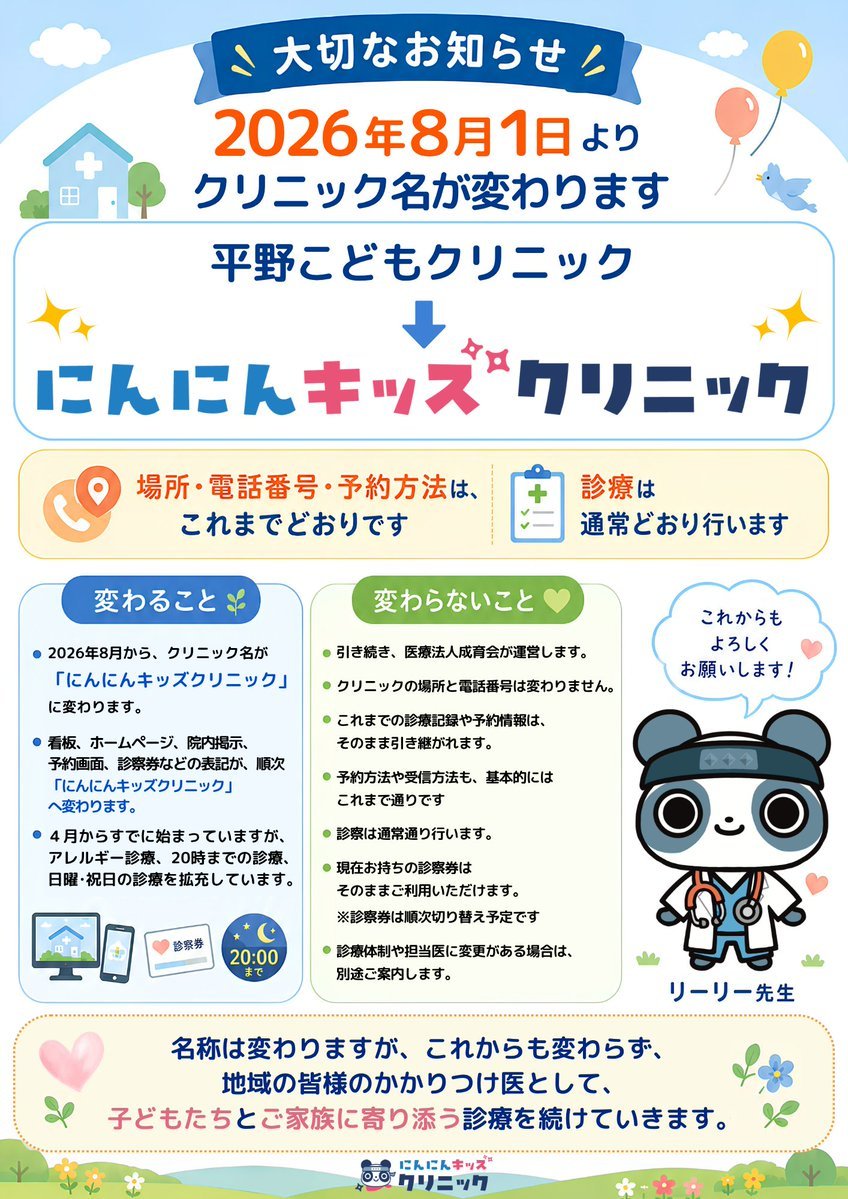
Japanese Pediatric Clinic Name Change Flyer

Japanese Architectural Concrete Studio Fashion Campaign
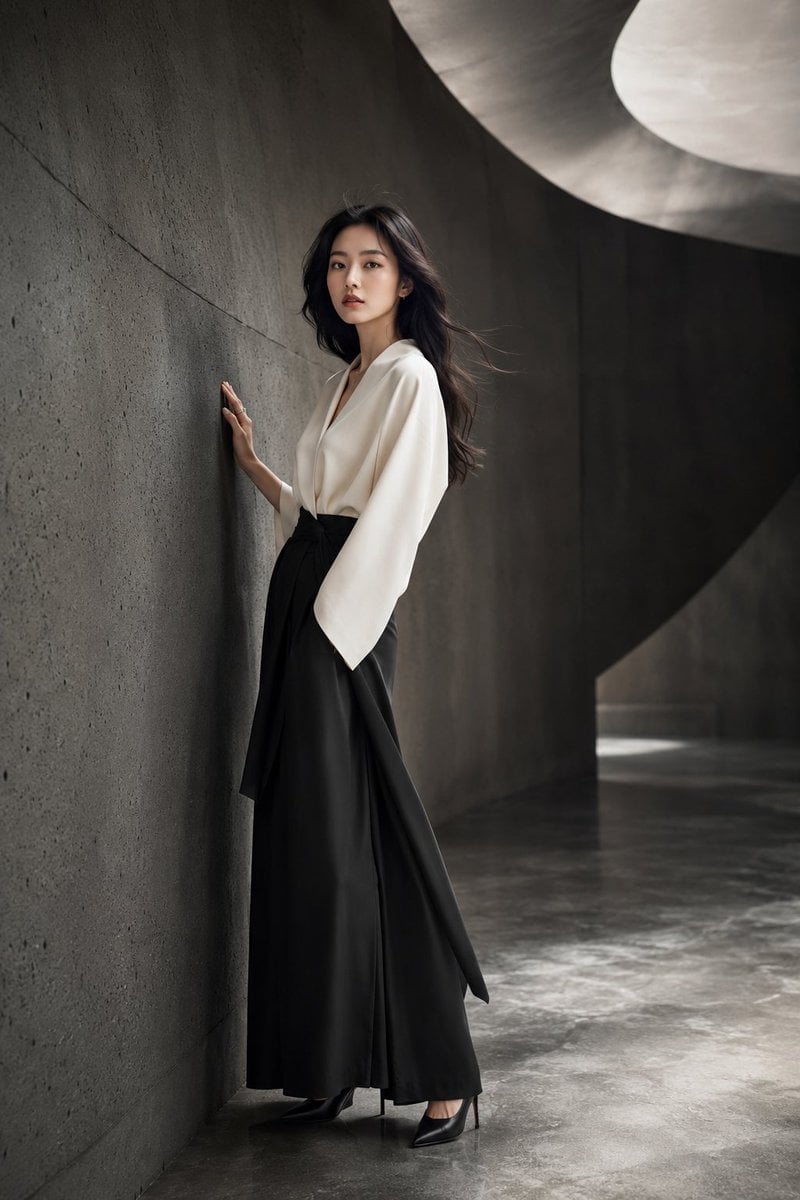
Japanese Minimalist Concrete Studio Fashion Editorial

Blue Backdrop Luxury Fashion Portrait Campaign
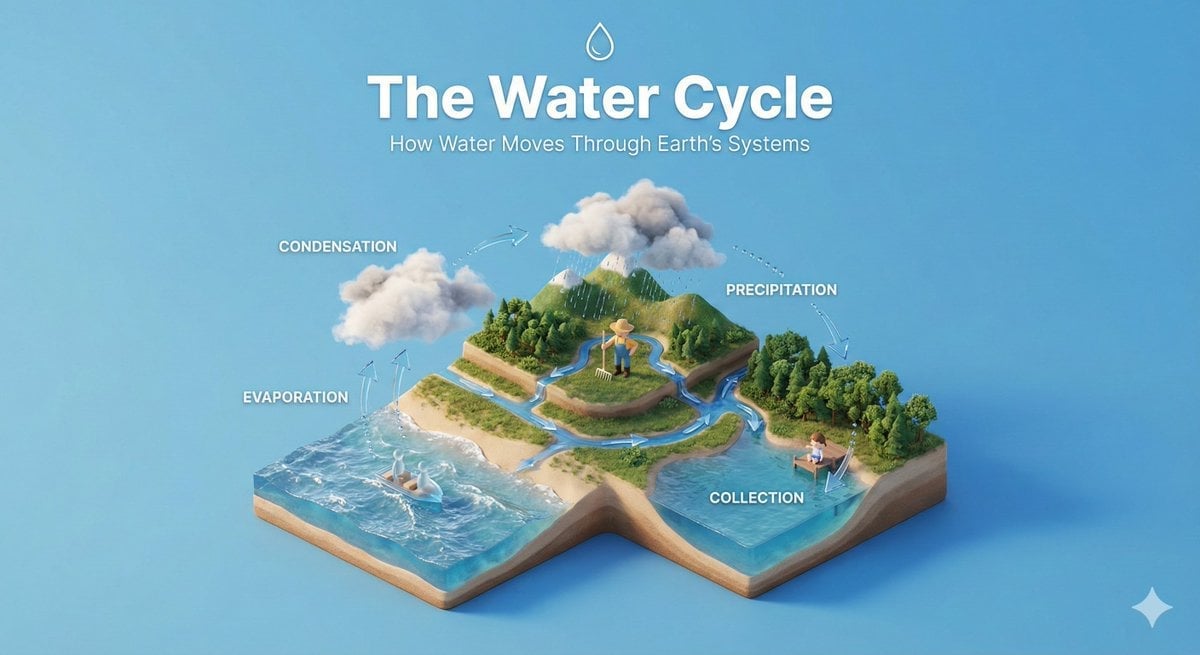
Isometric Process Educational Diorama
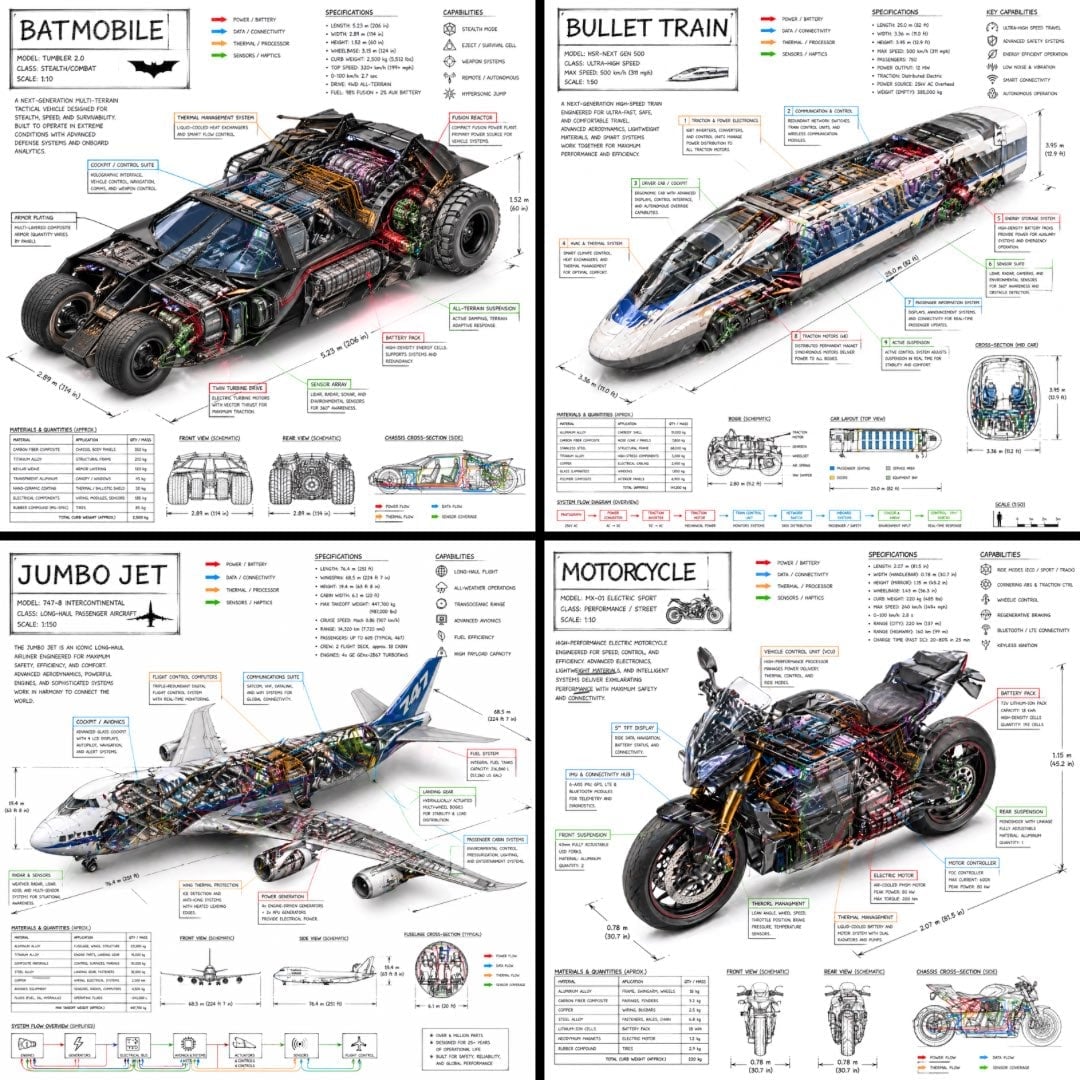
Isometric Vehicle Teardown Infographic Template

Gpt2 E Commerce Main Image Earbuds E Commerce Infographic
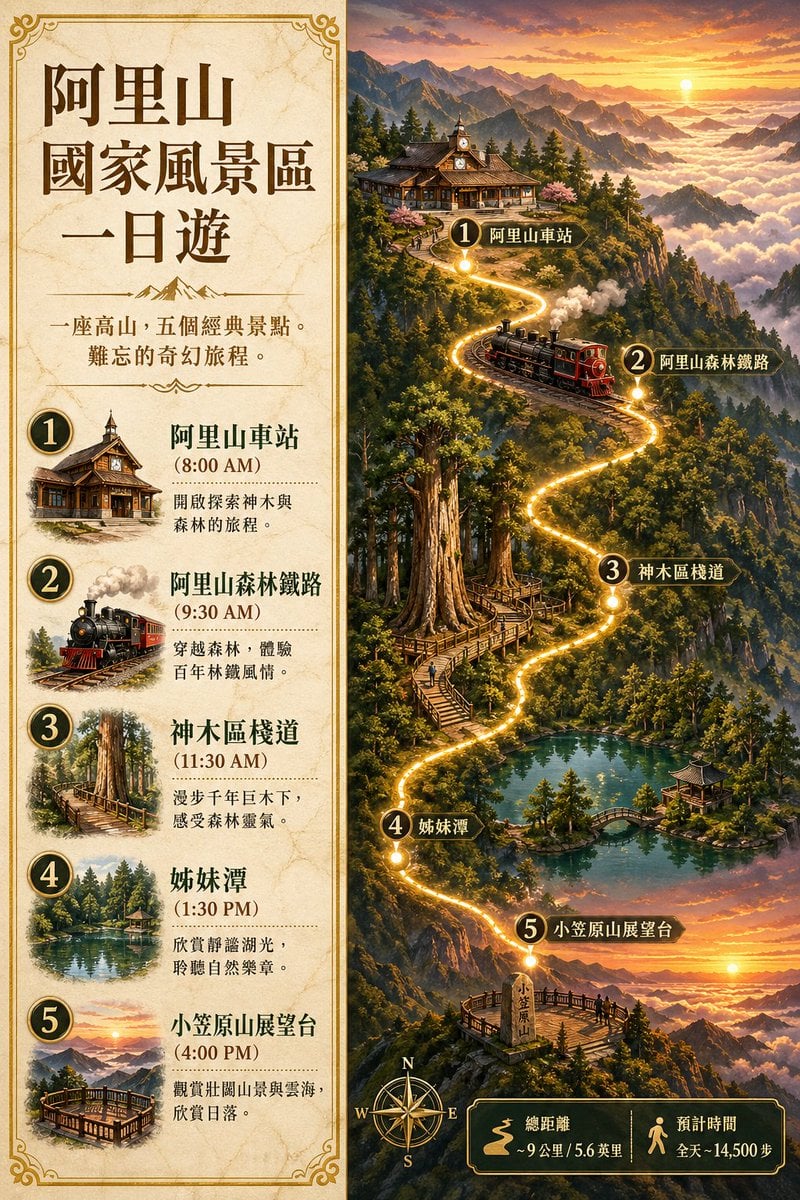
Gpt2 Infographic Edu Visual Alishan One Day Travel Poster

Gpt2 Infographic Edu Visual Ethnographic Plate for Tibetan Ceremonial Hat
Make it yours
Japanese Pediatric Disease Infographic works as-is. These are the safest ways to change it without losing the look.
Change one field
Copy a single group, rewrite it, and generate again so you can see what that field is doing.
Keep the frame, change the subject
Hold the composition and light of Japanese Pediatric Disease Infographic, then swap wardrobe, props or the person for a new take.
| If the result… | Why | Fix |
|---|---|---|
| The result drifts from the preview | Too many fields changed at once. | Reuse Japanese Pediatric Disease Infographic as-is first, then change one group — subject, light, or setting. |
| The model over-stylizes the scene | The prose prompt leaves finish and camera underspecified. | Add one camera or lighting sentence and stay on GPT Image 2. |
More GPT Image 2 templates
Other prompts made for GPT Image 2.

Six VTuber Japanese Logo Sheet

Realistic Portrait of Woman and Deer

The Vista Modular Condo Poster

AI Model Routing Comparison Infographic

2.5D Anime Art Board

Isometric Productivity Desk Scene

New York Double Exposure Poster

Four-Panel AI Landscape Comparison

Japanese Tatami Lifestyle Magazine Cover

NESCAFÉ Coffee Map Poster
More image prompts
Fresh picks from across the catalog.
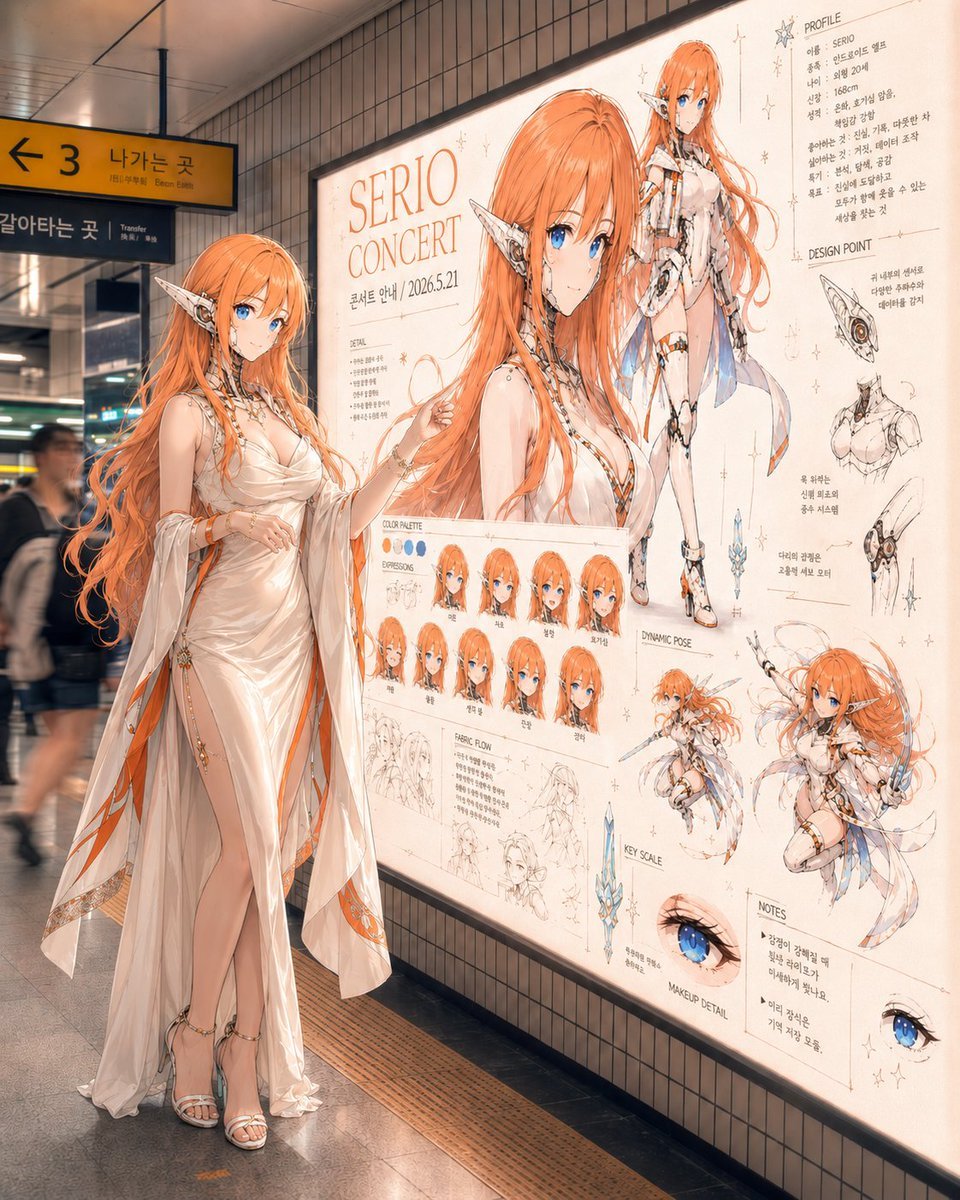
Elf Idol Subway Poster Scene
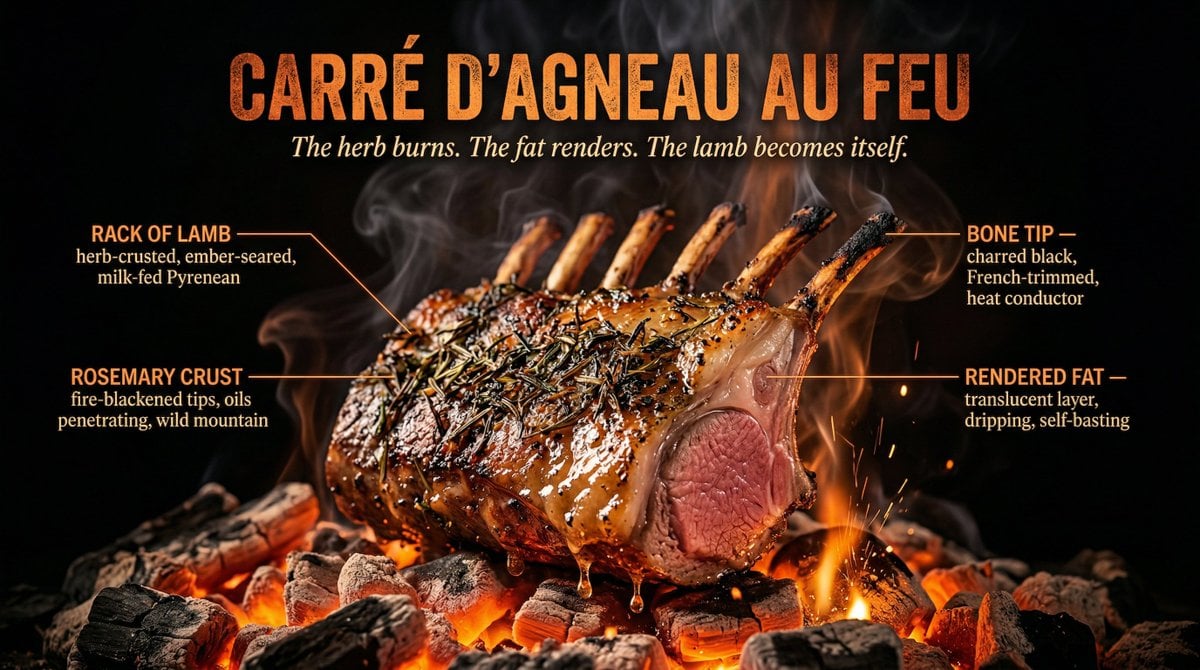
Fire Cooking Photography with Ember and Smoke
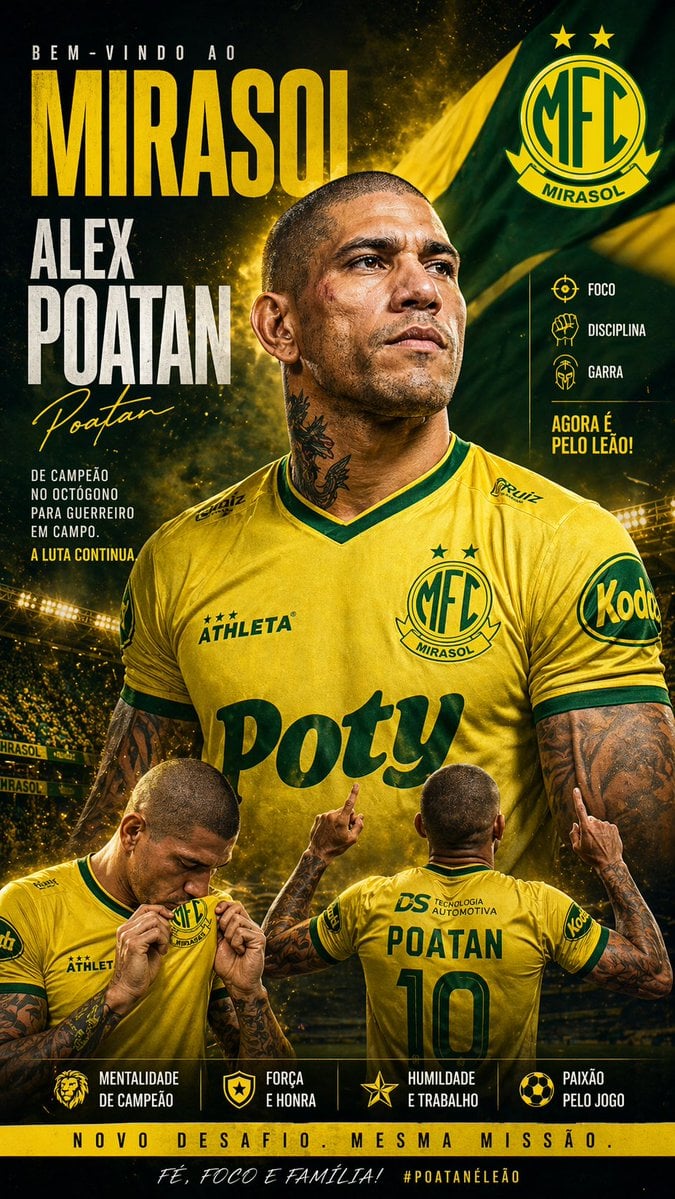
Mirassol FC Signing Announcement Poster
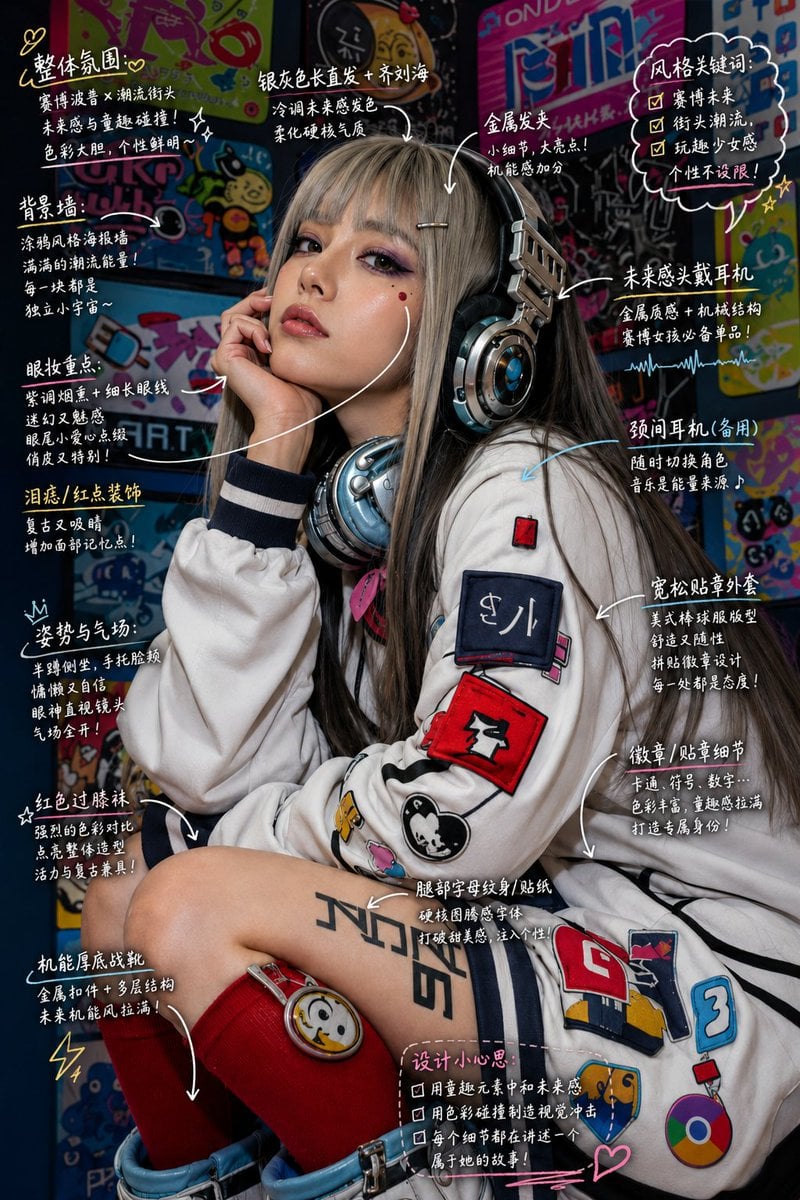
Hand-Drawn Style Image Annotation

Cinematic Close-Up Portrait of Alice in Wonderland
Diagram Generation from Text

Retro Anime Endless Summer Street

Neon WhatsApp AI Creator Poster
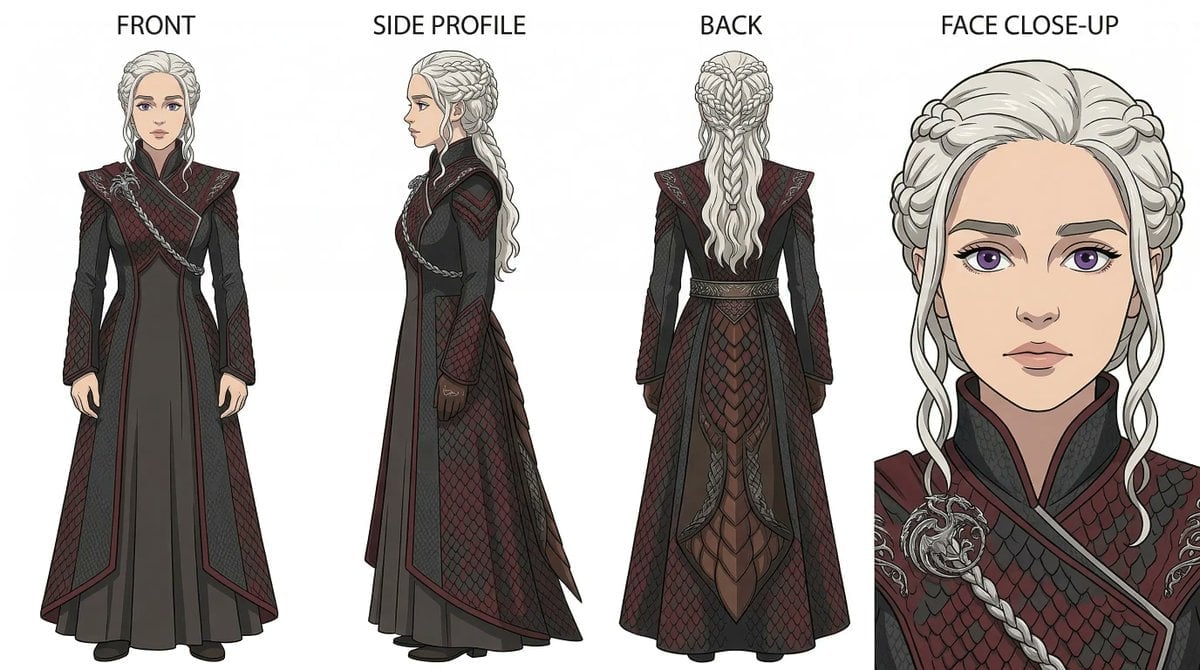
Ghibli x Game of Thrones Character Prompts

iPhone Travel Photo at Mt Fuji
Browse template categories
Japanese Pediatric Disease Infographic questions
How do I use the Japanese Pediatric Disease Infographic template?
Add your photo if the template asks for one, edit the prompt if you like — the template's model and format are already selected — and press Generate. Your version opens in PicX Studio.
Can I customize the Japanese Pediatric Disease Infographic template?
Yes. You can change the subject, setting, lighting, mood, format, and available model controls before creating your image.
Is the Japanese Pediatric Disease Infographic template free?
Opening and editing this template is free. Generating uses credits, shown on the Generate button when you are signed in.
Which AI model should I use?
Start with GPT Image 2, which is the model associated with this template. You can compare another compatible model for a different finish.
Looking for something else? Browse all templates.

Your photo, any look
Thousands of ready templates for every top image and video model, from one credit balance.