
Elf Idol Subway Poster Scene
Generates a cinematic anime-realism subway scene featuring a fantasy elf idol standing beside a detailed illuminated concert character-sheet poster.
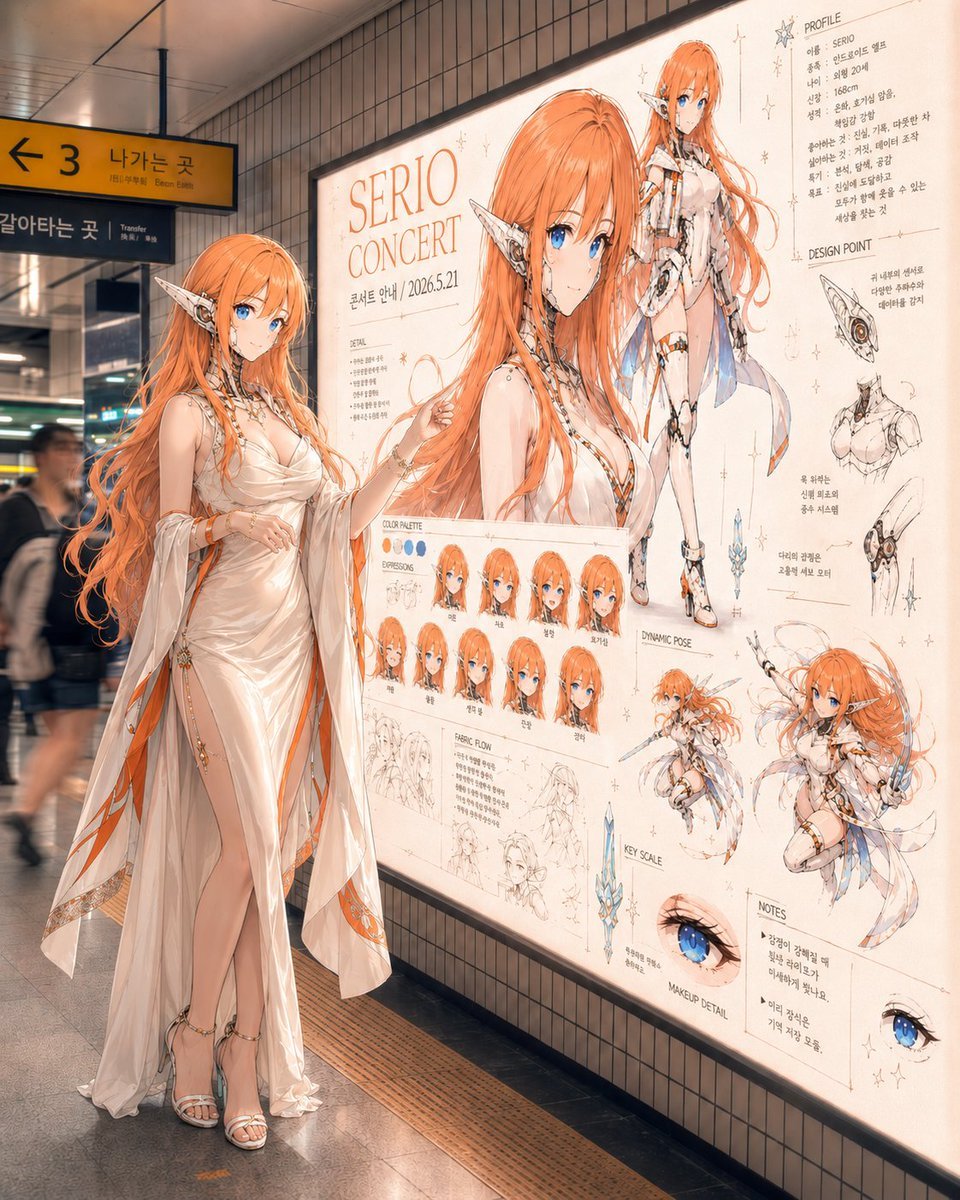
- Prompt included
- Model and format preset
- Free template
The prompt behind this image
Copy the exact prompt behind Elf Idol Subway Poster Scene, or open it in the studio and make it yours.
Goal: Create a cinematic anime-realism scene inside a modern Korean subway station, showing a life-size fantasy elf idol character standing beside a giant illuminated character-design advertisement poster for {argument name="character name" default="SERIO"}. Canvas: Vertical 3:4 composition, eye-level camera, realistic station perspective, warm fluorescent indoor lighting, glossy floor reflections, shallow depth of field on background commuters. Main subject: One tall elegant female elf with very long flowing {argument name="hair color" default="orange"} hair, bright blue eyes, long pointed ears, delicate anime face, and a calm slightly serious expression. She stands on the left side of the image, facing forward with one hand gently touching or gesturing toward the poster. She wears a luxurious ivory-white fantasy concert gown: draped satin fabric, high thigh slit, translucent shawl sleeves, orange ribbon accents, gold jewelry details, thin waist ornaments, anklets, and white strappy high-heel sandals. Her design should feel like a high-end virtual idol brought into the real world, blending anime styling with photorealistic lighting and fabric texture. Environment: Korean subway platform corridor with tiled walls, dark ceiling panels, metal columns, and blurred pedestrians in the background. Include exactly 2 overhead wayfinding signs: one large yellow sign with a left arrow, the number “3”, and Korean text meaning “exit / way out”; one smaller dark sign below it with Korean transfer text. The background should feel candid and urban, like a phone photo or street-fashion photo taken in a busy station. Poster layout: On the right wall, create one huge backlit white poster framed in black. It is a detailed anime character sheet and concert advertisement. At the upper left of the poster, large serif orange title text reads “{argument name="headline text" default="SERIO CONCERT"}”, with smaller date text “2026.5.21” and short Korean concert/event notes beneath it. The poster should contain exactly 9 main visual sections: 1 large bust portrait of the elf, 1 full-body character render, 1 profile text block in Korean, 1 design-point area with ear and costume sketches, 1 color palette/expression area, 1 fabric-flow sketch area, 1 dynamic-pose area, 1 key-scale weapon/accessory area, and 1 makeup-detail/notes area. Counted poster details: The color palette/expression area must show exactly 8 small head portraits of the same elf, arranged as 4 across the top row and 4 across the bottom row, each with slightly different expressions or angles. The dynamic-pose area must show exactly 2 small action poses of the elf. The makeup-detail/notes area must show exactly 2 close-up blue eye drawings. The key-scale area must show exactly 2 crystal-like accessory or weapon drawings. The design-point area must include exactly 3 sketch callouts: pointed ear jewelry, upper torso/costume detail, and leg or shoe detail. Visual style: Premium anime illustration mixed with photorealistic subway photography, soft orange-white color palette, luminous poster glow, clean fine-line concept art on the poster, elegant serif typography, tiny Korean annotation text, subtle sparkle icons around the character-sheet elements, ultra-detailed hair strands and silk folds. Constraints: Keep the image as a single scene, not a collage. Do not add extra main characters. Avoid logos, watermarks, or readable brand names. Make the Korean microtext look like authentic design notes while keeping the main readable text limited to the title, date, station signage, and short section labels such as PROFILE, DESIGN POINT, DYNAMIC POSE, KEY SCALE, MAKEUP DETAIL, and NOTES.
How to use Elf Idol Subway Poster Scene in 3 steps
- 1Upload ImagePNG, JPG or paste
Add your photo
Upload the photo the template builds on. The prompt, model and format are already set.
- 2…a portrait of your subject in softgolden-hour light, 85mm…
Personalize
Edit the subject and creative details for your destination.
- 3Generate
Generate
Press Generate — your image is created in PicX Studio, so you can compare it with the original and refine one variable at a time.
More like this
Templates with the same subject, style or setup. Open one to see its prompt.

Japan Travel Brochure Poster

Cartoon TV Show Poster Pack

Trendy Cafe Drink Promo Poster

Urban Fashion Editorial Collage Streetwear Poster

Premium Fashion Editorial Cover Layout System

Polo Ralph Lauren Luxury American Heritage Fashion Campaign

Monochrome Halftone Editorial Fashion Poster

Retro Mirror Luxury Fashion Campaign Poster
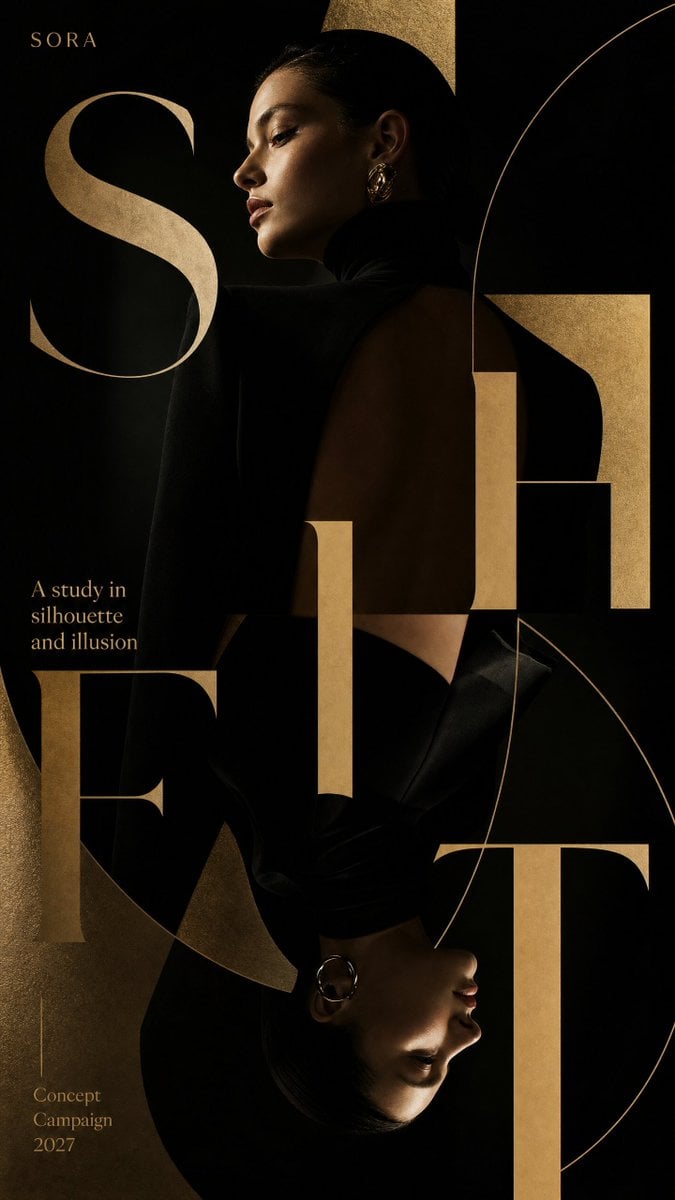
Luxury Fashion Campaign Typography Poster System
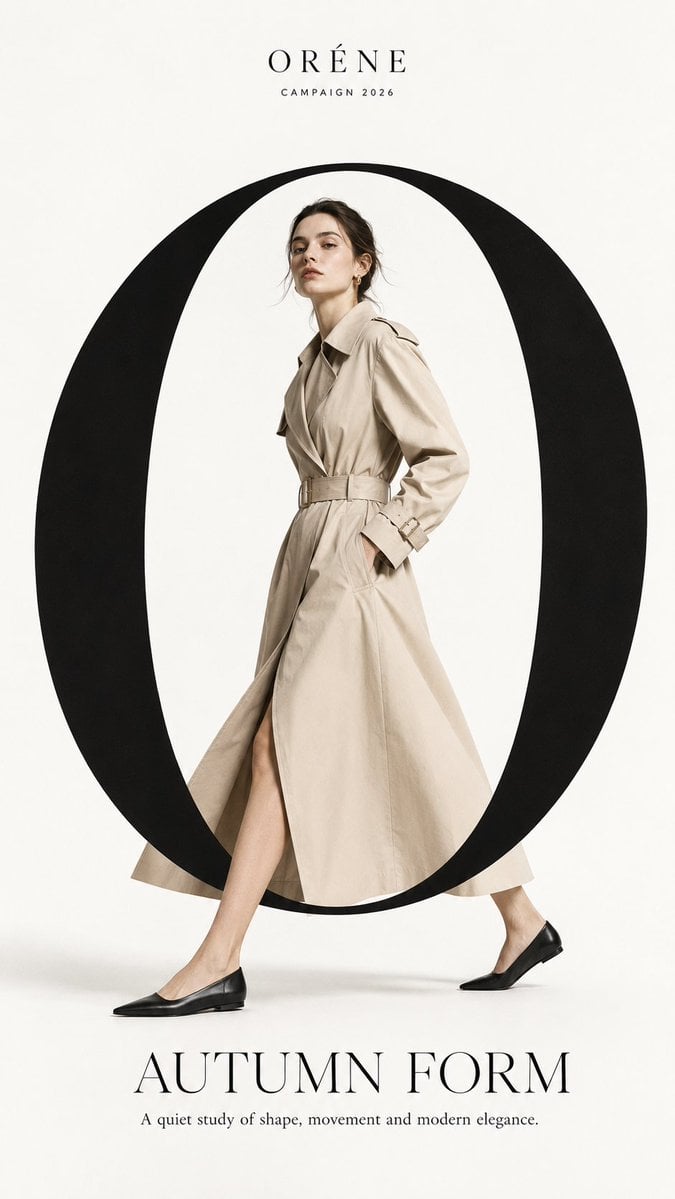
Premium Fashion Editorial Campaign Poster System
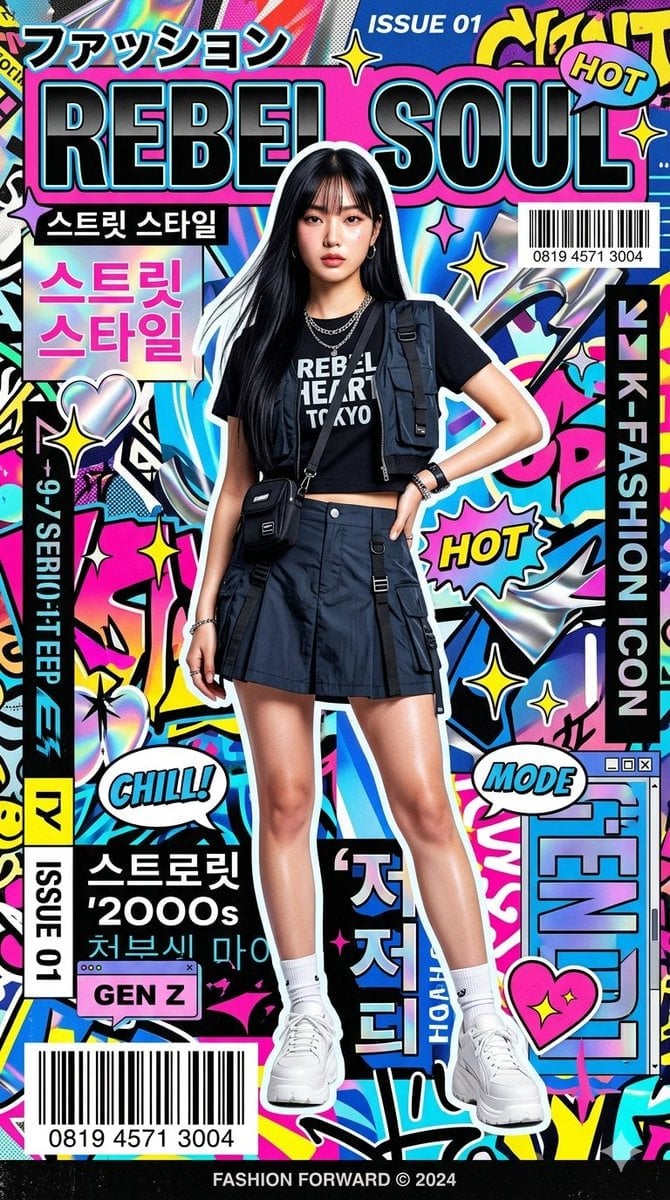
Ultra-Stylized High-Fashion Streetwear Poster
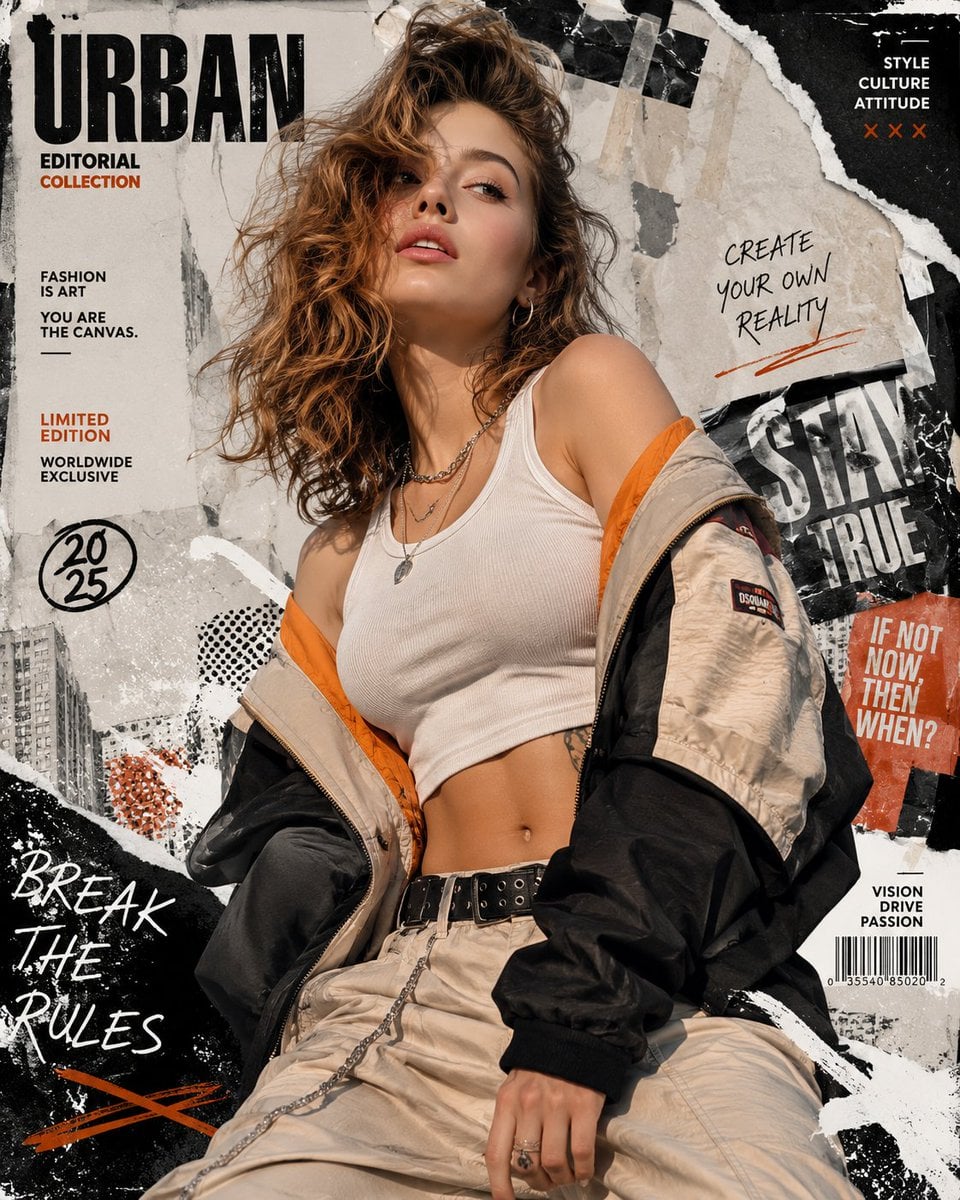
Urban Fashion Editorial Collage Poster
Make it yours
Elf Idol Subway Poster Scene works as-is. These are the safest ways to change it without losing the look.
Change one field
Copy a single group, rewrite it, and generate again so you can see what that field is doing.
Keep the frame, change the subject
Hold the composition and light of Elf Idol Subway Poster Scene, then swap wardrobe, props or the person for a new take.
| If the result… | Why | Fix |
|---|---|---|
| The result drifts from the preview | Too many fields changed at once. | Reuse Elf Idol Subway Poster Scene as-is first, then change one group — subject, light, or setting. |
| The model over-stylizes the scene | The prose prompt leaves finish and camera underspecified. | Add one camera or lighting sentence and stay on GPT Image 2. |
More GPT Image 2 templates
Other prompts made for GPT Image 2.

Six VTuber Japanese Logo Sheet

Realistic Portrait of Woman and Deer

The Vista Modular Condo Poster

AI Model Routing Comparison Infographic

2.5D Anime Art Board

Isometric Productivity Desk Scene

New York Double Exposure Poster

Four-Panel AI Landscape Comparison

Japanese Tatami Lifestyle Magazine Cover

NESCAFÉ Coffee Map Poster
More image prompts
Fresh picks from across the catalog.
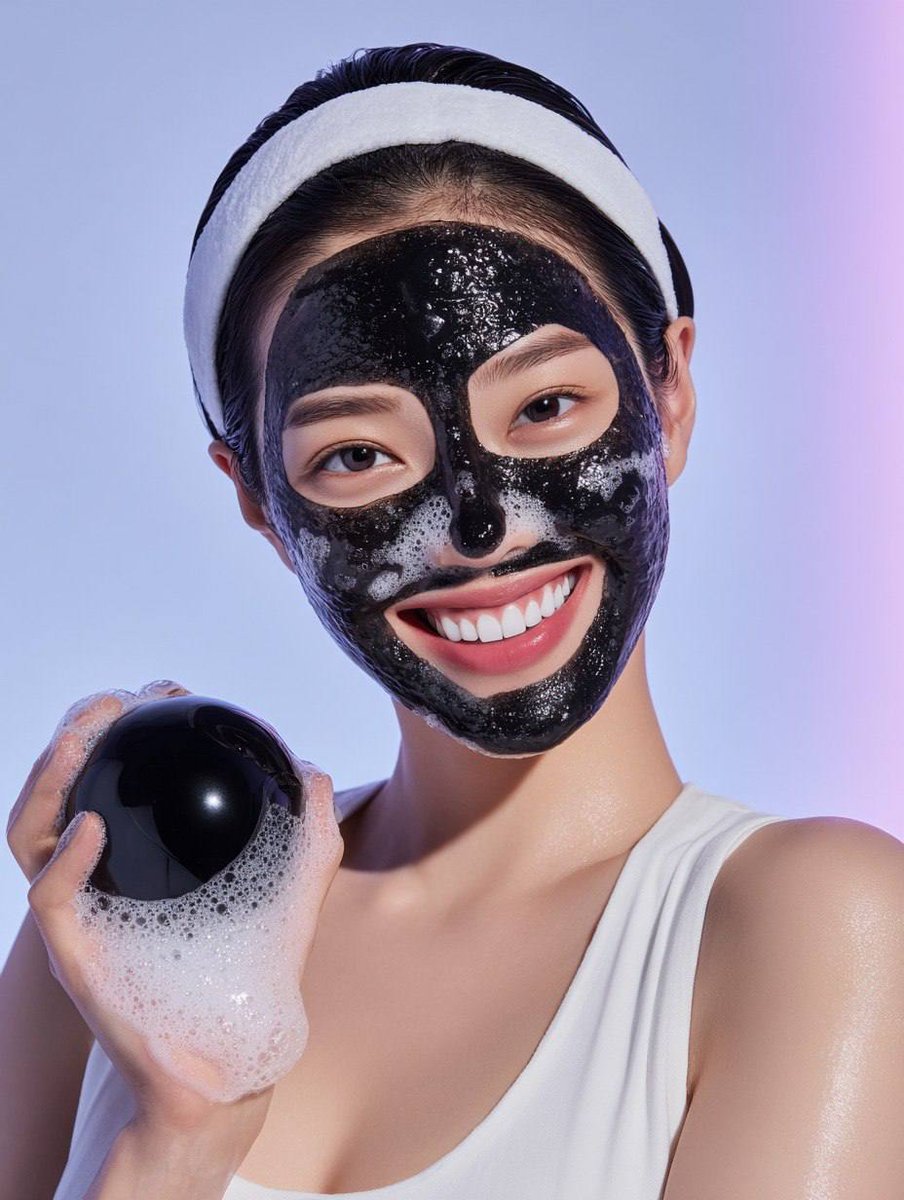
Foaming Black Sheet Mask Skincare Ad Prompt
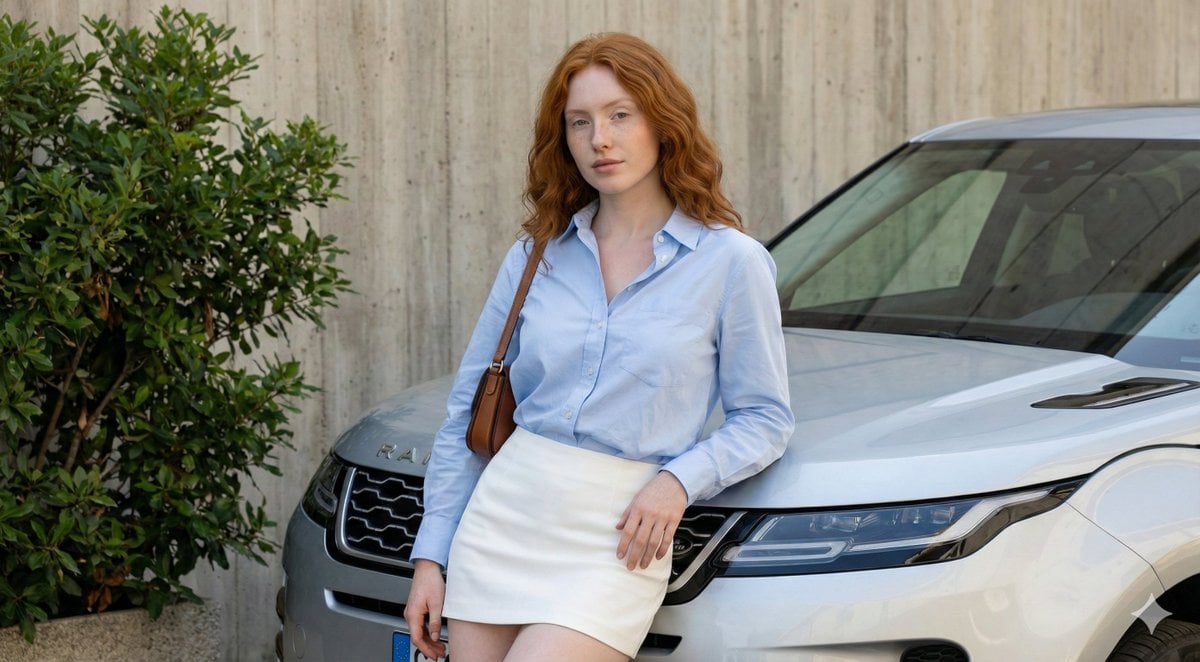
Urban Fashion Portrait with Range Rover Prompt
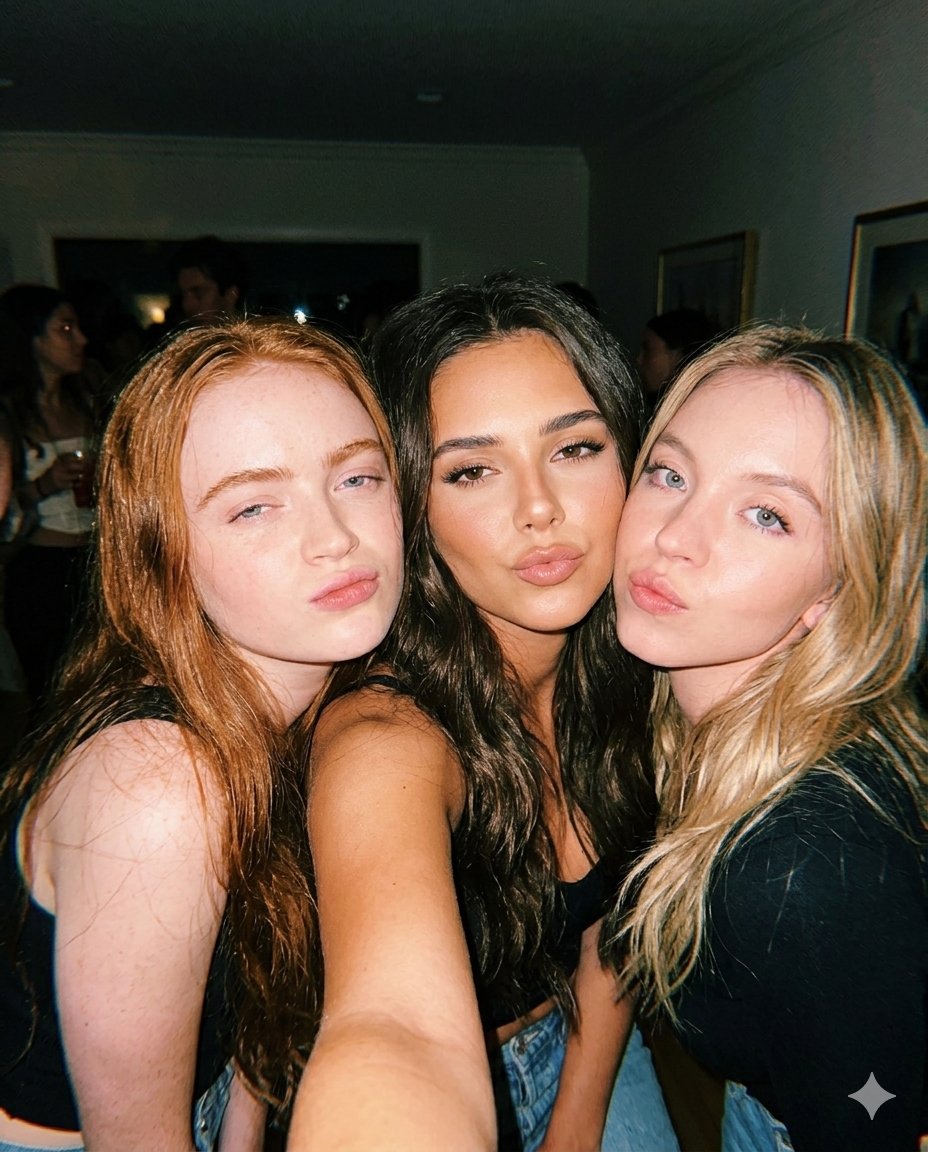
Vintage Flash Group Selfie Prompt for Nano Banana Pro
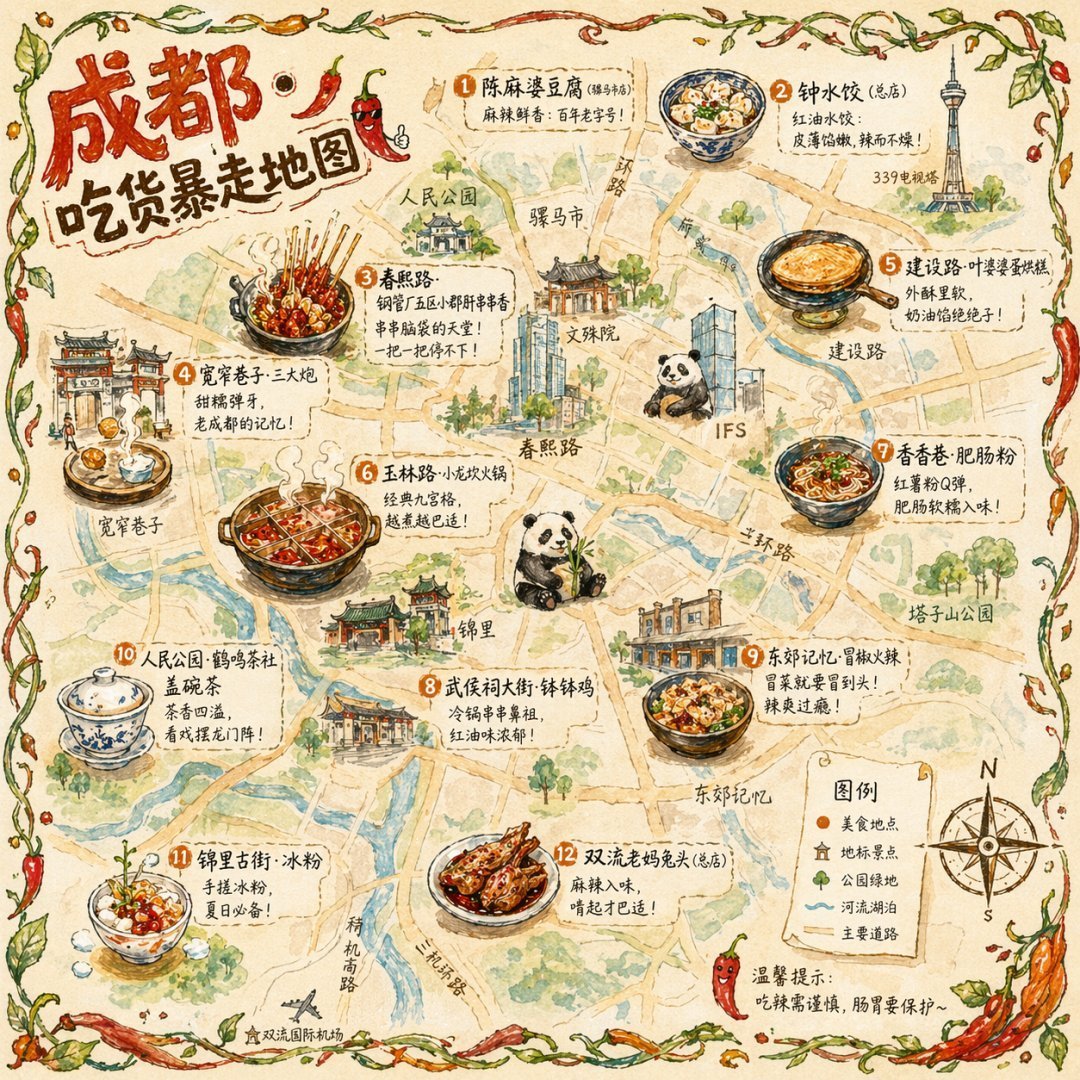
Gpt2 Illustrated City Food Map
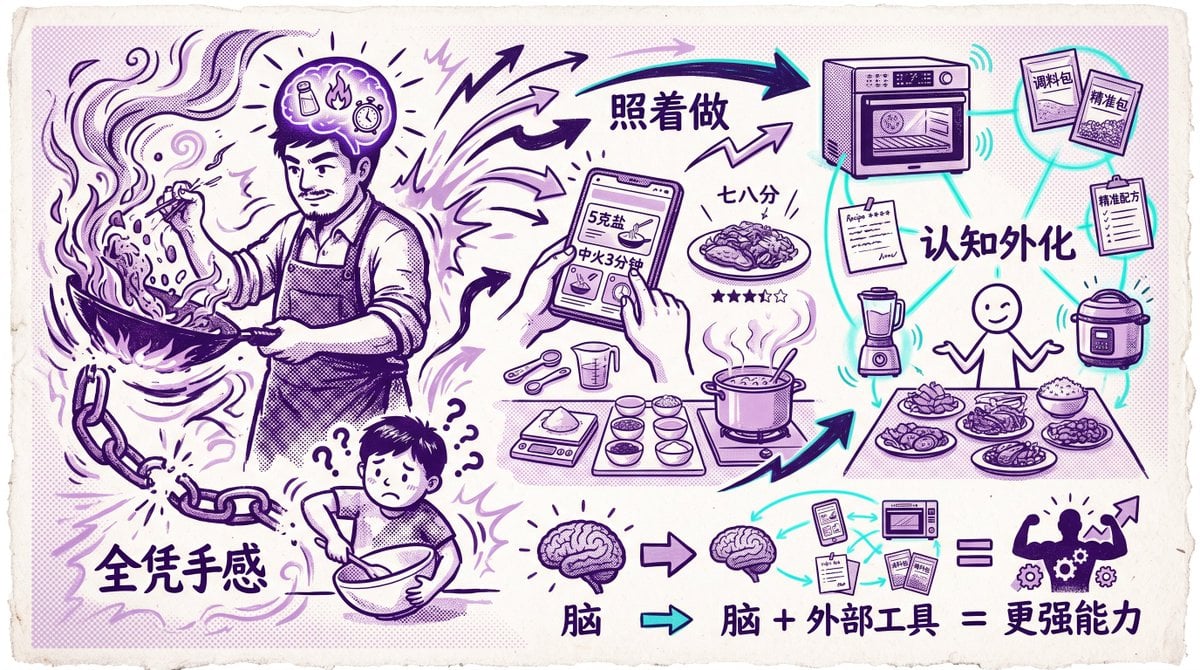
Chinese Cooking Cognition Infographic
Transparent Gummy Character Encapsulation
Ink Splatter Hand-Drawn Sketch
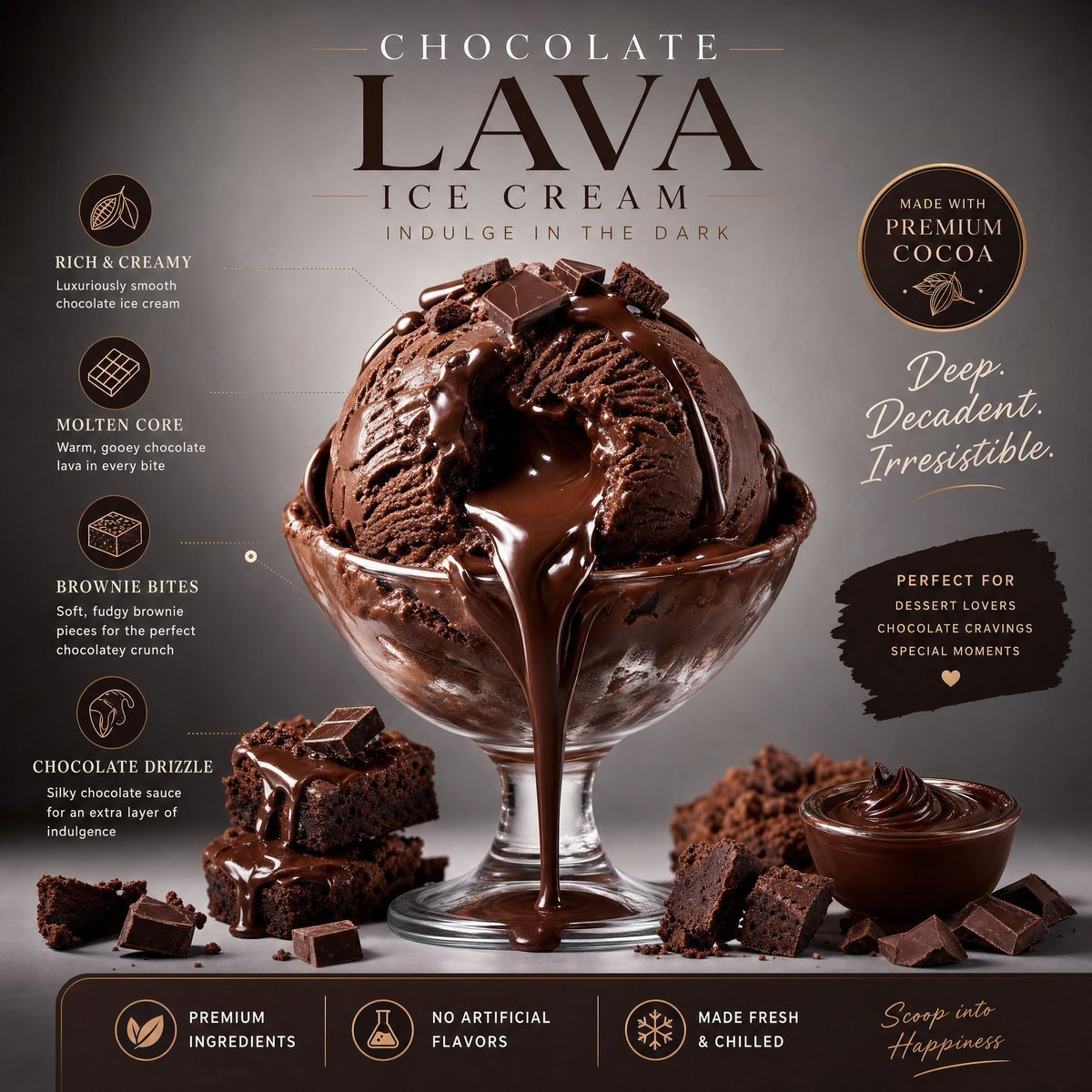
Luxury Chocolate Lava Ice Cream Ad
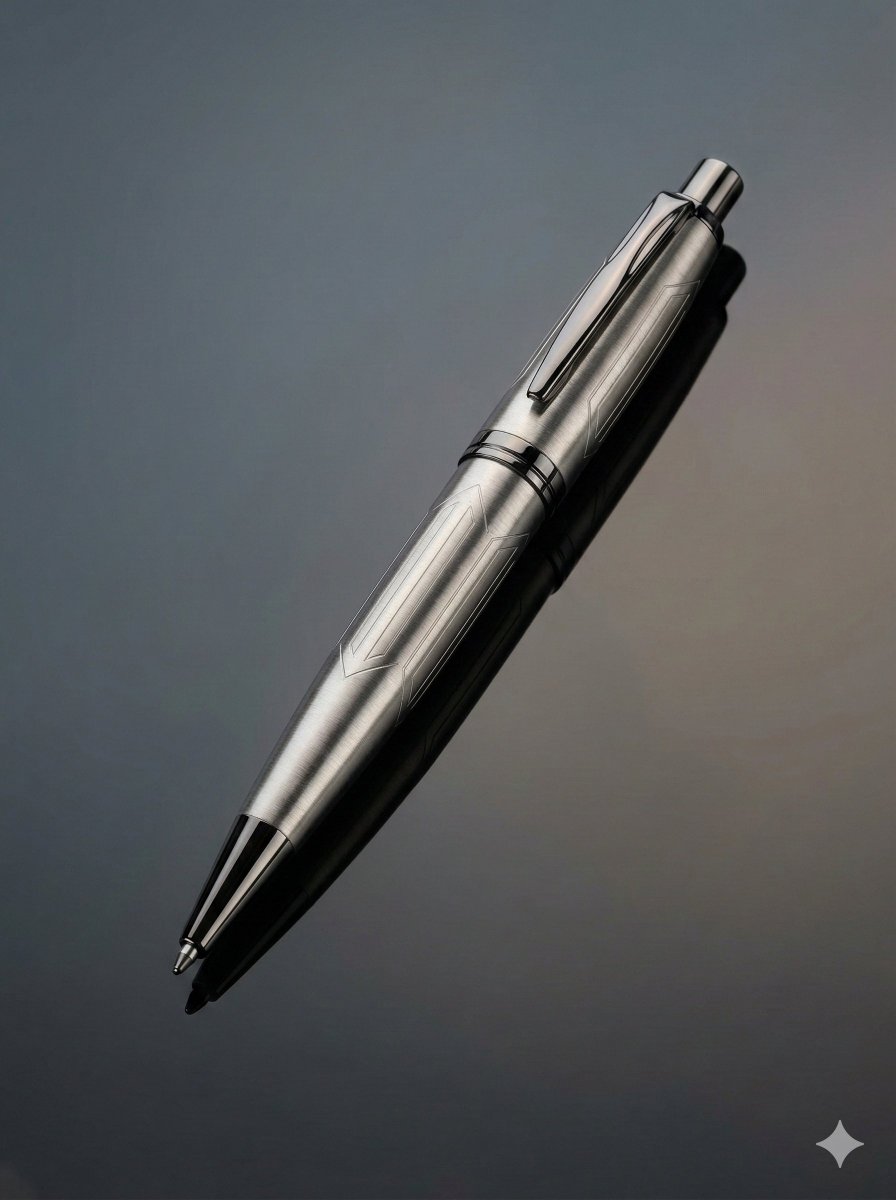
Ultra-Realistic Product Photography of a Pen
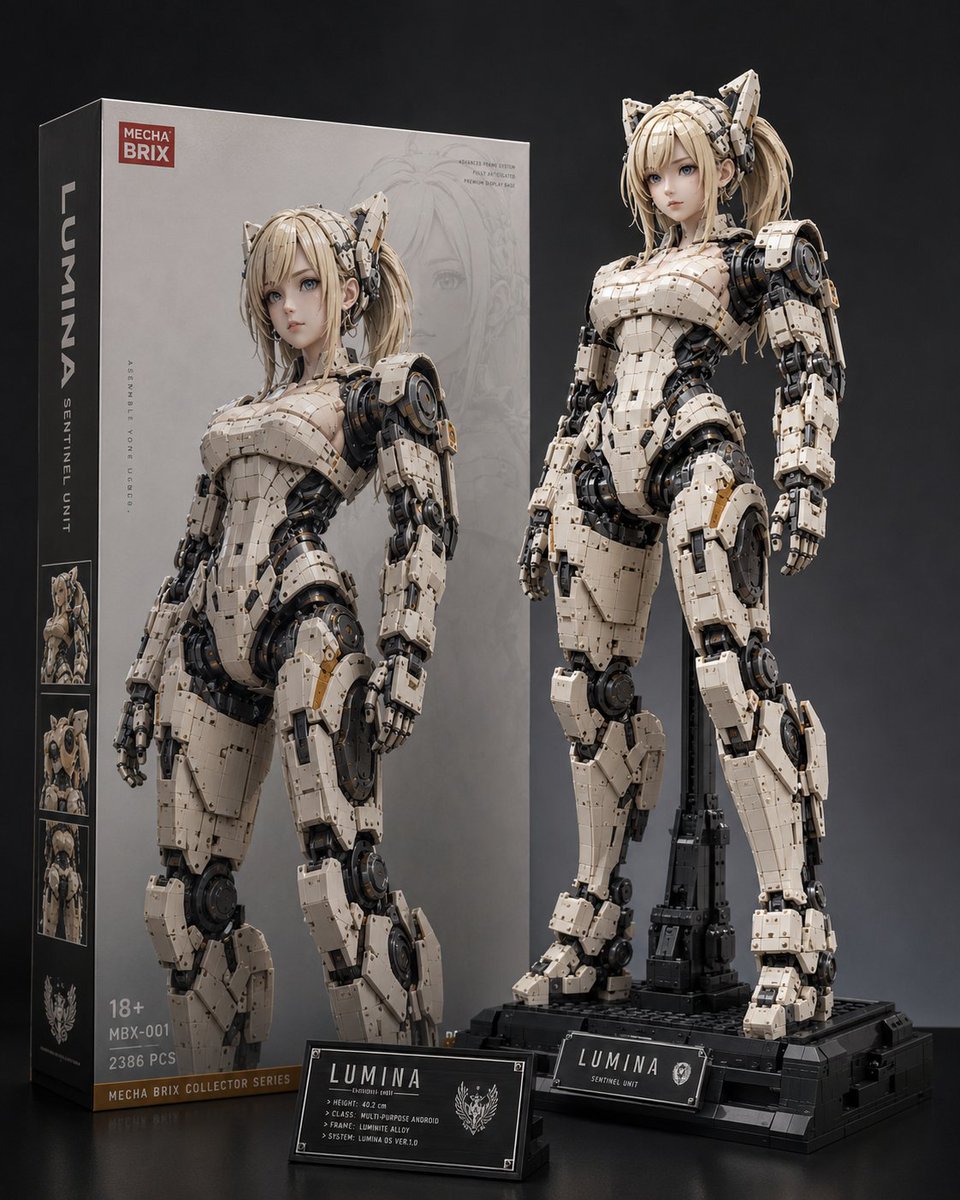
Lumina Mecha Figure Product Shot
Browse template categories
Elf Idol Subway Poster Scene questions
How do I use the Elf Idol Subway Poster Scene template?
Add your photo if the template asks for one, edit the prompt if you like — the template's model and format are already selected — and press Generate. Your version opens in PicX Studio.
Can I customize the Elf Idol Subway Poster Scene template?
Yes. You can change the subject, setting, lighting, mood, format, and available model controls before creating your image.
Is the Elf Idol Subway Poster Scene template free?
Opening and editing this template is free. Generating uses credits, shown on the Generate button when you are signed in.
Which AI model should I use?
Start with GPT Image 2, which is the model associated with this template. You can compare another compatible model for a different finish.
Looking for something else? Browse all templates.

Your photo, any look
Thousands of ready templates for every top image and video model, from one credit balance.