
Japanese TCG Strategy Infographic
Generates a dark fantasy Japanese trading-card-game analysis infographic comparing the benefits and drawbacks of adding one card to a deck.
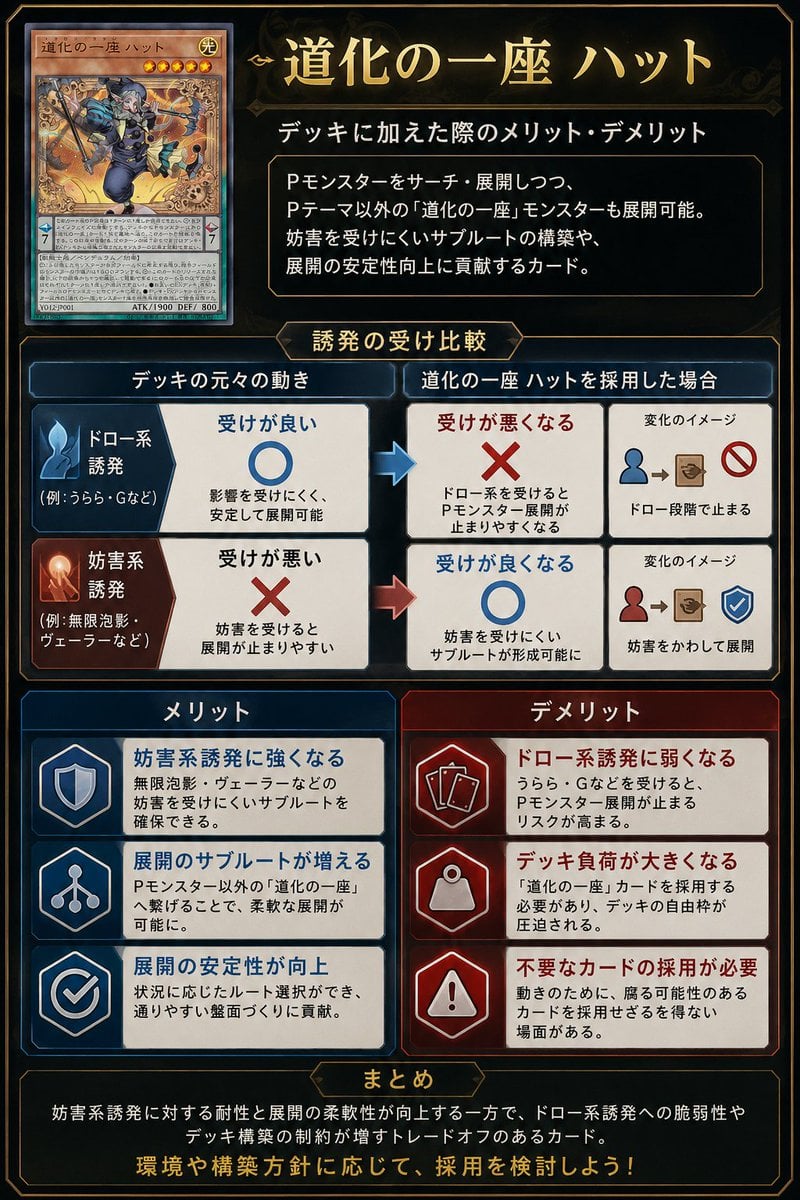
- Prompt included
- Model and format preset
- Premium template
The prompt behind this image
Copy the exact prompt behind Japanese TCG Strategy Infographic, or open it in the studio and make it yours.
Goal: Create a polished vertical Japanese trading-card-game strategy infographic explaining the pros and cons of adding a specific card to a deck. Canvas: Portrait 2:3 layout, dark navy-black fantasy UI background with thin gold ornamental borders, beveled panels, subtle glow, and a premium card-game analysis aesthetic. Use gold title typography and white Japanese body text. Main title area: At top right, place a large ornate gold headline reading {argument name="headline text" default="道化の一座 ハット"}. Beneath it, add the subtitle {argument name="subtitle text" default="デッキに加えた際のメリット・デメリット"}. Under the subtitle, place a dark framed explanation box containing 3 short Japanese lines describing that the card can search/deploy Pendulum monsters, also enables non-theme monsters, supports interruption-resistant subroutes, and improves combo stability. Card display: At top left, show exactly 1 realistic Yu-Gi-Oh-style monster card mockup, named {argument name="card name" default="道化の一座 ハット"}. The card should have an orange monster-card frame, star icons, a small LIGHT attribute icon, dense Japanese effect text, ATK/DEF line, and fantasy artwork of a jester-like rogue in blue clothing holding a staff amid swirling golden magic. Do not use official logos or exact copyrighted card layout details; make it a close fictional TCG-style homage. Middle comparison section: Add a centered gold label tab reading “Trigger resilience comparison”. Create exactly 2 horizontal comparison rows under it, each split into a left original-deck behavior column, a middle after-adoption result column, and a right small change-image column. Row 1 is draw-type trigger: blue icon, left box has a large blue circle meaning good resilience; arrow points right to a red X meaning resilience becomes worse; right mini diagram shows a blue person icon leading to a card/box and a prohibition symbol, implying the combo stops at the draw stage. Row 2 is interruption-type trigger: red/orange icon, left box has a large red X meaning poor resilience; arrow points right to a blue circle meaning resilience improves; right mini diagram shows a red person icon leading to a card/box and a blue shield check, implying interruption is avoided and deployment continues. Lower benefits and drawbacks: Create exactly 6 rectangular cards in two columns, 3 benefits on the left and 3 drawbacks on the right. Left column header: “メリット” in a blue panel. Right column header: “デメリット” in a red panel. Benefit card 1 uses a shield icon and says it becomes stronger against interruption-type triggers. Benefit card 2 uses a branching route icon and says the number of deployment subroutes increases. Benefit card 3 uses a checkmark icon and says combo stability improves. Drawback card 1 uses stacked card icons and says it becomes weaker against draw-type triggers. Drawback card 2 uses a weight/bag icon and says deck burden becomes larger. Drawback card 3 uses a warning triangle icon and says unnecessary cards may need to be adopted. Each of the 6 cards must include a bold colored heading plus two smaller Japanese explanatory lines. Bottom summary: Add a wide dark framed box with a small gold tab header reading “まとめ”. Inside, write a concise Japanese summary explaining the trade-off: resistance to interruption and flexible deployment improve, but weakness to draw-type triggers and deck-building constraints increase. End with a larger gold call-to-action line reading {argument name="closing line" default="環境や構築方針に応じて、採用を検討しよう!"}. Style constraints: Use crisp vector-like UI panels mixed with realistic card art, high contrast, clean alignment, thin gold borders, blue for positive elements, red for negative elements, arrows between comparison boxes, no watermark, no extra sections, and keep all text legible as an infographic.
How to use Japanese TCG Strategy Infographic in 3 steps
- 1Upload ImagePNG, JPG or paste
Add your photo
Upload the photo the template builds on. The prompt, model and format are already set.
- 2…a portrait of your subject in softgolden-hour light, 85mm…
Personalize
Edit the subject and creative details for your destination.
- 3Generate
Generate
Press Generate — your image is created in PicX Studio, so you can compare it with the original and refine one variable at a time.
More like this
Templates with the same subject, style or setup. Open one to see its prompt.
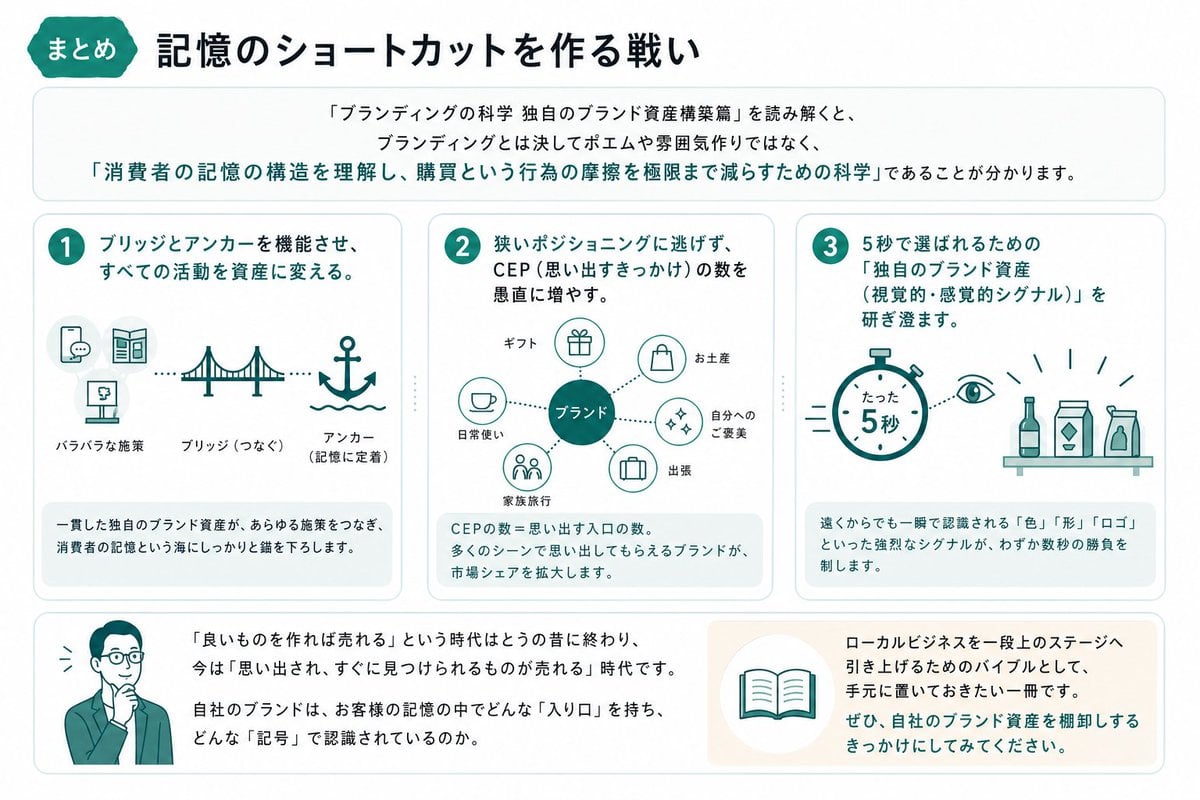
Japanese Branding Strategy Infographic

Gpt2 Infographic Edu Visual Japanese Sci Fi Suit Up Process Board

Minecraft Japanese Research Lab Exploration

Japan Travel Brochure Poster
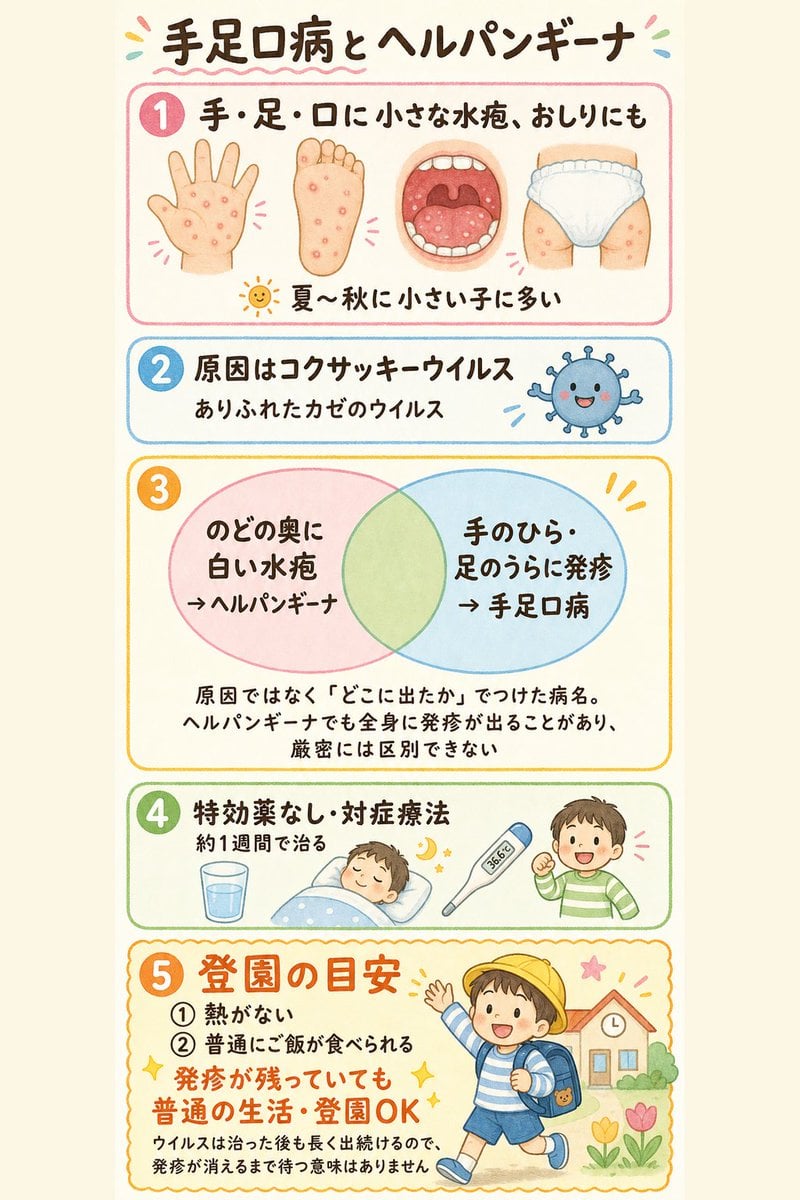
Japanese Pediatric Disease Infographic
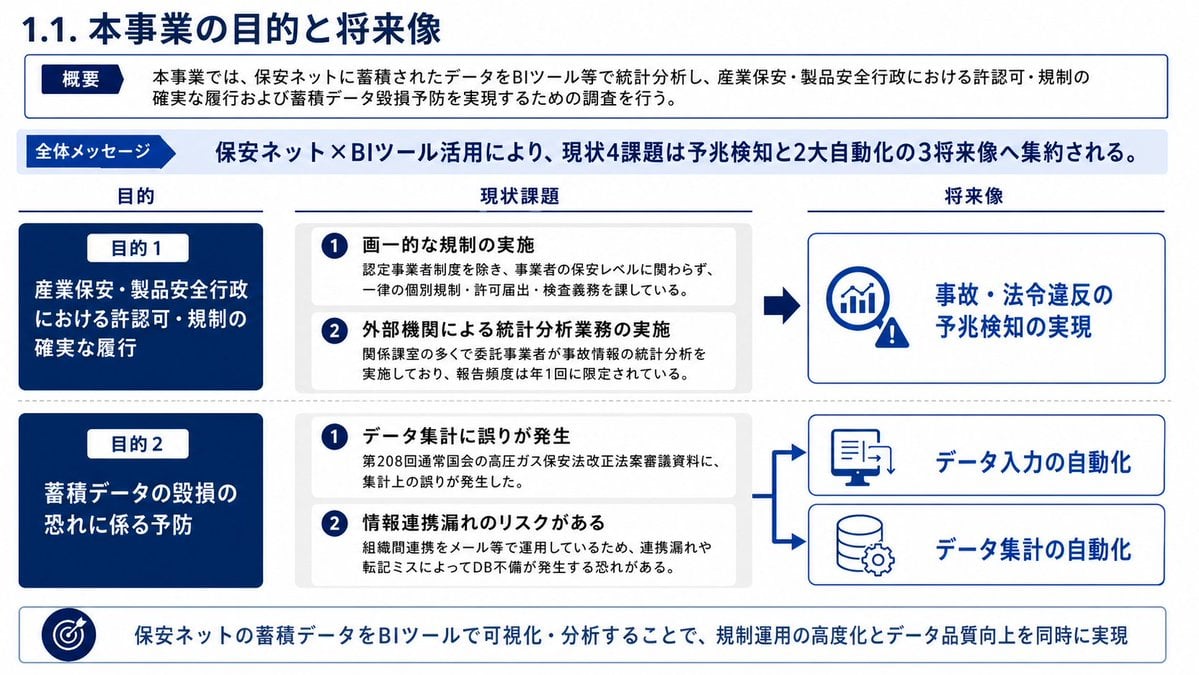
Japanese BI Strategy Slide
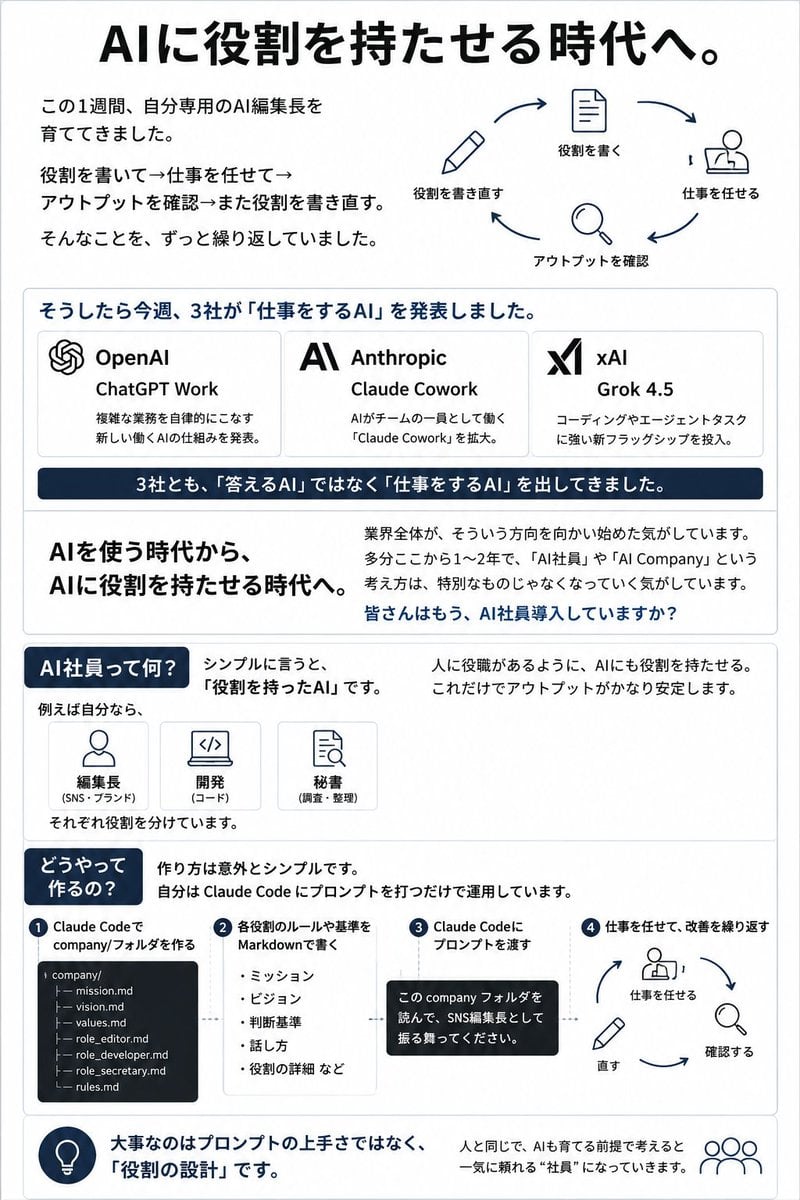
Japanese AI Employee Infographic
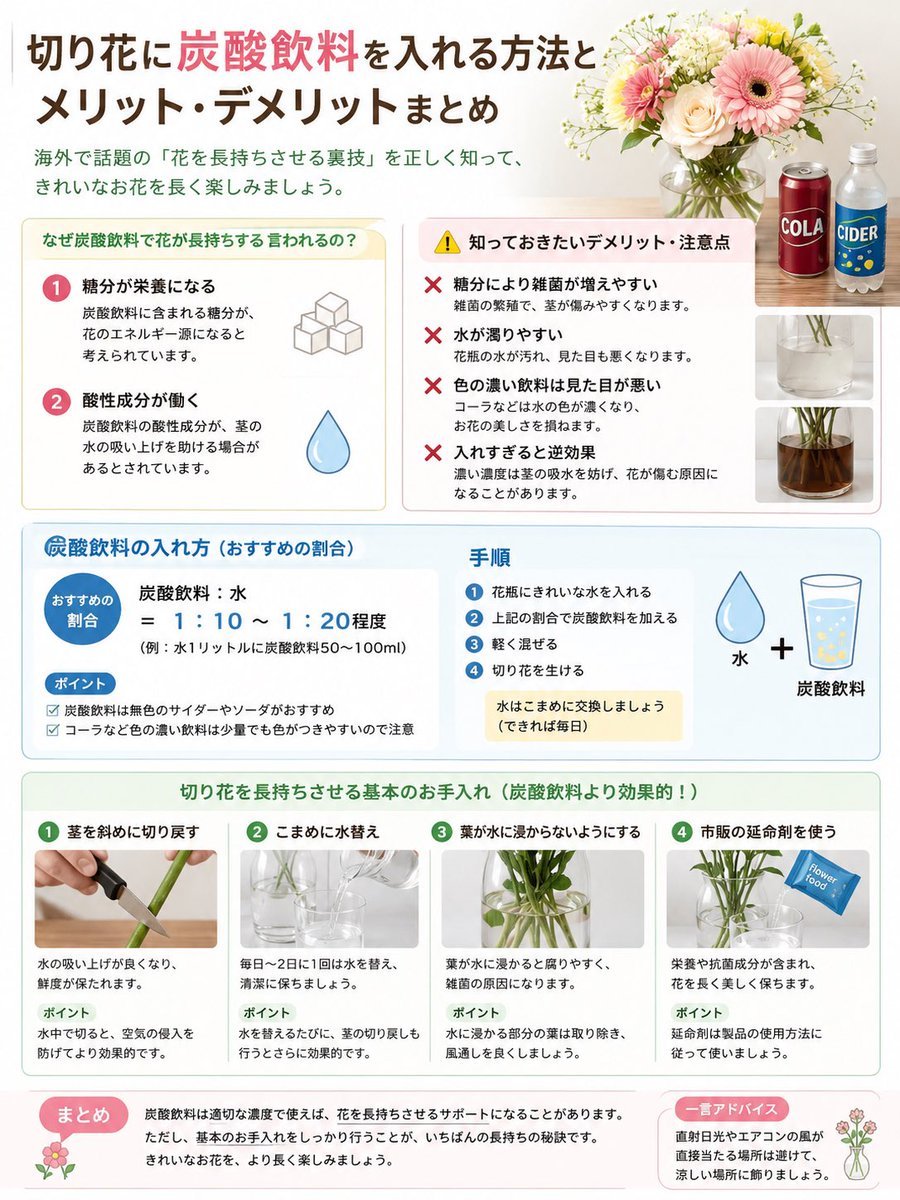
Japanese Cut Flower Soda Care Infographic

Japanese Architectural Concrete Studio Fashion Campaign

Japanese Minimalist Concrete Studio Fashion Editorial

Blue Backdrop Luxury Fashion Portrait Campaign

Isometric Process Educational Diorama
Make it yours
Japanese TCG Strategy Infographic works as-is. These are the safest ways to change it without losing the look.
Change one field
Copy a single group, rewrite it, and generate again so you can see what that field is doing.
Keep the frame, change the subject
Hold the composition and light of Japanese TCG Strategy Infographic, then swap wardrobe, props or the person for a new take.
| If the result… | Why | Fix |
|---|---|---|
| The result drifts from the preview | Too many fields changed at once. | Reuse Japanese TCG Strategy Infographic as-is first, then change one group — subject, light, or setting. |
| The model over-stylizes the scene | The prose prompt leaves finish and camera underspecified. | Add one camera or lighting sentence and stay on GPT Image 2. |
More GPT Image 2 templates
Other prompts made for GPT Image 2.

Six VTuber Japanese Logo Sheet

Realistic Portrait of Woman and Deer

The Vista Modular Condo Poster

AI Model Routing Comparison Infographic

2.5D Anime Art Board

Isometric Productivity Desk Scene

New York Double Exposure Poster

Four-Panel AI Landscape Comparison

Japanese Tatami Lifestyle Magazine Cover

NESCAFÉ Coffee Map Poster
More image prompts
Fresh picks from across the catalog.
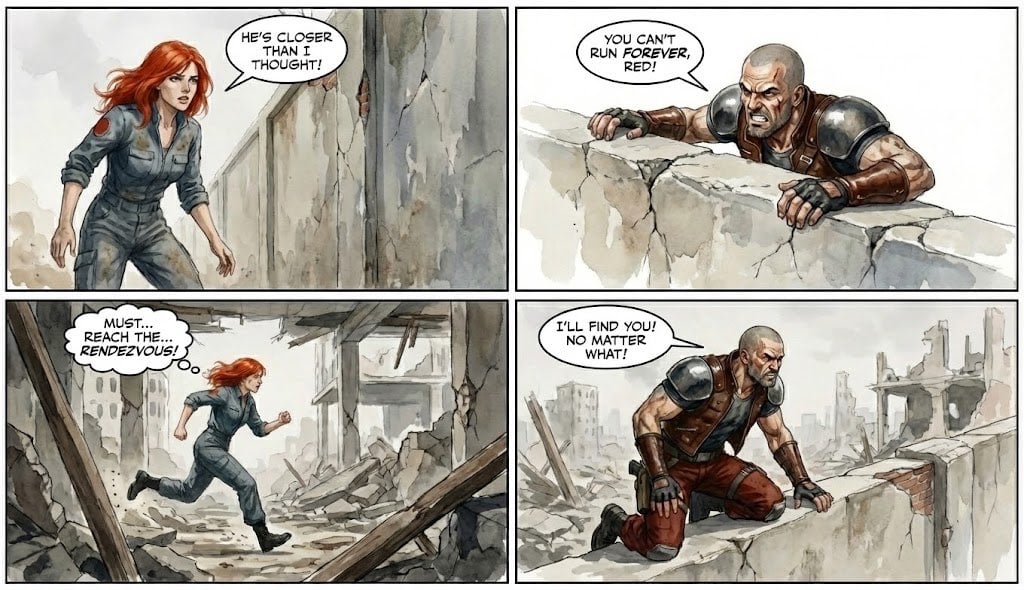
Comic from single image
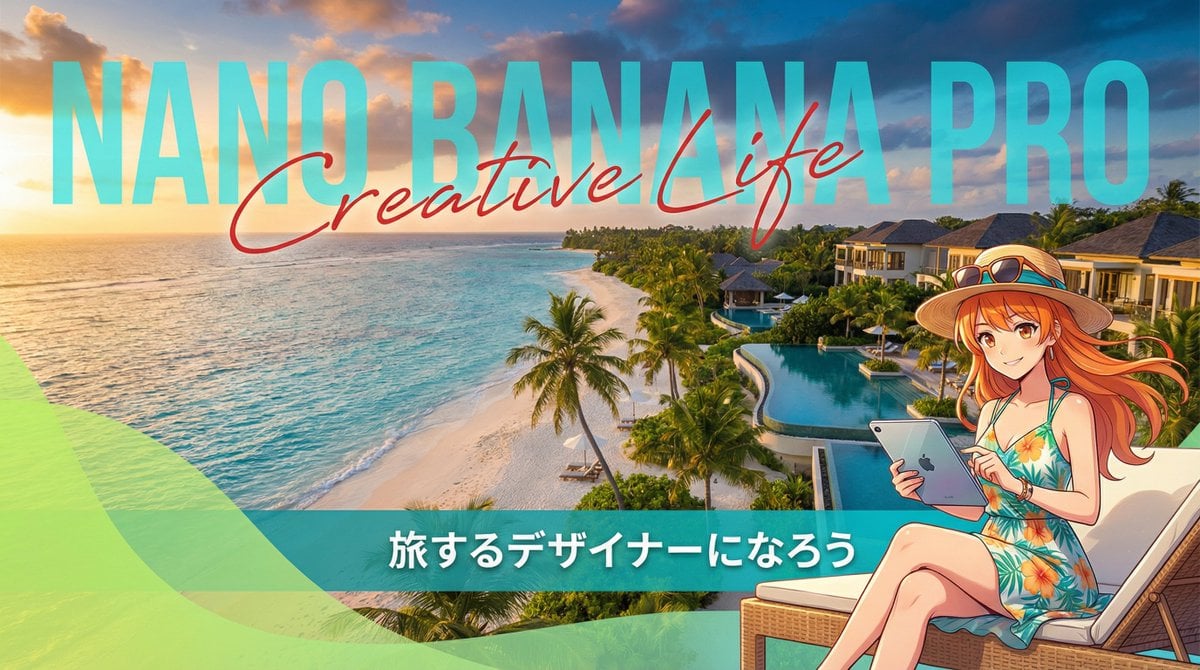
Resort Workcation Eyecatch Prompt (YAML Structure)

Top-Down Product Zoom Video Prompt

Tokyo Neon Motorcycle Drift

iPhone Photobooth Collage of Two Subjects

Cinematic Urban Realism in an Elevator

Double Exposure Nature Portrait
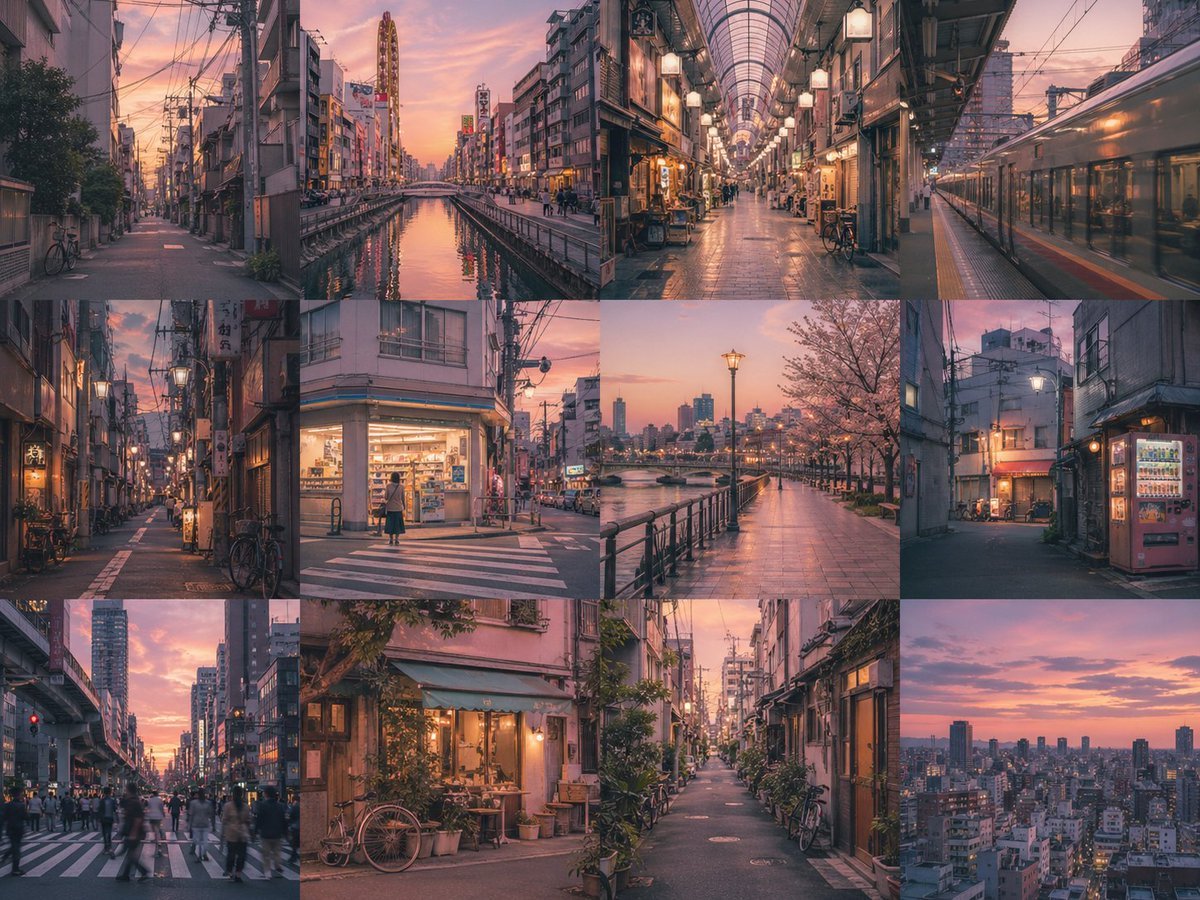
Gpt2 Social Media Post Multi Panel Image Board Template
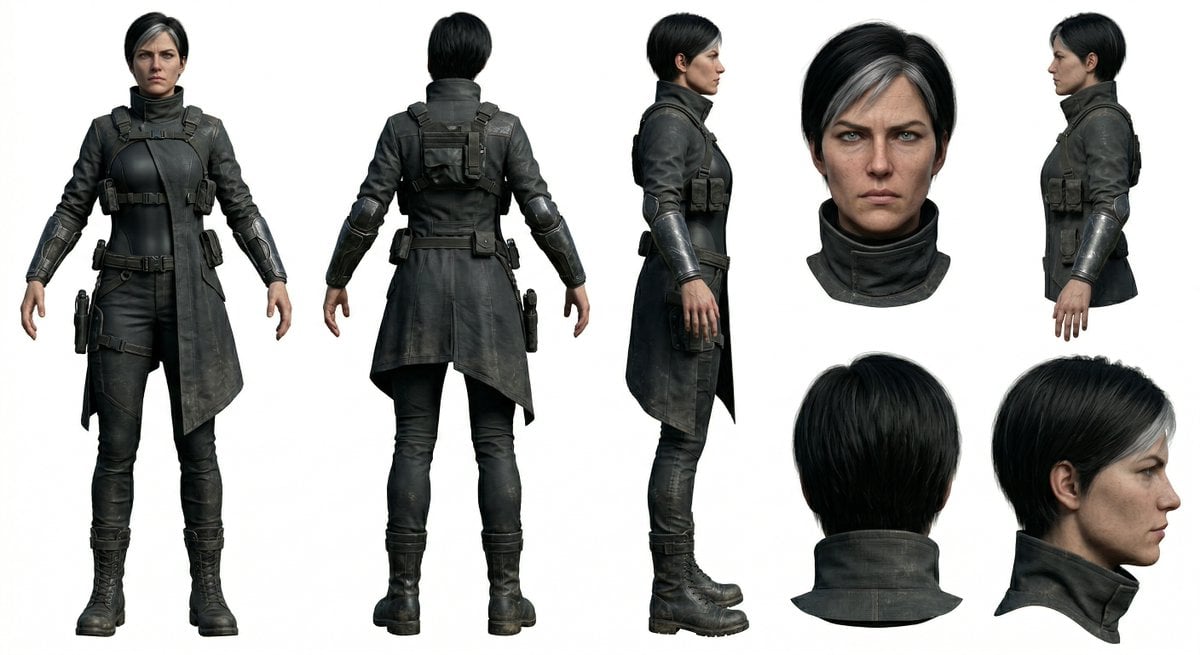
Photoreal Character Reference Sheet Prompt for Nano Banana Pro

Scenic Travel Ad Banner Generator
Browse template categories
Japanese TCG Strategy Infographic questions
How do I use the Japanese TCG Strategy Infographic template?
Add your photo if the template asks for one, edit the prompt if you like — the template's model and format are already selected — and press Generate. Your version opens in PicX Studio.
Can I customize the Japanese TCG Strategy Infographic template?
Yes. You can change the subject, setting, lighting, mood, format, and available model controls before creating your image.
Is the Japanese TCG Strategy Infographic template free?
Opening and editing this template is free. Generating uses credits, shown on the Generate button when you are signed in.
Which AI model should I use?
Start with GPT Image 2, which is the model associated with this template. You can compare another compatible model for a different finish.
Looking for something else? Browse all templates.

Your photo, any look
Thousands of ready templates for every top image and video model, from one credit balance.