
Tokyo Neon Motorcycle Drift
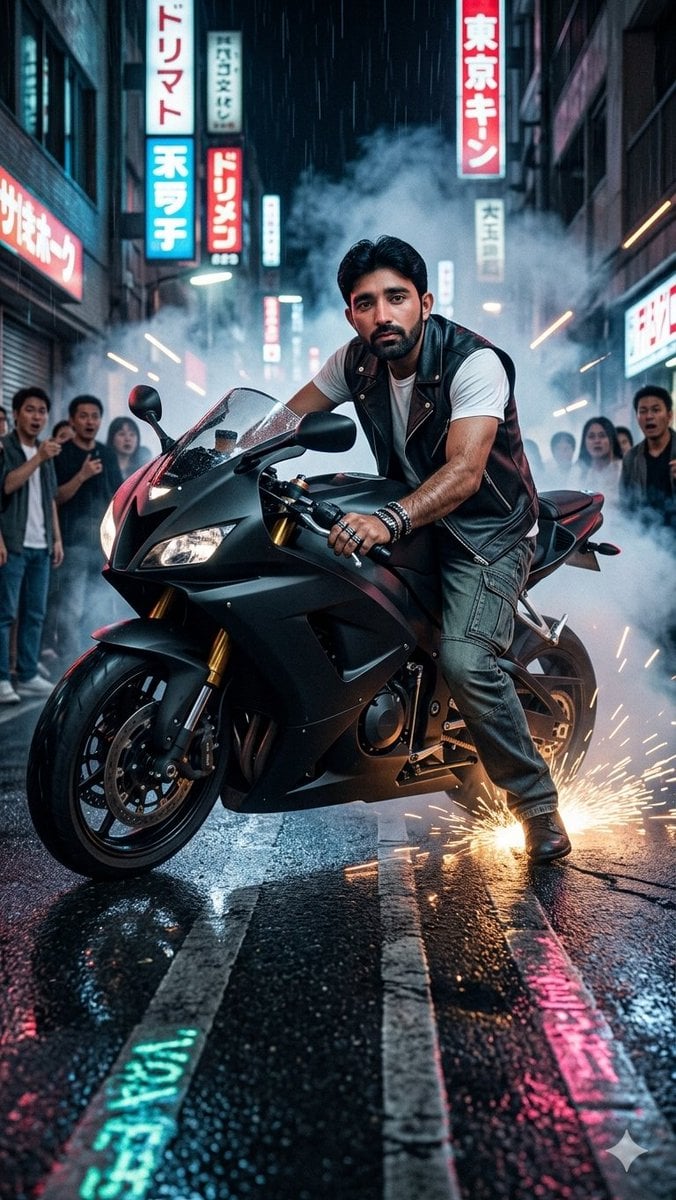
A cinematic vertical street photo prompt for generating a stylish rider drifting a matte black sport motorcycle through a smoky neon Tokyo alley.
- Prompt included
- Model and format preset
- Premium template
The prompt behind this image
Copy the exact prompt behind Tokyo Neon Motorcycle Drift, or open it in the studio and make it yours.
Create a vertical 9:16 hyper-realistic 35mm street-photography action shot in a crowded Tokyo-inspired neon alley at night. A stylish male rider with {argument name="rider face" default="a naturally integrated but anonymized face"} is on a matte black sport motorcycle, captured low and close from the front-left as he performs a sideways drift on wet asphalt. He wears {argument name="rider outfit" default="a black leather sleeveless biker vest over a white T-shirt, gray cargo pants, black boots, bracelets, and rings"}; one boot scrapes the road and throws a bright shower of orange sparks while the bike leans aggressively. The motorcycle has a black fairing, tinted windscreen, twin headlights, gold front forks, exposed disc brakes, and glossy wet reflections. Surround the rider with smoke, mist, motion streaks, and a dramatic cinematic atmosphere. The alley is narrow, dark, and packed with blurred onlookers on both sides; include exactly 10 visible bystanders, all secondary and softly out of focus. Add exactly 8 prominent vertical neon signs in the background with Japanese-style characters: 4 on the left side, 3 on the right side, and 1 small distant sign in the center, using red, cyan, white, and pink glow. The wet road should show painted lane lines, puddles, and colorful neon reflections stretching toward the camera. Use {argument name="lighting style" default="moody cyberpunk neon with cool blue smoke and warm orange sparks"}, shallow depth of field, high contrast, realistic skin and fabric texture, crisp motorcycle detail, rain-slick pavement, dynamic motion blur, no cartoon styling, no extra text overlays, no watermark.
How to use Tokyo Neon Motorcycle Drift in 3 steps
- 1Upload ImagePNG, JPG or paste
Add your photo
Upload the photo the template builds on. The prompt, model and format are already set.
- 2…a portrait of your subject in softgolden-hour light, 85mm…
Personalize
Edit the subject and creative details for your destination.
- 3Generate
Generate
Press Generate — your image is created in PicX Studio, so you can compare it with the original and refine one variable at a time.
More like this
Templates with the same subject, style or setup. Open one to see its prompt.

80s Neon Disco Night
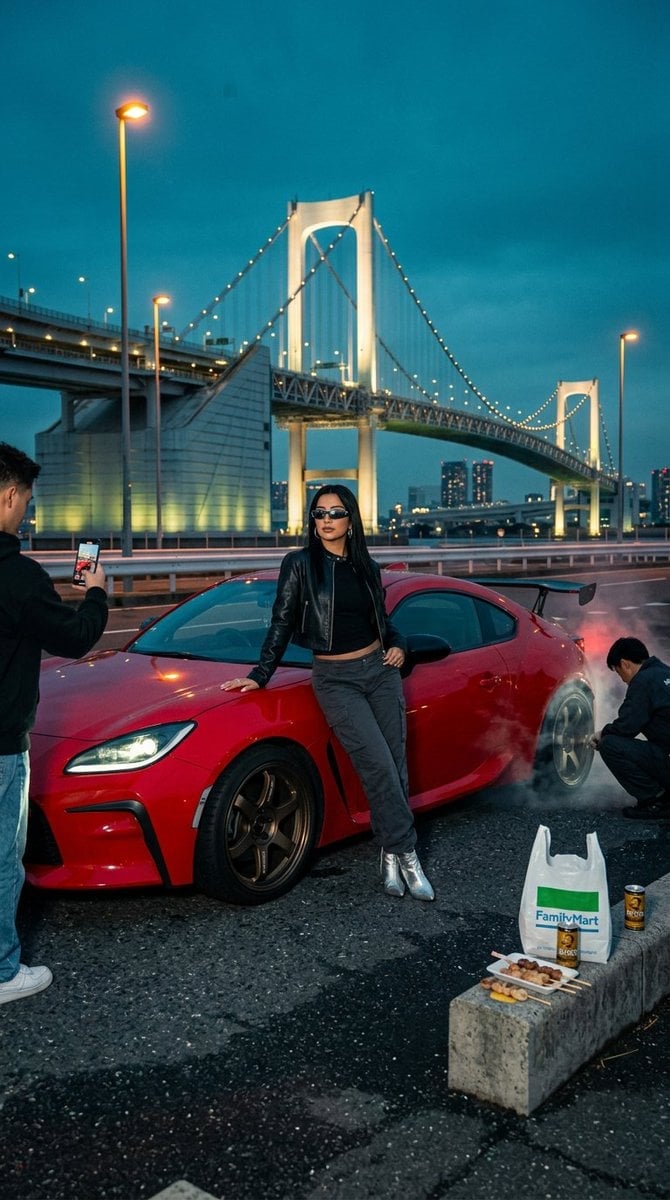
Tokyo drift editorial at Odaiba

Cartoon TV Show Poster Pack

Rainy Night Android Cyberpunk Portrait

Korean Idol Partial Shadow Editorial Portrait

Cyberpunk Neon Profile Fashion Portrait

Neon Night Crosswalk Candid Portrait

Subway Platform Quiet Introspective Portrait
Rainy Night Android Cyberpunk Portrait

Cinematic Sci-Fi Commander Side Profile Portrait
Low-Angle Cyberpunk Neon Profile Portrait

Cinematic Neon Light Strip Studio Portrait
Make it yours
Tokyo Neon Motorcycle Drift works as-is. These are the safest ways to change it without losing the look.
Change one field
Copy a single group, rewrite it, and generate again so you can see what that field is doing.
Keep the frame, change the subject
Hold the composition and light of Tokyo Neon Motorcycle Drift, then swap wardrobe, props or the person for a new take.
| If the result… | Why | Fix |
|---|---|---|
| The result drifts from the preview | Too many fields changed at once. | Reuse Tokyo Neon Motorcycle Drift as-is first, then change one group — subject, light, or setting. |
| The model over-stylizes the scene | The prose prompt leaves finish and camera underspecified. | Add one camera or lighting sentence and stay on GPT Image 2. |
More GPT Image 2 templates
Other prompts made for GPT Image 2.

Six VTuber Japanese Logo Sheet

Realistic Portrait of Woman and Deer

The Vista Modular Condo Poster

AI Model Routing Comparison Infographic

2.5D Anime Art Board

Isometric Productivity Desk Scene

New York Double Exposure Poster

Four-Panel AI Landscape Comparison

Japanese Tatami Lifestyle Magazine Cover

NESCAFÉ Coffee Map Poster
More image prompts
Fresh picks from across the catalog.
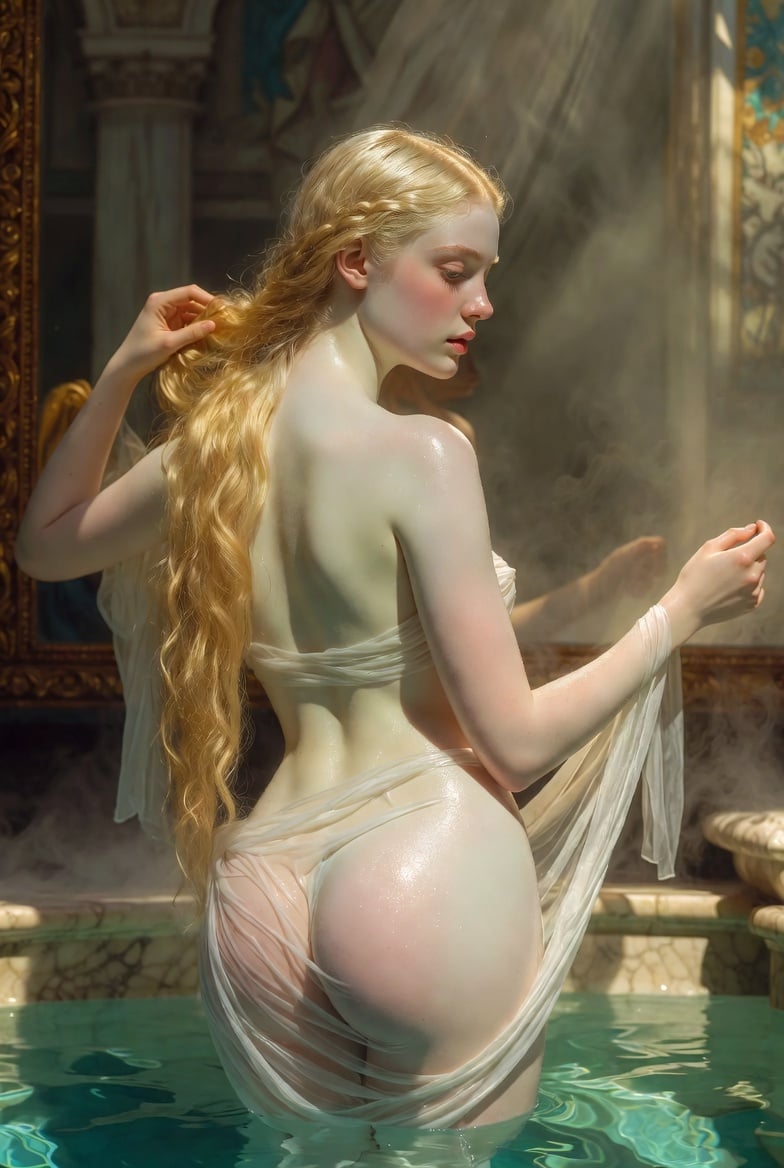
Renaissance Bathing Portrait

Commercial Food Photography Modules (Waffles, Biscuits, Ice Cream Bar)
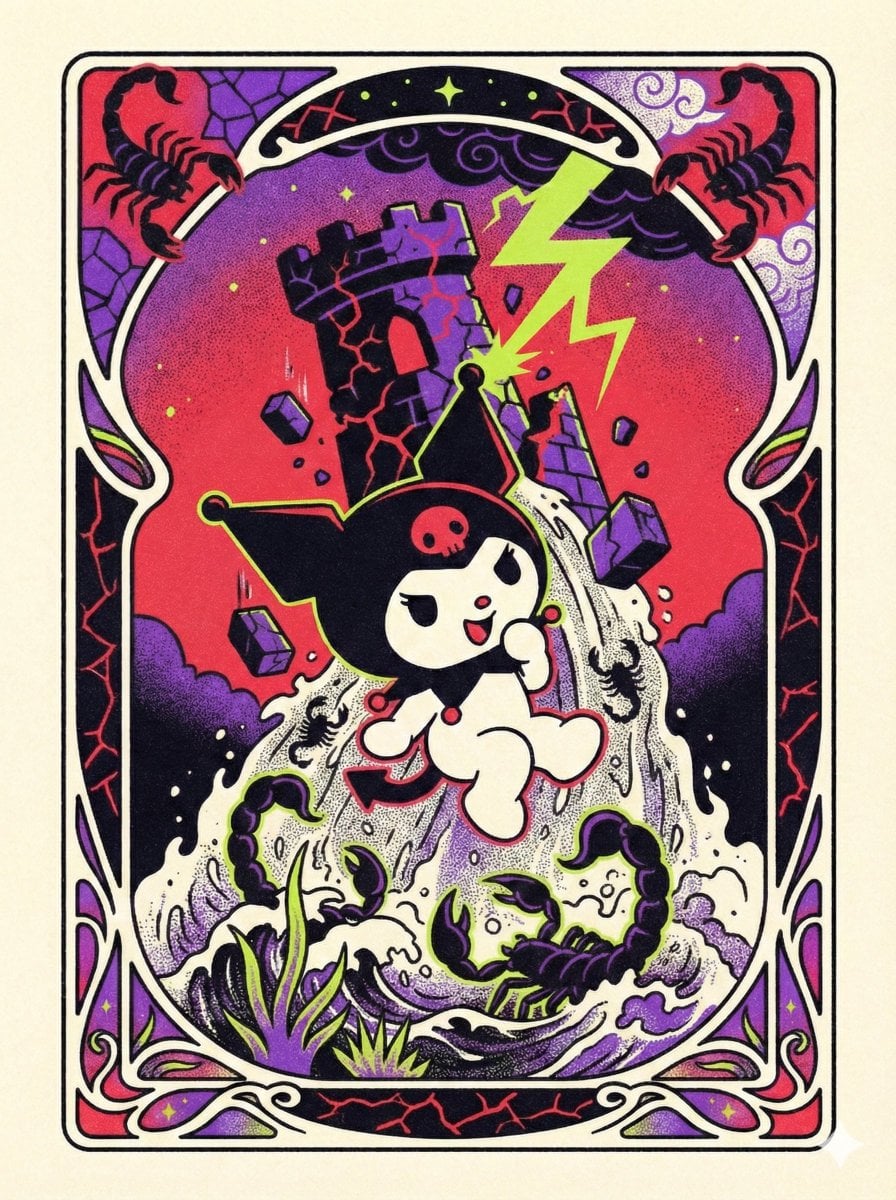
Sanrio Tarot Card Risograph Simulation
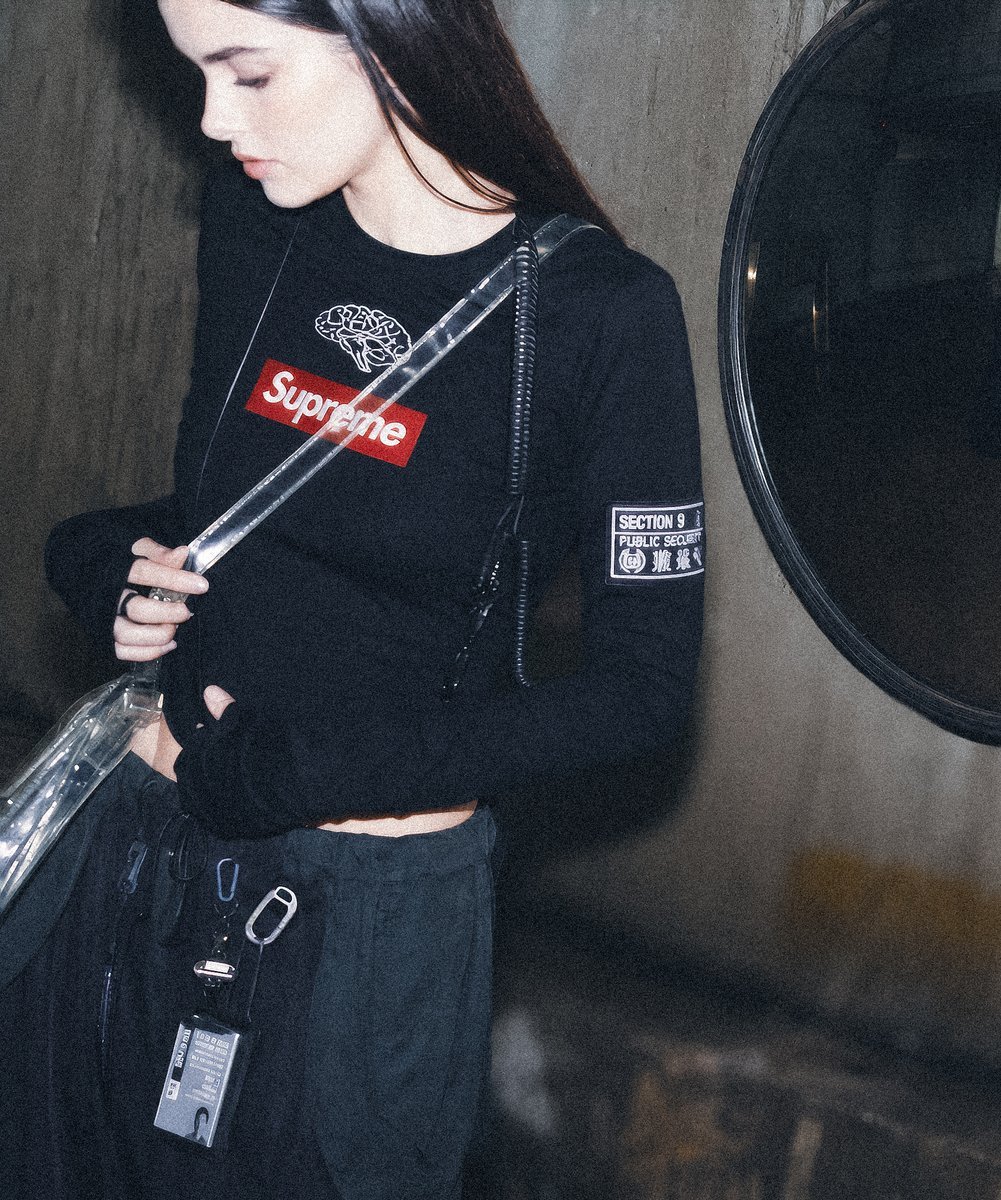
Supreme Section 9 Cyberpunk Fashion Portrait

Nano Banana Pro prompt for generating a blog eye-catch image
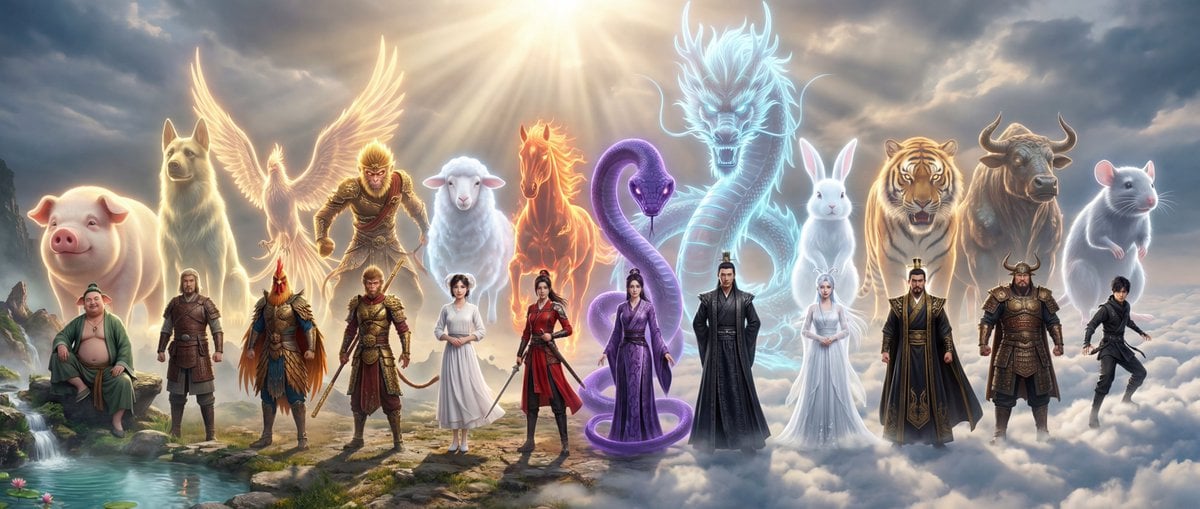
Epic Chinese Fantasy Zodiac Deities Prompt (12 Characters)

8K 3D Illustration of Anthropomorphic Bees (Gym and Relaxing)
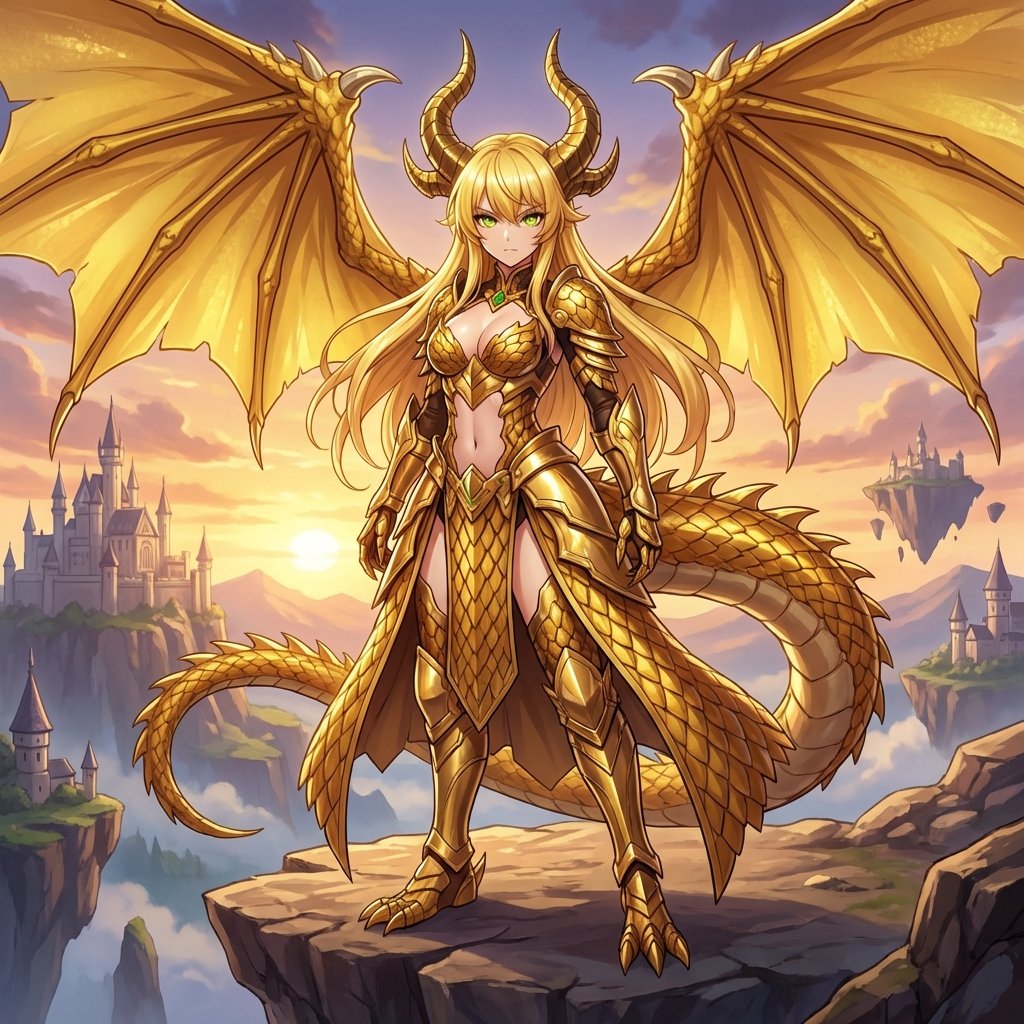
AI Transformation to Dragonewt
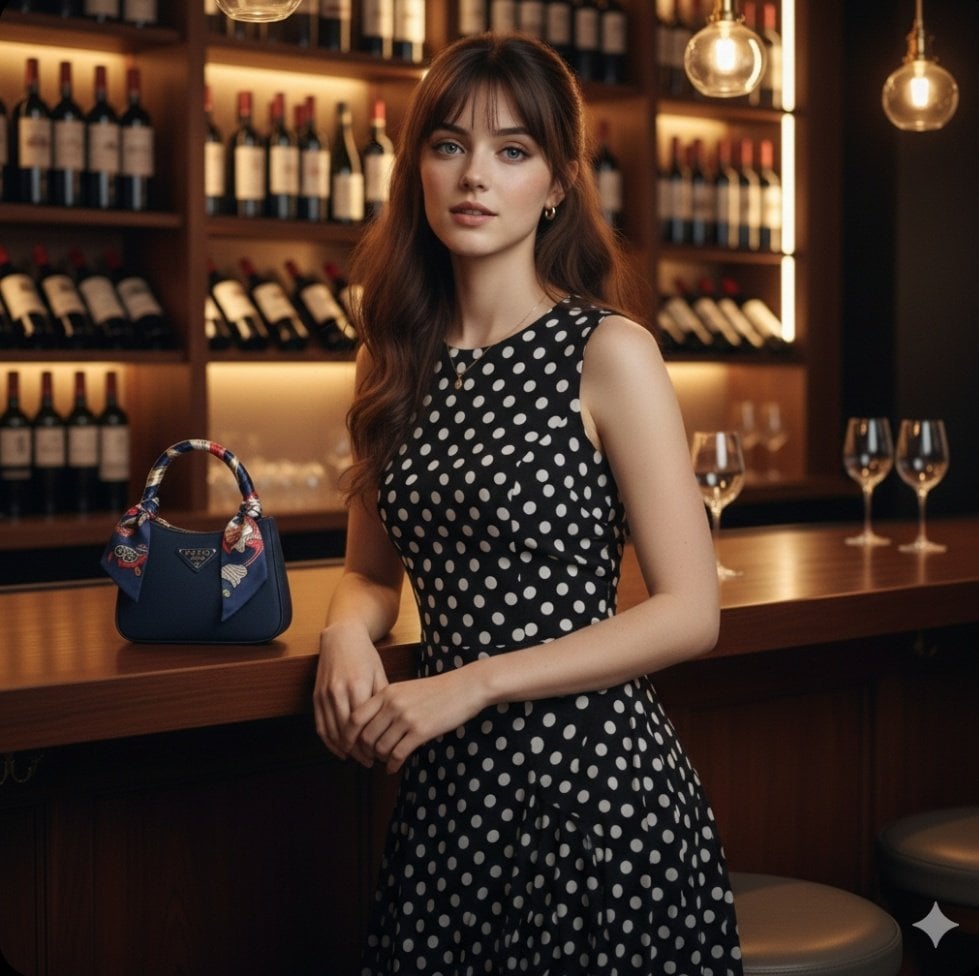
Ultra Realistic Fashion Portrait
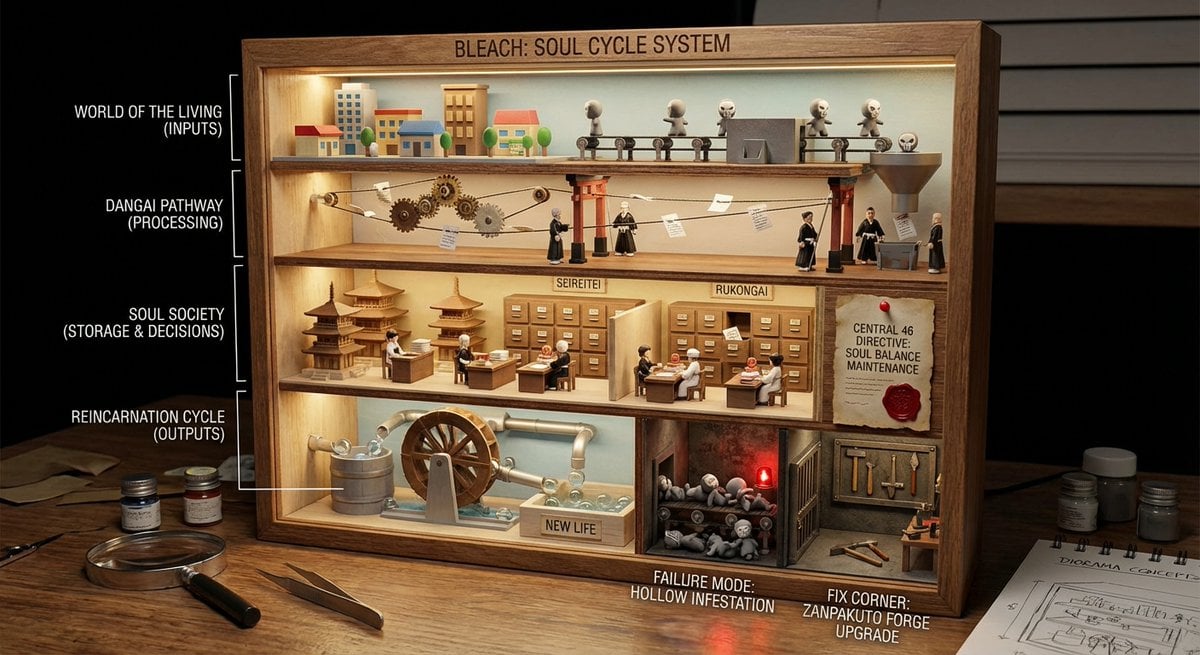
World-in-a-Box Cutaway Diorama Prompt
Browse template categories
Tokyo Neon Motorcycle Drift questions
How do I use the Tokyo Neon Motorcycle Drift template?
Add your photo if the template asks for one, edit the prompt if you like — the template's model and format are already selected — and press Generate. Your version opens in PicX Studio.
Can I customize the Tokyo Neon Motorcycle Drift template?
Yes. You can change the subject, setting, lighting, mood, format, and available model controls before creating your image.
Is the Tokyo Neon Motorcycle Drift template free?
Opening and editing this template is free. Generating uses credits, shown on the Generate button when you are signed in.
Which AI model should I use?
Start with GPT Image 2, which is the model associated with this template. You can compare another compatible model for a different finish.
Looking for something else? Browse all templates.

Your photo, any look
Thousands of ready templates for every top image and video model, from one credit balance.