
Sanrio Tarot Card Risograph Simulation
A highly specific prompt for generating a single Major Arcana tarot card featuring a randomly selected official Sanrio character.
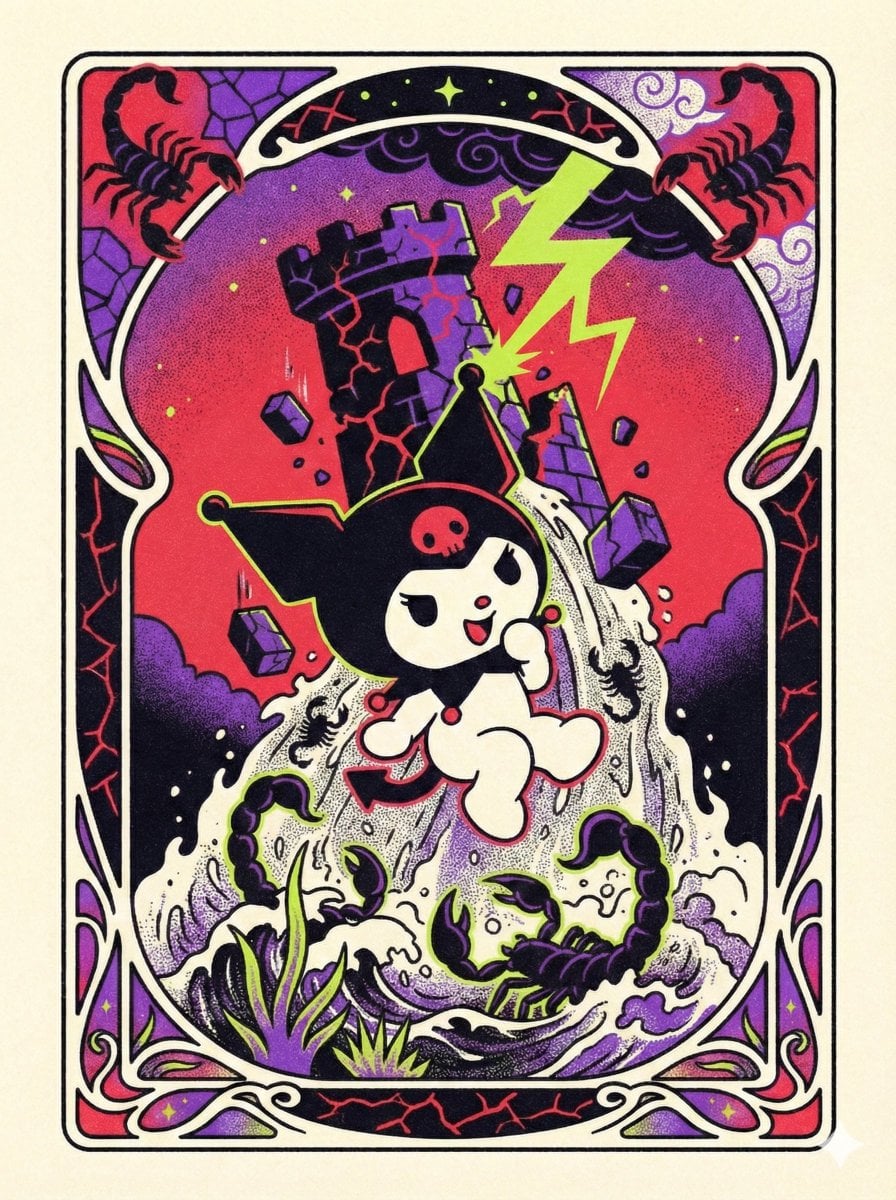
- Prompt included
- Model and format preset
- Free template
The prompt behind this image
Copy the exact prompt behind Sanrio Tarot Card Risograph Simulation, or open it in the studio and make it yours.
Create a single Major Arcana tarot card featuring one randomly selected official Sanrio character from this list: Hello Kitty, My Melody, Kuromi, Cinnamoroll, Pompompurin, Keroppi, Badtz-Maru, Little Twin Stars (Kiki & Lala), Chococat, Tuxedo Sam, Gudetama, Aggretsuko, Hangyodon, Dear Daniel, or Usahana. CRITICAL: The character MUST be assigned a randomly chosen zodiac theme AND a randomly chosen Major Arcana card (The Fool, The Magician, The High Priestess, The Empress, The Emperor, The Hierophant, The Lovers, The Chariot, Strength, The Hermit, Wheel of Fortune, Justice, The Hanged Man, Death, Temperance, The Devil, The Tower, The Star, The Moon, The Sun, Judgement, The World) - both assignments are non-negotiable and mandatory. The zodiac symbolism must be woven into the tarot card's meaning and visual metaphors. Render in traditional tarot card proportions (2.75:4.75 ratio, portrait orientation) with an ornate decorative border featuring Art Nouveau-inspired flowing lines, celestial motifs, and geometric patterns that reference both the zodiac sign and tarot symbolism. The character must be depicted with 100% canonical accuracy maintaining exact official Sanrio proportions and features, positioned centrally as the card's main subject in a pose that embodies the tarot card's archetypal meaning. The entire composition must be a high-quality risograph print simulation featuring authentic soy-based ink grain texture that mimics absorption on uncoated 80-120gsm paper stock, stochastic dot stippling using randomized diffusion dither patterns (not regular halftone grids), fine sand-like noise within all color fills simulating Grain Touch screening mode, organic ink density variations creating tonal shifts without smooth gradients, slight dot gain effect at color boundaries, and spot color separation logic with translucent ink layering behavior rather than CMYK process colors. Colors must be bold, flat, vibrant, and fully saturated (80-100% chroma) with maximum brightness, utilizing fluorescent ink vibrancy where appropriate and showing no fading, desaturation, or washed-out pastels. The border design should use a maximum of 3-4 spot colors plus black, with the character surrounded by a thick uniform black outline (3-4pt stroke weight). Background within the border should be cream/off-white (#FFF8E7) to simulate aged tarot card stock. The output must be 3000×5200px resolution in sRGB, containing absolutely no text labels, character names, tarot card titles, zodiac symbols (♈♉♊♋♌♍♎♏♐♑♒♓), Roman numerals, descriptive typography, or dimensional effects like drop shadows.
How to use Sanrio Tarot Card Risograph Simulation in 3 steps
- 1
Open
The prompt is already in the box next to the preview, with the template's model and format selected.
- 2…a portrait of your subject in softgolden-hour light, 85mm…
Personalize
Edit the subject and creative details for your destination.
- 3Generate
Generate
Press Generate — your image is created in PicX Studio, so you can compare it with the original and refine one variable at a time.
More like this
Templates with the same subject, style or setup. Open one to see its prompt.
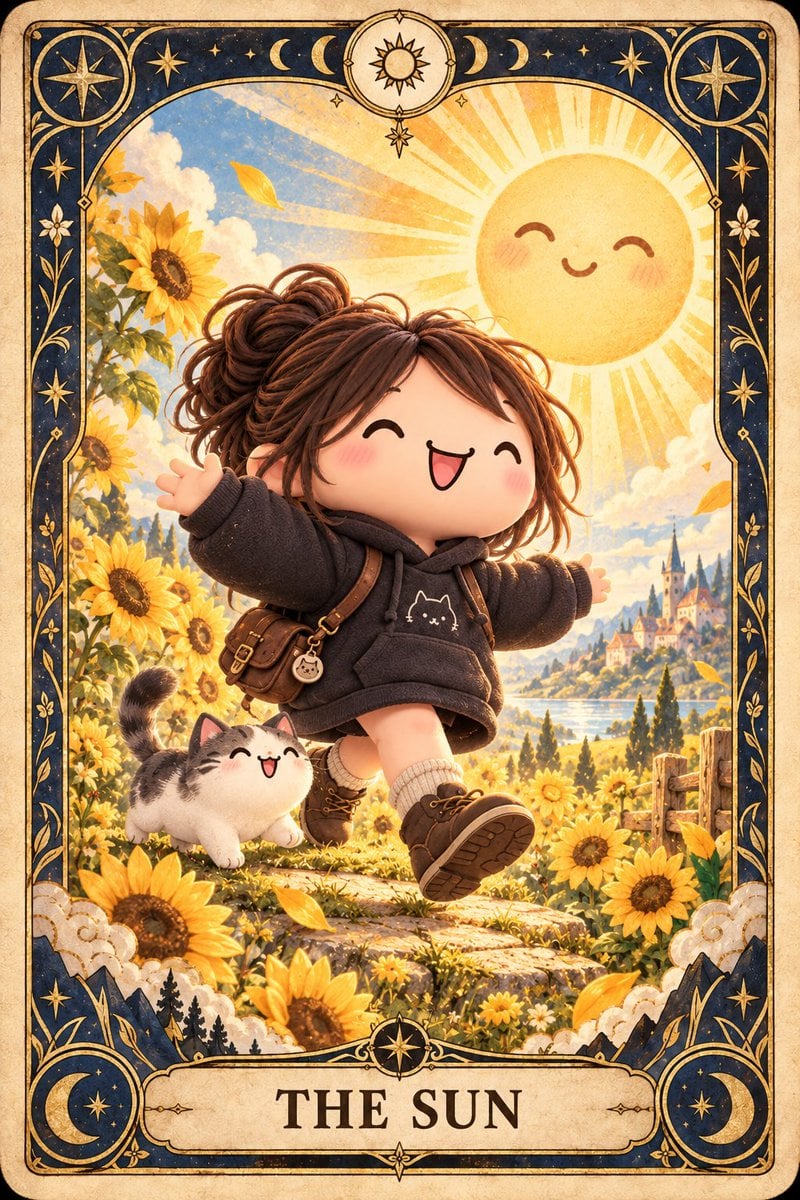
Chibi The Sun Tarot Card
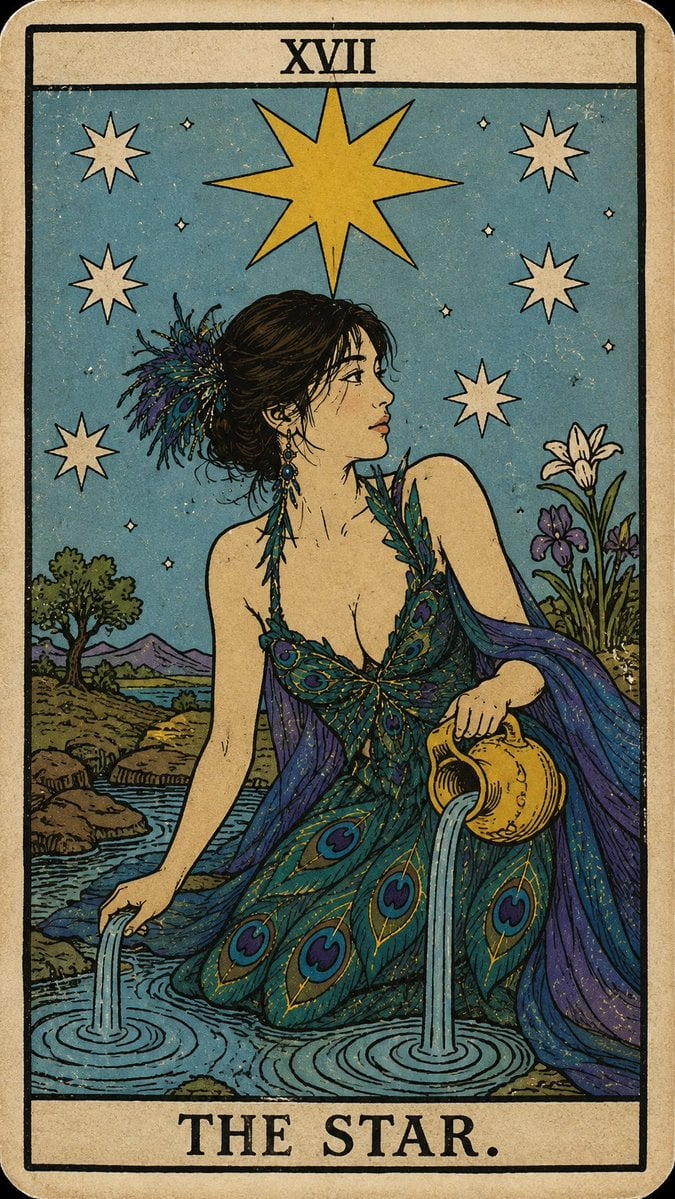
Personalized Rider-Waite Tarot Card
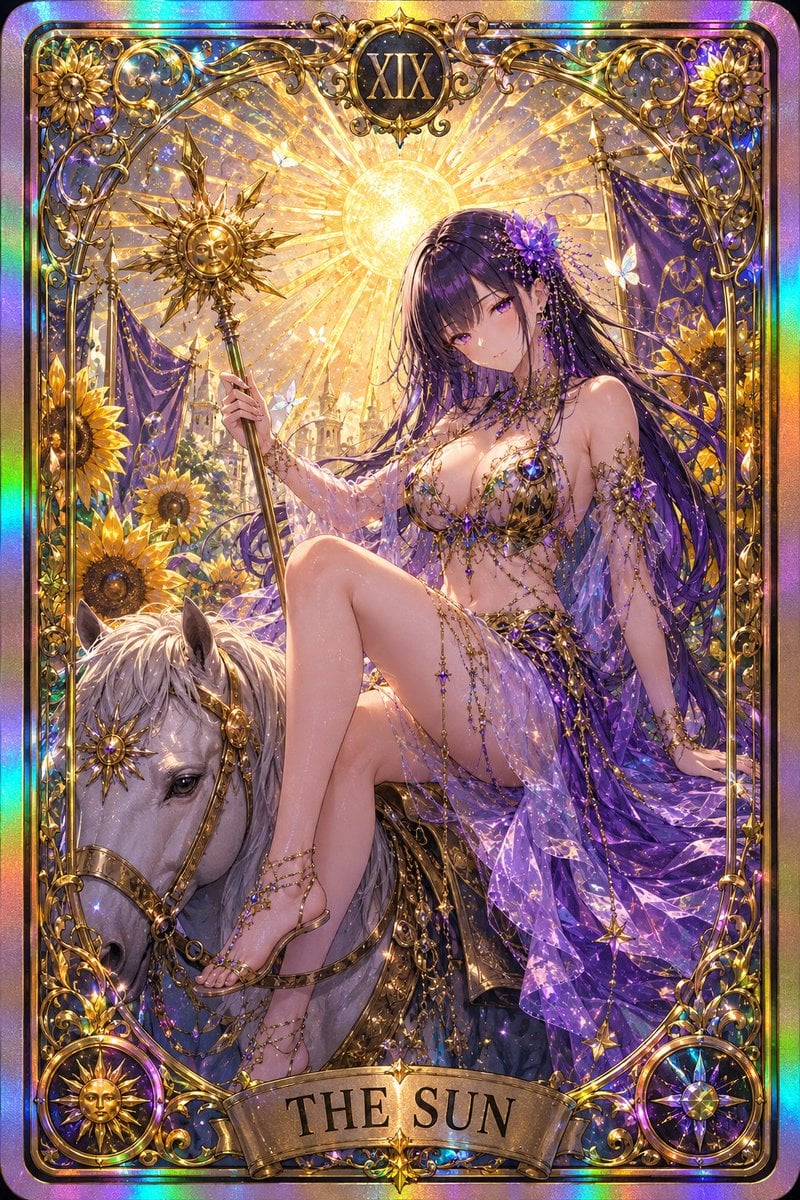
Gothic Art Nouveau Tarot Card
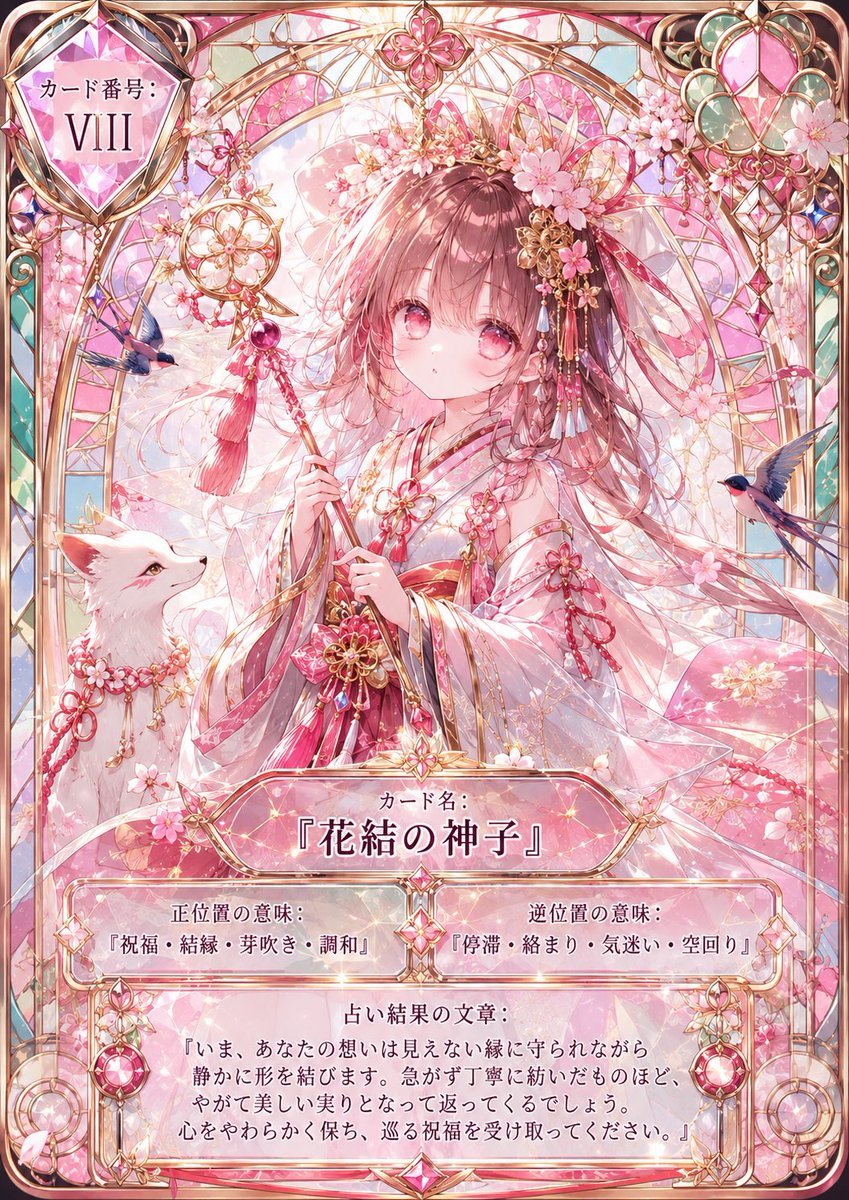
Sakura Divinity Tarot Card
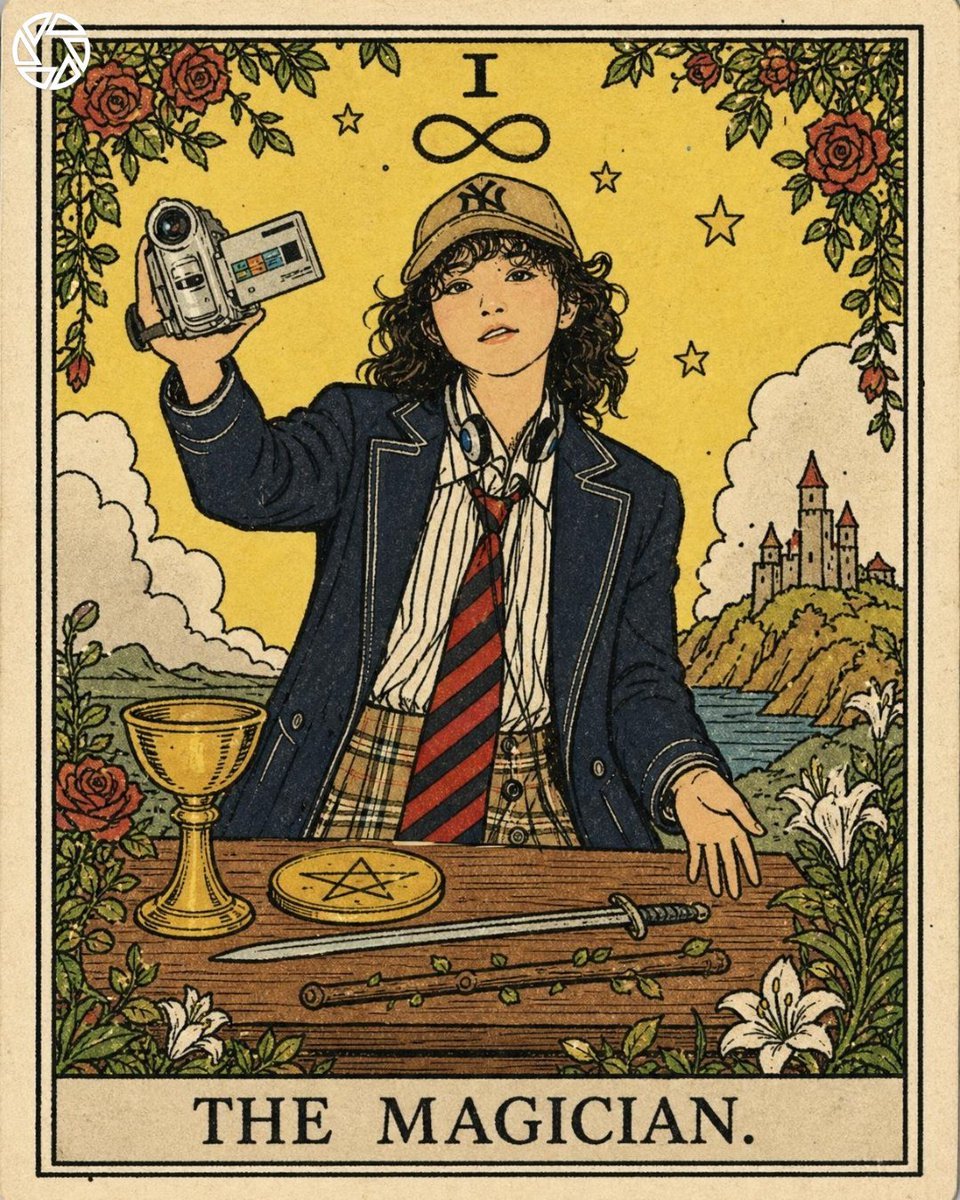
Rider-Waite Style Tarot Card
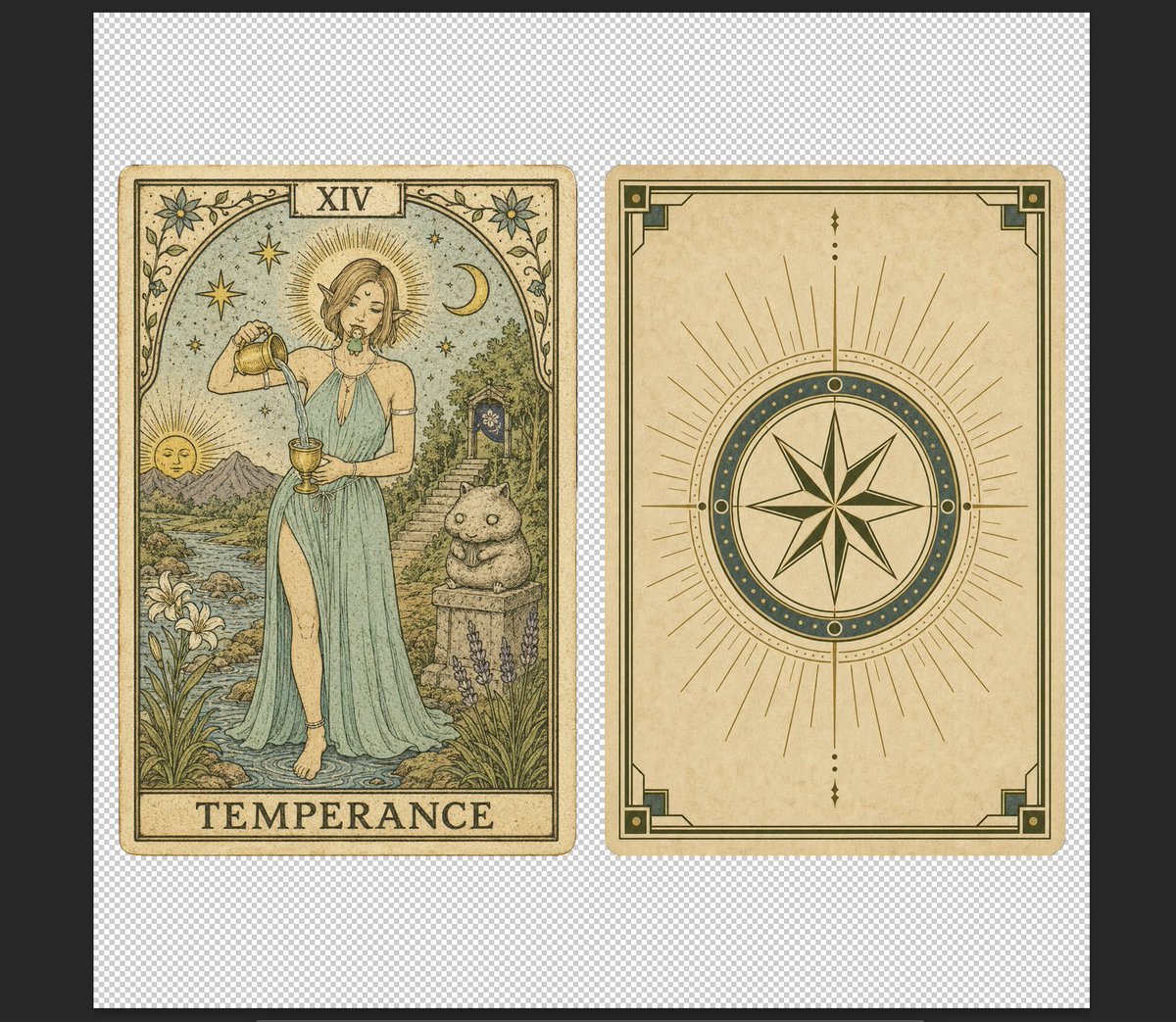
Vintage Temperance Tarot Card Pair
Tarot Card Conversion Prompt (Gothic/Art Nouveau Style)
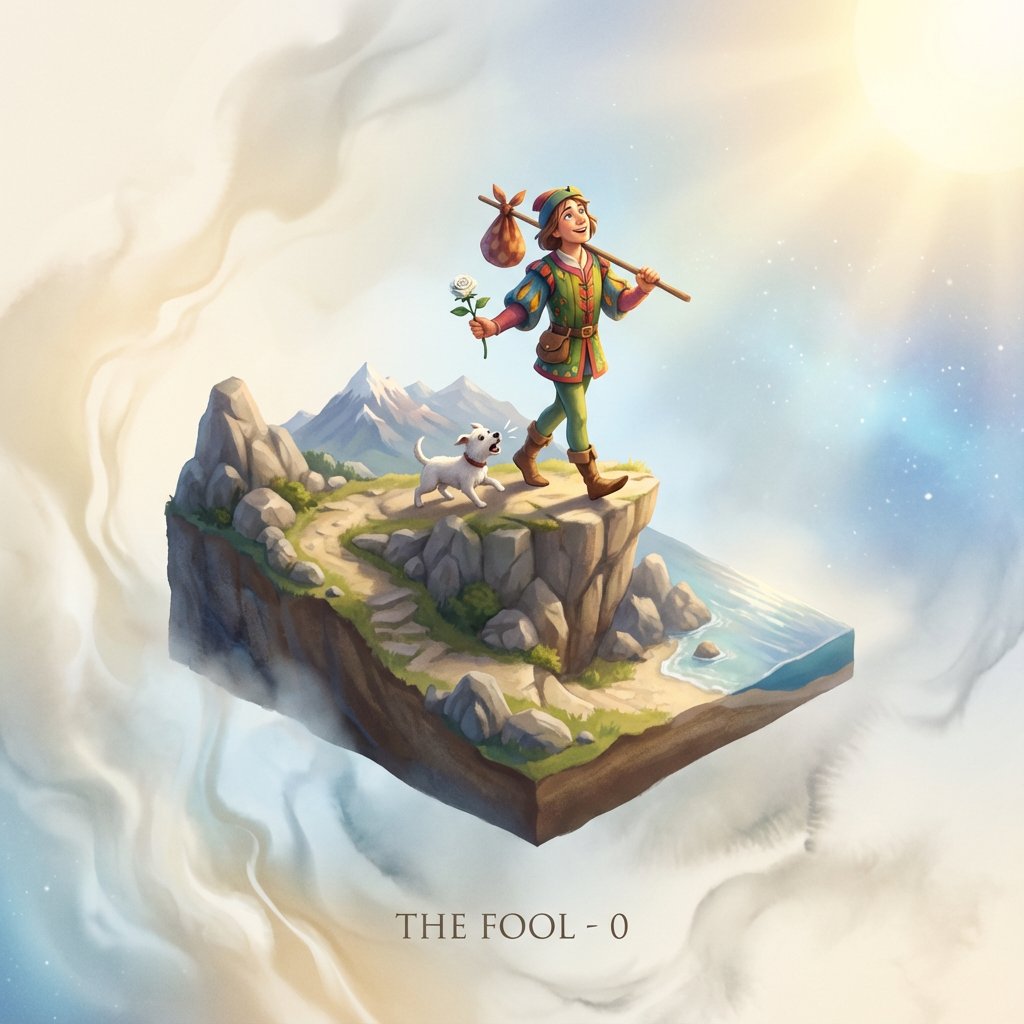
Tarot Card Image Generation Prompt
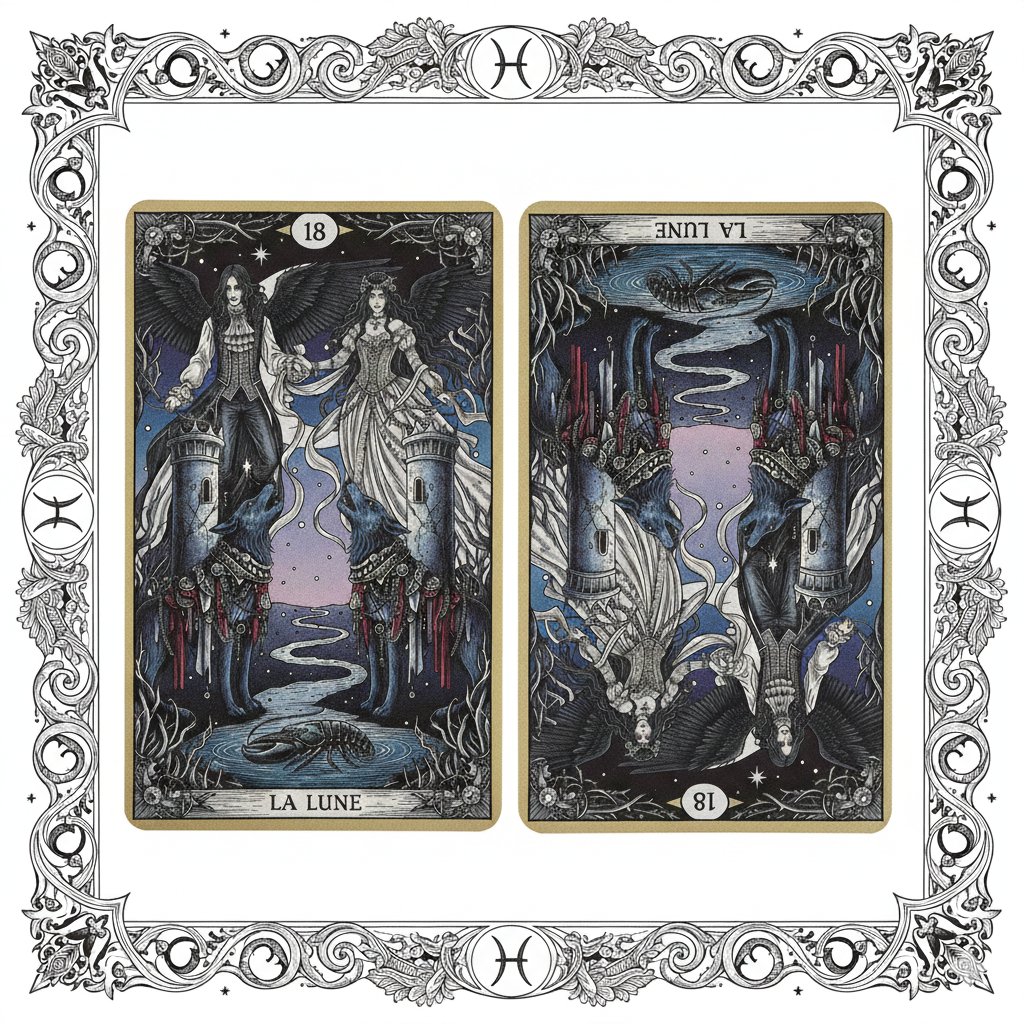
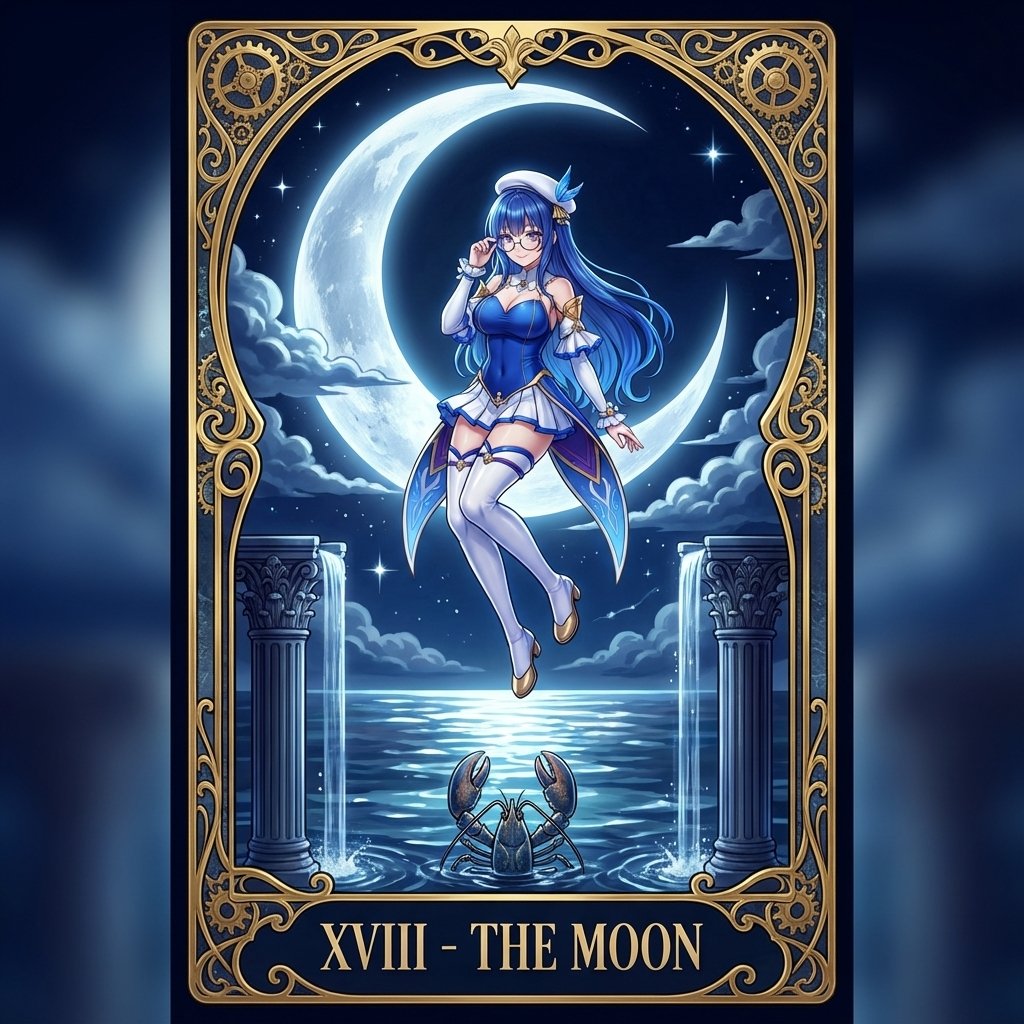
Nano Banana Pro Prompt: Tarot Card 18 (The Moon) with Mális Mizer and Pisces
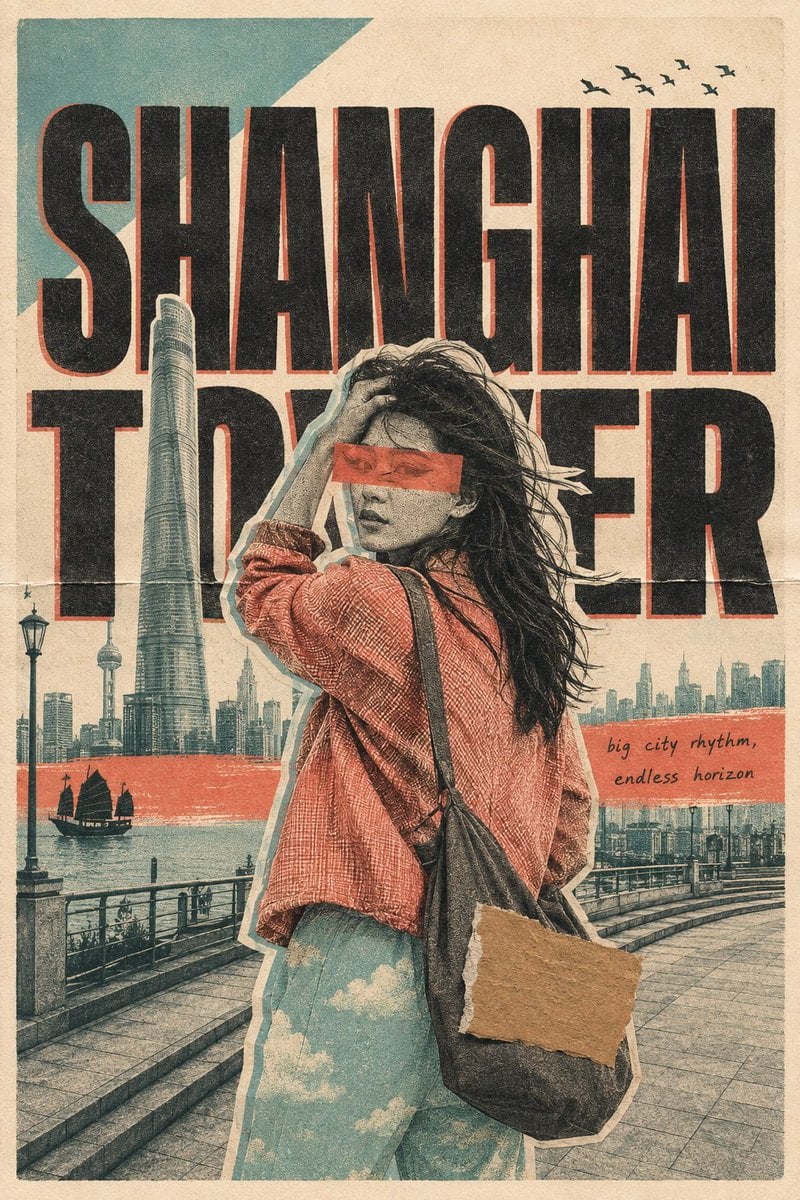
Risograph Collage Travel Poster

Teal Japanese Handwritten Lyric Card

Reiwa Slang Reaction Gacha Card
Make it yours
Sanrio Tarot Card Risograph Simulation works as-is. These are the safest ways to change it without losing the look.
Change one field
Copy a single group, rewrite it, and generate again so you can see what that field is doing.
Keep the frame, change the subject
Hold the composition and light of Sanrio Tarot Card Risograph Simulation, then swap wardrobe, props or the person for a new take.
| If the result… | Why | Fix |
|---|---|---|
| The result drifts from the preview | Too many fields changed at once. | Reuse Sanrio Tarot Card Risograph Simulation as-is first, then change one group — subject, light, or setting. |
| The model over-stylizes the scene | The prose prompt leaves finish and camera underspecified. | Add one camera or lighting sentence and stay on Nano Banana 2. |
More Nano Banana 2 templates
Other prompts made for Nano Banana 2.

Photorealistic Leaf Shaped Like a Dragon

K-Pop Idol Portrait Grid for Rapid Selection

Poetic Rain Forest Portrait During Golden Hour

Urban Street Portrait with Cartoon Inner Self Duo

Candid Nighttime Photo with Cat Prompt

High-Concept 3D Diorama Generation Prompt

Cinematic Futuristic Studio Portrait Template

Skincare Editorial Photography Collage Prompt

Hyper-Realistic Commercial Product Photography (Splash Effect)

Hyper-Realistic Nightclub Portrait Prompt
More image prompts
Fresh picks from across the catalog.
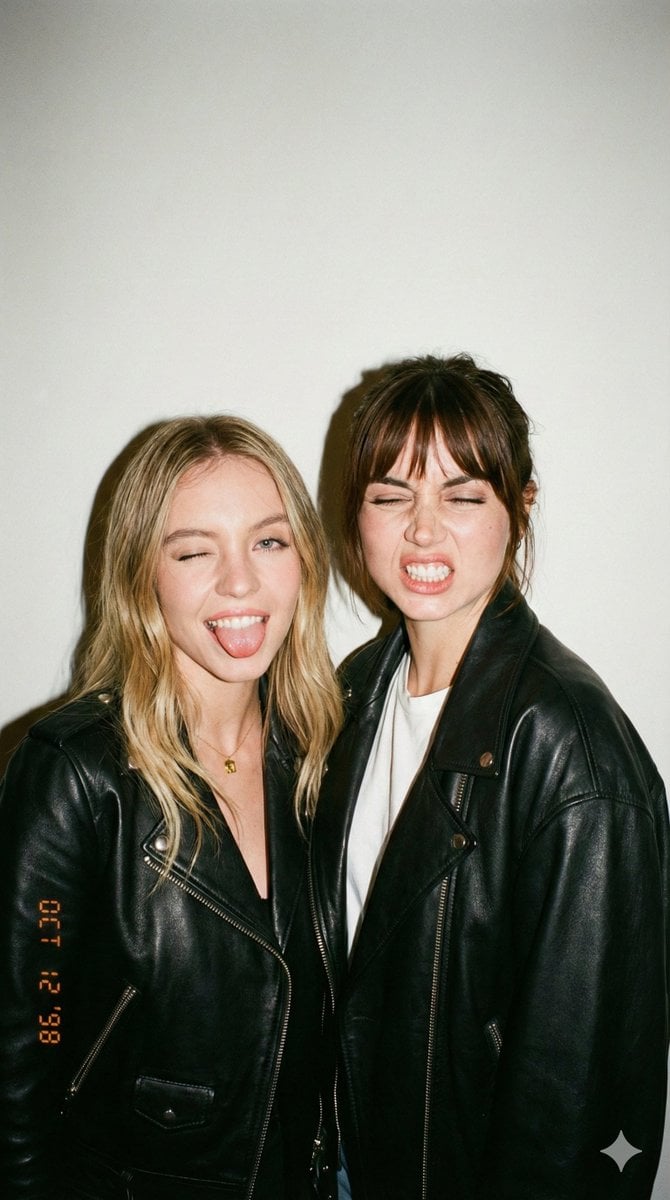
Ultra-Realistic Y2K Disposable Camera Snapshot Prompt
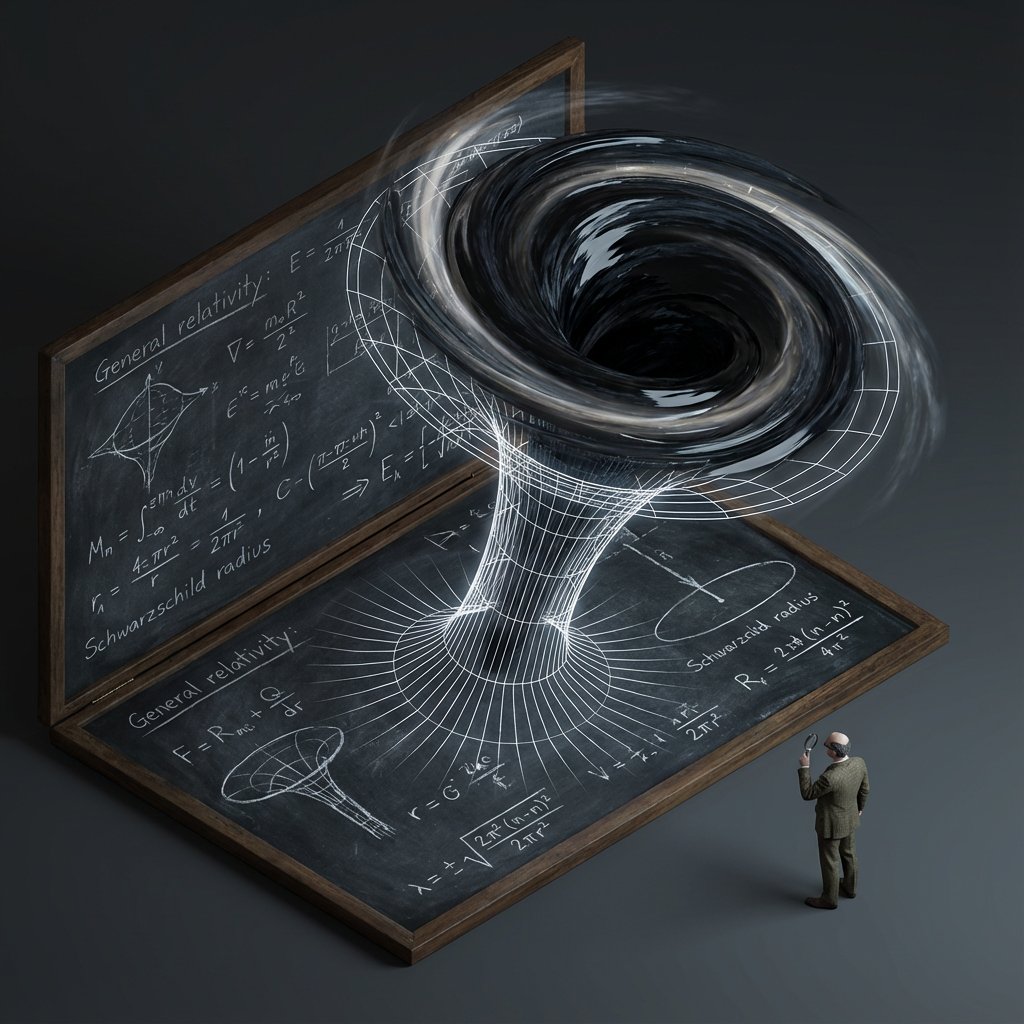
Scientific Theory Visualization Generator
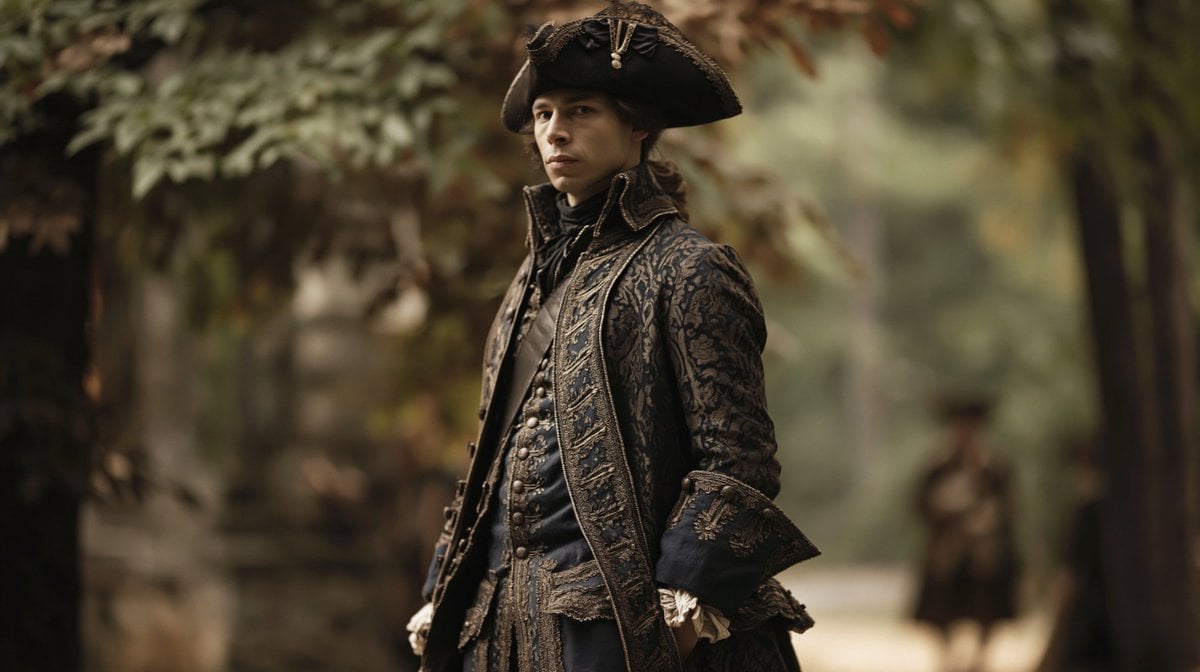
Character Swap Into Period Portrait
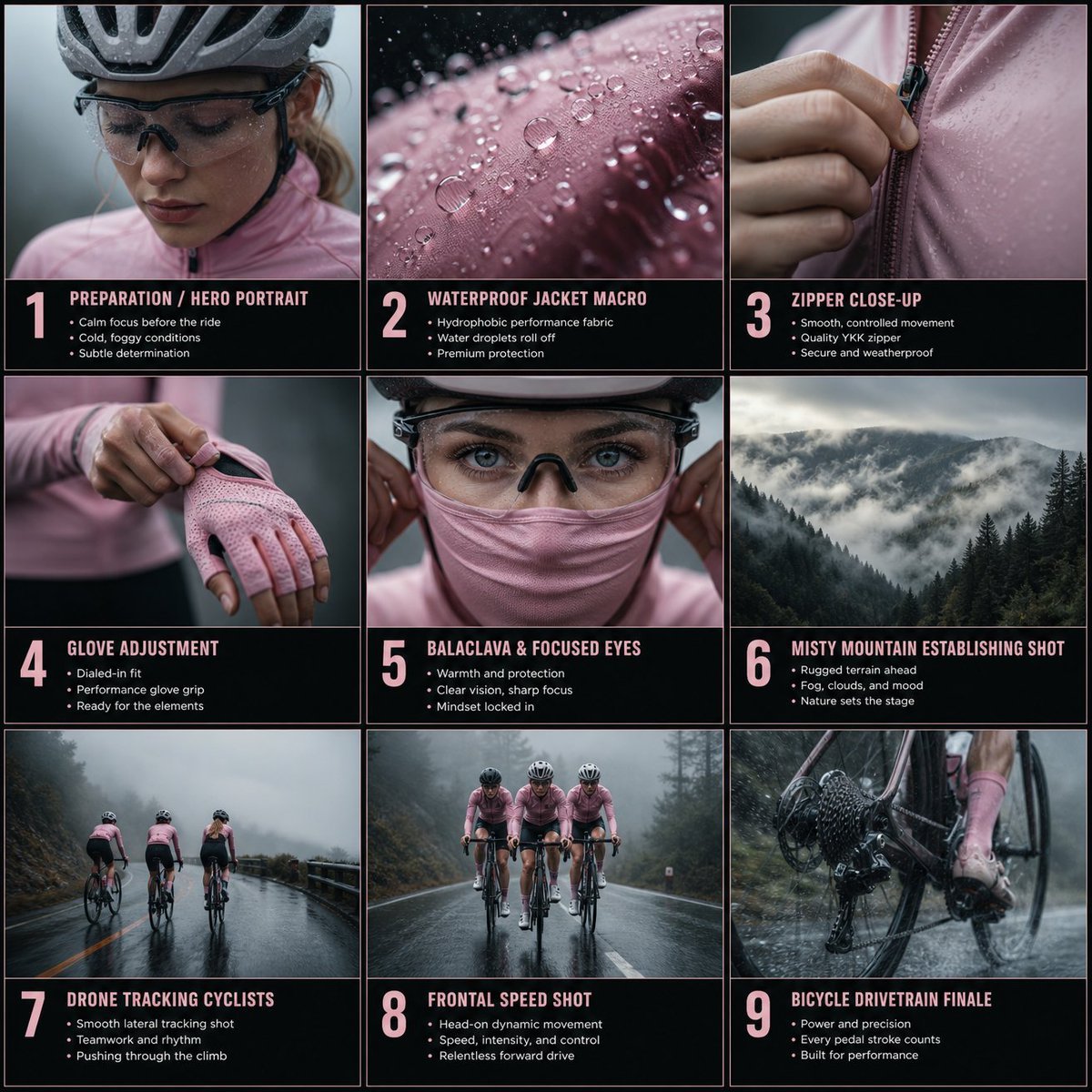
Cinematic Cycling Storyboard
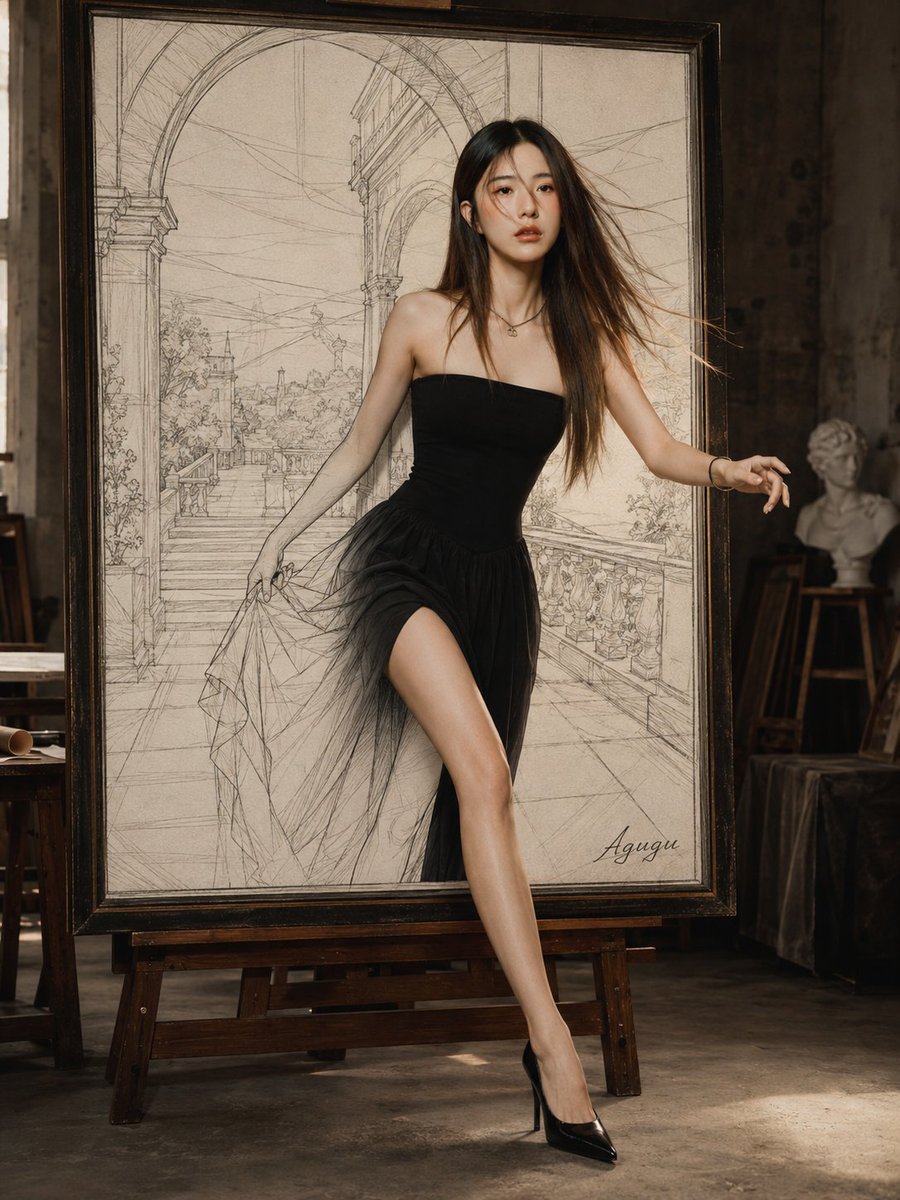
Woman Stepping Out of Sketch
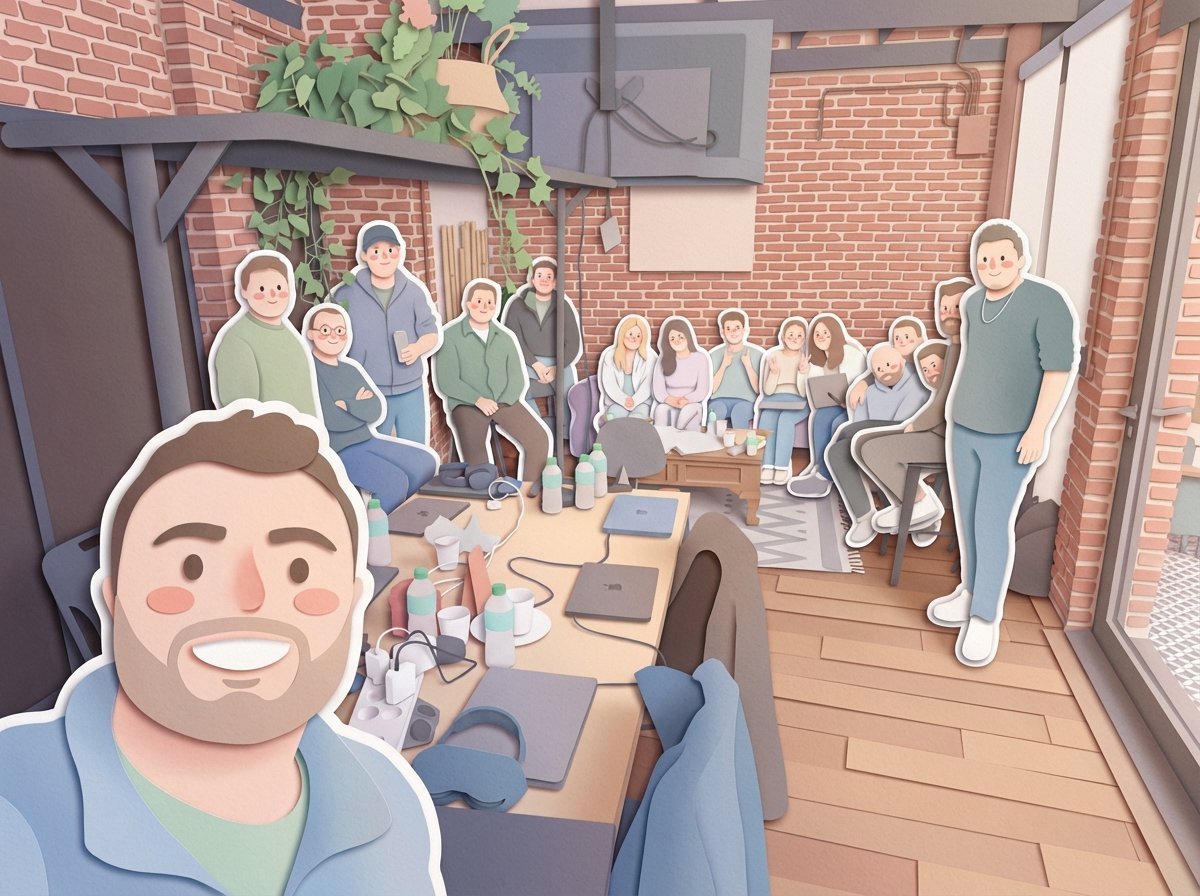
Paper-Cut Layered Illustration Style Transfer
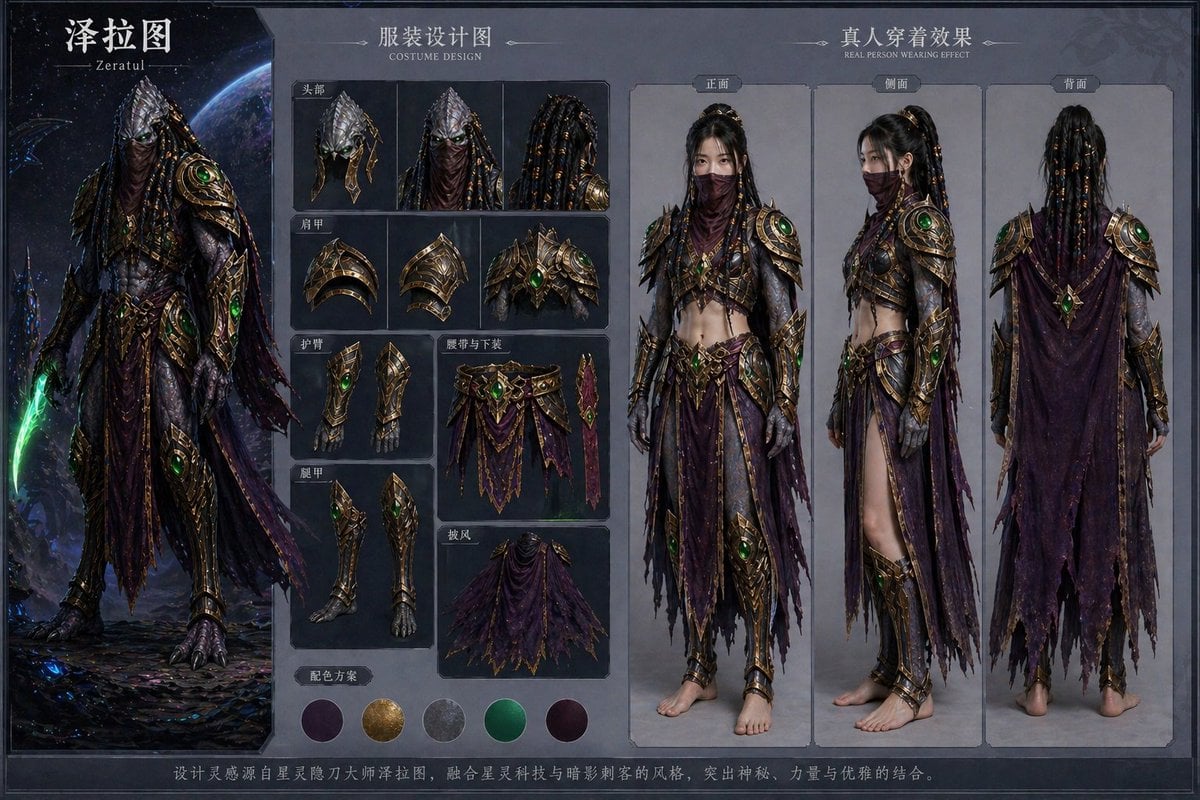
Character Costume Design Transfer
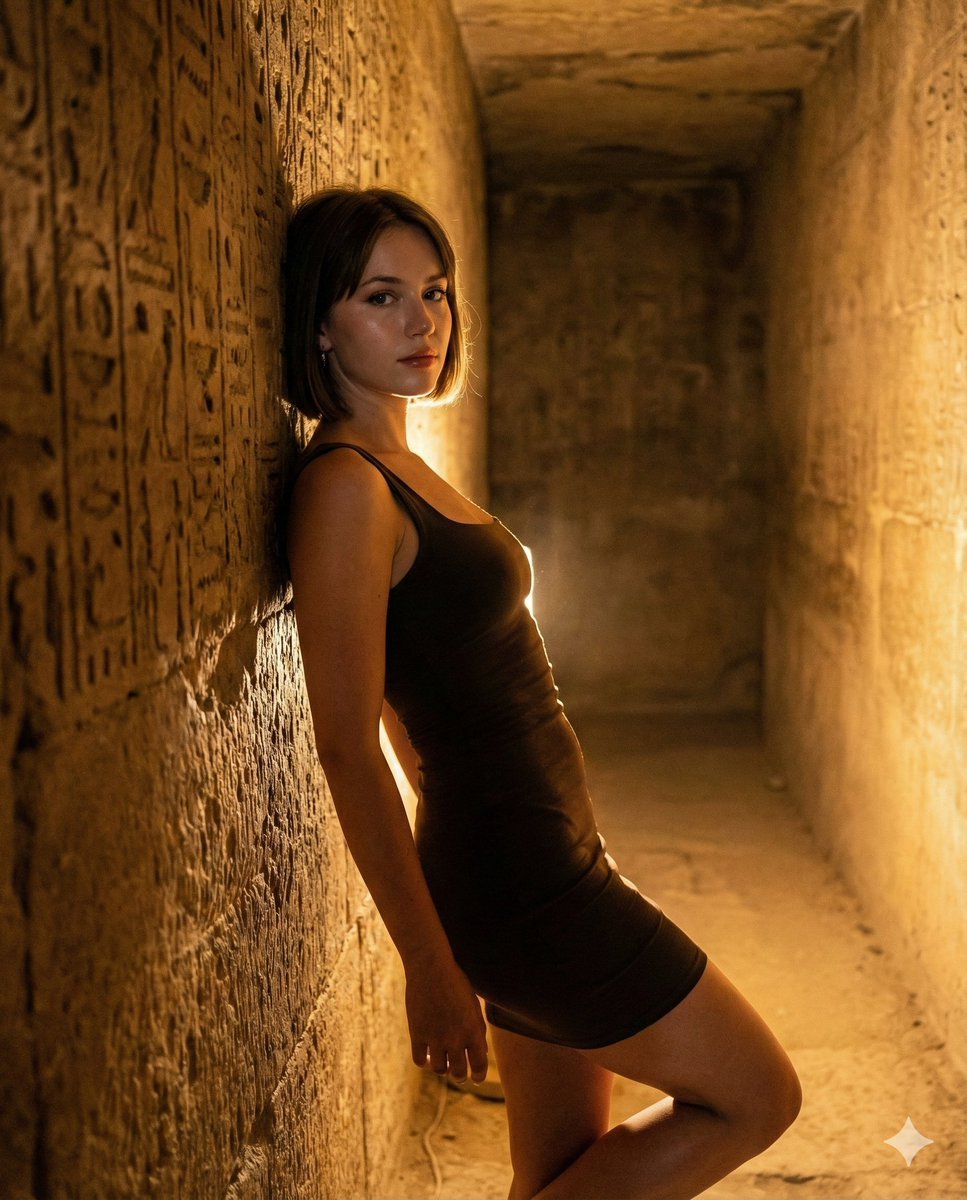
Flash Portrait in Egyptian Pyramid with Extreme Figure
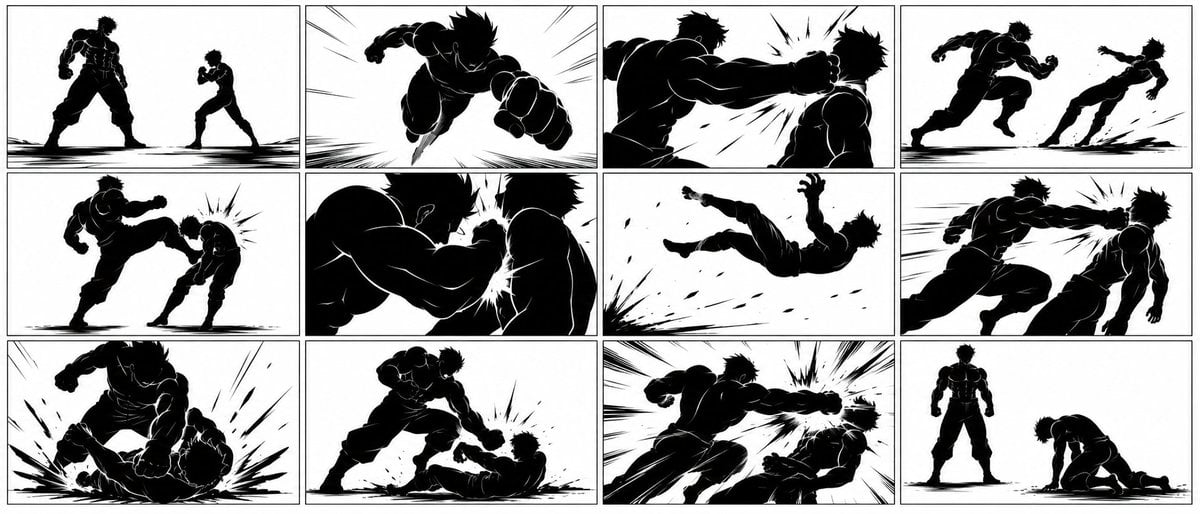
Ultra-Wide Anime Battle Storyboard
Underwater macro portrait (left half of face)
Browse template categories
Sanrio Tarot Card Risograph Simulation questions
How do I use the Sanrio Tarot Card Risograph Simulation template?
Add your photo if the template asks for one, edit the prompt if you like — the template's model and format are already selected — and press Generate. Your version opens in PicX Studio.
Can I customize the Sanrio Tarot Card Risograph Simulation template?
Yes. You can change the subject, setting, lighting, mood, format, and available model controls before creating your image.
Is the Sanrio Tarot Card Risograph Simulation template free?
Opening and editing this template is free. Generating uses credits, shown on the Generate button when you are signed in.
Which AI model should I use?
Start with Nano Banana 2, which is the model associated with this template. You can compare another compatible model for a different finish.
Looking for something else? Browse all templates.

Your photo, any look
Thousands of ready templates for every top image and video model, from one credit balance.