
Chibi The Sun Tarot Card
A detailed prompt for generating a whimsical vintage tarot card featuring a joyful chibi girl, smiling cat, sunflowers, and a cute radiant sun.
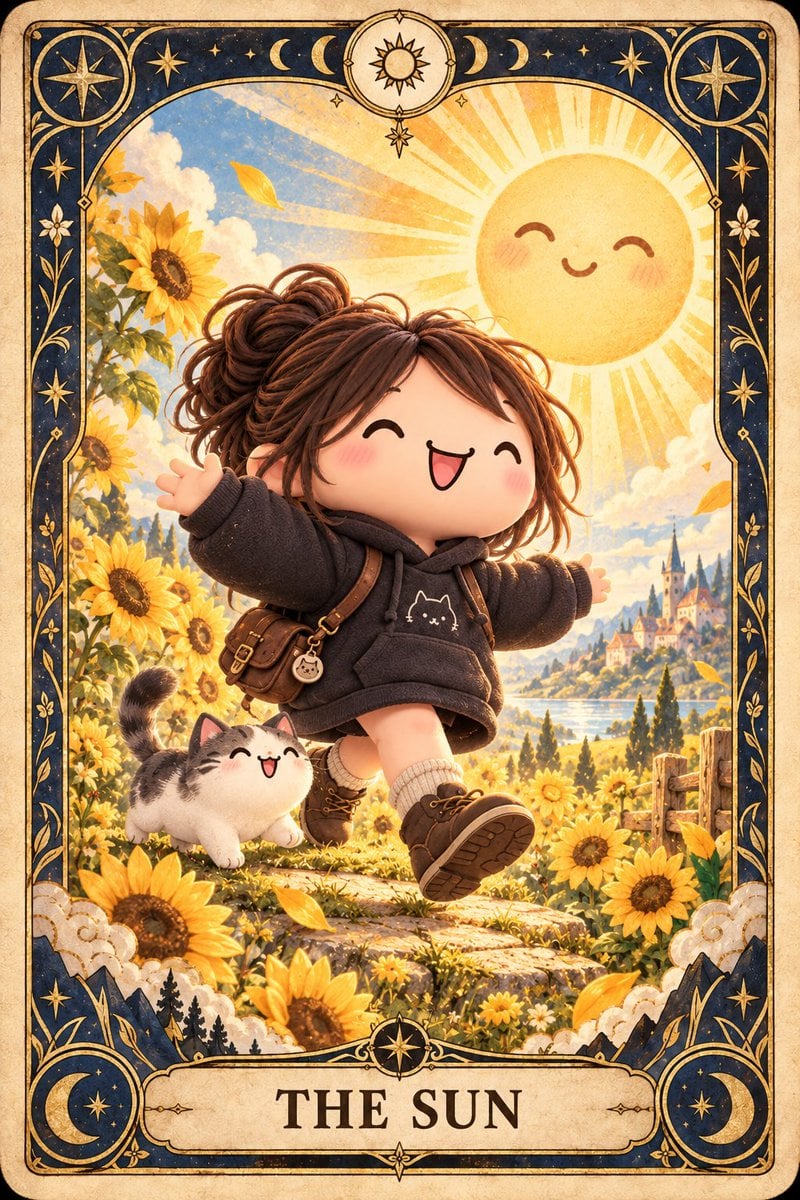
- Prompt included
- Model and format preset
- Free template
The prompt behind this image
Copy the exact prompt behind Chibi The Sun Tarot Card, or open it in the studio and make it yours.
Create a vertical tarot card illustration of {argument name="character name" default="a joyful chibi girl"} as “The Sun” card. The central scene shows one cute 3D anime-style toddler-like girl with oversized head, rosy cheeks, closed happy crescent eyes, open laughing mouth, and messy {argument name="hair color" default="warm brown"} hair tied into a loose bun with stray curls. She is skipping forward on a stone path with arms spread wide, wearing a dark charcoal oversized hoodie with a small white cat face emblem on the chest, tan shorts, cream socks, brown lace-up ankle boots, a small brown leather crossbody satchel with buckles, and a tiny round cat charm. Beside her is exactly one small fluffy white-and-gray tabby cat, also smiling with closed eyes and an open happy mouth, walking through the flowers. The setting is a glowing fairytale sunflower meadow at golden hour, with many tall yellow sunflowers on both sides, scattered golden leaves, soft clouds, blue sky, distant lake, rolling hills, cypress-like trees, and a small castle village in the background. A large cute smiling sun with blush cheeks and radiating beams fills the upper-right sky. Design the whole image as an ornate vintage tarot card on aged parchment. Use a dark navy and antique gold Art Nouveau border with rounded corners, fine filigree vines, stars, moons, and celestial symbols. Include exactly four large corner medallions: top-left star compass, top-right star compass, bottom-left crescent moon and star, bottom-right crescent moon and star. Include a top center circular medallion containing a stylized sun, with moon phase symbols spread along the top border. Add decorative cloud motifs and small mountain silhouettes near the lower border. At the bottom, place a cream title plaque with the exact text {argument name="card title" default="THE SUN"} in large dark serif capitals. Use warm cinematic lighting, highly detailed storybook textures, whimsical fantasy atmosphere, soft depth of field, painterly 3D rendering, cozy kawaii expression, crisp composition, and no extra text or watermark.
How to use Chibi The Sun Tarot Card in 3 steps
- 1Upload ImagePNG, JPG or paste
Add your photo
Upload the photo the template builds on. The prompt, model and format are already set.
- 2…a portrait of your subject in softgolden-hour light, 85mm…
Personalize
Edit the subject and creative details for your destination.
- 3Generate
Generate
Press Generate — your image is created in PicX Studio, so you can compare it with the original and refine one variable at a time.
More like this
Templates with the same subject, style or setup. Open one to see its prompt.
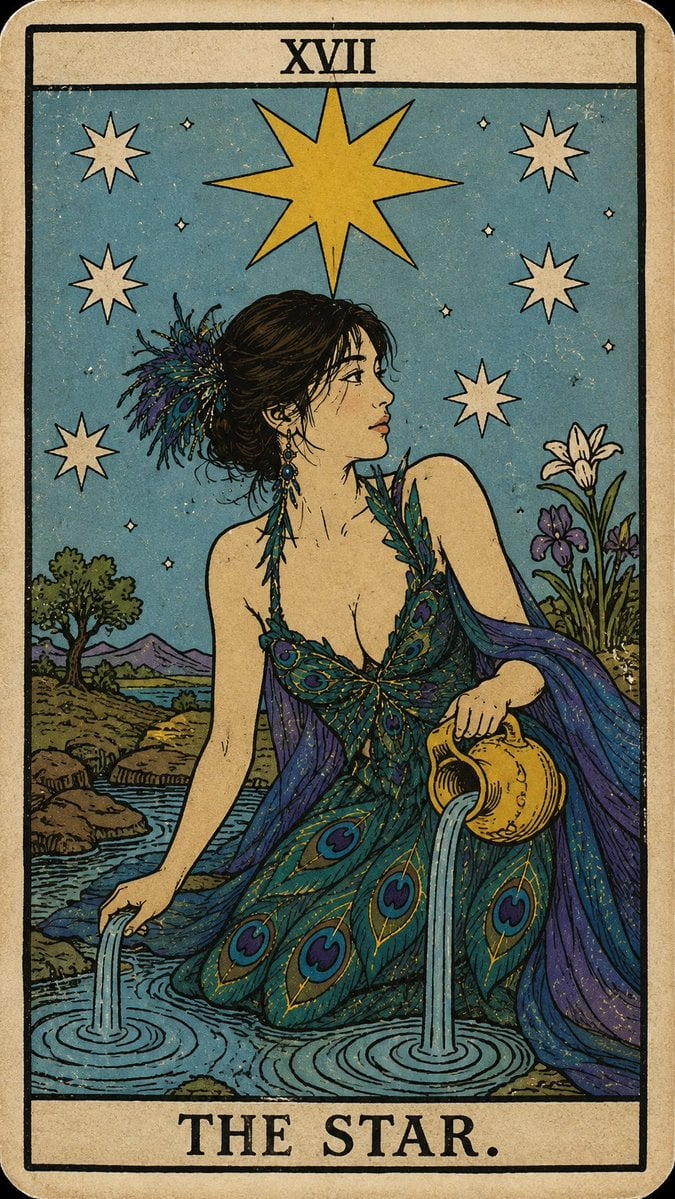
Personalized Rider-Waite Tarot Card
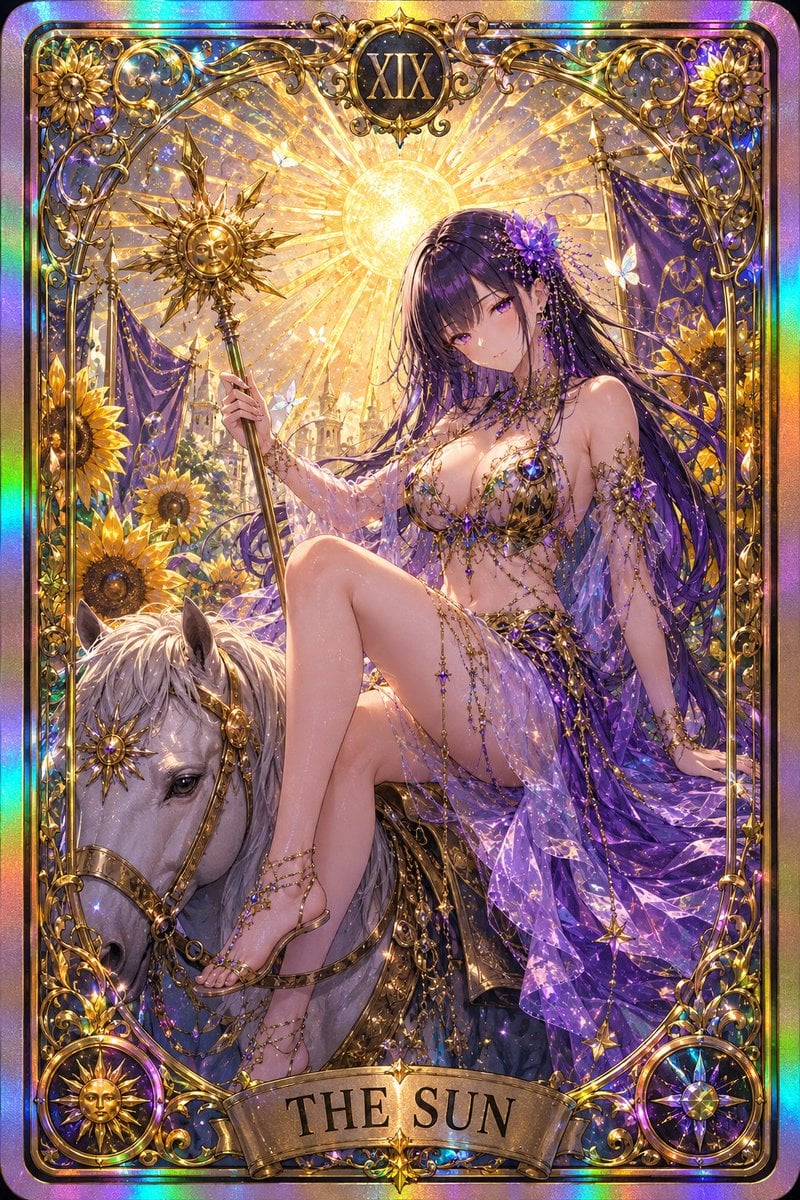
Gothic Art Nouveau Tarot Card
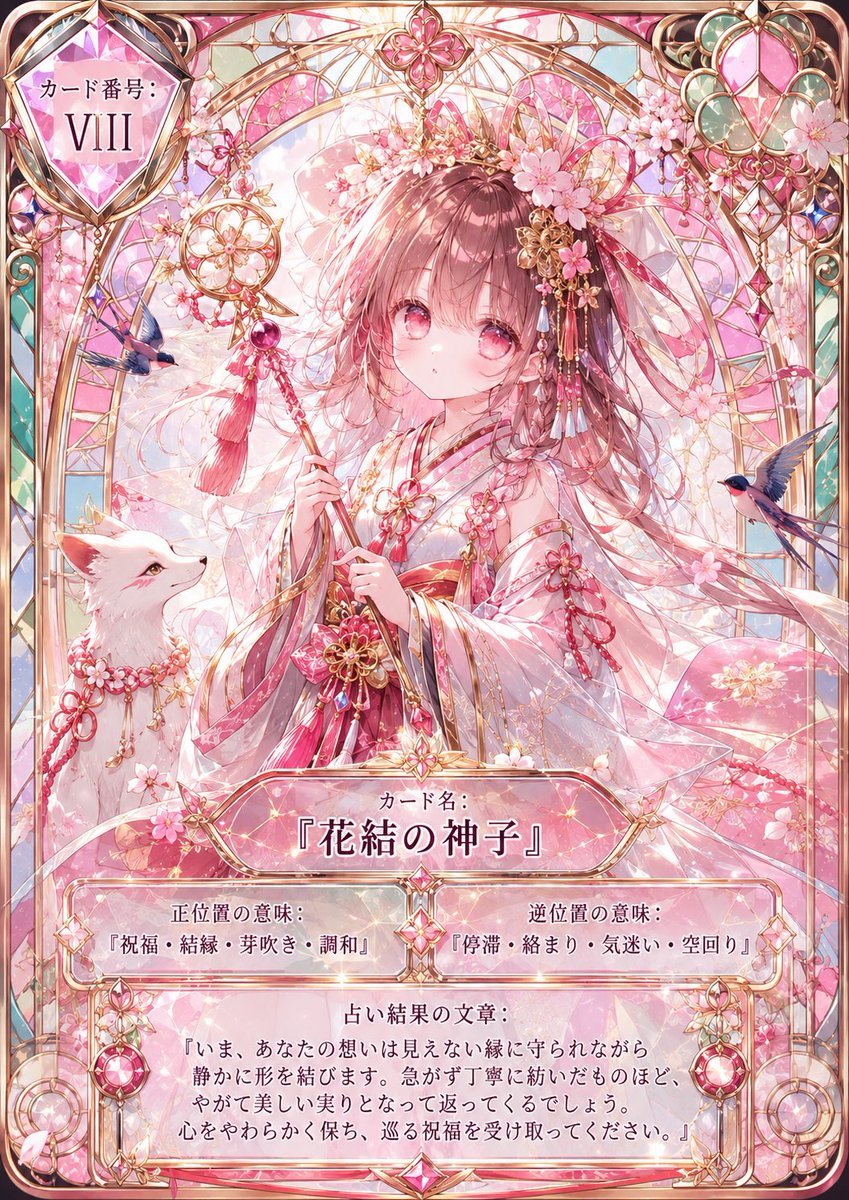
Sakura Divinity Tarot Card

Cute Layered Paper Cut Chibi Girl

Pixar-Style Chibi Café Morning Scene
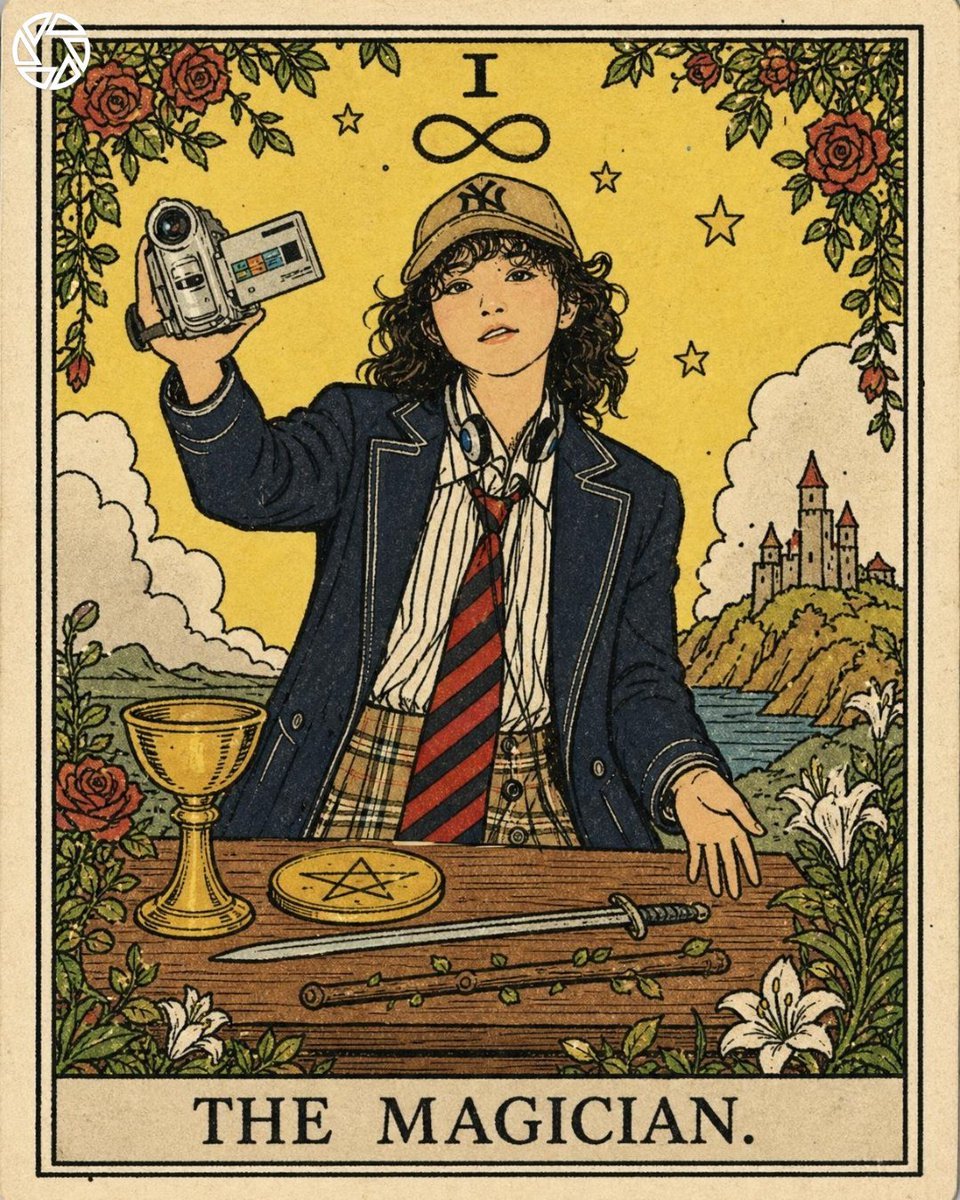
Rider-Waite Style Tarot Card
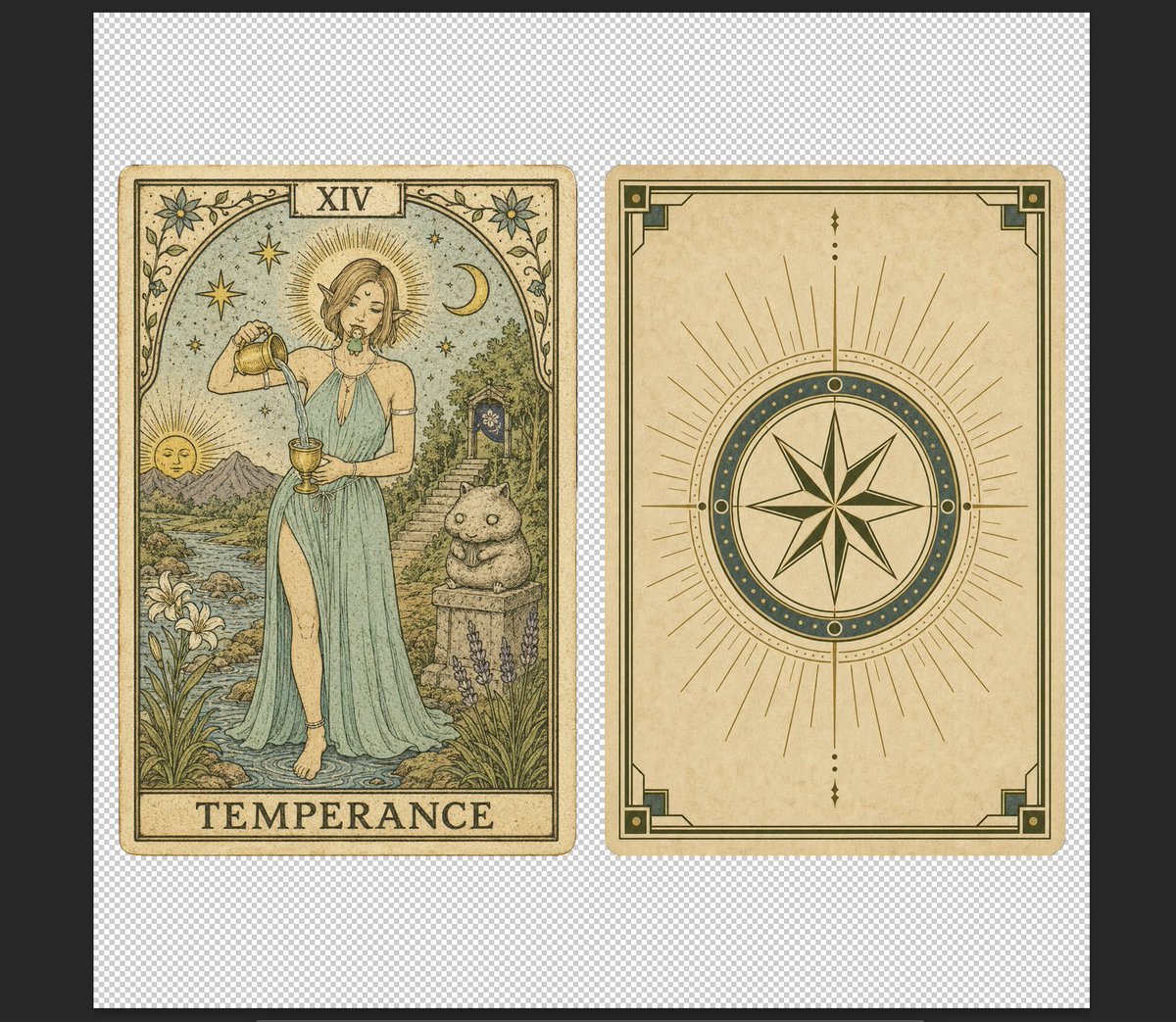
Vintage Temperance Tarot Card Pair
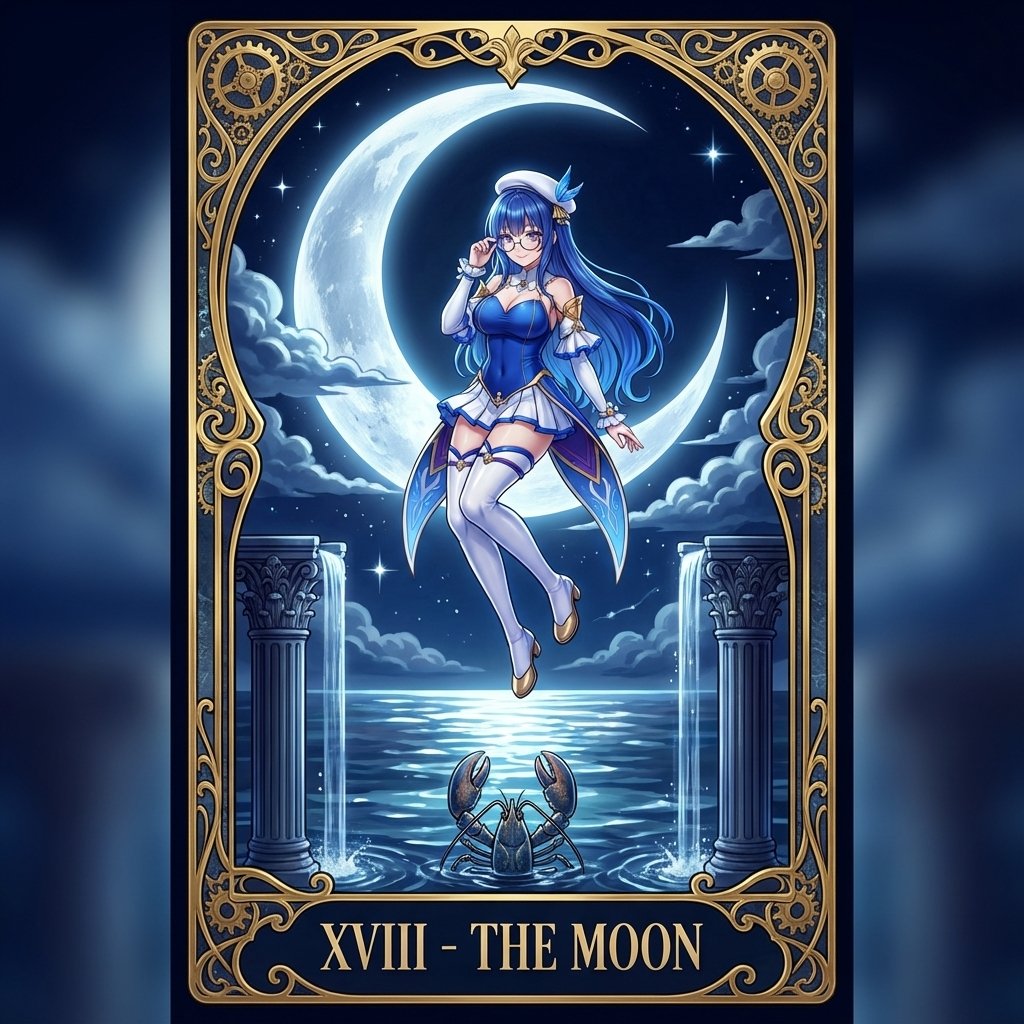
Tarot Card Conversion Prompt (Gothic/Art Nouveau Style)
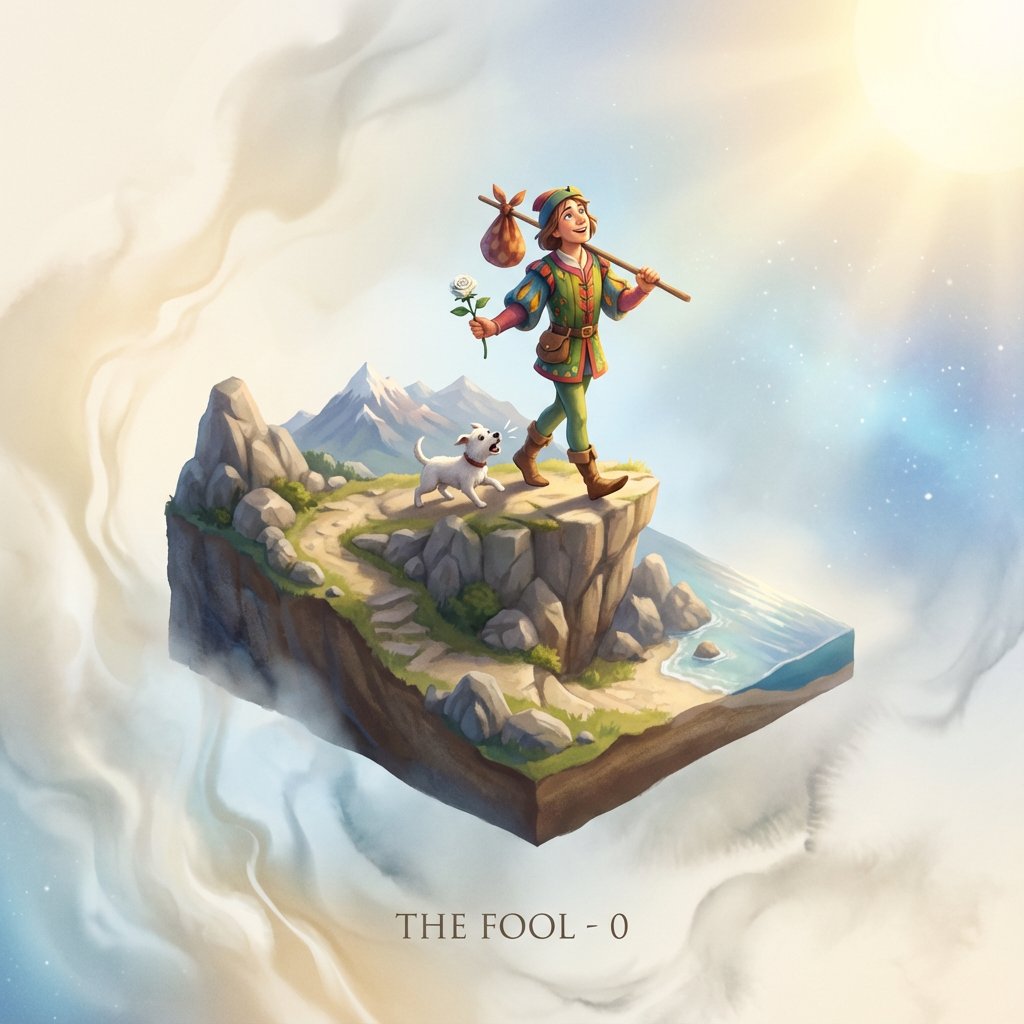
Tarot Card Image Generation Prompt
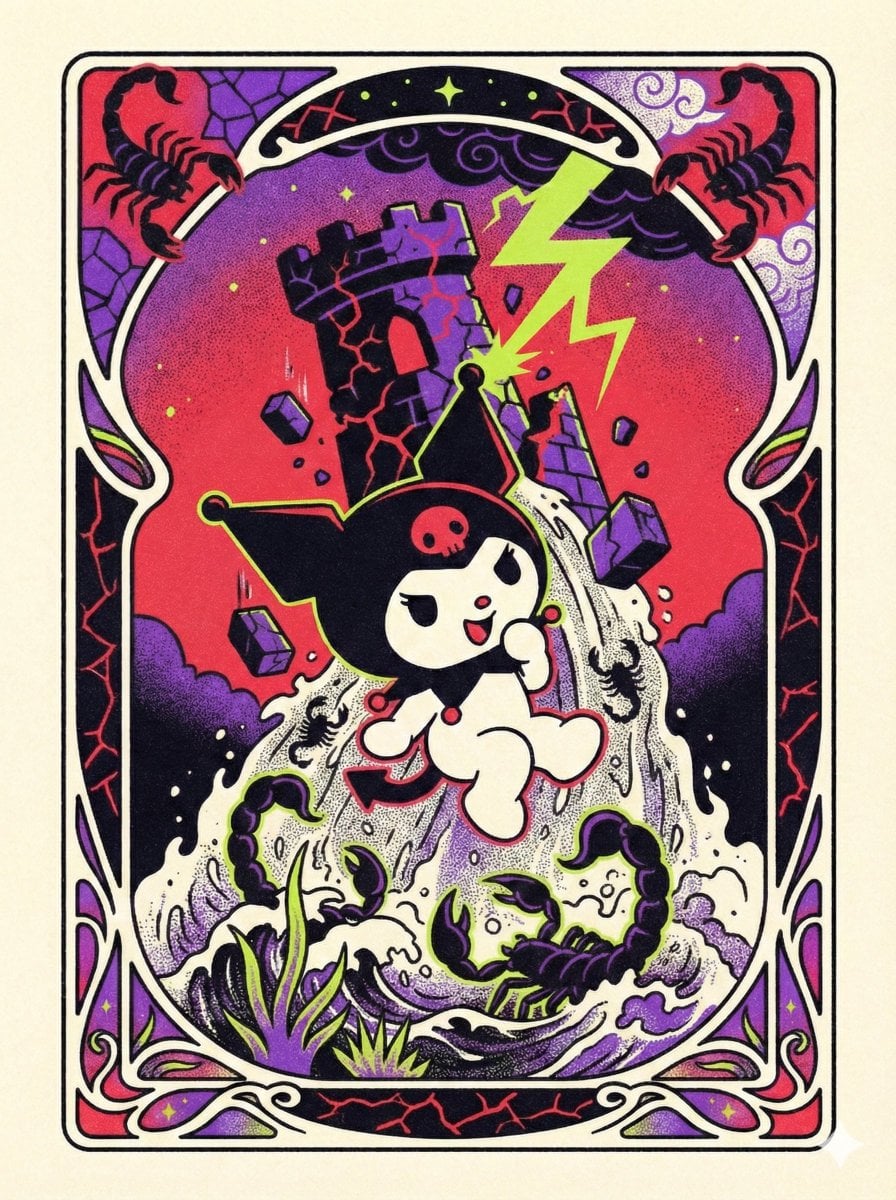
Sanrio Tarot Card Risograph Simulation
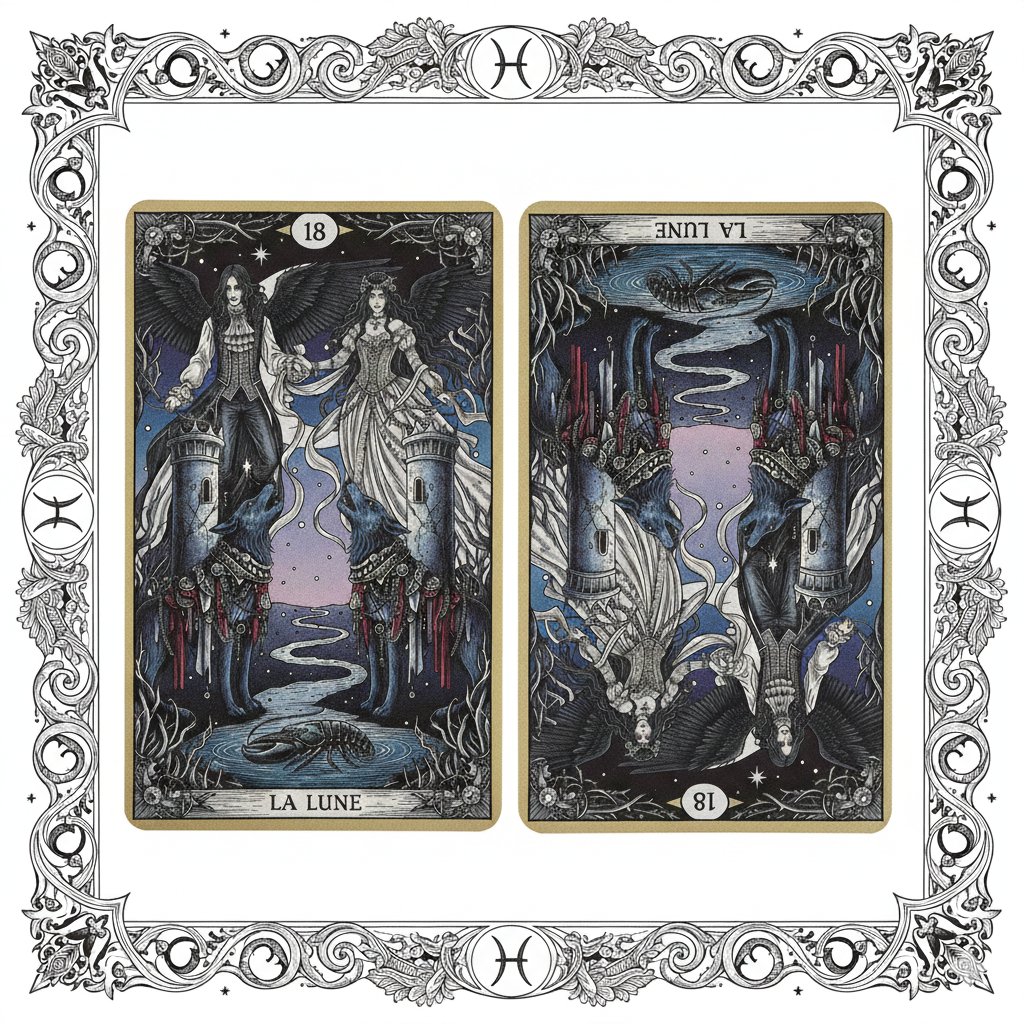
Nano Banana Pro Prompt: Tarot Card 18 (The Moon) with Mális Mizer and Pisces

Nano Banana Pro Pink Office Chibi
Make it yours
Chibi The Sun Tarot Card works as-is. These are the safest ways to change it without losing the look.
Change one field
Copy a single group, rewrite it, and generate again so you can see what that field is doing.
Keep the frame, change the subject
Hold the composition and light of Chibi The Sun Tarot Card, then swap wardrobe, props or the person for a new take.
| If the result… | Why | Fix |
|---|---|---|
| The result drifts from the preview | Too many fields changed at once. | Reuse Chibi The Sun Tarot Card as-is first, then change one group — subject, light, or setting. |
| The model over-stylizes the scene | The prose prompt leaves finish and camera underspecified. | Add one camera or lighting sentence and stay on GPT Image 2. |
More GPT Image 2 templates
Other prompts made for GPT Image 2.

Six VTuber Japanese Logo Sheet

Realistic Portrait of Woman and Deer

The Vista Modular Condo Poster

AI Model Routing Comparison Infographic

2.5D Anime Art Board

Isometric Productivity Desk Scene

New York Double Exposure Poster

Four-Panel AI Landscape Comparison

Japanese Tatami Lifestyle Magazine Cover

NESCAFÉ Coffee Map Poster
More image prompts
Fresh picks from across the catalog.
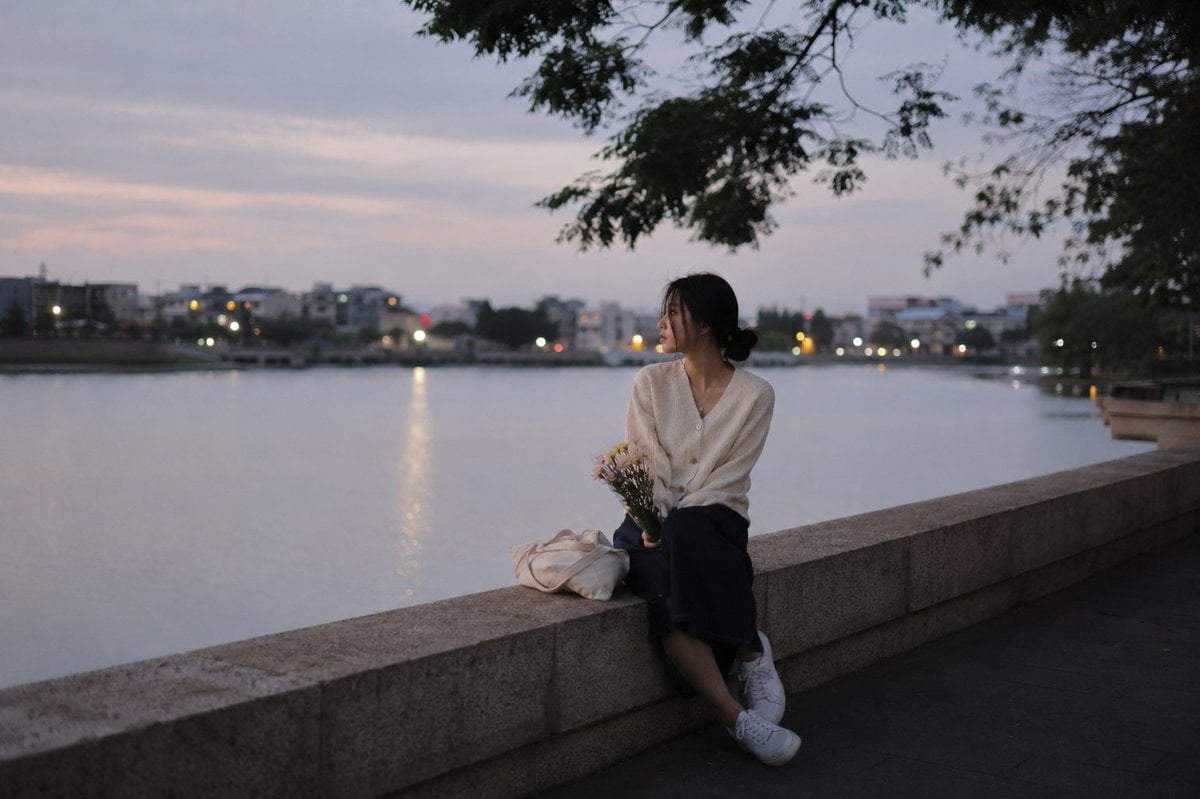
Peaceful Summer Riverside Evening

Cyberpunk Neon Fashion Portrait

Candid Mirror Selfie Prompt for Image Generation

3D Construction Safety Icon Set
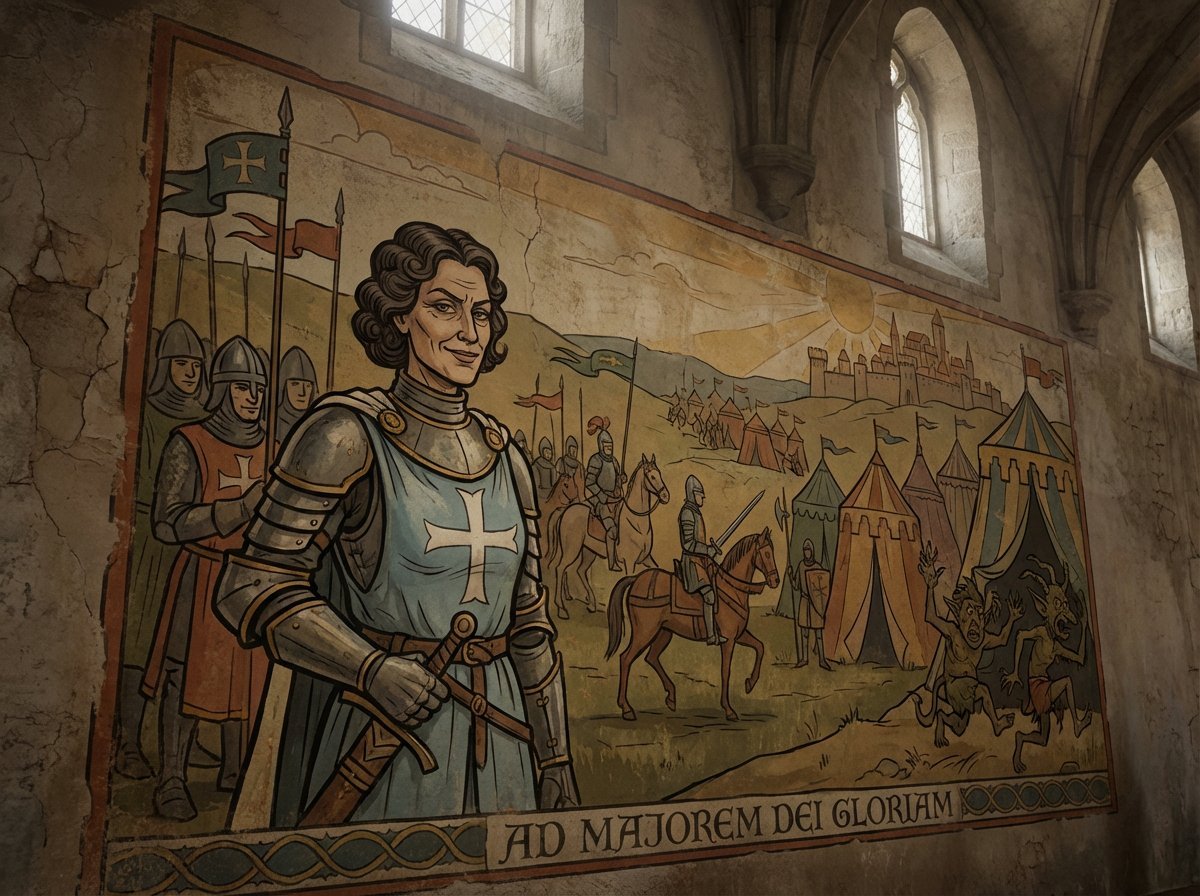
Crusader propaganda fresco painting

Candid Holiday Portrait with Sequin Dress and Red Hair

Japanese Law & Tax Services LP Hero

Futuristic Gaming Headset Render
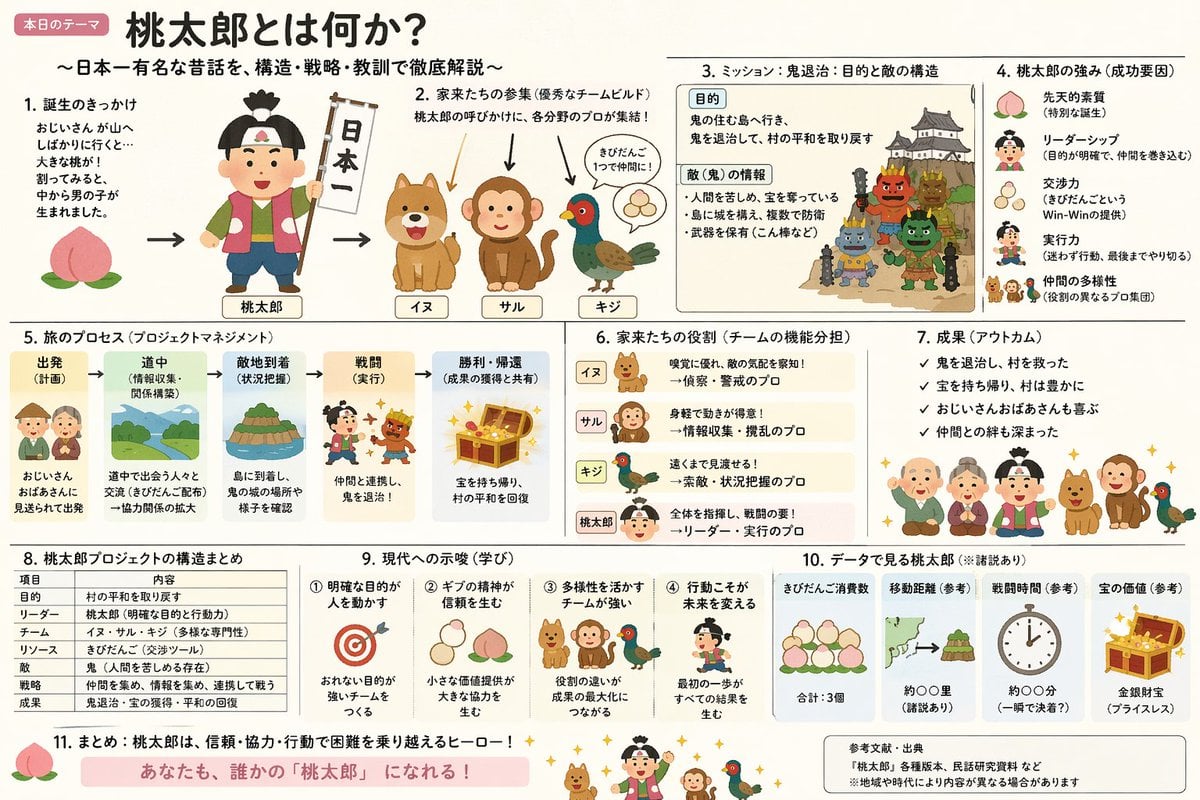
Momotaro Explainer Slide in Hybrid Style
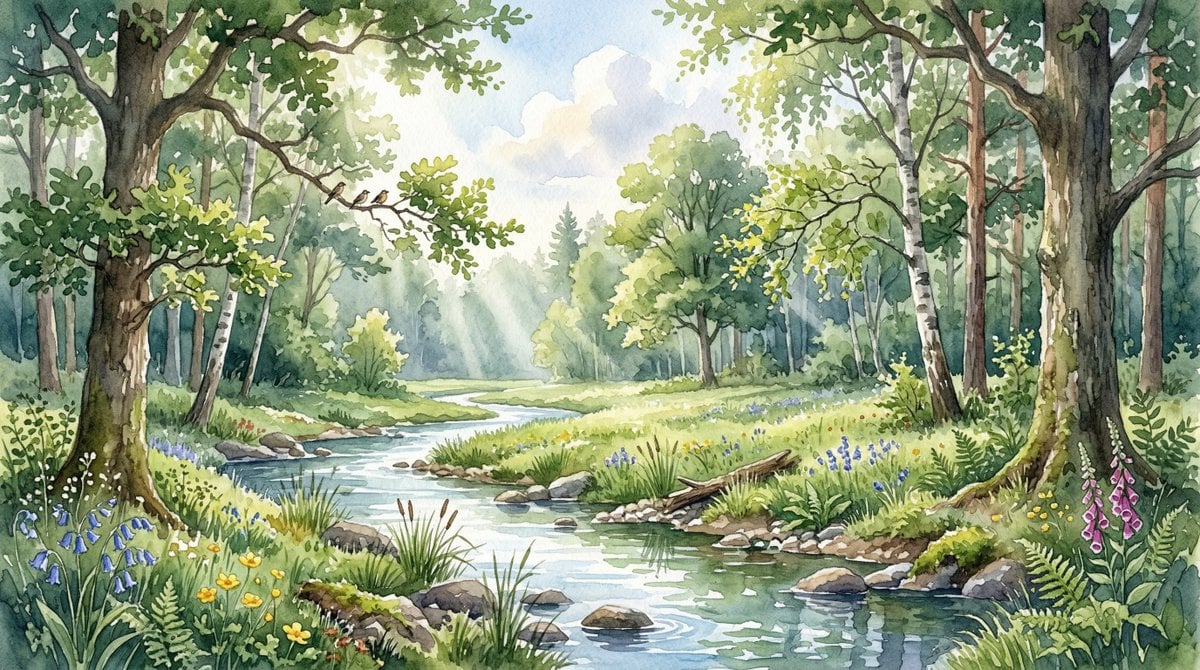
Watercolor Forest Clearing with Stream
Browse template categories
Chibi The Sun Tarot Card questions
How do I use the Chibi The Sun Tarot Card template?
Add your photo if the template asks for one, edit the prompt if you like — the template's model and format are already selected — and press Generate. Your version opens in PicX Studio.
Can I customize the Chibi The Sun Tarot Card template?
Yes. You can change the subject, setting, lighting, mood, format, and available model controls before creating your image.
Is the Chibi The Sun Tarot Card template free?
Opening and editing this template is free. Generating uses credits, shown on the Generate button when you are signed in.
Which AI model should I use?
Start with GPT Image 2, which is the model associated with this template. You can compare another compatible model for a different finish.
Looking for something else? Browse all templates.

Your photo, any look
Thousands of ready templates for every top image and video model, from one credit balance.