
Sakura Divinity Tarot Card
Generates a premium anime-style digital divinity tarot card featuring a sakura shrine maiden, ornate jewel framing, and readable Japanese card text.
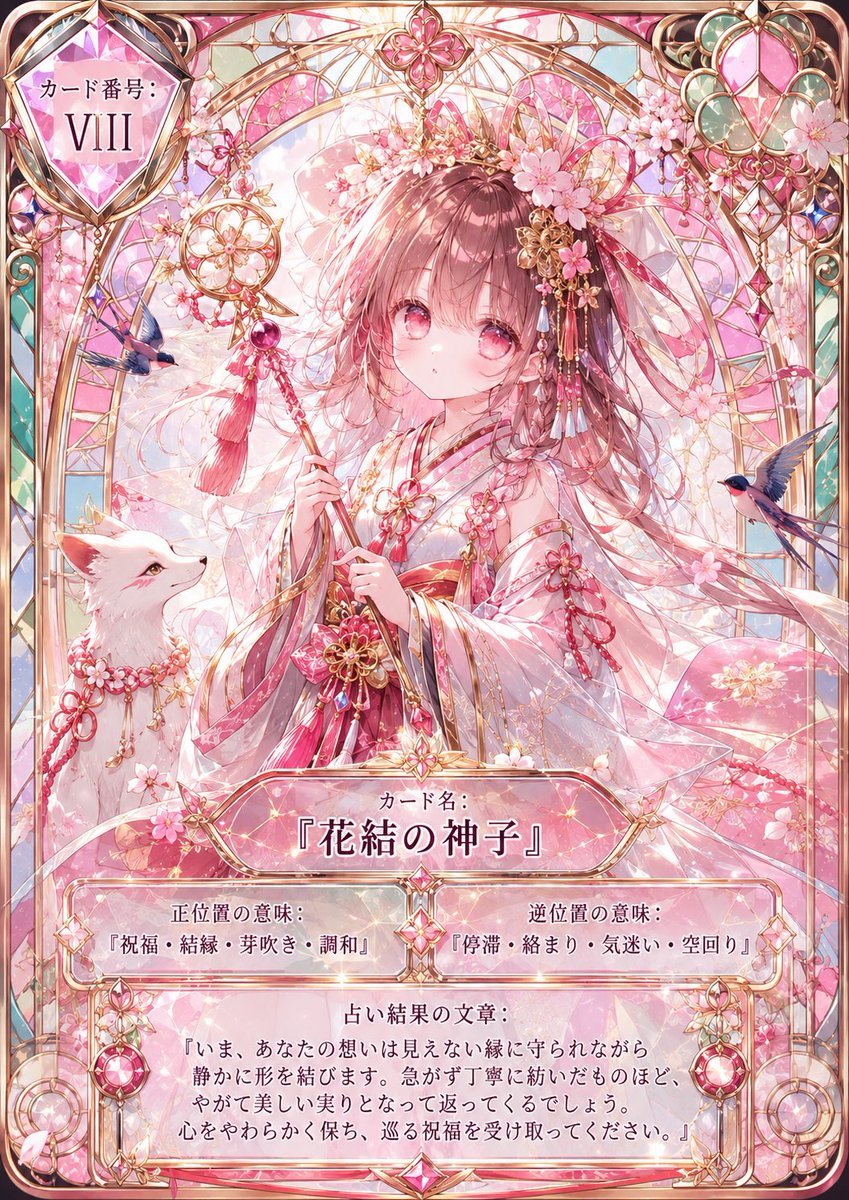
- Prompt included
- Model and format preset
- Premium template
The prompt behind this image
Copy the exact prompt behind Sakura Divinity Tarot Card, or open it in the studio and make it yours.
Goal: Create a modern high-rarity digital divinity tarot-style character card for {argument name="character name" default="花結の神子"}, not an old paper tarot card. The card should feel like an ornate collectible game card with luminous glass, gold filigree, pink gemstones, cherry blossoms, and a sacred shrine-fantasy atmosphere. Canvas: Vertical portrait card, 2:3 ratio, full-bleed illustration with rounded corners. Use a delicate pastel palette dominated by sakura pink, rose gold, soft white, pale teal, and translucent crystal highlights. Add glossy holographic shine, prismatic refractions, tiny sparkles, and high-detail anime illustration rendering. Main subject: Center a young shrine-maiden-like anime girl with {argument name="hair color" default="soft rose-brown"} long flowing hair and large pink eyes. She wears an elegant white and pink kimono with red cords, floral gold ornaments, translucent layered sleeves, and many sakura hairpieces. She holds a ceremonial wand or staff decorated with gold rings, pink gems, tassels, and cherry blossom motifs. Her expression is gentle, quiet, and slightly solemn, looking forward. Companion and symbolic elements: Include exactly 1 white fox companion at the lower left, looking up at the girl, wearing a pink sakura garland and red-gold cords. Include exactly 2 small blue-and-pink birds in flight, one on the left side near the wand and one on the right side near the border. Fill the background with stained-glass arches, golden latticework, suspended jewel charms, sakura petals, and a radiant circular halo behind the character. Card frame and layout: Use an ornate rose-gold fantasy card border with layered filigree, faceted gems, curved corner decorations, and translucent jewel panels. Top-left: a large faceted diamond-shaped plaque containing the Japanese label and roman numeral, with the visible text set as {argument name="card number text" default="カード番号: VIII"}. Top-center: a small pink floral crest. Top-right: a large hanging gemstone ornament with circular teal accents and pink crystal facets. Bottom area: five distinct text panels, all integrated into the card frame with glassy pink-white panels and gold trim. Text content: Use Japanese text exactly as follows where visible. Main name plaque at lower center: label "カード名:" and large title {argument name="card title" default="『花結の神子』"}. Left meaning box: "正位置の意味:" followed by "『祝福・結縁・芽吹き・調和』". Right meaning box: "逆位置の意味:" followed by "『停滞・絡まり・気迷い・空回り』". Bottom prophecy box: heading "占い結果の文章:" followed by {argument name="prophecy text" default="『いま、あなたの想いは見えない縁に守られながら\n静かに形を結びます。急がず丁寧に紡いだものほど、\nやがて美しい実りとなって返ってくるでしょう。\n心をやわらかく保ち、巡る祝福を受け取ってください。』"}. Constraints: Keep the composition symmetrical and luxurious, with the character occupying the center and the text clearly readable. Do not use a vintage aged-paper look; make it a polished digital premium card. Avoid extra characters, extra animals, extra text panels, watermarks, logos, or UI elements outside the card.
How to use Sakura Divinity Tarot Card in 3 steps
- 1Upload ImagePNG, JPG or paste
Add your photo
Upload the photo the template builds on. The prompt, model and format are already set.
- 2…a portrait of your subject in softgolden-hour light, 85mm…
Personalize
Edit the subject and creative details for your destination.
- 3Generate
Generate
Press Generate — your image is created in PicX Studio, so you can compare it with the original and refine one variable at a time.
More like this
Templates with the same subject, style or setup. Open one to see its prompt.
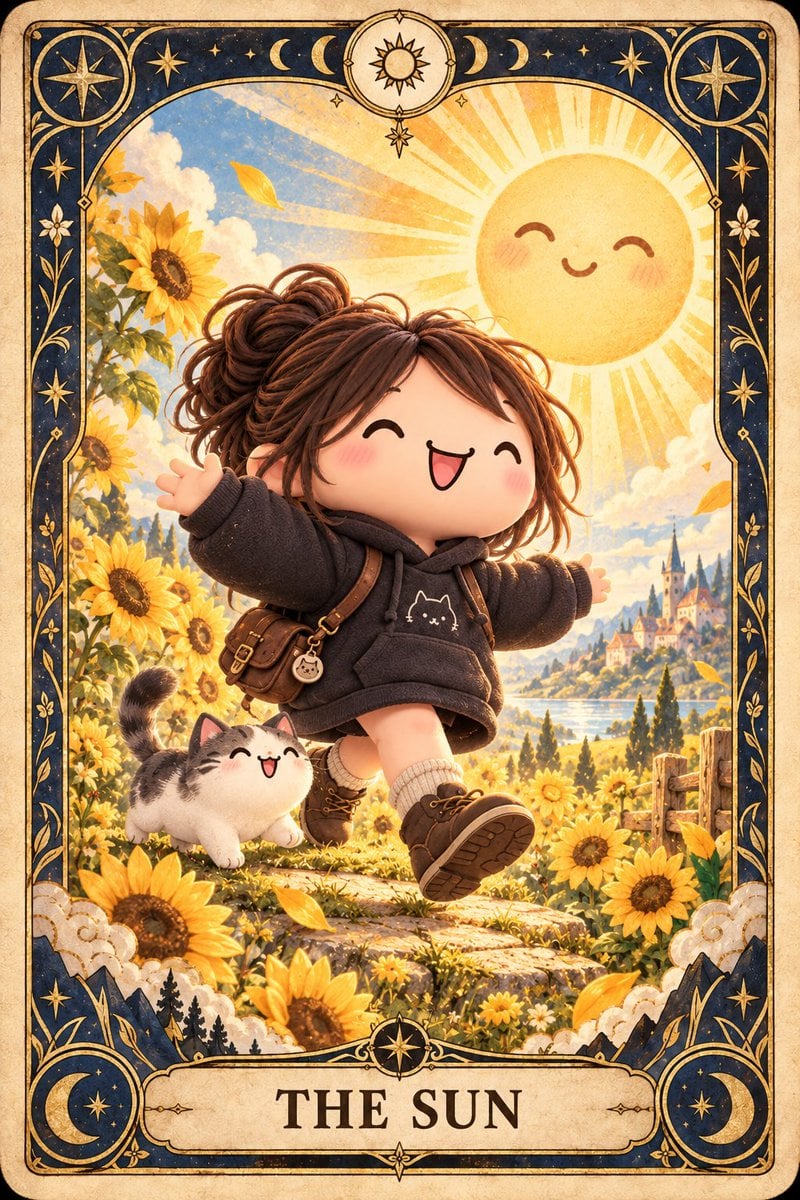
Chibi The Sun Tarot Card
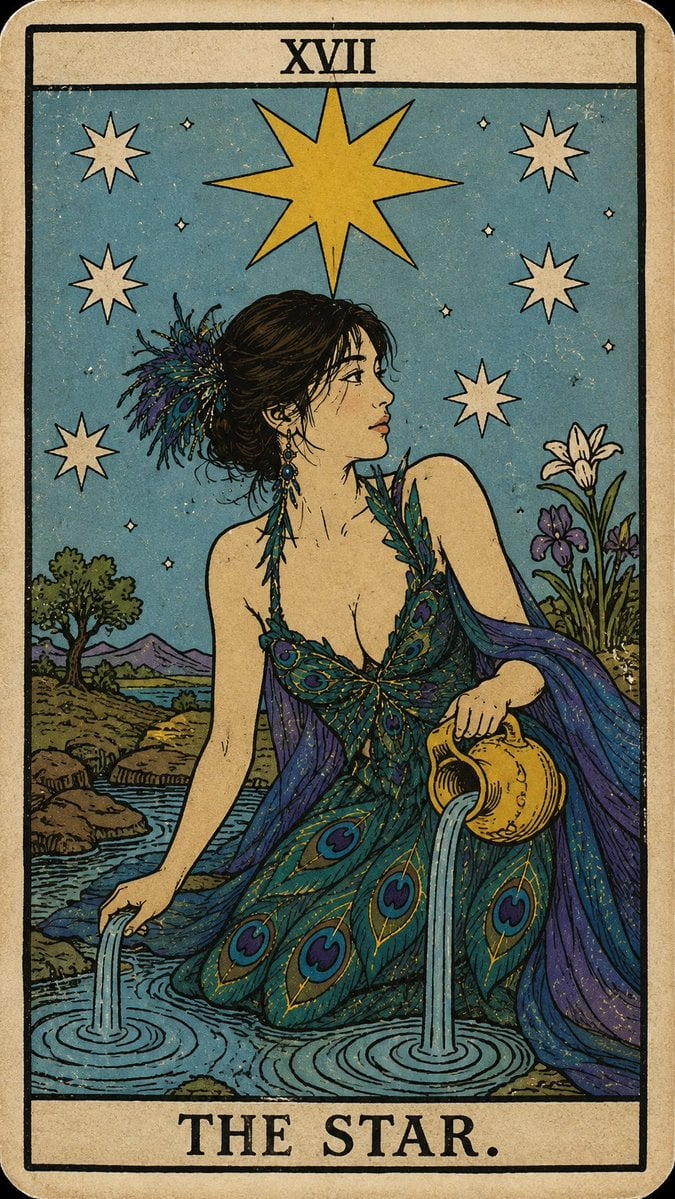
Personalized Rider-Waite Tarot Card
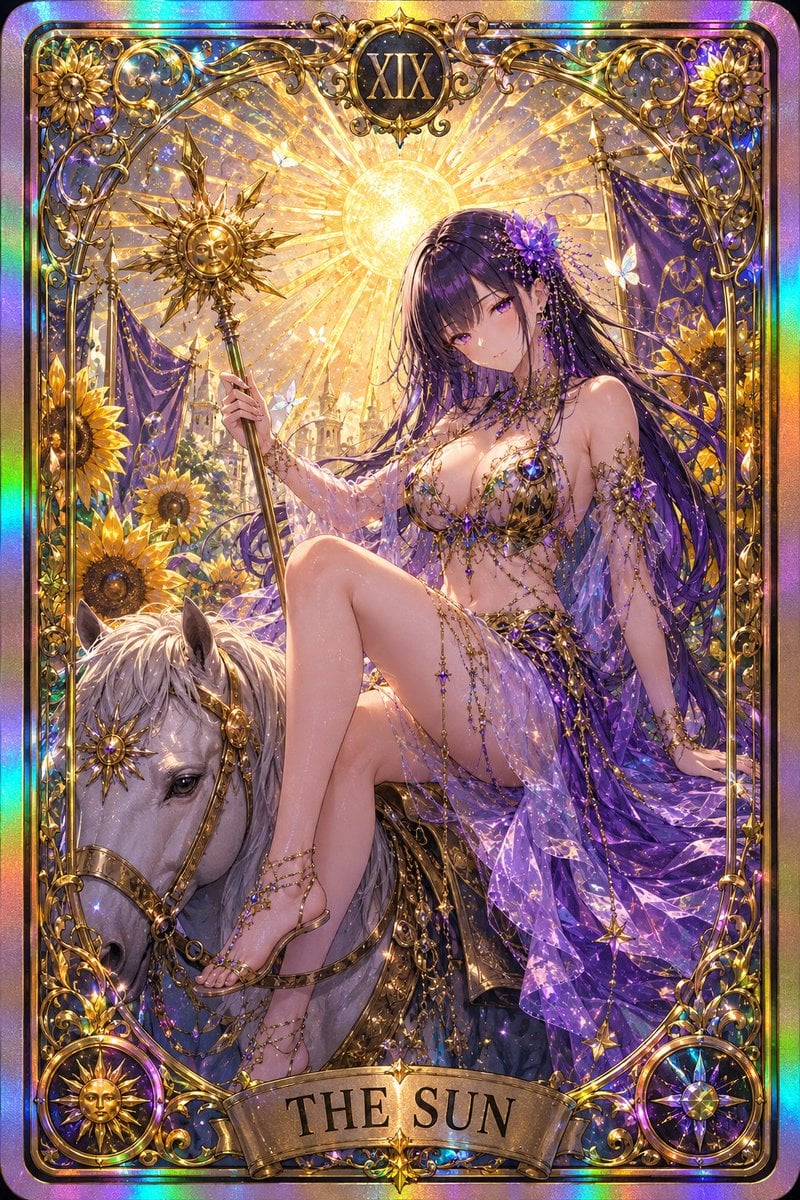
Gothic Art Nouveau Tarot Card
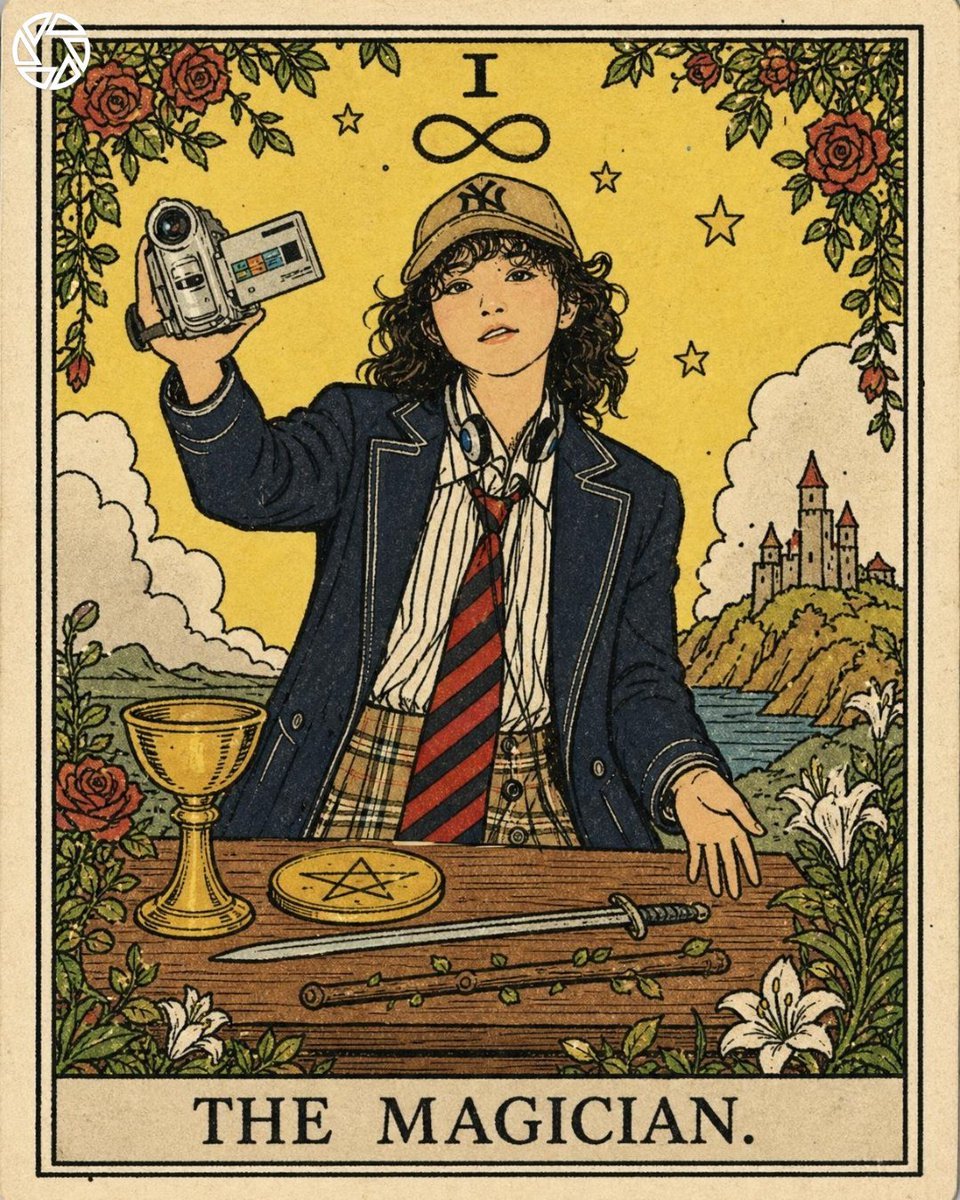
Rider-Waite Style Tarot Card
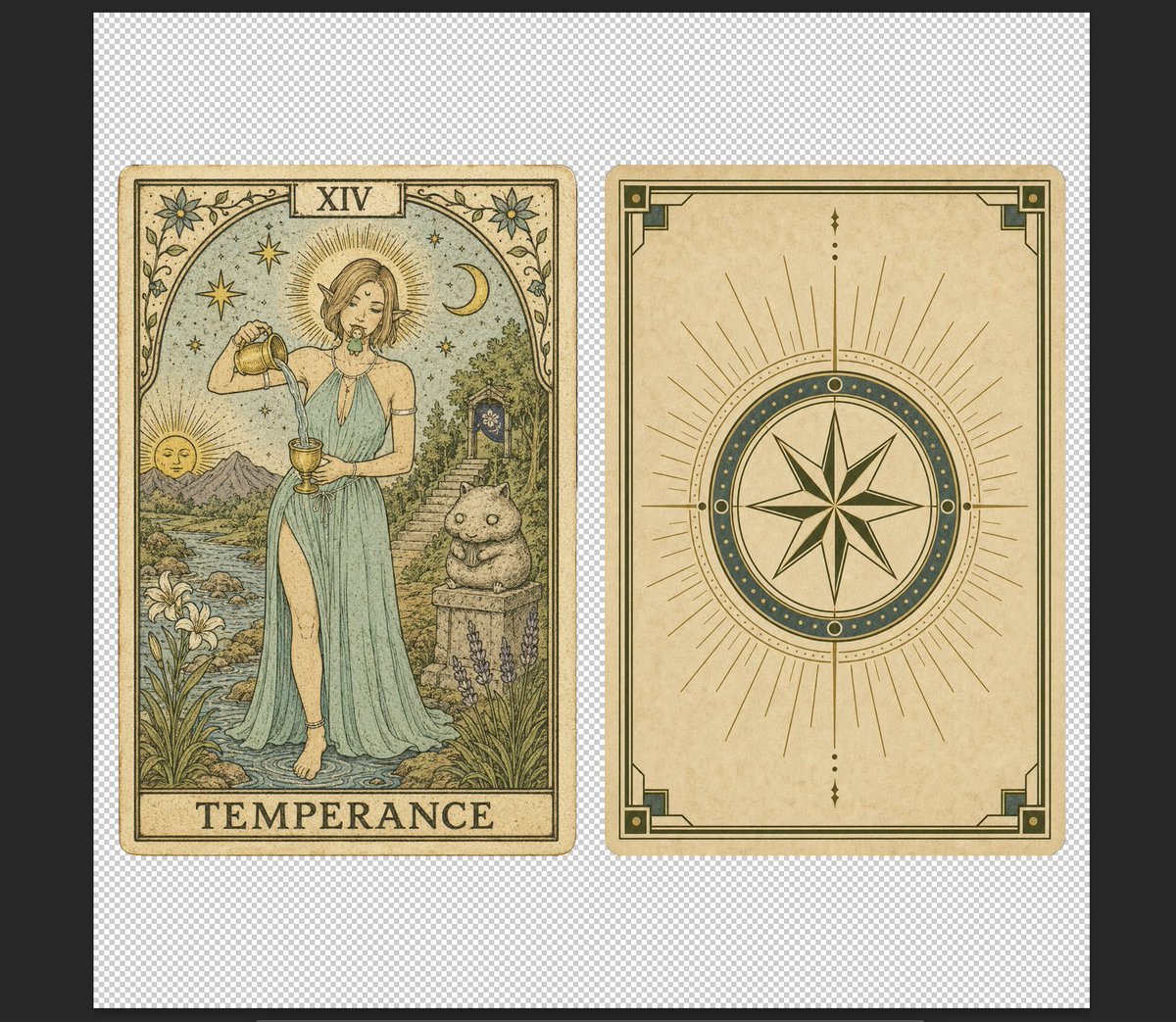
Vintage Temperance Tarot Card Pair

Sakura Travel Cinema Title Card
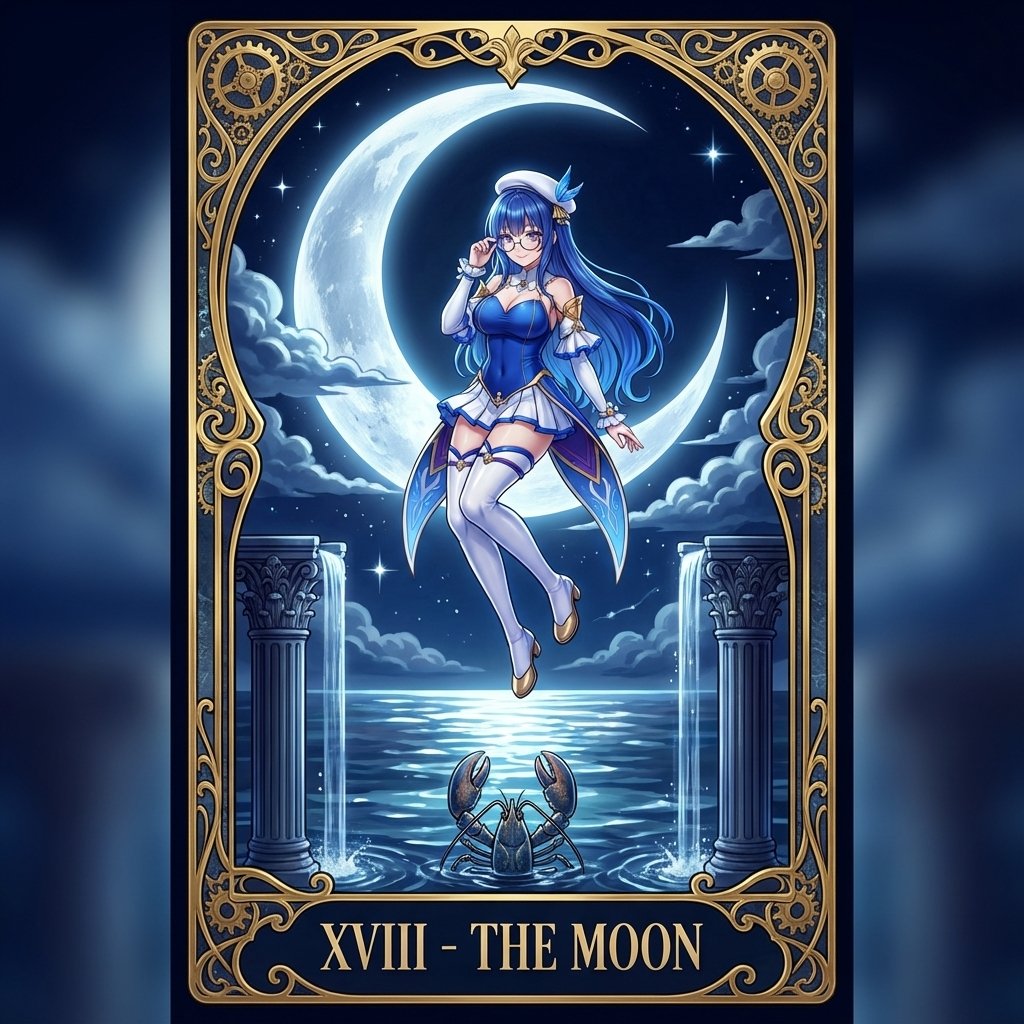
Tarot Card Conversion Prompt (Gothic/Art Nouveau Style)
Tarot Card Image Generation Prompt
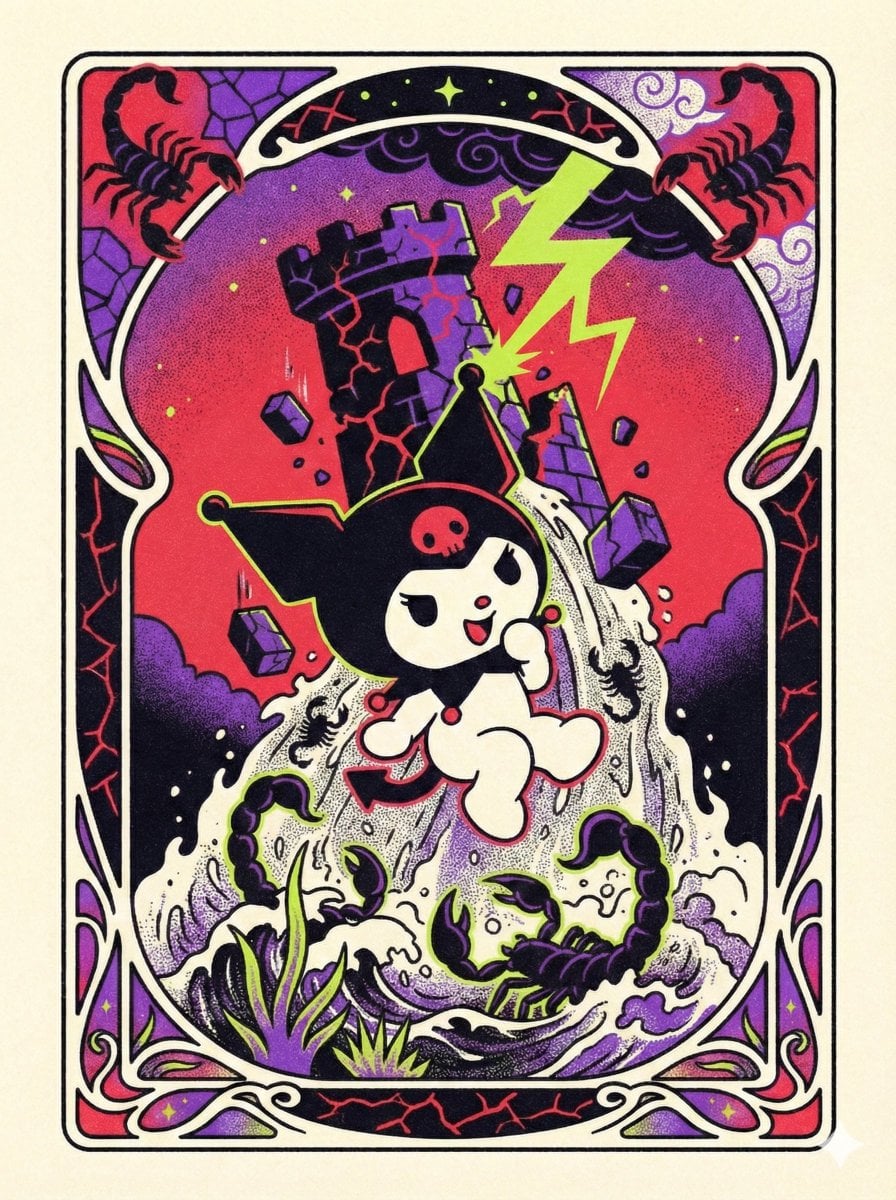
Sanrio Tarot Card Risograph Simulation
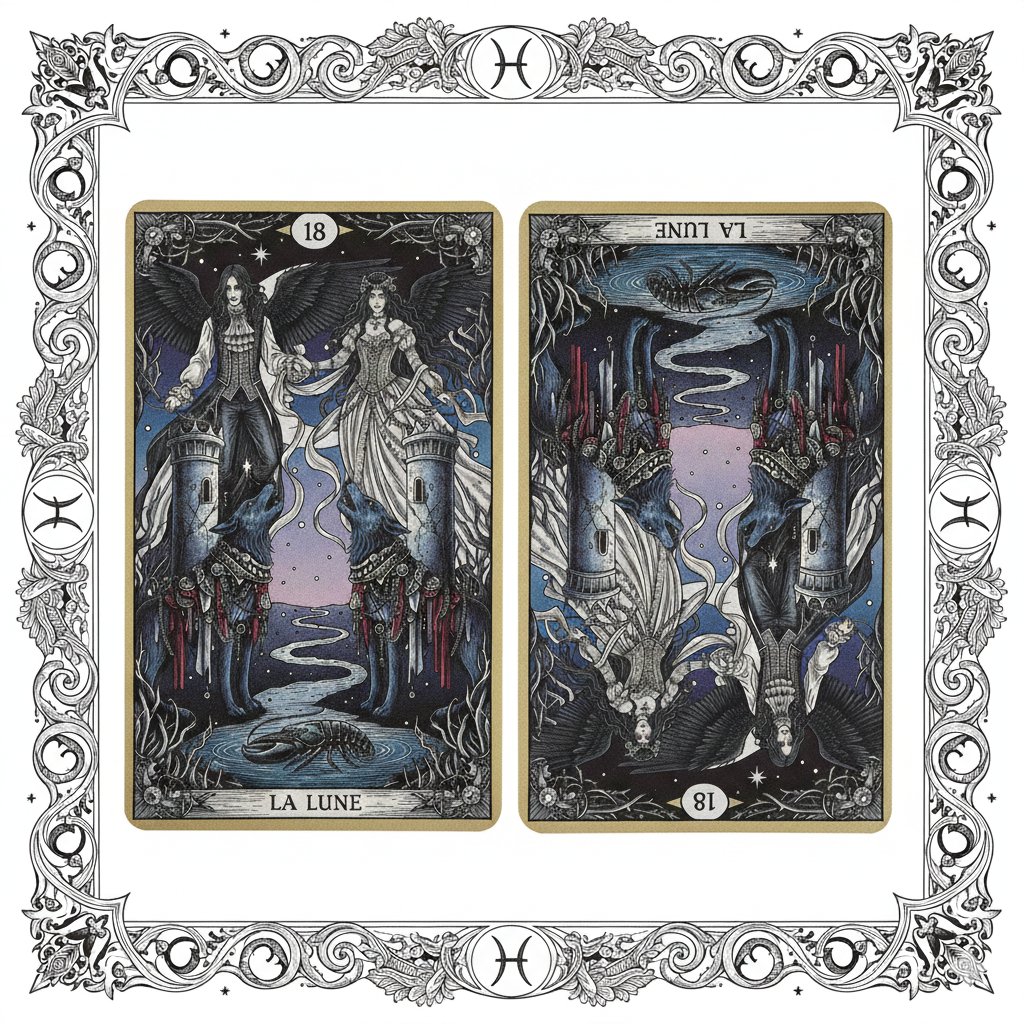
Nano Banana Pro Prompt: Tarot Card 18 (The Moon) with Mális Mizer and Pisces

Celestial Sakura Kimono Maiden
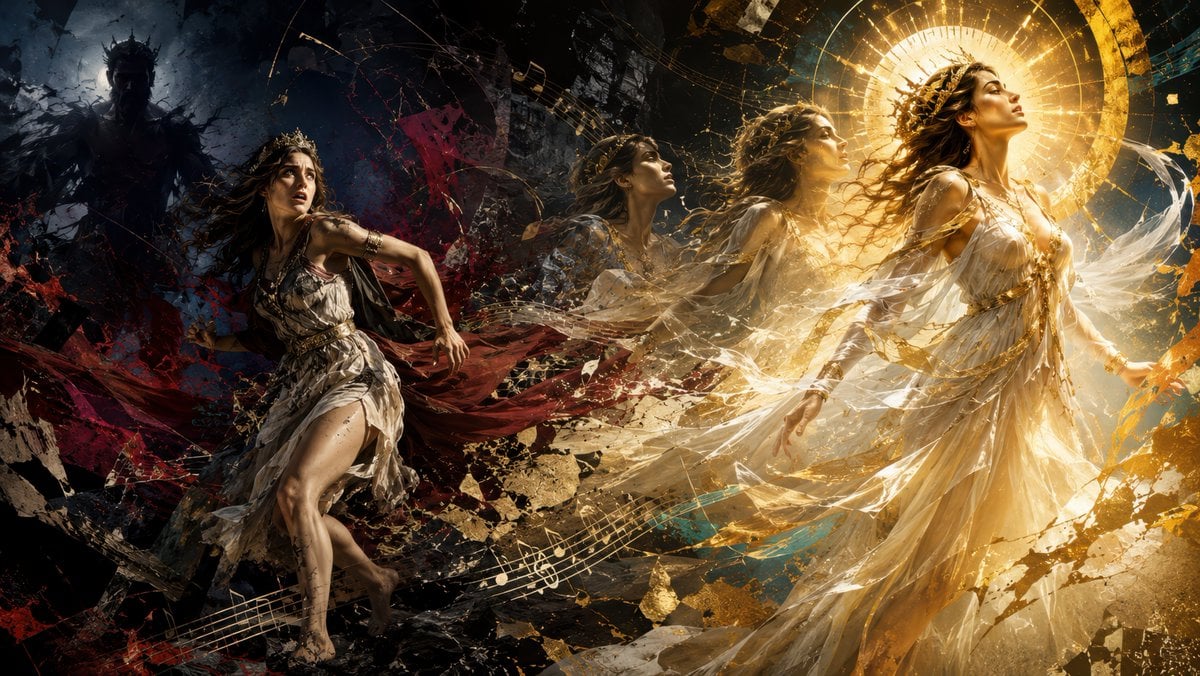
Queen's Flight to Divinity
Make it yours
Sakura Divinity Tarot Card works as-is. These are the safest ways to change it without losing the look.
Change one field
Copy a single group, rewrite it, and generate again so you can see what that field is doing.
Keep the frame, change the subject
Hold the composition and light of Sakura Divinity Tarot Card, then swap wardrobe, props or the person for a new take.
| If the result… | Why | Fix |
|---|---|---|
| The result drifts from the preview | Too many fields changed at once. | Reuse Sakura Divinity Tarot Card as-is first, then change one group — subject, light, or setting. |
| The model over-stylizes the scene | The prose prompt leaves finish and camera underspecified. | Add one camera or lighting sentence and stay on GPT Image 2. |
More GPT Image 2 templates
Other prompts made for GPT Image 2.

Six VTuber Japanese Logo Sheet

Realistic Portrait of Woman and Deer

The Vista Modular Condo Poster

AI Model Routing Comparison Infographic

2.5D Anime Art Board

Isometric Productivity Desk Scene

New York Double Exposure Poster

Four-Panel AI Landscape Comparison

Japanese Tatami Lifestyle Magazine Cover

NESCAFÉ Coffee Map Poster
More image prompts
Fresh picks from across the catalog.
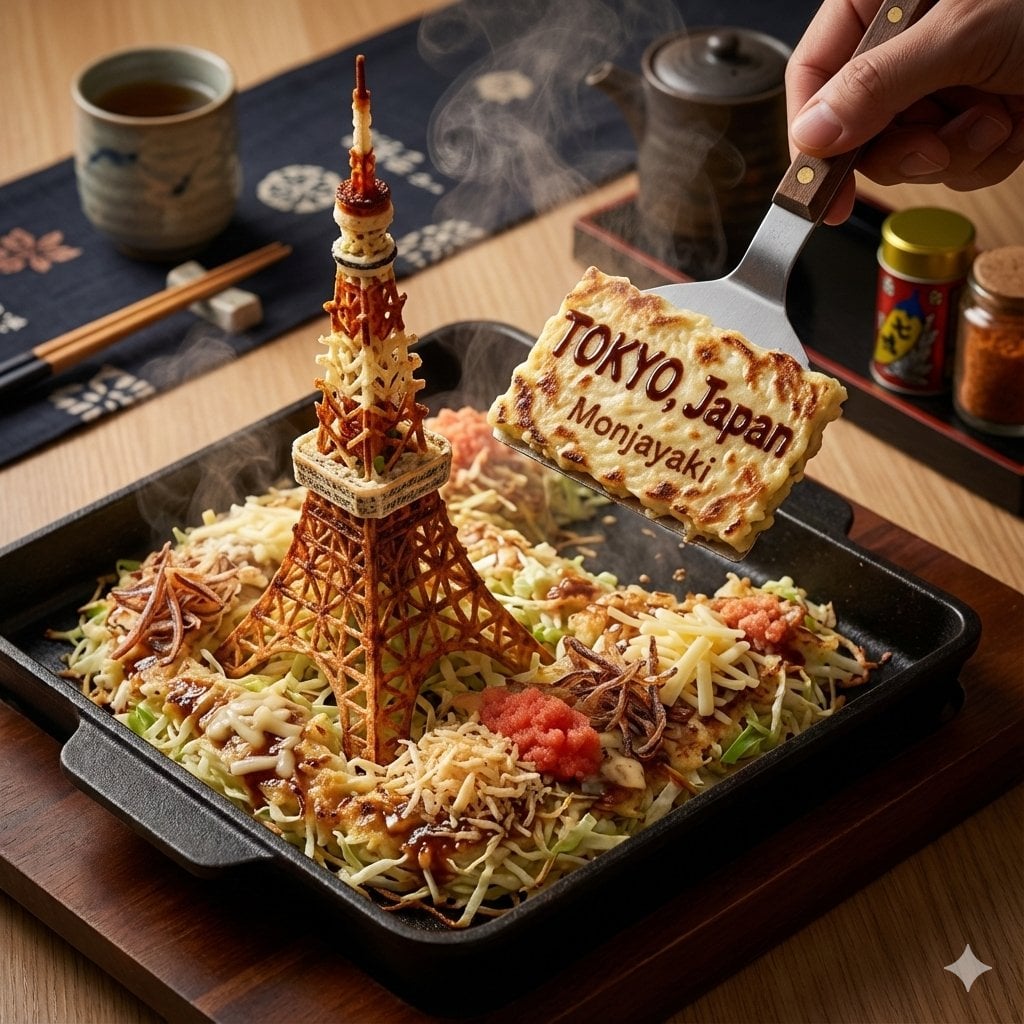
City on a Dining Table Prompt (Mention)

High-End Commercial Food Levitation Photography Prompt
Cracked Porcelain Girl Holding Heart

Hyper-realistic Transportation Evolution Panoramic Landscape Prompt

Cyberpunk Neon Night Street Portrait

Neon Blue AI Video Editing Thumbnail

Dua Lipa Cozy Portrait with Maltese Dog Prompt

Minimalist Fashion Magazine Cover

Y2K Grunge Flash Photography Portrait (Detailed)

Selfie with movie character using reference face in Nano Banana Pro
Browse template categories
Sakura Divinity Tarot Card questions
How do I use the Sakura Divinity Tarot Card template?
Add your photo if the template asks for one, edit the prompt if you like — the template's model and format are already selected — and press Generate. Your version opens in PicX Studio.
Can I customize the Sakura Divinity Tarot Card template?
Yes. You can change the subject, setting, lighting, mood, format, and available model controls before creating your image.
Is the Sakura Divinity Tarot Card template free?
Opening and editing this template is free. Generating uses credits, shown on the Generate button when you are signed in.
Which AI model should I use?
Start with GPT Image 2, which is the model associated with this template. You can compare another compatible model for a different finish.
Looking for something else? Browse all templates.

Your photo, any look
Thousands of ready templates for every top image and video model, from one credit balance.